
Premium Psychology Website AI Banner
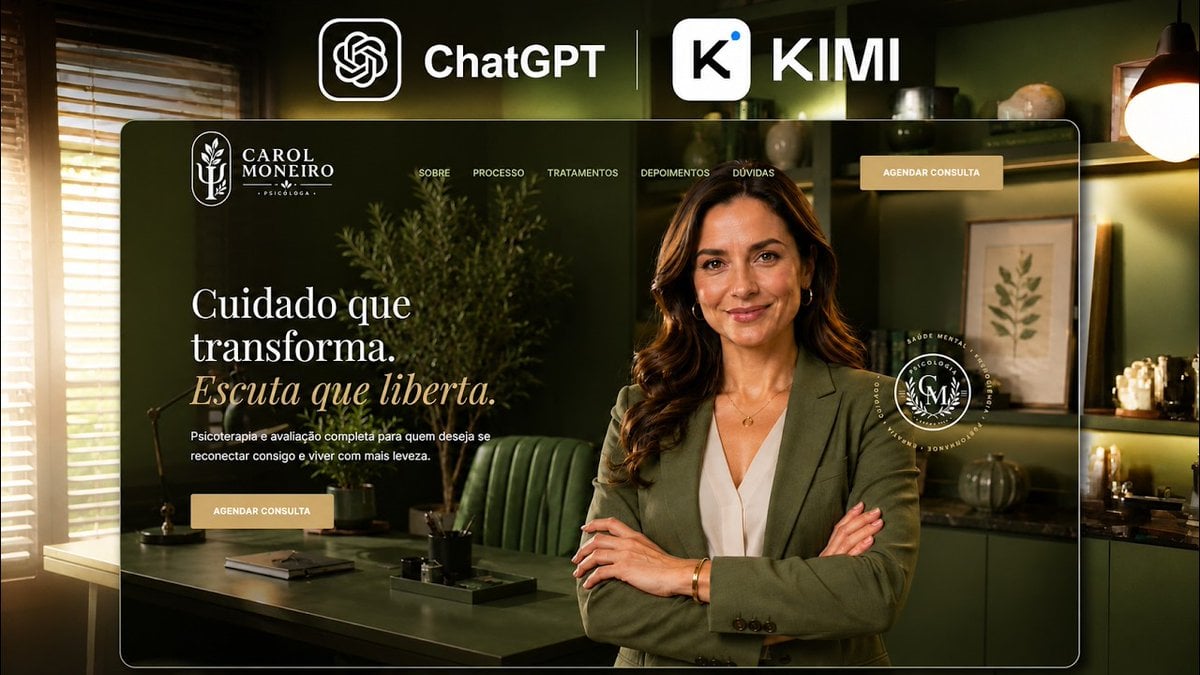
A cinematic social banner showcasing a luxury psychologist website mockup promoted with ChatGPT and KIMI branding.
- Prompt included
- Model and format preset
- Premium template
The prompt behind this image
Copy the exact prompt behind Premium Psychology Website AI Banner, or open it in the studio and make it yours.
Goal: Create a premium promotional hero image showing an AI-generated professional website for a psychologist, branded as a collaboration between ChatGPT and KIMI. Canvas: 16:9 horizontal social media banner, cinematic dark-green and warm-gold color grading, high contrast, photorealistic background with a polished web-design mockup overlay. Top branding: At the very top center, place two large AI brand marks on the background: the ChatGPT icon in a rounded black square followed by the white text “ChatGPT”, a thin vertical divider line, then a white rounded-square K icon followed by the large white text “KIMI”. Make these logos prominent and clean. Main website mockup: Center a large rounded-rectangle browser-like frame with a thin white border and subtle glass reflection. Inside it is a luxury psychology website homepage for {argument name="character name" default="Carol Monero"}. The website uses deep olive green, black, cream, and muted gold. The background inside the mockup is a sophisticated therapist office with green walls, a desk, a green leather chair, shelves, framed botanical art, warm lamps, plants, stationery, and soft window light. Header layout: In the top-left of the website frame, show a white botanical monogram logo and the text “CAROL MONERO” with the smaller word “PSICÓLOGA” below it. Across the top navigation, include exactly five menu items: “SOBRE”, “PROCESSO”, “TRATAMENTOS”, “DEPOIMENTOS”, and “DÚVIDAS”. On the far right, add one beige button labeled “AGENDAR CONSULTA”. Hero content: On the left side of the website hero, add a large elegant serif headline in Portuguese: “Cuidado que transforma.” on two lines, followed by an italic muted-gold line: “Escuta que liberta.” Under it, add small white body copy: “Psicoterapia e avaliação completa para quem deseja se reconectar consigo e viver com mais leveza.” Below the copy, add a second beige call-to-action button labeled “AGENDAR CONSULTA”. Main subject: On the right side of the website hero, place a confident professional female psychologist, waist-up, standing with crossed arms. She has long wavy brown hair, gold hoop earrings, a delicate gold necklace, white blouse, and olive-green blazer. Her face is intentionally covered by a centered opaque brown rectangular privacy block. Near her right shoulder, place a circular white seal logo with laurel details and small text around the circle, matching the website branding. Lighting and style: Cinematic premium agency aesthetic, shallow depth of field, warm practical lights, glossy interface frame, realistic shadows, refined typography, luxury wellness brand mood. Avoid extra UI panels, avoid watermarks, and keep all visible text crisp and aligned.
How to use Premium Psychology Website AI Banner in 3 steps
- 1Upload ImagePNG, JPG or paste
Add your photo
Upload the photo the template builds on. The prompt, model and format are already set.
- 2…a portrait of your subject in softgolden-hour light, 85mm…
Personalize
Edit the subject and creative details for your destination.
- 3Generate
Generate
Press Generate — your image is created in PicX Studio, so you can compare it with the original and refine one variable at a time.
More like this
Templates with the same subject, style or setup. Open one to see its prompt.

Coffee Boba Product Poster
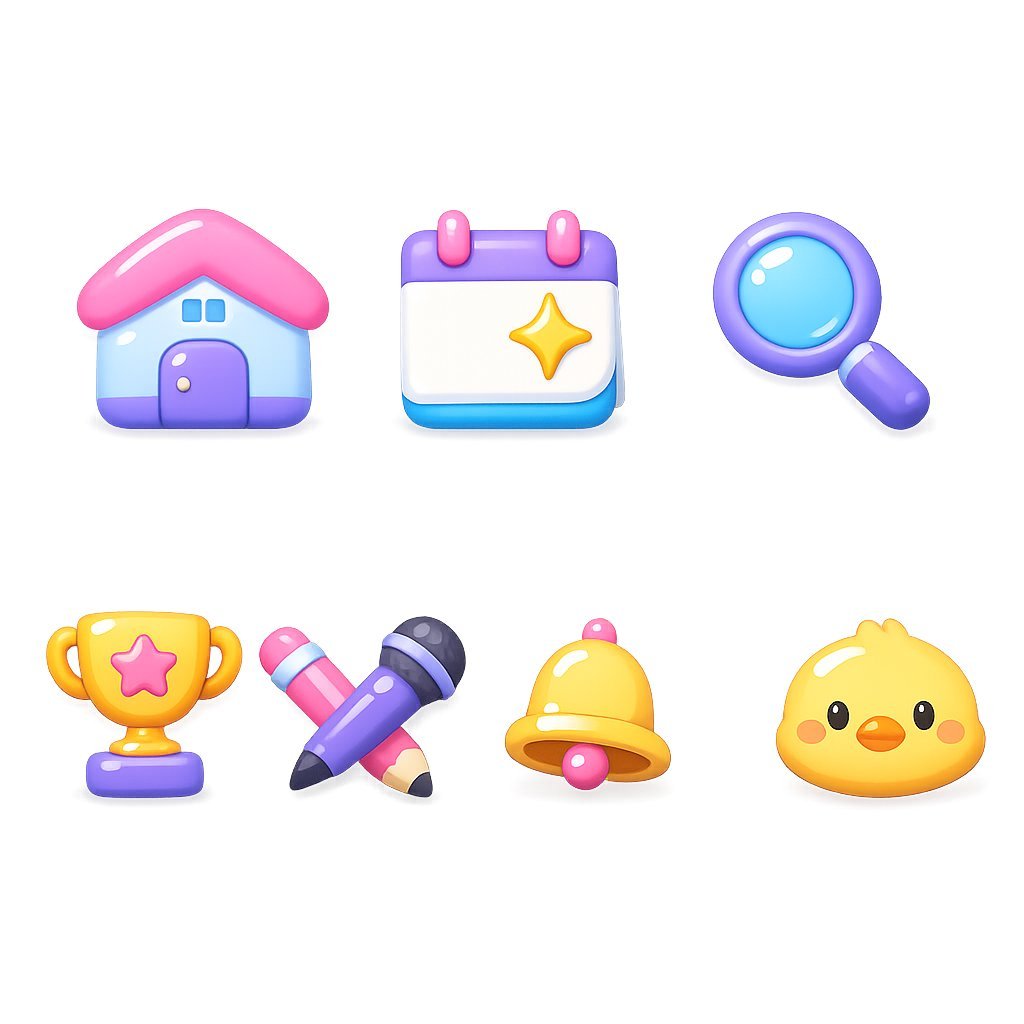
Glossy 3D Website Category Icons
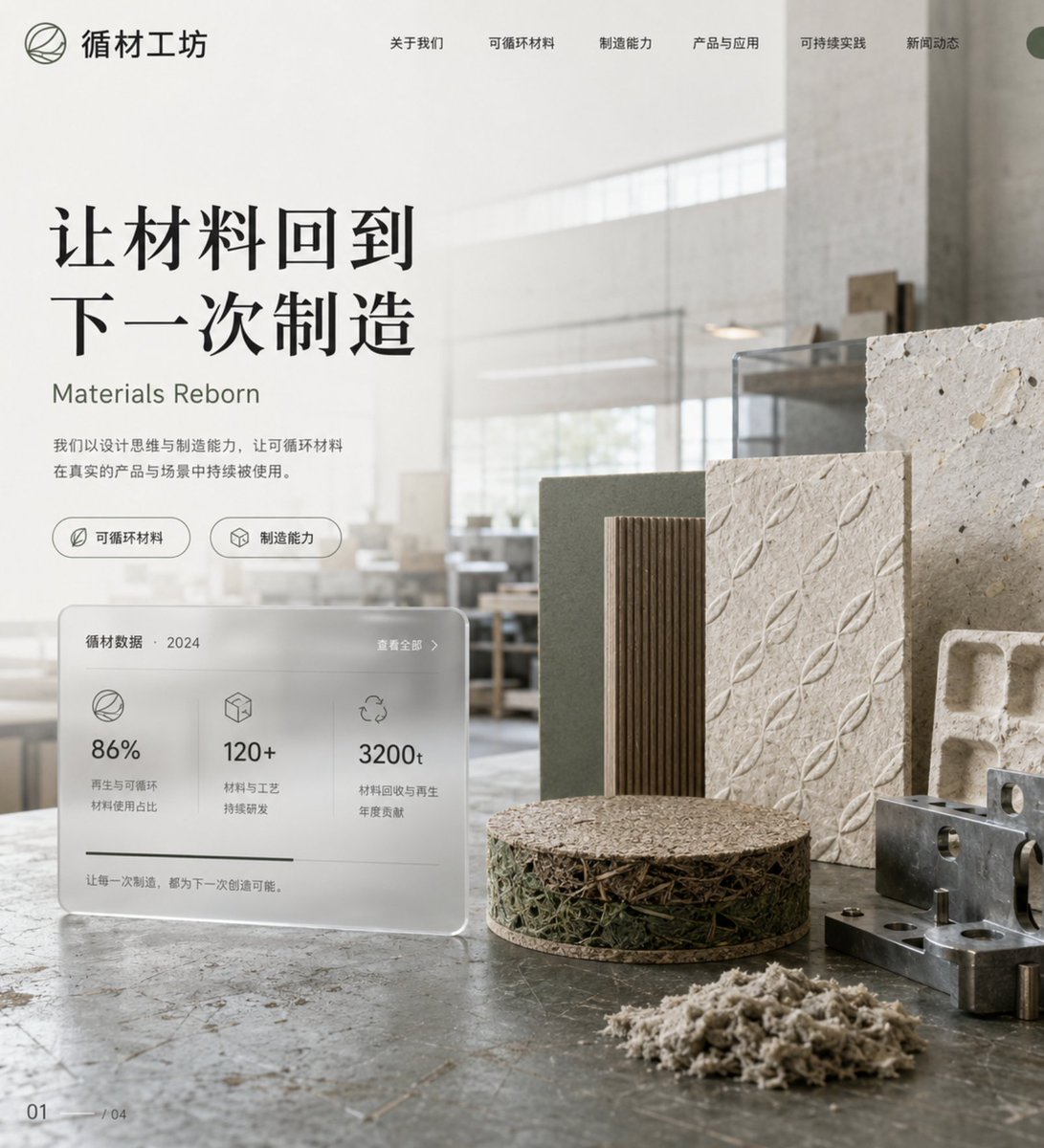
Eco-Material Workshop Website Hero
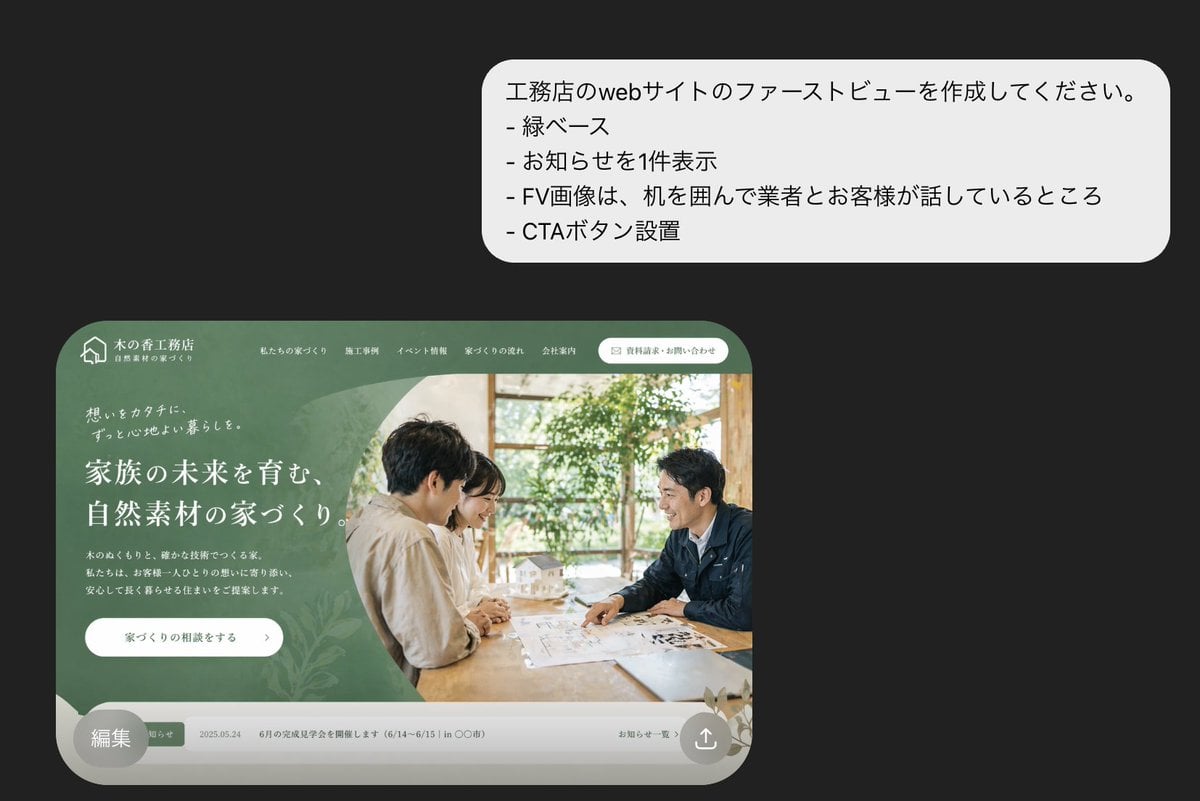
Japanese Builder Website Hero Mockup
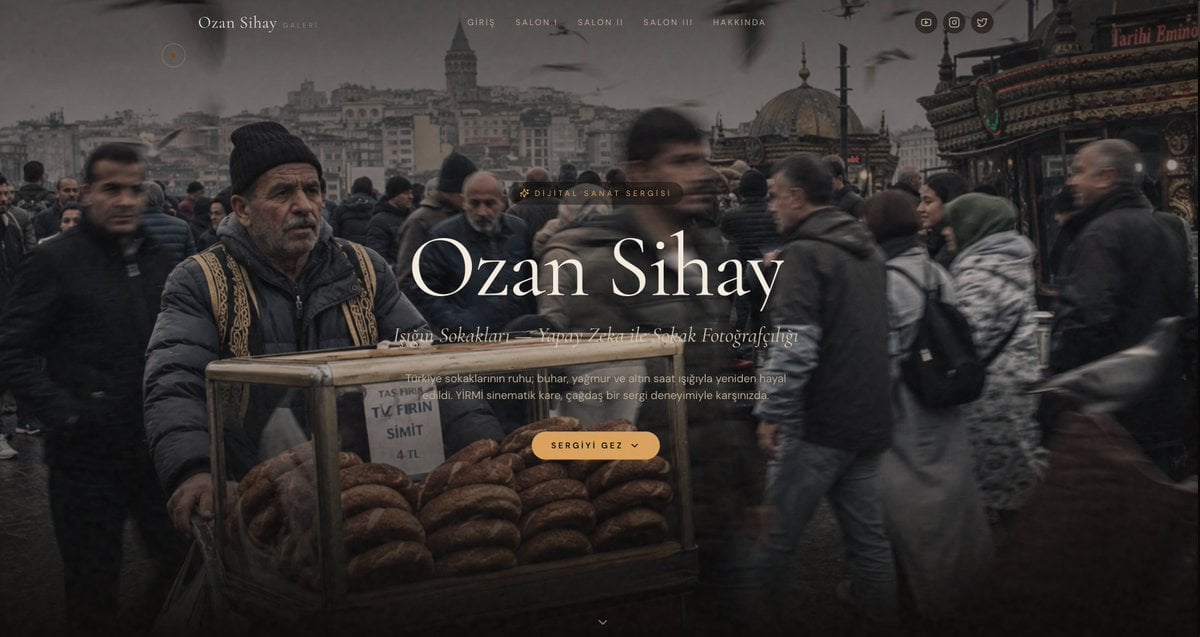
Cinematic Istanbul Gallery Website Hero
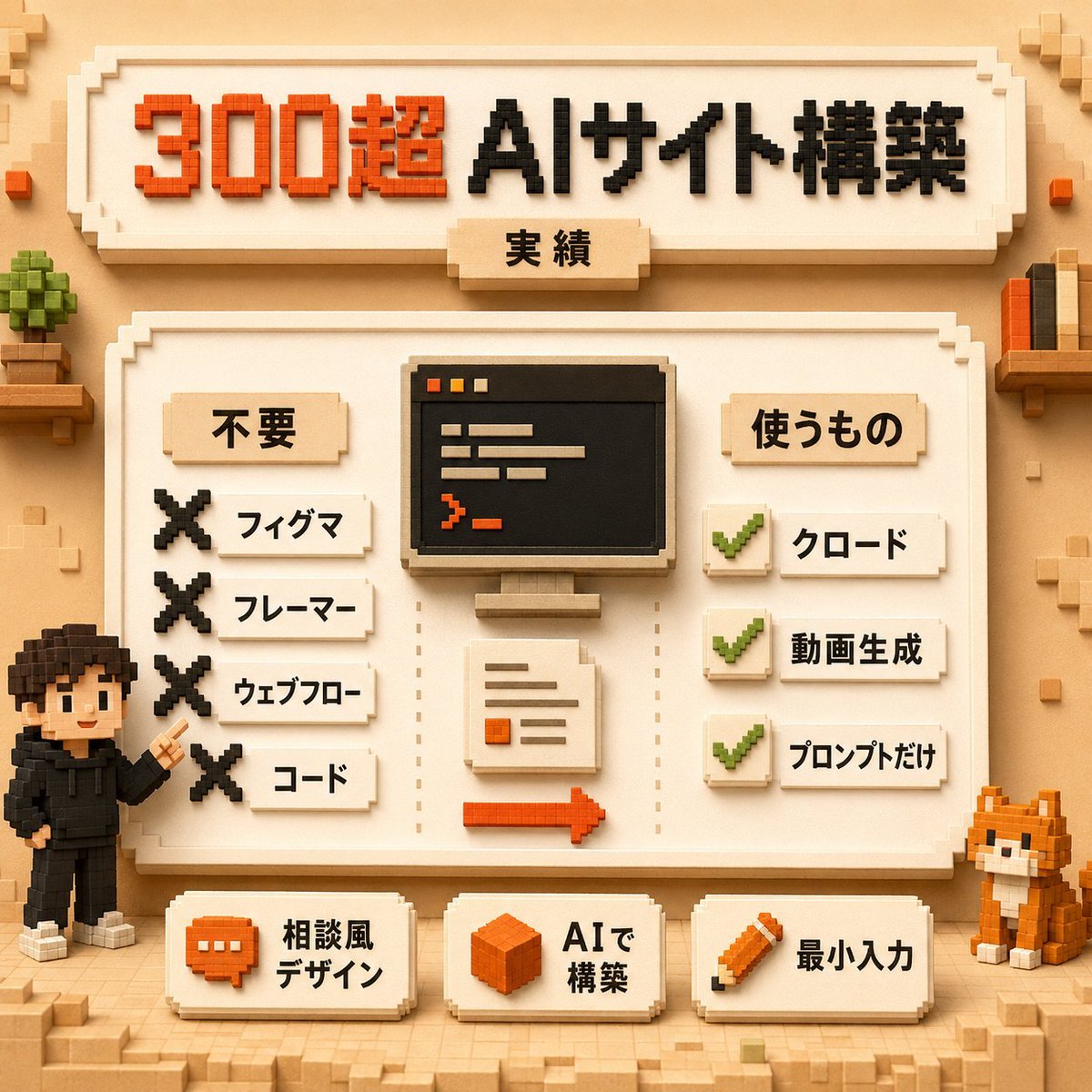
Voxel AI Website Building Infographic

Japanese Mystery Website Mockup
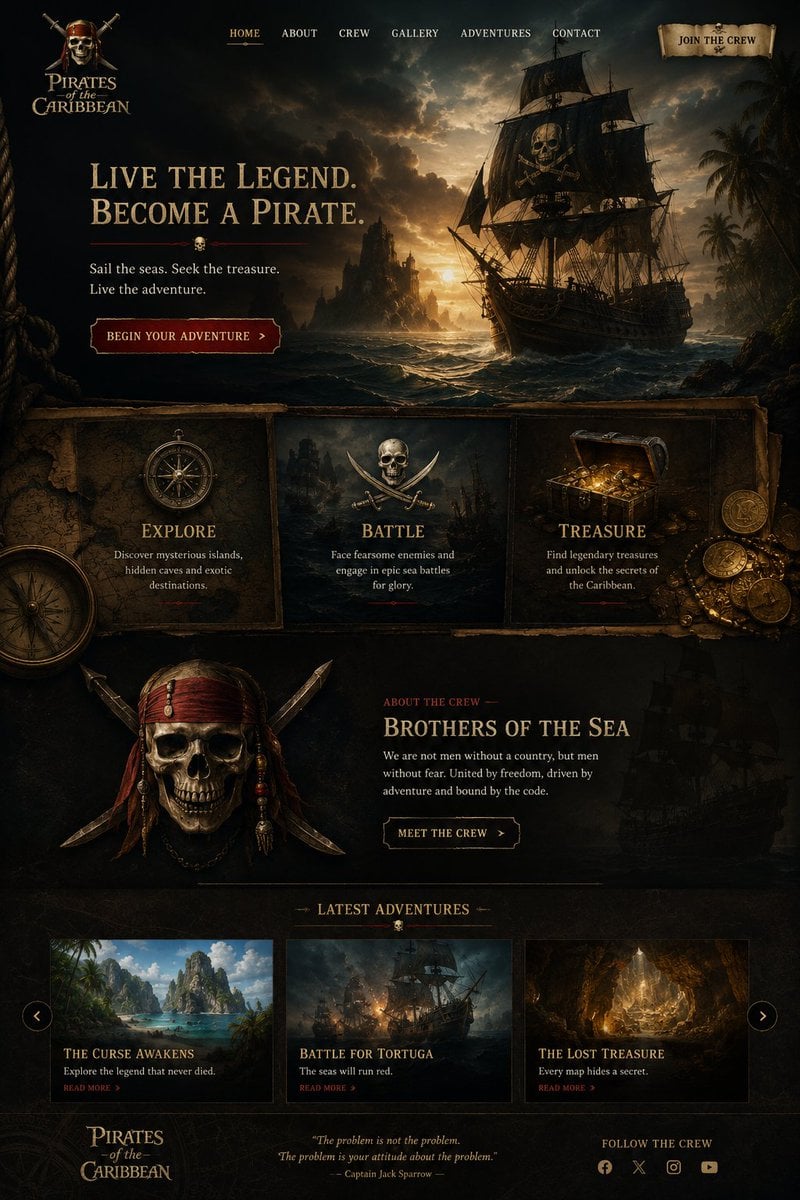
Cinematic Pirate Website Landing Page
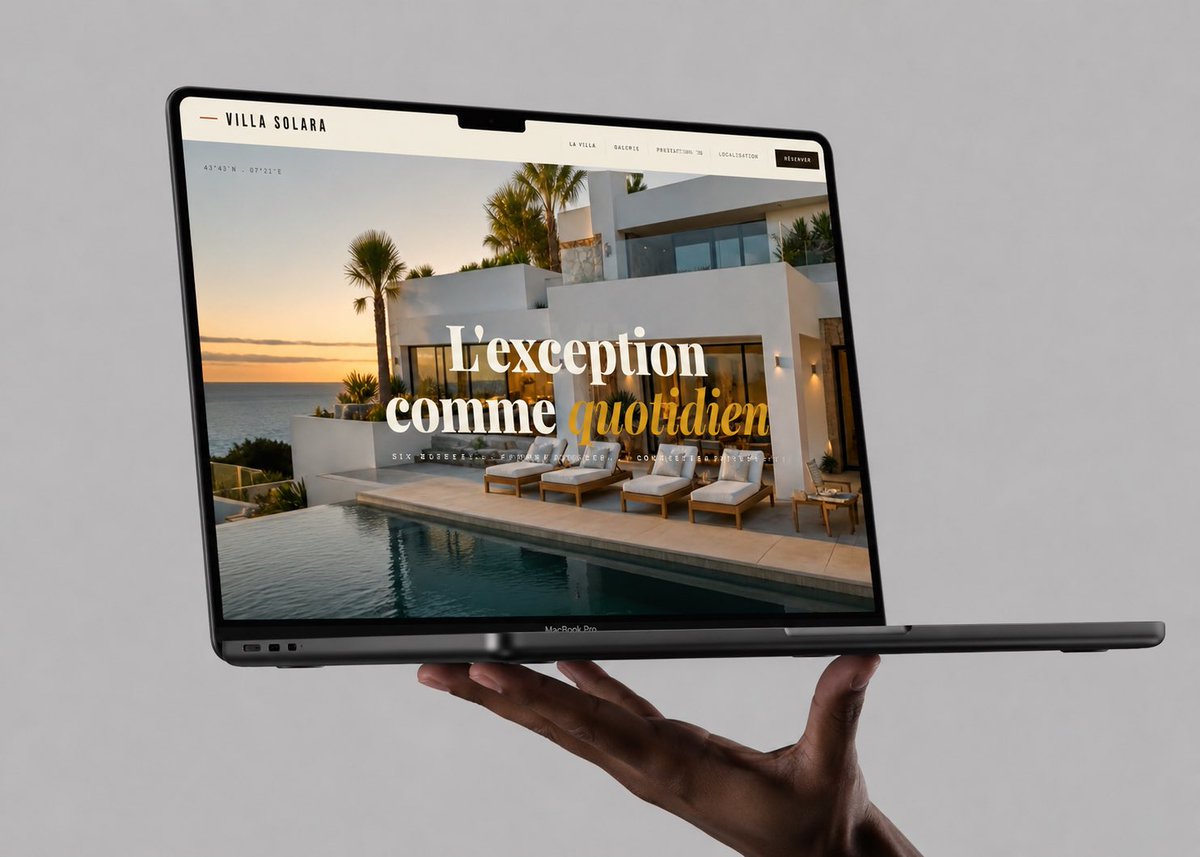
Luxury Villa Website Laptop Mockup
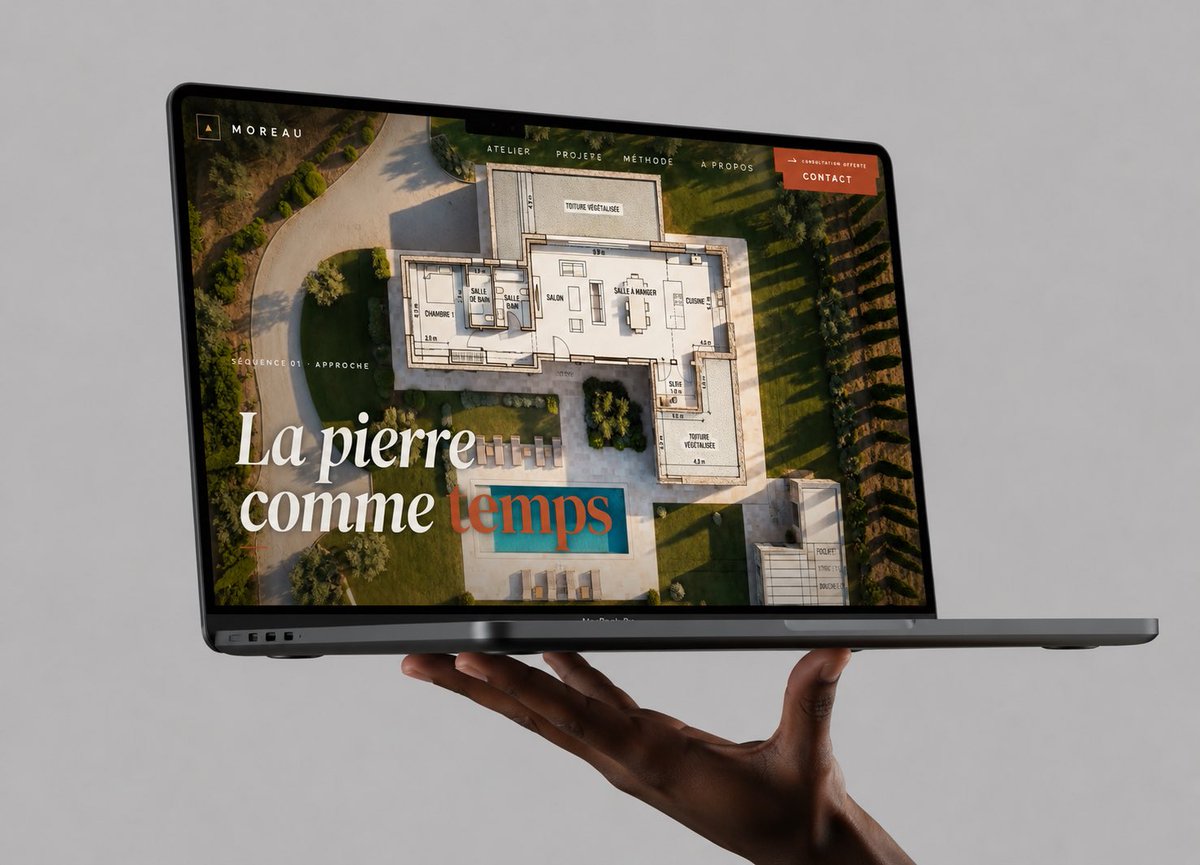
Floating Laptop Website Mockup
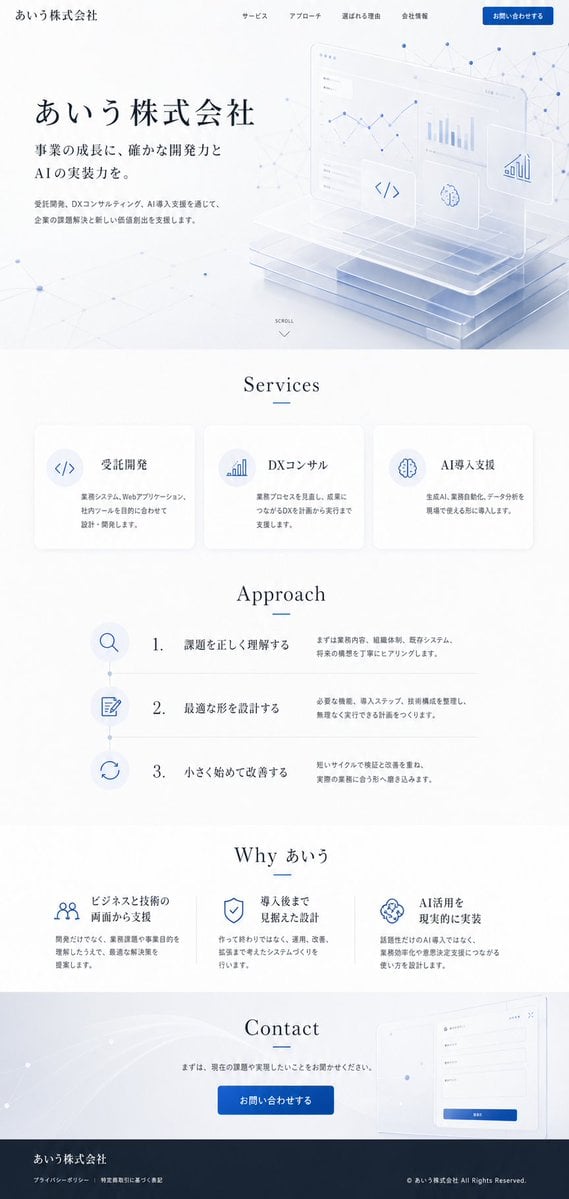
Apple-Style Corporate Website Design
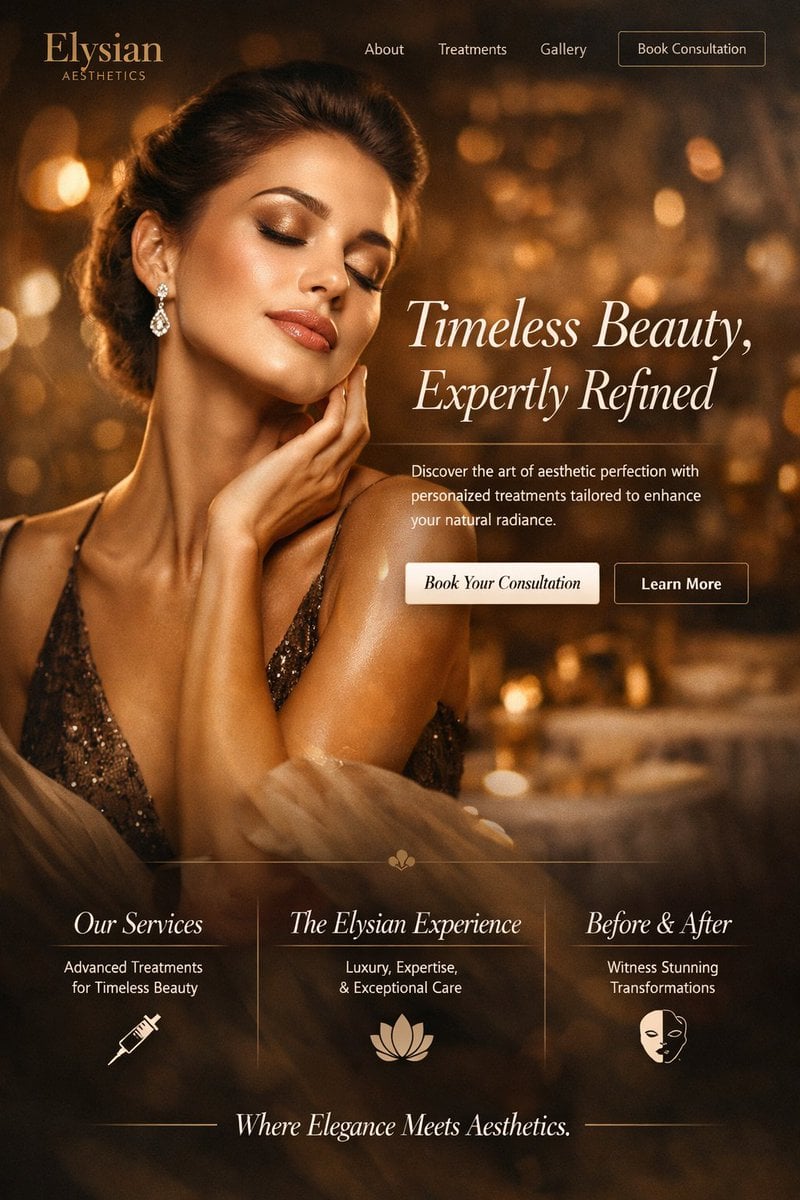
Luxury Aesthetics Website Mockup
Make it yours
Premium Psychology Website AI Banner works as-is. These are the safest ways to change it without losing the look.
Change one field
Copy a single group, rewrite it, and generate again so you can see what that field is doing.
Keep the frame, change the subject
Hold the composition and light of Premium Psychology Website AI Banner, then swap wardrobe, props or the person for a new take.
| If the result… | Why | Fix |
|---|---|---|
| The result drifts from the preview | Too many fields changed at once. | Reuse Premium Psychology Website AI Banner as-is first, then change one group — subject, light, or setting. |
| The model over-stylizes the scene | The prose prompt leaves finish and camera underspecified. | Add one camera or lighting sentence and stay on GPT Image 2. |
More GPT Image 2 templates
Other prompts made for GPT Image 2.

Six VTuber Japanese Logo Sheet

Realistic Portrait of Woman and Deer

The Vista Modular Condo Poster

AI Model Routing Comparison Infographic

2.5D Anime Art Board

Isometric Productivity Desk Scene

New York Double Exposure Poster

Four-Panel AI Landscape Comparison

Japanese Tatami Lifestyle Magazine Cover

NESCAFÉ Coffee Map Poster
More image prompts
Fresh picks from across the catalog.
Cinematic Portrait in a Cozy Cafe
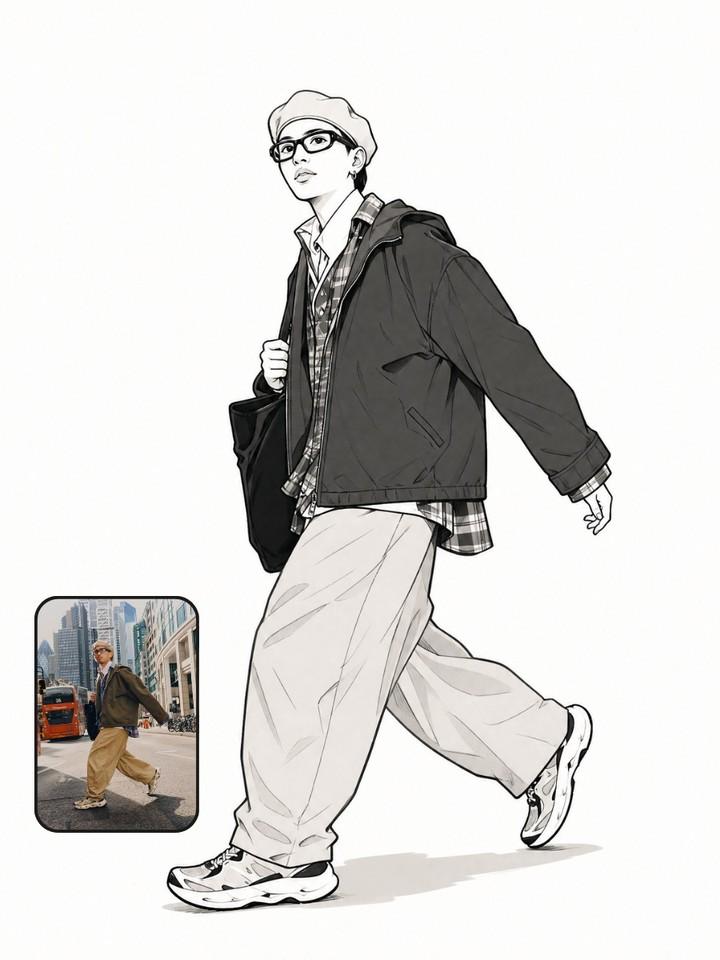
Photo to Manga Art Transformation
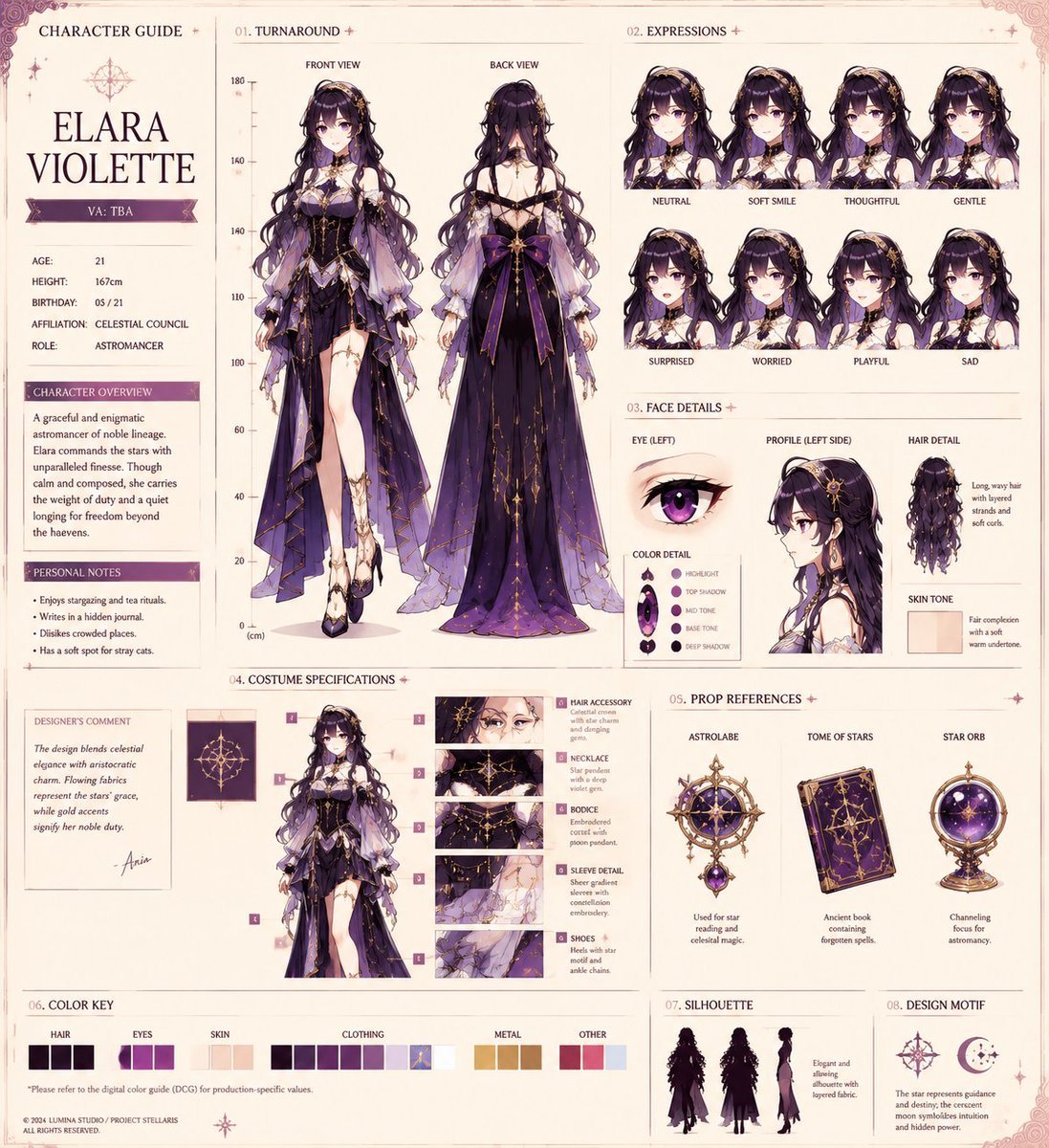
Anime Character Production Sheet

Shanghai Shikumen Window Portrait
Mirror Selfie with Hosiery and Flag Background Prompt
New Year 2026 Postcard and Studio Portrait Prompts
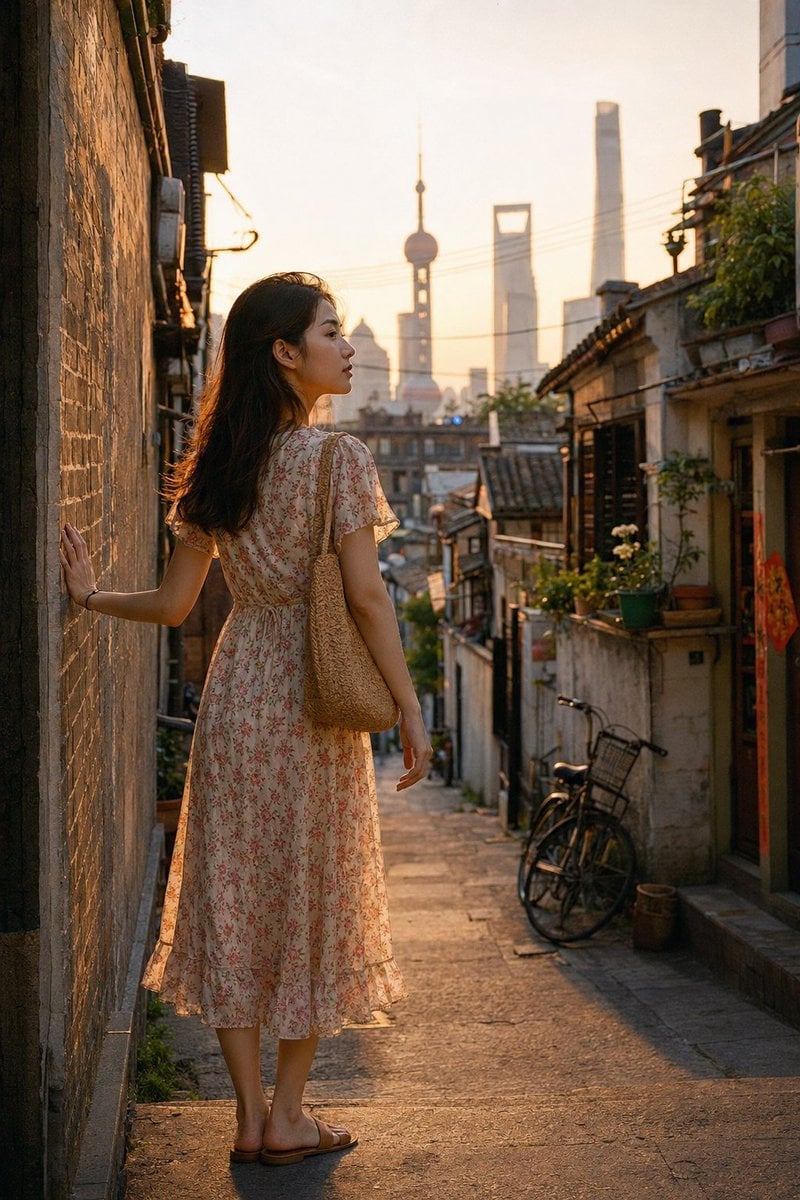
Shanghai Longtang Dusk Portrait
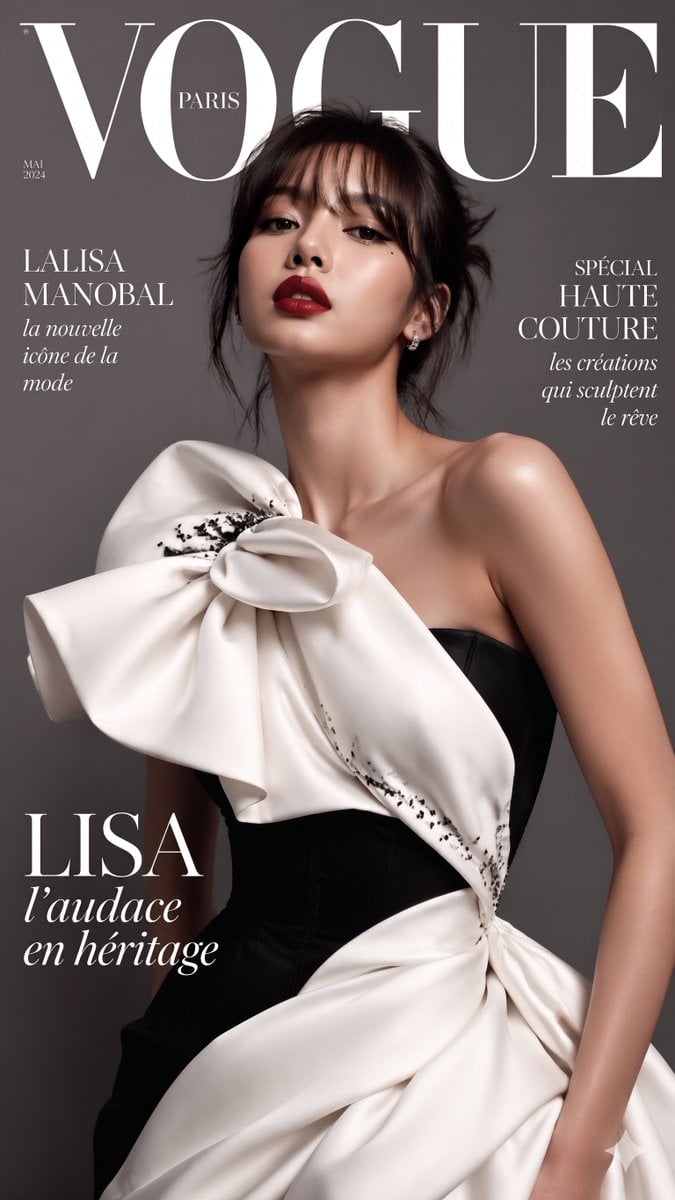
VOGUE Paris Haute Couture Cover
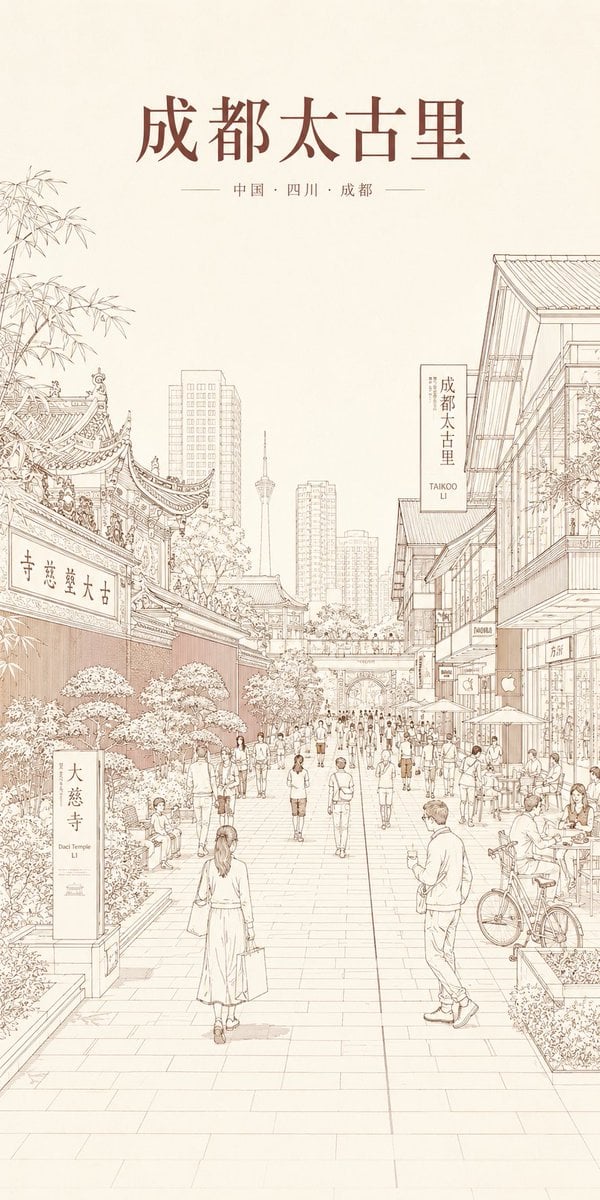
Chengdu Taikoo Li Line Art Poster
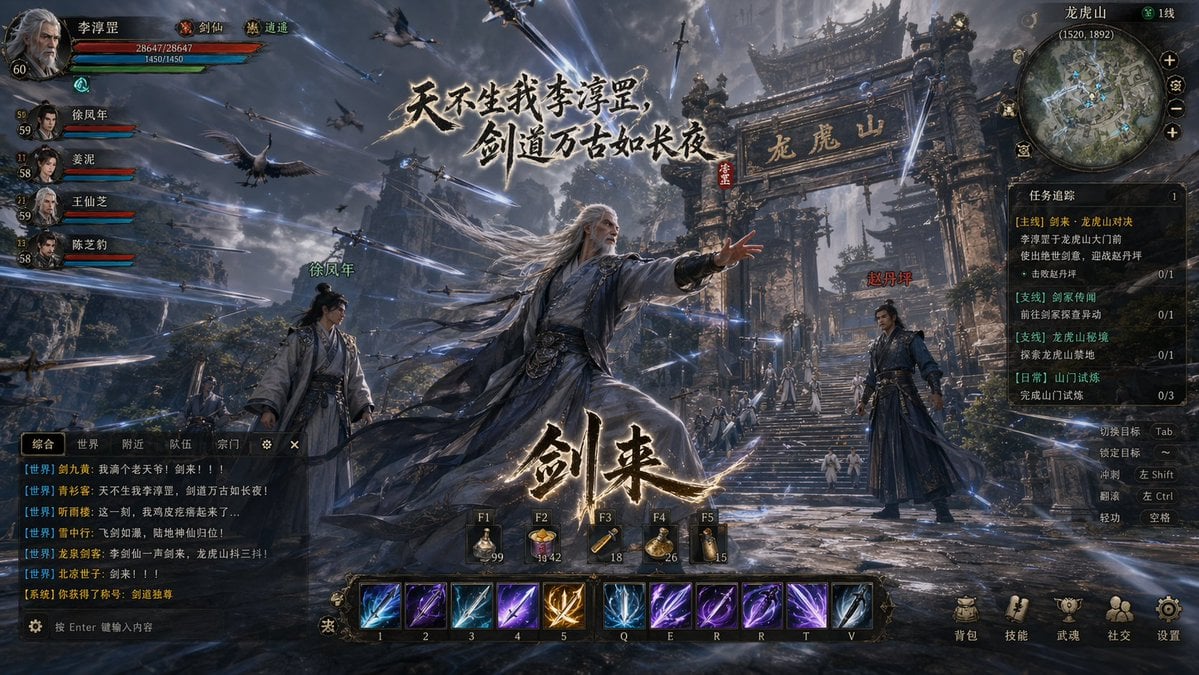
Wuxia MMORPG Gameplay Screenshot
Browse template categories
Premium Psychology Website AI Banner questions
How do I use the Premium Psychology Website AI Banner template?
Add your photo if the template asks for one, edit the prompt if you like — the template's model and format are already selected — and press Generate. Your version opens in PicX Studio.
Can I customize the Premium Psychology Website AI Banner template?
Yes. You can change the subject, setting, lighting, mood, format, and available model controls before creating your image.
Is the Premium Psychology Website AI Banner template free?
Opening and editing this template is free. Generating uses credits, shown on the Generate button when you are signed in.
Which AI model should I use?
Start with GPT Image 2, which is the model associated with this template. You can compare another compatible model for a different finish.
Looking for something else? Browse all templates.

Your photo, any look
Thousands of ready templates for every top image and video model, from one credit balance.