
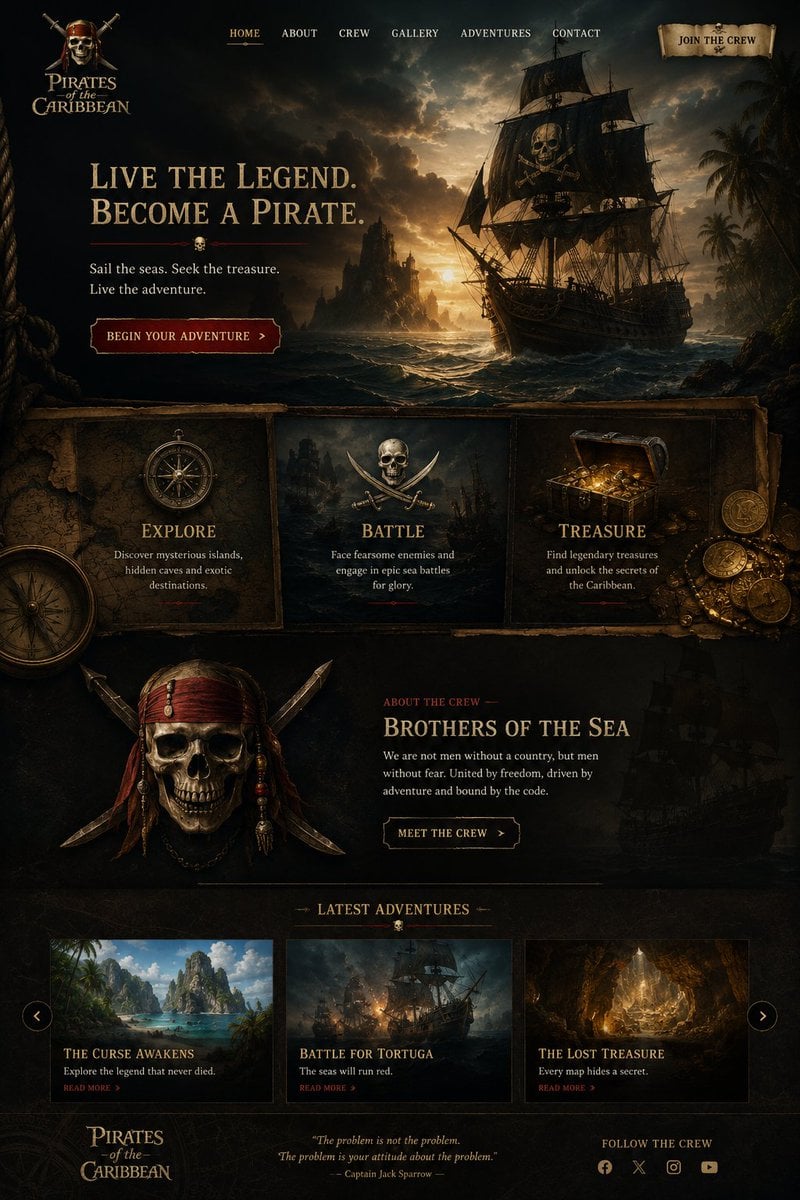
Cinematic Pirate Website Landing Page
A detailed prompt for generating a dark Pirates of the Caribbean-style adventure website mockup with hero art, feature cards, crew section, story cards, and footer.
- Prompt included
- Model and format preset
- Free template
The prompt behind this image
Copy the exact prompt behind Cinematic Pirate Website Landing Page, or open it in the studio and make it yours.
Goal: Create a dark cinematic pirate-themed landing page for {argument name="website title" default="Pirates of the Caribbean"}, styled like a premium adventure movie website with antique parchment, carved wood, gold typography, and moody ocean lighting. Canvas: Tall desktop webpage mockup, approximately 2:3 aspect ratio, full-bleed dark fantasy realism. Use a black, sepia, and tarnished-gold palette with deep teal storm clouds and warm sunset highlights. Texture everything with aged parchment, old maps, rope, weathered wood, and subtle grunge. Header: At the top left place a stacked pirate logo reading “Pirates of the Caribbean,” with a small emblem above it. Across the top center place exactly 6 navigation links: “HOME,” “ABOUT,” “CREW,” “GALLERY,” “ADVENTURES,” and “CONTACT,” with HOME subtly highlighted in gold and underlined. At the top right place a parchment scroll button reading “JOIN THE CREW.” Hero section: Make the top half a dramatic seascape at sunset: a large black pirate ship on the right with a skull-and-crossbones sail, rough waves, rocky island silhouettes in the distance, palm trees at far right, storm clouds, and golden light breaking through the sky. On the left, add a large serif headline: {argument name="hero headline" default="LIVE THE LEGEND.\nBECOME A PIRATE."} Under it add a thin red divider with a tiny skull icon centered. Below, add the subtext “Sail the seas. Seek the treasure.\nLive the adventure.” Add a dark red beveled call-to-action button reading {argument name="primary button text" default="BEGIN YOUR ADVENTURE"} with a small right arrow. Feature cards: Beneath the hero, create exactly 3 adjacent framed panels on aged parchment/wood. Card 1 shows an antique compass and is titled “EXPLORE,” with text “Discover mysterious islands,\nhidden caves and exotic\ndestinations.” Card 2 shows crossed swords and a central skull/emblem, titled “BATTLE,” with text “Face fearsome enemies and\nengage in epic sea battles\nfor glory.” Card 3 shows an open treasure chest overflowing with gold coins and jewels, titled “TREASURE,” with text “Find legendary treasures\nand unlock the secrets of\nthe Caribbean.” Add scattered coins at the far right and a partial large compass at lower left for depth. Crew section: Below the feature cards, create a dark section with a large pirate skull-and-crossed-swords crest on the left, decorated with red bandana strips, beads, and blades. On the right, add a small red label “ABOUT THE CREW,” then a gold title {argument name="crew headline" default="BROTHERS OF THE SEA"}. Add body copy: “We are not men without a country, but men\nwithout fear. United by freedom, driven by\nadventure and bound by the code.” Add an outlined button reading “MEET THE CREW” with a right arrow. Place a faint ghostly pirate ship silhouette in the background at right. Latest adventures section: Add a centered heading “LATEST ADVENTURES” with small decorative horizontal lines and a tiny skull below it. Under the heading place exactly 3 adventure cards in a row, each with an image, title, description, and red “READ MORE >” link. Card 1: tropical island lagoon image, title “THE CURSE AWAKENS,” description “Explore the legend that never died.” Card 2: ship battle at sea image, title “BATTLE FOR TORTUGA,” description “The seas will run red.” Card 3: glowing cave treasure image, title “THE LOST TREASURE,” description “Every map hides a secret.” Add circular carousel arrow buttons on the far left and far right of this row. Footer: Bottom left repeat the “Pirates of the Caribbean” logo. Center add an italic quote: “The problem is not the problem.\nThe problem is your attitude about the problem.” followed by “— Captain Jack Sparrow —”. Bottom right add “FOLLOW THE CREW” and exactly 4 small social icons: Facebook, X, Instagram, and YouTube. Visual style: High-detail cinematic matte painting mixed with polished website UI design, realistic lighting, old pirate-map ornamentation, gold engraved serif typography, dark red accents, sharp rectangular content frames, subtle shadows, and a luxury adventure-game landing page feel. Keep all text legible, aligned, and spelled exactly as specified. No modern bright colors, no minimalist style, no extra sections, no watermark.
How to use Cinematic Pirate Website Landing Page in 3 steps
- 1Upload ImagePNG, JPG or paste
Add your photo
Upload the photo the template builds on. The prompt, model and format are already set.
- 2…a portrait of your subject in softgolden-hour light, 85mm…
Personalize
Edit the subject and creative details for your destination.
- 3Generate
Generate
Press Generate — your image is created in PicX Studio, so you can compare it with the original and refine one variable at a time.
More like this
Templates with the same subject, style or setup. Open one to see its prompt.
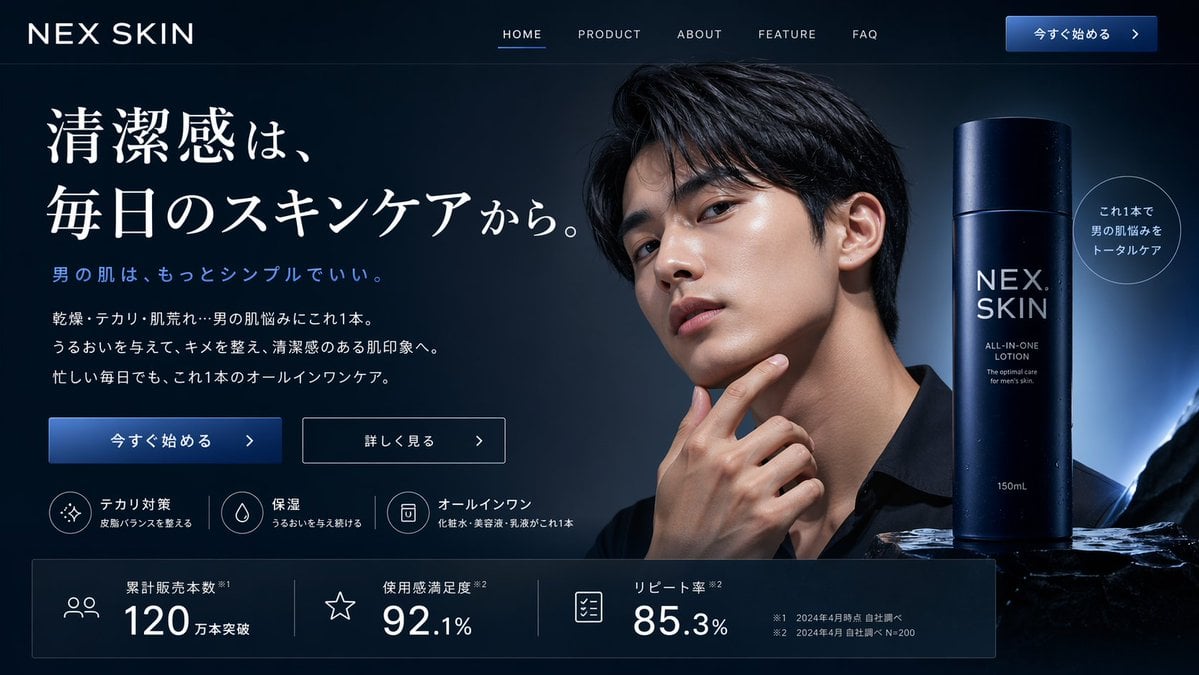
Men's Skincare Website Landing Page Mockup
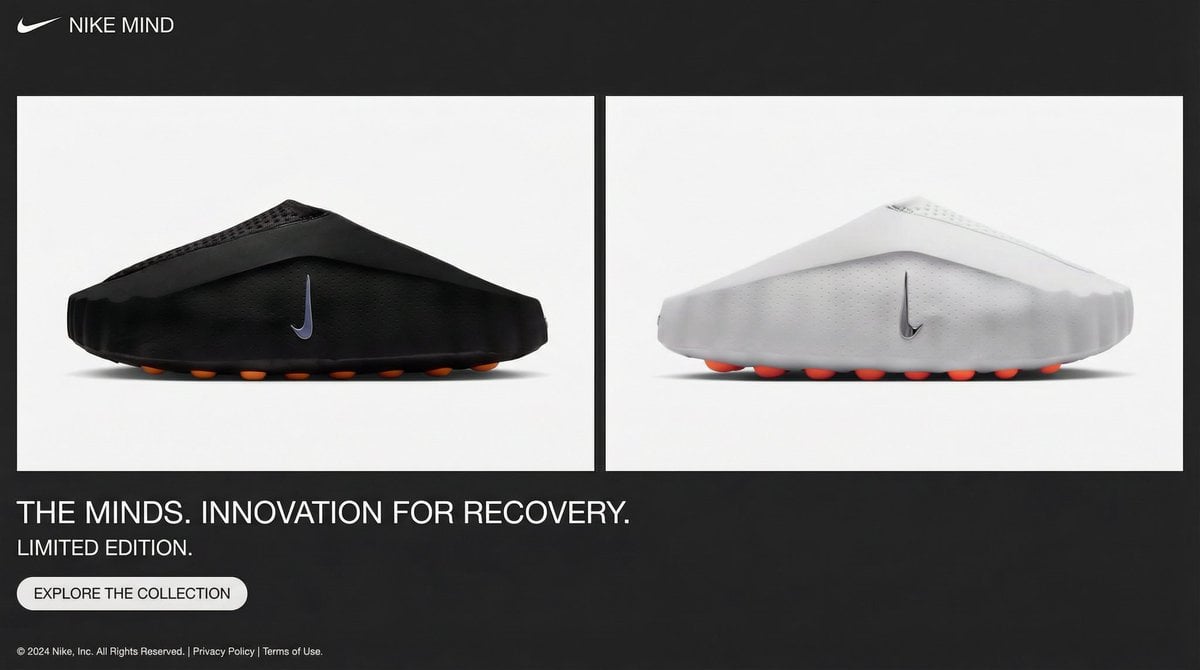
Minimalistic Premium Website Landing Page Prompt

Cute AI Doodle Generator Landing Page
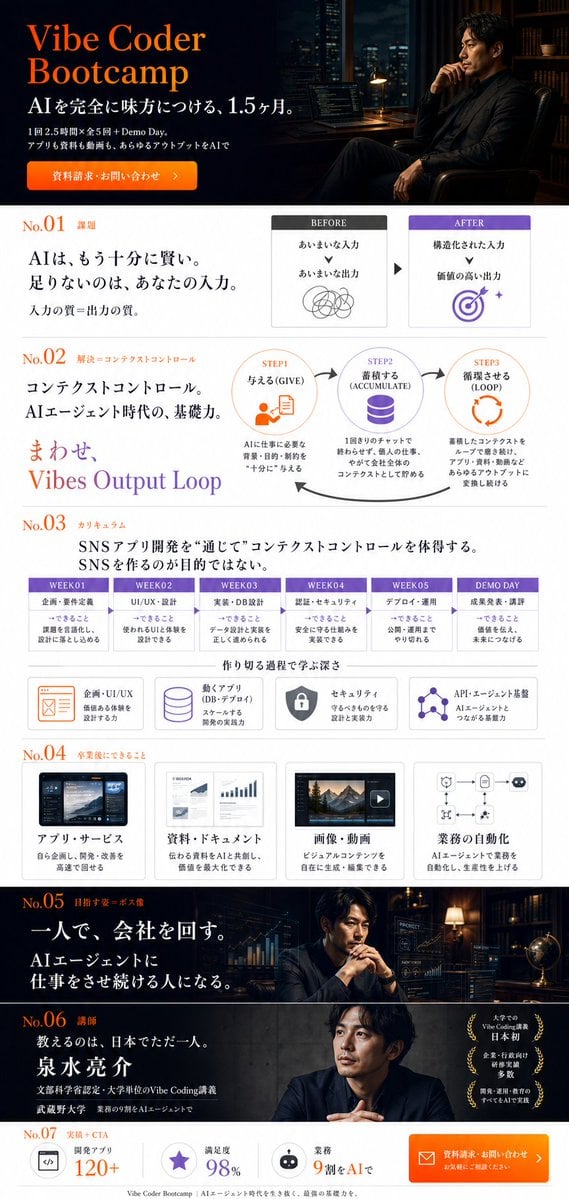
Vibe Coder Bootcamp Landing Page
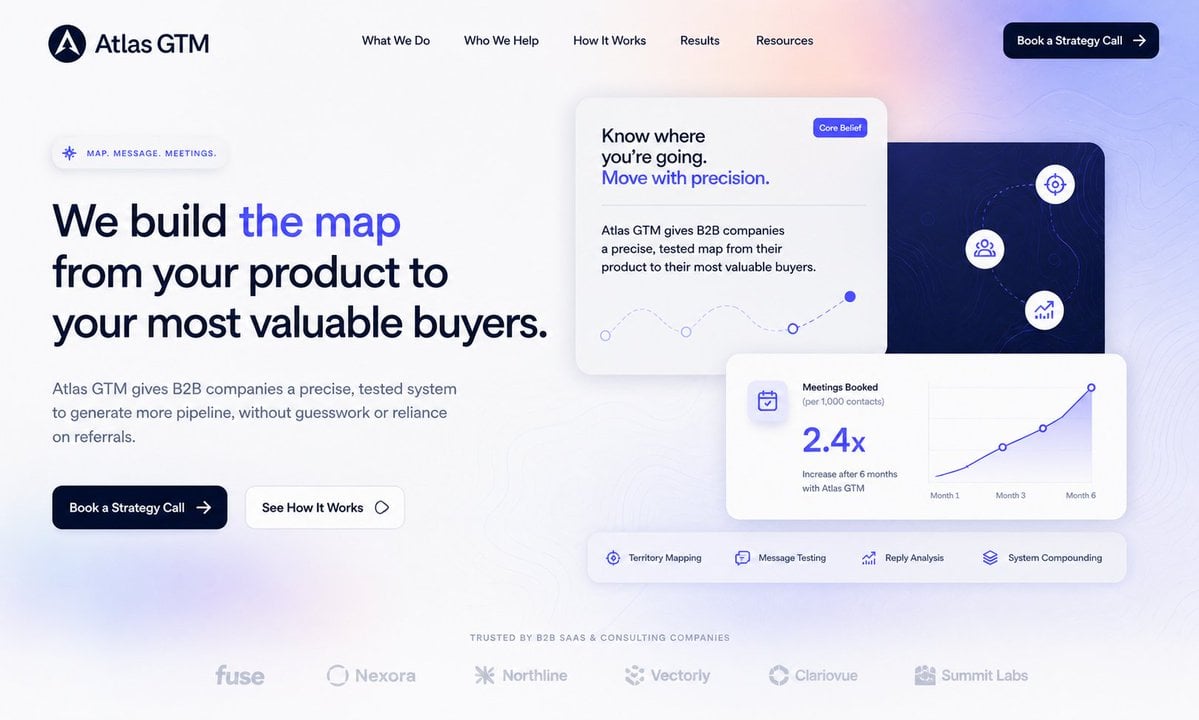
Atlas GTM SaaS Hero Landing Page
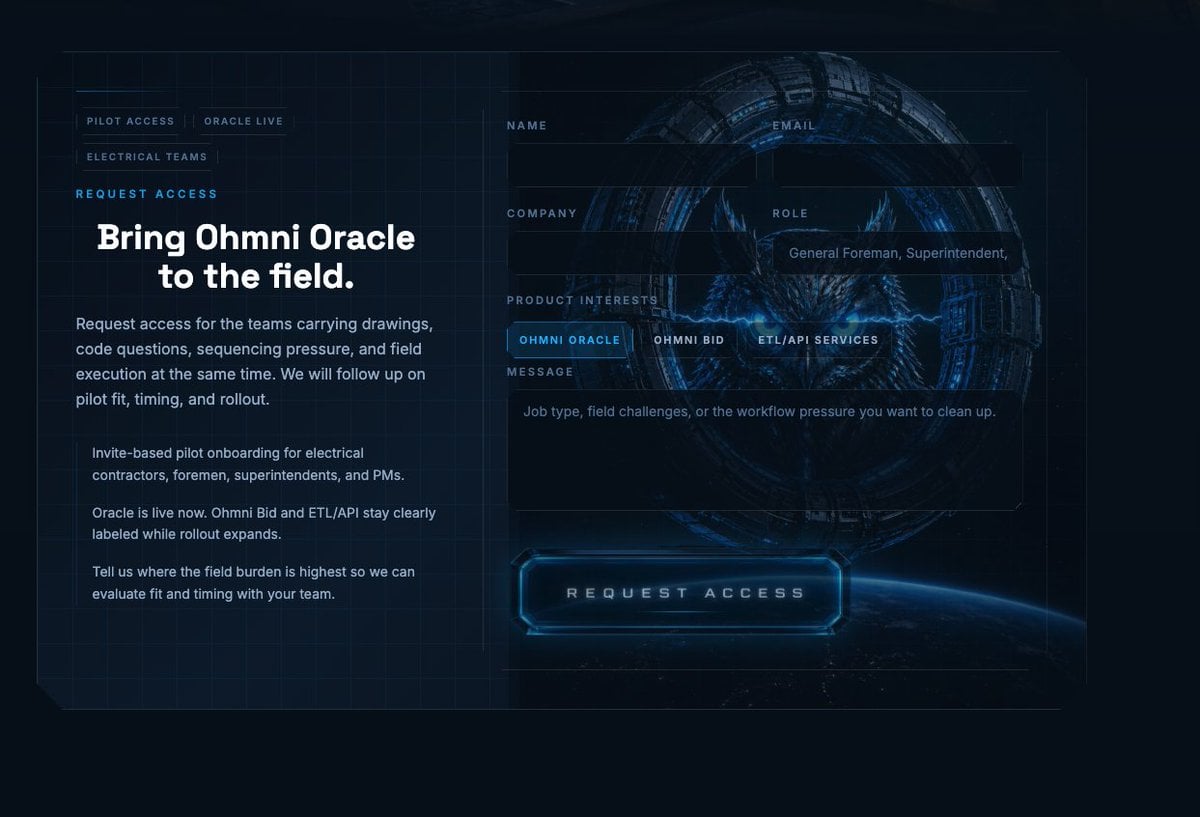
Futuristic Ohmni Access Landing Page

Luxury E-Commerce Landing Page Mockup
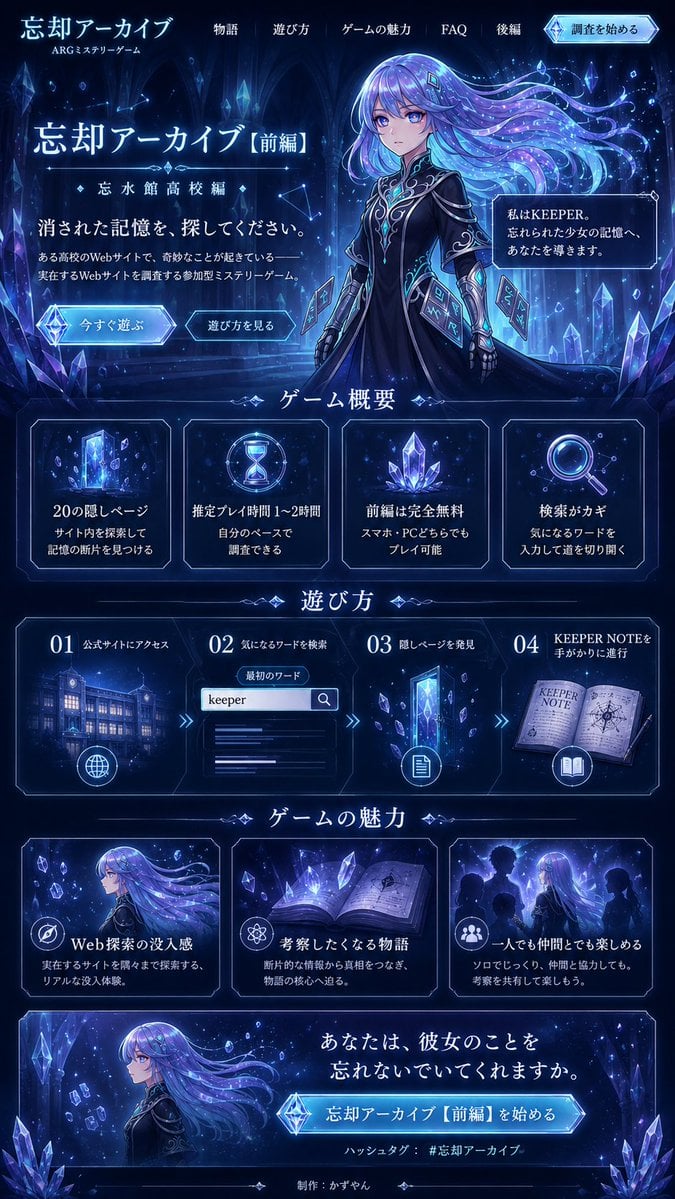
Forgotten Archive ARG Landing Page
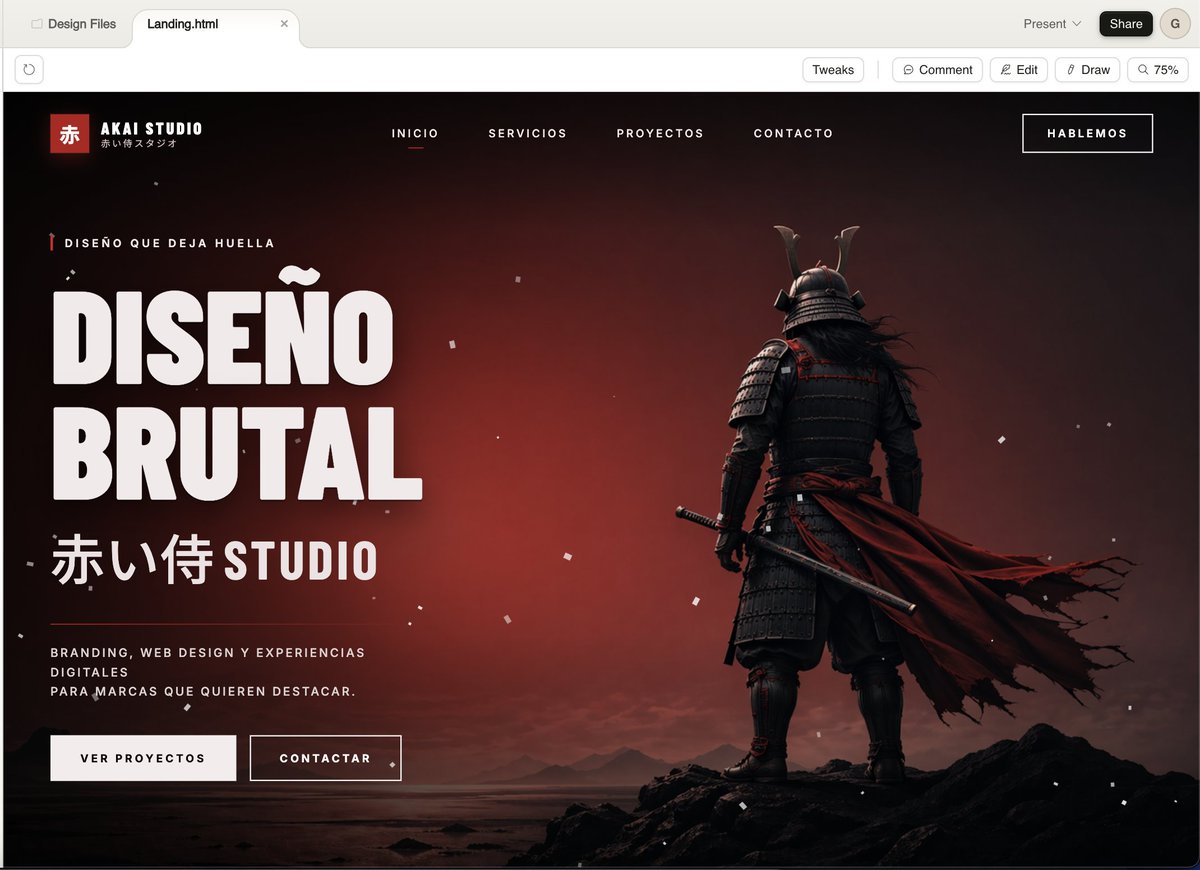
Cinematic Samurai Agency Landing Page
NOVALITH SaaS Landing Page Hero
ASCII Layout Landing Page Generator

SaaS AI Dashboard Landing Page
Make it yours
Cinematic Pirate Website Landing Page works as-is. These are the safest ways to change it without losing the look.
Change one field
Copy a single group, rewrite it, and generate again so you can see what that field is doing.
Keep the frame, change the subject
Hold the composition and light of Cinematic Pirate Website Landing Page, then swap wardrobe, props or the person for a new take.
| If the result… | Why | Fix |
|---|---|---|
| The result drifts from the preview | Too many fields changed at once. | Reuse Cinematic Pirate Website Landing Page as-is first, then change one group — subject, light, or setting. |
| The model over-stylizes the scene | The prose prompt leaves finish and camera underspecified. | Add one camera or lighting sentence and stay on GPT Image 2. |
More GPT Image 2 templates
Other prompts made for GPT Image 2.

Six VTuber Japanese Logo Sheet

Realistic Portrait of Woman and Deer

The Vista Modular Condo Poster

AI Model Routing Comparison Infographic

2.5D Anime Art Board

Isometric Productivity Desk Scene

New York Double Exposure Poster

Four-Panel AI Landscape Comparison

Japanese Tatami Lifestyle Magazine Cover

NESCAFÉ Coffee Map Poster
More image prompts
Fresh picks from across the catalog.
Vintage Faction Infographic Poster

Luxury Winter Fashion Editorial Portrait Prompt
Year-Old Crayon Drawing Style
3D Pixar-Style Character Emotion Grid Prompt
Cyber-Kimono Couture in Tokyo
Nancy and Max Realistic Portrait
Chaotic Y2K Cyber-Pop Editorial Portrait
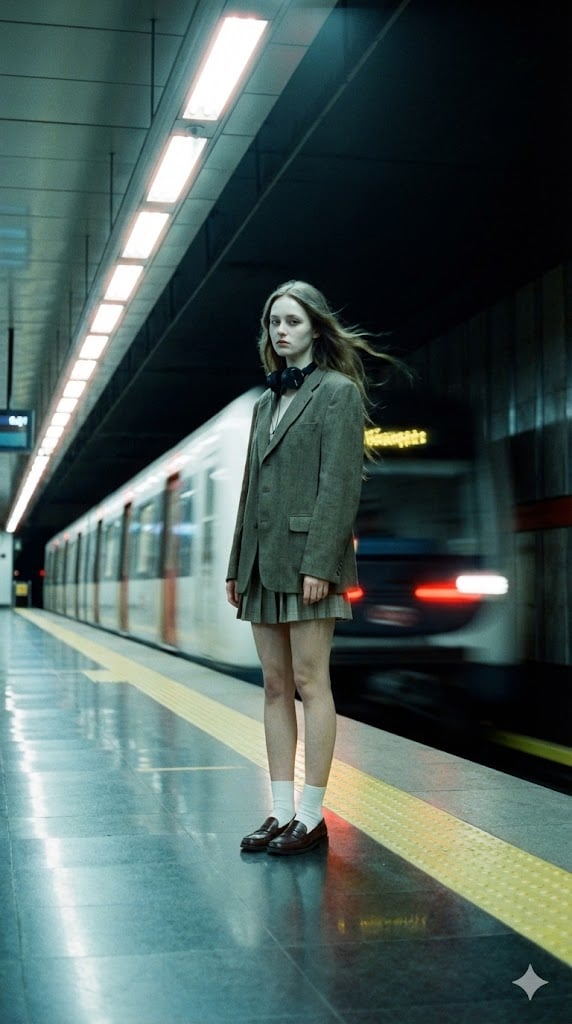
Long-Exposure Subway Fashion Prompt
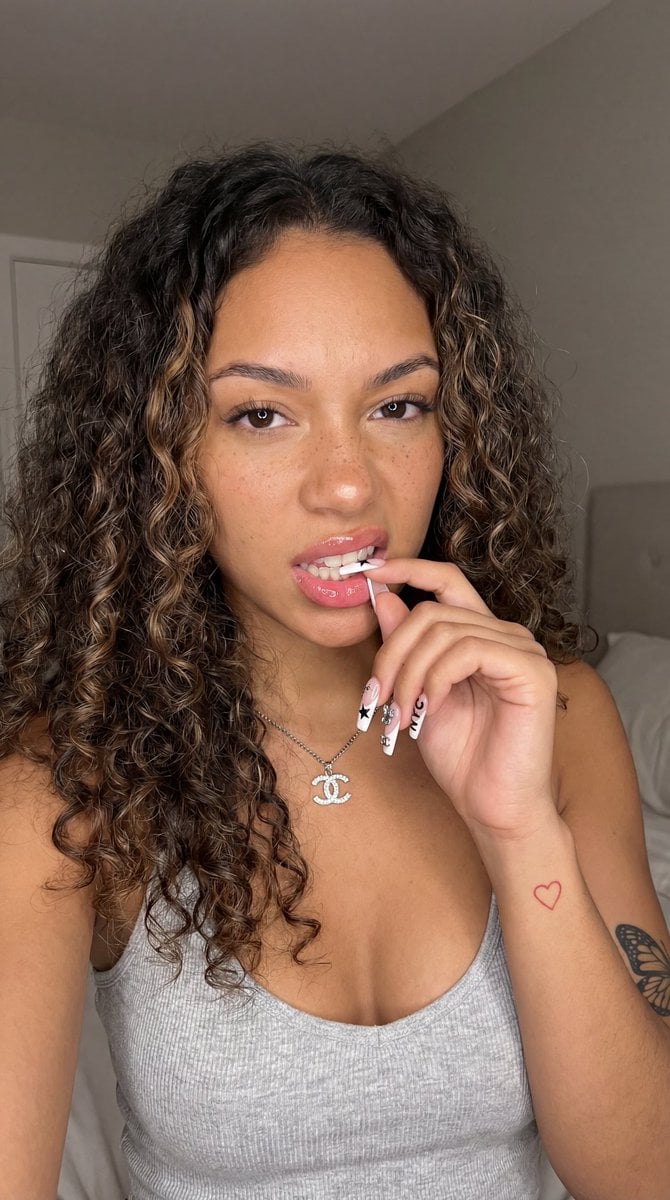
Photorealistic Close-Up Portrait of a Young Woman
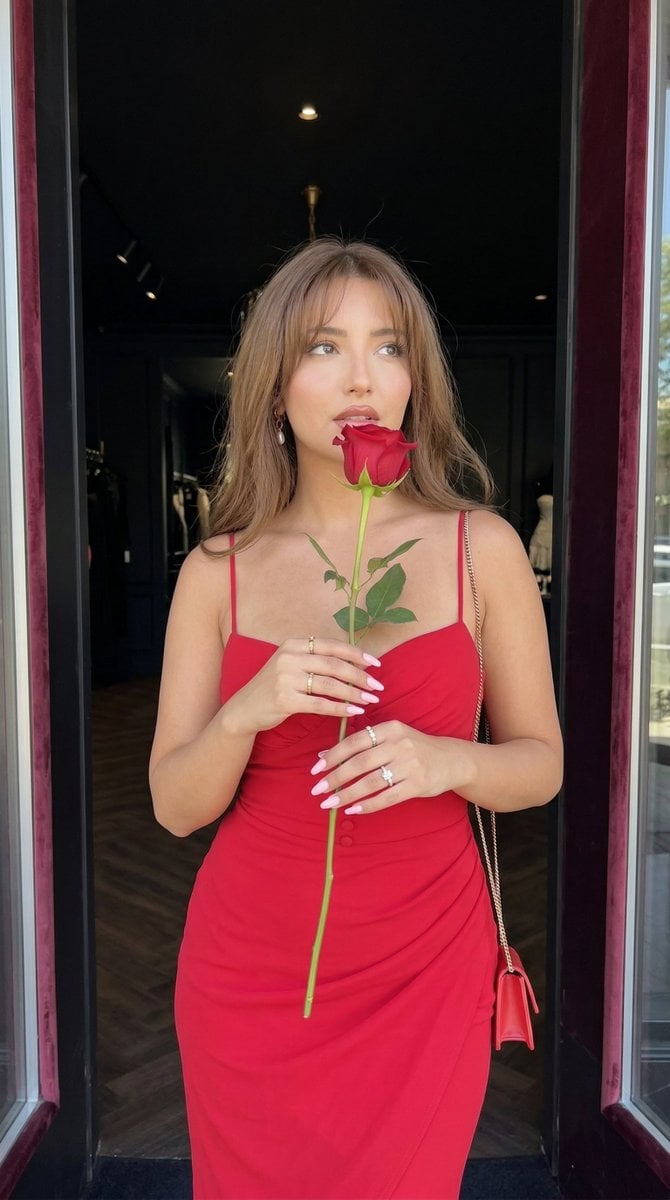
Romantic Fashion Portrait with Red Rose
Browse template categories
Cinematic Pirate Website Landing Page questions
How do I use the Cinematic Pirate Website Landing Page template?
Add your photo if the template asks for one, edit the prompt if you like — the template's model and format are already selected — and press Generate. Your version opens in PicX Studio.
Can I customize the Cinematic Pirate Website Landing Page template?
Yes. You can change the subject, setting, lighting, mood, format, and available model controls before creating your image.
Is the Cinematic Pirate Website Landing Page template free?
Opening and editing this template is free. Generating uses credits, shown on the Generate button when you are signed in.
Which AI model should I use?
Start with GPT Image 2, which is the model associated with this template. You can compare another compatible model for a different finish.
Looking for something else? Browse all templates.

Your photo, any look
Thousands of ready templates for every top image and video model, from one credit balance.