
SaaS AI Dashboard Landing Page
Generates a modern SaaS landing page mockup featuring a central AI dashboard connected to various tool integrations and detailed feature highlight cards.

- Prompt included
- Model and format preset
- Free template
The prompt behind this image
Copy the exact prompt behind SaaS AI Dashboard Landing Page, or open it in the studio and make it yours.
- Type
- SaaS landing page hero graphic
- Style
- Modern UI/UX, light theme, soft shadows, glassmorphism, {argument name="primary theme color" default="purple and blue gradients"}
- Header › Headline
- {argument name="main headline" default="Run your work with AI clarity."}
- Header › Subheadline
- Coordinate tasks, context, and execution across your tools in one intelligent workspace.
- Layout › Center Dashboard › App Name
- {argument name="app name" default="FlowBridge"}
- Layout › Center Dashboard › Greeting
- {argument name="user greeting" default="Good morning, Alex 👋"}
- Layout › Center Dashboard › Sidebar Links
- 8
- Layout › Center Dashboard › Top Metrics Cards
- 4
- Layout › Center Dashboard › Recent Activity Items
- 3
- Layout › Center Dashboard › Project Progress Bars
- 3
- Layout › Center Dashboard › Floating Action Bar
- {argument name="floating bar text" default="Ask AI anything or type a command..."}
- Layout › Left Integrations › Count
- 4
- Layout › Left Integrations › Style
- pill-shaped cards connected by thin lines to the center dashboard
- Layout › Left Integrations › Labels
- Google Calendar: Events & schedule, Notion: Docs & knowledge, Slack: Messages & updates, Google Drive: Files & assets
- Layout › Right Integrations › Count
- 4
- Layout › Right Integrations › Style
- pill-shaped cards connected by thin lines to the center dashboard
- Layout › Right Integrations › Labels
- Asana: Tasks & projects, GitHub: Code & commits, Figma: Design files, Microsoft Teams: Calls & meetings
- Layout › Bottom Feature Cards › Count
- 3
- Layout › Bottom Feature Cards › Style
- rectangular cards with soft shadows
- Layout › Bottom Feature Cards › Cards › 0 › Title
- AI-powered overview
- Layout › Bottom Feature Cards › Cards › 0 › Description
- Get instant clarity on goals, progress, and what needs your attention.
- Layout › Bottom Feature Cards › Cards › 0 › Visuals
- Line chart showing 24.6 hr focus time, and 3 bottom metrics (Meetings, Deep work, Tasks done)
- Layout › Bottom Feature Cards › Cards › 1 › Title
- Connected execution
- Layout › Bottom Feature Cards › Cards › 1 › Description
- Stay aligned with tasks, updates, and dependencies across your tools.
Raw JSON
{
  "type": "SaaS landing page hero graphic",
  "style": "Modern UI/UX, light theme, soft shadows, glassmorphism, {argument name=\"primary theme color\" default=\"purple and blue gradients\"}",
  "header": {
    "headline": "{argument name=\"main headline\" default=\"Run your work with AI clarity.\"}",
    "subheadline": "Coordinate tasks, context, and execution across your tools in one intelligent workspace."
  },
  "layout": {
    "center_dashboard": {
      "app_name": "{argument name=\"app name\" default=\"FlowBridge\"}",
      "greeting": "{argument name=\"user greeting\" default=\"Good morning, Alex 👋\"}",
      "sidebar_links": 8,
      "top_metrics_cards": 4,
      "recent_activity_items": 3,
      "project_progress_bars": 3,
      "floating_action_bar": "{argument name=\"floating bar text\" default=\"Ask AI anything or type a command...\"}"
    },
    "left_integrations": {
      "count": 4,
      "style": "pill-shaped cards connected by thin lines to the center dashboard",
      "labels": [
        "Google Calendar: Events & schedule",
        "Notion: Docs & knowledge",
        "Slack: Messages & updates",
        "Google Drive: Files & assets"
      ]
    },
    "right_integrations": {
      "count": 4,
      "style": "pill-shaped cards connected by thin lines to the center dashboard",
      "labels": [
        "Asana: Tasks & projects",
        "GitHub: Code & commits",
        "Figma: Design files",
        "Microsoft Teams: Calls & meetings"
      ]
    },
    "bottom_feature_cards": {
      "count": 3,
      "style": "rectangular cards with soft shadows",
      "cards": [
        {
          "title": "AI-powered overview",
          "description": "Get instant clarity on goals, progress, and what needs your attention.",
          "visuals": "Line chart showing 24.6 hr focus time, and 3 bottom metrics (Meetings, Deep work, Tasks done)"
        },
        {
          "title": "Connected execution",
          "description": "Stay aligned with tasks, updates, and dependencies across your tools.",
          "visuals": "List of 4 upcoming tasks and 4 team workload progress bars with user avatars"
        },
        {
          "title": "Insights that drive impact",
          "description": "Understand progress, unblock risks, and make smarter decisions.",
          "visuals": "Donut chart showing 18 projects by status, and a list of 3 top risks with red flag icons"
        }
      ]
    }
  }
}Reference images included
SaaS AI Dashboard Landing Page needs input media to work. They load alongside the prompt when you open it in the studio.
How to use SaaS AI Dashboard Landing Page in 3 steps
- 1Upload ImagePNG, JPG or paste
Add your photo
Upload the photo the template builds on. The prompt, model and format are already set.
- 2…a portrait of your subject in softgolden-hour light, 85mm…
Personalize
Edit the subject and creative details for your destination.
- 3Generate
Generate
Press Generate — your image is created in PicX Studio, so you can compare it with the original and refine one variable at a time.
More like this
Templates with the same subject, style or setup. Open one to see its prompt.
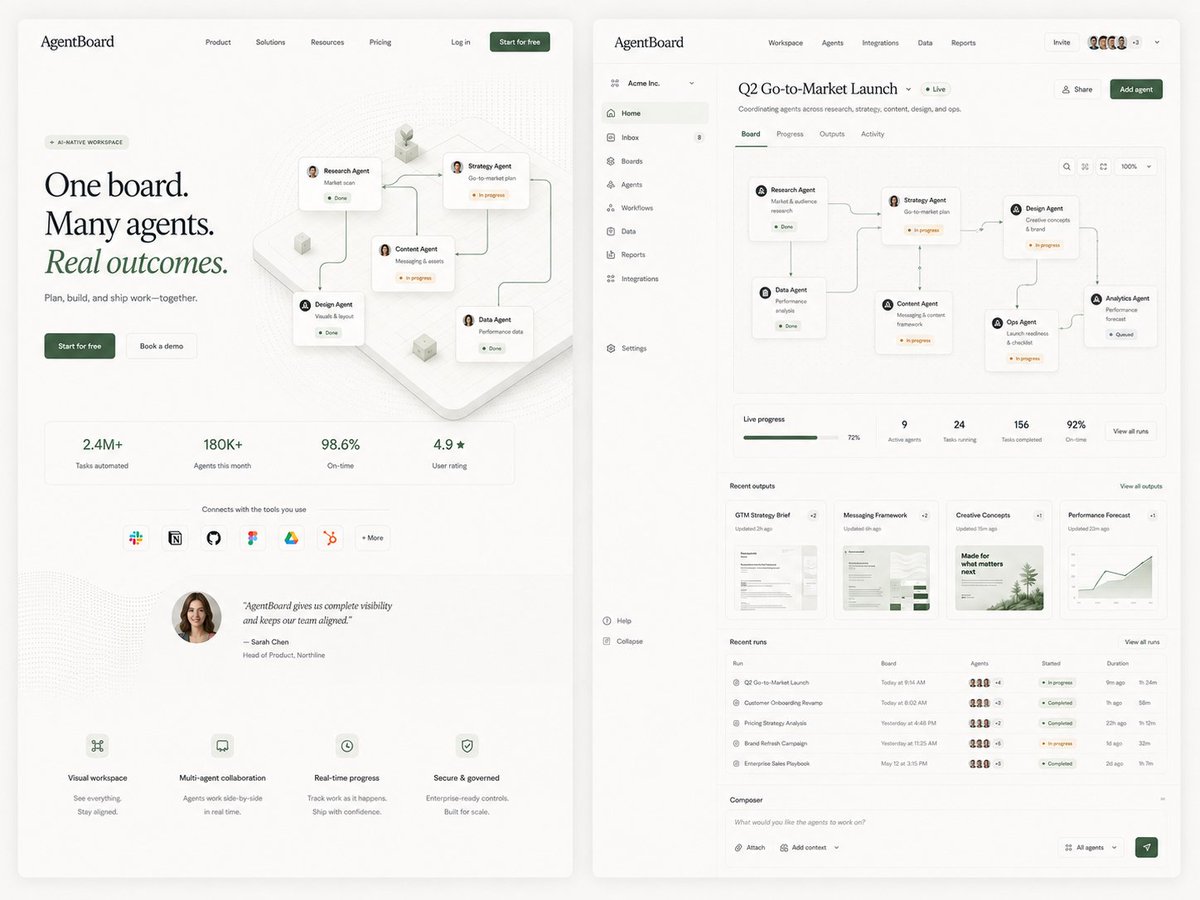
AgentBoard SaaS Landing and Dashboard UI
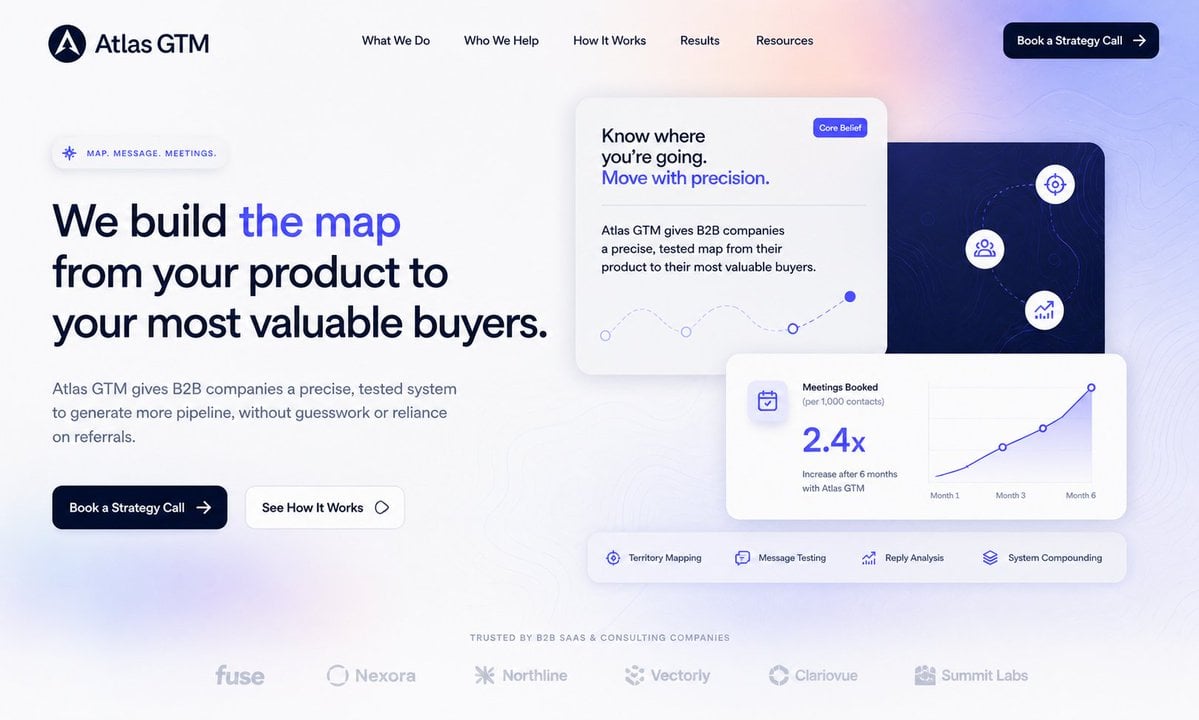
Atlas GTM SaaS Hero Landing Page
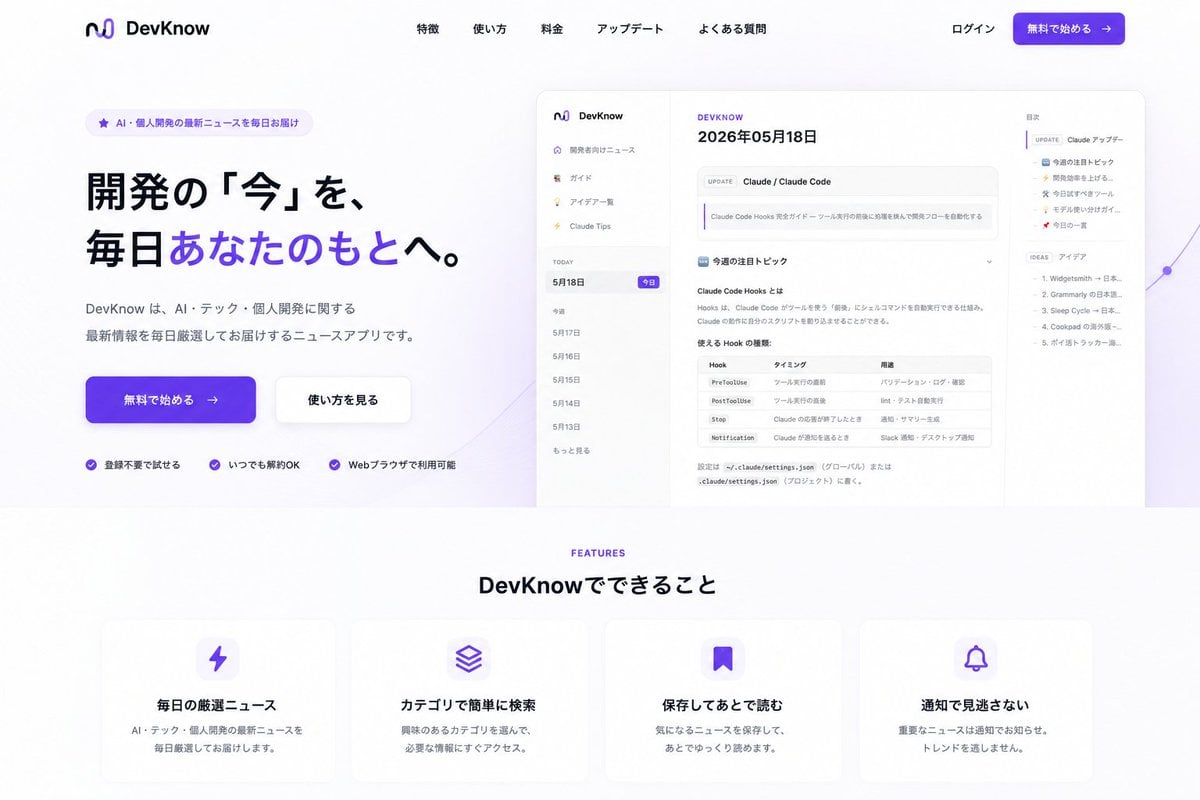
NOVALITH SaaS Landing Page Hero
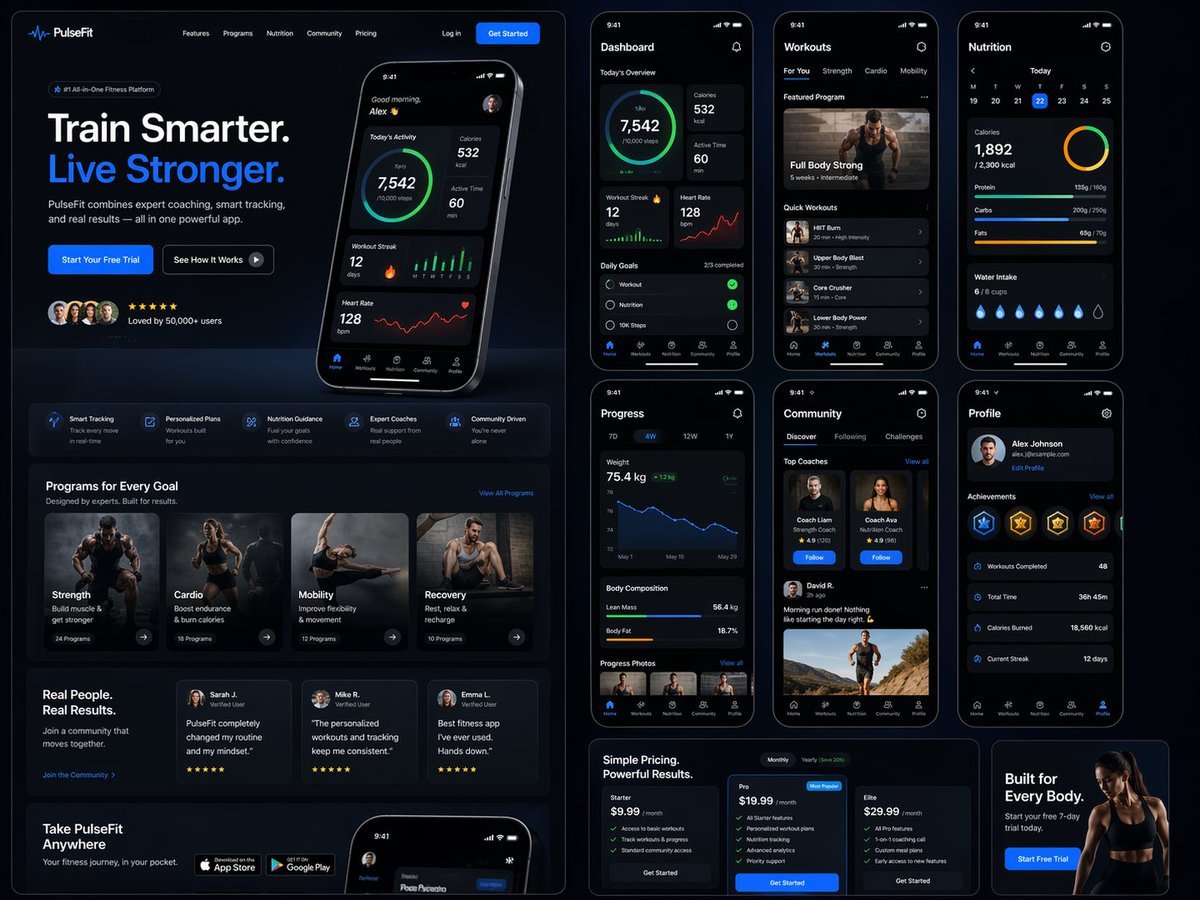
Fitness SaaS Landing Page UI

Cute AI Doodle Generator Landing Page
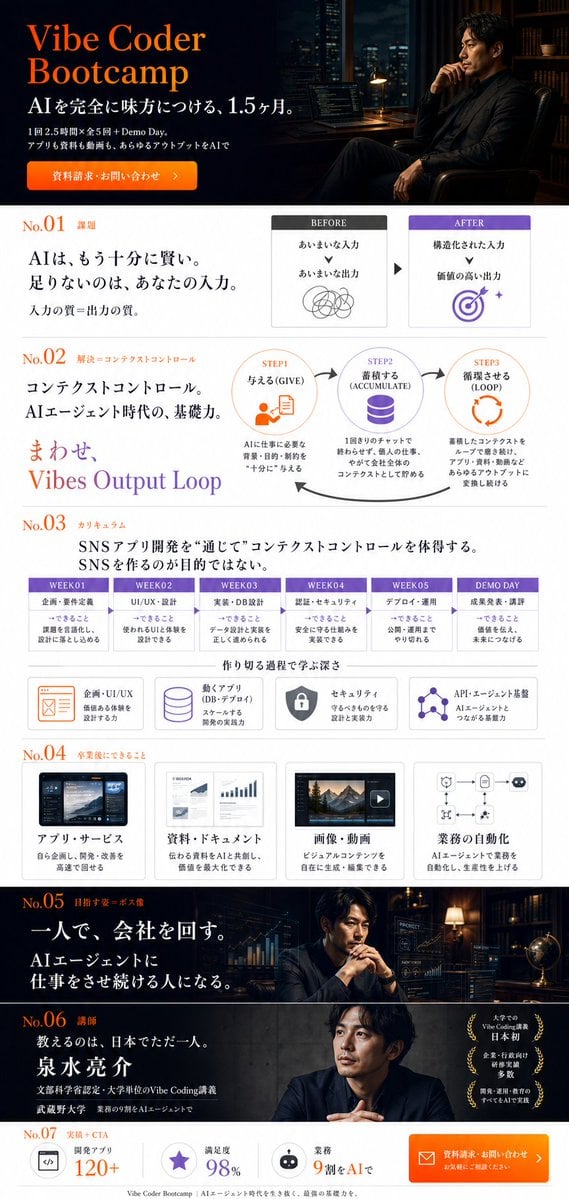
Vibe Coder Bootcamp Landing Page
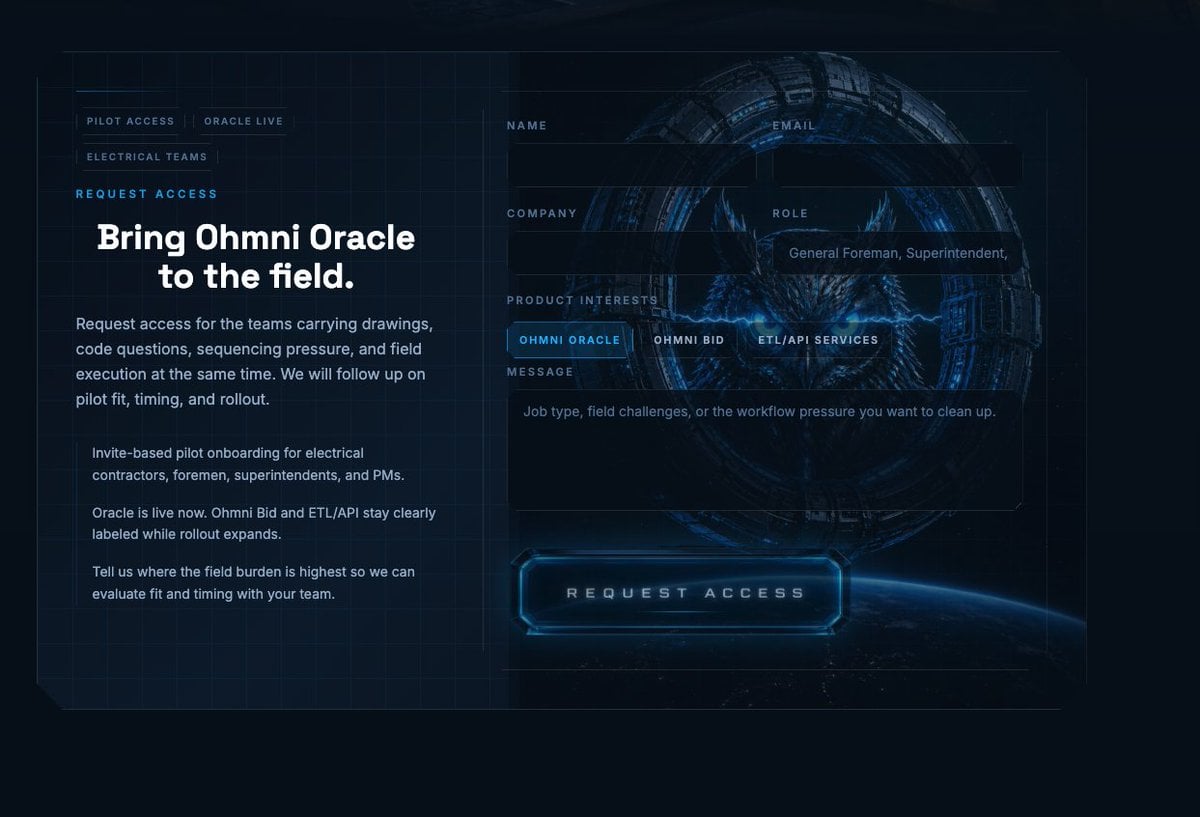
Futuristic Ohmni Access Landing Page

Luxury E-Commerce Landing Page Mockup
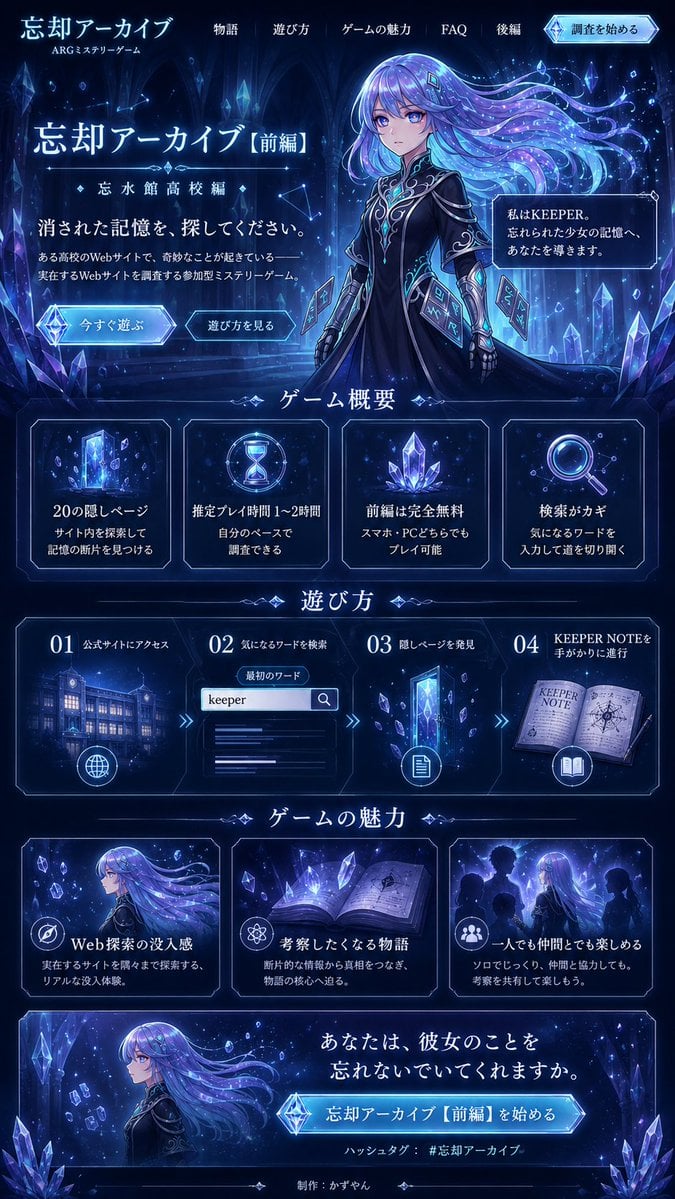
Forgotten Archive ARG Landing Page
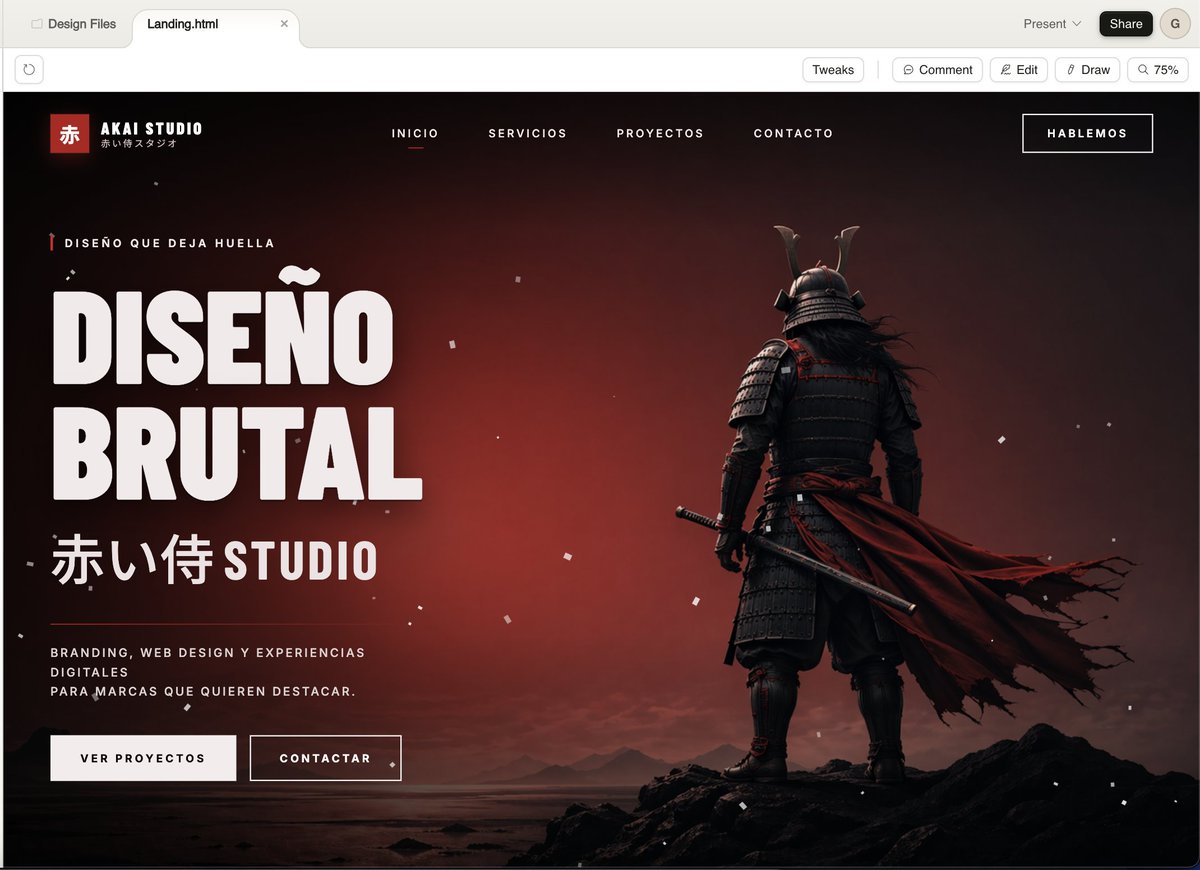
Cinematic Samurai Agency Landing Page
ASCII Layout Landing Page Generator

Mintpage AI Landing Page Hero
Make it yours
SaaS AI Dashboard Landing Page works as-is. These are the safest ways to change it without losing the look.
Change one field
Copy a single group, rewrite it, and generate again so you can see what that field is doing.
Keep the frame, change the subject
Hold the composition and light of SaaS AI Dashboard Landing Page, then swap wardrobe, props or the person for a new take.
| If the result… | Why | Fix |
|---|---|---|
| The result drifts from the preview | Too many fields changed at once. | Reuse SaaS AI Dashboard Landing Page as-is first, then change one group — subject, light, or setting. |
| GPT Image 2 ignores part of the JSON | Some models flatten or skip nested keys. | Keep the same values and paste them as a short paragraph instead. |
More GPT Image 2 templates
Other prompts made for GPT Image 2.

Six VTuber Japanese Logo Sheet

Realistic Portrait of Woman and Deer

The Vista Modular Condo Poster

AI Model Routing Comparison Infographic

2.5D Anime Art Board

Isometric Productivity Desk Scene

New York Double Exposure Poster

Four-Panel AI Landscape Comparison

Japanese Tatami Lifestyle Magazine Cover

NESCAFÉ Coffee Map Poster
More image prompts
Fresh picks from across the catalog.
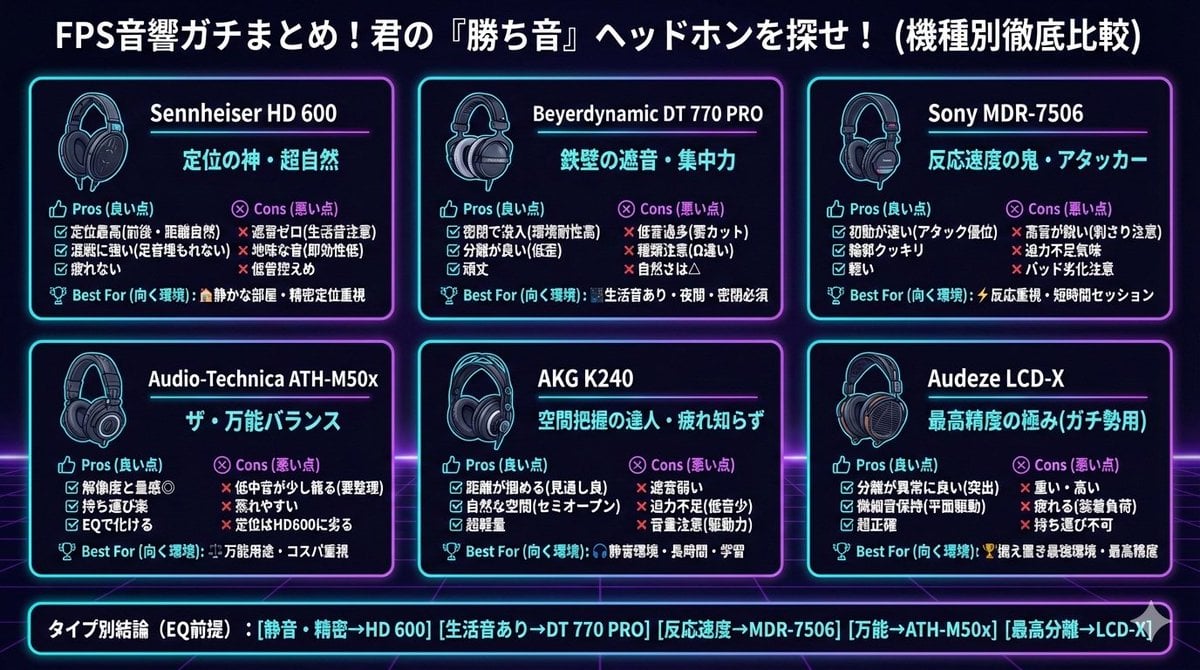
Summarizing Long Text into Visuals

Dark Fantasy Warrior Woman Portrait

Cinematic Scene for Happy Women's Day

Paris Watercolor Travel Poster

Ultra-Realistic Kitchen Selfie with Chocolate Smudge

Romantic Digital Portrait with Hibiscus

Moody Paris Street Editorial Portrait (Film Scan Aesthetic)
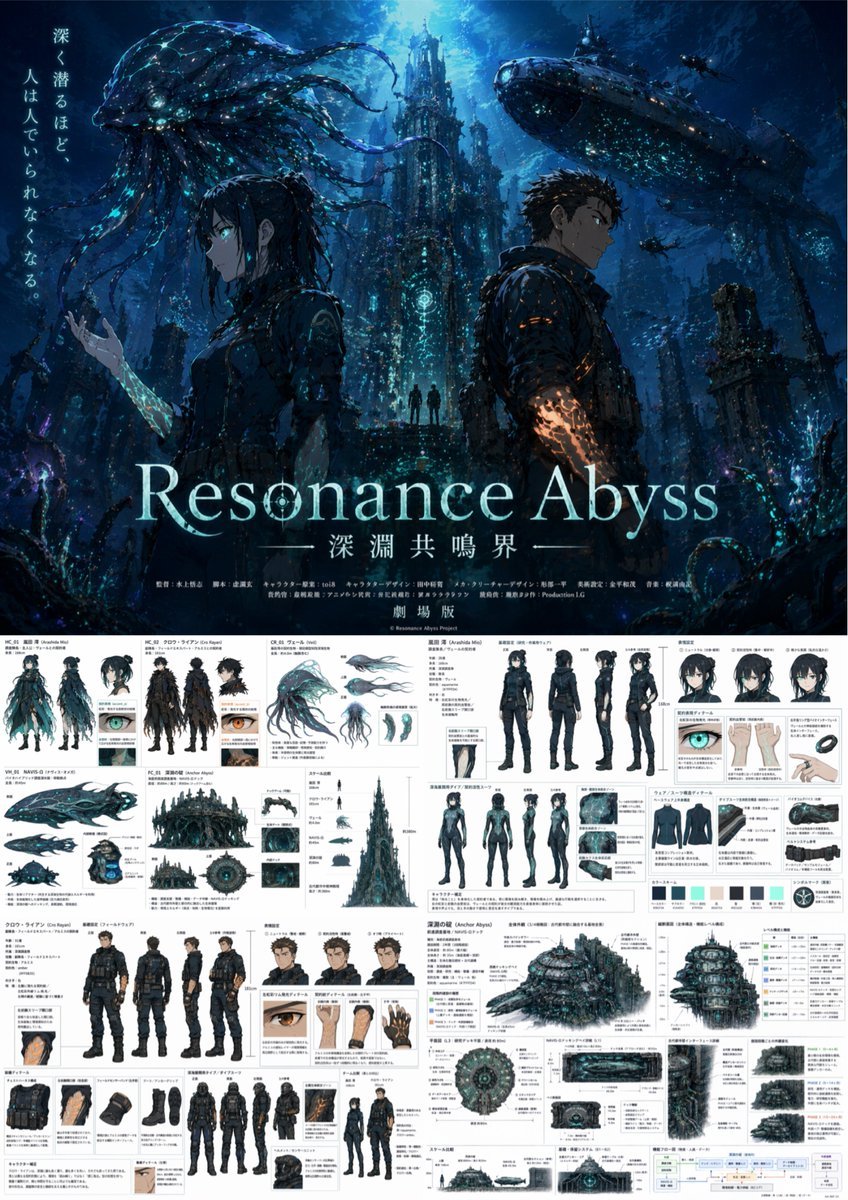
Anime Poster & Concept Art Sheet
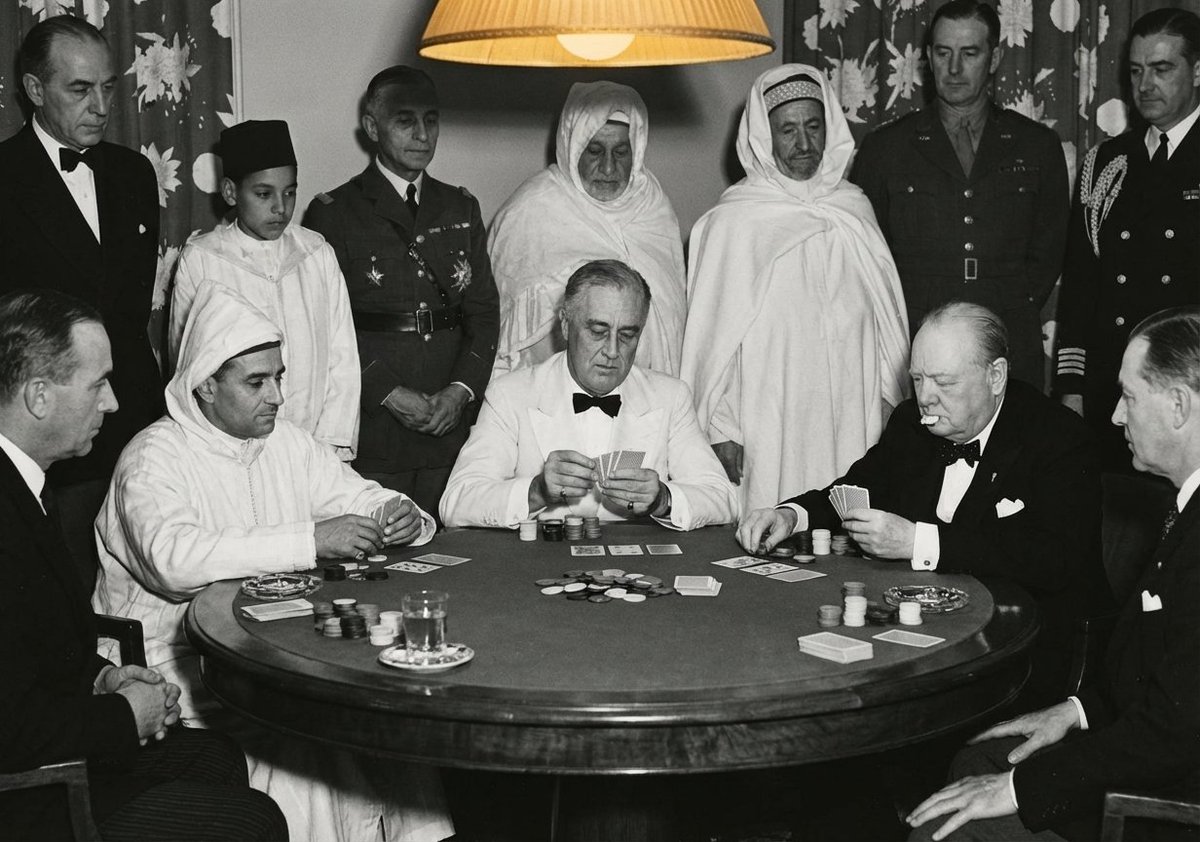
Leaders playing poker scene
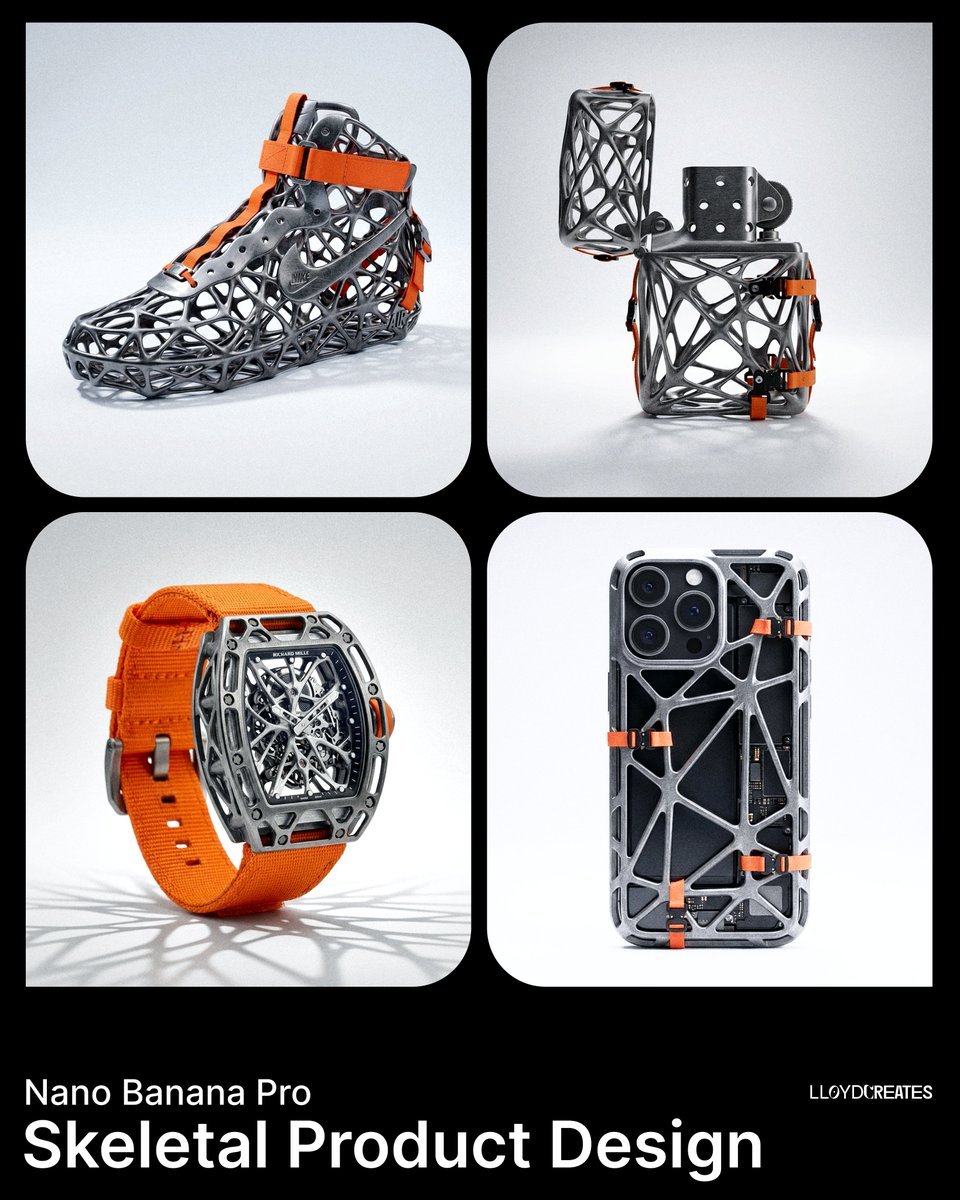
Skeletal Product Design Prompt
Browse template categories
SaaS AI Dashboard Landing Page questions
How do I use the SaaS AI Dashboard Landing Page template?
Add your photo if the template asks for one, edit the prompt if you like — the template's model and format are already selected — and press Generate. Your version opens in PicX Studio.
Can I customize the SaaS AI Dashboard Landing Page template?
Yes. You can change the subject, setting, lighting, mood, format, and available model controls before creating your image.
Is the SaaS AI Dashboard Landing Page template free?
Opening and editing this template is free. Generating uses credits, shown on the Generate button when you are signed in.
Which AI model should I use?
Start with GPT Image 2, which is the model associated with this template. You can compare another compatible model for a different finish.
Looking for something else? Browse all templates.

Your photo, any look
Thousands of ready templates for every top image and video model, from one credit balance.