How do I use the Monochrome Manga Guitar Studio Page template?
Edit the prompt in the box under the preview — the template's model and format are already selected — and press Generate. Your version appears right on this page.
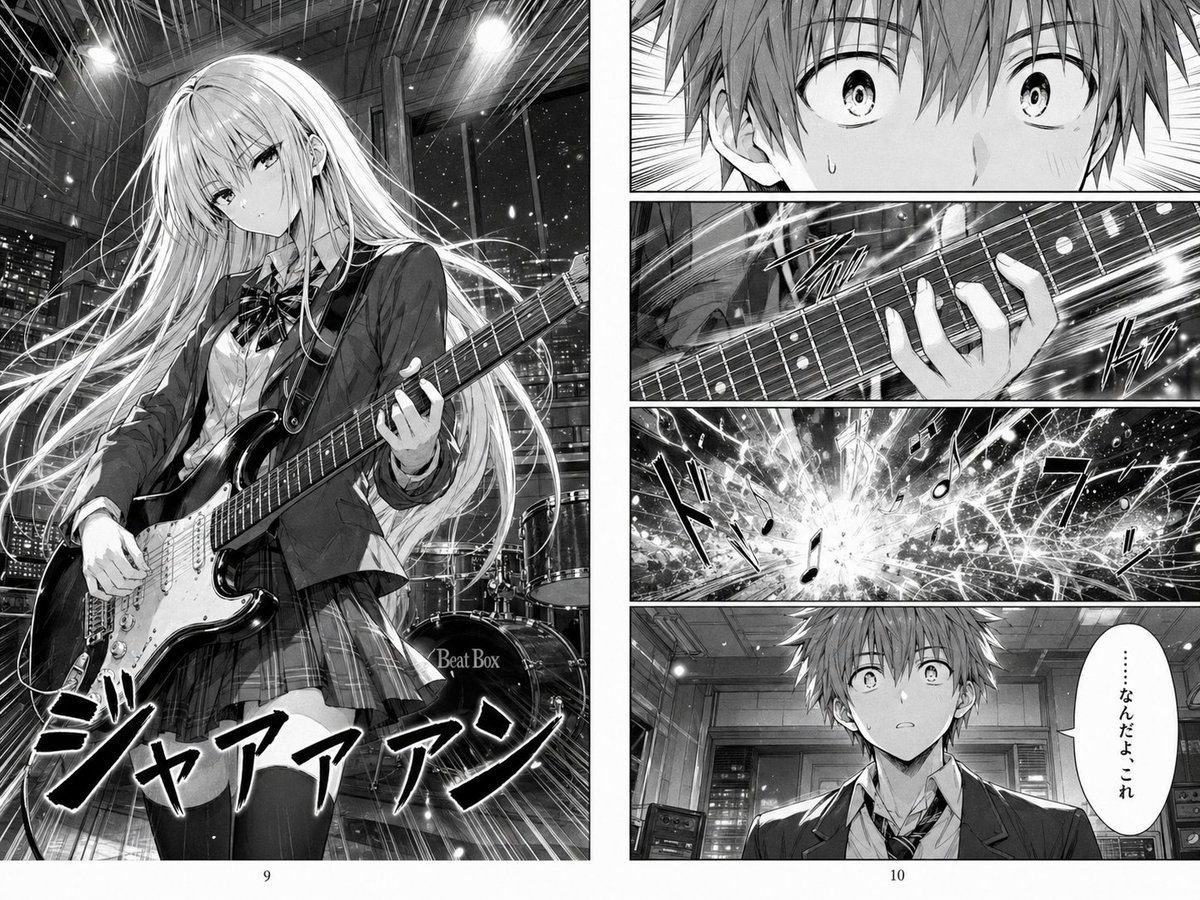
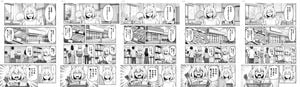
This prompt generates a detailed black-and-white manga page of a high school girl playing electric guitar in a night studio, ideal for dramatic AI manga storytelling scenes.

This template uses your photo — add one with the + button.
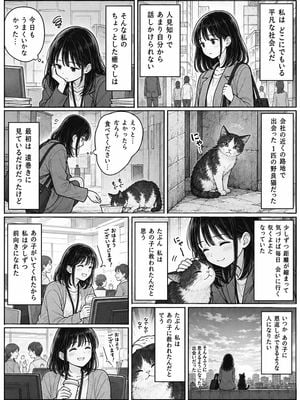
A black-and-white manga page spread with 5 panels on a clean white background and thin black gutters, drawn in highly detailed modern seinen/shoujo hybrid line art with soft screentones, reflective highlights, and a quiet melancholic mood. The setting is a nighttime music studio classroom with large windows showing a city skyline full of lit buildings against a dark sky. Main subject: a slender high school girl with very long straight light hair and blunt bangs, delicate features, and a serious introspective expression, wearing a Japanese school uniform consisting of a white button-up shirt, loosened striped ribbon tie, and plaid skirt, seated and playing a solid-body electric guitar that resembles a Stratocaster. In the large upper-left panel, show her in three-quarter view holding the guitar across her lap, left hand on the fretboard and right hand near the pickups, surrounded by studio equipment including 1 drum kit in the back left, 2 stacked guitar amplifiers on the right, and a wall sign reading "Beat Box" near the door. In the narrow upper-right panel, show a close-up of the guitar neck and her fretting hand, with the small vertical Japanese sound effect text "トン…". In the tall middle-right panel, show a close side-profile close-up of the girl looking down at the instrument with a pensive, almost disappointed expression, with the night city lights blurred through the window behind her. In the lower-left panel, show 1 teenage boy in a school blazer and loosened tie, seated indoors and turned slightly to the side; his face is obscured by a large soft gray rectangular censor block, and beside him is 1 vertical speech balloon containing the Japanese text "……やっぱり違う". In the lower-right panel, show a closer view of the same boy from the chest up against a soft bokeh screentone background; his face is again obscured by a large gray censor block. Add printed page numbers centered at the bottom margins: "5" under the left page and "6" under the right page. Emphasize a subtle narrative theme of realizing that the sound feels wrong, as if this is a continuation page from a dramatic school-band manga. Keep everything monochrome, polished, cinematic, and emotionally restrained.
A black-and-white manga page spread with 5 panels on a clean white background and thin black gutters, drawn in highly detailed modern seinen/shoujo hybrid line art with soft screentones, reflective highlights, and a quiet melancholic mood. The setting is a nighttime music studio classroom with large windows showing a city skyline full of lit buildings against a dark sky. Main subject: a slender high school girl with very long straight light hair and blunt bangs, delicate features, and a serious introspective expression, wearing a Japanese school uniform consisting of a white button-up shirt, loosened striped ribbon tie, and plaid skirt, seated and playing a solid-body electric guitar that resembles a Stratocaster. In the large upper-left panel, show her in three-quarter view holding the guitar across her lap, left hand on the fretboard and right hand near the pickups, surrounded by studio equipment including 1 drum kit in the back left, 2 stacked guitar amplifiers on the right, and a wall sign reading "Beat Box" near the door. In the narrow upper-right panel, show a close-up of the guitar neck and her fretting hand, with the small vertical Japanese sound effect text "トン…". In the tall middle-right panel, show a close side-profile close-up of the girl looking down at the instrument with a pensive, almost disappointed expression, with the night city lights blurred through the window behind her. In the lower-left panel, show 1 teenage boy in a school blazer and loosened tie, seated indoors and turned slightly to the side; his face is obscured by a large soft gray rectangular censor block, and beside him is 1 vertical speech balloon containing the Japanese text "……やっぱり違う". In the lower-right panel, show a closer view of the same boy from the chest up against a soft bokeh screentone background; his face is again obscured by a large gray censor block. Add printed page numbers centered at the bottom margins: "5" under the left page and "6" under the right page. Emphasize a subtle narrative theme of realizing that the sound feels wrong, as if this is a continuation page from a dramatic school-band manga. Keep everything monochrome, polished, cinematic, and emotionally restrained.
Edit the prompt in the box under the preview — the template's model and format are already selected — and press Generate. Your version appears right on this page.
Yes. You can change the subject, setting, lighting, mood, format, and available model controls before creating your image.
Opening and editing this template is free. Generating uses credits, shown on the Generate button when you are signed in.
Start with GPT Image 2, which is the model associated with this template. You can compare another compatible model for a different finish.
Follow a topic to a crawlable collection of related PicX Studio templates.