
Monochrome Manga Woman and Stray Cat
Creates a detailed black-and-white Japanese manga page about a lonely office woman finding warmth and confidence through a stray cat.
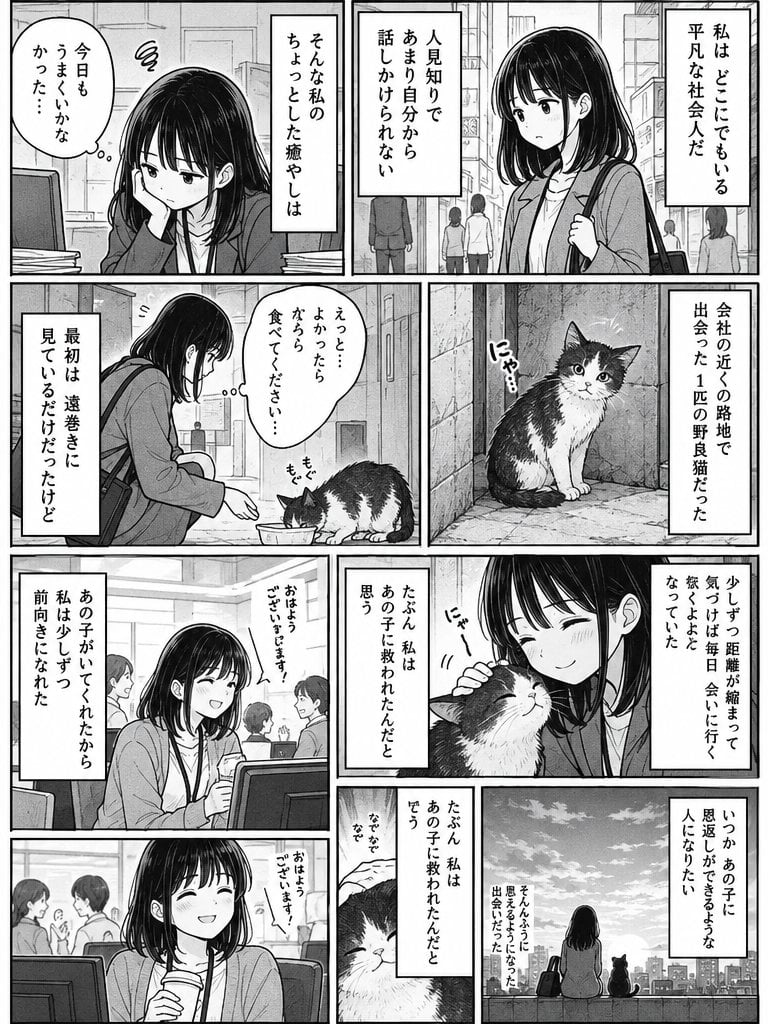
- Prompt included
- Model and format preset
- Free template
The prompt behind this image
Copy the exact prompt behind Monochrome Manga Woman and Stray Cat, or open it in the studio and make it yours.
Goal: Create a monochrome Japanese manga page about a quiet office woman gradually opening up after meeting a stray cat, in a sentimental slice-of-life style. Use {argument name="page format" default="vertical manga page, black and white, 4:5 aspect ratio"}. Canvas: Full-page manga layout with clean black panel borders, grayscale screentones, fine ink linework, soft shading, realistic urban backgrounds, and expressive but restrained character acting. The reading direction and text boxes should feel like a Japanese manga page, with vertical Japanese dialogue and narration. Main subject: A young Japanese office woman, {argument name="character name" default="unnamed heroine"}, early 20s, shoulder-length straight black hair with bangs, gentle tired eyes, wearing a cardigan over office clothes and carrying a shoulder bag. She begins lonely and withdrawn, then becomes warmer and more confident. The supporting subject is exactly 1 black-and-white stray cat with round eyes, a fluffy chest, and a slightly scruffy but cute appearance. Layout: Use exactly 9 distinct panels arranged in a dense manga grid. 1. Top-left panel: the woman sits at an office desk, resting her cheek on her hand, looking tired beside a computer monitor and papers. Add a thought bubble and vertical narration. 2. Top-right wide panel: she walks through a city street with buildings and pedestrians behind her, holding her bag strap, looking reserved. Add two tall narration boxes. 3. Middle-left panel: she crouches in an alley or side street and offers food in a small dish to the stray cat. The cat eats while she watches shyly. Add a speech bubble. 4. Middle-right panel: the cat sits alone beside a wall in the alley, looking directly at the viewer. Add a small cat sound effect and a tall narration box. 5. Lower-middle-left panel: in the office cafeteria or workspace, the woman smiles while talking with coworkers; include desks, monitors, and background people. Add a vertical narration box and a speech bubble from another person. 6. Lower-middle-right panel: close emotional panel of the woman smiling with closed eyes while petting the cat, cheek close to its head. Add a cat sound effect and two narration boxes. 7. Bottom-left wide panel: the woman sits at her desk holding a drink, smiling brightly with eyes closed; coworkers chat in the background. Add a small vertical speech bubble. 8. Bottom-center narrow panel: close-up of the cat’s face with partial hand/petting detail, used as a reflective transition. Add two narrow vertical narration boxes. 9. Bottom-right wide panel: sunset rooftop or riverside overlook from behind; the woman sits beside the cat, both facing a city skyline and dramatic sunburst clouds. Add two narration boxes, one near the sky and one near the lower center. Text content: Include Japanese vertical manga text in the panels. The central theme should be {argument name="story theme" default="a lonely ordinary office worker is saved emotionally by a stray cat and learns to connect with people"}. Use narration similar in tone to: “I am an ordinary office worker anywhere,” “I am not good at talking to people,” “I met one stray cat near the company,” “At first I only watched from a distance,” “Little by little the distance closed,” “Thanks to that child, I became able to look forward,” and “Someday I want to become someone who can give something back.” Visual style: Authentic seinen/shoujo slice-of-life manga, hand-drawn ink, detailed city and office backgrounds, grayscale tones, subtle hatching, cinematic emotional pacing, clean white gutters, no color, no watermark. Keep the woman and cat consistent across all panels, with the cat appearing in exactly 5 panels: eating, sitting alone, being petted, close-up, and sitting beside her at the skyline.
How to use Monochrome Manga Woman and Stray Cat in 3 steps
- 1Upload ImagePNG, JPG or paste
Add your photo
Upload the photo the template builds on. The prompt, model and format are already set.
- 2…a portrait of your subject in softgolden-hour light, 85mm…
Personalize
Edit the subject and creative details for your destination.
- 3Generate
Generate
Press Generate — your image is created in PicX Studio, so you can compare it with the original and refine one variable at a time.
More like this
Templates with the same subject, style or setup. Open one to see its prompt.
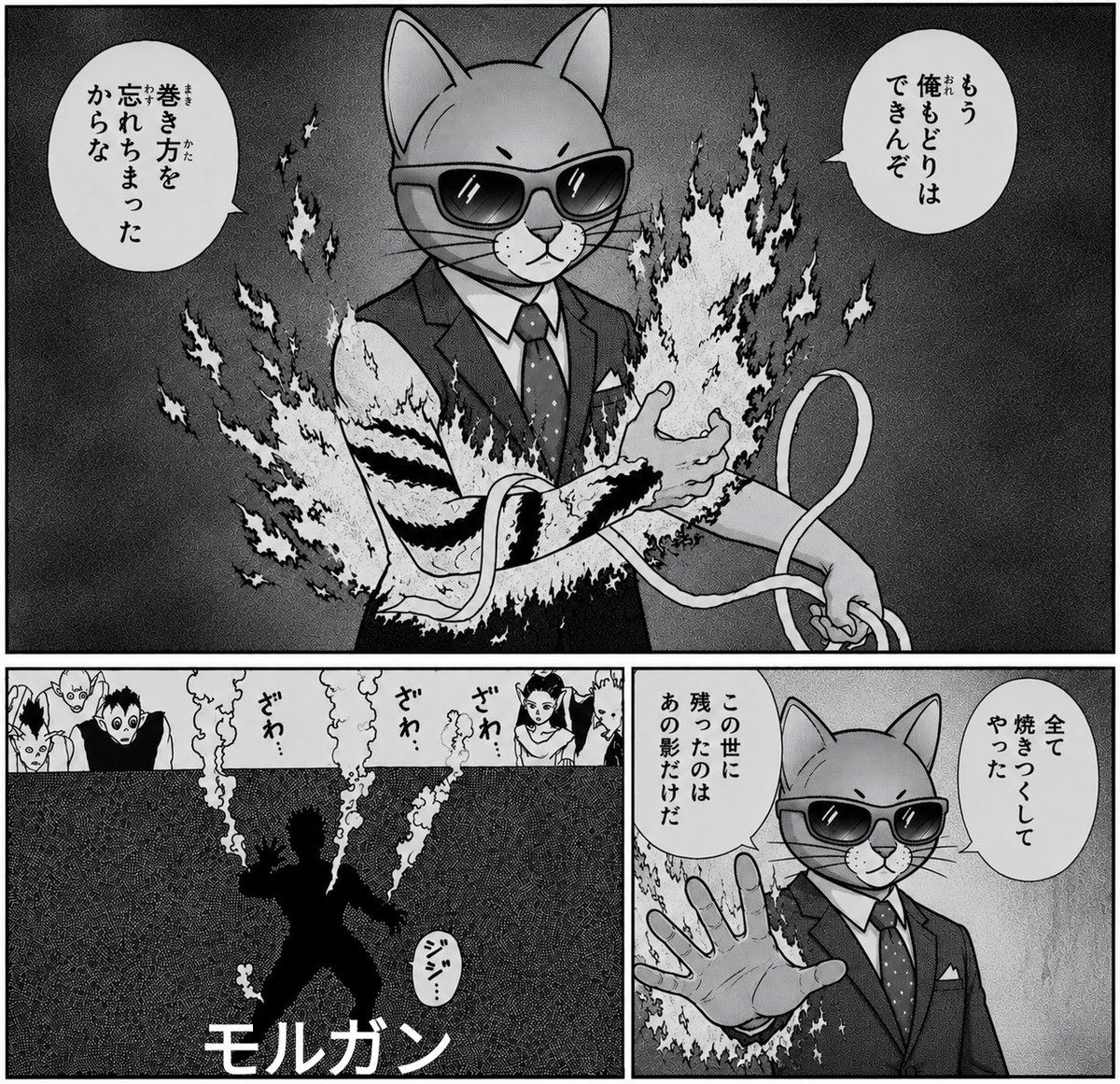
Monochrome Cat Businessman Manga Page
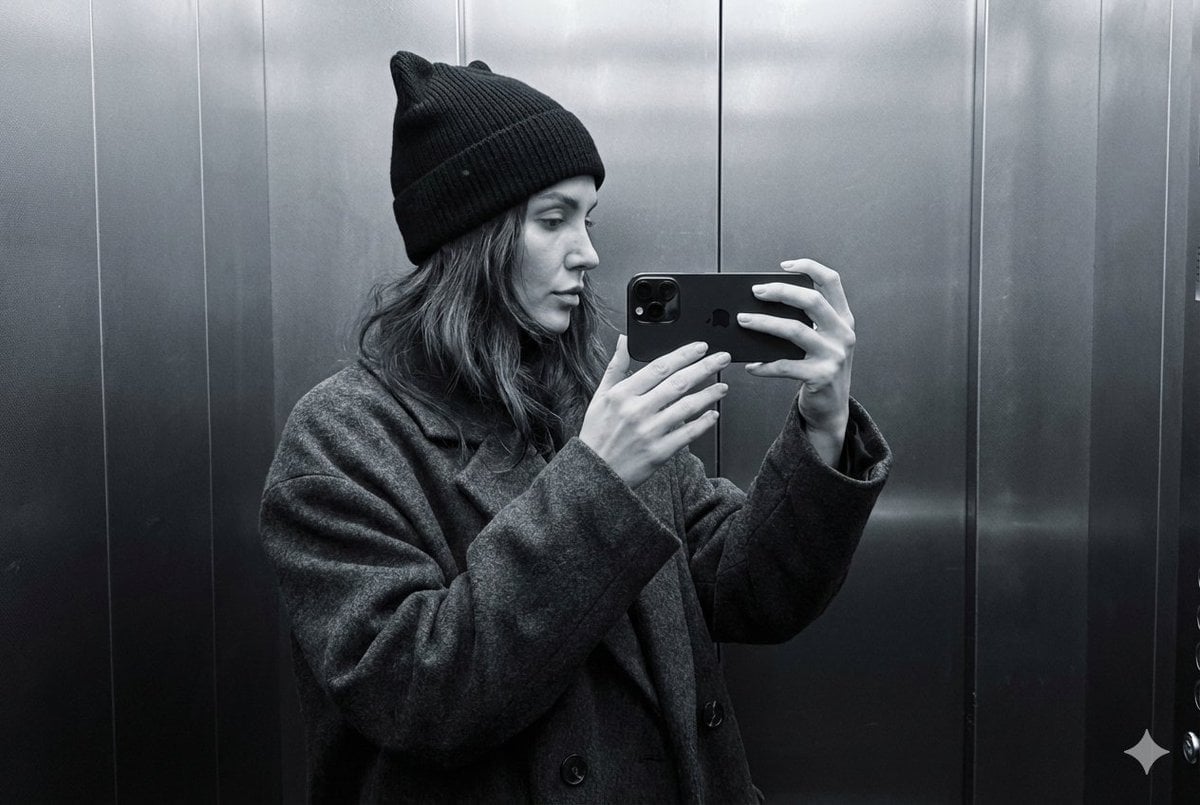
Monochrome Elevator Profile Cat Ear Selfie
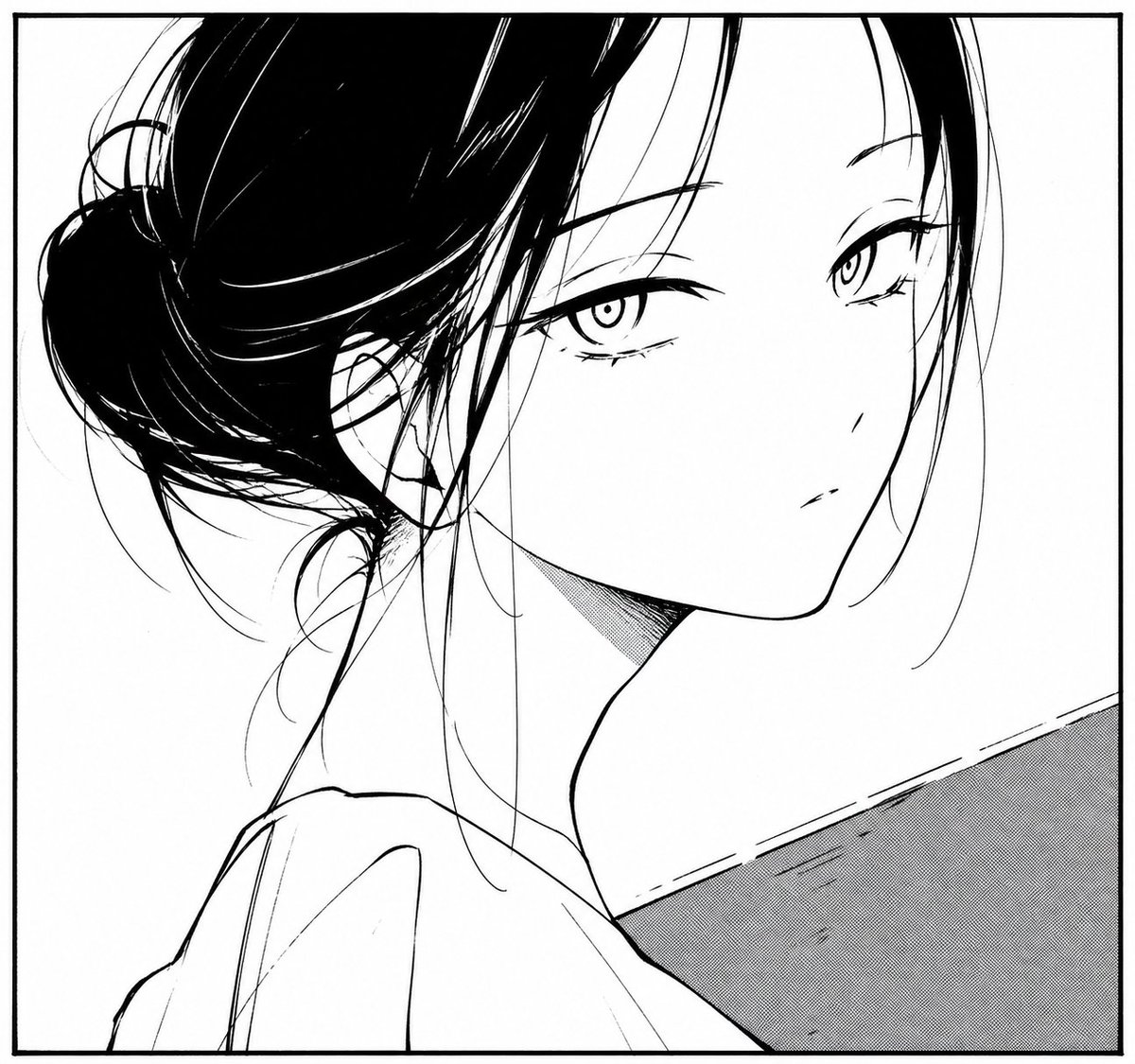
Monochrome Manga Woman Portrait

Floating Woman Above Cityscape with Notifications
Monochrome Woman and Black Horse
Dark Monochrome Manga Cover

Cat Photobomb Selfie — 0.5x Wide Angle Café Chaos

Surreal Cat Astronaut — Humanoid Face Freefall

Monochrome Hypebeast Street Fashion Editorial Motion

Monochrome Halftone Editorial Fashion Poster

Cinematic Street Fashion Photographer Portrait

Quiet Luxury Black and White Fashion Editorial Portrait
Make it yours
Monochrome Manga Woman and Stray Cat works as-is. These are the safest ways to change it without losing the look.
Change one field
Copy a single group, rewrite it, and generate again so you can see what that field is doing.
Keep the frame, change the subject
Hold the composition and light of Monochrome Manga Woman and Stray Cat, then swap wardrobe, props or the person for a new take.
| If the result… | Why | Fix |
|---|---|---|
| The result drifts from the preview | Too many fields changed at once. | Reuse Monochrome Manga Woman and Stray Cat as-is first, then change one group — subject, light, or setting. |
| The model over-stylizes the scene | The prose prompt leaves finish and camera underspecified. | Add one camera or lighting sentence and stay on GPT Image 2. |
More GPT Image 2 templates
Other prompts made for GPT Image 2.

Six VTuber Japanese Logo Sheet

Realistic Portrait of Woman and Deer

The Vista Modular Condo Poster

AI Model Routing Comparison Infographic

2.5D Anime Art Board

Isometric Productivity Desk Scene

New York Double Exposure Poster

Four-Panel AI Landscape Comparison

Japanese Tatami Lifestyle Magazine Cover

NESCAFÉ Coffee Map Poster
More image prompts
Fresh picks from across the catalog.
Minimalist Anime Girl Side Profile
Anime ChatGPT Companion in Study

Neon Bug Text Logo
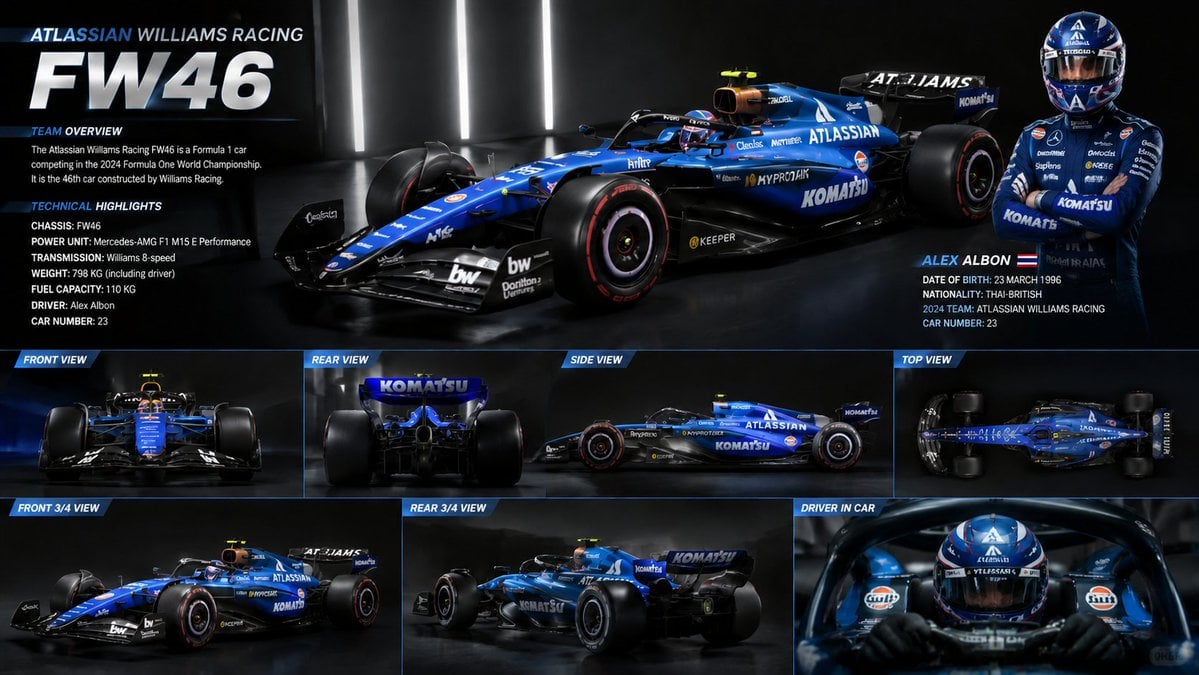
F1 Car Technical Design Sheet
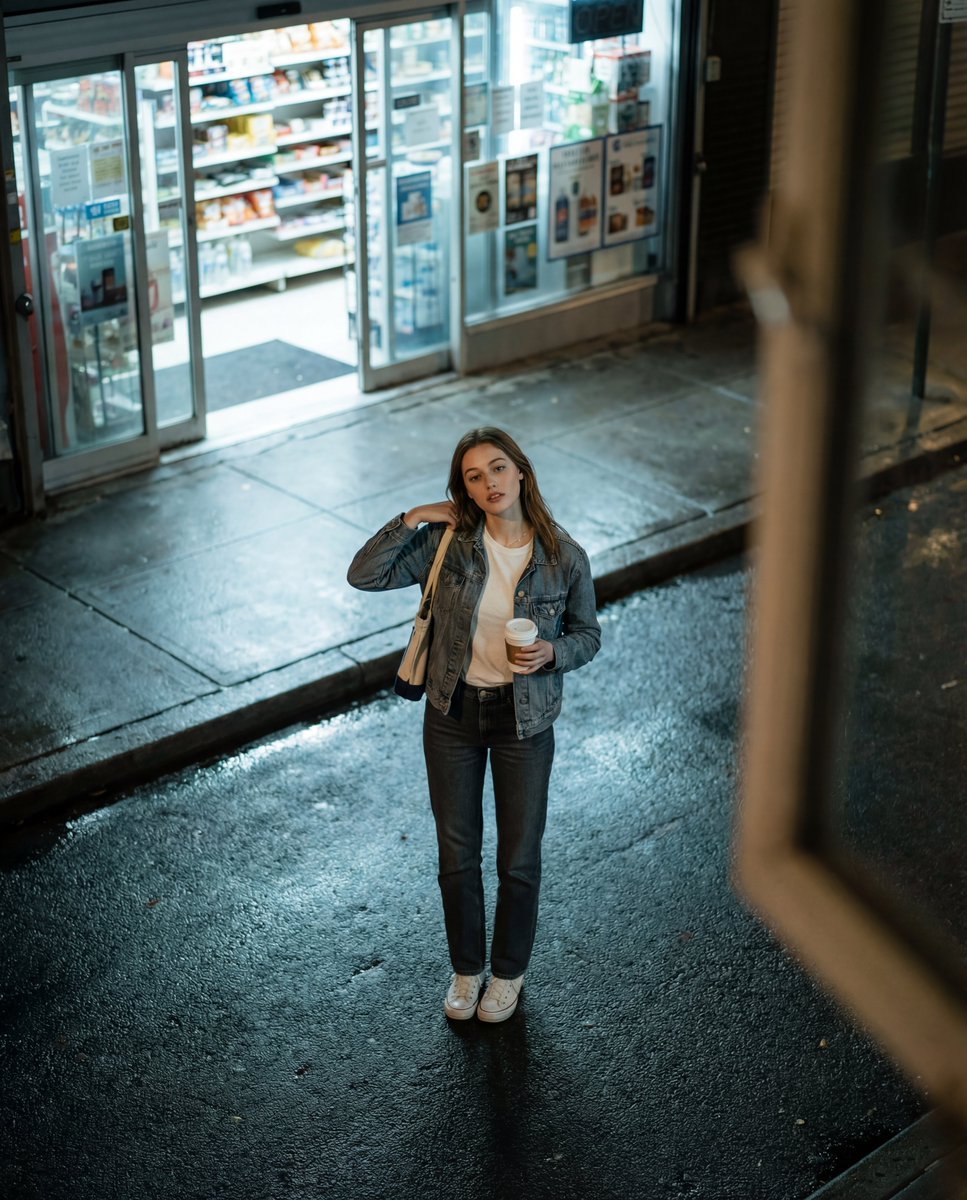
Candid Night Street Fashion Photograph
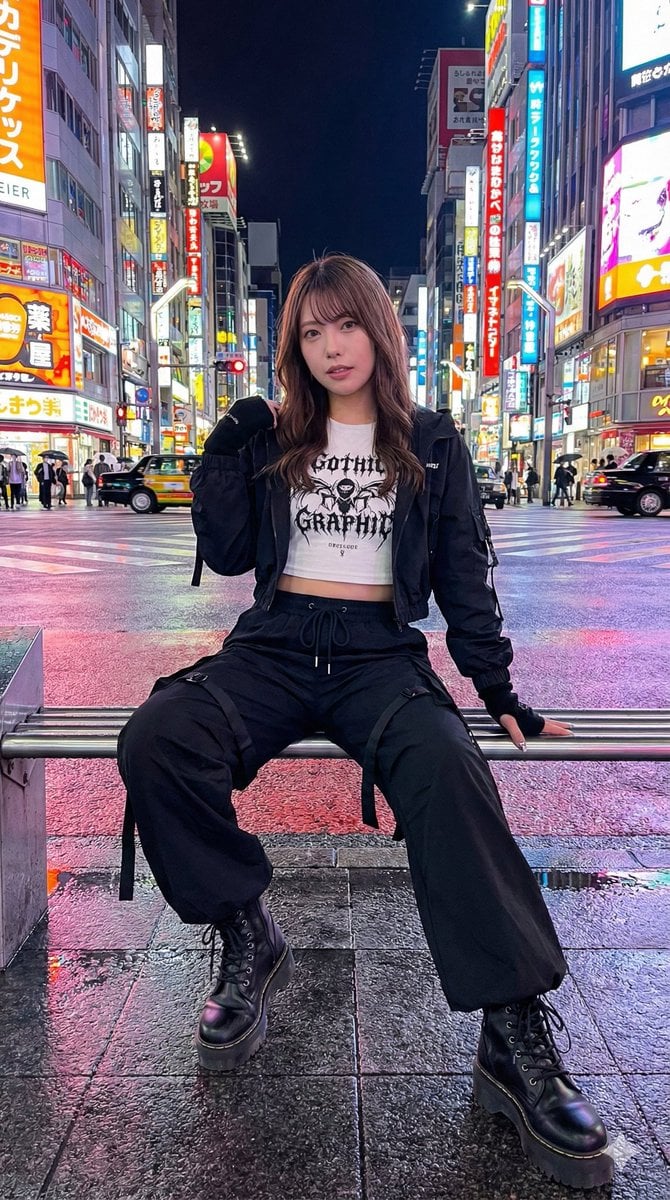
Structured Prompt for AI Art Arrangement
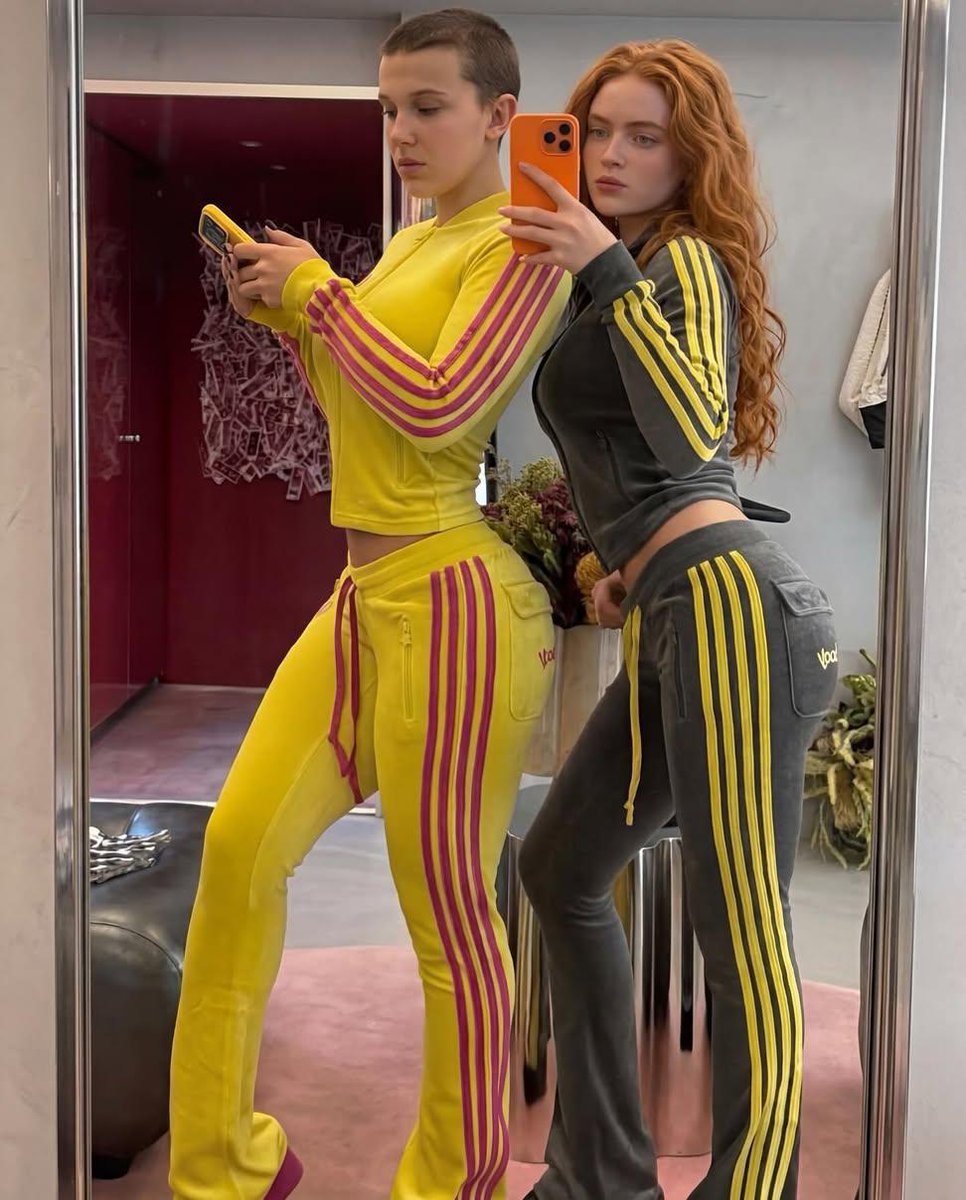
Mirror Selfie of Two Women in Velour Tracksuits
Surreal Man with Black Water and Umbrellas
Garden Portrait With White Summer Dress
Chicken Tikka Masala Mug Desk Photo
Browse template categories
Monochrome Manga Woman and Stray Cat questions
How do I use the Monochrome Manga Woman and Stray Cat template?
Add your photo if the template asks for one, edit the prompt if you like — the template's model and format are already selected — and press Generate. Your version opens in PicX Studio.
Can I customize the Monochrome Manga Woman and Stray Cat template?
Yes. You can change the subject, setting, lighting, mood, format, and available model controls before creating your image.
Is the Monochrome Manga Woman and Stray Cat template free?
Opening and editing this template is free. Generating uses credits, shown on the Generate button when you are signed in.
Which AI model should I use?
Start with GPT Image 2, which is the model associated with this template. You can compare another compatible model for a different finish.
Looking for something else? Browse all templates.

Your photo, any look
Thousands of ready templates for every top image and video model, from one credit balance.