
Surreal Man with Black Water and Umbrellas
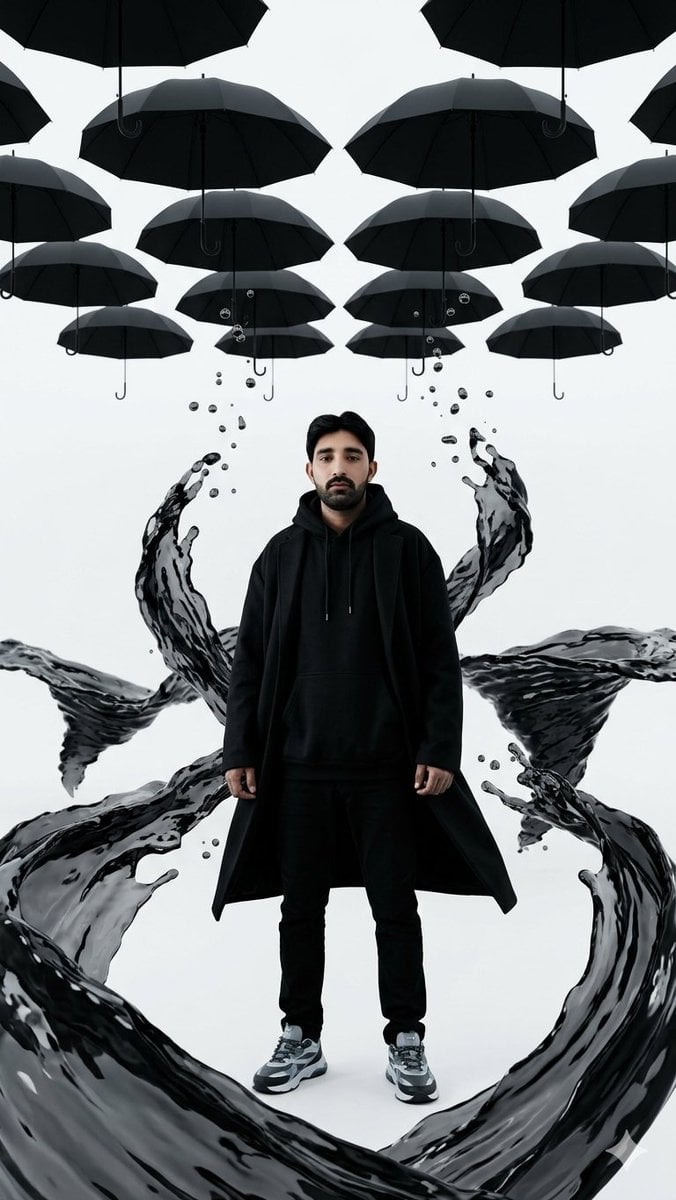
A cinematic hyper-realistic portrait of a still male figure in black streetwear surrounded by levitating umbrellas and gravity-defying black water in an infinite white room.
- Prompt included
- Model and format preset
- Free template
The prompt behind this image
Copy the exact prompt behind Surreal Man with Black Water and Umbrellas, or open it in the studio and make it yours.
Create a hyper-realistic surreal cinematic portrait in a tall vertical 9:16 frame. In the exact center stands {argument name="subject" default="a young adult man"}, completely still and facing the camera, full body visible, wearing an all-black streetwear outfit: black hoodie with drawstrings, long open black coat, slim black pants, and gray-black-white chunky sneakers. Use {argument name="face appearance" default="a softly blurred anonymized face"} while keeping the head, hair, posture, and body realistic. The setting is a giant infinite seamless white room with a clean pale gray-white background and no visible walls or horizon. Above him, arrange exactly 14 visible matte black umbrellas suspended upside-down or hovering in a symmetrical grid, including cropped umbrellas at the top and side edges; show their curved handles hanging downward. Around the man, sculpt glossy gravity-defying {argument name="liquid color" default="black water"} into elegant flowing ribbons and splashes: one huge circular foreground wave curling around his feet, two wide horizontal waves sweeping behind his torso from left and right, two tall upward arcs rising beside his shoulders, and one lower right splash curling upward, with many small floating droplets near the arcs. The water should look heavy, reflective, translucent in places, and frozen mid-motion as if rising upward despite gravity. Lighting is soft studio lighting with high contrast black-on-white minimalism, crisp reflections on the liquid, cinematic realism, sharp clothing texture, no text, no logos, no extra people, no visible floor clutter.
How to use Surreal Man with Black Water and Umbrellas in 3 steps
- 1Upload ImagePNG, JPG or paste
Add your photo
Upload the photo the template builds on. The prompt, model and format are already set.
- 2…a portrait of your subject in softgolden-hour light, 85mm…
Personalize
Edit the subject and creative details for your destination.
- 3Generate
Generate
Press Generate — your image is created in PicX Studio, so you can compare it with the original and refine one variable at a time.
More like this
Templates with the same subject, style or setup. Open one to see its prompt.

Surreal Cat Astronaut — Humanoid Face Freefall

Woman in Mall with Chanel Bag - Heart Gesture
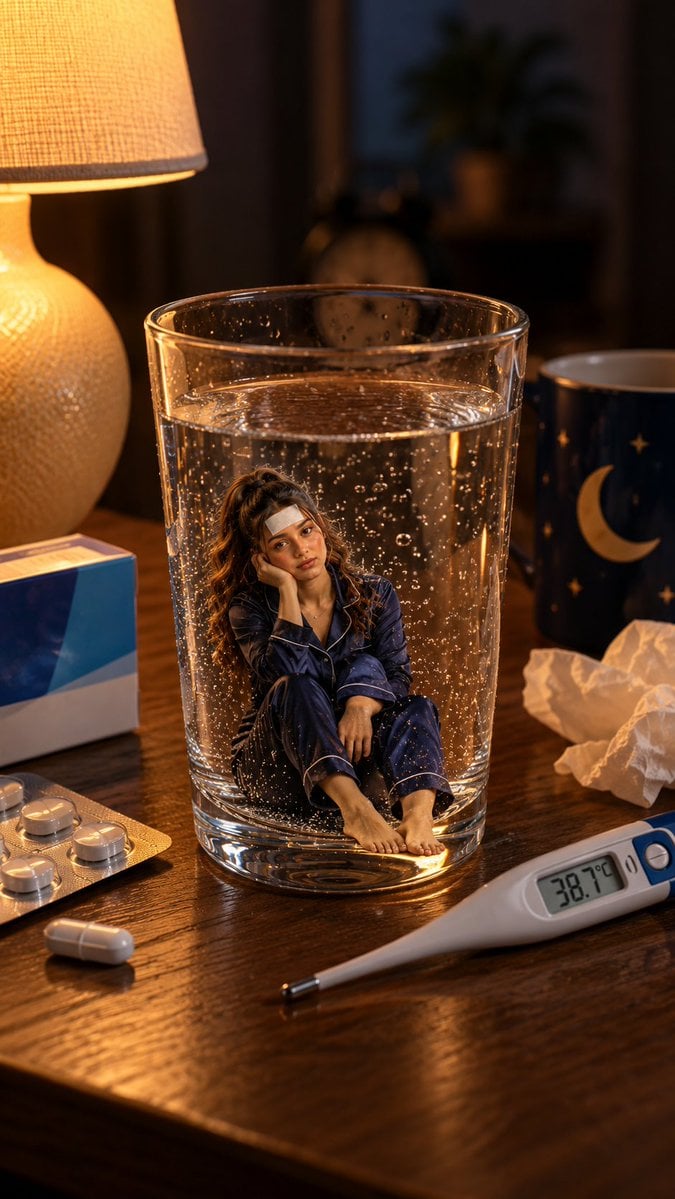
Mini Sick Woman in Water Glass
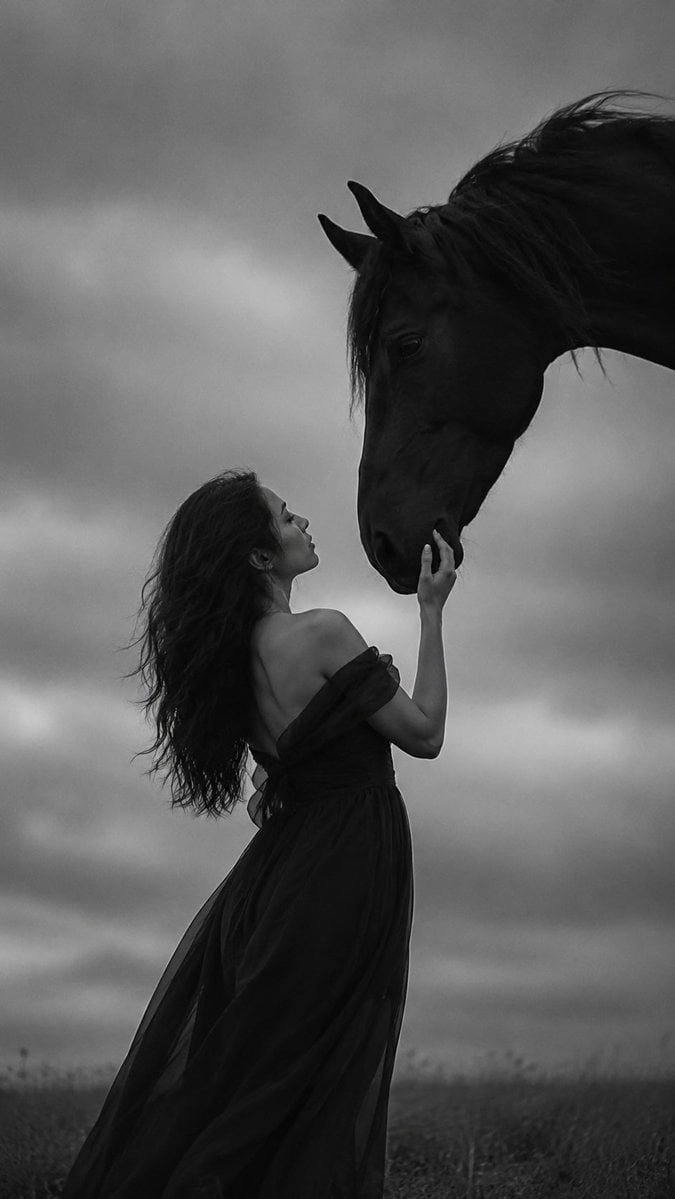
Monochrome Woman and Black Horse
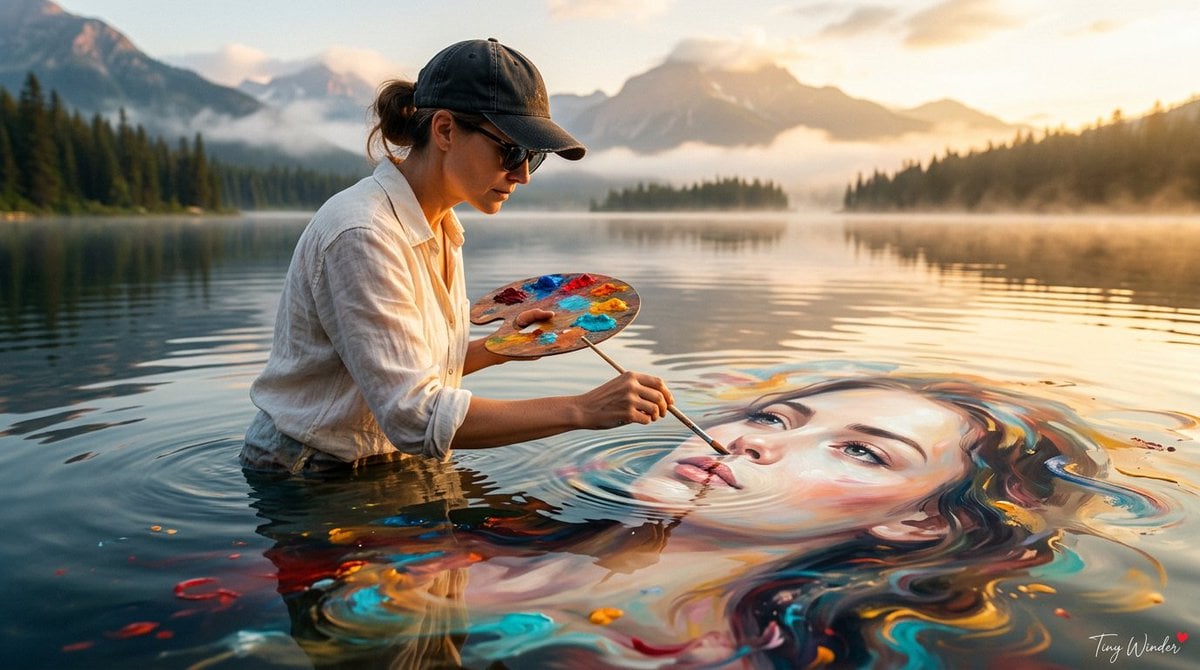
Surreal Fine Art Water Painting Portrait

Surreal Noir Hamster Manga Page
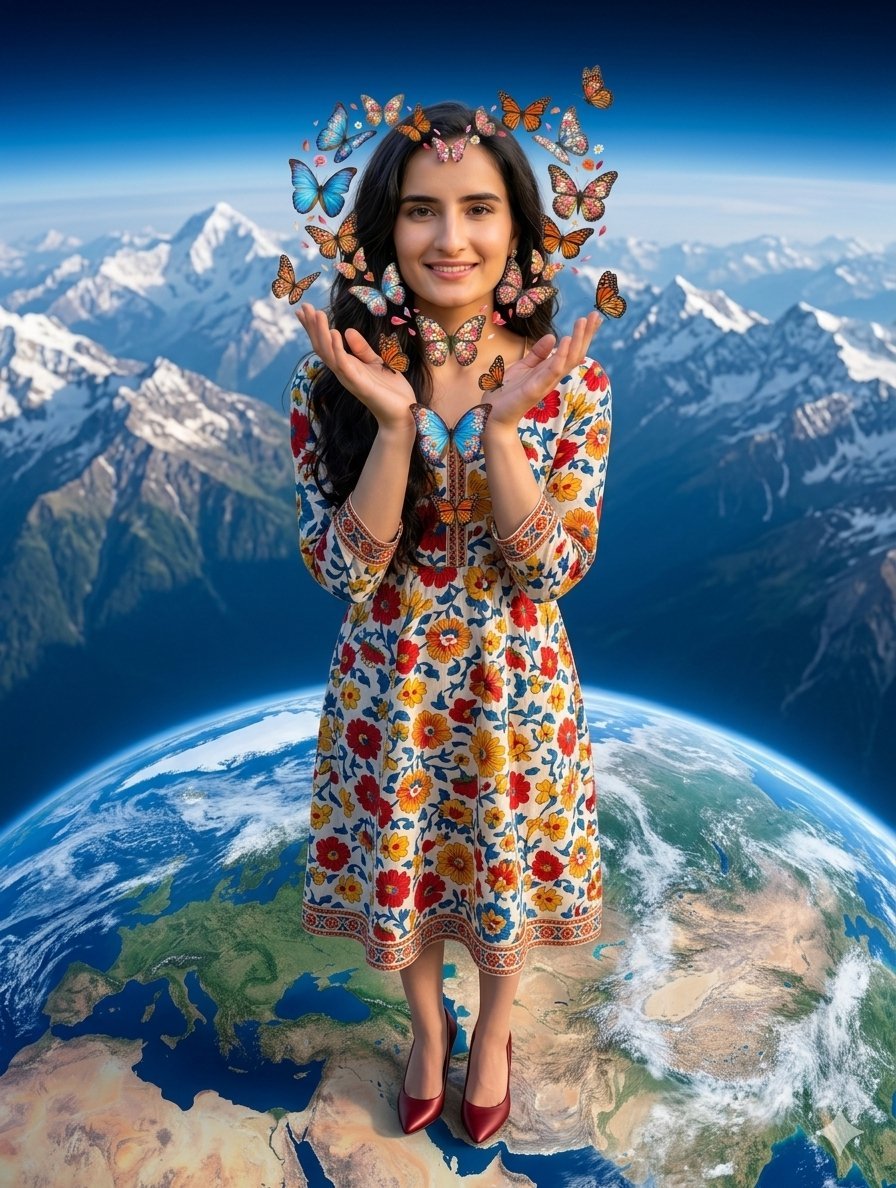
Surreal Woman with Butterflies and Globe
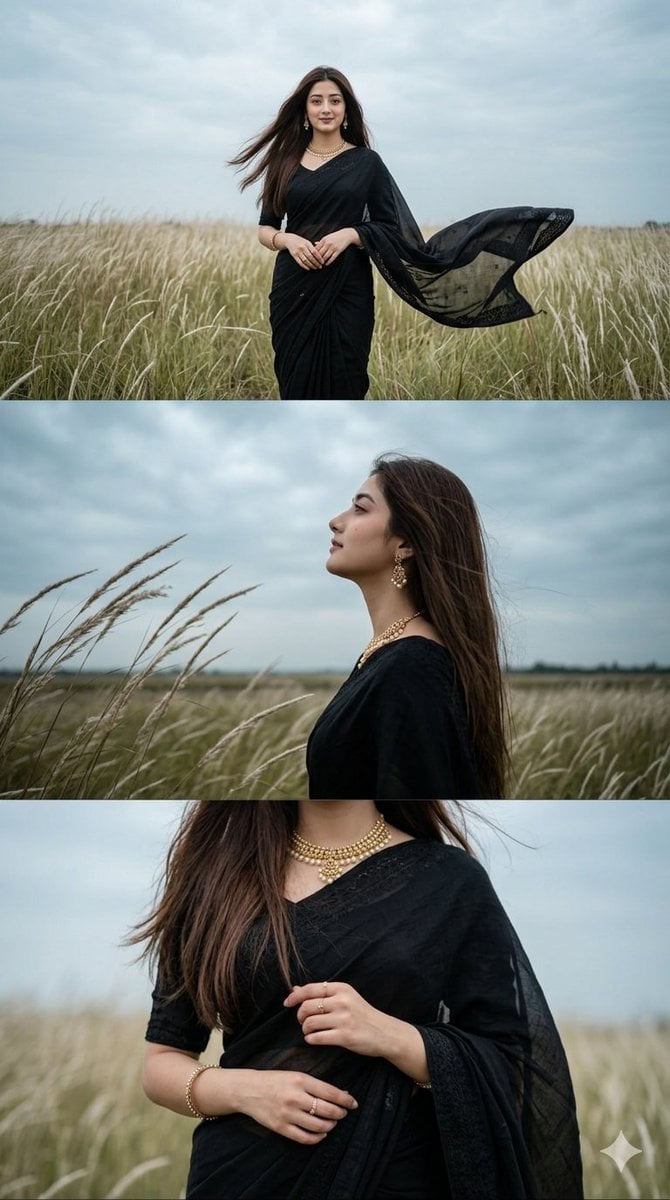
Black Saree Triptych Woman Portrait

Bold Red Contrast Fashion Editorial Newspaper Room

Dark Runway Luxury Fashion Magazine Cover

Stylized Fashion Portrait Bold Color Contrast Editorial

Minimalist Skincare Product Water Stone Still
Make it yours
Surreal Man with Black Water and Umbrellas works as-is. These are the safest ways to change it without losing the look.
Change one field
Copy a single group, rewrite it, and generate again so you can see what that field is doing.
Keep the frame, change the subject
Hold the composition and light of Surreal Man with Black Water and Umbrellas, then swap wardrobe, props or the person for a new take.
| If the result… | Why | Fix |
|---|---|---|
| The result drifts from the preview | Too many fields changed at once. | Reuse Surreal Man with Black Water and Umbrellas as-is first, then change one group — subject, light, or setting. |
| The model over-stylizes the scene | The prose prompt leaves finish and camera underspecified. | Add one camera or lighting sentence and stay on GPT Image 2. |
More GPT Image 2 templates
Other prompts made for GPT Image 2.

Six VTuber Japanese Logo Sheet

Realistic Portrait of Woman and Deer

The Vista Modular Condo Poster

AI Model Routing Comparison Infographic

2.5D Anime Art Board

Isometric Productivity Desk Scene

New York Double Exposure Poster

Four-Panel AI Landscape Comparison

Japanese Tatami Lifestyle Magazine Cover

NESCAFÉ Coffee Map Poster
More image prompts
Fresh picks from across the catalog.
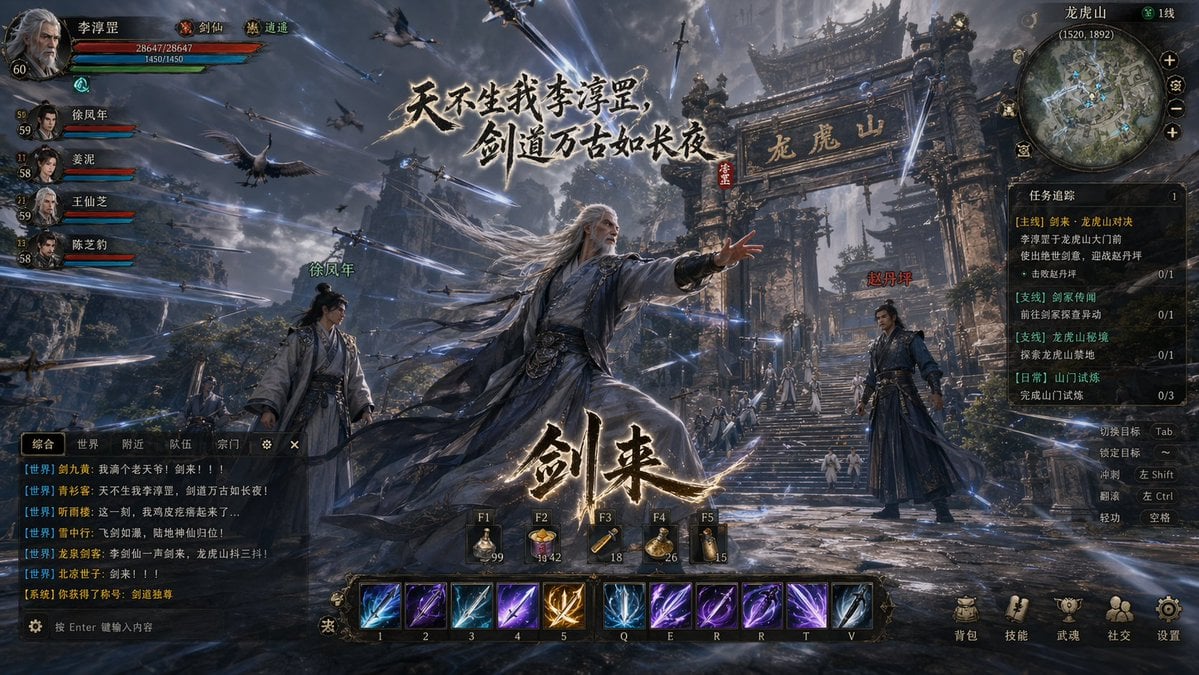
Wuxia MMORPG Gameplay Screenshot
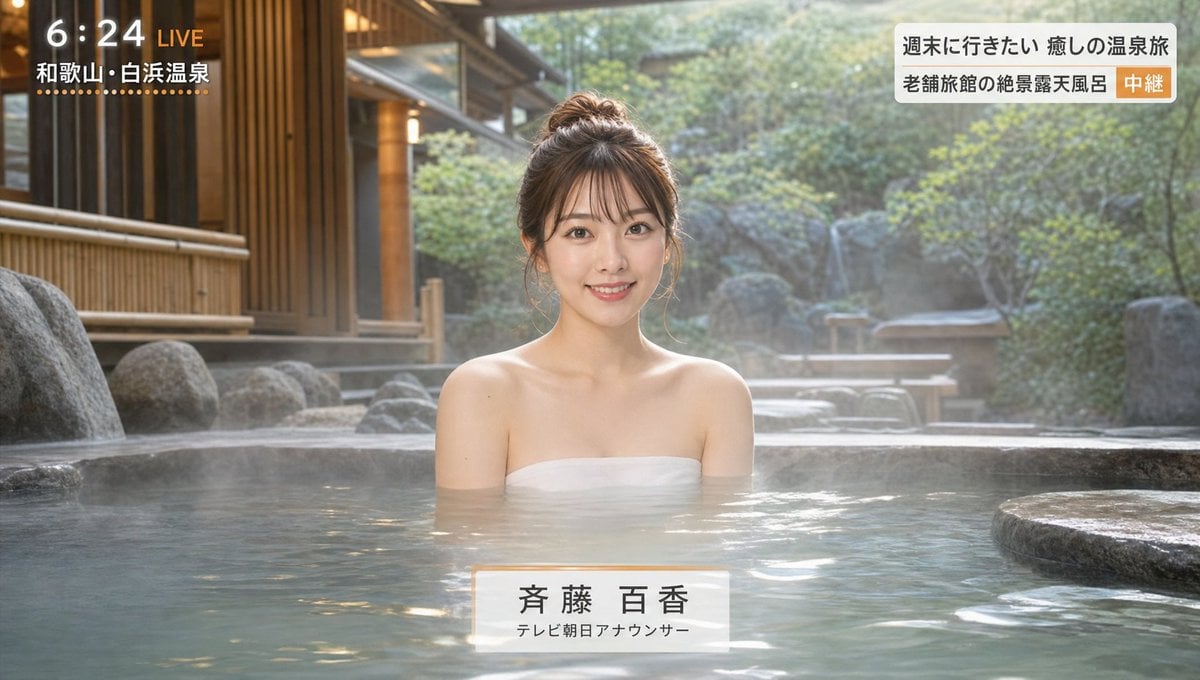
Japanese Hot Spring TV Report
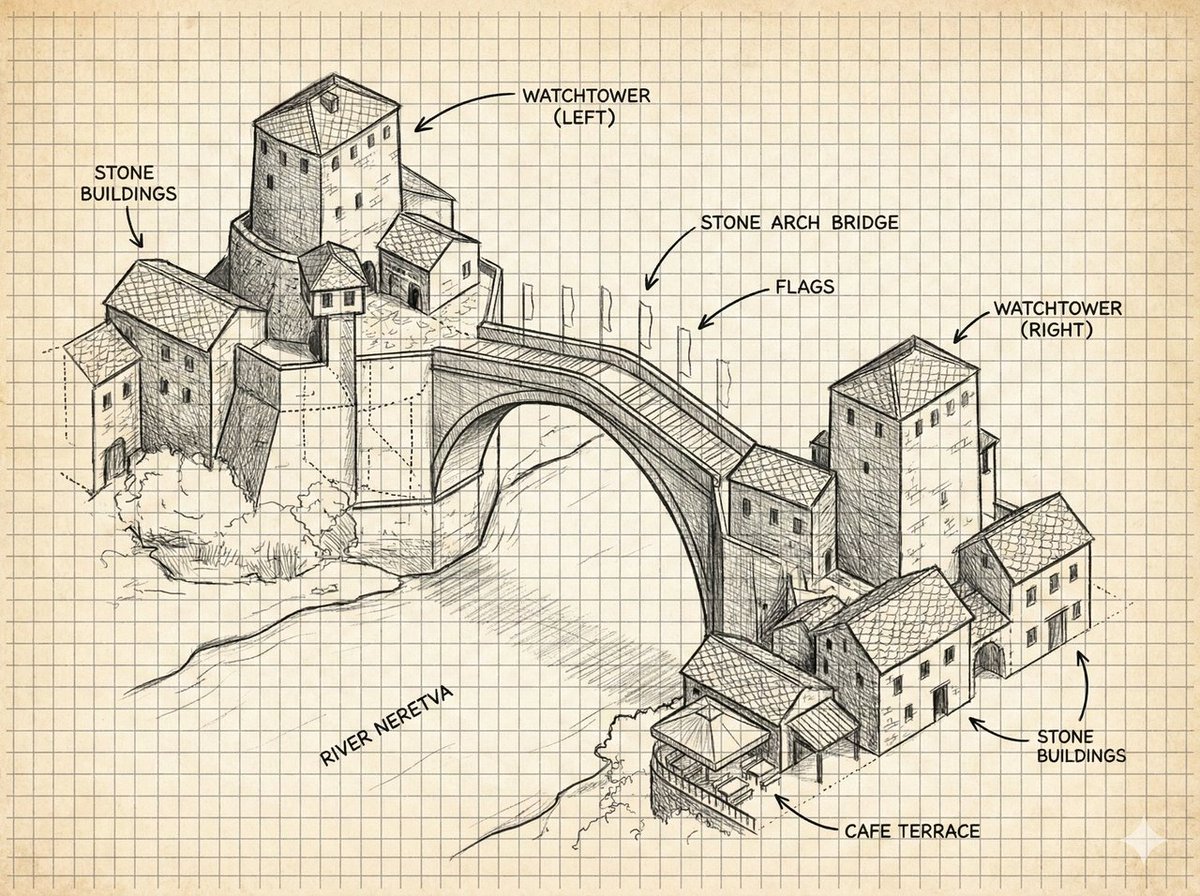
Annotated Stone Arch Bridge Sketch
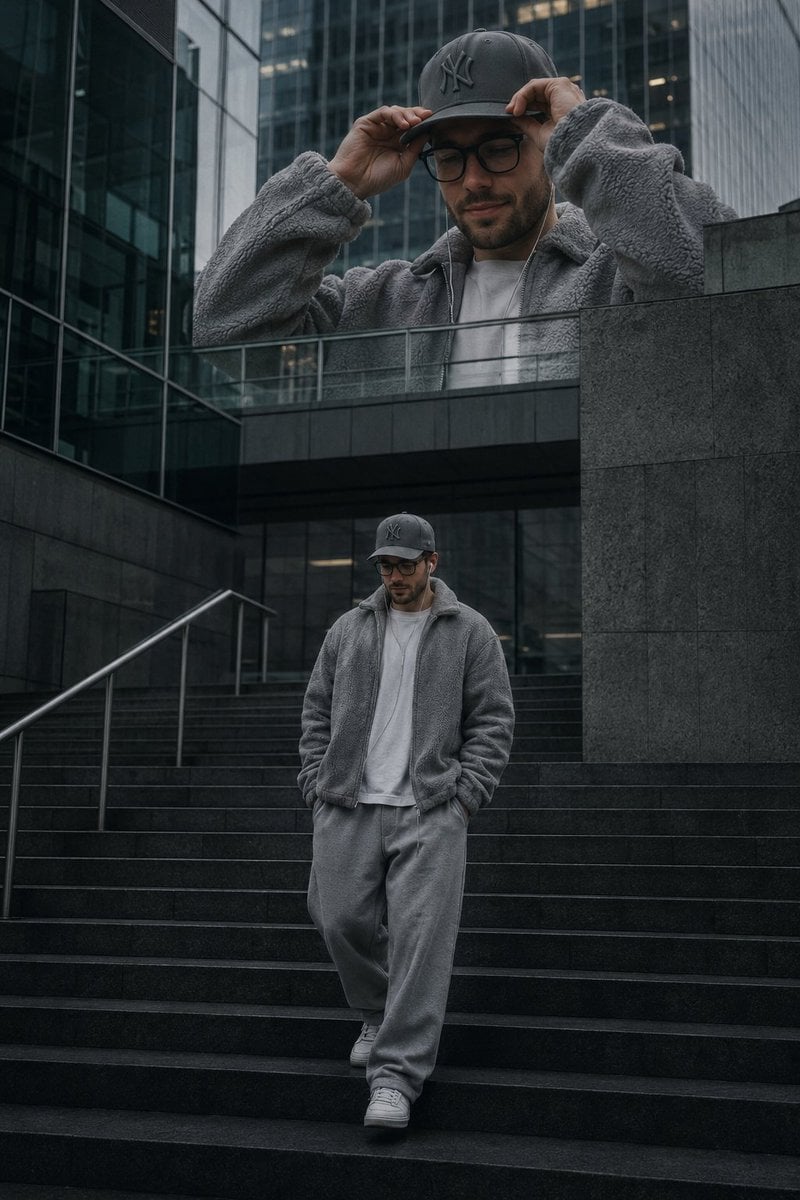
Luxury Streetwear Urban Editorial
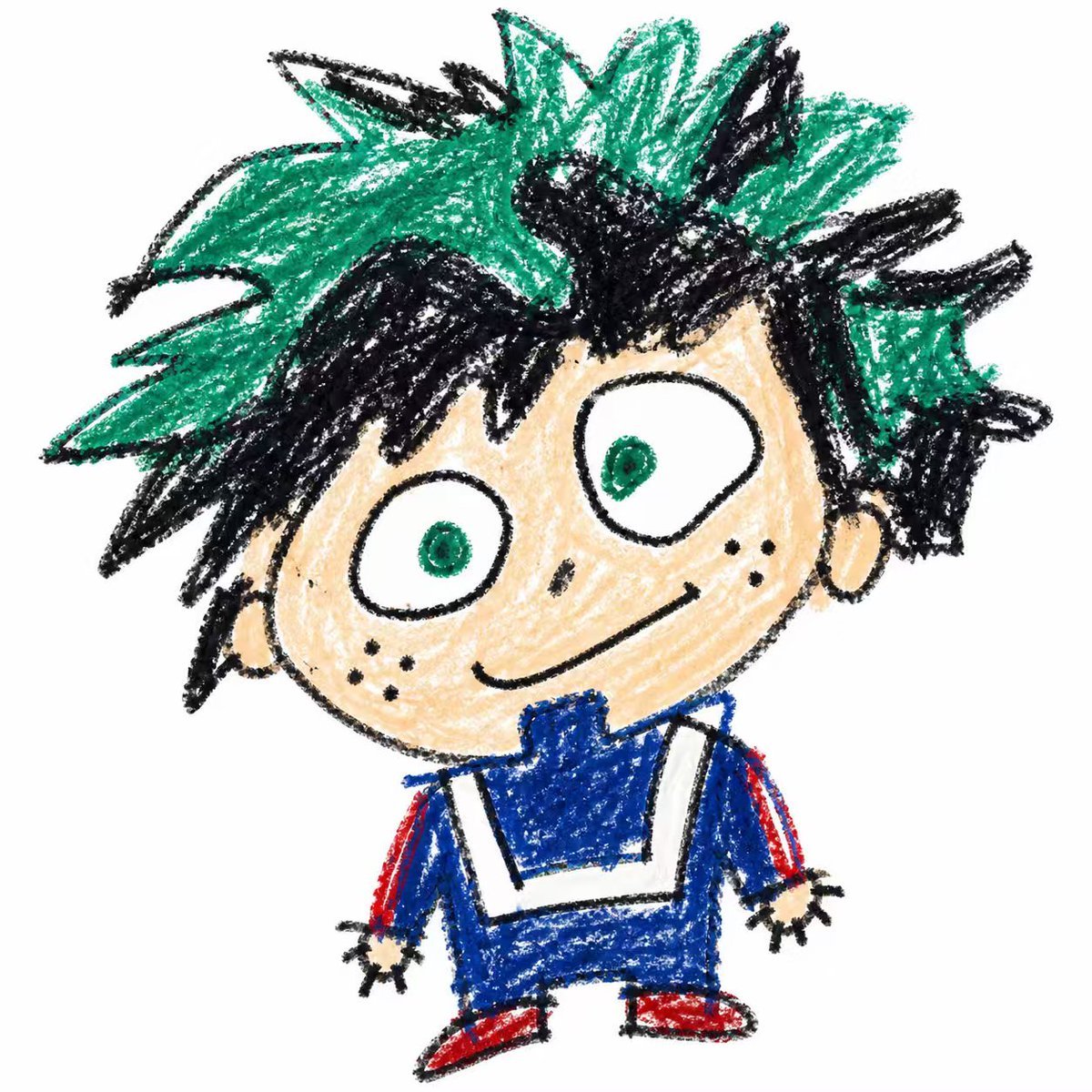
Year-Old Crayon Drawing Style
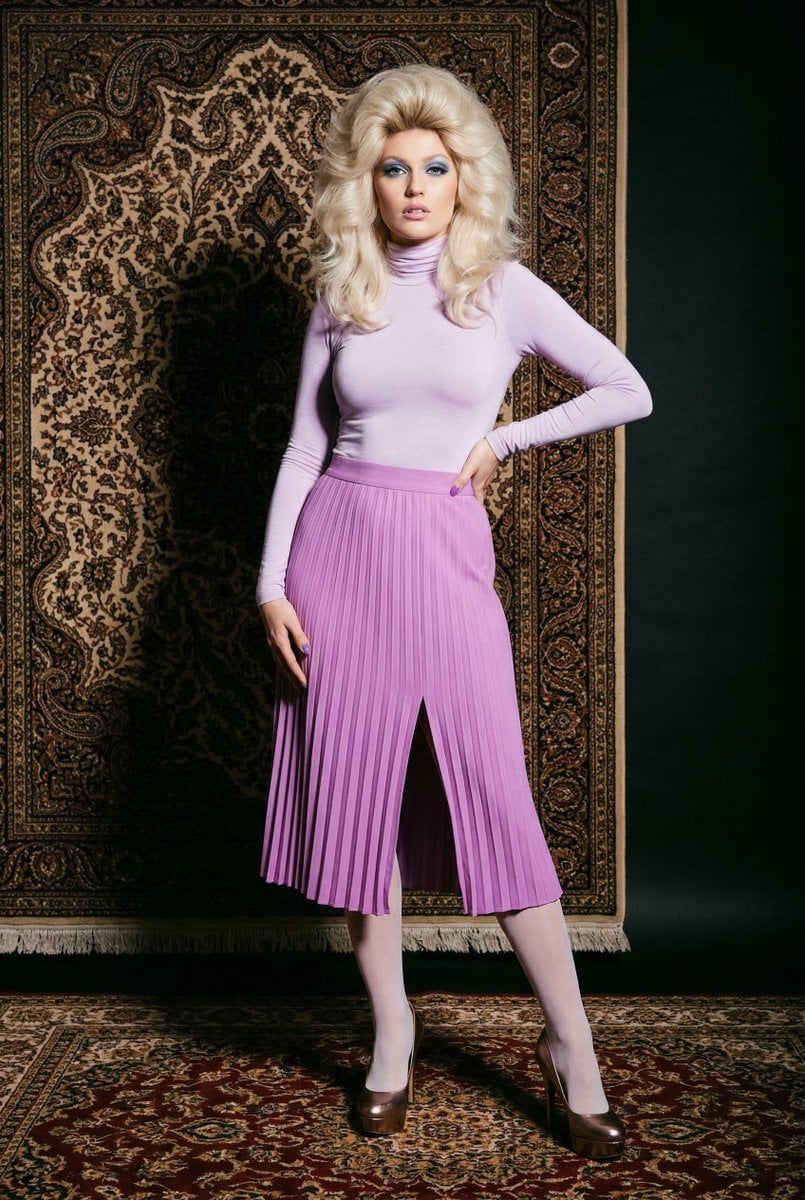
1970s High-Glamour Fashion Portrait
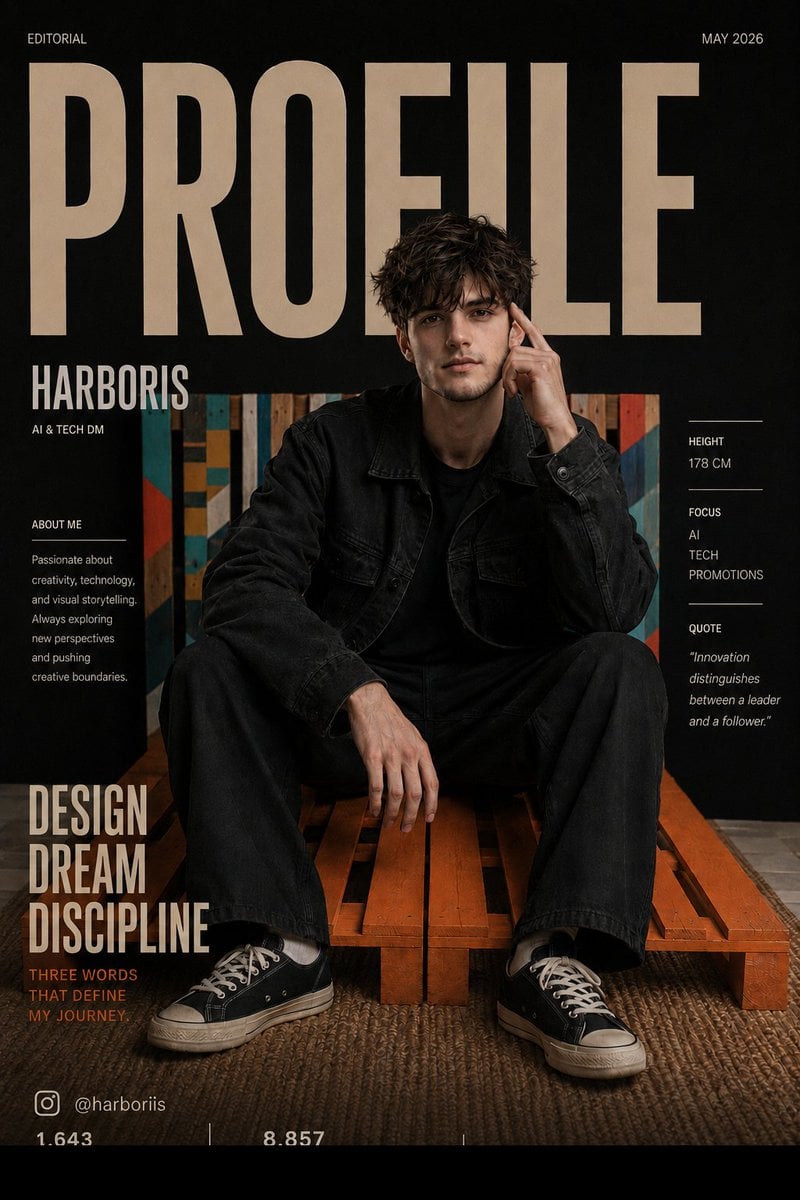
Fashion Magazine Cover Editorial
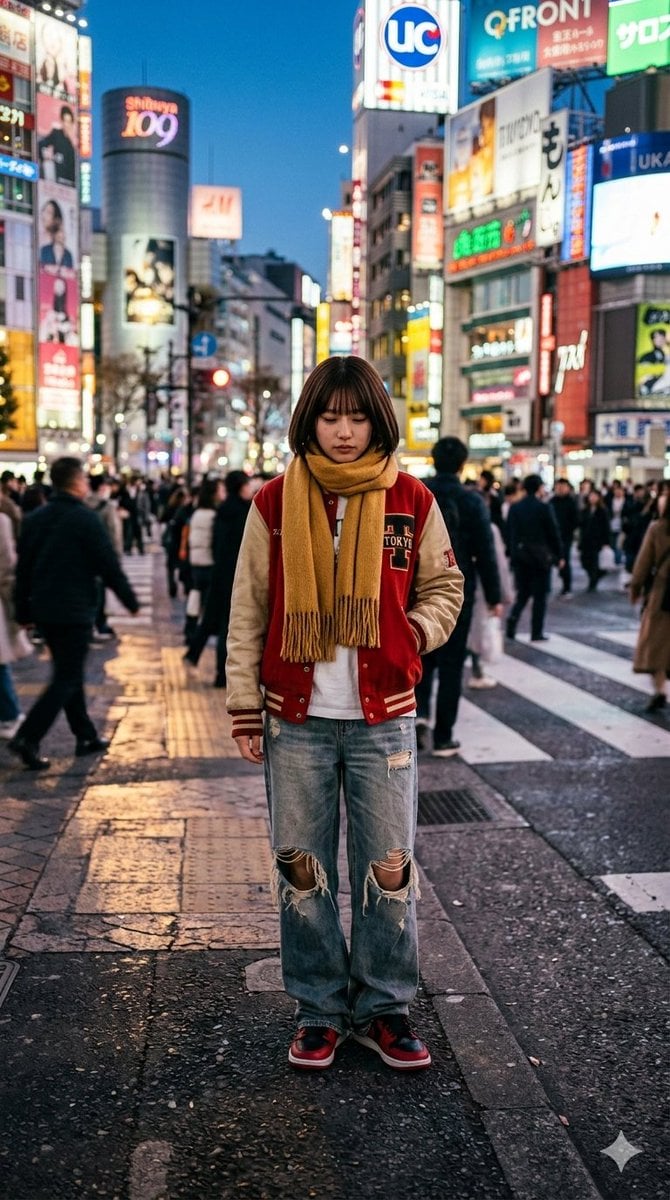
Photorealistic Street Photo Prompt: Vintage Fashion Girl in Shibuya
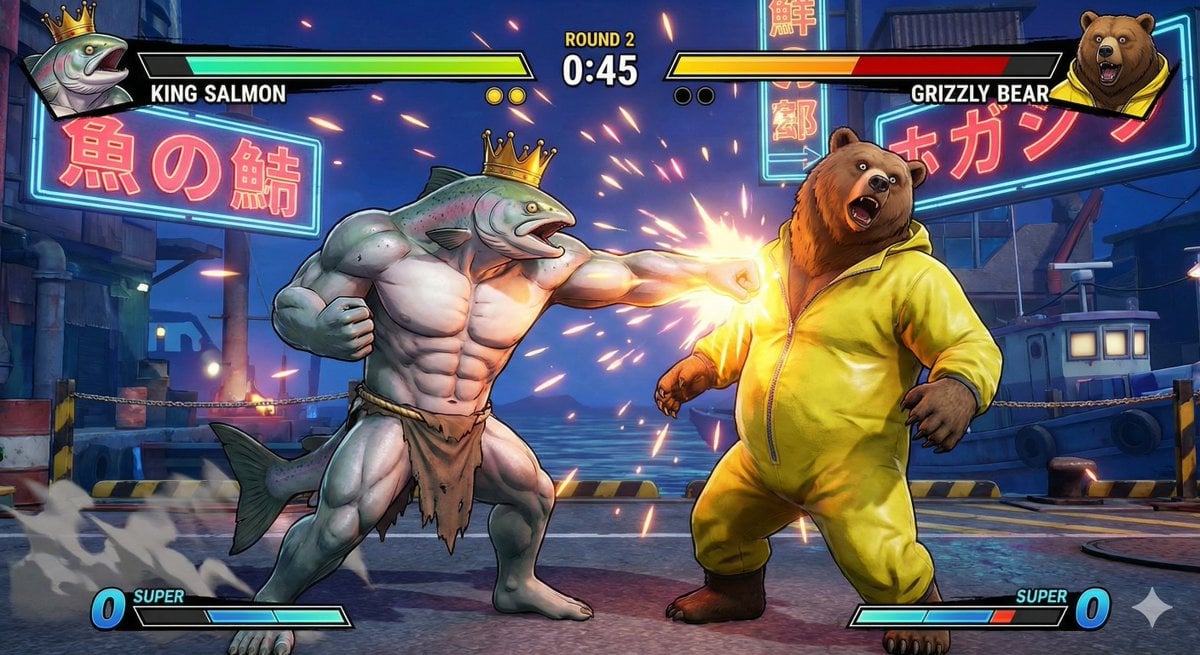
King Salmon vs Grizzly Bear Battle
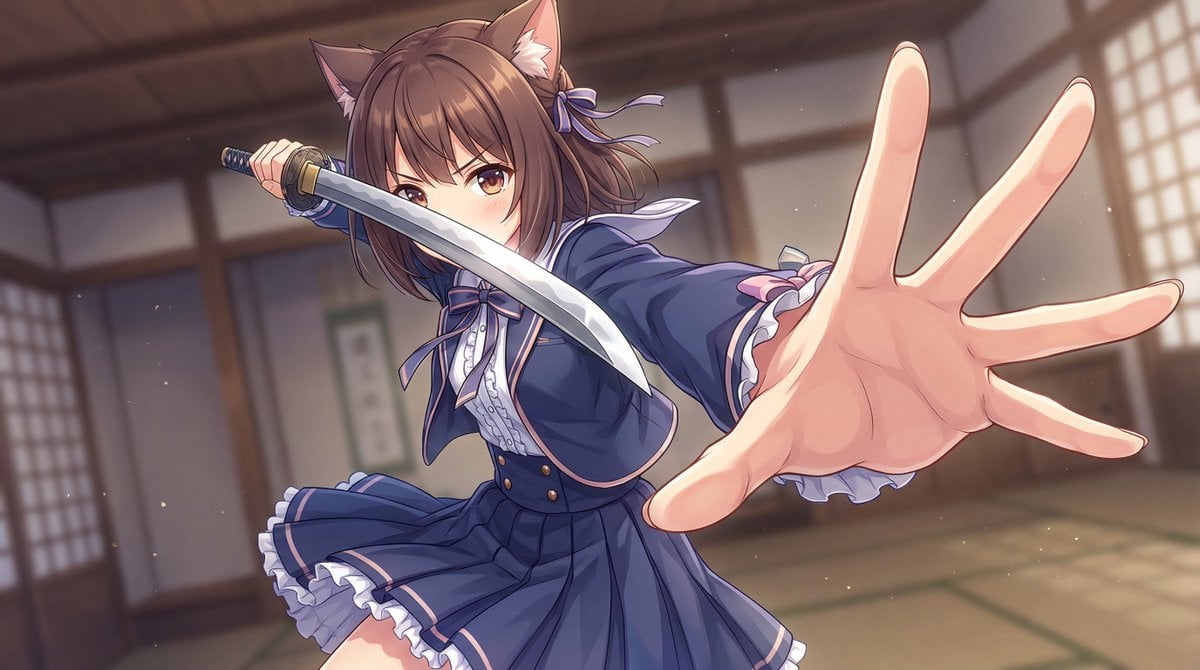
Dynamic Wide-Angle Action Pose Prompt (Gatotsu Style)
Browse template categories
Surreal Man with Black Water and Umbrellas questions
How do I use the Surreal Man with Black Water and Umbrellas template?
Add your photo if the template asks for one, edit the prompt if you like — the template's model and format are already selected — and press Generate. Your version opens in PicX Studio.
Can I customize the Surreal Man with Black Water and Umbrellas template?
Yes. You can change the subject, setting, lighting, mood, format, and available model controls before creating your image.
Is the Surreal Man with Black Water and Umbrellas template free?
Opening and editing this template is free. Generating uses credits, shown on the Generate button when you are signed in.
Which AI model should I use?
Start with GPT Image 2, which is the model associated with this template. You can compare another compatible model for a different finish.
Looking for something else? Browse all templates.

Your photo, any look
Thousands of ready templates for every top image and video model, from one credit balance.