
Art Nouveau Fantasy Perfume Poster
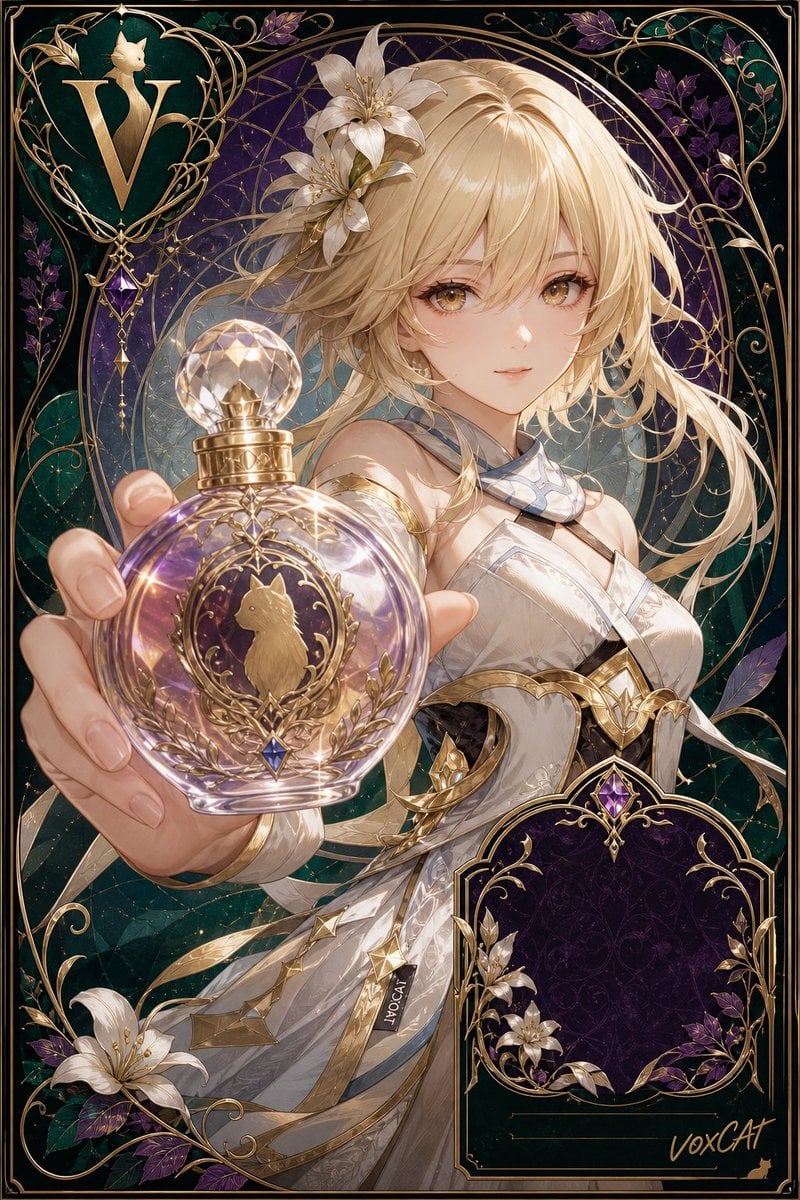
A detailed prompt for generating a jewel-toned Art Nouveau perfume advertisement with a fantasy anime character, ornate packaging borders, and a dominant foreground bottle.
- Prompt included
- Model and format preset
- Premium template
The prompt behind this image
Copy the exact prompt behind Art Nouveau Fantasy Perfume Poster, or open it in the studio and make it yours.
Goal: Create a vertical Art Nouveau luxury perfume advertisement poster featuring {argument name="character name" default="VoxCat"} as an elegant fantasy anime heroine presenting a perfume bottle as the main foreground visual anchor. Canvas: Tall portrait poster, 2:3 aspect ratio, highly detailed premium packaging illustration, full-bleed composition with a thin black outer border and ornate metallic gold inner frame. Layout: Center the character from upper torso to hips, angled slightly right, with her arm extended toward the viewer. The perfume bottle must dominate the lower-left foreground and create strong depth of field, appearing much larger than the torso behind it. Place a large plain beige square over the character's face, centered on the face area, as if the face is intentionally blocked. Put one ornate monogram crest in the upper-left corner and one empty decorative product-label plaque in the lower-right corner. Subject details: One anime-style female fantasy character with long flowing {argument name="hair color" default="pale blonde"} hair, wind-swept strands, soft luminous skin, and a white-and-gold armored couture dress with gemstone accents and layered translucent fabric. Her visible hand holds the bottle close to the camera, with carefully drawn fingers and glossy nails. Add exactly 6 large white lilies: 3 lilies tucked into her hair near the upper head, 1 lily in the bottom-left corner, and 2 lilies decorating the lower-right label plaque. Add purple flowers and dark green leaves as secondary botanical decoration around the border. Perfume bottle: One round faceted glass perfume bottle in the foreground, filled with {argument name="perfume color" default="iridescent lavender-gold liquid"}. It has a large crystal sphere stopper, a gold engraved cap, and ornate gold filigree on the bottle face. The central medallion shows a small gold cat silhouette framed by laurel branches and a small blue gemstone at the bottom. Use glass refraction, etched details, bright sparkles, and commercial product-photography highlights. Decorative packaging style: Deep emerald, midnight purple, and antique gold palette; jewel-tone background with circular halo geometry behind the character; swirling vine lines, gold filigree, thin arcs, stars, gemstones, and botanical motifs. The overall feel should be a collectible limited-edition perfume box mixed with a New Art poster. Text and marks: Upper-left crest contains a large gold letter {argument name="monogram letter" default="V"} inside a heart-shaped vine frame with a dangling purple gemstone. Lower-right plaque is dark purple velvet with ornate gold trim and mostly empty space for copy; add thin blank gold lines near the bottom and a small handwritten brand signature reading {argument name="brand signature" default="voxCat"} in the lower-right corner. Constraints: Use exactly 1 character, 1 perfume bottle, 1 upper-left monogram crest, 1 lower-right blank plaque, and 6 large white lilies. Keep the face covered by the plain beige square. No extra readable text besides the monogram letter and brand signature. Make the image polished, intricate, luminous, and high-end, like fantasy character art fused with luxury fragrance packaging.
How to use Art Nouveau Fantasy Perfume Poster in 3 steps
- 1Upload ImagePNG, JPG or paste
Add your photo
Upload the photo the template builds on. The prompt, model and format are already set.
- 2…a portrait of your subject in softgolden-hour light, 85mm…
Personalize
Edit the subject and creative details for your destination.
- 3Generate
Generate
Press Generate — your image is created in PicX Studio, so you can compare it with the original and refine one variable at a time.
More like this
Templates with the same subject, style or setup. Open one to see its prompt.

Anime Fantasy Celestial Movie Poster
Anime Fantasy Celestial Movie Poster
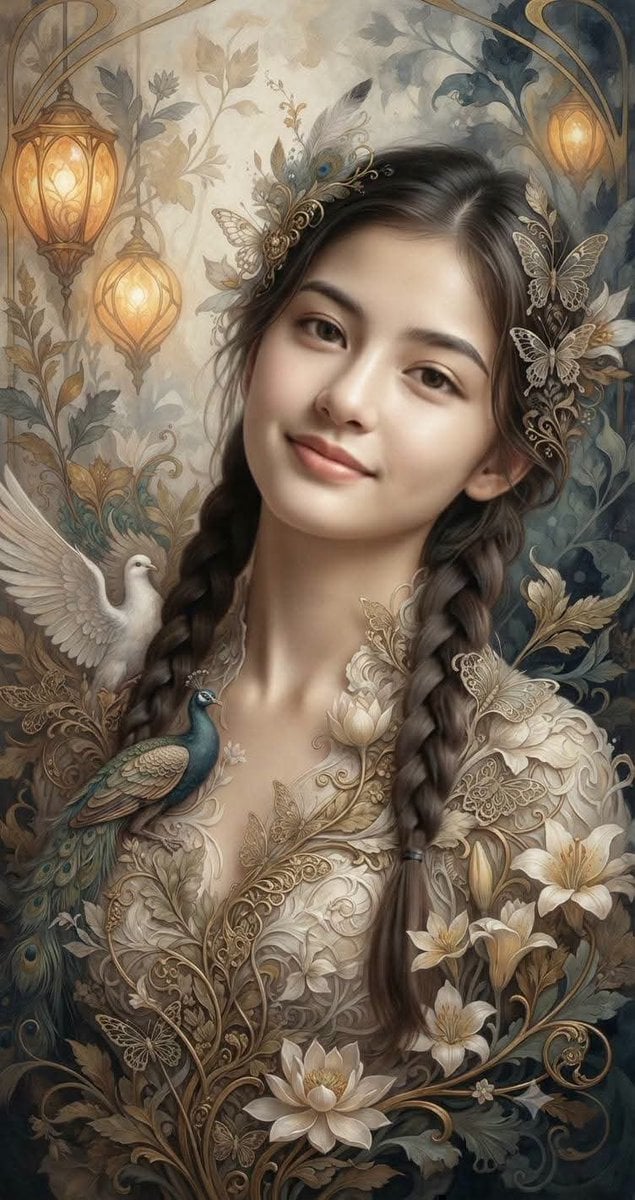
Fantasy Realism and Art Nouveau Fusion

Japan Travel Brochure Poster
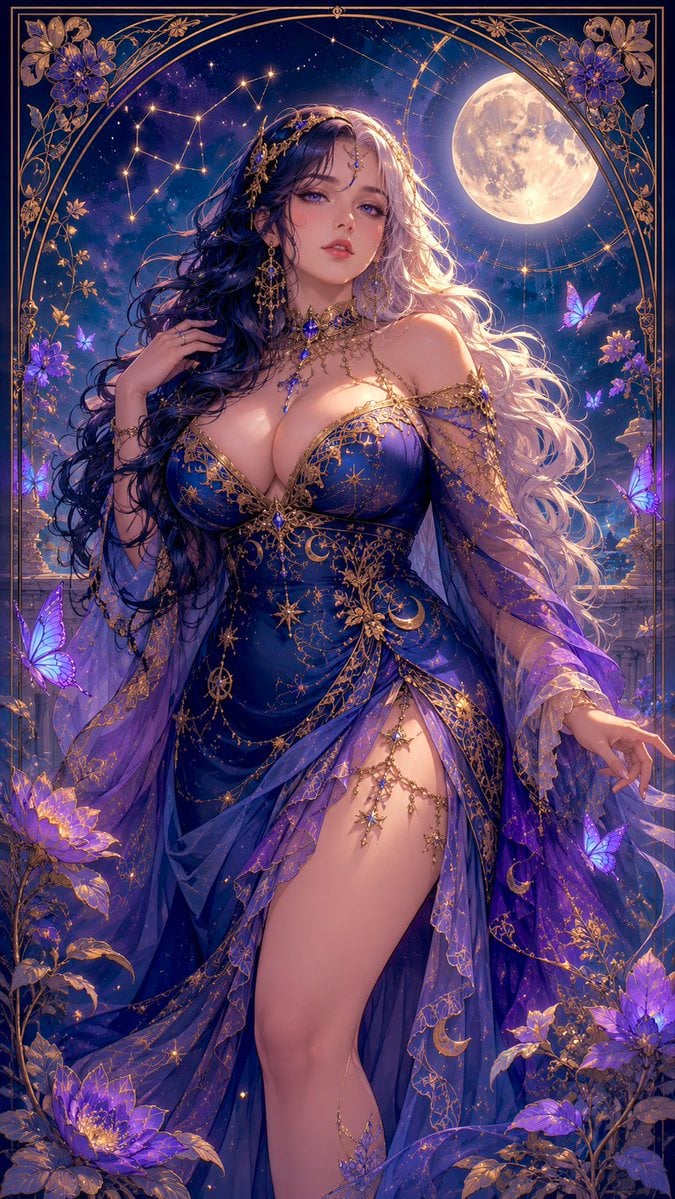
Celestial Art Nouveau Fantasy Portrait
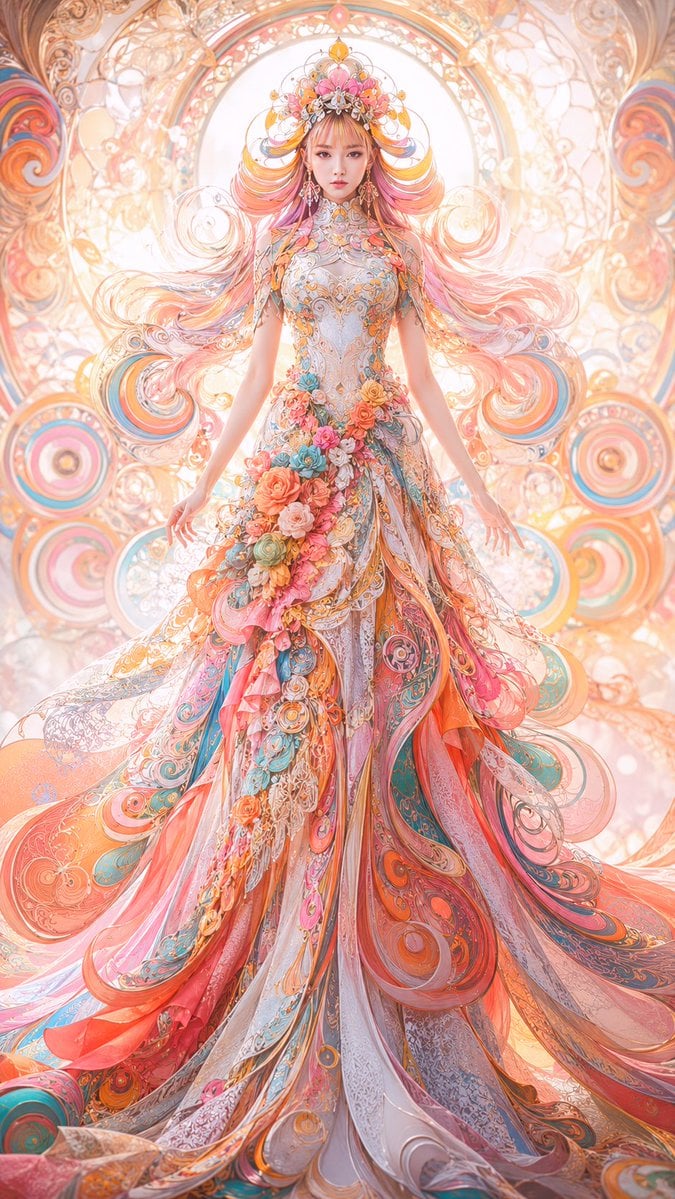
Faceless Art Nouveau Fantasy Princess

Cartoon TV Show Poster Pack

Trendy Cafe Drink Promo Poster

Urban Fashion Editorial Collage Streetwear Poster

Premium Fashion Editorial Cover Layout System

Polo Ralph Lauren Luxury American Heritage Fashion Campaign

Monochrome Halftone Editorial Fashion Poster
Make it yours
Art Nouveau Fantasy Perfume Poster works as-is. These are the safest ways to change it without losing the look.
Change one field
Copy a single group, rewrite it, and generate again so you can see what that field is doing.
Keep the frame, change the subject
Hold the composition and light of Art Nouveau Fantasy Perfume Poster, then swap wardrobe, props or the person for a new take.
| If the result… | Why | Fix |
|---|---|---|
| The result drifts from the preview | Too many fields changed at once. | Reuse Art Nouveau Fantasy Perfume Poster as-is first, then change one group — subject, light, or setting. |
| The model over-stylizes the scene | The prose prompt leaves finish and camera underspecified. | Add one camera or lighting sentence and stay on GPT Image 2. |
More GPT Image 2 templates
Other prompts made for GPT Image 2.

Six VTuber Japanese Logo Sheet

Realistic Portrait of Woman and Deer

The Vista Modular Condo Poster

AI Model Routing Comparison Infographic

2.5D Anime Art Board

Isometric Productivity Desk Scene

New York Double Exposure Poster

Four-Panel AI Landscape Comparison

Japanese Tatami Lifestyle Magazine Cover

NESCAFÉ Coffee Map Poster
More image prompts
Fresh picks from across the catalog.
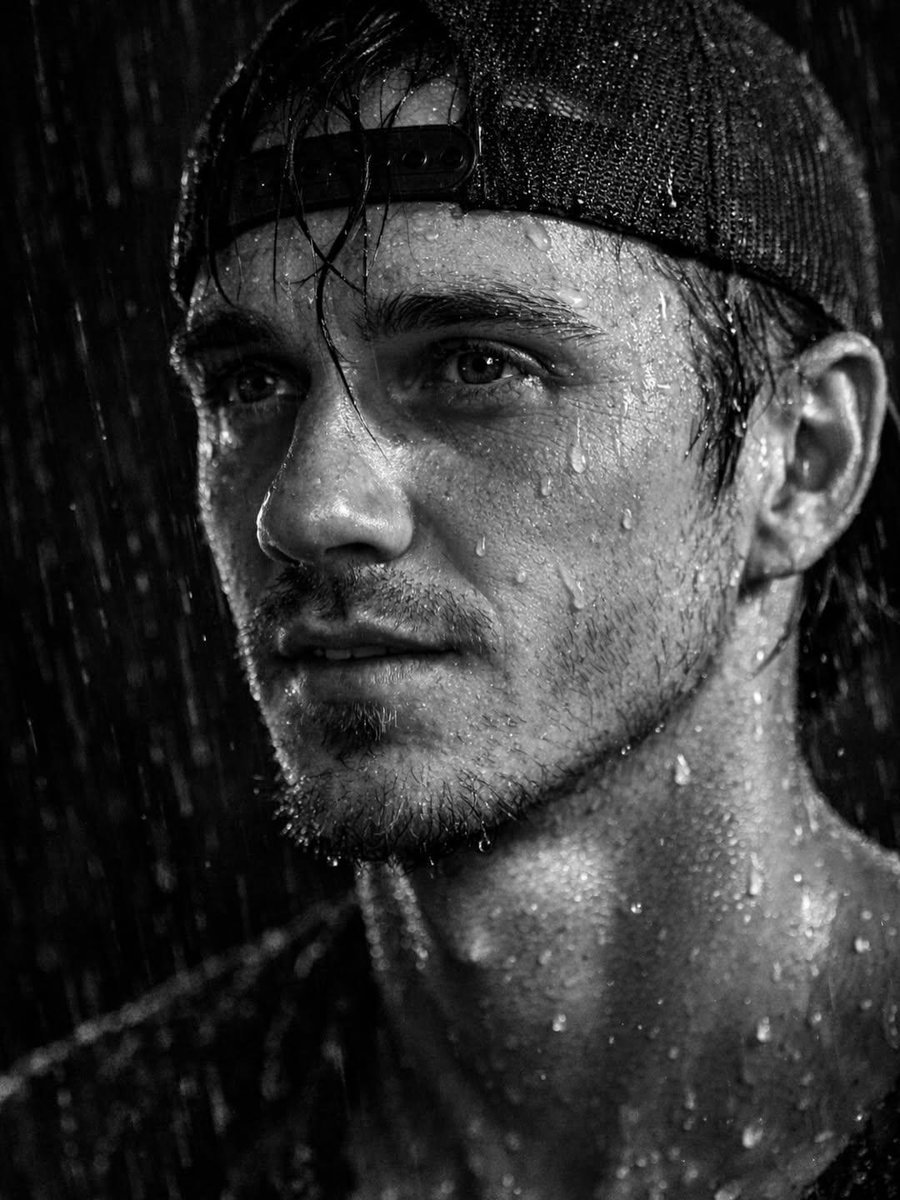
Ultra-Realistic Cinematic Portrait Prompt
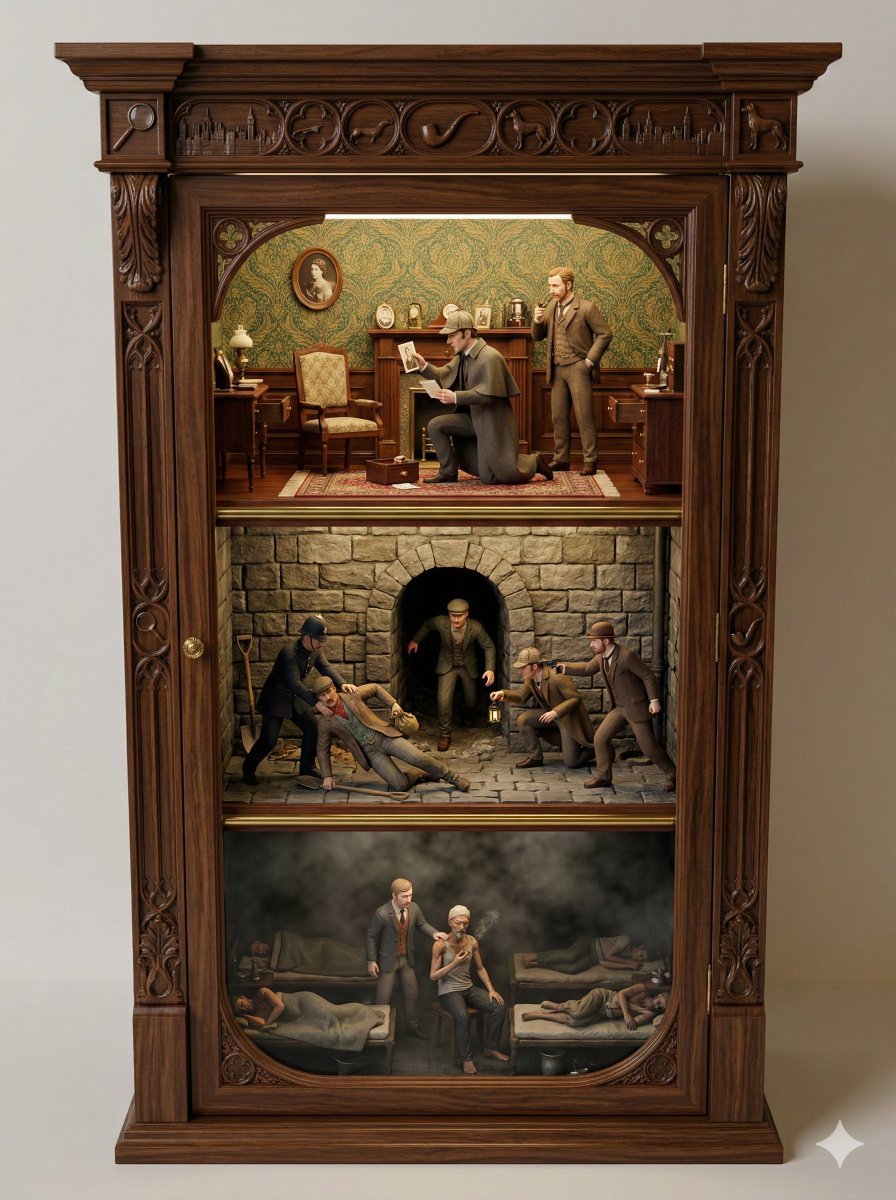
Sherlock Holmes Ornate Cupboard Diorama Prompt
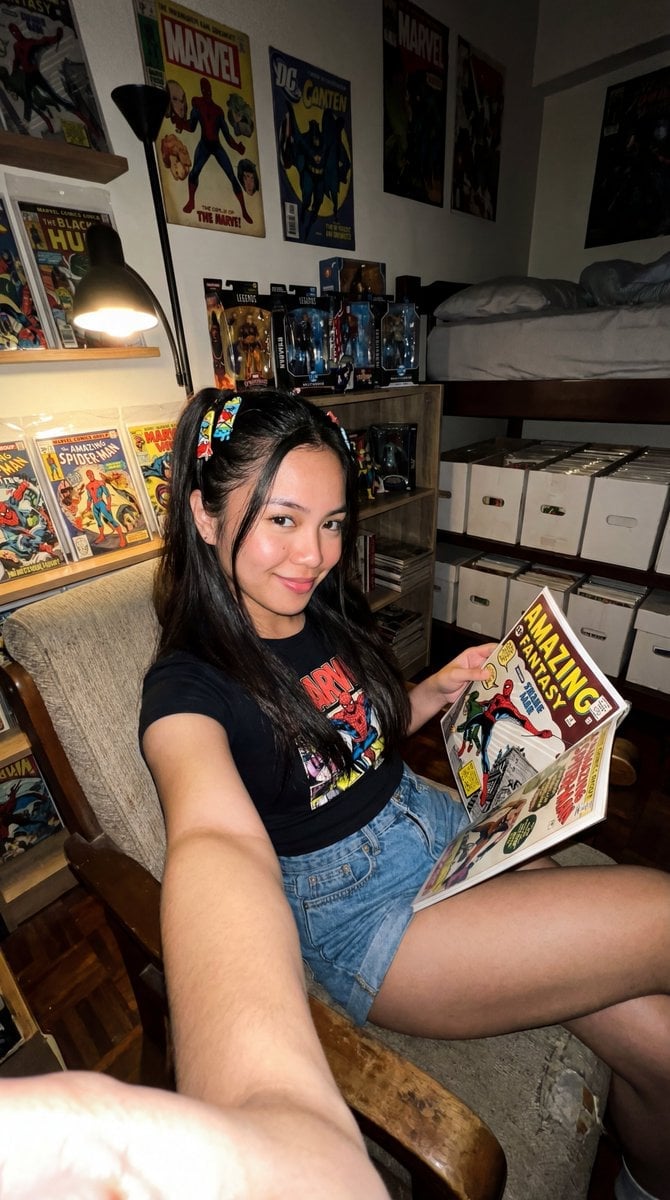
Filipina Comic Geek Selfie in Collector's Room
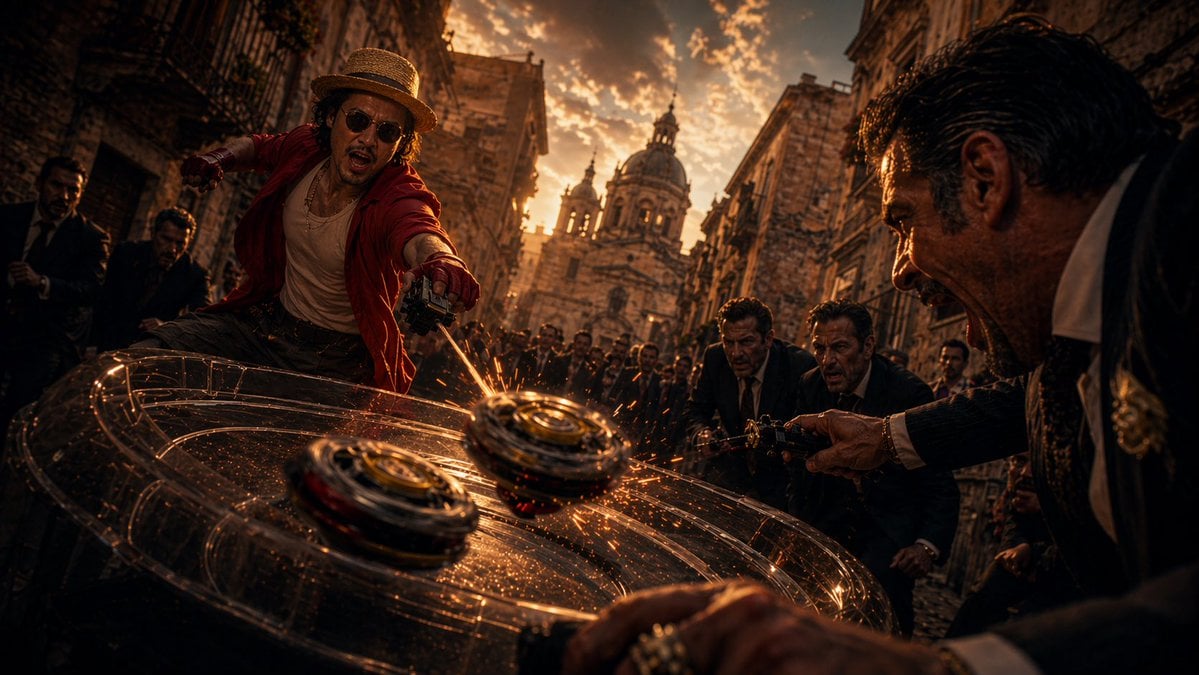
Cinematic Spinning Top Street Duel
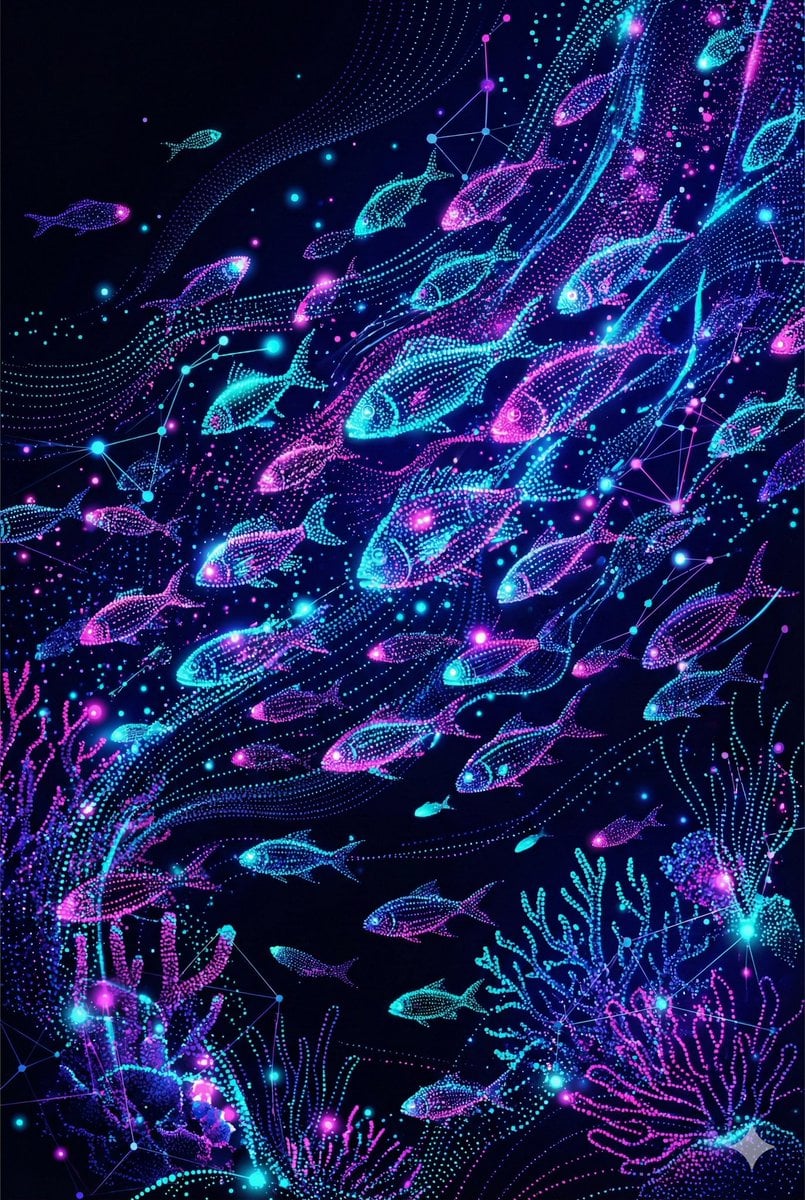
Neon Pointillism Cyberpunk Illustration
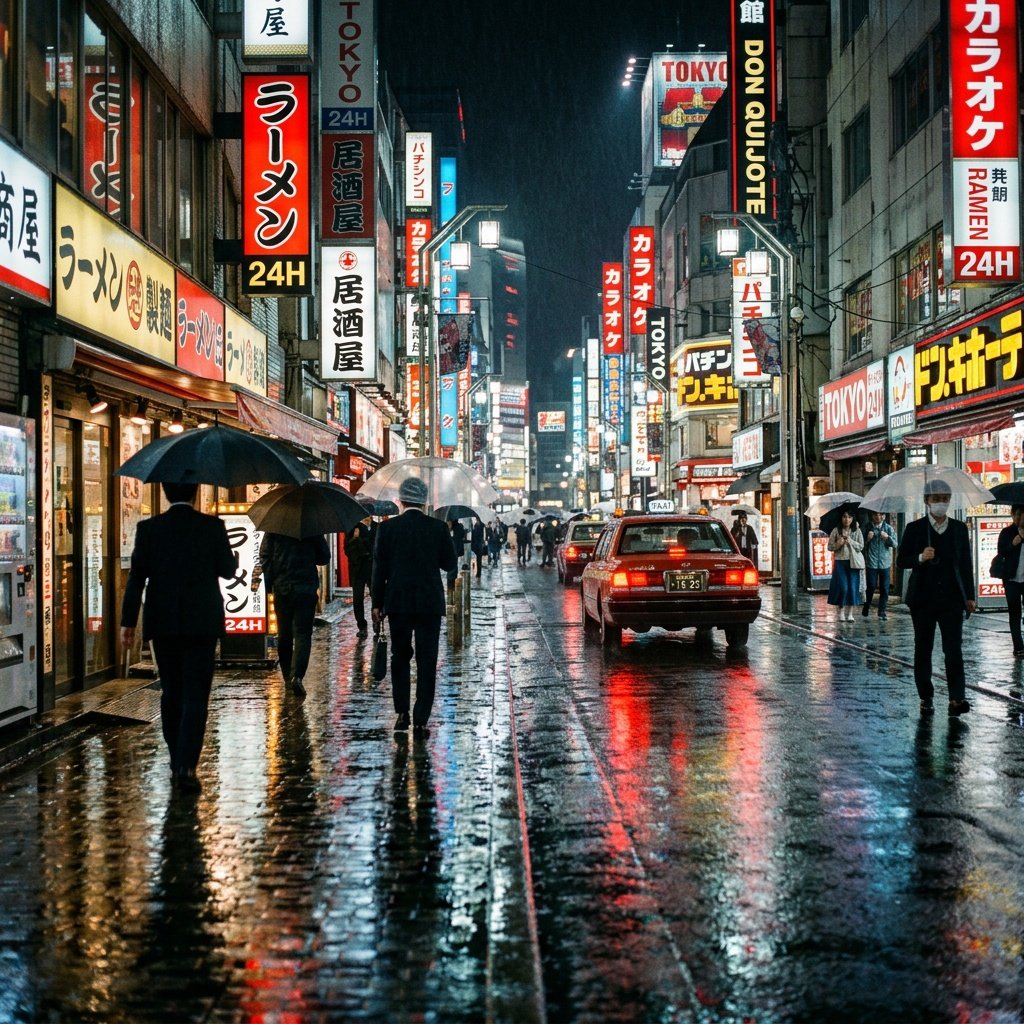
Cinematic Tokyo Street at Night
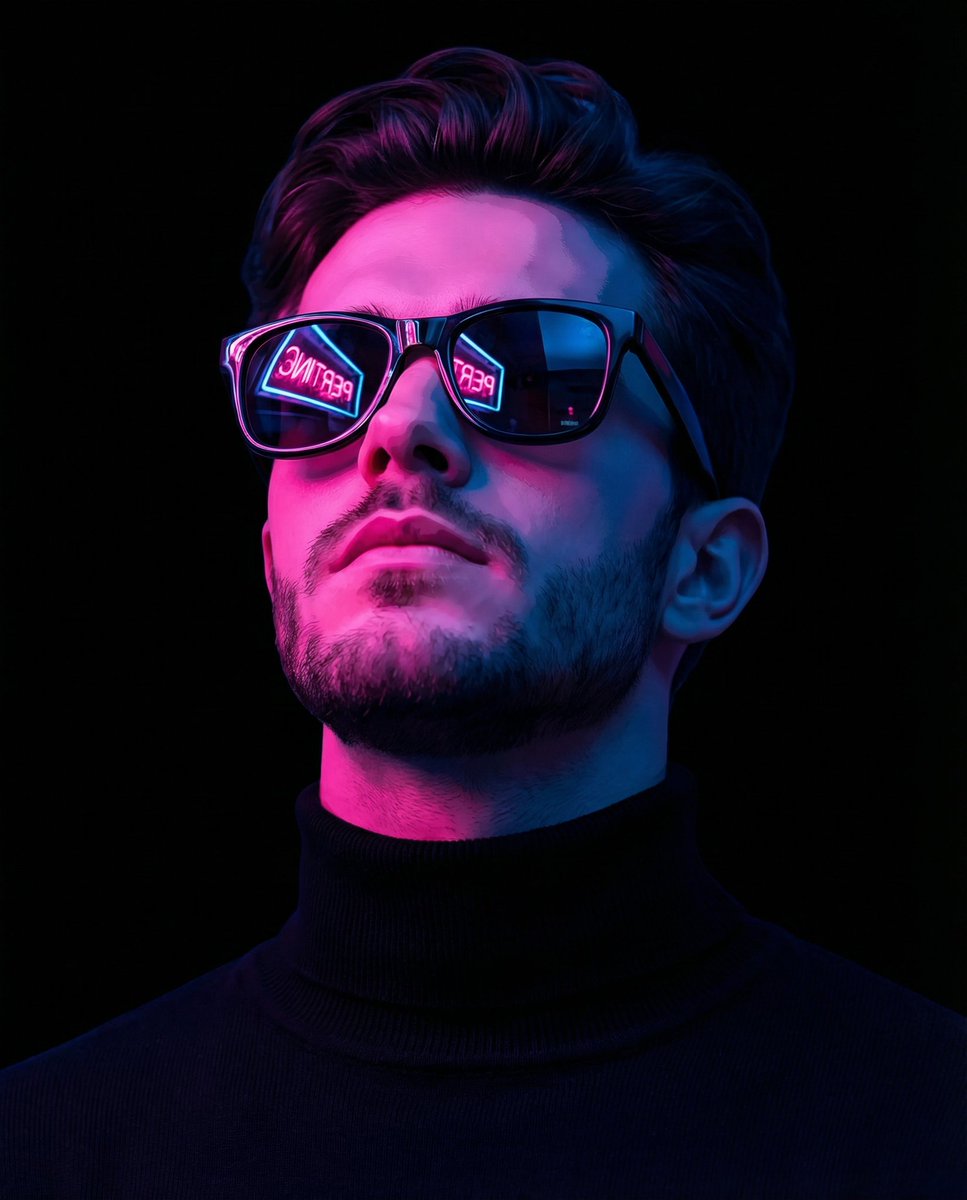
Cyber-Noir Stylized Portrait
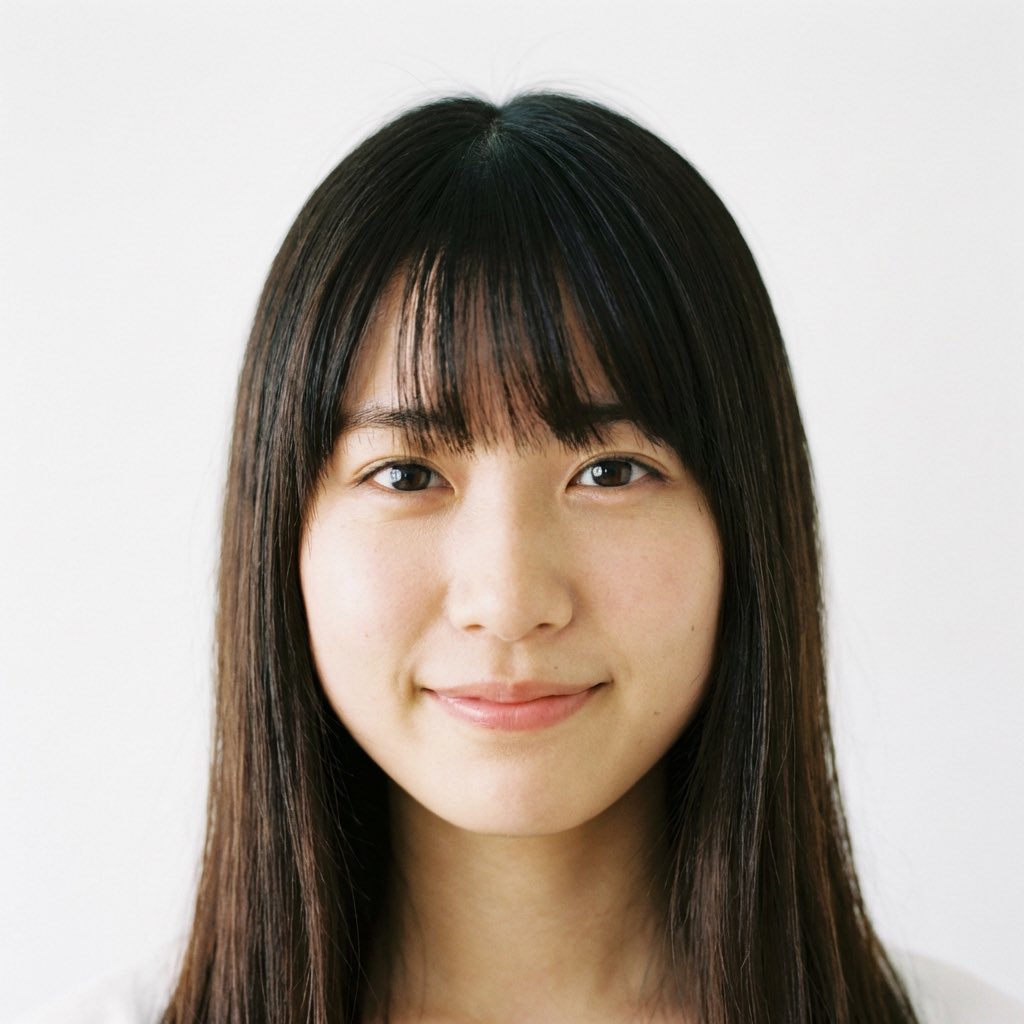
Close-up of a Young Japanese Woman
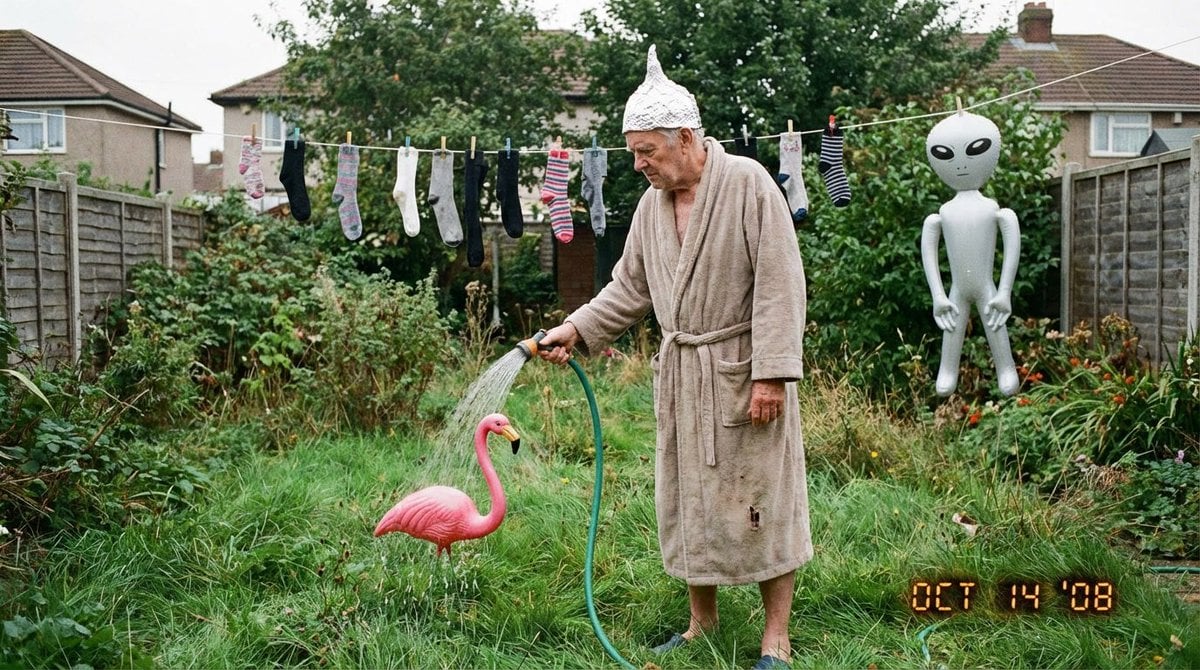
Weird mundane photo (LeonardoAI)
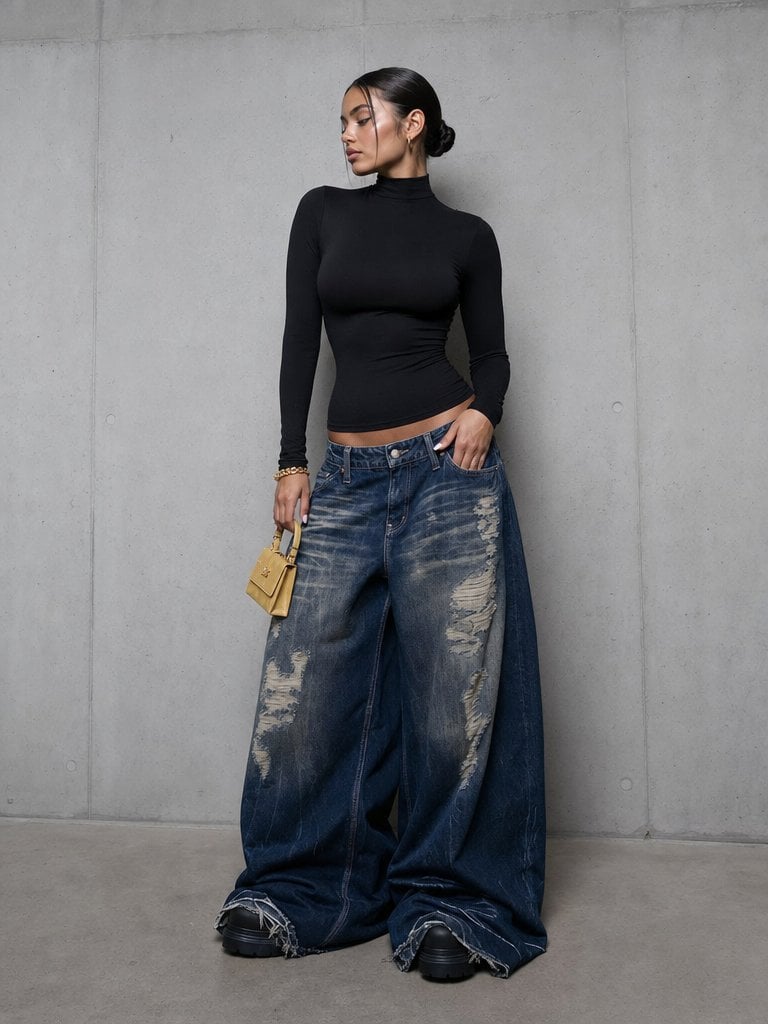
Editorial Portrait in Extreme Baggy Jeans
Browse template categories
Art Nouveau Fantasy Perfume Poster questions
How do I use the Art Nouveau Fantasy Perfume Poster template?
Add your photo if the template asks for one, edit the prompt if you like — the template's model and format are already selected — and press Generate. Your version opens in PicX Studio.
Can I customize the Art Nouveau Fantasy Perfume Poster template?
Yes. You can change the subject, setting, lighting, mood, format, and available model controls before creating your image.
Is the Art Nouveau Fantasy Perfume Poster template free?
Opening and editing this template is free. Generating uses credits, shown on the Generate button when you are signed in.
Which AI model should I use?
Start with GPT Image 2, which is the model associated with this template. You can compare another compatible model for a different finish.
Looking for something else? Browse all templates.

Your photo, any look
Thousands of ready templates for every top image and video model, from one credit balance.