
Faceless Art Nouveau Fantasy Princess
A richly detailed prompt for generating a vertical ethereal couture princess illustration with a blank face, ornate floral gown, and glowing art nouveau stained-glass backdrop.
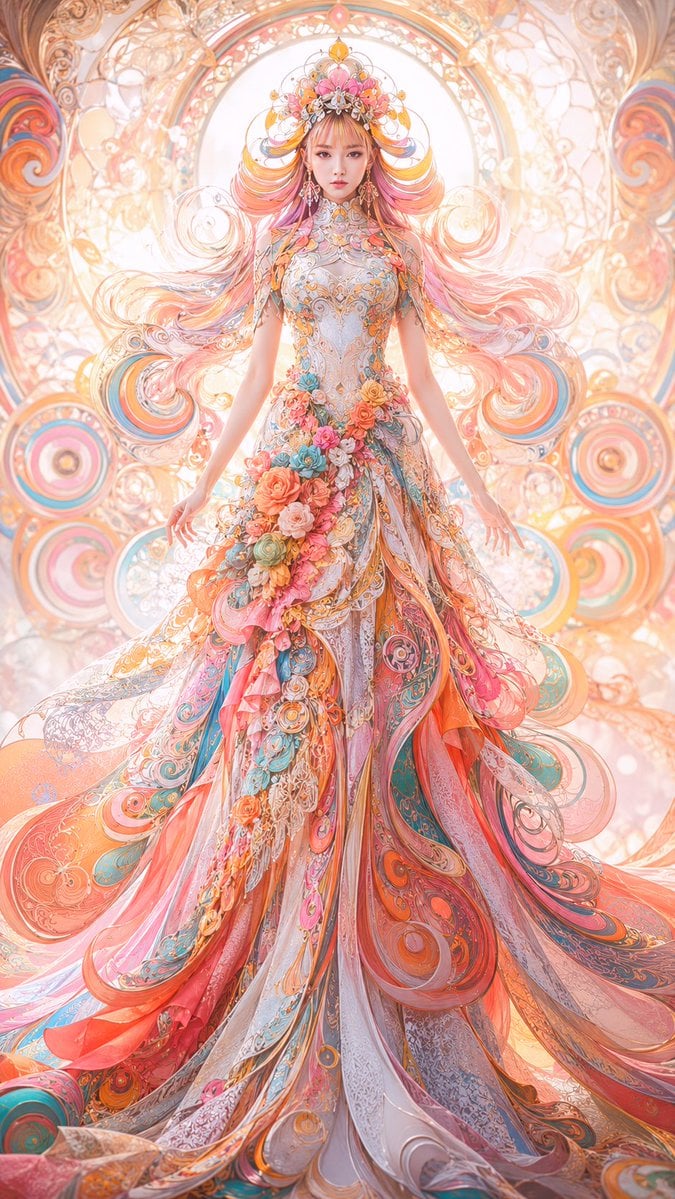
- Prompt included
- Model and format preset
- Free template
The prompt behind this image
Copy the exact prompt behind Faceless Art Nouveau Fantasy Princess, or open it in the studio and make it yours.
Create a vertical full-body fantasy couture fashion illustration of an ethereal princess or goddess standing centered and facing forward, with the face intentionally left as a smooth blank featureless skin-toned oval. She wears an extravagant floor-length ball gown in pastel coral, peach, pink, turquoise, teal, ivory, and gold, covered in ornate filigree, lace-like embroidery, swirling paisley patterns, translucent layered ribbons, jeweled details, and sculptural floral appliqués. Include one large cascading floral arrangement at the waist and hip made of roses and blossoms in coral, pink, blue, cream, and peach. Her extremely long flowing hair fans outward symmetrically like ribbons, blending pink, orange, gold, and rose tones, with delicate curls and ornamental strands. Add an elaborate jeweled floral crown with gemstones, gold filigree, petals, and dangling decorations. The background should be a radiant art nouveau stained-glass cathedral-like mandala with circular halos, spiral motifs, floral tracery, glowing arches, and pastel light, creating a symmetrical sacred aura behind her. Use a highly detailed anime-inspired digital painting style, luminous soft backlighting, dreamy bokeh, iridescent highlights, intricate ornamental linework, maximalist fantasy fashion design, delicate translucent fabrics, warm golden glow, and ultra-fine detail. Composition: centered figure, full gown visible from crown to trailing hem, elegant arms relaxed at her sides, no text, no watermark, no extra characters.
How to use Faceless Art Nouveau Fantasy Princess in 3 steps
- 1Upload ImagePNG, JPG or paste
Add your photo
Upload the photo the template builds on. The prompt, model and format are already set.
- 2…a portrait of your subject in softgolden-hour light, 85mm…
Personalize
Edit the subject and creative details for your destination.
- 3Generate
Generate
Press Generate — your image is created in PicX Studio, so you can compare it with the original and refine one variable at a time.
More like this
Templates with the same subject, style or setup. Open one to see its prompt.
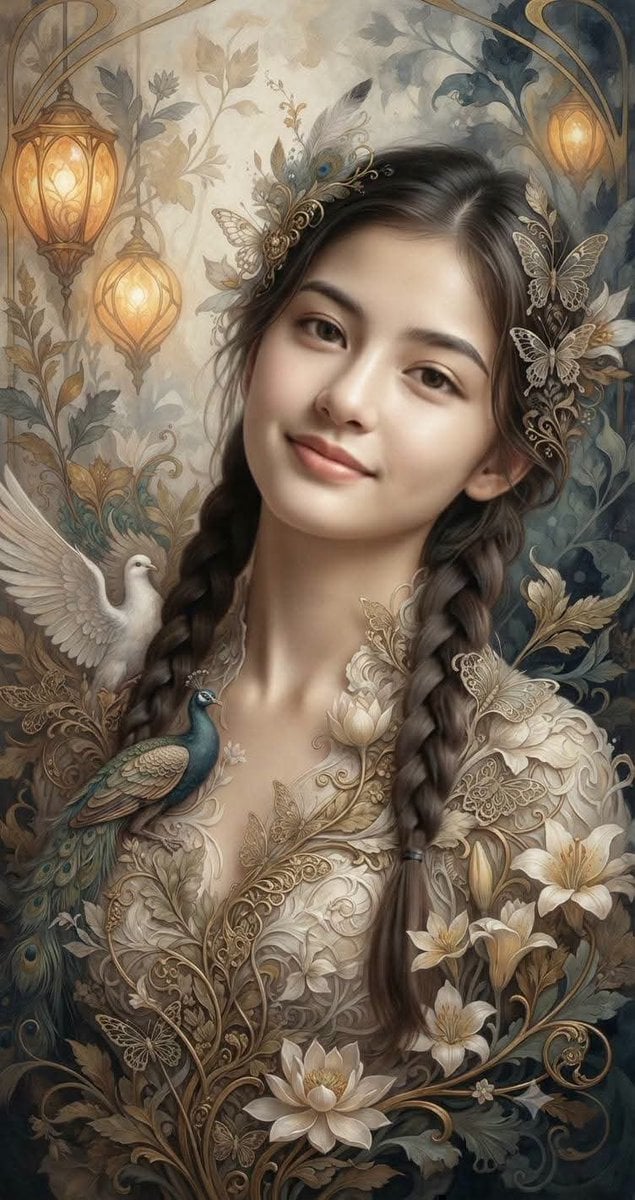
Fantasy Realism and Art Nouveau Fusion
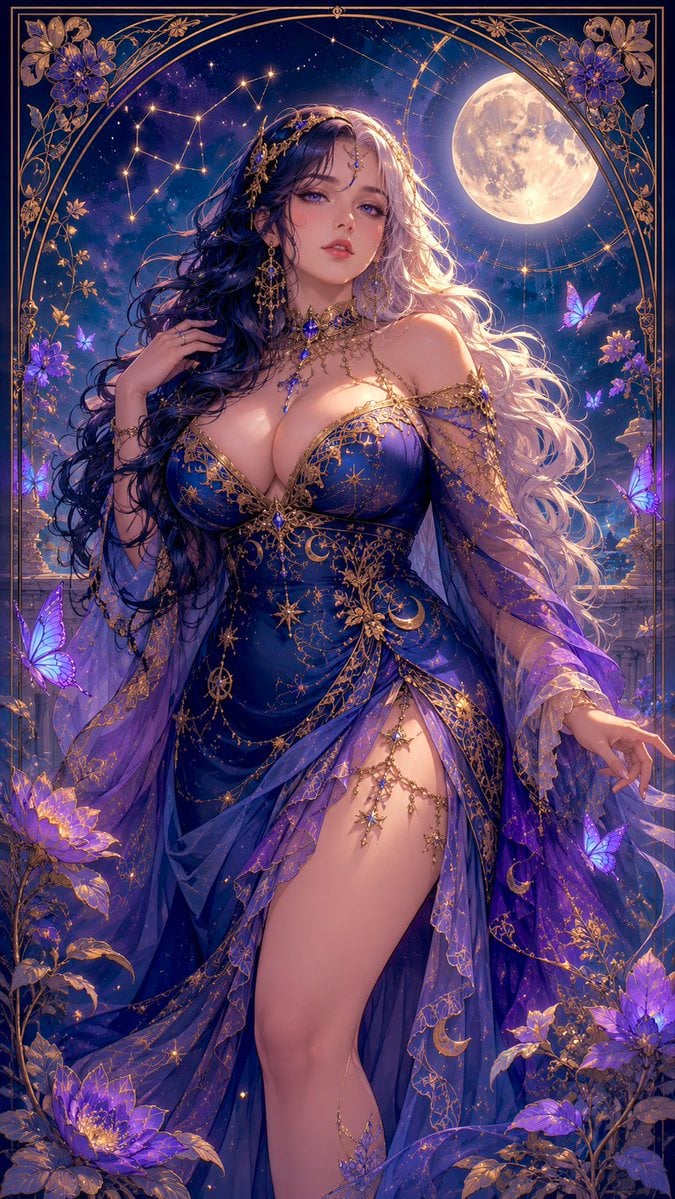
Celestial Art Nouveau Fantasy Portrait
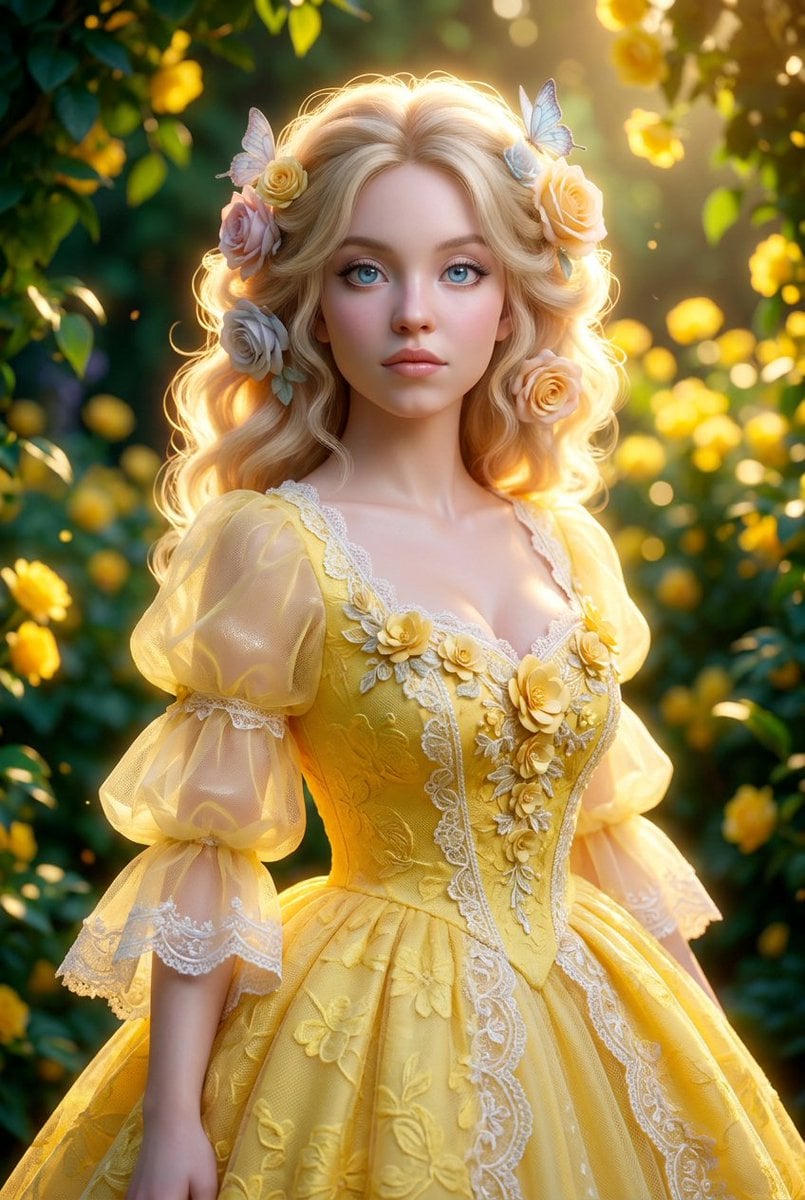
Ethereal Fantasy Princess Digital Portrait

Anime Happily Ever After Sky

Anime Stained Glass Prayer

Anime White Horse Escape

Anime Golden Spinning Straw

Anime Gingerbread Cottage

Anime Bean Stalk Climb

Anime Seafoam Transformation

Anime Shoe Fitting Trial

Anime Beast Library Night
Make it yours
Faceless Art Nouveau Fantasy Princess works as-is. These are the safest ways to change it without losing the look.
Change one field
Copy a single group, rewrite it, and generate again so you can see what that field is doing.
Keep the frame, change the subject
Hold the composition and light of Faceless Art Nouveau Fantasy Princess, then swap wardrobe, props or the person for a new take.
| If the result… | Why | Fix |
|---|---|---|
| The result drifts from the preview | Too many fields changed at once. | Reuse Faceless Art Nouveau Fantasy Princess as-is first, then change one group — subject, light, or setting. |
| The model over-stylizes the scene | The prose prompt leaves finish and camera underspecified. | Add one camera or lighting sentence and stay on GPT Image 2. |
More GPT Image 2 templates
Other prompts made for GPT Image 2.

Six VTuber Japanese Logo Sheet

Realistic Portrait of Woman and Deer

The Vista Modular Condo Poster

AI Model Routing Comparison Infographic

2.5D Anime Art Board

Isometric Productivity Desk Scene

New York Double Exposure Poster

Four-Panel AI Landscape Comparison

Japanese Tatami Lifestyle Magazine Cover

NESCAFÉ Coffee Map Poster
More image prompts
Fresh picks from across the catalog.
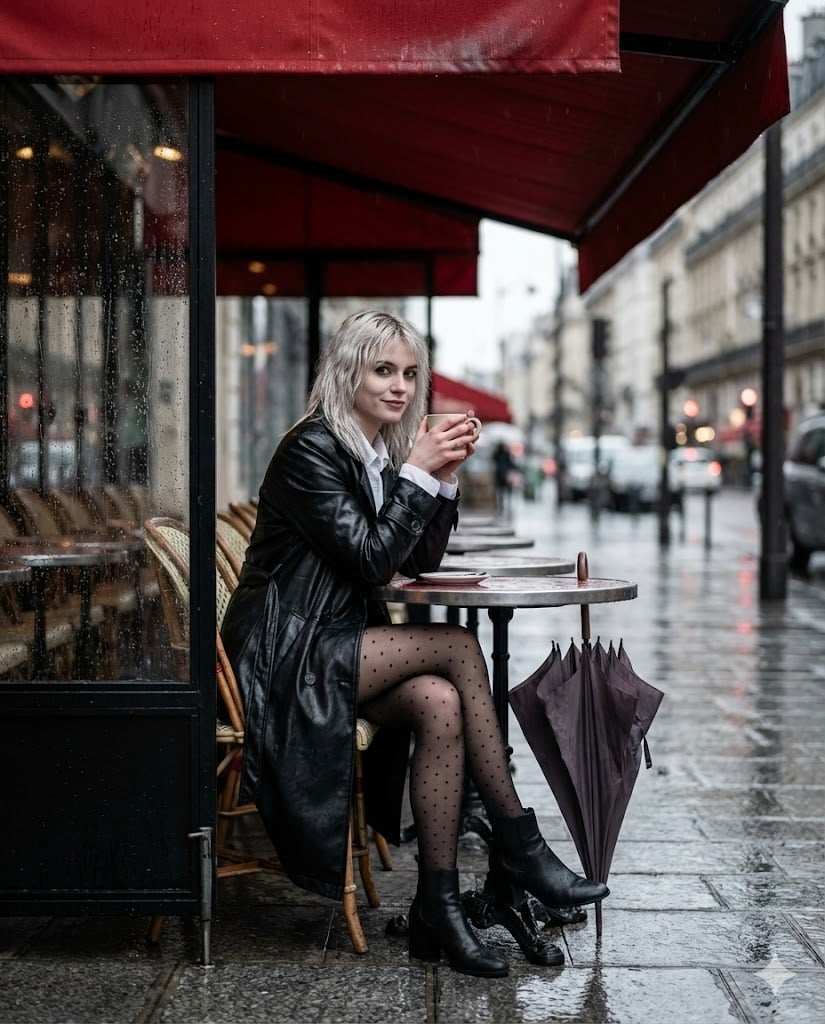
Moody Parisian Cafe Street Photography Prompt
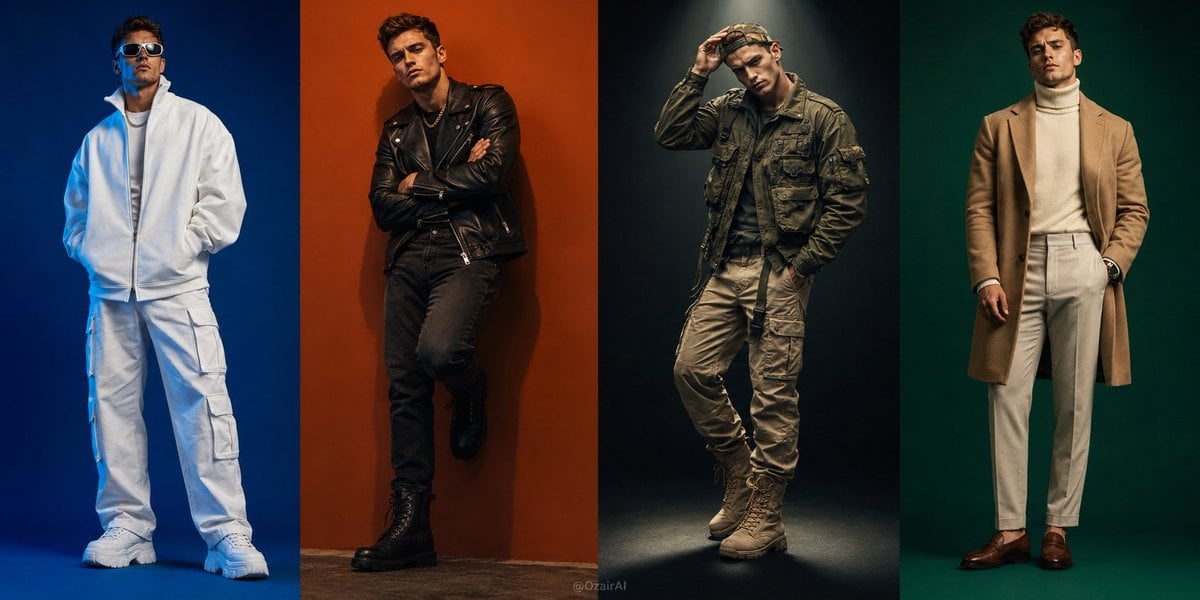
Four-Panel Fashion Editorial Grid
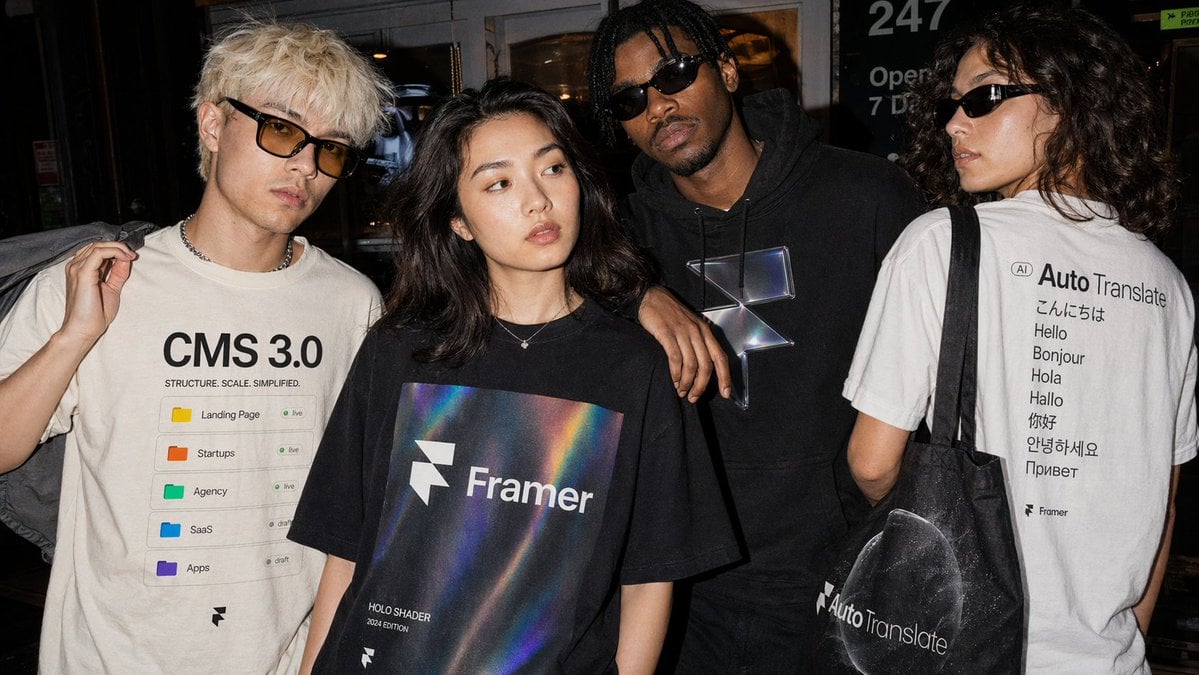
Editorial Streetwear Lifestyle Merch
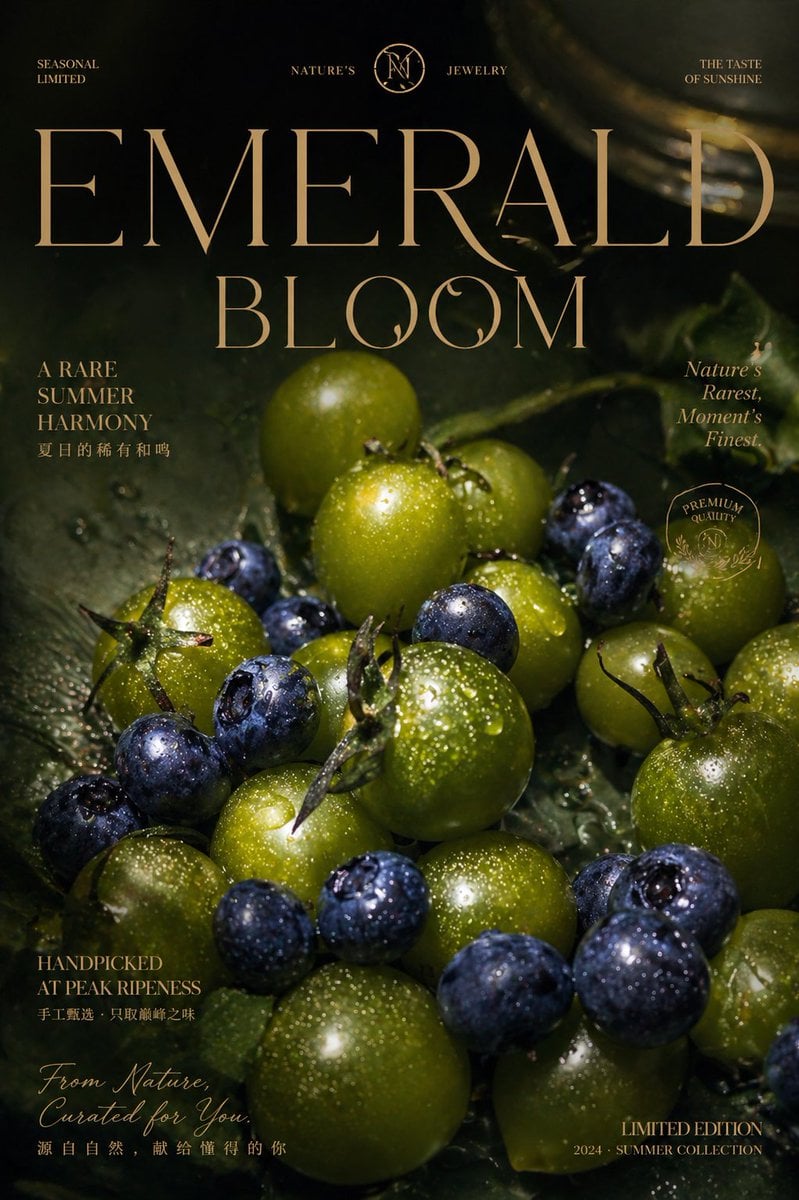
Luxury Emerald Bloom Fruit Poster
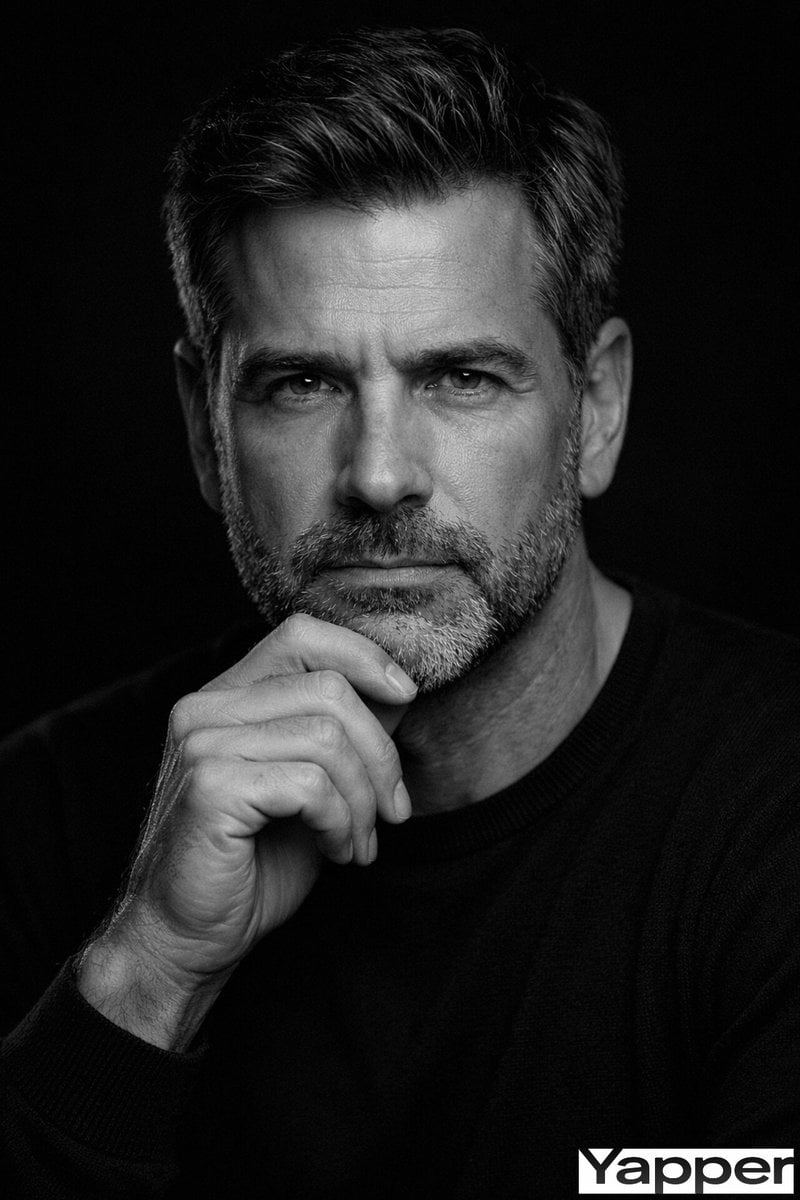
Fine-Art Cinematic Monochrome Studio Portrait Prompt (Reference Match)
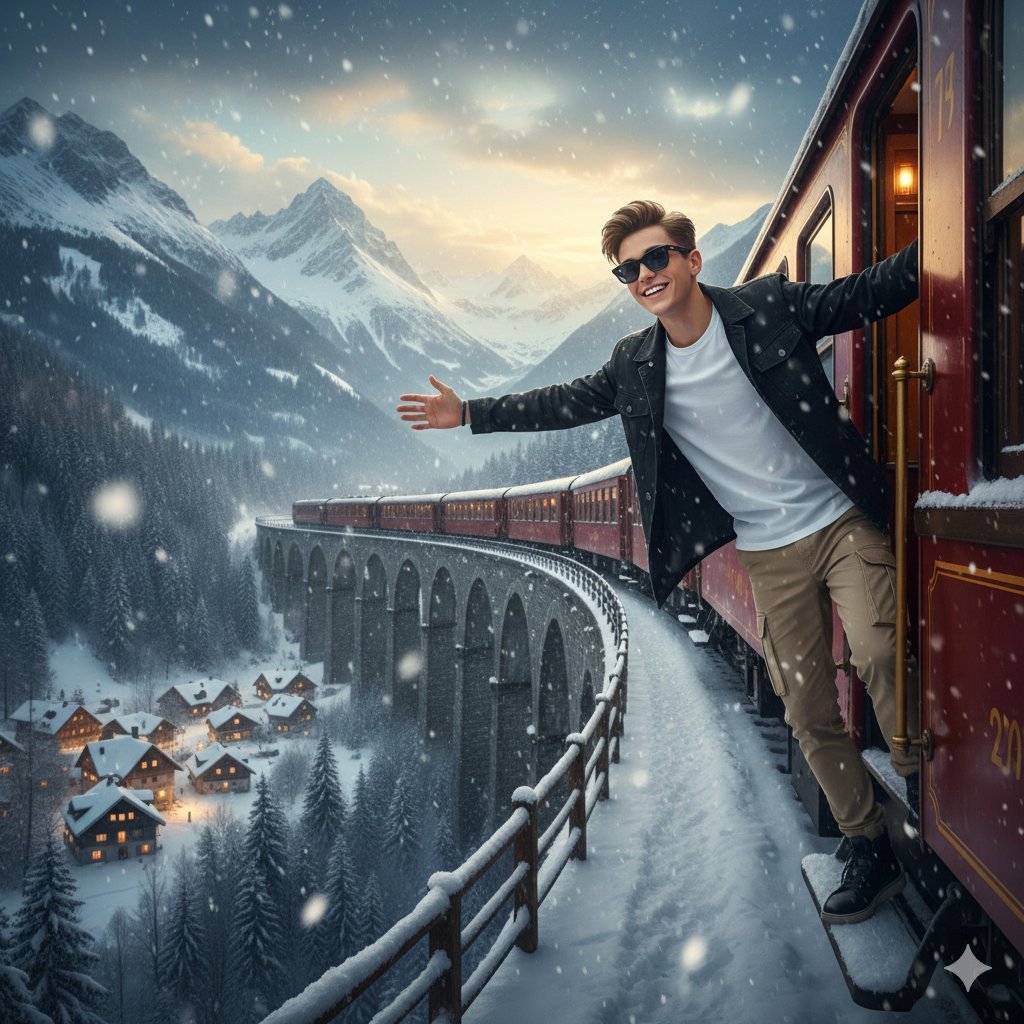
8K Cinematic Winter Adventure Photo on a Vintage Train
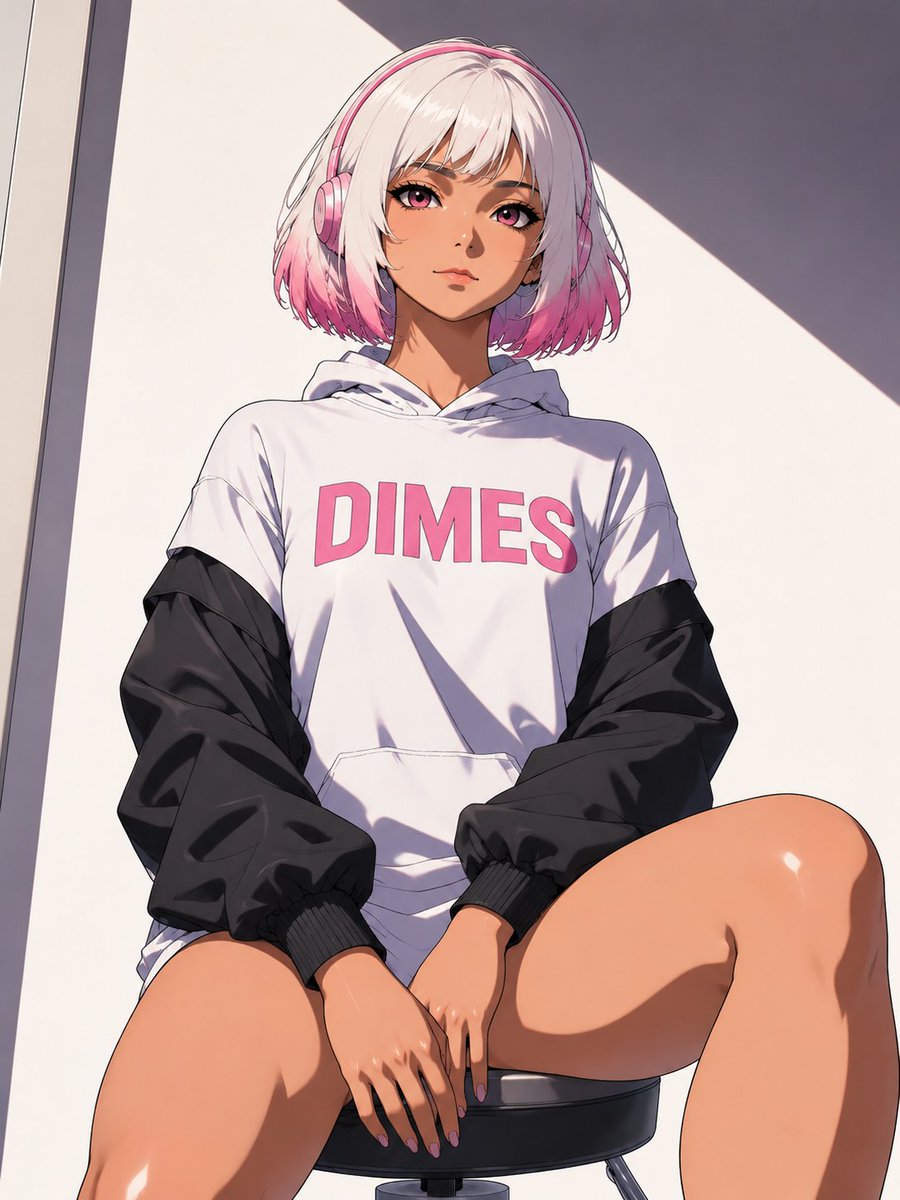
Low-Angle Anime Hoodie Girl
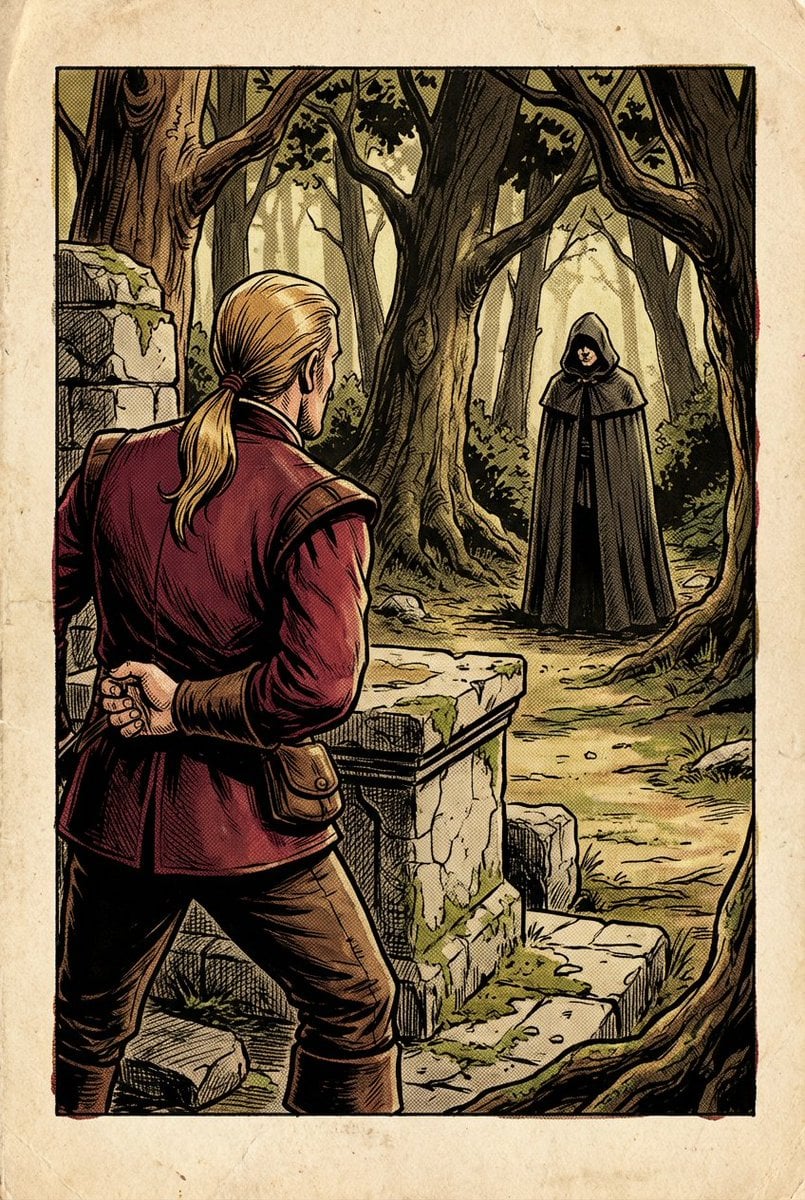
1980s RPG manual illustration (variant)
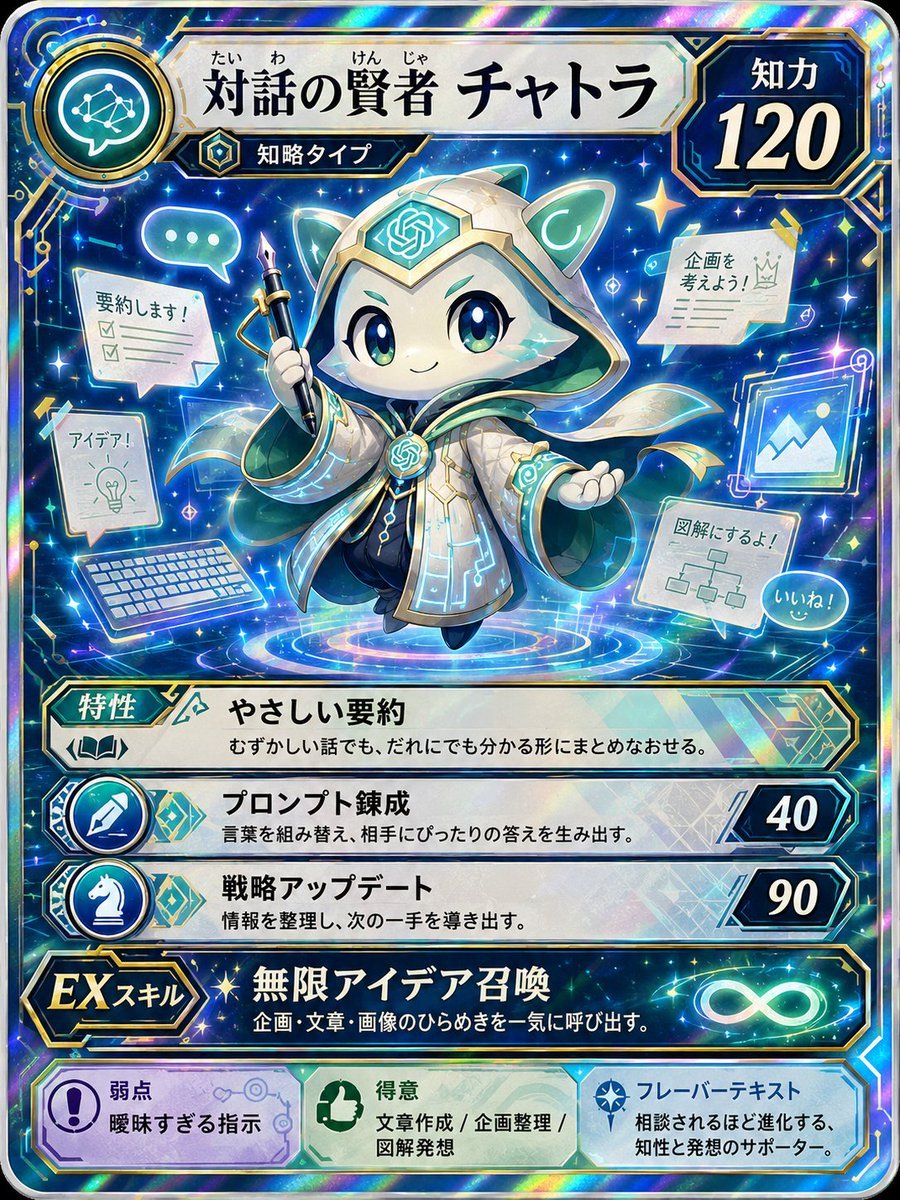
Pokemon Card Style Character
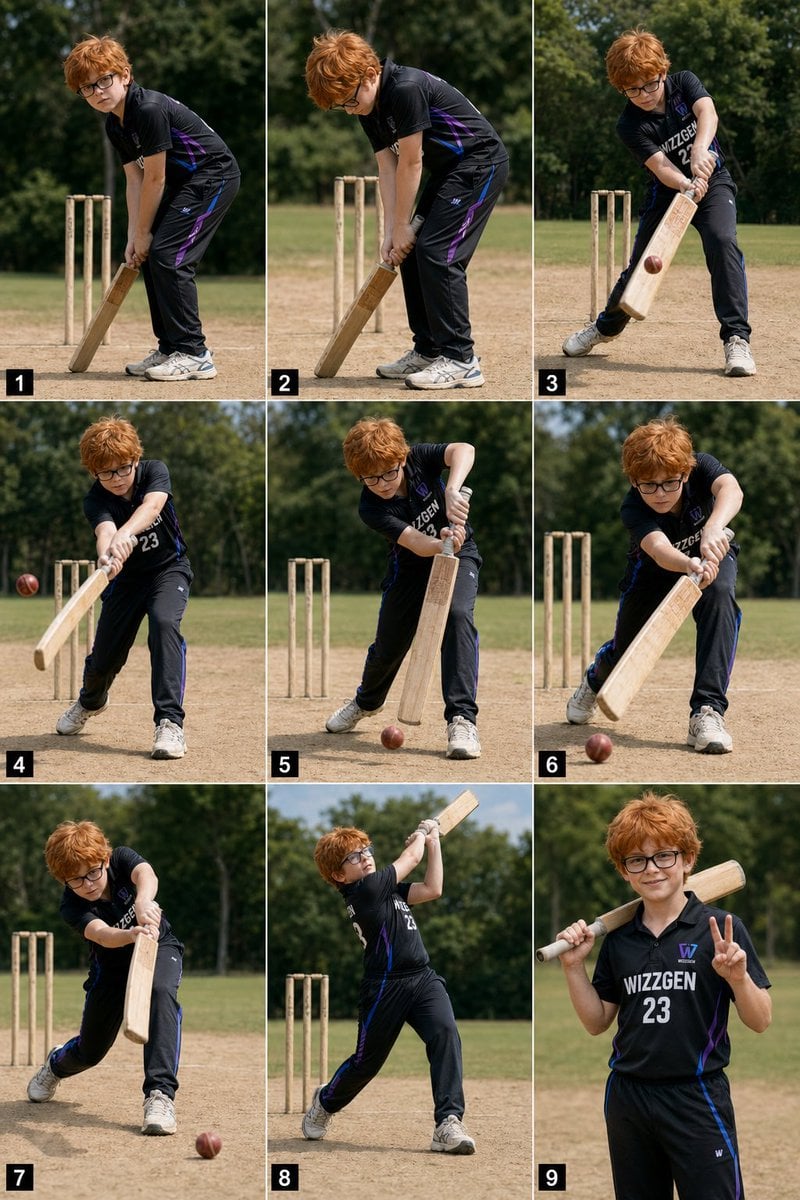
Panel Boy Cricket Action Collage
Browse template categories
Faceless Art Nouveau Fantasy Princess questions
How do I use the Faceless Art Nouveau Fantasy Princess template?
Add your photo if the template asks for one, edit the prompt if you like — the template's model and format are already selected — and press Generate. Your version opens in PicX Studio.
Can I customize the Faceless Art Nouveau Fantasy Princess template?
Yes. You can change the subject, setting, lighting, mood, format, and available model controls before creating your image.
Is the Faceless Art Nouveau Fantasy Princess template free?
Opening and editing this template is free. Generating uses credits, shown on the Generate button when you are signed in.
Which AI model should I use?
Start with GPT Image 2, which is the model associated with this template. You can compare another compatible model for a different finish.
Looking for something else? Browse all templates.

Your photo, any look
Thousands of ready templates for every top image and video model, from one credit balance.