
Surreal Sunset Creative Workspace
Generates a cinematic meditative landscape where art tools, journaling, coffee, zen stones, mountains, birds, moon, and sunset reflections form a calm creative scene.
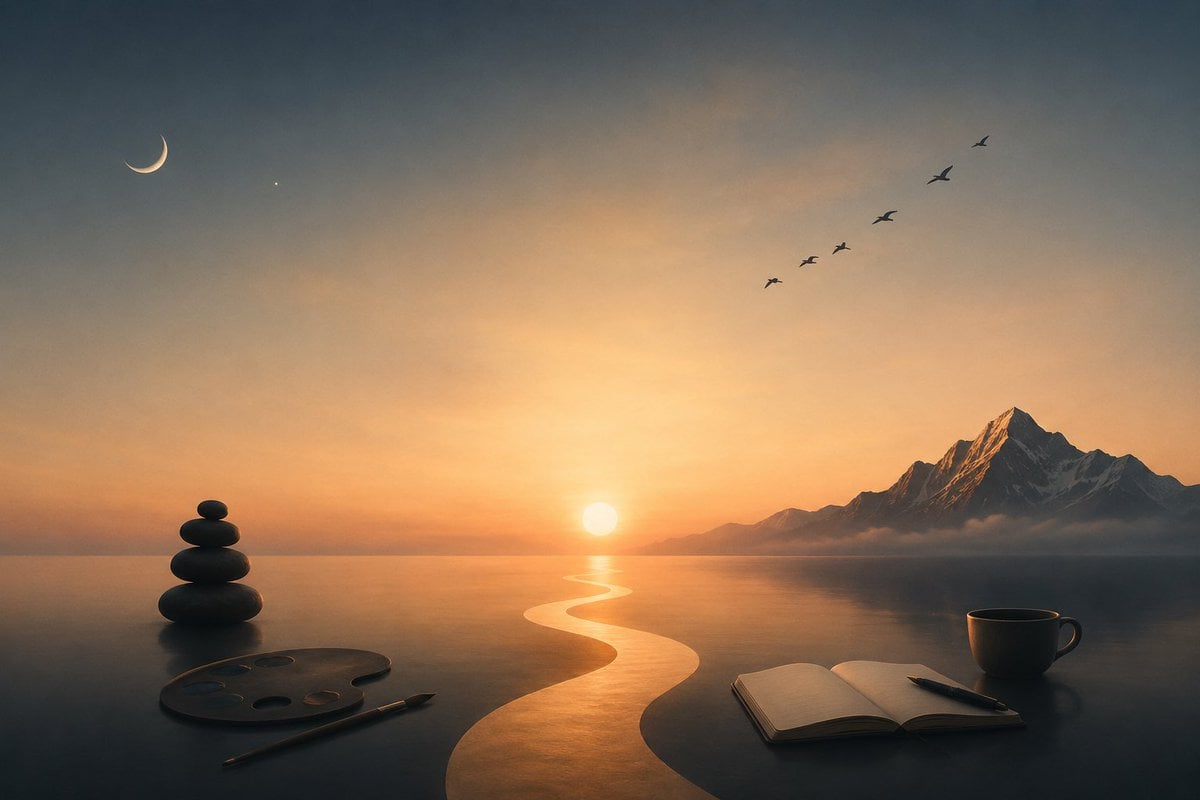
- Prompt included
- Model and format preset
- Free template
The prompt behind this image
Copy the exact prompt behind Surreal Sunset Creative Workspace, or open it in the studio and make it yours.
Create a serene surreal digital painting of a tranquil creative workspace merging into a vast reflective lake at {argument name="time of day" default="sunset"}. Use a wide 16:9 cinematic composition with a dark tabletop in the foreground seamlessly meeting calm water and distant horizon. In the exact center background, place a glowing low sun casting a bright golden S-shaped path of light across the water toward the viewer. On the right horizon, add a dramatic jagged snow-capped mountain range with one dominant sharp peak, lightly wrapped in low mist. In the upper left sky, include exactly 2 celestial details: a thin crescent moon and one tiny star. In the upper right sky, include exactly 6 small flying bird silhouettes arranged diagonally upward. Foreground objects: on the left, place a balanced stack of exactly 5 smooth black zen stones beside an artist paint palette with exactly 5 visible paint wells and a single paintbrush lying diagonally; on the right, place an open blank notebook with a pen resting across it and a single dark coffee cup with handle. Mood should be peaceful, meditative, and dreamlike, with warm orange-gold light near the horizon fading into cool blue-gray shadows above and below. Use soft atmospheric haze, realistic reflections, subtle painterly texture, high detail, no people, no visible text, no watermark. The overall theme is {argument name="theme" default="calm creative solitude"}, with the main color palette emphasizing {argument name="color palette" default="warm amber sunset and cool charcoal blue"}.
How to use Surreal Sunset Creative Workspace in 3 steps
- 1Upload ImagePNG, JPG or paste
Add your photo
Upload the photo the template builds on. The prompt, model and format are already set.
- 2…a portrait of your subject in softgolden-hour light, 85mm…
Personalize
Edit the subject and creative details for your destination.
- 3Generate
Generate
Press Generate — your image is created in PicX Studio, so you can compare it with the original and refine one variable at a time.
More like this
Templates with the same subject, style or setup. Open one to see its prompt.

Surreal Cat Astronaut — Humanoid Face Freefall

Mountain Lake Sunset Landscape

Bold Red Contrast Fashion Editorial Newspaper Room

Stylized Fashion Portrait Bold Color Contrast Editorial

Artistic Arborpunk Garden Observatory Complex

Azed Double Exposure

Firefly Pixar Spill — Nano Banana Pro

Indian Village Cattle Herding — Nano Banana
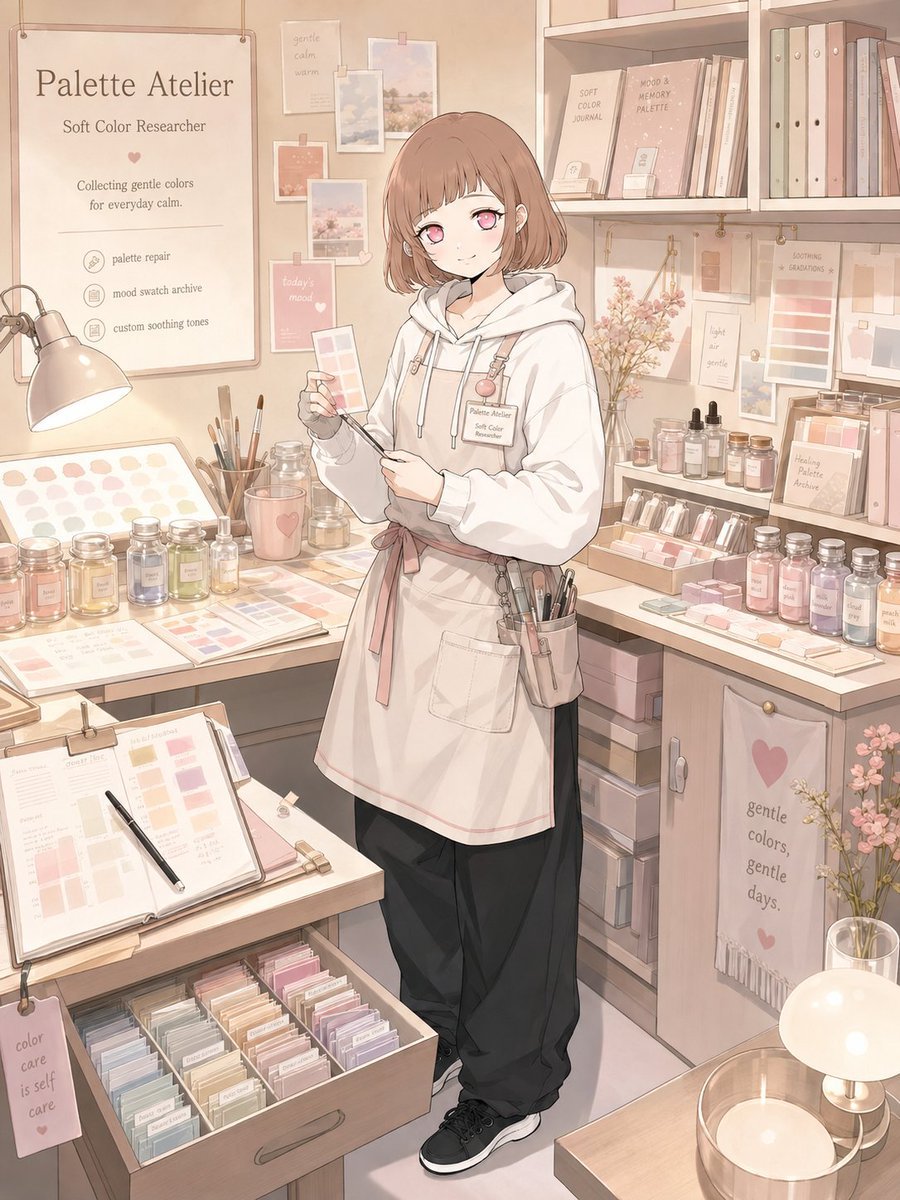
Character Workspace Generator

Golden Retriever Sunset Campfire Photography
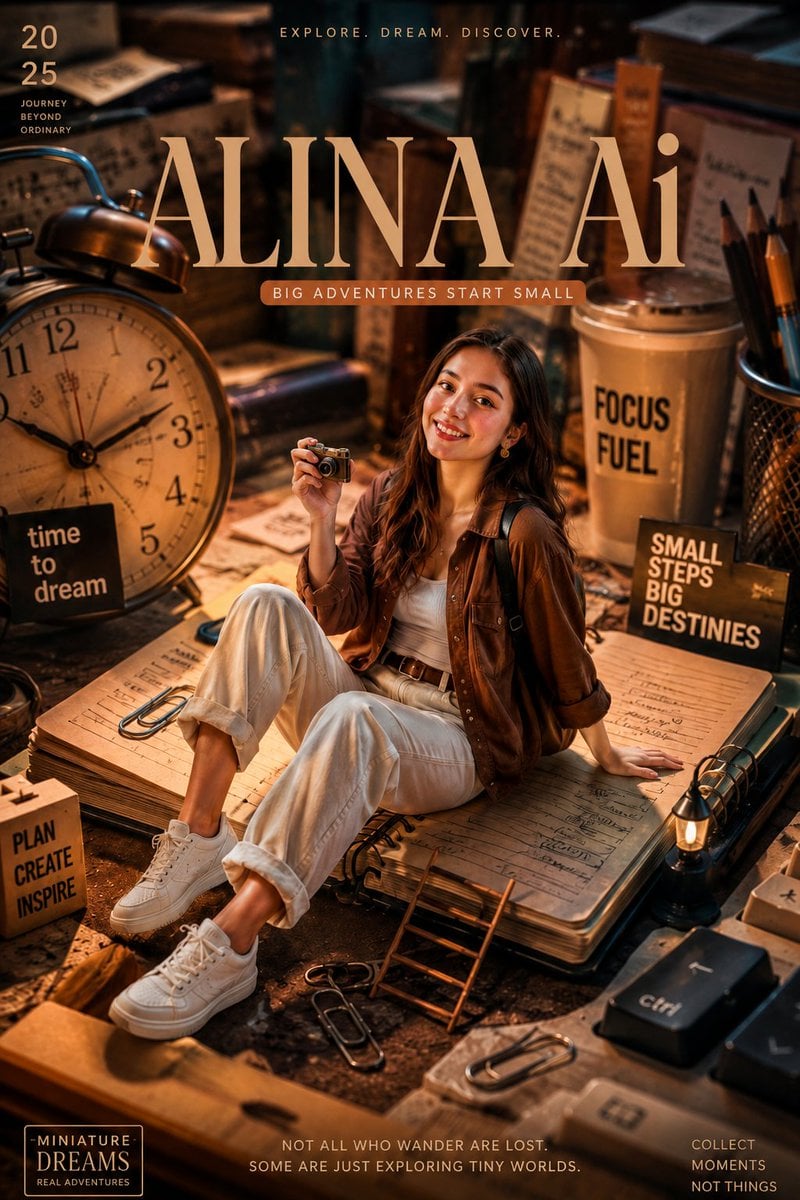
Miniature Workspace Adventure Poster
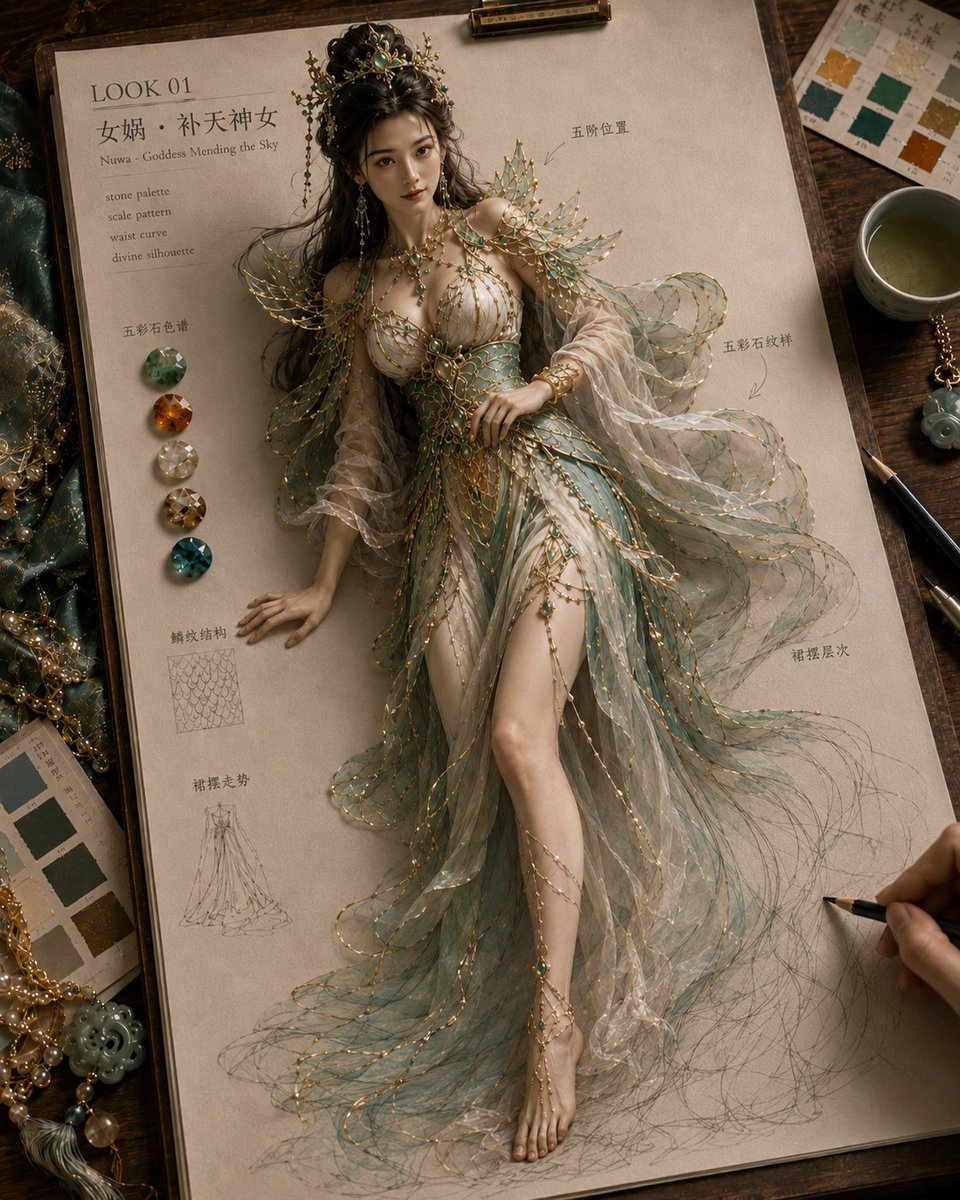
Mythical Haute Couture Sketch Workspace
Make it yours
Surreal Sunset Creative Workspace works as-is. These are the safest ways to change it without losing the look.
Change one field
Copy a single group, rewrite it, and generate again so you can see what that field is doing.
Keep the frame, change the subject
Hold the composition and light of Surreal Sunset Creative Workspace, then swap wardrobe, props or the person for a new take.
| If the result… | Why | Fix |
|---|---|---|
| The result drifts from the preview | Too many fields changed at once. | Reuse Surreal Sunset Creative Workspace as-is first, then change one group — subject, light, or setting. |
| The model over-stylizes the scene | The prose prompt leaves finish and camera underspecified. | Add one camera or lighting sentence and stay on GPT Image 2. |
More GPT Image 2 templates
Other prompts made for GPT Image 2.

Six VTuber Japanese Logo Sheet

Realistic Portrait of Woman and Deer

The Vista Modular Condo Poster

AI Model Routing Comparison Infographic

2.5D Anime Art Board

Isometric Productivity Desk Scene

New York Double Exposure Poster

Four-Panel AI Landscape Comparison

Japanese Tatami Lifestyle Magazine Cover

NESCAFÉ Coffee Map Poster
More image prompts
Fresh picks from across the catalog.
Hyper-realistic portrait with vibrant green skin on the Las Vegas Strip
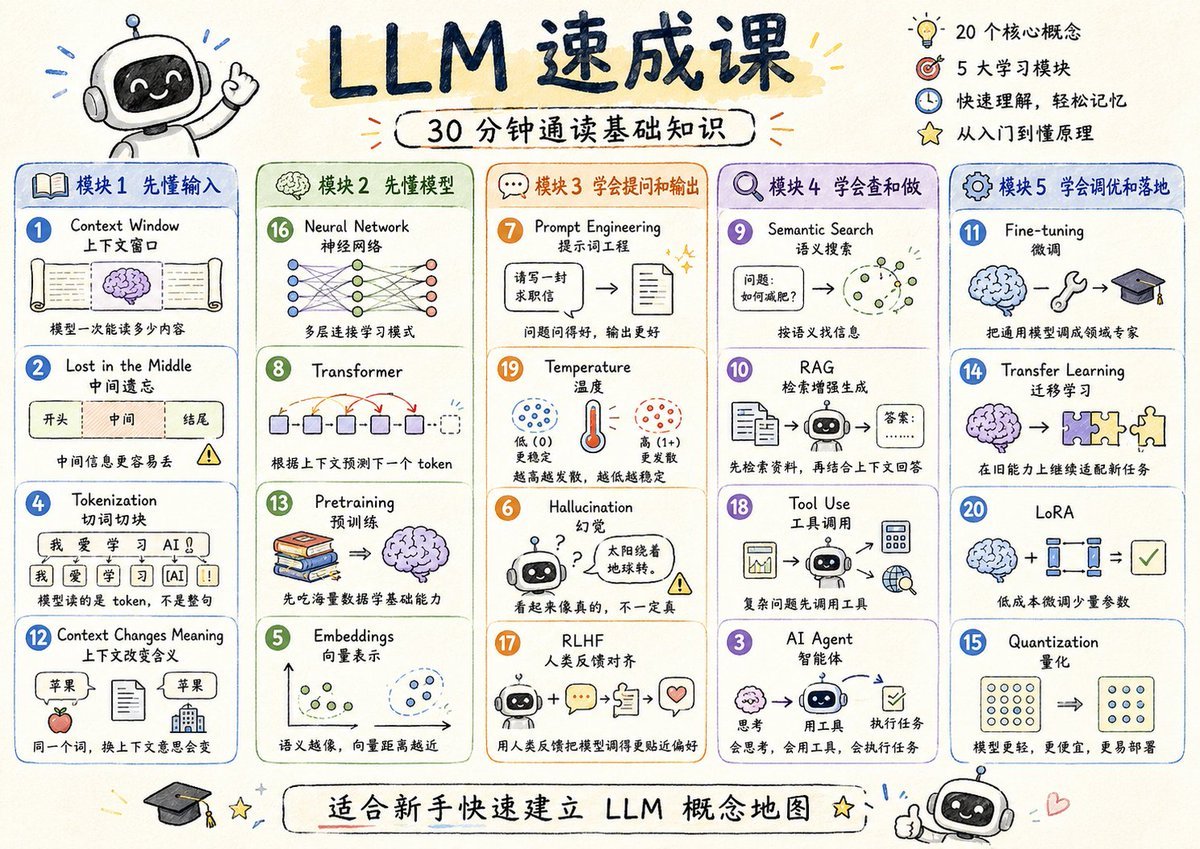
LLM Crash Course Visualizer
Car Transformation Prompt

Resort Workcation Eyecatch Prompt (YAML Structure)
Hyper-Realistic Gym Mirror Selfie
Korean Idol Candid Snapshot
Ultra-Luxury Cinematic Floral Photography Prompt (JSON Format)
Censored Mona Lisa Oil Portrait
Dark AI Chat 4K Upscale Tutorial

Daily Drawing: Hasuka-chan Manga
Browse template categories
Surreal Sunset Creative Workspace questions
How do I use the Surreal Sunset Creative Workspace template?
Add your photo if the template asks for one, edit the prompt if you like — the template's model and format are already selected — and press Generate. Your version opens in PicX Studio.
Can I customize the Surreal Sunset Creative Workspace template?
Yes. You can change the subject, setting, lighting, mood, format, and available model controls before creating your image.
Is the Surreal Sunset Creative Workspace template free?
Opening and editing this template is free. Generating uses credits, shown on the Generate button when you are signed in.
Which AI model should I use?
Start with GPT Image 2, which is the model associated with this template. You can compare another compatible model for a different finish.
Looking for something else? Browse all templates.

Your photo, any look
Thousands of ready templates for every top image and video model, from one credit balance.