
Character Workspace Generator
A comprehensive prompt designed to generate a unique, fictional workspace based on a character's reference image, capturing their vocation and personality.
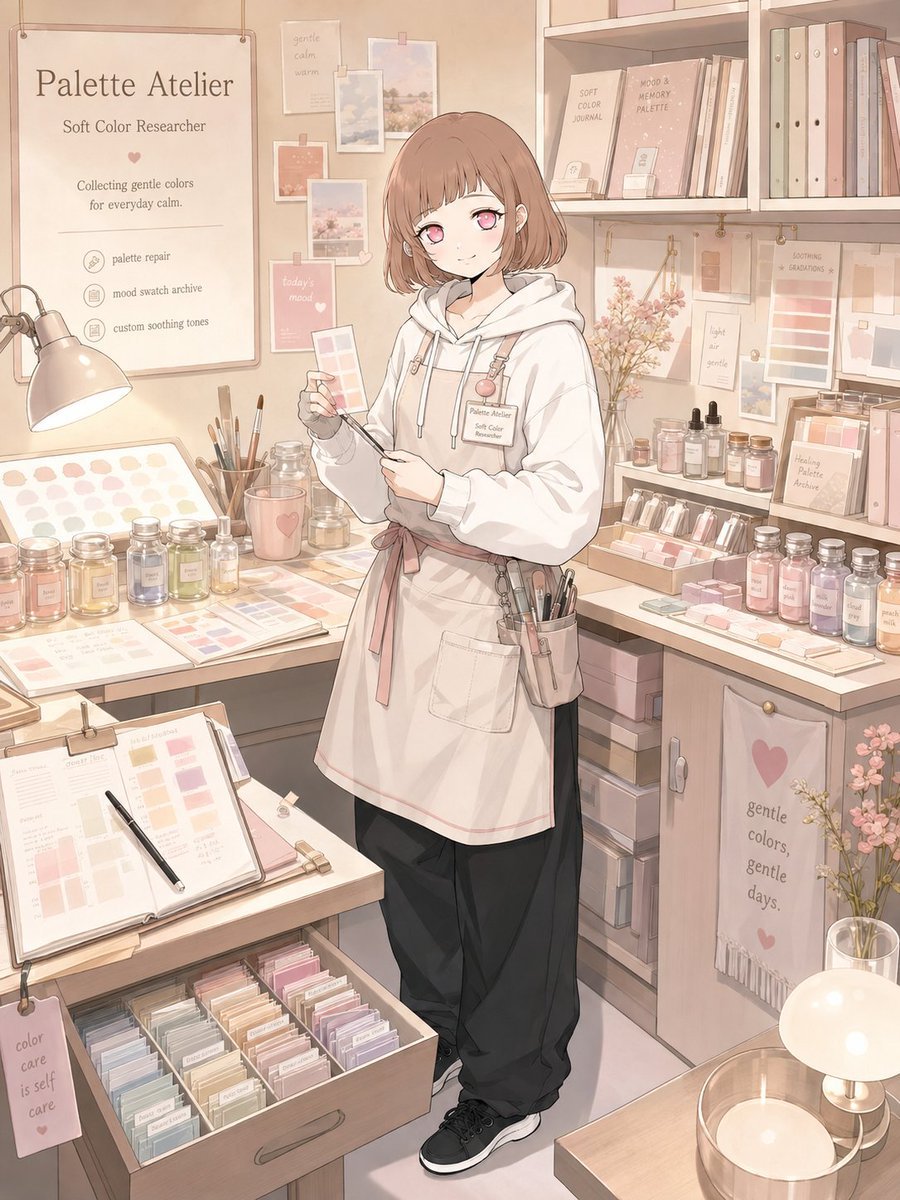
- Prompt included
- Model and format preset
- Free template
The prompt behind this image
Copy the exact prompt behind Character Workspace Generator, or open it in the studio and make it yours.
[Mode] character_workspace_synthesis [Input] 1 reference character image [Output] 1 final image only [Core Binding] Bind identity to source-character tokens: - face topology - eye geometry / iris color - hair shape / color mapping / accent placement - body proportion - age read - costume mood - signature accessories - source rendering logic if non-photographic [Latent Derivation] Infer vocation-language from observable signals only: chromatic cues, expression tone, styling logic, silhouette character, object affinity, atmospheric read. Do not assign a generic real-world office role by default. Translate the observed signals into one character-specific fictional occupation. Prefer interpretive divergence across different characters. [Occupation Synthesis] Create one original job that feels naturally owned by the character. The vocation may be creative, fantastical, artisan, research-based, service-based, archival, atmospheric, or semi-magical, as long as it remains visually legible. The role must feel specific rather than broad. Examples of acceptable directionality: memory repairer, dream courier, color researcher, sound archivist, moonlight florist, relic conservator, weather note keeper. Avoid overused defaults such as “barista”, “idol”, or “office worker” unless the reference strongly supports them. [Workspace Assembly] Construct a believable dedicated workplace for that vocation: workbench / desk / storage / tools / display surfaces / task materials / lighting / signage / wall elements / small process artifacts. The environment must communicate the job through object selection and spatial planning. Include traces of ongoing work. Not messy-chaotic. Not showroom-sterile. The space should feel functional, inhabited, and tailored to the character. [Costume Adaptation] Allow wardrobe adjustment only as needed to support the fictional job. Preserve identity lock while adapting into work-appropriate styling: apron, coat, gloves, utility accessories, badge, tool belt, or other profession-linked details if relevant. Do not erase the source character’s core visual identity. [Framing] Character present inside the workspace as main subject. Environment must remain readable and clearly tied to the vocation. Single character only. Approx framing: knees-up to full figure. Face visibility priority high. [Text Budget | optional] workplace name job title short copy up to 3 micro-profile or service cues Keep sparse and readable. [Result Goal] Stylish character-workspace reveal image with strong lifestyle, profession, and worldbuilding value. The viewer should feel: “this job was designed specifically for this character.” [Canvas] vertical 3:4
How to use Character Workspace Generator in 3 steps
- 1Upload ImagePNG, JPG or paste
Add your photo
Upload the photo the template builds on. The prompt, model and format are already set.
- 2…a portrait of your subject in softgolden-hour light, 85mm…
Personalize
Edit the subject and creative details for your destination.
- 3Generate
Generate
Press Generate — your image is created in PicX Studio, so you can compare it with the original and refine one variable at a time.
More like this
Templates with the same subject, style or setup. Open one to see its prompt.
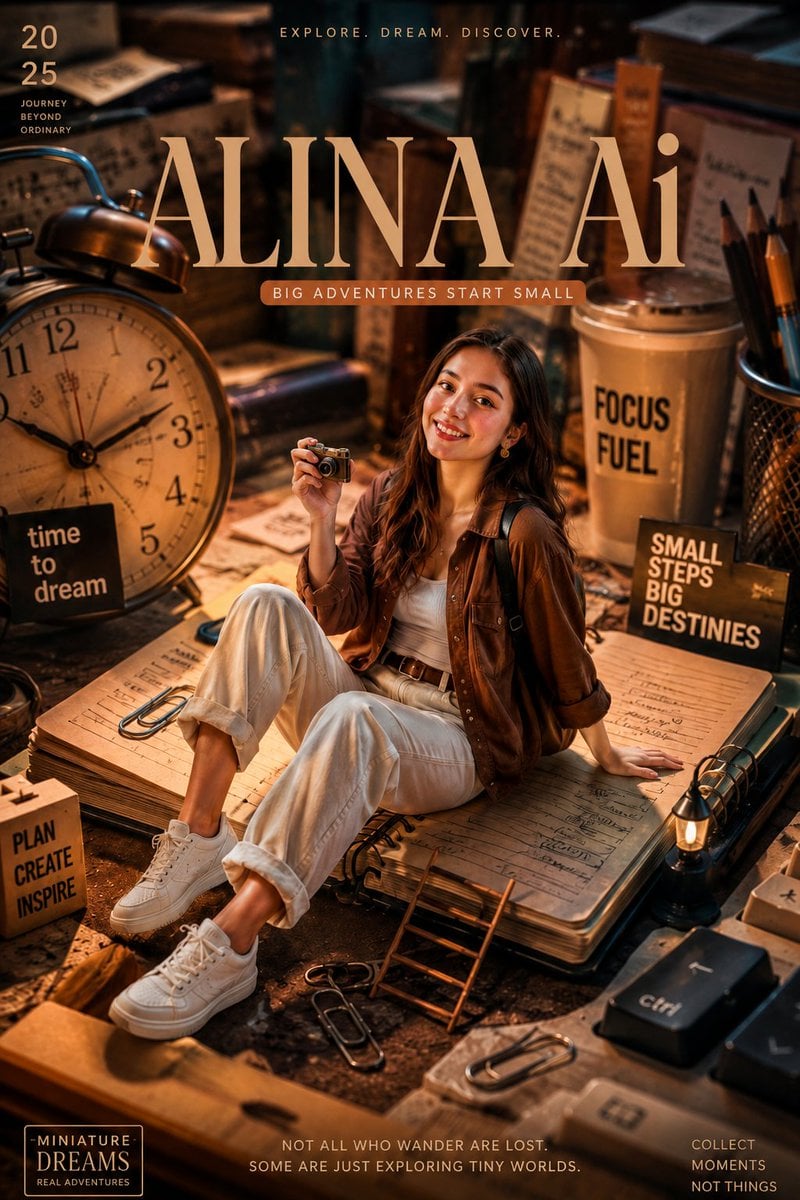
Miniature Workspace Adventure Poster
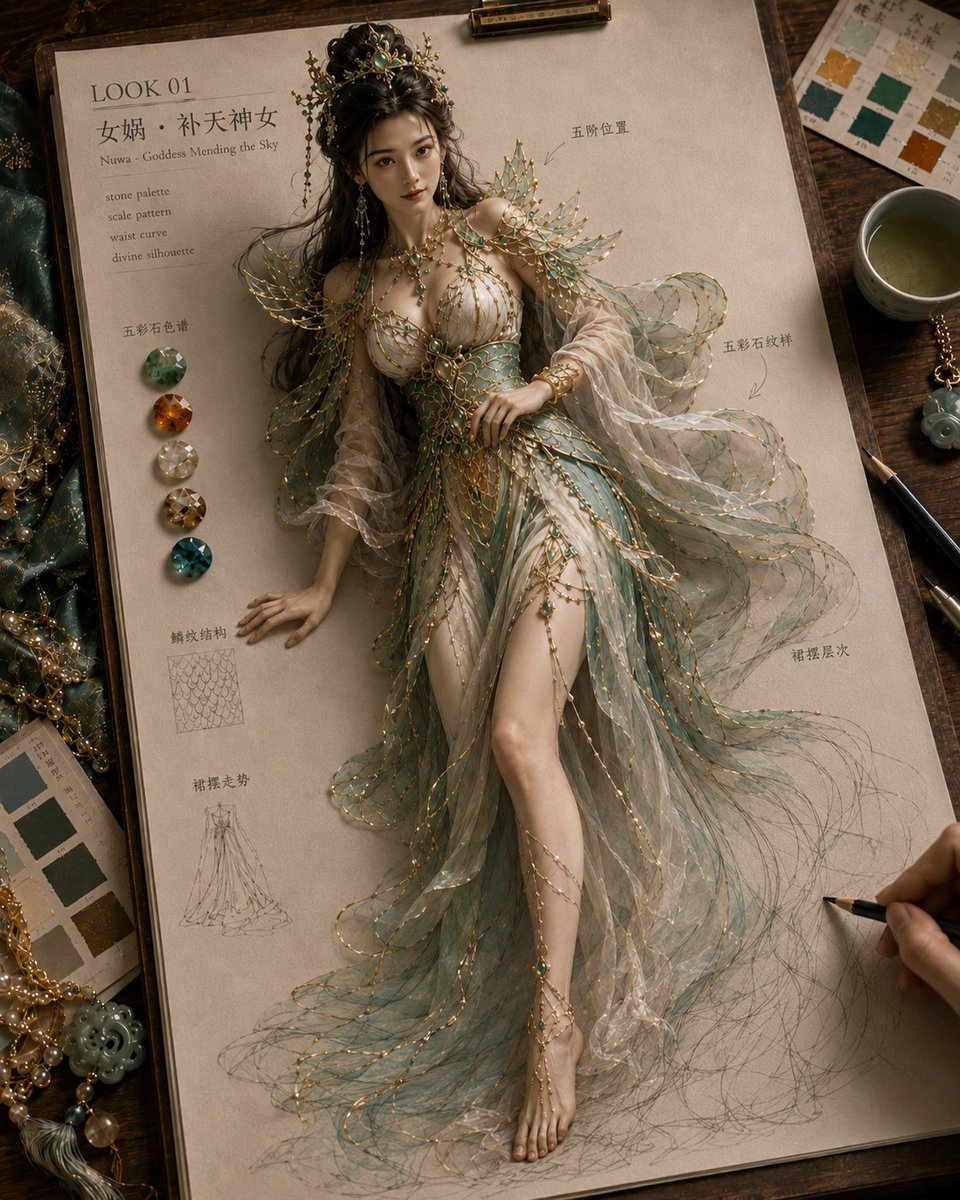
Mythical Haute Couture Sketch Workspace
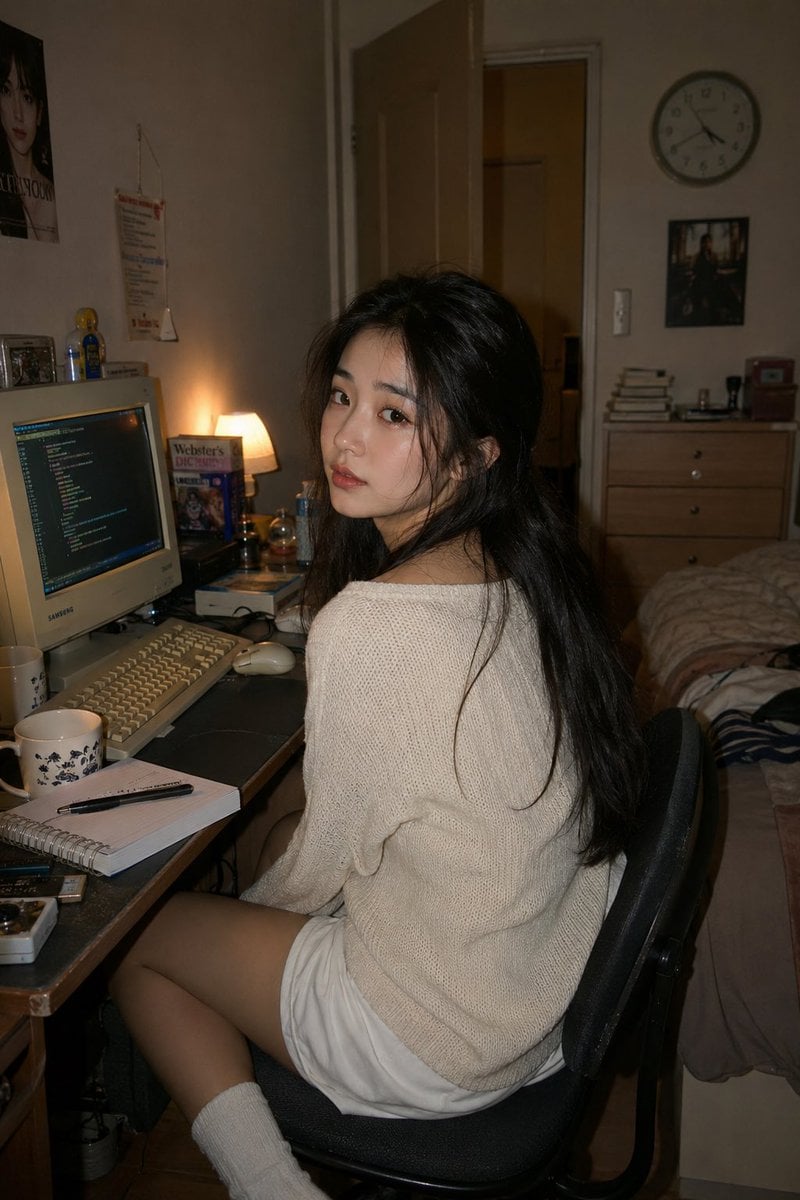
Retro Y2K Computer Workspace Portrait

3D AI Prompt Library Workspace
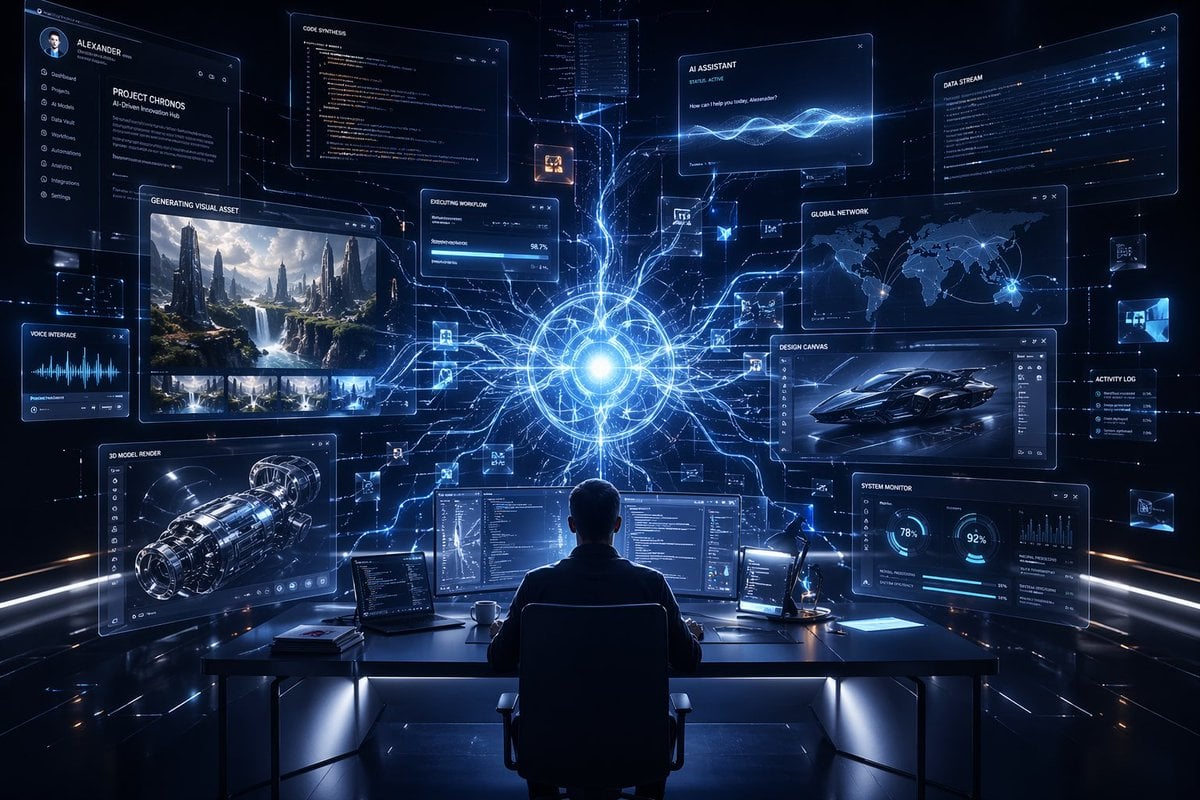
Premium Futuristic AI Workspace
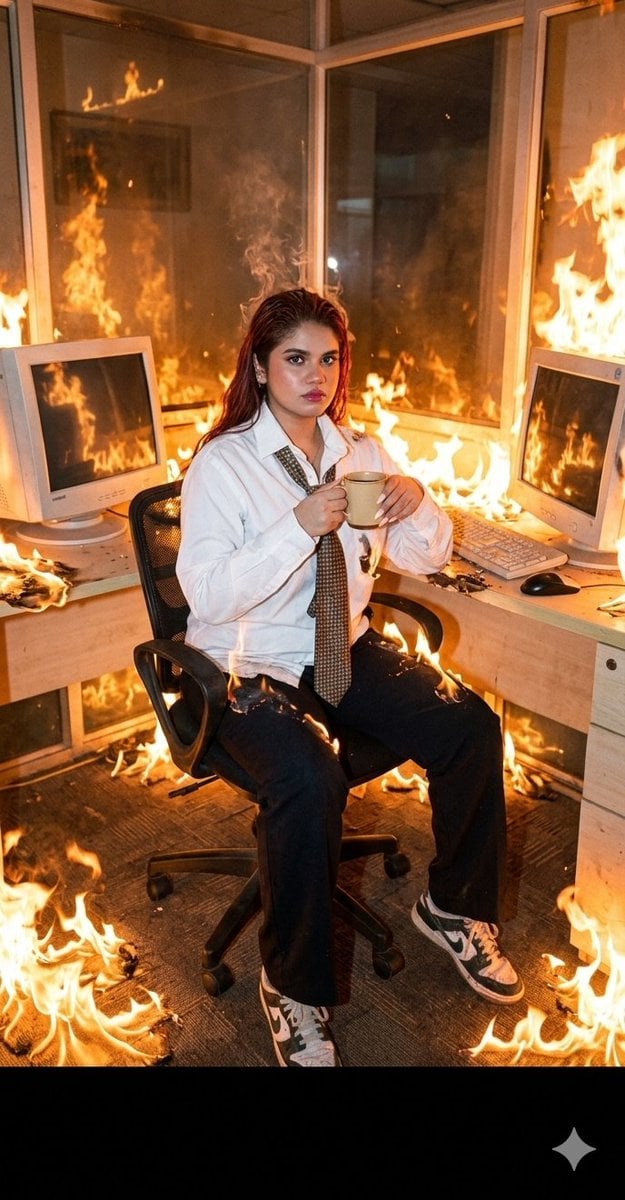
Absurdist Office Workspace Fire
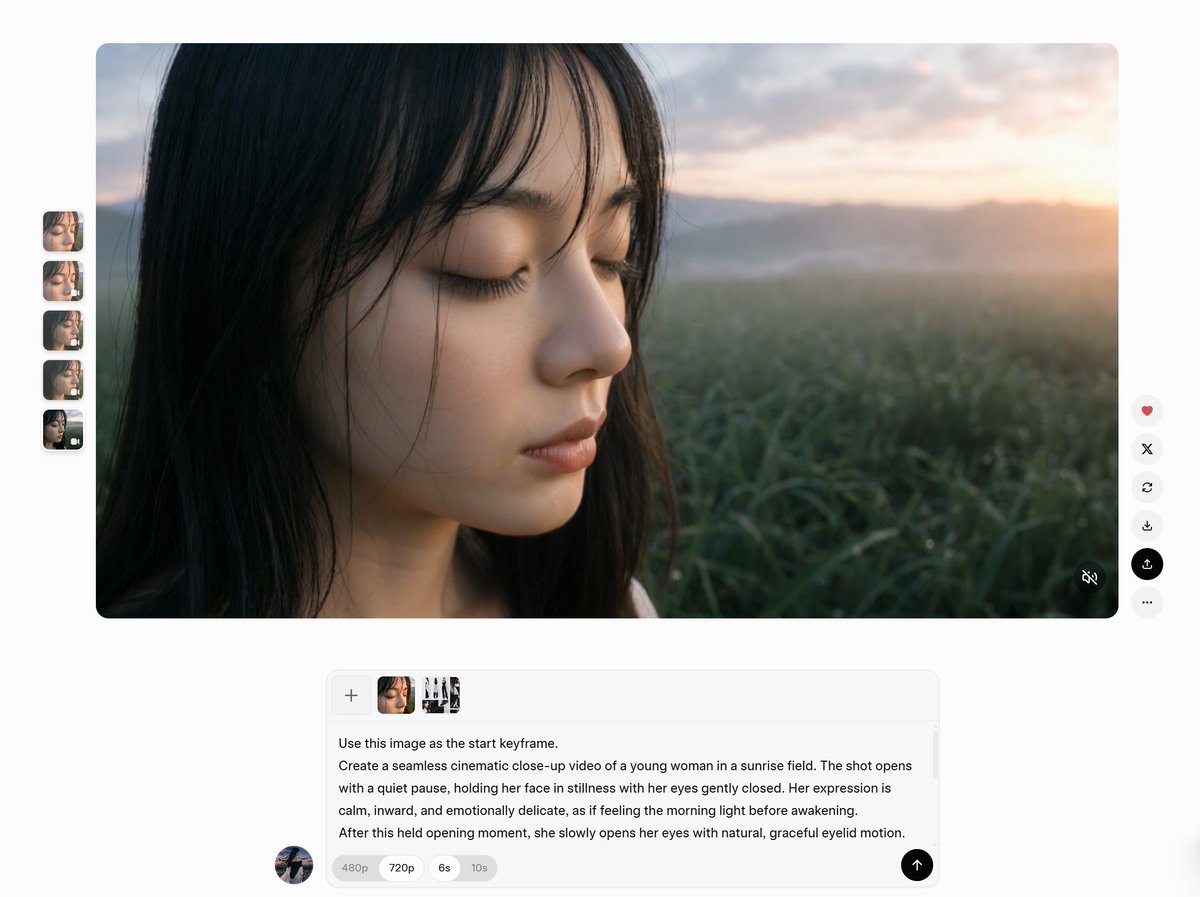
AI Video Workspace Screenshot
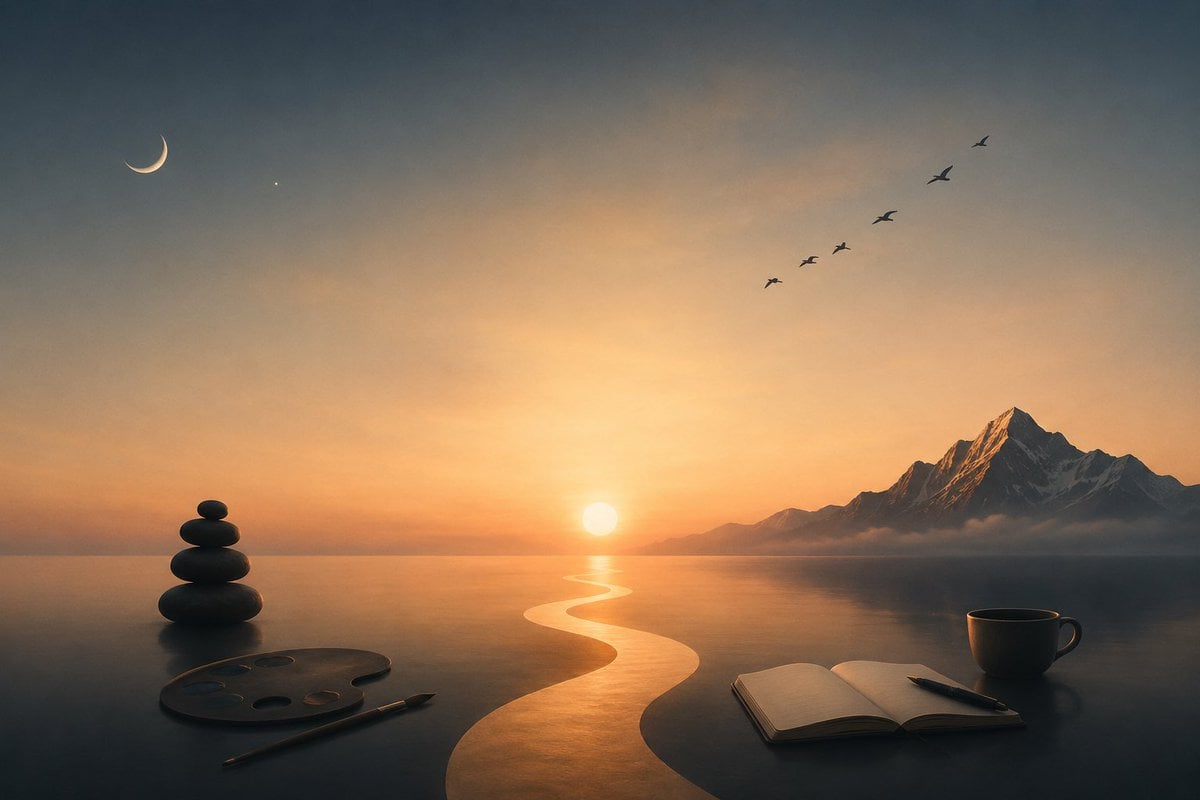
Surreal Sunset Creative Workspace
Cyberpunk AI Creative Workspace
Luxury AI Influencer Workspace Render
Cozy Workspace Café Portrait
Cozy Cinematic Home Workspace Portrait
Make it yours
Character Workspace Generator works as-is. These are the safest ways to change it without losing the look.
Change one field
Copy a single group, rewrite it, and generate again so you can see what that field is doing.
Keep the frame, change the subject
Hold the composition and light of Character Workspace Generator, then swap wardrobe, props or the person for a new take.
| If the result… | Why | Fix |
|---|---|---|
| The result drifts from the preview | Too many fields changed at once. | Reuse Character Workspace Generator as-is first, then change one group — subject, light, or setting. |
| The model over-stylizes the scene | The prose prompt leaves finish and camera underspecified. | Add one camera or lighting sentence and stay on GPT Image 2. |
More GPT Image 2 templates
Other prompts made for GPT Image 2.

Six VTuber Japanese Logo Sheet

Realistic Portrait of Woman and Deer

The Vista Modular Condo Poster

AI Model Routing Comparison Infographic

2.5D Anime Art Board

Isometric Productivity Desk Scene

New York Double Exposure Poster

Four-Panel AI Landscape Comparison

Japanese Tatami Lifestyle Magazine Cover

NESCAFÉ Coffee Map Poster
More image prompts
Fresh picks from across the catalog.
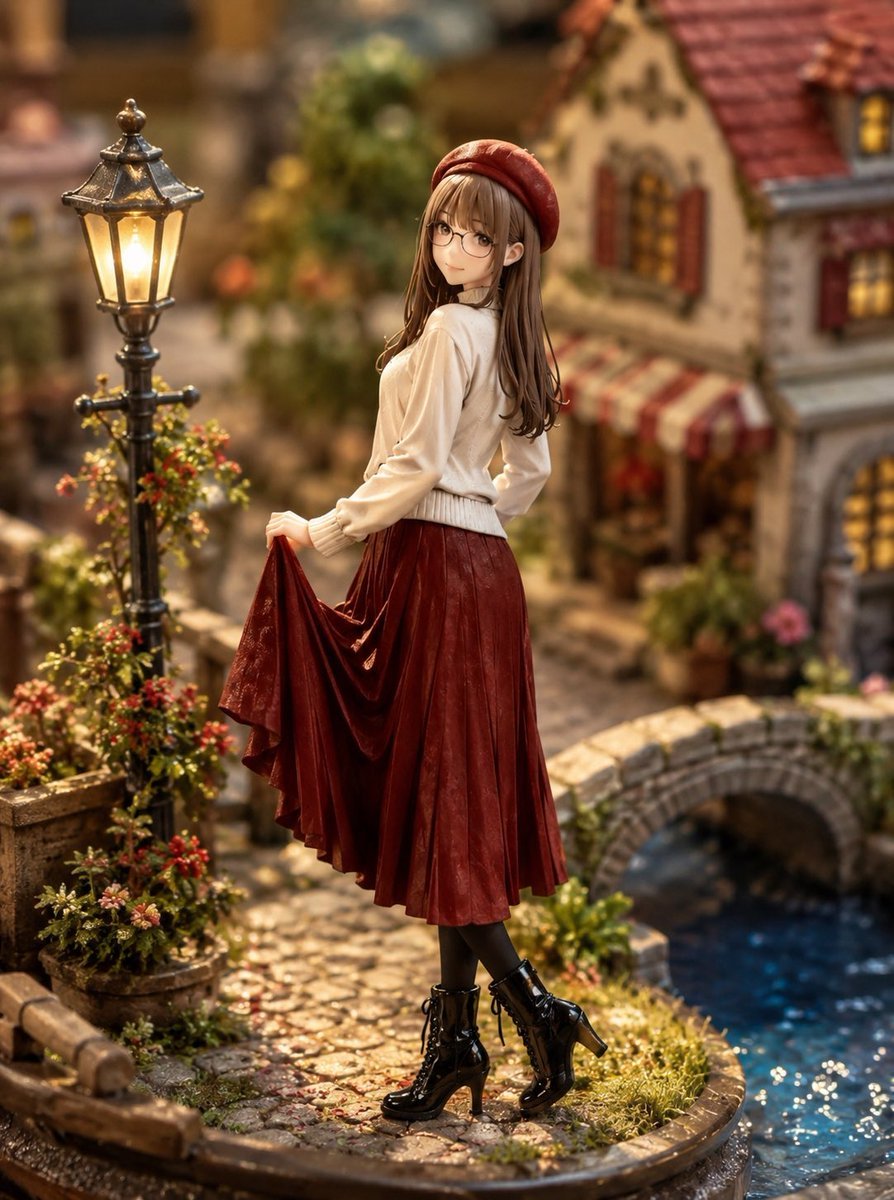
Miniature Diorama Style Transformation
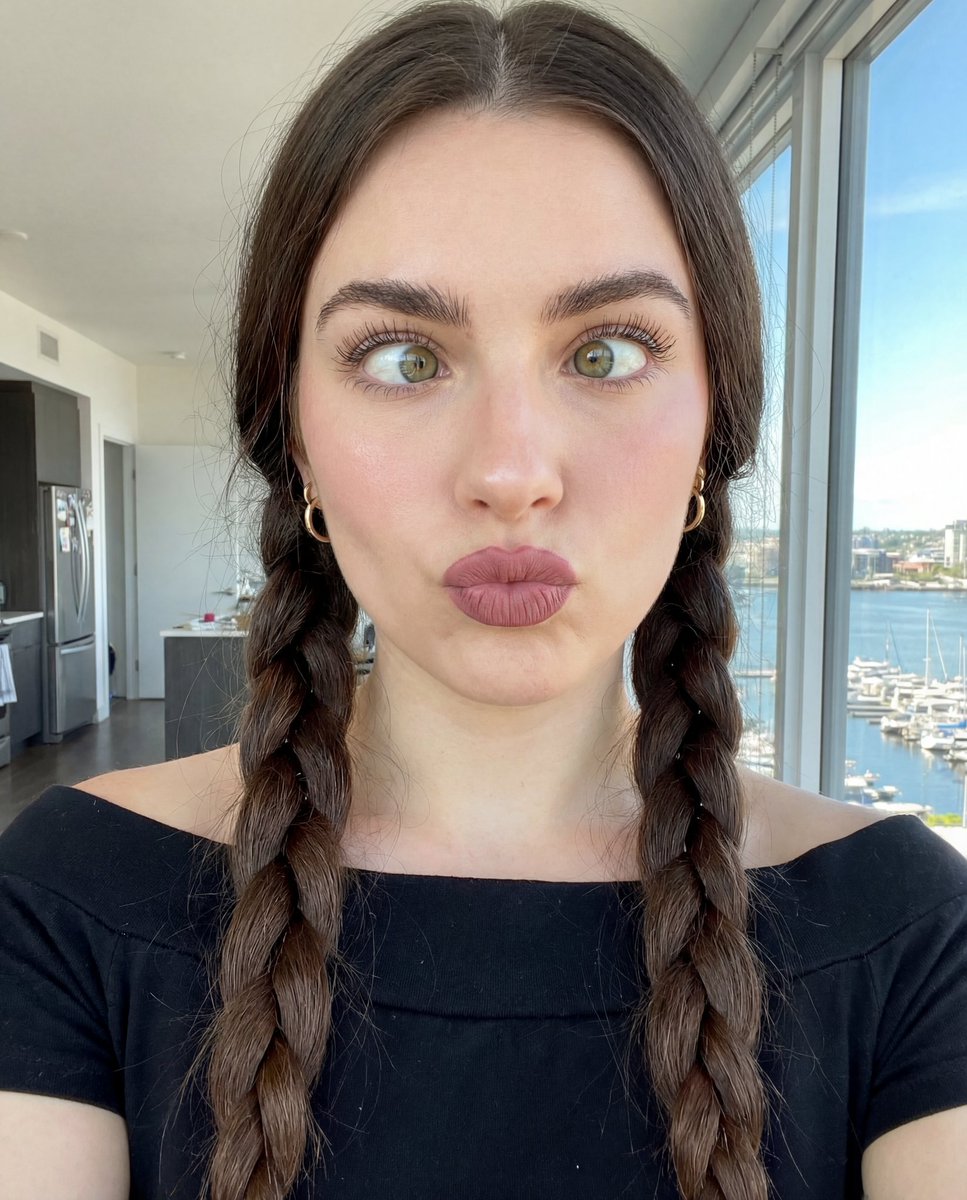
Hyper-Detailed Selfie Portrait Prompt with Anatomical Specs
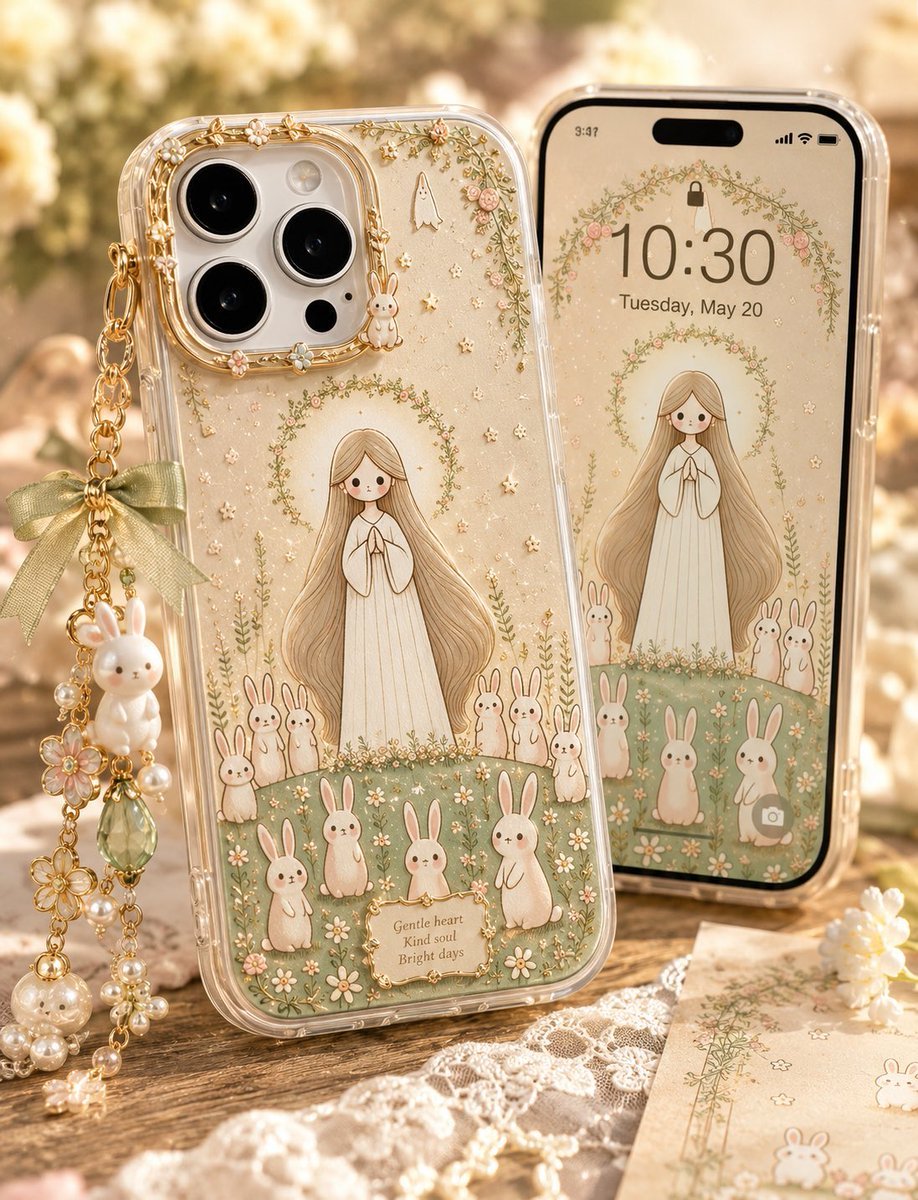
Kawaii Rabbit Smartphone Case Mockup
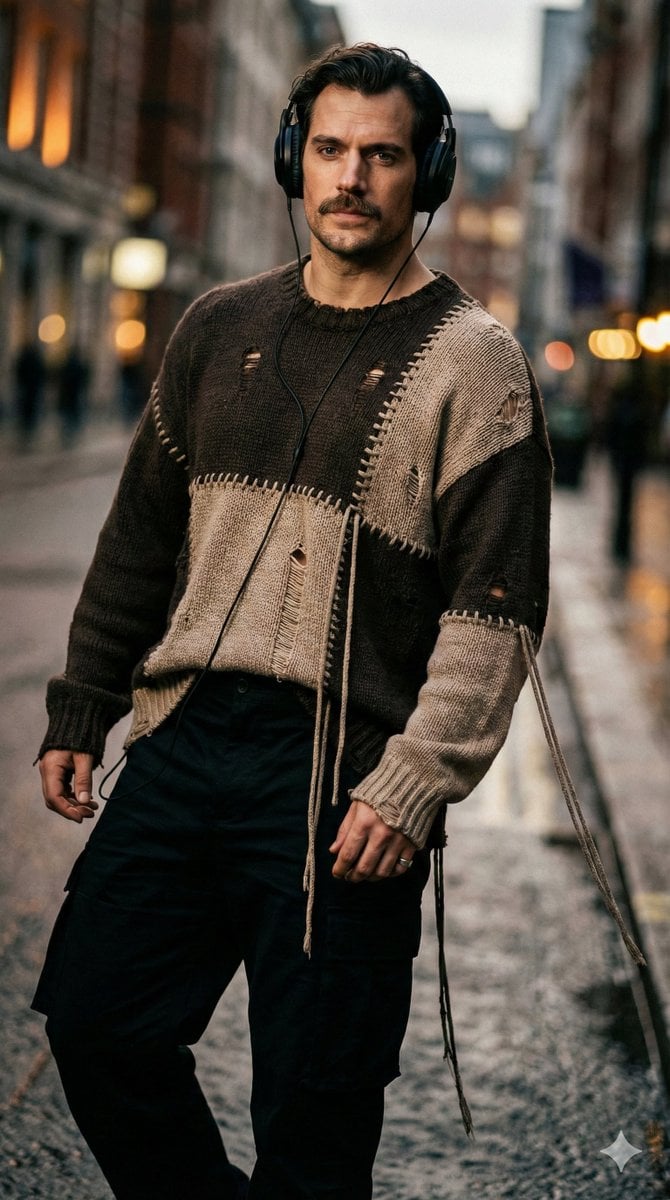
Editorial Street-Fashion Portrait Prompt
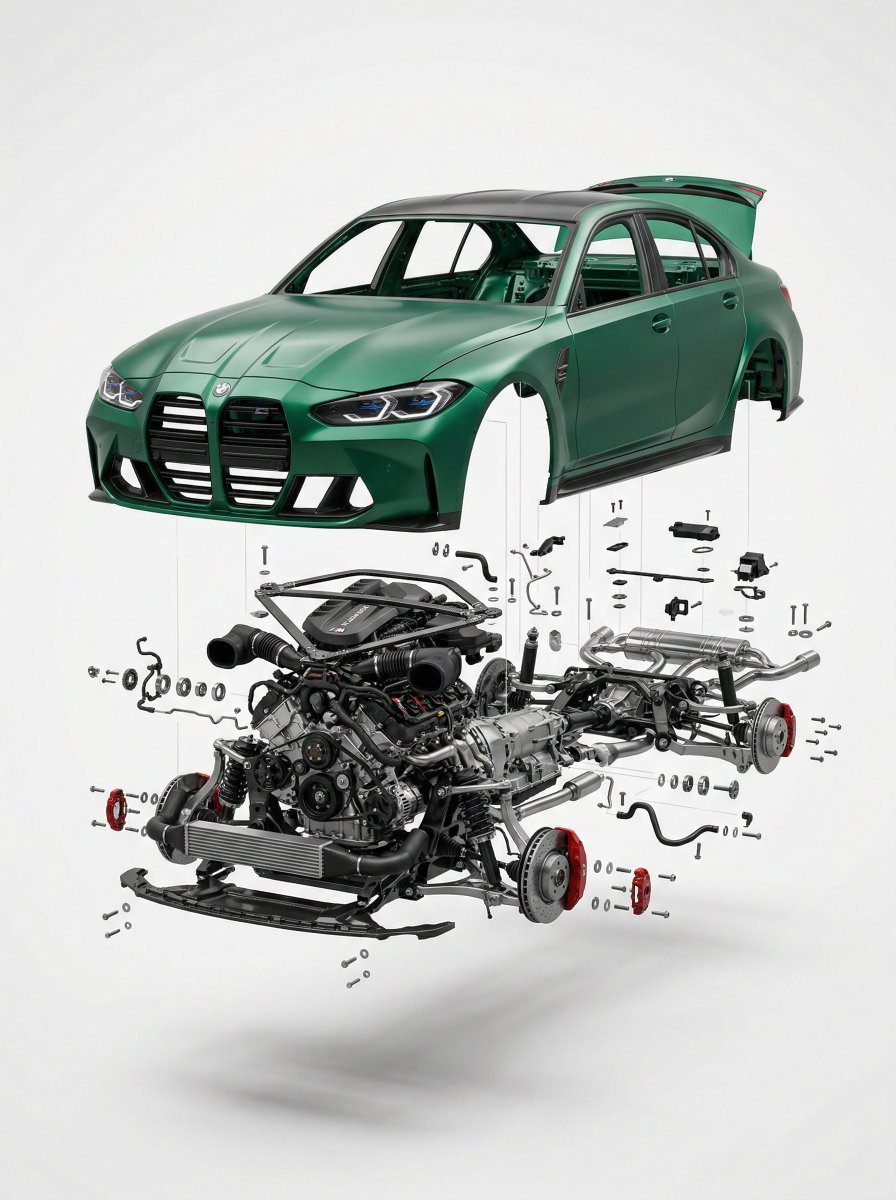
Exploded View Car Advertisement
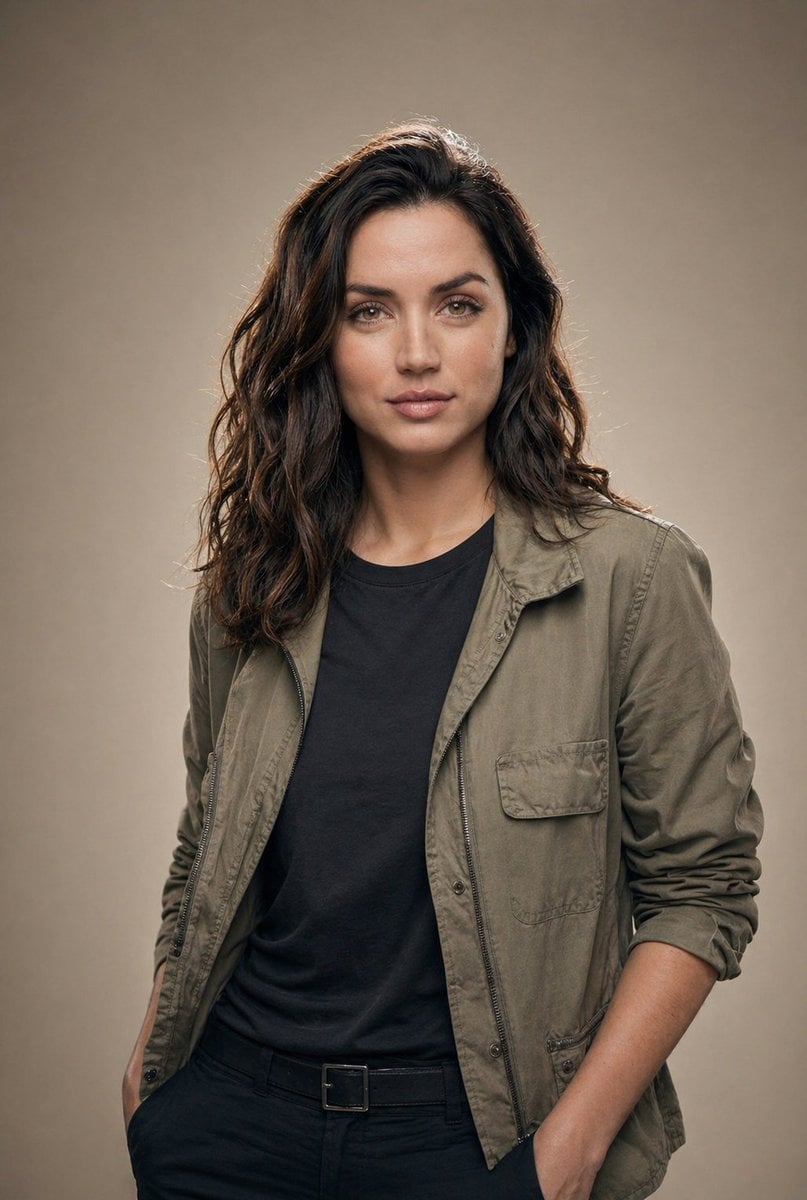
Editorial Studio Portrait in Olive Jacket

Board Game Scene with Multiple Characters Prompt
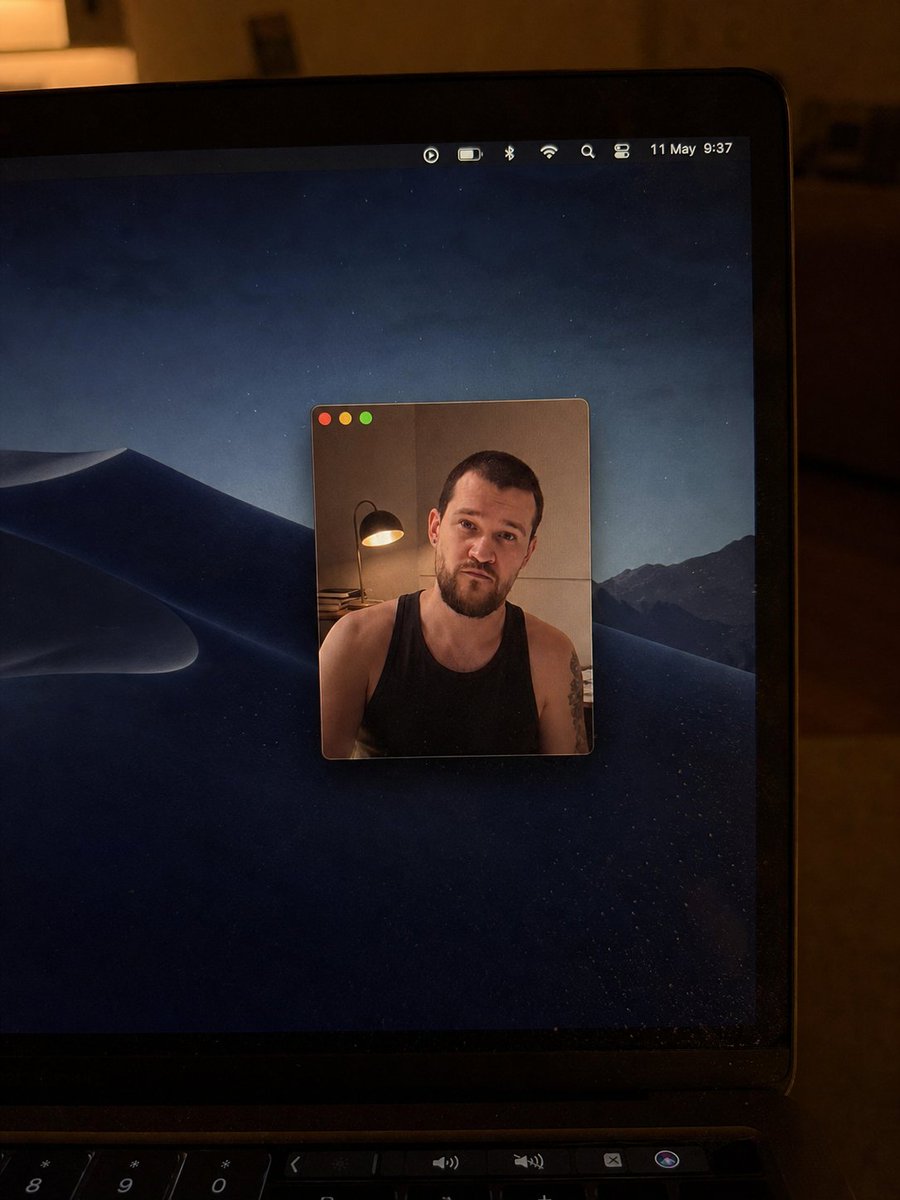
Realistic Mac Webcam Photo Edit
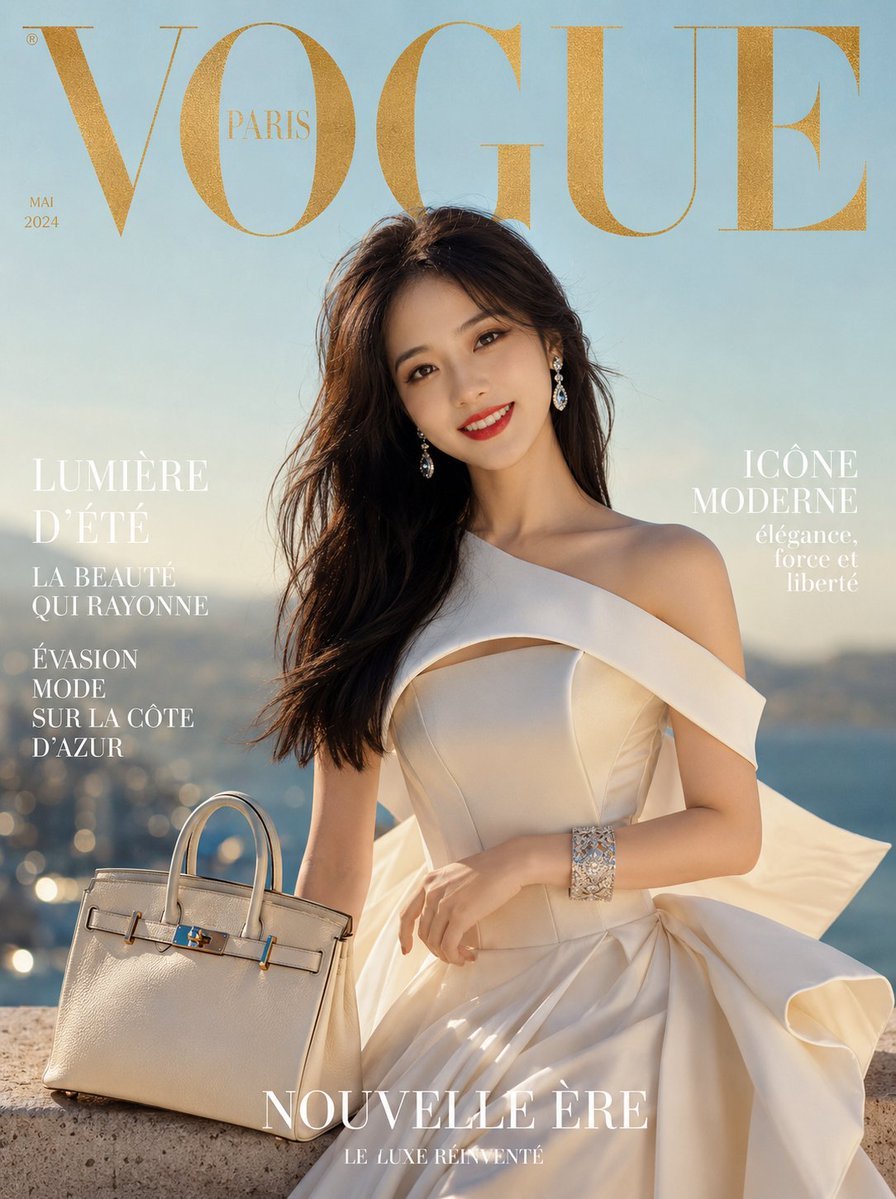
Surrealist Luxury Vogue Cover
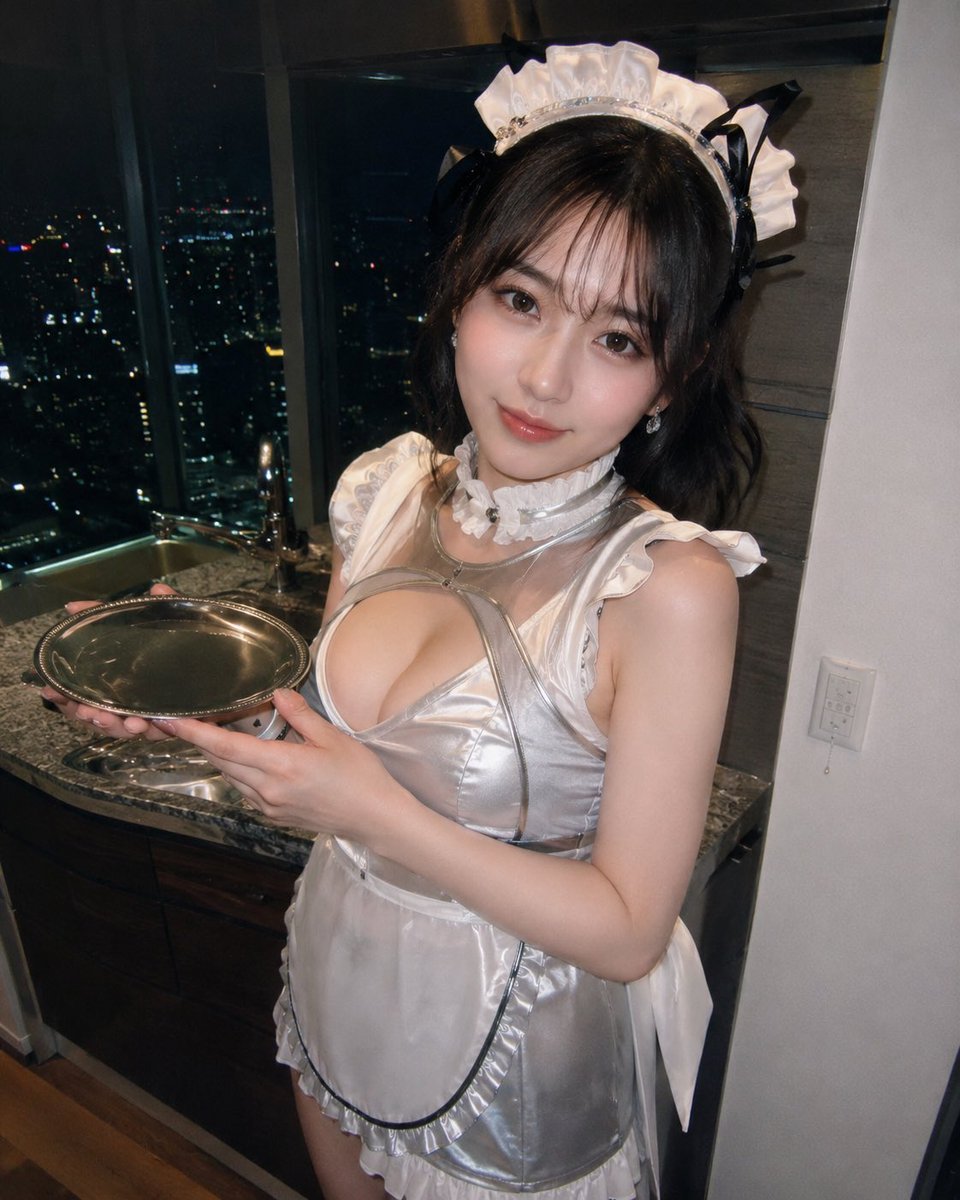
Silver Maid Cosplay in High-Rise Kitchen
Browse template categories
Character Workspace Generator questions
How do I use the Character Workspace Generator template?
Add your photo if the template asks for one, edit the prompt if you like — the template's model and format are already selected — and press Generate. Your version opens in PicX Studio.
Can I customize the Character Workspace Generator template?
Yes. You can change the subject, setting, lighting, mood, format, and available model controls before creating your image.
Is the Character Workspace Generator template free?
Opening and editing this template is free. Generating uses credits, shown on the Generate button when you are signed in.
Which AI model should I use?
Start with GPT Image 2, which is the model associated with this template. You can compare another compatible model for a different finish.
Looking for something else? Browse all templates.

Your photo, any look
Thousands of ready templates for every top image and video model, from one credit balance.