
Retro Y2K Computer Workspace Portrait
A nostalgic lifestyle portrait of a woman at a vintage computer workstation, styled with an early-2000s point-and-shoot camera aesthetic.
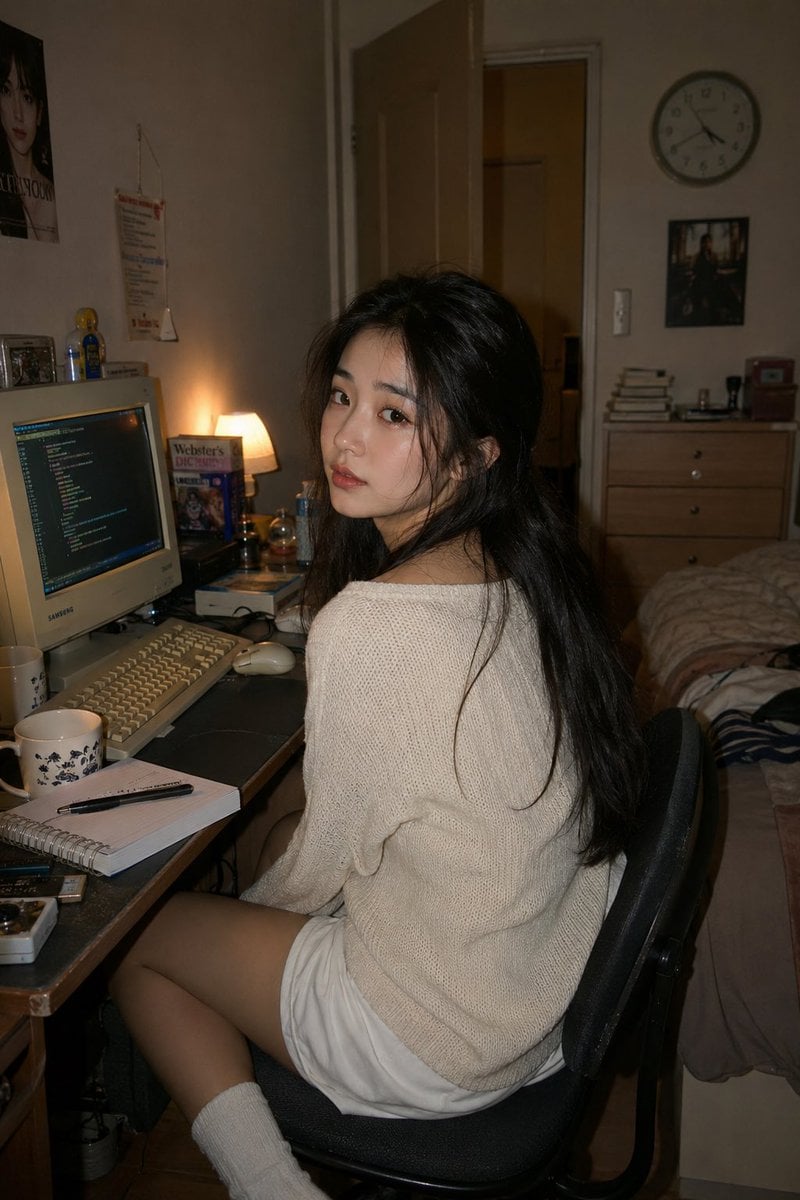
- Prompt included
- Model and format preset
- Free template
The prompt behind this image
Copy the exact prompt behind Retro Y2K Computer Workspace Portrait, or open it in the studio and make it yours.
A photorealistic lifestyle portrait of a {argument name="subject" default="young East Asian woman"} seated casually at a {argument name="workspace" default="retro computer workstation"} in a {argument name="room" default="cozy apartment bedroom"}. She is turned slightly away from the desk, glancing back toward the camera with a thoughtful, serene expression that feels spontaneous and unposed. Her long dark hair falls naturally around her face with a few loose strands, and she wears a relaxed cream-colored oversized knit sweater paired with comfortable white lounge shorts, creating a warm, understated look. The scene is set in a softly cluttered late-night workspace inspired by early internet-era bedrooms. A chunky CRT monitor casts a subtle glow across the desk, displaying a coding interface, surrounded by a classic beige keyboard, wired mouse, scattered notebooks, a steaming mug, and small personal trinkets. The room extends into the background with a partially open door, a wooden chest of drawers, a casually rumpled bed, stacked books, and a simple analog wall clock, adding character and authenticity. Shot as if captured with a compact point-and-shoot camera using direct flash, the lighting feels intimate and nostalgic, with gentle highlights, realistic skin texture, and soft shadow falloff. Muted vintage tones, subtle color fading, delicate film grain, and tiny imperfections create the feeling of a discovered photograph from the early 2000s. Shallow depth of field keeps focus on the subject while the room softly melts into the background. Vertical composition, cinematic framing, natural storytelling, cozy midnight programming mood, authentic Y2K-inspired atmosphere. Style Keywords: photorealistic lifestyle portrait, candid indoor photography, nostalgic computer room, retro internet aesthetic, early-2000s bedroom, point-and-shoot flash, cinematic realism, natural beauty, editorial photography, warm ambient mood, soft film grain, vintage color palette, intimate storytelling, high detail, authentic 35mm film look.
How to use Retro Y2K Computer Workspace Portrait in 3 steps
- 1
Open
The prompt is already in the box next to the preview, with the template's model and format selected.
- 2…a portrait of your subject in softgolden-hour light, 85mm…
Personalize
Edit the subject and creative details for your destination.
- 3Generate
Generate
Press Generate — your image is created in PicX Studio, so you can compare it with the original and refine one variable at a time.
More like this
Templates with the same subject, style or setup. Open one to see its prompt.












Make it yours
Retro Y2K Computer Workspace Portrait works as-is. These are the safest ways to change it without losing the look.
Change one field
Copy a single group, rewrite it, and generate again so you can see what that field is doing.
Keep the frame, change the subject
Hold the composition and light of Retro Y2K Computer Workspace Portrait, then swap wardrobe, props or the person for a new take.
| If the result… | Why | Fix |
|---|---|---|
| The result drifts from the preview | Too many fields changed at once. | Reuse Retro Y2K Computer Workspace Portrait as-is first, then change one group — subject, light, or setting. |
| The model over-stylizes the scene | The prose prompt leaves finish and camera underspecified. | Add one camera or lighting sentence and stay on GPT Image 2. |
More GPT Image 2 templates
Other prompts made for GPT Image 2.

Six VTuber Japanese Logo Sheet

Realistic Portrait of Woman and Deer

The Vista Modular Condo Poster

AI Model Routing Comparison Infographic

2.5D Anime Art Board

Isometric Productivity Desk Scene

New York Double Exposure Poster

Four-Panel AI Landscape Comparison

Japanese Tatami Lifestyle Magazine Cover

NESCAFÉ Coffee Map Poster
More image prompts
Fresh picks from across the catalog.
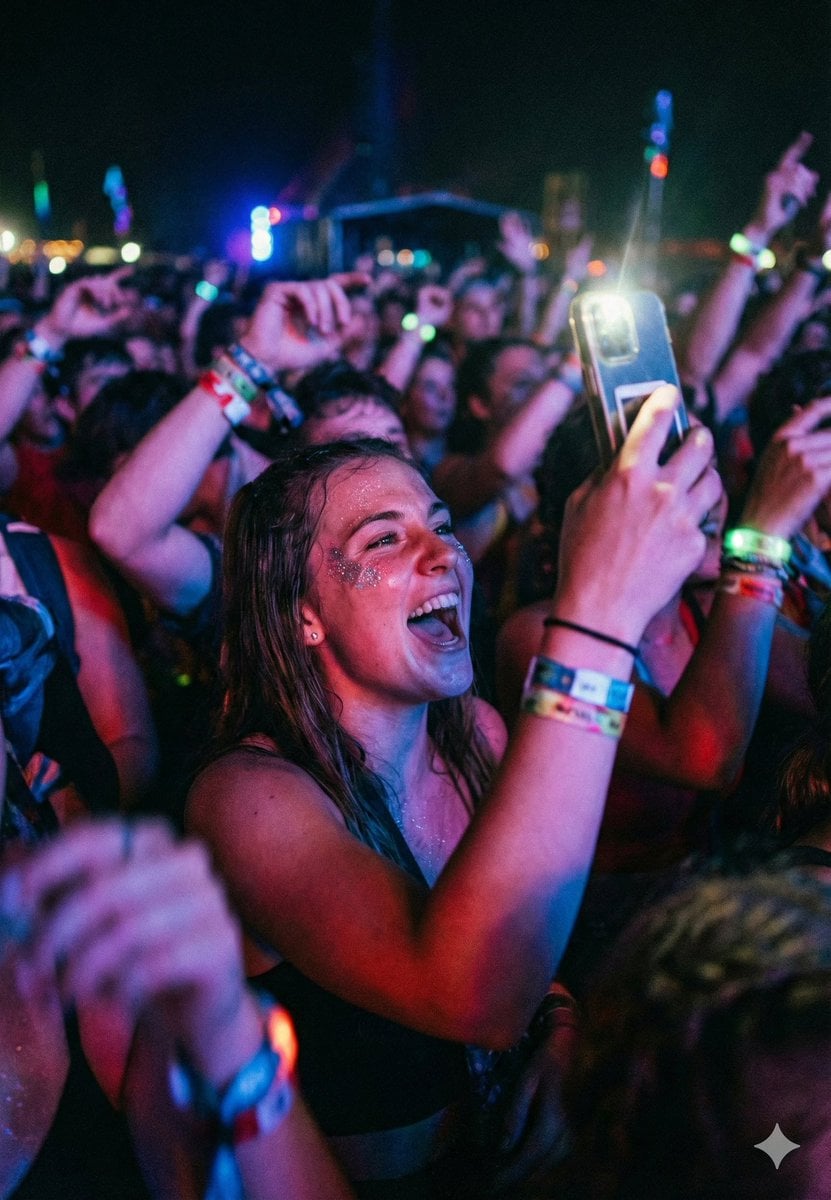
Cinematic Concert Crowd Photo Prompt

Cinematic Chiaroscuro Portrait
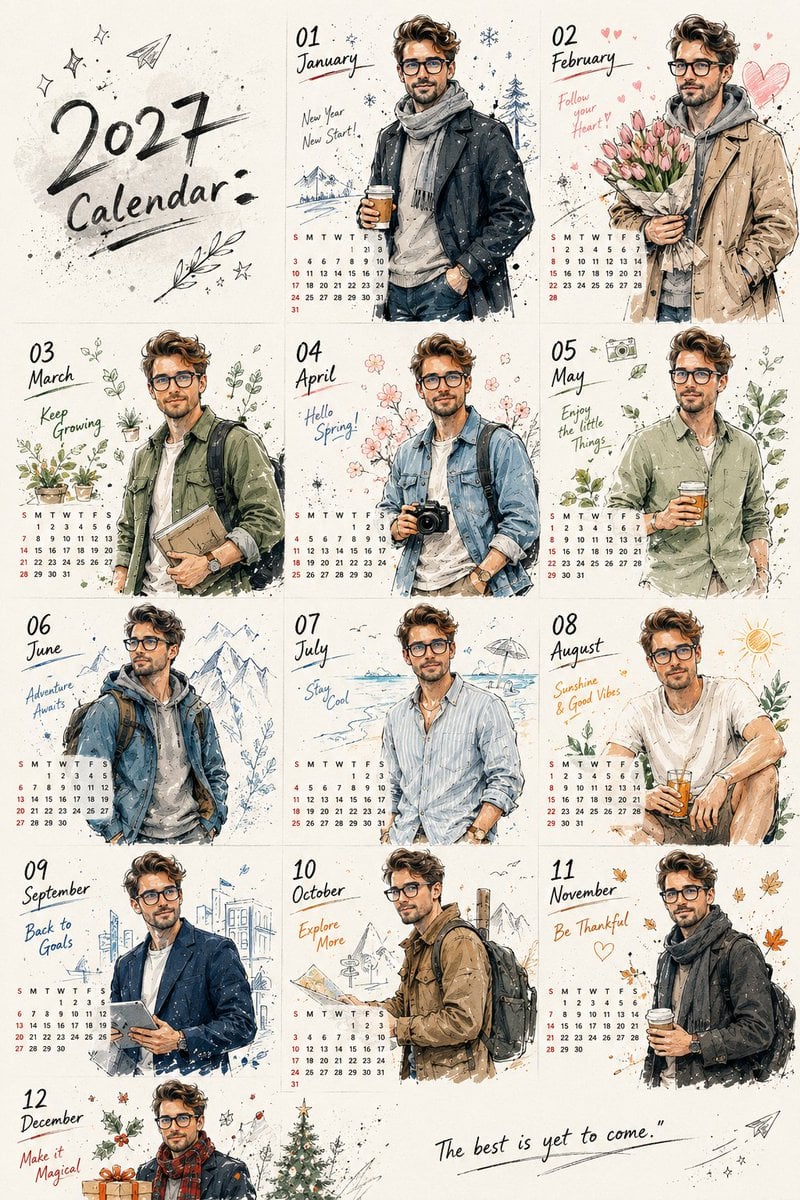
Korean Doodle Style Custom Calendar
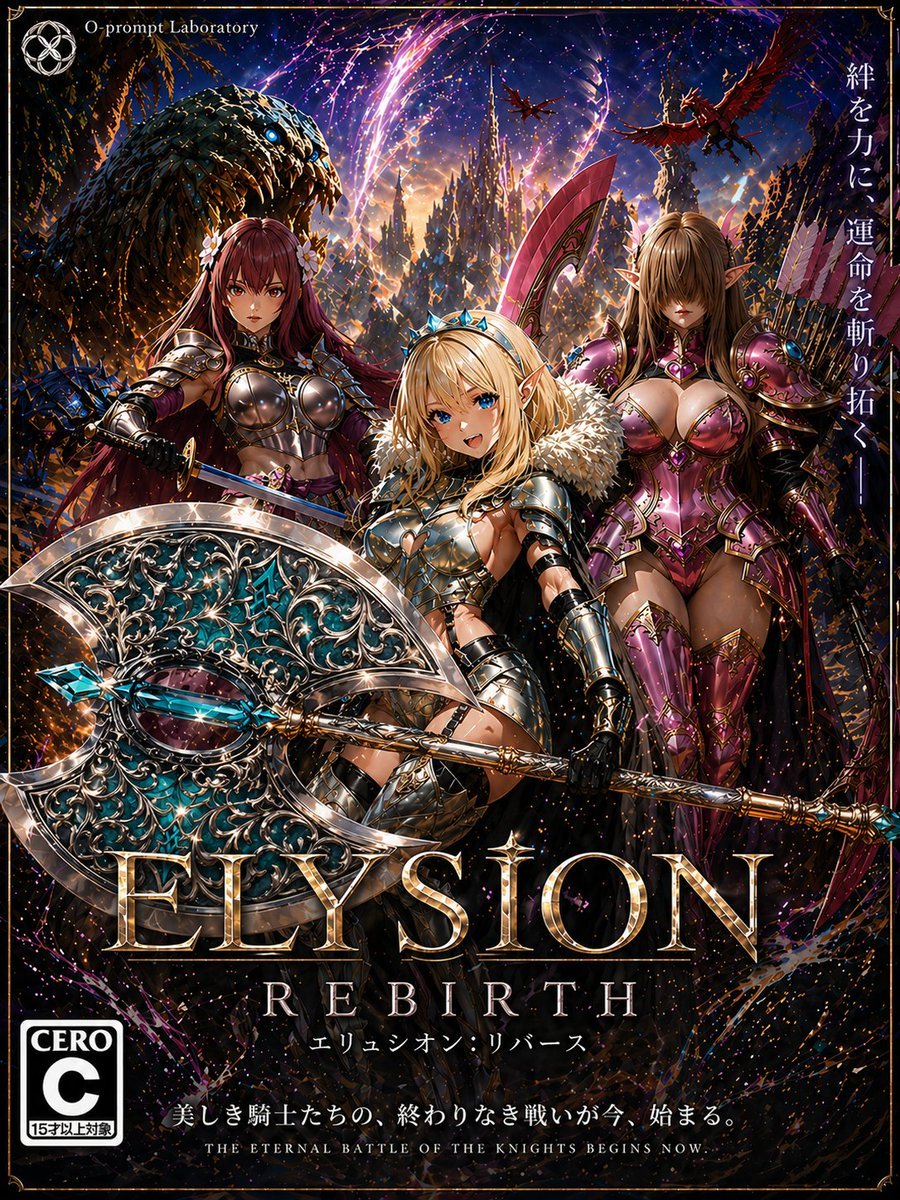
Fantasy RPG Game Cover with Three Knight Women
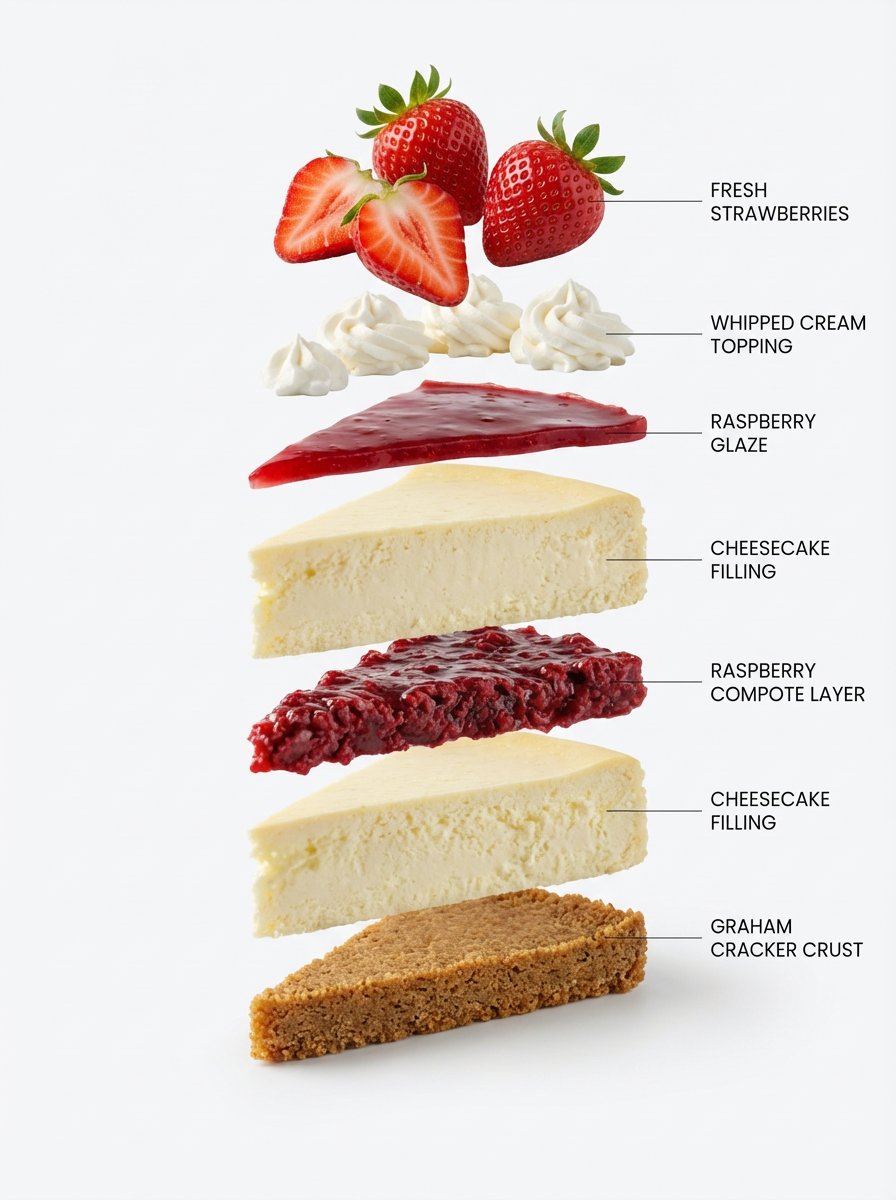
Exploded-View Structural Cutaway for Food Photography

Luxury Spa Day on Yacht Trio Prompt
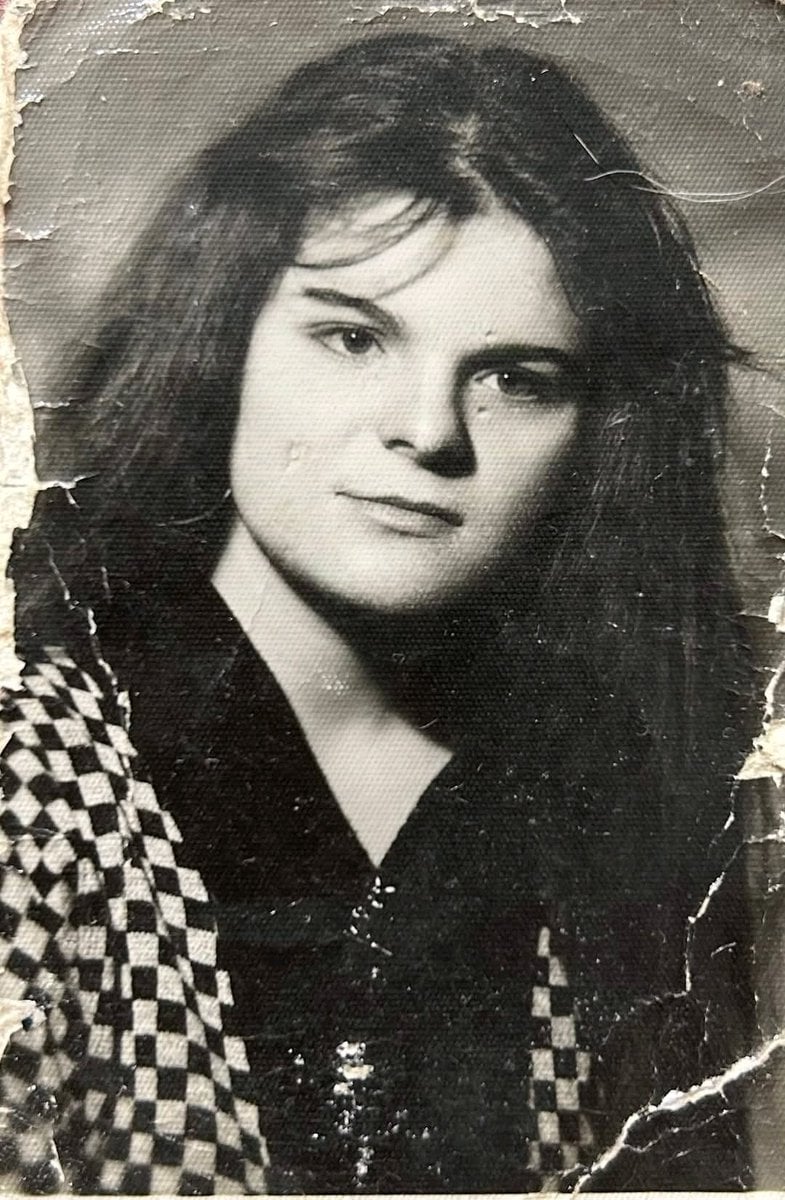
Photo Restoration and Upscaling Prompt
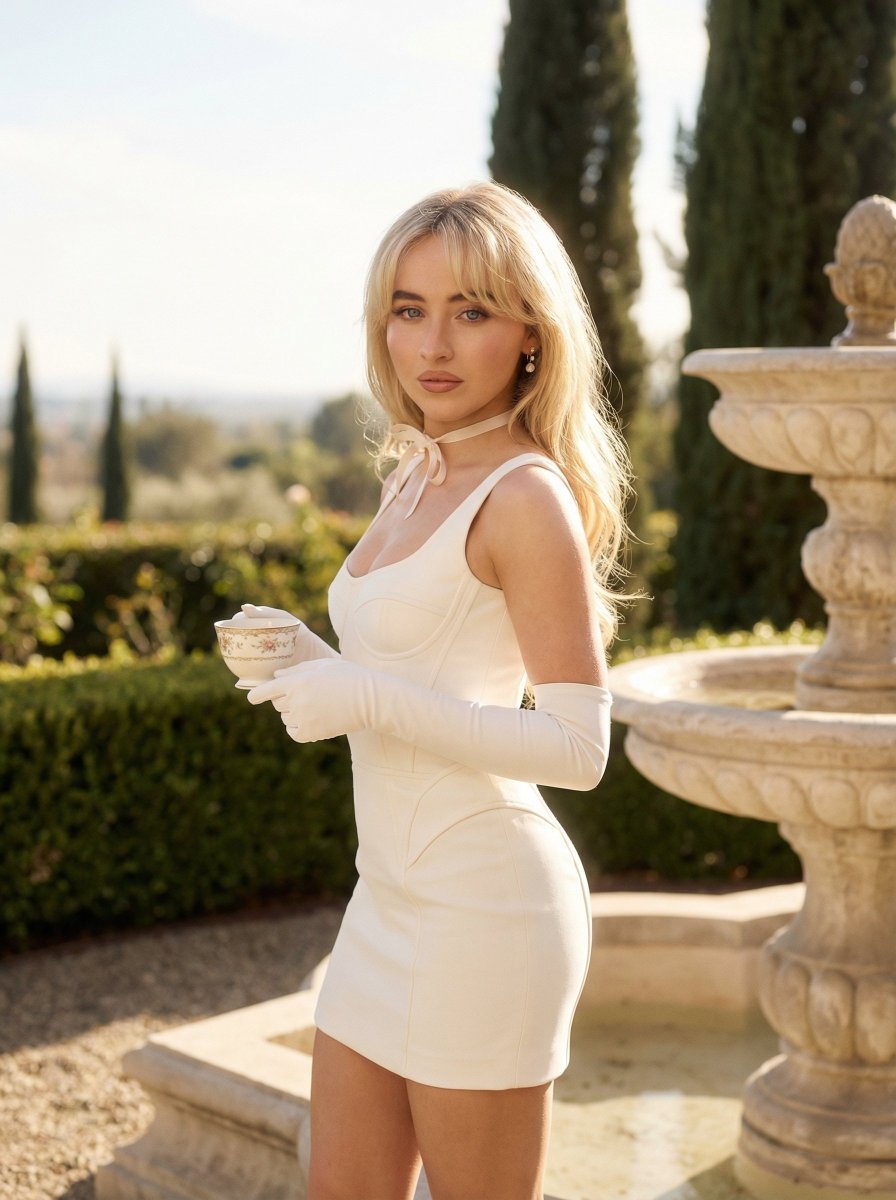
Quiet Luxury Outdoor Editorial Portrait
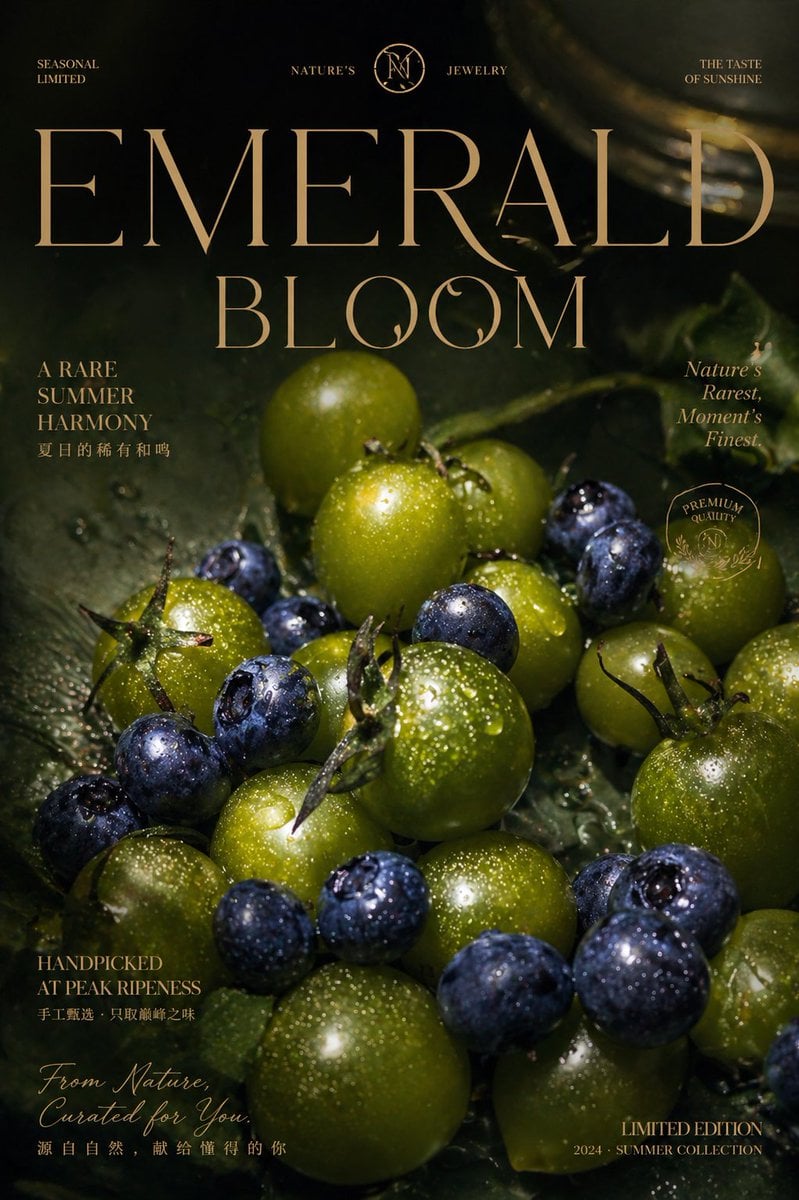
Luxury Emerald Bloom Fruit Poster
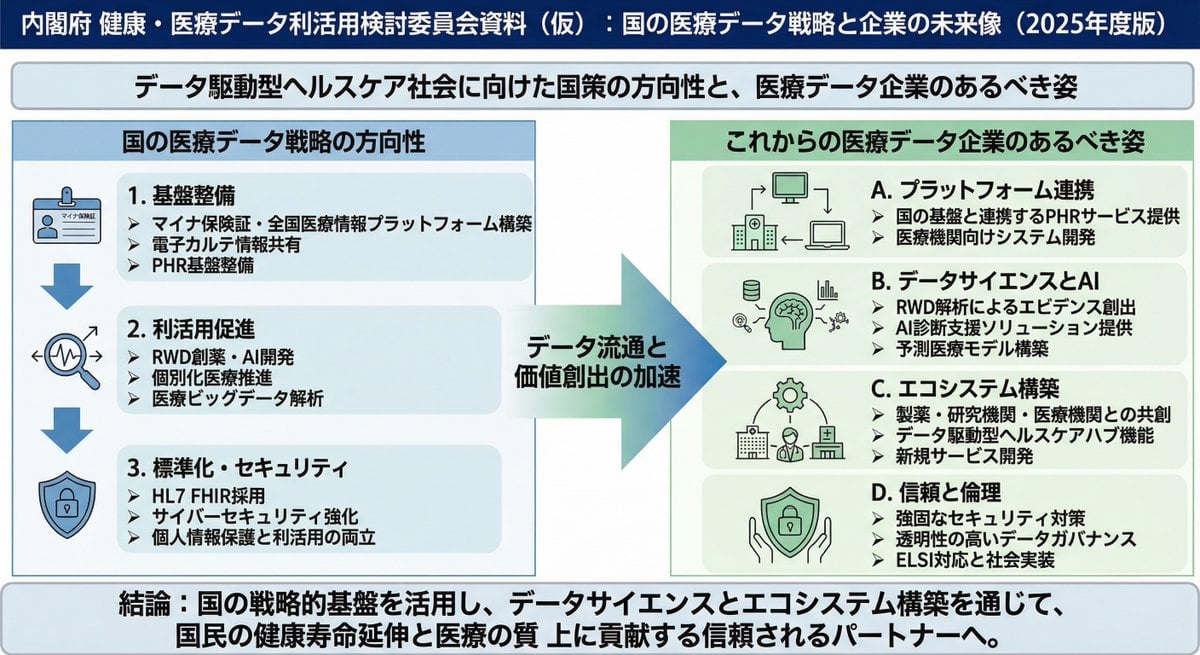
Policy-style slide about national medical data strategy
Browse template categories
Retro Y2K Computer Workspace Portrait questions
How do I use the Retro Y2K Computer Workspace Portrait template?
Add your photo if the template asks for one, edit the prompt if you like — the template's model and format are already selected — and press Generate. Your version opens in PicX Studio.
Can I customize the Retro Y2K Computer Workspace Portrait template?
Yes. You can change the subject, setting, lighting, mood, format, and available model controls before creating your image.
Is the Retro Y2K Computer Workspace Portrait template free?
Opening and editing this template is free. Generating uses credits, shown on the Generate button when you are signed in.
Which AI model should I use?
Start with GPT Image 2, which is the model associated with this template. You can compare another compatible model for a different finish.
Looking for something else? Browse all templates.

Your photo, any look
Thousands of ready templates for every top image and video model, from one credit balance.