
Absurdist Office Workspace Fire
A darkly humorous prompt depicting a woman calmly working at her desk while her entire office and clothing are on fire, utilizing a Y2K digital flash look.
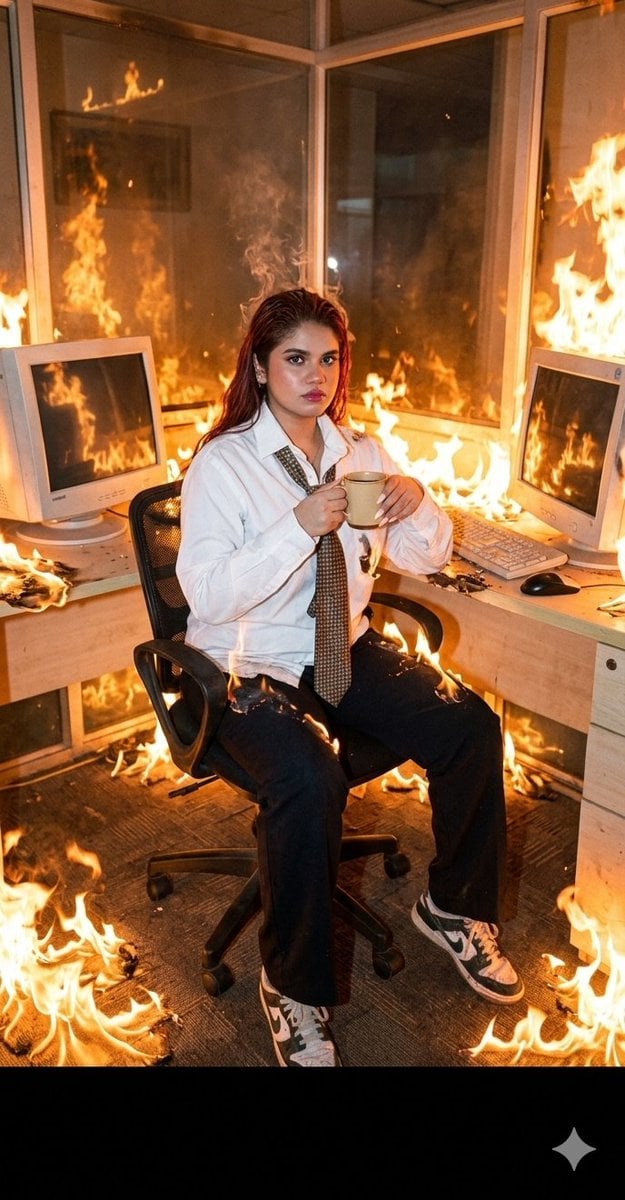
- Prompt included
- Model and format preset
- Free template
The prompt behind this image
Copy the exact prompt behind Absurdist Office Workspace Fire, or open it in the studio and make it yours.
A wide side-angle shot captures a young woman seated in her office workspace. The camera sits at a slight diagonal, providing a three-quarter view of both her body and the contemporary desk setup, enhancing depth while introducing a slightly unpolished, candid feel typical of early digital photography. Outfit: {argument name="clothing" default="white dress shirt with rolled sleeves, slightly loosened patterned tie, slim black trousers or pencil skirt, white socks, beige sneakers"} — all actively burning. Her long hair is slightly messy from the heat. Scene: fire spreads across the floor, walls, and glass partitions. The desk, CRT monitor, keyboard, coffee mug, and mouse reflect the flames. Lighting: {argument name="lighting style" default="harsh on-camera flash (Y2K digital look)"} creates sharp highlights and flattens parts of the scene. Fire is overexposed in places with clipped highlights. Conflicting color temperatures: cool flash vs warm firelight. Digital look: visible noise in shadows, slight color banding, over-sharpened edges, compressed dynamics. High depth of field, everything in focus, flash-frozen moment. Mood: absurd, darkly humorous realism. Calm young woman working while everything burns, making direct eye contact. Color palette: dark gray, desaturated neutrals interrupted by aggressive oranges and yellows from fire.
How to use Absurdist Office Workspace Fire in 3 steps
- 1
Open
The prompt is already in the box next to the preview, with the template's model and format selected.
- 2…a portrait of your subject in softgolden-hour light, 85mm…
Personalize
Edit the subject and creative details for your destination.
- 3Generate
Generate
Press Generate — your image is created in PicX Studio, so you can compare it with the original and refine one variable at a time.
More like this
Templates with the same subject, style or setup. Open one to see its prompt.
PixVerse v6 - Cinematic Fire Scene
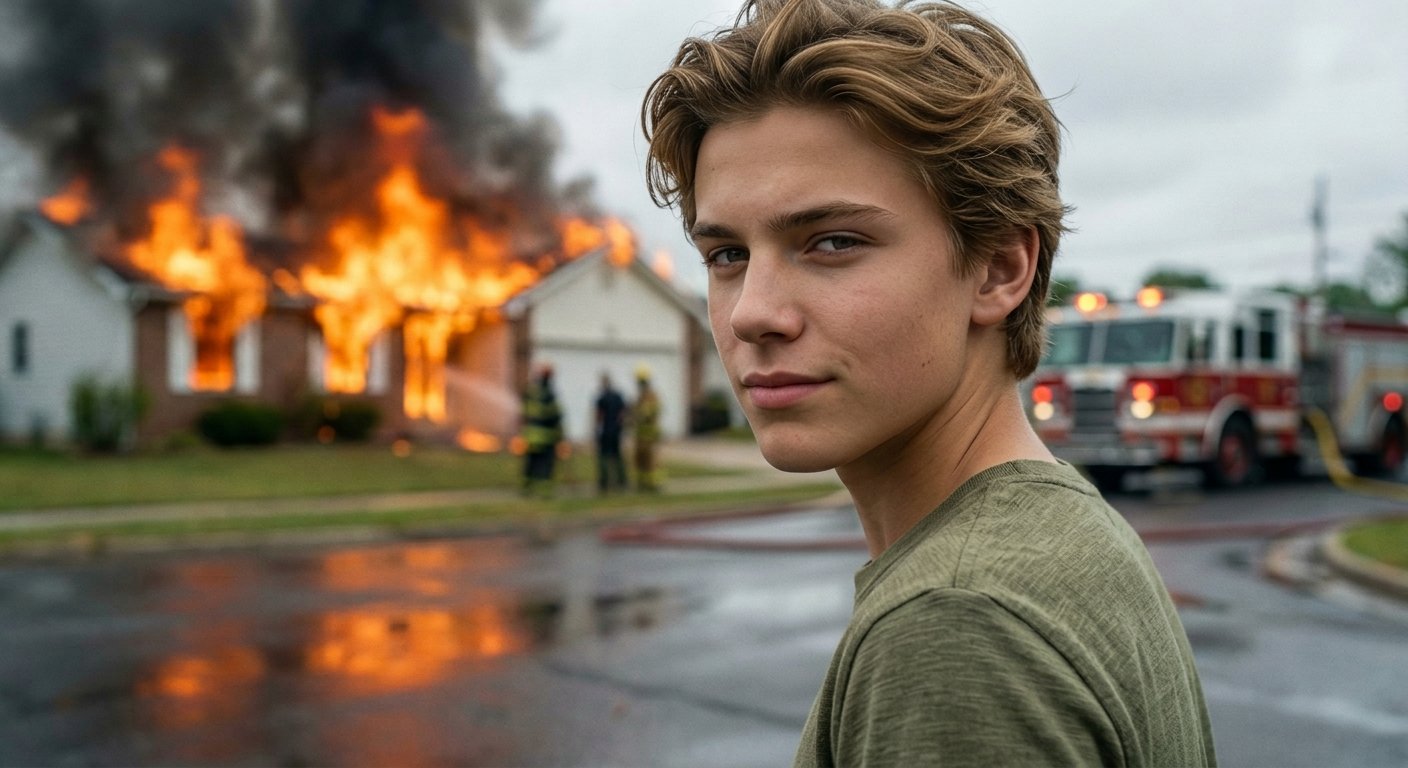
Cinematic Fire Portrait - Boy
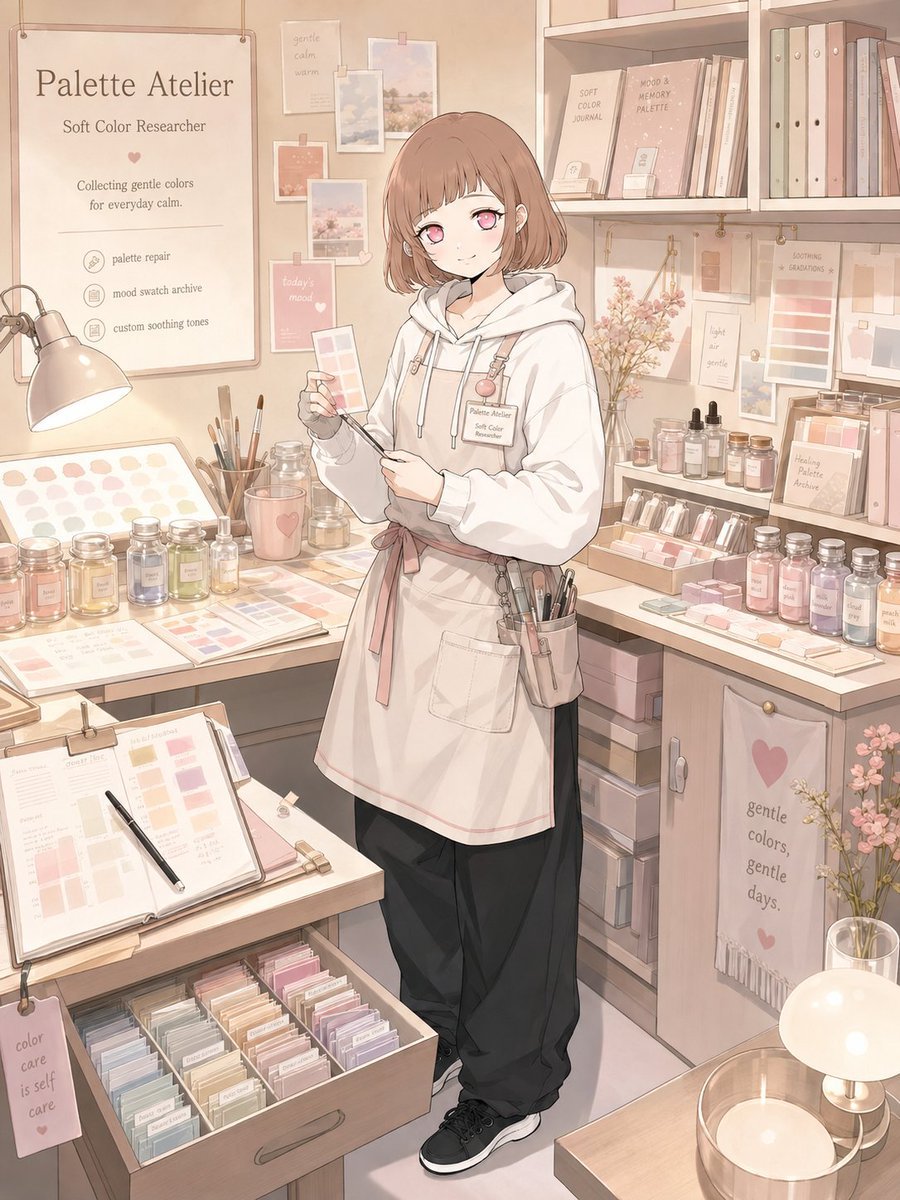
Character Workspace Generator

Golden Retriever Sunset Campfire Photography
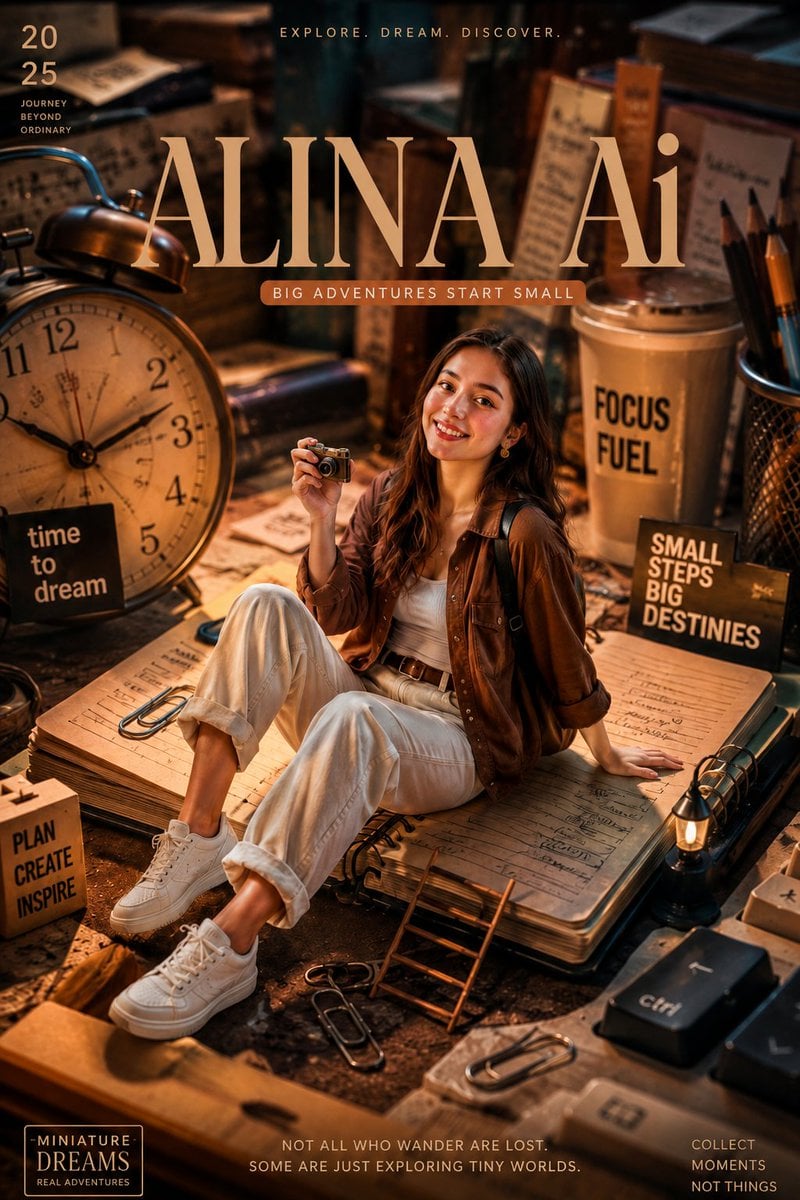
Miniature Workspace Adventure Poster

Creative Character in Pink Office
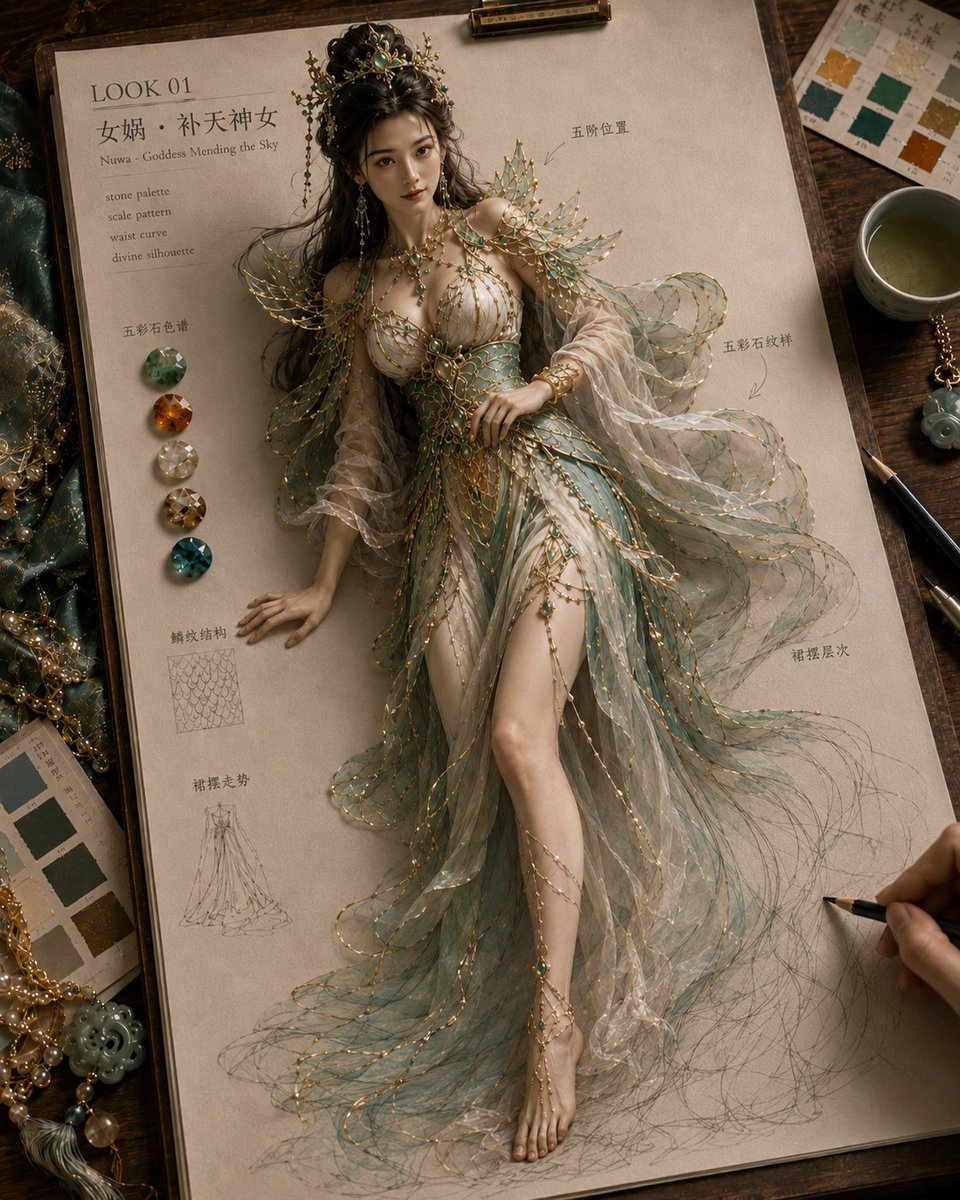
Mythical Haute Couture Sketch Workspace
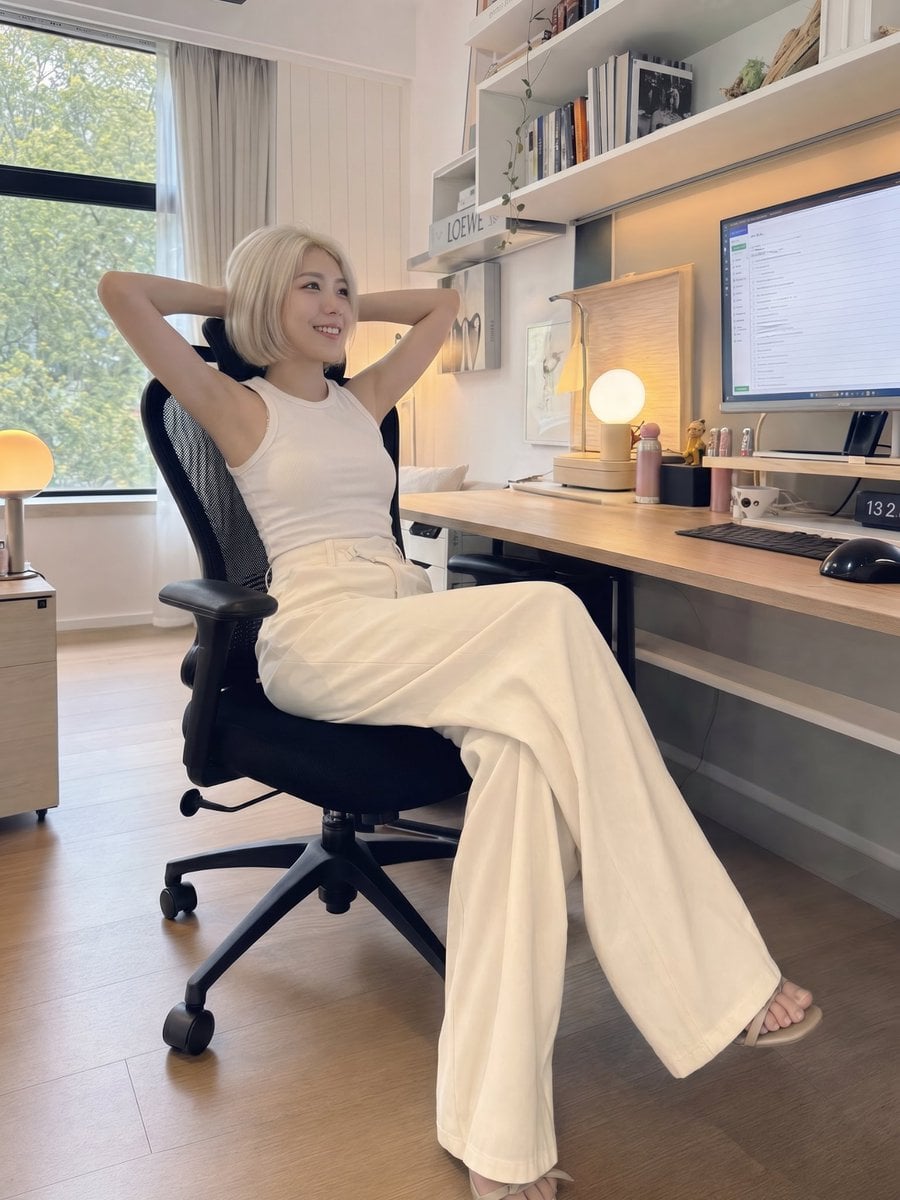
iPhone Style Minimalist Office Portrait
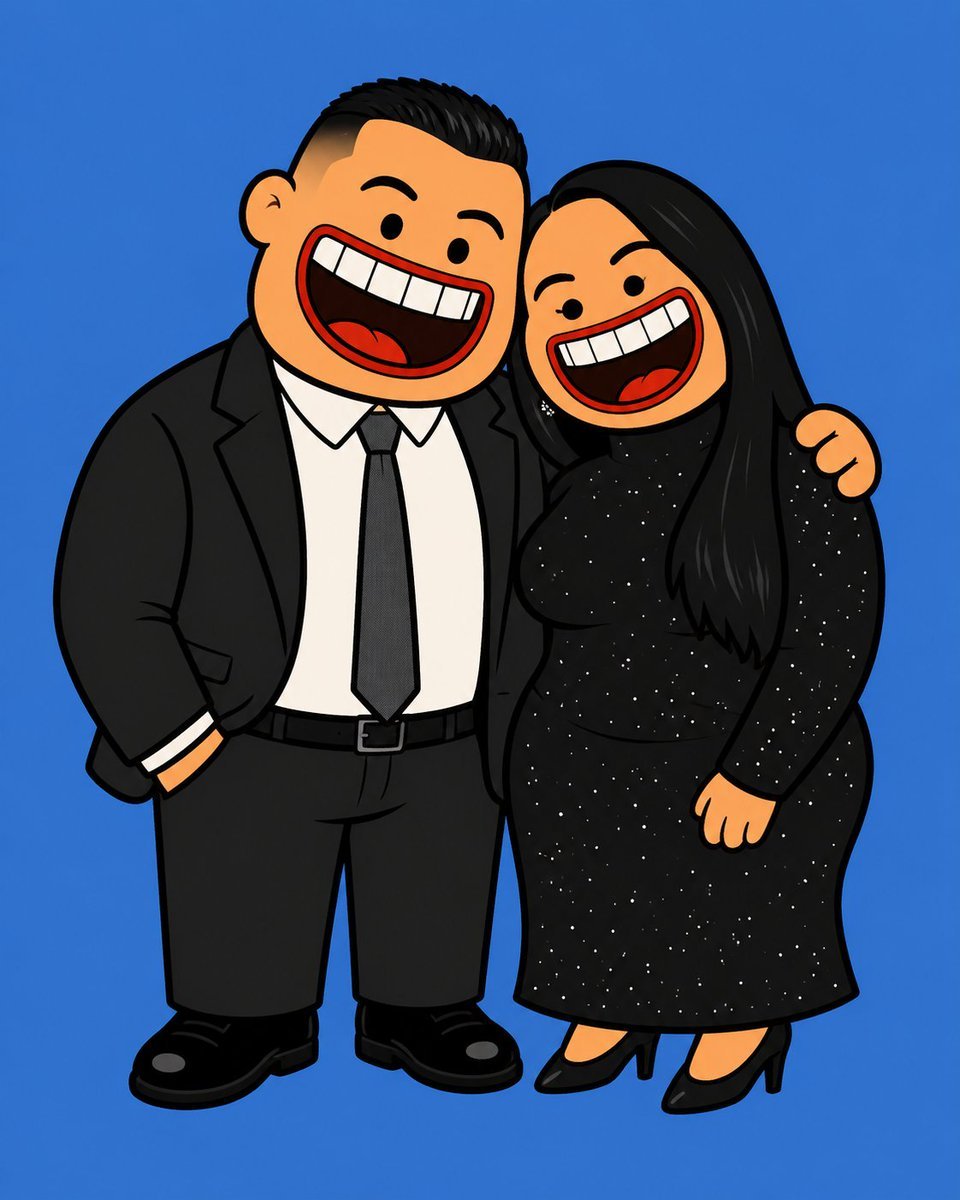
Absurdist 2D Rubber Cartoon Illustration

Absurdist Claymation Scene Interpretation
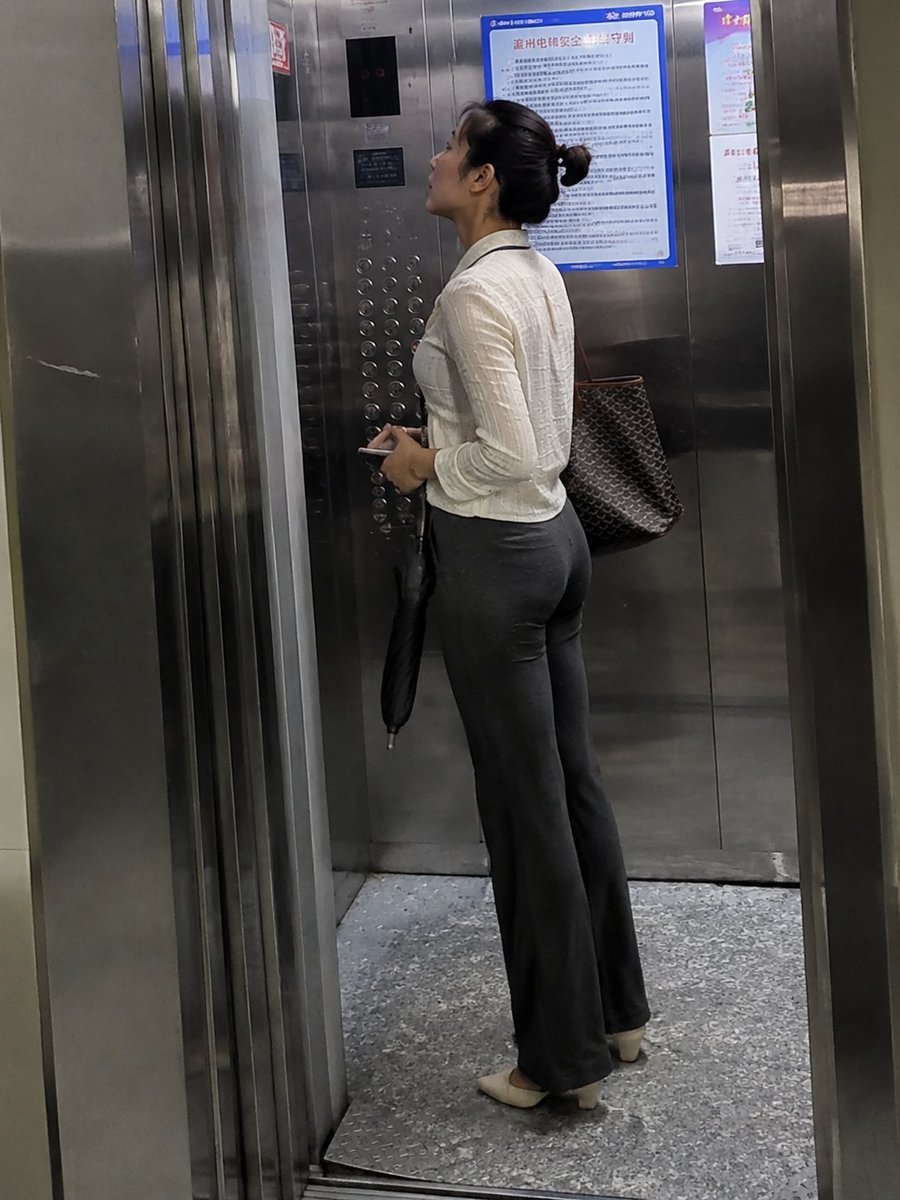
Realistic Office Elevator Candid
Demon Office Girl Morning Drink
Make it yours
Absurdist Office Workspace Fire works as-is. These are the safest ways to change it without losing the look.
Change one field
Copy a single group, rewrite it, and generate again so you can see what that field is doing.
Keep the frame, change the subject
Hold the composition and light of Absurdist Office Workspace Fire, then swap wardrobe, props or the person for a new take.
| If the result… | Why | Fix |
|---|---|---|
| The result drifts from the preview | Too many fields changed at once. | Reuse Absurdist Office Workspace Fire as-is first, then change one group — subject, light, or setting. |
| The model over-stylizes the scene | The prose prompt leaves finish and camera underspecified. | Add one camera or lighting sentence and stay on Nano Banana 2. |
More Nano Banana 2 templates
Other prompts made for Nano Banana 2.

Photorealistic Leaf Shaped Like a Dragon

K-Pop Idol Portrait Grid for Rapid Selection

Poetic Rain Forest Portrait During Golden Hour

Urban Street Portrait with Cartoon Inner Self Duo

Candid Nighttime Photo with Cat Prompt

High-Concept 3D Diorama Generation Prompt

Cinematic Futuristic Studio Portrait Template

Skincare Editorial Photography Collage Prompt

Hyper-Realistic Commercial Product Photography (Splash Effect)

Hyper-Realistic Nightclub Portrait Prompt
More image prompts
Fresh picks from across the catalog.
Cinematic Motion Blur Silhouette Portrait
Soft Grunge Selfie with Black Cat Companion
Monochrome Infra Brand Kit Board
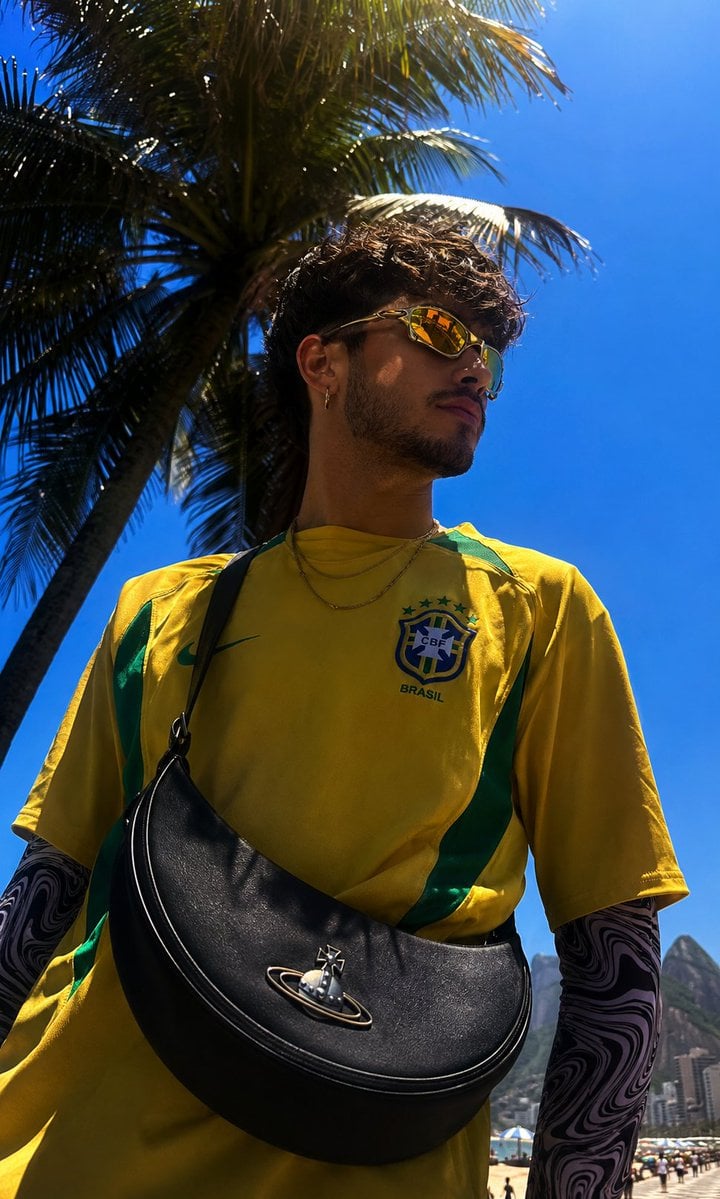
Copacabana Beach Fashion Photography
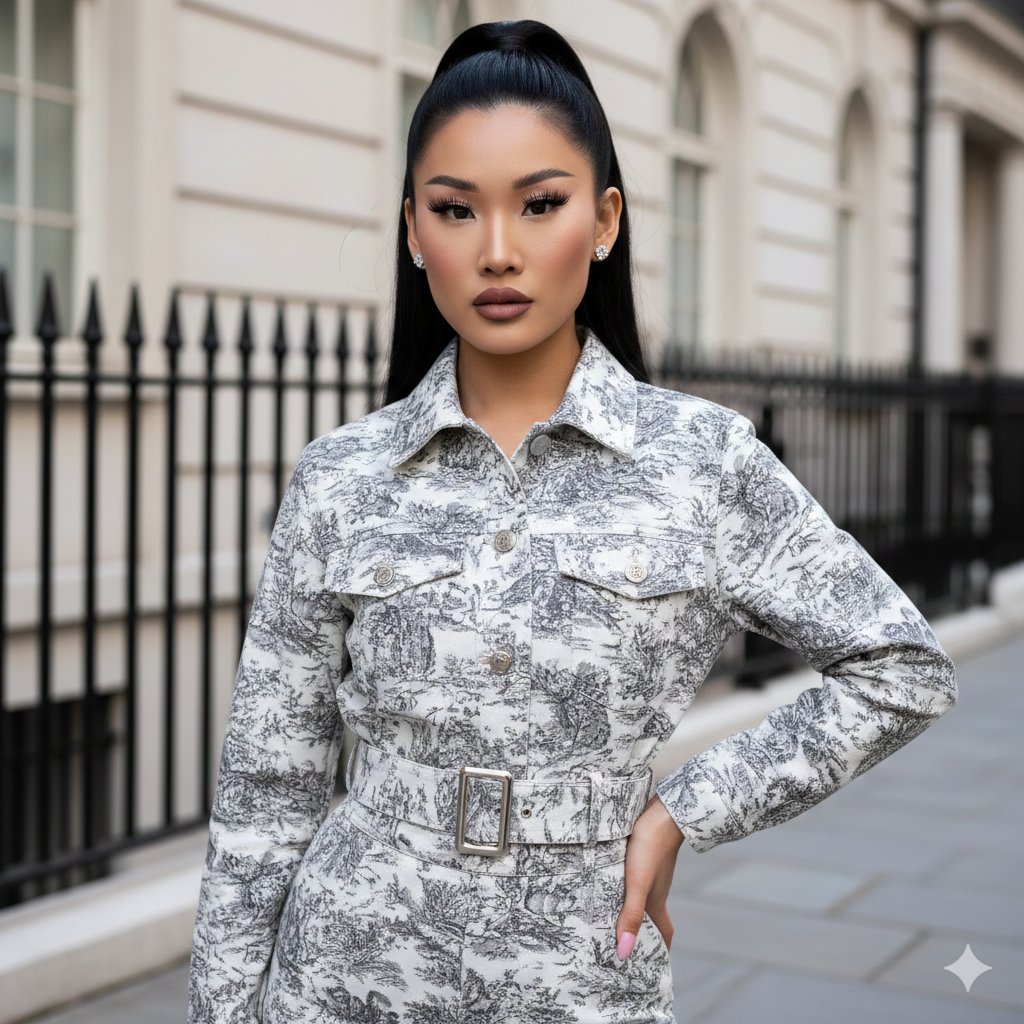
Toile de Jouy Street Style Fashion Editorial
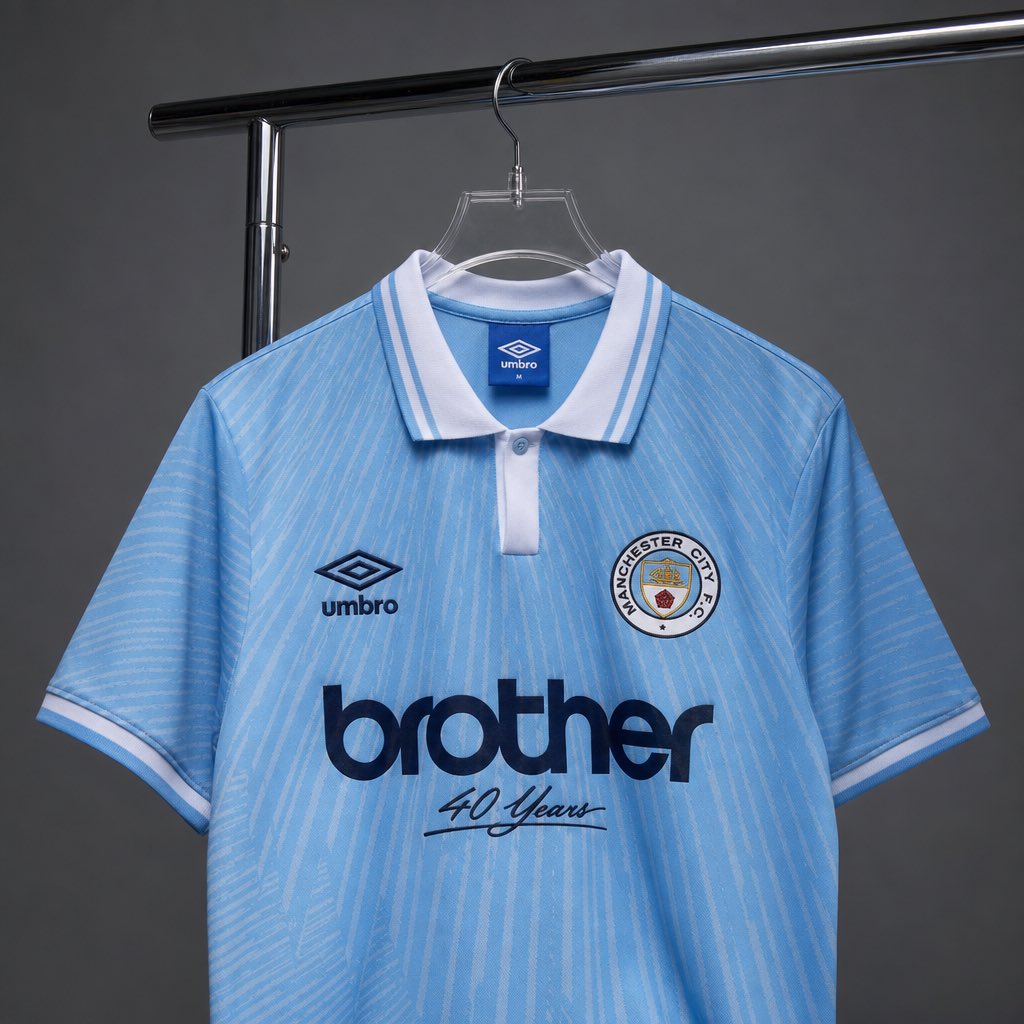
Realistic Jersey Replacement Studio Shot
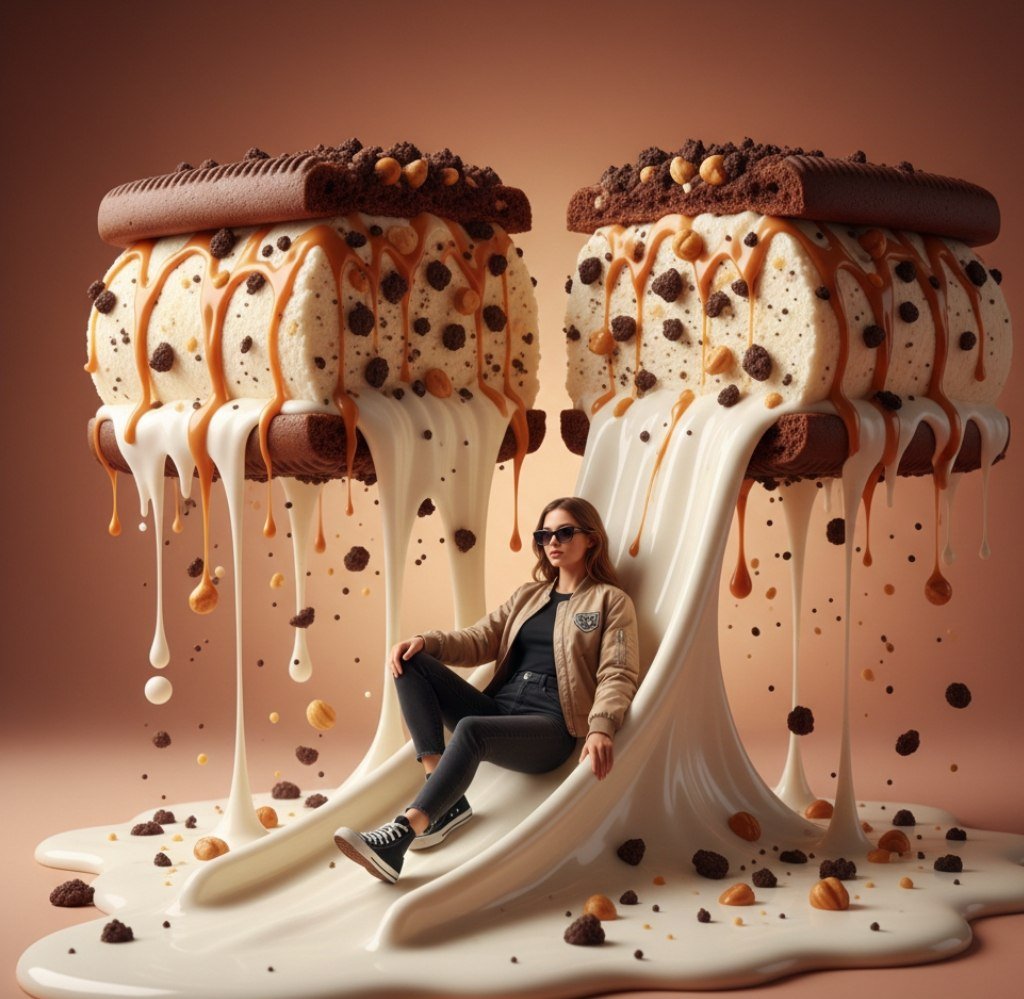
Surreal Woman Sliding Down Melted Ice Cream or Jam
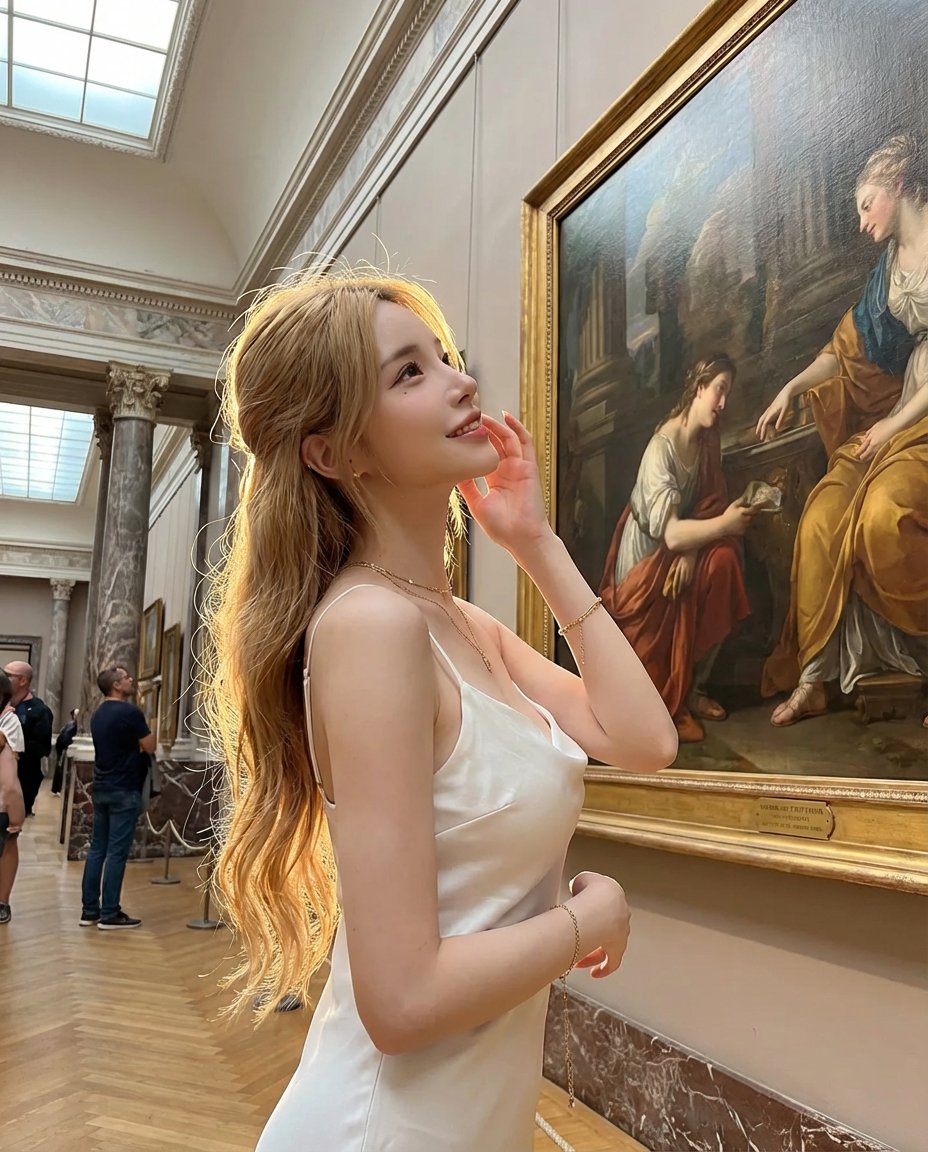
Golden Hour Art Museum Portrait Prompt
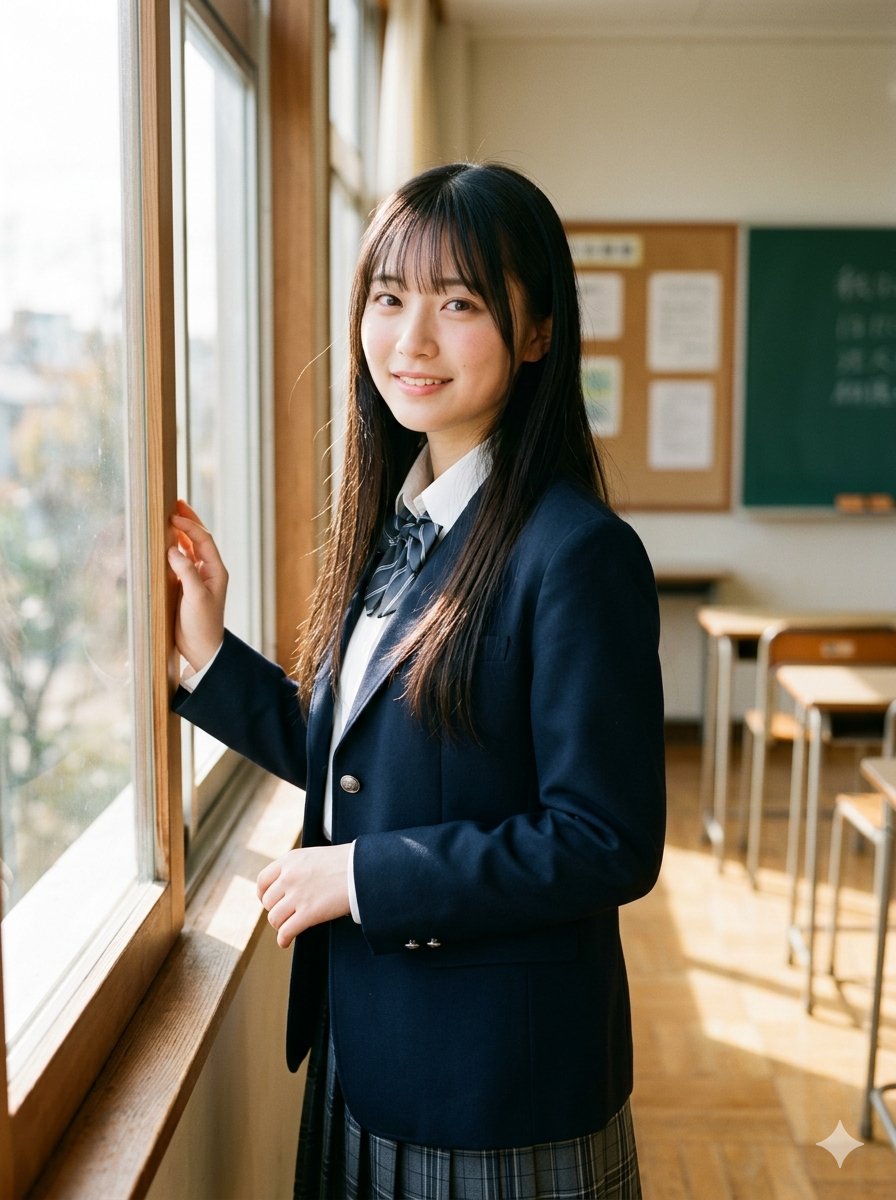
Morning Classroom Window Portrait
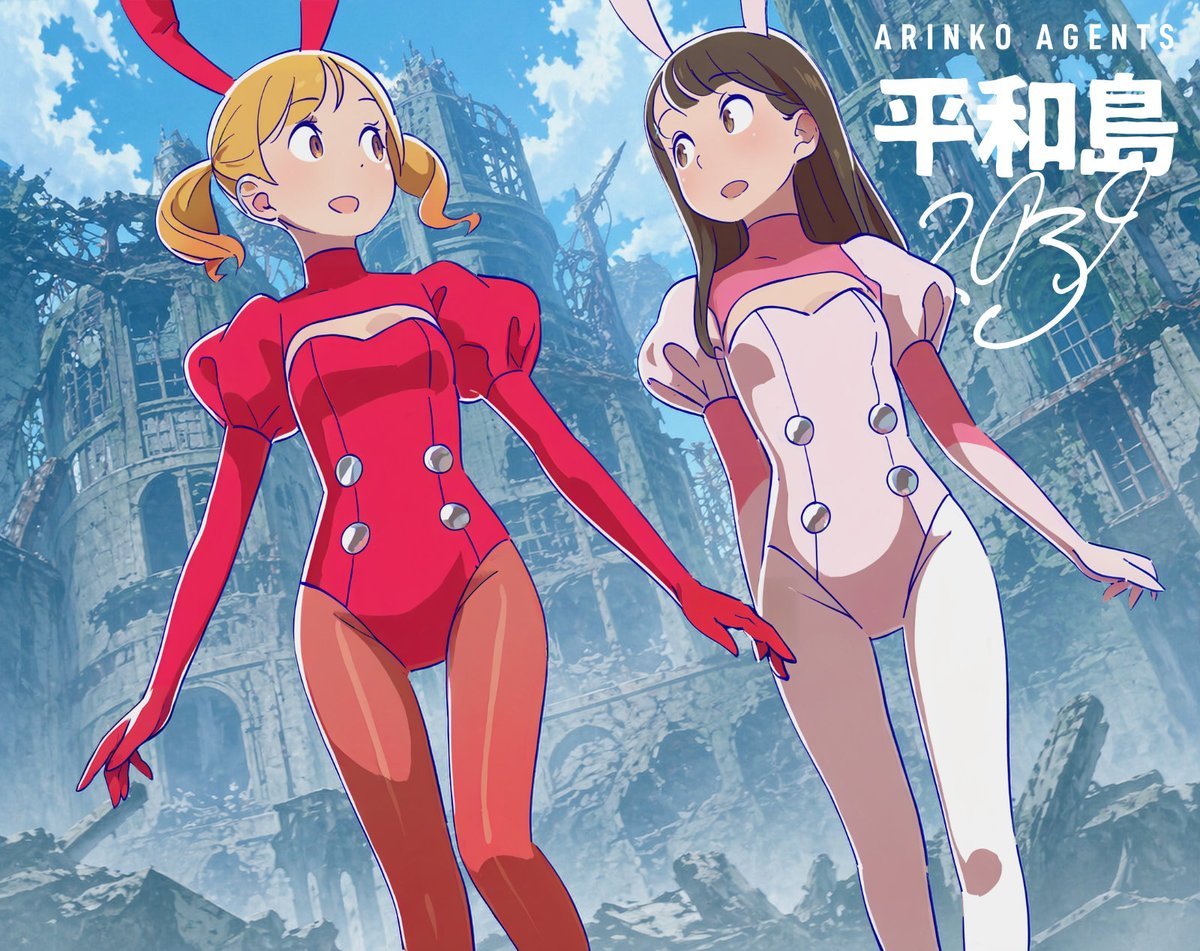
Low-Angle Anime Bunny Girls in Ruins
Browse template categories
Absurdist Office Workspace Fire questions
How do I use the Absurdist Office Workspace Fire template?
Add your photo if the template asks for one, edit the prompt if you like — the template's model and format are already selected — and press Generate. Your version opens in PicX Studio.
Can I customize the Absurdist Office Workspace Fire template?
Yes. You can change the subject, setting, lighting, mood, format, and available model controls before creating your image.
Is the Absurdist Office Workspace Fire template free?
Opening and editing this template is free. Generating uses credits, shown on the Generate button when you are signed in.
Which AI model should I use?
Start with Nano Banana 2, which is the model associated with this template. You can compare another compatible model for a different finish.
Looking for something else? Browse all templates.

Your photo, any look
Thousands of ready templates for every top image and video model, from one credit balance.