
Absurdist Claymation Scene Interpretation
Transforms a reference image into a grotesque and humorous 3D claymation scene with heavy tactile details like fingerprints and scratches.

- Prompt included
- Model and format preset
- Free template
The prompt behind this image
Copy the exact prompt behind Absurdist Claymation Scene Interpretation, or open it in the studio and make it yours.
Vertical 3:5 frame. GPT2 image. Strict composition, {argument name="style" default="absurdist claymation"} transfer. Create a detailed 3D interpretation of the {argument name="subject" default="reference image"}, strictly preserving the exact spatial arrangement of all objects, their scale, rotations, positions, and overall structural composition. Do not shift, add, or remove any elements — translate the entire image into a grotesque, humorous plasticine world while preserving the original scene and its visual logic. Style: extremely caricatured, in the spirit of Aardman, with an absurdist flavor. The characters must look deliberately ridiculous: they have wildly disproportionate bodies, rubbery noodle-like limbs, bulging "ping-pong ball" eyes slightly pointed in different directions, and massive toothy smiles with unnaturally large rectangular teeth and prominent pink gums. Every character looks highly comical. Texture and aesthetics: everything is crafted from heavy, matte plasticine. The geometry is intentionally uneven and "crooked": no straight lines, perfect edges, or sterile smoothness. Every surface must feel hand-sculpted, with a noticeable tremor in the forms and coarse plasticine work. The material must display pronounced tactile imperfections: deep dirty fingerprints, accidental nail scratches, rough seams, micro-cracks, as well as tiny dust particles, lint, and debris stuck to the surface. The overall feel: funny, strange, slightly uncanny, but very lively and tangible 3D plasticine image with maximum detail
How to use Absurdist Claymation Scene Interpretation in 3 steps
- 1Upload ImagePNG, JPG or paste
Add your photo
Upload the photo the template builds on. The prompt, model and format are already set.
- 2…a portrait of your subject in softgolden-hour light, 85mm…
Personalize
Edit the subject and creative details for your destination.
- 3Generate
Generate
Press Generate — your image is created in PicX Studio, so you can compare it with the original and refine one variable at a time.
More like this
Templates with the same subject, style or setup. Open one to see its prompt.

Stop Motion Finale Fireworks

Stop Motion Garden Maze

Stop Motion Rooftop Concert

Stop Motion Bicycle Coast
Stop Motion Castle Gate
Stop Motion Kitchen Chaos

Stop Motion Carnival Ride
Stop Motion Rainy Bus Stop

Stop Motion Space Dock
Stop Motion Cafe Morning
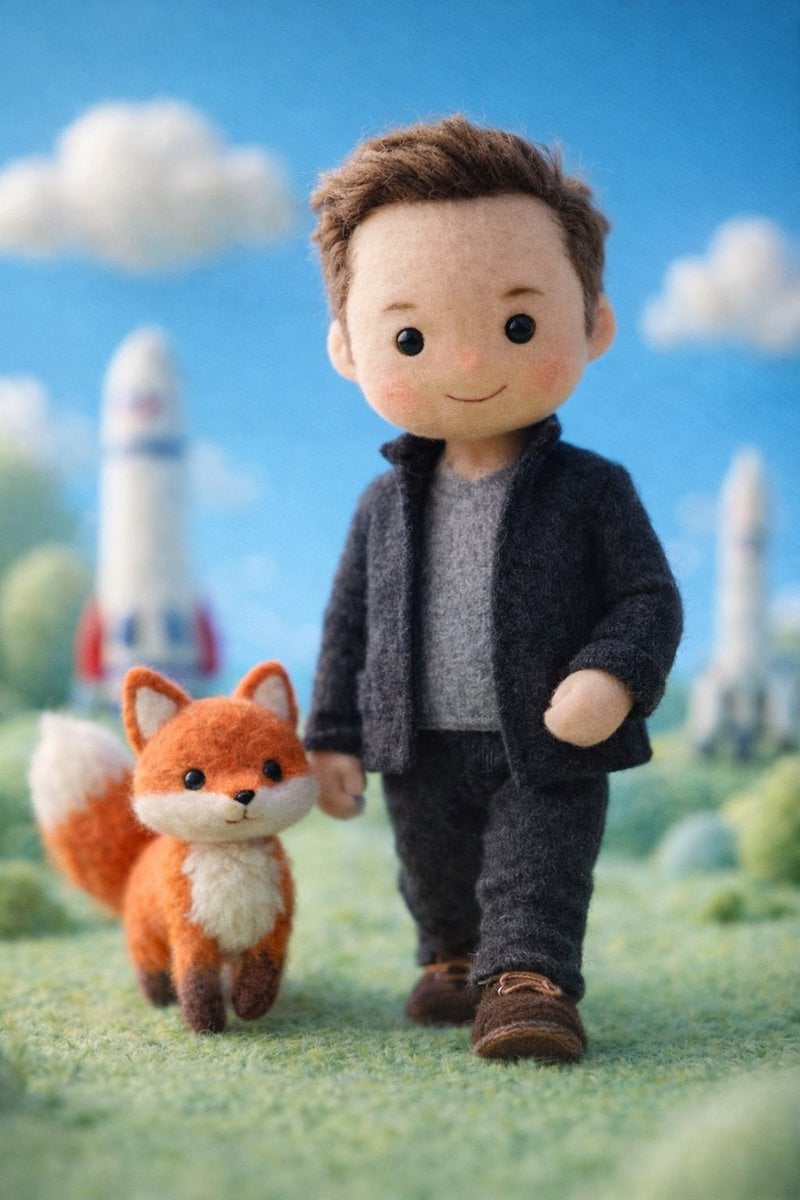
Stop Motion Mountain Summit
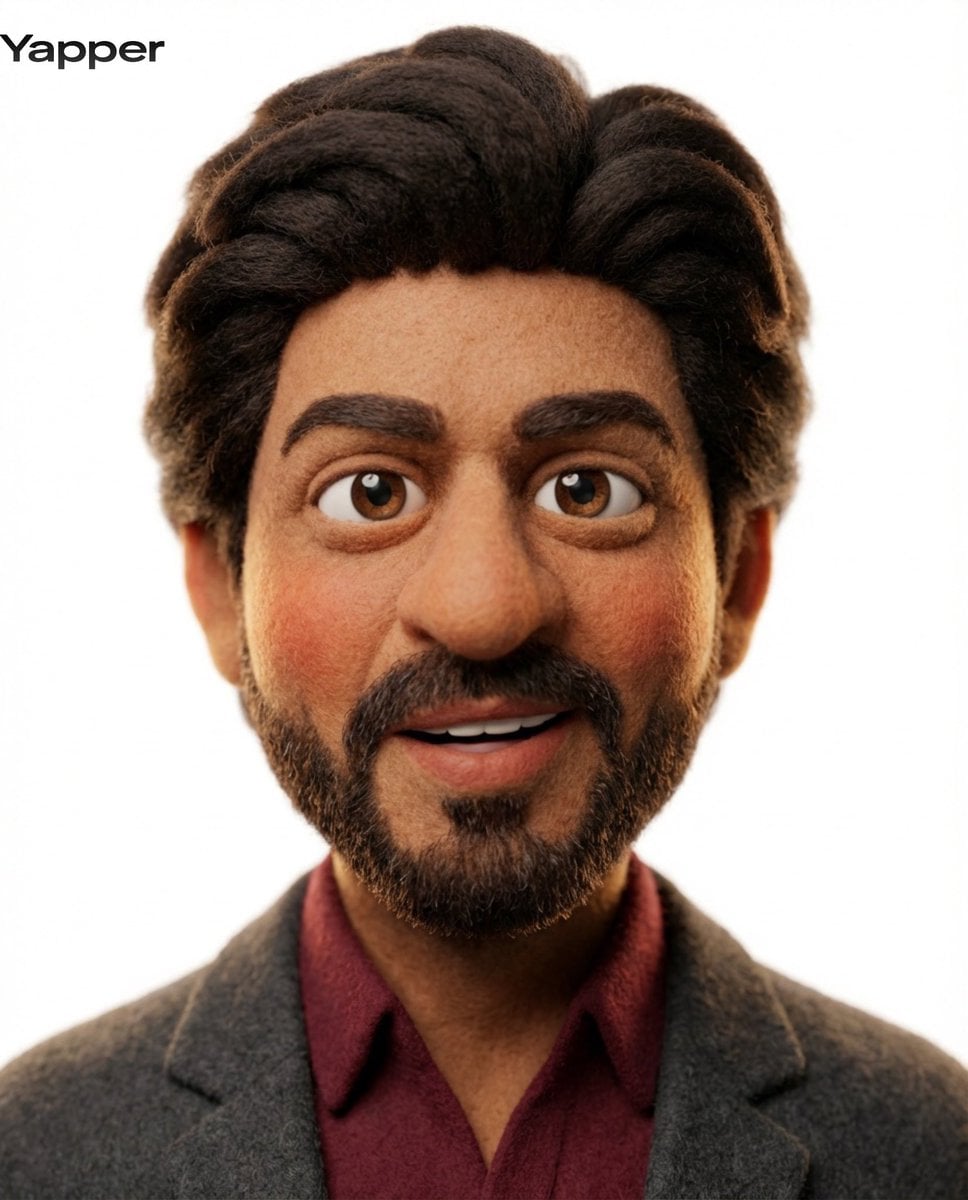
Stop Motion Underwater Reef
Make it yours
Absurdist Claymation Scene Interpretation works as-is. These are the safest ways to change it without losing the look.
Change one field
Copy a single group, rewrite it, and generate again so you can see what that field is doing.
Keep the frame, change the subject
Hold the composition and light of Absurdist Claymation Scene Interpretation, then swap wardrobe, props or the person for a new take.
| If the result… | Why | Fix |
|---|---|---|
| The result drifts from the preview | Too many fields changed at once. | Reuse Absurdist Claymation Scene Interpretation as-is first, then change one group — subject, light, or setting. |
| The model over-stylizes the scene | The prose prompt leaves finish and camera underspecified. | Add one camera or lighting sentence and stay on GPT Image 2. |
More GPT Image 2 templates
Other prompts made for GPT Image 2.

Six VTuber Japanese Logo Sheet

Realistic Portrait of Woman and Deer

The Vista Modular Condo Poster

AI Model Routing Comparison Infographic

2.5D Anime Art Board

Isometric Productivity Desk Scene

New York Double Exposure Poster

Four-Panel AI Landscape Comparison

Japanese Tatami Lifestyle Magazine Cover

NESCAFÉ Coffee Map Poster
More image prompts
Fresh picks from across the catalog.
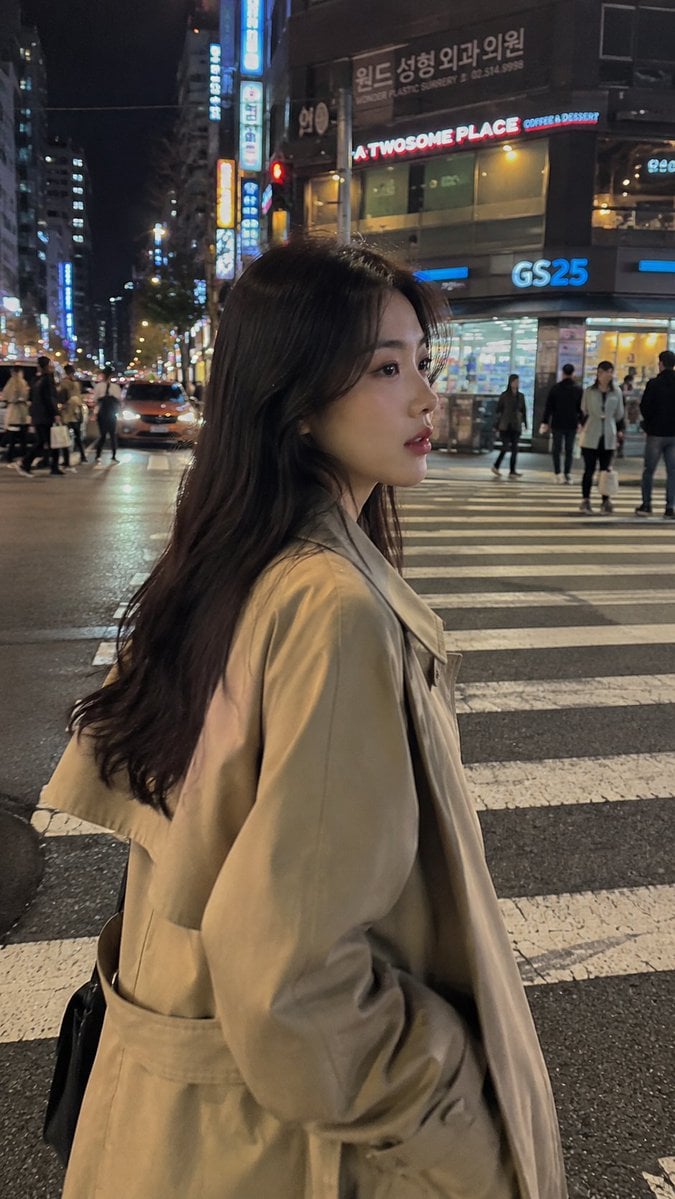
Seoul Night Street Photography
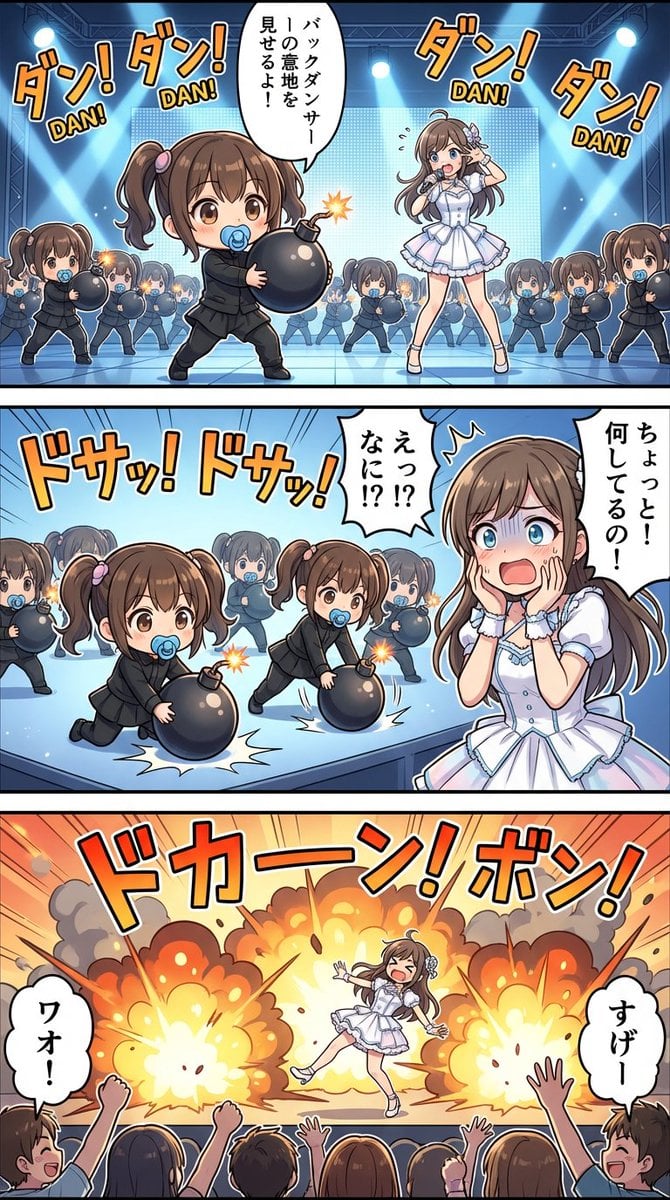
High-detail story-art layout with frames and speech bubbles
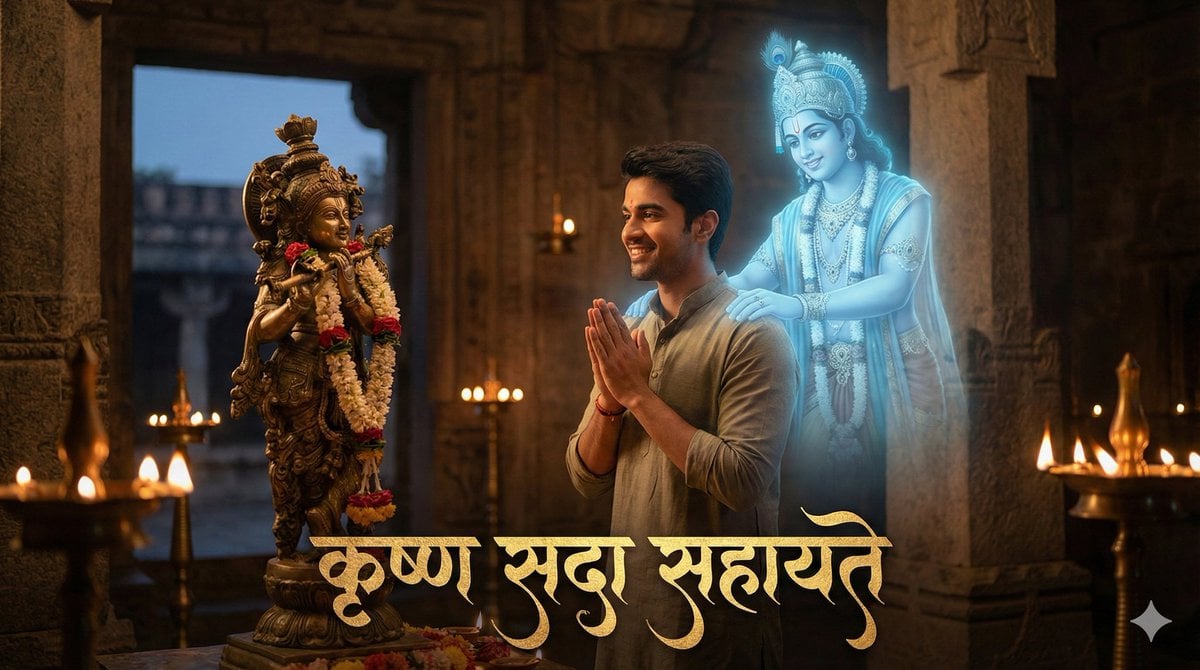
Devotee and Holographic Krishna Creation
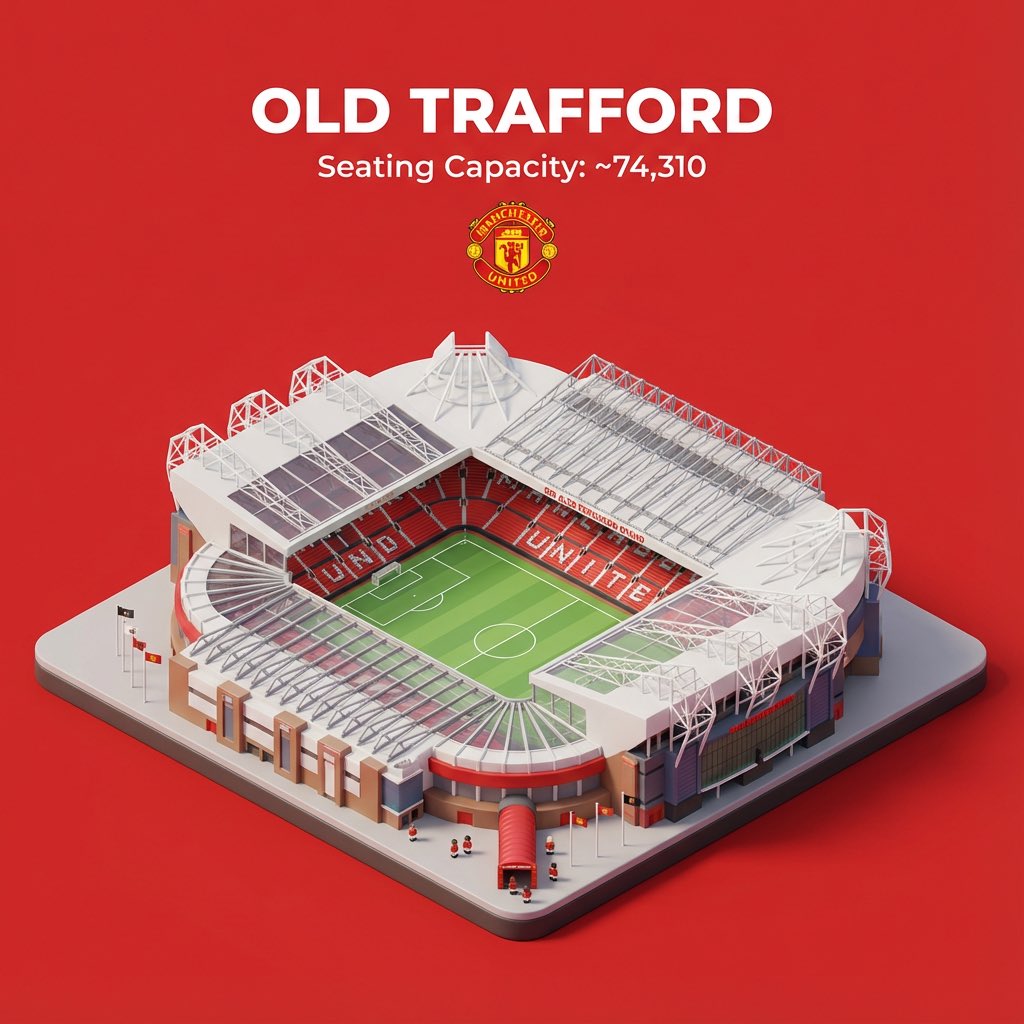
Nano Banana Pro prompt for sports stadium visualization
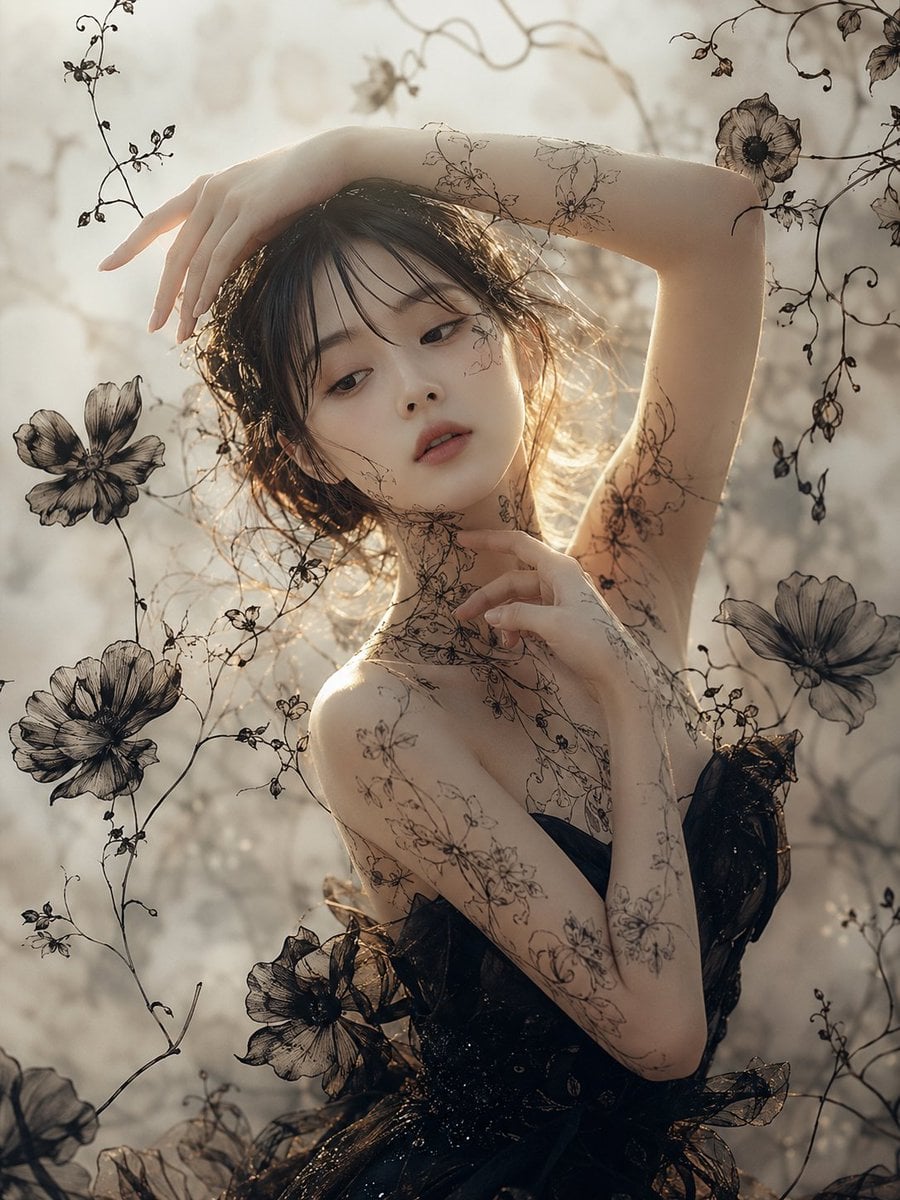
Ethereal Botanical Fashion Portrait
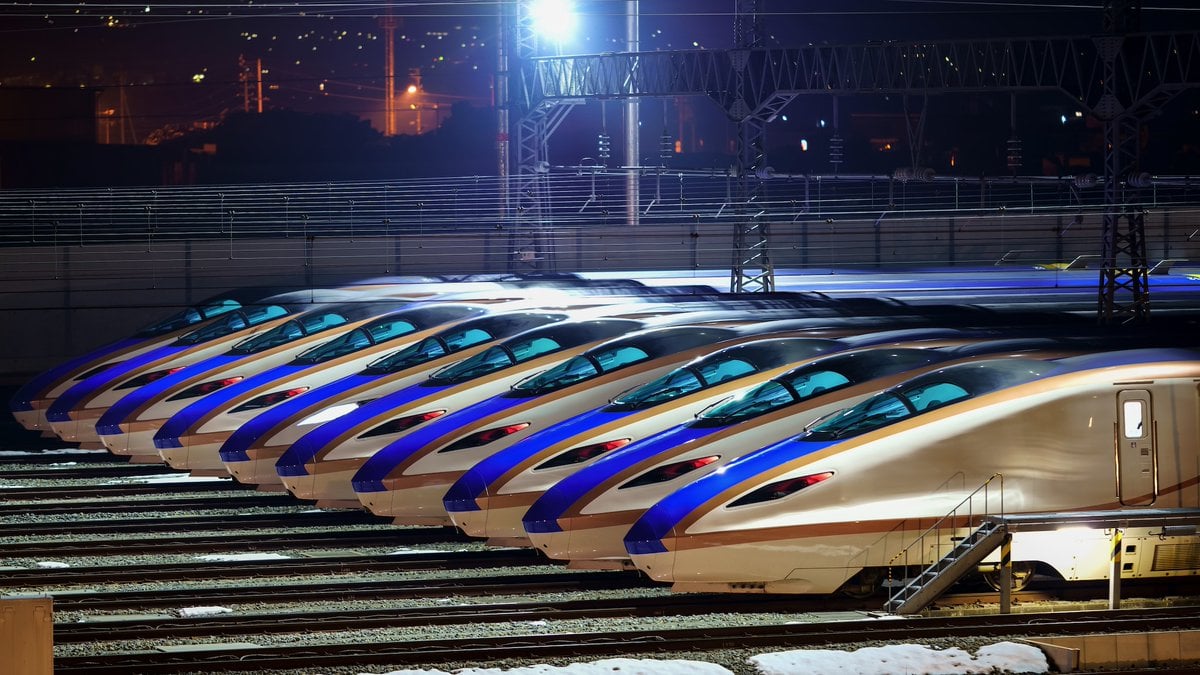
Image Generation from Photo and Short Prompt
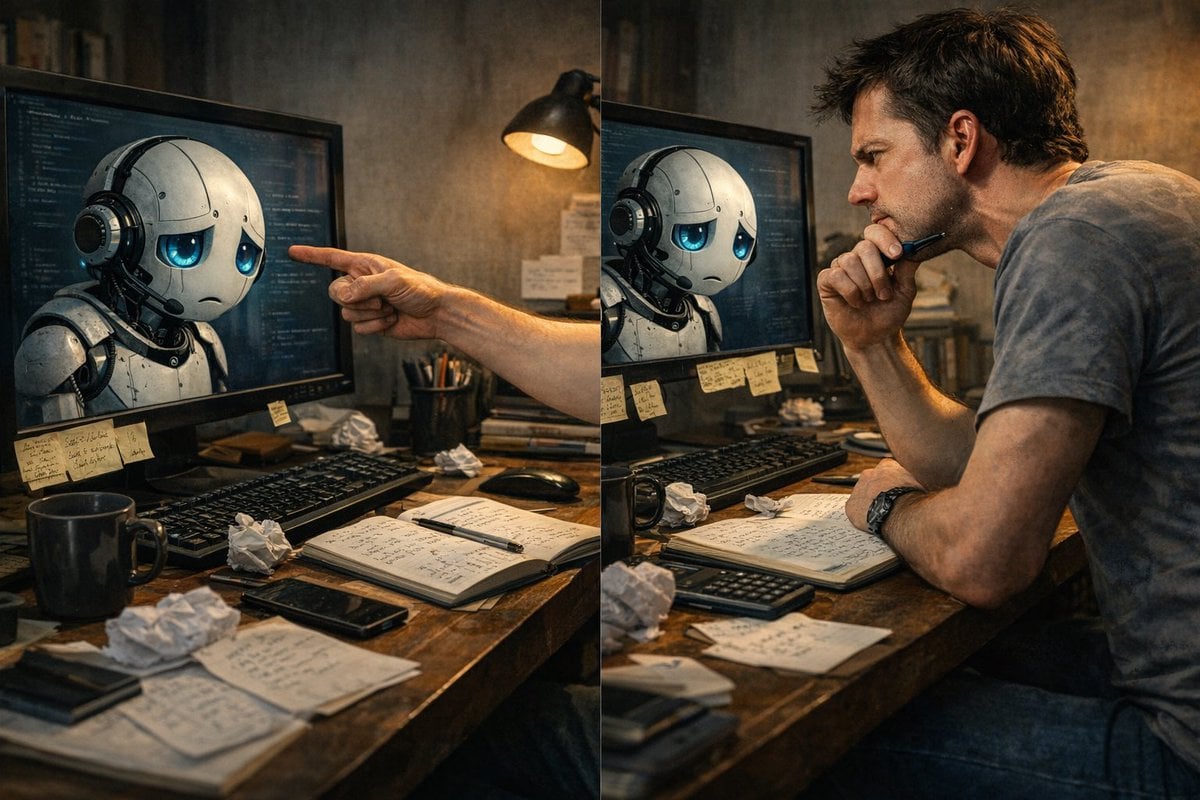
Request for a 'More Complete' Image Generation
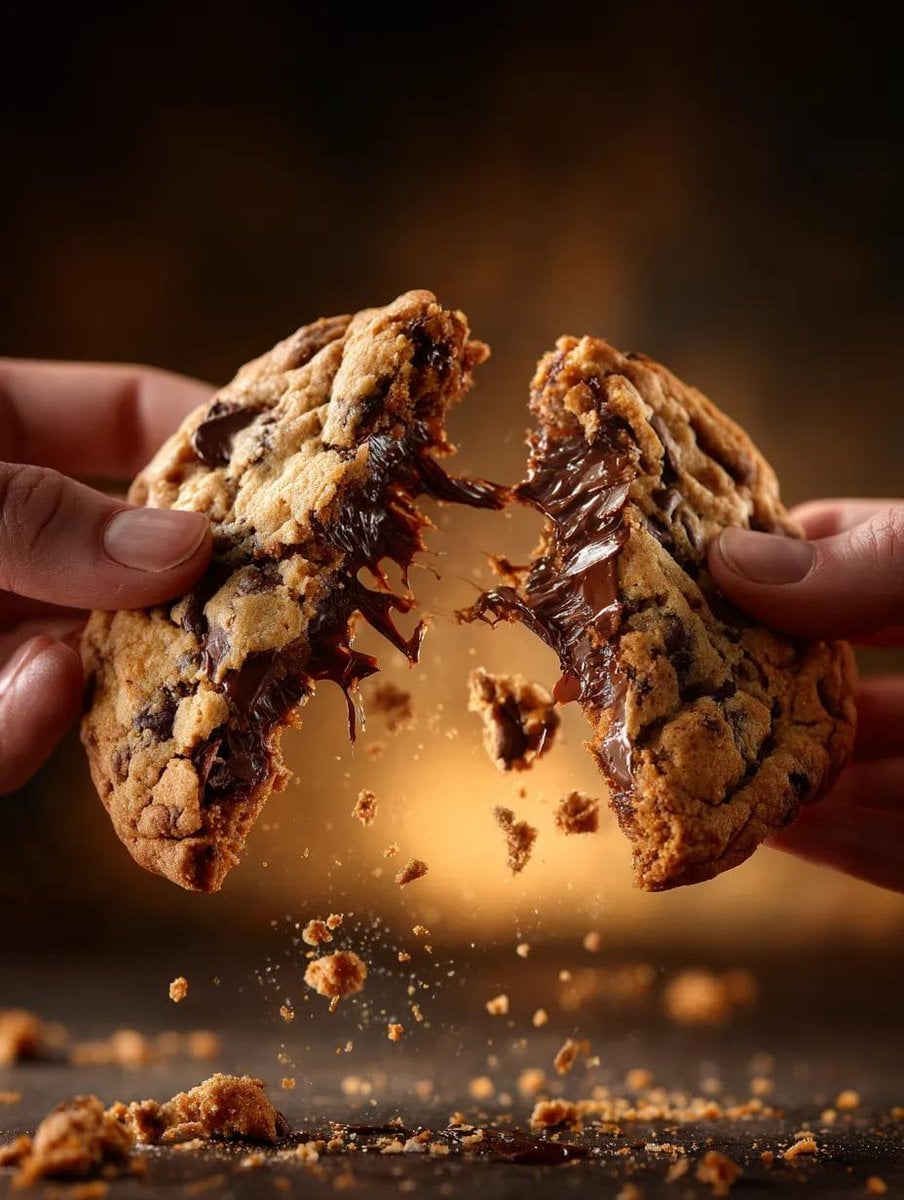
Food Action Photography Prompts for Melted Cheese and Gooey Textures
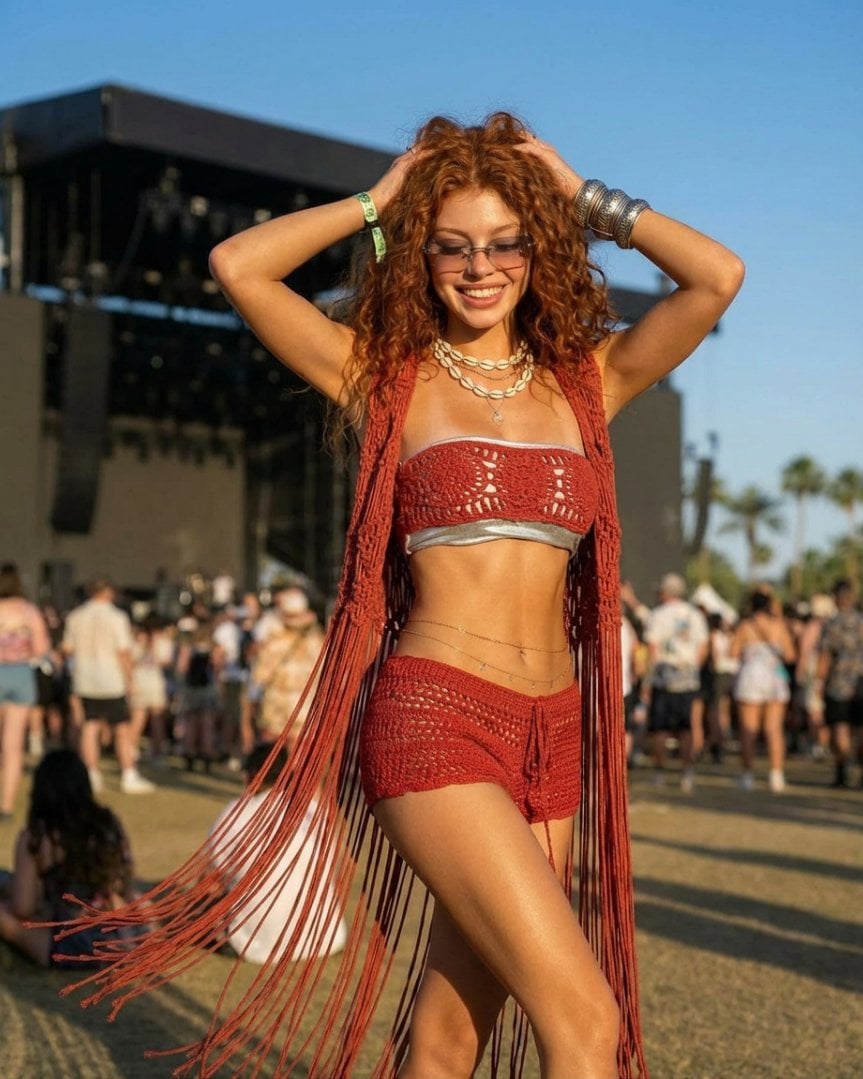
Photorealistic Festival Fashion Portrait Prompt

Beginner Coin Collecting Manga Page
Browse template categories
Absurdist Claymation Scene Interpretation questions
How do I use the Absurdist Claymation Scene Interpretation template?
Add your photo if the template asks for one, edit the prompt if you like — the template's model and format are already selected — and press Generate. Your version opens in PicX Studio.
Can I customize the Absurdist Claymation Scene Interpretation template?
Yes. You can change the subject, setting, lighting, mood, format, and available model controls before creating your image.
Is the Absurdist Claymation Scene Interpretation template free?
Opening and editing this template is free. Generating uses credits, shown on the Generate button when you are signed in.
Which AI model should I use?
Start with GPT Image 2, which is the model associated with this template. You can compare another compatible model for a different finish.
Looking for something else? Browse all templates.

Your photo, any look
Thousands of ready templates for every top image and video model, from one credit balance.