How do I use the Realistic Office Elevator Candid template?
Edit the prompt in the box under the preview — the template's model and format are already selected — and press Generate. Your version appears right on this page.
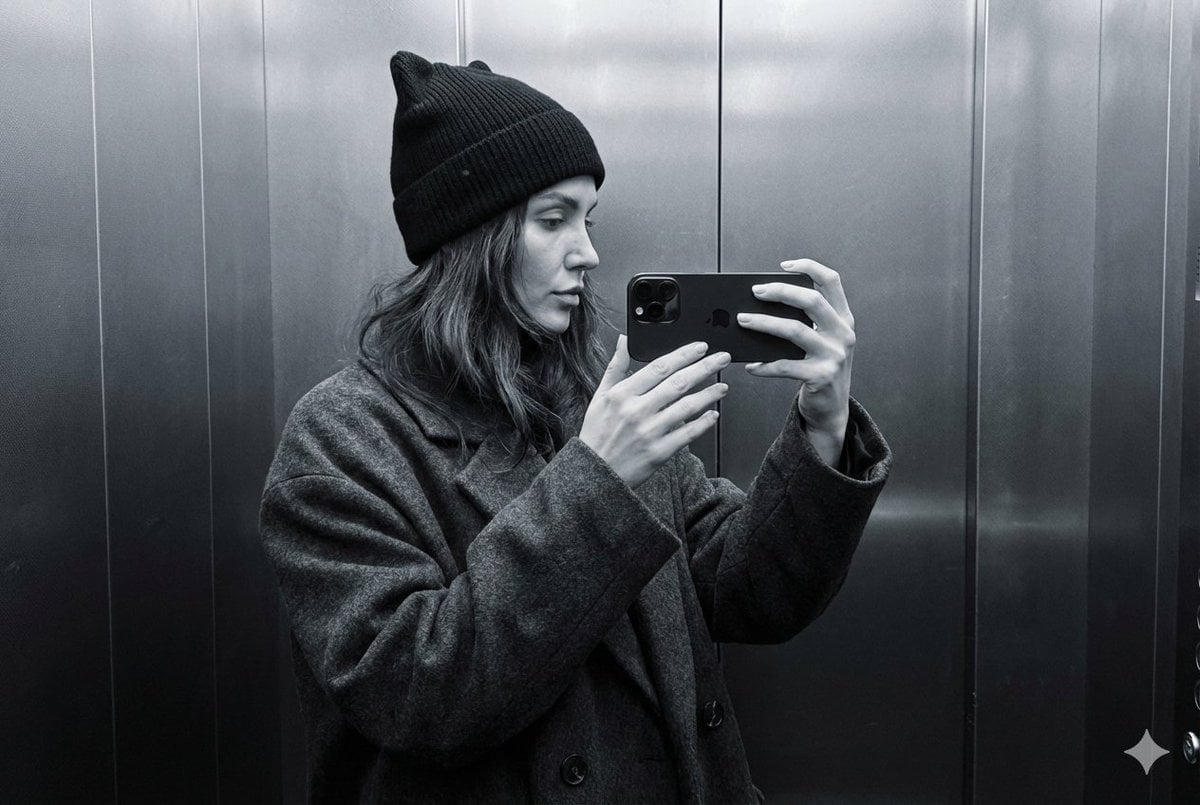
A natural smartphone-style candid photo prompt for depicting an ordinary professional woman inside a public-building elevator.

This template uses your photo — add one with the + button.
Create a highly realistic candid smartphone photo taken from just outside an open elevator in an ordinary office or public institution building. The scene shows {argument name="subject" default="a middle-aged Chinese female department manager"} standing inside the stainless-steel elevator in side/back profile, looking slightly upward at the elevator floor indicator and control panel. She has an everyday, non-model appearance with natural facial features, realistic skin texture, subtle under-eye tiredness, faint lines, and no cosmetic-surgery or overly polished makeup look. Her dark hair is tied into a practical low bun. She wears {argument name="outfit" default="a white textured long-sleeve blouse tucked into dark gray flared office trousers"}, beige low-heeled shoes, and carries {argument name="bag" default="a large dark brown patterned tote bag over one shoulder"}. In one hand she holds a folded black umbrella and a small phone or card. The elevator interior is brushed metal with reflective panels, a vertical button array containing many round buttons, a small black digital display above it, and exactly two visible wall notices: one large blue-bordered Chinese safety notice and one narrower poster to the right. The floor is speckled gray elevator flooring, and the open elevator door frame is visible in the foreground, creating a slightly voyeuristic everyday snapshot composition. Use dim fluorescent indoor lighting, mild motion softness, imperfect framing, realistic reflections, slight grain, and a natural phone-camera perspective. Avoid glamour lighting, studio composition, fashion-model posing, perfect symmetry, AI-smooth skin, or overly beautiful facial features.
Create a highly realistic candid smartphone photo taken from just outside an open elevator in an ordinary office or public institution building. The scene shows {argument name="subject" default="a middle-aged Chinese female department manager"} standing inside the stainless-steel elevator in side/back profile, looking slightly upward at the elevator floor indicator and control panel. She has an everyday, non-model appearance with natural facial features, realistic skin texture, subtle under-eye tiredness, faint lines, and no cosmetic-surgery or overly polished makeup look. Her dark hair is tied into a practical low bun. She wears {argument name="outfit" default="a white textured long-sleeve blouse tucked into dark gray flared office trousers"}, beige low-heeled shoes, and carries {argument name="bag" default="a large dark brown patterned tote bag over one shoulder"}. In one hand she holds a folded black umbrella and a small phone or card. The elevator interior is brushed metal with reflective panels, a vertical button array containing many round buttons, a small black digital display above it, and exactly two visible wall notices: one large blue-bordered Chinese safety notice and one narrower poster to the right. The floor is speckled gray elevator flooring, and the open elevator door frame is visible in the foreground, creating a slightly voyeuristic everyday snapshot composition. Use dim fluorescent indoor lighting, mild motion softness, imperfect framing, realistic reflections, slight grain, and a natural phone-camera perspective. Avoid glamour lighting, studio composition, fashion-model posing, perfect symmetry, AI-smooth skin, or overly beautiful facial features.
Edit the prompt in the box under the preview — the template's model and format are already selected — and press Generate. Your version appears right on this page.
Yes. You can change the subject, setting, lighting, mood, format, and available model controls before creating your image.
Opening and editing this template is free. Generating uses credits, shown on the Generate button when you are signed in.
Start with GPT Image 2, which is the model associated with this template. You can compare another compatible model for a different finish.
Follow a topic to a crawlable collection of related PicX Studio templates.