
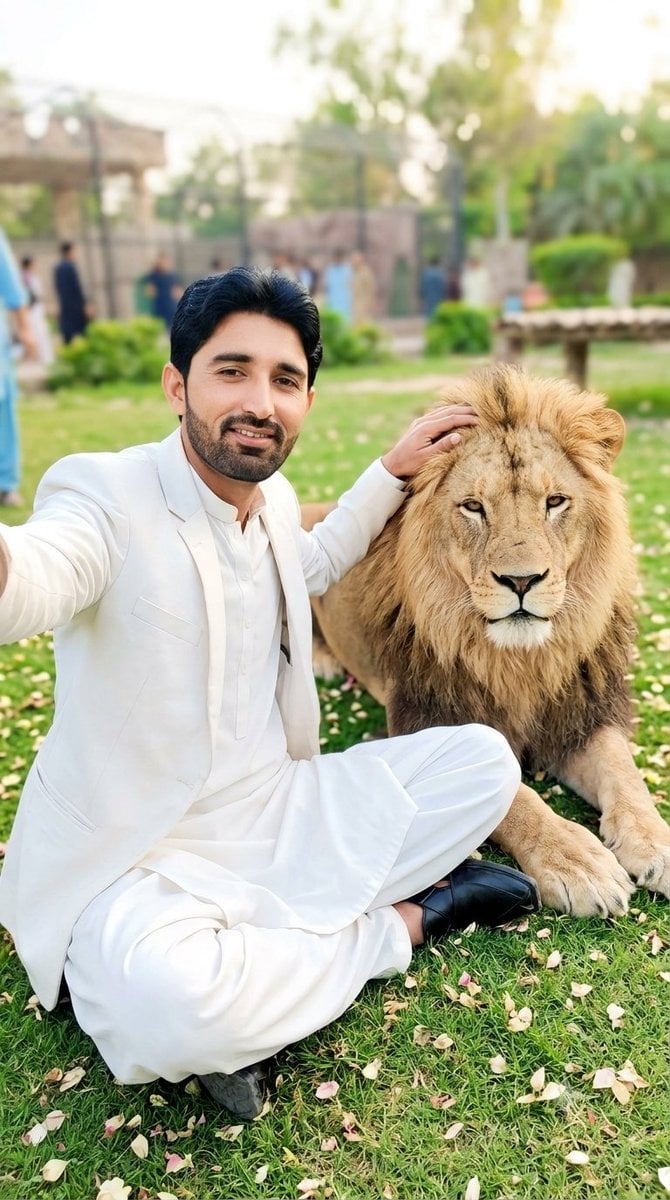
South Asian Man Selfie With Lion
Generates a cinematic vertical selfie-style portrait of a well-dressed South Asian man sitting beside a calm lion in a lush garden setting.
- Prompt included
- Model and format preset
- Free template
The prompt behind this image
Copy the exact prompt behind South Asian Man Selfie With Lion, or open it in the studio and make it yours.
Create a high-quality cinematic vertical smartphone photo of {argument name="character description" default="a handsome young South Asian man with black hair, a neatly trimmed beard, warm medium skin tone, and natural skin texture"} taking a close selfie while sitting cross-legged on green grass beside a calm adult male lion. The man wears {argument name="outfit" default="a pristine white blazer over a white traditional kurta and loose white trousers with black leather shoes"}. His left arm is extended toward the camera in a natural selfie pose, and his right hand gently rests on or pets the lion’s mane. The lion lies/sits close beside him, facing the camera with a thick golden mane, realistic fur, relaxed expression, and large front paws visible. The setting is {argument name="location" default="a lush park or zoo garden"} with scattered pale flower petals on the lawn, trimmed bushes, trees, a low stone or wooden bench/table, fencing, and a few softly blurred people in the background. Use warm late-afternoon natural light, shallow depth of field, bright clean colors, realistic skin and fabric detail, cinematic bokeh, and an authentic high-resolution phone-camera look. Composition should be portrait orientation, waist-up-to-full seated framing, man on the left and lion on the right, both looking toward the camera, friendly and luxurious mood. Avoid text, logos, watermarks, distorted anatomy, extra limbs, aggressive lion behavior, or an artificial CGI look.
How to use South Asian Man Selfie With Lion in 3 steps
- 1Upload ImagePNG, JPG or paste
Add your photo
Upload the photo the template builds on. The prompt, model and format are already set.
- 2…a portrait of your subject in softgolden-hour light, 85mm…
Personalize
Edit the subject and creative details for your destination.
- 3Generate
Generate
Press Generate — your image is created in PicX Studio, so you can compare it with the original and refine one variable at a time.
More like this
Templates with the same subject, style or setup. Open one to see its prompt.
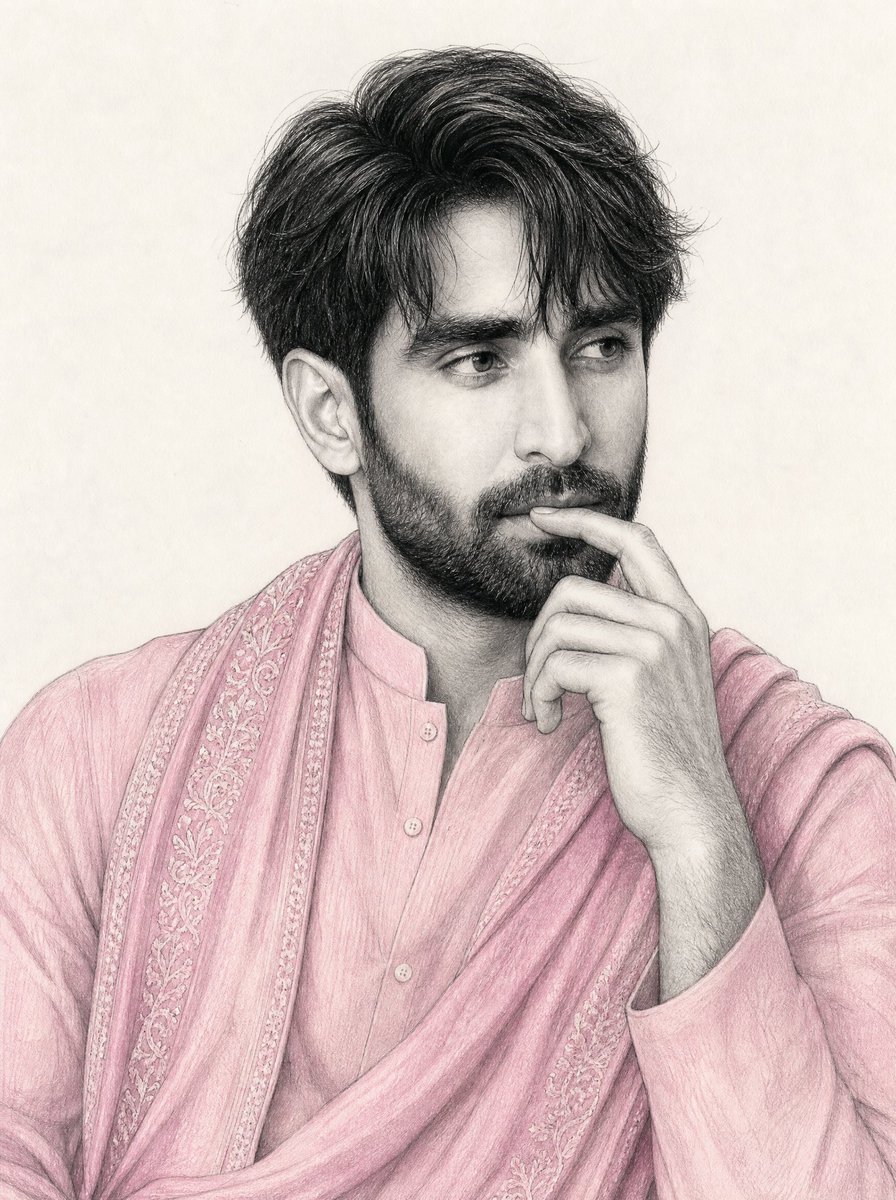
South Asian Man Graphite Drawing
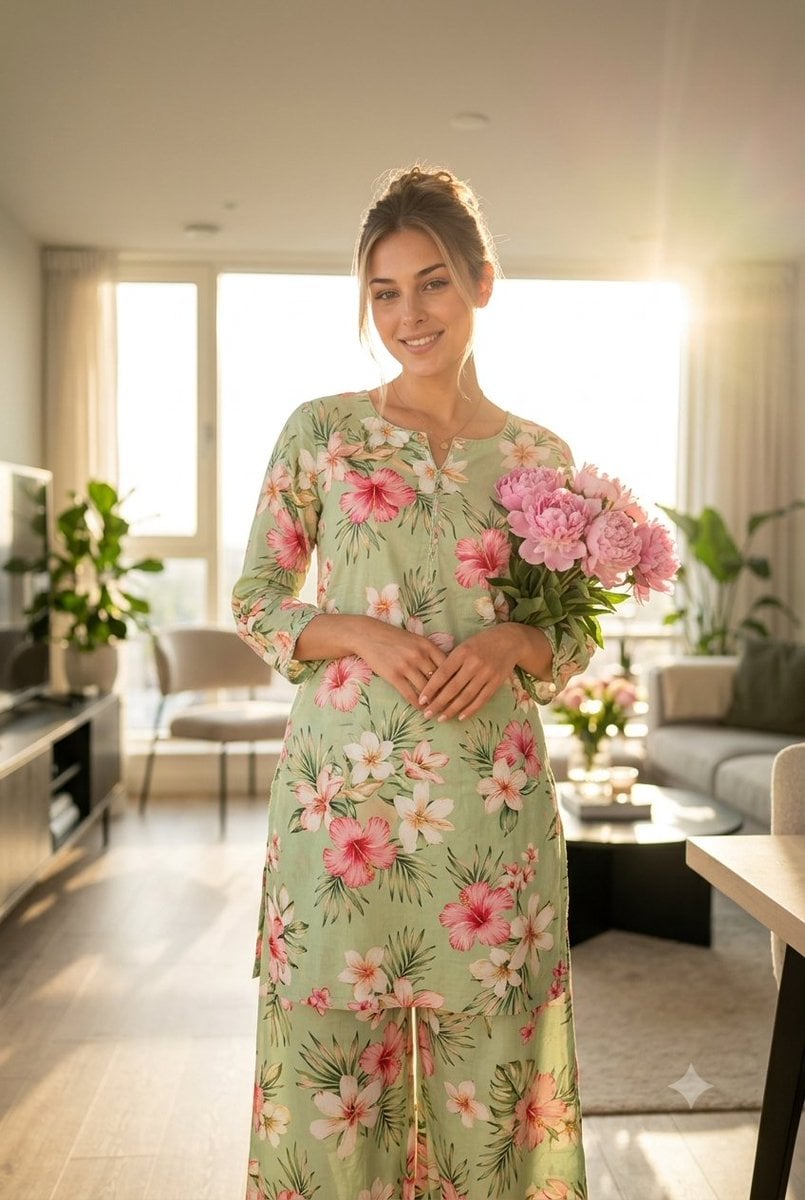
South Asian Woman in Floral Traditional Attire

Surreal Cat Astronaut — Humanoid Face Freefall
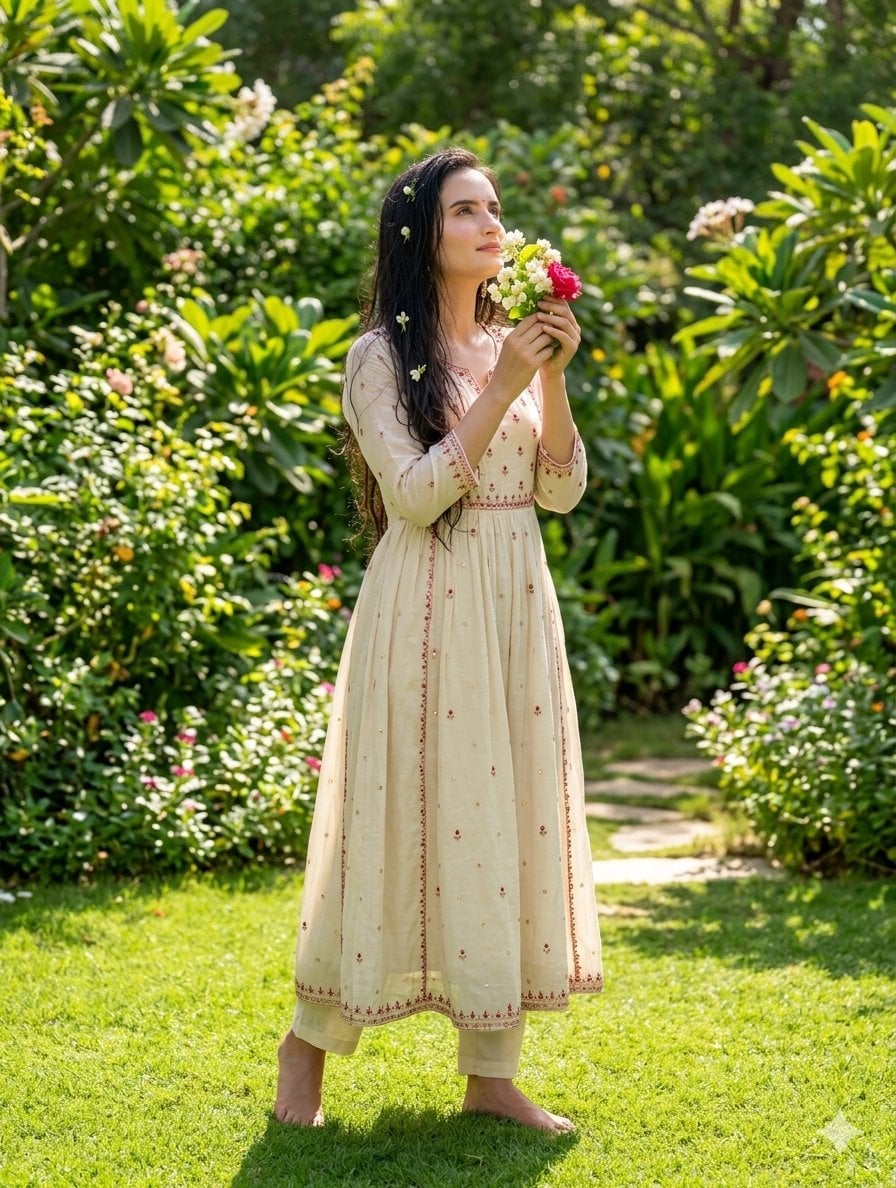
South Asian Woman in Garden Portrait
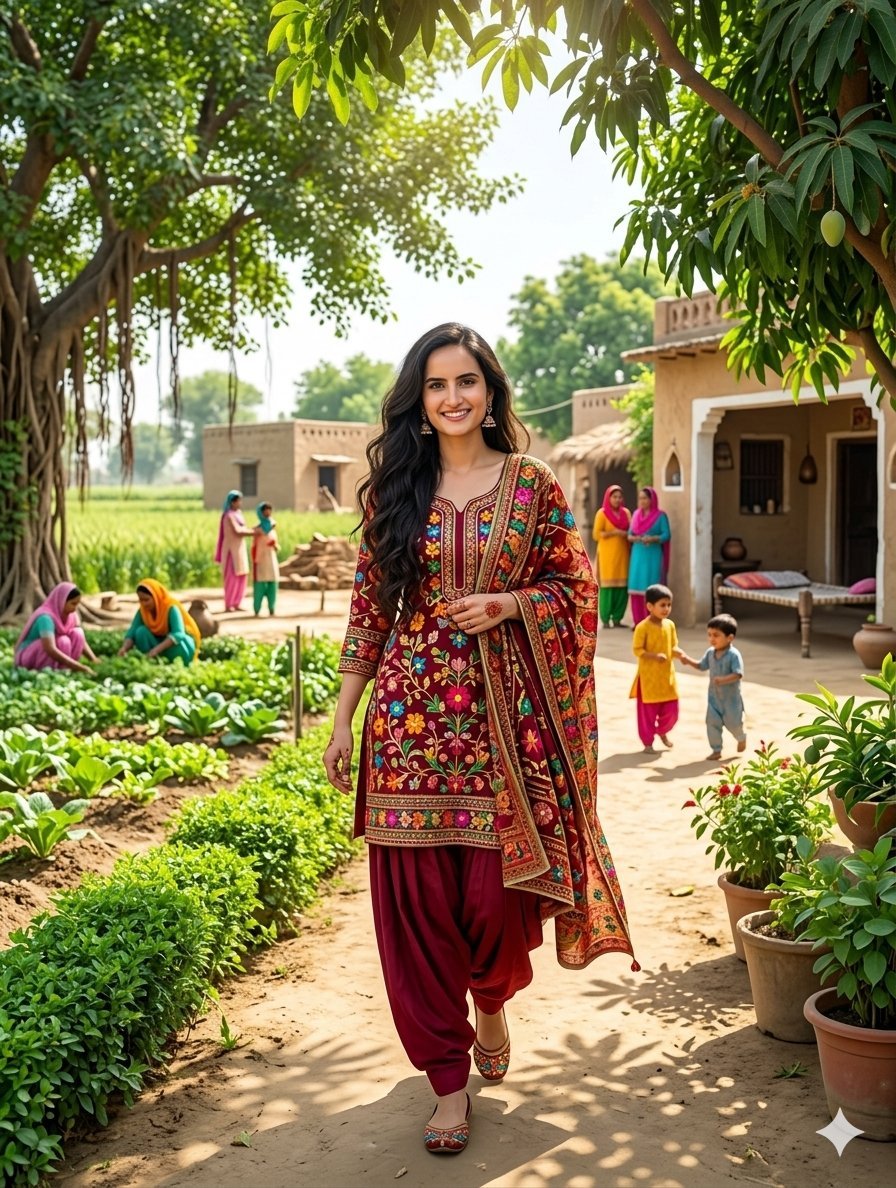
South Asian Woman in Rural Punjab
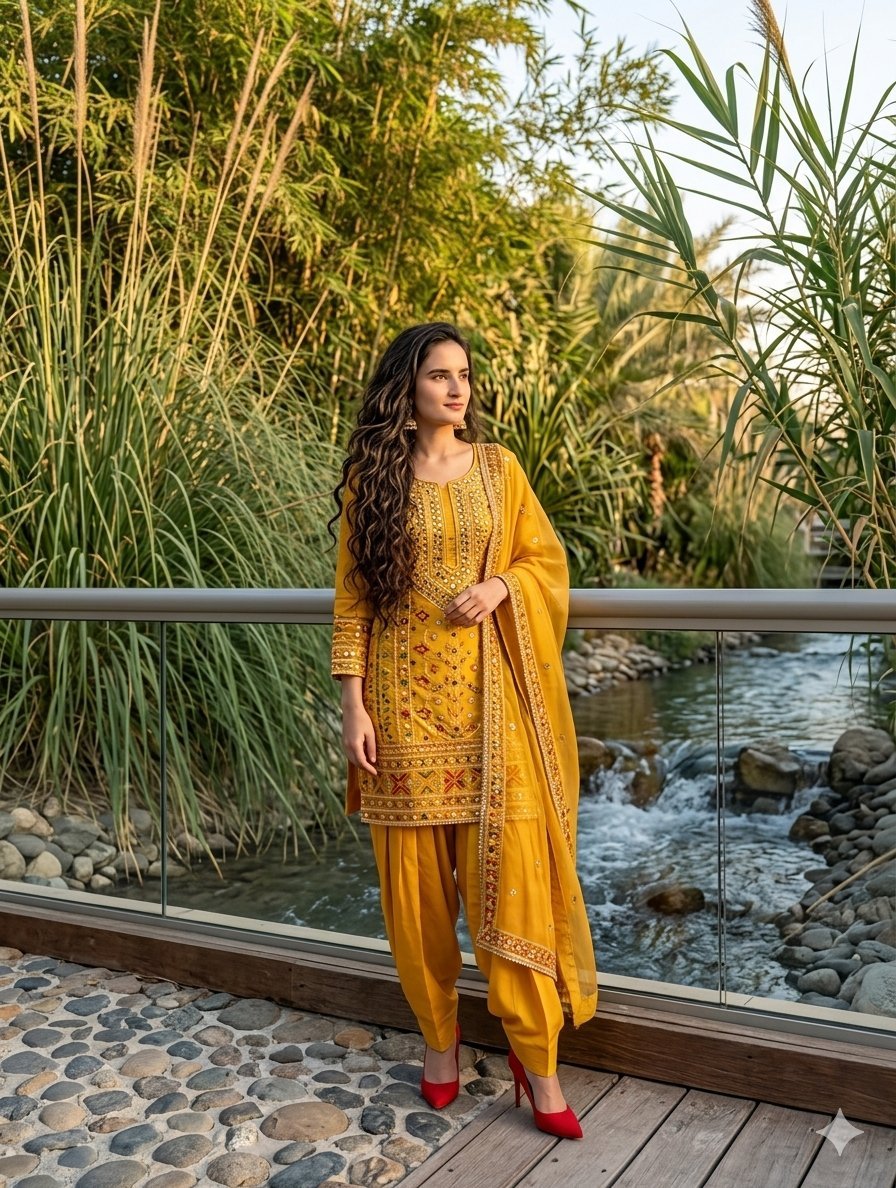
South Asian Woman in Anarkali Dress
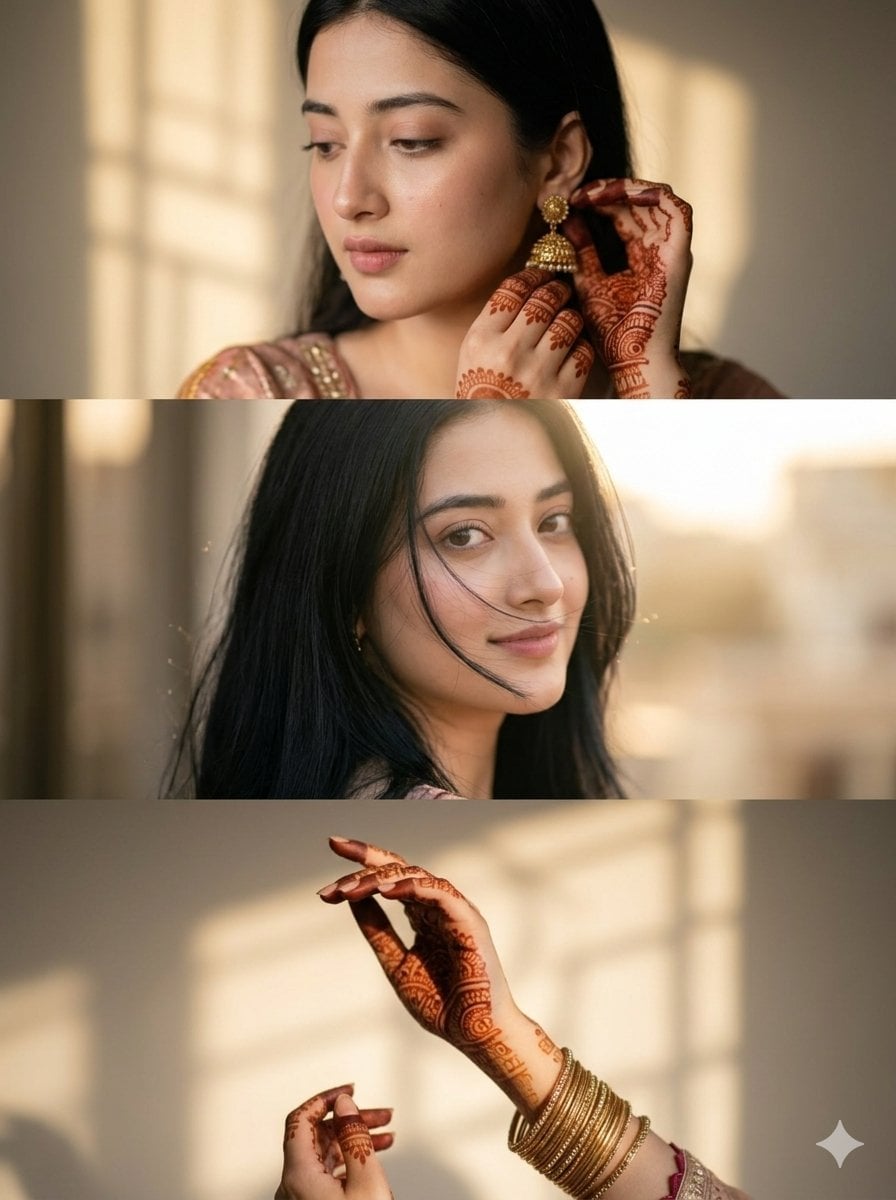
Cinematic South Asian Woman Portrait Collage
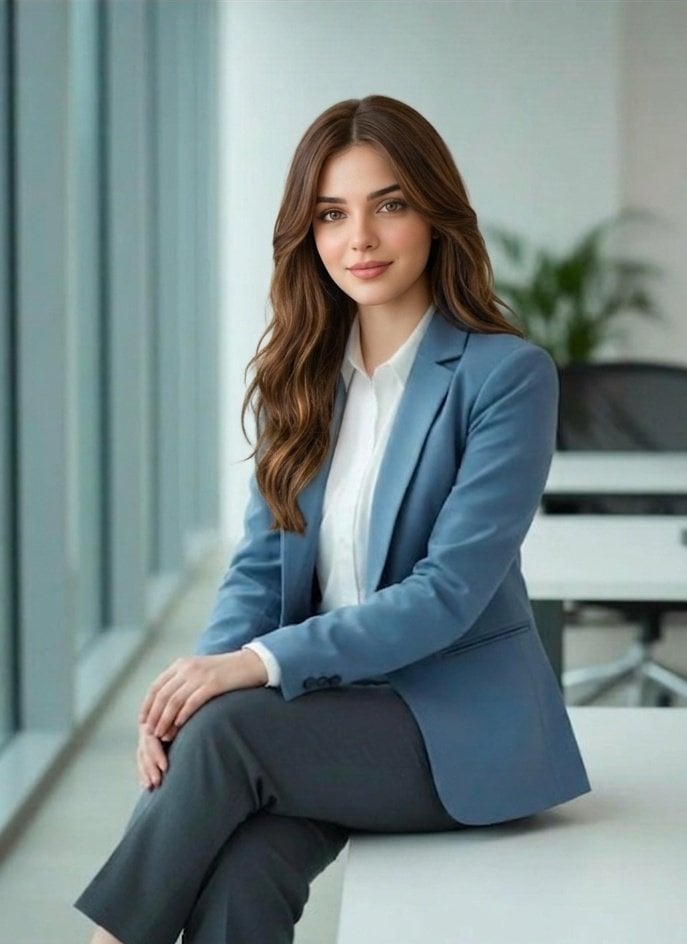
Professional South Asian Woman Portrait
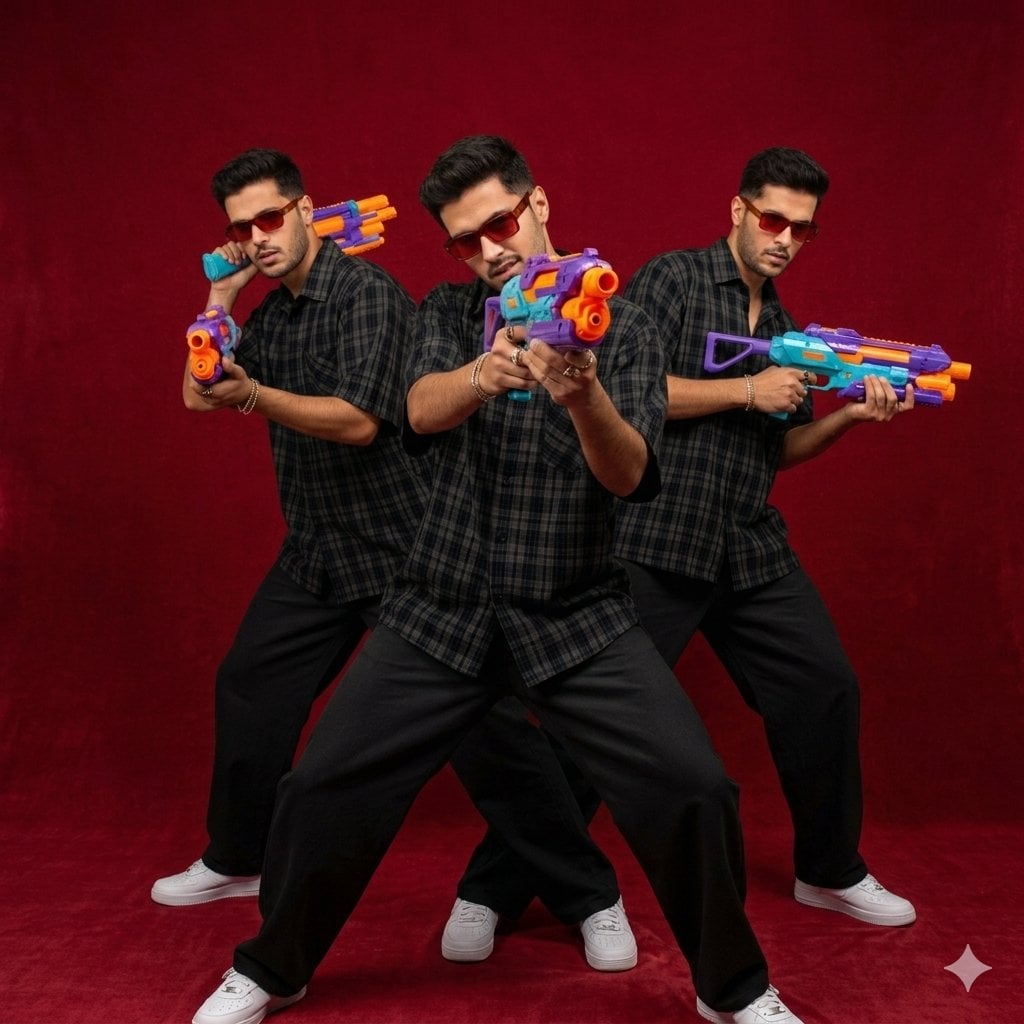
South Asian Man Clone Portrait
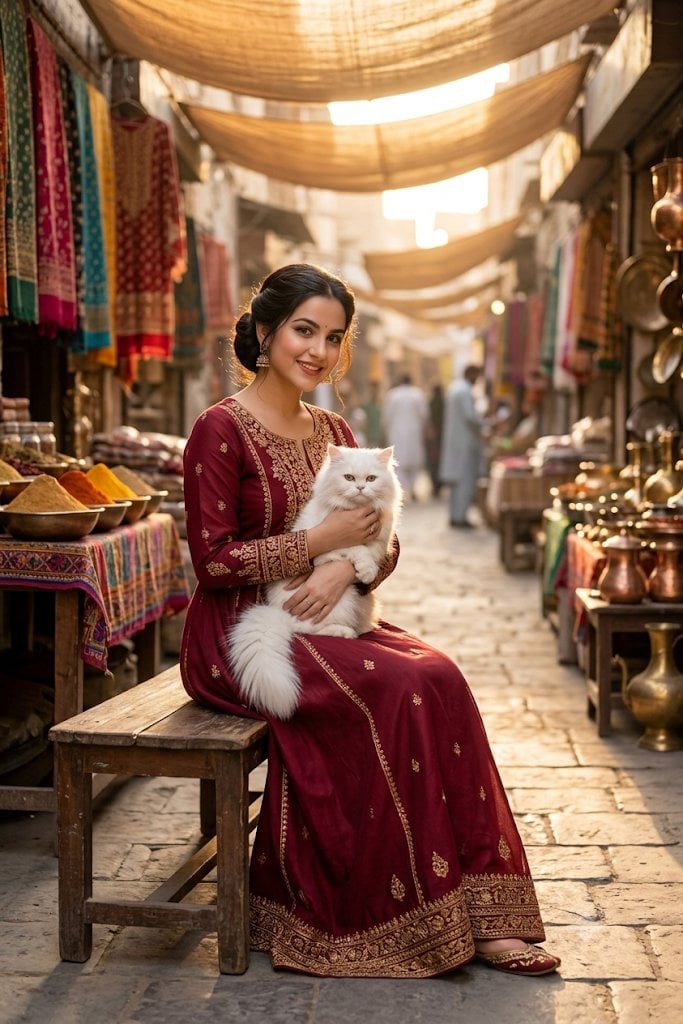
South Asian Woman in Vibrant Bazaar
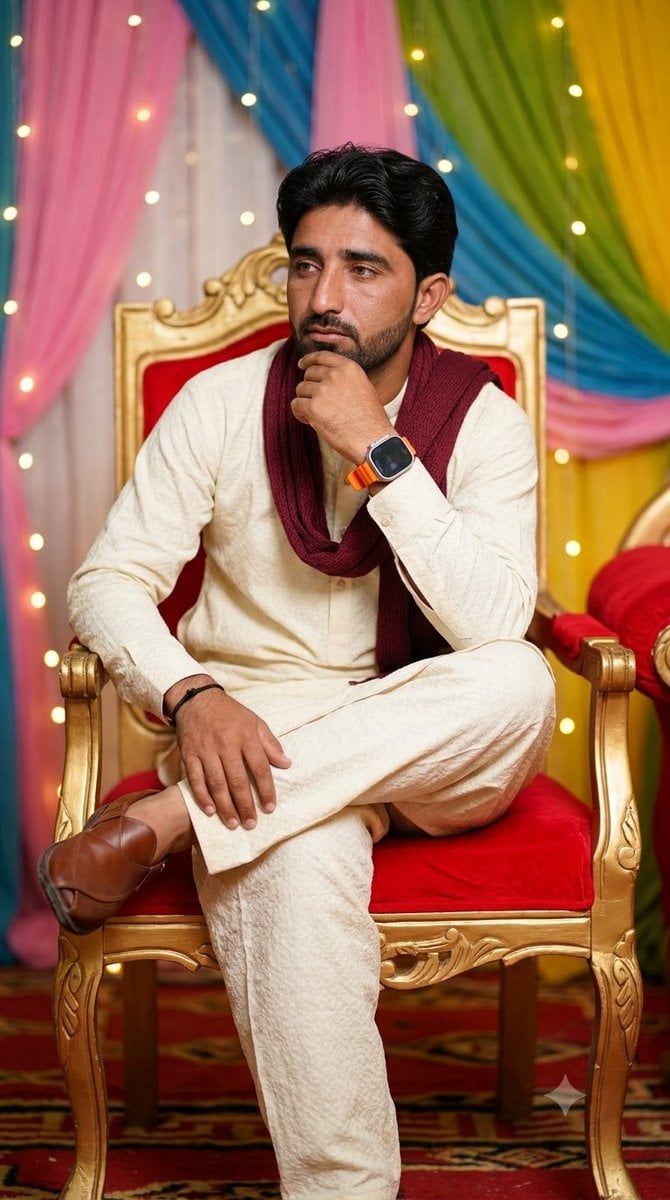
Pensive South Asian Man Portrait

South Asian Doctor Mirror Selfie Prompt
Make it yours
South Asian Man Selfie With Lion works as-is. These are the safest ways to change it without losing the look.
Change one field
Copy a single group, rewrite it, and generate again so you can see what that field is doing.
Keep the frame, change the subject
Hold the composition and light of South Asian Man Selfie With Lion, then swap wardrobe, props or the person for a new take.
| If the result… | Why | Fix |
|---|---|---|
| The result drifts from the preview | Too many fields changed at once. | Reuse South Asian Man Selfie With Lion as-is first, then change one group — subject, light, or setting. |
| The model over-stylizes the scene | The prose prompt leaves finish and camera underspecified. | Add one camera or lighting sentence and stay on GPT Image 2. |
More GPT Image 2 templates
Other prompts made for GPT Image 2.

Six VTuber Japanese Logo Sheet

Realistic Portrait of Woman and Deer

The Vista Modular Condo Poster

AI Model Routing Comparison Infographic

2.5D Anime Art Board

Isometric Productivity Desk Scene

New York Double Exposure Poster

Four-Panel AI Landscape Comparison

Japanese Tatami Lifestyle Magazine Cover

NESCAFÉ Coffee Map Poster
More image prompts
Fresh picks from across the catalog.
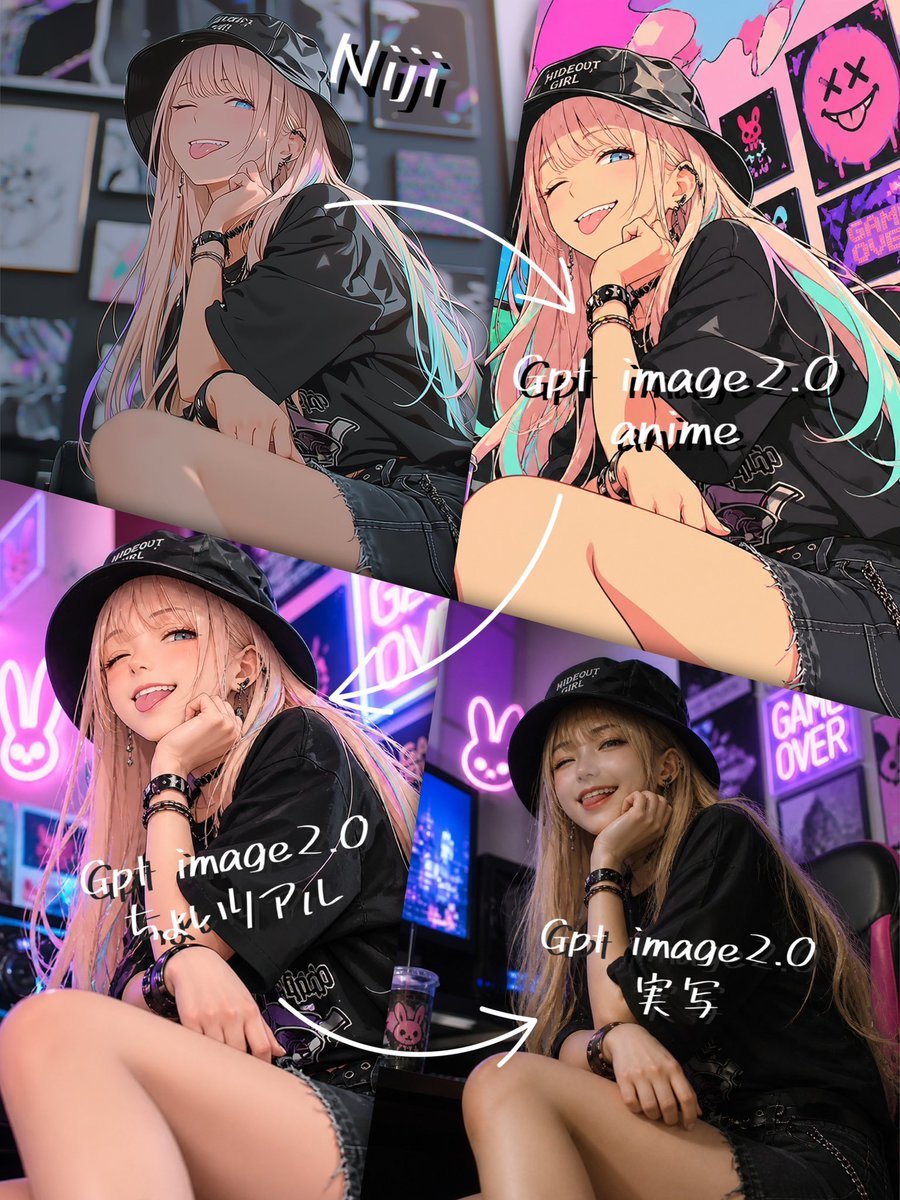
Four-Panel AI Style Transformation Collage
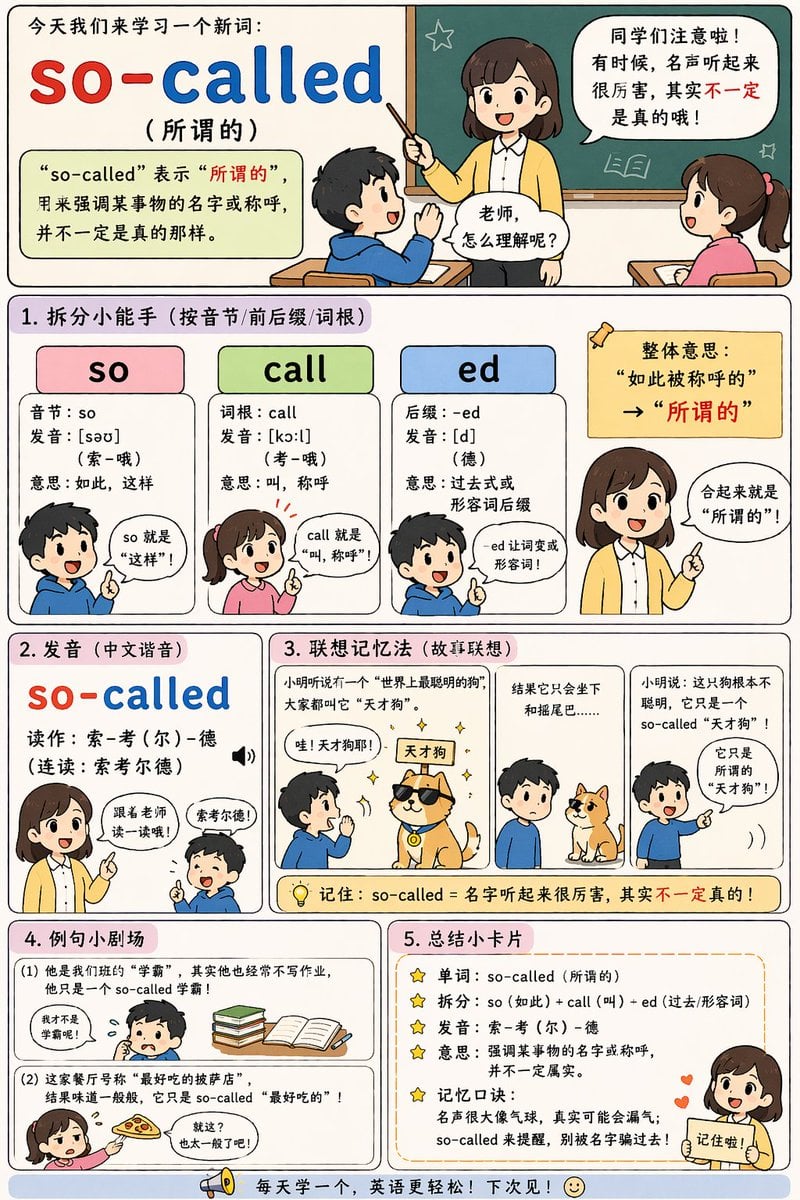
English Vocabulary Educational Infographic

Gpt2 E Commerce Main Image 9 Panel Product Tvc Storyboard
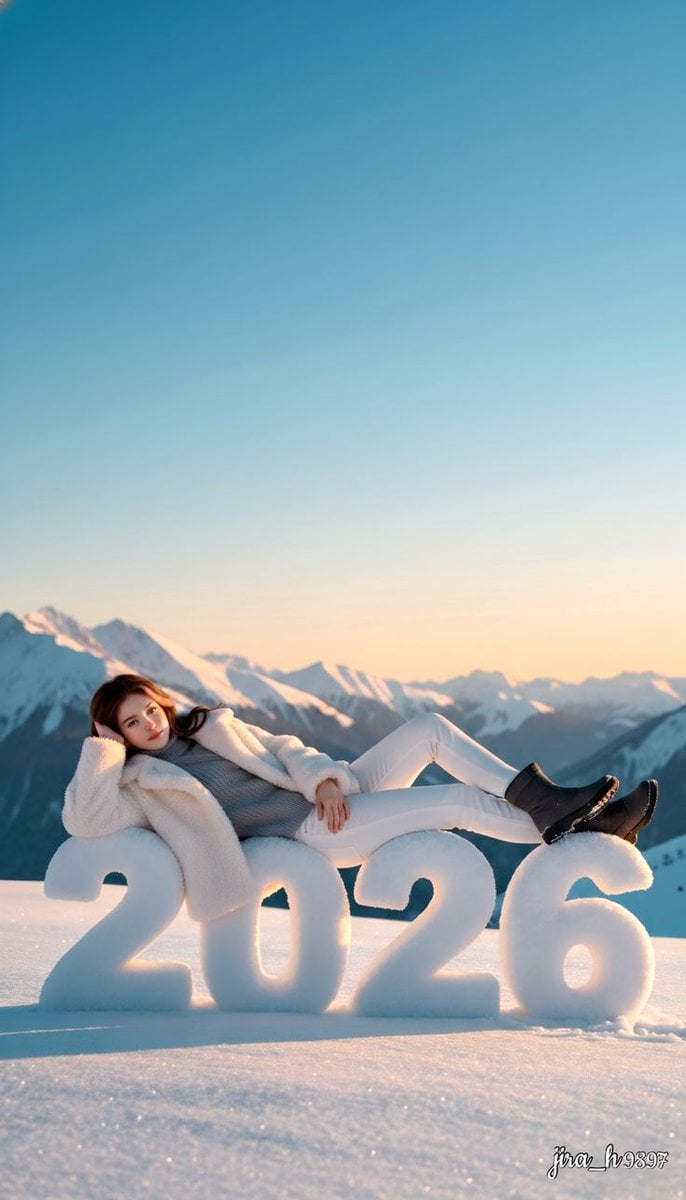
Luxurious New Year 2026 Portrait on a Snowy Mountain
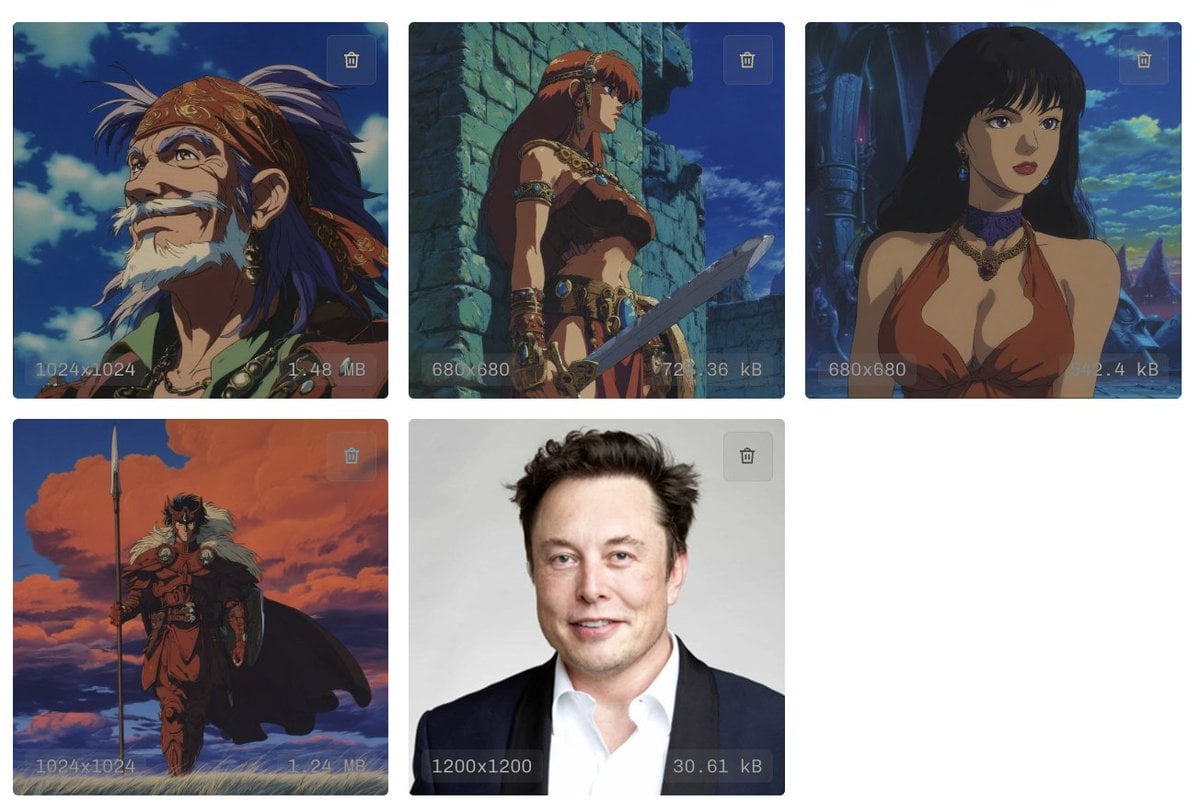
Style Transfer to Anime Cartoon
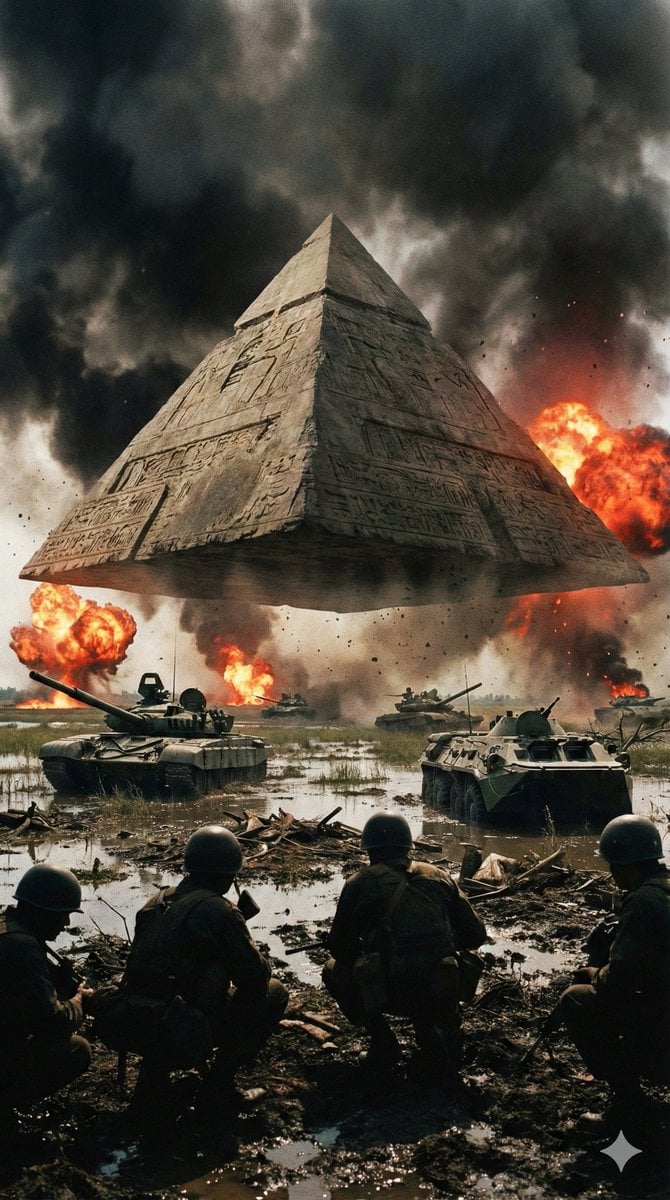
Ancient Pyramid Floating Over a Modern Battlefield
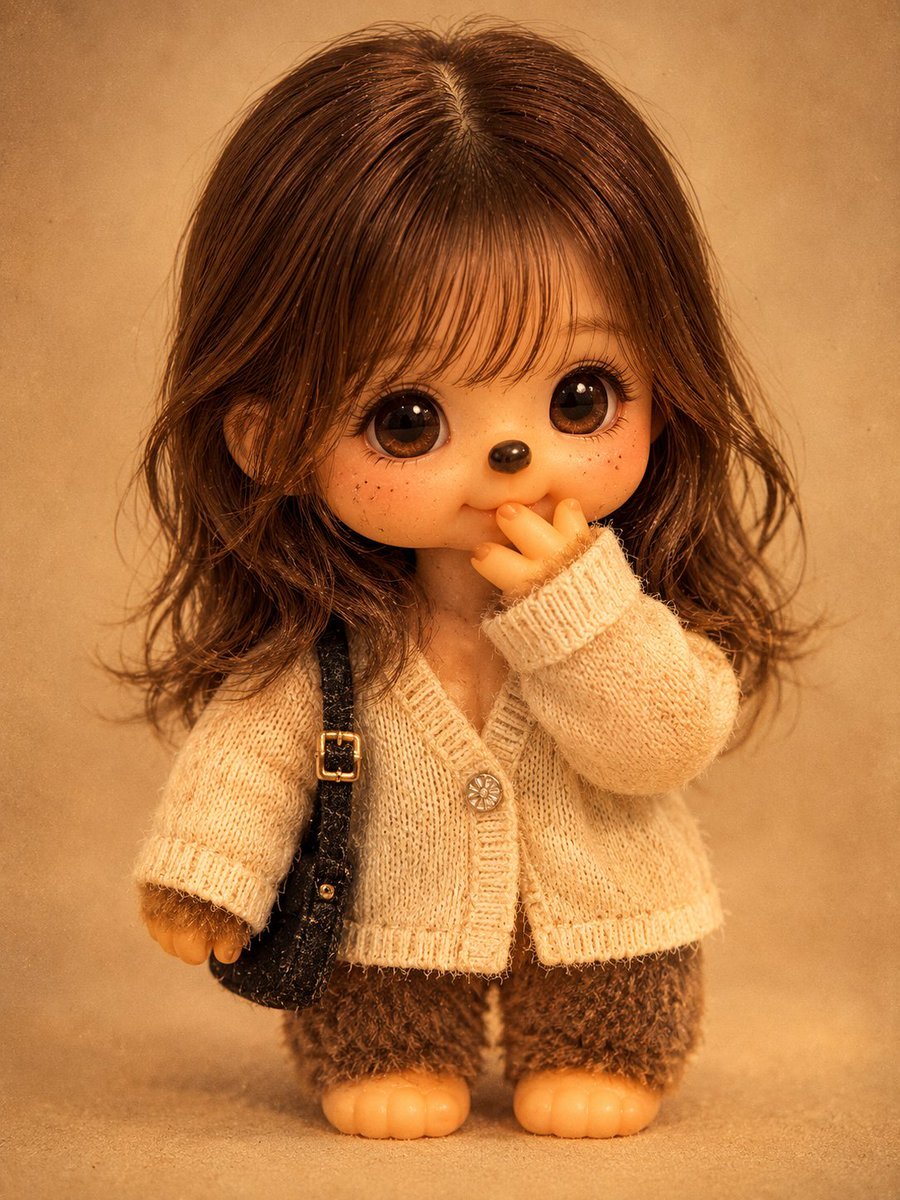
Vintage Monchhichi Doll Conversion
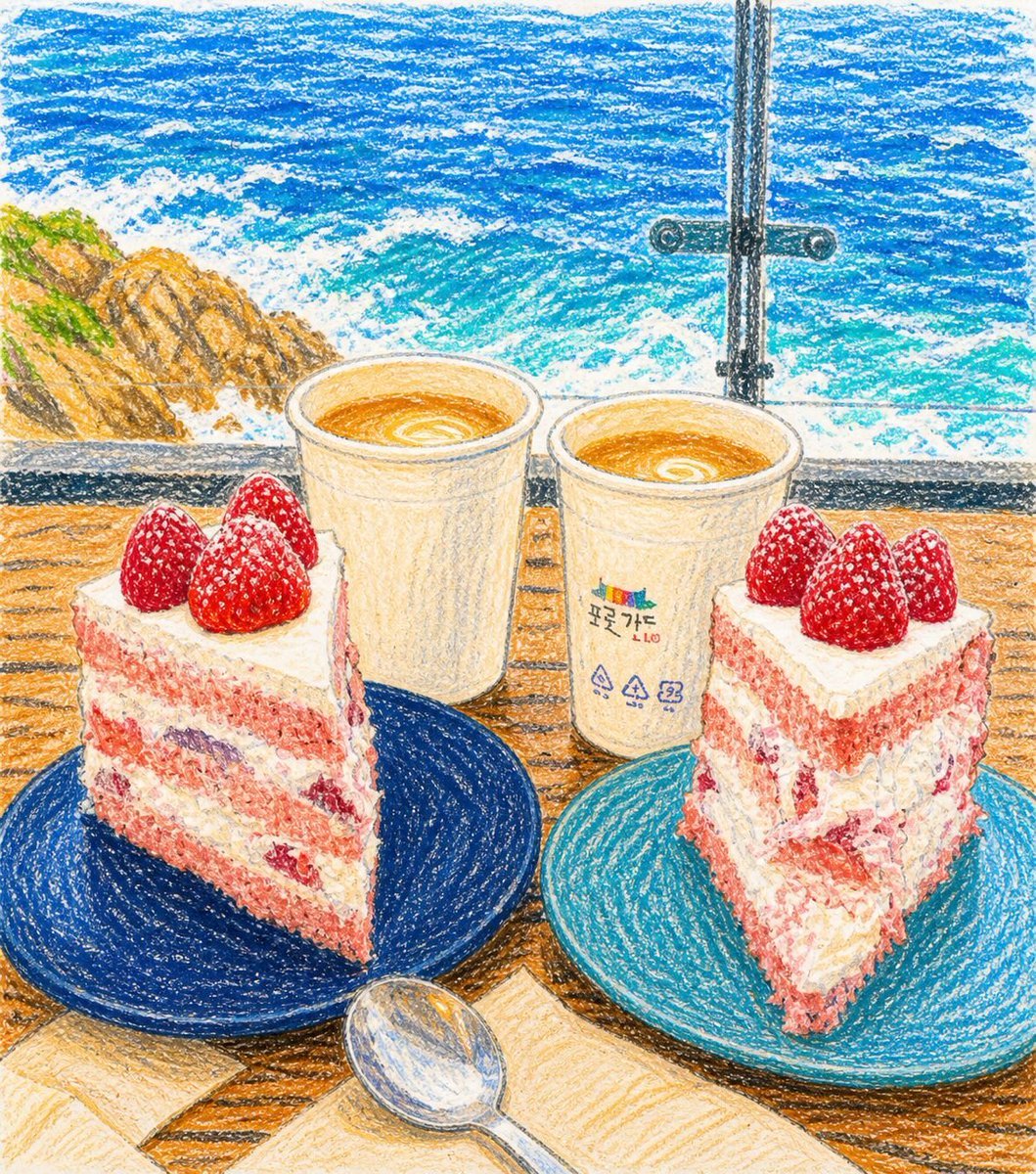
Crayon Drawing Transformation

Professional Male Editorial Fashion Portrait
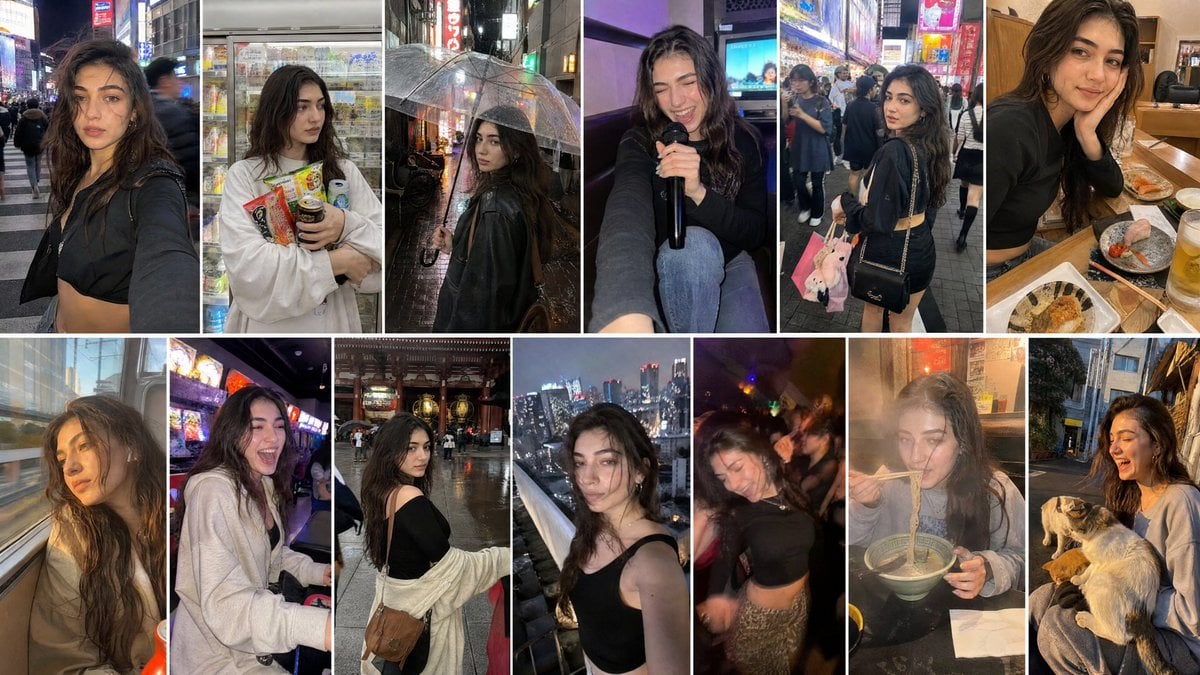
Created with GPT Image 2 + Seedance 2 on @yapper_s
Browse template categories
South Asian Man Selfie With Lion questions
How do I use the South Asian Man Selfie With Lion template?
Add your photo if the template asks for one, edit the prompt if you like — the template's model and format are already selected — and press Generate. Your version opens in PicX Studio.
Can I customize the South Asian Man Selfie With Lion template?
Yes. You can change the subject, setting, lighting, mood, format, and available model controls before creating your image.
Is the South Asian Man Selfie With Lion template free?
Opening and editing this template is free. Generating uses credits, shown on the Generate button when you are signed in.
Which AI model should I use?
Start with GPT Image 2, which is the model associated with this template. You can compare another compatible model for a different finish.
Looking for something else? Browse all templates.

Your photo, any look
Thousands of ready templates for every top image and video model, from one credit balance.