
Professional South Asian Woman Portrait
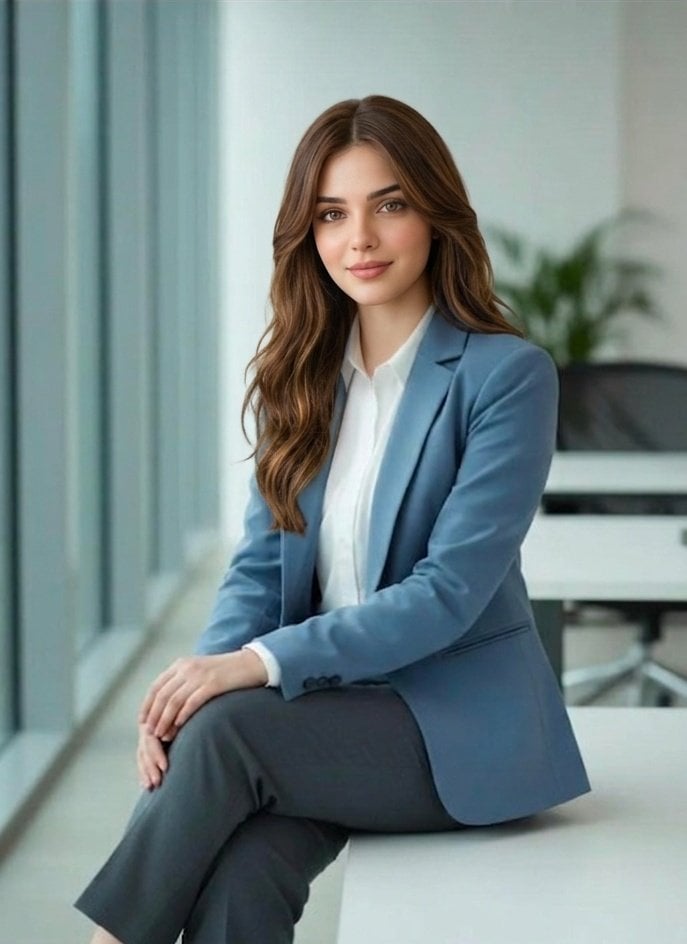
A clean, minimalist prompt for a professional corporate headshot of a South Asian woman in a modern office, featuring soft daylight and high-end DSLR rendering.
- Prompt included
- Model and format preset
- Premium template
The prompt behind this image
Copy the exact prompt behind Professional South Asian Woman Portrait, or open it in the studio and make it yours.
A professional portrait of a {argument name="subject" default="young South Asian woman"} sitting indoors in a {argument name="setting" default="modern office environment"}. She has fair glowing skin, sharp facial features, straight dark brown hair neatly styled behind her shoulders, and soft natural makeup. She is wearing a {argument name="outfit" default="light blue tailored blazer over a white formal shirt"}, paired with dark grey trousers. She is seated with one leg crossed, hands resting gracefully, looking confidently at the camera with a slight smile. The setting is a bright, minimalist office with large glass windows on the left side allowing soft natural daylight to illuminate her face. Background includes blurred office furniture and a subtle green indoor plant, creating a clean corporate atmosphere. Shot with a DSLR camera, 85mm lens, shallow depth of field, ultra-realistic, high detail, soft lighting, professional color grading, 4K quality.
How to use Professional South Asian Woman Portrait in 3 steps
- 1
Open
The prompt is already in the box next to the preview, with the template's model and format selected.
- 2…a portrait of your subject in softgolden-hour light, 85mm…
Personalize
Edit the subject and creative details for your destination.
- 3Generate
Generate
Press Generate — your image is created in PicX Studio, so you can compare it with the original and refine one variable at a time.
More like this
Templates with the same subject, style or setup. Open one to see its prompt.
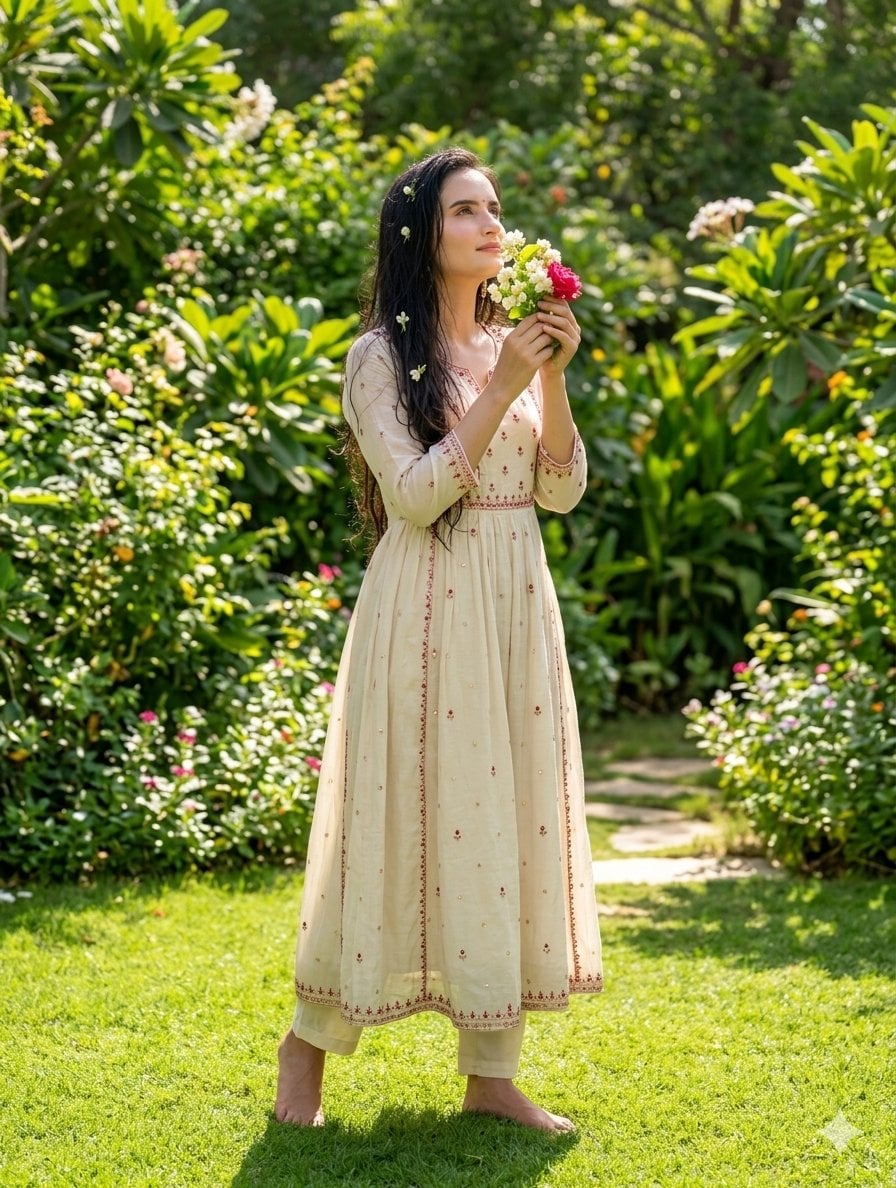
South Asian Woman in Garden Portrait
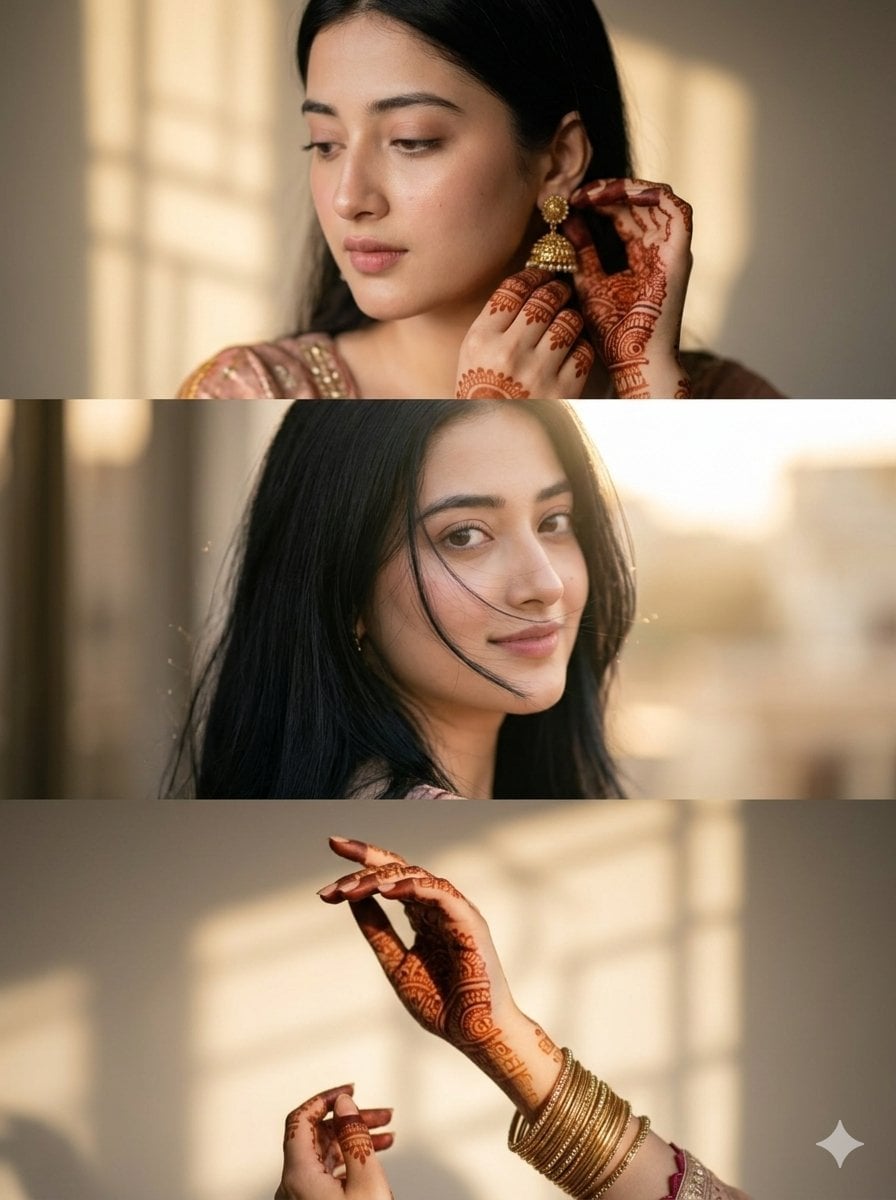
Cinematic South Asian Woman Portrait Collage
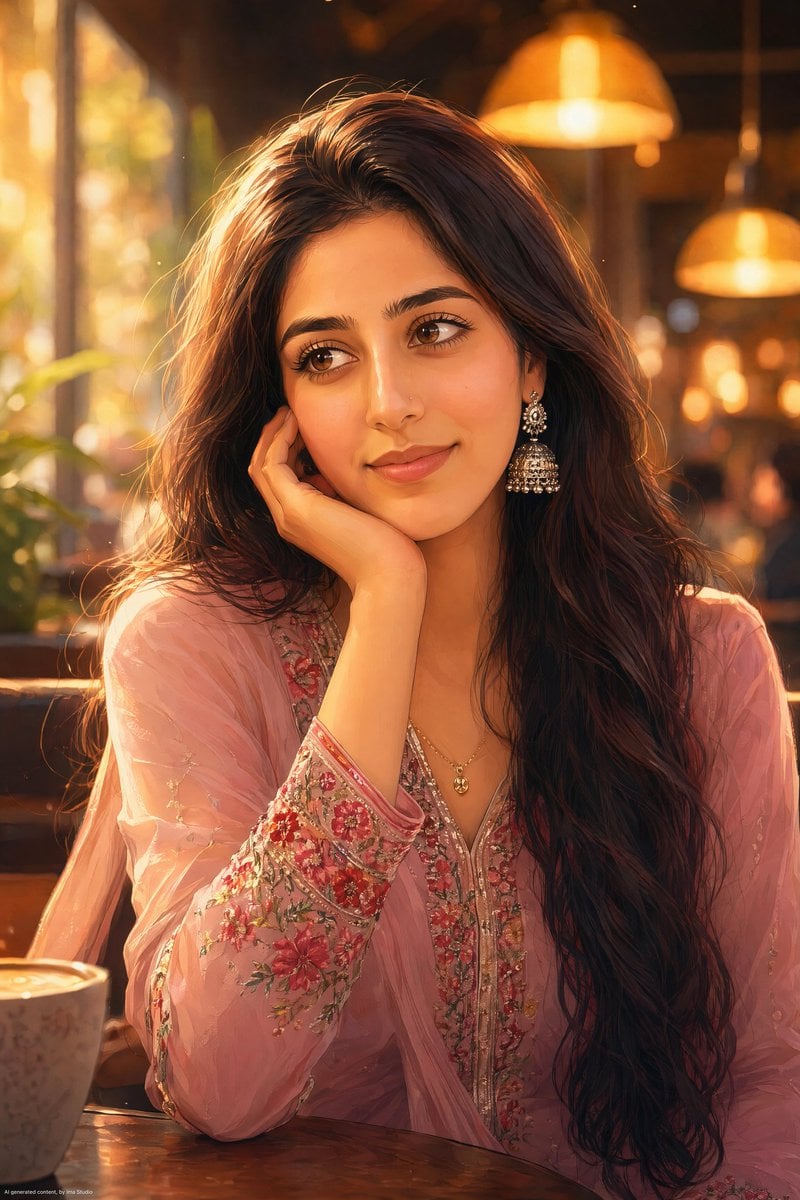
Anime Portrait of South Asian Woman
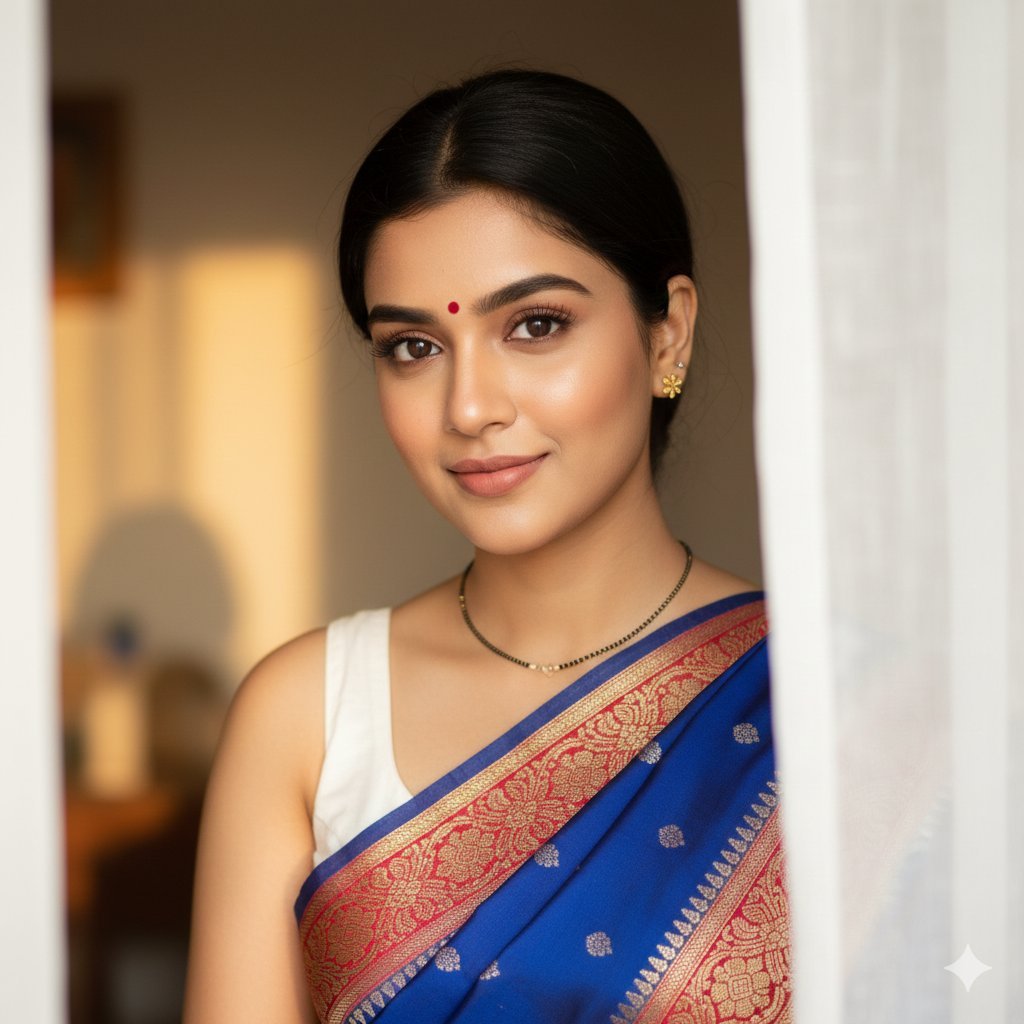
South Asian Woman Portrait with Saree and Sheer Curtains
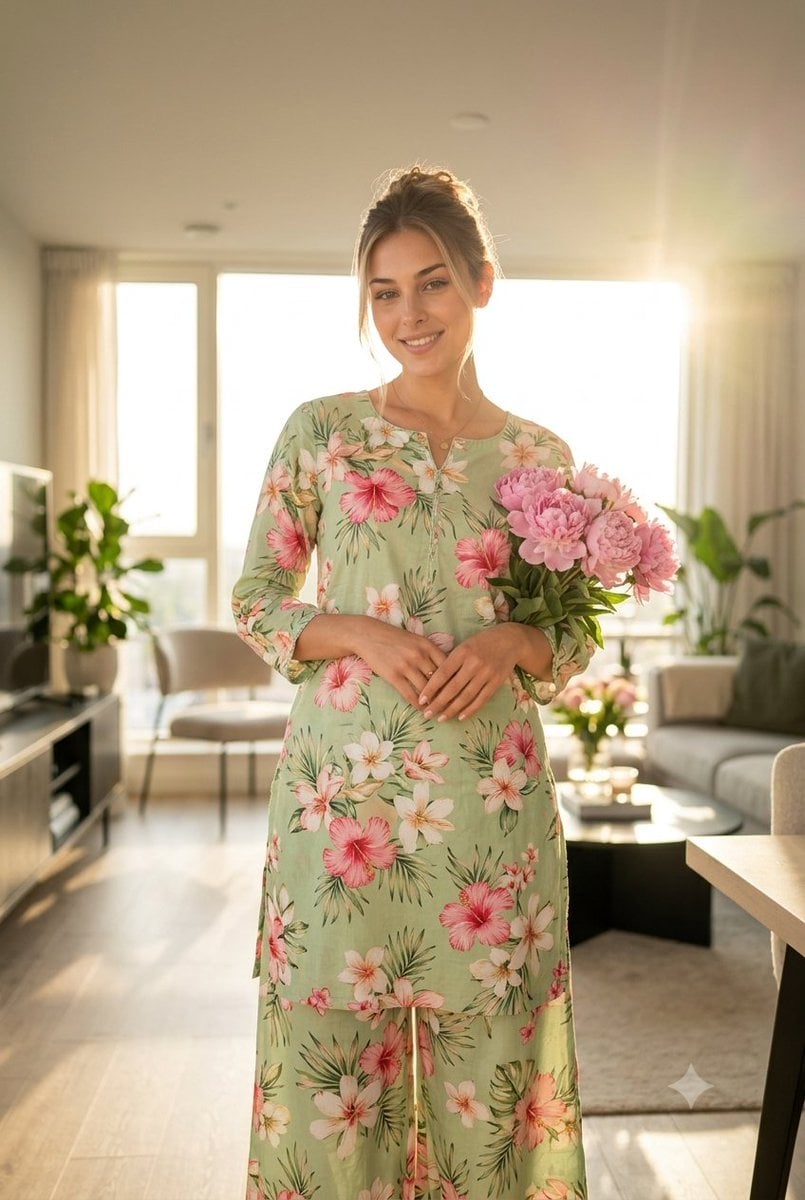
South Asian Woman in Floral Traditional Attire
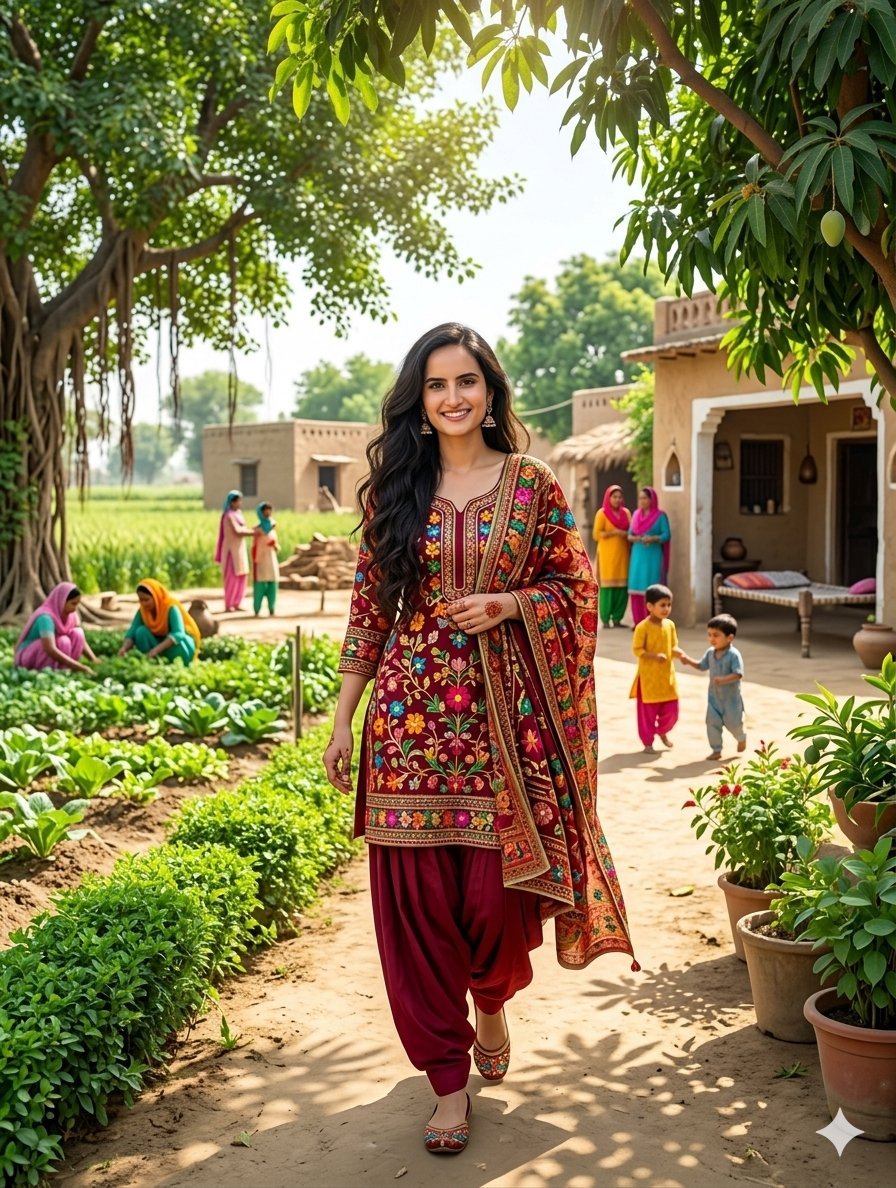
South Asian Woman in Rural Punjab
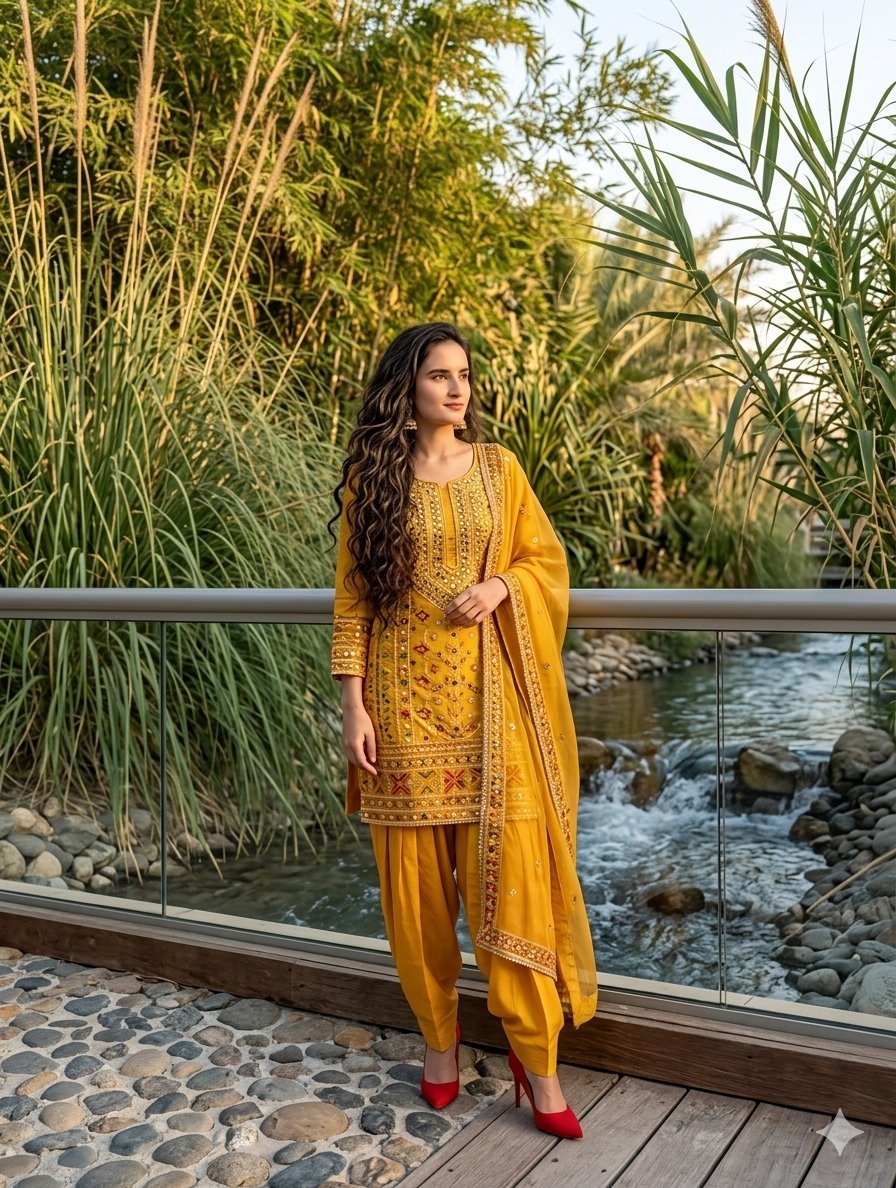
South Asian Woman in Anarkali Dress
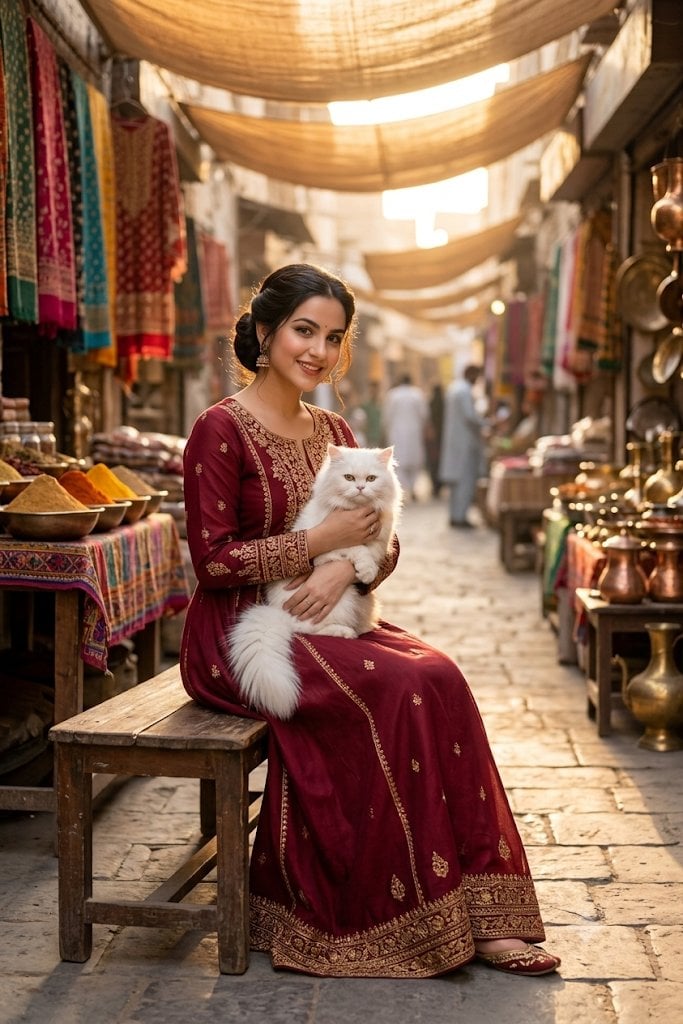
South Asian Woman in Vibrant Bazaar

Couture Fashion Editorial Woman and Drag
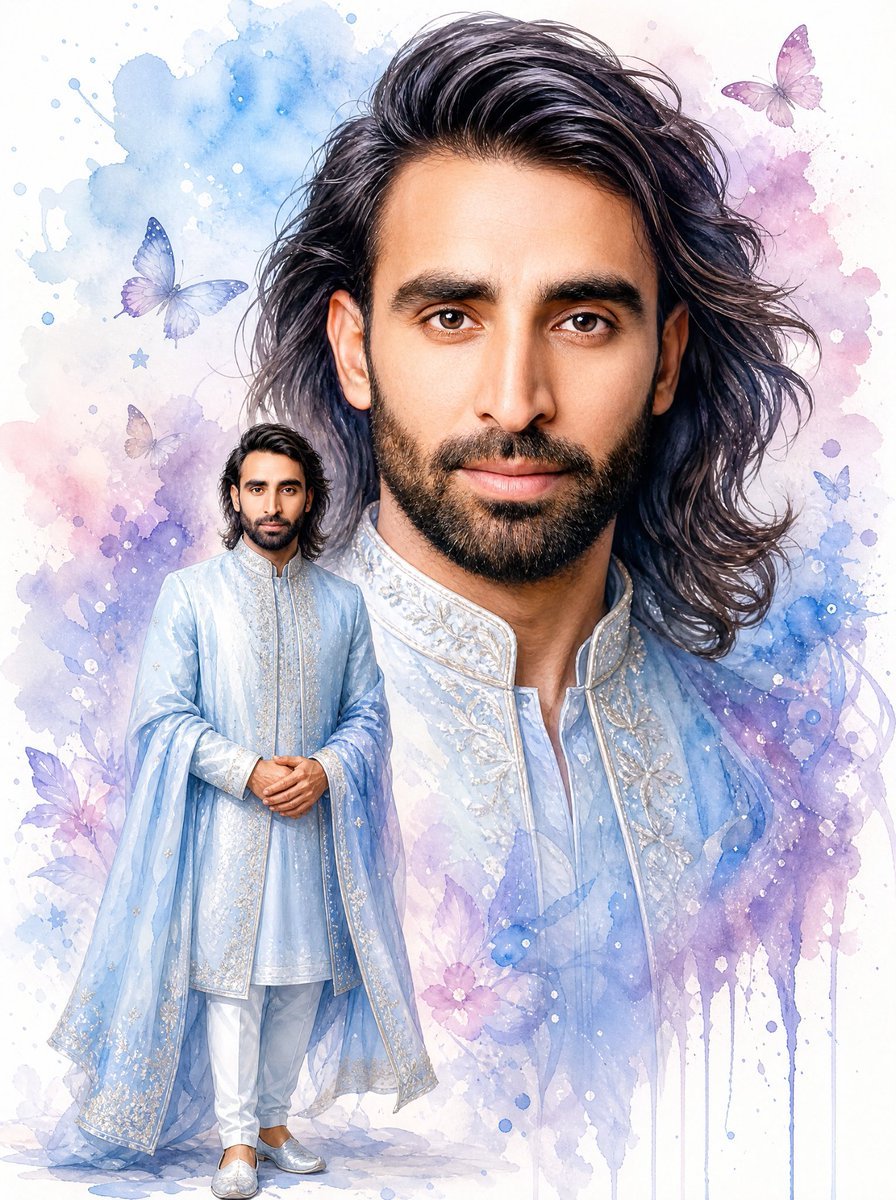
Watercolor South Asian Groom Portrait
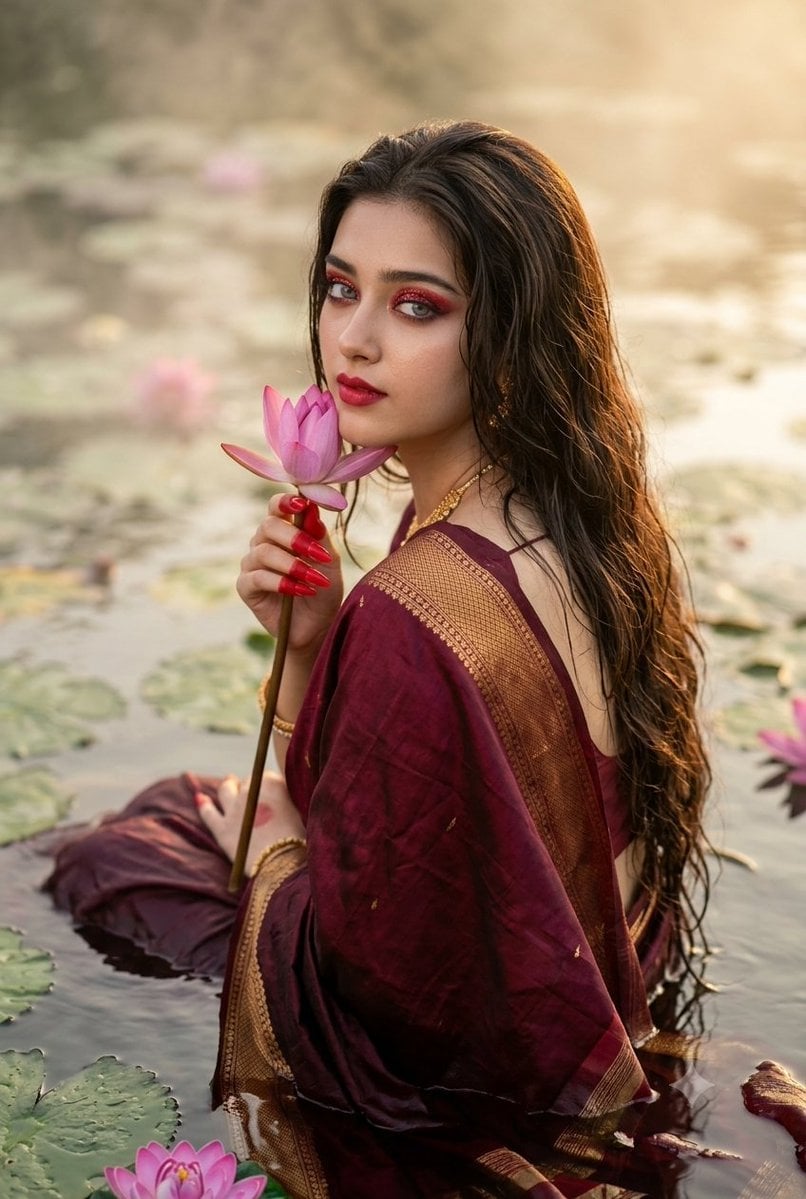
Cinematic South Asian Lotus Portrait
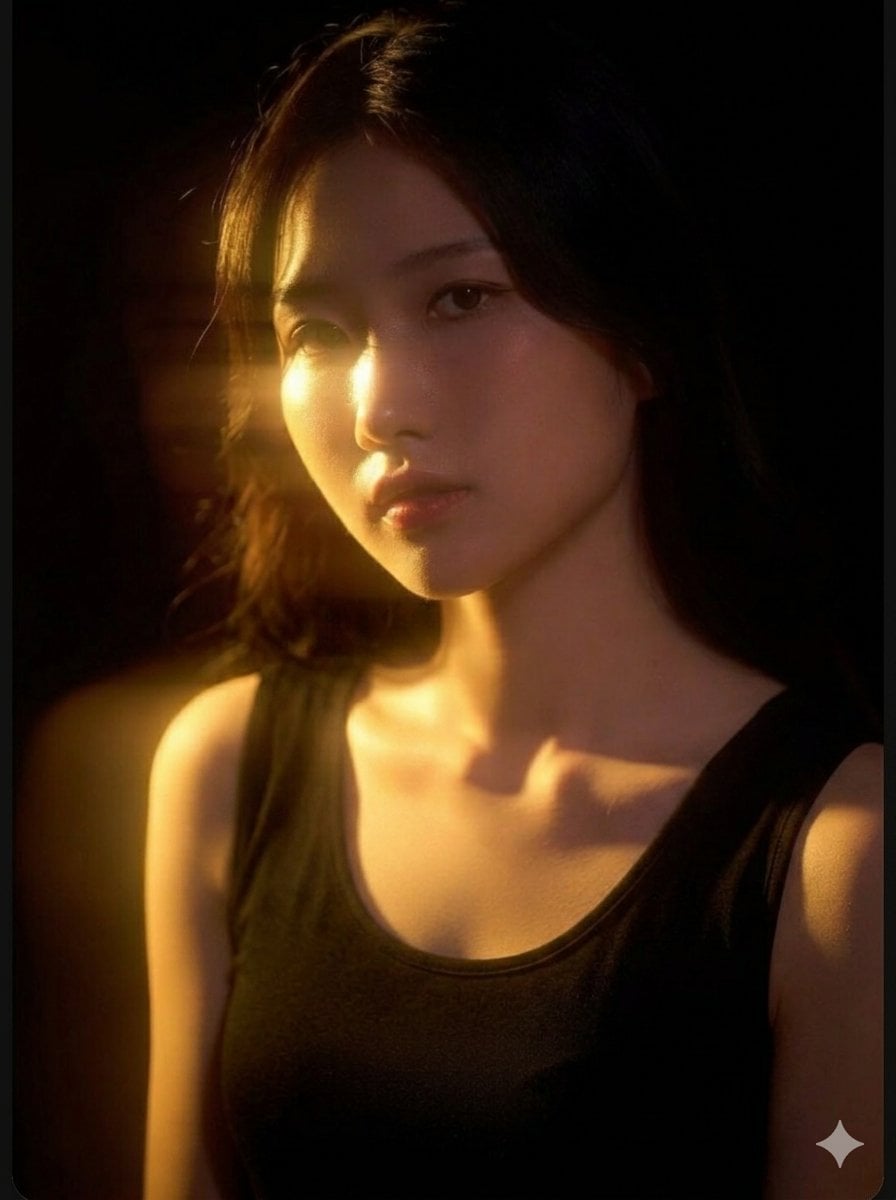
Cinematic East Asian Woman Portrait
Make it yours
Professional South Asian Woman Portrait works as-is. These are the safest ways to change it without losing the look.
Change one field
Copy a single group, rewrite it, and generate again so you can see what that field is doing.
Keep the frame, change the subject
Hold the composition and light of Professional South Asian Woman Portrait, then swap wardrobe, props or the person for a new take.
| If the result… | Why | Fix |
|---|---|---|
| The result drifts from the preview | Too many fields changed at once. | Reuse Professional South Asian Woman Portrait as-is first, then change one group — subject, light, or setting. |
| The model over-stylizes the scene | The prose prompt leaves finish and camera underspecified. | Add one camera or lighting sentence and stay on Nano Banana 2. |
More Nano Banana 2 templates
Other prompts made for Nano Banana 2.

Photorealistic Leaf Shaped Like a Dragon

K-Pop Idol Portrait Grid for Rapid Selection

Poetic Rain Forest Portrait During Golden Hour

Urban Street Portrait with Cartoon Inner Self Duo

Candid Nighttime Photo with Cat Prompt

High-Concept 3D Diorama Generation Prompt

Cinematic Futuristic Studio Portrait Template

Skincare Editorial Photography Collage Prompt

Hyper-Realistic Commercial Product Photography (Splash Effect)

Hyper-Realistic Nightclub Portrait Prompt
More image prompts
Fresh picks from across the catalog.
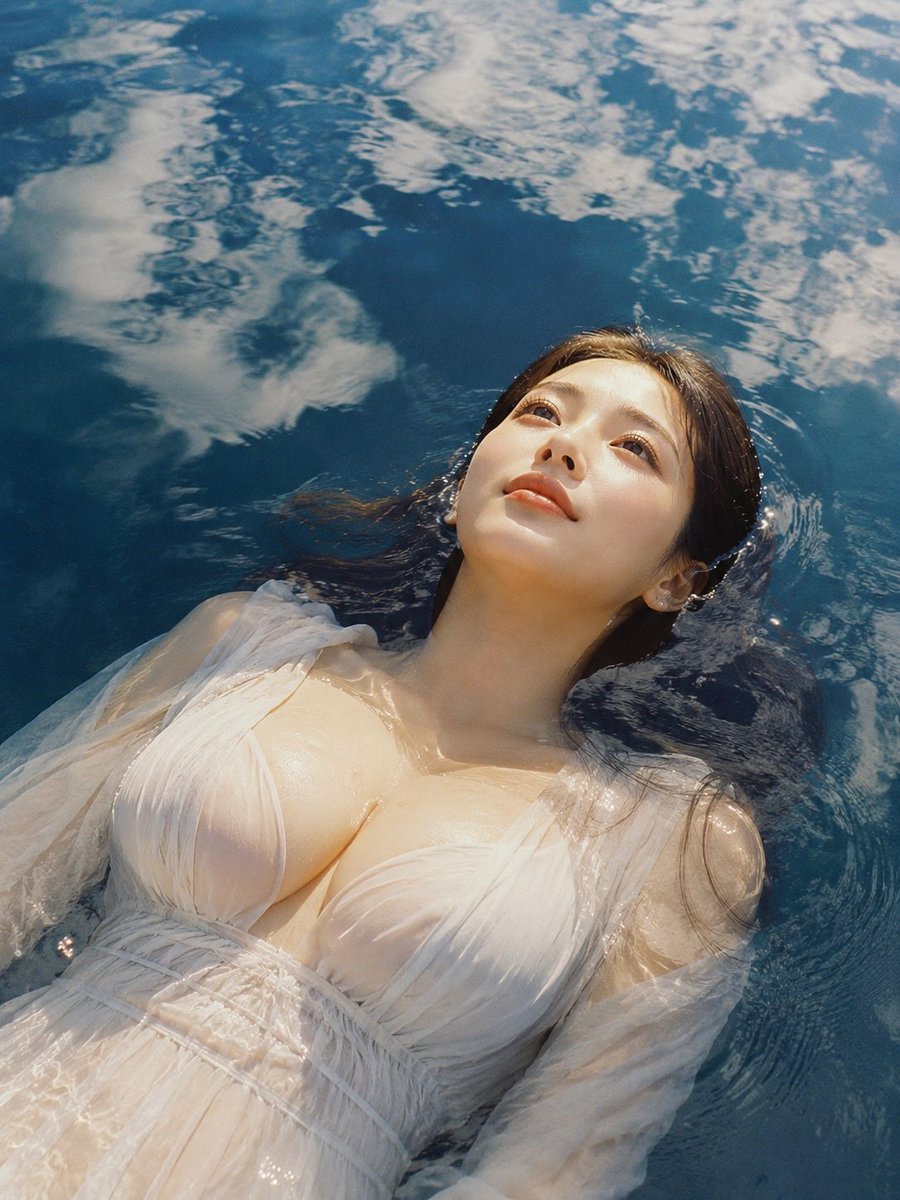
Woman Floating in Reflective Water
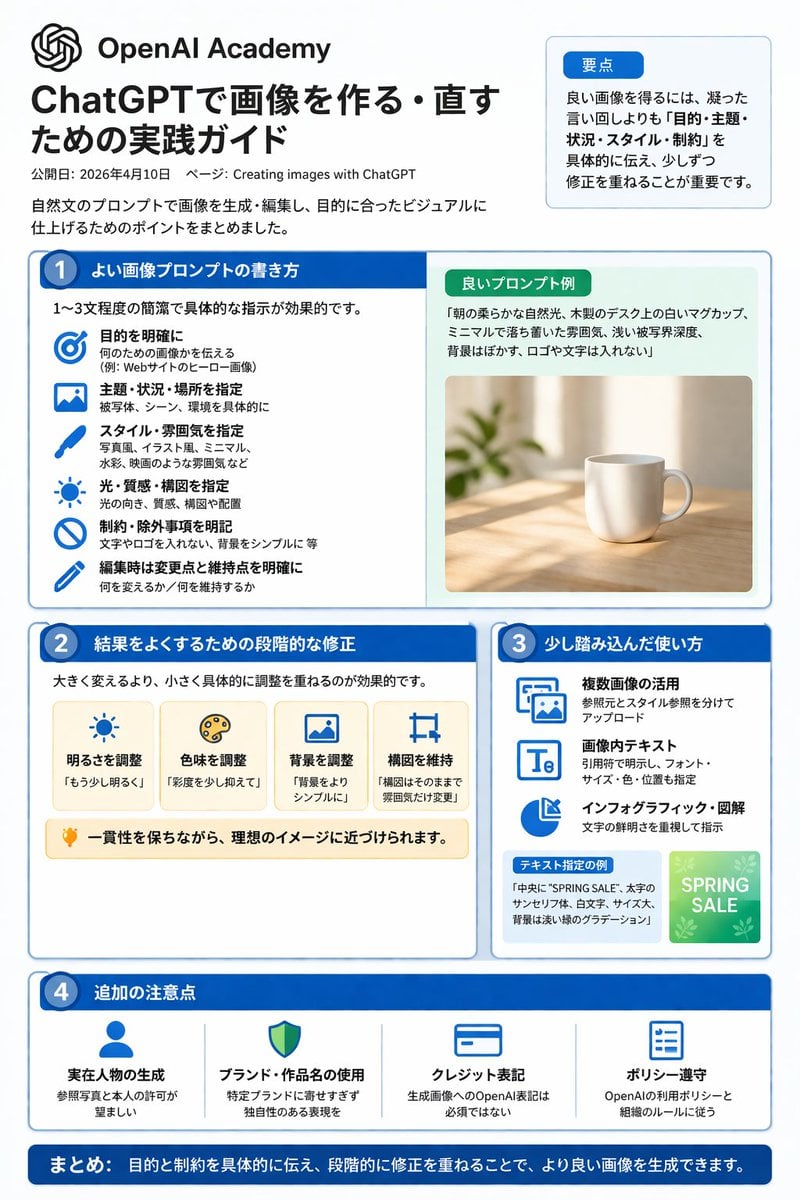
ChatGPT Image Generation Guide Infographic
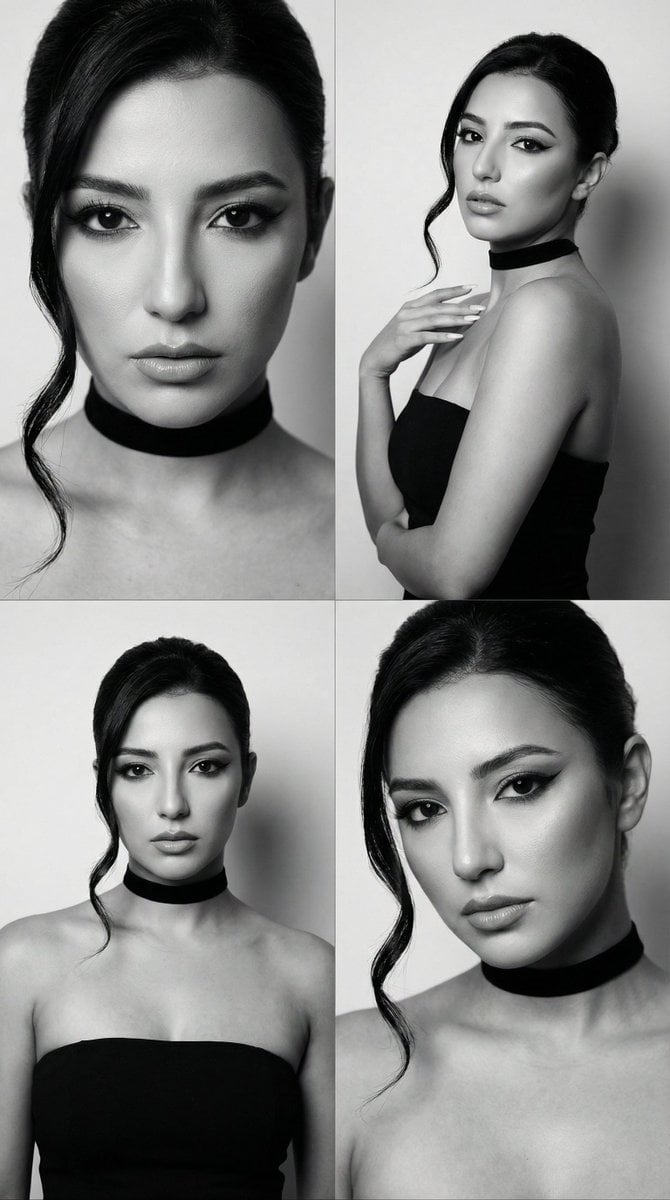
JSON Prompt for Black and White Fashion Editorial Contact Sheet

Kimetsu no Yaiba-style anime transformation with brush calligraphy
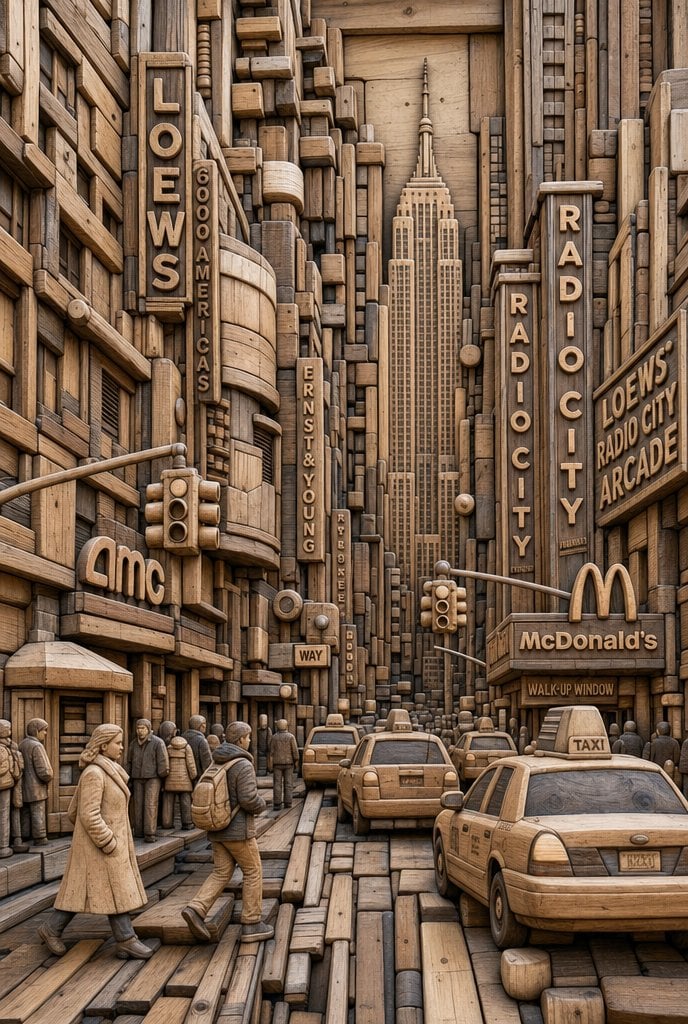
Carved Wood Block Relief
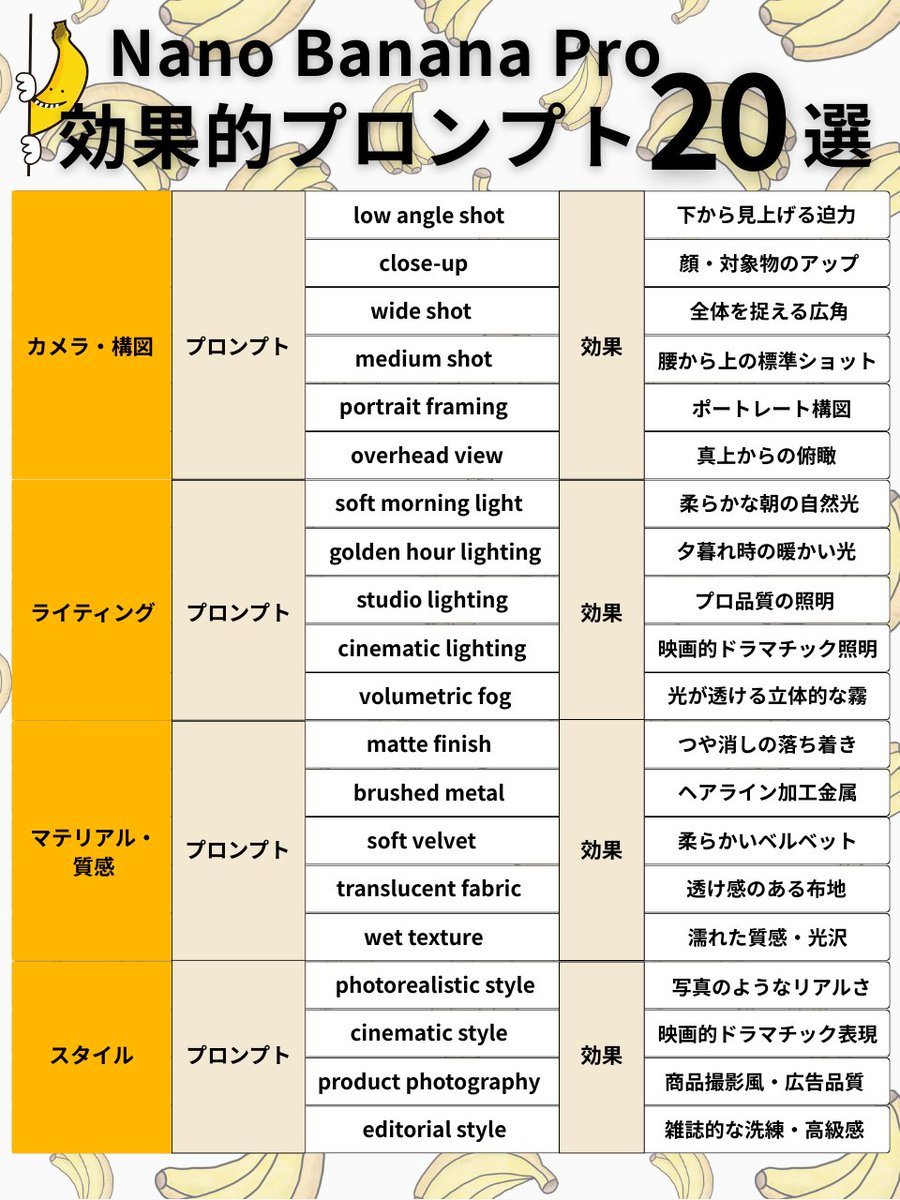
Nano Banana Pro Prompt Structure and Visual Elements

Surreal Floating Head With Censor Block

Scientific Process Infographic
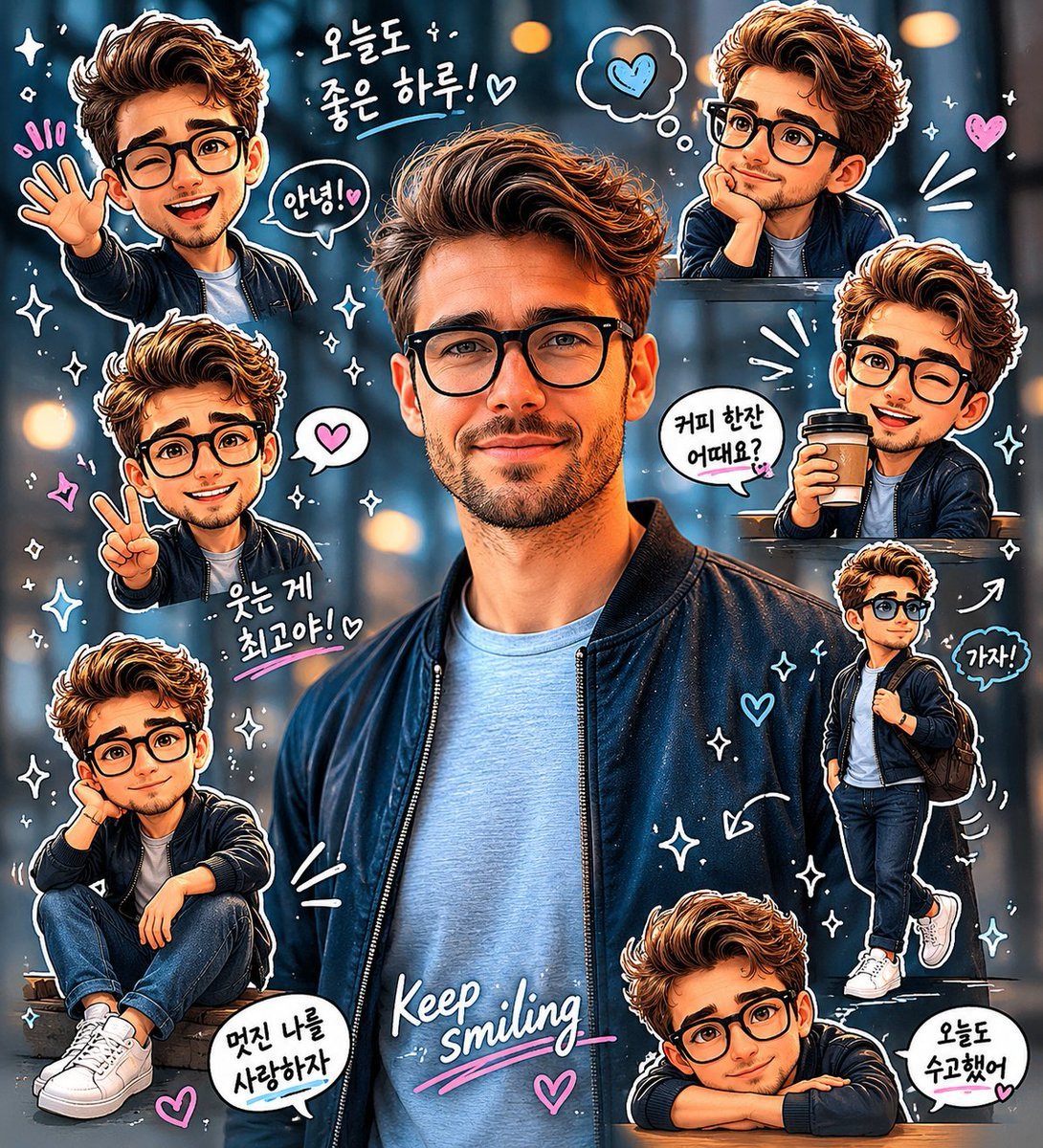
Chibi Sticker Diary Scrapbook Portrait
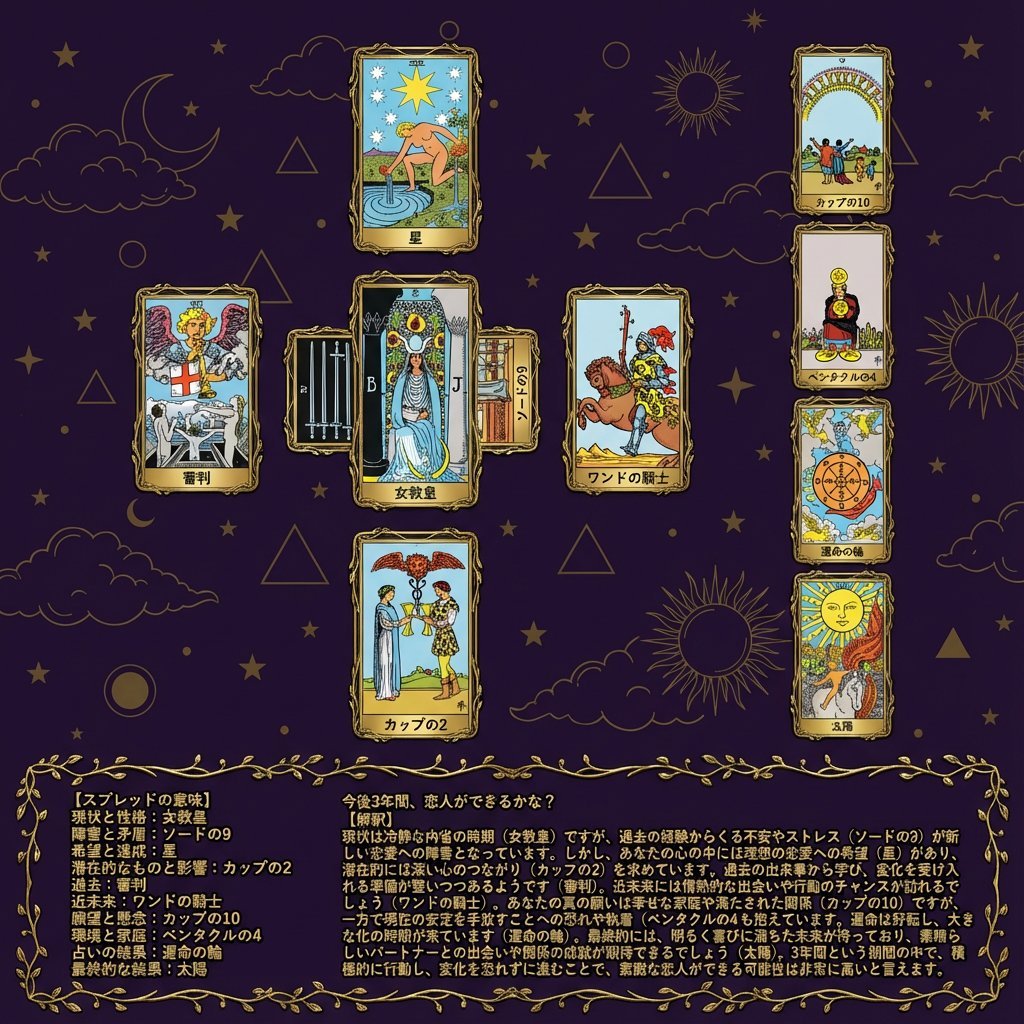
Tarot Celtic Cross Spread Reading Generation Prompt
Browse template categories
Professional South Asian Woman Portrait questions
How do I use the Professional South Asian Woman Portrait template?
Add your photo if the template asks for one, edit the prompt if you like — the template's model and format are already selected — and press Generate. Your version opens in PicX Studio.
Can I customize the Professional South Asian Woman Portrait template?
Yes. You can change the subject, setting, lighting, mood, format, and available model controls before creating your image.
Is the Professional South Asian Woman Portrait template free?
Opening and editing this template is free. Generating uses credits, shown on the Generate button when you are signed in.
Which AI model should I use?
Start with Nano Banana 2, which is the model associated with this template. You can compare another compatible model for a different finish.
Looking for something else? Browse all templates.

Your photo, any look
Thousands of ready templates for every top image and video model, from one credit balance.