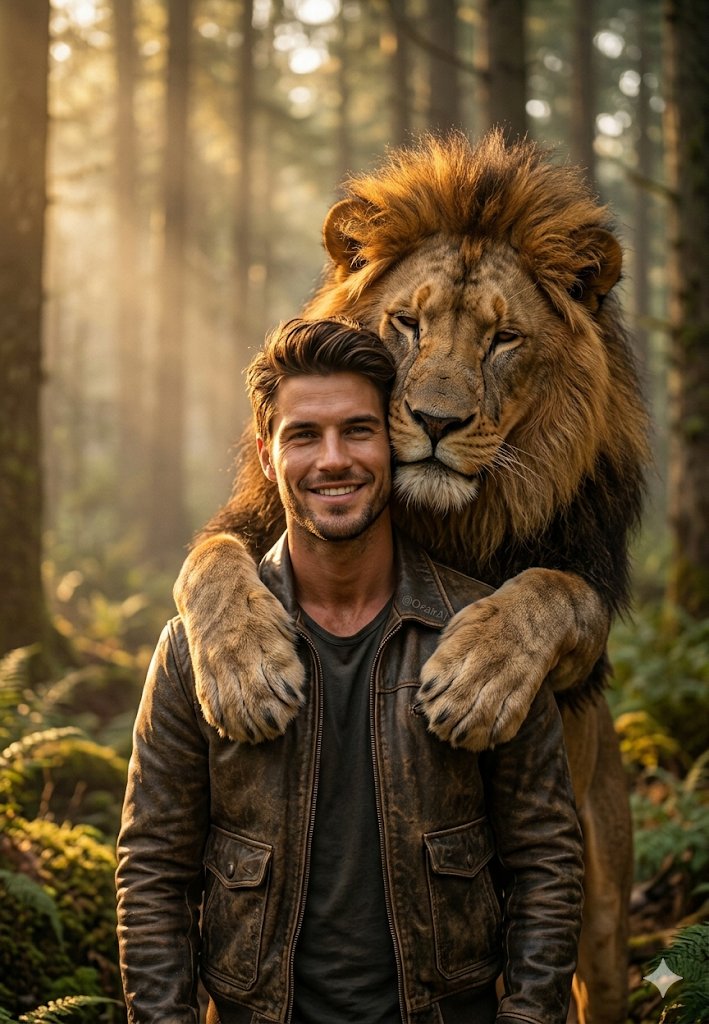
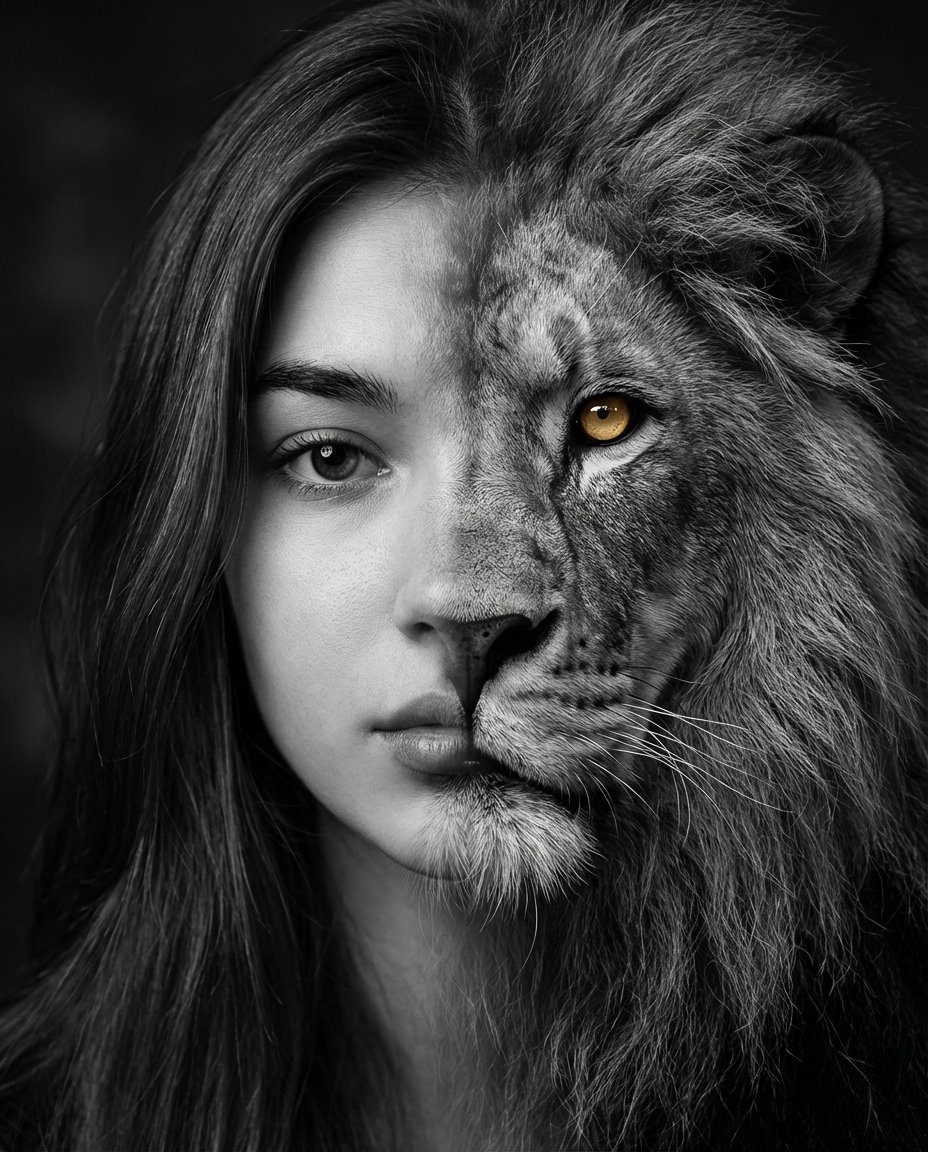
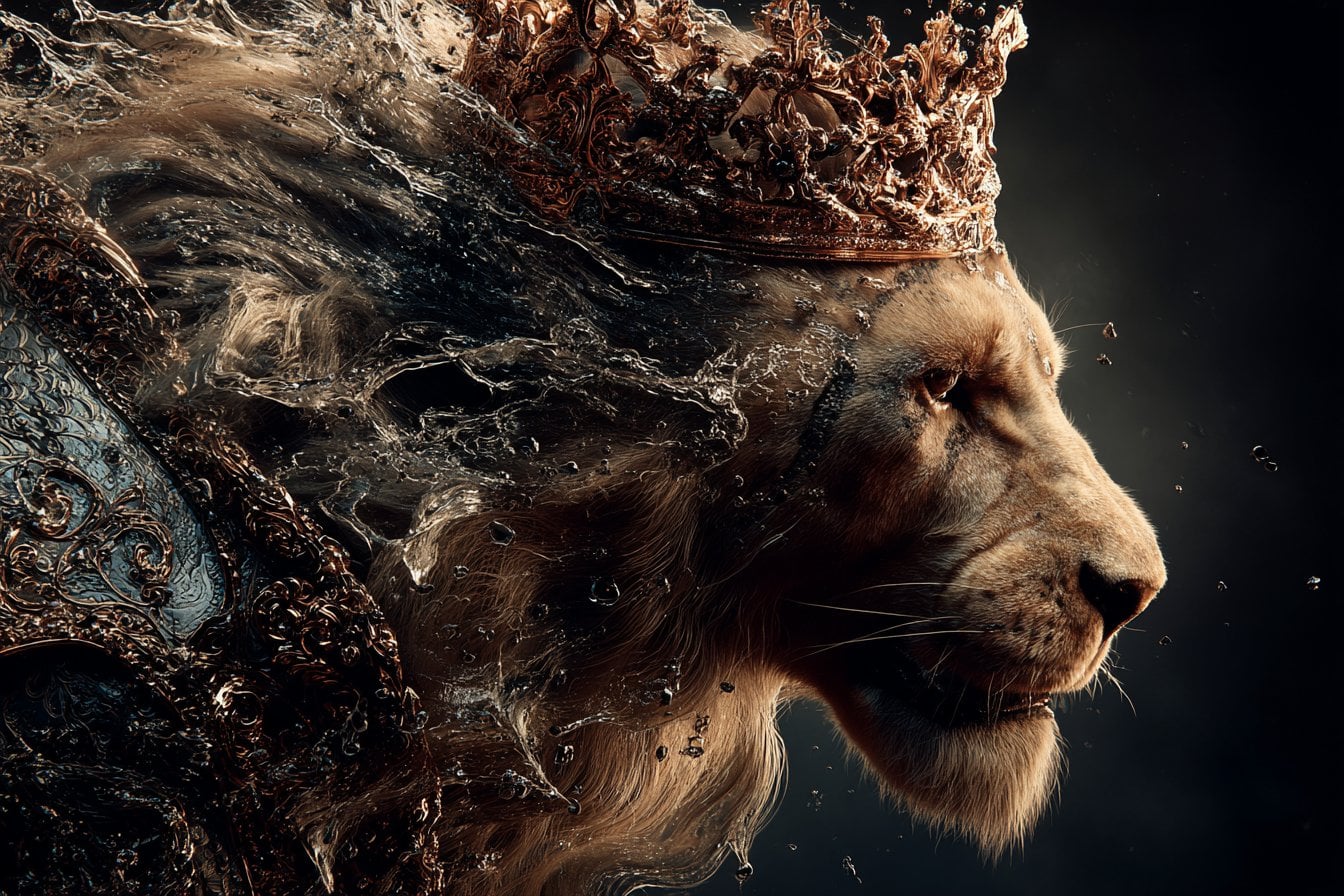
How do I use the Man and Lion Bonding Portrait template?
Choose the primary action to open PicX Studio with the available template settings. Review the model and format, personalize the creative direction, and generate when ready.
A detailed prompt for a hyper-realistic vertical portrait of a man and a lion touching foreheads in a tender, snowy setting.
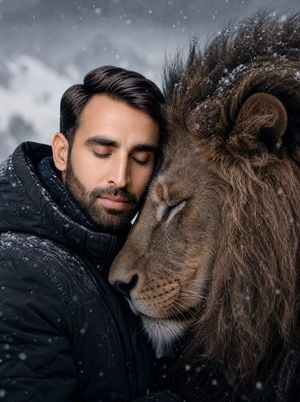
A hyper-realistic, vertical portrait of a {argument name="subject" default="man"} and a magnificent {argument name="animal" default="male lion"} touching foreheads in an intimate, tender moment. The man has thick, dark, Normal hair and wearing a simple, dark, heavy winter jacket. His eyes are closed in an expression of deep peace or connection. The lion's face is positioned close to the man's, its eyes also gently closed. The lion has a rich, full, dark brown mane and very detailed, realistic fur. The setting is a **{argument name="setting" default="snowy, desolate"}. Keep face 100% same as in the reference image.
Choose the primary action to open PicX Studio with the available template settings. Review the model and format, personalize the creative direction, and generate when ready.
Yes. You can change the subject, setting, lighting, mood, format, and available model controls before creating your image.
This template is free to open and customize. Generation usage is shown in PicX Studio before you create.
Start with GPT Image 2, which is the model associated with this template. You can compare another compatible model for a different finish.
Follow a topic to a crawlable collection of related PicX Studio templates.