
Lion Safari Elf Anime Girl
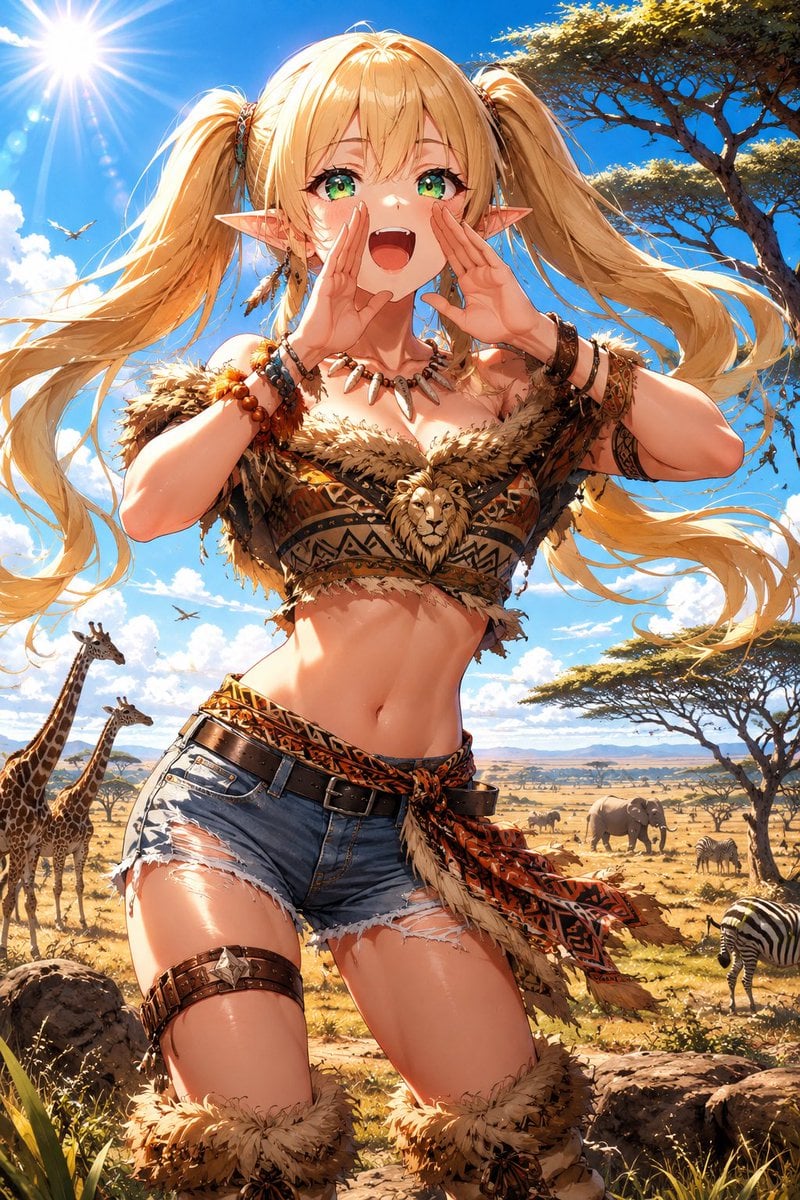
Generates a bright anime-style savanna scene featuring a cheerful elf girl in a lion-inspired tribal safari outfit calling out among wildlife.
- Prompt included
- Model and format preset
- Free template
The prompt behind this image
Copy the exact prompt behind Lion Safari Elf Anime Girl, or open it in the studio and make it yours.
Create a vibrant vertical anime illustration of {argument name="character name" default="a cheerful elf safari girl"} in a sunlit African savanna, shown from mid-thigh upward in a dynamic close-up pose. She has long flowing {argument name="hair color" default="golden blonde"} twin-tails, pointed elf ears, bright green eyes, a wide open shouting smile, and both hands cupped around her mouth as if calling out loudly. Her outfit is a lion-inspired tribal safari costume: a fur-trimmed cropped top with warm brown geometric patterns, a central sculpted lion-head ornament on the chest, tooth-and-bead necklace, layered bracelets, leather armband, patterned sash, black belt, frayed denim short shorts, thigh leather strap, and fluffy fur leg cuffs. Emphasize a joyful, energetic expression and wind-swept hair ribbons, with glossy high-detail anime rendering, sharp linework, warm skin highlights, dramatic sunlight, and saturated colors. The background is a wide savanna under a vivid blue sky with puffy white clouds, a blazing sun with lens flare in the upper left, acacia trees on the right, golden grasslands, rocks in the foreground, and distant plains. Include exactly 7 visible animals in the scene: 2 giraffes at the left, 1 elephant in the mid-right distance, 1 zebra in the right foreground, and 3 small birds flying in the sky. Use a low-angle heroic composition, cinematic depth, detailed textures on fur, beads, leather, denim, and patterned fabric, with the character centered and filling most of the frame. No text, no watermark, no border.
How to use Lion Safari Elf Anime Girl in 3 steps
- 1Upload ImagePNG, JPG or paste
Add your photo
Upload the photo the template builds on. The prompt, model and format are already set.
- 2…a portrait of your subject in softgolden-hour light, 85mm…
Personalize
Edit the subject and creative details for your destination.
- 3Generate
Generate
Press Generate — your image is created in PicX Studio, so you can compare it with the original and refine one variable at a time.
More like this
Templates with the same subject, style or setup. Open one to see its prompt.
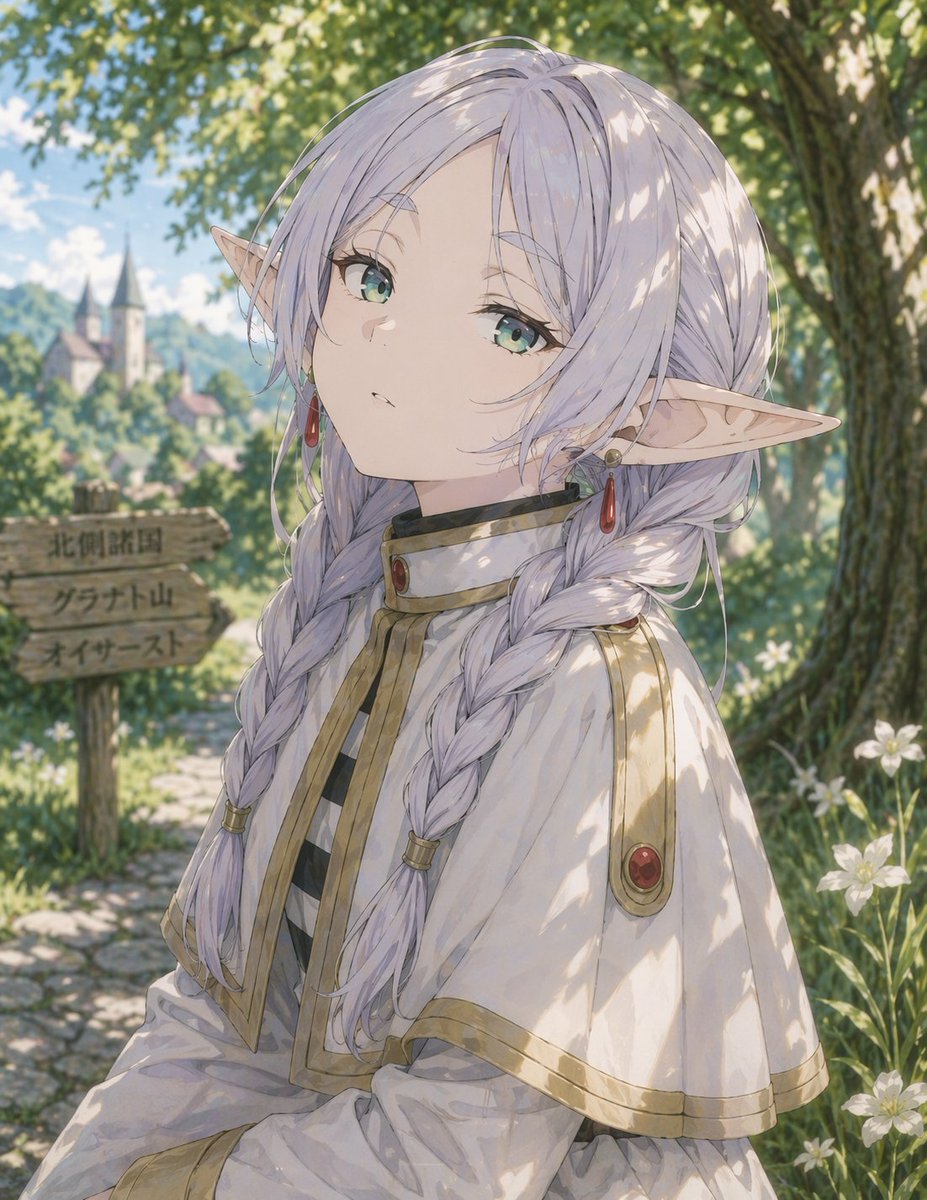
Anime Elf Girl on Forest Path
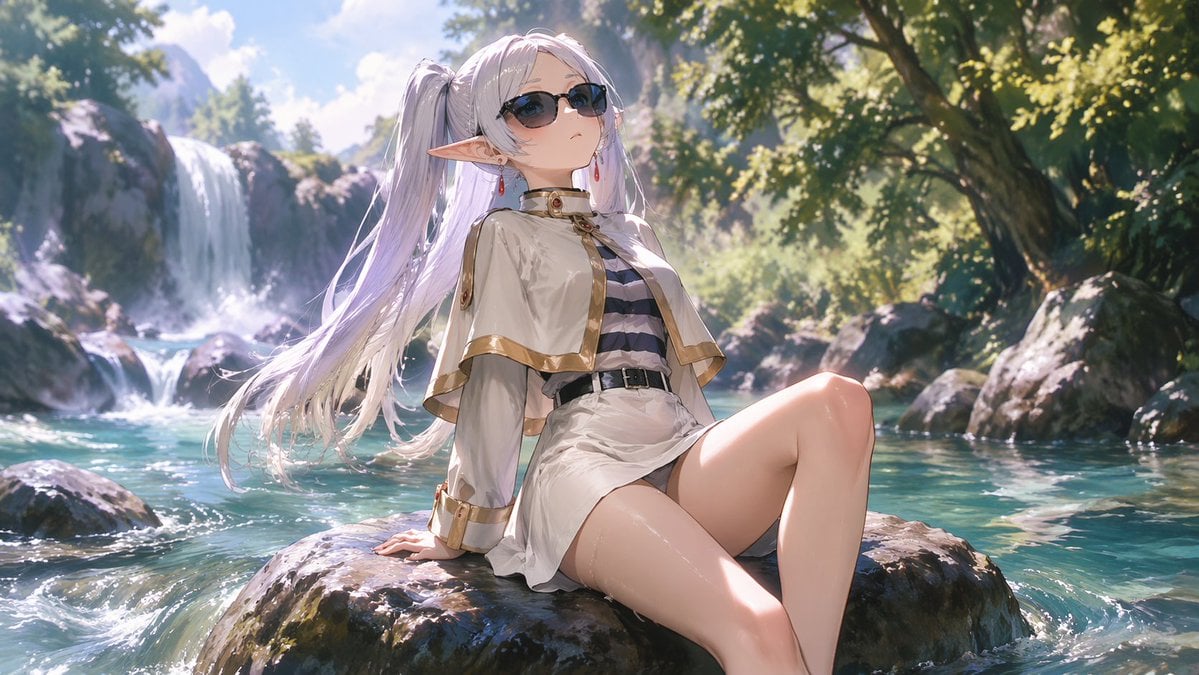
Anime Elf Girl Relaxing in a Forest River
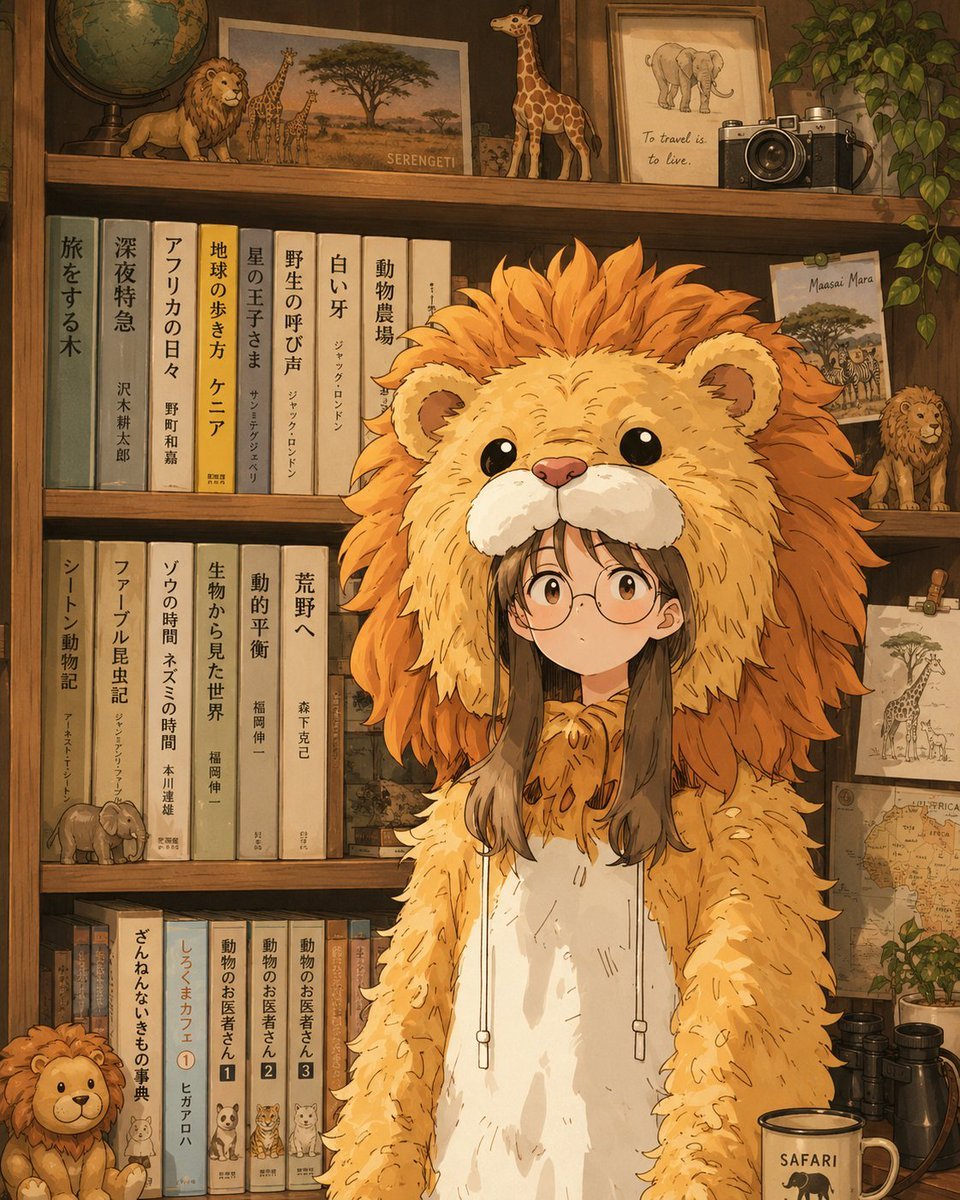
Anime Lion Costume Safari Study
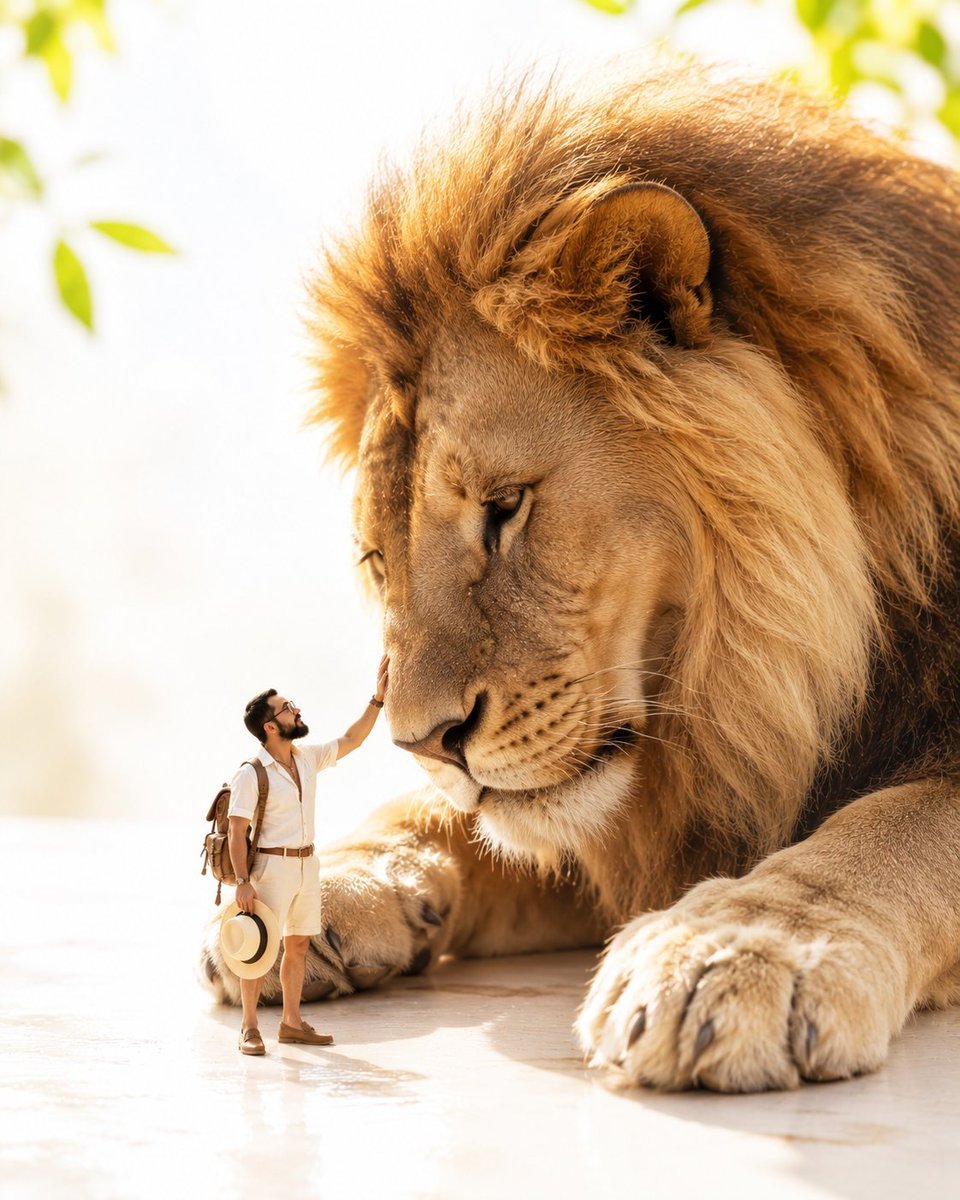
Tiny Safari Explorer With Giant Lion
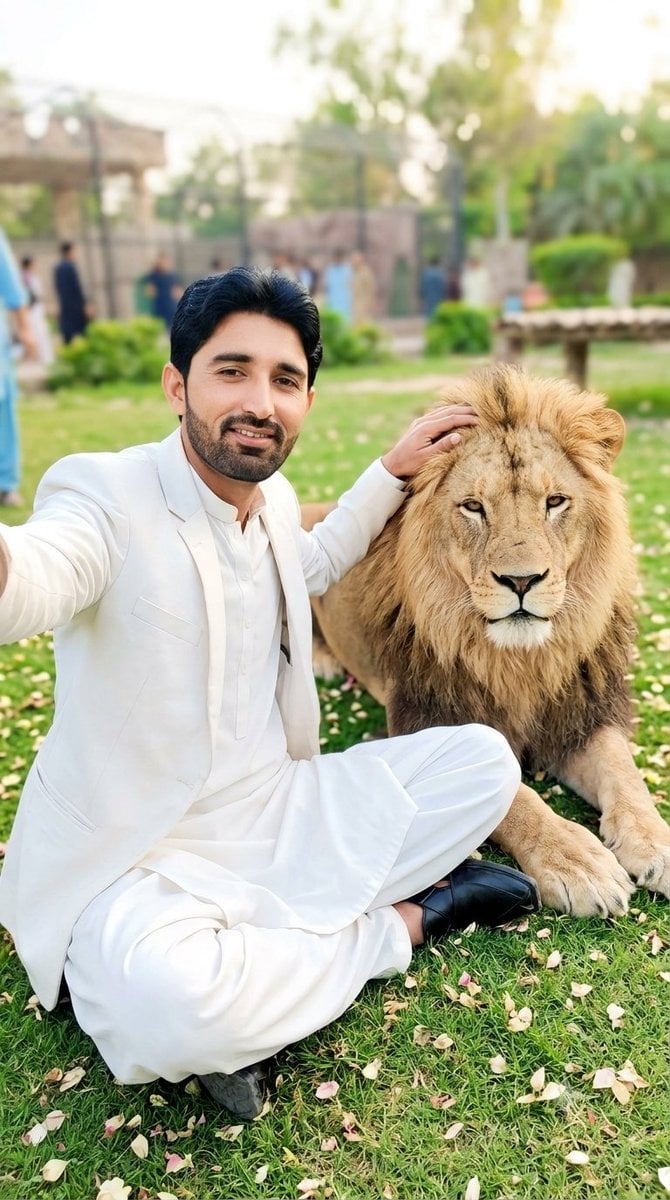
South Asian Man Selfie With Lion

Anime Elf Maid Turnaround Sheet

Teen Girl Alpine Lake Mountain View

Framed Quilling Anime Girl

Anime Lantern Girl Character Sheet

Anime Girl Generation Grid

Chaotic Anime Schoolgirl Fan Collage

Cel 2D Finale Fireworks
Make it yours
Lion Safari Elf Anime Girl works as-is. These are the safest ways to change it without losing the look.
Change one field
Copy a single group, rewrite it, and generate again so you can see what that field is doing.
Keep the frame, change the subject
Hold the composition and light of Lion Safari Elf Anime Girl, then swap wardrobe, props or the person for a new take.
| If the result… | Why | Fix |
|---|---|---|
| The result drifts from the preview | Too many fields changed at once. | Reuse Lion Safari Elf Anime Girl as-is first, then change one group — subject, light, or setting. |
| The model over-stylizes the scene | The prose prompt leaves finish and camera underspecified. | Add one camera or lighting sentence and stay on GPT Image 2. |
More GPT Image 2 templates
Other prompts made for GPT Image 2.

Six VTuber Japanese Logo Sheet

Realistic Portrait of Woman and Deer

The Vista Modular Condo Poster

AI Model Routing Comparison Infographic

2.5D Anime Art Board

Isometric Productivity Desk Scene

New York Double Exposure Poster

Four-Panel AI Landscape Comparison

Japanese Tatami Lifestyle Magazine Cover

NESCAFÉ Coffee Map Poster
More image prompts
Fresh picks from across the catalog.
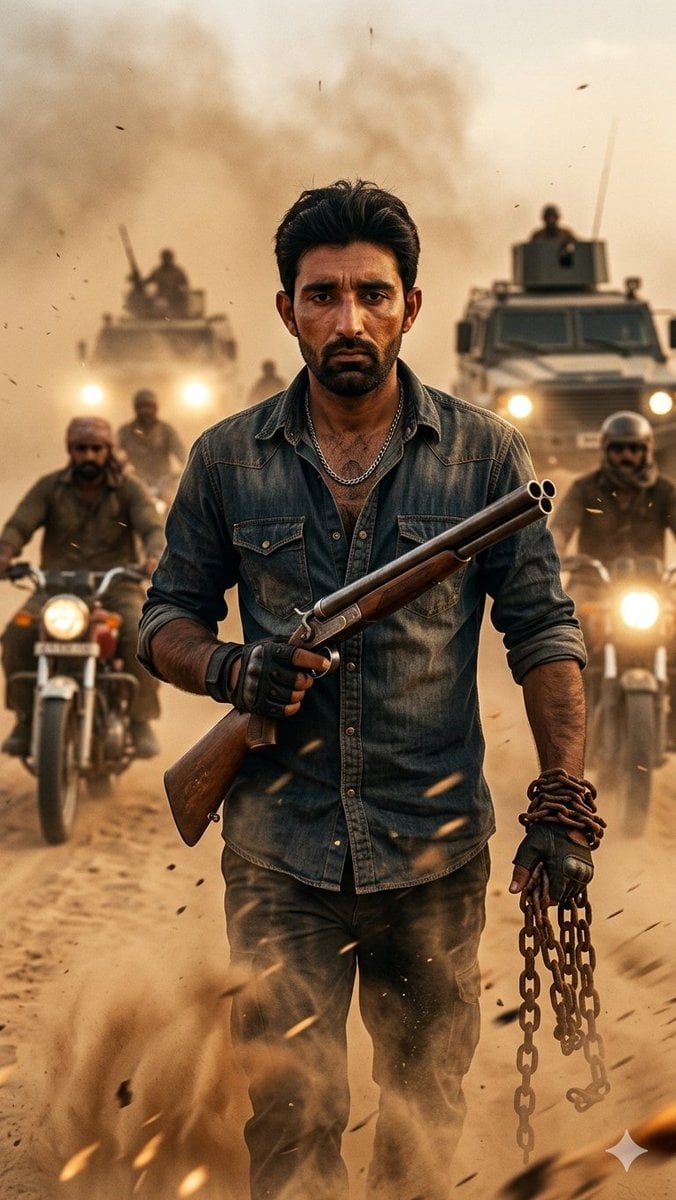
Desert Rebel Convoy Portrait
Y2K Indie Sleaze Portrait
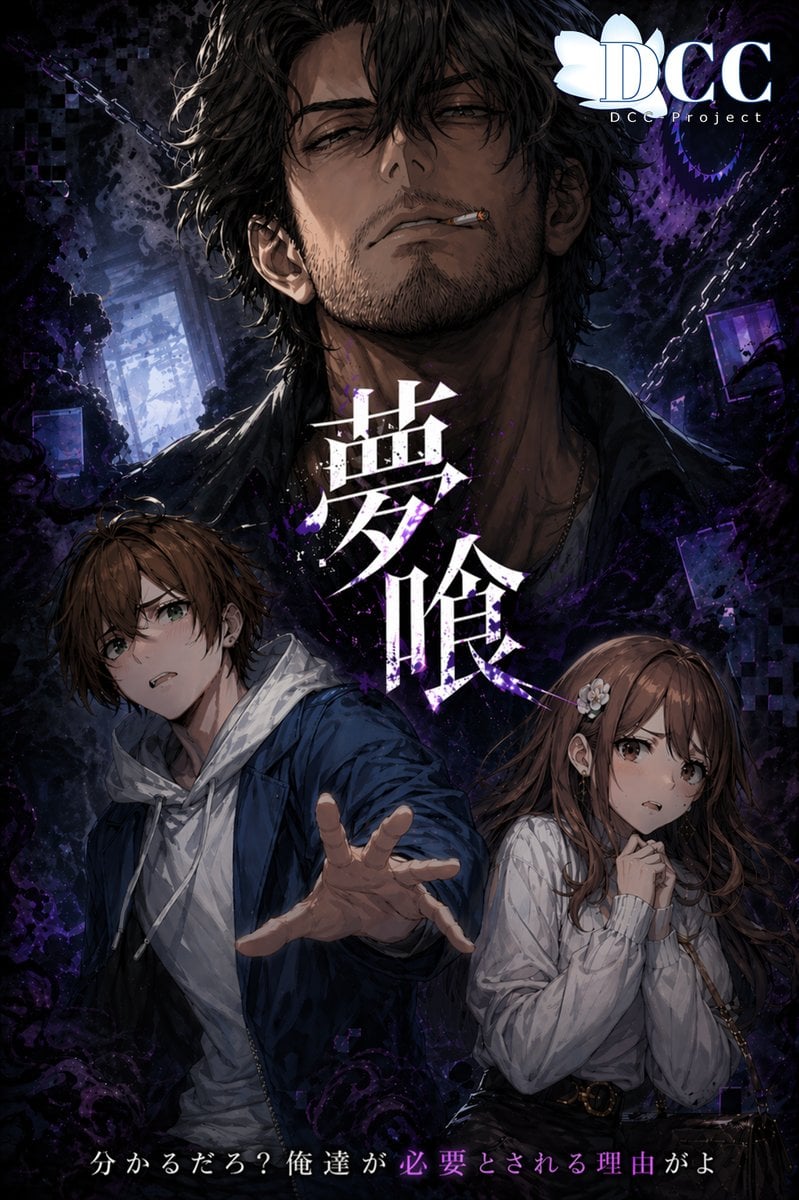
Dark Fantasy RPG Key Visual Poster
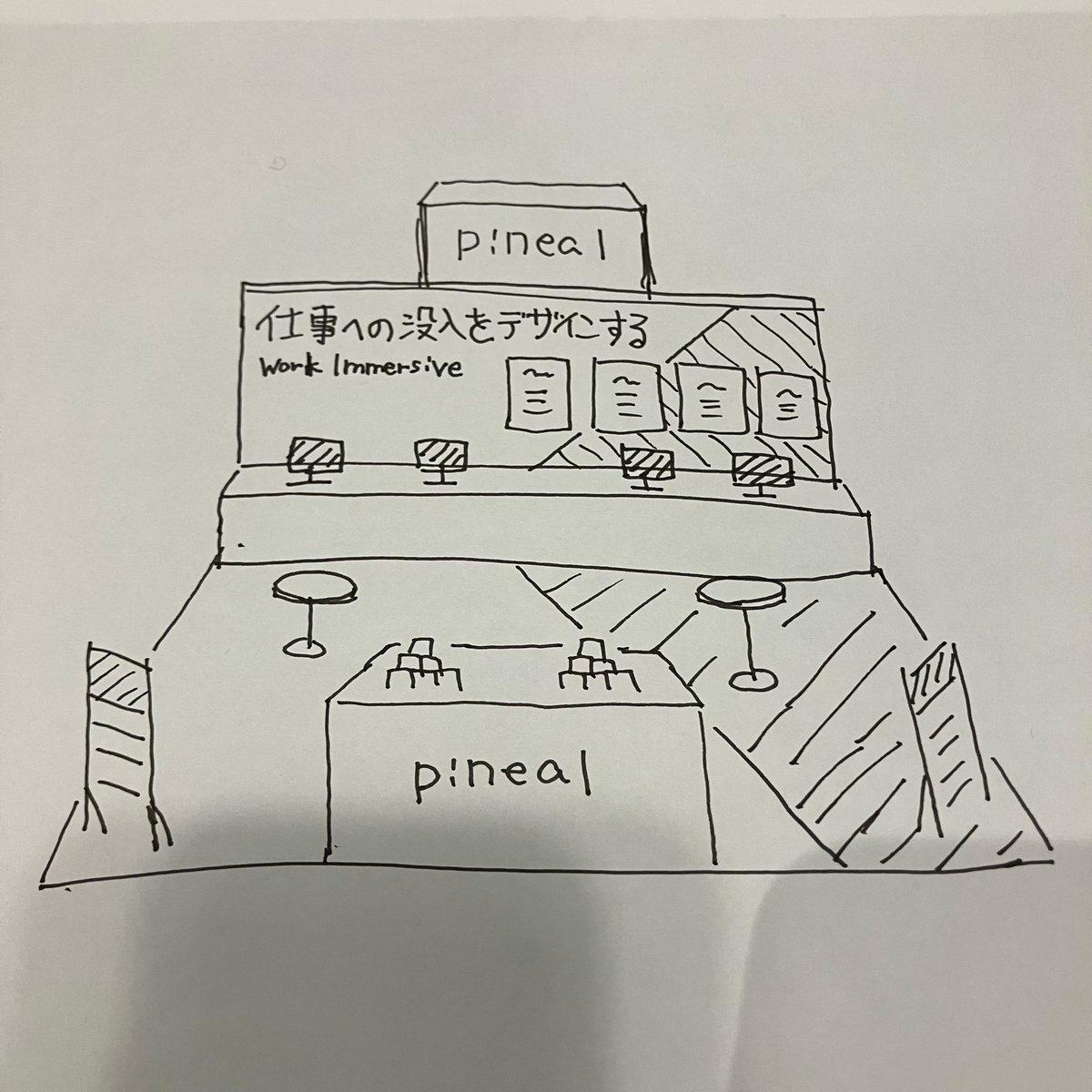
Turn booth sketch into perspective drawing
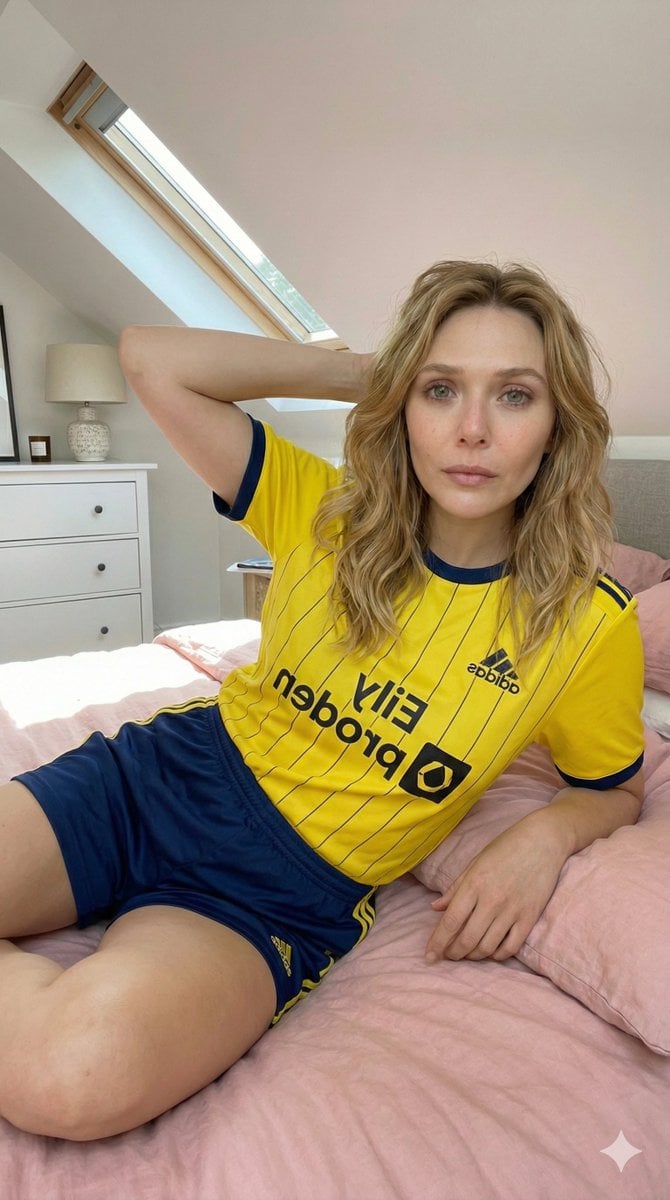
Photorealistic Selfie in Full Soccer Kit in Attic Bedroom
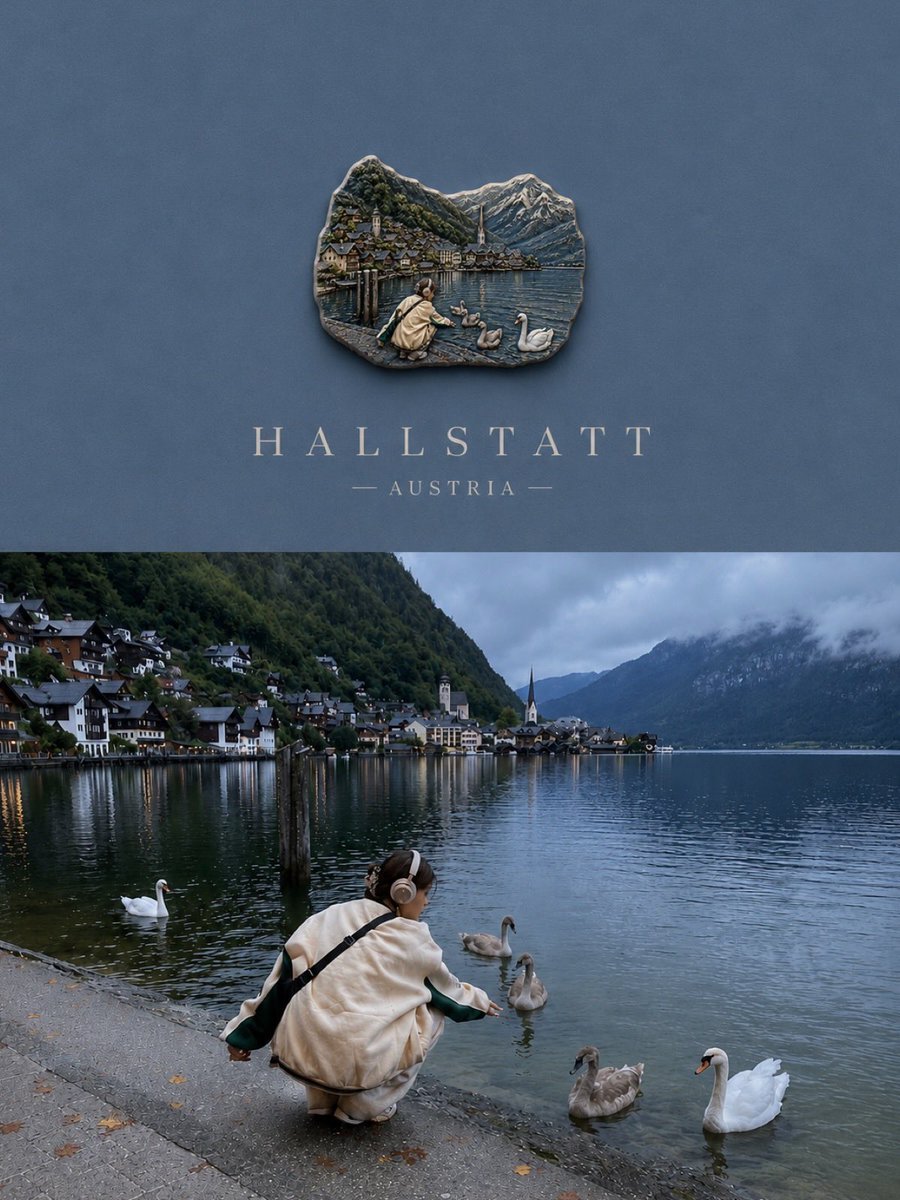
Luxury Travel Poster Split Layout
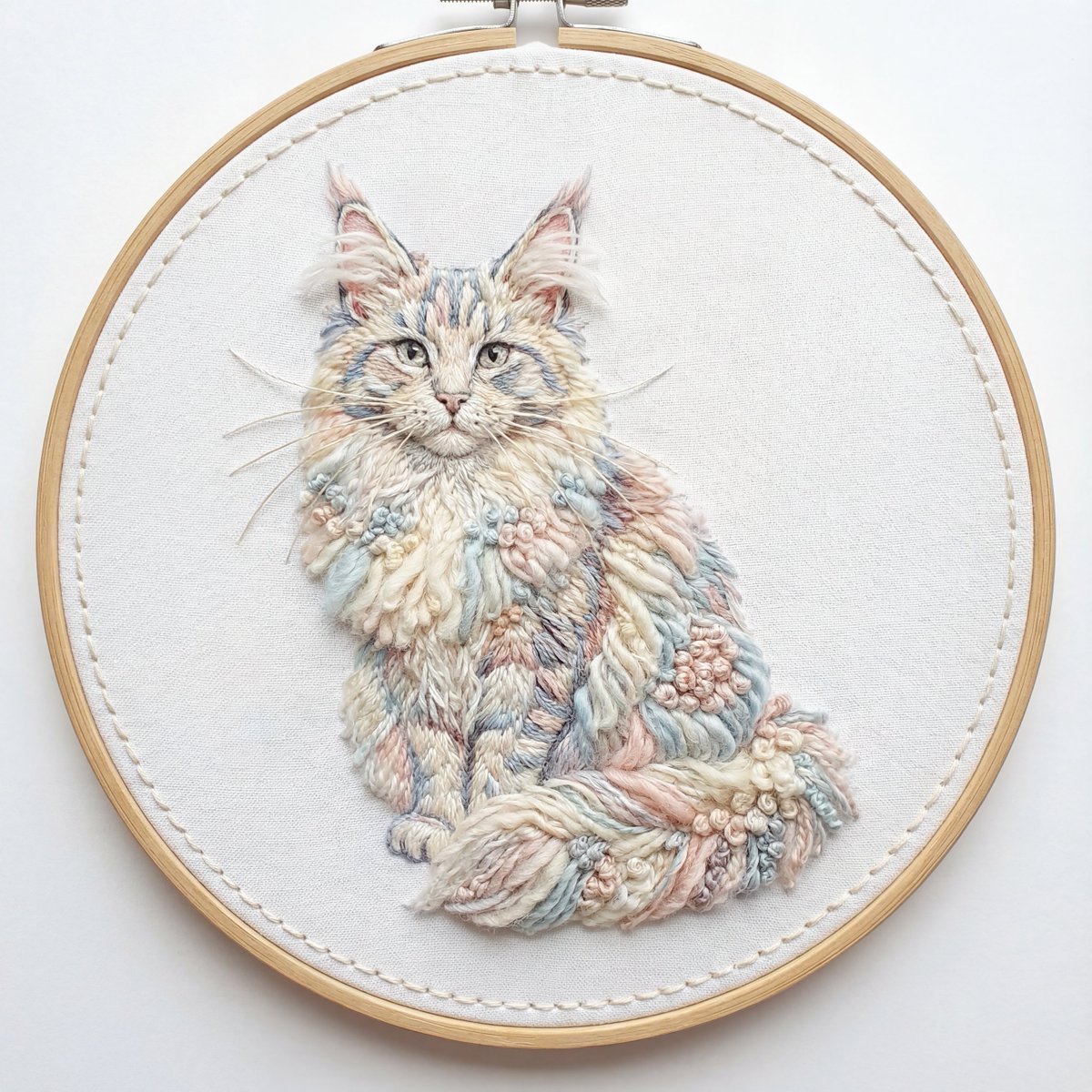
Akita Dog Embroidered Patch Design
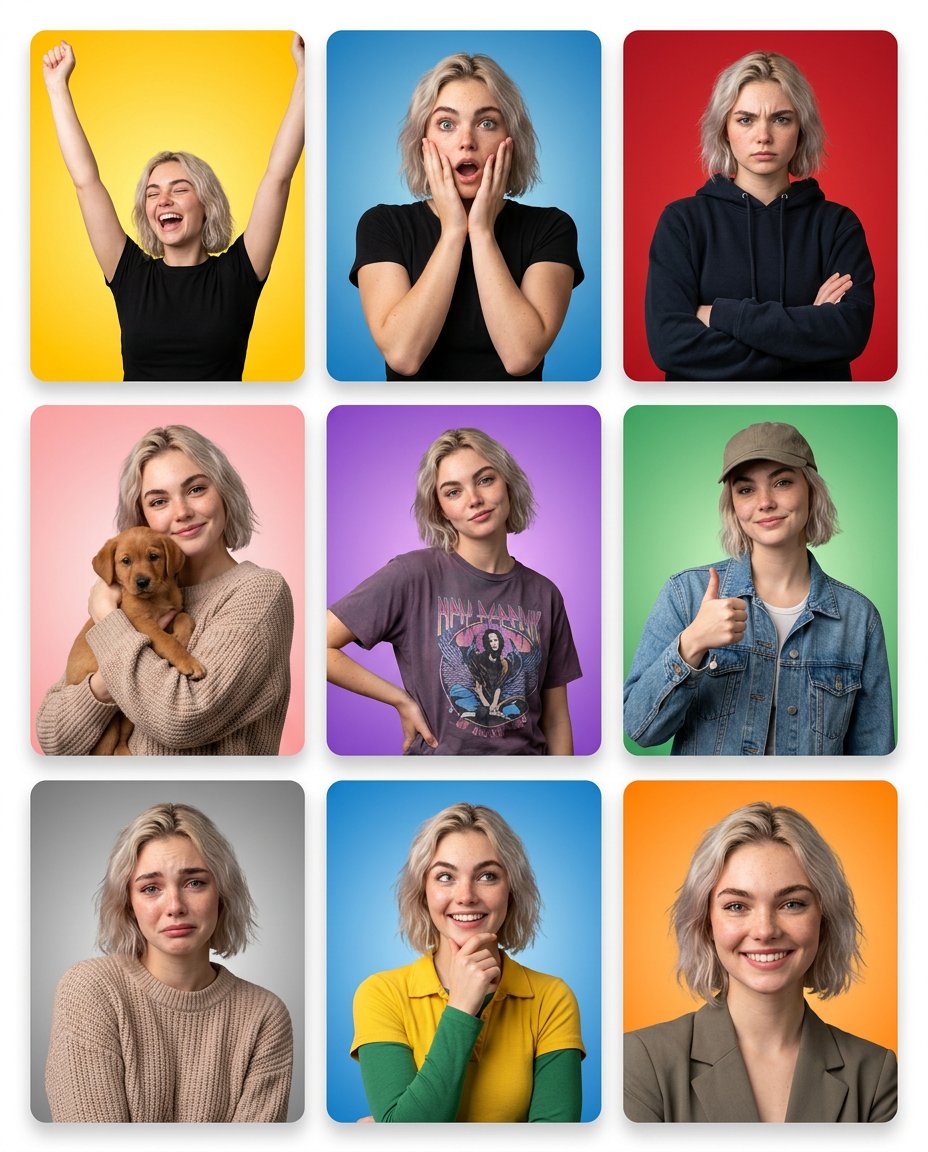
Emotion Grid with Gradient Backgrounds
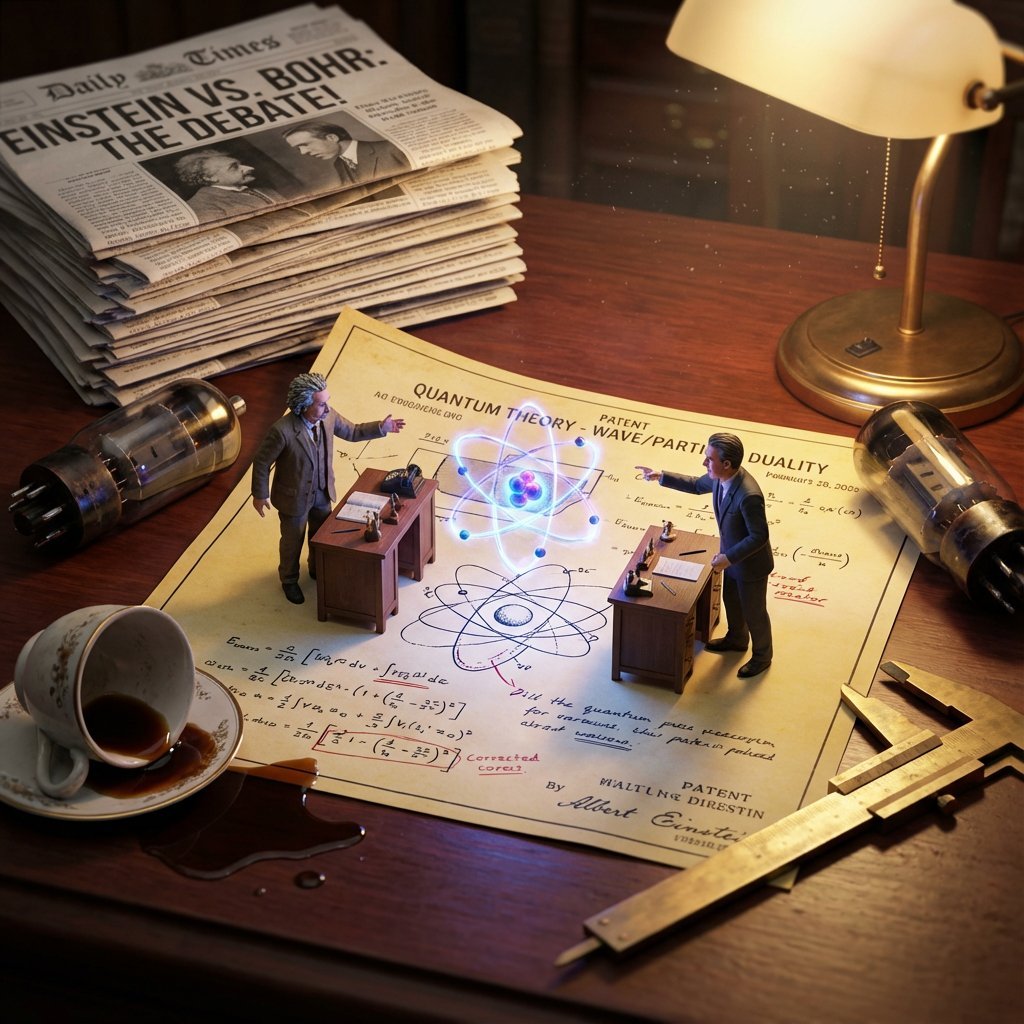
Historical Scientist Rivalry Macro Diorama Prompt
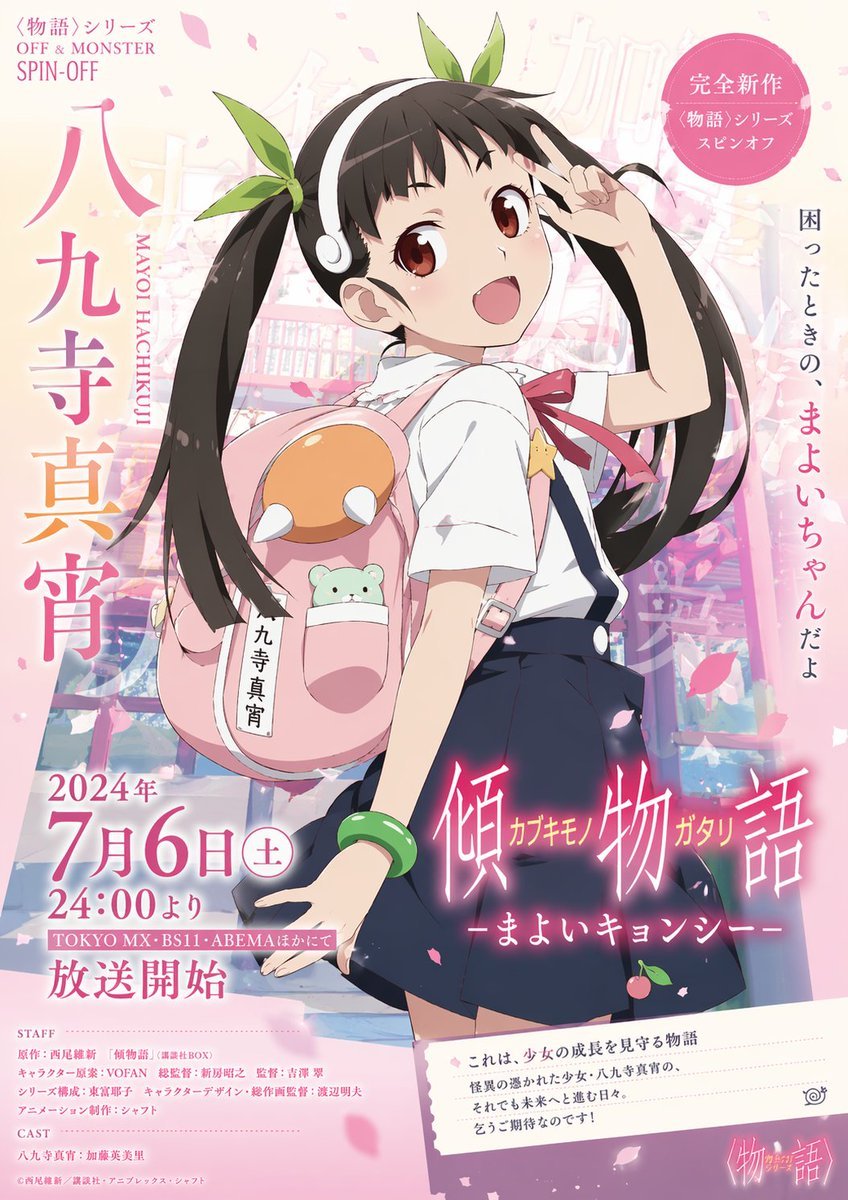
Anime Promotional Poster
Featured in prompt roundups
Hand-picked collections that include this template.
Browse template categories
Lion Safari Elf Anime Girl questions
How do I use the Lion Safari Elf Anime Girl template?
Add your photo if the template asks for one, edit the prompt if you like — the template's model and format are already selected — and press Generate. Your version opens in PicX Studio.
Can I customize the Lion Safari Elf Anime Girl template?
Yes. You can change the subject, setting, lighting, mood, format, and available model controls before creating your image.
Is the Lion Safari Elf Anime Girl template free?
Opening and editing this template is free. Generating uses credits, shown on the Generate button when you are signed in.
Which AI model should I use?
Start with GPT Image 2, which is the model associated with this template. You can compare another compatible model for a different finish.
Looking for something else? Browse all templates.

Your photo, any look
Thousands of ready templates for every top image and video model, from one credit balance.