
Anime Classroom Storyboard
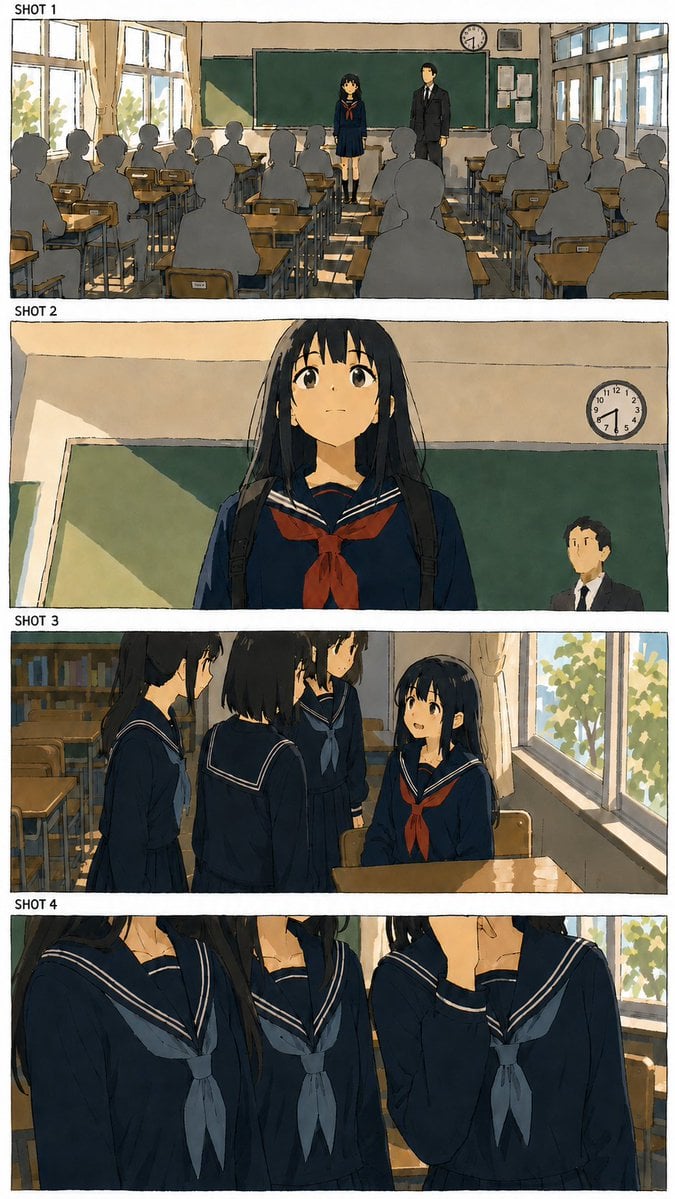
Generates a four-panel niji-style anime storyboard of a transfer student being introduced in a sunlit Japanese classroom.
- Prompt included
- Model and format preset
- Premium template
The prompt behind this image
Copy the exact prompt behind Anime Classroom Storyboard, or open it in the studio and make it yours.
Goal: Create a vertical anime storyboard/comic page in a soft niji-style watercolor look, showing a Japanese high school classroom introduction scene with cinematic framing and hand-drawn ink borders. Canvas: Tall vertical page, roughly 2:3 aspect ratio, divided into exactly 4 stacked horizontal panels separated by white gutters. Each panel has a thin, slightly imperfect black hand-drawn border. Add small black uppercase labels at the top-left of each panel: “SHOT 1”, “SHOT 2”, “SHOT 3”, and “SHOT 4”. Visual style: Warm nostalgic anime film still, delicate sketchy line art, muted watercolor shading, painterly sunlight, subtle paper texture, detailed classroom perspective, navy school uniforms, soft shadows, no photorealism. Use a style reminiscent of modern Japanese animation and niji illustration. Characters and counts: The main character is {argument name="character name" default="a quiet transfer student"}, a teenage Japanese girl with {argument name="hair color" default="long straight black hair"}, wearing a navy sailor school uniform with a red neckerchief in the first three shots. Include exactly 4 panels, exactly 1 main girl, exactly 1 male teacher in shots 1 and 2, exactly 26 seated anonymous gray classmate silhouettes in shot 1, exactly 4 uniformed girls in shot 3, and exactly 3 cropped uniform torsos in shot 4. Shot 1: Wide establishing view from the back of the classroom. The main girl stands at the front beside a tall male teacher in a dark suit. Behind them is a large green chalkboard, a wall clock, notices, and bright windows on both sides. Rows of wooden desks and chairs fill the room. Show 26 seated classmates as simplified gray silhouettes facing forward. Morning sunlight streams through tall windows, casting warm rectangles of light on desks and floor. Shot 2: Medium close-up of the main girl standing in front of the chalkboard, centered and large, with backpack straps visible over her shoulders. The male teacher appears smaller in the background at the right. A round classroom clock is visible high on the right wall. The girl’s face should be intentionally soft, indistinct, or blurred rather than detailed, while the uniform, hair, and classroom remain clear. Shot 3: Social scene near a window inside the classroom. The main girl sits at a desk by the bright window while 3 other sailor-uniform girls stand around her, leaning in as if greeting or questioning her. Count exactly 4 girls total in this panel: 1 seated main girl and 3 standing classmates. Include bookshelves and desks in the background, leafy green trees visible outside, and warm sunlight on the desk surface. Shot 4: Cropped close-up of exactly 3 girls from shoulders to waist, showing navy sailor uniforms with pale blue neckerchiefs and collars. Their faces are cut off by the top edge of the frame. Emphasize folds in the dark fabric, ribbon shapes, and warm classroom light. Background should be minimal and softly suggested. Constraints: Keep all text limited to the four shot labels only. Do not add speech bubbles, captions, logos, or watermarks. Maintain consistent classroom setting, warm daylight, and hand-painted anime storyboard aesthetics throughout.
How to use Anime Classroom Storyboard in 3 steps
- 1Upload ImagePNG, JPG or paste
Add your photo
Upload the photo the template builds on. The prompt, model and format are already set.
- 2…a portrait of your subject in softgolden-hour light, 85mm…
Personalize
Edit the subject and creative details for your destination.
- 3Generate
Generate
Press Generate — your image is created in PicX Studio, so you can compare it with the original and refine one variable at a time.
More like this
Templates with the same subject, style or setup. Open one to see its prompt.




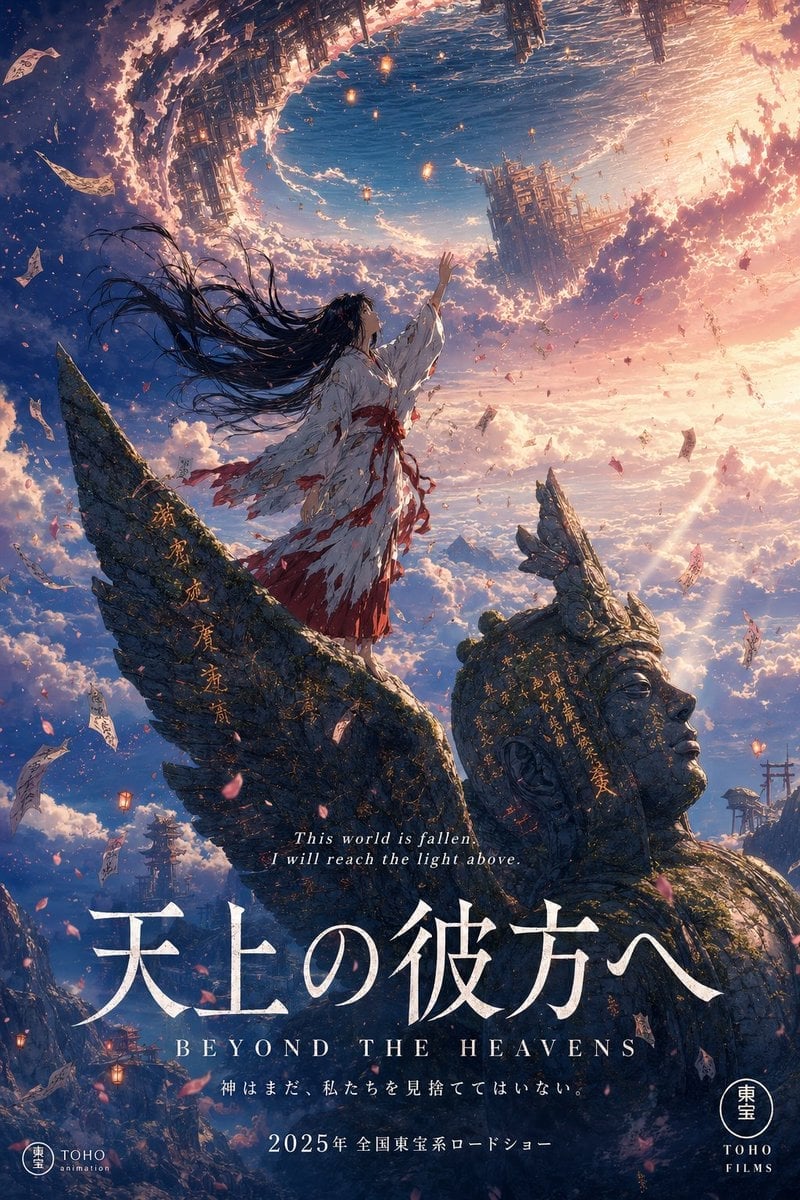
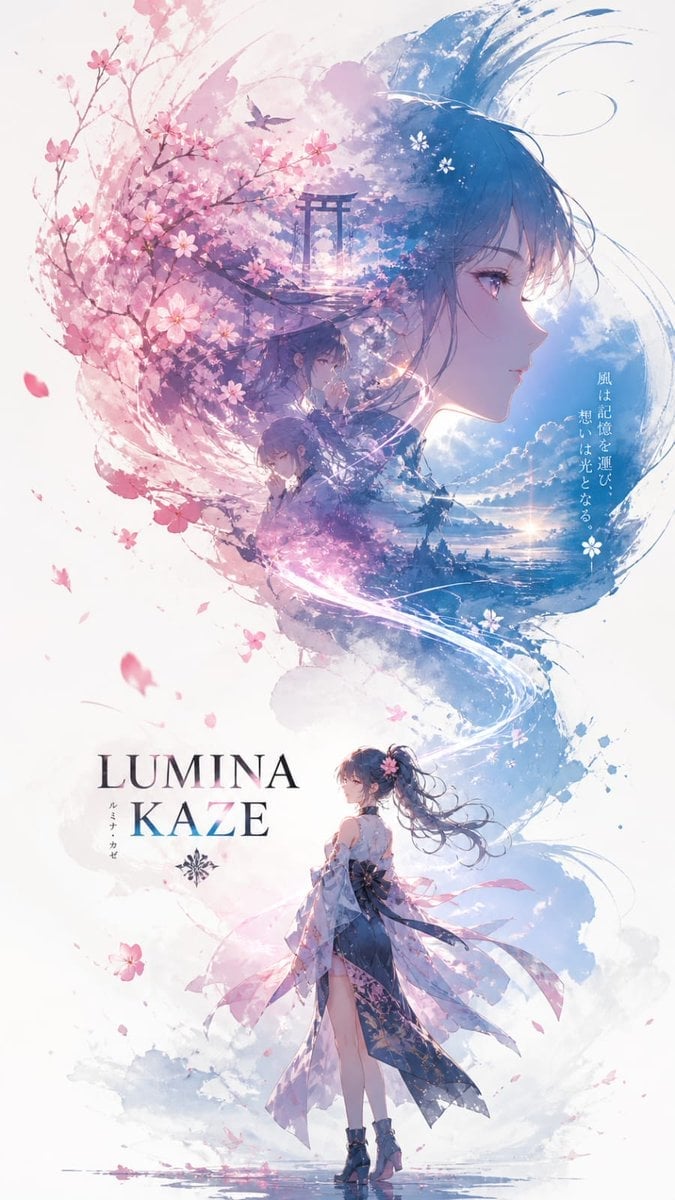

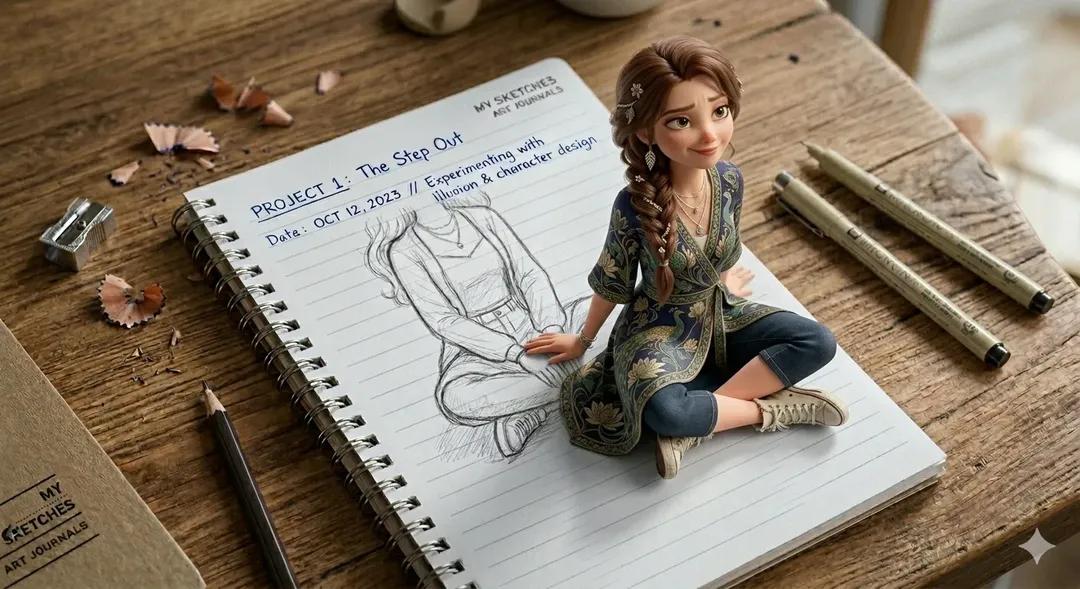

Make it yours
Anime Classroom Storyboard works as-is. These are the safest ways to change it without losing the look.
Change one field
Copy a single group, rewrite it, and generate again so you can see what that field is doing.
Keep the frame, change the subject
Hold the composition and light of Anime Classroom Storyboard, then swap wardrobe, props or the person for a new take.
| If the result… | Why | Fix |
|---|---|---|
| The result drifts from the preview | Too many fields changed at once. | Reuse Anime Classroom Storyboard as-is first, then change one group — subject, light, or setting. |
| The model over-stylizes the scene | The prose prompt leaves finish and camera underspecified. | Add one camera or lighting sentence and stay on GPT Image 2. |
More GPT Image 2 templates
Other prompts made for GPT Image 2.

Six VTuber Japanese Logo Sheet

Realistic Portrait of Woman and Deer

The Vista Modular Condo Poster

AI Model Routing Comparison Infographic

2.5D Anime Art Board

Isometric Productivity Desk Scene

New York Double Exposure Poster

Four-Panel AI Landscape Comparison

Japanese Tatami Lifestyle Magazine Cover

NESCAFÉ Coffee Map Poster
More image prompts
Fresh picks from across the catalog.
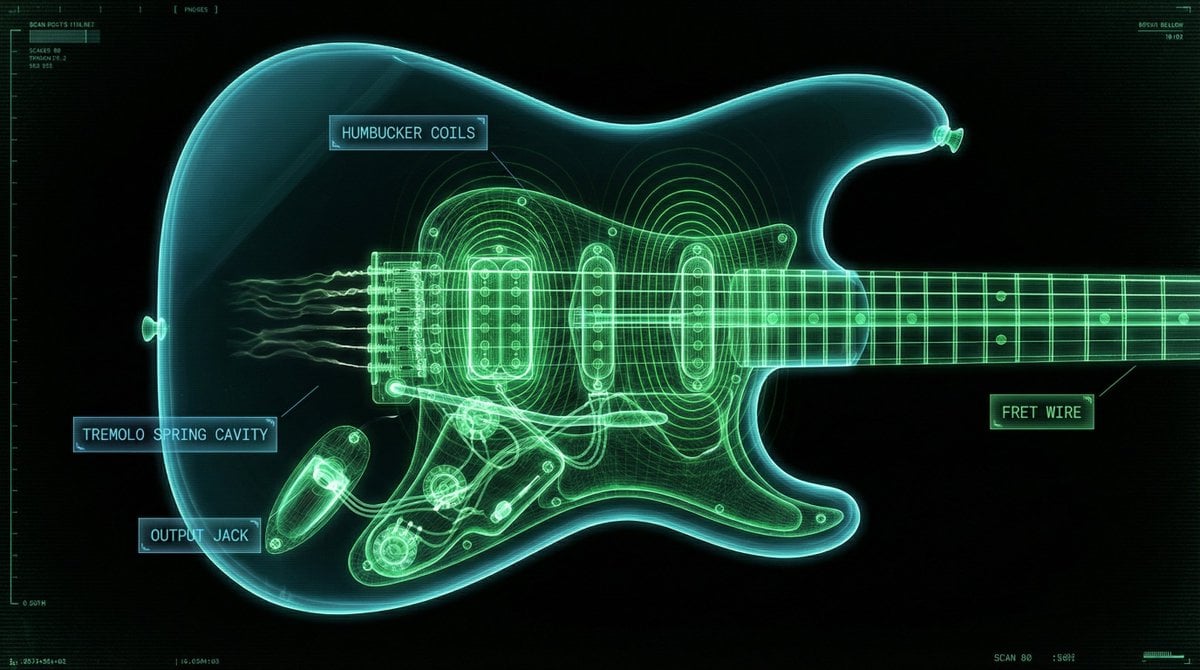
Neon X-Ray Photorealistic Scan
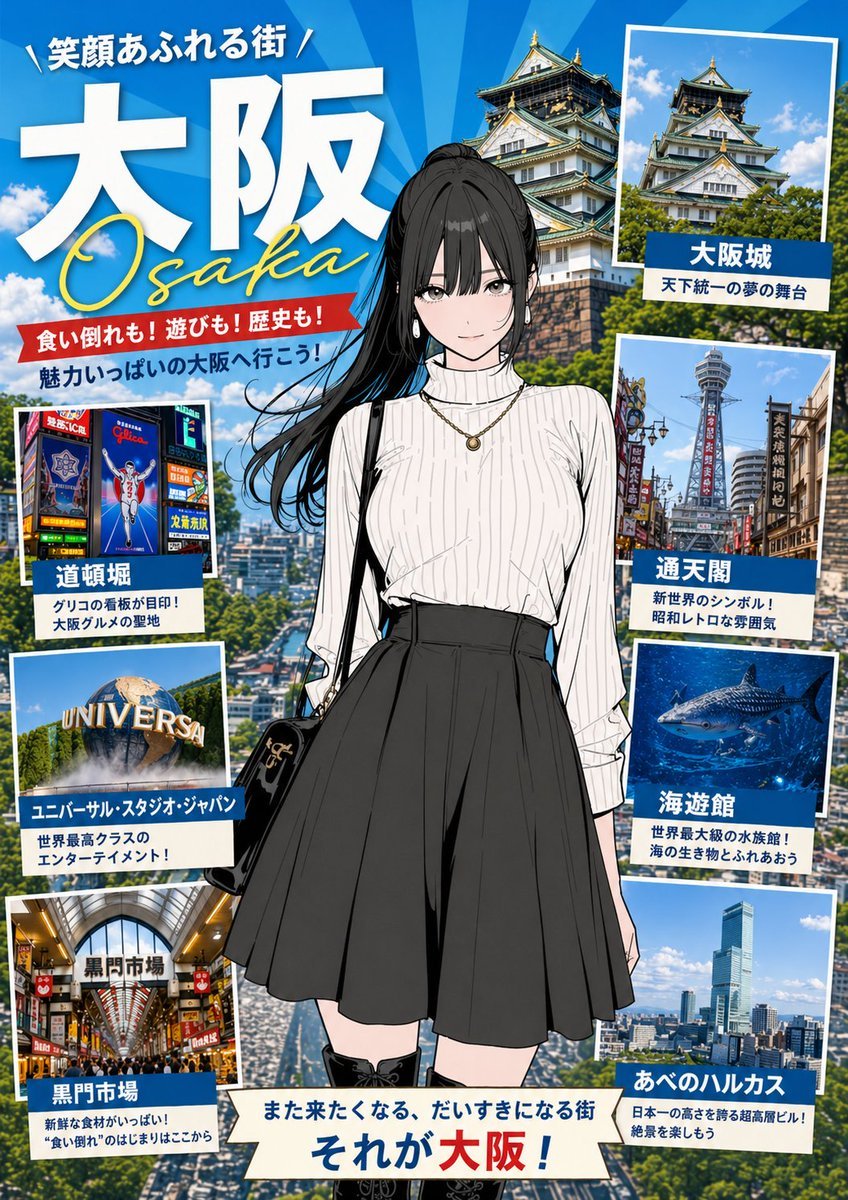
Tourism Poster Illustration
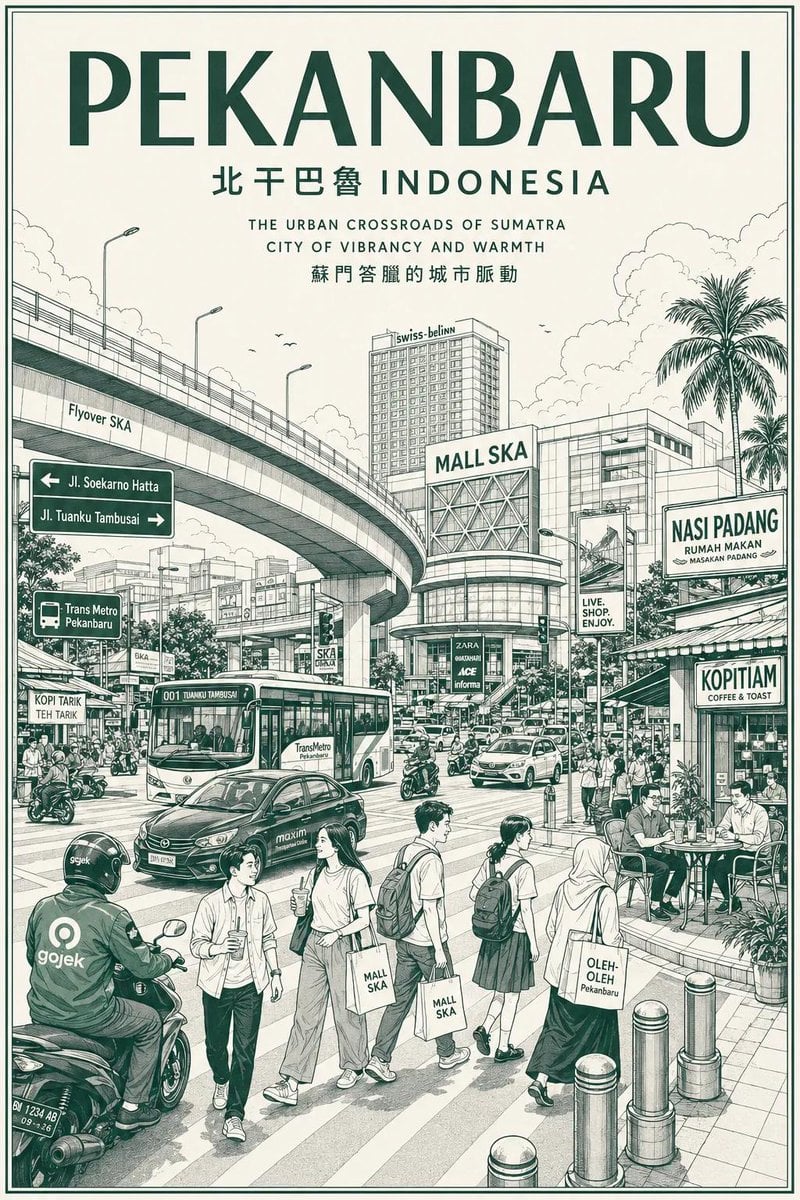
Vintage Monochrome City Travel Poster
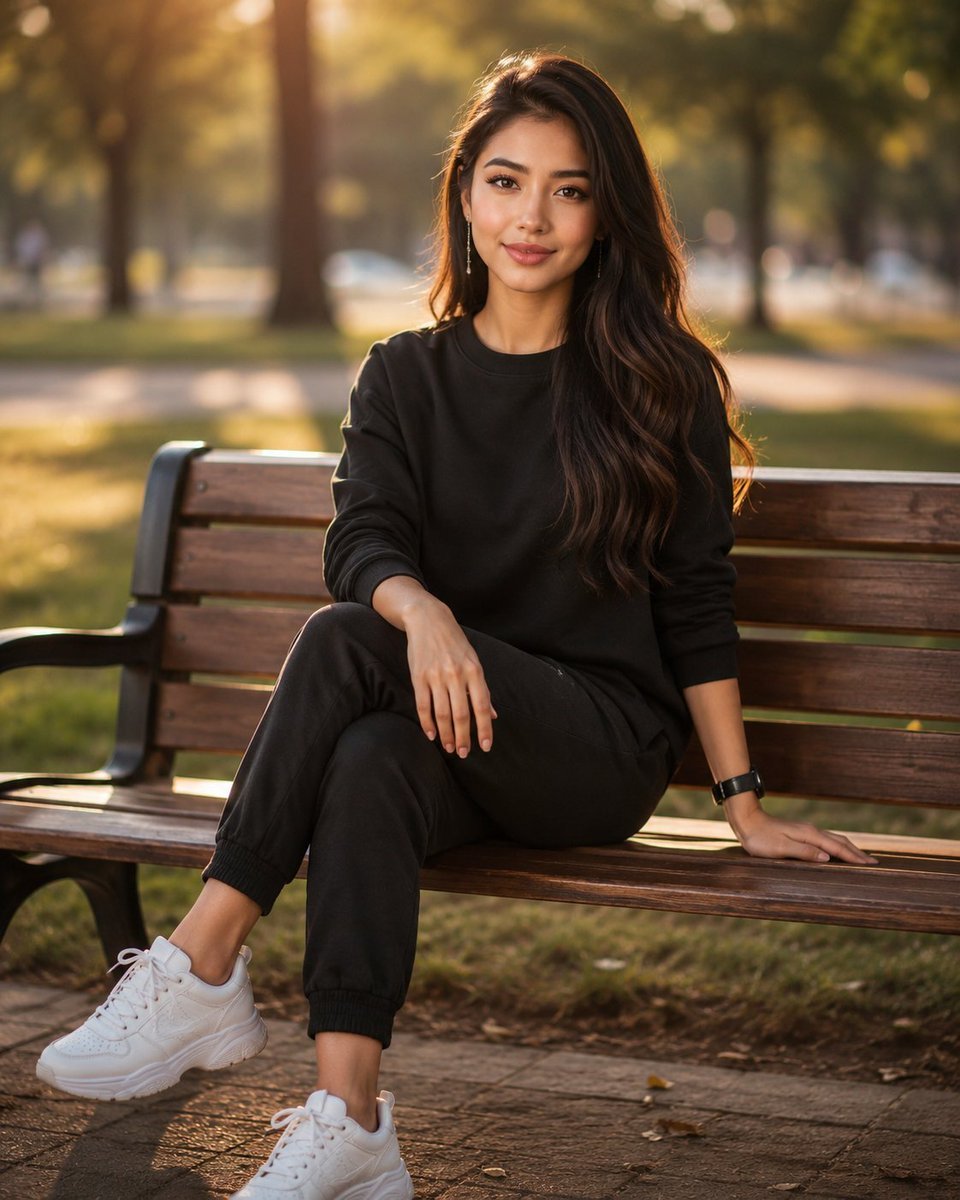
Golden Hour Park Bench Portrait
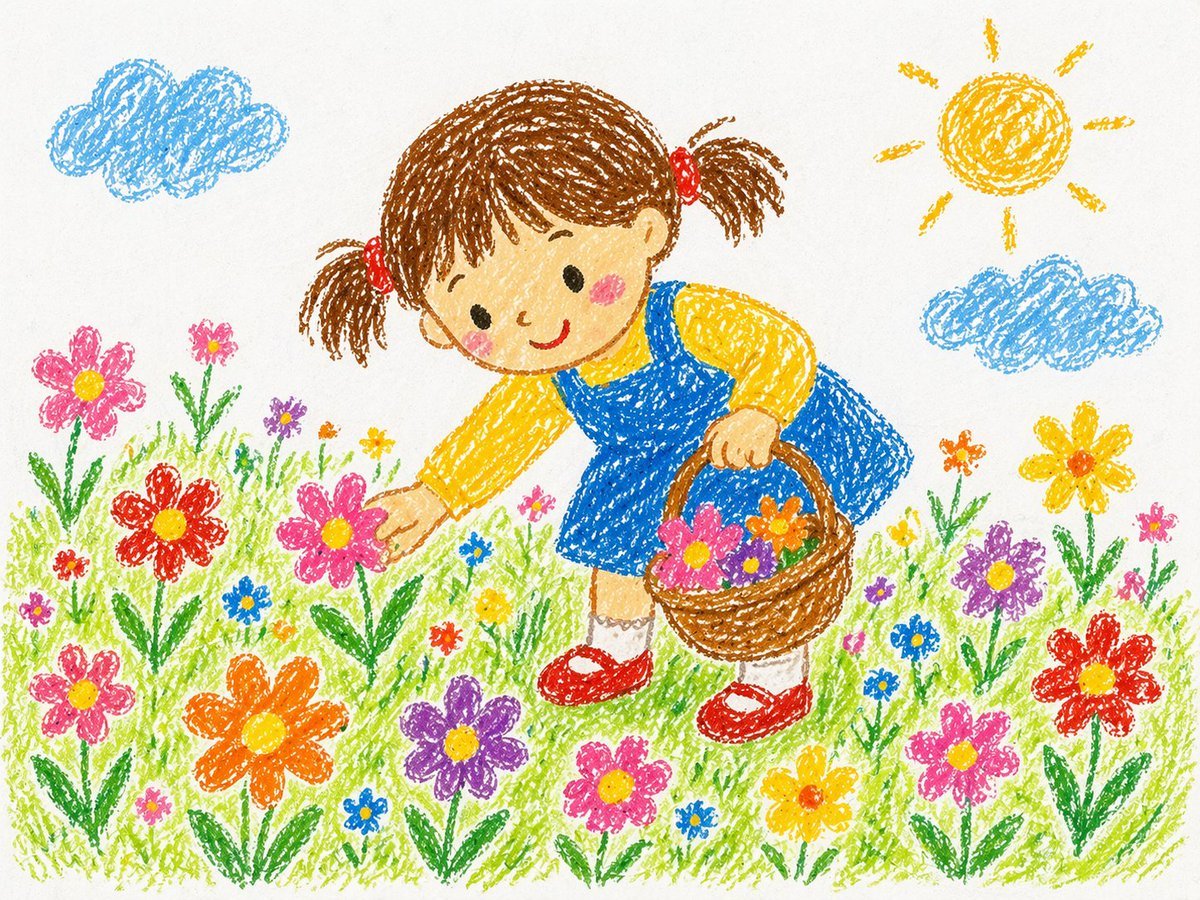
Crayon Style Drawing Prompt
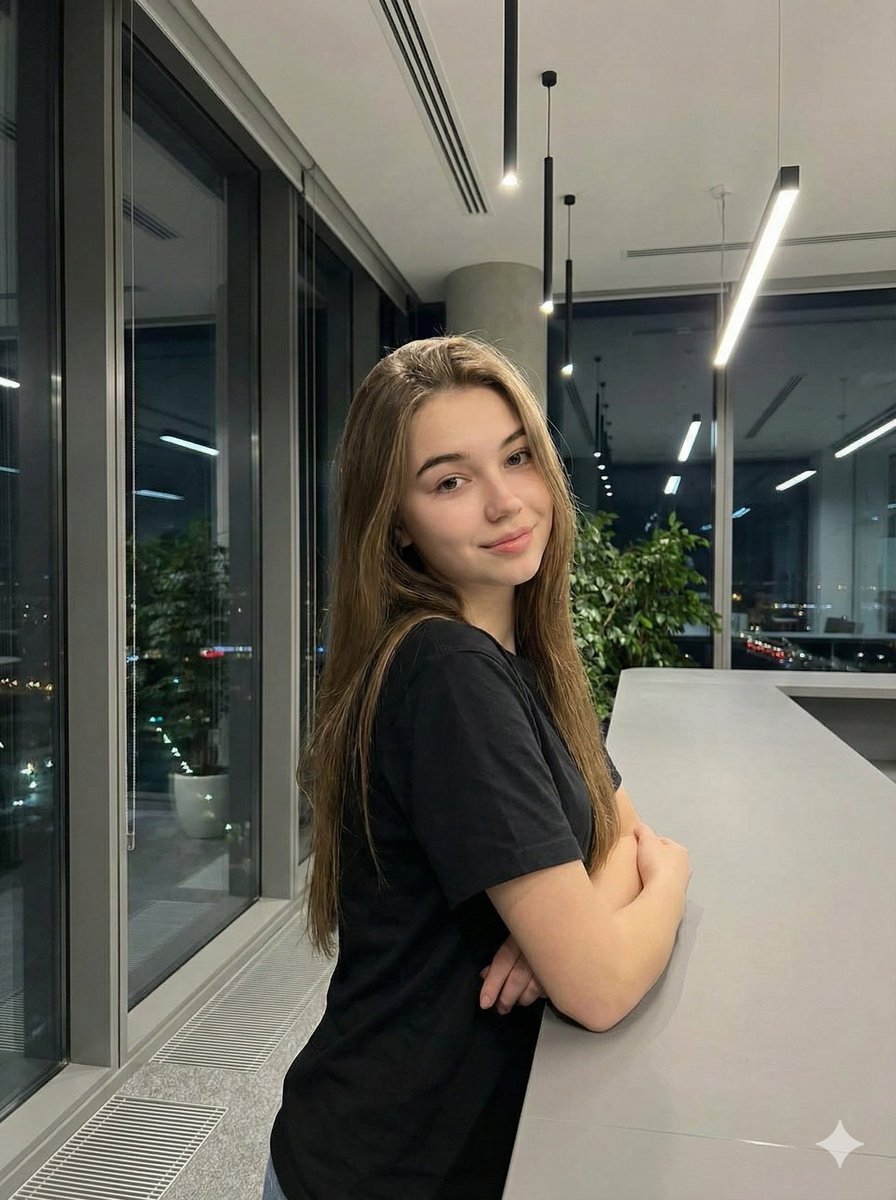
Realistic Corporate Portrait in a Modern Office at Night
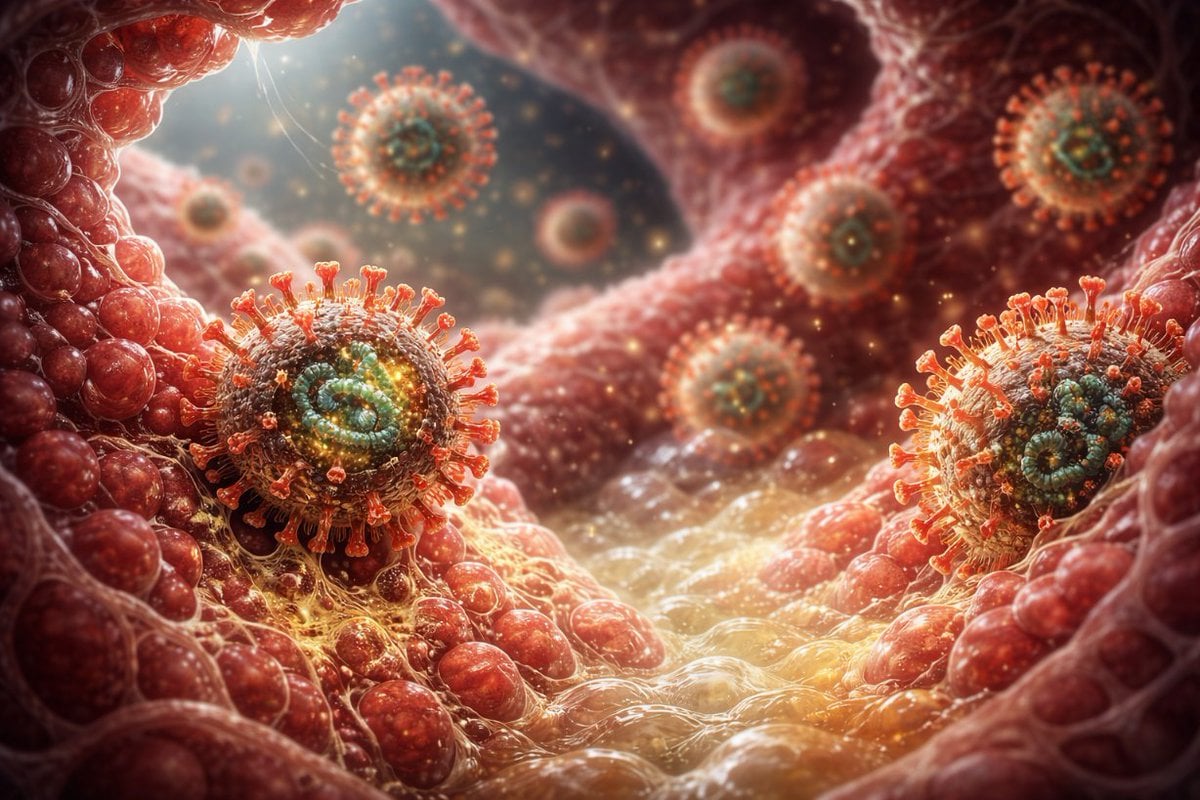
Scary Hantavirus Microscopic Scene
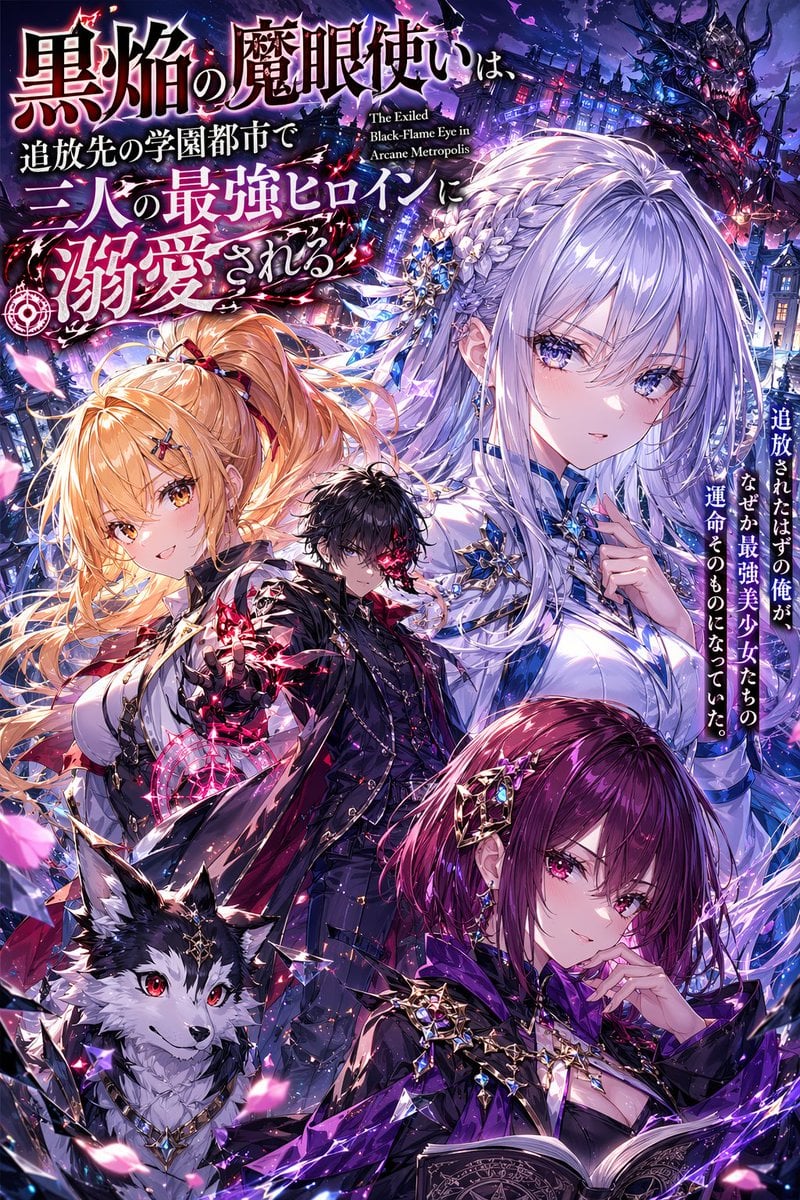
Anime Light Novel Cover with Typography
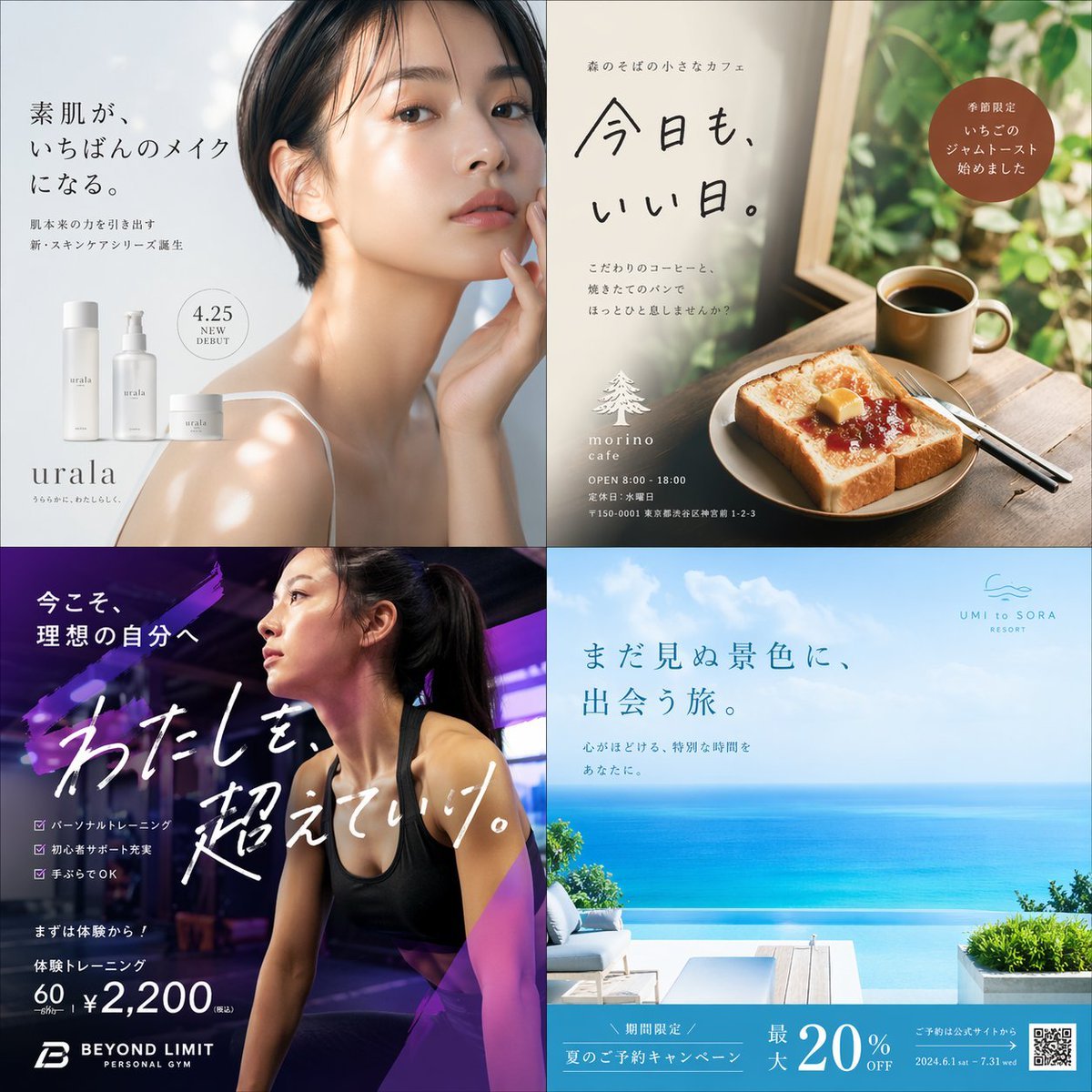
Panel Japanese Ad Banner Grid
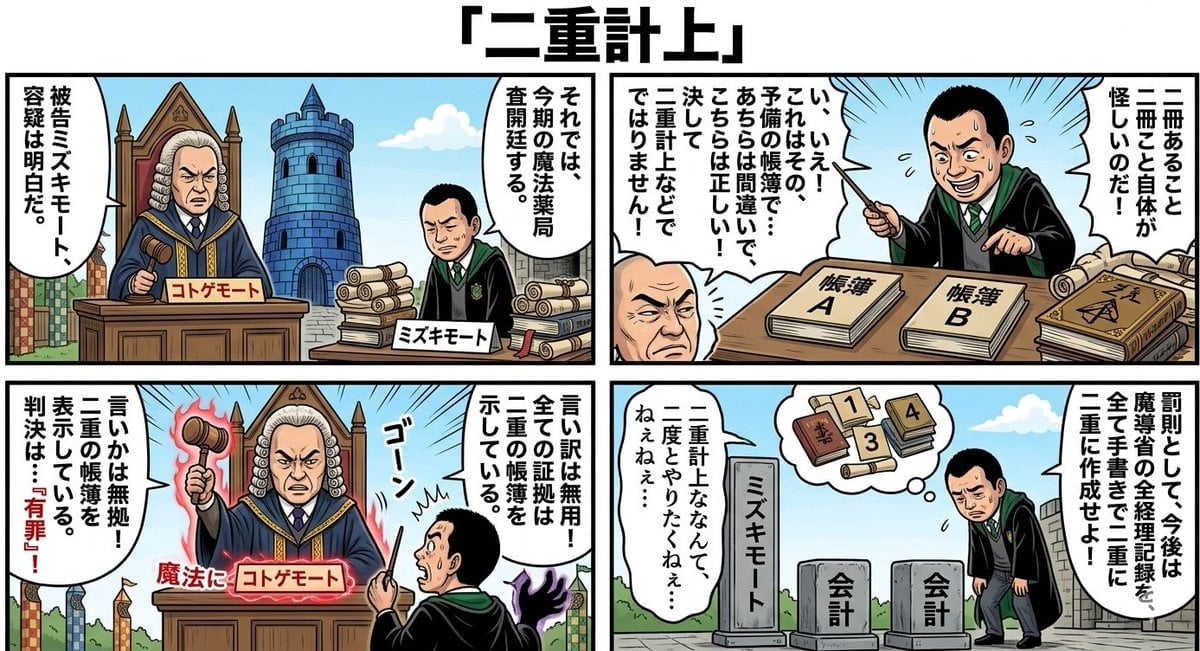
Four-Panel Manga: Double Accounting
Browse template categories
Anime Classroom Storyboard questions
How do I use the Anime Classroom Storyboard template?
Add your photo if the template asks for one, edit the prompt if you like — the template's model and format are already selected — and press Generate. Your version opens in PicX Studio.
Can I customize the Anime Classroom Storyboard template?
Yes. You can change the subject, setting, lighting, mood, format, and available model controls before creating your image.
Is the Anime Classroom Storyboard template free?
Opening and editing this template is free. Generating uses credits, shown on the Generate button when you are signed in.
Which AI model should I use?
Start with GPT Image 2, which is the model associated with this template. You can compare another compatible model for a different finish.
Looking for something else? Browse all templates.

Your photo, any look
Thousands of ready templates for every top image and video model, from one credit balance.