
Anime Character Reference Sheet Generator
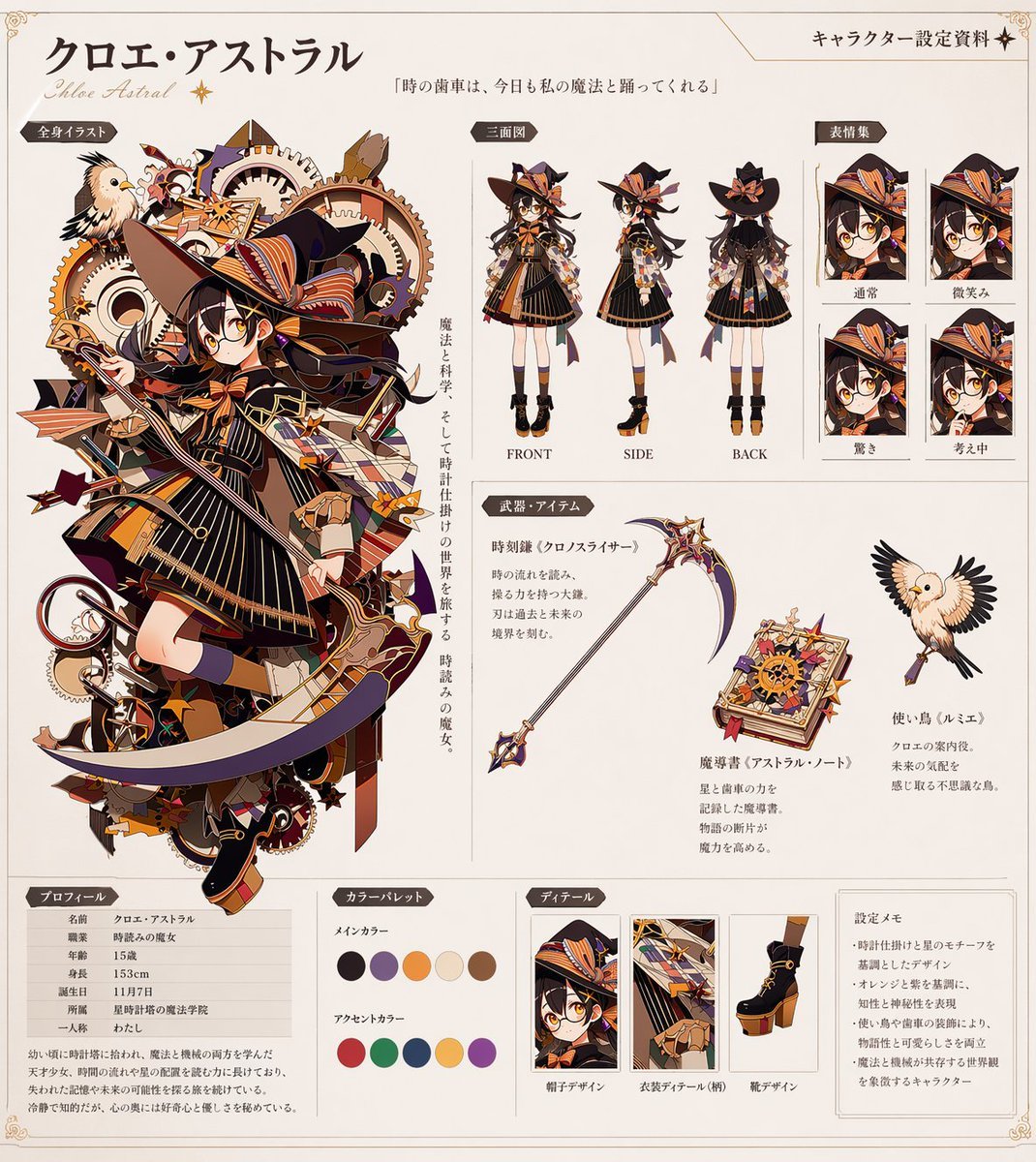
Transforms a single character illustration into a comprehensive, multi-panel anime character design document with turnarounds, expressions, and item details.
- Prompt included
- Model and format preset
- Free template
The prompt behind this image
Copy the exact prompt behind Anime Character Reference Sheet Generator, or open it in the studio and make it yours.
- Instruction
- Using REFERENCE_0 as the base design, generate a comprehensive anime character reference sheet (settei) on a clean off-white background. Keep the core character design intact but extract and present her in various standard reference formats.
- Header › Character Name
- {argument name="character name" default="クロエ・アストラル"}
- Header › Subtitle
- Chloe Astral
- Header › Document Title
- キャラクター設定資料
- Header › Quote
- {argument name="character quote" default="「時の歯車は、今日も私の魔法と踊ってくれる」"}
- Layout › Left Column › Section Title
- 全身イラスト
- Layout › Left Column › Description
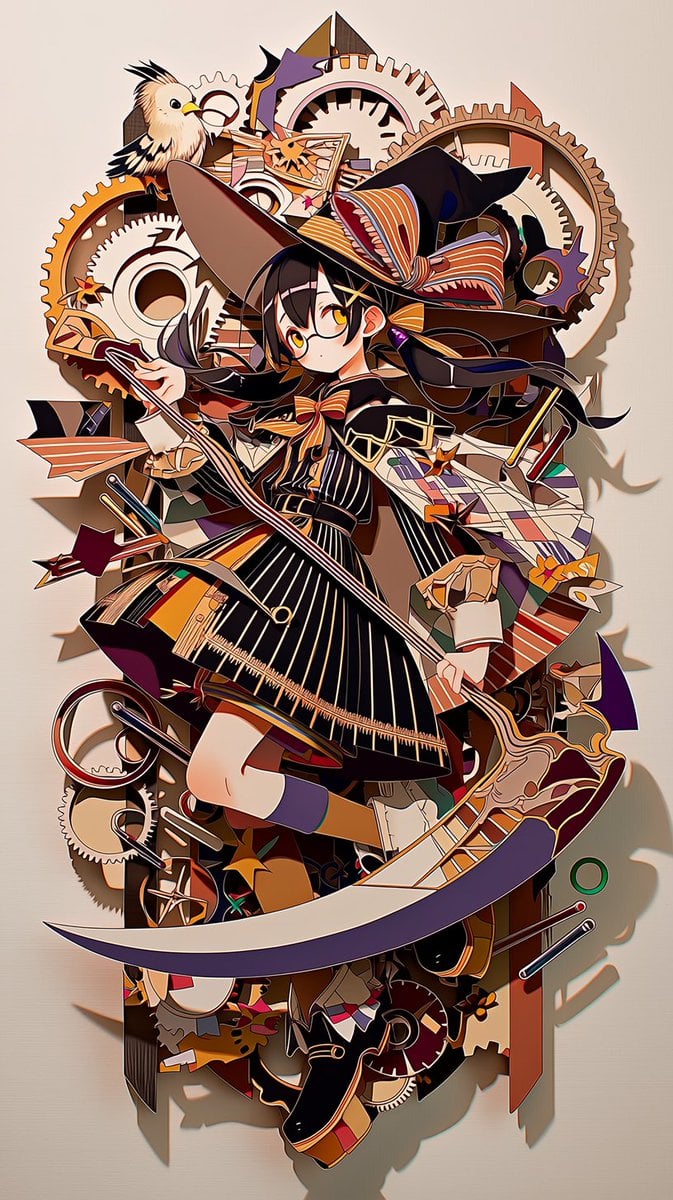
- The original complex character art from REFERENCE_0, accompanied by vertical descriptive text.
- Layout › Top Right › Section Title
- 三面図
- Layout › Top Right › Count
- 3
- Layout › Top Right › Description
- Full-body standing turnaround views (FRONT, SIDE, BACK) of the character, removing the original gear background.
- Layout › Far Right › Section Title
- 表情集
- Layout › Far Right › Count
- 4
- Layout › Far Right › Labels
- 通常, 微笑み, 驚き, 考え中
- Layout › Far Right › Description
- Square headshot panels showing different facial expressions.
- Layout › Middle Right › Section Title
- 武器・アイテム
- Layout › Middle Right › Count
- 3
- Layout › Middle Right › Items
- Scythe from reference, New starry spellbook addition, Bird from reference with spread wings
- Layout › Middle Right › Description
- Isolated props with accompanying text descriptions.
- Layout › Bottom Row › 0 › Section Title
- プロフィール
- Layout › Bottom Row › 0 › Description
- Data table with 7 stat rows and a short biography paragraph.
- Layout › Bottom Row › 1 › Section Title
- カラーパレット
- Layout › Bottom Row › 1 › Count
- 10
- Layout › Bottom Row › 1 › Description
- Circular color swatches divided into 5 main colors and 5 accent colors.
- Layout › Bottom Row › 2 › Section Title
- ディテール
Raw JSON
{
  "instruction": "Using REFERENCE_0 as the base design, generate a comprehensive anime character reference sheet (settei) on a clean off-white background. Keep the core character design intact but extract and present her in various standard reference formats.",
  "header": {
    "character_name": "{argument name=\"character name\" default=\"クロエ・アストラル\"}",
    "subtitle": "Chloe Astral",
    "document_title": "キャラクター設定資料",
    "quote": "{argument name=\"character quote\" default=\"「時の歯車は、今日も私の魔法と踊ってくれる」\"}"
  },
  "layout": {
    "left_column": {
      "section_title": "全身イラスト",
      "description": "The original complex character art from REFERENCE_0, accompanied by vertical descriptive text."
    },
    "top_right": {
      "section_title": "三面図",
      "count": 3,
      "description": "Full-body standing turnaround views (FRONT, SIDE, BACK) of the character, removing the original gear background."
    },
    "far_right": {
      "section_title": "表情集",
      "count": 4,
      "labels": ["通常", "微笑み", "驚き", "考え中"],
      "description": "Square headshot panels showing different facial expressions."
    },
    "middle_right": {
      "section_title": "武器・アイテム",
      "count": 3,
      "items": ["Scythe from reference", "New starry spellbook addition", "Bird from reference with spread wings"],
      "description": "Isolated props with accompanying text descriptions."
    },
    "bottom_row": [
      {
        "section_title": "プロフィール",
        "description": "Data table with 7 stat rows and a short biography paragraph."
      },
      {
        "section_title": "カラーパレット",
        "count": 10,
        "description": "Circular color swatches divided into 5 main colors and 5 accent colors."
      },
      {
        "section_title": "ディテール",
        "count": 3,
        "labels": ["帽子デザイン", "衣装ディテール(柄)", "靴デザイン"],
        "description": "Close-up rectangular detail crops of the hat, outfit pattern, and shoes."
      },
      {
        "section_title": "設定メモ",
        "count": 4,
        "description": "Text box containing 4 bullet points of design notes."
      }
    ]
  }
}Reference images included
Anime Character Reference Sheet Generator needs input media to work. They load alongside the prompt when you open it in the studio.
How to use Anime Character Reference Sheet Generator in 3 steps
- 1Upload ImagePNG, JPG or paste
Add your photo
Upload the photo the template builds on. The prompt, model and format are already set.
- 2…a portrait of your subject in softgolden-hour light, 85mm…
Personalize
Edit the subject and creative details for your destination.
- 3Generate
Generate
Press Generate — your image is created in PicX Studio, so you can compare it with the original and refine one variable at a time.
More like this
Templates with the same subject, style or setup. Open one to see its prompt.

Dancer Character - Four View Reference Sheet

Anime Character Charm Analysis Sheet

Anime Character Sheet Reference Prompt
Elegant Anime Fashion Reference Sheet

Gray Studio Character Reference Sheet
Photoreal Character Reference Sheet
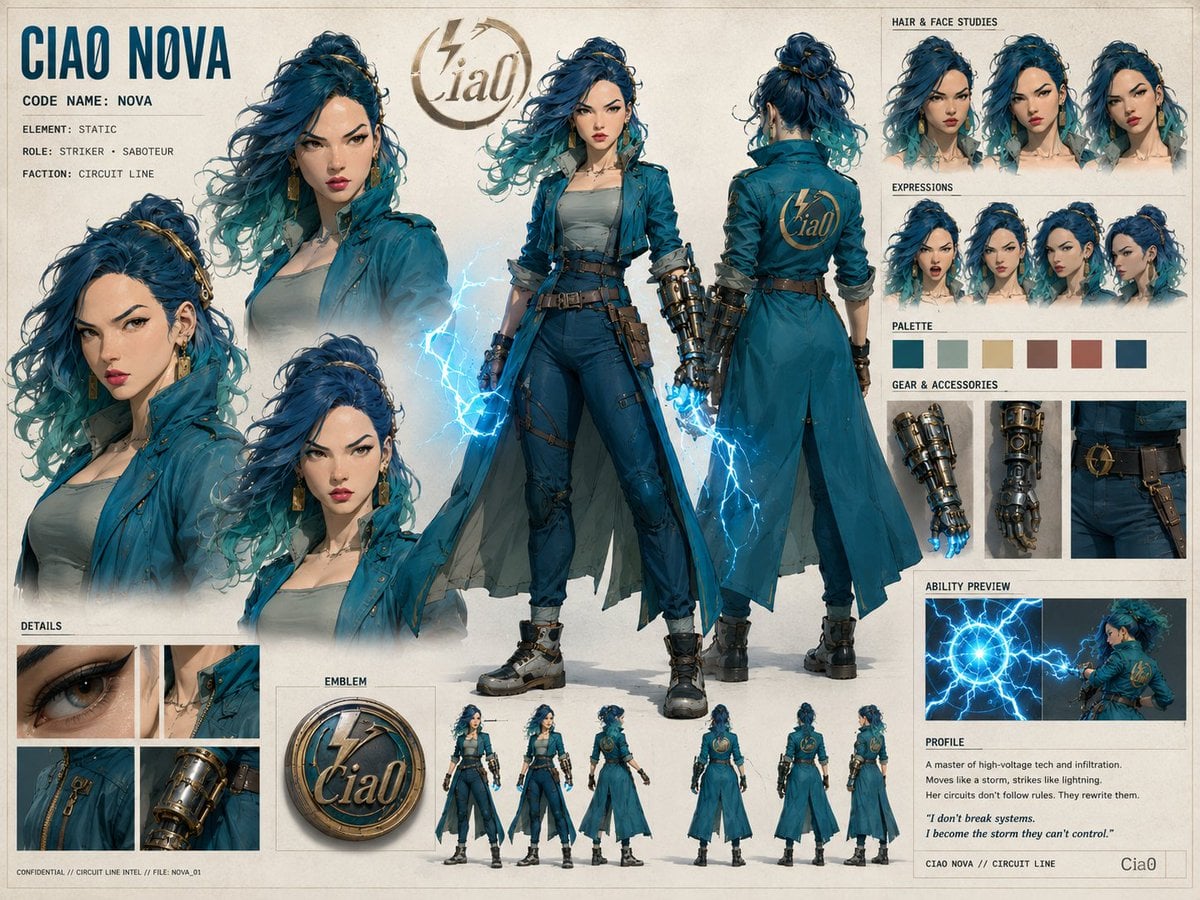
Ciao Nova Character Reference Sheet

Cel 2D Finale Fireworks

Cel 2D Garden Maze

Cel 2D Rooftop Concert

Cel 2D Bicycle Coast

Cel 2D Castle Gate
Make it yours
Anime Character Reference Sheet Generator works as-is. These are the safest ways to change it without losing the look.
Change one field
Copy a single group, rewrite it, and generate again so you can see what that field is doing.
Keep the frame, change the subject
Hold the composition and light of Anime Character Reference Sheet Generator, then swap wardrobe, props or the person for a new take.
| If the result… | Why | Fix |
|---|---|---|
| The result drifts from the preview | Too many fields changed at once. | Reuse Anime Character Reference Sheet Generator as-is first, then change one group — subject, light, or setting. |
| GPT Image 2 ignores part of the JSON | Some models flatten or skip nested keys. | Keep the same values and paste them as a short paragraph instead. |
More GPT Image 2 templates
Other prompts made for GPT Image 2.

Six VTuber Japanese Logo Sheet

Realistic Portrait of Woman and Deer

The Vista Modular Condo Poster

AI Model Routing Comparison Infographic

2.5D Anime Art Board

Isometric Productivity Desk Scene

New York Double Exposure Poster

Four-Panel AI Landscape Comparison

Japanese Tatami Lifestyle Magazine Cover

NESCAFÉ Coffee Map Poster
More image prompts
Fresh picks from across the catalog.
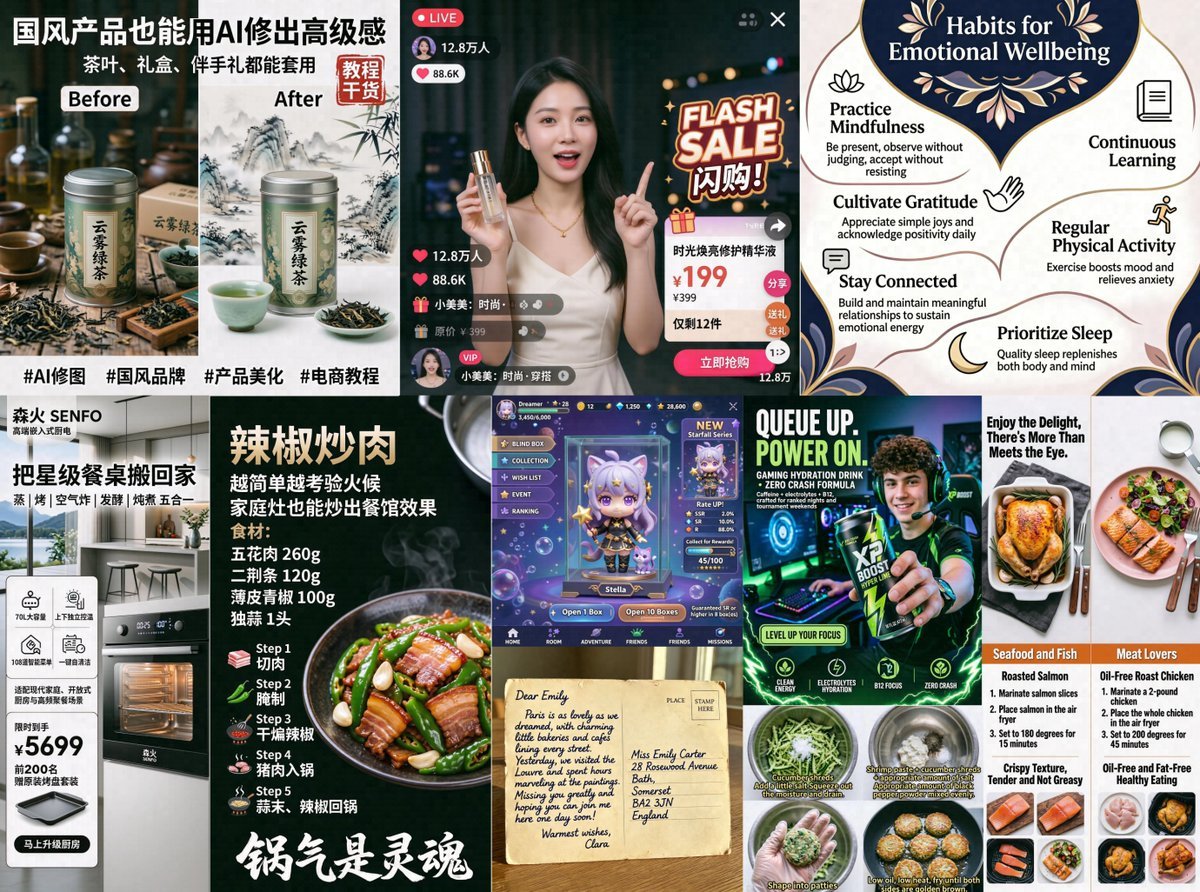
AI Ad and Infographic Capability Collage
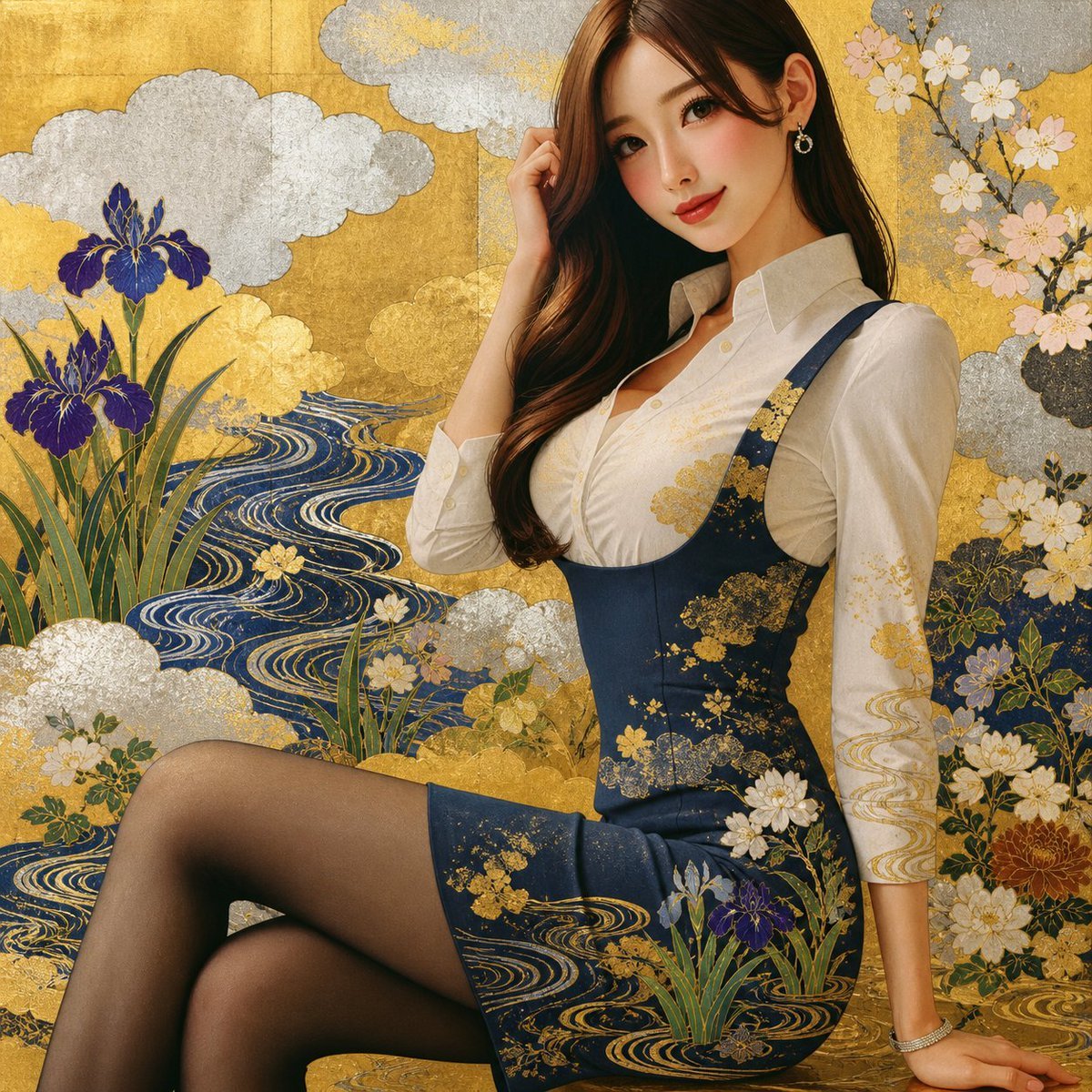
Rinpa Gold Screen Portrait
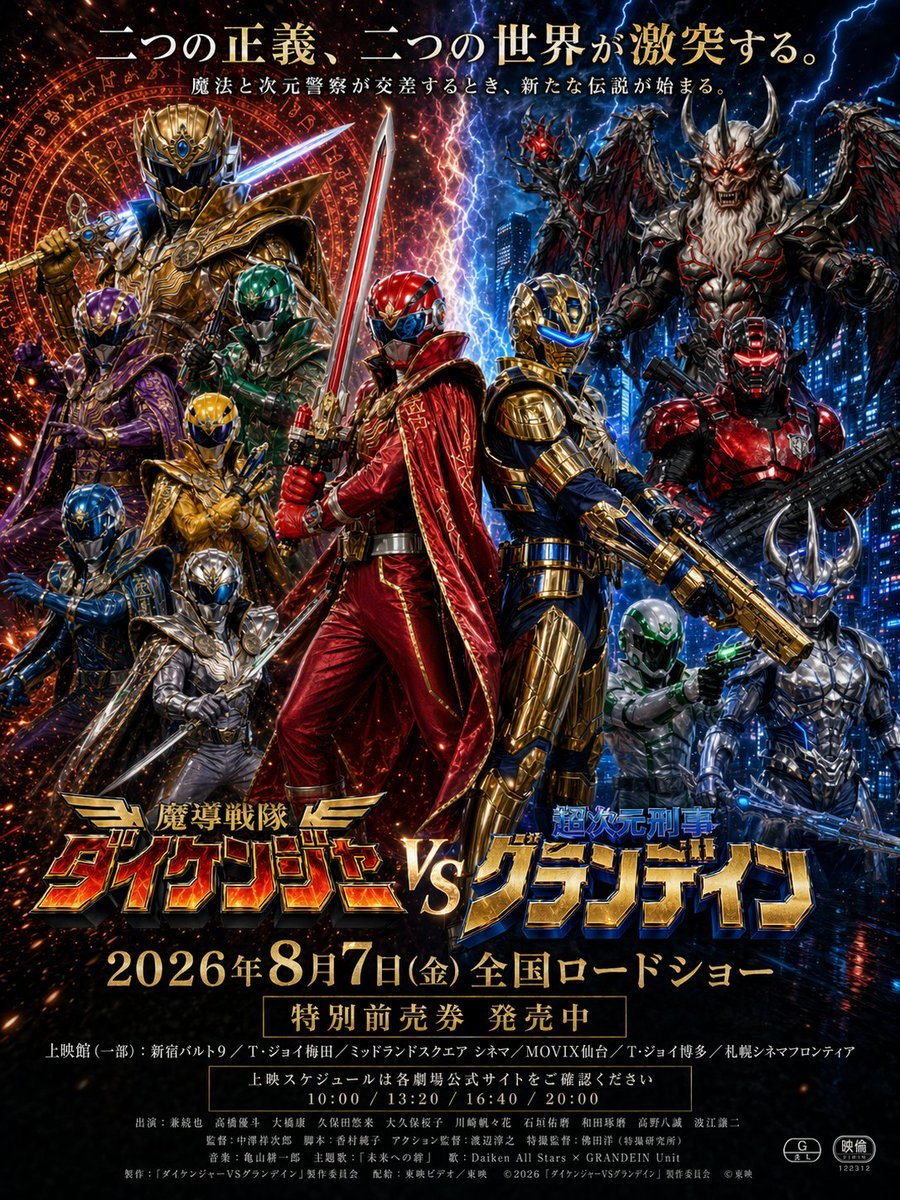
Tokusatsu Movie Poster Generator
Neon Rain Snack Bag Ad
Diorama Reinterpretation Prompt
Paranormal Trail Camera Encounter
Luxury Fashion Editorial Collage on Modern Staircase
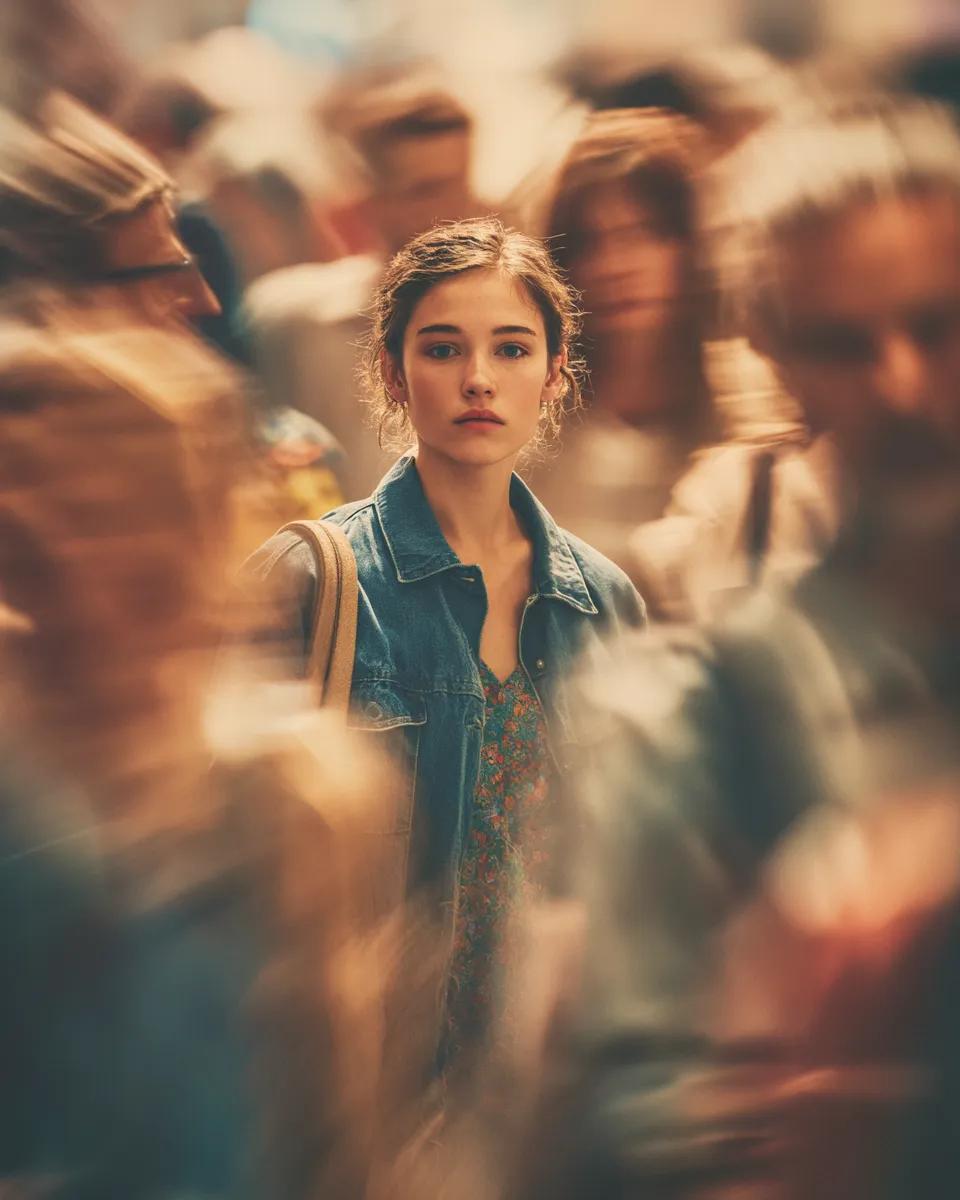
Cinematic Portrait with Motion Blur Crowd
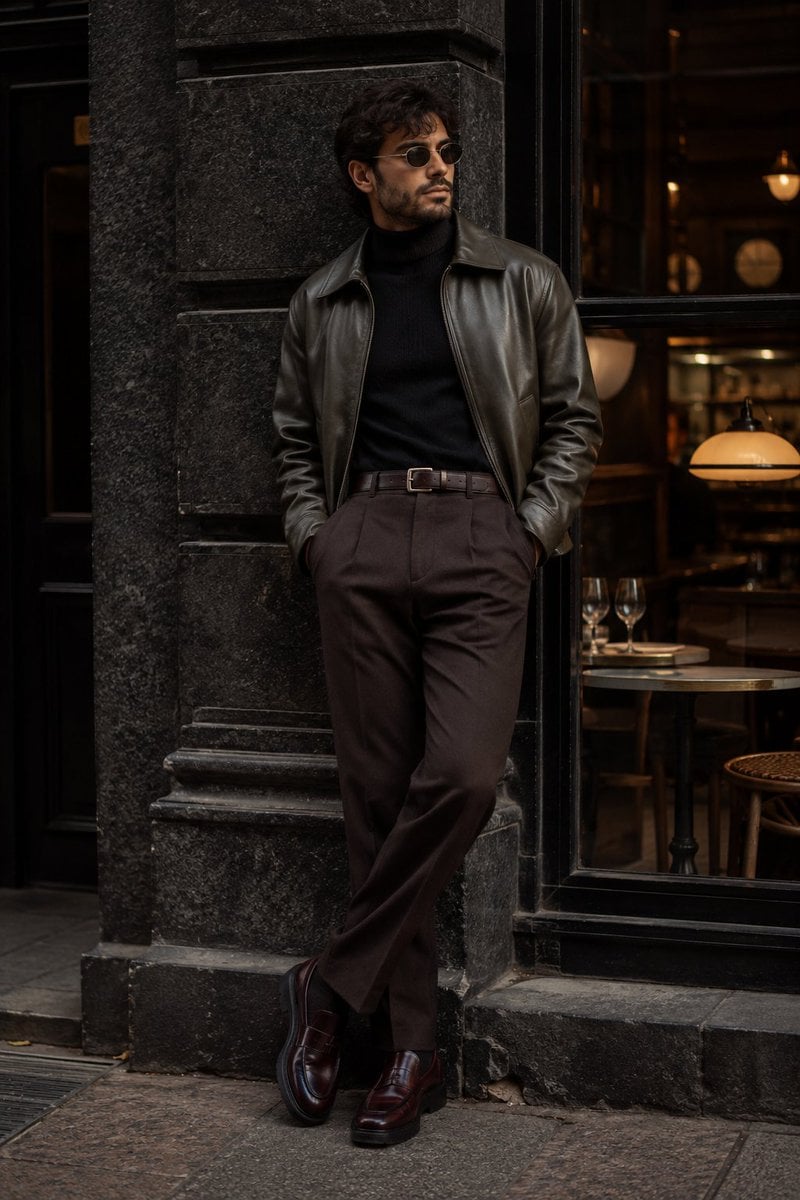
Cinematic Urban Menswear Portrait
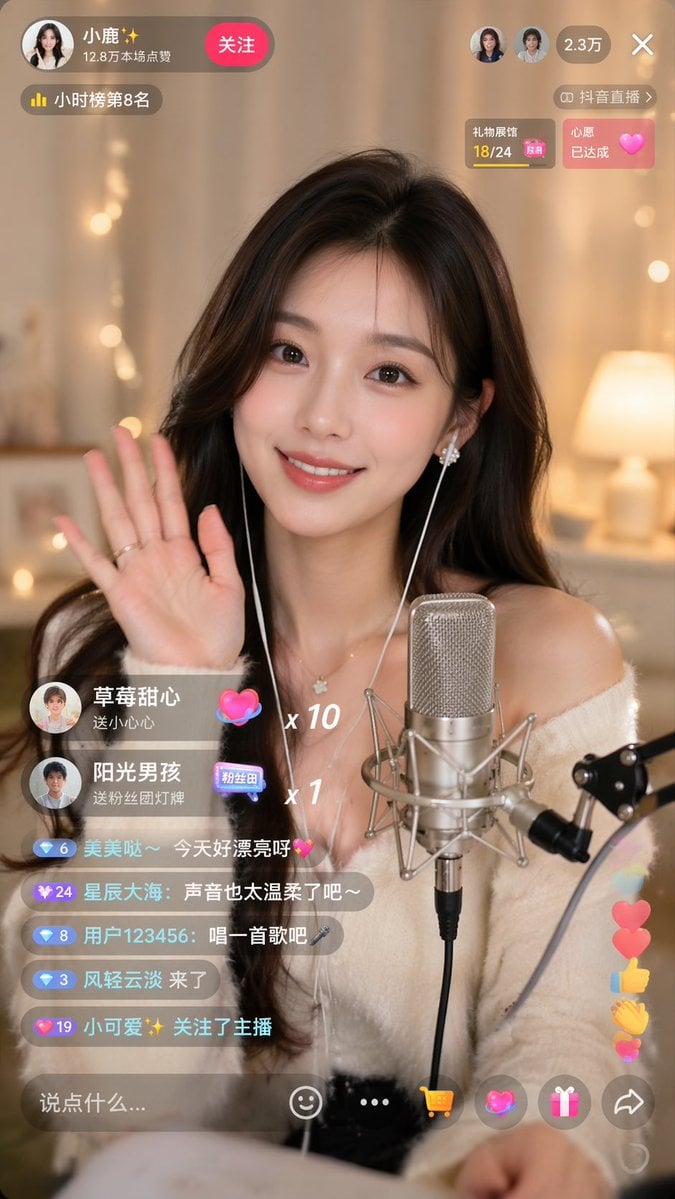
Douyin Live Stream UI Prompt
Browse template categories
Anime Character Reference Sheet Generator questions
How do I use the Anime Character Reference Sheet Generator template?
Add your photo if the template asks for one, edit the prompt if you like — the template's model and format are already selected — and press Generate. Your version opens in PicX Studio.
Can I customize the Anime Character Reference Sheet Generator template?
Yes. You can change the subject, setting, lighting, mood, format, and available model controls before creating your image.
Is the Anime Character Reference Sheet Generator template free?
Opening and editing this template is free. Generating uses credits, shown on the Generate button when you are signed in.
Which AI model should I use?
Start with GPT Image 2, which is the model associated with this template. You can compare another compatible model for a different finish.
Looking for something else? Browse all templates.

Your photo, any look
Thousands of ready templates for every top image and video model, from one credit balance.