
Luxury Automotive Exploded Diagram
An ultra-precise technical prompt for generating an exploded mechanical diagram of a luxury vehicle with high-end studio lighting and realistic materials.
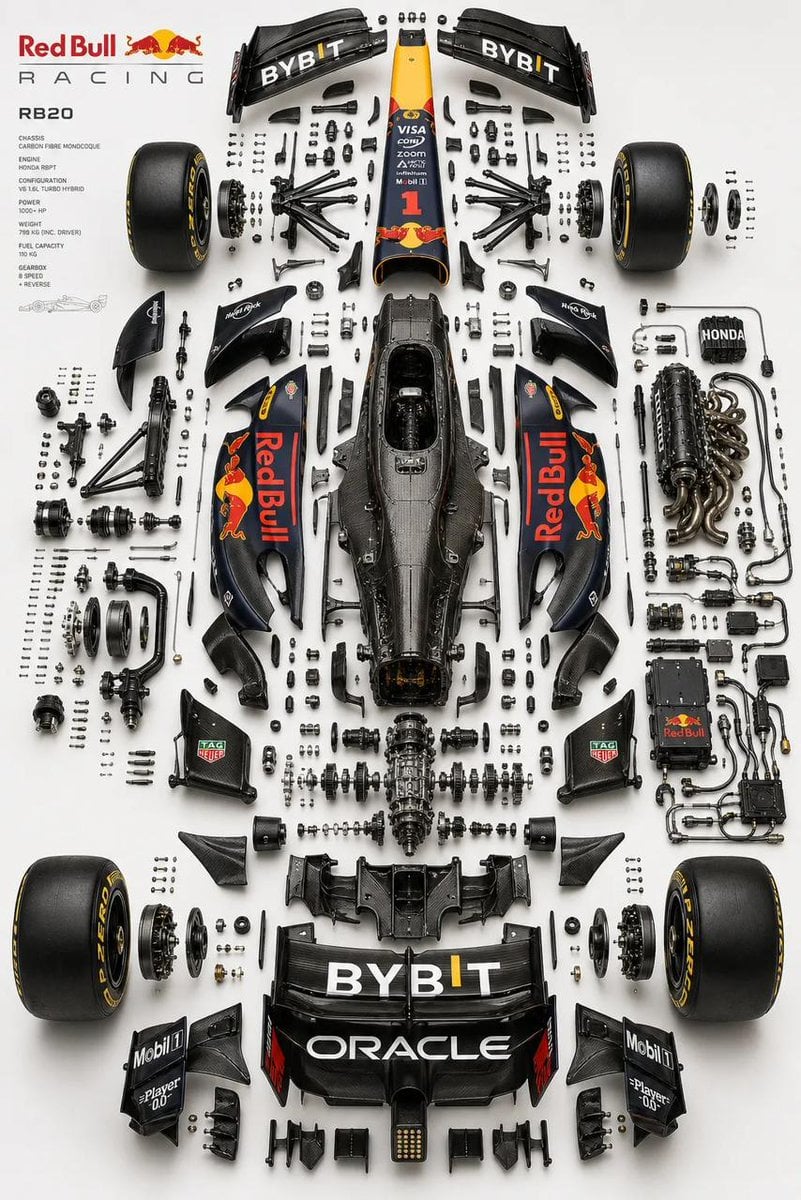
- Prompt included
- Model and format preset
- Free template
The prompt behind this image
Copy the exact prompt behind Luxury Automotive Exploded Diagram, or open it in the studio and make it yours.
Place the primary chassis or structural platform perfectly centered as the core spine, and position the main body shell separately (left or top), aligned parallel as a reference form while preserving accurate proportions, stance, and geometry of the real vehicle. Design a multi-layered exploded system with components separated across depth (Z-axis) as well as planar spacing, using clear hierarchy: micro hardware (bolts, screws, washers) tightly grouped, functional assemblies moderately spaced, and major systems widely separated. Organize parts into realistic subsystems depending on the {argument name="vehicle type" default="vehicle"} type, including front assembly (suspension, steering, brakes), rear assembly (suspension, drivetrain, differential), chassis/structure (frame, monocoque, subframes), powertrain (engine or motor with slight internal exposure, transmission, intake, exhaust, cooling), electronics (battery, ECU, wiring harness with clean routing), and wheel systems (4 wheels symmetrically placed with tire, rim, and hub separation). Ensure engineering realism by preserving mechanical relationships, aligning shafts and rotational axes, maintaining symmetry across left/right systems, and grouping micro components logically near their assembly points in precise micro-grid arrangements. Avoid random placement. Use a refined, high-end aesthetic: soft {argument name="background gradient" default="neutral gradient"} background (white to light grey or warm beige), studio-grade product lighting with soft top illumination, subtle directional shadows, and controlled reflections. Apply realistic materials such as brushed metal, carbon fiber, rubber, and glass with slight wear—avoid toy-like finishes. Maintain strong horizontal symmetry with controlled depth asymmetry for visual complexity, and ensure balanced negative space to avoid overcrowding. Render in ultra-realistic quality with razor-sharp edges, macro-level detail, subtle ambient occlusion, and ray-traced shadows. Output in 2K or 4K resolution, 4:5 aspect ratio.  No text, no labels, no arrows, no branding overlays, no stylization, no perspective distortion. Style keywords: F1 engineering exploded diagram, luxury automotive technical poster, industrial design breakdown, Apple-style product visualization, ultra-precision mechanical layout, museum-grade presentation.
How to use Luxury Automotive Exploded Diagram in 3 steps
- 1
Open
The prompt is already in the box next to the preview, with the template's model and format selected.
- 2…a portrait of your subject in softgolden-hour light, 85mm…
Personalize
Edit the subject and creative details for your destination.
- 3Generate
Generate
Press Generate — your image is created in PicX Studio, so you can compare it with the original and refine one variable at a time.
More like this
Templates with the same subject, style or setup. Open one to see its prompt.

Automotive Blueprint Split Composition

Luxury Automotive Editorial Portrait
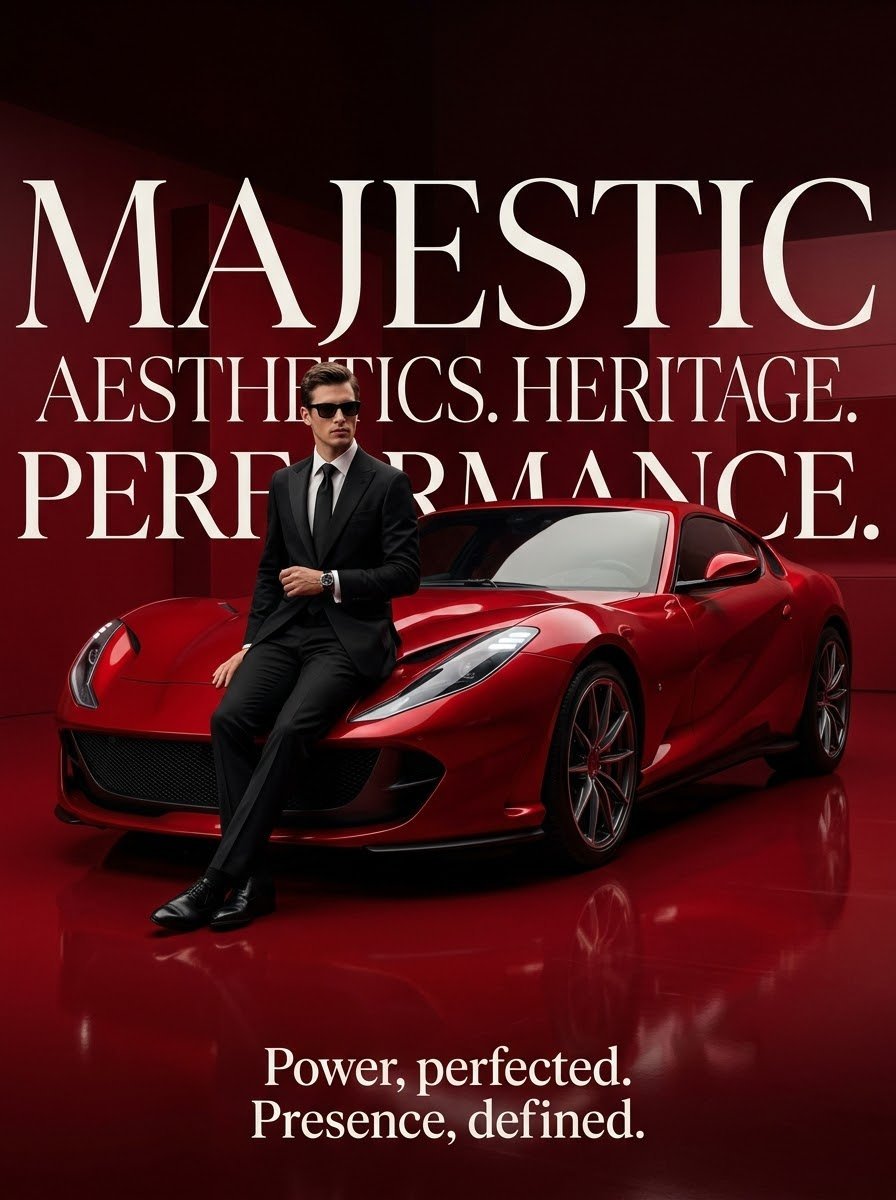
Luxury Surrealist Automotive Poster
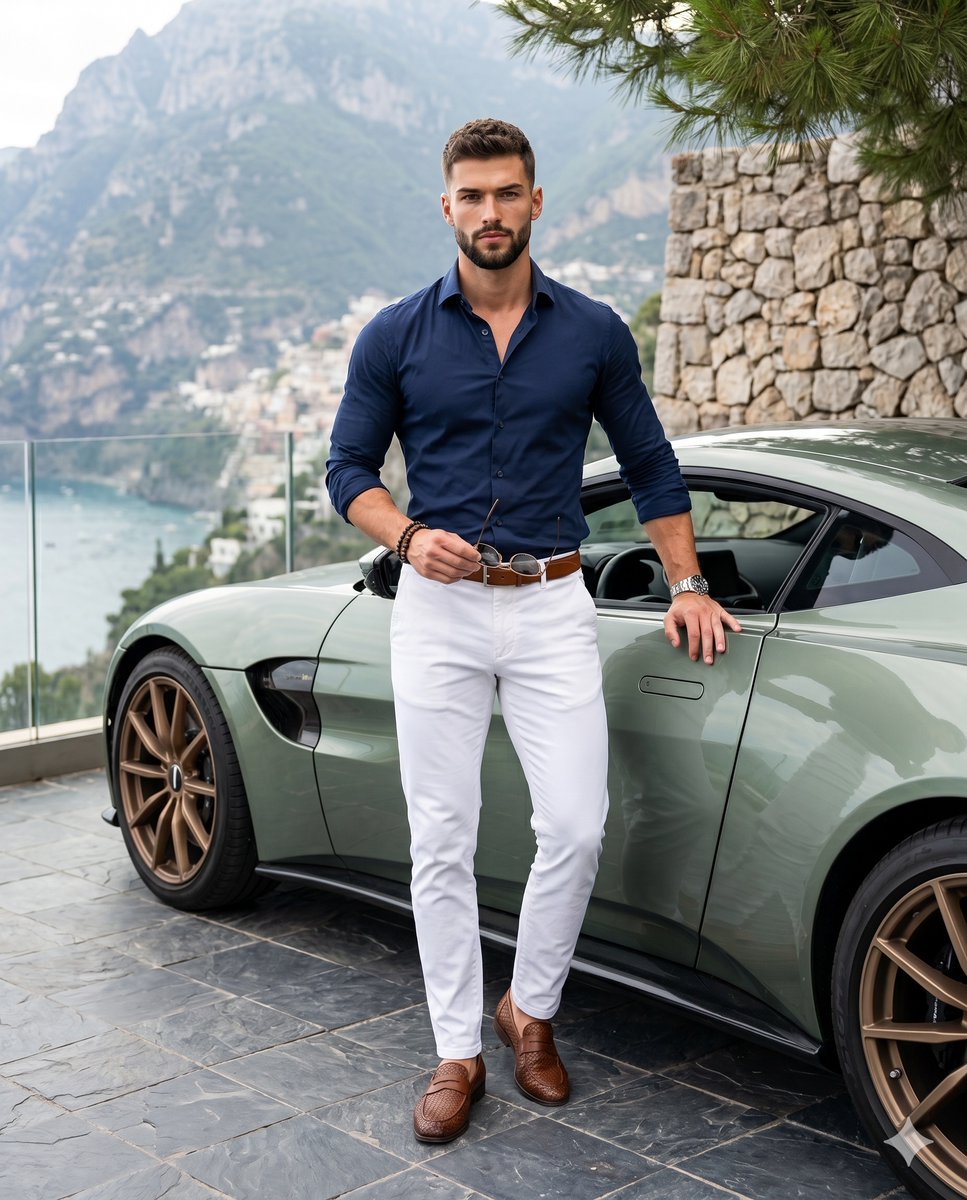
Luxury Automotive Lifestyle Male Portrait

Sealing Wax Letter Desk

Ballroom Floor Reflections

Vintage Camera Leather Case

Hedge Maze Aerial Dawn

Tuxedo Cuff Adjust

Cathedral Choir Loft

Pearl Necklace Vanity

Carriage House Courtyard
Make it yours
Luxury Automotive Exploded Diagram works as-is. These are the safest ways to change it without losing the look.
Change one field
Copy a single group, rewrite it, and generate again so you can see what that field is doing.
Keep the frame, change the subject
Hold the composition and light of Luxury Automotive Exploded Diagram, then swap wardrobe, props or the person for a new take.
| If the result… | Why | Fix |
|---|---|---|
| The result drifts from the preview | Too many fields changed at once. | Reuse Luxury Automotive Exploded Diagram as-is first, then change one group — subject, light, or setting. |
| The model over-stylizes the scene | The prose prompt leaves finish and camera underspecified. | Add one camera or lighting sentence and stay on GPT Image 2. |
More GPT Image 2 templates
Other prompts made for GPT Image 2.

Six VTuber Japanese Logo Sheet

Realistic Portrait of Woman and Deer

The Vista Modular Condo Poster

AI Model Routing Comparison Infographic

2.5D Anime Art Board

Isometric Productivity Desk Scene

New York Double Exposure Poster

Four-Panel AI Landscape Comparison

Japanese Tatami Lifestyle Magazine Cover

NESCAFÉ Coffee Map Poster
More image prompts
Fresh picks from across the catalog.
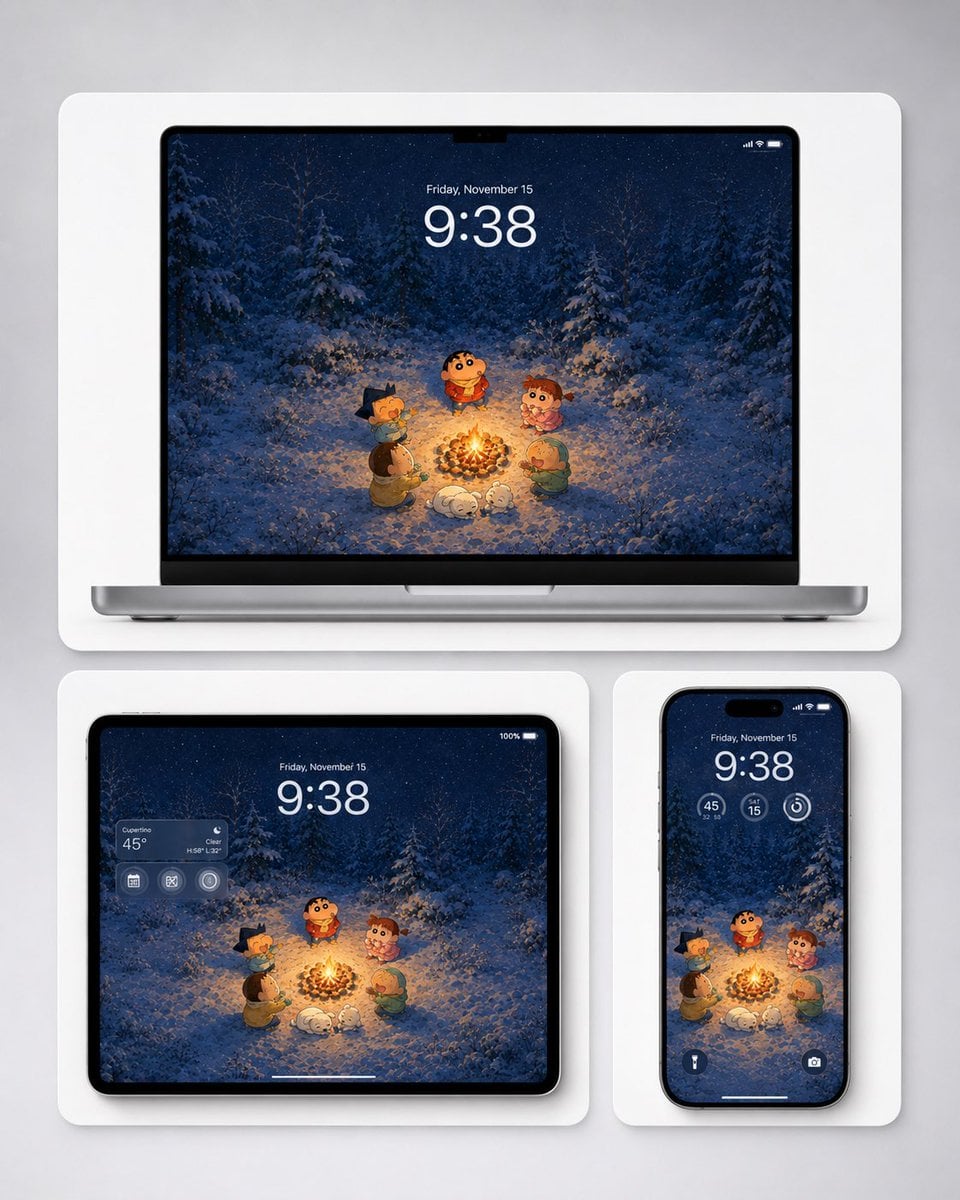
Winter Campfire Wallpaper Device Mockup
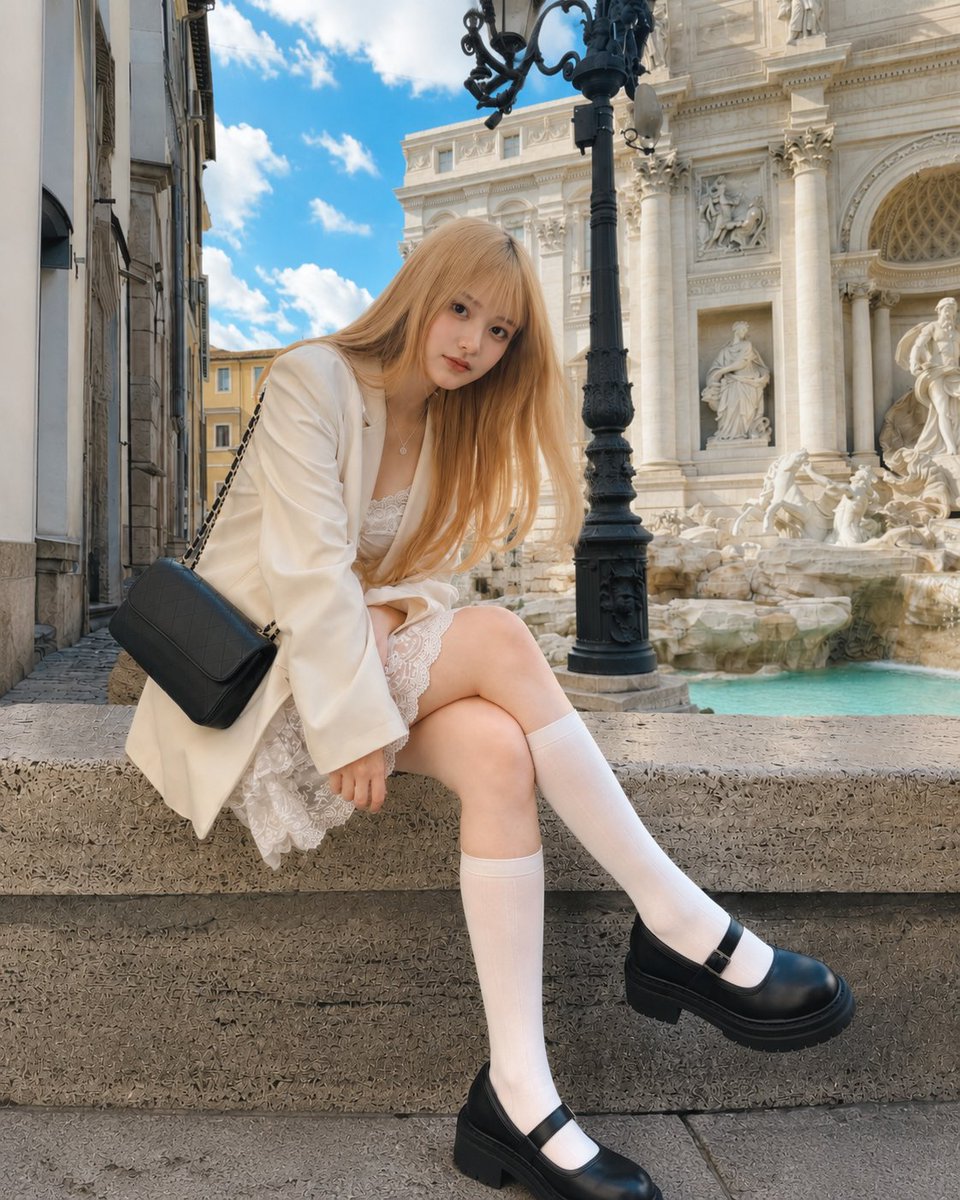
Rome Fountain Fashion Snapshot
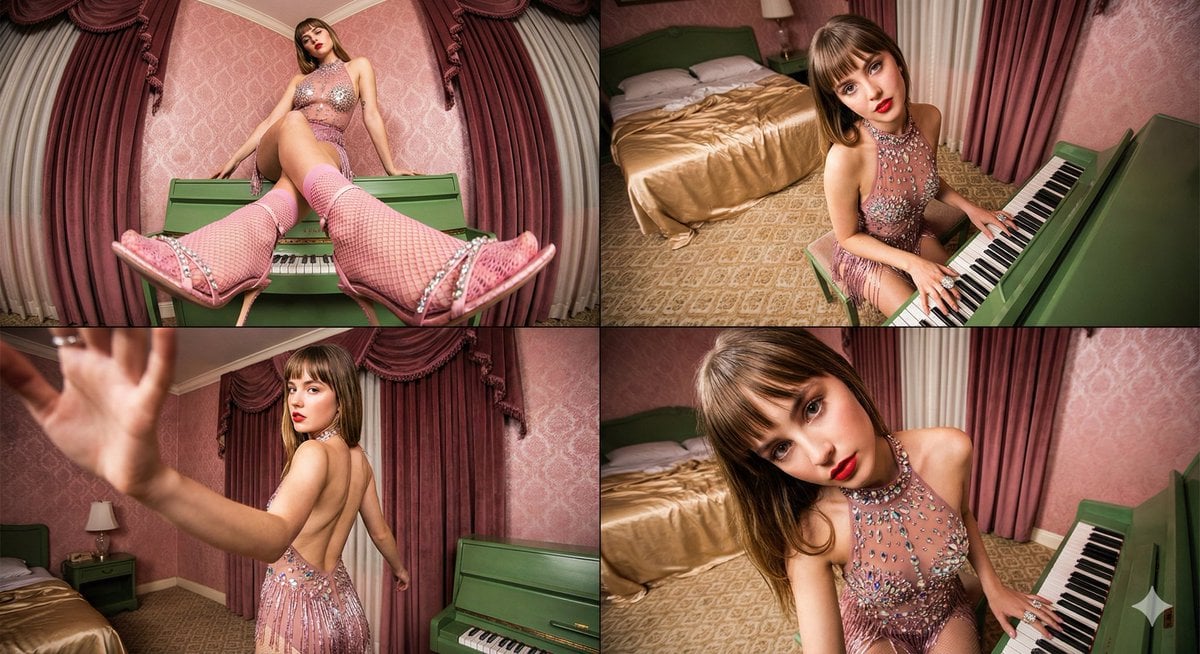
Four-frame vintage glamour collage of a woman in a crystal bodysuit at a piano

Monochromatic Studio Portrait
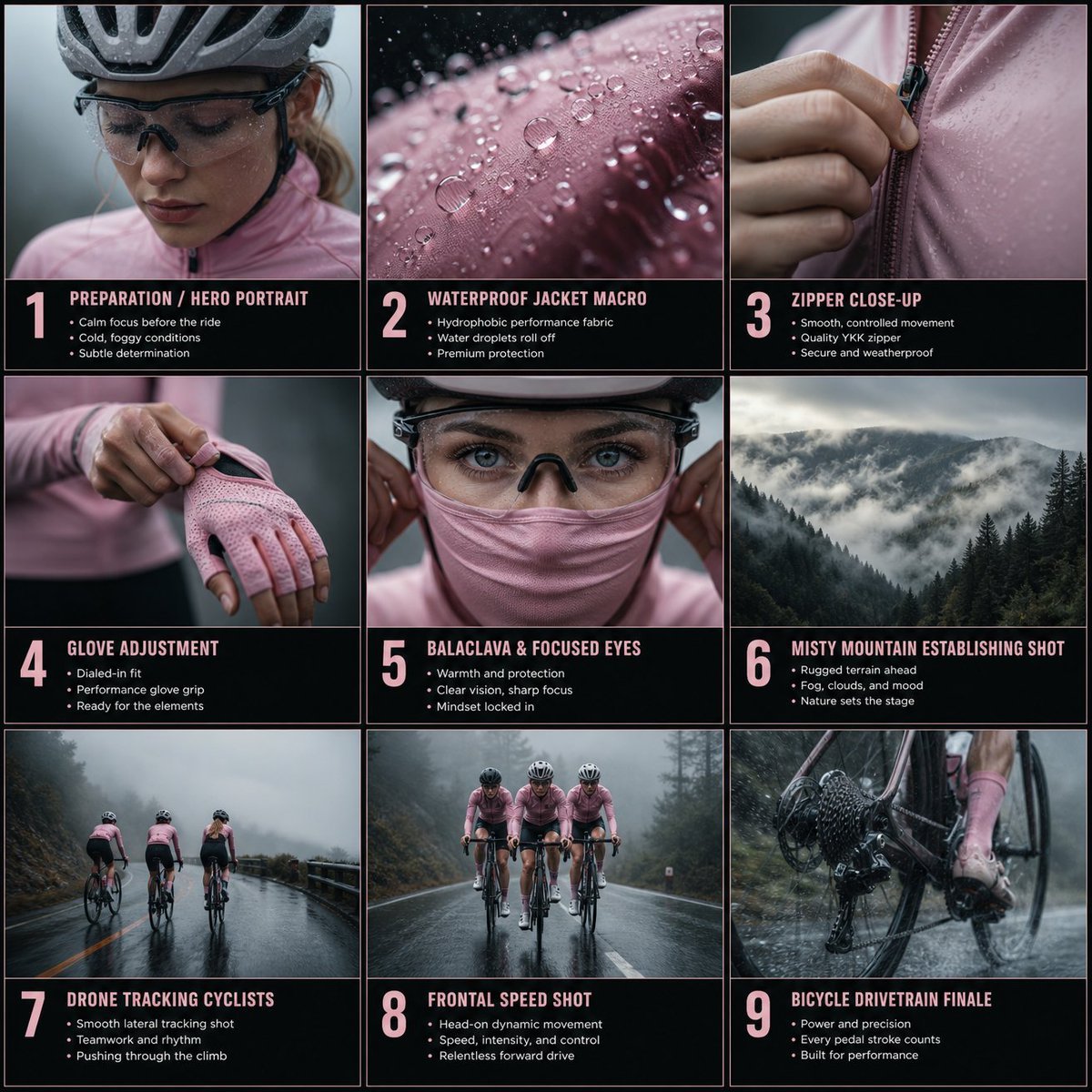
Rain Cycling Storyboard Grid

Cinematic Netflix Movie Poster Prompt
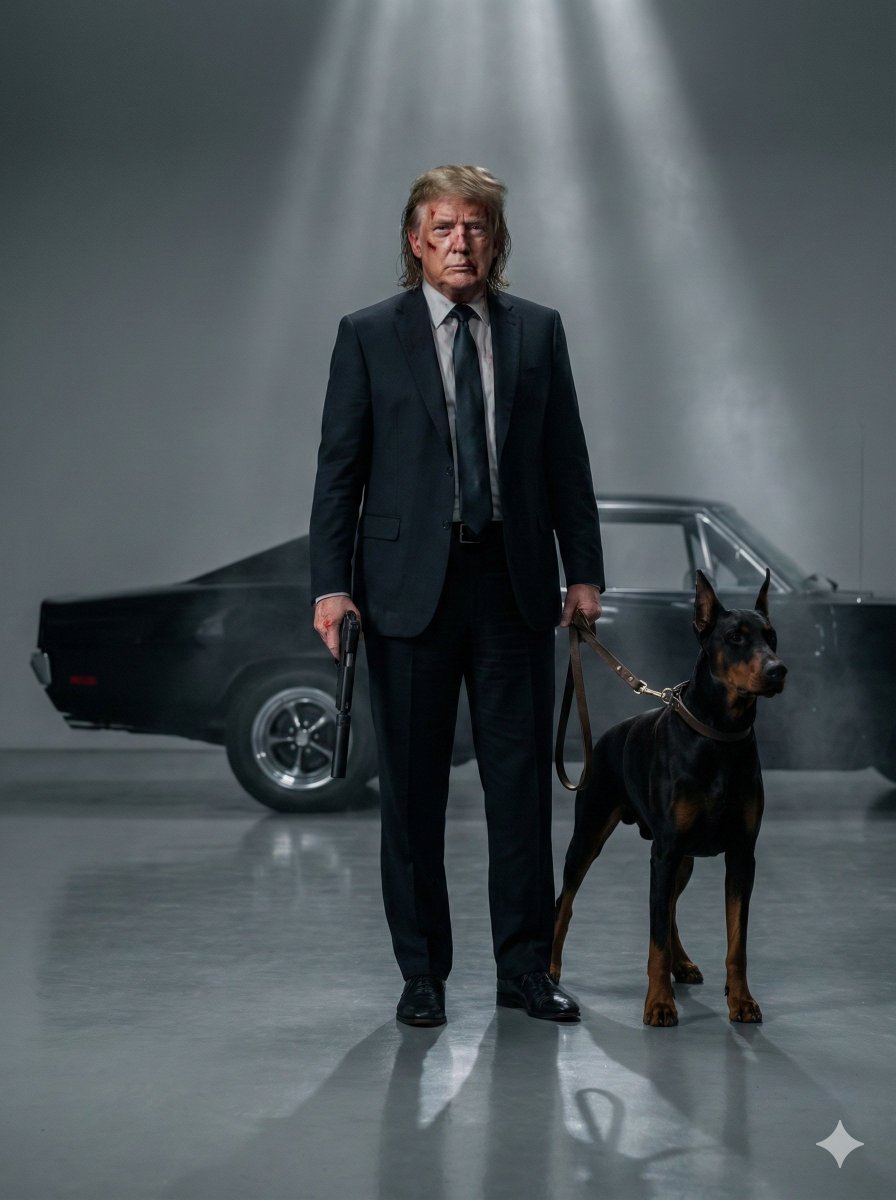
Neo-Noir Hitman Film Still

3D Pixar-Style Character Grid

Anime Sunset Film Poster
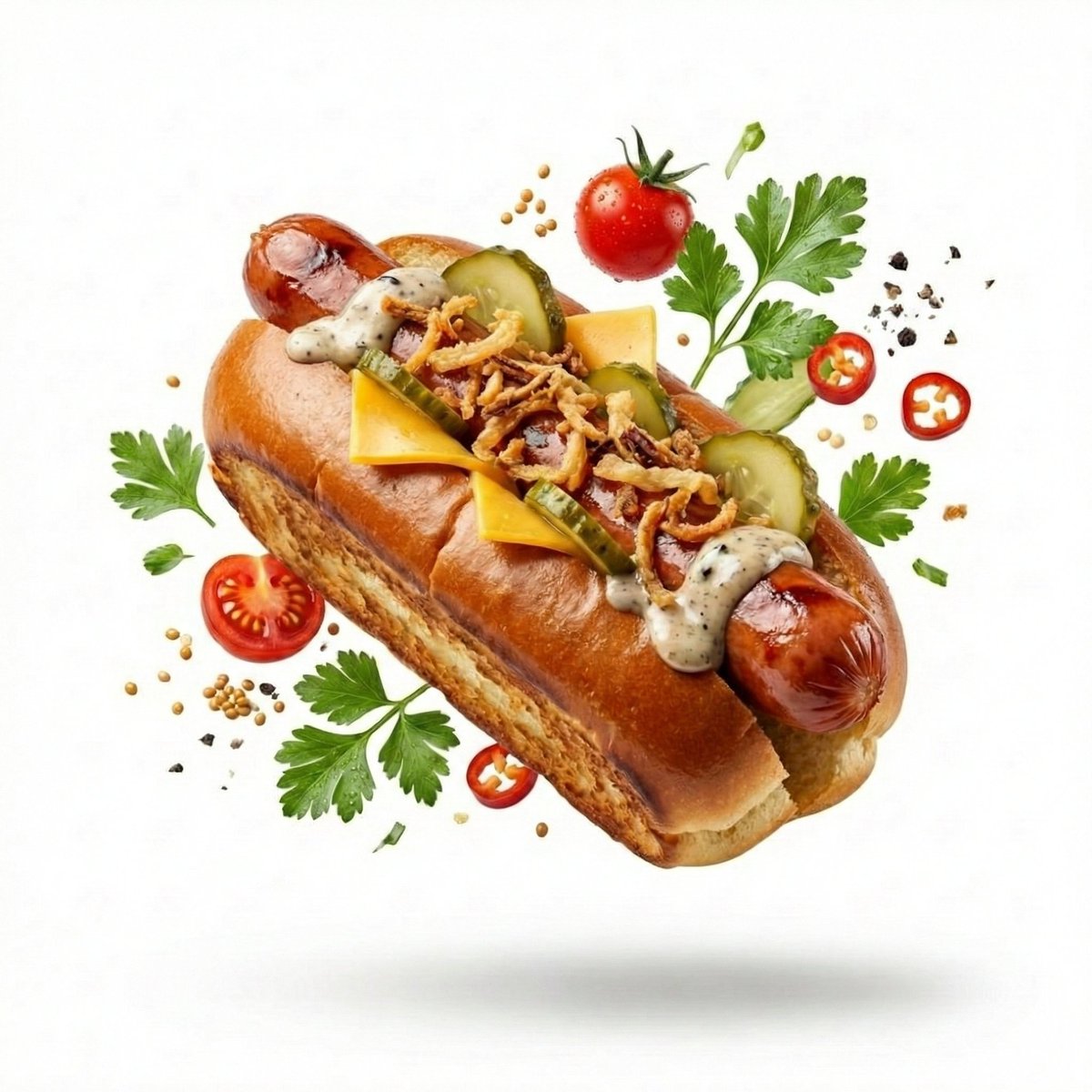
High-End Commercial Food Levitation Photography Prompt
Browse template categories
Luxury Automotive Exploded Diagram questions
How do I use the Luxury Automotive Exploded Diagram template?
Add your photo if the template asks for one, edit the prompt if you like — the template's model and format are already selected — and press Generate. Your version opens in PicX Studio.
Can I customize the Luxury Automotive Exploded Diagram template?
Yes. You can change the subject, setting, lighting, mood, format, and available model controls before creating your image.
Is the Luxury Automotive Exploded Diagram template free?
Opening and editing this template is free. Generating uses credits, shown on the Generate button when you are signed in.
Which AI model should I use?
Start with GPT Image 2, which is the model associated with this template. You can compare another compatible model for a different finish.
Looking for something else? Browse all templates.

Your photo, any look
Thousands of ready templates for every top image and video model, from one credit balance.