
Luxury Automotive Editorial Portrait
A highly detailed prompt for a sophisticated men's fashion editorial set inside a luxury vehicle during golden hour.
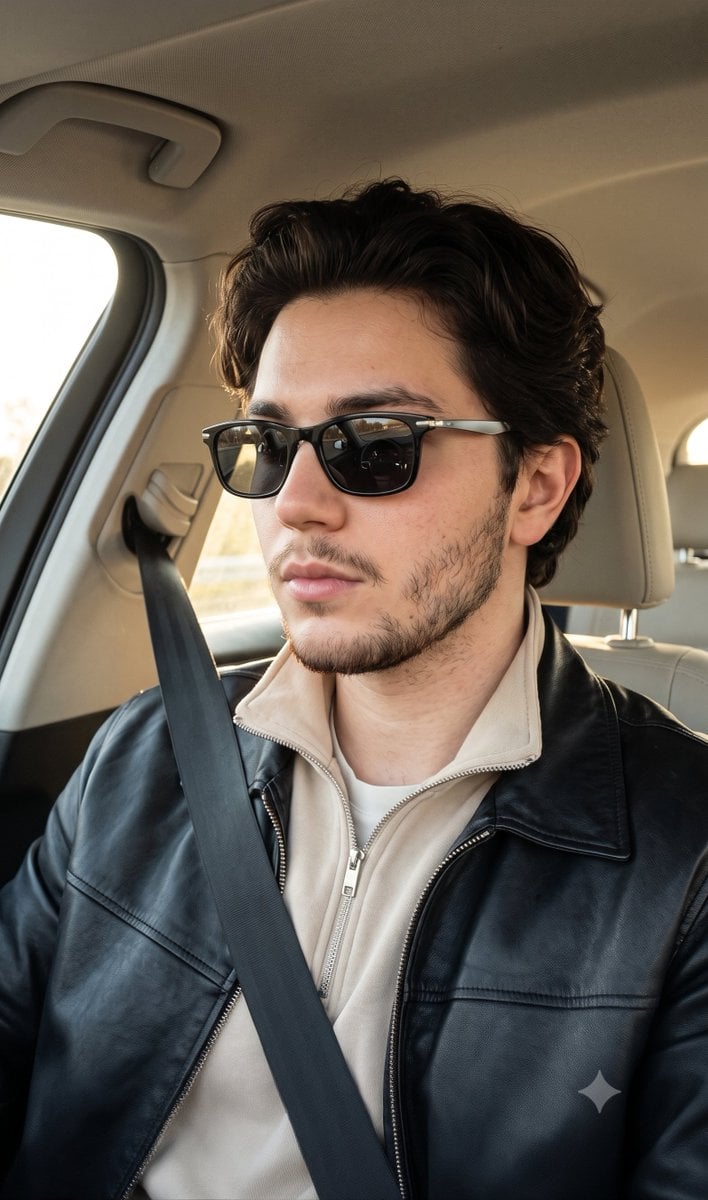
- Prompt included
- Model and format preset
- Free template
The prompt behind this image
Copy the exact prompt behind Luxury Automotive Editorial Portrait, or open it in the studio and make it yours.
Create a premium luxury automotive editorial portrait of a stylish {argument name="subject" default="man in his mid-20s"} during a daytime drive. He has an athletic build, fair skin with warm-neutral undertones, an oval face with a sharp angular jawline, well-defined facial features, moderately prominent cheekbones, a straight nose, medium lips, thick groomed eyebrows, and a short, neatly trimmed beard and mustache. His {argument name="hair style" default="dark brown medium-length hair is styled in a voluminous brushed-back side part"} with a smooth texture and a slight natural wave. His expression is calm, focused, and confident as he looks toward the road. Dress him in a {argument name="clothing" default="black leather jacket layered over a light beige zip-up collared sweatshirt"}, styled in a refined quiet luxury aesthetic. He wears black rectangular sunglasses with silver metal temples, and a visible seatbelt completes the authentic driving scene. He is seated in the driver's seat of a modern luxury vehicle, captured in a three-quarter profile with his head turned slightly to the left. His posture is upright, composed, and effortless, while his hands remain outside the frame. The interior features a clean, premium cabin with a headrest, dashboard, side window, and roof liner subtly visible in the background. Illuminate the scene with soft natural golden-hour sunlight entering from the driver's side window, creating warm highlights across his face and clothing while gentle shadows define his facial structure and enhance depth. Use a moderately shallow depth of field to keep the subject tack sharp while softly blurring the car interior. Photograph the scene from a slightly above eye-level perspective using a medium close-up composition. Maintain razor-sharp focus on the face, sunglasses, hair, and clothing while preserving a softly blurred background. Apply premium editorial colour grading with natural skin texture, exceptional sharpness, minimal noise, and a sophisticated luxury fashion aesthetic. The overall mood should feel confident, composed, refined, minimal, and luxurious, using a palette of black, charcoal, ivory, warm grey, and soft beige accented by silver details and warm golden sunlight, reminiscent of a high-end men's fashion campaign for a luxury automotive brand.
How to use Luxury Automotive Editorial Portrait in 3 steps
- 1
Open
The prompt is already in the box next to the preview, with the template's model and format selected.
- 2…a portrait of your subject in softgolden-hour light, 85mm…
Personalize
Edit the subject and creative details for your destination.
- 3Generate
Generate
Press Generate — your image is created in PicX Studio, so you can compare it with the original and refine one variable at a time.
More like this
Templates with the same subject, style or setup. Open one to see its prompt.

Automotive Blueprint Split Composition
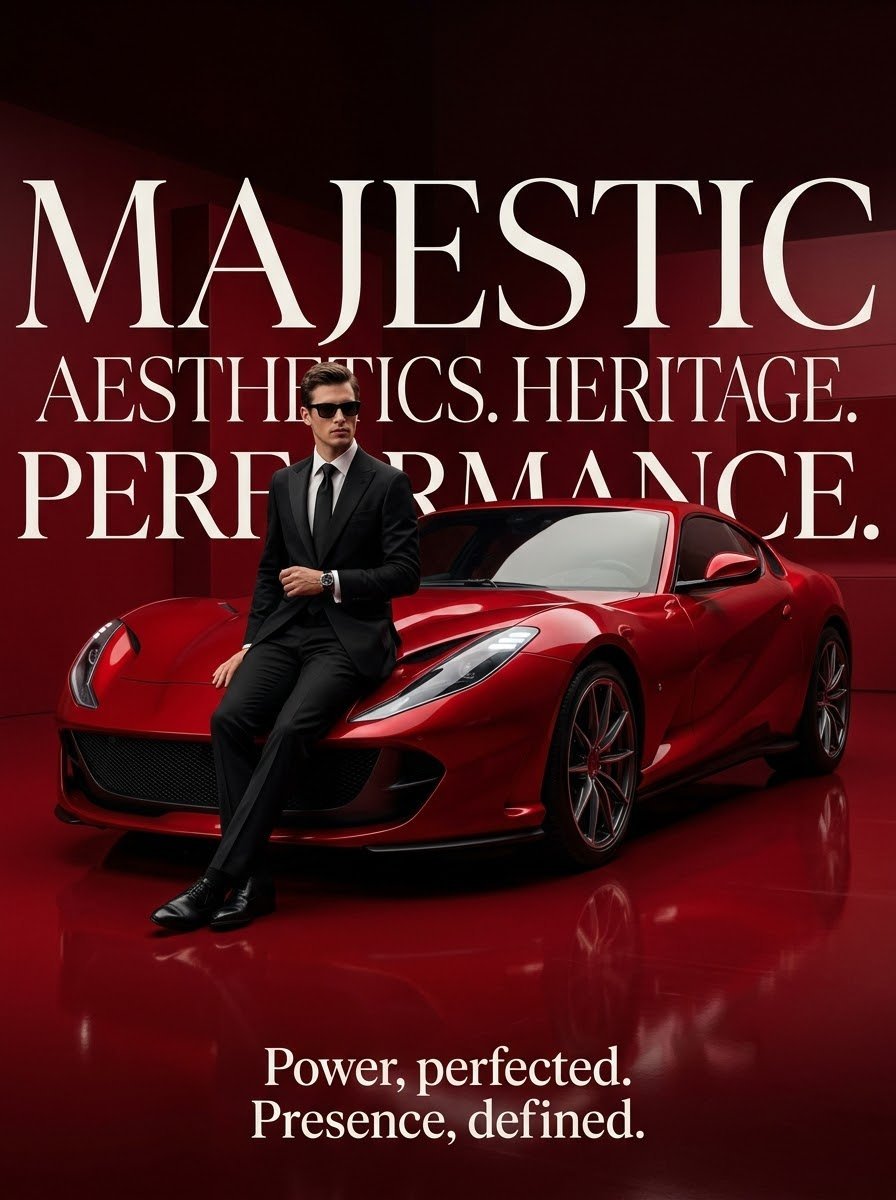
Luxury Surrealist Automotive Poster
Automotive Blueprint Split Composition

untitled

Caution Tape Fashion — Industrial Editorial

Luxury Fashion Editorial Portrait
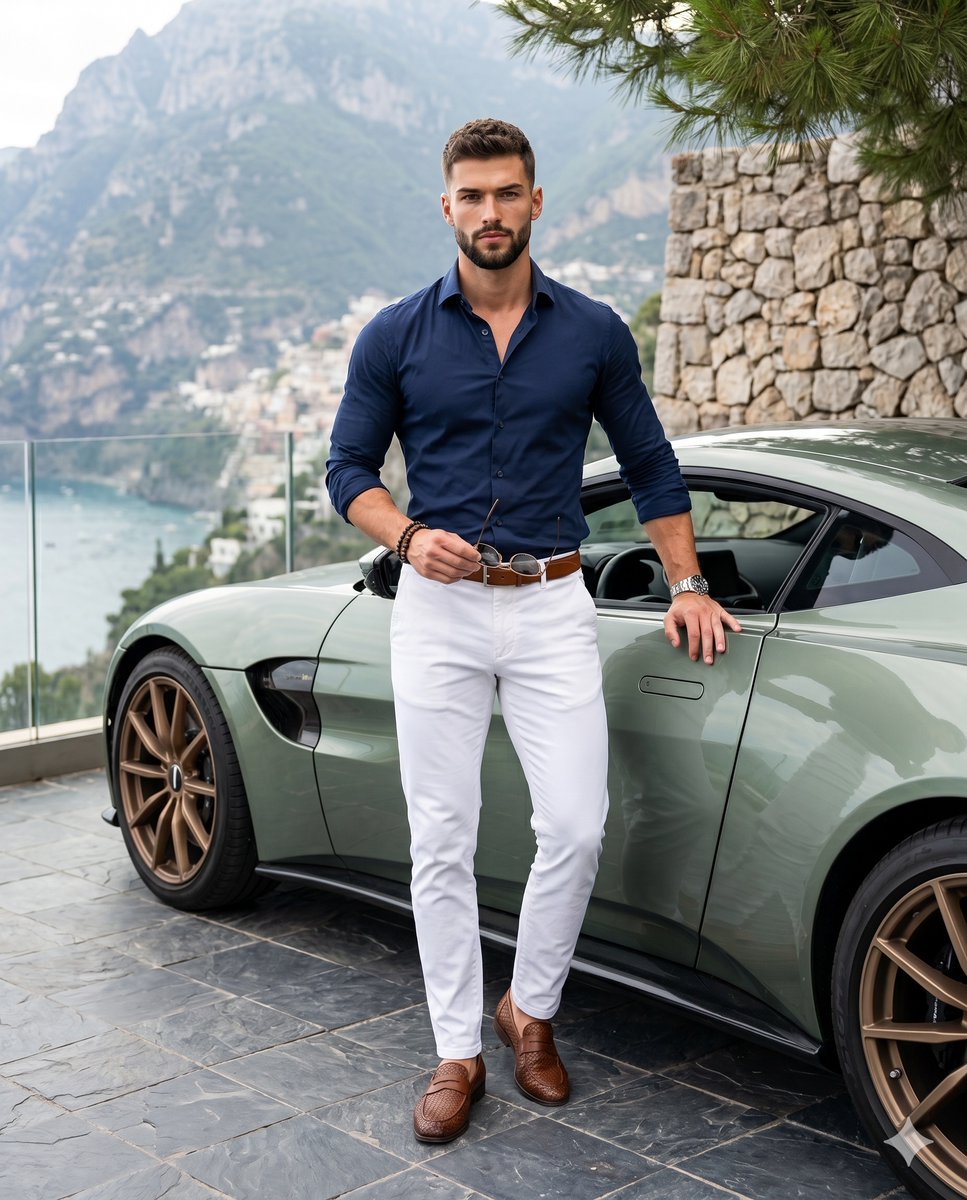
Luxury Automotive Lifestyle Male Portrait
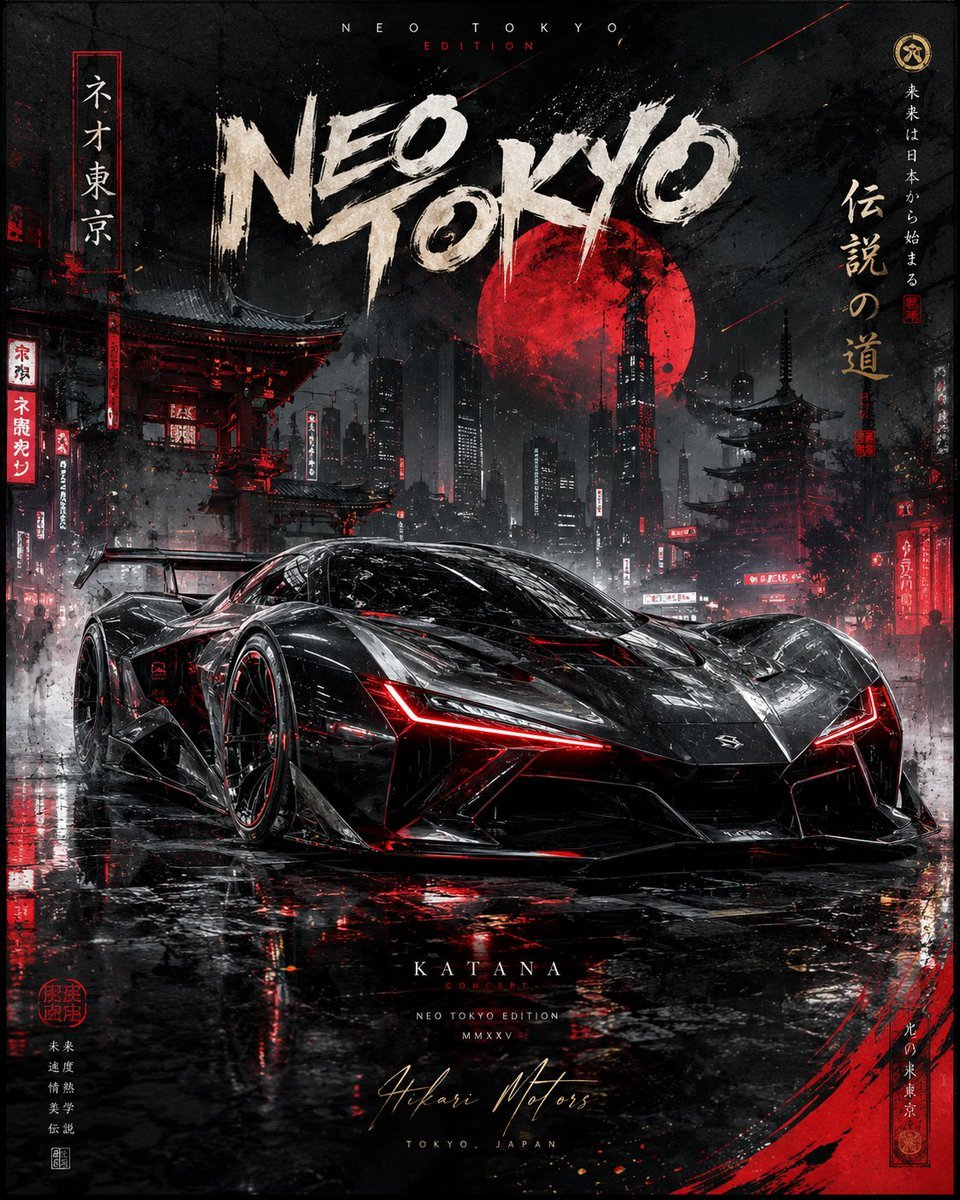
Cinematic Luxury Automotive Editorial Poster
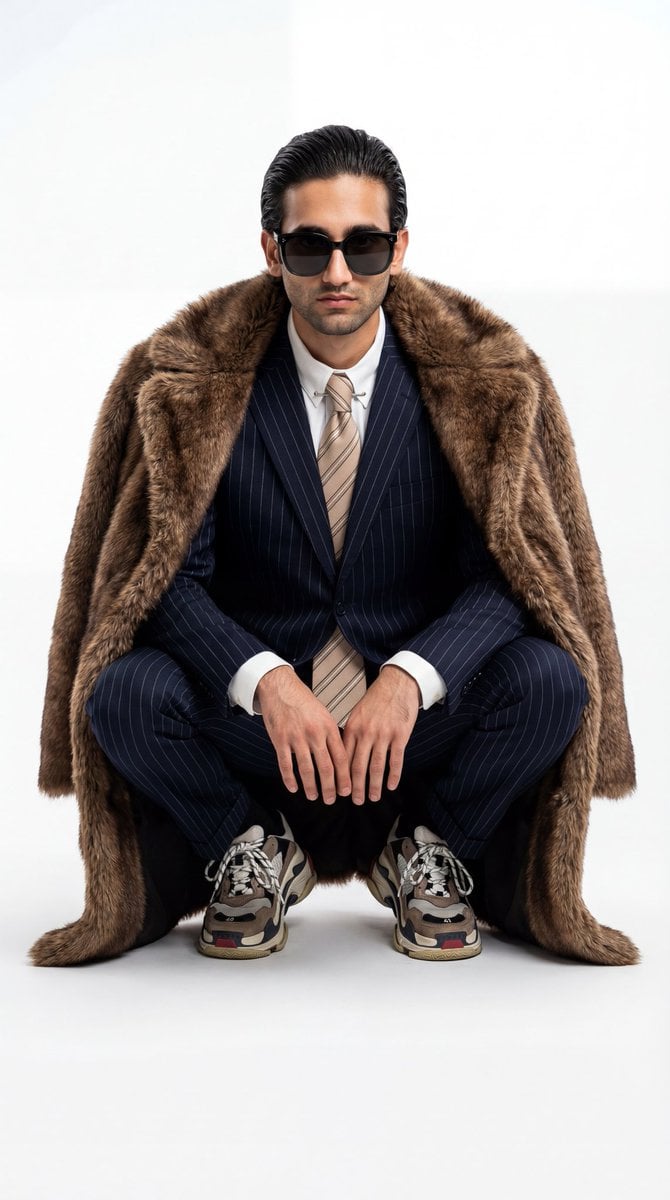
Ultra-Realistic Luxury Fashion Editorial Portrait
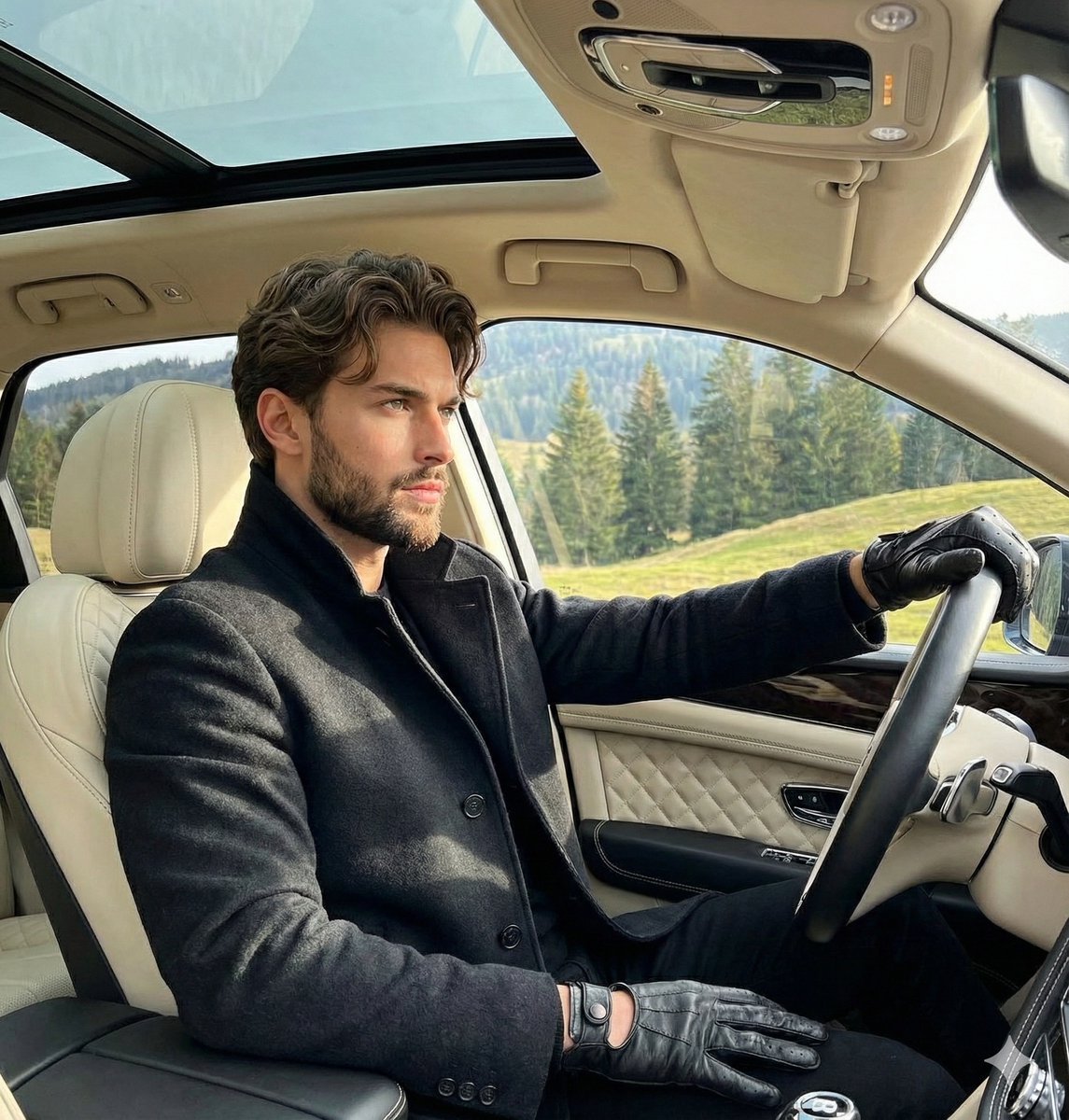
Luxury Automotive Editorial Photo Prompt

Nano Banana Pro Photoreal Playful Couple

Couture Fashion Editorial Woman and Drag
Make it yours
Luxury Automotive Editorial Portrait works as-is. These are the safest ways to change it without losing the look.
Change one field
Copy a single group, rewrite it, and generate again so you can see what that field is doing.
Keep the frame, change the subject
Hold the composition and light of Luxury Automotive Editorial Portrait, then swap wardrobe, props or the person for a new take.
| If the result… | Why | Fix |
|---|---|---|
| The result drifts from the preview | Too many fields changed at once. | Reuse Luxury Automotive Editorial Portrait as-is first, then change one group — subject, light, or setting. |
| The model over-stylizes the scene | The prose prompt leaves finish and camera underspecified. | Add one camera or lighting sentence and stay on Gemini 3 Pro Image Preview. |
More Gemini 3 Pro Image Preview templates
Other prompts made for Gemini 3 Pro Image Preview.

Creative Character in Pink Office

Avant-Garde Asian Fashion Model

Underwater Macro Face Portrait

Water-level Bridge Modification

Noir Punk Street Portrait

High Contrast Cinematic Face Portrait

Monochrome Studio Portrait with Colored Lens

Ultra-Realistic Yacht Sunset Portrait

Mushroom Still Life Composition

Whimsical Anthropomorphic Friendly Insect
More image prompts
Fresh picks from across the catalog.
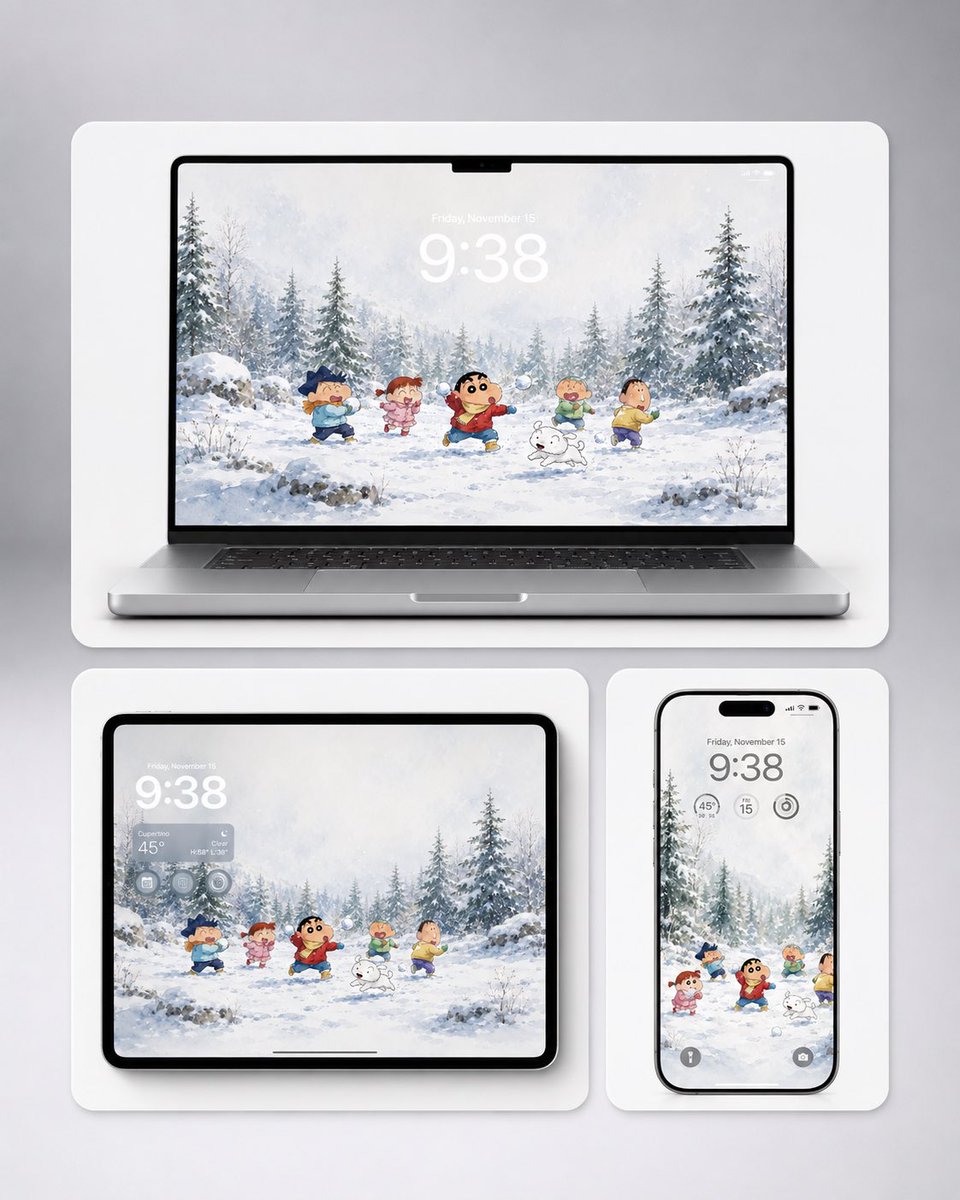
Shin-chan Winter Device Wallpaper Mockup
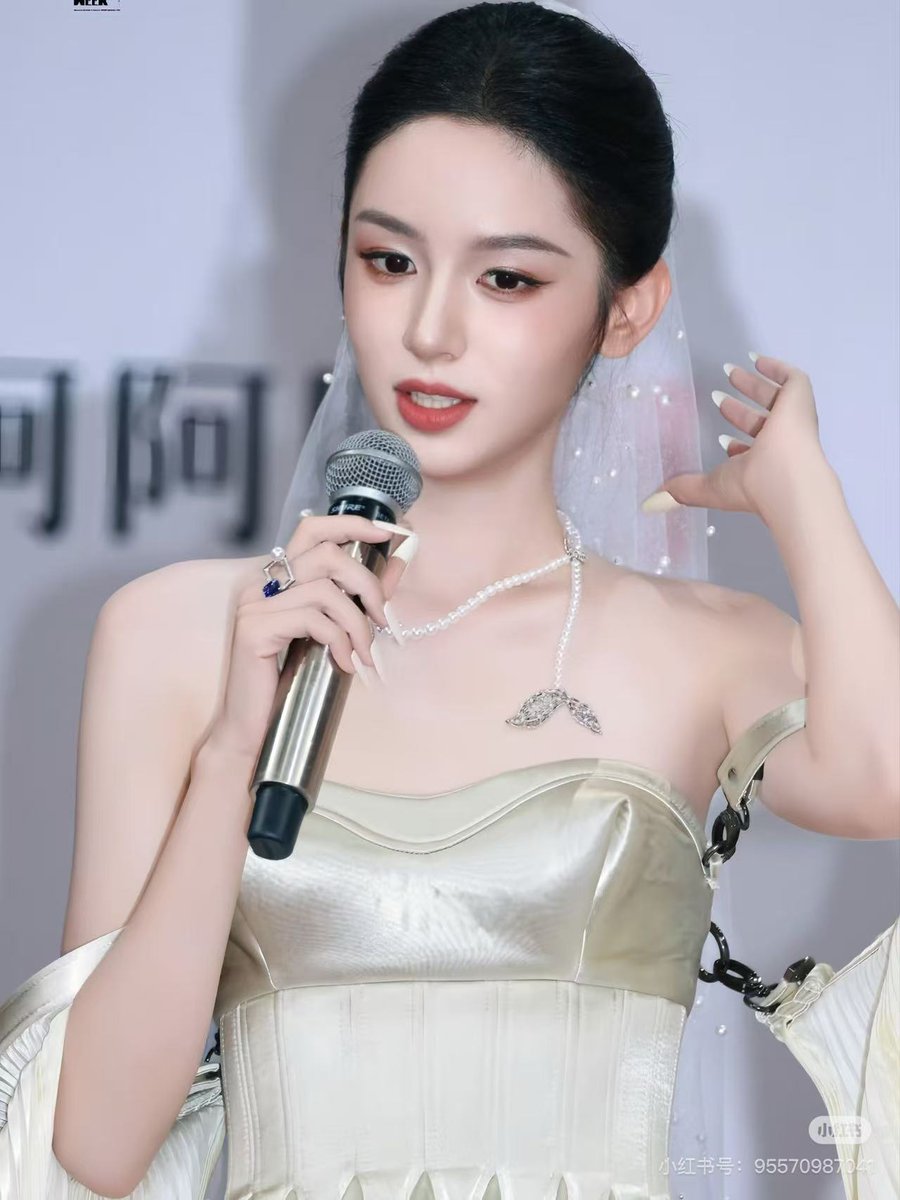
Grid K-Pop Idol Photocard Style Prompt (JSON)
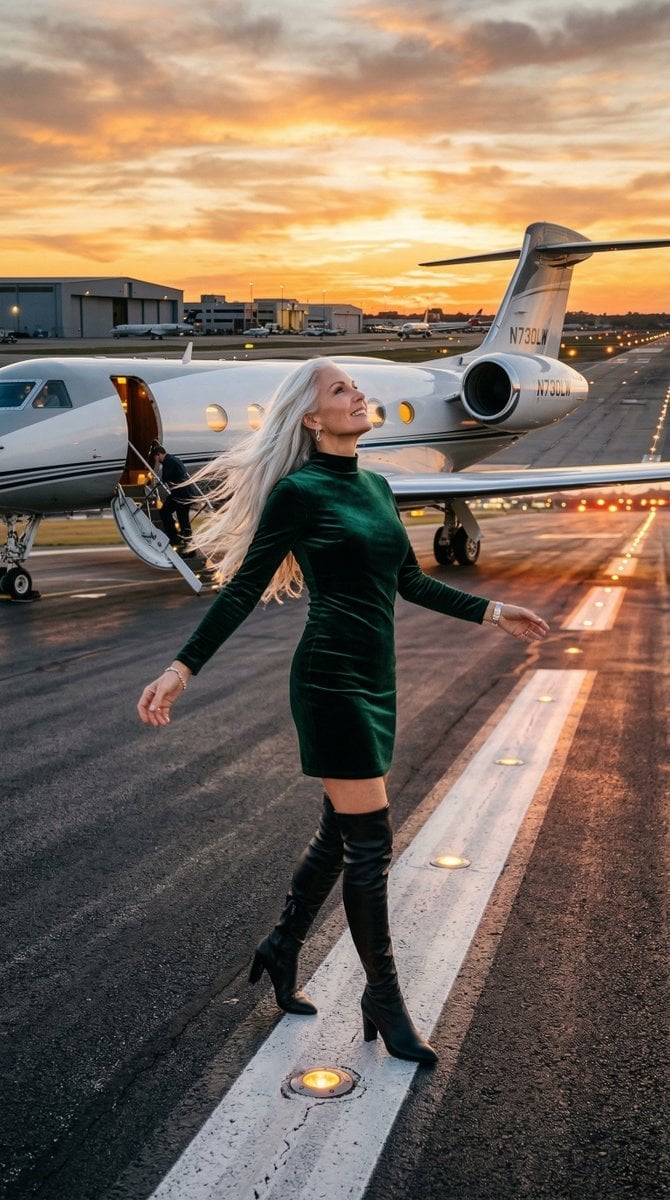
Cinematic Photo of Woman on Airport Runway

Cute Japanese Hamster Infographic
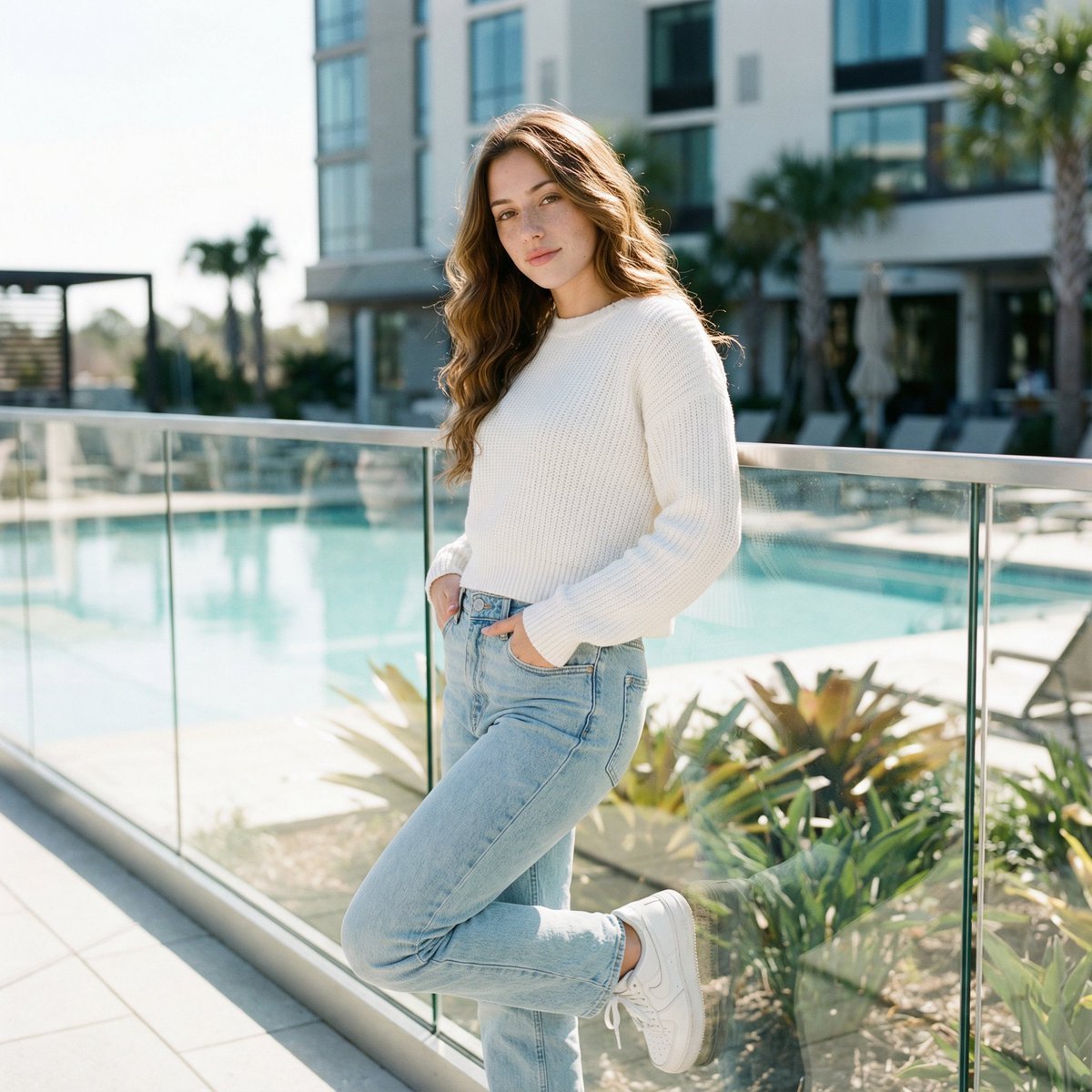
Ultra-Realistic Cinematic Lifestyle Portrait with Identity Lock

untitled
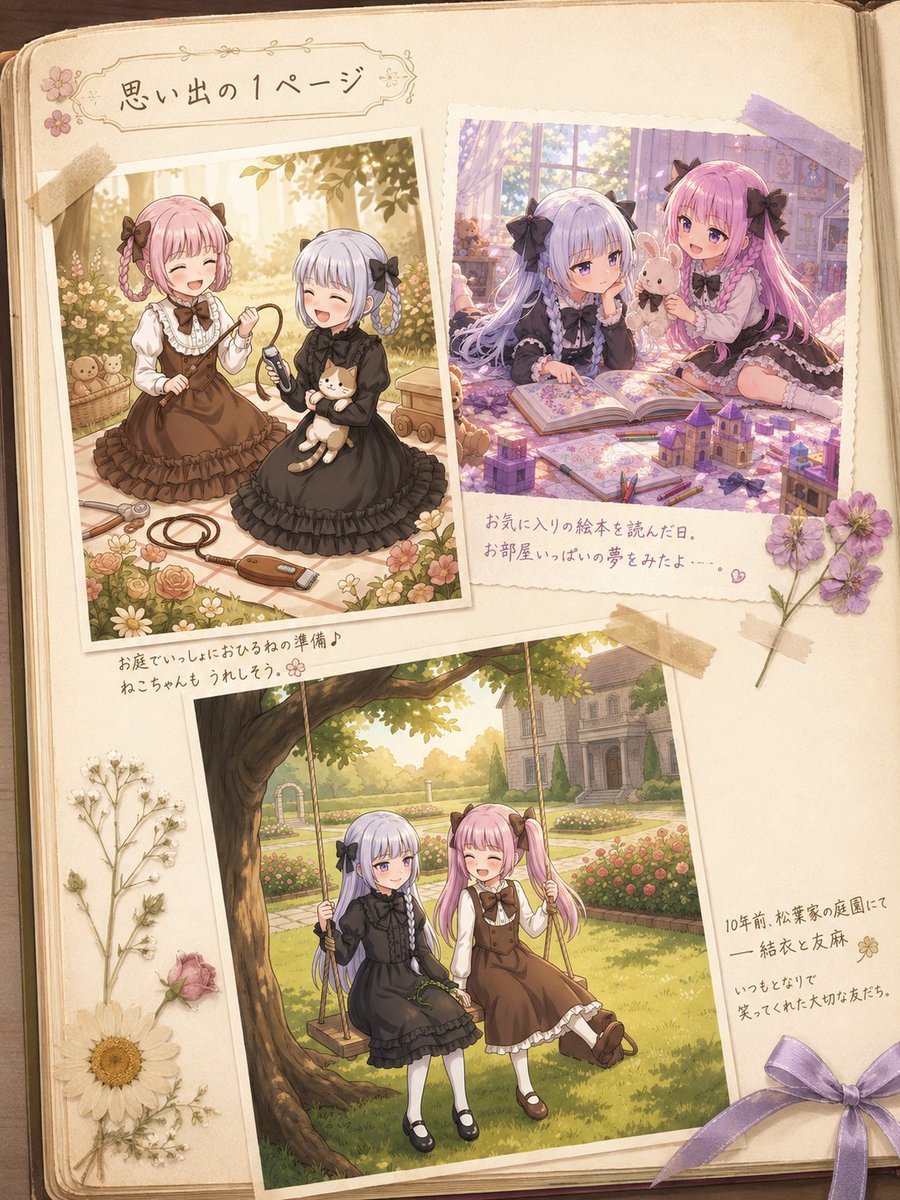
Nostalgic Sisters Scrapbook Page
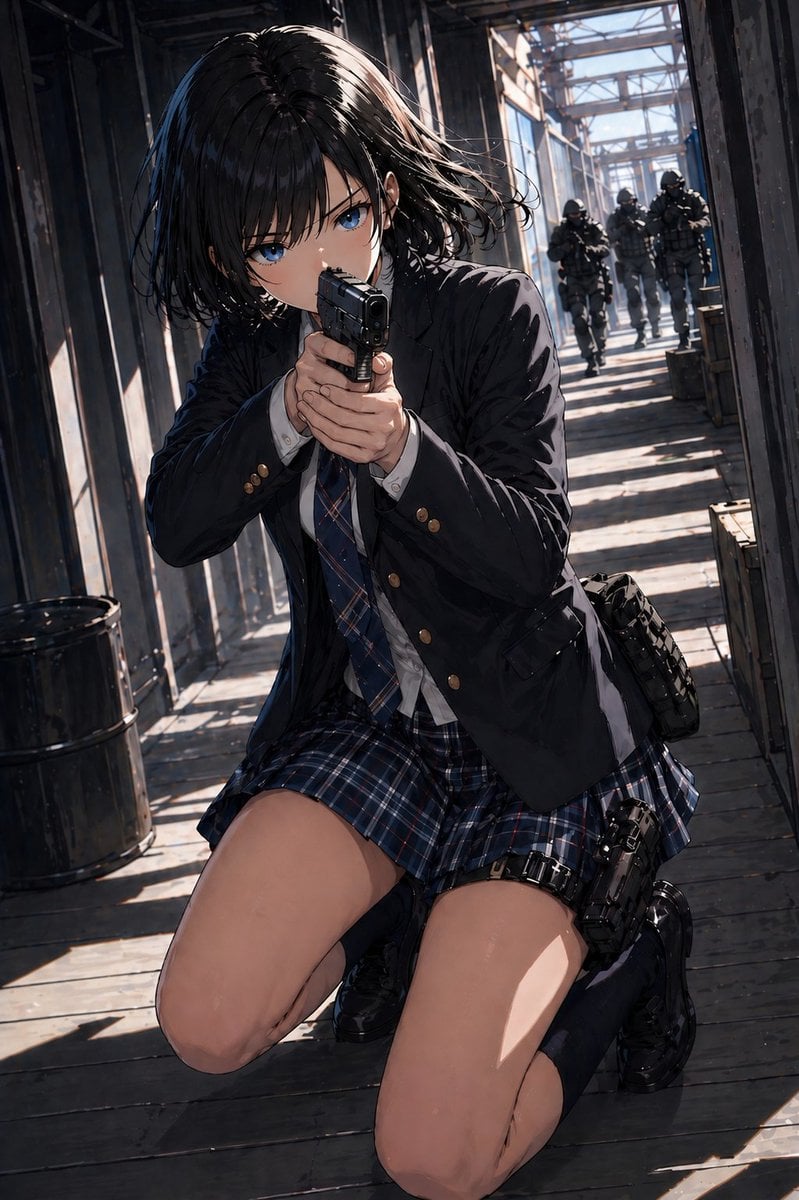
Anime Schoolgirl Gunfight on Industrial Walkway
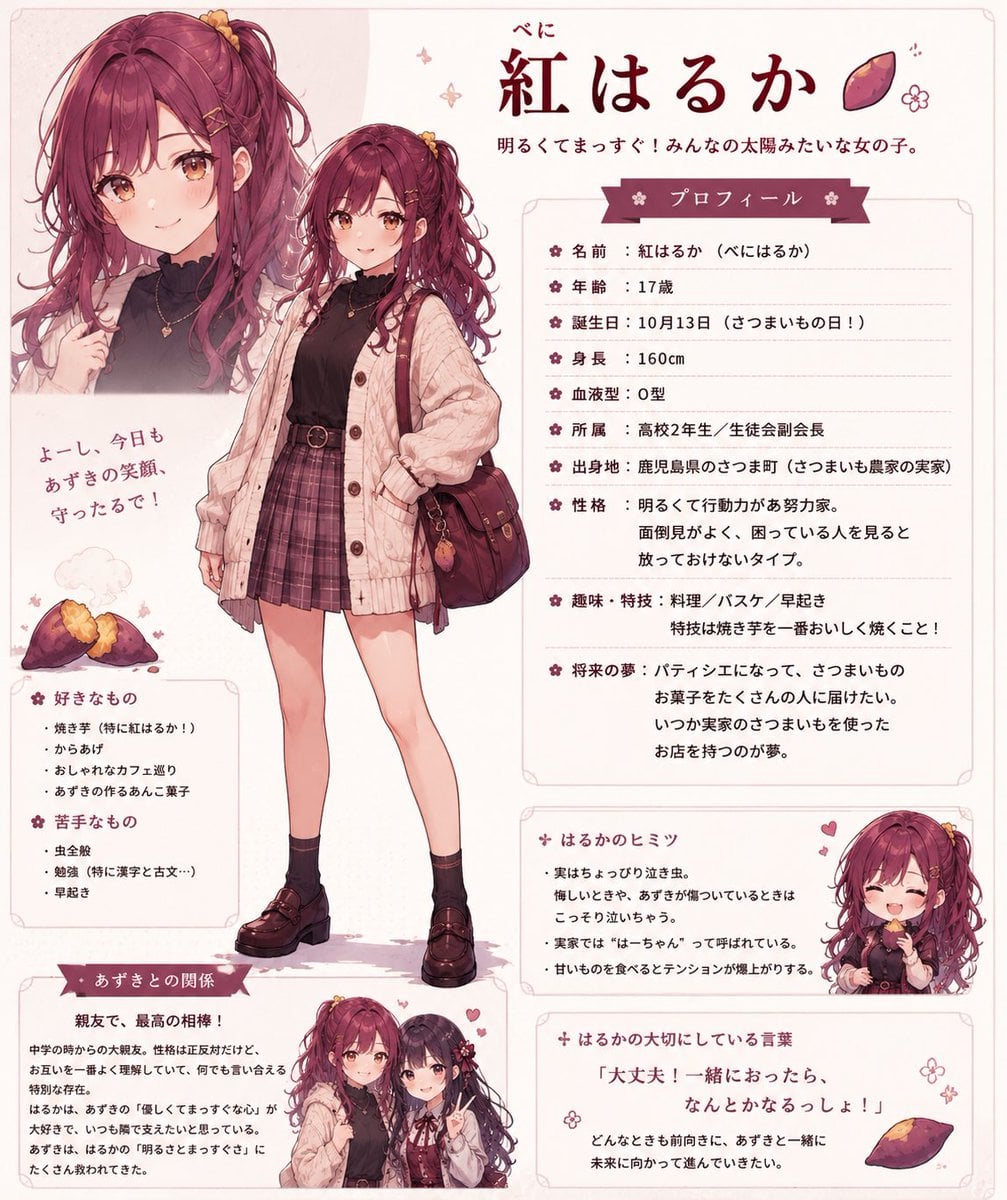
Beni Haruka Anime Character Sheet
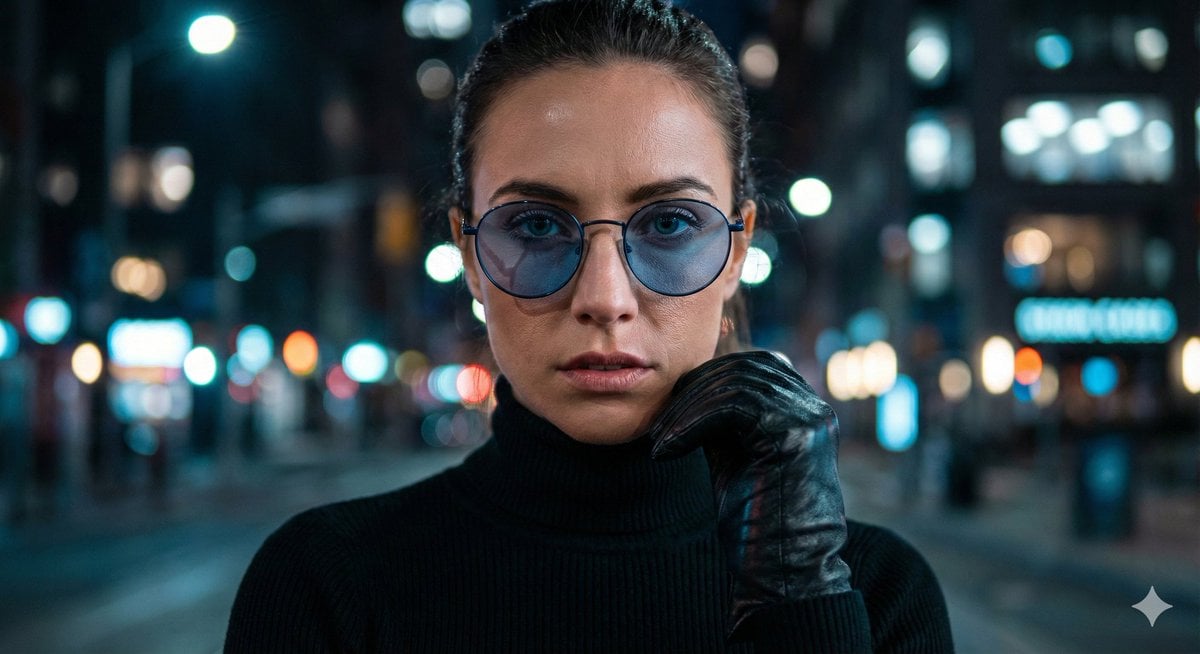
Cinematic Close-Up Portrait Prompt with Dark Luxury Aesthetic
Browse template categories
Luxury Automotive Editorial Portrait questions
How do I use the Luxury Automotive Editorial Portrait template?
Add your photo if the template asks for one, edit the prompt if you like — the template's model and format are already selected — and press Generate. Your version opens in PicX Studio.
Can I customize the Luxury Automotive Editorial Portrait template?
Yes. You can change the subject, setting, lighting, mood, format, and available model controls before creating your image.
Is the Luxury Automotive Editorial Portrait template free?
Opening and editing this template is free. Generating uses credits, shown on the Generate button when you are signed in.
Which AI model should I use?
Start with Gemini 3 Pro Image Preview, which is the model associated with this template. You can compare another compatible model for a different finish.
Looking for something else? Browse all templates.

Your photo, any look
Thousands of ready templates for every top image and video model, from one credit balance.