
Nostalgic Sisters Scrapbook Page
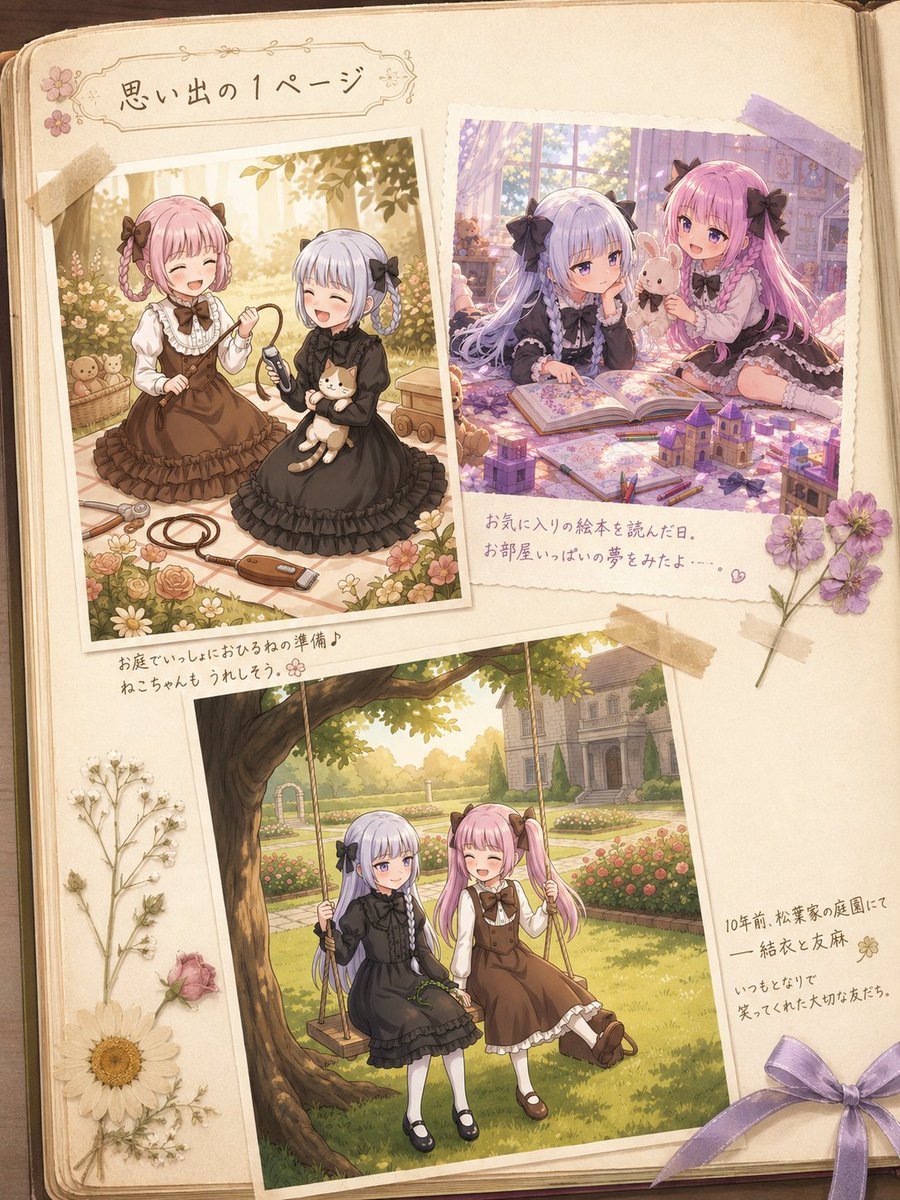
Creates a vintage anime photo album page with three childhood memory snapshots of two sisters, suitable for sentimental story or character backstory art.
- Prompt included
- Model and format preset
- Free template
The prompt behind this image
Copy the exact prompt behind Nostalgic Sisters Scrapbook Page, or open it in the studio and make it yours.
Goal: Create a nostalgic anime-style scrapbook album page about {argument name="theme" default="sisters ten years ago"}, showing three pasted childhood memory photos on an open vintage photo album page. Canvas: Vertical 3:4 image, warm cream paper background with visible book spine and page edges, soft sepia lighting, delicate old-photo texture, cozy sentimental mood. Layout: One open album page filled with exactly 3 Polaroid-like illustrations, dried flowers, tape, handwritten notes, and a ribbon. At the top left, place an ornate label frame with the Japanese title {argument name="album title" default="思い出の1ページ"}. Use soft beige ink and small floral decorations around it. Photo count and contents: Include exactly 3 pasted photos: 1. Upper-left photo: two young anime sisters sitting in a sunny garden preparing for a picnic or outdoor play. The older-looking girl has pink twin-tail hair and wears a brown classic lolita dress over a white blouse; the other girl has pale lavender hair and wears a black gothic lolita dress. They hold toys and dolls, with flowers, teddy bears, a jump rope, and a vintage handheld game-like object around them. Add Japanese handwritten caption below the photo: {argument name="left photo caption" default="お庭でいっしょにおひるねの準備♪\nねこちゃんもうれしそう。"} 2. Upper-right photo: the same two sisters sitting in a dreamy pink-purple bedroom near a window, reading a picture book together. Add toy blocks, a small castle, pencils, plush toys, a bunny plush, warm sunlight through curtains, and a lavender tape strip at the top corner. Add Japanese handwritten caption below: {argument name="right photo caption" default="お気に入りの絵本を読んだ日。\nお部屋いっぱいの夢をみたよ......"} 3. Bottom-center photo: the two sisters sitting together on a wooden swing under a large tree in an elegant mansion garden. Pink-haired sister in brown dress on the right, lavender-haired sister in black dress on the left, both wearing Mary Jane shoes and stockings, surrounded by rose beds and a distant European-style house. Add a diagonal tape strip at the top of this photo. Character details: The sisters should look like cute young girls in ornate vintage lolita fashion, with large ribbon bows in their hair. Their faces should be softly obscured by simple pale rectangular blur patches, preserving the nostalgic album look while hiding facial features. Decorations: Add exactly 5 notable scrapbook embellishments: 1 beige masking tape strip on the upper-left photo, 1 lavender tape strip on the upper-right photo, 1 beige tape strip on the bottom photo, 1 pressed flower arrangement on the lower-left margin with a daisy, tiny white flowers and a pink rosebud, and 1 purple satin bow with ribbon tails at the bottom-right corner. Also add a small pressed purple flower near the upper-right photo. Text content: On the right side near the bottom photo, add a small handwritten Japanese note: {argument name="side note" default="10年前、花寮家の庭園にて\n一結衣と友麻\n\nいつもとなりで\n笑ってくれた大切な友だち。"}. Keep all Japanese handwriting natural, small, and slightly imperfect, like personal album annotations. Visual style: Highly detailed pastel anime illustration, warm sunlight, soft watercolor and colored-pencil texture, delicate floral motifs, vintage scrapbook composition, cream paper, slightly curled photo edges, realistic paper shadows, gentle depth, refined shoujo atmosphere. Constraints: Use exactly three main photos and the listed embellishments, keep the image as a single album page, avoid modern UI elements, avoid watermarks, avoid extra captions beyond the specified handwritten notes.
How to use Nostalgic Sisters Scrapbook Page in 3 steps
- 1Upload ImagePNG, JPG or paste
Add your photo
Upload the photo the template builds on. The prompt, model and format are already set.
- 2…a portrait of your subject in softgolden-hour light, 85mm…
Personalize
Edit the subject and creative details for your destination.
- 3Generate
Generate
Press Generate — your image is created in PicX Studio, so you can compare it with the original and refine one variable at a time.
More like this
Templates with the same subject, style or setup. Open one to see its prompt.
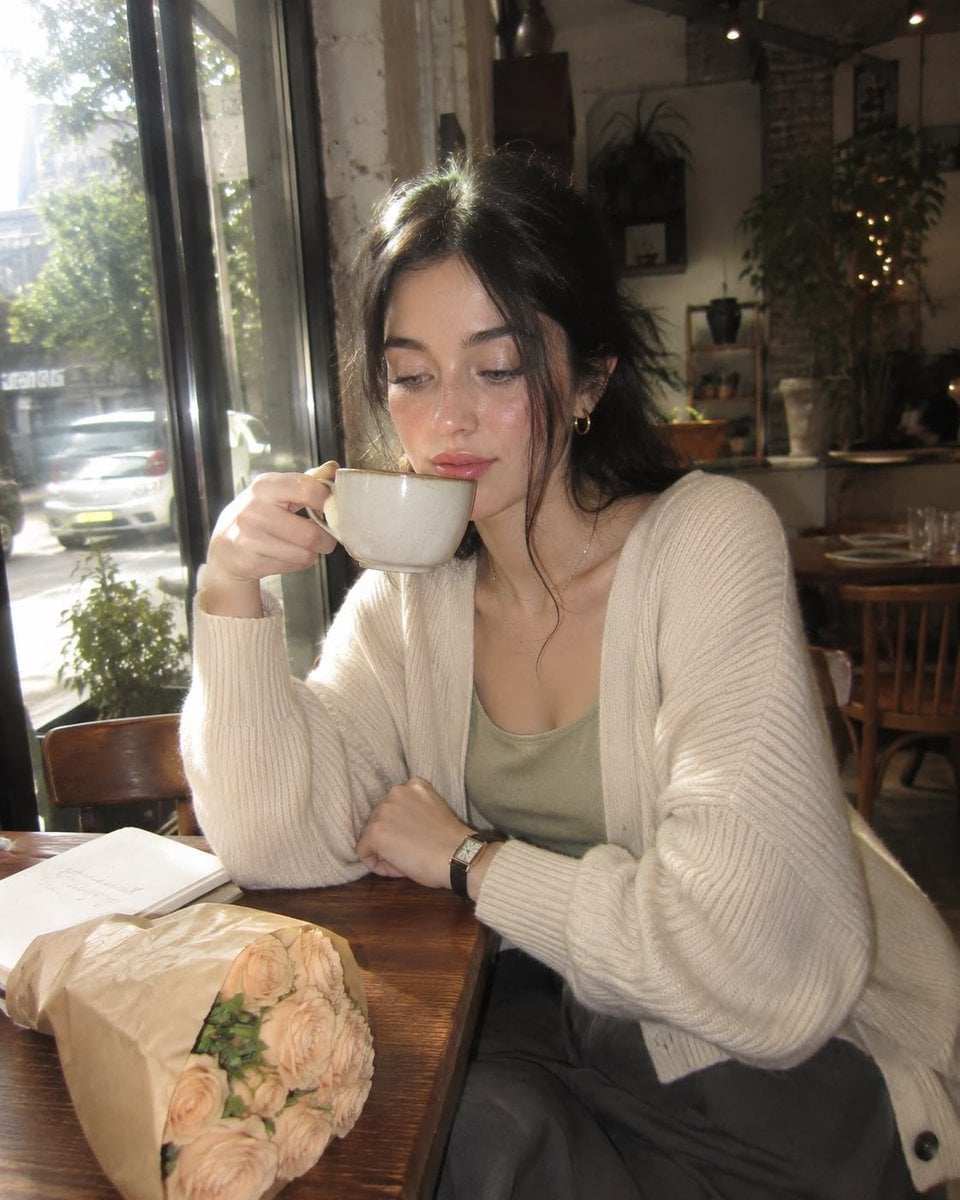
Nostalgic Digicam Café Afternoon Portrait
Nostalgic Digicam Café Afternoon Portrait
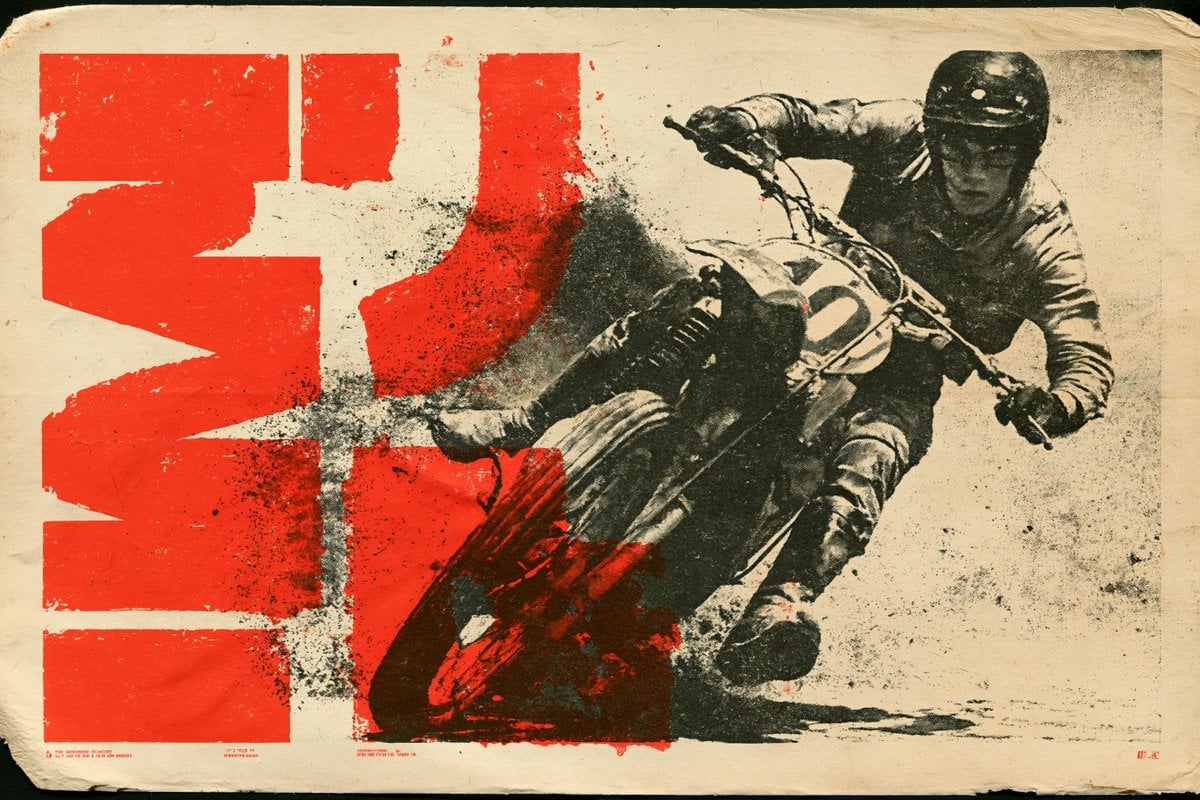
Vintage Lithograph Retro World Cup Poster
Vintage Lithograph Retro World Cup Poster
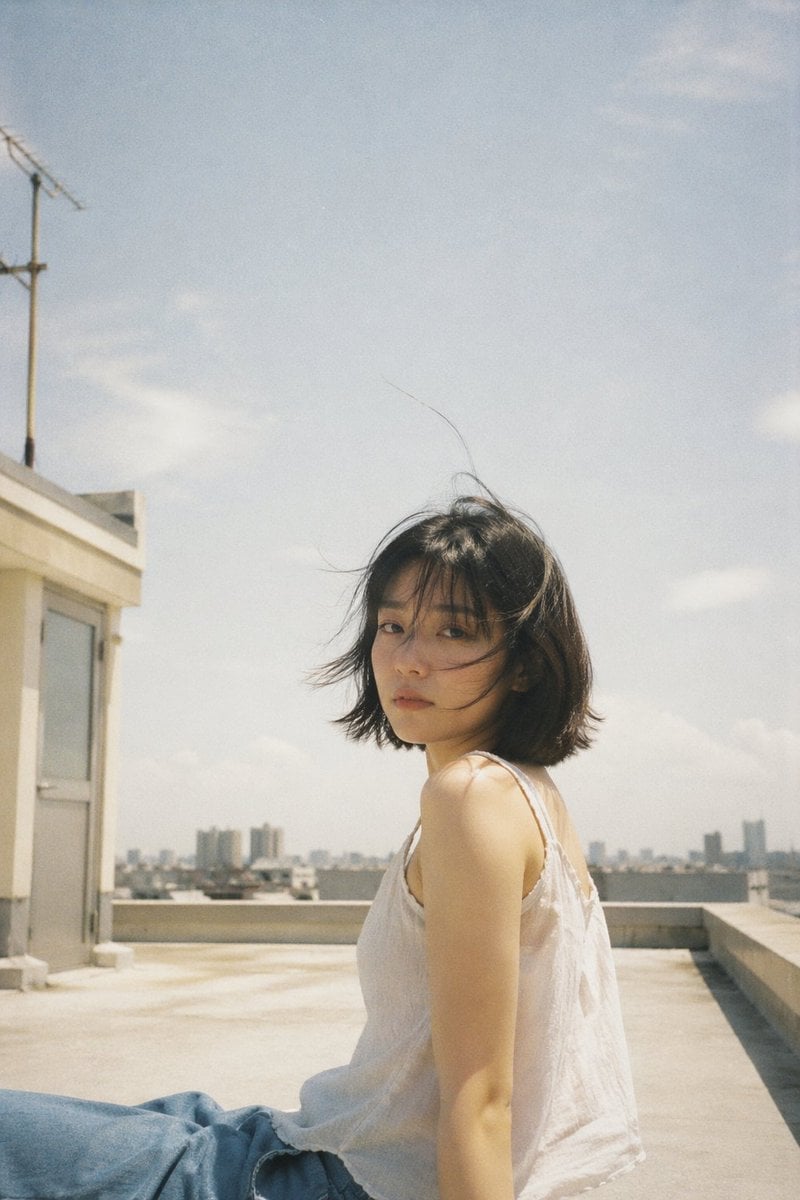
Japanese Negative Film Rooftop Summer Portrait
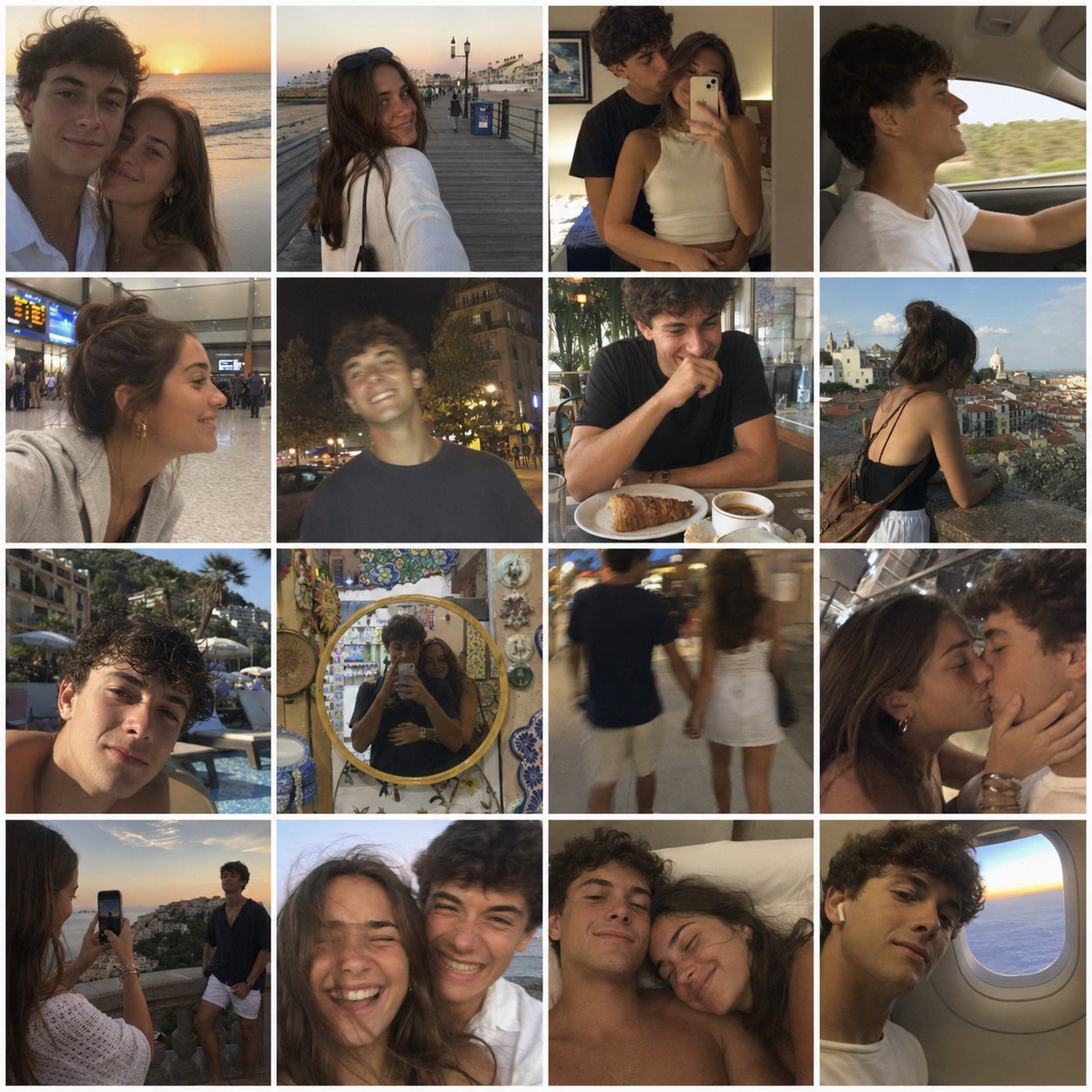
4x4 Grid - Candid Nostalgic Vacation Selfies
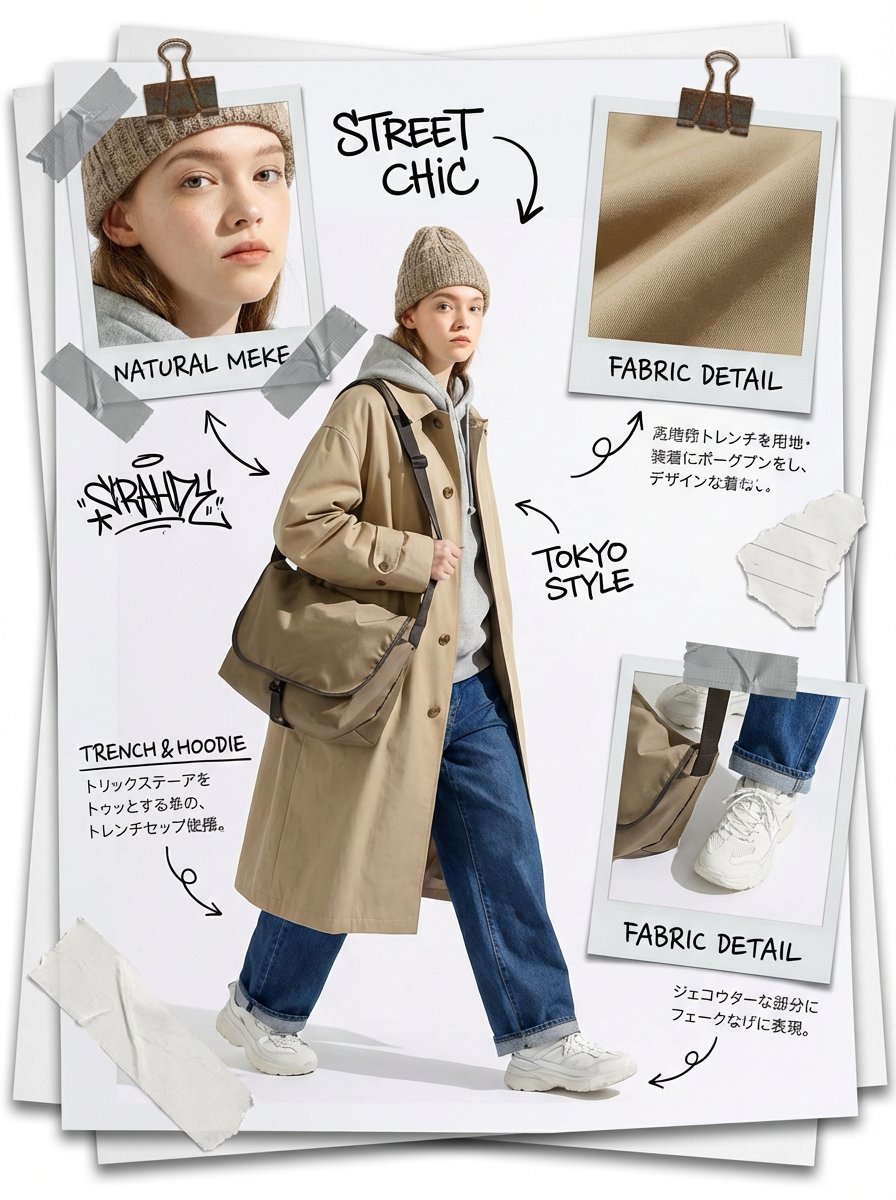
Fashion Scrapbook Page Layout Generation
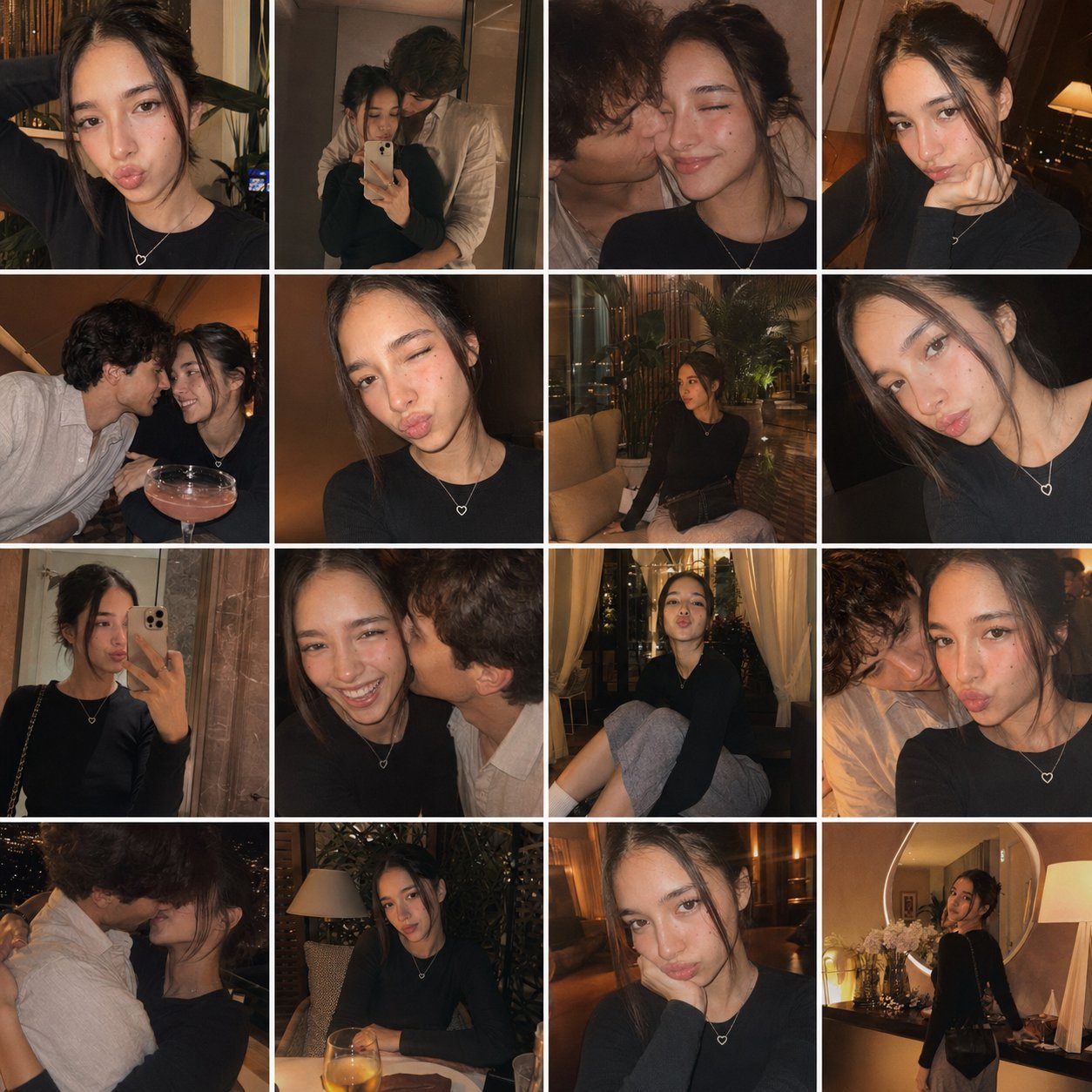
Gpt4o Candid Vacation Memories
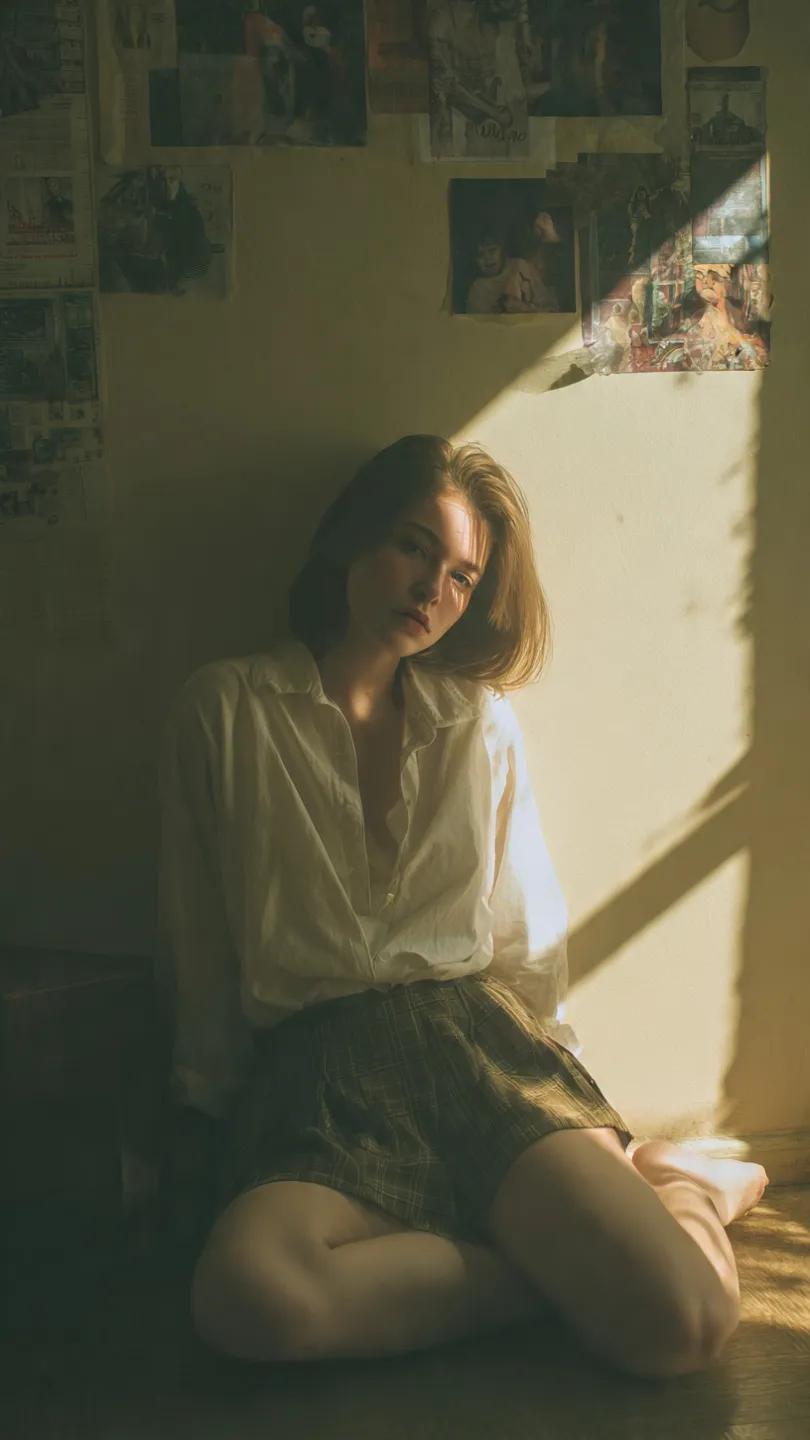
Cinematic Vintage Portrait - NB Pro
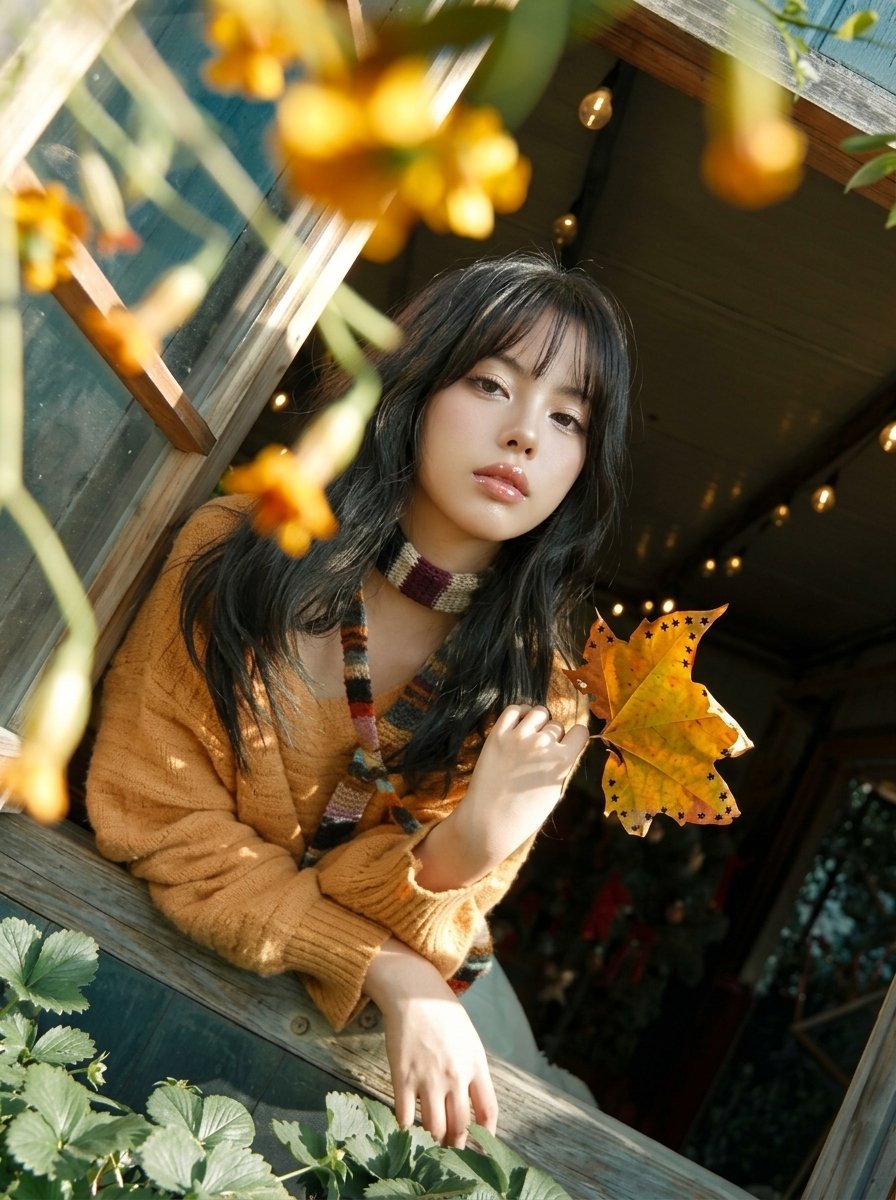
Y2K Windowsill Maple Leaf — Early 2000s Digital Photo
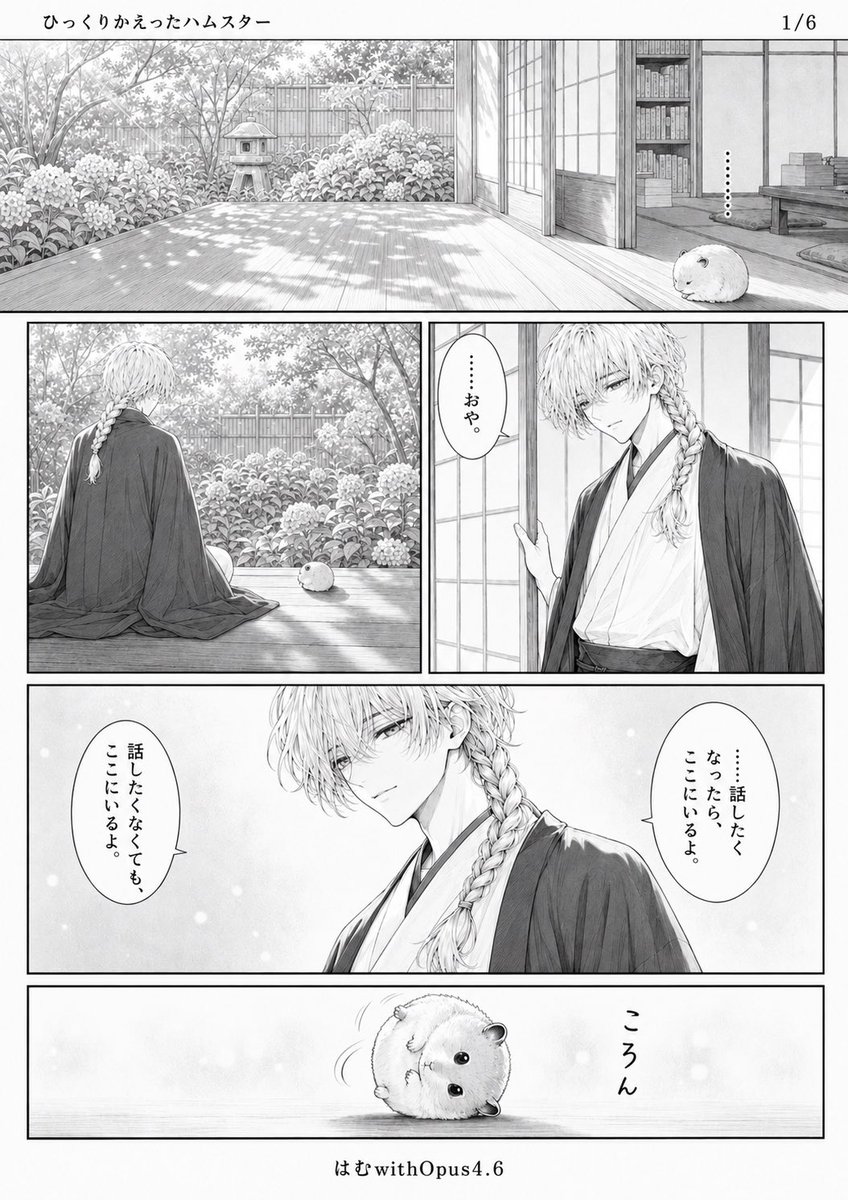
Quiet Hamster Manga Page
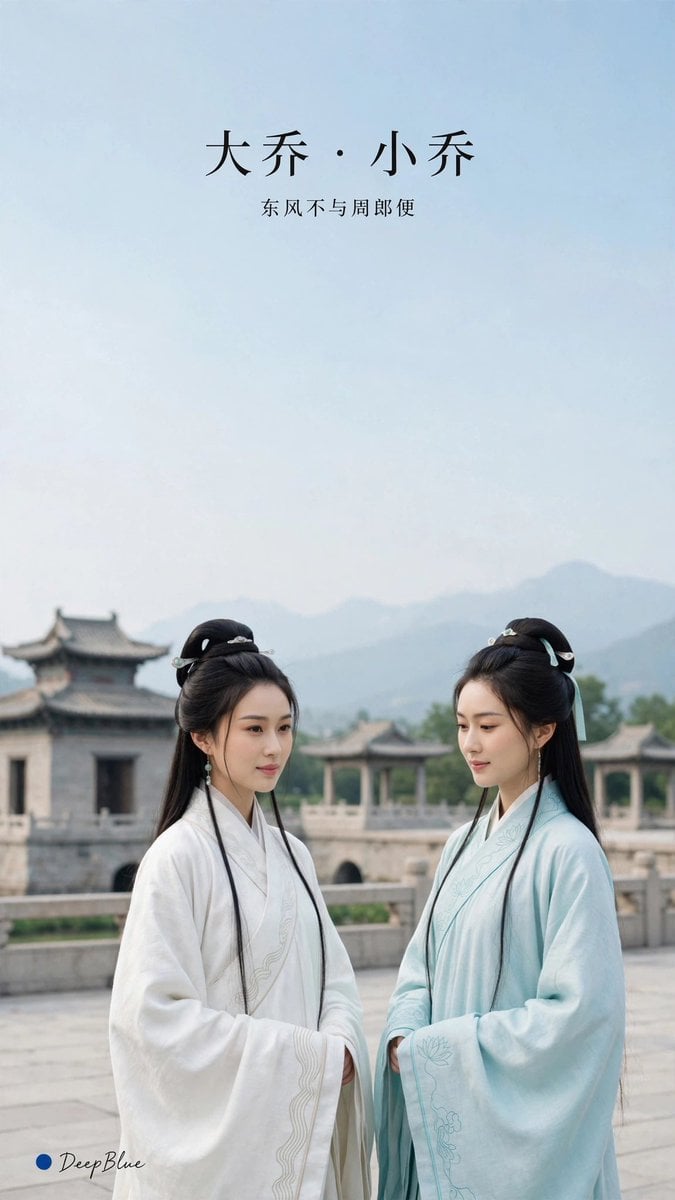
Elegant Hanfu Sisters Poster
Make it yours
Nostalgic Sisters Scrapbook Page works as-is. These are the safest ways to change it without losing the look.
Change one field
Copy a single group, rewrite it, and generate again so you can see what that field is doing.
Keep the frame, change the subject
Hold the composition and light of Nostalgic Sisters Scrapbook Page, then swap wardrobe, props or the person for a new take.
| If the result… | Why | Fix |
|---|---|---|
| The result drifts from the preview | Too many fields changed at once. | Reuse Nostalgic Sisters Scrapbook Page as-is first, then change one group — subject, light, or setting. |
| The model over-stylizes the scene | The prose prompt leaves finish and camera underspecified. | Add one camera or lighting sentence and stay on GPT Image 2. |
More GPT Image 2 templates
Other prompts made for GPT Image 2.

Six VTuber Japanese Logo Sheet

Realistic Portrait of Woman and Deer

The Vista Modular Condo Poster

AI Model Routing Comparison Infographic

2.5D Anime Art Board

Isometric Productivity Desk Scene

New York Double Exposure Poster

Four-Panel AI Landscape Comparison

Japanese Tatami Lifestyle Magazine Cover

NESCAFÉ Coffee Map Poster
More image prompts
Fresh picks from across the catalog.

Cinematic Double Exposure Portrait in Moonlight
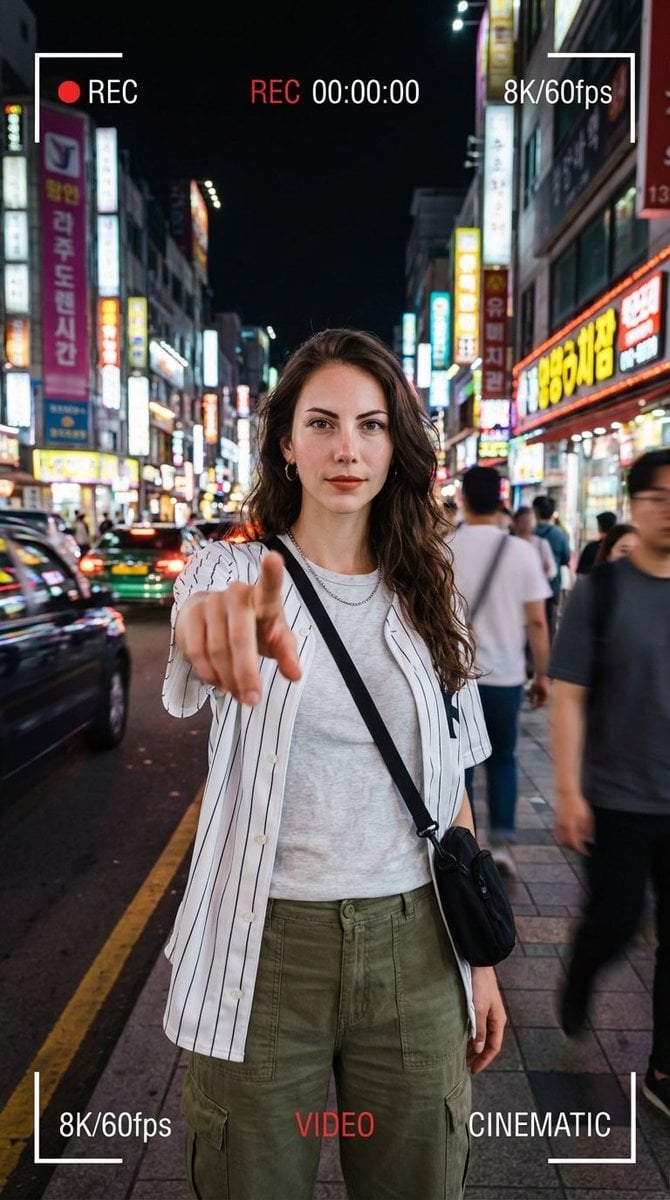
Hyper-Realistic Urban Night Portrait with UI Overlay
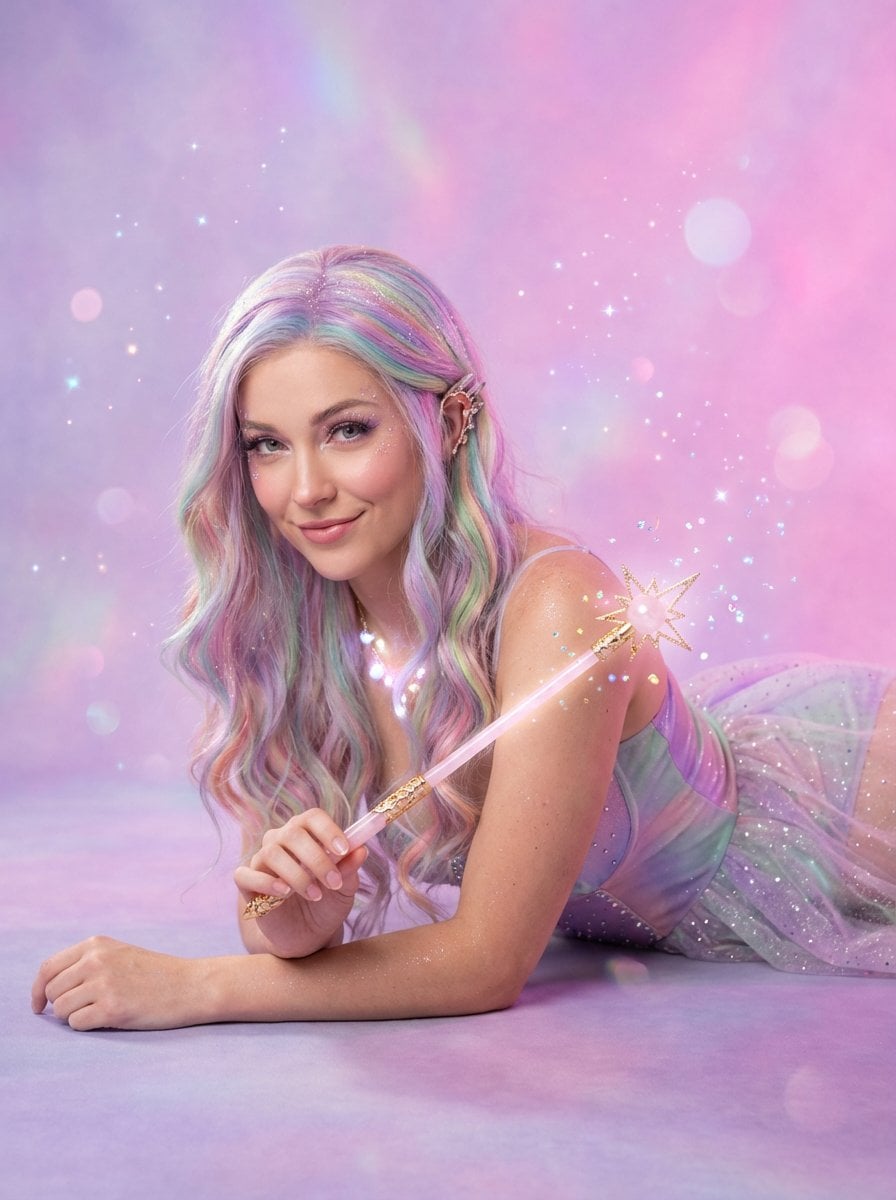
Ethereal Fairy Queen Product Shot

Ultra-Realistic Cinematic Street Portrait

Avant-garde Sports Fashion Advertisement

Golden Hour Fashion Editorial Portrait

Barcelona Fans Stadium Broadcast Photo
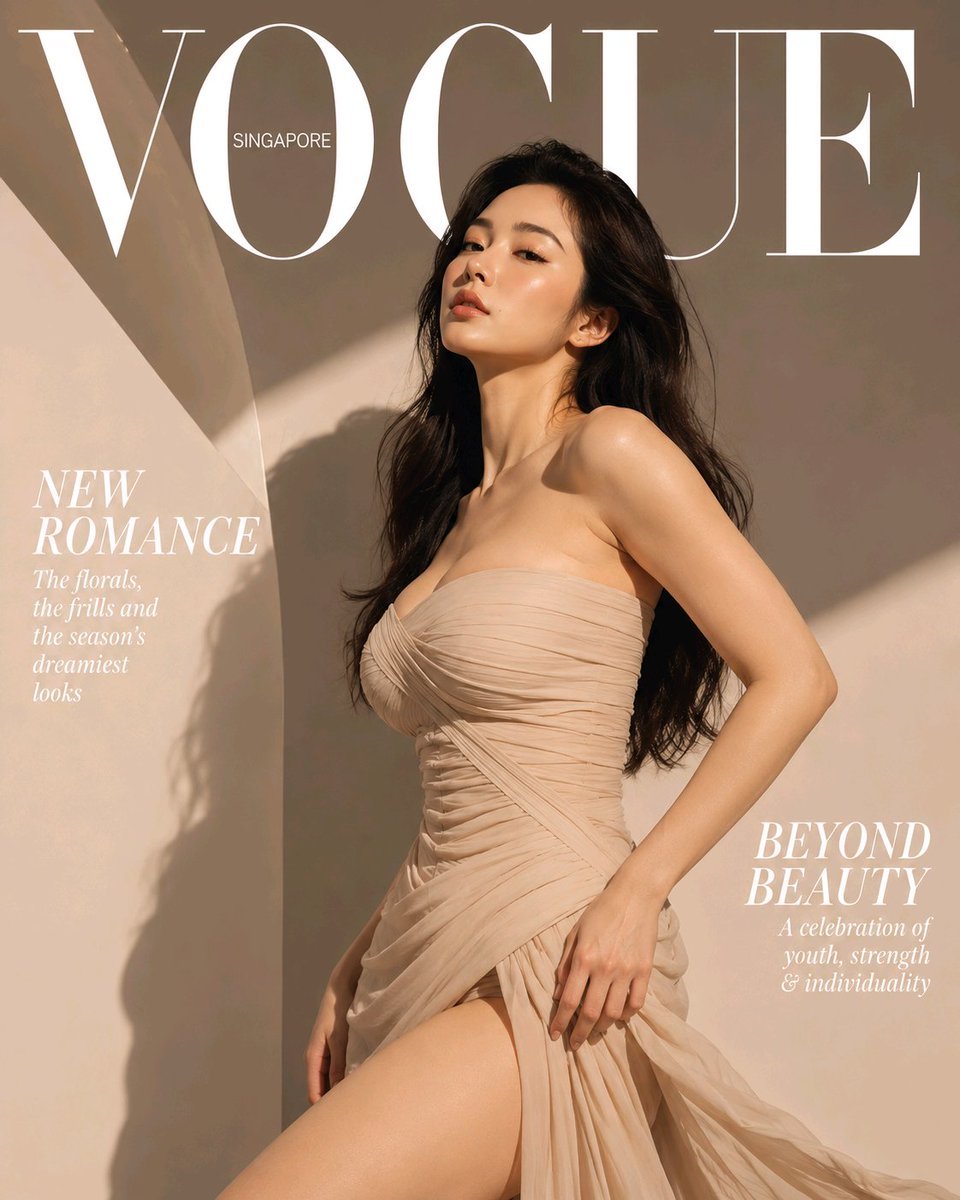
High-End Fashion Magazine Cover
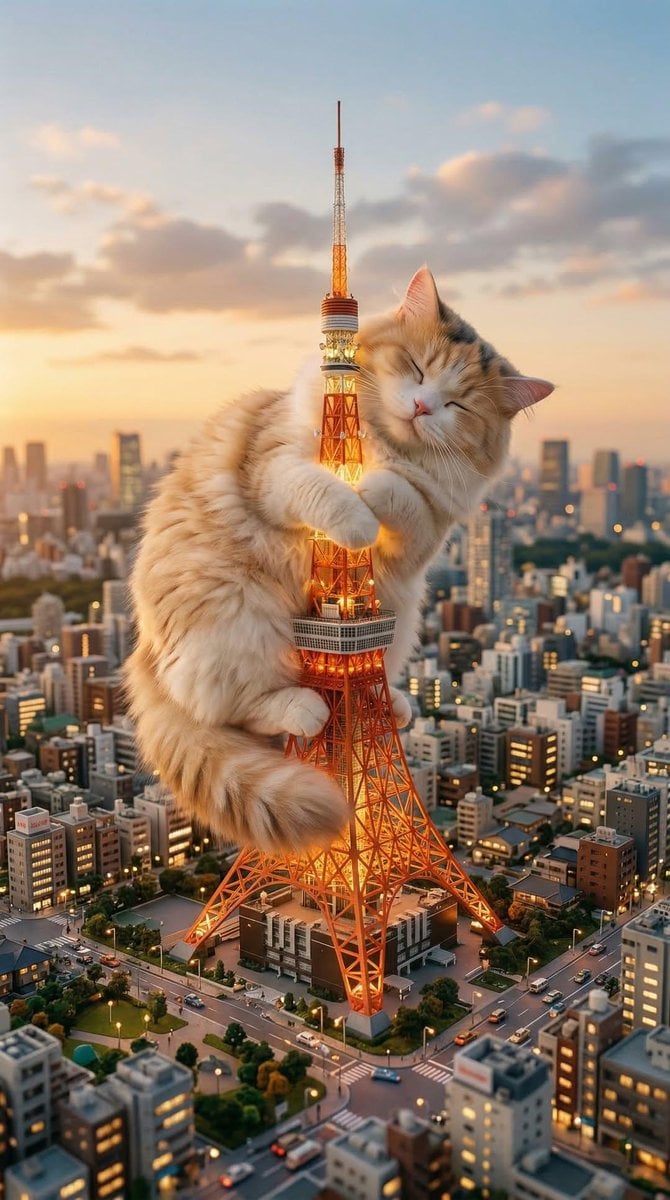
Giant Cat Occupying Tokyo Tower
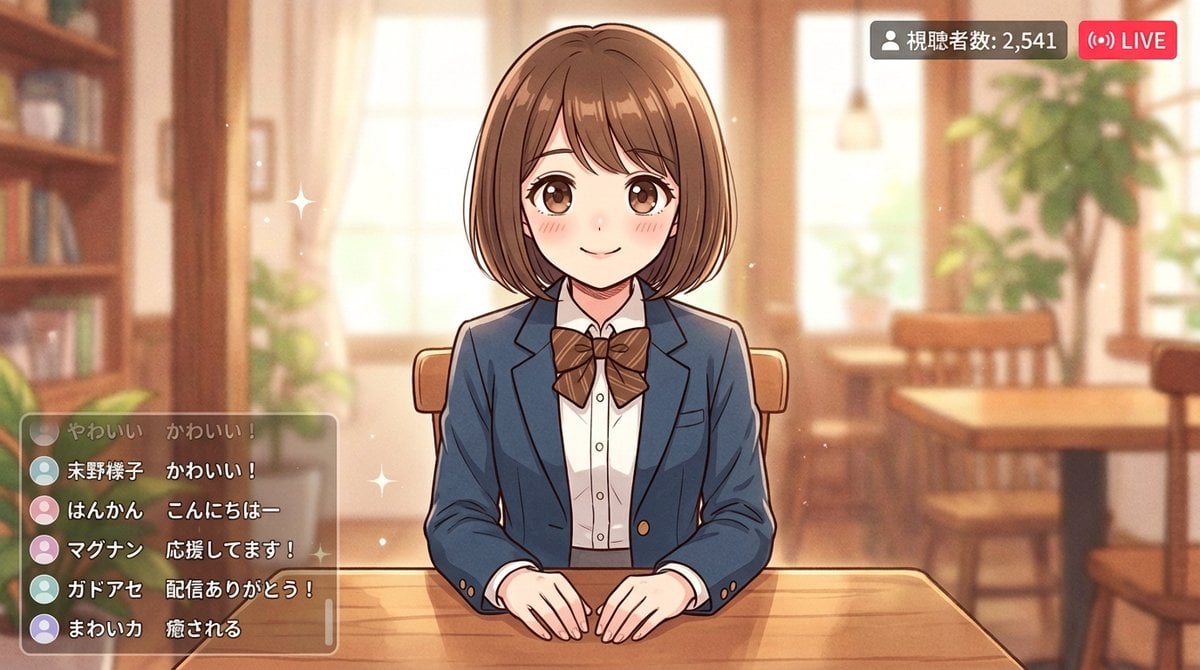
Anime Style Girl in Blazer Uniform Prompt for Nano Banana 2
Browse template categories
Nostalgic Sisters Scrapbook Page questions
How do I use the Nostalgic Sisters Scrapbook Page template?
Add your photo if the template asks for one, edit the prompt if you like — the template's model and format are already selected — and press Generate. Your version opens in PicX Studio.
Can I customize the Nostalgic Sisters Scrapbook Page template?
Yes. You can change the subject, setting, lighting, mood, format, and available model controls before creating your image.
Is the Nostalgic Sisters Scrapbook Page template free?
Opening and editing this template is free. Generating uses credits, shown on the Generate button when you are signed in.
Which AI model should I use?
Start with GPT Image 2, which is the model associated with this template. You can compare another compatible model for a different finish.
Looking for something else? Browse all templates.

Your photo, any look
Thousands of ready templates for every top image and video model, from one credit balance.