
Elegant Hanfu Sisters Poster
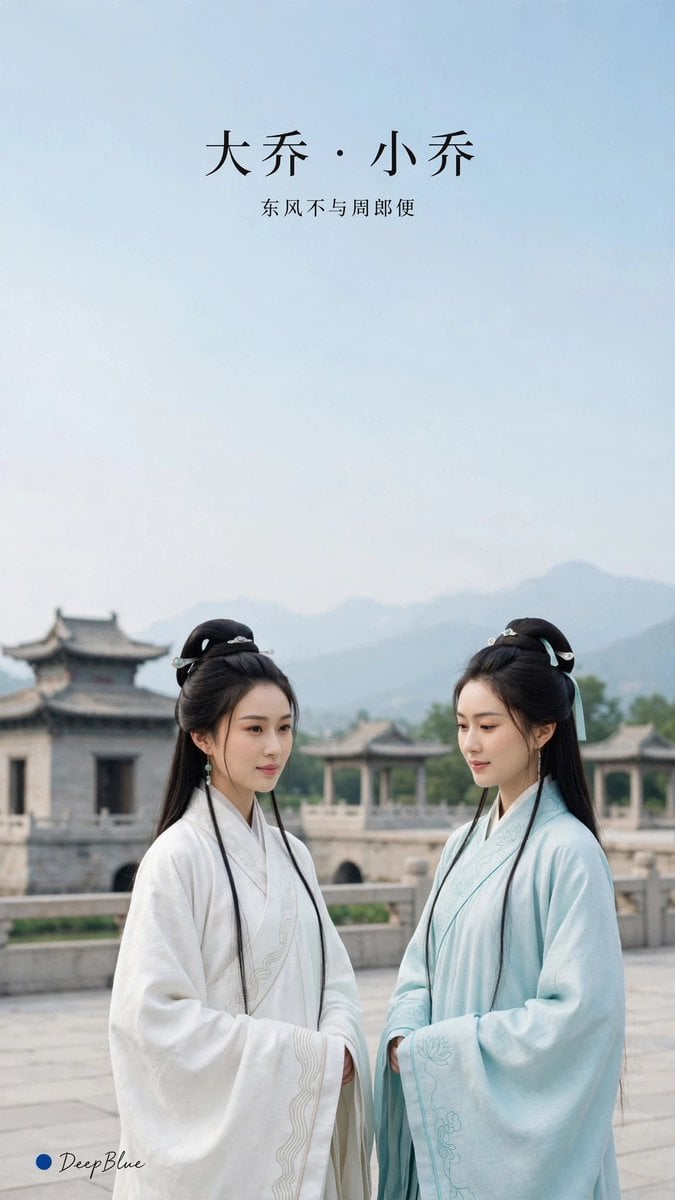
A vertical historical Chinese drama-style poster featuring two graceful Hanfu women on an ancient terrace with poetic Chinese title text.
- Prompt included
- Model and format preset
- Free template
The prompt behind this image
Copy the exact prompt behind Elegant Hanfu Sisters Poster, or open it in the studio and make it yours.
Create a serene vertical cinematic poster in the style of an elegant Chinese historical drama still. The canvas is a 9:16 portrait frame with a large expanse of pale blue sky occupying the top half and two young East Asian women standing in the lower half on an ancient stone terrace. At the top center, place refined black Chinese title typography reading {argument name="title text" default="大乔 · 小乔"}, with a smaller subtitle directly underneath reading {argument name="subtitle text" default="东风不与周郎便"}. The scene should show exactly 2 women: the woman on the left wears a flowing {argument name="left robe color" default="white"} Hanfu with wide sleeves, subtle embroidered trim, long black hair in a half-up ancient hairstyle with delicate pale hair ornaments, and dangling earrings; she faces slightly right with a calm, composed expression. The woman on the right wears a flowing {argument name="right robe color" default="pale aqua blue"} Hanfu with wide sleeves and faint floral embroidery, long black hair styled half-up with pale blue ribbons and hair ornaments, and she looks slightly downward toward the left woman with a gentle reserved expression. Behind them, include an old Chinese stone bridge or palace terrace with carved railings, an ancient pavilion roof on the left, soft distant blue-gray mountains, and atmospheric haze. Use soft natural daylight, muted pastel colors, shallow depth of field, graceful composition, realistic faces, delicate fabric texture, and a quiet poetic mood. Add a small bottom-left signature mark: a blue dot followed by cursive text {argument name="signature text" default="DeepBlue"}. Avoid modern objects, extra people, harsh contrast, fantasy armor, or overly saturated colors.
How to use Elegant Hanfu Sisters Poster in 3 steps
- 1Upload ImagePNG, JPG or paste
Add your photo
Upload the photo the template builds on. The prompt, model and format are already set.
- 2…a portrait of your subject in softgolden-hour light, 85mm…
Personalize
Edit the subject and creative details for your destination.
- 3Generate
Generate
Press Generate — your image is created in PicX Studio, so you can compare it with the original and refine one variable at a time.
More like this
Templates with the same subject, style or setup. Open one to see its prompt.












Make it yours
Elegant Hanfu Sisters Poster works as-is. These are the safest ways to change it without losing the look.
Change one field
Copy a single group, rewrite it, and generate again so you can see what that field is doing.
Keep the frame, change the subject
Hold the composition and light of Elegant Hanfu Sisters Poster, then swap wardrobe, props or the person for a new take.
| If the result… | Why | Fix |
|---|---|---|
| The result drifts from the preview | Too many fields changed at once. | Reuse Elegant Hanfu Sisters Poster as-is first, then change one group — subject, light, or setting. |
| The model over-stylizes the scene | The prose prompt leaves finish and camera underspecified. | Add one camera or lighting sentence and stay on GPT Image 2. |
More GPT Image 2 templates
Other prompts made for GPT Image 2.

Six VTuber Japanese Logo Sheet

Realistic Portrait of Woman and Deer

The Vista Modular Condo Poster

AI Model Routing Comparison Infographic

2.5D Anime Art Board

Isometric Productivity Desk Scene

New York Double Exposure Poster

Four-Panel AI Landscape Comparison

Japanese Tatami Lifestyle Magazine Cover

NESCAFÉ Coffee Map Poster
More image prompts
Fresh picks from across the catalog.
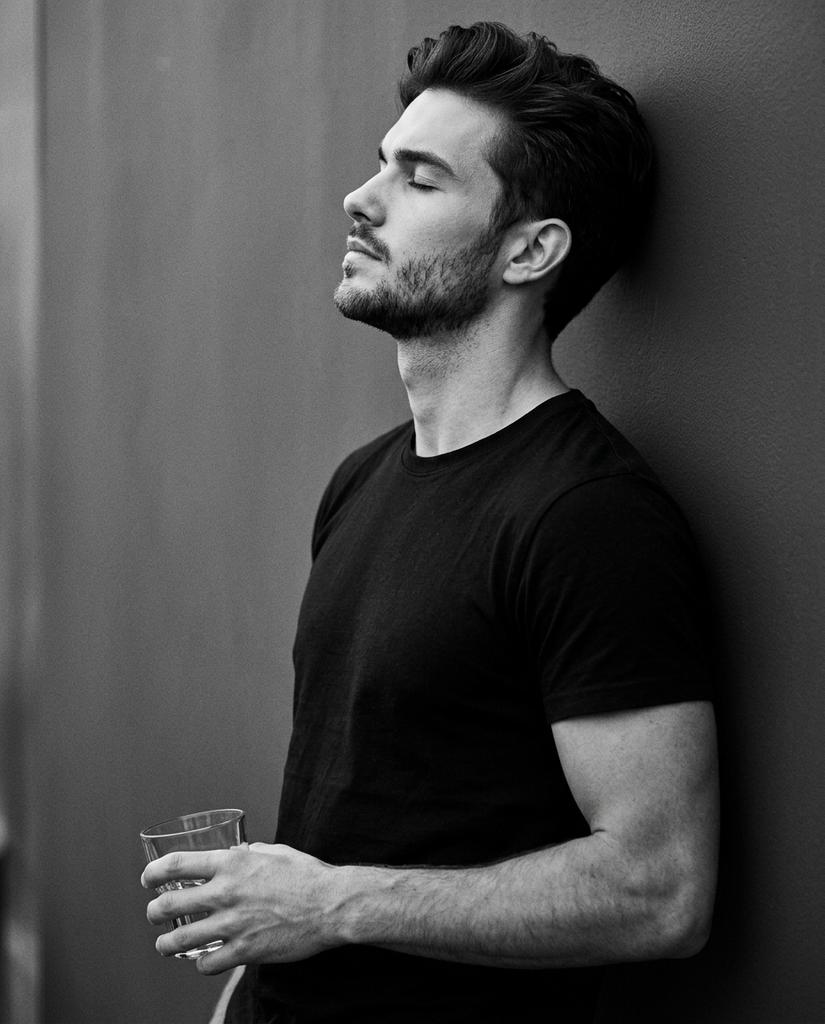
Cinematic Monochrome Portrait with Face Intact
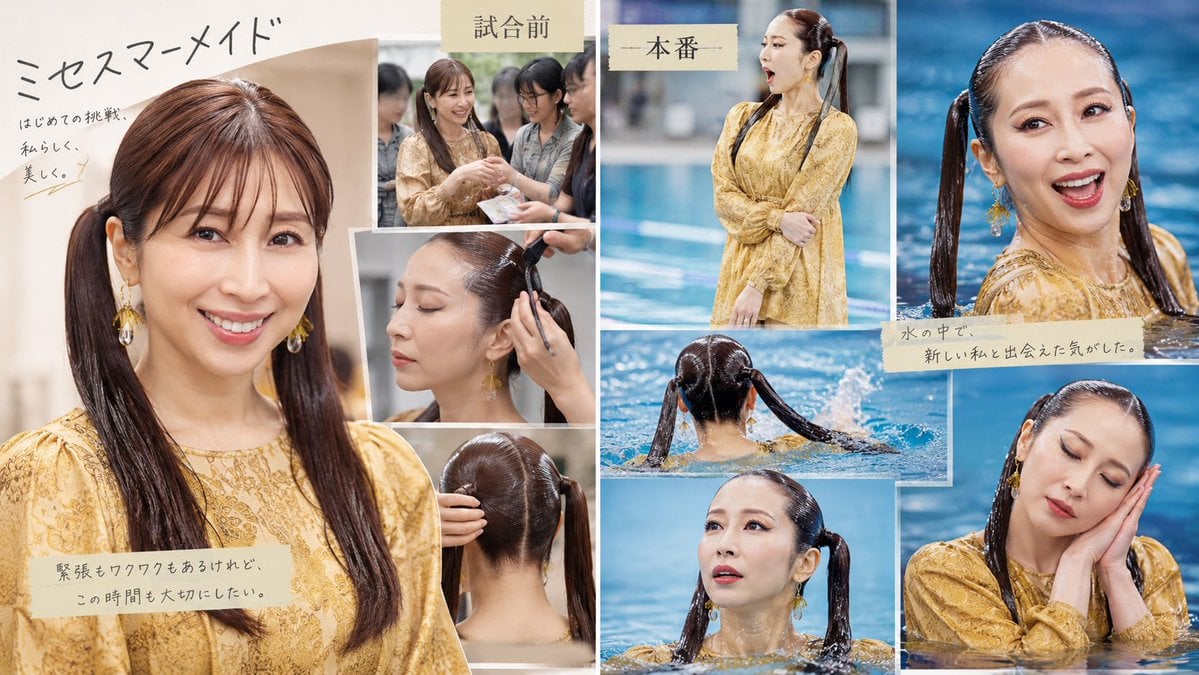
Japanese Mermaid Swim Collage

Fantasy Soda Commercial
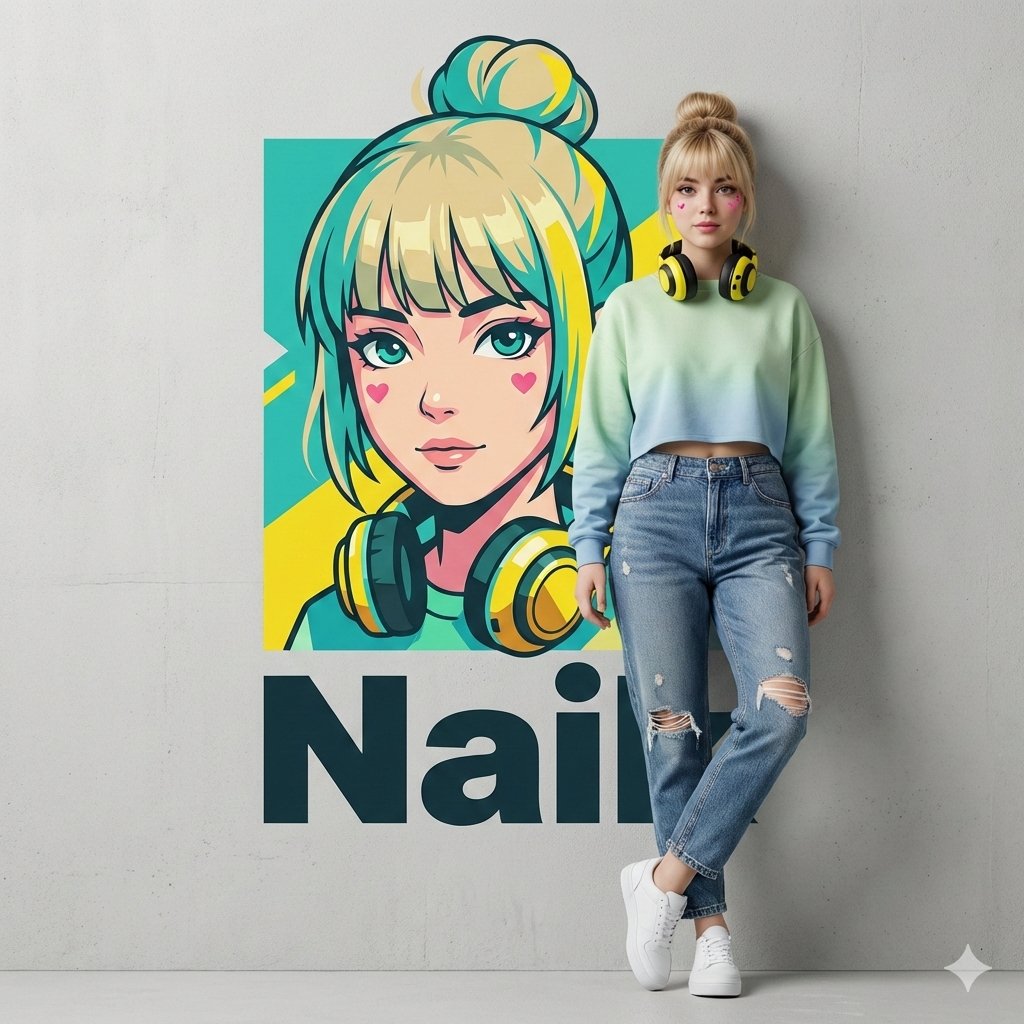
Hyper-realistic Photography and Vector Illustration Blend Prompt
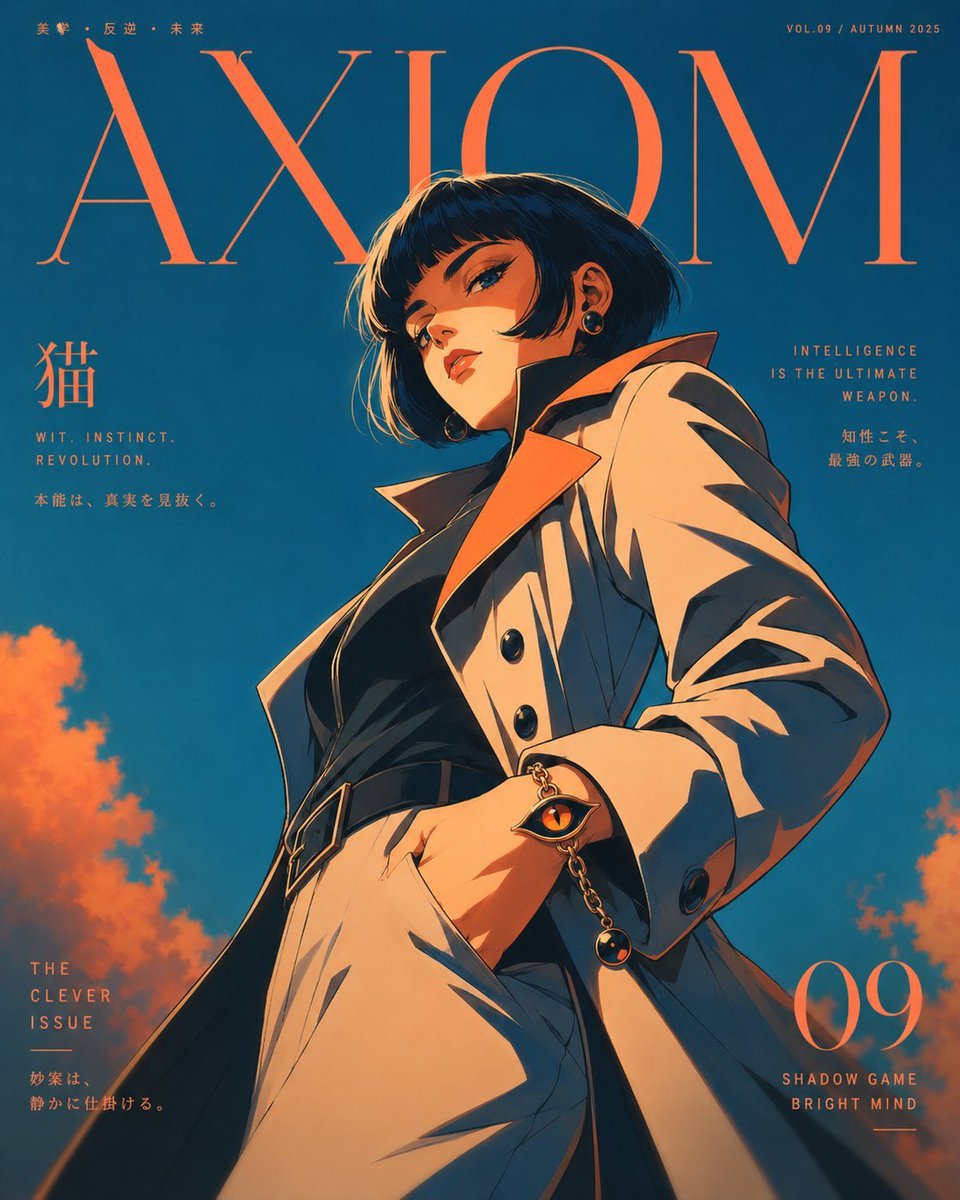
Axiom Cat-Eye Fashion Cover
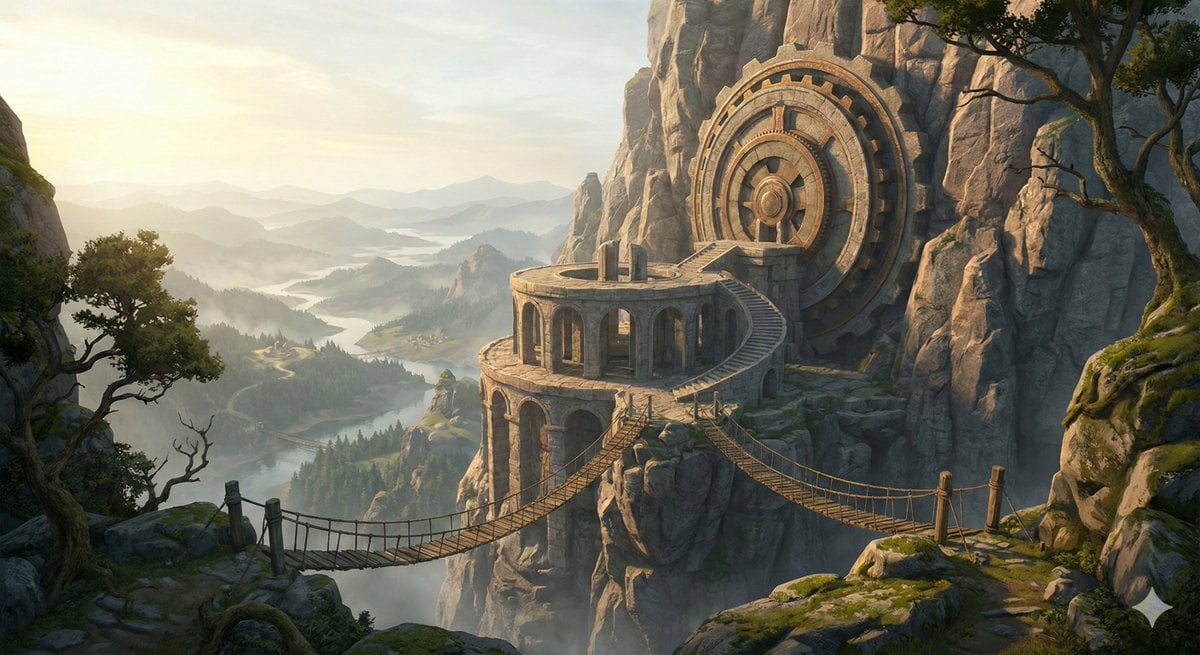
Cinematic Concept Art for Ancient Astronomical Observatory
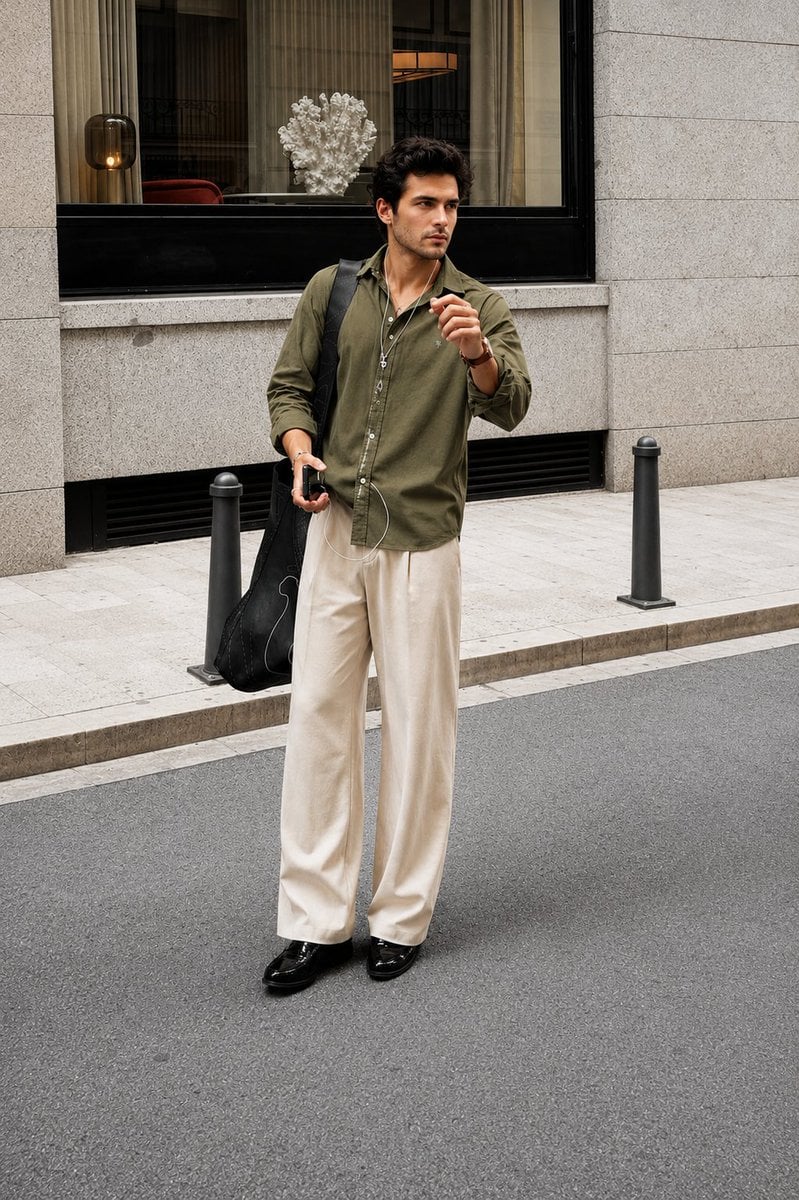
Ultra Realistic Luxury Street Fashion Portrait
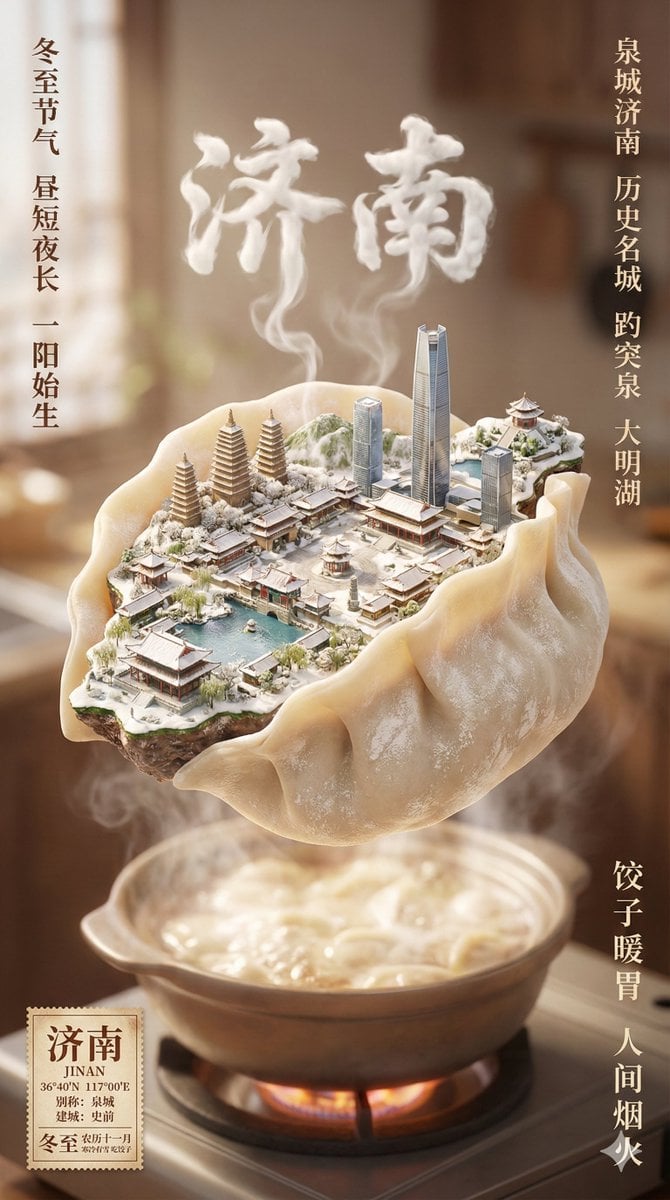
Winter Solstice City Food Art Poster Prompt

Surreal Miniature Egg Art Scene Prompt
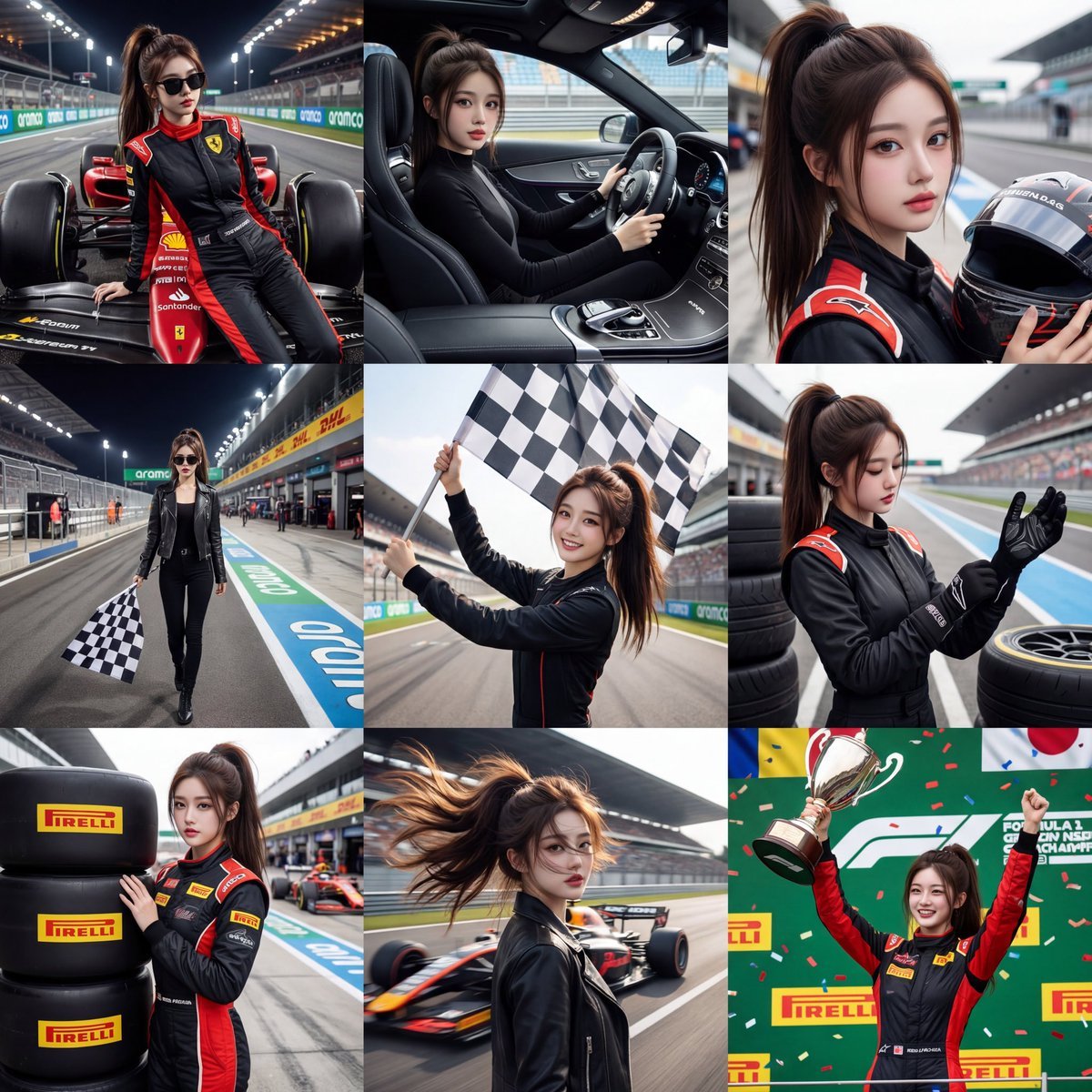
3x3 Motorsport Glamour Photo Collage
Browse template categories
Elegant Hanfu Sisters Poster questions
How do I use the Elegant Hanfu Sisters Poster template?
Add your photo if the template asks for one, edit the prompt if you like — the template's model and format are already selected — and press Generate. Your version opens in PicX Studio.
Can I customize the Elegant Hanfu Sisters Poster template?
Yes. You can change the subject, setting, lighting, mood, format, and available model controls before creating your image.
Is the Elegant Hanfu Sisters Poster template free?
Opening and editing this template is free. Generating uses credits, shown on the Generate button when you are signed in.
Which AI model should I use?
Start with GPT Image 2, which is the model associated with this template. You can compare another compatible model for a different finish.
Looking for something else? Browse all templates.

Your photo, any look
Thousands of ready templates for every top image and video model, from one credit balance.