
Axiom Cat-Eye Fashion Cover
Creates a dramatic anime-inspired avant-garde fashion magazine cover with a low-angle heroine, teal-orange poster lighting, and cat-eye bracelet symbolism.
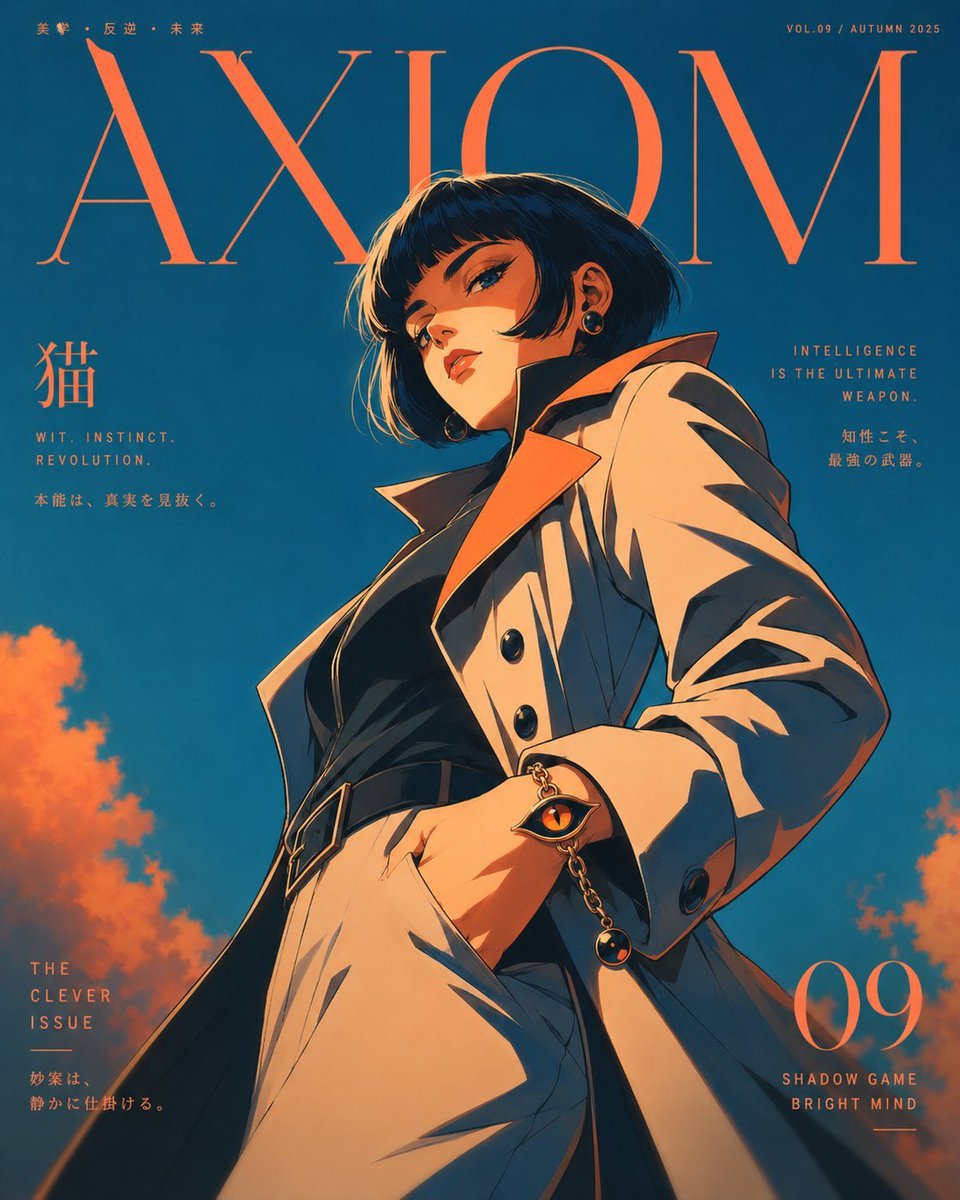
- Prompt included
- Model and format preset
- Free template
The prompt behind this image
Copy the exact prompt behind Axiom Cat-Eye Fashion Cover, or open it in the studio and make it yours.
Goal: Create a vertical avant-garde fashion magazine cover featuring {argument name="character name" default="a mysterious cat-themed intelligence heroine"} as the central subject, blending minimalist high-fashion editorial portraiture, retro Japanese anime poster energy, and independent art-project key visual design. Canvas: Vertical magazine cover, 4:5 aspect ratio, full bleed. Deep teal-blue sky background with warm orange clouds at the lower left and lower right edges. Use a strong teal-and-orange color grade, dramatic rim lighting, hard graphic shadows, and a vintage print-poster feel. Main subject: One anime-style female character, shown from an extreme low-angle perspective so she feels monumental and presses outward from the page. She stands in a tense, stylish JoJo-like fashion pose with one hand in her trouser pocket, torso leaning slightly back, shoulders angled, and head tilted downward toward the viewer. Her face is intentionally obscured by a soft rectangular blur or shadow block, keeping her identity mysterious. She has short black bobbed hair with orange rim highlights, visible earrings, and a cool, intelligent, slightly dangerous aura. Outfit and symbols: Include exactly 5 main outfit pieces: an oversized cream trench coat with dramatic lapels, a black fitted top, high-waisted cream trousers, a black belt with a rectangular buckle, and small dark earrings. Add exactly 1 signature accessory system: a cat-eye bracelet on her wrist, designed as the character’s identifying visual symbol rather than simple jewelry. The bracelet should have exactly 2 visible dangling charms: one orange cat-eye amulet charm and one small dark spherical charm, connected by a gold chain. Cover layout: Place a huge elegant serif masthead across the top reading {argument name="magazine title" default="AXIOM"} in warm orange, partially behind the character’s head and hair. Keep the typography sparse, refined, and fashion-magazine-like, with plenty of negative space. The character should overlap the masthead, reinforcing cover logic. Visible text content: Include exactly 8 text groups on the cover: 1) top-left tiny text: “美学・反逆・未来”; 2) top-right tiny text: “VOL.09 / AUTUMN 2025”; 3) giant masthead: “AXIOM”; 4) left mid large Japanese character: “猫”; 5) left mid small English/Japanese lines: “WIT. INSTINCT. REVOLUTION.” and “本能は、真実を見抜く。”; 6) right mid small English/Japanese lines: “INTELLIGENCE IS THE ULTIMATE WEAPON.” and “知性こそ、最強の武器。”; 7) bottom-left issue block: “THE CLEVER ISSUE” and “妙案は、静かに仕掛ける。”; 8) bottom-right large issue number and caption: {argument name="issue number" default="09"} with “SHADOW GAME” and “BRIGHT MIND”. Visual style: Japanese old-anime-inspired character design, fashion editorial cover composition, cinematic low-angle lighting, sharp inked contours, painterly cel-shaded folds, warm orange highlights, deep teal shadows, elegant serif typography, clean luxury-magazine spacing, retro poster grain. Constraints: Use exactly one central character, exactly one cat-eye bracelet, exactly two bracelet charms, and exactly eight visible text groups. Do not add extra cover lines, logos, barcodes, watermarks, or additional characters. Keep the image stylish and symbolic rather than overly detailed or realistic.
How to use Axiom Cat-Eye Fashion Cover in 3 steps
- 1Upload ImagePNG, JPG or paste
Add your photo
Upload the photo the template builds on. The prompt, model and format are already set.
- 2…a portrait of your subject in softgolden-hour light, 85mm…
Personalize
Edit the subject and creative details for your destination.
- 3Generate
Generate
Press Generate — your image is created in PicX Studio, so you can compare it with the original and refine one variable at a time.
More like this
Templates with the same subject, style or setup. Open one to see its prompt.

High-Fashion Editorial Magazine Cover ICON

80s College Gate

1988 Mall Style

80s Polka Dot Saree

Off Duty Fashion Magazine Cover

Rooftop Fisheye — Cat-Ear Balaclava at Golden Hour

Surreal Cat Astronaut — Humanoid Face Freefall

Urban Fashion Editorial Collage Streetwear Poster

Polo Ralph Lauren Luxury American Heritage Fashion Campaign

Cinematic Street Fashion Photographer Portrait

Fine Art Monochrome Fashion Portrait

Korean Streetwear Minimalist Campaign Portrait
Make it yours
Axiom Cat-Eye Fashion Cover works as-is. These are the safest ways to change it without losing the look.
Change one field
Copy a single group, rewrite it, and generate again so you can see what that field is doing.
Keep the frame, change the subject
Hold the composition and light of Axiom Cat-Eye Fashion Cover, then swap wardrobe, props or the person for a new take.
| If the result… | Why | Fix |
|---|---|---|
| The result drifts from the preview | Too many fields changed at once. | Reuse Axiom Cat-Eye Fashion Cover as-is first, then change one group — subject, light, or setting. |
| The model over-stylizes the scene | The prose prompt leaves finish and camera underspecified. | Add one camera or lighting sentence and stay on GPT Image 2. |
More GPT Image 2 templates
Other prompts made for GPT Image 2.

Six VTuber Japanese Logo Sheet

Realistic Portrait of Woman and Deer

The Vista Modular Condo Poster

AI Model Routing Comparison Infographic

2.5D Anime Art Board

Isometric Productivity Desk Scene

New York Double Exposure Poster

Four-Panel AI Landscape Comparison

Japanese Tatami Lifestyle Magazine Cover

NESCAFÉ Coffee Map Poster
More image prompts
Fresh picks from across the catalog.

Fantasy Capital Arrival Scene
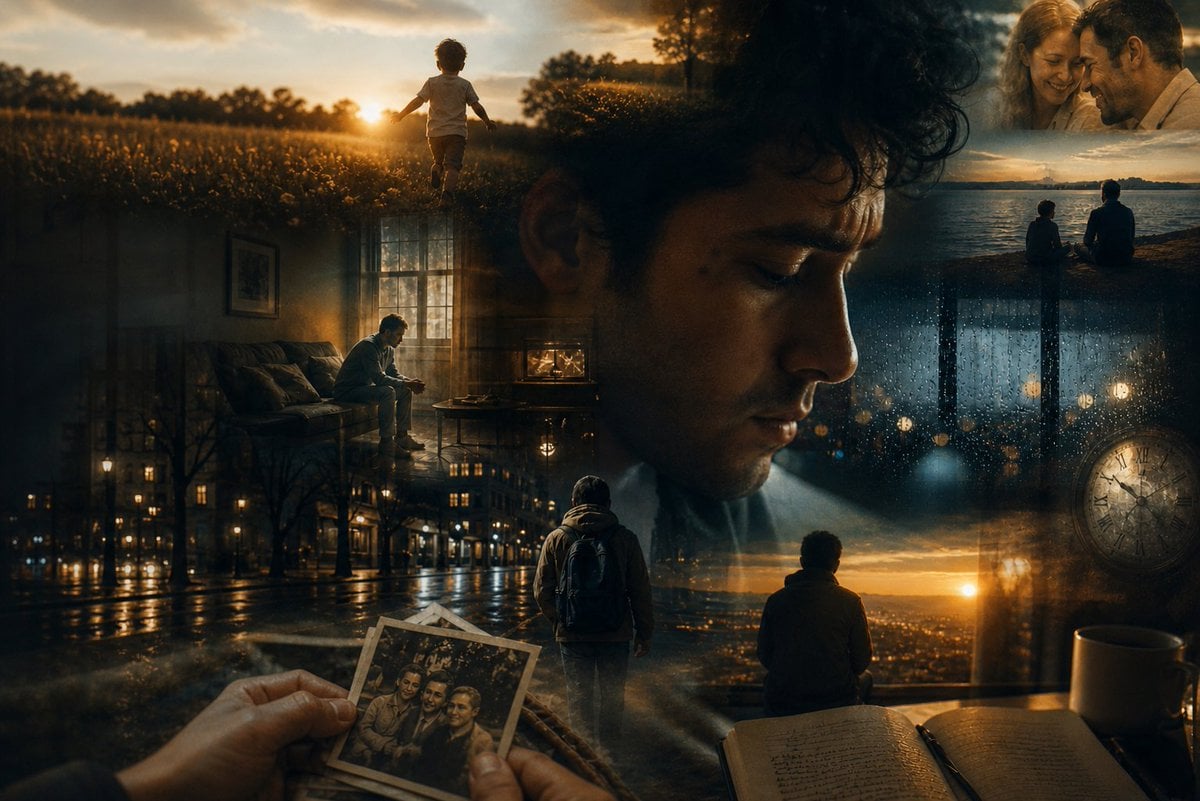
Dreamlike Double Exposure Montage
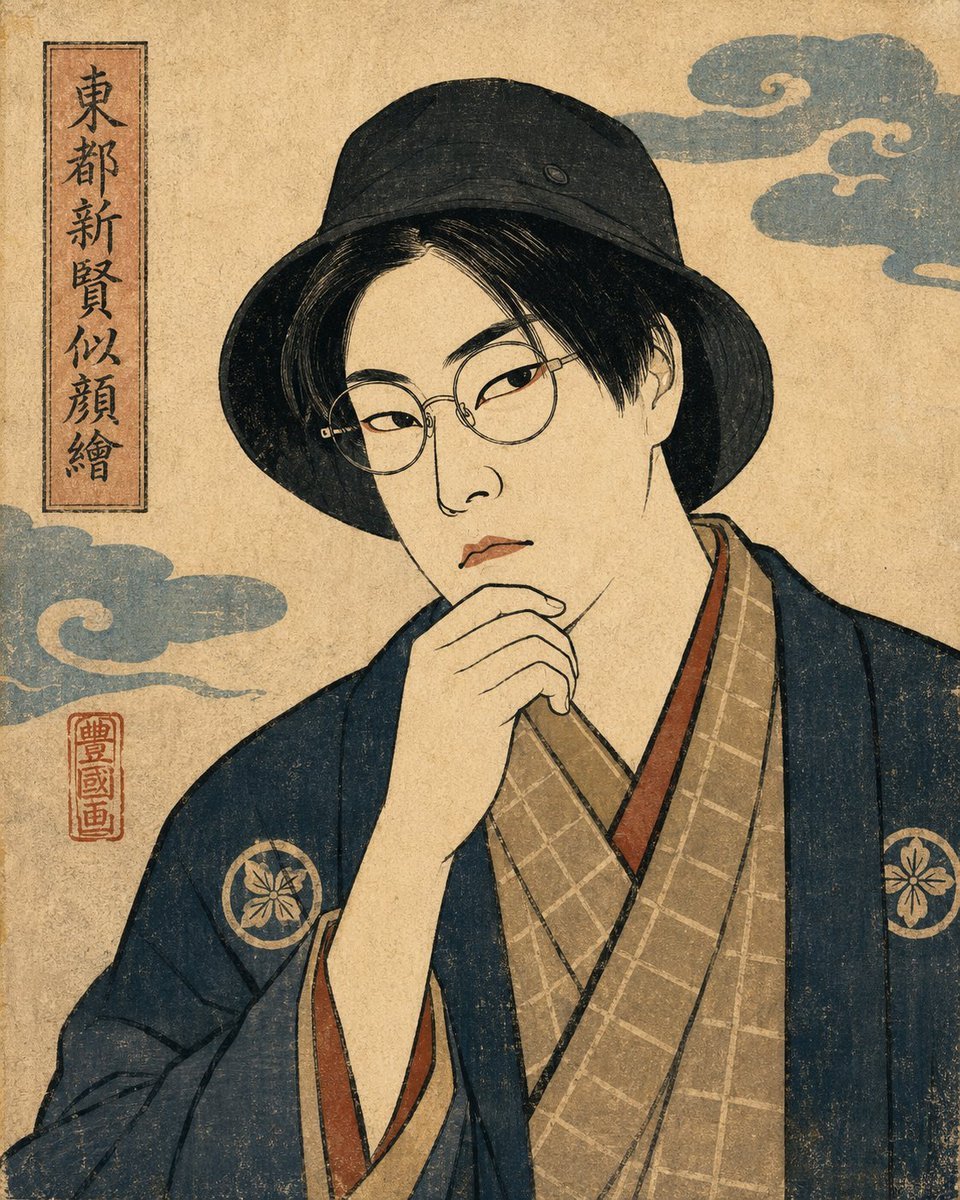
Ukiyo-e Portrait Transformation
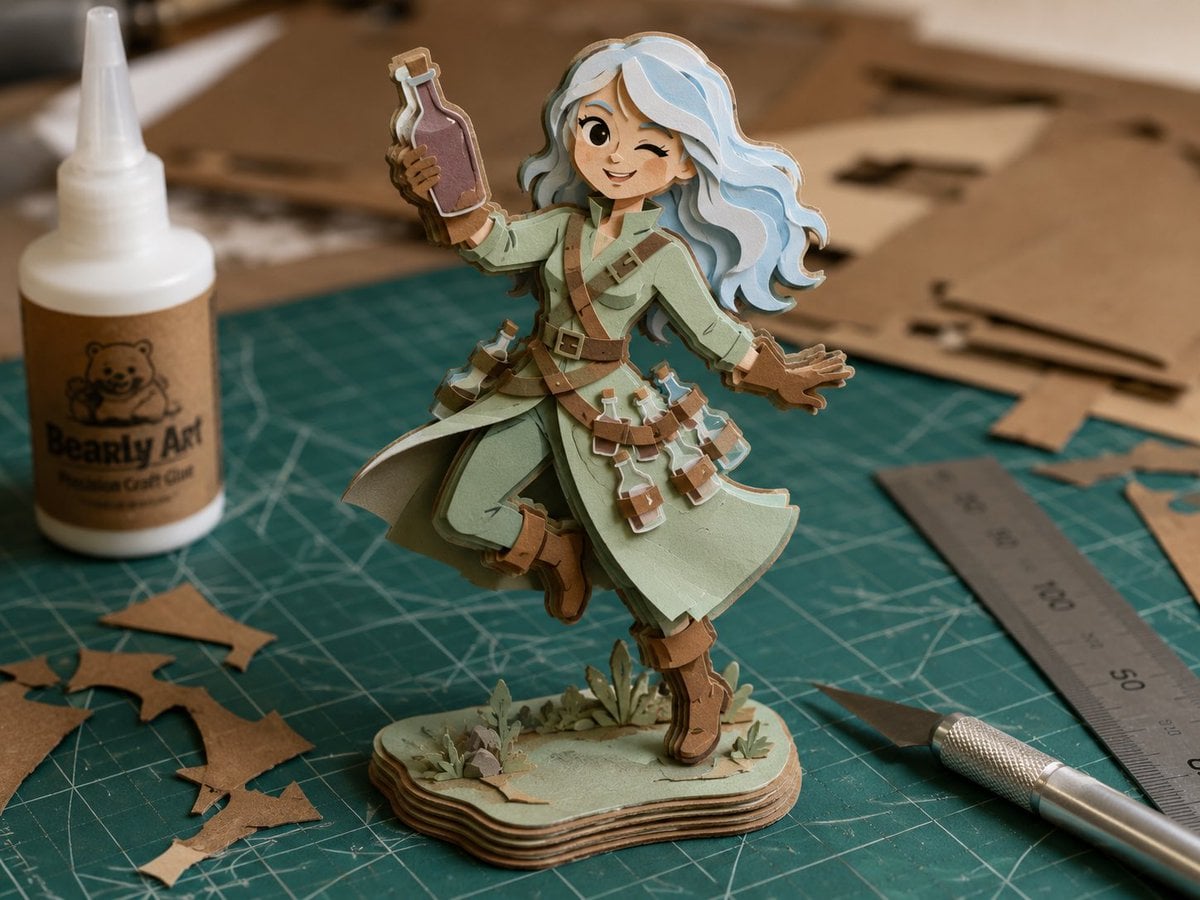
Layered Paper Alchemist Figurine
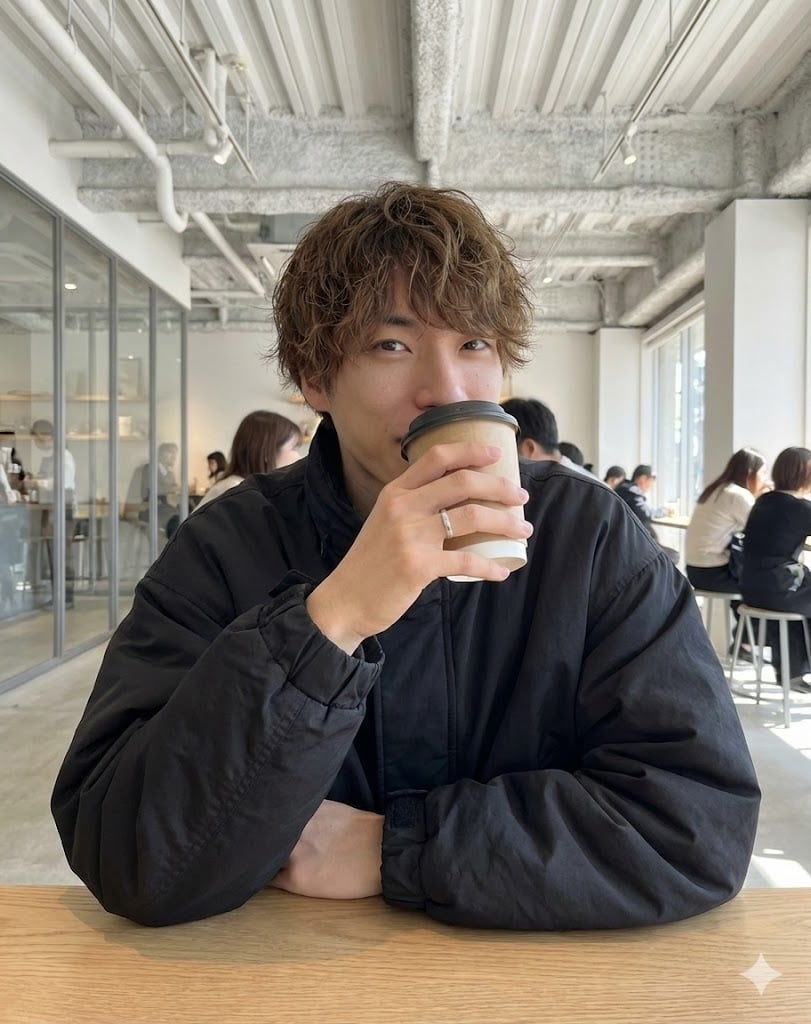
Cafe date POV profile photo prompt for Nano Banana Pro
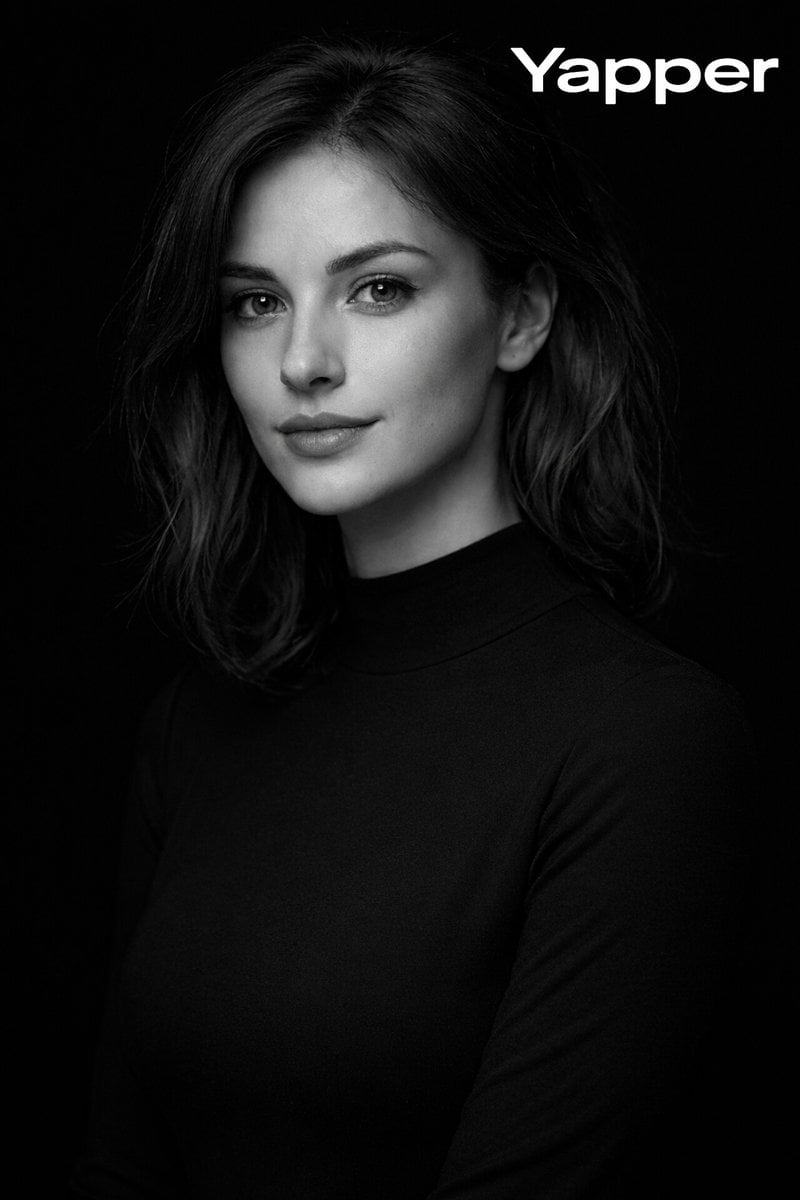
Monochromatic Fine-Art Studio Portrait

Professional studio portrait prompt
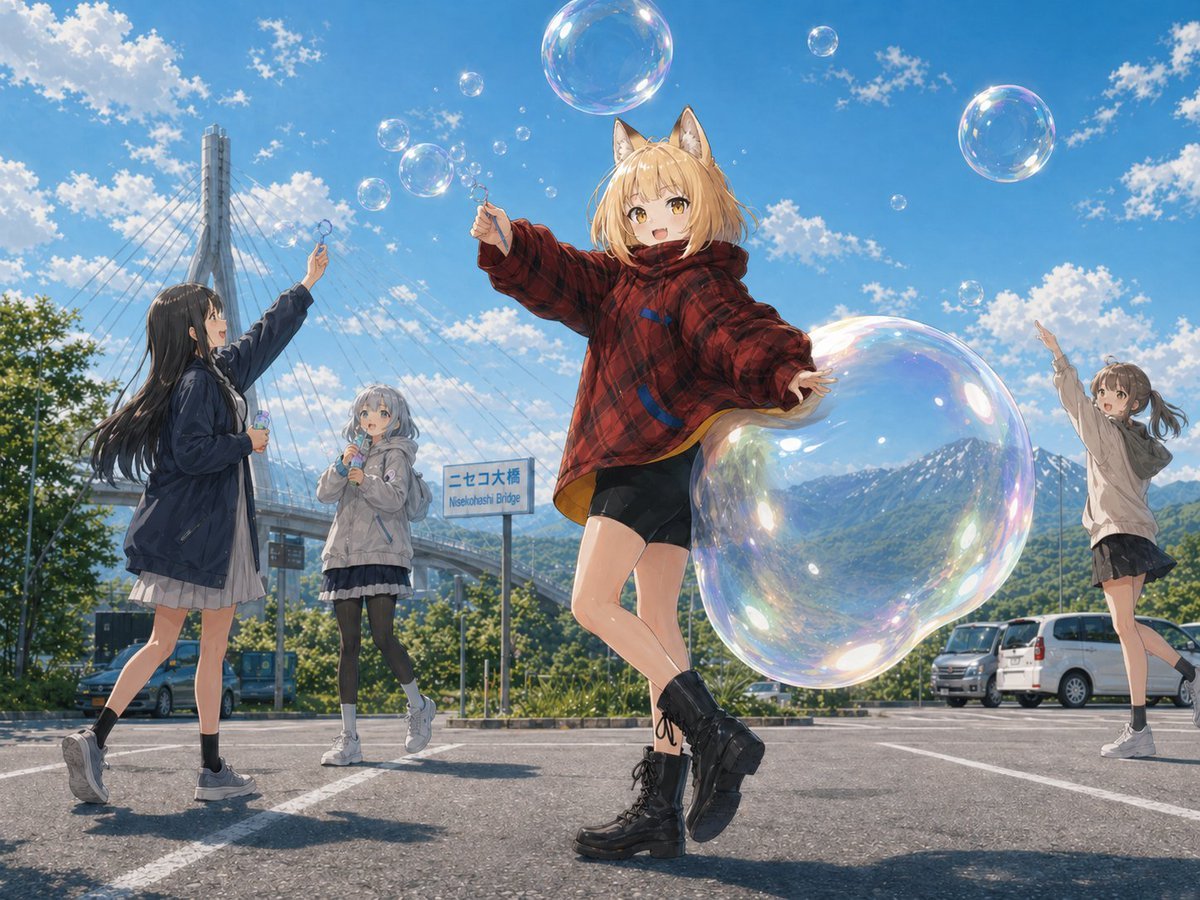
Fox Girl Bubble Dream
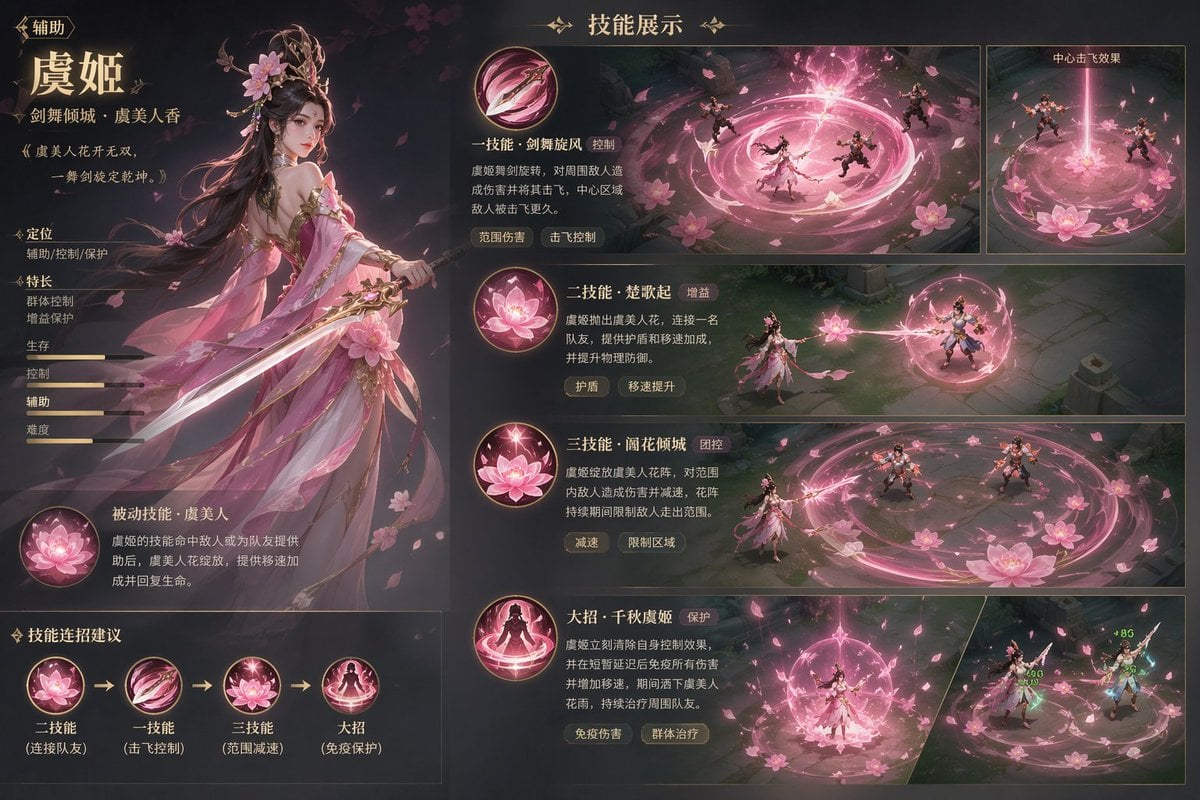
Game character skill concept prompt
Cinematic Winter Portrait with Snowflakes
Browse template categories
Axiom Cat-Eye Fashion Cover questions
How do I use the Axiom Cat-Eye Fashion Cover template?
Add your photo if the template asks for one, edit the prompt if you like — the template's model and format are already selected — and press Generate. Your version opens in PicX Studio.
Can I customize the Axiom Cat-Eye Fashion Cover template?
Yes. You can change the subject, setting, lighting, mood, format, and available model controls before creating your image.
Is the Axiom Cat-Eye Fashion Cover template free?
Opening and editing this template is free. Generating uses credits, shown on the Generate button when you are signed in.
Which AI model should I use?
Start with GPT Image 2, which is the model associated with this template. You can compare another compatible model for a different finish.
Looking for something else? Browse all templates.

Your photo, any look
Thousands of ready templates for every top image and video model, from one credit balance.