
Fantasy Capital Arrival Scene
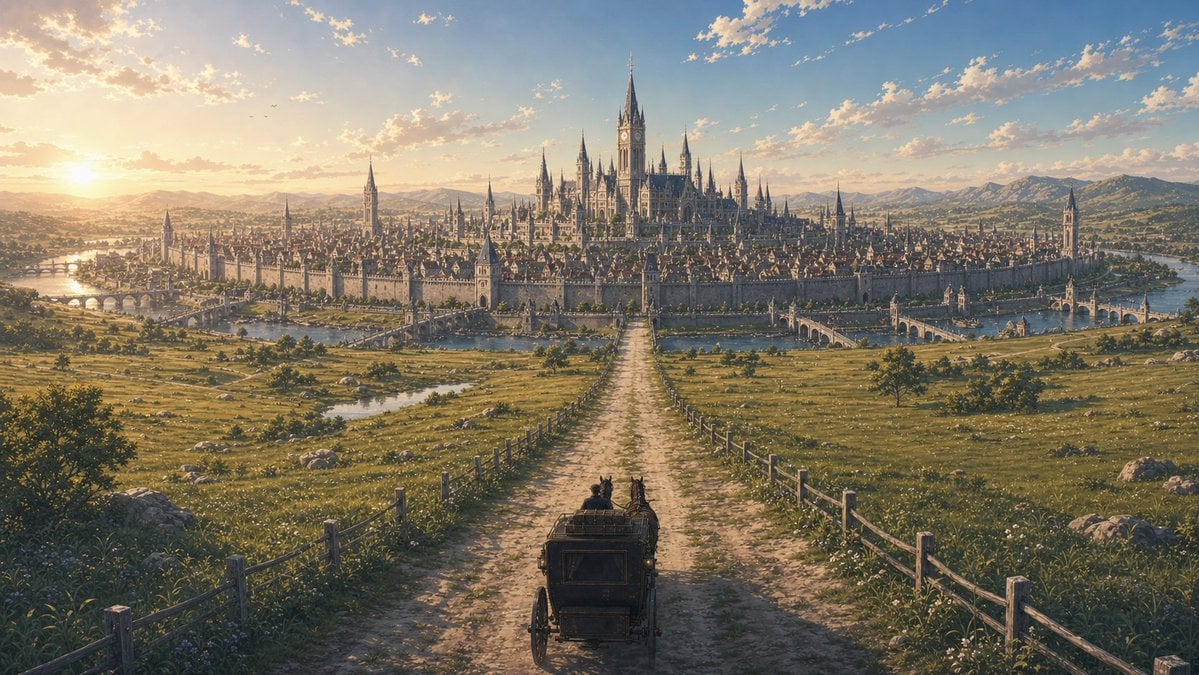
Generates a panoramic high-fantasy travel vista of two travelers approaching a grand walled magical city at sunset, ideal for story or worldbuilding key art.
- Prompt included
- Model and format preset
- Free template
The prompt behind this image
Copy the exact prompt behind Fantasy Capital Arrival Scene, or open it in the studio and make it yours.
Create a sweeping cinematic fantasy travel scene in ultra-detailed painterly realism: a lone horse-drawn carriage, viewed from behind, carries exactly 2 seated travelers down a straight pale dirt road toward a vast walled capital city. The road forms a strong central vanishing point and is bordered by exactly 2 rustic wooden fence lines running through open green meadows dotted with wildflowers, rocks, and small trees. In the distance, show a majestic medieval magical city with a continuous stone wall, dense rooftops, many narrow spires, and a grand central cathedral-like castle crowned by tall black-blue Gothic towers; include arched bridges crossing calm waterways on both the left and right sides of the city. The sun is low near the left horizon at {argument name="time of day" default="golden-hour sunset"}, casting warm amber light, long shadows, and glowing highlights across the fields, while the sky is broad and blue with scattered small clouds and faint birds. Surround the city with rolling hills and distant mountains, giving an epic sense of arrival after a journey. Use a {argument name="visual style" default="high-fantasy cinematic concept art"} look, panoramic 16:9 composition, rich atmospheric perspective, intricate architecture, soft volumetric light, natural colors, highly detailed but romantic and serene, no text, no modern objects.
How to use Fantasy Capital Arrival Scene in 3 steps
- 1Upload ImagePNG, JPG or paste
Add your photo
Upload the photo the template builds on. The prompt, model and format are already set.
- 2…a portrait of your subject in softgolden-hour light, 85mm…
Personalize
Edit the subject and creative details for your destination.
- 3Generate
Generate
Press Generate — your image is created in PicX Studio, so you can compare it with the original and refine one variable at a time.
More like this
Templates with the same subject, style or setup. Open one to see its prompt.

Anime Fantasy Celestial Movie Poster
Anime Fantasy Celestial Movie Poster

Minecraft Fantasy Kingdom Voxel Landscape

Unfinished Sketch Comes Alive Portrait

Open Travel Journal Overhead Still Life

Tiny Woman Miniature Fantasy Macro Scene
JSON Seedance - Fairy Macro Flight
Videogame Cinematic Trailer - Seedance 2.0
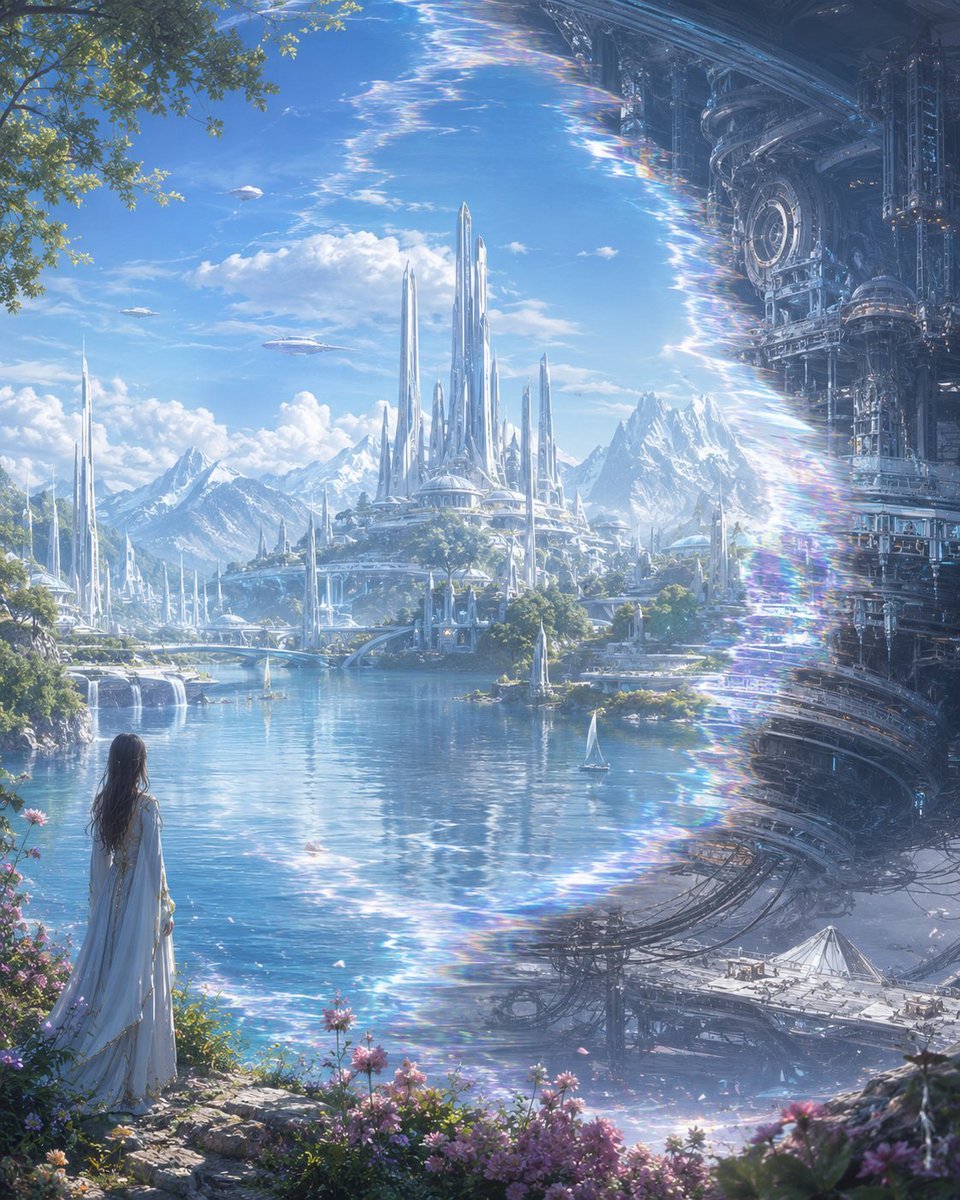
Elf Capital Dimensional Cityscape

Anime Ferry Boat Arrival
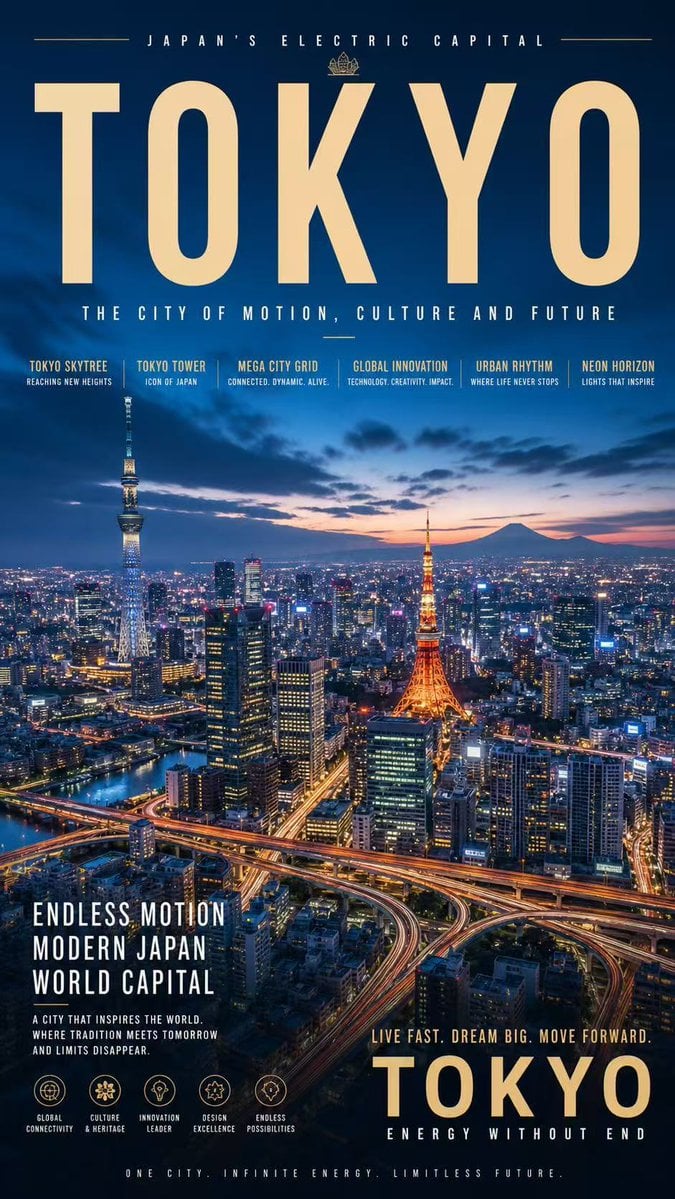
Tokyo Electric Capital Poster
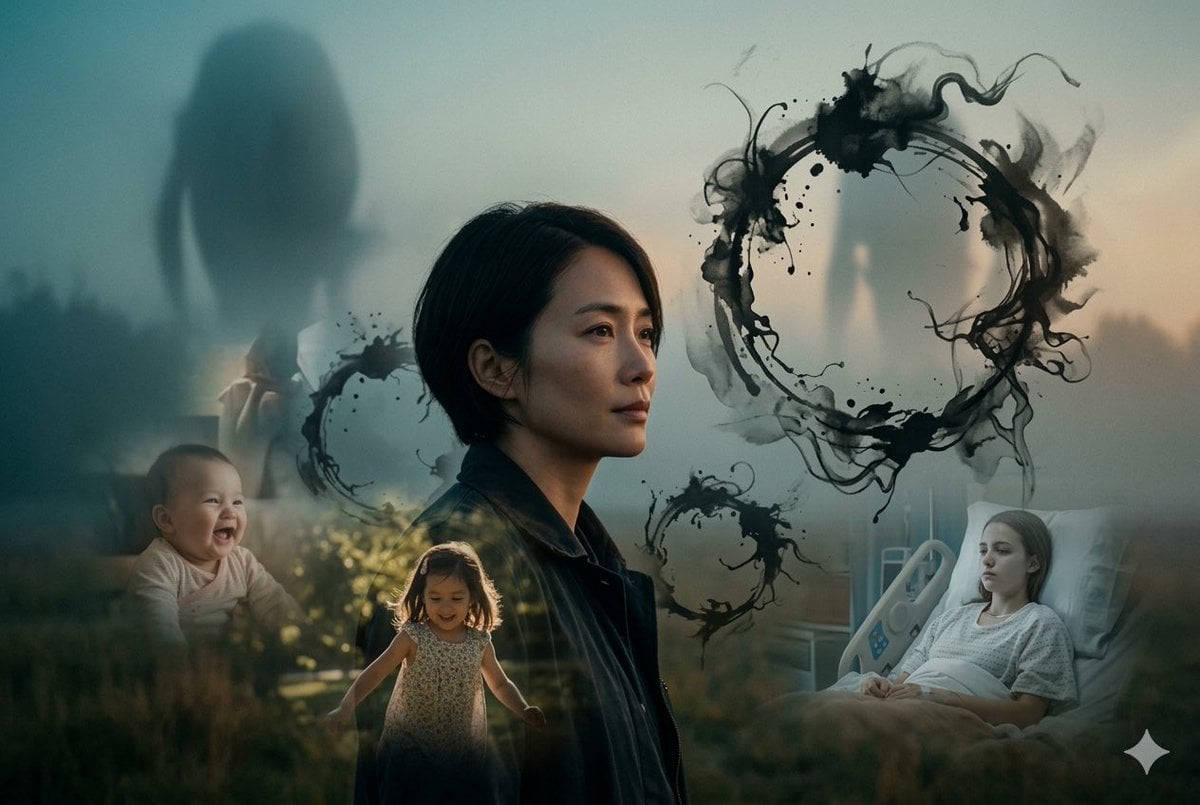
Arrival Movie AI Poster Prompt
Make it yours
Fantasy Capital Arrival Scene works as-is. These are the safest ways to change it without losing the look.
Change one field
Copy a single group, rewrite it, and generate again so you can see what that field is doing.
Keep the frame, change the subject
Hold the composition and light of Fantasy Capital Arrival Scene, then swap wardrobe, props or the person for a new take.
| If the result… | Why | Fix |
|---|---|---|
| The result drifts from the preview | Too many fields changed at once. | Reuse Fantasy Capital Arrival Scene as-is first, then change one group — subject, light, or setting. |
| The model over-stylizes the scene | The prose prompt leaves finish and camera underspecified. | Add one camera or lighting sentence and stay on GPT Image 2. |
More GPT Image 2 templates
Other prompts made for GPT Image 2.

Six VTuber Japanese Logo Sheet

Realistic Portrait of Woman and Deer

The Vista Modular Condo Poster

AI Model Routing Comparison Infographic

2.5D Anime Art Board

Isometric Productivity Desk Scene

New York Double Exposure Poster

Four-Panel AI Landscape Comparison

Japanese Tatami Lifestyle Magazine Cover

NESCAFÉ Coffee Map Poster
More image prompts
Fresh picks from across the catalog.
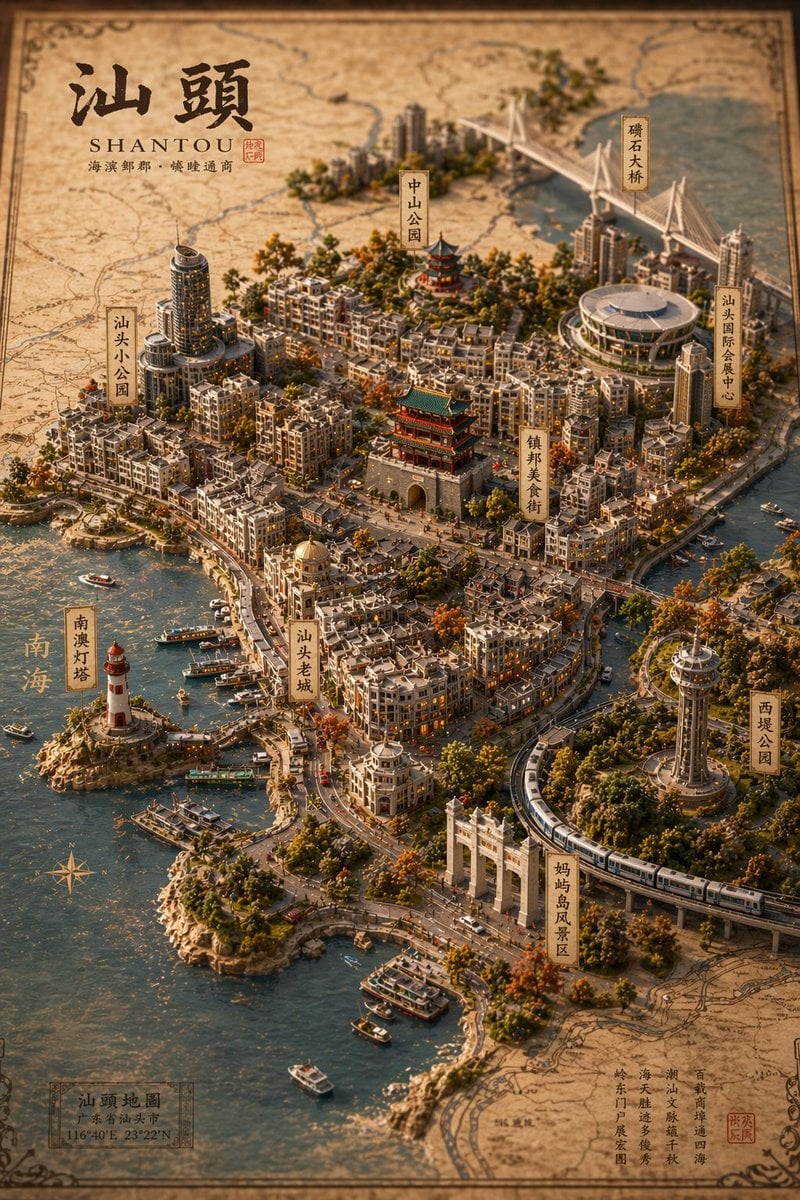
Vintage 3D Miniature City Map
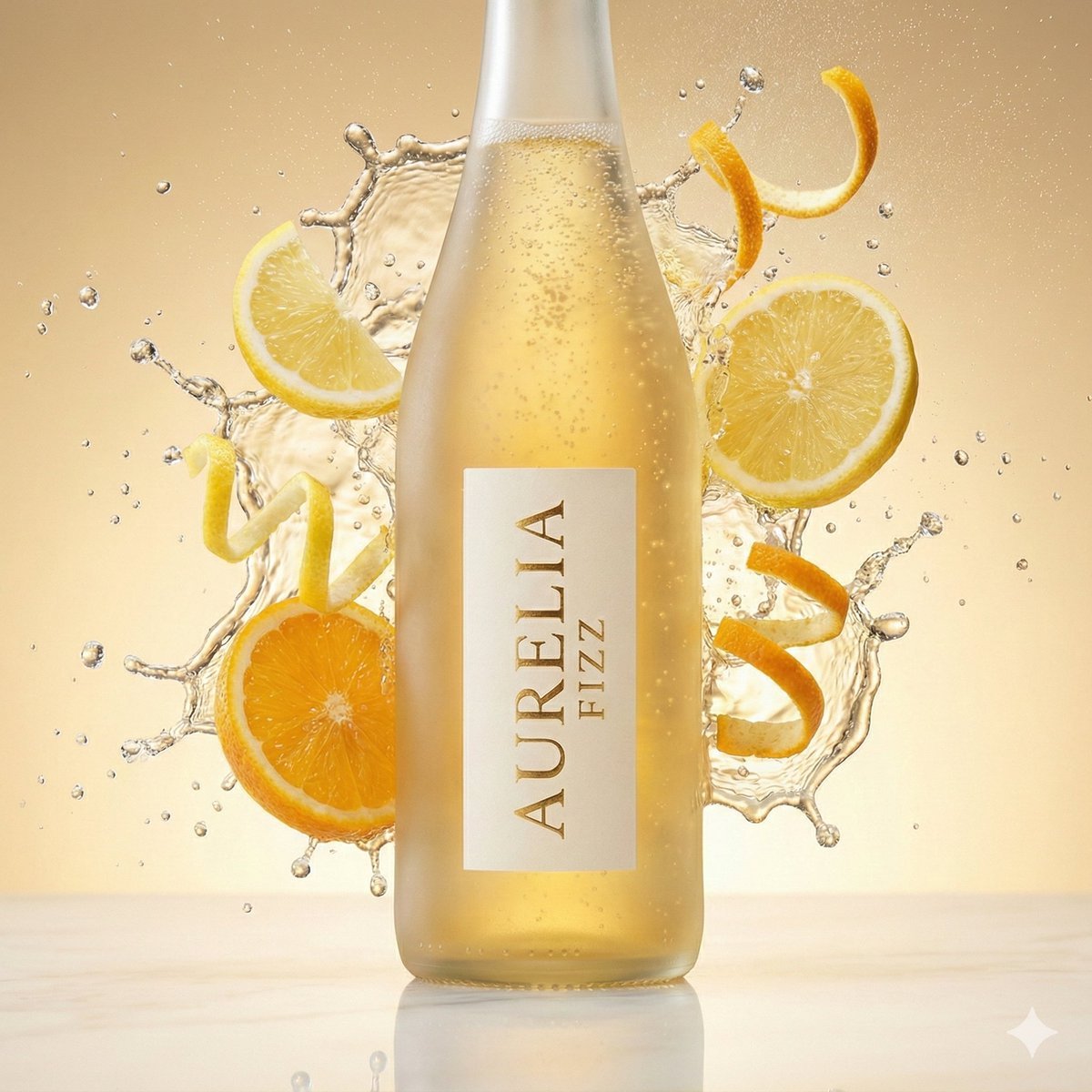
High-Speed Commercial Beverage Photography Prompt
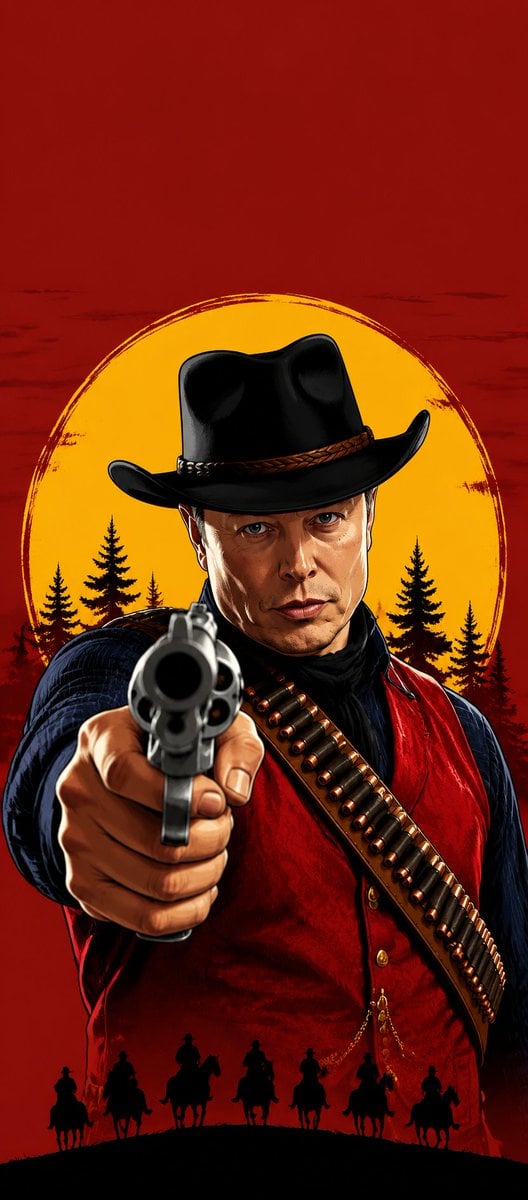
Western Outlaw Revolver Poster
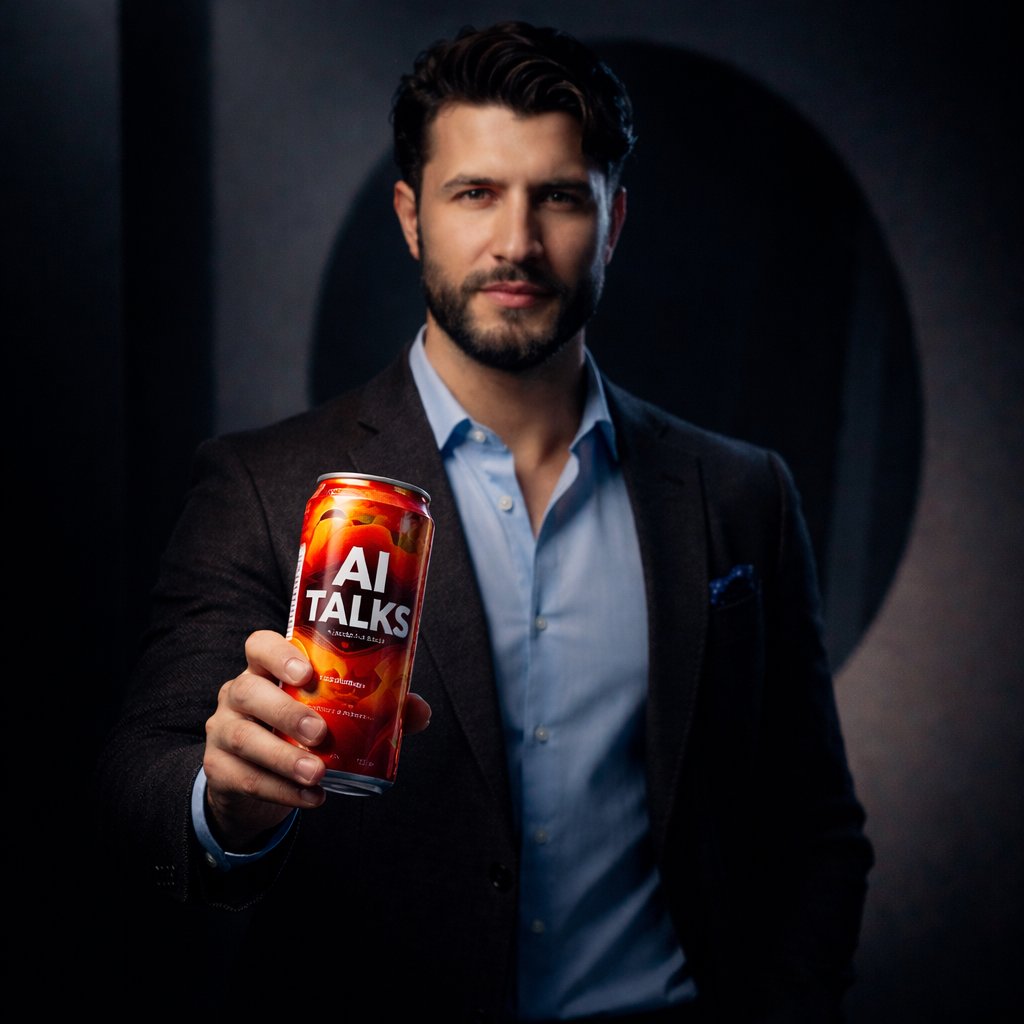
Ultra-realistic Product Shot with Dramatic Split Lighting
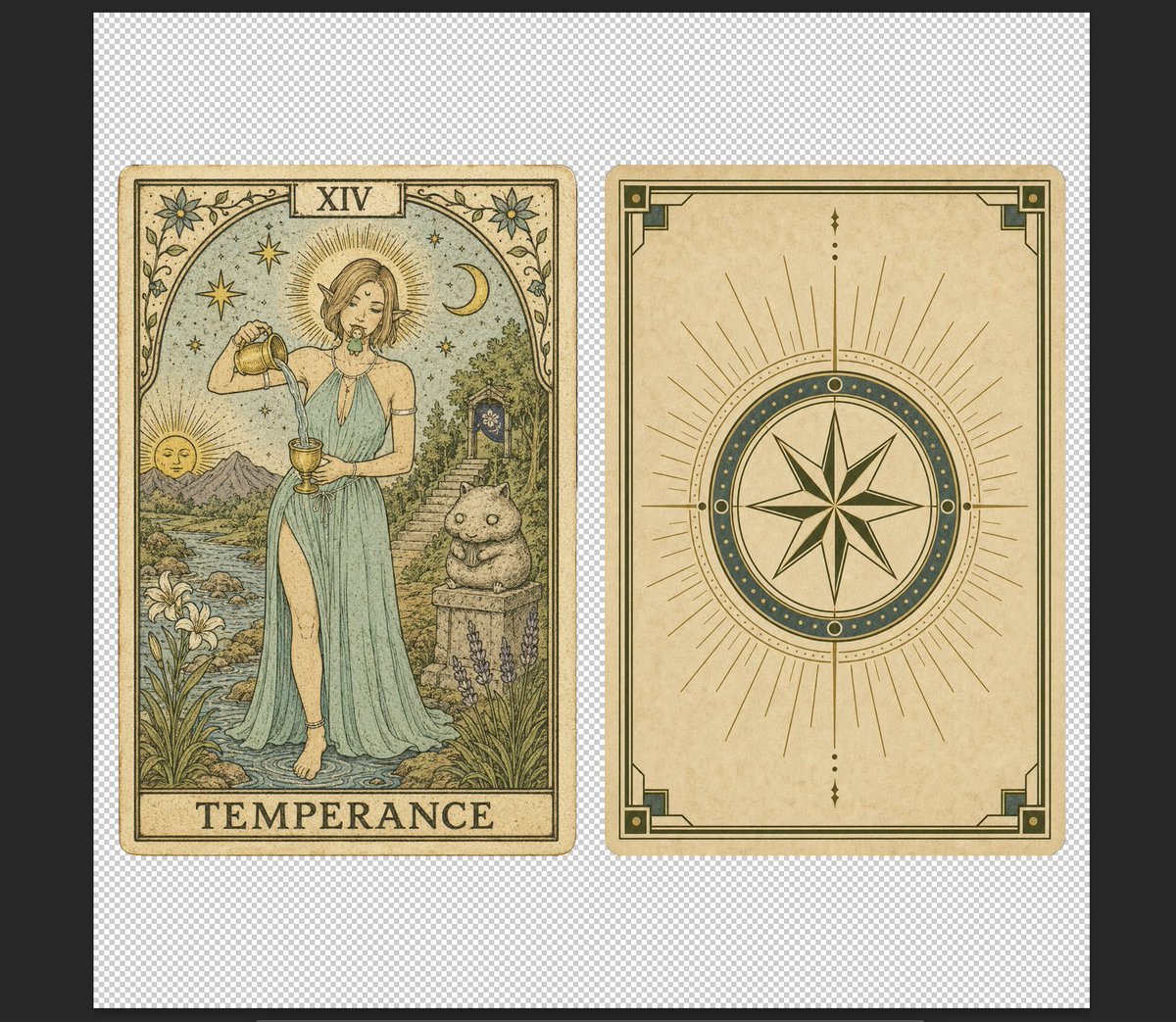
Vintage Temperance Tarot Card Pair
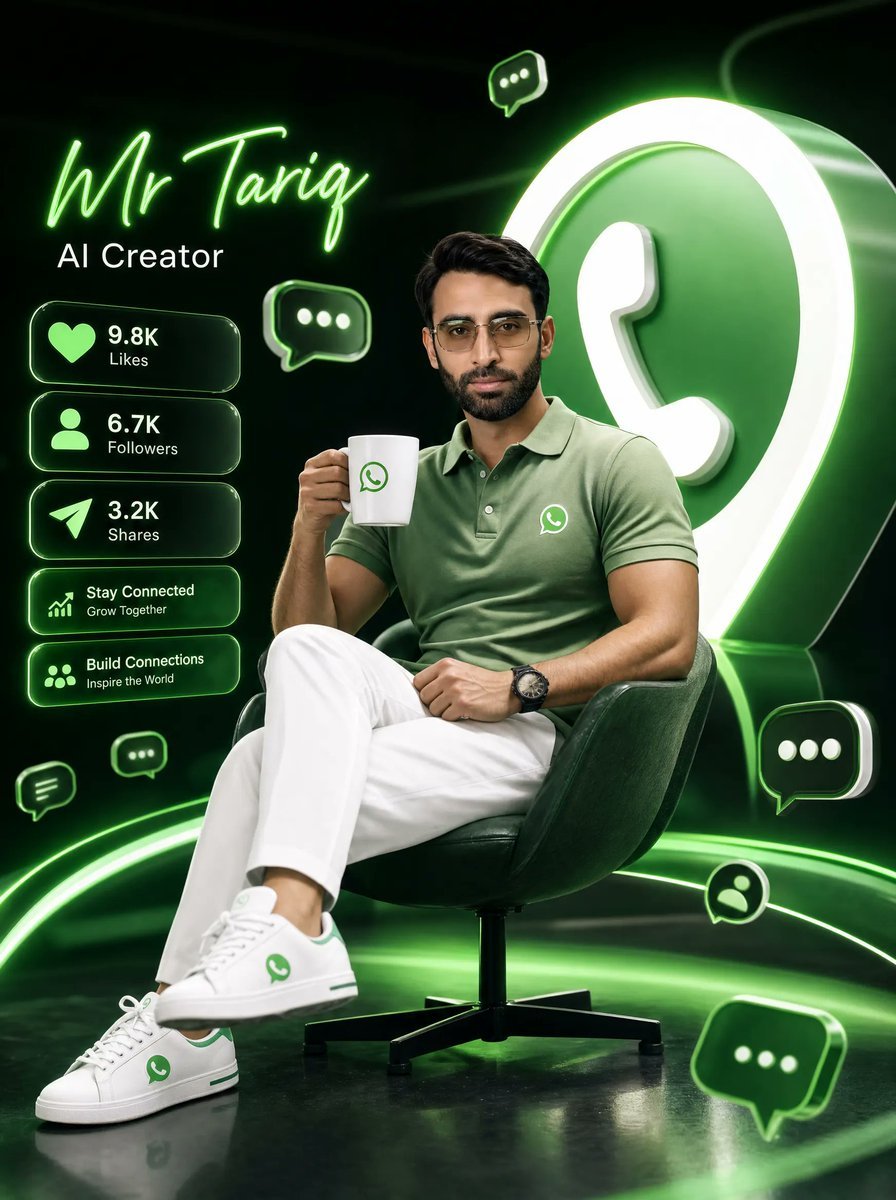
Neon WhatsApp AI Creator Poster
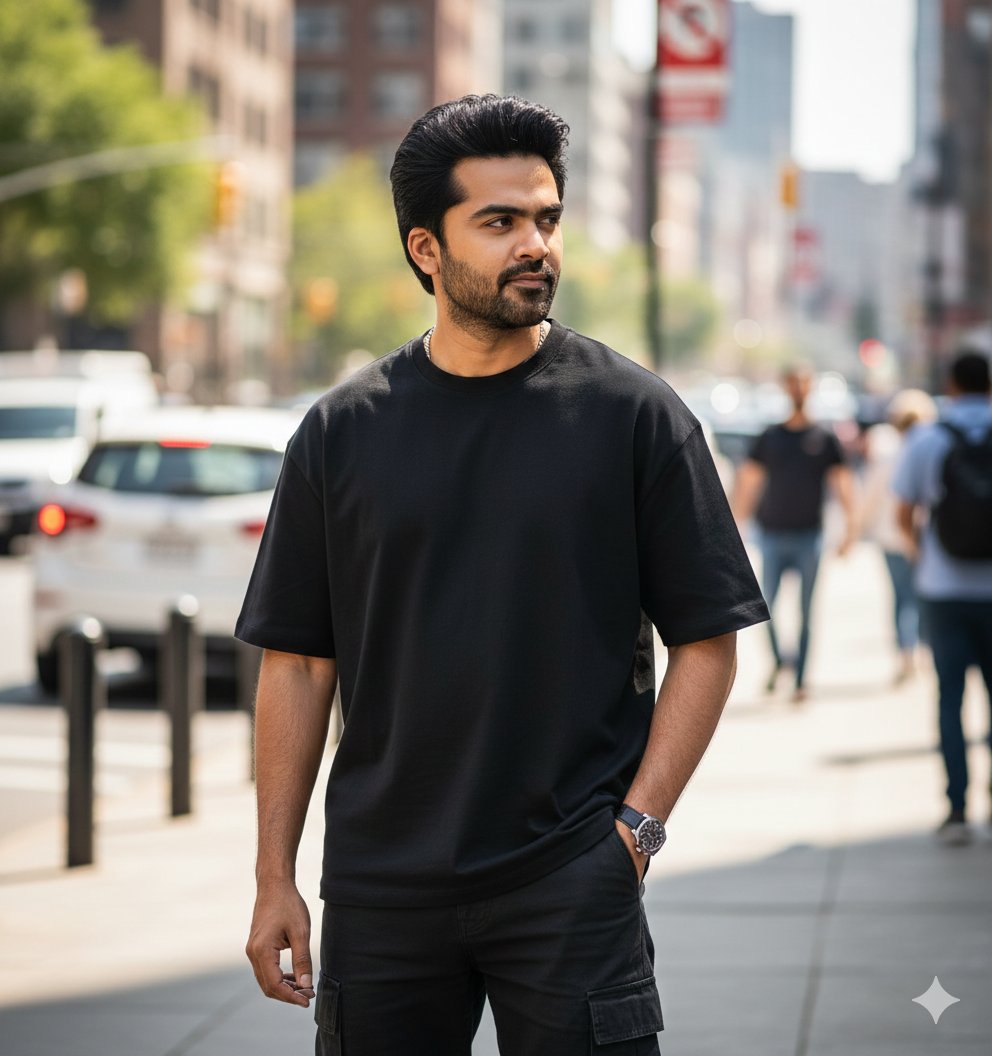
Ultra-Realistic Street Portrait with Identity Lock
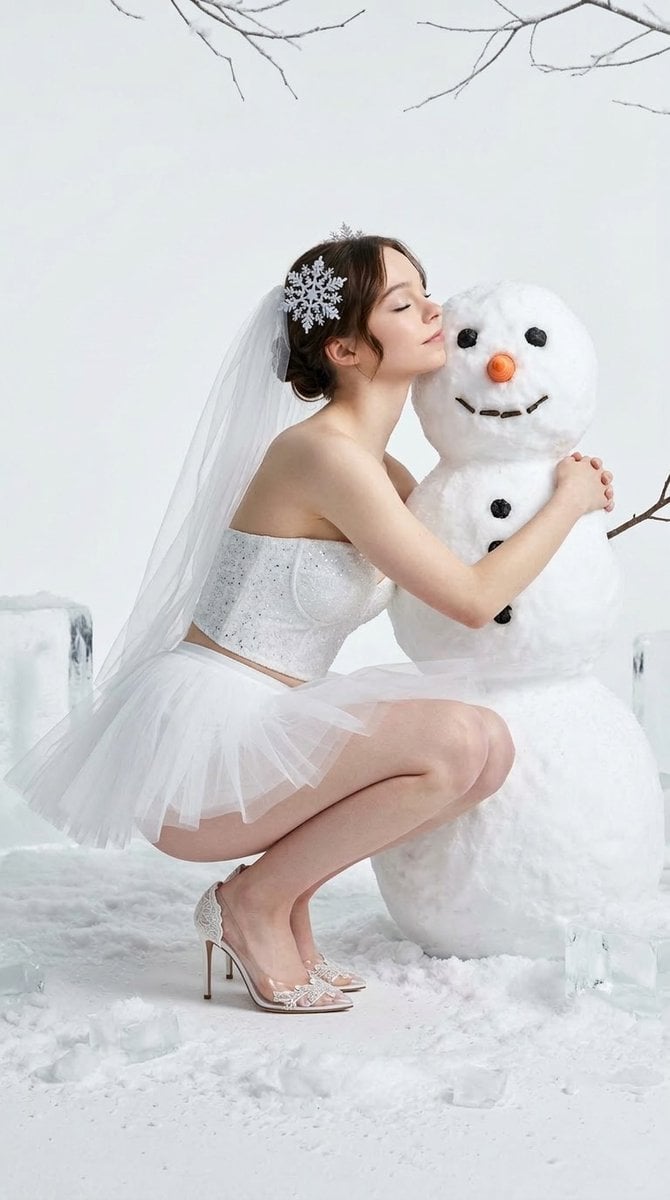
Winter Fantasy Editorial with Emma Myers Lookalike
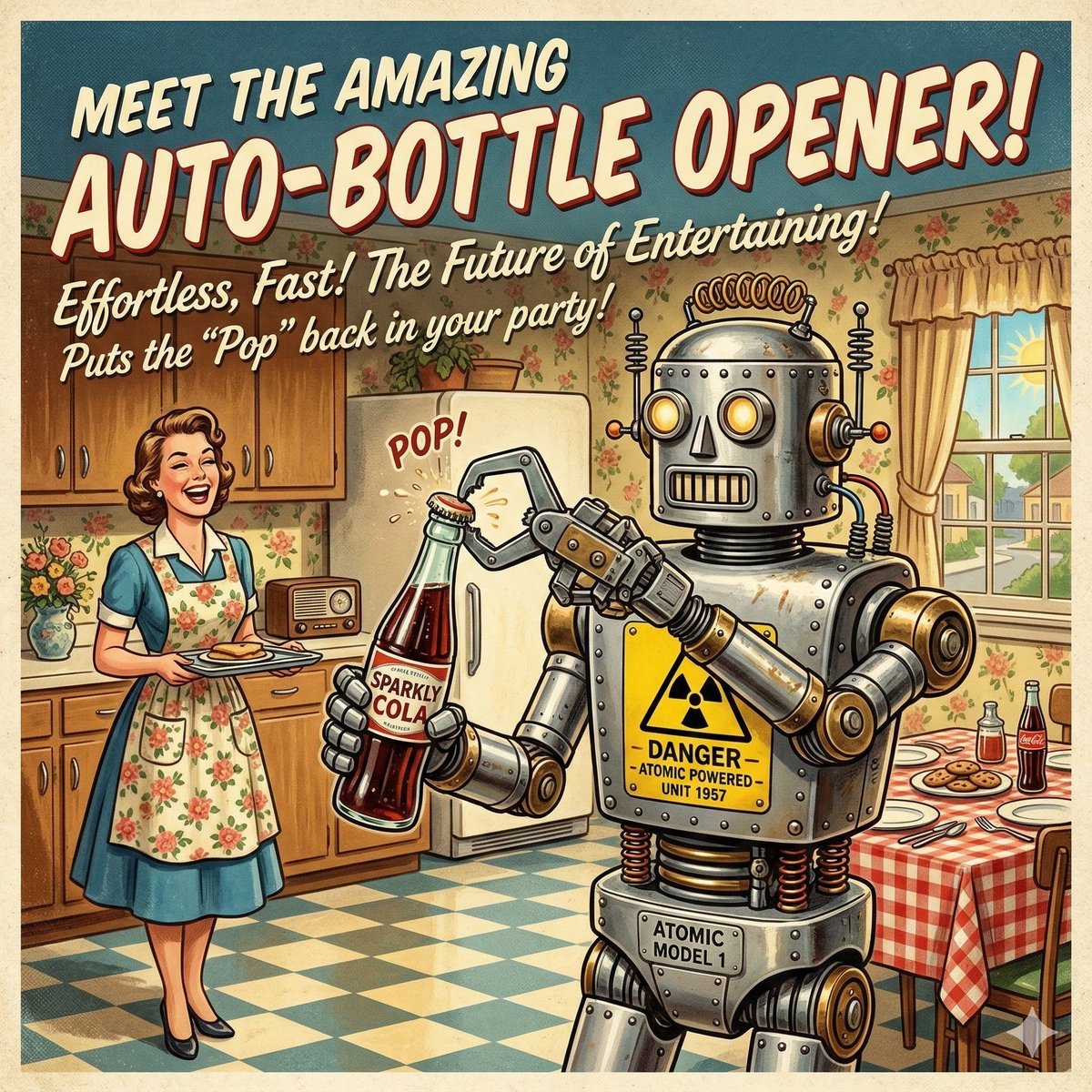
Retro Futurism Auto-Bottle Opener
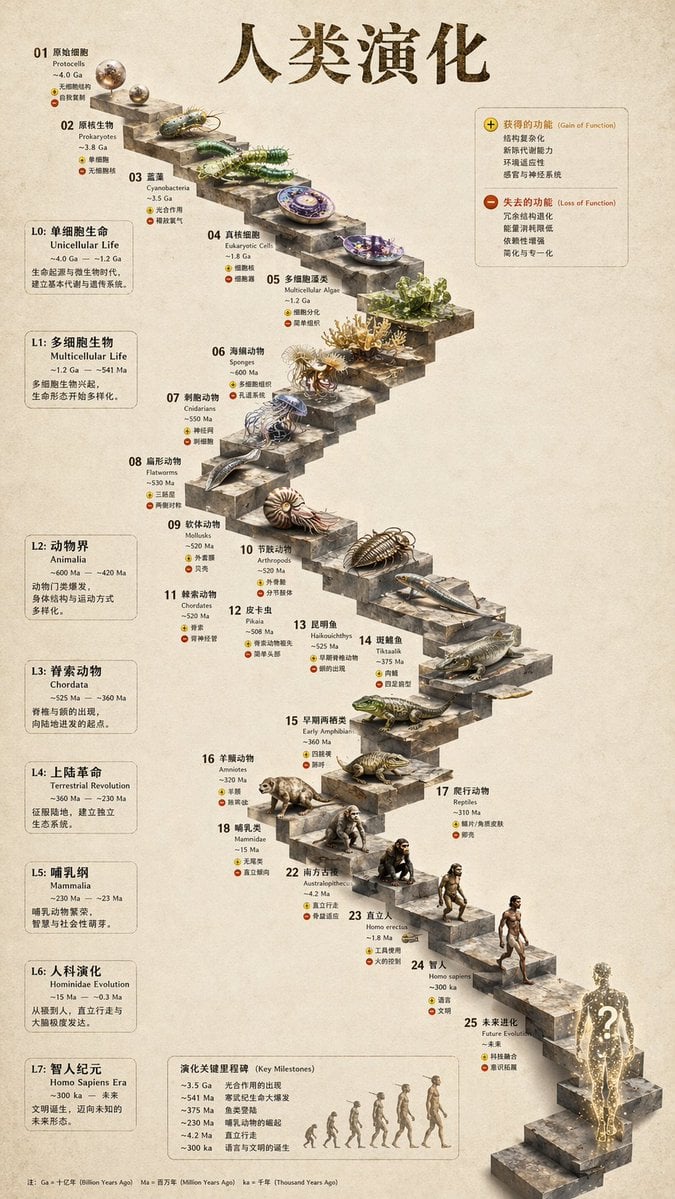
3D Stone Staircase Evolution Infographic
Browse template categories
Fantasy Capital Arrival Scene questions
How do I use the Fantasy Capital Arrival Scene template?
Add your photo if the template asks for one, edit the prompt if you like — the template's model and format are already selected — and press Generate. Your version opens in PicX Studio.
Can I customize the Fantasy Capital Arrival Scene template?
Yes. You can change the subject, setting, lighting, mood, format, and available model controls before creating your image.
Is the Fantasy Capital Arrival Scene template free?
Opening and editing this template is free. Generating uses credits, shown on the Generate button when you are signed in.
Which AI model should I use?
Start with GPT Image 2, which is the model associated with this template. You can compare another compatible model for a different finish.
Looking for something else? Browse all templates.

Your photo, any look
Thousands of ready templates for every top image and video model, from one credit balance.