
Futuristic Cyber Businessman Portrait
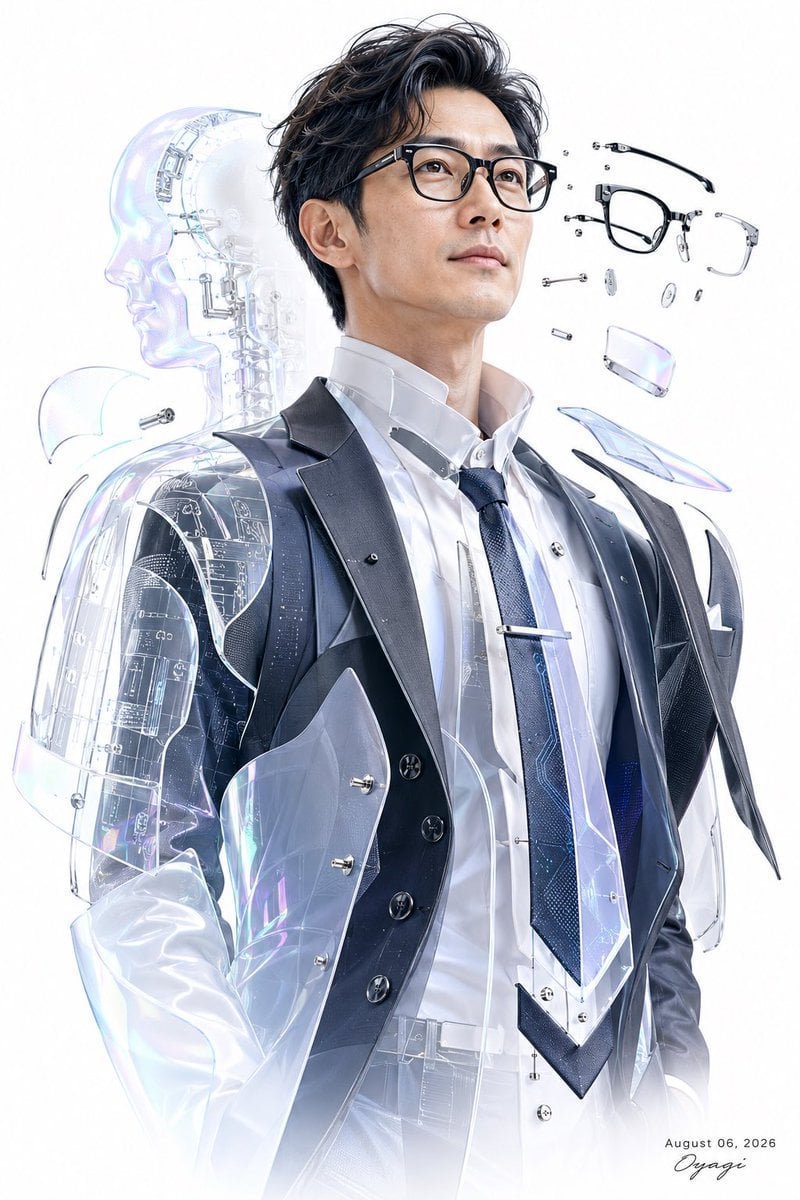
A photorealistic sci-fi editorial portrait of a businessman in transparent cybernetic couture with an android silhouette and exploded eyeglasses.
- Prompt included
- Model and format preset
- Free template
The prompt behind this image
Copy the exact prompt behind Futuristic Cyber Businessman Portrait, or open it in the studio and make it yours.
Create a high-key futuristic fashion portrait of a confident {argument name="subject" default="Japanese businessman"} shown from mid-thigh to head, standing upright and gazing slightly upward to the viewer's right with a calm determined expression. He has wavy black hair, light skin, subtle stubble, and wears black rectangular eyeglasses, a crisp white dress shirt with a high open collar, a dark navy textured tie with a silver tie bar, a black tailored suit vest with exactly 5 visible buttons, and a glossy black suit jacket. Transform the outfit into a cybernetic transparent couture design: clear iridescent acrylic armor panels overlay the torso, shoulders, sleeves, lapels, collar, and tie, with visible screws, seams, circuit traces, etched technical markings, and prismatic blue-pink highlights. Behind his left side, add exactly 1 translucent humanoid android silhouette in profile facing left, with a glass-like skull, neck, shoulder, and torso containing fine mechanical framework and circuit diagrams. To the upper right of his face, show exactly 14 floating exploded eyeglass components: 1 black front glasses frame, 1 black curved temple arm, 1 clear rectangular lens/frame piece, 2 small clear nose pads, 2 tiny silver hinge screws, 2 small round metal washers, 2 short cylindrical metal pins, 1 tiny metal bridge/connector, and 2 iridescent clear lens fragments. Use a clean pure white studio background with soft glow, overexposed edges, crisp ultra-detailed photorealistic rendering, premium sci-fi editorial style, glossy transparent materials, subtle chromatic refraction, and no clutter. Add a small handwritten signature and date text at the bottom right reading {argument name="date text" default="August 06, 2026"} and {argument name="signature" default="Oyagi"}. Keep the composition vertical 2:3, centered on the subject, with the android silhouette partially behind him and the eyeglass parts suspended in the empty white space.
How to use Futuristic Cyber Businessman Portrait in 3 steps
- 1Upload ImagePNG, JPG or paste
Add your photo
Upload the photo the template builds on. The prompt, model and format are already set.
- 2…a portrait of your subject in softgolden-hour light, 85mm…
Personalize
Edit the subject and creative details for your destination.
- 3Generate
Generate
Press Generate — your image is created in PicX Studio, so you can compare it with the original and refine one variable at a time.
More like this
Templates with the same subject, style or setup. Open one to see its prompt.
Neo-Noir Cyberpunk Businessman Portrait
Bullet Time Businessman Seedance 2 0
Bullet Time Businessman Seedance 2 0

Found Photograph: Us, 1970

80s Couple Studio Portrait

80s Bollywood Star

80s Golden Hour Cinema

Me in 1985

1985 Studio Portrait

Hyper-Realistic Minecraft POV Portrait

Cyber Samurai Empress Portrait
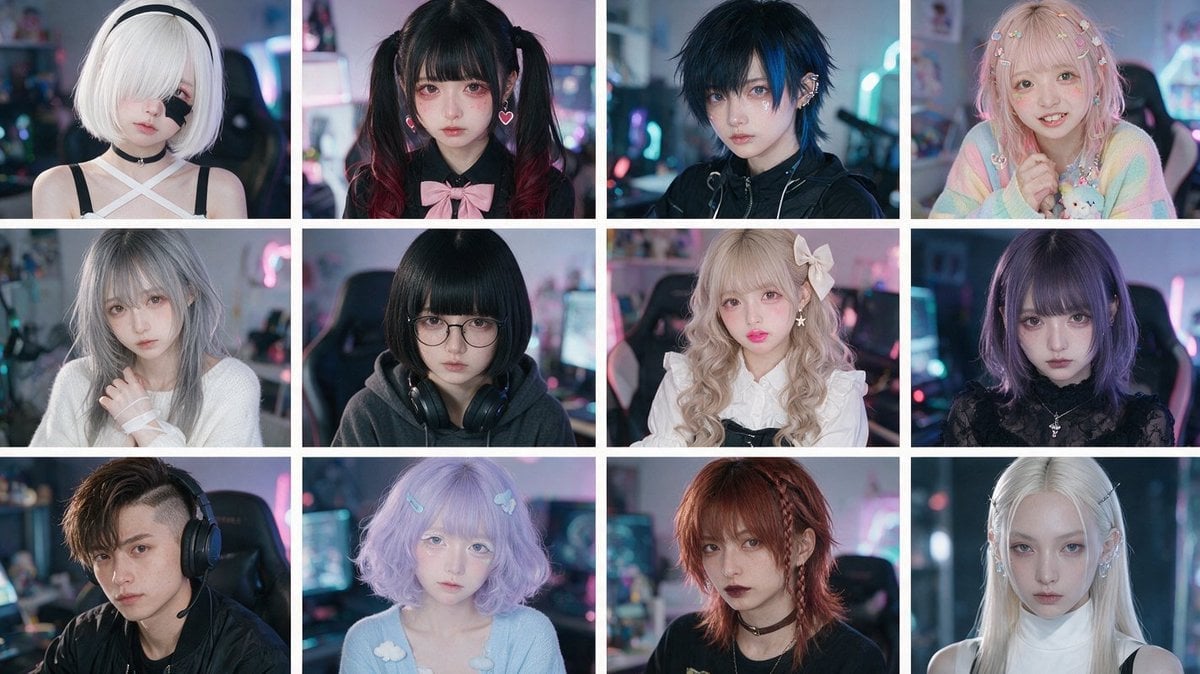
Cyber-Kawaii Influencer Portrait Grid
Make it yours
Futuristic Cyber Businessman Portrait works as-is. These are the safest ways to change it without losing the look.
Change one field
Copy a single group, rewrite it, and generate again so you can see what that field is doing.
Keep the frame, change the subject
Hold the composition and light of Futuristic Cyber Businessman Portrait, then swap wardrobe, props or the person for a new take.
| If the result… | Why | Fix |
|---|---|---|
| The result drifts from the preview | Too many fields changed at once. | Reuse Futuristic Cyber Businessman Portrait as-is first, then change one group — subject, light, or setting. |
| The model over-stylizes the scene | The prose prompt leaves finish and camera underspecified. | Add one camera or lighting sentence and stay on GPT Image 2. |
More GPT Image 2 templates
Other prompts made for GPT Image 2.

Six VTuber Japanese Logo Sheet

Realistic Portrait of Woman and Deer

The Vista Modular Condo Poster

AI Model Routing Comparison Infographic

2.5D Anime Art Board

Isometric Productivity Desk Scene

New York Double Exposure Poster

Four-Panel AI Landscape Comparison

Japanese Tatami Lifestyle Magazine Cover

NESCAFÉ Coffee Map Poster
More image prompts
Fresh picks from across the catalog.
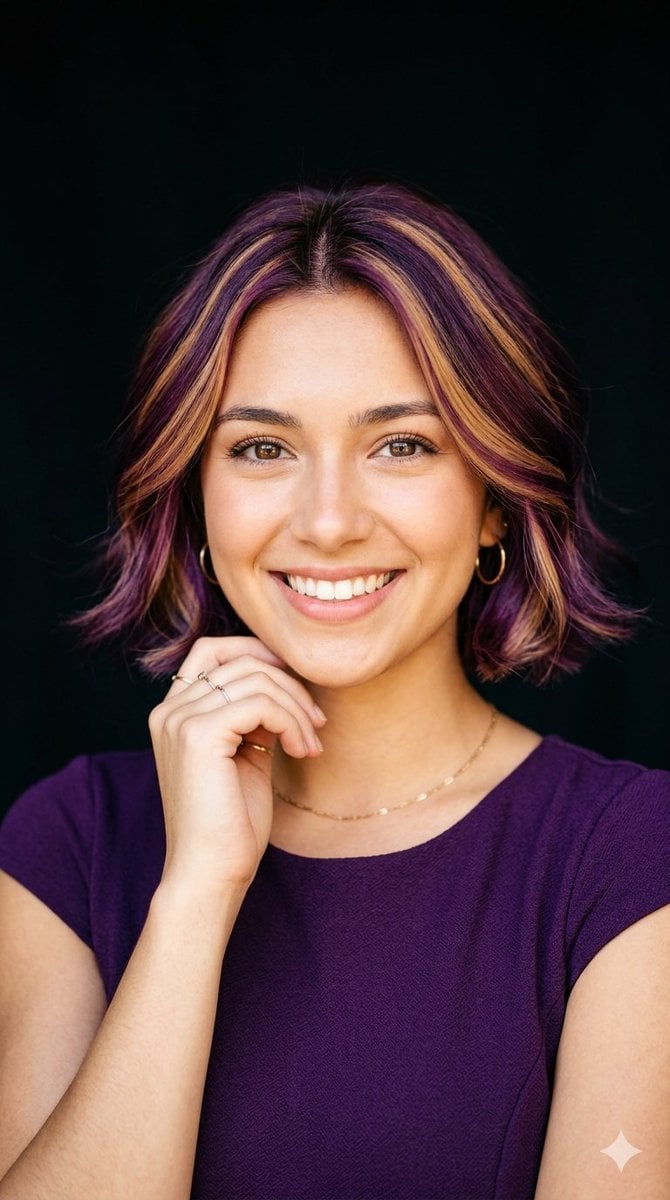
Radiant Purple Bob Portrait
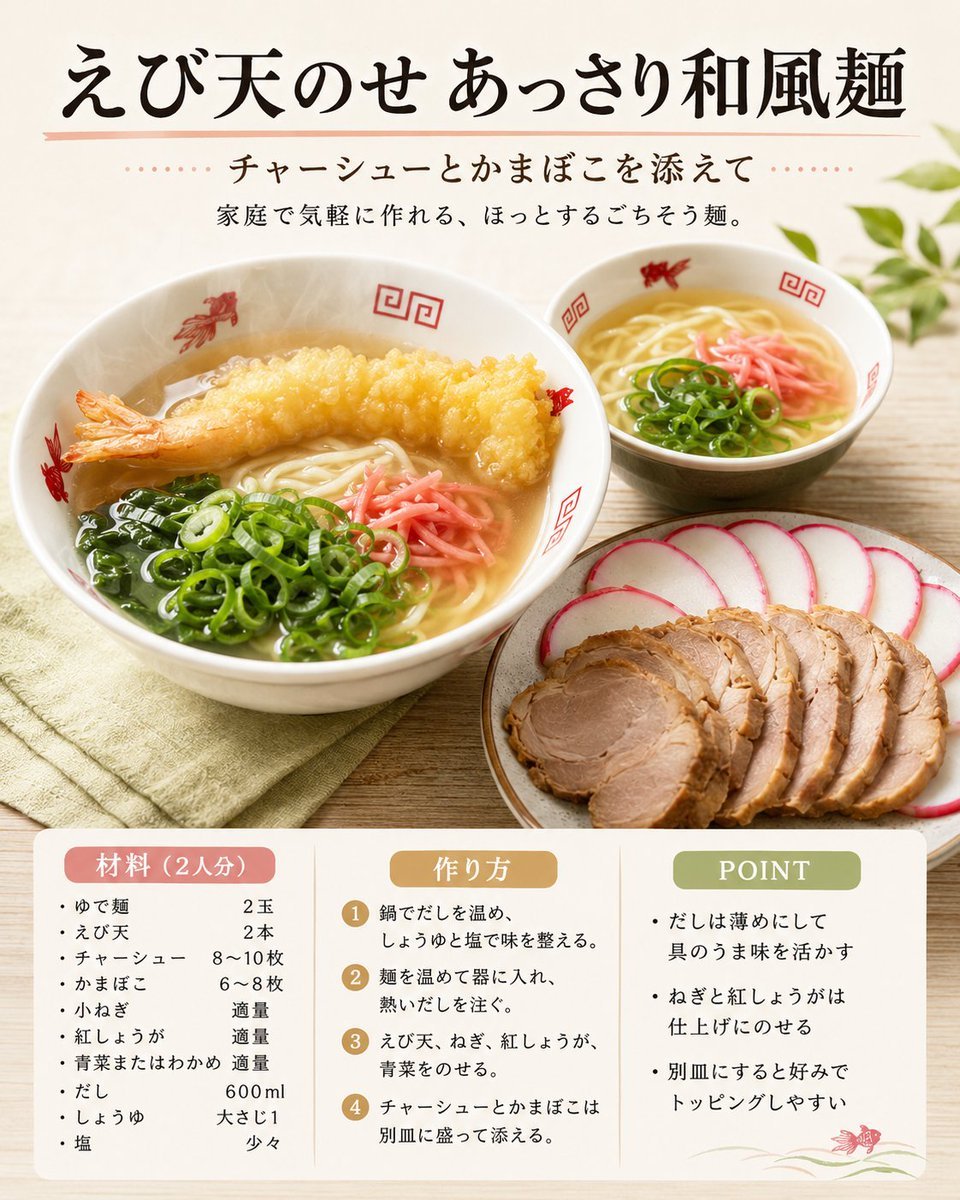
Japanese Tempura Noodle Recipe Card
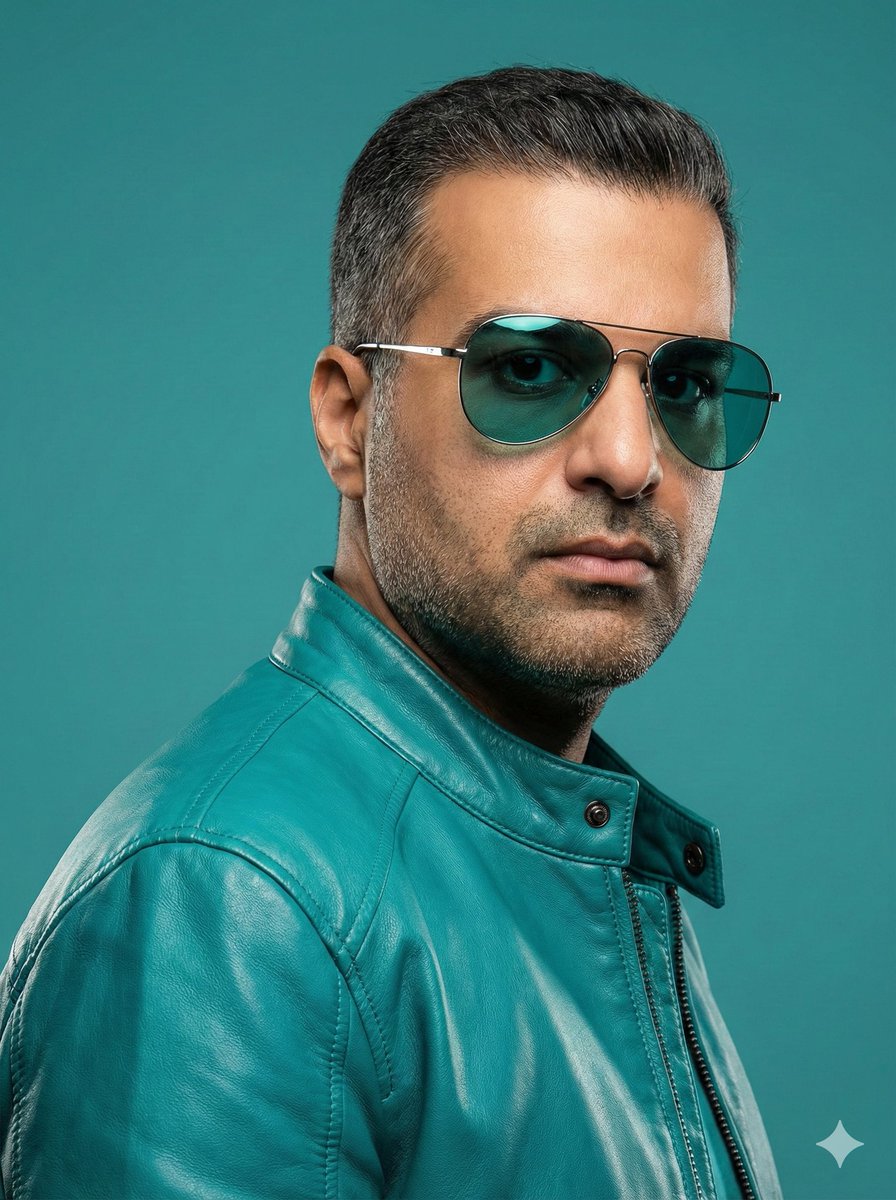
Teal Leather Jacket Studio Portrait Prompt
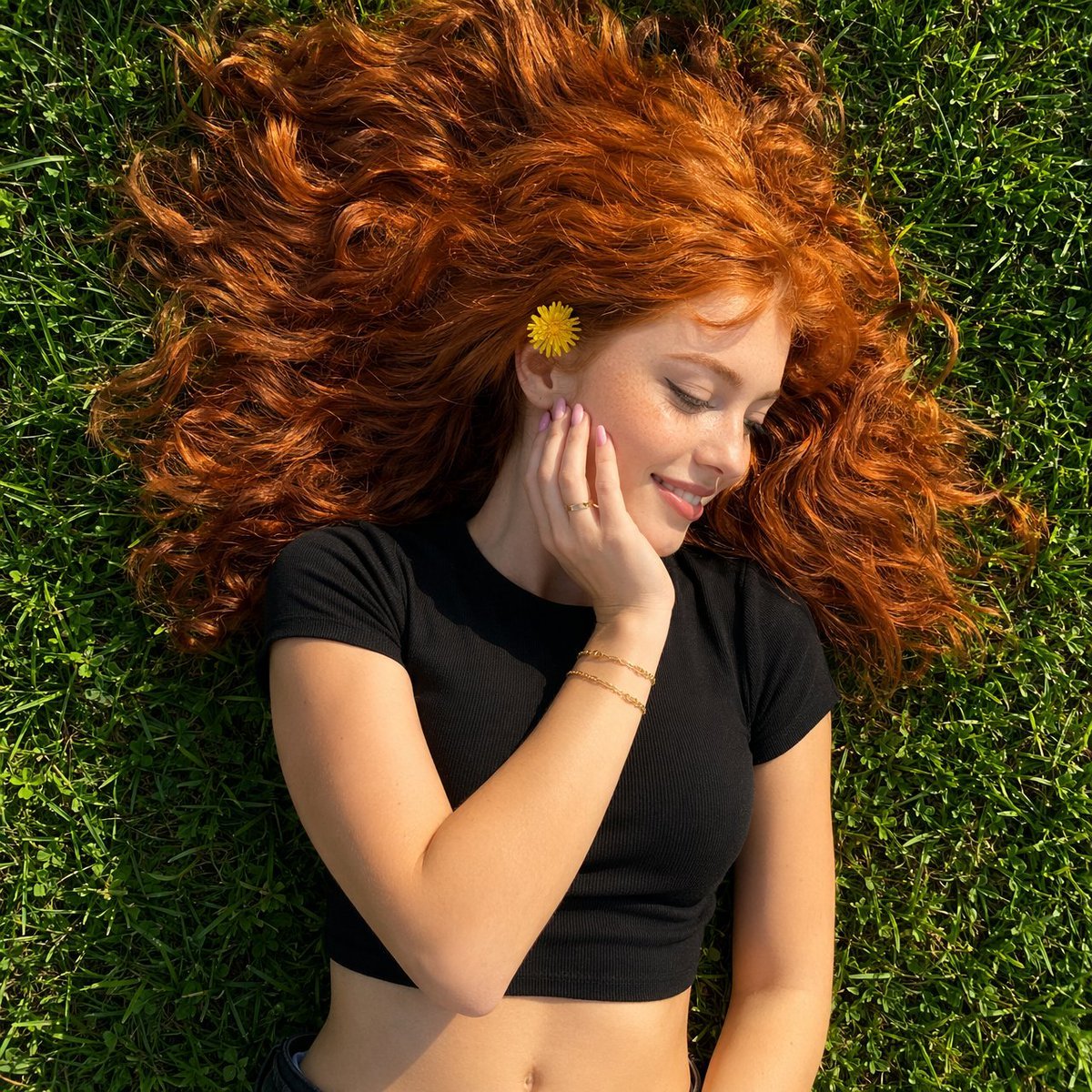
Top-Down Red Hair Woman Portrait

Documentary-Style Photo of Man in Robe with Burning Farmhouse

Protein Powder Splash Hero Shot

Op Art LOVE Typography Poster Prompt
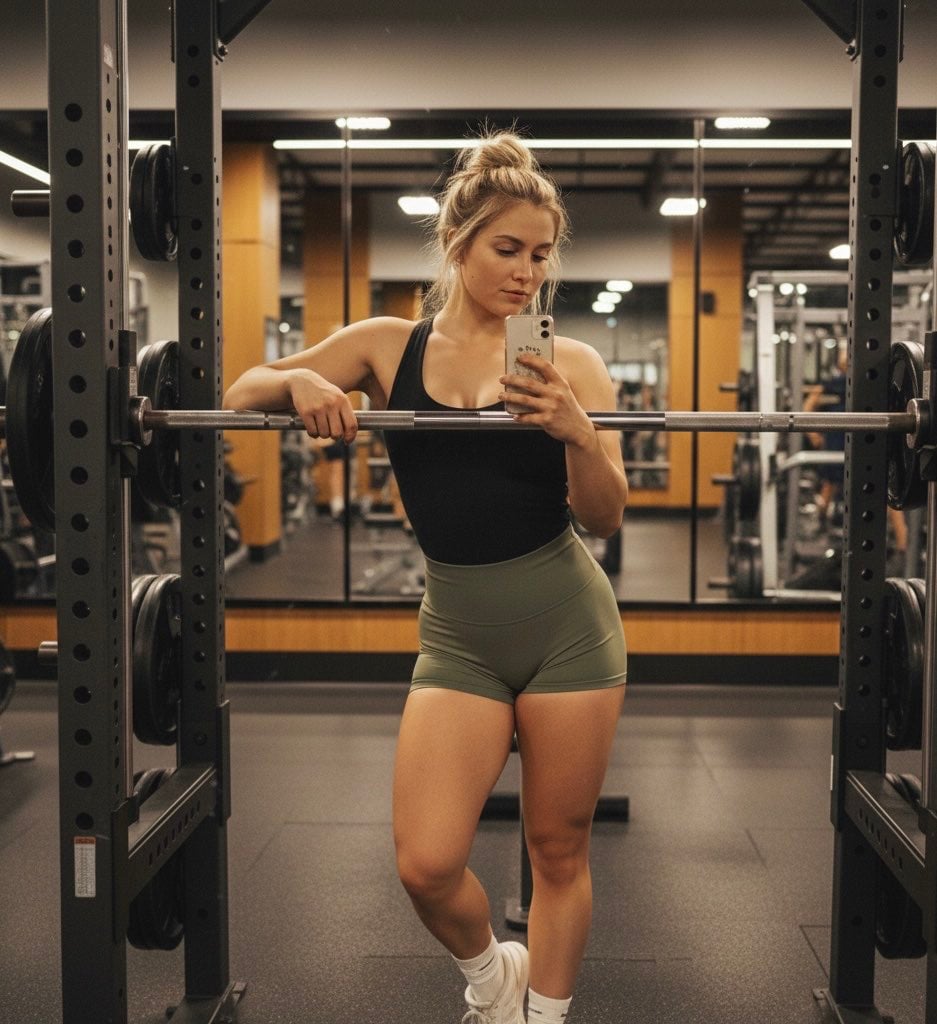
Gemini Nano Banana Pro Prompt for Reflective Self-Improvement
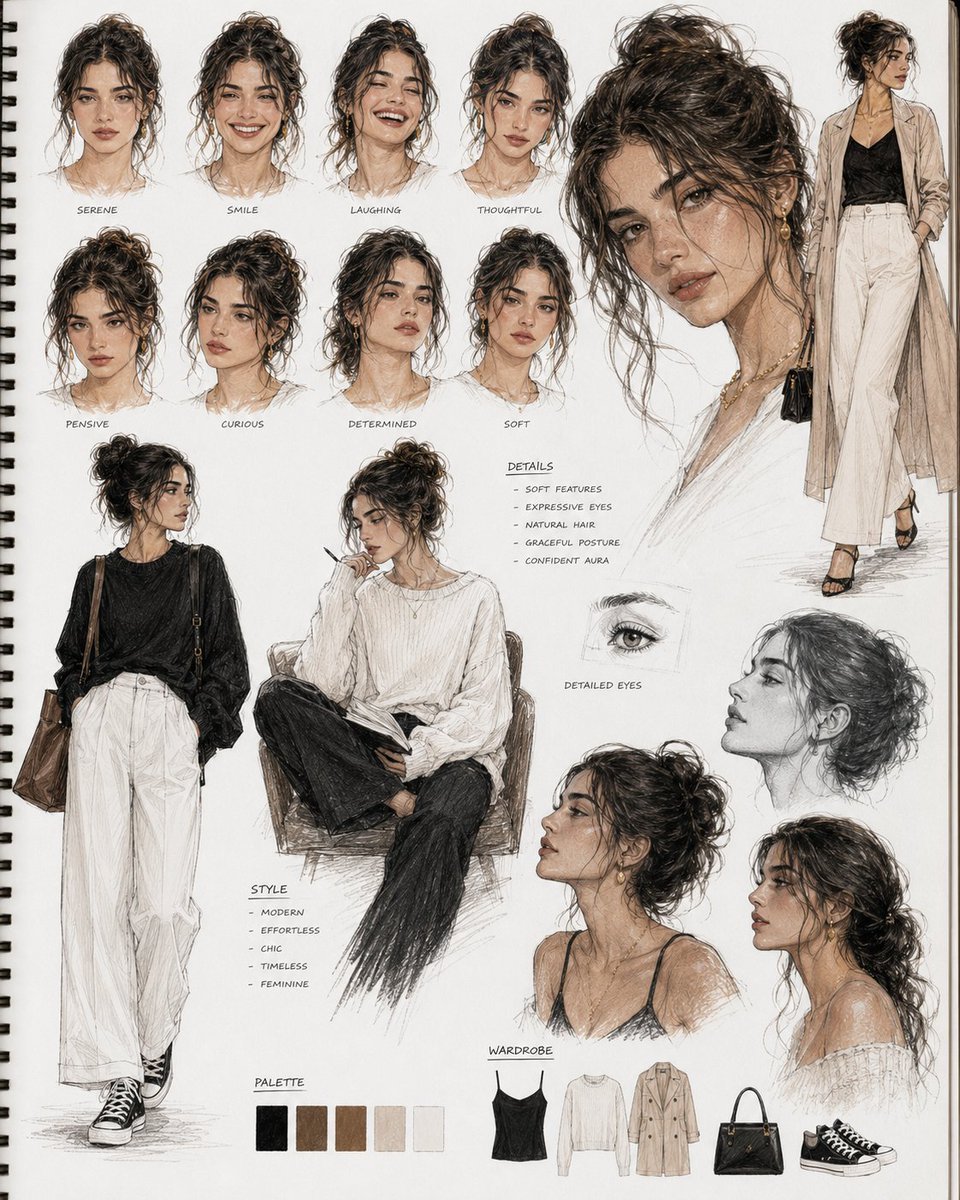
Cinematic Sketchbook Character Board

Generating a Magazine Cover for Edogawa Ward Tourism
Browse template categories
Futuristic Cyber Businessman Portrait questions
How do I use the Futuristic Cyber Businessman Portrait template?
Add your photo if the template asks for one, edit the prompt if you like — the template's model and format are already selected — and press Generate. Your version opens in PicX Studio.
Can I customize the Futuristic Cyber Businessman Portrait template?
Yes. You can change the subject, setting, lighting, mood, format, and available model controls before creating your image.
Is the Futuristic Cyber Businessman Portrait template free?
Opening and editing this template is free. Generating uses credits, shown on the Generate button when you are signed in.
Which AI model should I use?
Start with GPT Image 2, which is the model associated with this template. You can compare another compatible model for a different finish.
Looking for something else? Browse all templates.

Your photo, any look
Thousands of ready templates for every top image and video model, from one credit balance.