
Modern Sculpture Monochrome Triptych Prompt
A highly structured prompt for generating a three-panel monochrome fashion editorial triptych featuring a male model, inspired by modern sculpture aesthetics, with detailed lighting and composition specifications.
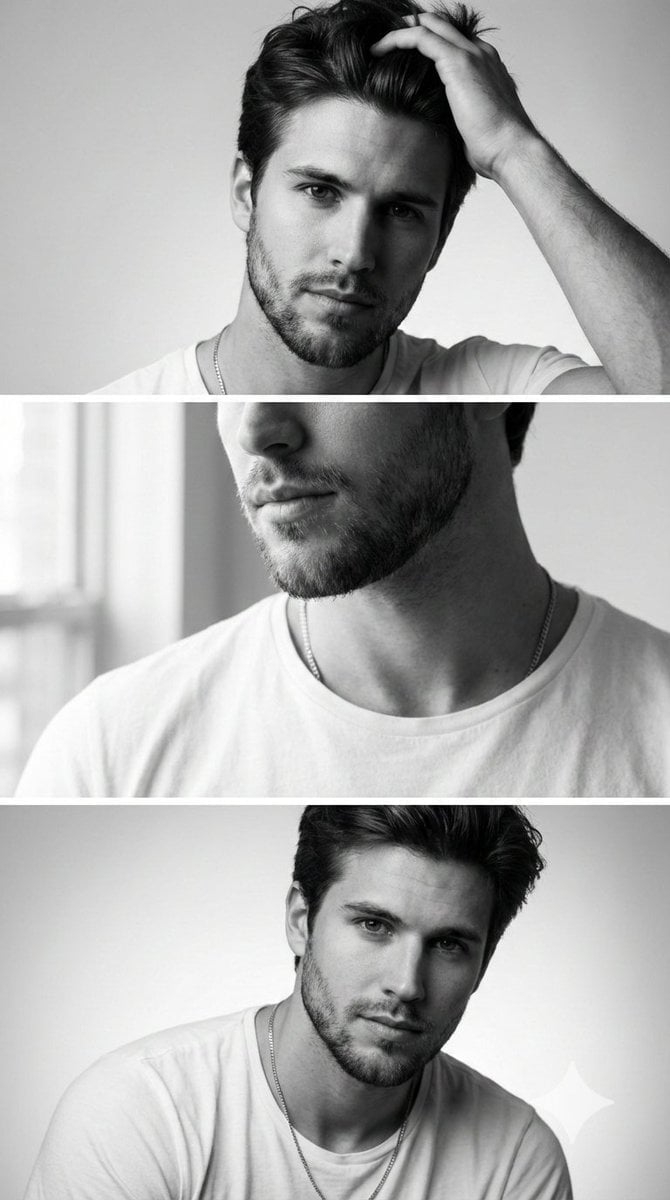
- Prompt included
- Model and format preset
- Free template
The prompt behind this image
Copy the exact prompt behind Modern Sculpture Monochrome Triptych Prompt, or open it in the studio and make it yours.
- Prompt Name
- Modern_Sculpture_Monochrome_Triptych_9x16
- Aspect Ratio
- 9:16
- Style
- Minimalist monochrome fashion editorial inspired by modern sculpture aesthetics
- Composition › Layout
- Three horizontal panels stacked vertically within a 9:16 canvas
- Composition › Background
- Seamless grey-white studio backdrop with soft gradient falloff
- Composition › Continuity Elements
- Minimal white crew-neck T-shirt and subtle gold necklace across all frames
- Subject › Description
- Young male model with short textured dark hair, neatly edged groomed beard, symmetrical bone structure, defined cheekbones
- Subject › Expression Tone
- Calm, confident, introspective masculinity
- Subject › Skin Detail
- Authentic skin pores, natural texture, no over-smoothing
- Frames › 0 › Frame Number
- 1
- Frames › 0 › Type
- Half-lit portrait
- Frames › 0 › Pose
- Facing camera, one hand brushing casually through hair
- Frames › 0 › Lighting › Style
- Split lighting
- Frames › 0 › Lighting › Key Light Position
- Camera right at 45 degrees
- Frames › 0 › Lighting › Effect
- One side illuminated, opposite side fades into soft shadow
- Frames › 0 › Lighting › Contrast
- Medium-high contrast with controlled shadow rolloff
- Frames › 0 › Focus
- Bone structure and facial symmetry
- Frames › 1 › Frame Number
- 2
- Frames › 1 › Type
- Close crop detail shot
- Frames › 1 › Pose
- Neutral posture, frame tightly cropped
- Frames › 1 › Lighting › Style
- Soft directional window light
- Frames › 1 › Lighting › Direction
- Camera left
- Frames › 1 › Lighting › Quality
- Diffused natural light
- Frames › 1 › Focus
- Lips, beard texture, collarbone detail
Raw JSON
{
  "prompt_name": "Modern_Sculpture_Monochrome_Triptych_9x16",
  "aspect_ratio": "9:16",
  "style": "Minimalist monochrome fashion editorial inspired by modern sculpture aesthetics",
  "composition": {
    "layout": "Three horizontal panels stacked vertically within a 9:16 canvas",
    "background": "Seamless grey-white studio backdrop with soft gradient falloff",
    "continuity_elements": "Minimal white crew-neck T-shirt and subtle gold necklace across all frames"
  },
  "subject": {
    "description": "Young male model with short textured dark hair, neatly edged groomed beard, symmetrical bone structure, defined cheekbones",
    "expression_tone": "Calm, confident, introspective masculinity",
    "skin_detail": "Authentic skin pores, natural texture, no over-smoothing"
  },
  "frames": [
    {
      "frame_number": 1,
      "type": "Half-lit portrait",
      "pose": "Facing camera, one hand brushing casually through hair",
      "lighting": {
        "style": "Split lighting",
        "key_light_position": "Camera right at 45 degrees",
        "effect": "One side illuminated, opposite side fades into soft shadow",
        "contrast": "Medium-high contrast with controlled shadow rolloff"
      },
      "focus": "Bone structure and facial symmetry"
    },
    {
      "frame_number": 2,
      "type": "Close crop detail shot",
      "pose": "Neutral posture, frame tightly cropped",
      "lighting": {
        "style": "Soft directional window light",
        "direction": "Camera left",
        "quality": "Diffused natural light"
      },
      "focus": "Lips, beard texture, collarbone detail",
      "depth_of_field": "Shallow for background separation"
    },
    {
      "frame_number": 3,
      "type": "Subtle forward lean portrait",
      "pose": "Slight lean toward camera, shoulders relaxed",
      "expression": "Confident but calm eye contact",
      "lighting": {
        "style": "Balanced soft studio lighting",
        "highlight_detail": "Gold necklace catching subtle highlight reflections"
      }
    }
  ],
  "camera_settings": {
    "camera_type": "High-end full-frame mirrorless",
    "lens": "50mm prime lens",
    "aperture": "f/2.0",
    "shutter_speed": "1/200",
    "iso": "100",
    "focus_mode": "Eye autofocus",
    "sharpness": "Premium editorial sharpness with natural detail retention"
  },
  "color_grading": {
    "mode": "Black and white conversion",
    "contrast_curve": "Balanced highlights with controlled shadow depth",
    "grain": "Subtle fine grain for magazine realism",
    "finish": "High-end commercial editorial polish"
  },
  "quality_tags": [
    "cinematic",
    "minimalist",
    "luxury editorial",
    "elegant masculinity",
    "modern sculpture aesthetic",
    "high detail",
    "professional studio photography"
  ]
}How to use Modern Sculpture Monochrome Triptych Prompt in 3 steps
- 1
Open
The prompt is already in the box next to the preview, with the template's model and format selected.
- 2…a portrait of your subject in softgolden-hour light, 85mm…
Personalize
Edit the subject and creative details for your destination.
- 3Generate
Generate
Press Generate — your image is created in PicX Studio, so you can compare it with the original and refine one variable at a time.
More like this
Templates with the same subject, style or setup. Open one to see its prompt.

Paper Cut Craft Illustration
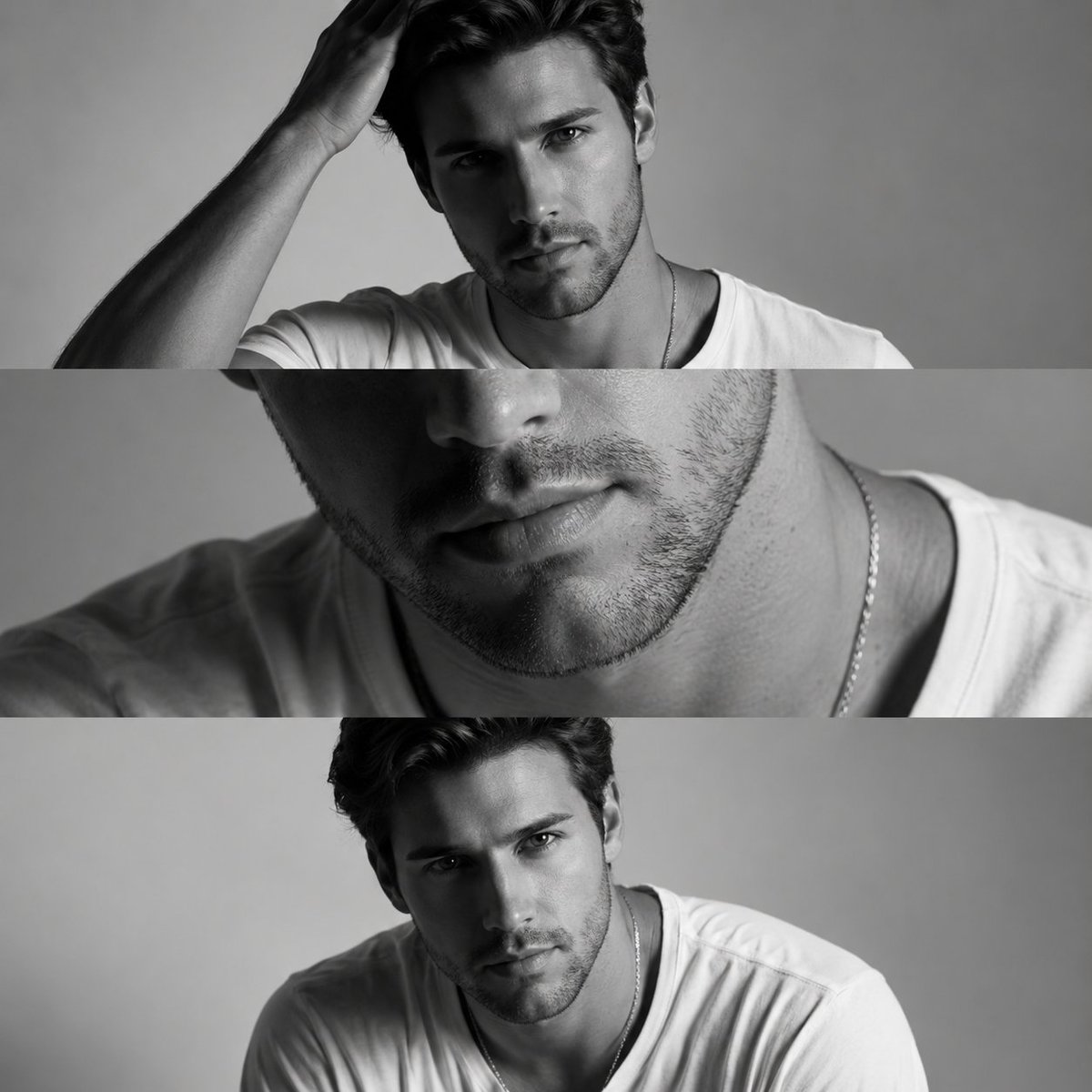
Monochrome Fashion Editorial Triptych

Monochrome Hypebeast Street Fashion Editorial Motion

Monochrome Halftone Editorial Fashion Poster

Cinematic Street Fashion Photographer Portrait

Quiet Luxury Black and White Fashion Editorial Portrait
Monochrome Hypebeast Street Fashion Editorial Motion

Fine Art Monochrome Fashion Portrait

Premium Editorial Branding Poster Charcoal Green

Luxury Black-and-White Fashion Contact Sheet

Ultra-Realistic Vogue-Style Editorial Fashion Grid

Stylized Fashion Portrait Bold Color Contrast Editorial
Make it yours
Modern Sculpture Monochrome Triptych Prompt works as-is. These are the safest ways to change it without losing the look.
Swap the setting
Keep the rest of the prompt and replace the location block. The current setting is “Seamless grey-white studio backdrop with soft gradient falloff”.
Swap the light
One lighting change is enough to compare takes. Current light: “Split lighting”.
Change one field
Copy a single group, rewrite it, and generate again so you can see what that field is doing.
| If the result… | Why | Fix |
|---|---|---|
| The result drifts from the preview | Too many fields changed at once. | Reuse Modern Sculpture Monochrome Triptych Prompt as-is first, then change one group — subject, light, or setting. |
| Nano Banana 2 ignores part of the JSON | Some models flatten or skip nested keys. | Keep the same values and paste them as a short paragraph instead. |
More Nano Banana 2 templates
Other prompts made for Nano Banana 2.

Photorealistic Leaf Shaped Like a Dragon

K-Pop Idol Portrait Grid for Rapid Selection

Poetic Rain Forest Portrait During Golden Hour

Urban Street Portrait with Cartoon Inner Self Duo

Candid Nighttime Photo with Cat Prompt

High-Concept 3D Diorama Generation Prompt

Cinematic Futuristic Studio Portrait Template

Skincare Editorial Photography Collage Prompt

Hyper-Realistic Commercial Product Photography (Splash Effect)

Hyper-Realistic Nightclub Portrait Prompt
More image prompts
Fresh picks from across the catalog.
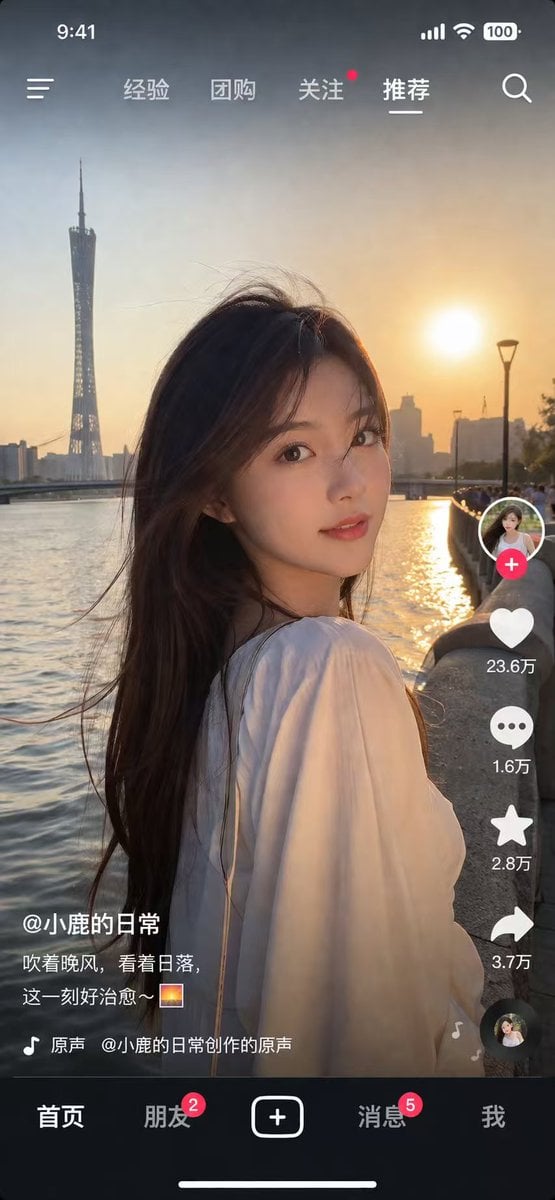
Social Media App Interface Mockup
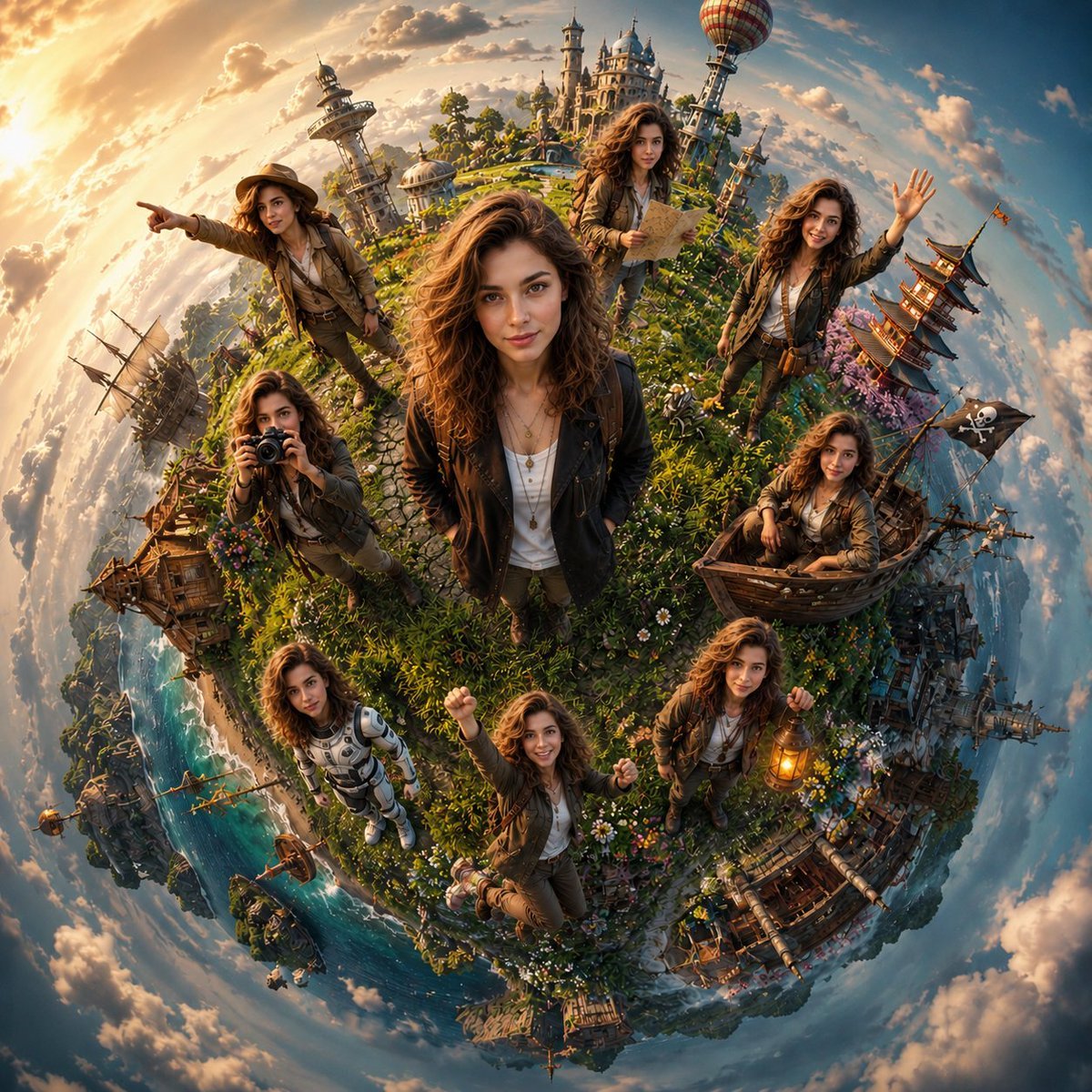
Cinematic Tiny Planet Fantasy World
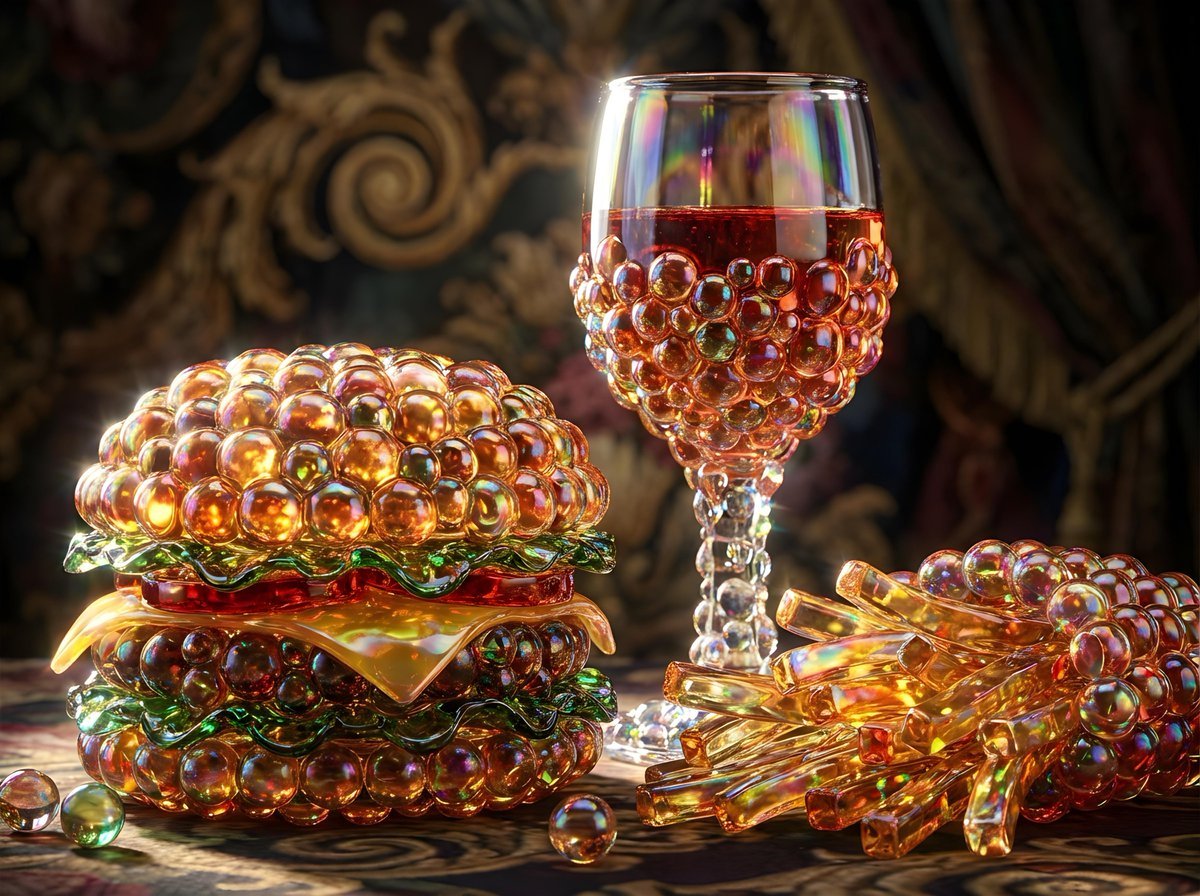
Bubbly Cheeseburger Still Life Prompt
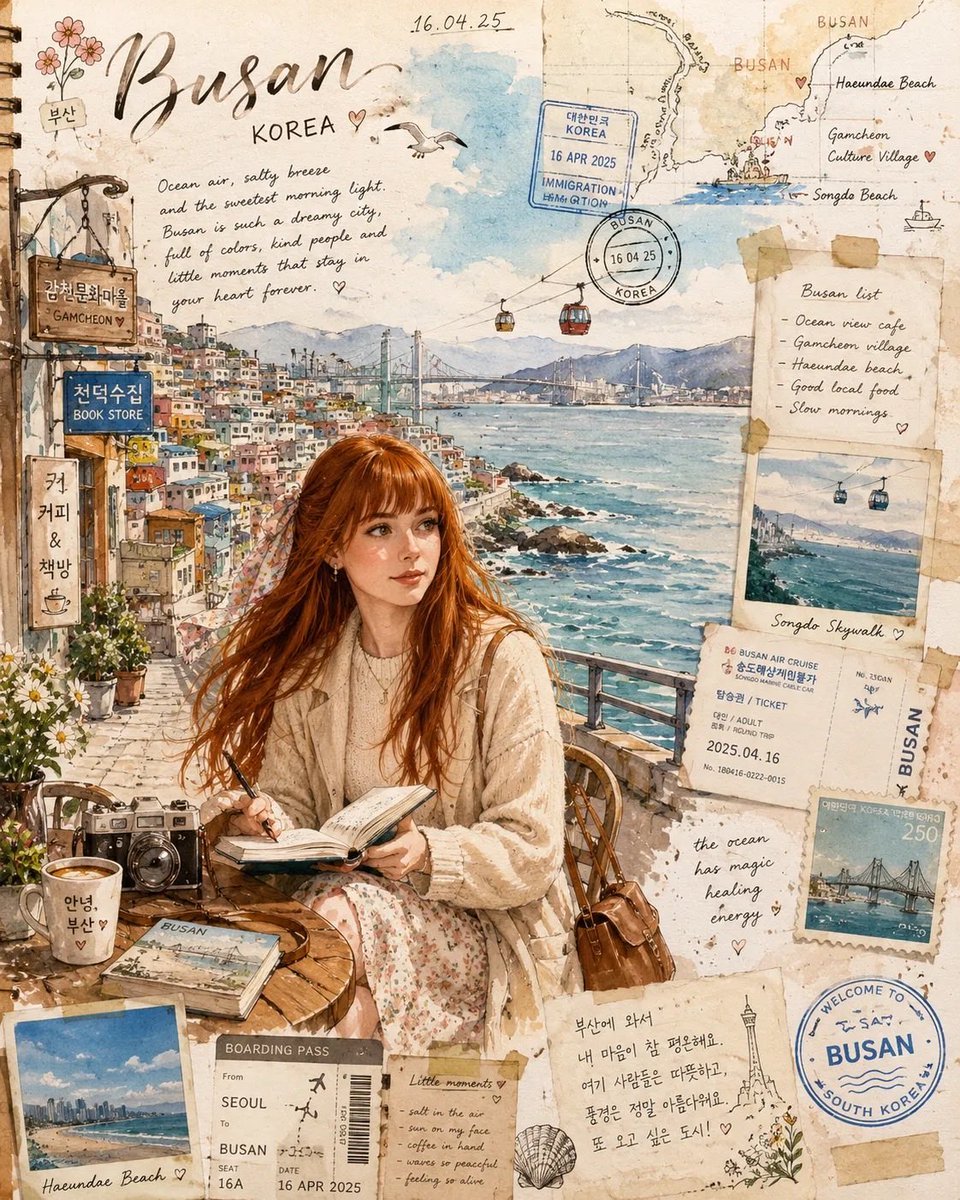
Watercolor Travel Journal Illustration
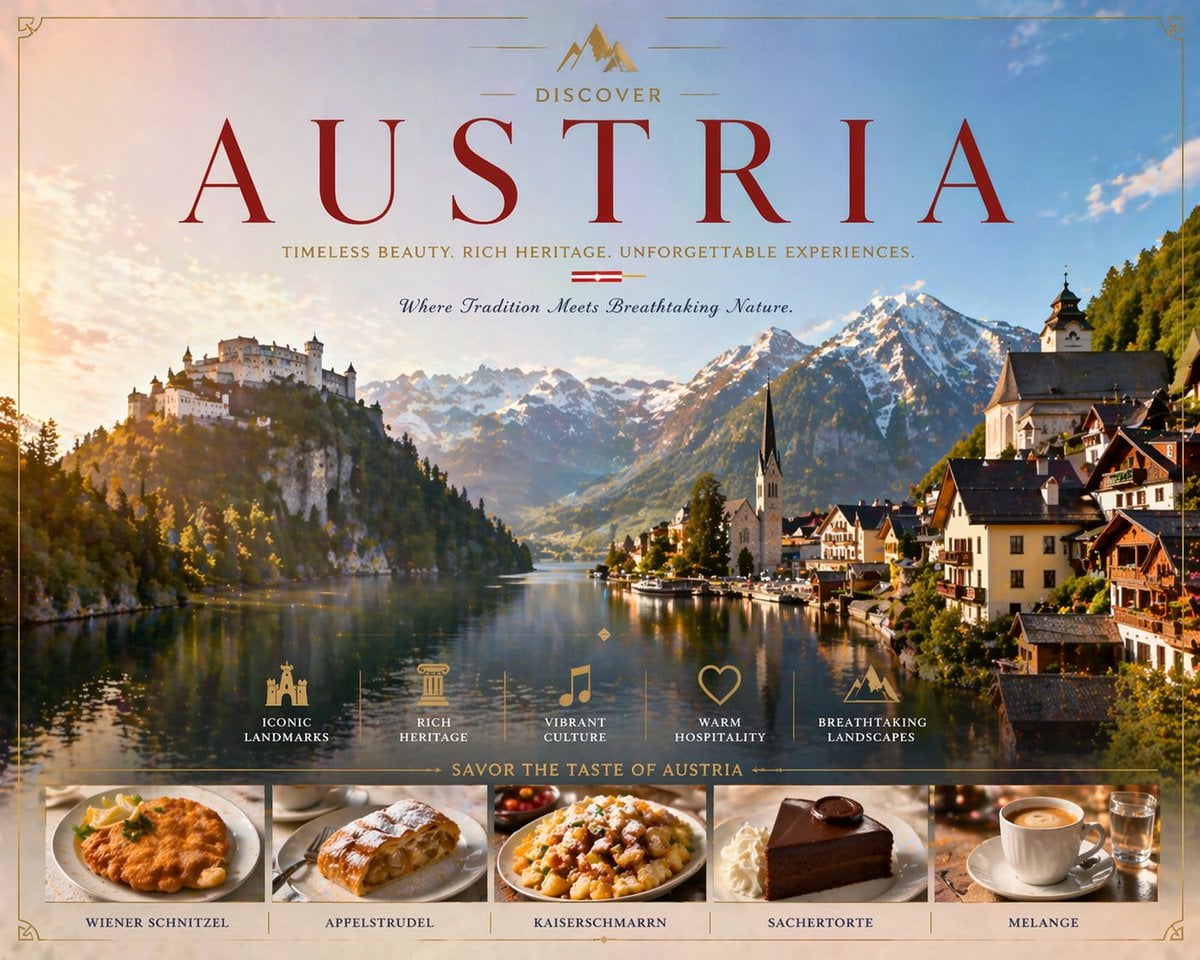
Luxury Austria Travel Poster
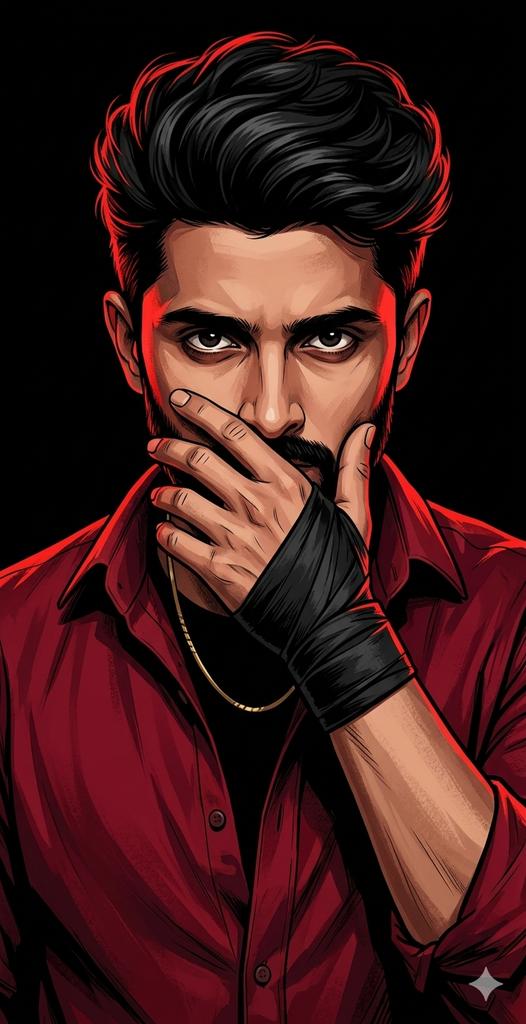
Dramatic Red Rim Lighting Portrait
Hyper-Realistic Underwater Snorkeling Portrait
Golden Hour Tennis Lifestyle Photo Prompt
Elegant Red Carpet Portrait of a Blonde Woman
Hyper-realistic smartphone flash photo prompt for AI image generation
Browse template categories
Modern Sculpture Monochrome Triptych Prompt questions
How do I use the Modern Sculpture Monochrome Triptych Prompt template?
Add your photo if the template asks for one, edit the prompt if you like — the template's model and format are already selected — and press Generate. Your version opens in PicX Studio.
Can I customize the Modern Sculpture Monochrome Triptych Prompt template?
Yes. You can change the subject, setting, lighting, mood, format, and available model controls before creating your image.
Is the Modern Sculpture Monochrome Triptych Prompt template free?
Opening and editing this template is free. Generating uses credits, shown on the Generate button when you are signed in.
Which AI model should I use?
Start with Nano Banana 2, which is the model associated with this template. You can compare another compatible model for a different finish.
Looking for something else? Browse all templates.

Your photo, any look
Thousands of ready templates for every top image and video model, from one credit balance.