
Urban Samurai Girl Turnaround Sheet
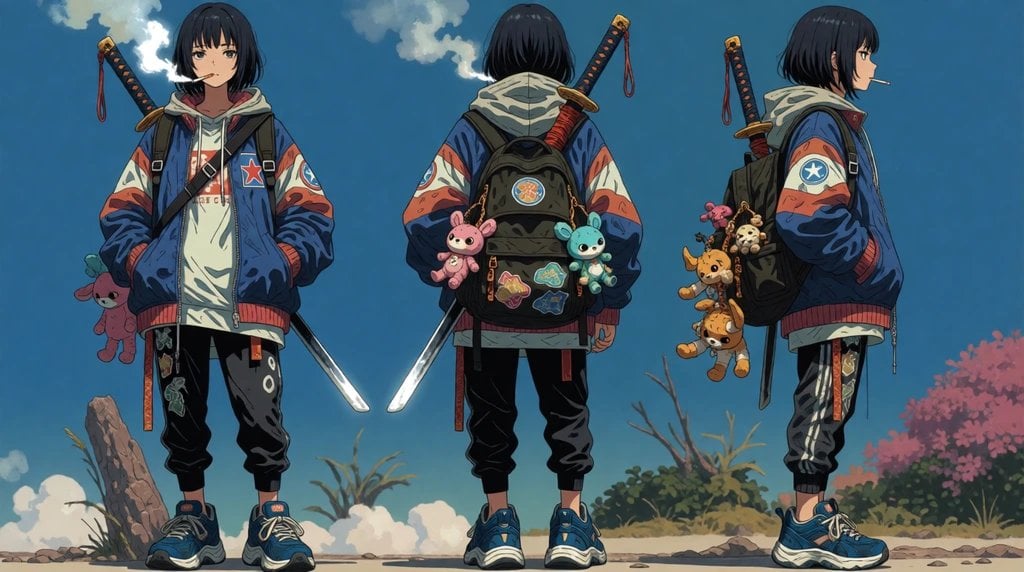
Generates a wide anime character design sheet with three full-body views of a streetwear samurai girl and detailed backpack accessories.
- Prompt included
- Model and format preset
- Free template
The prompt behind this image
Copy the exact prompt behind Urban Samurai Girl Turnaround Sheet, or open it in the studio and make it yours.
Goal: Create a full-body anime character turnaround sheet for {argument name="character name" default="a cool teenage urban samurai girl"}, showing the same character in exactly 3 views: front view on the left, back view in the center, and right-side profile view on the right. Canvas: Wide horizontal character-sheet composition, 16:9 aspect ratio, clean spacing between the three poses. Outdoor background with a painterly blue sky, scattered white clouds, low shrubs, a small rock/log on the left, and pink flowering bushes on the right. Keep the background secondary and slightly simplified so the character design is the focus. Character details: The character is a slim teenage girl with pale skin, short straight {argument name="hair color" default="black bob-cut hair"} with bangs, a calm slightly bored expression, and a cigarette or thin stick held in her mouth in the front and side views. She wears an oversized blue bomber jacket with red-and-white patterned sleeves, a star patch on the chest and sleeve, a layered off-white hoodie underneath, black jogger pants with patches and graphic markings, red hanging straps, and chunky blue sneakers. Hands are tucked into the jacket pockets in the front and side views. Gear and props: Include exactly 1 sheathed katana on her back in every view, with a dark handle, gold guard, red wrapping, and a small red cord dangling from the hilt. In the front view, show a bright exposed blade or sword edge angled downward near her right side. In the back view, show the katana rising over her right shoulder and two glowing blade tips or reflective sword edges near her lower sides. In the side view, show the sword sheath hanging behind her leg. Backpack and accessories: The center back view must clearly show exactly 1 black backpack with multiple colorful patches and exactly 2 plush keychains attached to it: 1 pink bunny plush on the left and 1 blue bunny plush on the right. The right-side profile view must show exactly 4 dangling plush charms on the side of the backpack: 1 pink plush near the top, 1 small skull-like beige charm, 1 orange fox/deer-like plush, and 1 brown tiger/cat-like plush. The front view must show exactly 1 pink plush toy hanging from her left side. Visual style: High-quality Japanese anime concept art, detailed character design sheet, crisp linework, painterly cel shading, subtle fabric folds, muted but saturated streetwear colors, cinematic lighting, soft atmospheric background, polished illustration suitable for animation preproduction. Constraints: Show exactly 3 full-body views of the same character, consistent outfit and proportions across all views, no extra characters, no labels, no UI, no watermark, no cropped feet, no duplicate poses beyond the three specified views.
How to use Urban Samurai Girl Turnaround Sheet in 3 steps
- 1Upload ImagePNG, JPG or paste
Add your photo
Upload the photo the template builds on. The prompt, model and format are already set.
- 2…a portrait of your subject in softgolden-hour light, 85mm…
Personalize
Edit the subject and creative details for your destination.
- 3Generate
Generate
Press Generate — your image is created in PicX Studio, so you can compare it with the original and refine one variable at a time.
More like this
Templates with the same subject, style or setup. Open one to see its prompt.
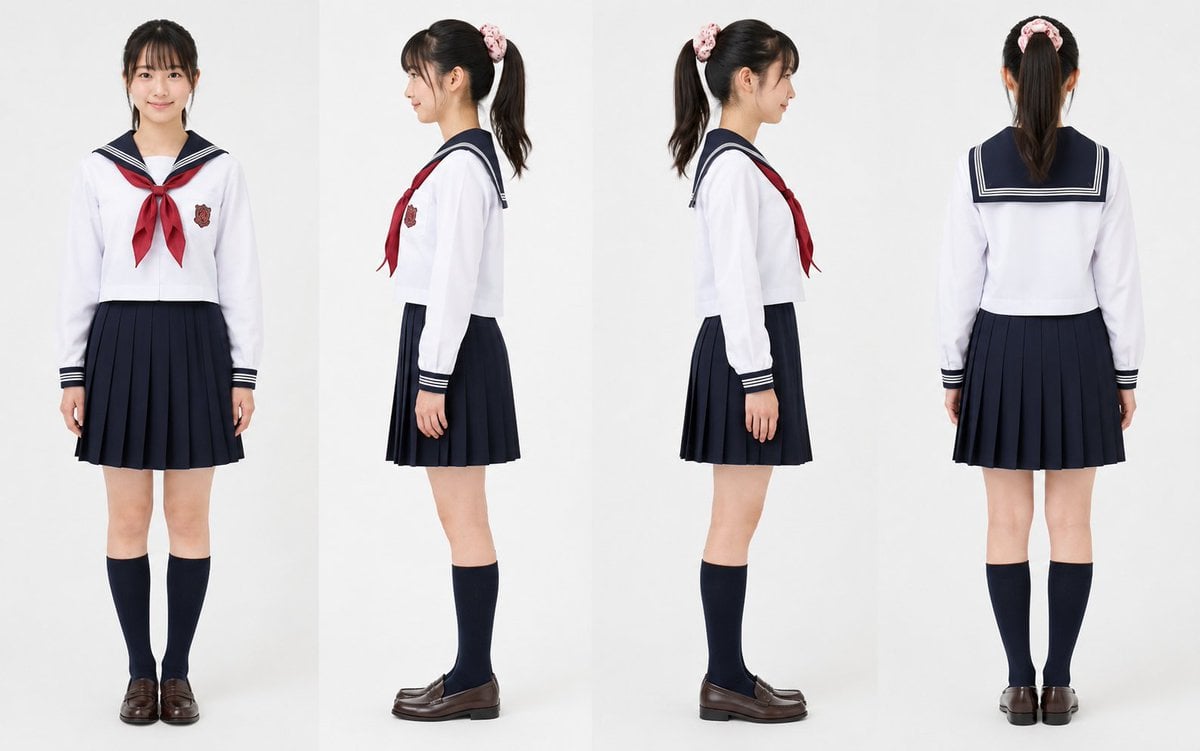
Realistic Schoolgirl Turnaround Sheet

Gothic Girl Character Turnaround Sheet
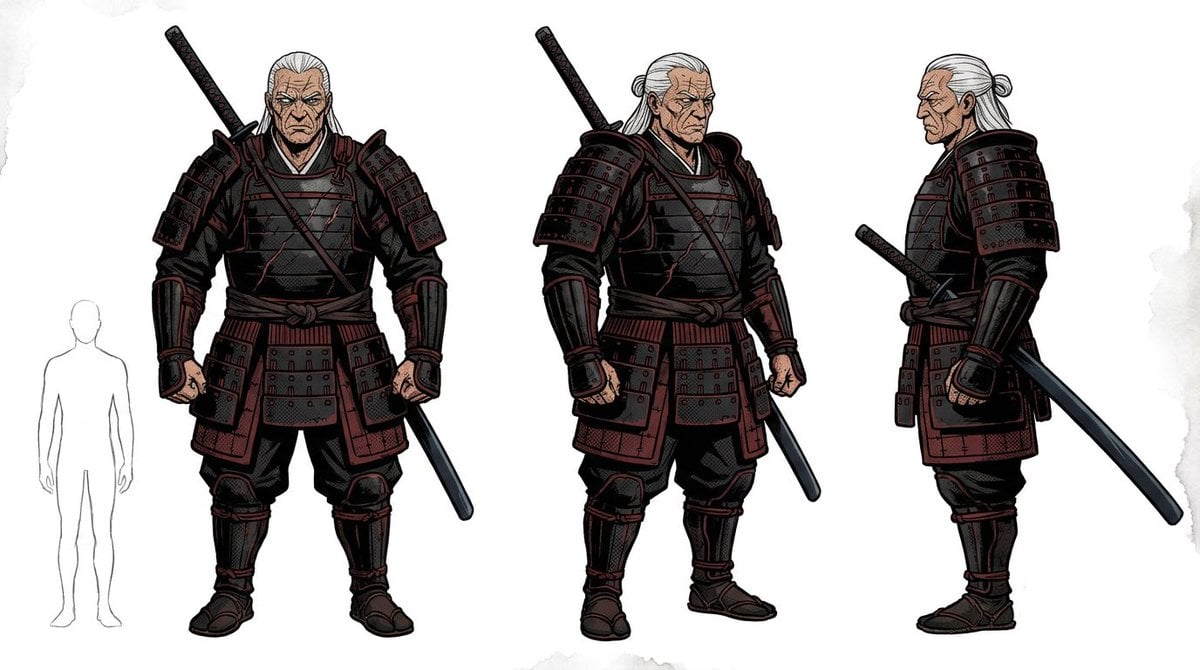
Samurai Armor Turnaround Sheet
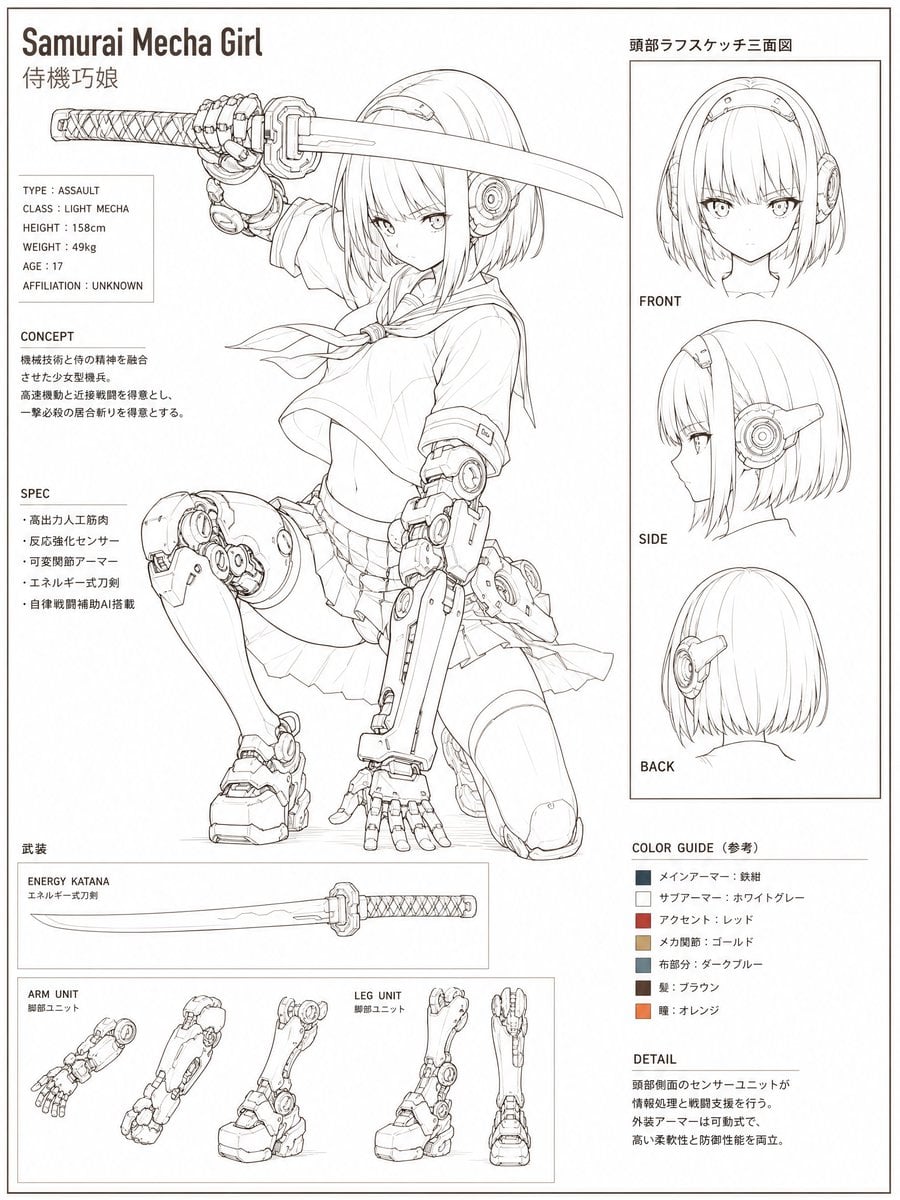
Samurai Mecha Girl Reference Sheet

Anime Elf Maid Turnaround Sheet

Teen Girl Alpine Lake Mountain View
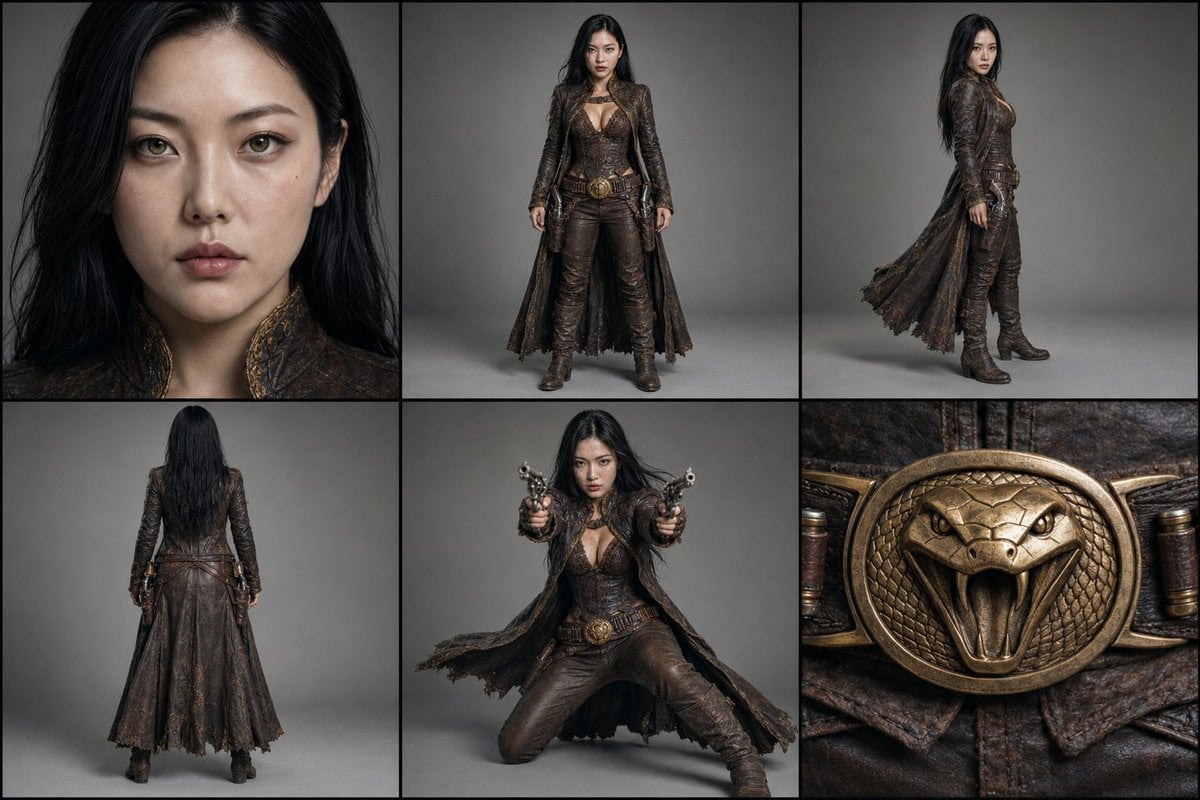
Character Reference Turnaround Sheet
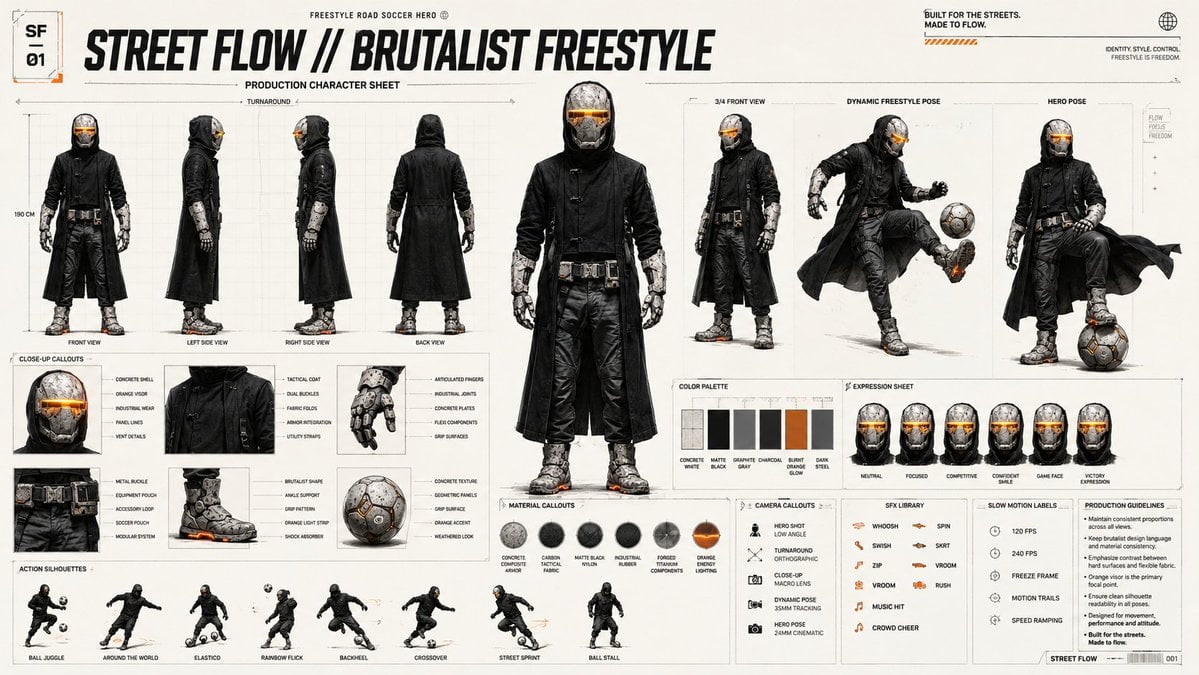
Futuristic Scout Turnaround Sheet
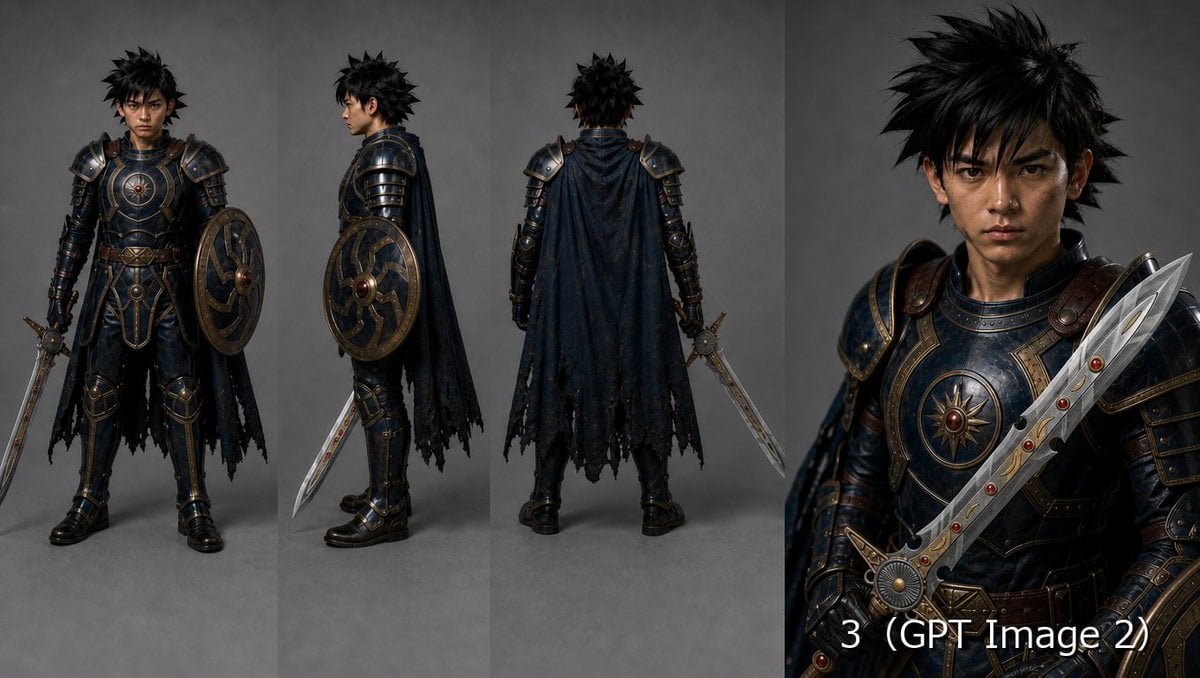
Fantasy Knight Character Turnaround Sheet
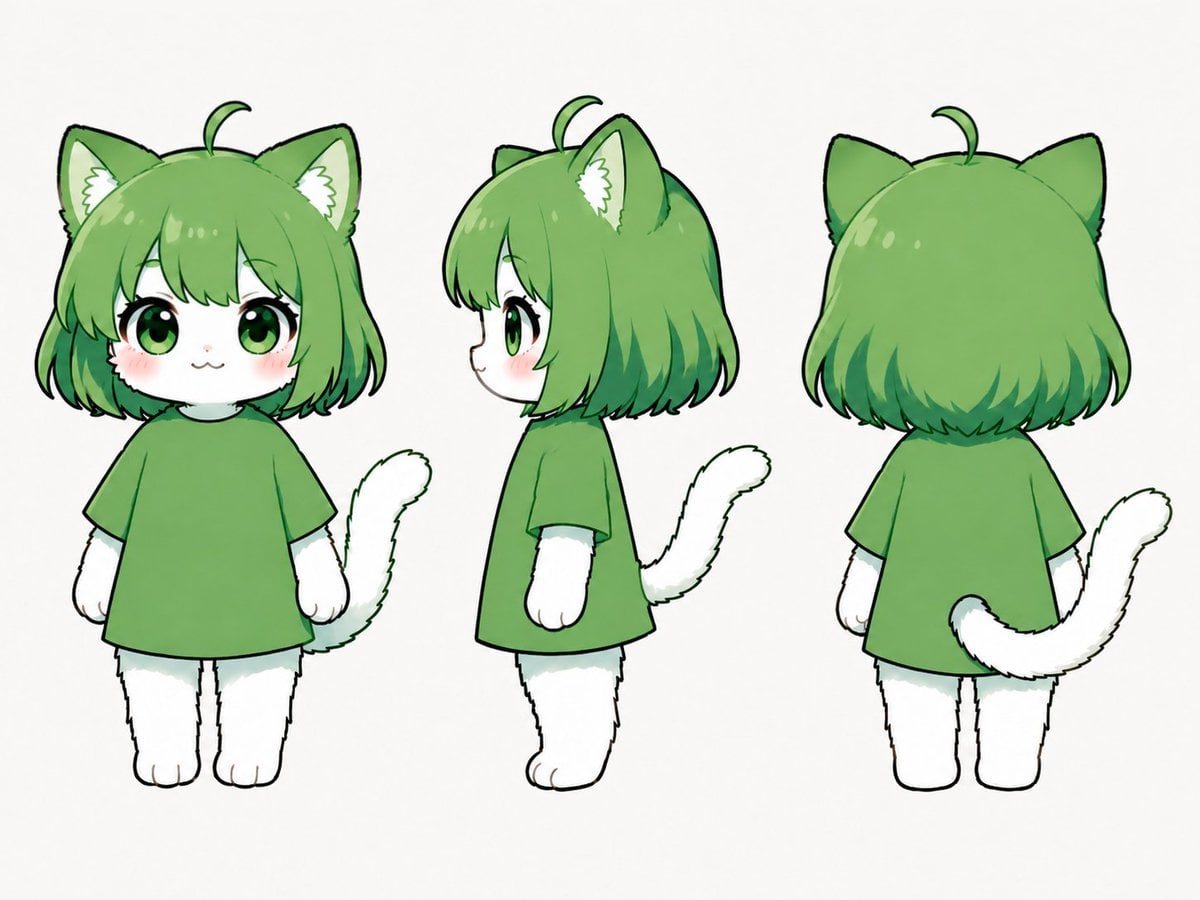
Green Chibi Cat-Girl Turnaround
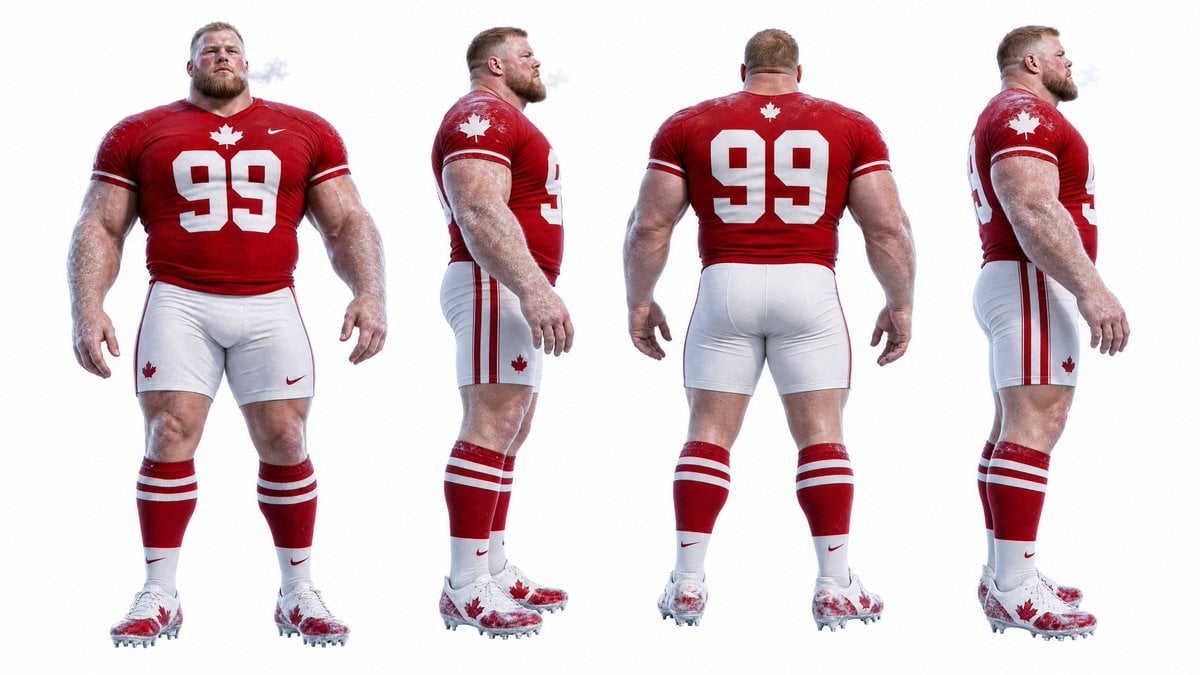
Football Player Turnaround Sheet

Anime Lantern Girl Character Sheet
Make it yours
Urban Samurai Girl Turnaround Sheet works as-is. These are the safest ways to change it without losing the look.
Change one field
Copy a single group, rewrite it, and generate again so you can see what that field is doing.
Keep the frame, change the subject
Hold the composition and light of Urban Samurai Girl Turnaround Sheet, then swap wardrobe, props or the person for a new take.
| If the result… | Why | Fix |
|---|---|---|
| The result drifts from the preview | Too many fields changed at once. | Reuse Urban Samurai Girl Turnaround Sheet as-is first, then change one group — subject, light, or setting. |
| The model over-stylizes the scene | The prose prompt leaves finish and camera underspecified. | Add one camera or lighting sentence and stay on GPT Image 2. |
More GPT Image 2 templates
Other prompts made for GPT Image 2.

Six VTuber Japanese Logo Sheet

Realistic Portrait of Woman and Deer

The Vista Modular Condo Poster

AI Model Routing Comparison Infographic

2.5D Anime Art Board

Isometric Productivity Desk Scene

New York Double Exposure Poster

Four-Panel AI Landscape Comparison

Japanese Tatami Lifestyle Magazine Cover

NESCAFÉ Coffee Map Poster
More image prompts
Fresh picks from across the catalog.

Glamorous Vintage Car Portrait Prompt (Identity Locked)

Luxury Fitness Campaign
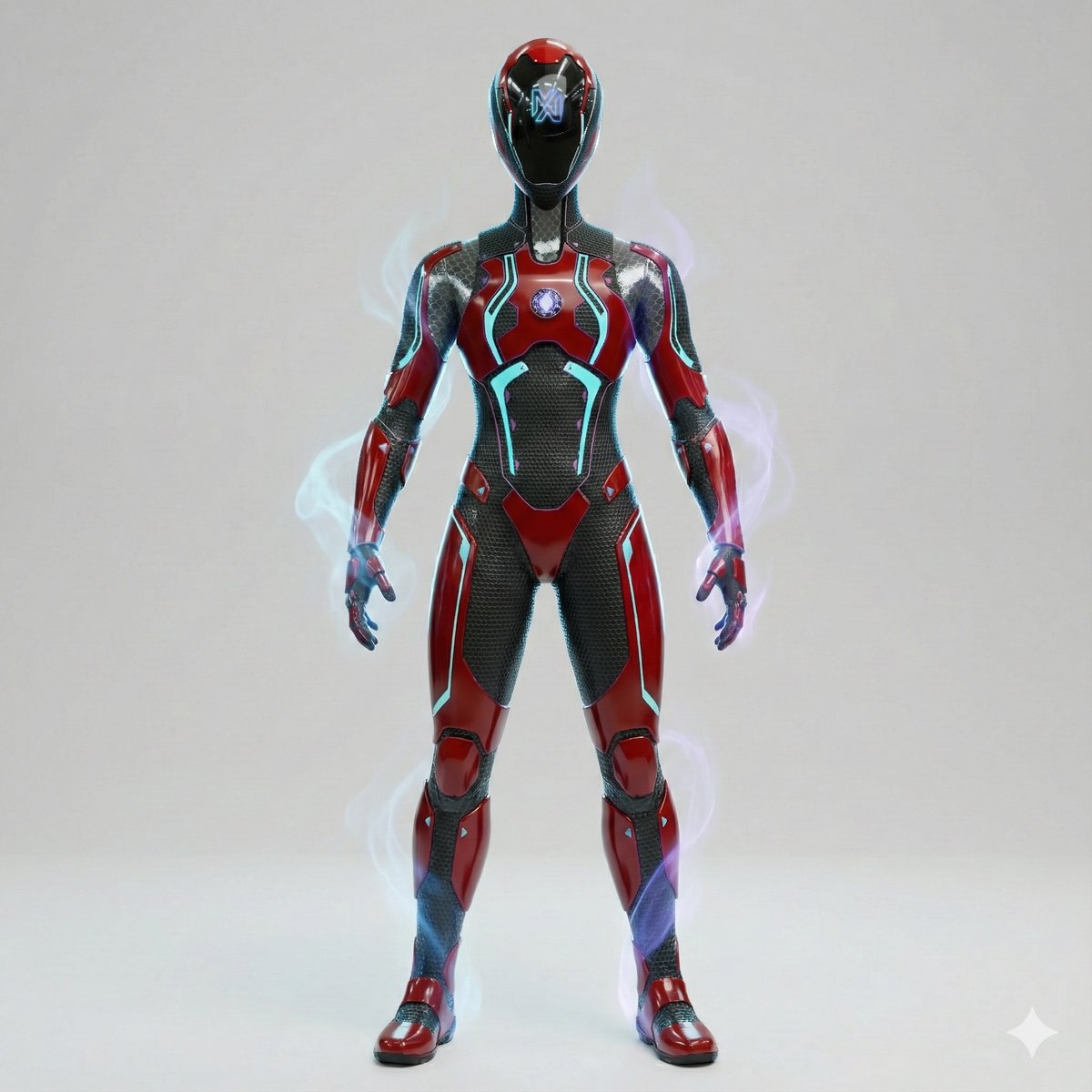
3D Cinematic Character Render with Adaptive Magic Aura
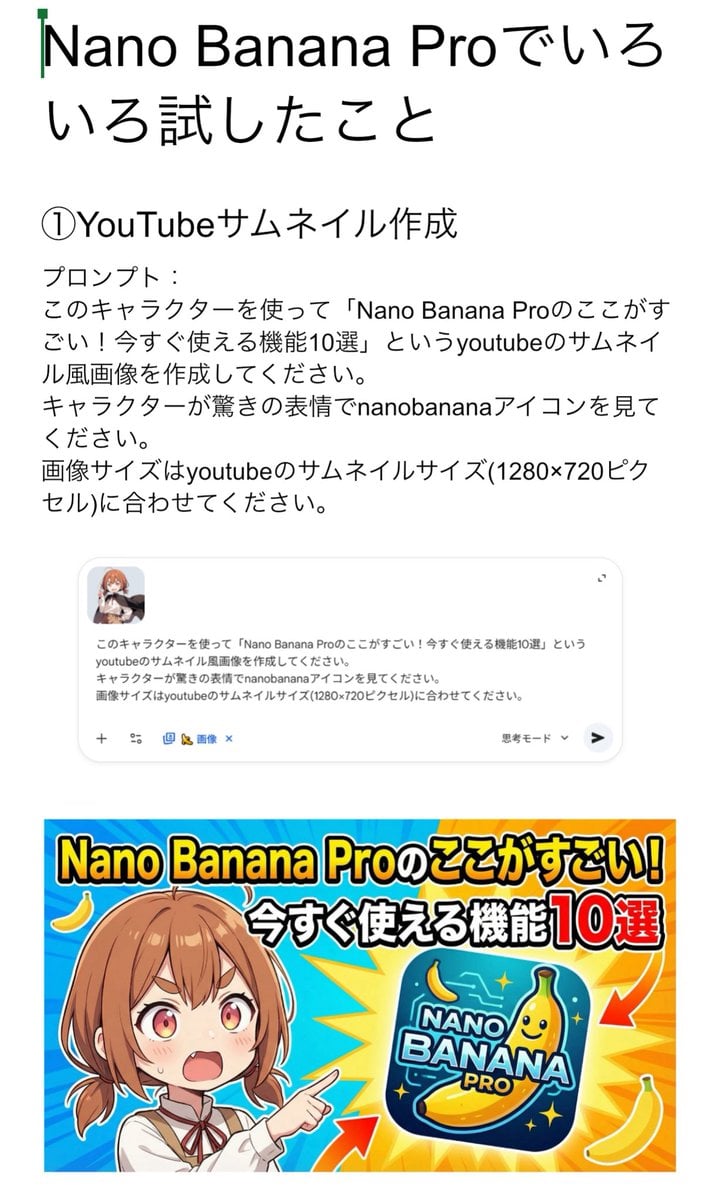
YouTube thumbnail for Nano Banana Pro features
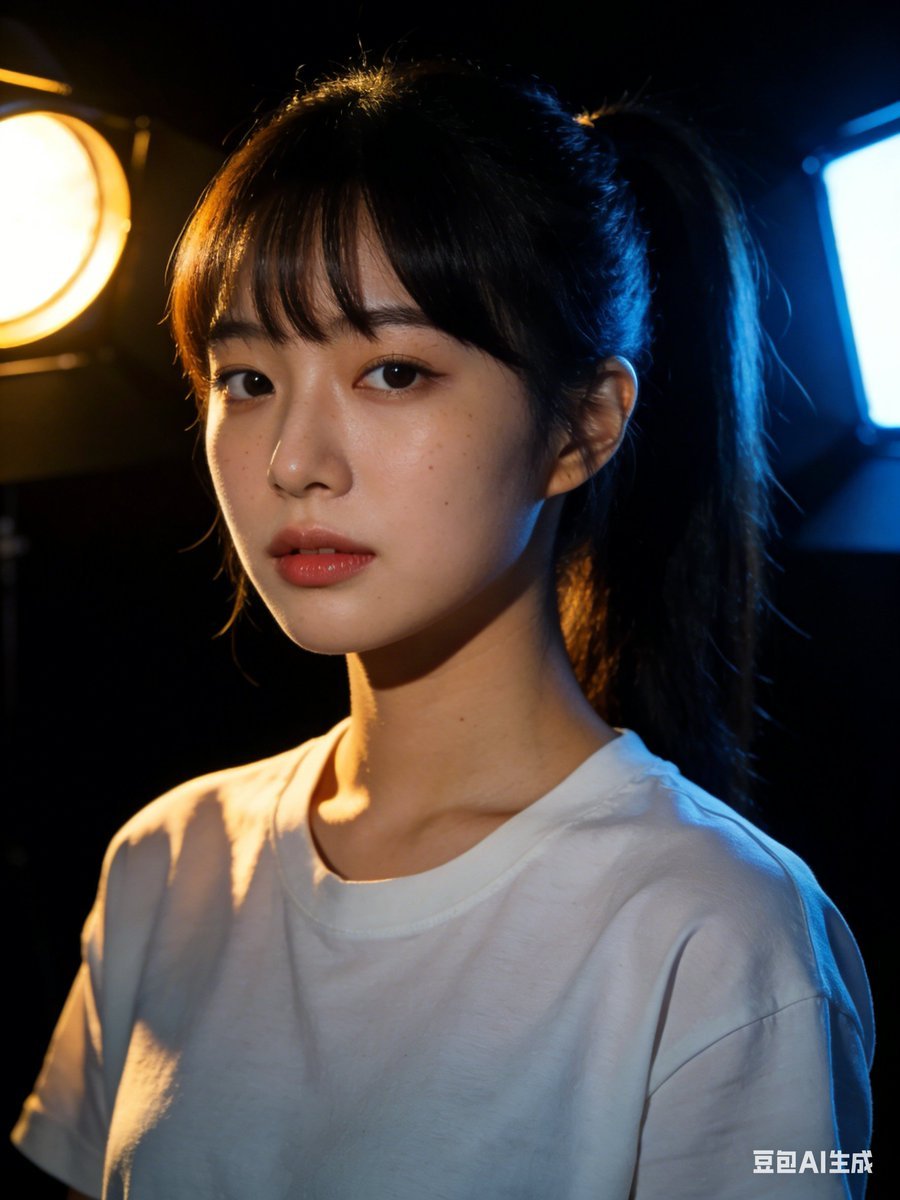
Nano Banana 2 Prompt Failure and Comparison

Photorealistic Fenerbahçe Jersey Portrait on a Yacht
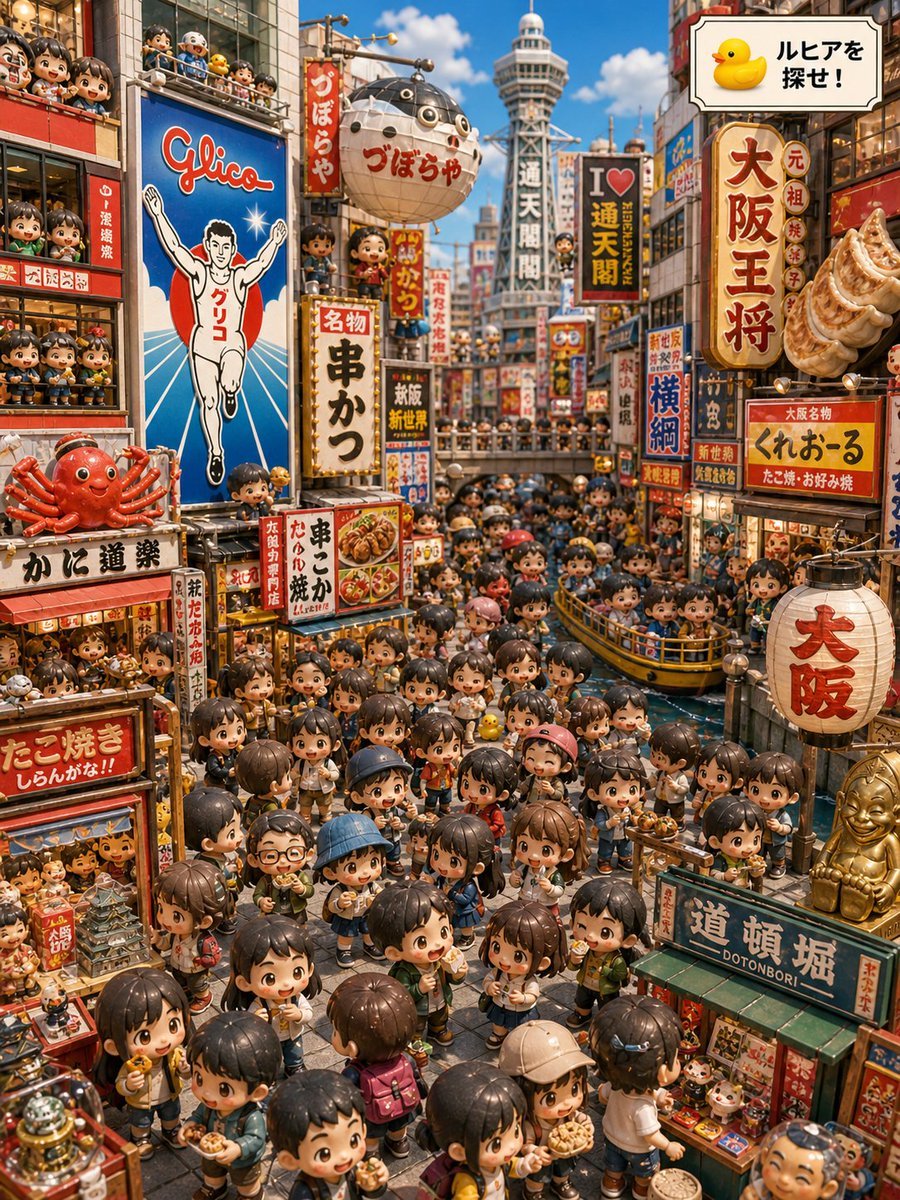
Osaka Chibi Find-the-Duck Diorama
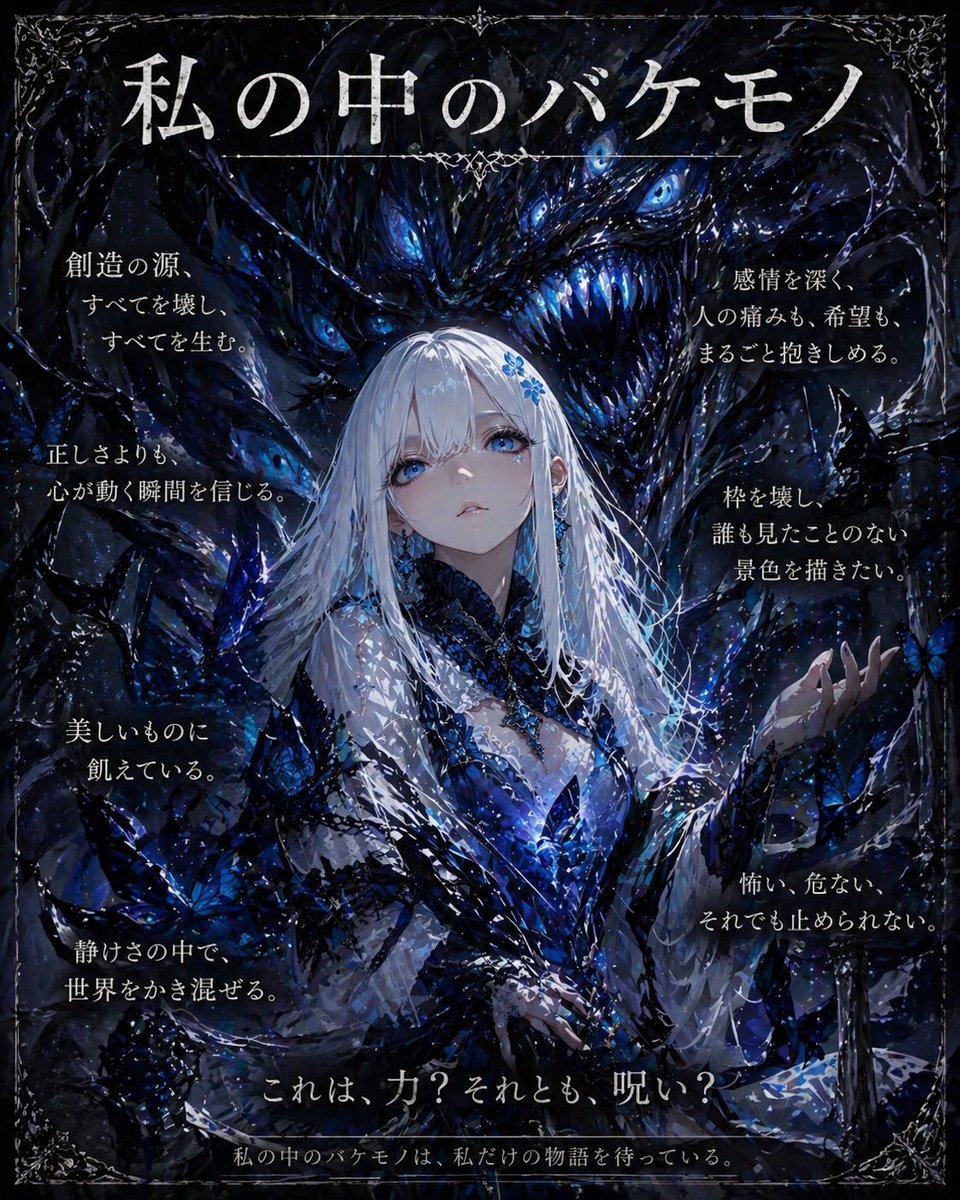
Dark Fantasy Inner Monster Poster
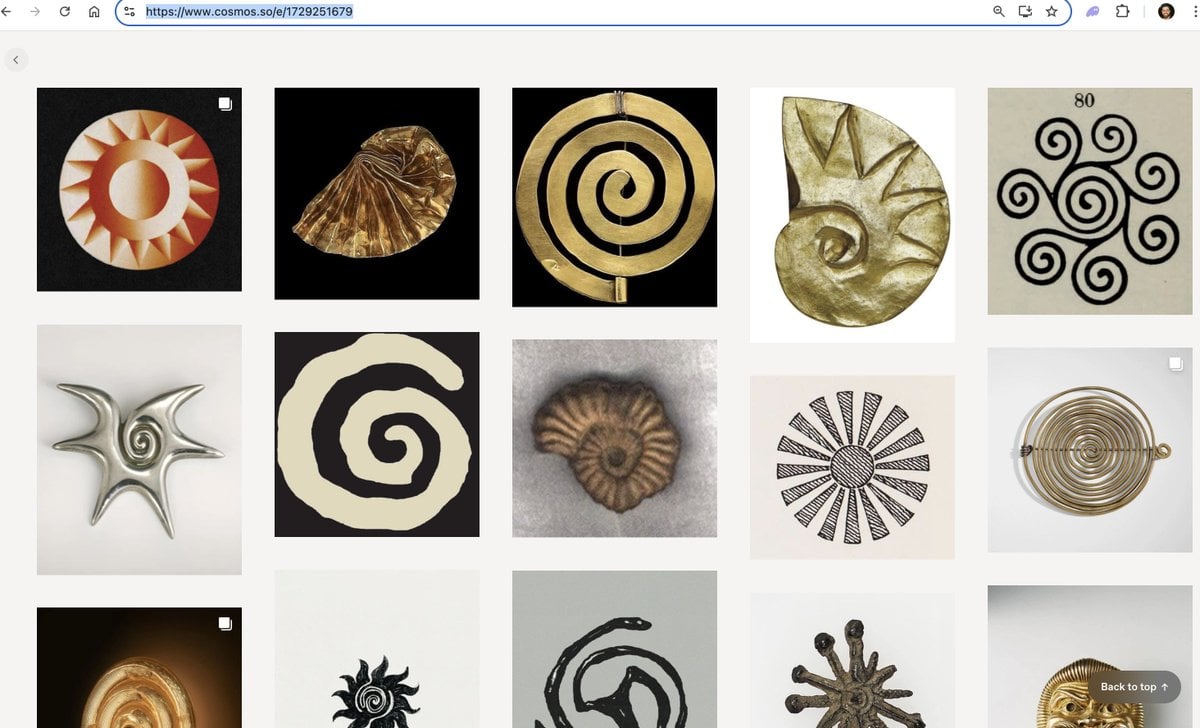
Logo generation prompt for Nano Banana Pro
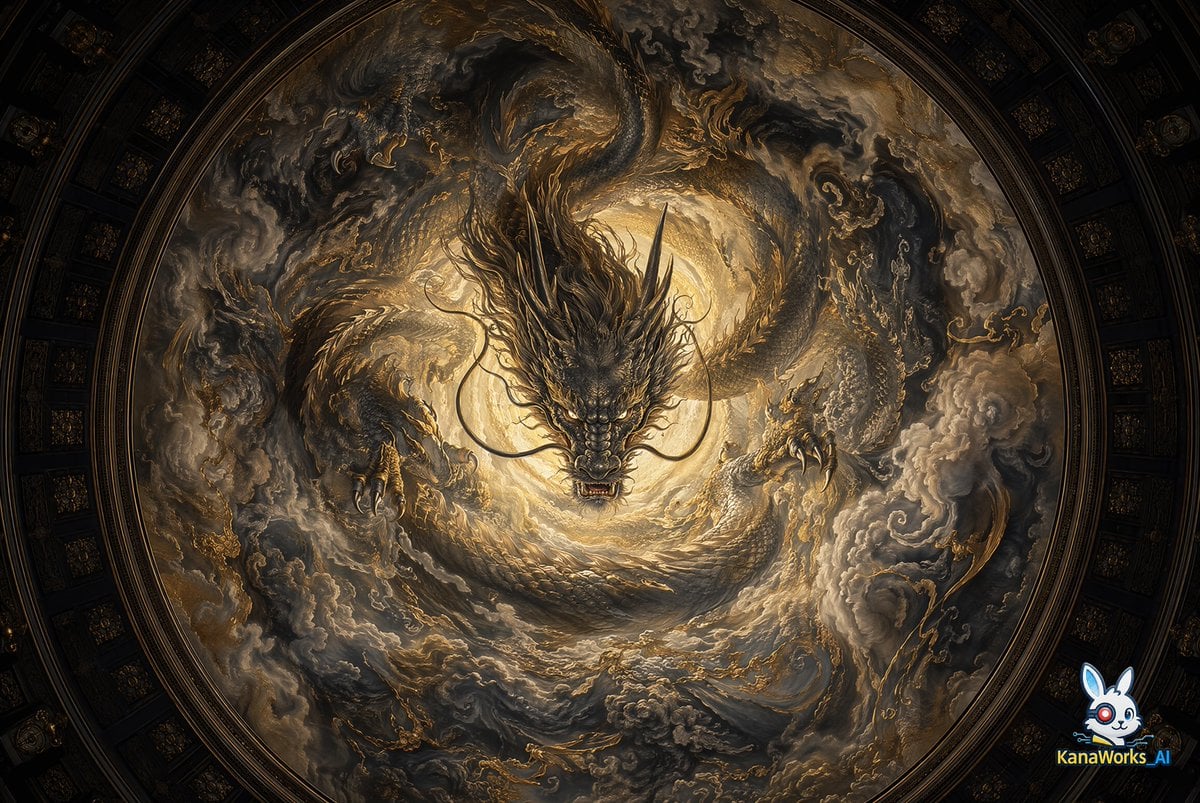
Museum-grade Crying Dragon Dome Mural
Browse template categories
Urban Samurai Girl Turnaround Sheet questions
How do I use the Urban Samurai Girl Turnaround Sheet template?
Add your photo if the template asks for one, edit the prompt if you like — the template's model and format are already selected — and press Generate. Your version opens in PicX Studio.
Can I customize the Urban Samurai Girl Turnaround Sheet template?
Yes. You can change the subject, setting, lighting, mood, format, and available model controls before creating your image.
Is the Urban Samurai Girl Turnaround Sheet template free?
Opening and editing this template is free. Generating uses credits, shown on the Generate button when you are signed in.
Which AI model should I use?
Start with GPT Image 2, which is the model associated with this template. You can compare another compatible model for a different finish.
Looking for something else? Browse all templates.

Your photo, any look
Thousands of ready templates for every top image and video model, from one credit balance.