
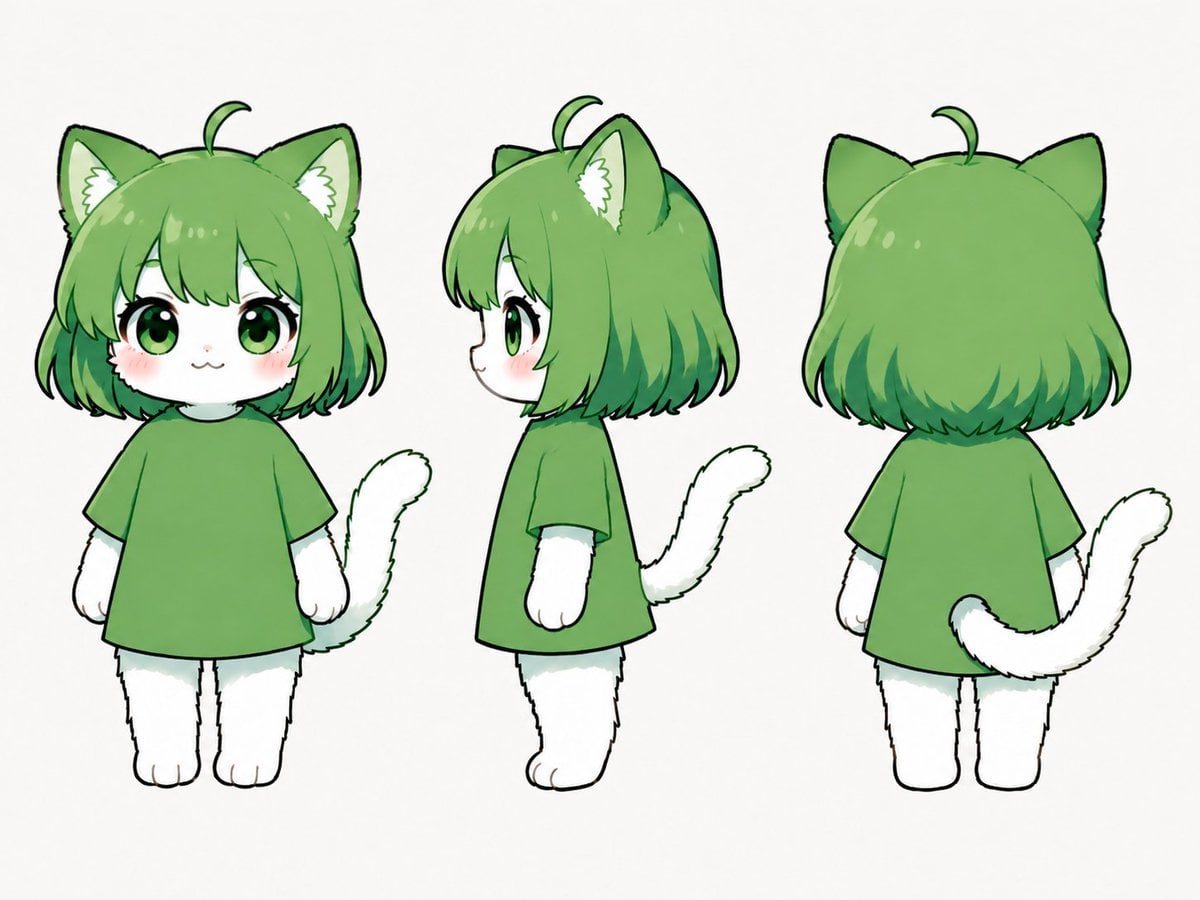
Green Chibi Cat-Girl Turnaround
A three-view reference sheet prompt for creating a kawaii green-haired chibi cat-girl mascot with consistent front, side, and back views.
- Prompt included
- Model and format preset
- Premium template
The prompt behind this image
Copy the exact prompt behind Green Chibi Cat-Girl Turnaround, or open it in the studio and make it yours.
Goal: Create a clean three-view character reference sheet for a cute chibi cat-girl mascot named {argument name="character name" default="green cat chibi"}. Canvas: Landscape 4:3 white background, no text, no props, no shadows, evenly spaced character turnaround lineup. Layout: Show exactly 3 full-body views of the same character: 1 front view on the left, 1 left-facing side profile in the center, and 1 back view on the right. Keep all three figures the same height and scale, with simple standing poses and arms relaxed at the sides. Character details: The character is a small plush-like chibi with a large round head, tiny body, short legs, and white furry hands and feet. She has {argument name="hair color" default="leaf green"} bob-cut hair with rounded bangs, darker green tips, glossy highlights, one small curled ahoge strand on top, and large pointed cat ears with pale inner fur and white fluffy ear tufts. In the front view, she has oversized glossy green eyes, long black eyelashes, a tiny cat mouth, soft pink cheek blush, and a gentle cute expression. The side view shows the small protruding nose and rounded muzzle profile. The back view shows the rounded bob haircut covering the head and neck, both cat ears, and the ahoge. Outfit and body: Dress the character in a plain oversized short-sleeve T-shirt in {argument name="shirt color" default="medium green"}, hanging like a simple tunic over the small body. No patterns, logos, buttons, shoes, or accessories. The visible fur on face, arms, legs, paws, and tail is pure white with subtle pale gray-green shading. Tail: Include exactly 1 fluffy white cat tail on each view, matching the perspective: curved upward beside the body in the front view, curling behind the body in the side view, and extending from the lower back and sweeping to the right in the back view. Visual style: Japanese kawaii character-design sheet, soft digital illustration, clean black sketch-like outlines, gentle cel shading, watercolor-like green gradients in the hair, rounded simplified anatomy, polished but hand-drawn Clip Studio Paint feel. Constraints: Keep the design consistent across all 3 views, preserve the same outfit and proportions, avoid background elements, avoid extra poses, avoid labels, avoid realistic anatomy, and do not add any additional characters.
How to use Green Chibi Cat-Girl Turnaround in 3 steps
- 1Upload ImagePNG, JPG or paste
Add your photo
Upload the photo the template builds on. The prompt, model and format are already set.
- 2…a portrait of your subject in softgolden-hour light, 85mm…
Personalize
Edit the subject and creative details for your destination.
- 3Generate
Generate
Press Generate — your image is created in PicX Studio, so you can compare it with the original and refine one variable at a time.
More like this
Templates with the same subject, style or setup. Open one to see its prompt.

Cute Layered Paper Cut Chibi Girl
Chibi Cat-Girl Portrait
Realistic Schoolgirl Turnaround Sheet
Urban Samurai Girl Turnaround Sheet

Teen Girl Alpine Lake Mountain View
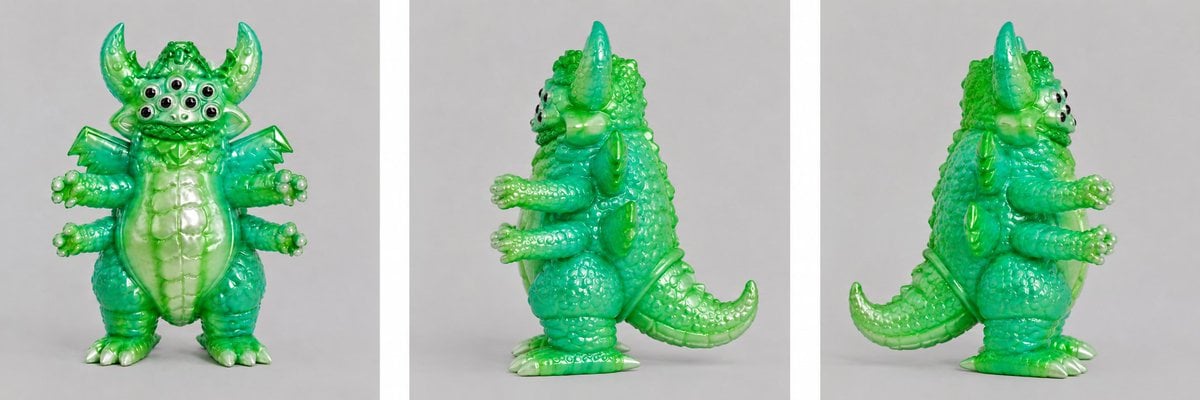
Green Vinyl Monster Turnaround

Anime Catgirl in Chinese Ink Landscape

Cat-Eared Kimono Girl
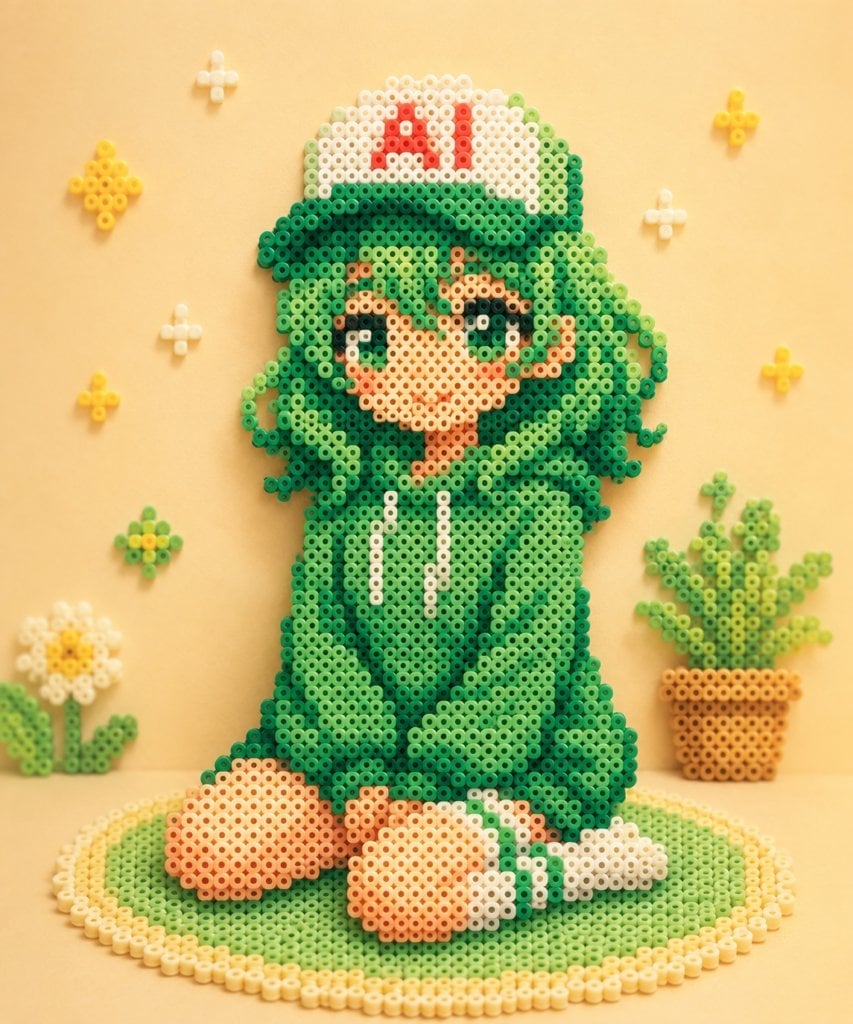
Kawaii Green Bead Art Girl

Gothic Girl Character Turnaround Sheet
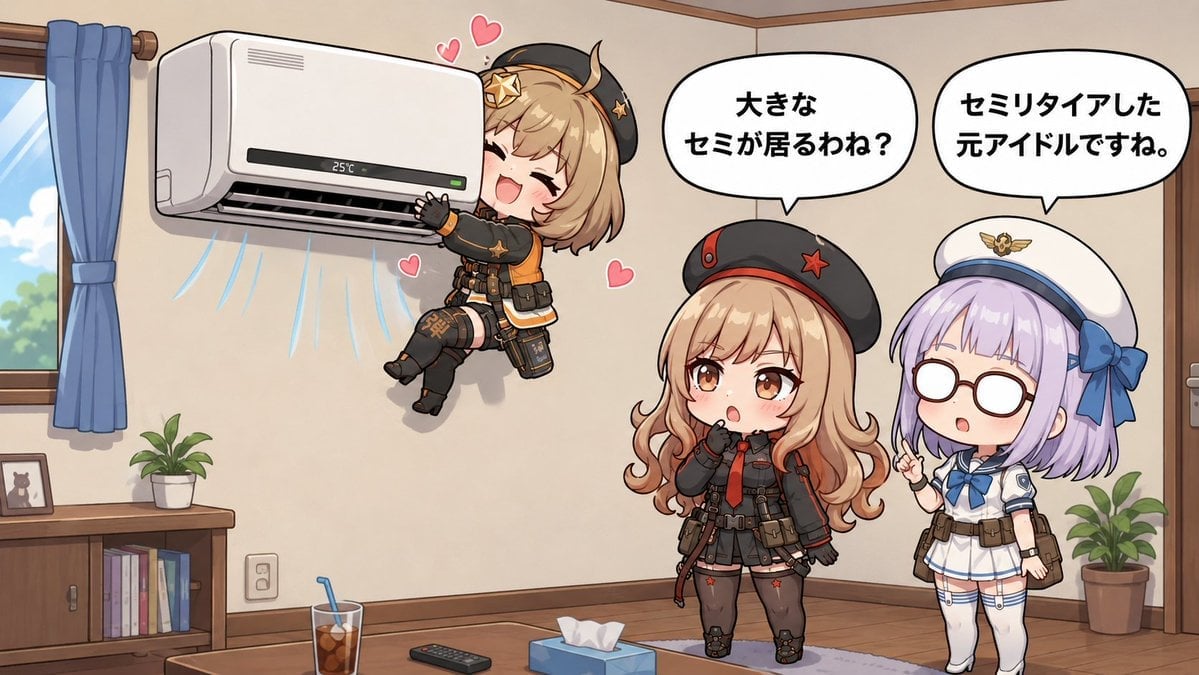
Chibi Girls Hugging Air Conditioner Comic

Cat Photobomb Selfie — 0.5x Wide Angle Café Chaos
Make it yours
Green Chibi Cat-Girl Turnaround works as-is. These are the safest ways to change it without losing the look.
Change one field
Copy a single group, rewrite it, and generate again so you can see what that field is doing.
Keep the frame, change the subject
Hold the composition and light of Green Chibi Cat-Girl Turnaround, then swap wardrobe, props or the person for a new take.
| If the result… | Why | Fix |
|---|---|---|
| The result drifts from the preview | Too many fields changed at once. | Reuse Green Chibi Cat-Girl Turnaround as-is first, then change one group — subject, light, or setting. |
| The model over-stylizes the scene | The prose prompt leaves finish and camera underspecified. | Add one camera or lighting sentence and stay on GPT Image 2. |
More GPT Image 2 templates
Other prompts made for GPT Image 2.

Six VTuber Japanese Logo Sheet

Realistic Portrait of Woman and Deer

The Vista Modular Condo Poster

AI Model Routing Comparison Infographic

2.5D Anime Art Board

Isometric Productivity Desk Scene

New York Double Exposure Poster

Four-Panel AI Landscape Comparison

Japanese Tatami Lifestyle Magazine Cover

NESCAFÉ Coffee Map Poster
More image prompts
Fresh picks from across the catalog.
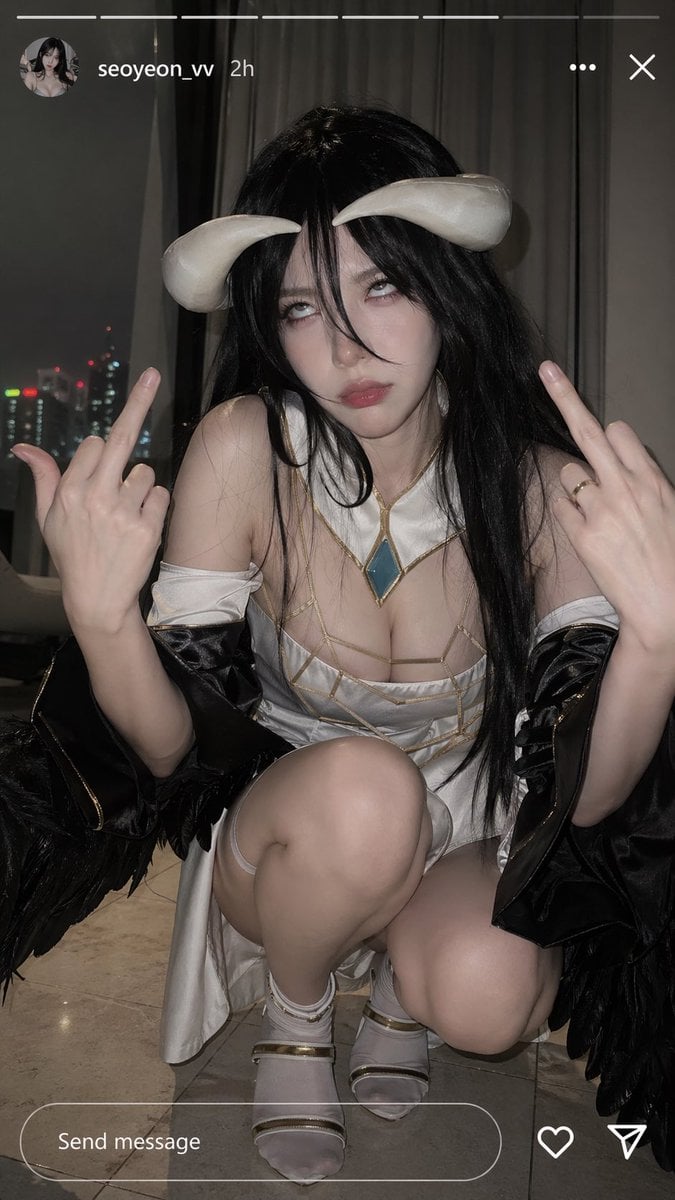
Albedo Cosplay Instagram Story
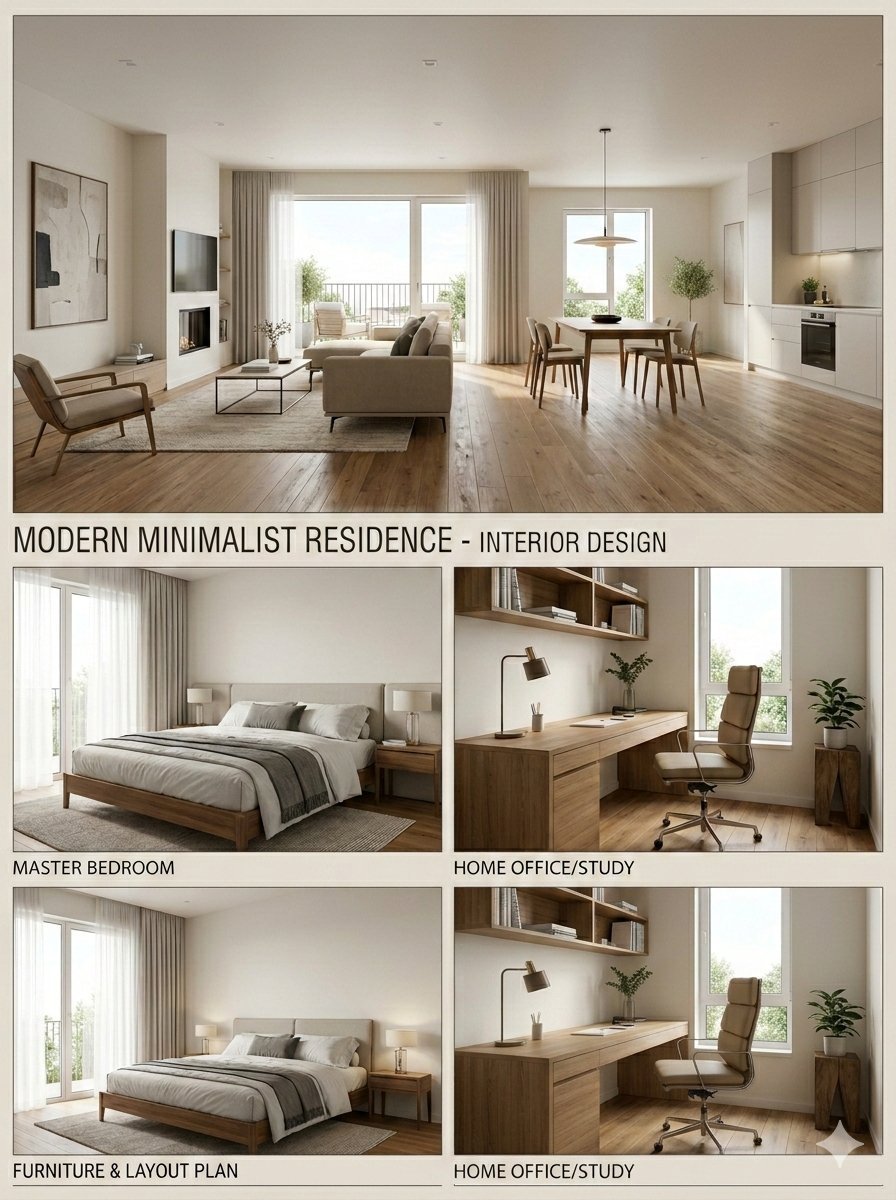
Modern Minimalist Interior Design Presentation Board
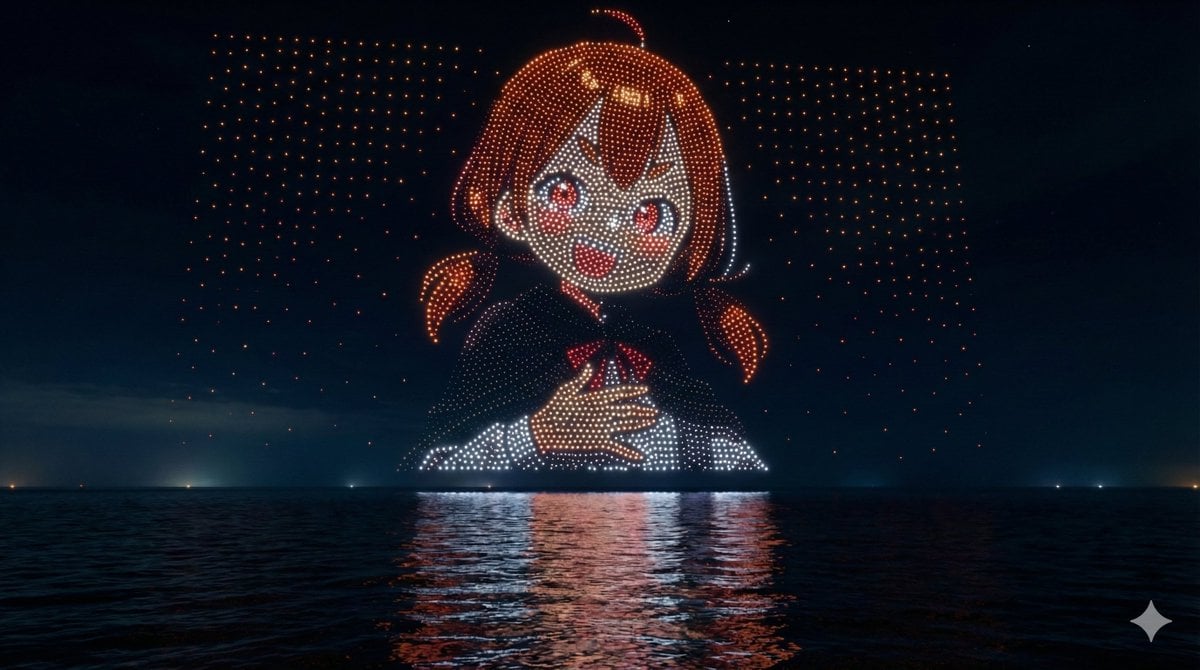
Drone Art Character Illustration
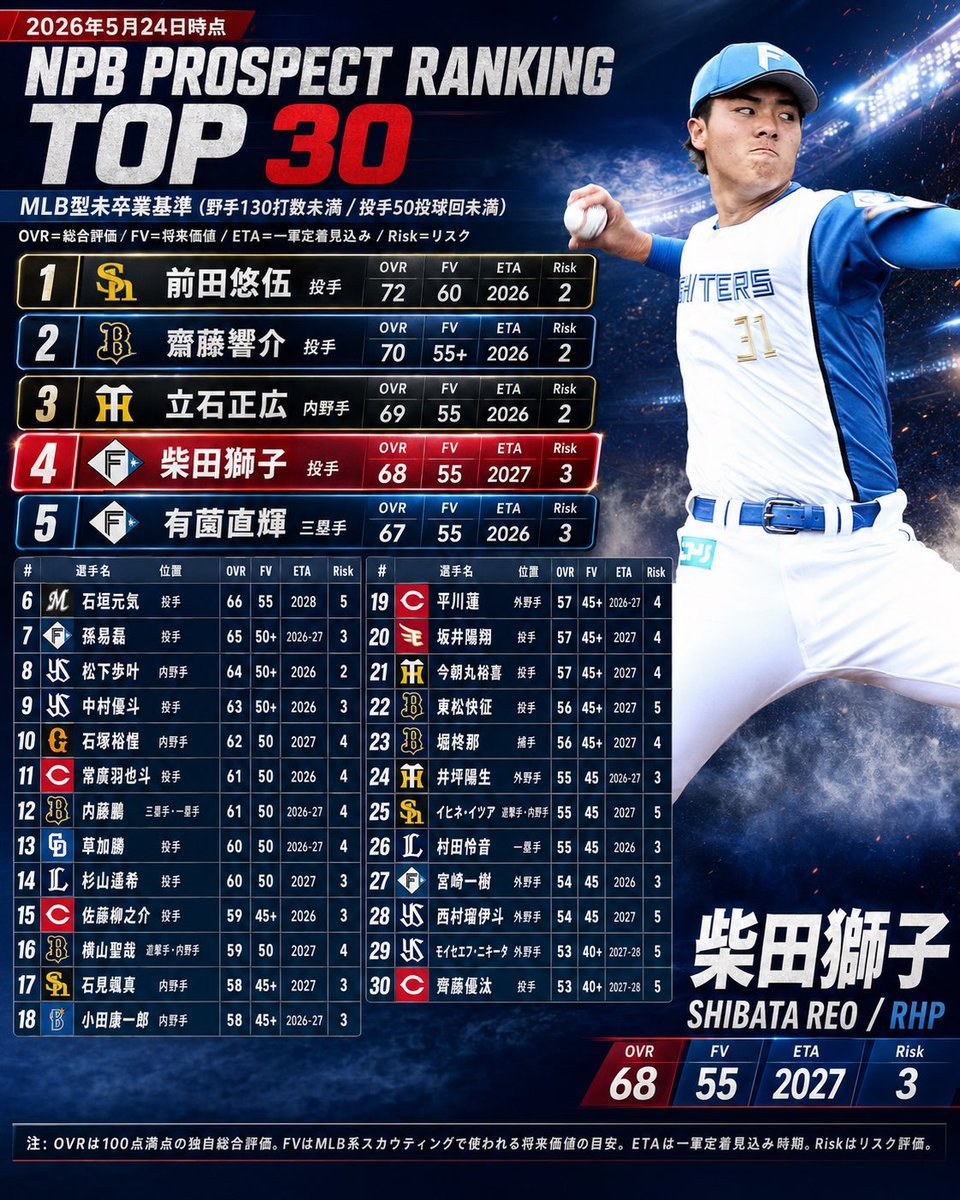
NPB Prospect Ranking Top 30 Graphic
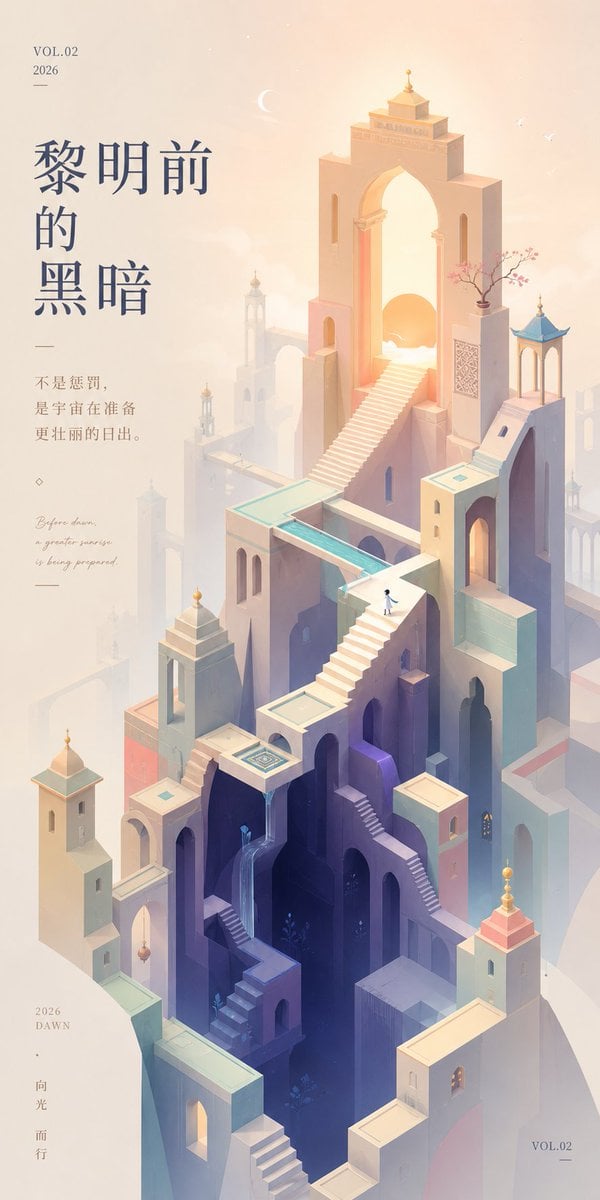
Monument Valley Dawn Quote Wallpaper
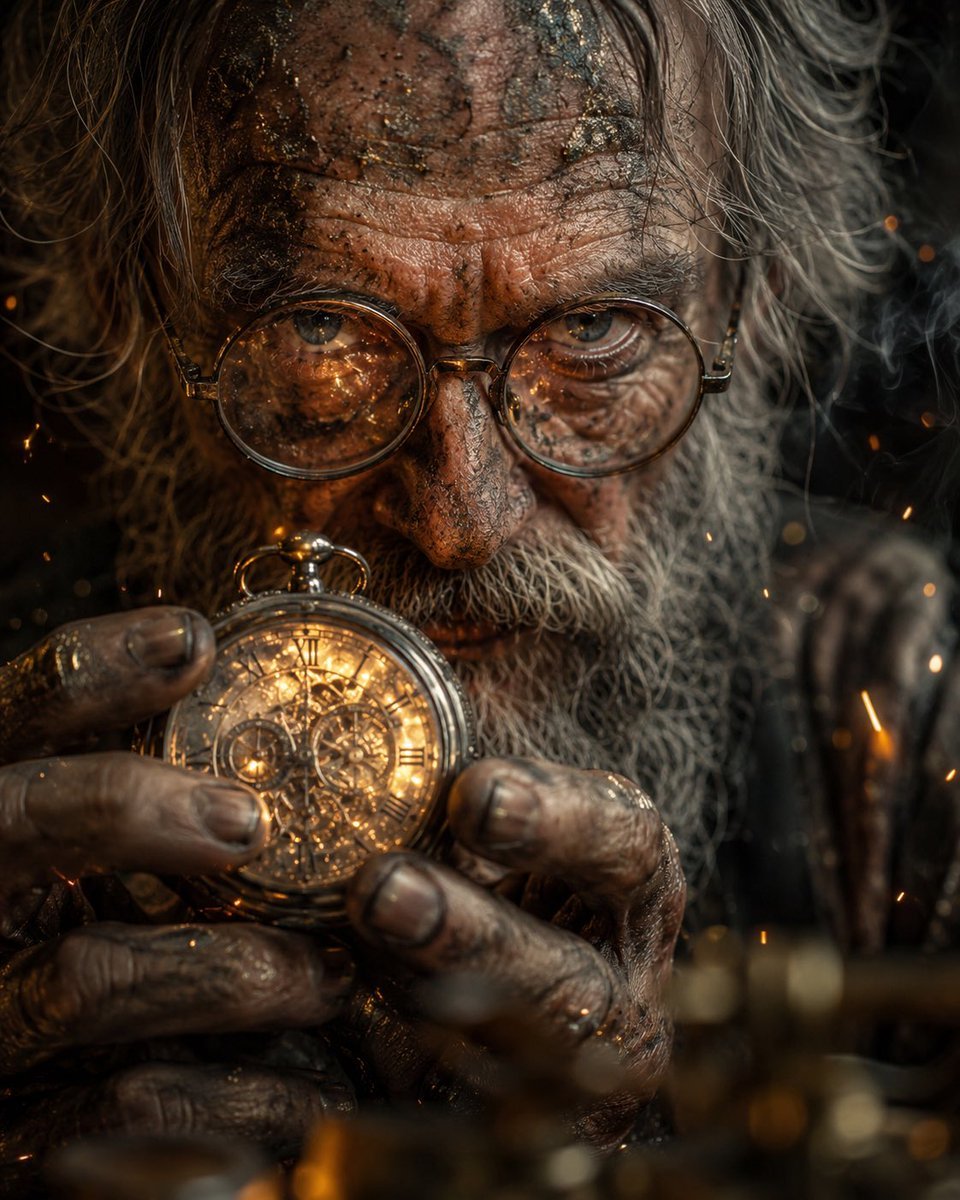
Obscured Mystic Holding Artifact

Christmas Pajama Pose with Flash Aesthetic
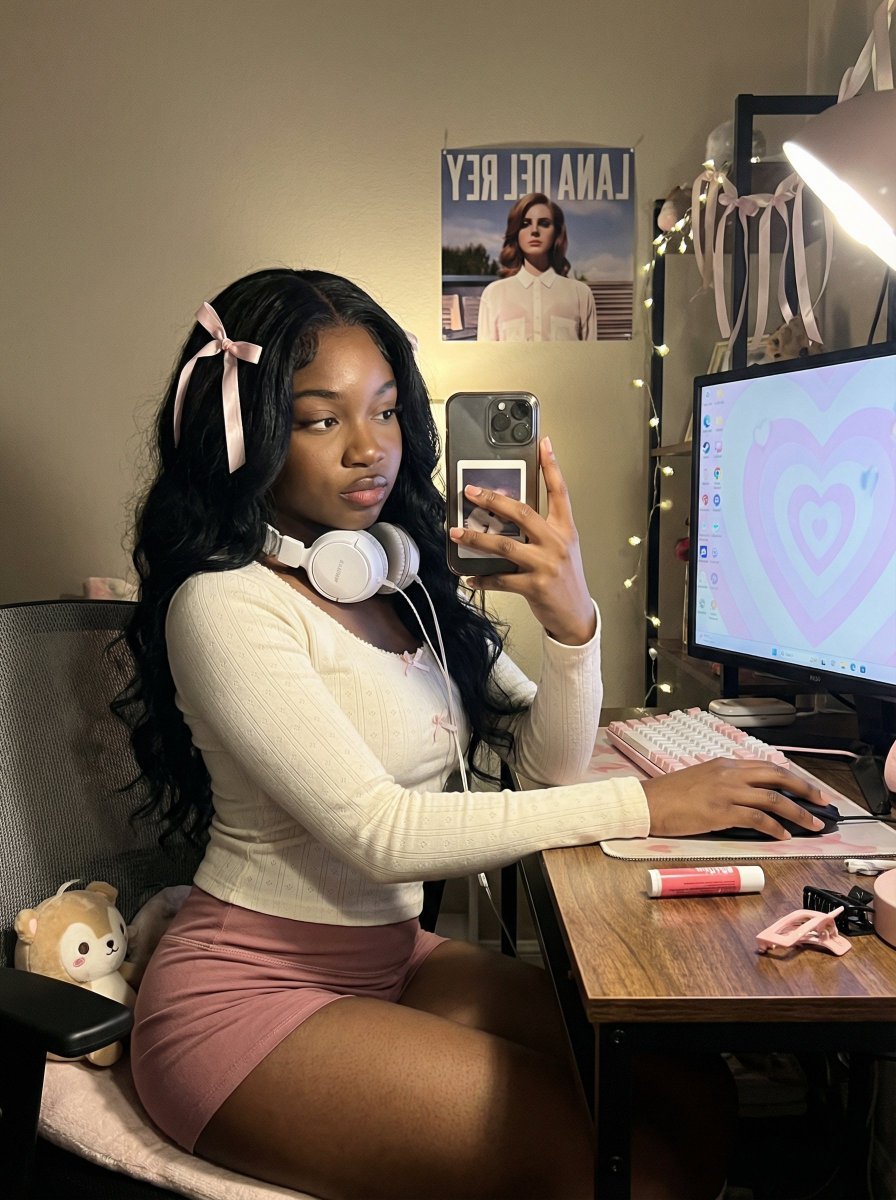
Coquette Gamer Girl Selfie in Bedroom
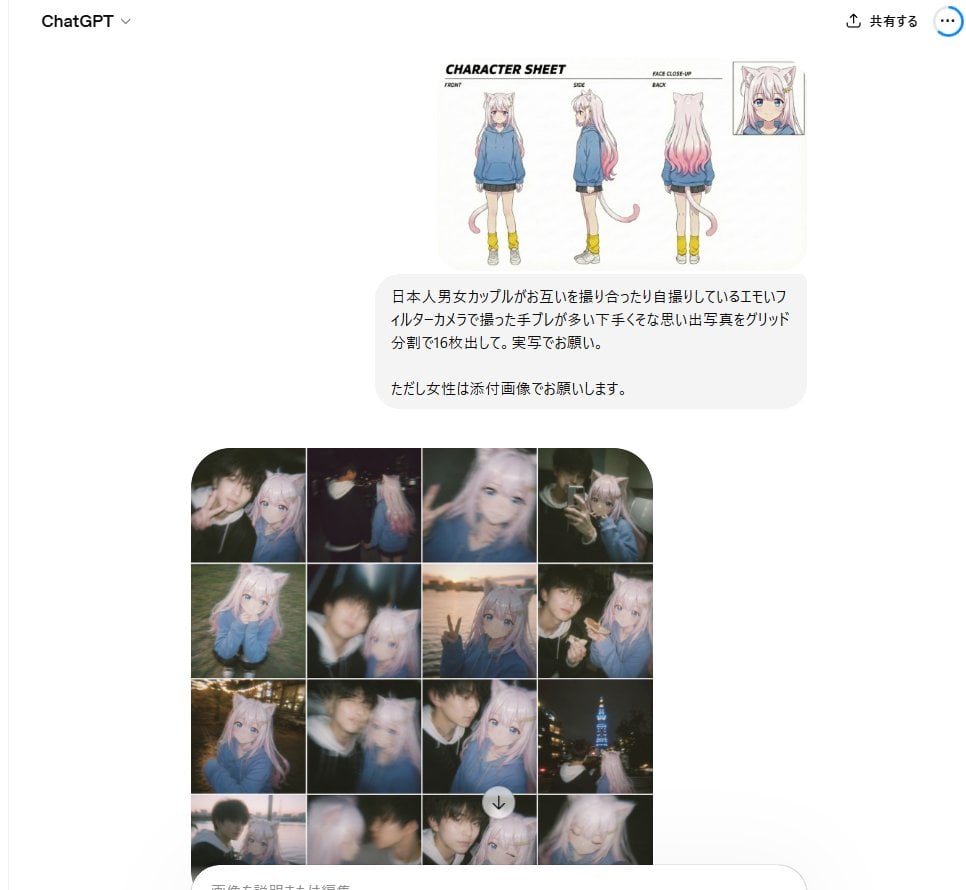
Amateur Style Couple Memories Prompt
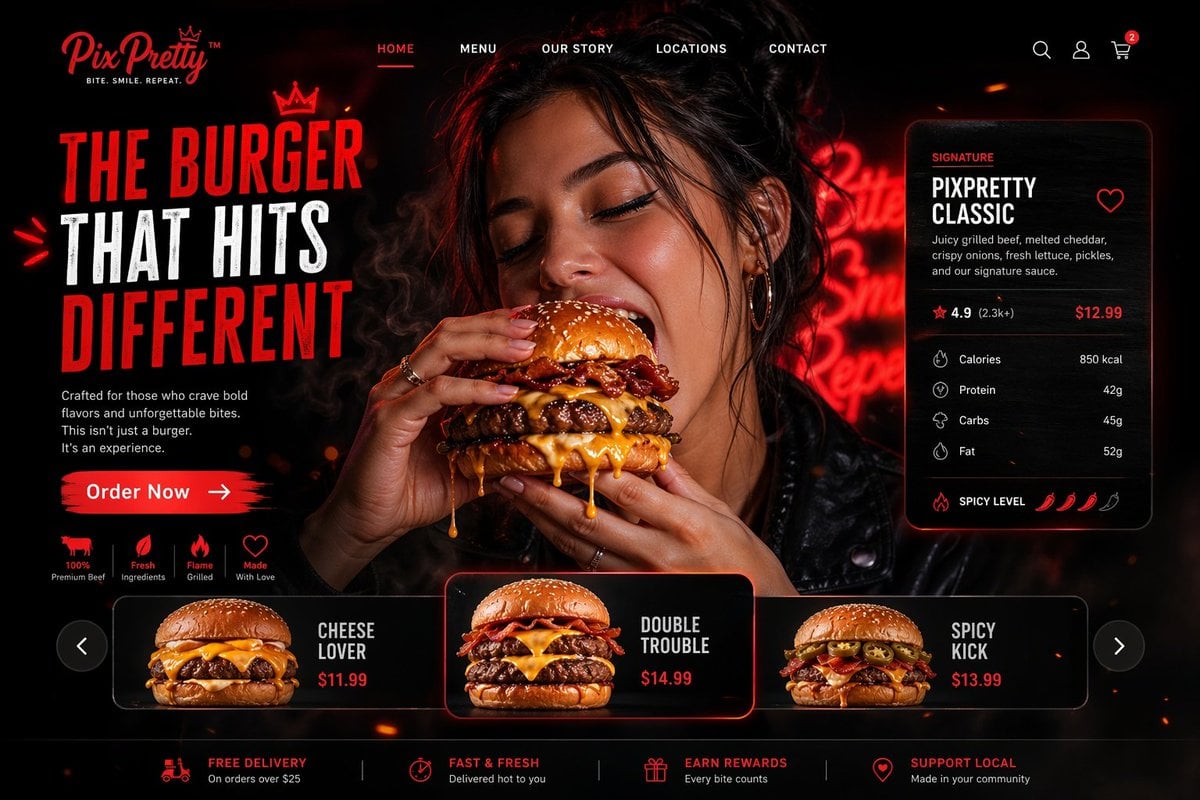
Luxury Cinematic Burger Landing Page
Browse template categories
Green Chibi Cat-Girl Turnaround questions
How do I use the Green Chibi Cat-Girl Turnaround template?
Add your photo if the template asks for one, edit the prompt if you like — the template's model and format are already selected — and press Generate. Your version opens in PicX Studio.
Can I customize the Green Chibi Cat-Girl Turnaround template?
Yes. You can change the subject, setting, lighting, mood, format, and available model controls before creating your image.
Is the Green Chibi Cat-Girl Turnaround template free?
Opening and editing this template is free. Generating uses credits, shown on the Generate button when you are signed in.
Which AI model should I use?
Start with GPT Image 2, which is the model associated with this template. You can compare another compatible model for a different finish.
Looking for something else? Browse all templates.

Your photo, any look
Thousands of ready templates for every top image and video model, from one credit balance.