
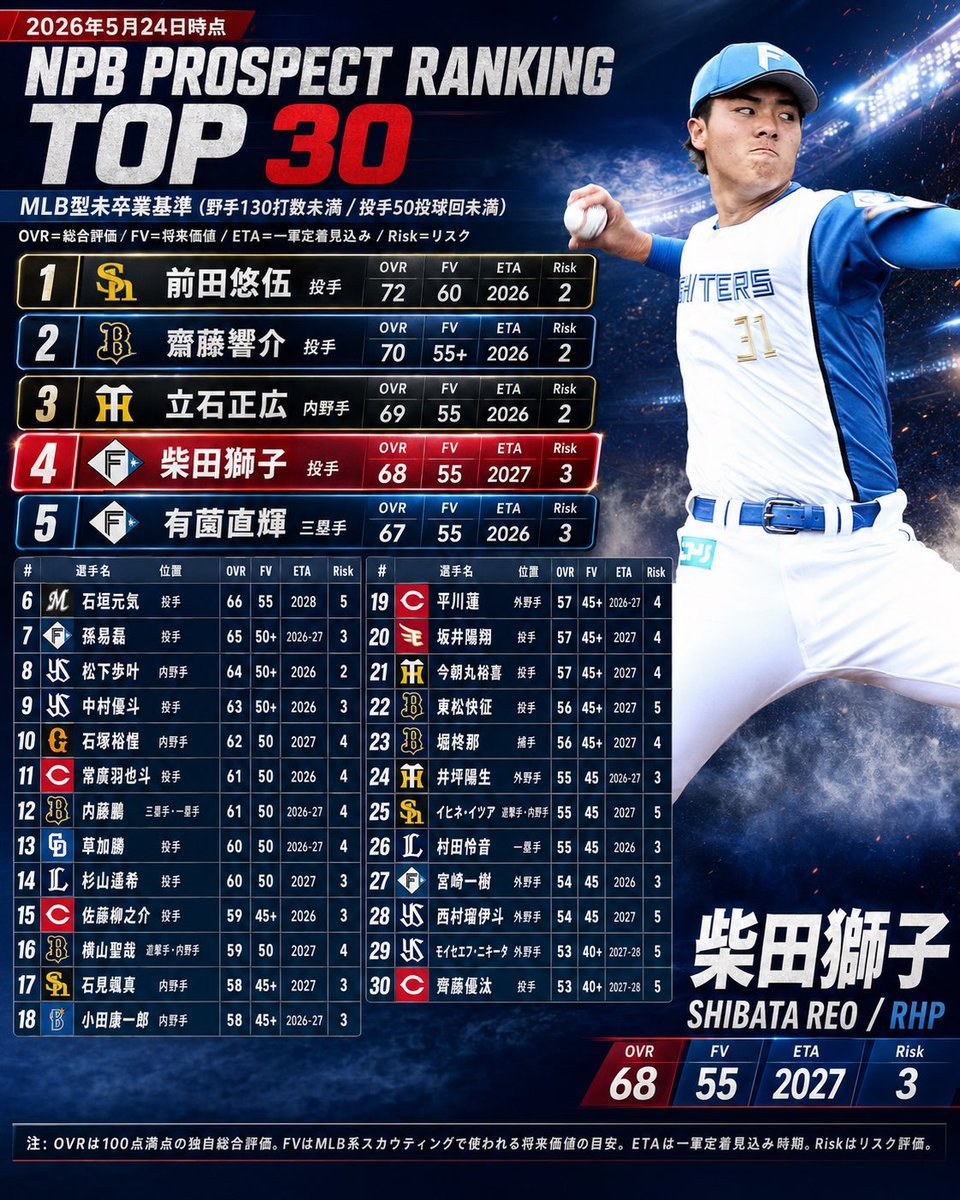
NPB Prospect Ranking Top 30 Graphic
A Japanese sports infographic template for presenting a dramatic top-30 baseball prospect ranking with a featured pitcher and detailed stat tables.
- Prompt included
- Model and format preset
- Free template
The prompt behind this image
Copy the exact prompt behind NPB Prospect Ranking Top 30 Graphic, or open it in the studio and make it yours.
Goal: Create a dramatic Japanese baseball prospect ranking infographic in the style of a professional MLB prospect list, titled {argument name="main title" default="NPB PROSPECT RANKING TOP 30"}, with a large featured player on the right and a ranked list on the left. Canvas: Square 1:1 sports graphic, dark navy stadium-at-night background with bright floodlights, blue smoke, subtle sparks, high contrast lighting, glossy broadcast-graphics finish. Use bold condensed athletic typography, metallic white and red accents, thin cyan divider lines, and team-logo style icons. Header: At the top left, add a small red date ribbon reading 「2026年5月24日時点」. Below it, place the huge title with “NPB PROSPECT RANKING” in distressed white block letters and “TOP 30” underneath, with “30” in bright red. Under the title, add a Japanese subtitle: 「MLB型本卒業基準(野手130打数未満 / 投手50投球回未満)」 and a small explanatory line: 「OVR=総合評価 / FV=将来価値 / ETA=一軍定着見込み / Risk=リスク」. Featured player: On the right half, show one dynamic male baseball pitcher in a white-and-blue Fighters-style uniform, blue cap, jersey number 11, mid-throw with one arm forward holding a baseball and the other arm extended back. Face should be intentionally blurred or softened like an anonymized sports mockup. Use dramatic rim light from the stadium lights. At the lower right, add the featured name in large Japanese type {argument name="featured player name" default="柴田獅子"}, with romanization below: {argument name="featured romanization and position" default="SHIBATA REO / RHP"}. Beneath that, create four stat tiles labeled OVR, FV, ETA, Risk with values {argument name="featured stat line" default="68, 55, 2027, 3"}. Main ranking layout: On the left, create exactly 30 ranked entries. The first 5 entries are large horizontal cards stacked vertically, each with rank number, team-style logo, Japanese player name, position, and four stat columns OVR, FV, ETA, Risk. Rank 4 must be highlighted in red with a glowing border as the featured player. Top 5 visible entries, exactly: 1. 前田悠伍, 投手, OVR 72, FV 60, ETA 2026, Risk 2, gold SoftBank-style logo. 2. 齋藤響介, 投手, OVR 70, FV 55+, ETA 2026, Risk 2, black-and-gold Buffaloes-style logo. 3. 立石正広, 内野手, OVR 69, FV 55, ETA 2026, Risk 2, yellow-and-black Tigers-style logo. 4. 柴田獅子, 投手, OVR 68, FV 55, ETA 2027, Risk 3, Fighters-style diamond logo, red highlighted card. 5. 有薗直輝, 三塁手, OVR 67, FV 55, ETA 2026, Risk 3, Fighters-style diamond logo. Lower ranking table: Beneath the top 5, create a compact two-column table containing exactly ranks 6 through 30, with 25 rows total split into left column ranks 6–18 and right column ranks 19–30. Include columns: #, 選手名, 位置, OVR, FV, ETA, Risk. Use small team logo blocks at the start of each row and alternating dark blue row fills. The exact visible ranked names should be: 6 石垣元気; 7 孫易磊; 8 松下歩叶; 9 中村優斗; 10 石塚裕惺; 11 常廣羽也斗; 12 内藤鵬; 13 草加勝; 14 杉山遙希; 15 佐藤龍月; 16 横山聖哉; 17 石見颯真; 18 小田康一郎; 19 平川蓮; 20 坂井陽翔; 21 今朝丸裕喜; 22 東松快征; 23 堀柊那; 24 井坪陽生; 25 イヒネ・イツア; 26 村田怜音; 27 宮崎一樹; 28 西村瑠伊斗; 29 石代エトニー; 30 齊藤優汰. Keep stats small but believable and consistent with the top list. Footer: Add a thin dark footer bar with a Japanese note: 「注:OVRは100点満点の独自総合評価。FVはMLB系スカウティングで使われる将来価値の目安。ETAは一軍定着見込み時期。Riskはリスク評価。」 Constraints: Use only Japanese text where specified, keep the composition dense but legible, no real league trademarks copied exactly, no watermark, no extra ranks beyond 30, and preserve the exact count of 1 featured player, 5 large ranking cards, 25 compact table rows, and 4 featured stat tiles.
How to use NPB Prospect Ranking Top 30 Graphic in 3 steps
- 1Upload ImagePNG, JPG or paste
Add your photo
Upload the photo the template builds on. The prompt, model and format are already set.
- 2…a portrait of your subject in softgolden-hour light, 85mm…
Personalize
Edit the subject and creative details for your destination.
- 3Generate
Generate
Press Generate — your image is created in PicX Studio, so you can compare it with the original and refine one variable at a time.
More like this
Templates with the same subject, style or setup. Open one to see its prompt.
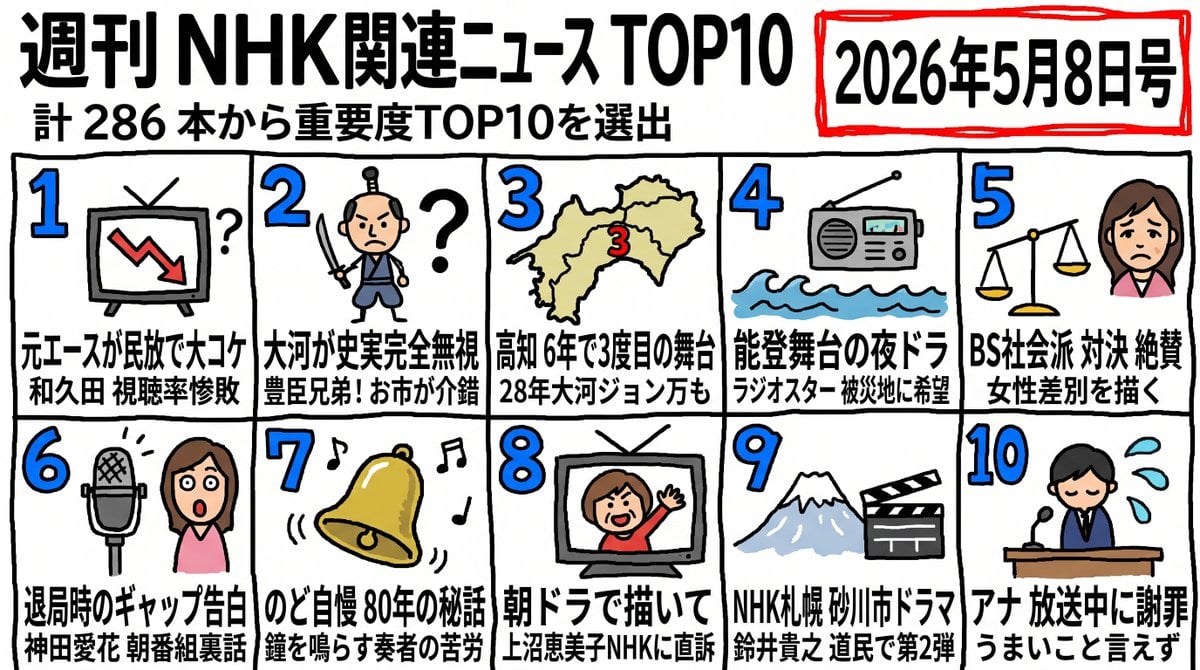
Hand-Drawn NHK News Top 10 Ranking

Woman in Mall with Chanel Bag - Heart Gesture

Travel Poster Graphic Collage
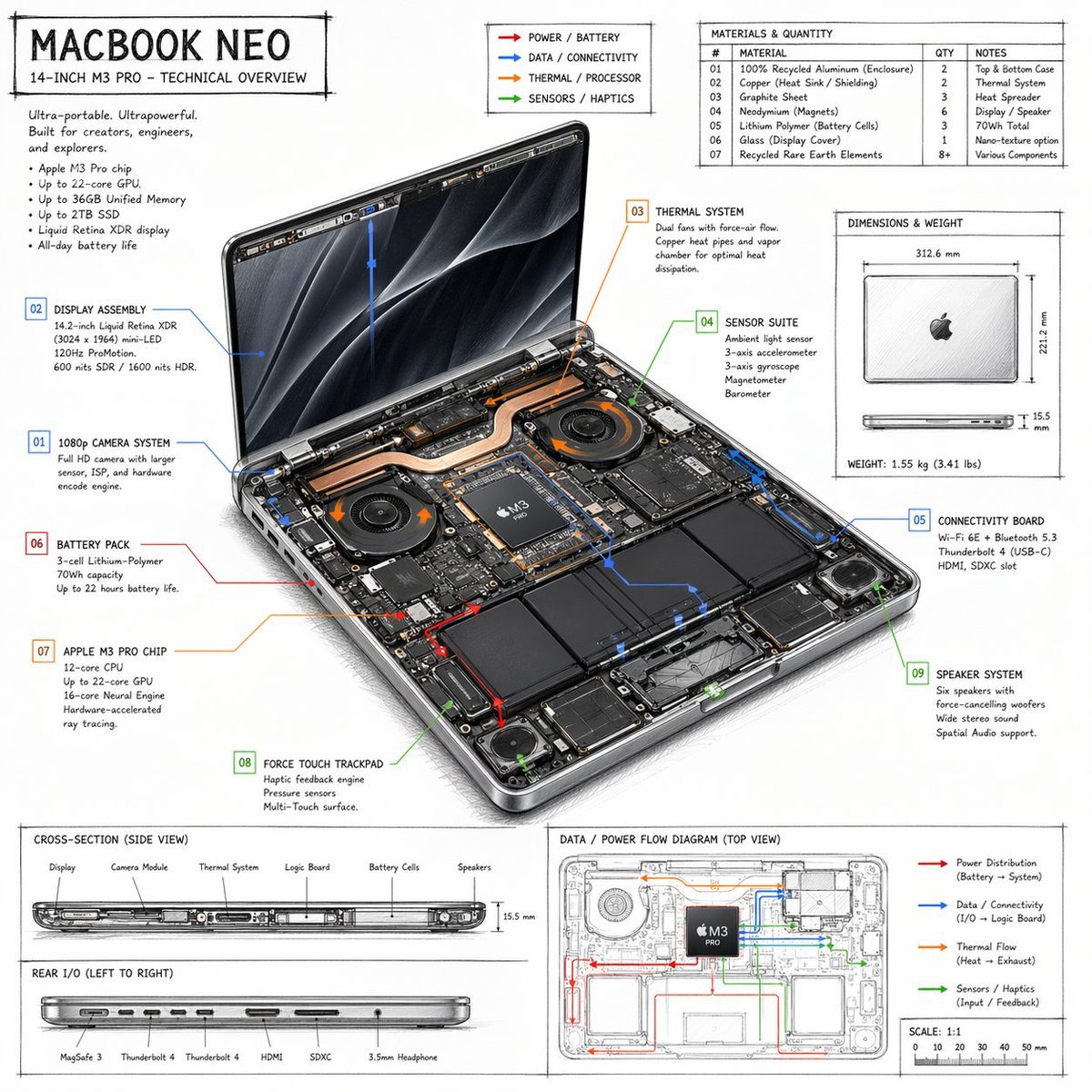
Laptop Technical Overview Infographic

Clear, 45 top-down isometric miniature 3D cartoon scene of the iconic
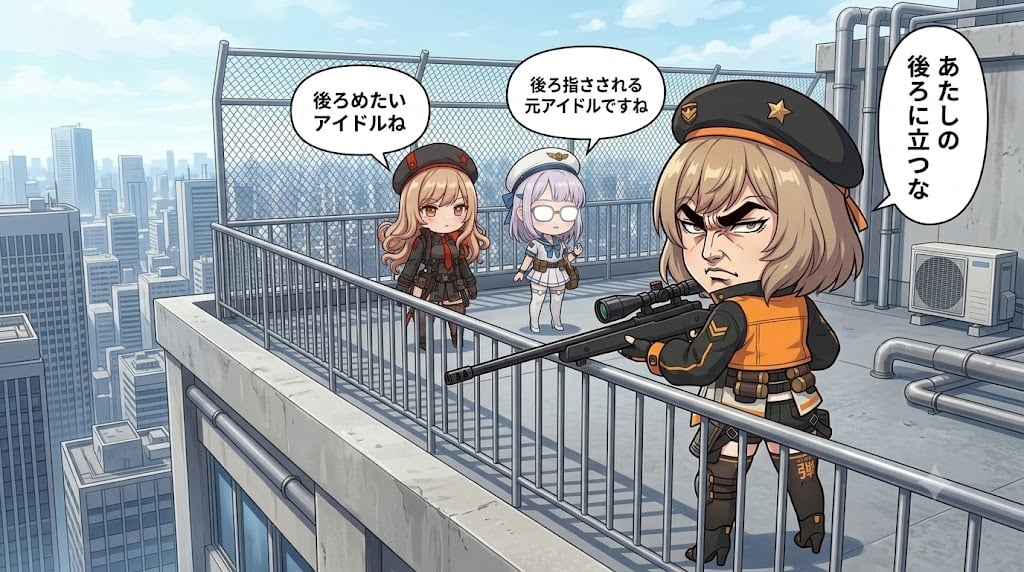
Rooftop Gekiga Idol Sniper Scene

Rooftop Fisheye — Cat-Ear Balaclava at Golden Hour
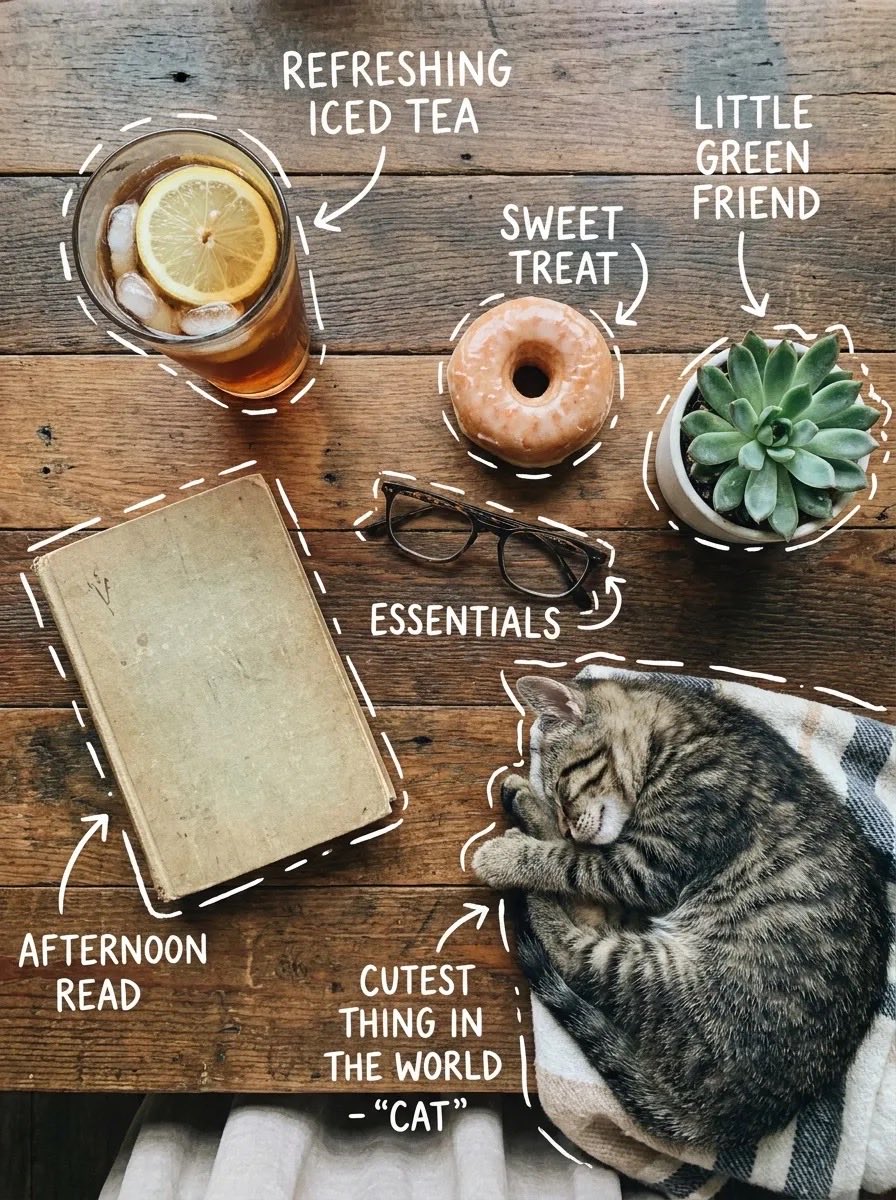
Cozy Tabletop Flat Lay with Doodles
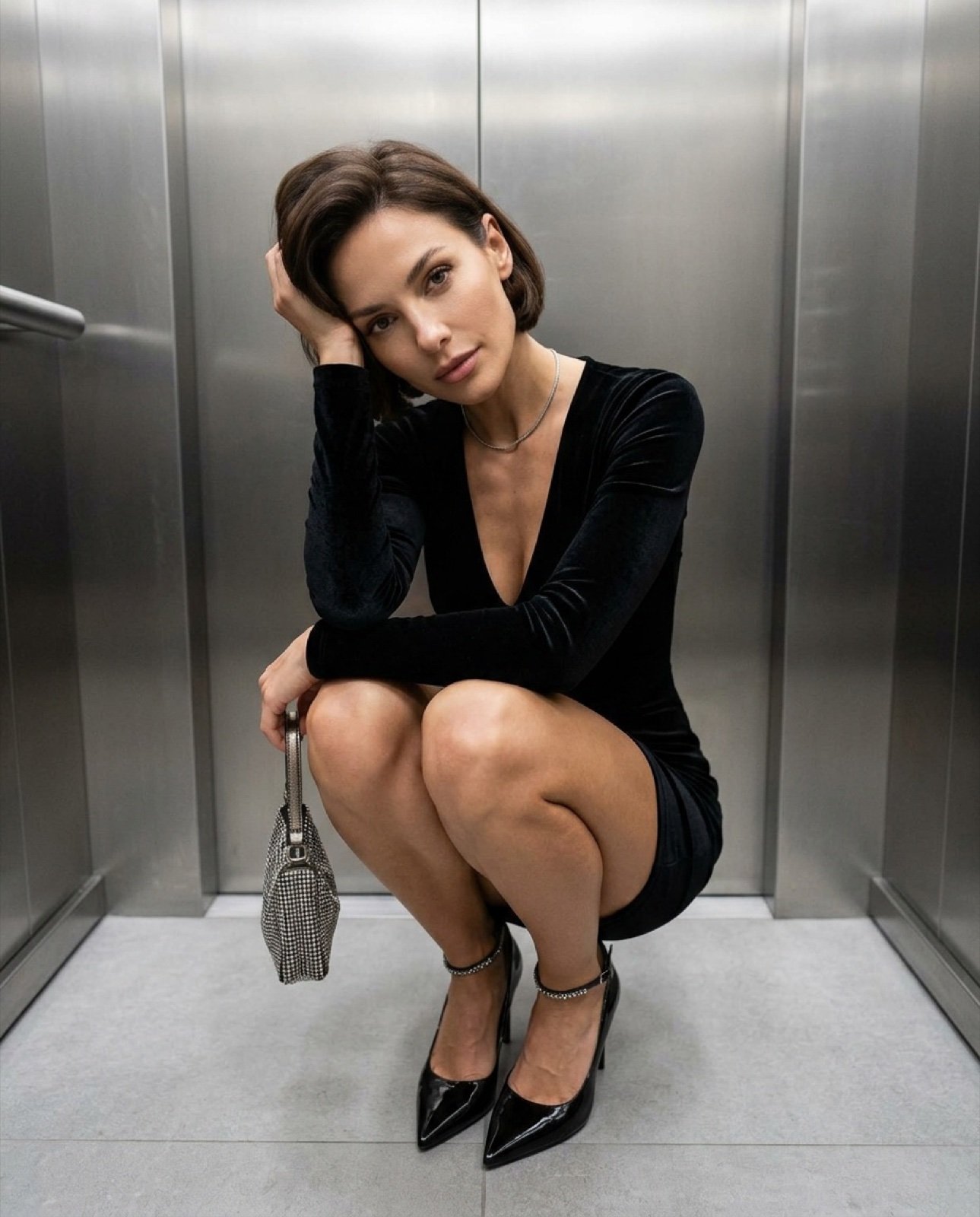
Top-down fashion squat perspective
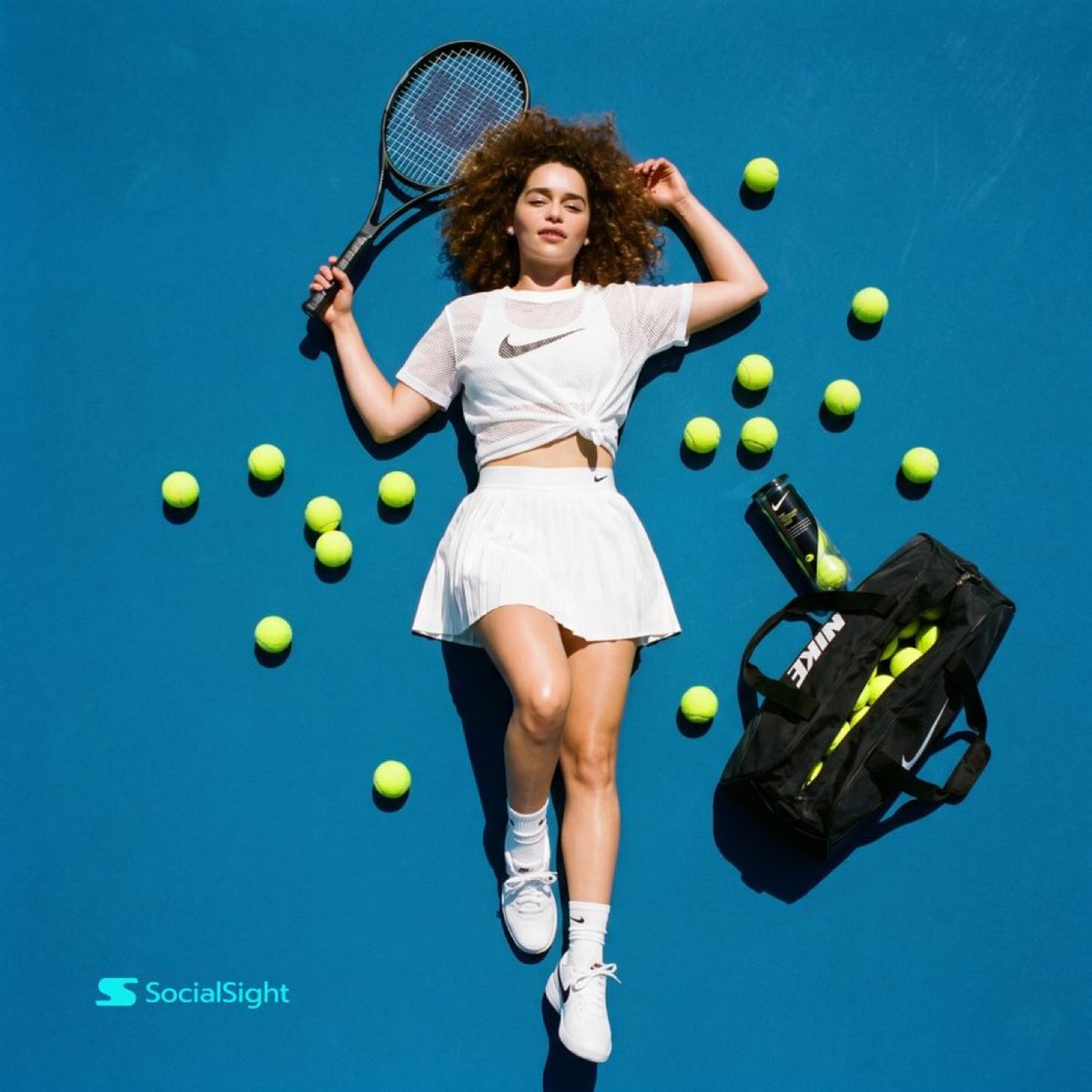
Tennis Court Top-Down Flat Lay
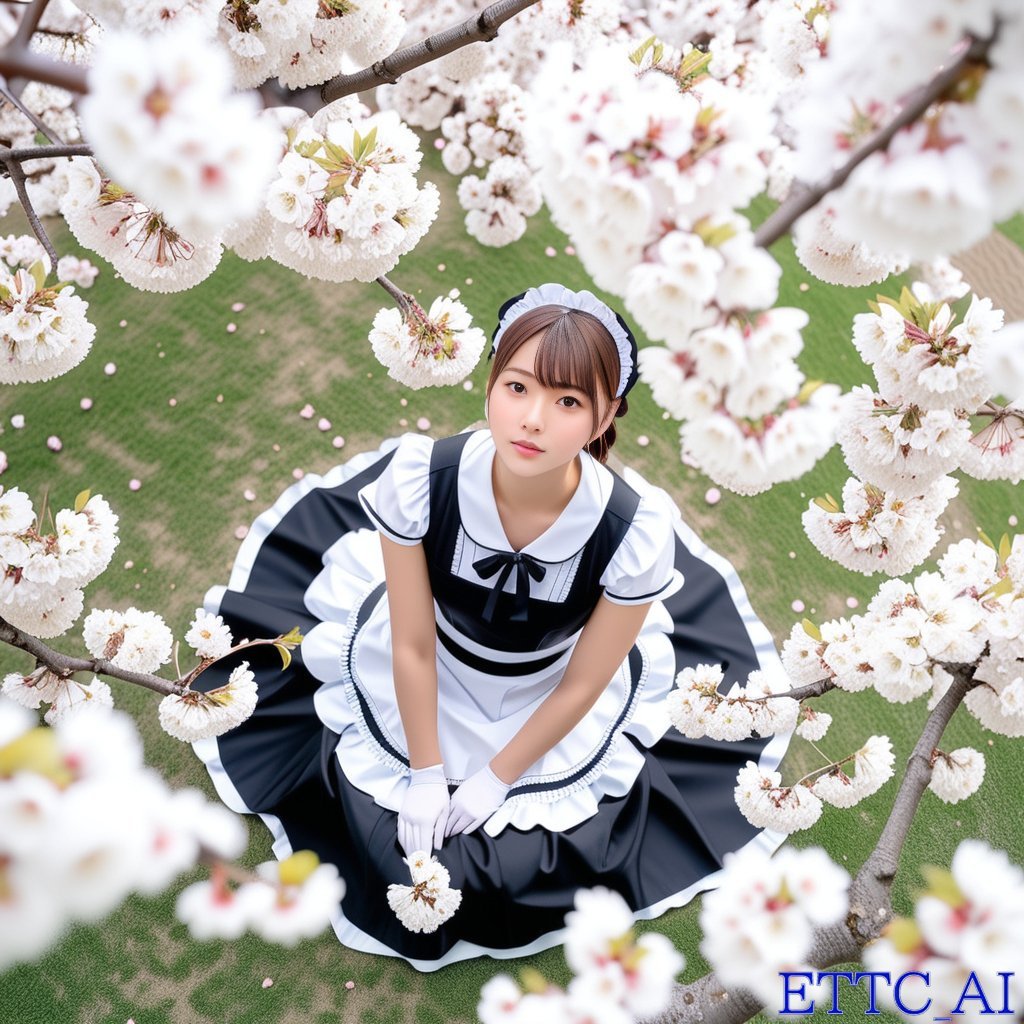
Top-Down Maid and Cherry Blossoms
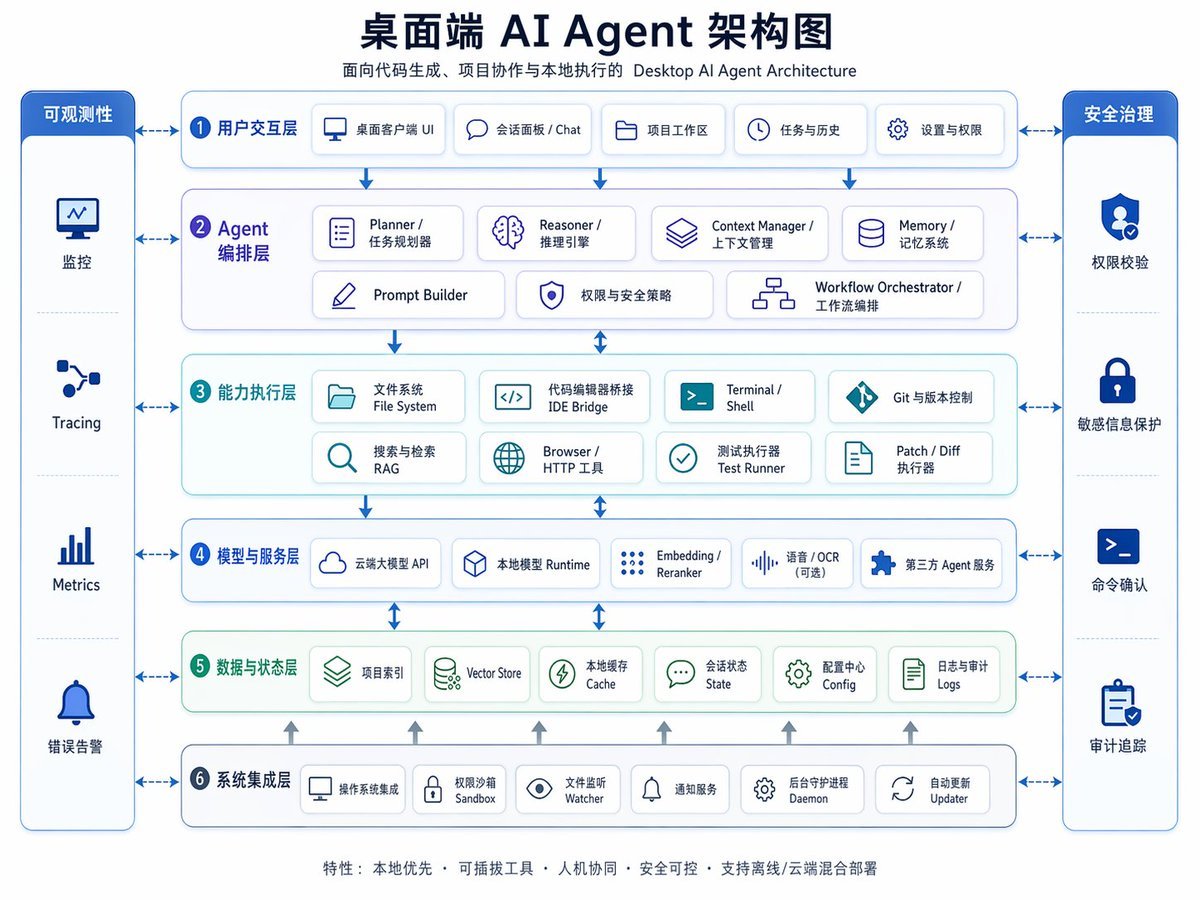
Desktop AI Agent Architecture Diagram
Make it yours
NPB Prospect Ranking Top 30 Graphic works as-is. These are the safest ways to change it without losing the look.
Change one field
Copy a single group, rewrite it, and generate again so you can see what that field is doing.
Keep the frame, change the subject
Hold the composition and light of NPB Prospect Ranking Top 30 Graphic, then swap wardrobe, props or the person for a new take.
| If the result… | Why | Fix |
|---|---|---|
| The result drifts from the preview | Too many fields changed at once. | Reuse NPB Prospect Ranking Top 30 Graphic as-is first, then change one group — subject, light, or setting. |
| The model over-stylizes the scene | The prose prompt leaves finish and camera underspecified. | Add one camera or lighting sentence and stay on GPT Image 2. |
More GPT Image 2 templates
Other prompts made for GPT Image 2.

Six VTuber Japanese Logo Sheet

Realistic Portrait of Woman and Deer

The Vista Modular Condo Poster

AI Model Routing Comparison Infographic

2.5D Anime Art Board

Isometric Productivity Desk Scene

New York Double Exposure Poster

Four-Panel AI Landscape Comparison

Japanese Tatami Lifestyle Magazine Cover

NESCAFÉ Coffee Map Poster
More image prompts
Fresh picks from across the catalog.
Flower-Framed Anime Cover Portrait
X Saniaspeaks Created with Gpt Image 2 on Chatgpt
Hyper-Realistic Chrome Wall Breakthrough Prompt
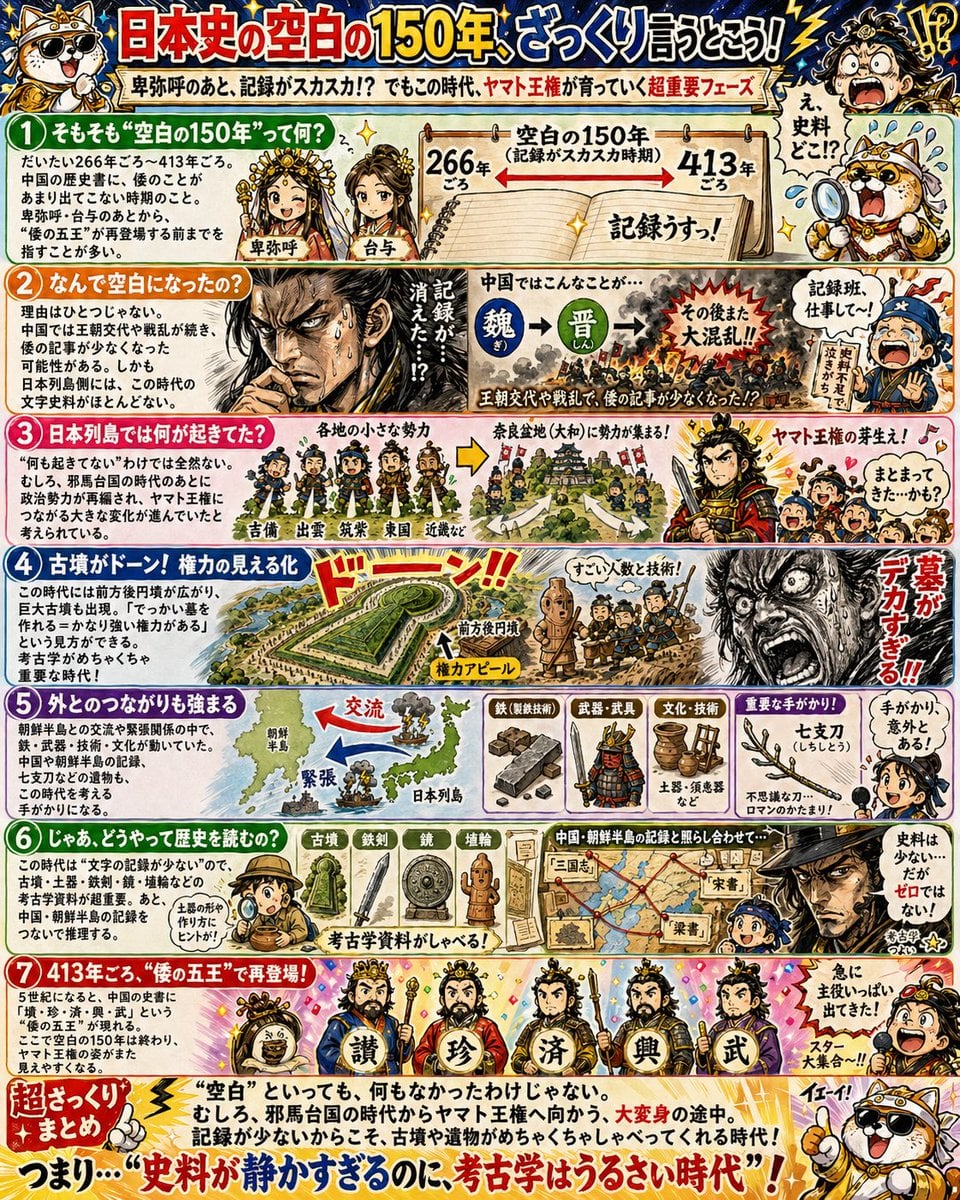
Manga History Poster on Japan's 150-Year Gap
Monochrome Typographic Cat Illustration
Scarlet Street Serenity
High-Fidelity Editorial Contact Sheet Portrait Session
Minimalist Saint Augustine Book Cover
Gpt2 Infographic Edu Visual Good Bath Day Editorial Poster
Editorial Nightlife Portrait with Flash
Browse template categories
NPB Prospect Ranking Top 30 Graphic questions
How do I use the NPB Prospect Ranking Top 30 Graphic template?
Add your photo if the template asks for one, edit the prompt if you like — the template's model and format are already selected — and press Generate. Your version opens in PicX Studio.
Can I customize the NPB Prospect Ranking Top 30 Graphic template?
Yes. You can change the subject, setting, lighting, mood, format, and available model controls before creating your image.
Is the NPB Prospect Ranking Top 30 Graphic template free?
Opening and editing this template is free. Generating uses credits, shown on the Generate button when you are signed in.
Which AI model should I use?
Start with GPT Image 2, which is the model associated with this template. You can compare another compatible model for a different finish.
Looking for something else? Browse all templates.

Your photo, any look
Thousands of ready templates for every top image and video model, from one credit balance.