
Dark Ghost Spirit Turnaround
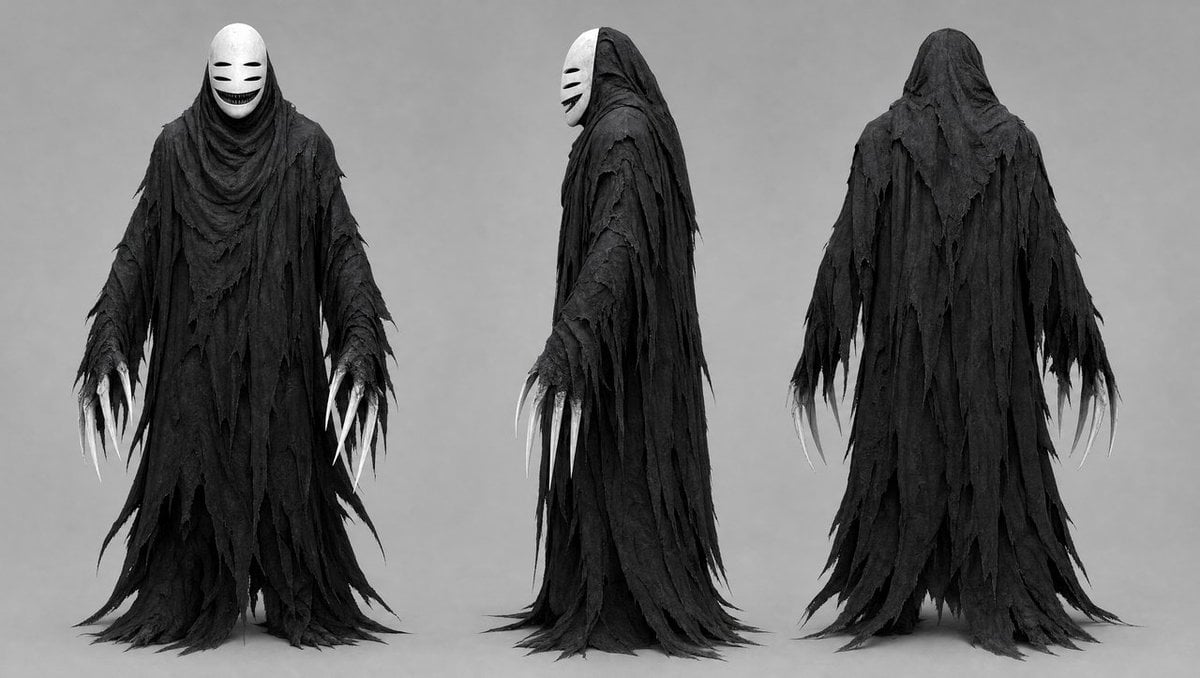
Generates a grayscale three-view dark fantasy creature concept sheet for a ragged masked ghost spirit design.
- Prompt included
- Model and format preset
- Free template
The prompt behind this image
Copy the exact prompt behind Dark Ghost Spirit Turnaround, or open it in the studio and make it yours.
Goal: Create a dark fantasy character concept sheet for a ghostly faceless spirit, shown as a full-body costume/creature design turnaround. Canvas: Wide horizontal studio concept-art canvas, approximately 16:9, grayscale monochrome, neutral light-gray background, soft even lighting, no environment, no props, no text. Layout: Show exactly 3 full-body views of the same character, evenly spaced from left to right: 1 front view, 1 left side profile view, and 1 rear view. All three figures stand upright with arms hanging slightly away from the body, feet hidden under long trailing robes, centered vertically with their hems nearly touching the bottom edge. Subject details: The character is {argument name="character archetype" default="a No-Face-like dark ghost spirit"}, tall and slender, fully covered in layered black tattered robes. The garment is made of many ragged, shredded strips of cloth, with torn triangular edges, frayed holes, draping folds, and long trailing hems that pool and taper near the floor. The silhouette is hooded, cloaked, and ominous, with no visible skin except pale claw-like fingers. The front and side views show a smooth white oval mask under the hood, featuring two narrow horizontal black eye slits, two short cheek marks, and a wide dark grinning mouth. The back view shows only the black hood and layered ragged cloak with no mask visible. Hands and claws: Each visible hand has exactly 5 long curved white claws, thin and talon-like, extending from ragged black sleeves. In the front view, both hands are visible with 10 total claws; in the side view, the nearer hand is visible with 5 claws and a few partially obscured claws from the far hand; in the rear view, both hands hang at the sides with 10 total claws visible. Material and texture: Emphasize rough cloth texture, torn gauze, distressed fabric, heavy folds, matte black layers, subtle gray highlights, and worn edges. The mask is smooth, porcelain-like, stark white, and contrasts strongly with the dark robes. Visual style: {argument name="visual style" default="cinematic grayscale creature concept art"}, realistic costume design, high-detail horror character sheet, symmetrical studio presentation, soft shadows under the figures, sharp silhouette, eerie but elegant mood. Constraints: Use exactly 3 views and no extra characters. Keep the image monochrome except for tonal gray shading. Do not add scenery, weapons, typography, logos, or watermarks. Maintain a clean neutral background and a professional production-design reference sheet look.
How to use Dark Ghost Spirit Turnaround in 3 steps
- 1Upload ImagePNG, JPG or paste
Add your photo
Upload the photo the template builds on. The prompt, model and format are already set.
- 2…a portrait of your subject in softgolden-hour light, 85mm…
Personalize
Edit the subject and creative details for your destination.
- 3Generate
Generate
Press Generate — your image is created in PicX Studio, so you can compare it with the original and refine one variable at a time.
More like this
Templates with the same subject, style or setup. Open one to see its prompt.

Selective Color Monochrome Football Poster

Night Sports Car Portrait — Cinematic Moody

Cinematic Eye Light Portraits — 3 Nano Banana Prompts

Horror Cinematic Portrait
Three-View Character Turnaround

Moonlit Ghost Lotus Anime Portrait
Realistic Schoolgirl Turnaround Sheet
AI Model Spirit Animal Archetypes
Luxury Spirit Brand Poster Design
Urban Samurai Girl Turnaround Sheet

Anime Elf Maid Turnaround Sheet
Vegetable Spirit Horse Motorcycle
Make it yours
Dark Ghost Spirit Turnaround works as-is. These are the safest ways to change it without losing the look.
Change one field
Copy a single group, rewrite it, and generate again so you can see what that field is doing.
Keep the frame, change the subject
Hold the composition and light of Dark Ghost Spirit Turnaround, then swap wardrobe, props or the person for a new take.
| If the result… | Why | Fix |
|---|---|---|
| The result drifts from the preview | Too many fields changed at once. | Reuse Dark Ghost Spirit Turnaround as-is first, then change one group — subject, light, or setting. |
| The model over-stylizes the scene | The prose prompt leaves finish and camera underspecified. | Add one camera or lighting sentence and stay on GPT Image 2. |
More GPT Image 2 templates
Other prompts made for GPT Image 2.

Six VTuber Japanese Logo Sheet

Realistic Portrait of Woman and Deer

The Vista Modular Condo Poster

AI Model Routing Comparison Infographic

2.5D Anime Art Board

Isometric Productivity Desk Scene

New York Double Exposure Poster

Four-Panel AI Landscape Comparison

Japanese Tatami Lifestyle Magazine Cover

NESCAFÉ Coffee Map Poster
More image prompts
Fresh picks from across the catalog.
Chibi Sparrow Four-Pose Sheet
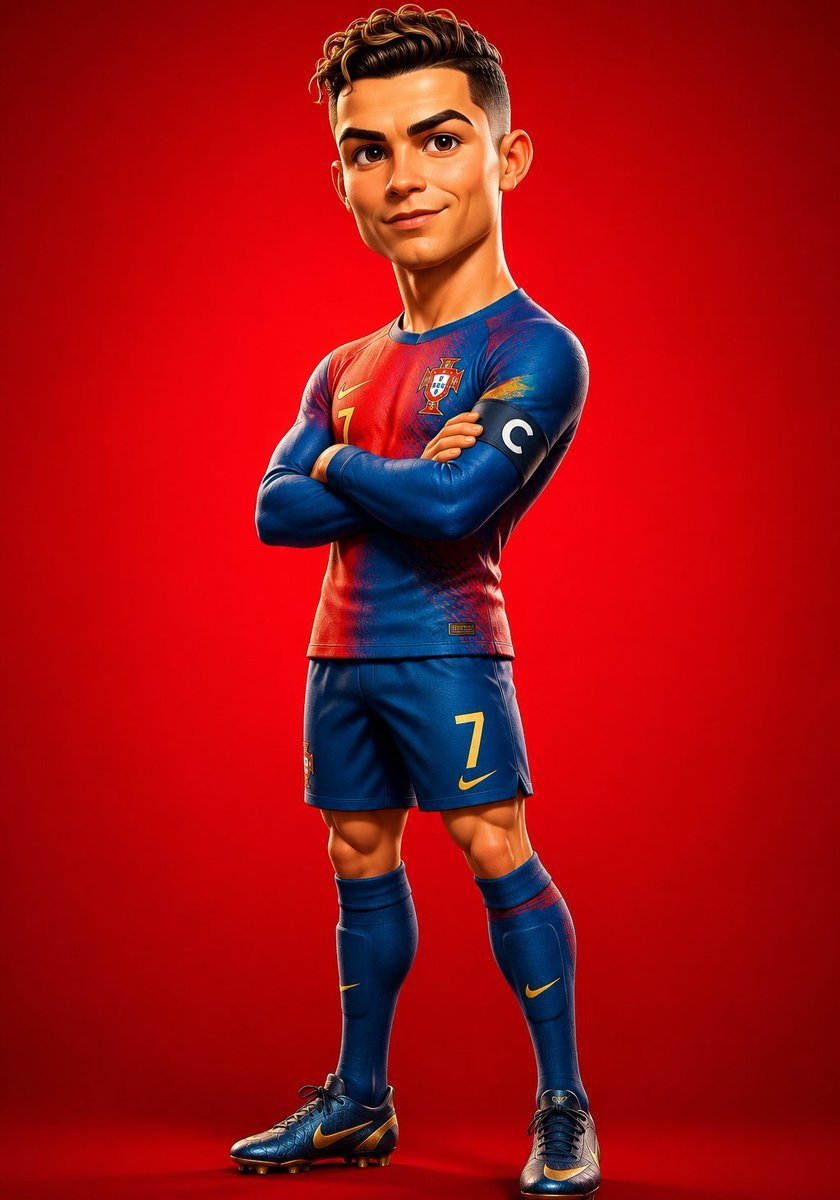
Stylized 3D Footballer Avatar
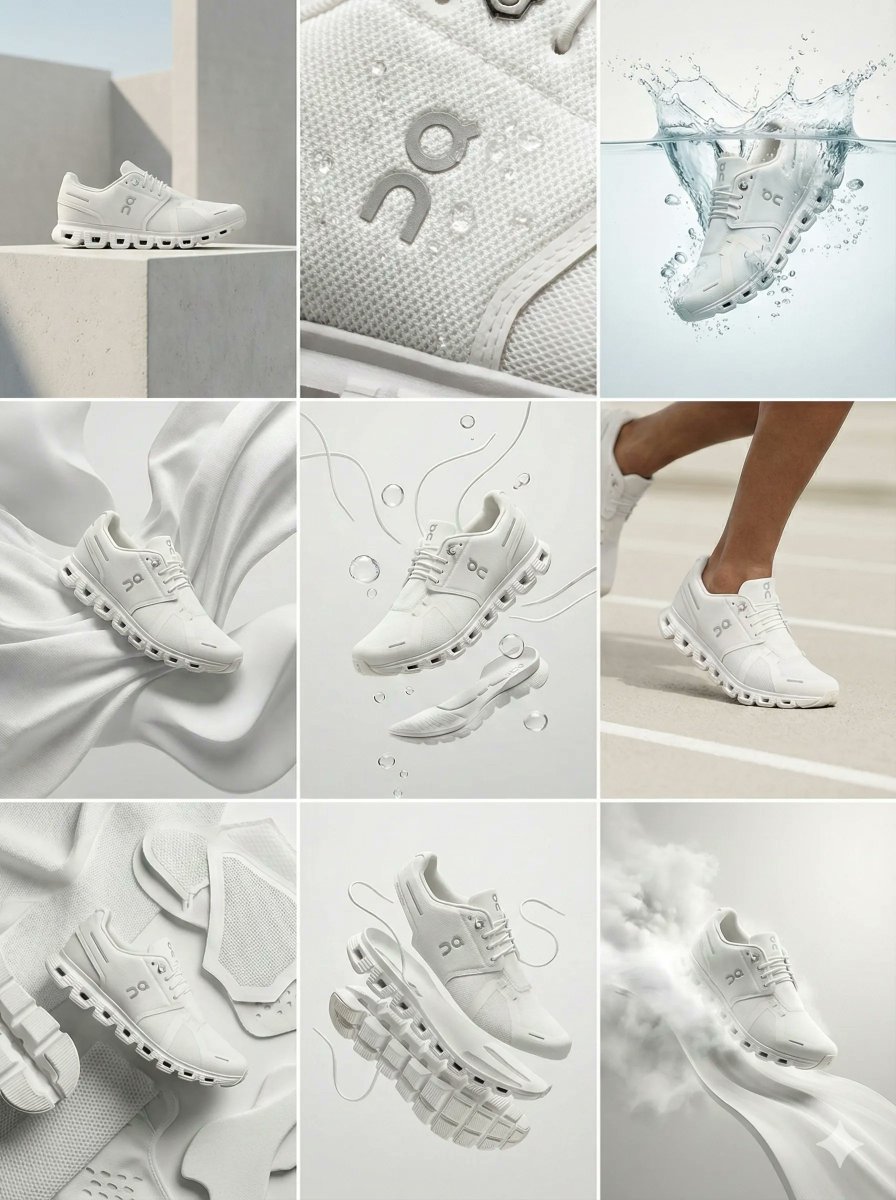
Nano Banana Pro Ad Generation Template
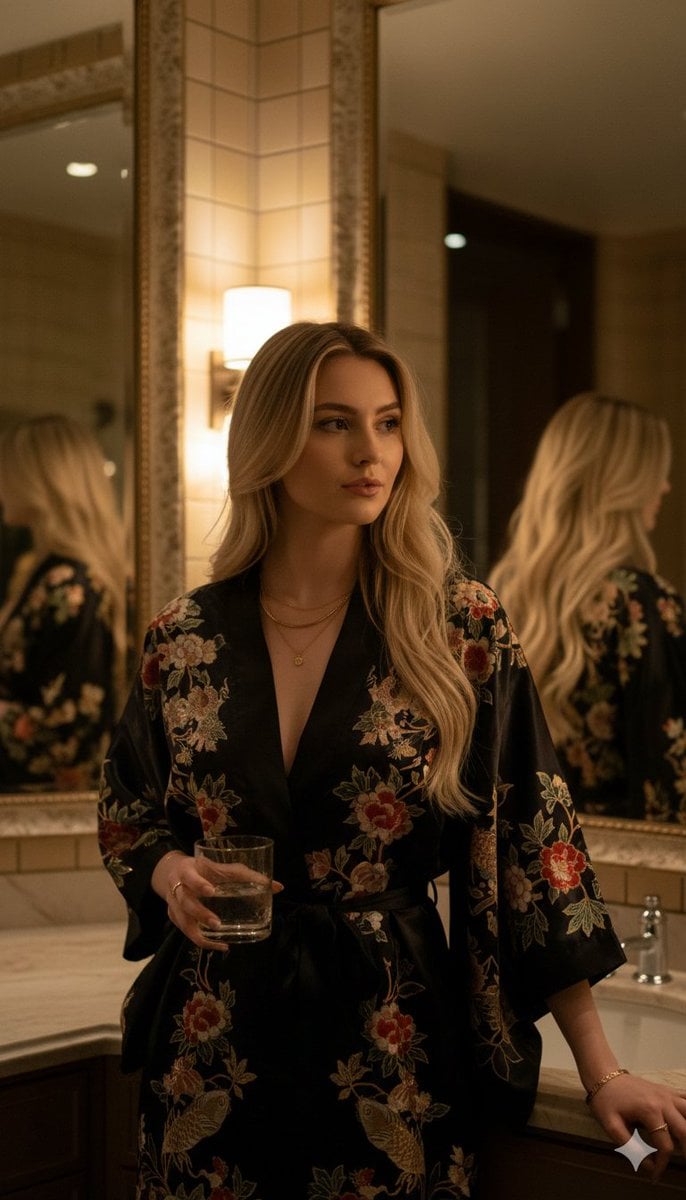
Luxury Tokyo Hotel Bathroom Portrait Prompt

Instagram Story with Annotations
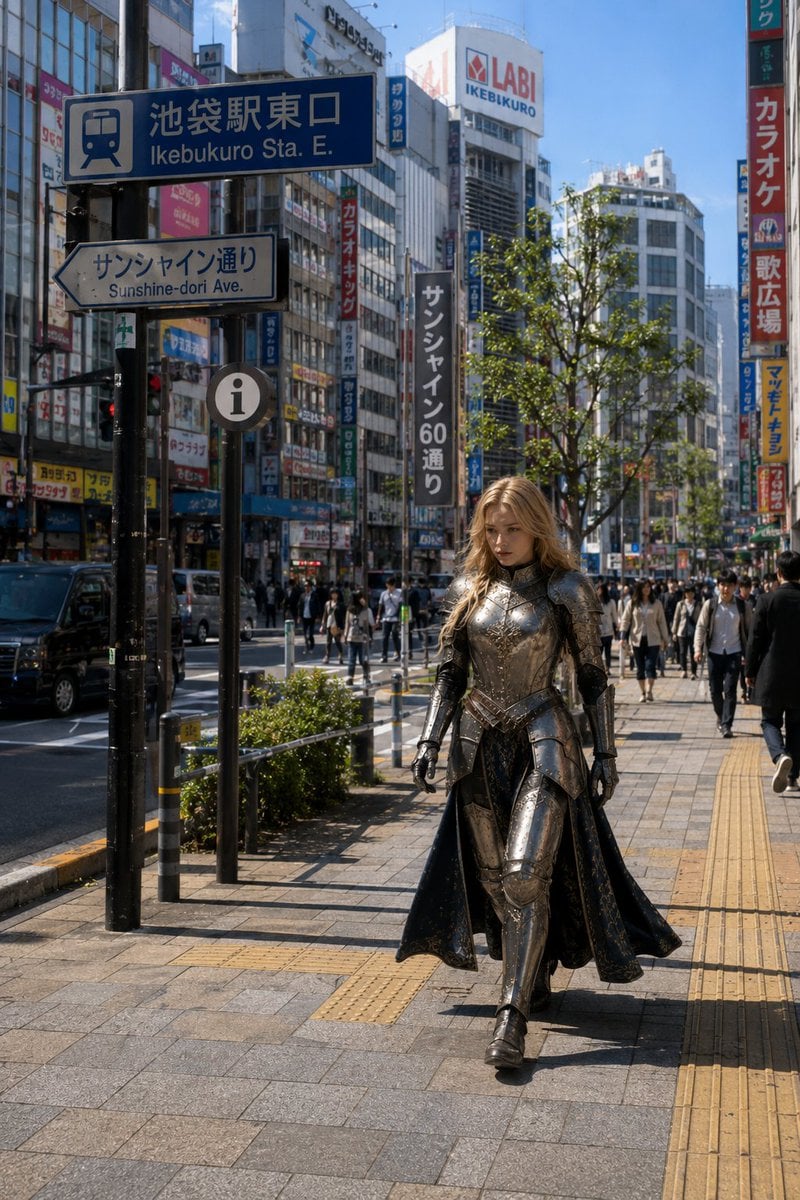
Armored Cosplayer in Ikebukuro
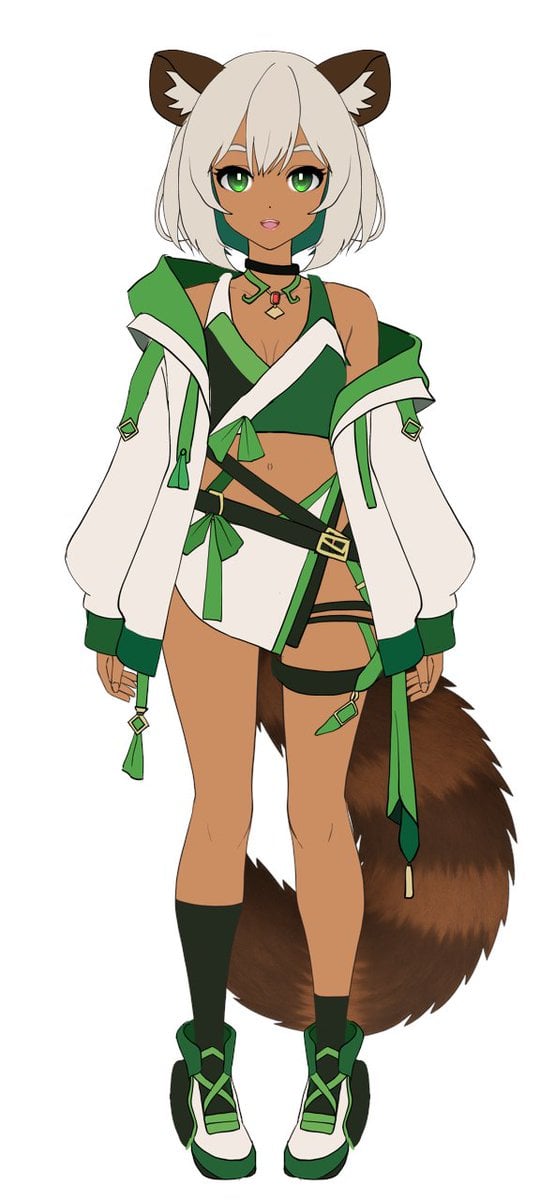
Flat Color to Rendered Anime Shading
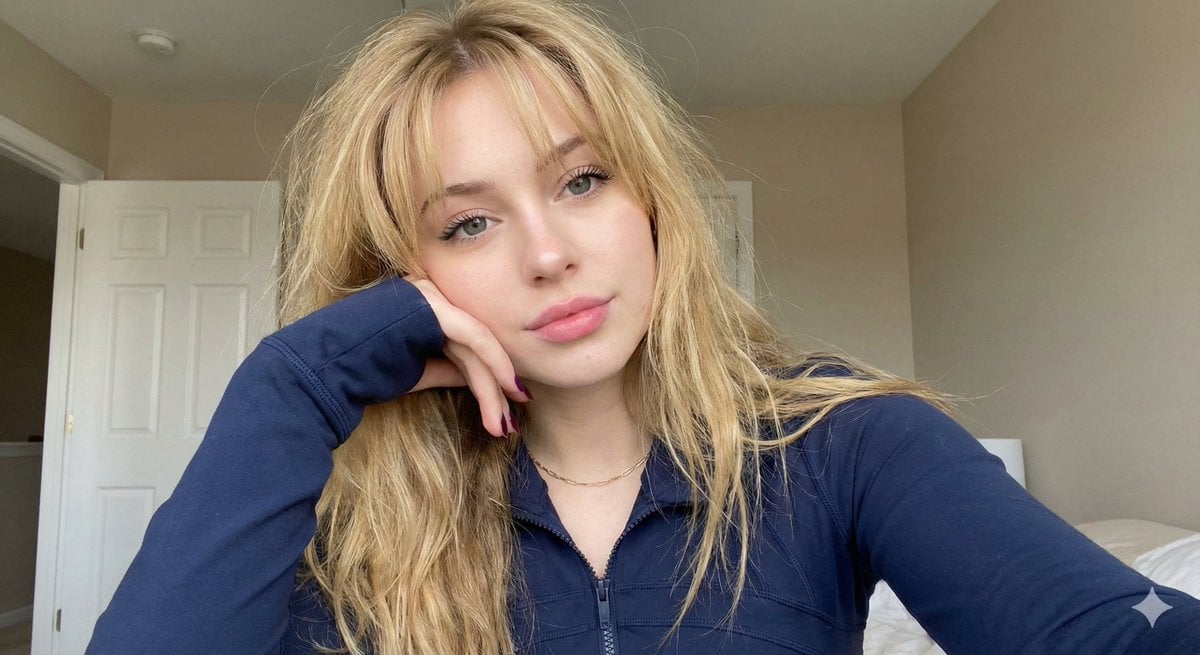
Close-up Portrait with Hand Resting on Cheek
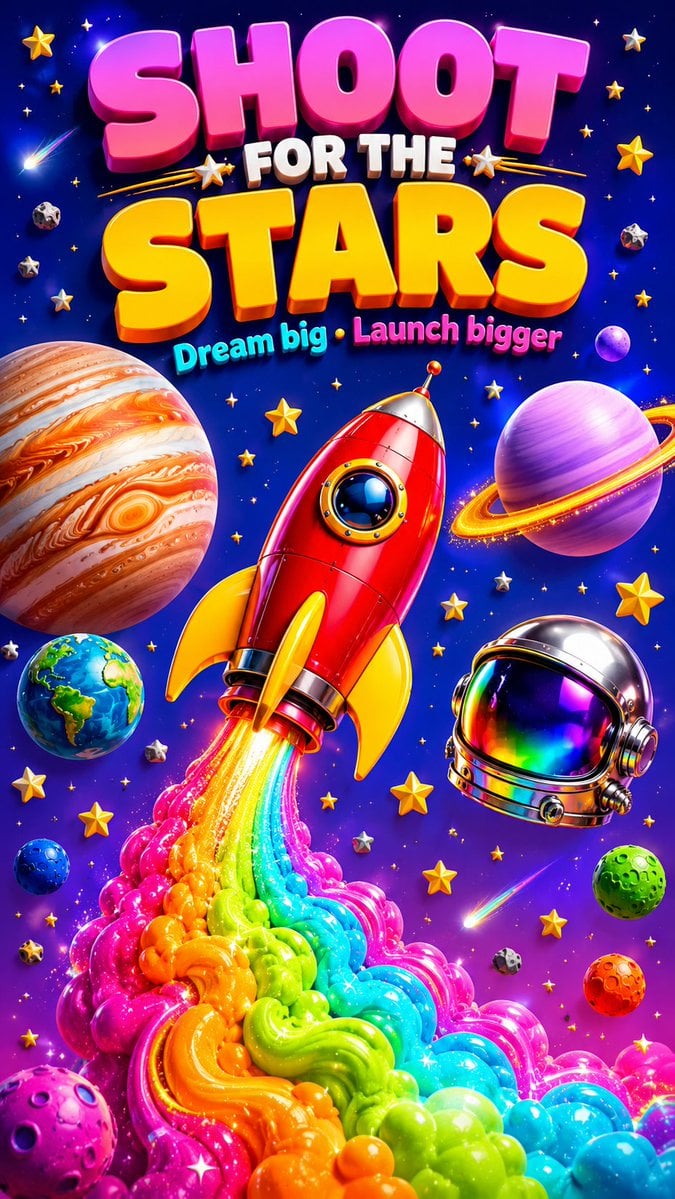
3D Retro Futurism Space Poster
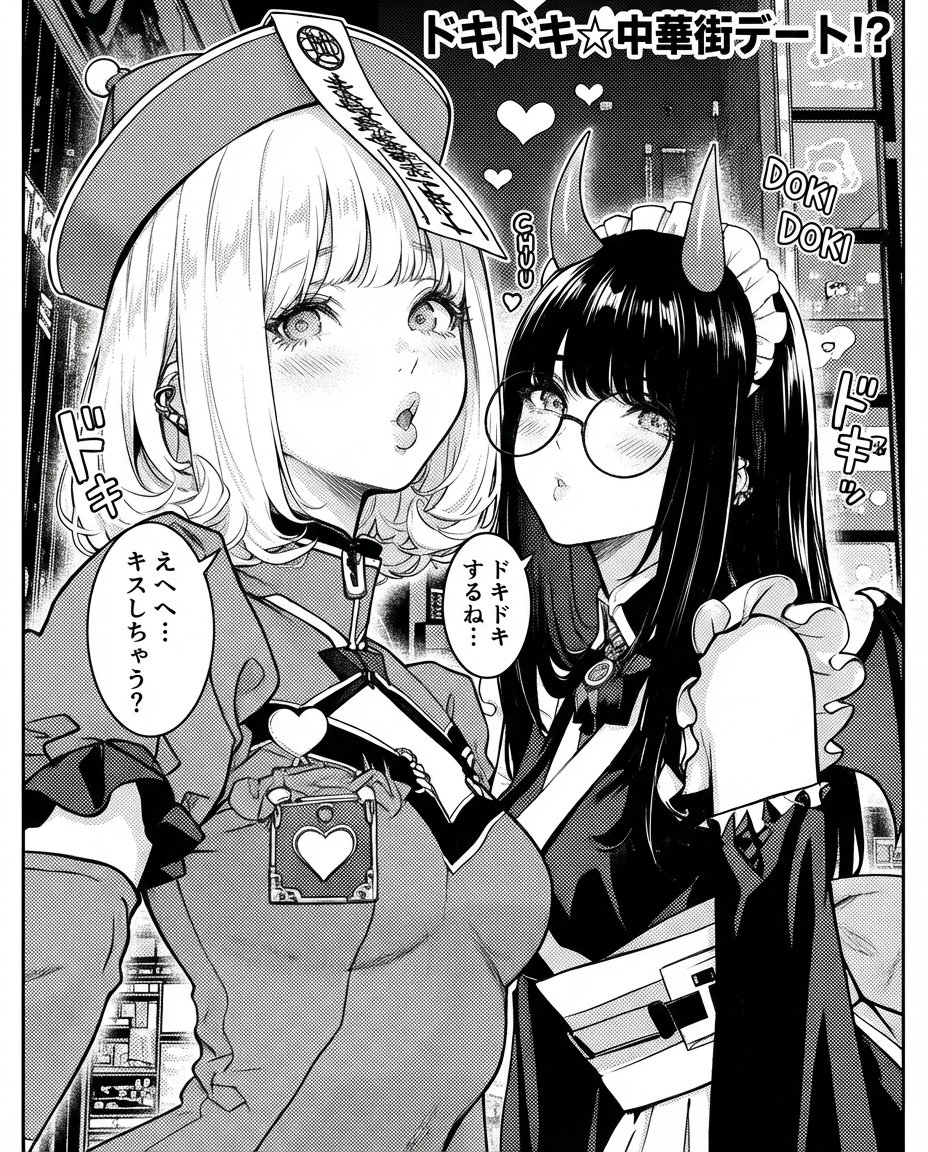
Monochrome rom-com manga page from an illustration
Browse template categories
Dark Ghost Spirit Turnaround questions
How do I use the Dark Ghost Spirit Turnaround template?
Add your photo if the template asks for one, edit the prompt if you like — the template's model and format are already selected — and press Generate. Your version opens in PicX Studio.
Can I customize the Dark Ghost Spirit Turnaround template?
Yes. You can change the subject, setting, lighting, mood, format, and available model controls before creating your image.
Is the Dark Ghost Spirit Turnaround template free?
Opening and editing this template is free. Generating uses credits, shown on the Generate button when you are signed in.
Which AI model should I use?
Start with GPT Image 2, which is the model associated with this template. You can compare another compatible model for a different finish.
Looking for something else? Browse all templates.

Your photo, any look
Thousands of ready templates for every top image and video model, from one credit balance.