
Luxury Streetwear Airport Advertising
A highly detailed commercial photography prompt for a luxury streetwear campaign featuring a model at an airport with graphic design elements.
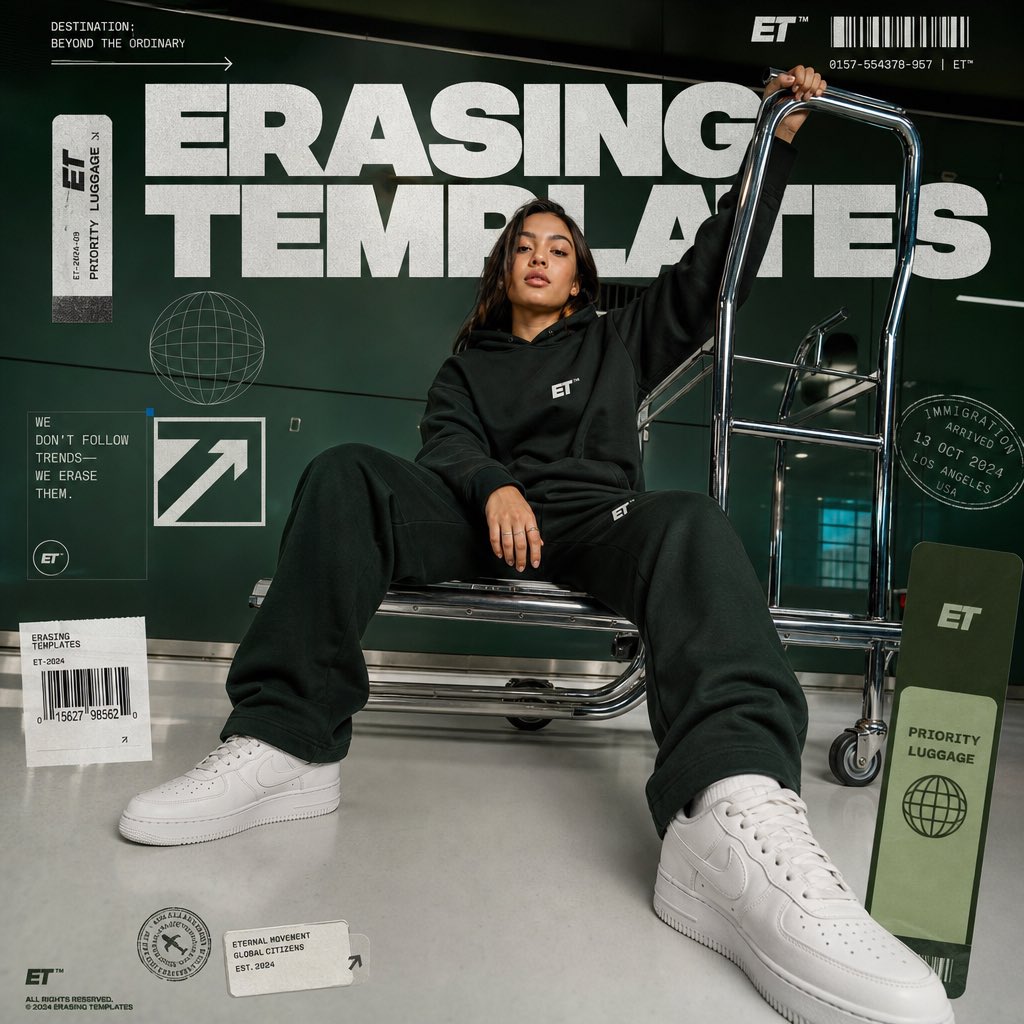
- Prompt included
- Model and format preset
- Free template
The prompt behind this image
Copy the exact prompt behind Luxury Streetwear Airport Advertising, or open it in the studio and make it yours.
An ultra-realistic advertising campaign for premium streetwear, the picture shows a {argument name="subject" default="beautiful girl"} confidently sitting on a {argument name="prop" default="chrome luggage trolley"} at the airport, a relaxed pose with her legs naturally apart, one hand resting on the trolley and the other holding tightly to the top handle, looking directly into the camera with a calm, confident expression, dressed in clothes from the photo, A spectacular wide-angle lens with a low viewing angle, creating voluminous shoes in the foreground, a centered composition, and a modern aesthetic for airport travel., giant white typographic inscription "{argument name="headline" default="ERASING TEMPLATES"}" on a green background, graphic design elements, including barcode labels, travel stickers, graphic stamps in passports, globe badges, arrows, labels for priority luggage, minimalistic corporate identity, chrome highlights, clean white floor, premium fashion advertising, campaign luxury streetwear, ultra-detailed design., hyper-realistic, commercial photography, cinematic lighting, HDR, magazine cover layout, clear focus, natural skin texture, realistic fabric folds, depth of field, high contrast, professional color reproduction, 8K, Masterpiece, Vogue magazine editorial, Behance Image, Premium Commercial advertising, 9:16 aspect ratio, low quality, blurriness, noise, watermark, logo distortion, extra fingers, extra limbs, poor anatomy, deformed face, cropped body, repetitive objects, overexposure, oversaturation, text artifacts, poor typography, unrealistic proportions, motion blur, low resolution, cartoon, anime, computer graphics, plastic shell, messy composition, the tilted horizon.
How to use Luxury Streetwear Airport Advertising in 3 steps
- 1Upload ImagePNG, JPG or paste
Add your photo
Upload the photo the template builds on. The prompt, model and format are already set.
- 2…a portrait of your subject in softgolden-hour light, 85mm…
Personalize
Edit the subject and creative details for your destination.
- 3Generate
Generate
Press Generate — your image is created in PicX Studio, so you can compare it with the original and refine one variable at a time.
More like this
Templates with the same subject, style or setup. Open one to see its prompt.

1988 Mall Style
Luxury Product Advertising Campaign
Luxury Perfume Advertising Photography
Luxury Product Campaign Advertising Poster

Sealing Wax Letter Desk

Ballroom Floor Reflections

Vintage Camera Leather Case

Hedge Maze Aerial Dawn

Tuxedo Cuff Adjust

Cathedral Choir Loft

Carriage House Courtyard

Monochrome Jazz Club
Make it yours
Luxury Streetwear Airport Advertising works as-is. These are the safest ways to change it without losing the look.
Change one field
Copy a single group, rewrite it, and generate again so you can see what that field is doing.
Keep the frame, change the subject
Hold the composition and light of Luxury Streetwear Airport Advertising, then swap wardrobe, props or the person for a new take.
| If the result… | Why | Fix |
|---|---|---|
| The result drifts from the preview | Too many fields changed at once. | Reuse Luxury Streetwear Airport Advertising as-is first, then change one group — subject, light, or setting. |
| The model over-stylizes the scene | The prose prompt leaves finish and camera underspecified. | Add one camera or lighting sentence and stay on GPT Image 2. |
More GPT Image 2 templates
Other prompts made for GPT Image 2.

Six VTuber Japanese Logo Sheet

Realistic Portrait of Woman and Deer

The Vista Modular Condo Poster

AI Model Routing Comparison Infographic

2.5D Anime Art Board

Isometric Productivity Desk Scene

New York Double Exposure Poster

Four-Panel AI Landscape Comparison

Japanese Tatami Lifestyle Magazine Cover

NESCAFÉ Coffee Map Poster
More image prompts
Fresh picks from across the catalog.
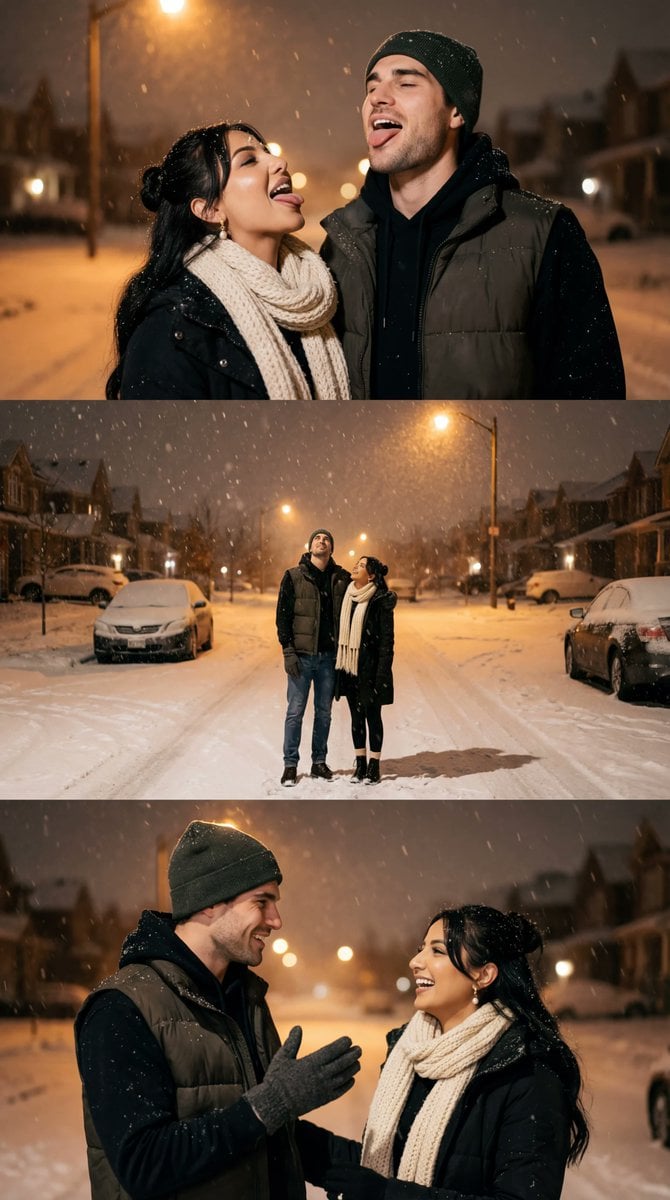
Cinematic Winter Night Couple Triptych

Jirai-kei Girl with Claymore in Bamboo Forest
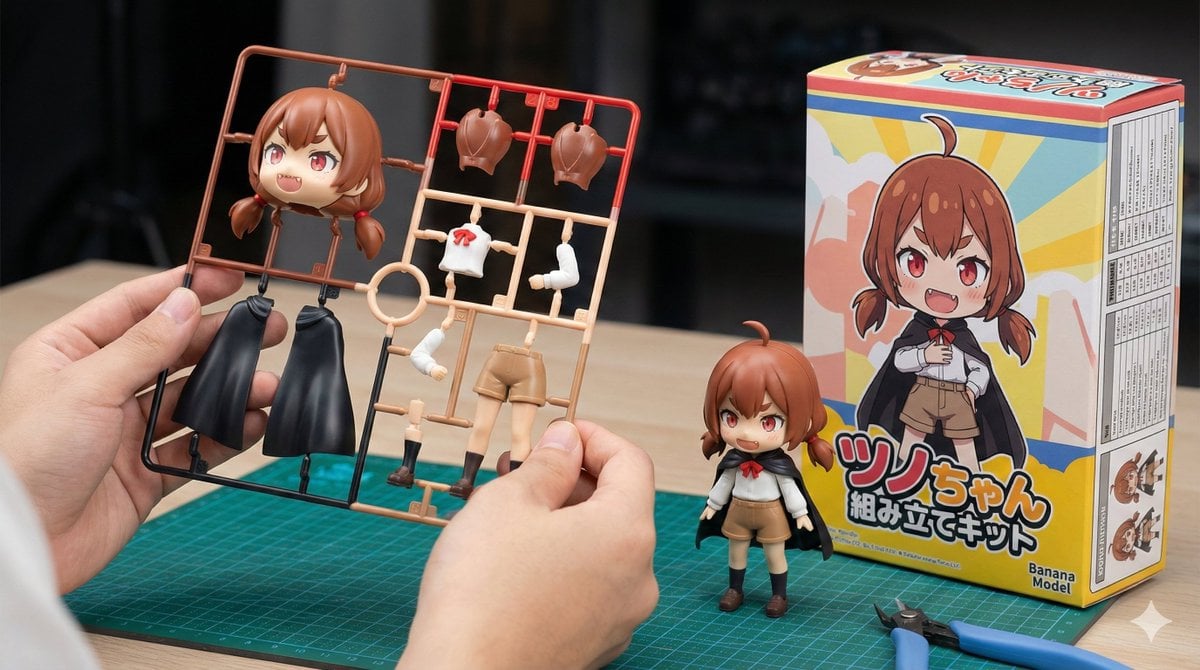
Plastic Model Kit Generation Prompt
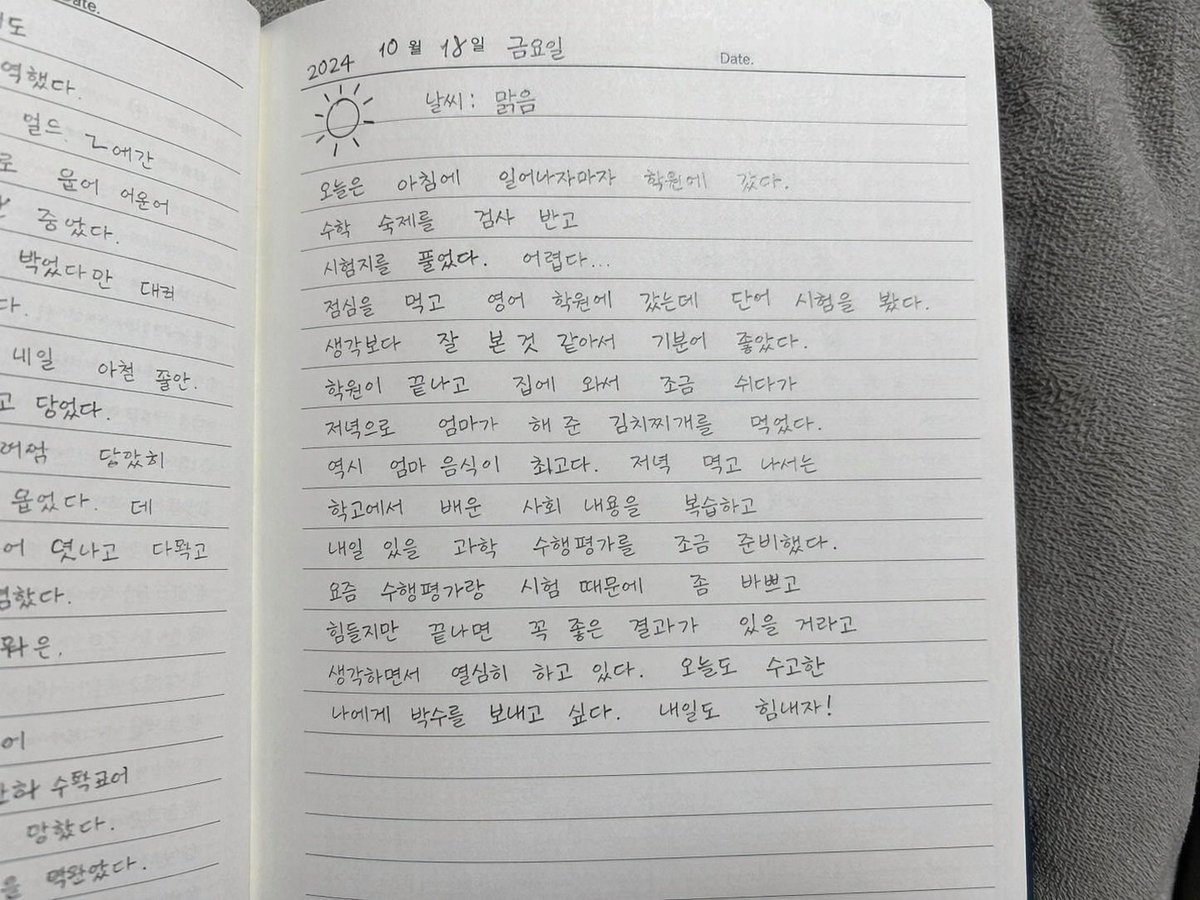
Handwritten Korean Diary Entry

Nano Banana Prompt for Heroic Low-Angle Pose with Beam Weapon

Summer Anime Girl Portrait
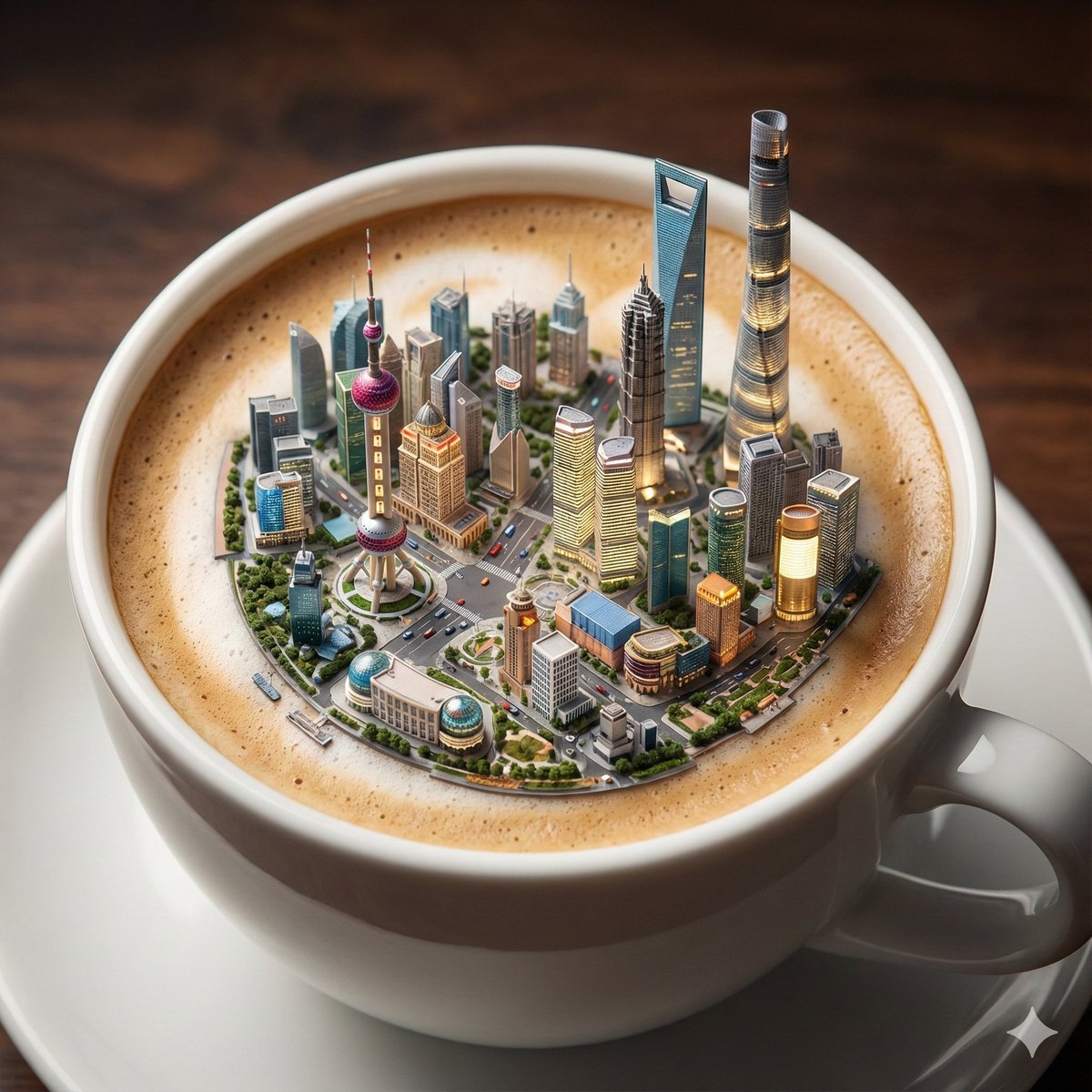
Micro City Floating on Coffee Foam
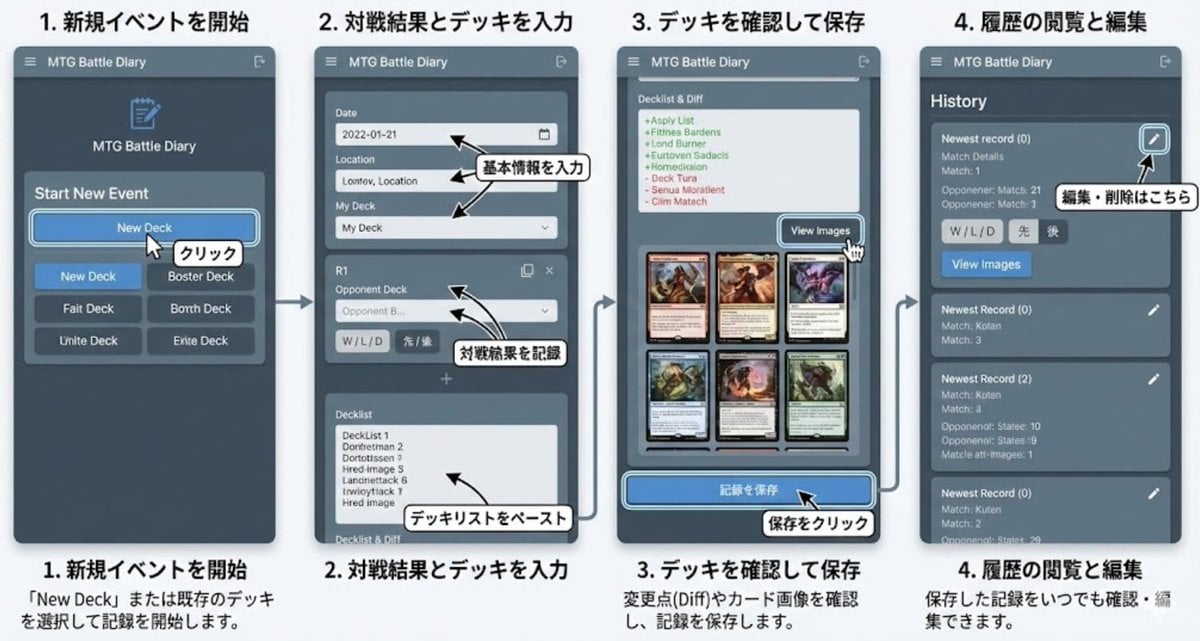
Generate documentation from source code
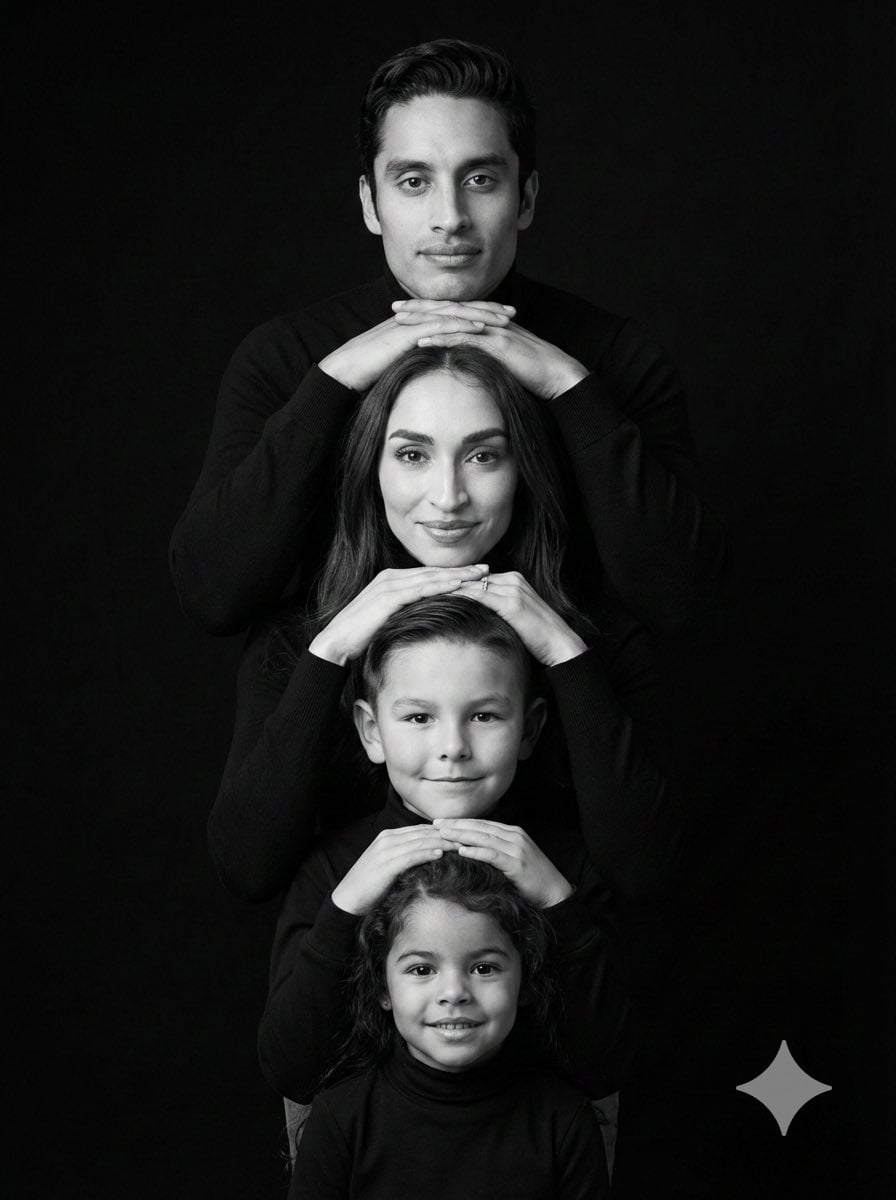
Hyperrealistic 4-Person Family Portrait
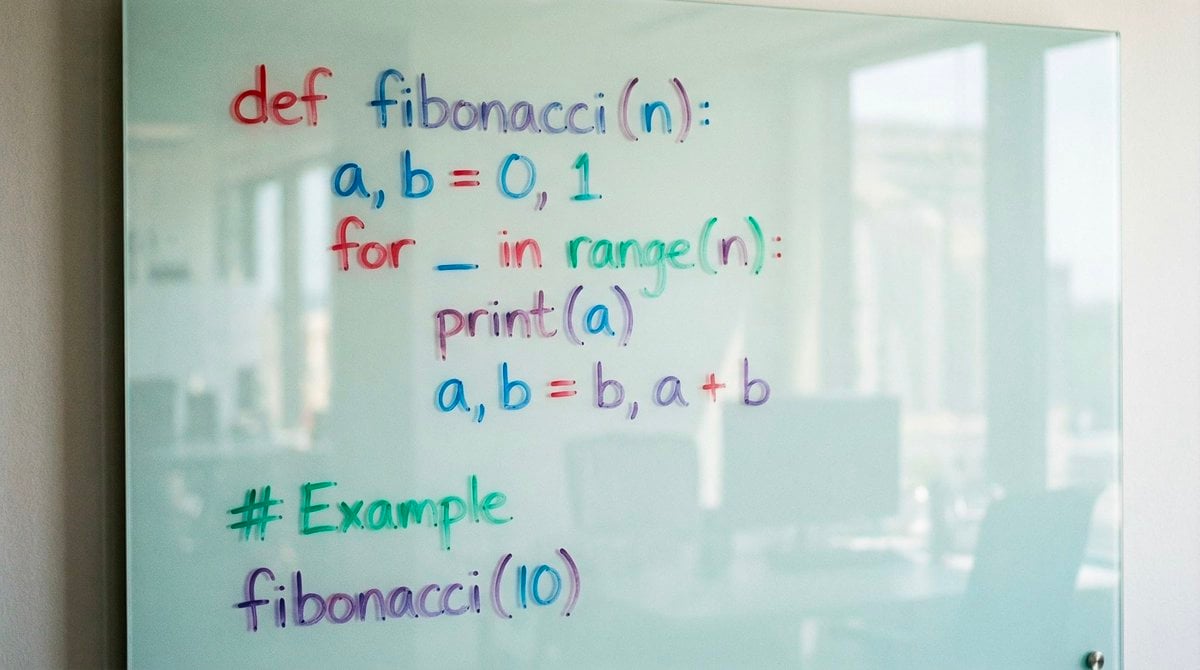
Python Fibonacci code on glass whiteboard
Browse template categories
Luxury Streetwear Airport Advertising questions
How do I use the Luxury Streetwear Airport Advertising template?
Add your photo if the template asks for one, edit the prompt if you like — the template's model and format are already selected — and press Generate. Your version opens in PicX Studio.
Can I customize the Luxury Streetwear Airport Advertising template?
Yes. You can change the subject, setting, lighting, mood, format, and available model controls before creating your image.
Is the Luxury Streetwear Airport Advertising template free?
Opening and editing this template is free. Generating uses credits, shown on the Generate button when you are signed in.
Which AI model should I use?
Start with GPT Image 2, which is the model associated with this template. You can compare another compatible model for a different finish.
Looking for something else? Browse all templates.

Your photo, any look
Thousands of ready templates for every top image and video model, from one credit balance.