
Airport Fashion Magazine Cover
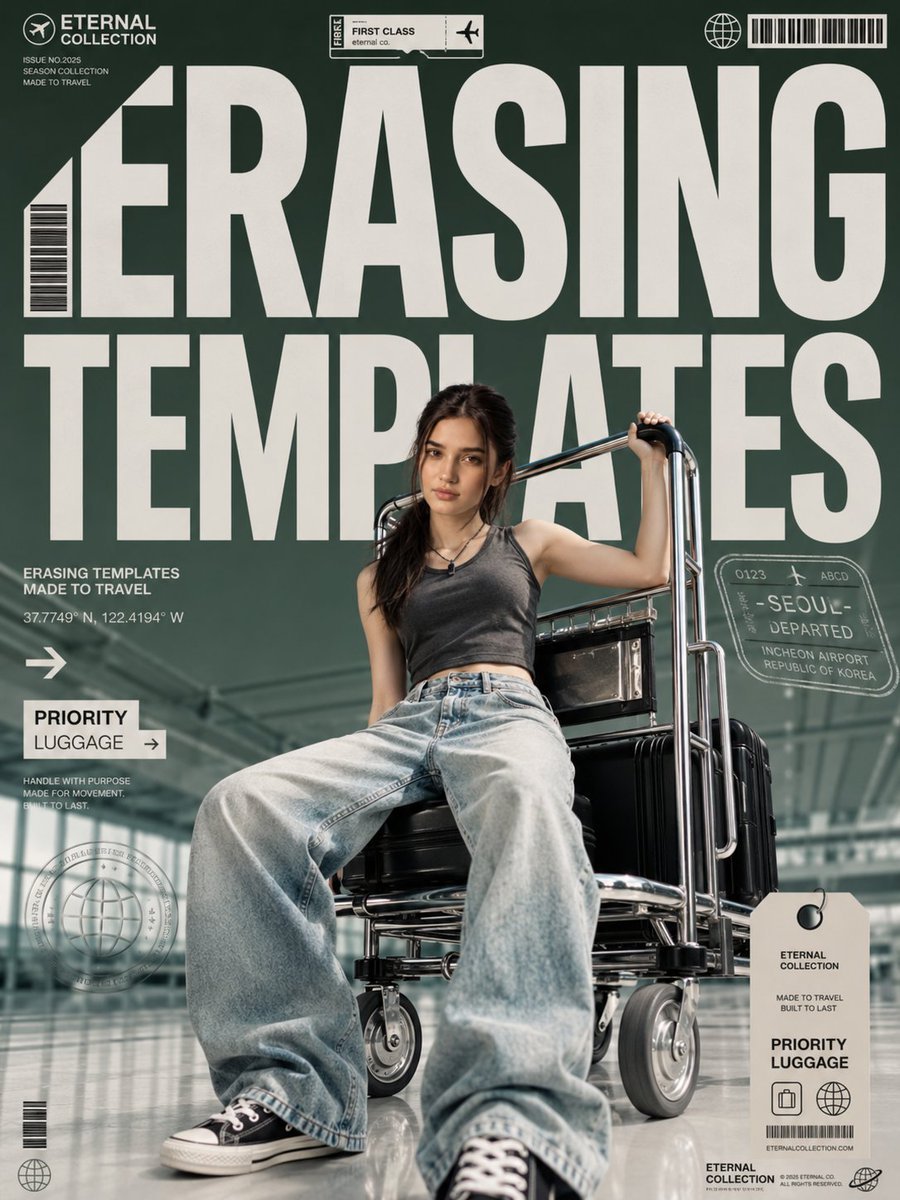
A cinematic fashion-travel magazine cover featuring a stylish woman on an airport luggage trolley with bold editorial typography and travel graphics.
- Prompt included
- Model and format preset
- Free template
The prompt behind this image
Copy the exact prompt behind Airport Fashion Magazine Cover, or open it in the studio and make it yours.
Goal: Create a premium cinematic fashion-travel magazine cover in a vertical 4:5 composition, designed like a luxury airport editorial poster with bold typography and travel-ticket graphics. Canvas: Vertical 4:5 cover, full bleed, deep desaturated forest-green background overlay, glossy modern airport terminal visible behind the subject with glass roof structure, reflective polished floor, shallow depth of field, cinematic editorial lighting. Main subject: A stylish young woman, {argument name="character age and vibe" default="early 20s, confident and effortlessly cool"}, seated low and confidently on a chrome airport luggage trolley. She leans slightly back, one hand gripping the raised trolley handle near her shoulder, relaxed fashion-model posture, direct calm gaze at camera. She wears a {argument name="top" default="charcoal gray sleeveless cropped tank top"}, loose faded light-blue oversized baggy jeans, black low-top canvas sneakers with white laces and white rubber soles, and a small black pendant necklace. Hair is {argument name="hair style" default="dark brown, long, slightly messy, half-tied with loose face-framing strands"}. Natural makeup, realistic skin texture, high-end fashion editorial mood. Props and environment: The trolley is shiny chrome with black seats and industrial wheels, carrying black hard-shell suitcases stacked behind and beside her. The floor reflection should show the wheels, sneakers, and luggage subtly. Keep the airport background modern but secondary, softly blurred. Magazine layout and typography: Use enormous off-white condensed bold sans-serif headline text covering the upper two-thirds of the cover, partially behind and around the model, reading {argument name="main headline" default="ERASING TEMPLATES"}. The letters should be massive, clean, blocky, tightly spaced, like a contemporary fashion magazine masthead. Use a cream/off-white color for all typography and graphic marks. Visible text and graphic elements, exactly 12 discrete editorial/travel elements: 1. Top-left brand logo: small airplane-in-circle icon with the words “ETERNAL COLLECTION”. 2. Under the logo, three small lines: “ISSUE NO.2025”, “SEASON COLLECTION”, “MADE TO TRAVEL”. 3. Top-center small boarding pass sticker: “FIRST CLASS”, “eternal co.”, small airplane icon, and a vertical “FREE” tab. 4. Top-right globe icon beside a horizontal barcode. 5. Left edge vertical barcode integrated beside the huge first letter. 6. Left-middle caption block: “ERASING TEMPLATES”, “MADE TO TRAVEL”, and coordinates “37.7749° N, 122.4194° W”. 7. Left-middle white arrow icon pointing right. 8. Left-lower white label box reading “PRIORITY LUGGAGE →”. 9. Small microcopy below label: “HANDLE WITH PURPOSE”, “MADE FOR MOVEMENT.”, “BUILT TO LAST.” 10. Right-middle translucent passport stamp graphic reading “SEOUL”, “DEPARTED”, “INCHEON AIRPORT”, “REPUBLIC OF KOREA”, with small numbers and a plane icon. 11. Bottom-left circular globe seal stamp plus a small barcode and small globe icon. 12. Bottom-right hanging luggage tag reading “ETERNAL COLLECTION”, “MADE TO TRAVEL BUILT TO LAST”, “PRIORITY LUGGAGE”, with suitcase and globe icons, barcode, and tiny website text. Visual style: Photorealistic high-fashion editorial, premium magazine cover, cinematic color grading, sharp subject, soft airport background, cool green-gray shadows, cream typography, realistic chrome reflections, crisp print-design details, slightly low camera angle emphasizing the sneakers and trolley wheels in the foreground. Constraints: No extra people, no extra main objects, no watermark, no random text beyond the listed cover elements, keep all text legible where large and acceptably microprinted where small, maintain the model centered lower-middle with headline dominating the top.
How to use Airport Fashion Magazine Cover in 3 steps
- 1Upload ImagePNG, JPG or paste
Add your photo
Upload the photo the template builds on. The prompt, model and format are already set.
- 2…a portrait of your subject in softgolden-hour light, 85mm…
Personalize
Edit the subject and creative details for your destination.
- 3Generate
Generate
Press Generate — your image is created in PicX Studio, so you can compare it with the original and refine one variable at a time.
More like this
Templates with the same subject, style or setup. Open one to see its prompt.

High-Fashion Editorial Magazine Cover ICON

Korean Model Floating Magazine Pages Campaign

Off Duty Fashion Magazine Cover

High-Fashion Magazine Cover Portrait

Blue Hour Editorial Fashion Portrait
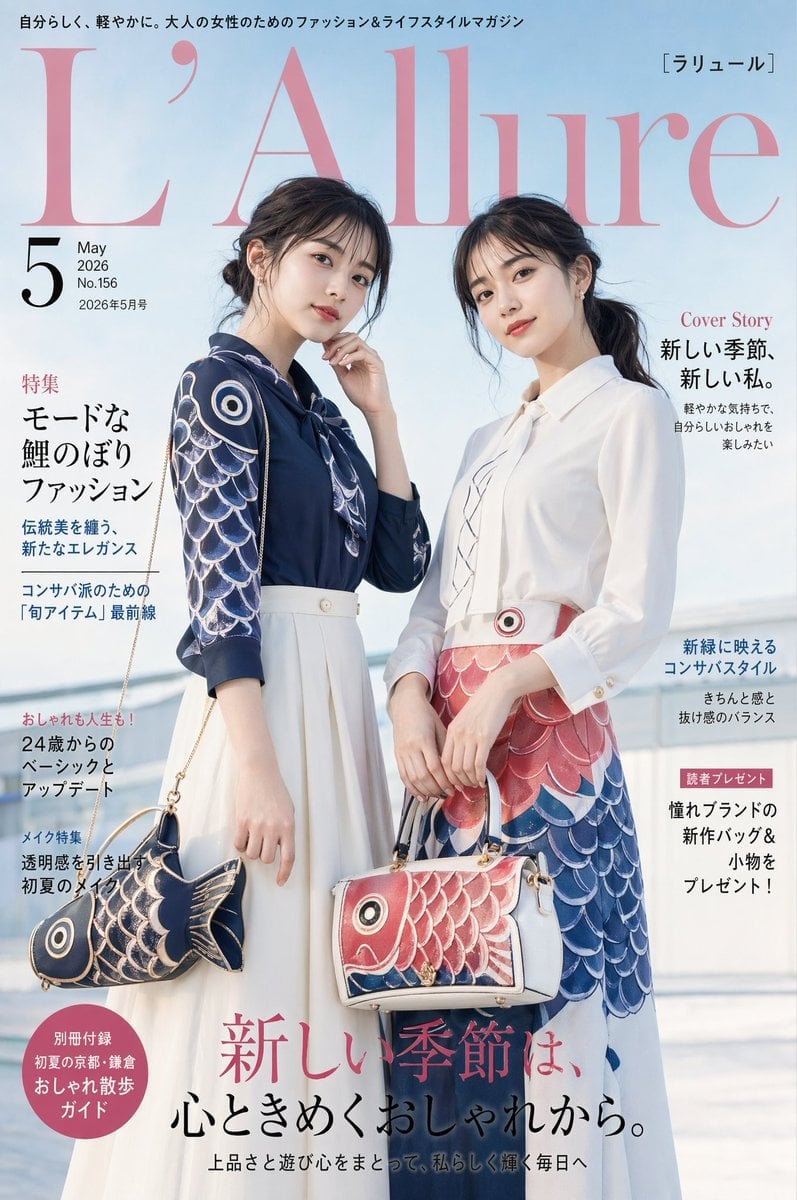
Japanese Koinobori Fashion Magazine Cover
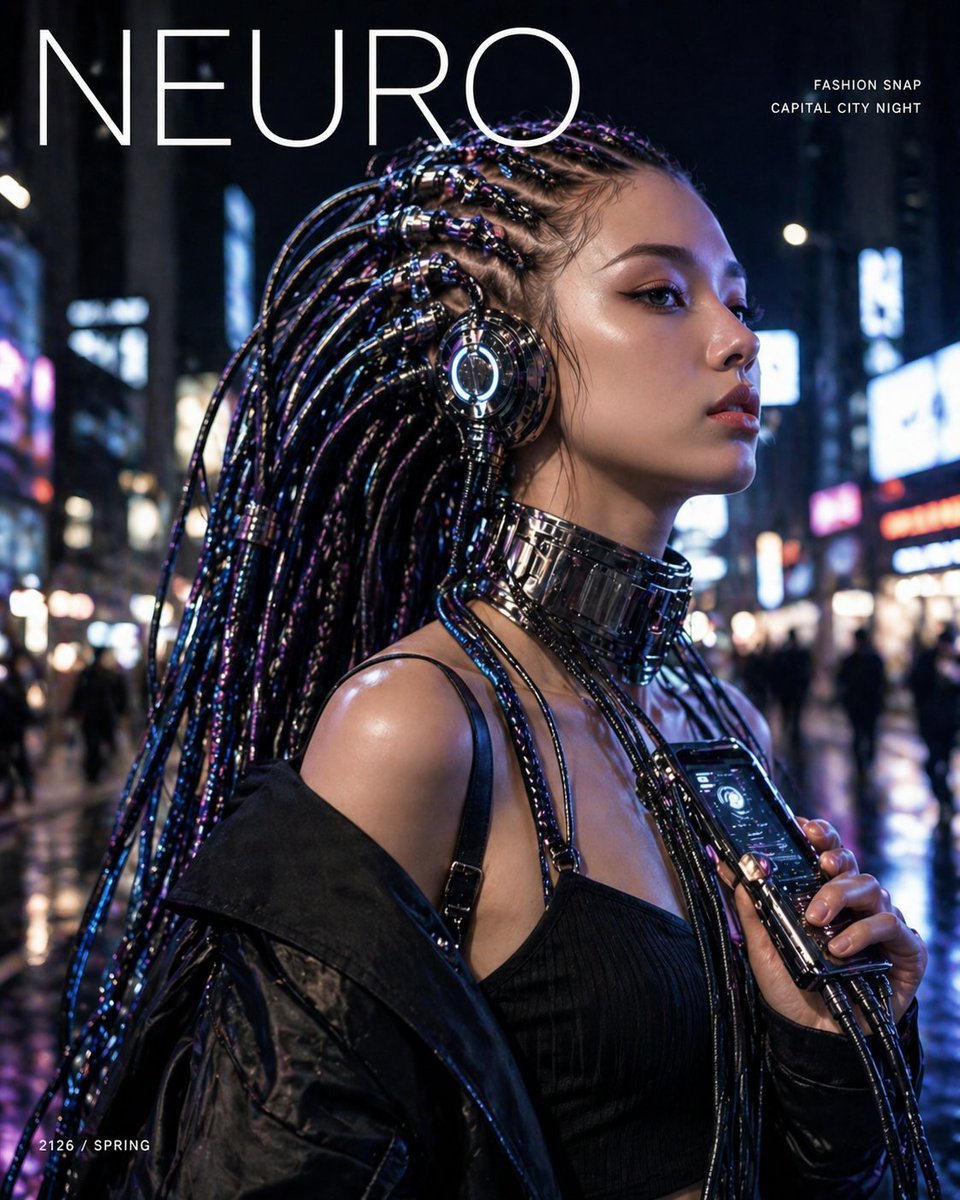
Cyberpunk Fashion Magazine Cover
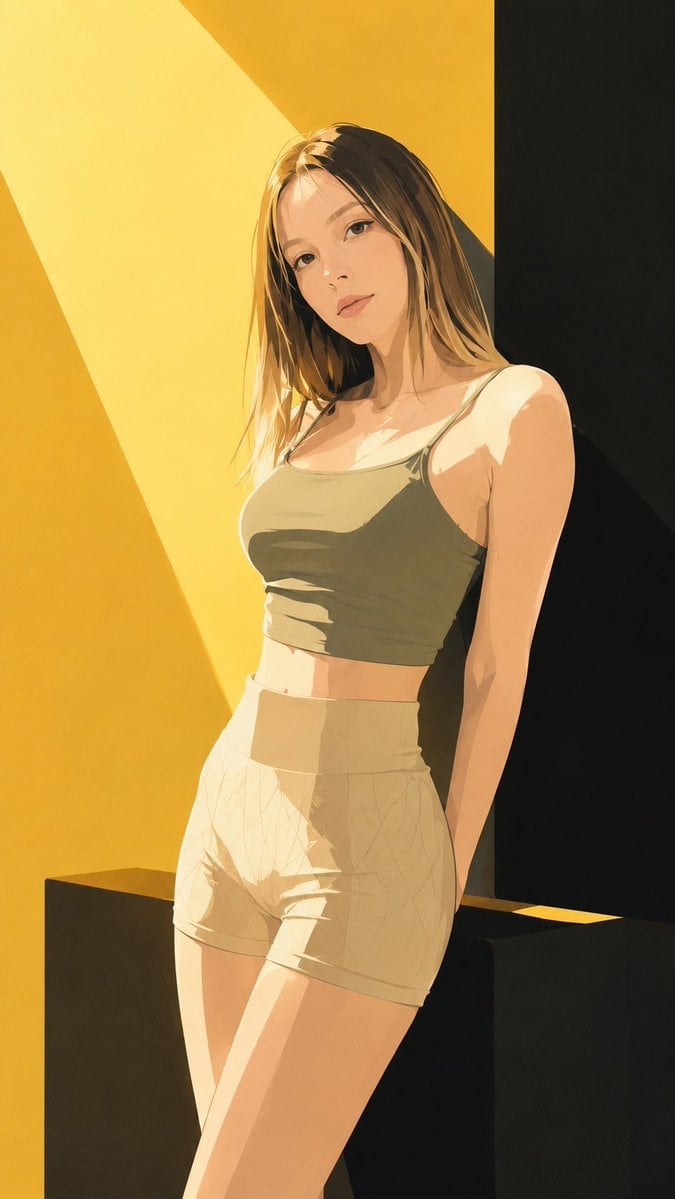
Japanese Fashion Magazine Anime Cover

80s College Gate

1988 Mall Style

80s Polka Dot Saree

Japanese Tatami Lifestyle Magazine Cover
Make it yours
Airport Fashion Magazine Cover works as-is. These are the safest ways to change it without losing the look.
Change one field
Copy a single group, rewrite it, and generate again so you can see what that field is doing.
Keep the frame, change the subject
Hold the composition and light of Airport Fashion Magazine Cover, then swap wardrobe, props or the person for a new take.
| If the result… | Why | Fix |
|---|---|---|
| The result drifts from the preview | Too many fields changed at once. | Reuse Airport Fashion Magazine Cover as-is first, then change one group — subject, light, or setting. |
| The model over-stylizes the scene | The prose prompt leaves finish and camera underspecified. | Add one camera or lighting sentence and stay on GPT Image 2. |
More GPT Image 2 templates
Other prompts made for GPT Image 2.

Six VTuber Japanese Logo Sheet

Realistic Portrait of Woman and Deer

The Vista Modular Condo Poster

AI Model Routing Comparison Infographic

2.5D Anime Art Board

Isometric Productivity Desk Scene

New York Double Exposure Poster

Four-Panel AI Landscape Comparison

NESCAFÉ Coffee Map Poster

Brutalist Cogito Chinese Typography Poster
More image prompts
Fresh picks from across the catalog.

Pixar-Style 3D Character on a Crescent Moon
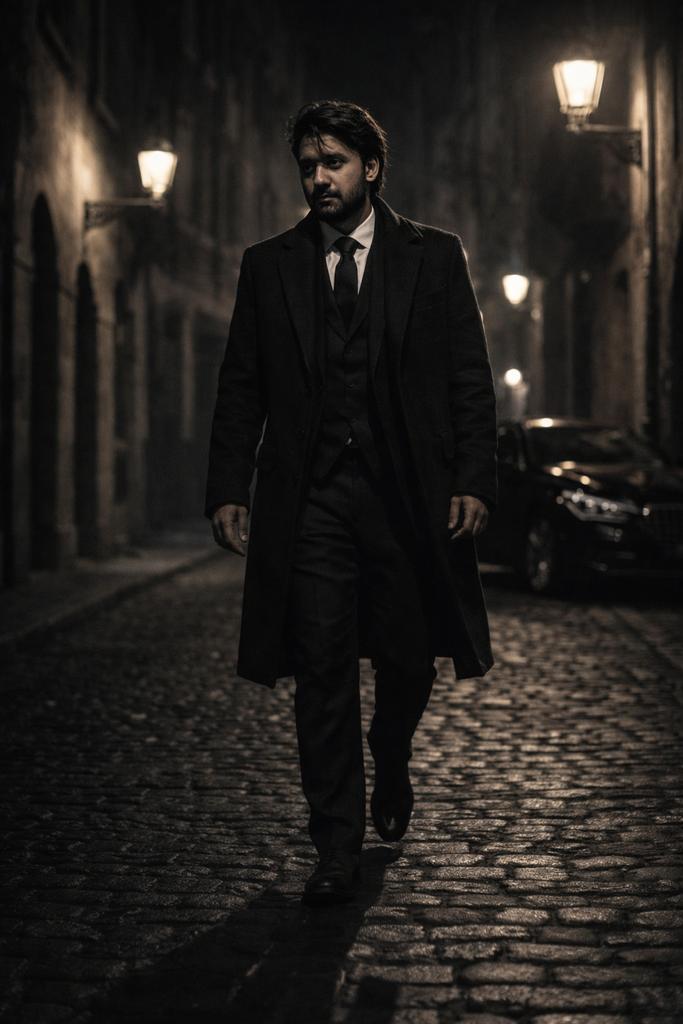
Cinematic Noir Night Street Walk

Handmade Claymation Style i2i
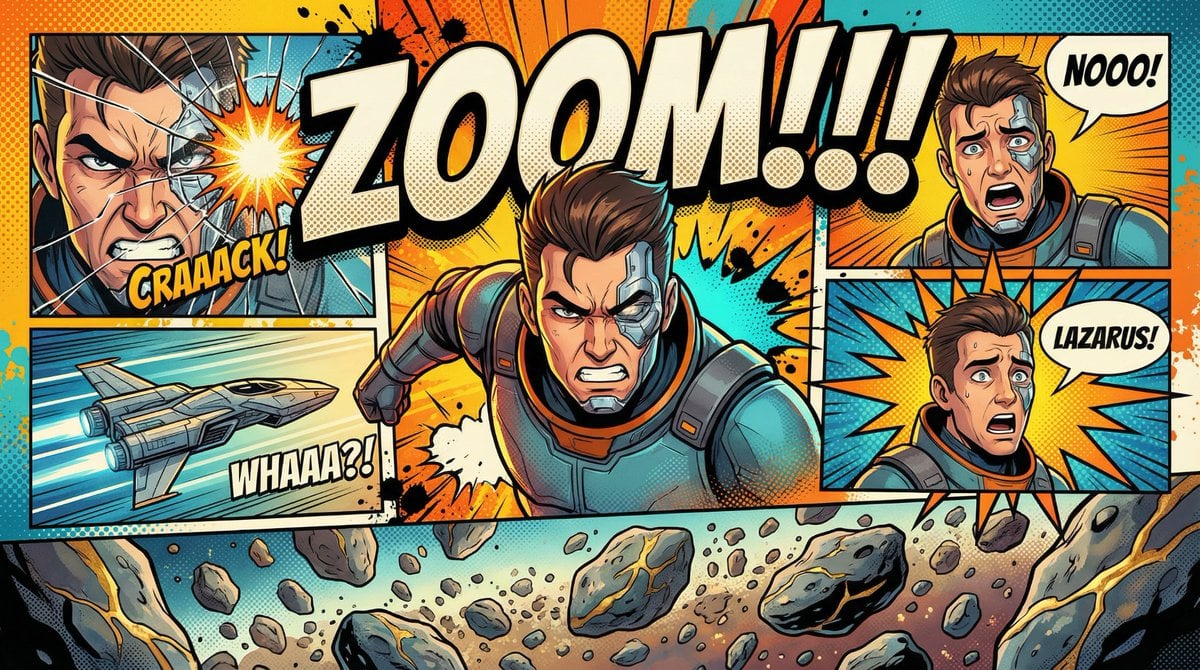
Comic Book Poster Illustration Template
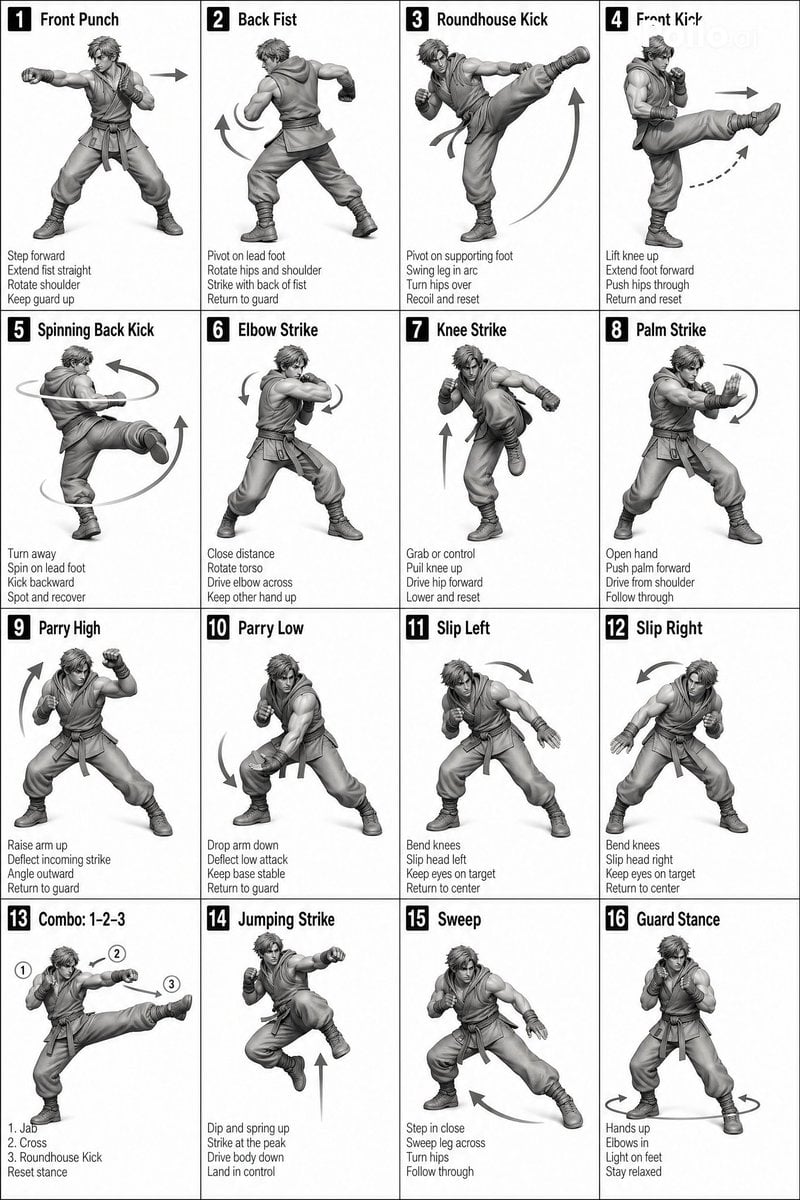
Instructional Martial Arts Movement Sheet
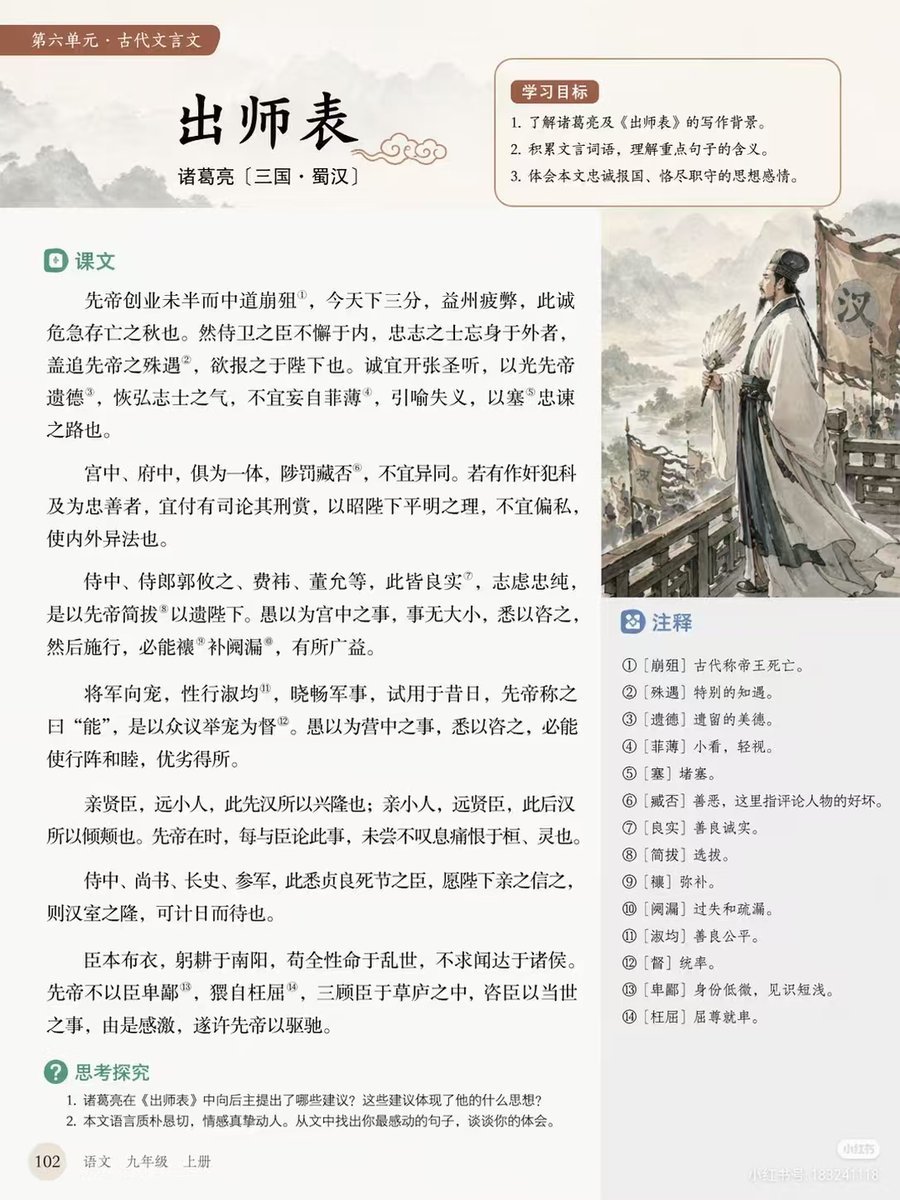
Chinese Literature Textbook Page Layout
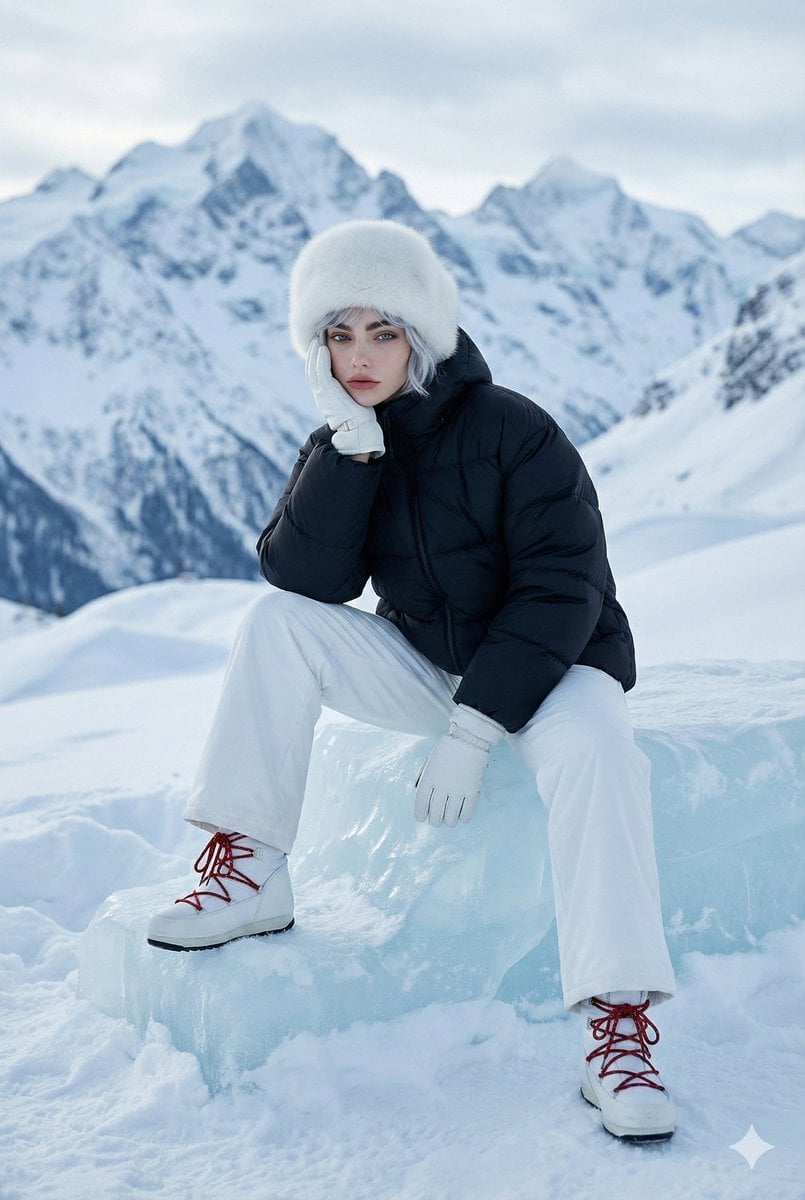
High-Fashion Winter Editorial Portrait in Alpine Setting
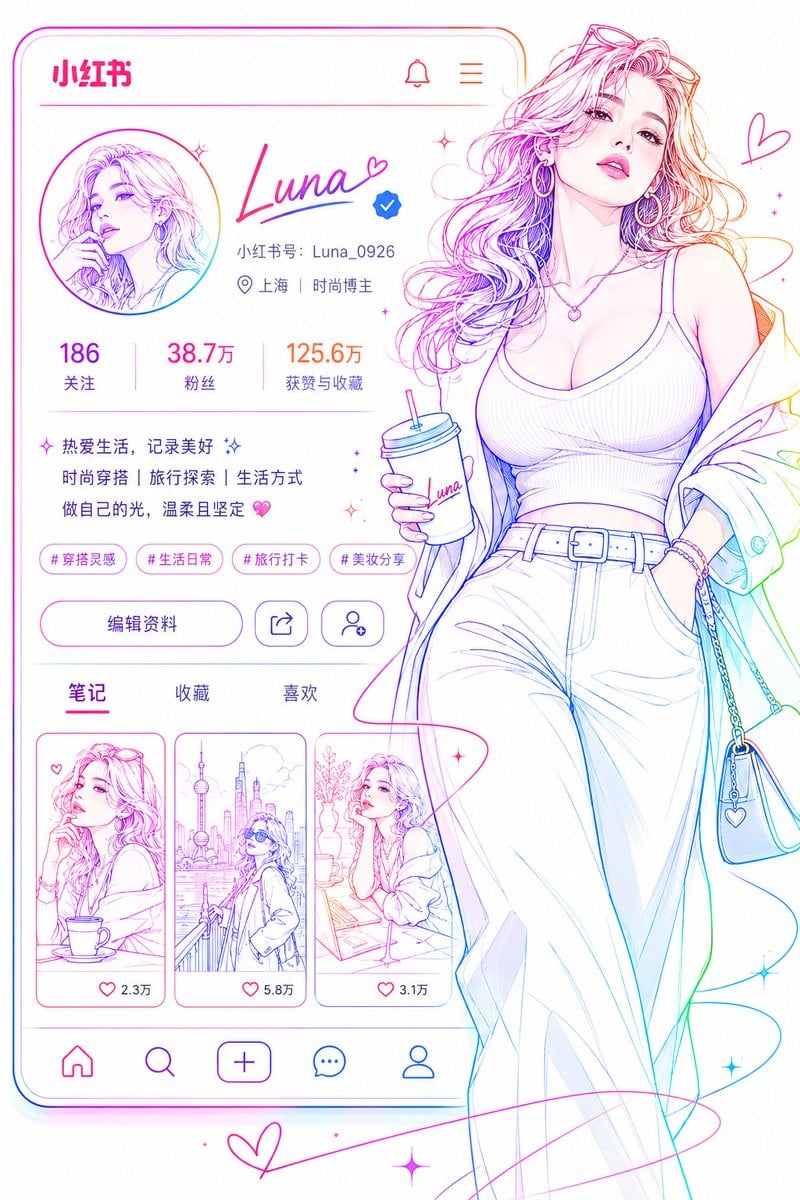
Social Media Profile Neon Line Art
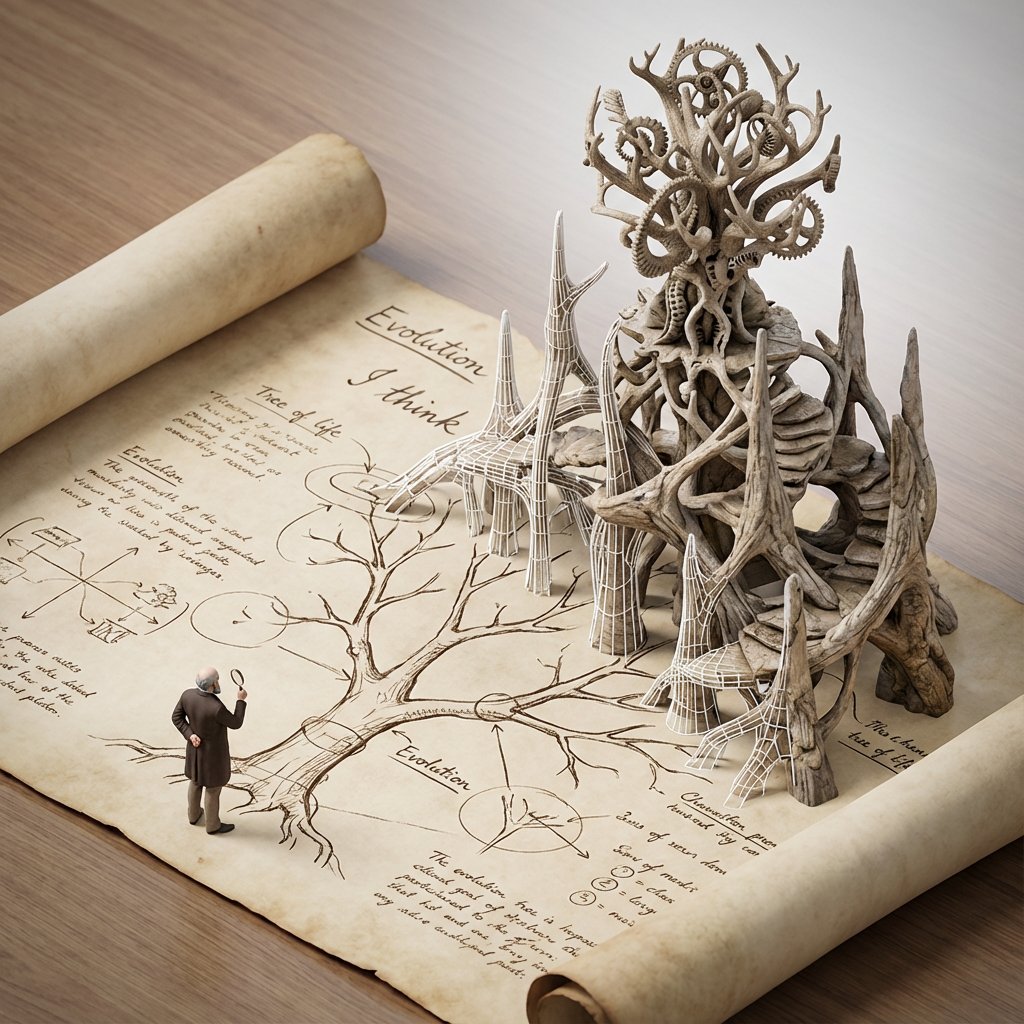
Scientific Theory Visualization: 2D to 3D Extrusion
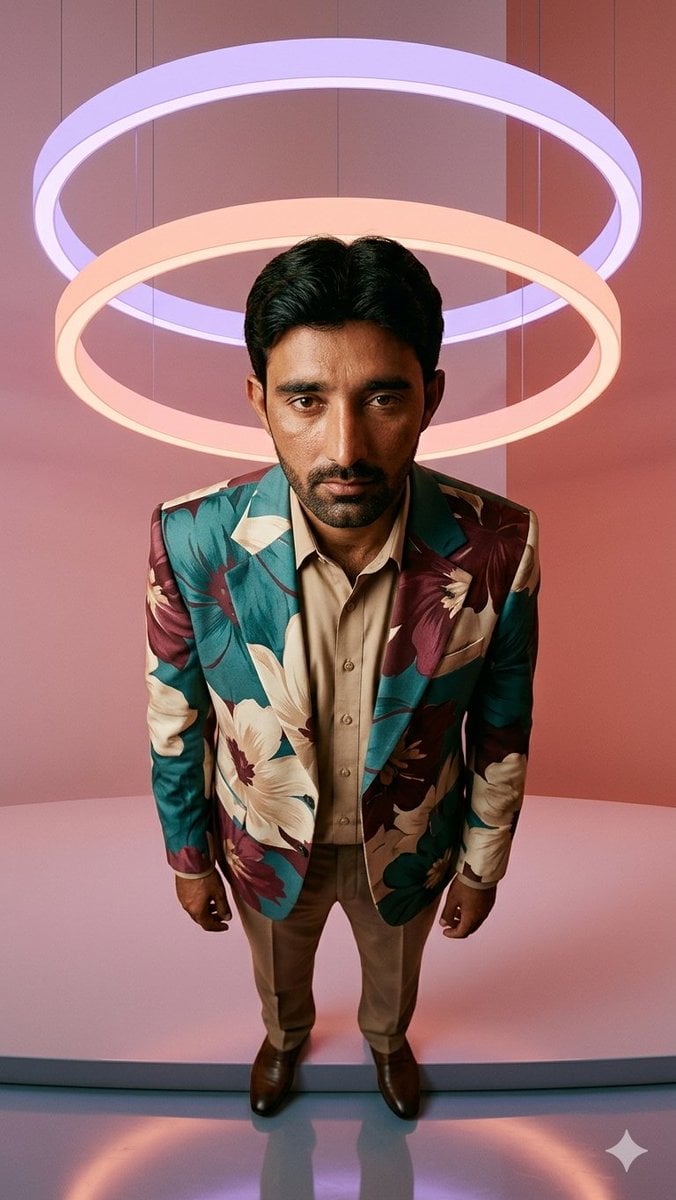
Low-Angle Fashion Portrait with Light Rings
Browse template categories
Airport Fashion Magazine Cover questions
How do I use the Airport Fashion Magazine Cover template?
Add your photo if the template asks for one, edit the prompt if you like — the template's model and format are already selected — and press Generate. Your version opens in PicX Studio.
Can I customize the Airport Fashion Magazine Cover template?
Yes. You can change the subject, setting, lighting, mood, format, and available model controls before creating your image.
Is the Airport Fashion Magazine Cover template free?
Opening and editing this template is free. Generating uses credits, shown on the Generate button when you are signed in.
Which AI model should I use?
Start with GPT Image 2, which is the model associated with this template. You can compare another compatible model for a different finish.
Looking for something else? Browse all templates.

Your photo, any look
Thousands of ready templates for every top image and video model, from one credit balance.