
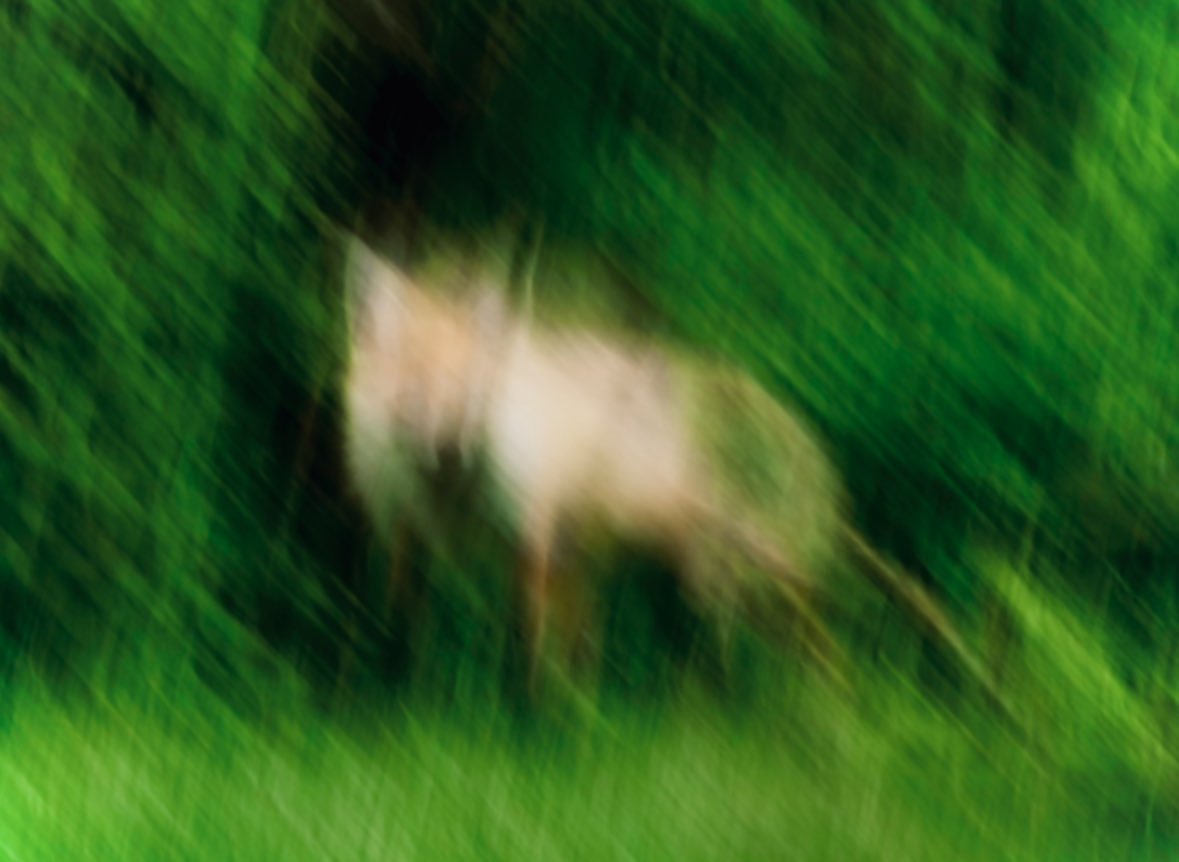
Blurred Deer in Green Forest
This prompt generates an impressionistic motion-blurred wildlife image of a single deer-like animal in dense green foliage, suitable for atmospheric nature art or abstract photography.
- Prompt included
- Model and format preset
- Free template
The prompt behind this image
Copy the exact prompt behind Blurred Deer in Green Forest, or open it in the studio and make it yours.
A painterly wildlife photograph with strong intentional motion blur, showing 1 deer-like animal in a lush green forest clearing. The animal stands slightly left of center in side profile facing left, with a pale tan to cream body, slender legs, and a soft indistinct head and ears, partially emerging from a dark shadowy opening in dense foliage. The entire image is heavily smeared with diagonal and vertical camera motion, creating an impressionistic, dreamlike effect rather than sharp detail. Surround the subject with saturated summer greenery: deep emerald bushes in the background, darker forest shadows near the upper left, and bright vivid grass across the foreground. Use natural outdoor daylight, rich green tones, soft contrast, and an abstract photographic style that feels like a fleeting glimpse of wildlife captured while moving. No people, no text, no buildings, no extra animals.
How to use Blurred Deer in Green Forest in 3 steps
- 1Upload ImagePNG, JPG or paste
Add your photo
Upload the photo the template builds on. The prompt, model and format are already set.
- 2…a portrait of your subject in softgolden-hour light, 85mm…
Personalize
Edit the subject and creative details for your destination.
- 3Generate
Generate
Press Generate — your image is created in PicX Studio, so you can compare it with the original and refine one variable at a time.
More like this
Templates with the same subject, style or setup. Open one to see its prompt.

Layered Paper Cut Forest Diorama

Elegant Green Evening Gown Studio Fashion Portrait
Elegant Green Evening Gown Studio Fashion Portrait

Premium Editorial Branding Poster Charcoal Green
Winter Deer Papercut Forest
Still Woman in Motion-Blurred Lobby
Mischievous Forest Faun Girl
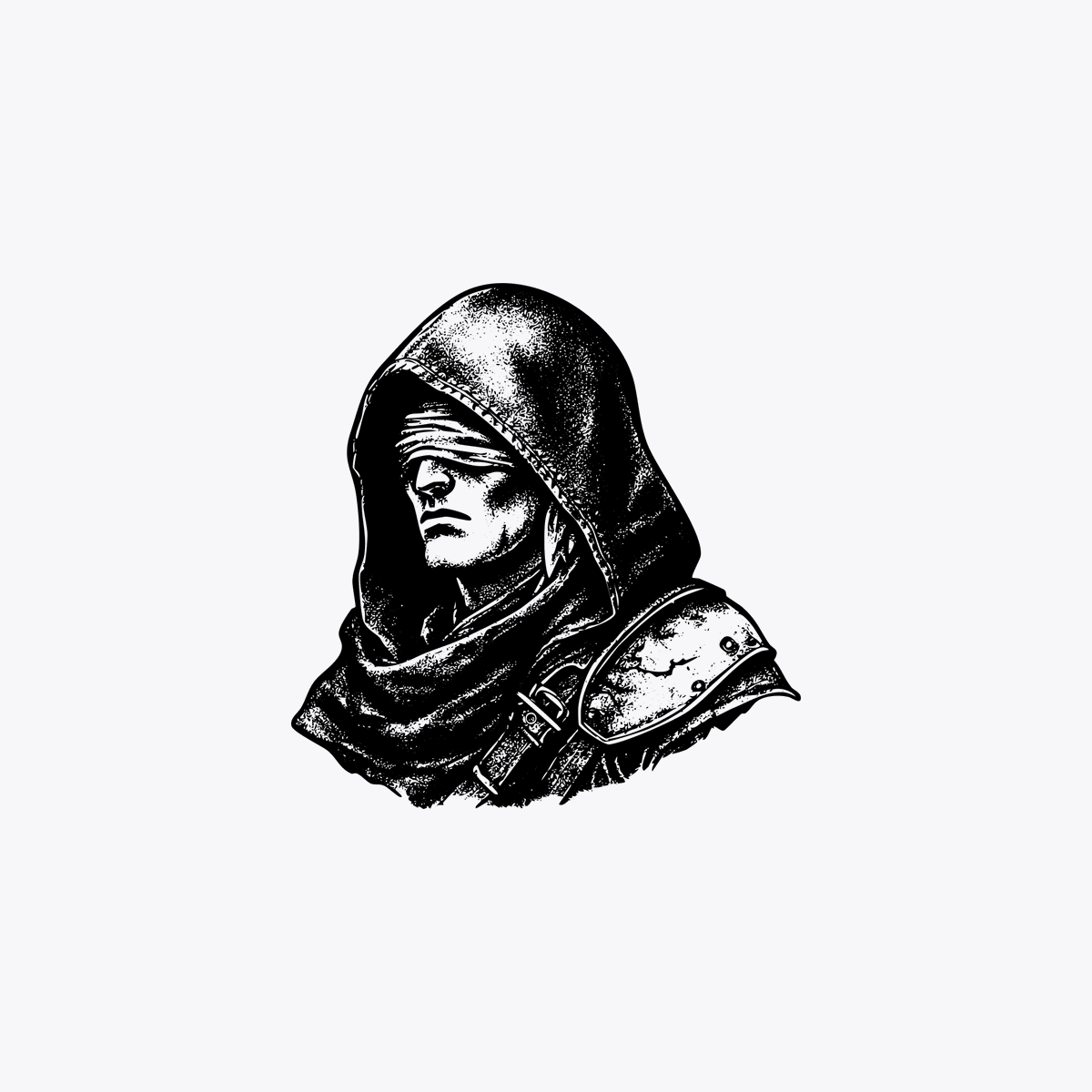
Hooded Rogue with Blurred Face
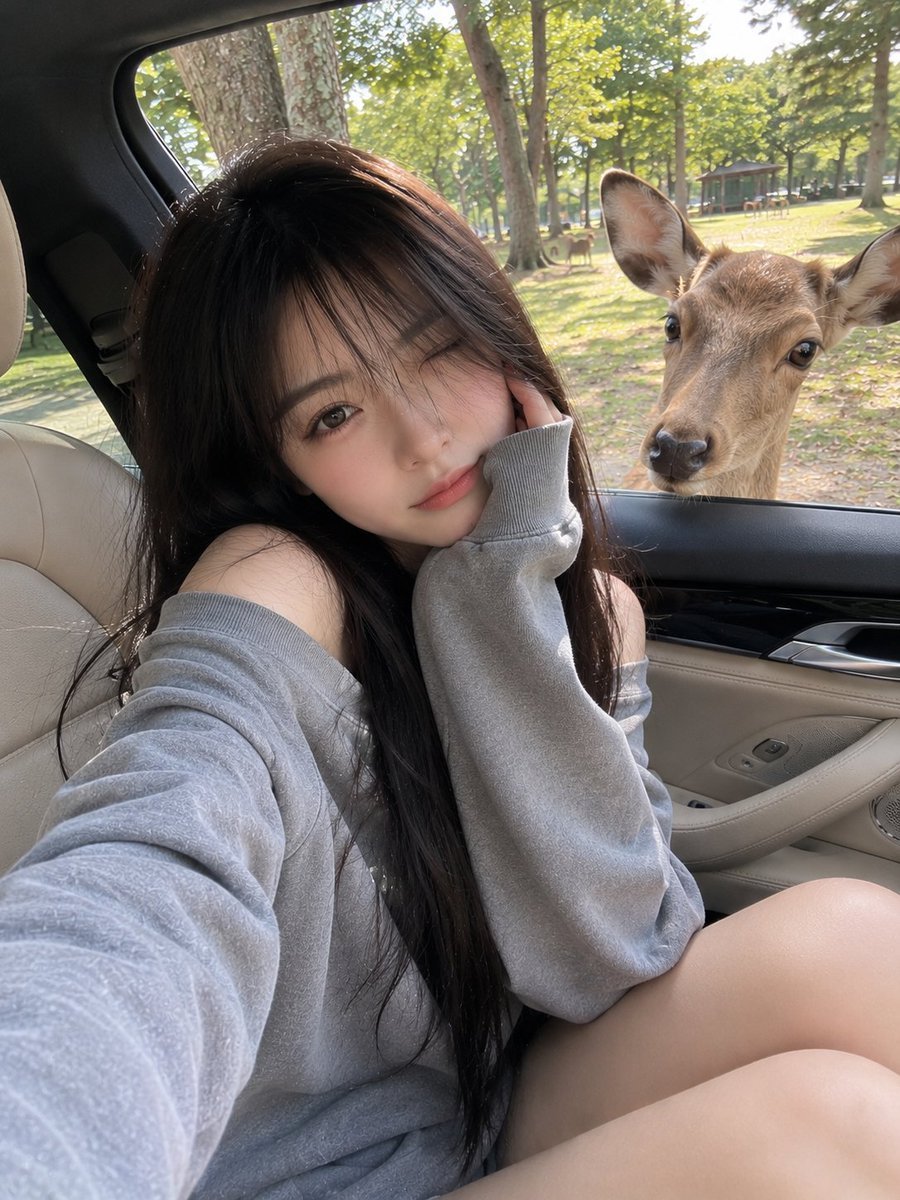
Candid Mobile Travel Snapshot with Deer
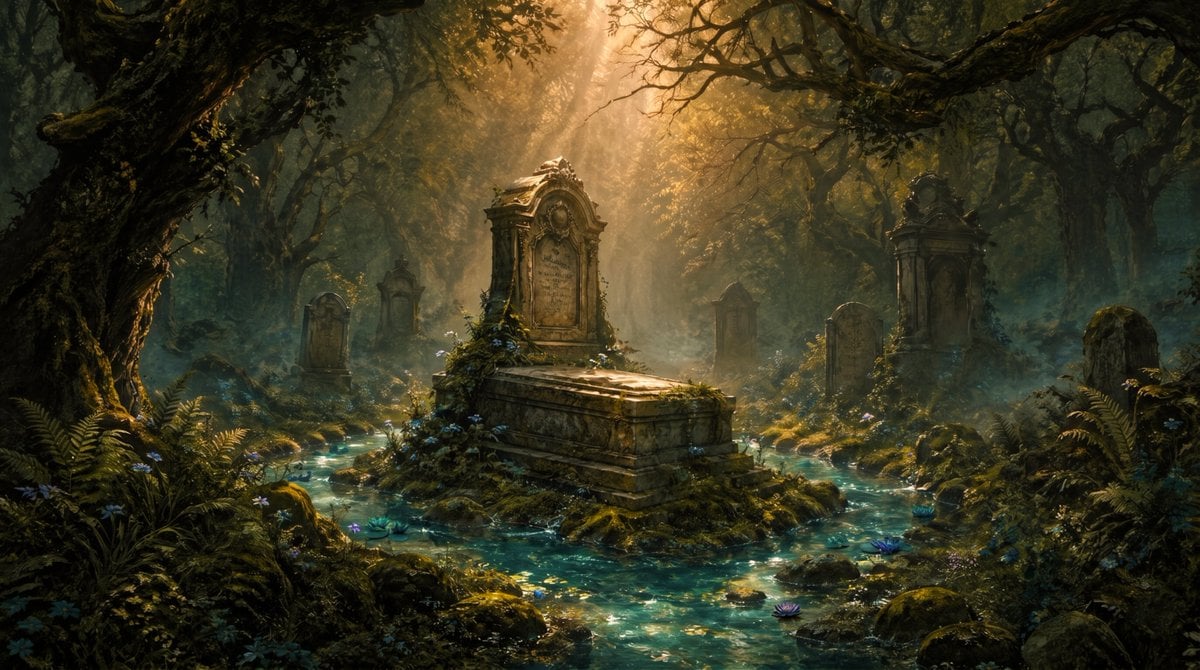
Enchanted Forest Grave Spring
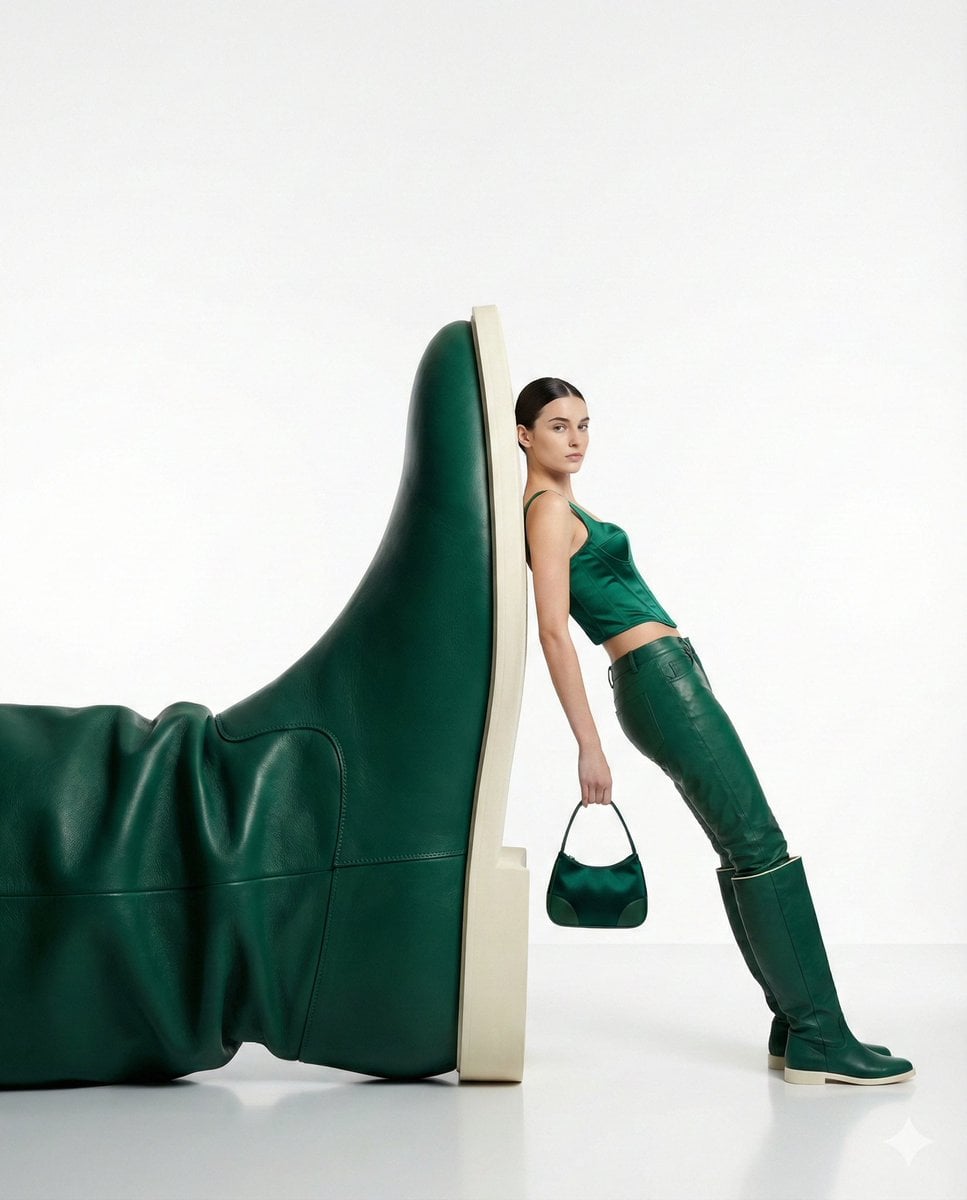
Monochrome Green Fashion Editorial
Enchanted Hanfu Forest Goddess
Make it yours
Blurred Deer in Green Forest works as-is. These are the safest ways to change it without losing the look.
Change one field
Copy a single group, rewrite it, and generate again so you can see what that field is doing.
Keep the frame, change the subject
Hold the composition and light of Blurred Deer in Green Forest, then swap wardrobe, props or the person for a new take.
| If the result… | Why | Fix |
|---|---|---|
| The result drifts from the preview | Too many fields changed at once. | Reuse Blurred Deer in Green Forest as-is first, then change one group — subject, light, or setting. |
| The model over-stylizes the scene | The prose prompt leaves finish and camera underspecified. | Add one camera or lighting sentence and stay on GPT Image 2. |
More GPT Image 2 templates
Other prompts made for GPT Image 2.

Six VTuber Japanese Logo Sheet

The Vista Modular Condo Poster

AI Model Routing Comparison Infographic

2.5D Anime Art Board

Isometric Productivity Desk Scene

New York Double Exposure Poster

Four-Panel AI Landscape Comparison

Japanese Tatami Lifestyle Magazine Cover

NESCAFÉ Coffee Map Poster

Brutalist Cogito Chinese Typography Poster
More image prompts
Fresh picks from across the catalog.
Cozy Lifestyle Scene with Character and Cat
Anime NYC Adventure Poster
Surreal Luxury Wristwatch Fashion Campaign

MrBeast-style YouTube channel redesign
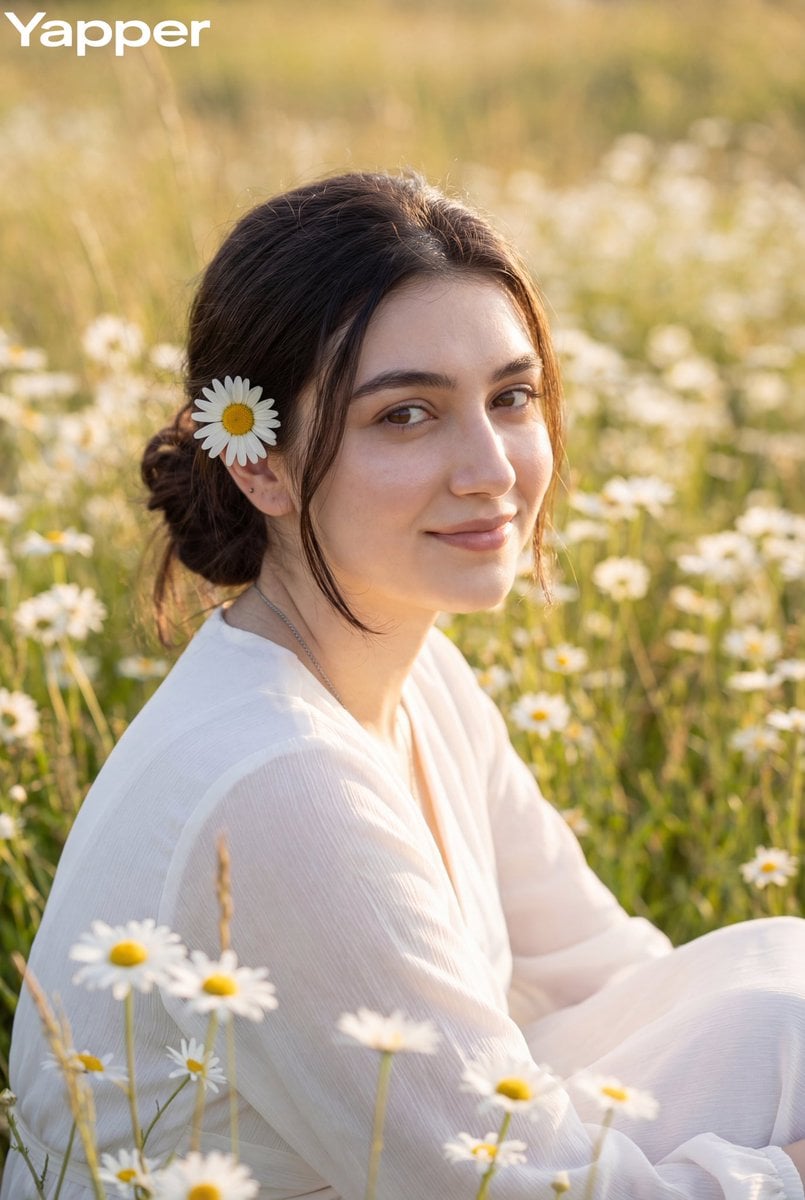
Dreamy Meadow Portrait at Golden Hour
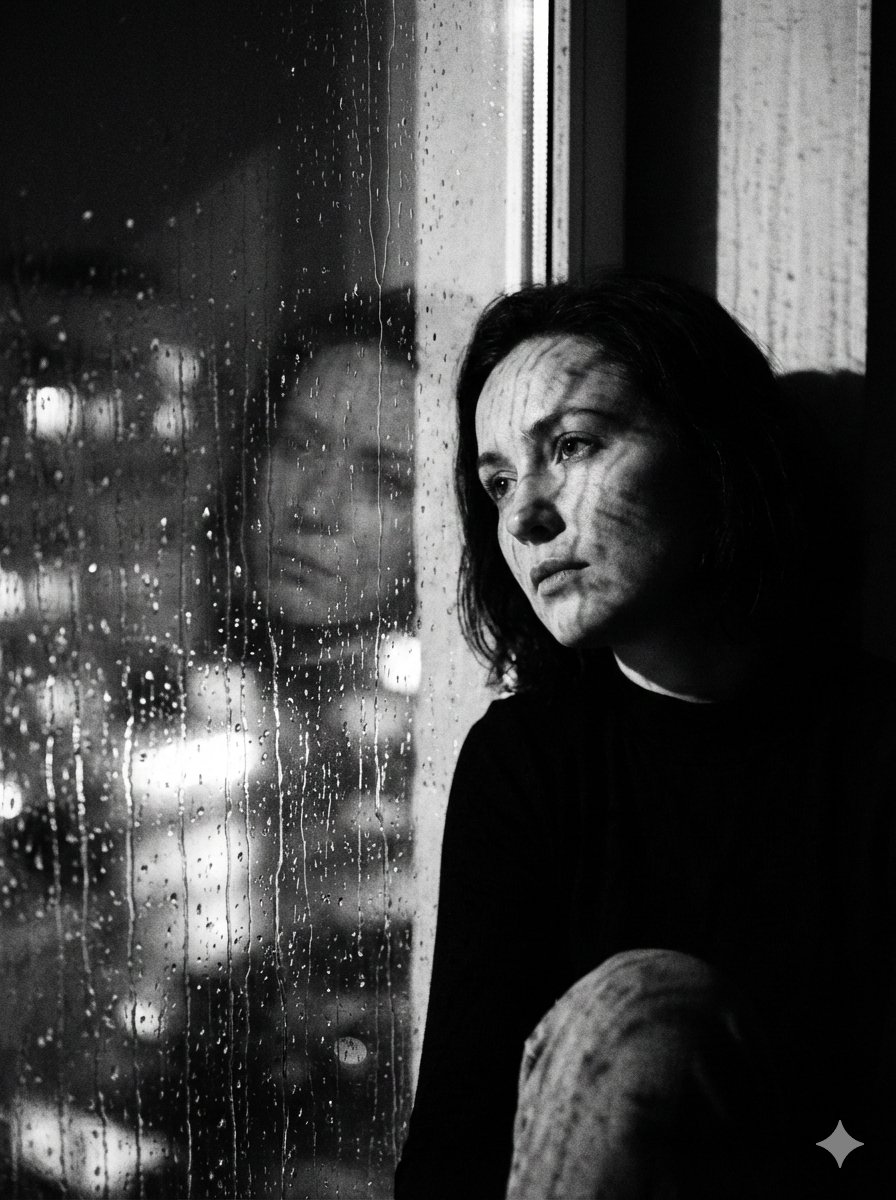
Black and White Rainy Window Portrait Prompt
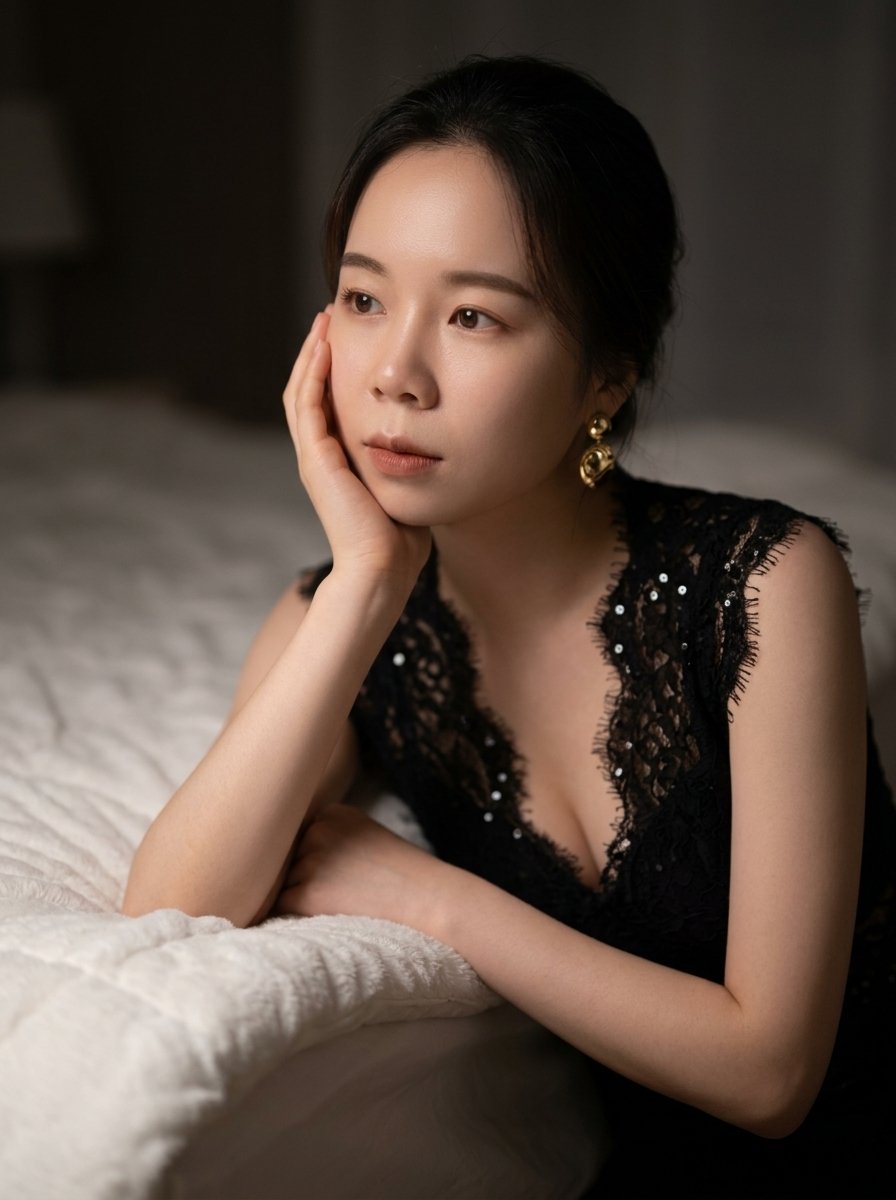
Moody East Asian Fashion Portrait in Bedroom
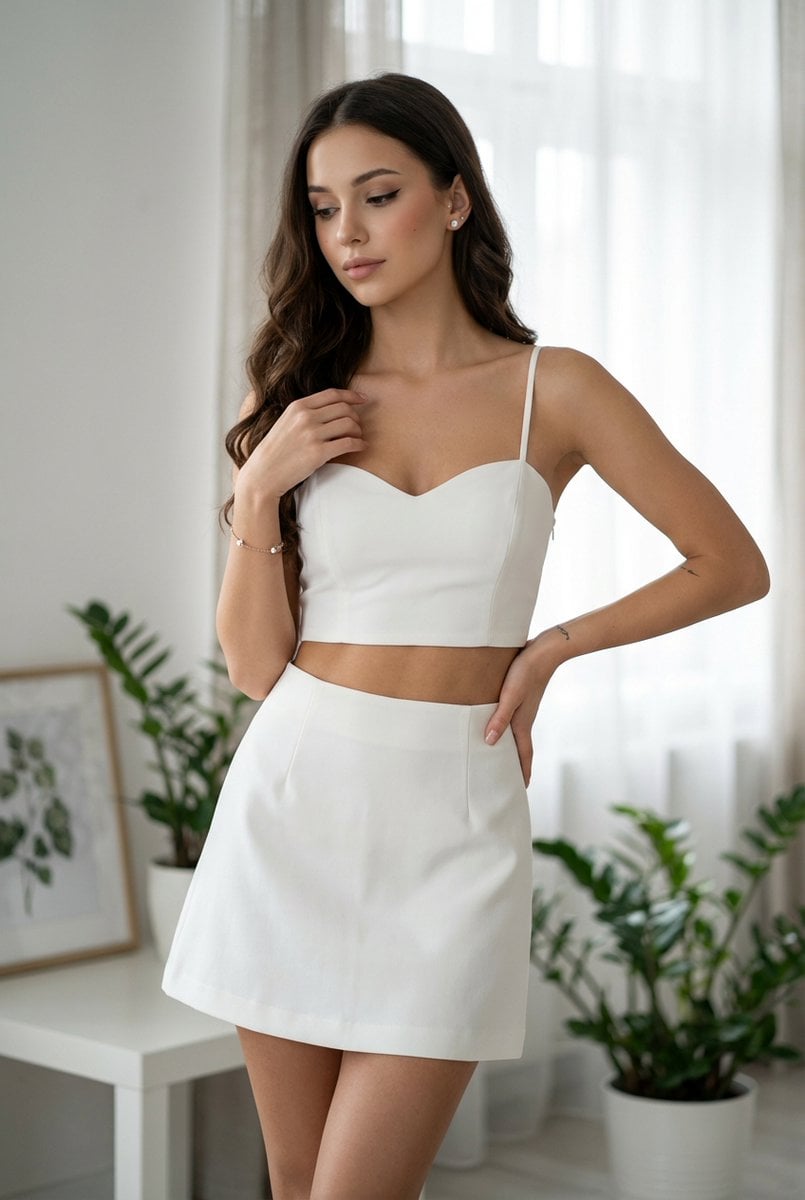
Chic White Outfit Fashion Editorial Prompt
Cinematic Film Roll Archive
Gpt2 Profile Avatar Cozy Catgirl Pajama Night Portrait
Browse template categories
Blurred Deer in Green Forest questions
How do I use the Blurred Deer in Green Forest template?
Add your photo if the template asks for one, edit the prompt if you like — the template's model and format are already selected — and press Generate. Your version opens in PicX Studio.
Can I customize the Blurred Deer in Green Forest template?
Yes. You can change the subject, setting, lighting, mood, format, and available model controls before creating your image.
Is the Blurred Deer in Green Forest template free?
Opening and editing this template is free. Generating uses credits, shown on the Generate button when you are signed in.
Which AI model should I use?
Start with GPT Image 2, which is the model associated with this template. You can compare another compatible model for a different finish.
Looking for something else? Browse all templates.

Your photo, any look
Thousands of ready templates for every top image and video model, from one credit balance.