
Candid Mobile Travel Snapshot with Deer
Creates a realistic, casual smartphone-style photo of a Japanese girl in a car being visited by a deer.
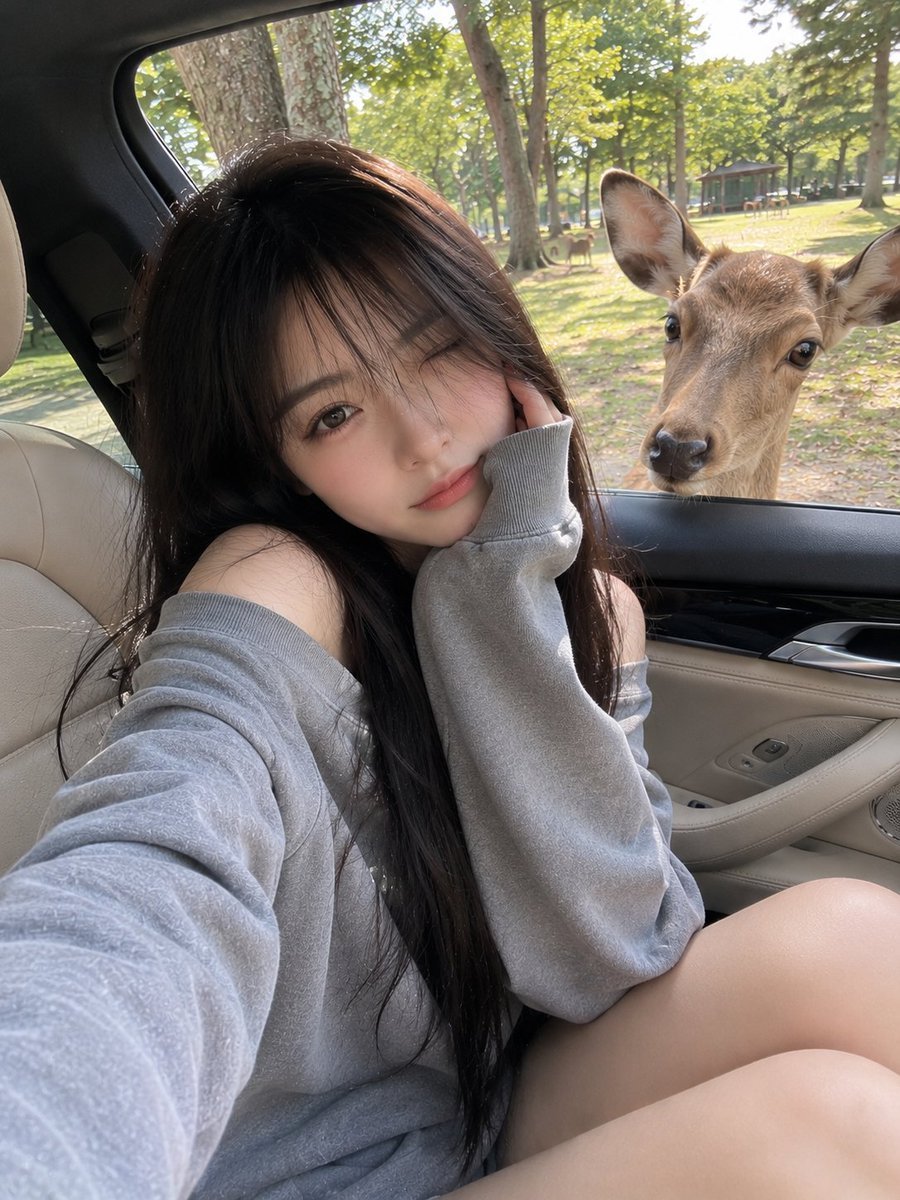
- Prompt included
- Model and format preset
- Free template
The prompt behind this image
Copy the exact prompt behind Candid Mobile Travel Snapshot with Deer, or open it in the studio and make it yours.
{argument name="subject" default="Young Japanese girl"} with long silky black hair and soft wispy bangs, sitting casually in the front passenger seat of a luxury car with beige leather interior, wearing an {argument name="outfit" default="oversized gray off-shoulder sweatshirt"}. Natural soft smile, making a peace sign with one hand, long red manicure, relaxed and playful expression. A {argument name="animal" default="curious deer"} stands outside the open car window looking directly inside, with a green park and other deer visible in the background. Captured as a casual smartphone photo, natural daylight, handheld iPhone camera shot, everyday travel snapshot, realistic skin texture, authentic mobile HDR processing, slightly imperfect framing, natural colors, candid social media aesthetic, spontaneous moment, no professional posing, no studio lighting, no cinematic color grading, realistic reflections on car windows and interior, ordinary phone-camera perspective, photorealistic, high-quality mobile photography, lifestyle travel vibe.
How to use Candid Mobile Travel Snapshot with Deer in 3 steps
- 1
Open
The prompt is already in the box next to the preview, with the template's model and format selected.
- 2…a portrait of your subject in softgolden-hour light, 85mm…
Personalize
Edit the subject and creative details for your destination.
- 3Generate
Generate
Press Generate — your image is created in PicX Studio, so you can compare it with the original and refine one variable at a time.
More like this
Templates with the same subject, style or setup. Open one to see its prompt.

Sunday Afternoon, 1988

Our Song was on a Cassette

The Date After College

80s College Gate

Late Night Fridge Candid Snapshot

Japan Travel Brochure Poster

Miniature Travel Diorama Postcard

Boardwalk Fashion Portrait

Teen Girl Alpine Lake Mountain View

Candid Tokyo Night Smartphone Snapshot
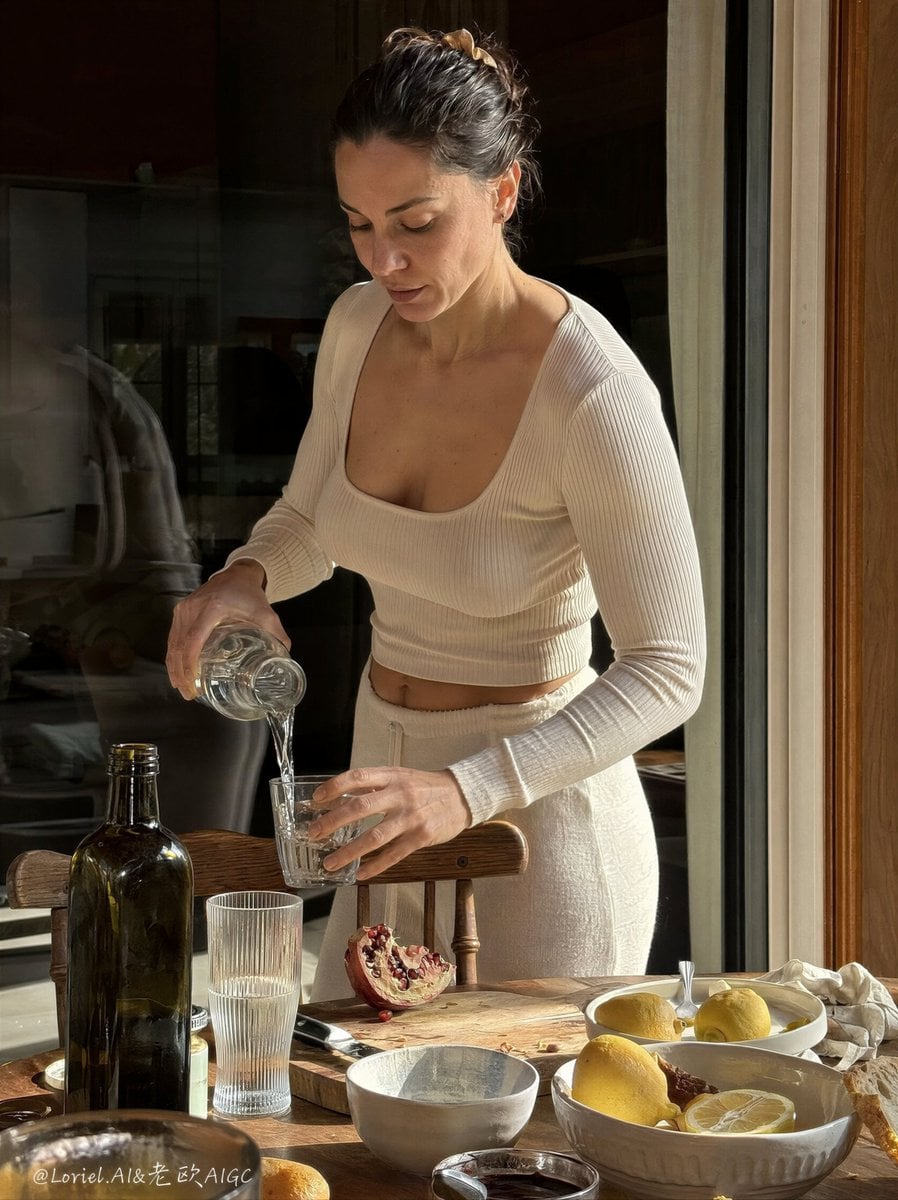
Anti-AI Candid iPhone Snapshot

Cat Photobomb Selfie — 0.5x Wide Angle Café Chaos
Make it yours
Candid Mobile Travel Snapshot with Deer works as-is. These are the safest ways to change it without losing the look.
Change one field
Copy a single group, rewrite it, and generate again so you can see what that field is doing.
Keep the frame, change the subject
Hold the composition and light of Candid Mobile Travel Snapshot with Deer, then swap wardrobe, props or the person for a new take.
| If the result… | Why | Fix |
|---|---|---|
| The result drifts from the preview | Too many fields changed at once. | Reuse Candid Mobile Travel Snapshot with Deer as-is first, then change one group — subject, light, or setting. |
| The model over-stylizes the scene | The prose prompt leaves finish and camera underspecified. | Add one camera or lighting sentence and stay on GPT Image 2. |
More GPT Image 2 templates
Other prompts made for GPT Image 2.

Six VTuber Japanese Logo Sheet

Realistic Portrait of Woman and Deer

The Vista Modular Condo Poster

AI Model Routing Comparison Infographic

2.5D Anime Art Board

Isometric Productivity Desk Scene

New York Double Exposure Poster

Four-Panel AI Landscape Comparison

Japanese Tatami Lifestyle Magazine Cover

NESCAFÉ Coffee Map Poster
More image prompts
Fresh picks from across the catalog.

Ultra-Realistic Garlic Butter Shrimp Ad

Censored Monkey Kid in Denim

Google Pixel Aesthetic Portrait
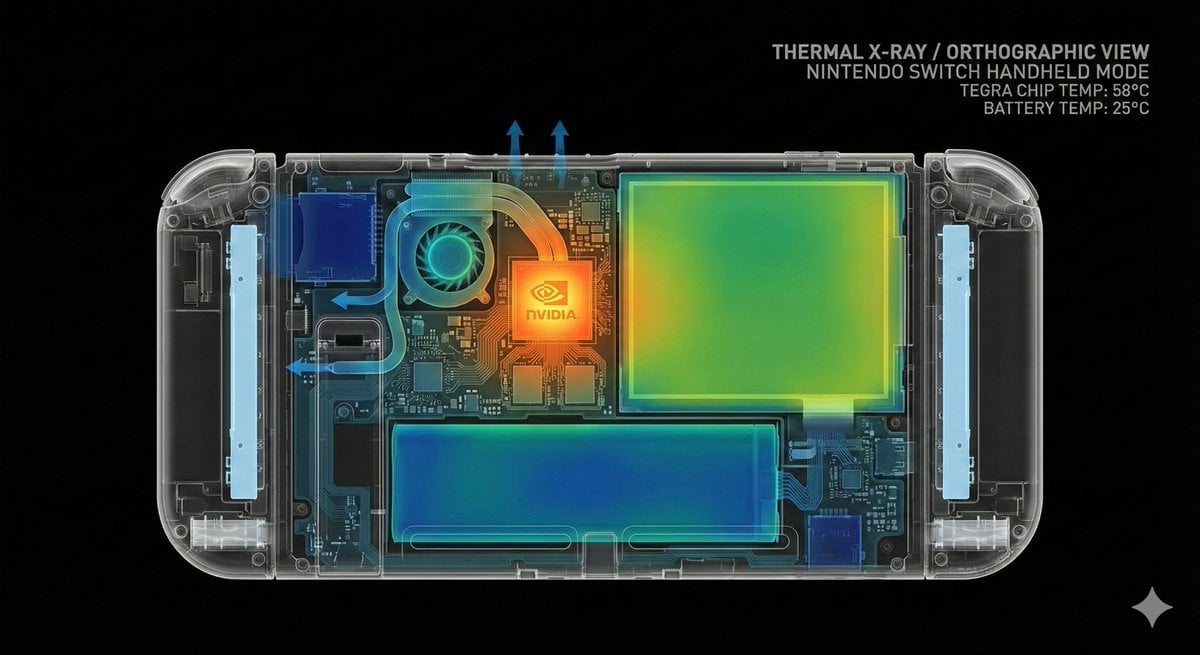
Thermal X-Ray Style Infographic Prompt (Nintendo Switch Example)
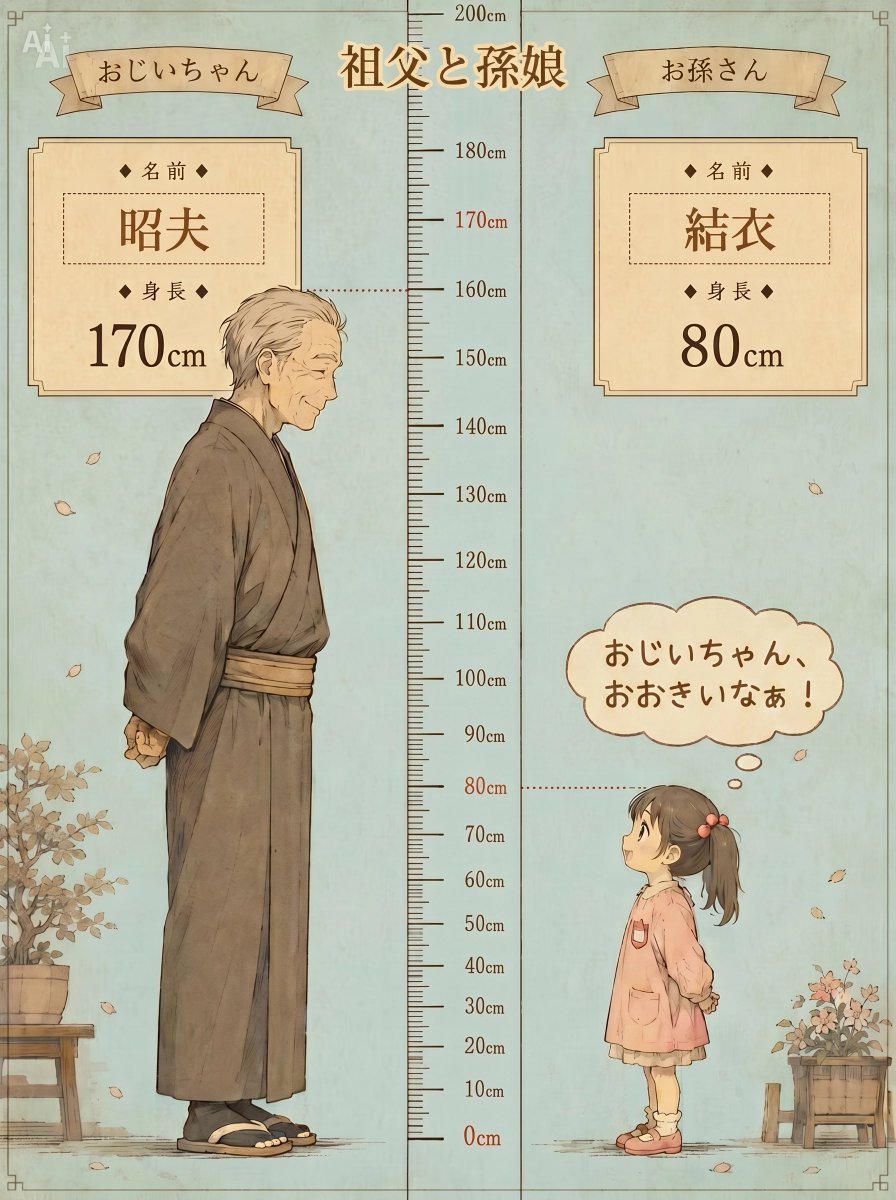
Grandfather and Granddaughter Height Chart
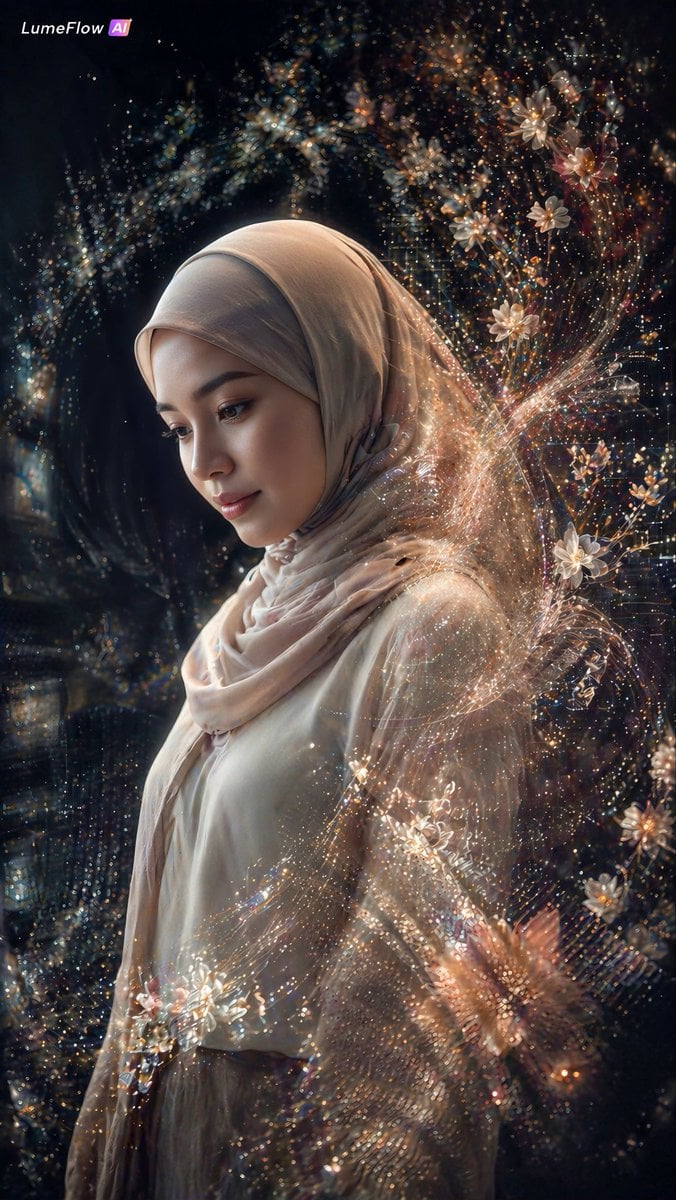
Ethereal Hijab Portrait in Golden Light

Retro 90s Movie Fashion Portrait
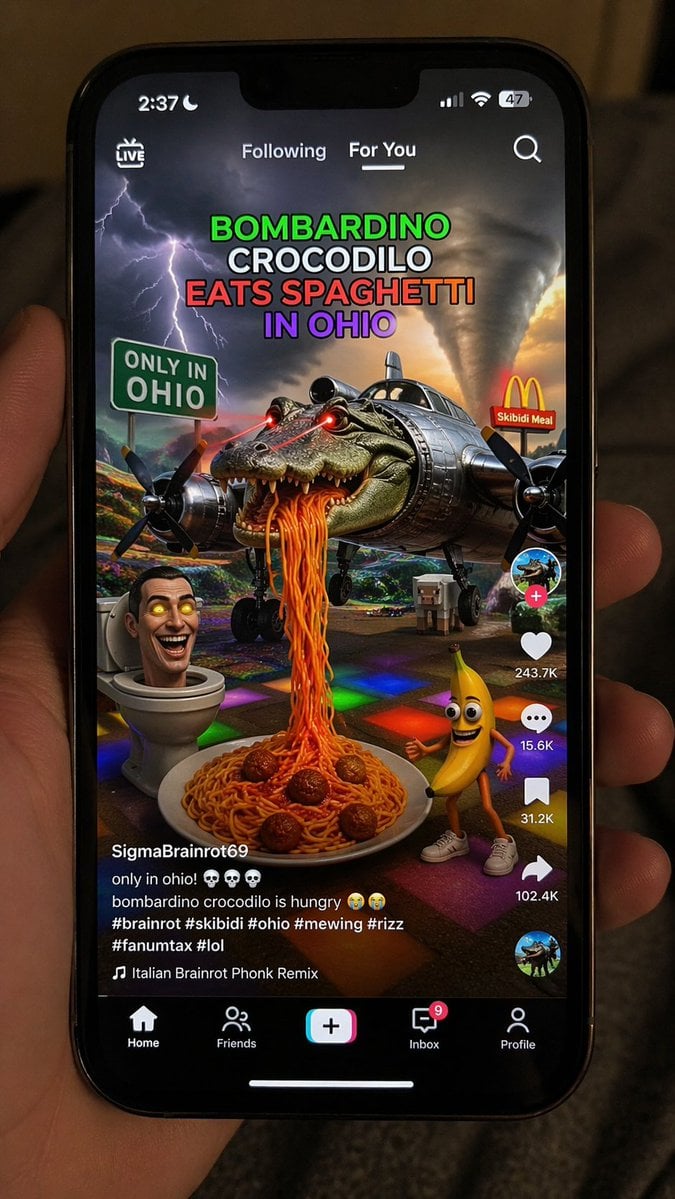
Smartphone Screen Mockup
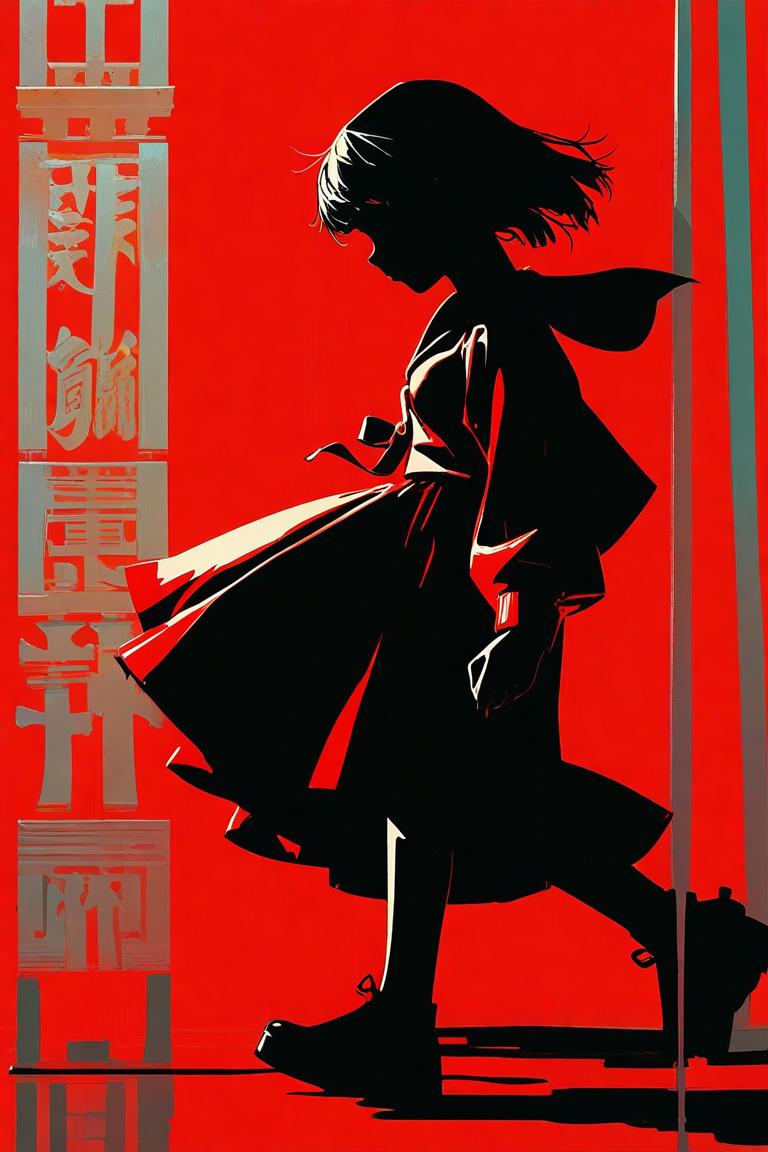
Red Anime Silhouette Poster
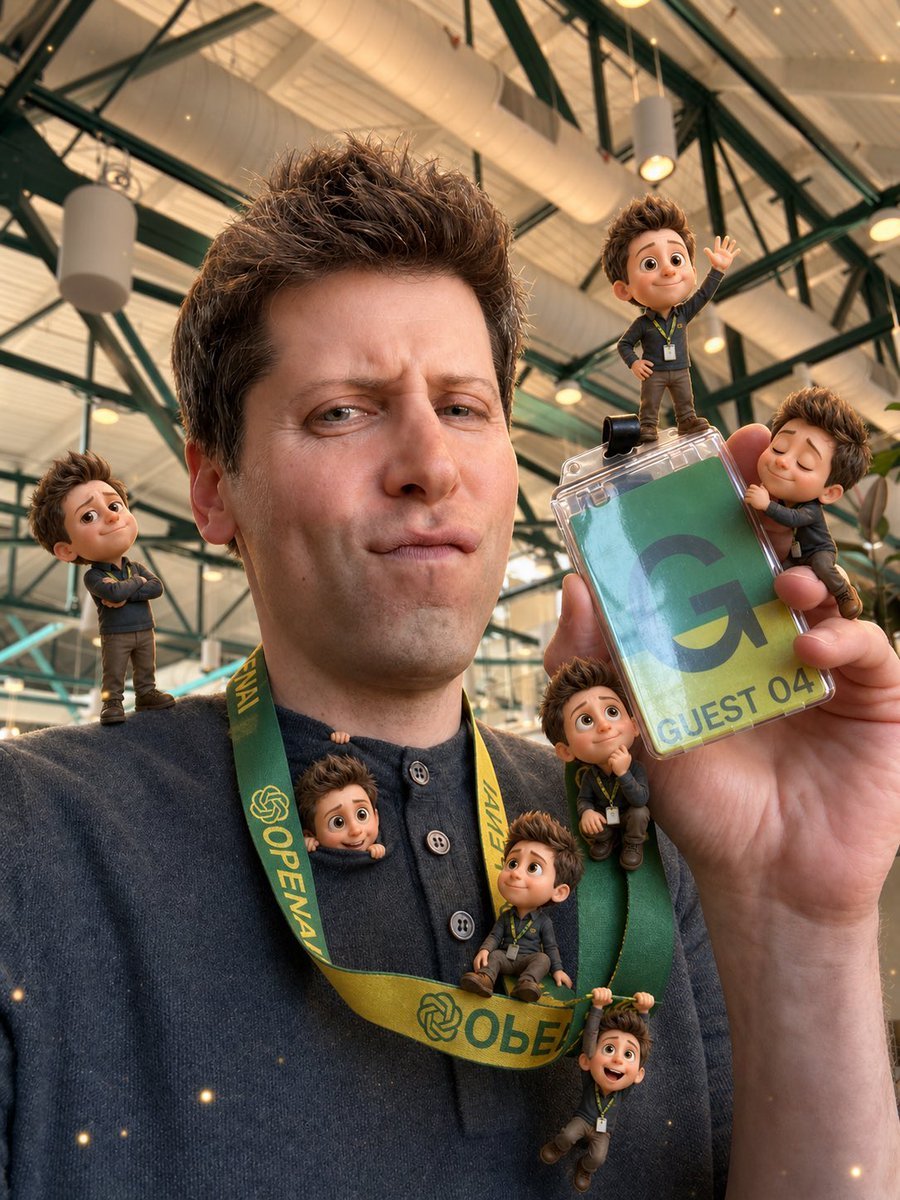
Mini-Me 3D Selfie Transformation
Browse template categories
Candid Mobile Travel Snapshot with Deer questions
How do I use the Candid Mobile Travel Snapshot with Deer template?
Add your photo if the template asks for one, edit the prompt if you like — the template's model and format are already selected — and press Generate. Your version opens in PicX Studio.
Can I customize the Candid Mobile Travel Snapshot with Deer template?
Yes. You can change the subject, setting, lighting, mood, format, and available model controls before creating your image.
Is the Candid Mobile Travel Snapshot with Deer template free?
Opening and editing this template is free. Generating uses credits, shown on the Generate button when you are signed in.
Which AI model should I use?
Start with GPT Image 2, which is the model associated with this template. You can compare another compatible model for a different finish.
Looking for something else? Browse all templates.

Your photo, any look
Thousands of ready templates for every top image and video model, from one credit balance.