How do I use the Monochrome Green Fashion Editorial template?
Choose the primary action to open PicX Studio with the available template settings. Review the model and format, personalize the creative direction, and generate when ready.
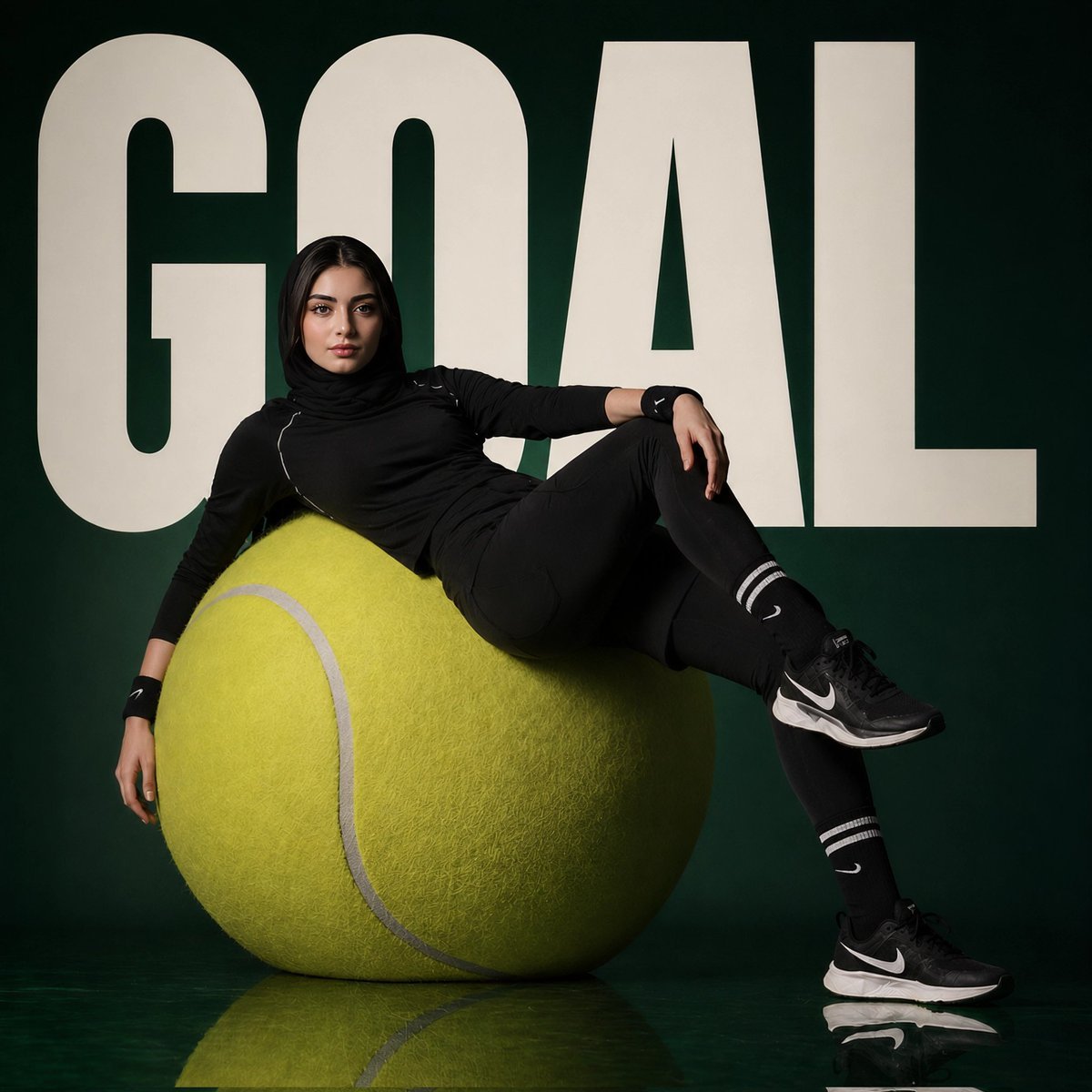
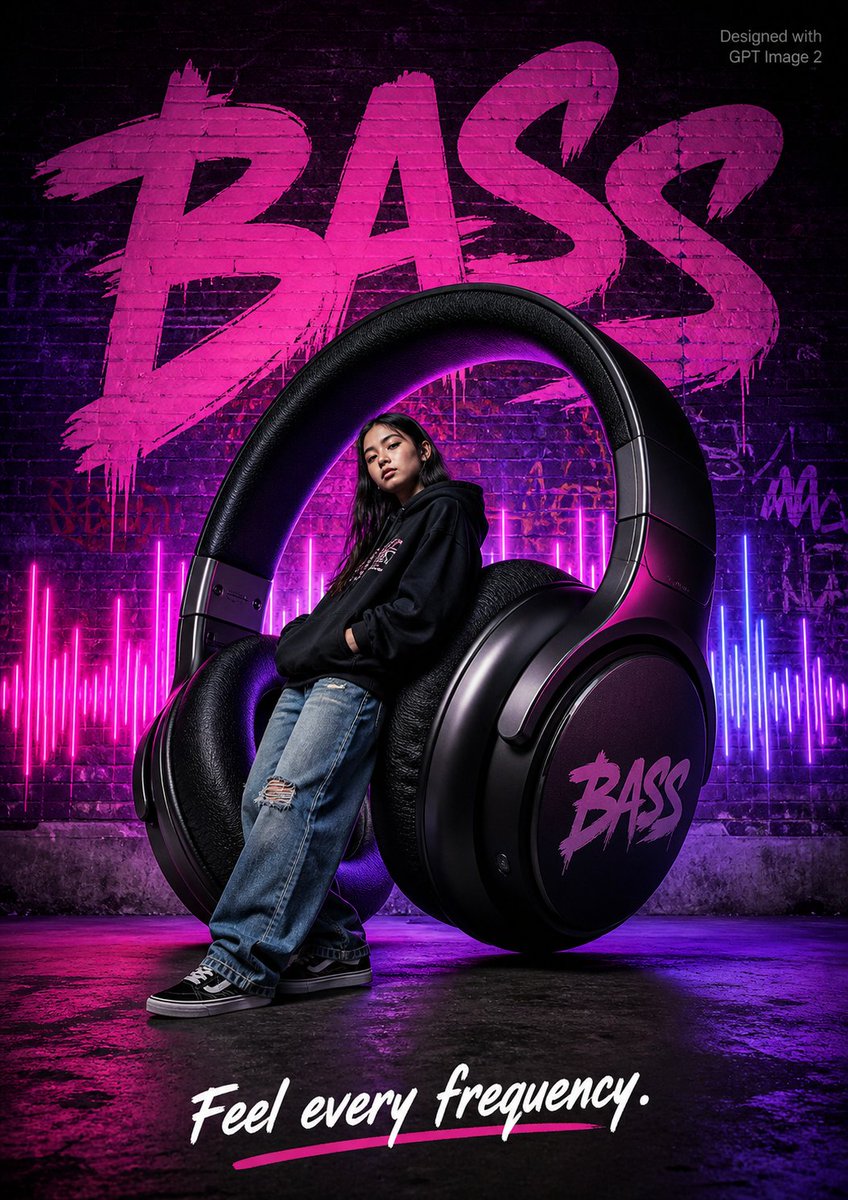
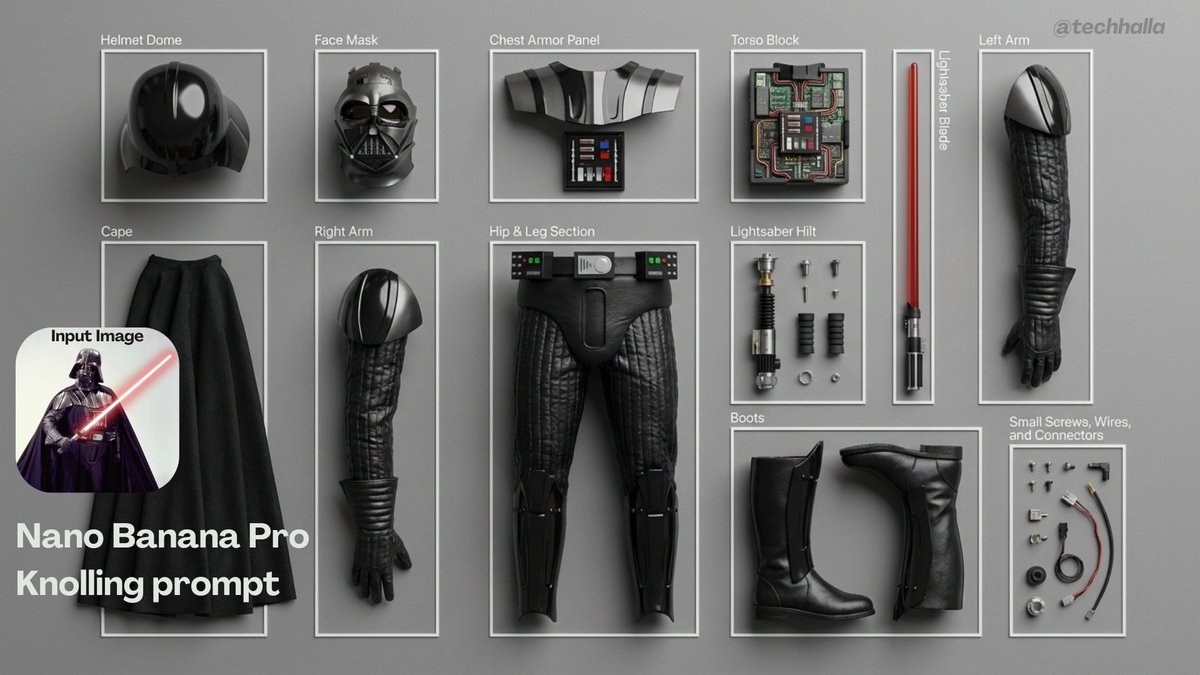
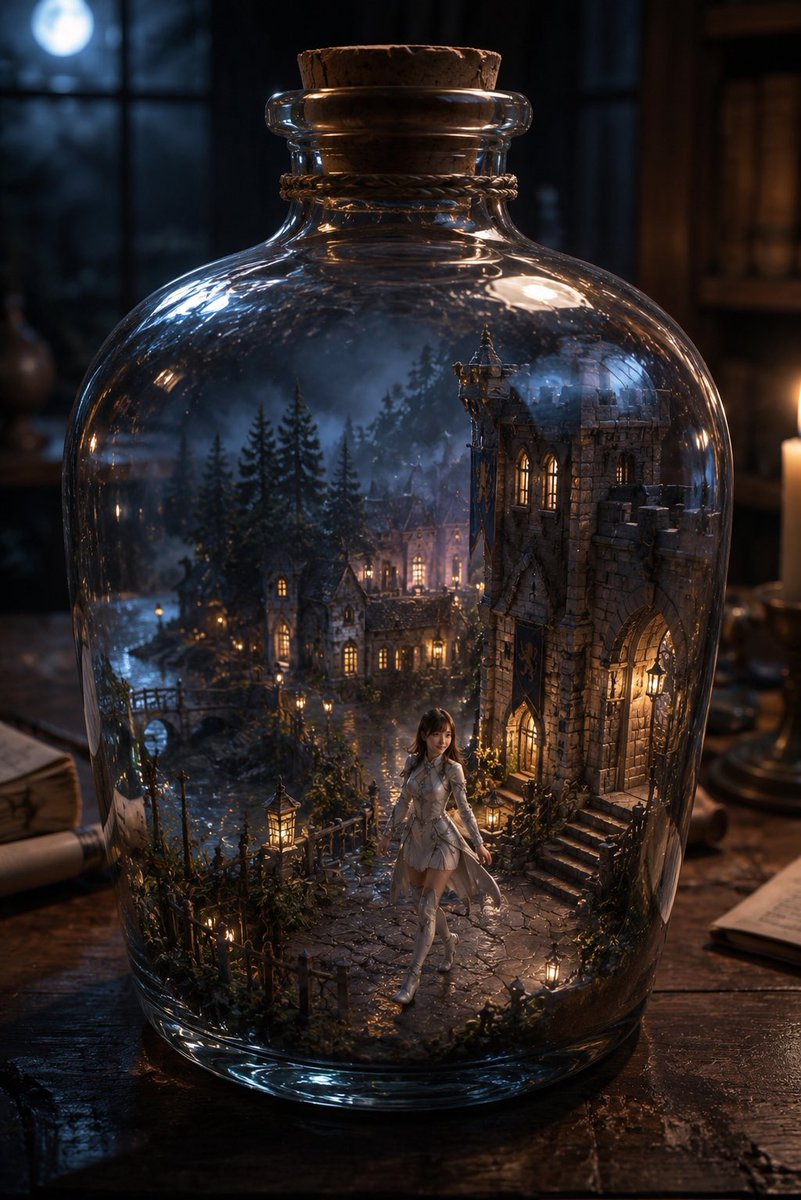
A surreal and minimalist high-fashion editorial campaign prompt utilizing a monochrome emerald green color palette with an oversized boot sculpture.
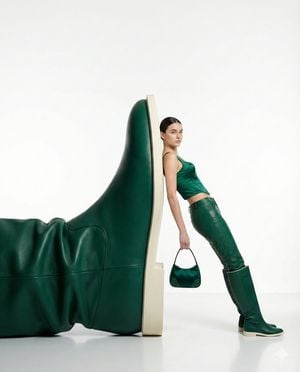
{ "style": "high-fashion editorial photography with a minimalist surrealist concept", "subject": "a self-assured woman casually leaning beside an enormous {argument name="color theme" default="green"} leather boot installation", "pose": "relaxed but commanding full-body stance, torso slightly angled, one hand carrying a compact handbag", "outfit": { "top": "sleek {argument name="material color" default="emerald green"} sleeveless fitted top", "bottom": "coordinated green leather trousers", "footwear": "knee-high green leather boots", "accessories": "small structured handbag in matching green leather" }, "composition": { "scale": "surreal oversized footwear sculpture contrasted against the human model", "framing": "centered full-body fashion campaign frame with clean negative space", "background": "seamless pure white studio backdrop", "floor": "glossy white floor with soft reflections" }, "lighting": { "type": "soft controlled studio illumination", "mood": "clean, luxurious, premium editorial atmosphere", "shadows": "subtle natural shadows with polished control" }, "color_palette": "monochrome emerald and leather green tones set against neutral white", "camera": { "angle": "eye-level perspective", "lens": "85mm fashion portrait lens", "depth_of_field": "crisp subject detail with a smooth, distraction-free studio background" }, "vibe": "modern luxury fashion campaign, confident styling, surreal elegance, magazine-ready presentation", "quality": "ultra-high resolution, sharp details, polished commercial editorial finish" }
Choose the primary action to open PicX Studio with the available template settings. Review the model and format, personalize the creative direction, and generate when ready.
Yes. You can change the subject, setting, lighting, mood, format, and available model controls before creating your image.
This template is free to open and customize. Generation usage is shown in PicX Studio before you create.
Start with GPT Image 2, which is the model associated with this template. You can compare another compatible model for a different finish.
Follow a topic to a crawlable collection of related PicX Studio templates.