
Still Woman in Motion-Blurred Lobby
A cinematic fashion portrait prompt for creating a calm white-suited woman standing still amid motion-blurred commuters in a modern architectural interior.
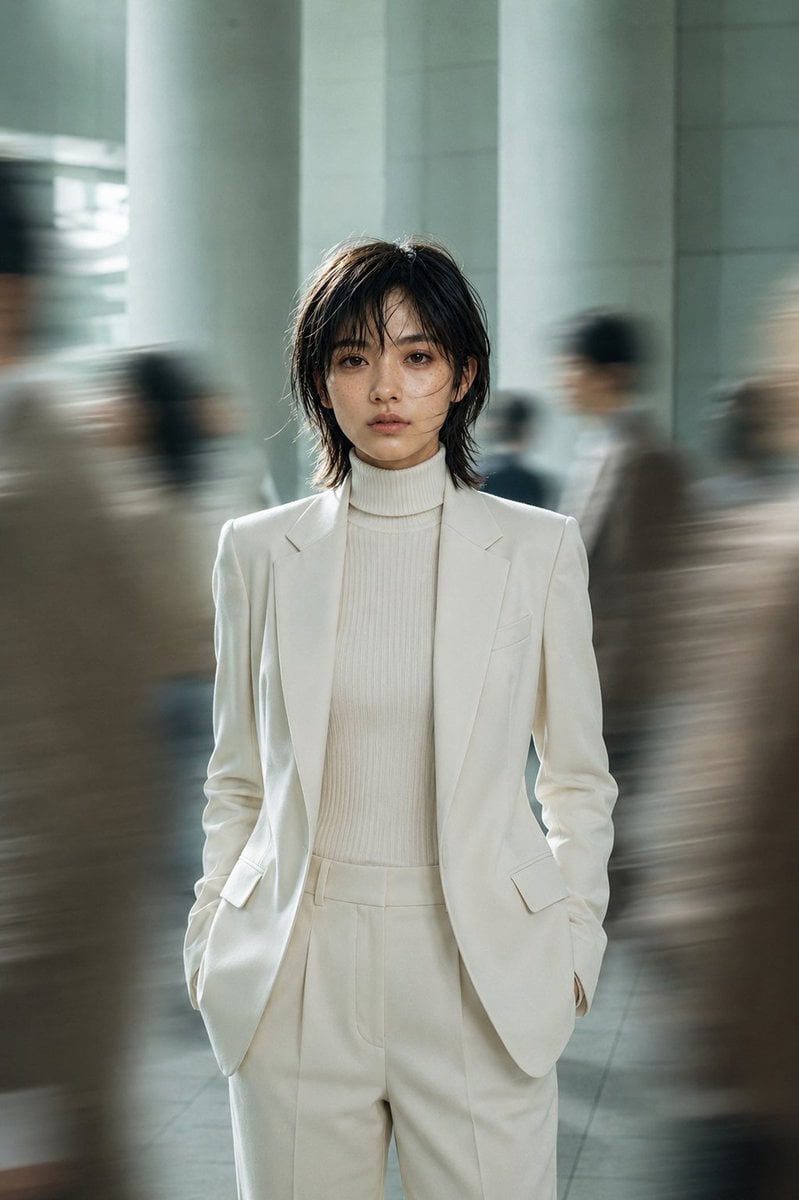
- Prompt included
- Model and format preset
- Free template
The prompt behind this image
Copy the exact prompt behind Still Woman in Motion-Blurred Lobby, or open it in the studio and make it yours.
Create a cinematic fashion editorial portrait of a young {argument name="subject identity" default="East Asian woman in her early 20s"} standing perfectly still in the center of a busy modern transit hall or office lobby while blurred commuters rush past on both sides. She faces the camera directly with a calm, slightly melancholic neutral expression, hands in her trouser pockets, shoulders relaxed, full body framed from mid-thigh upward. She has {argument name="hair style" default="short messy black layered bob with wispy bangs and a few strands across her face"}, natural minimal makeup, soft skin texture, and dark focused eyes. Dress her in an elegant monochrome {argument name="outfit color" default="ivory white"} tailored suit: single-breasted blazer with sharp lapels, matching high-waisted pleated trousers, and a ribbed turtleneck sweater underneath. The background is an airy architectural interior with tall pale columns, glass and stone surfaces, cool gray-green tones, and a polished floor; all surrounding people are anonymous motion-blurred silhouettes, creating long horizontal streaks and a strong contrast between stillness and movement. Use shallow depth of field, realistic photography, soft natural window light from the left, subtle rim light on hair and shoulders, muted teal-gray color grading, slight film grain, high dynamic range, and a contemplative urban atmosphere. Vertical 2:3 composition, eye-level camera, 50mm editorial lens look, crisp focus only on the subject, no text, no logos, no watermark.
How to use Still Woman in Motion-Blurred Lobby in 3 steps
- 1Upload ImagePNG, JPG or paste
Add your photo
Upload the photo the template builds on. The prompt, model and format are already set.
- 2…a portrait of your subject in softgolden-hour light, 85mm…
Personalize
Edit the subject and creative details for your destination.
- 3Generate
Generate
Press Generate — your image is created in PicX Studio, so you can compare it with the original and refine one variable at a time.
More like this
Templates with the same subject, style or setup. Open one to see its prompt.

Monochrome Hypebeast Street Fashion Editorial Motion
Monochrome Hypebeast Street Fashion Editorial Motion

Night City Bridge Triptych Portrait Session

Woman in Mall with Chanel Bag - Heart Gesture

Floating Woman Above Cityscape with Notifications
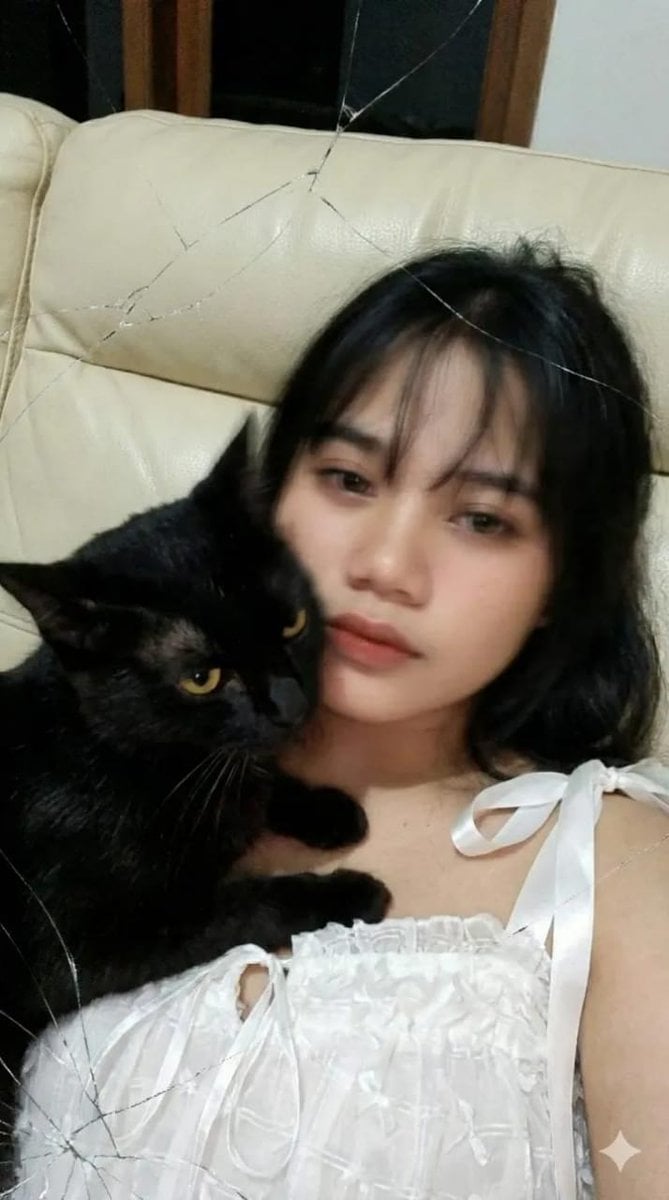
Low-Resolution Motion-Blurred Selfie with Cat
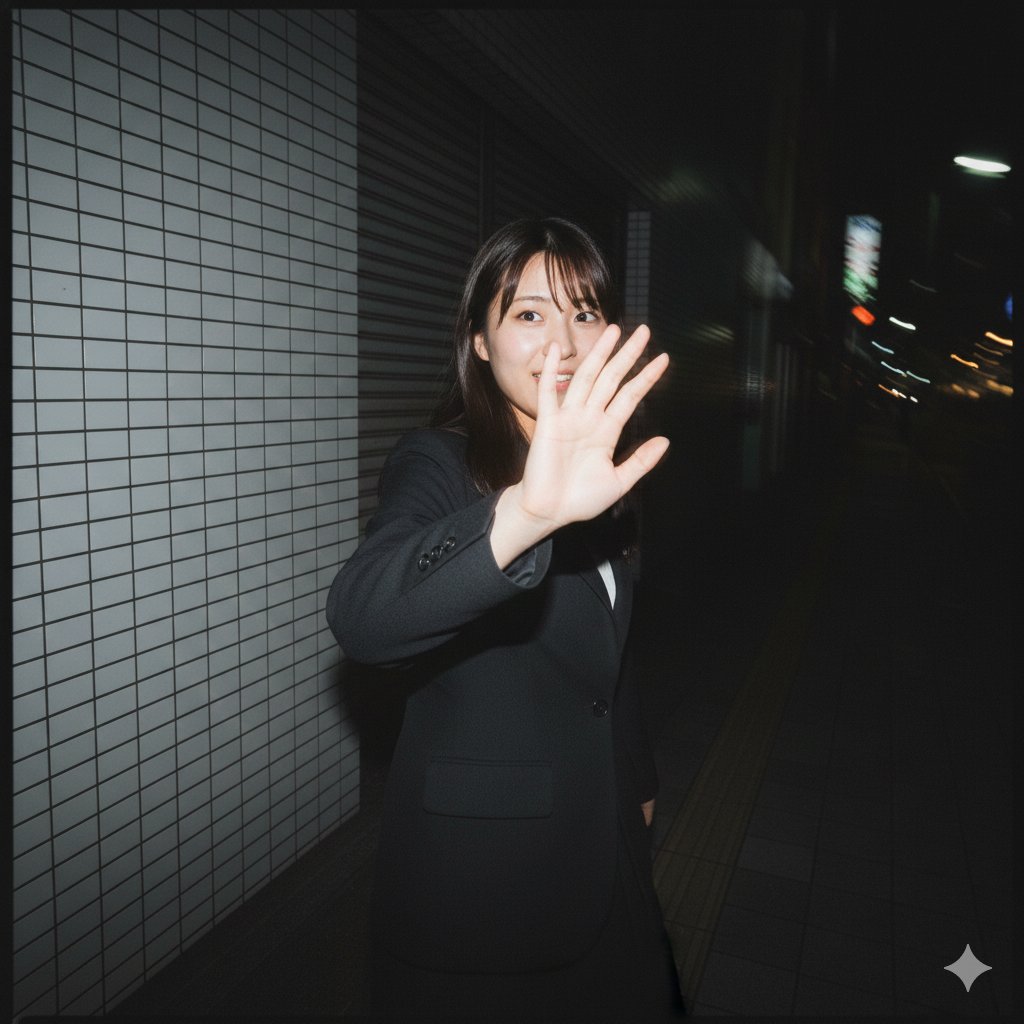
Raw, Motion-Blurred Nighttime Smartphone Flash Portrait
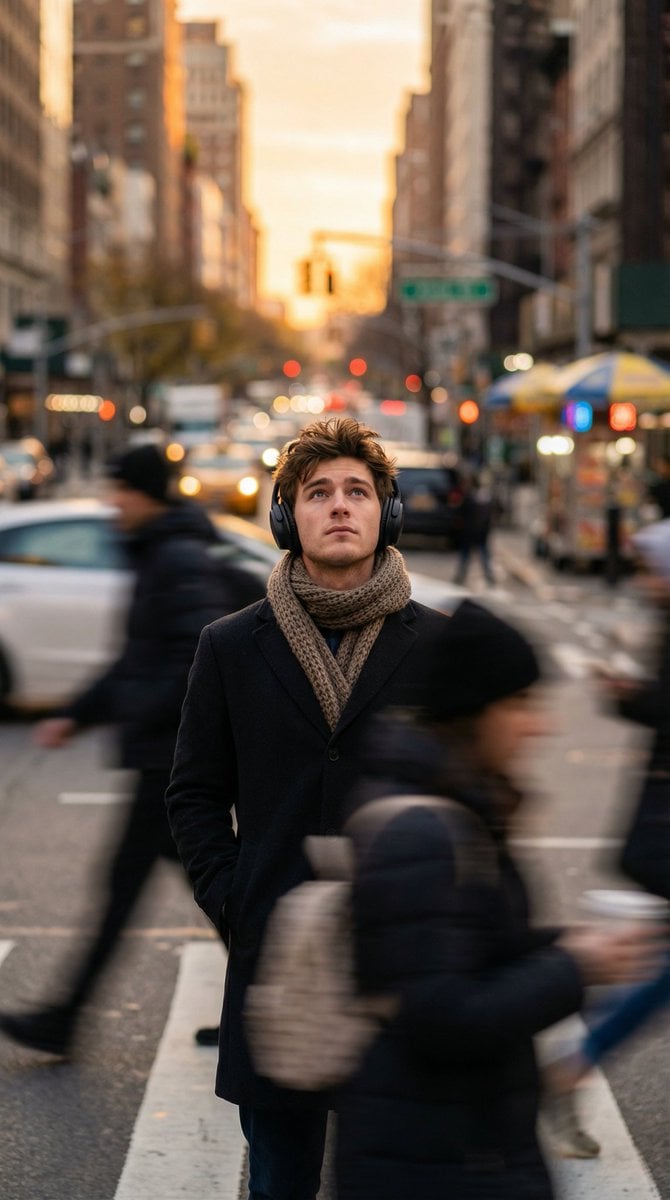
Introspective Man in Motion-Blurred City Crowd
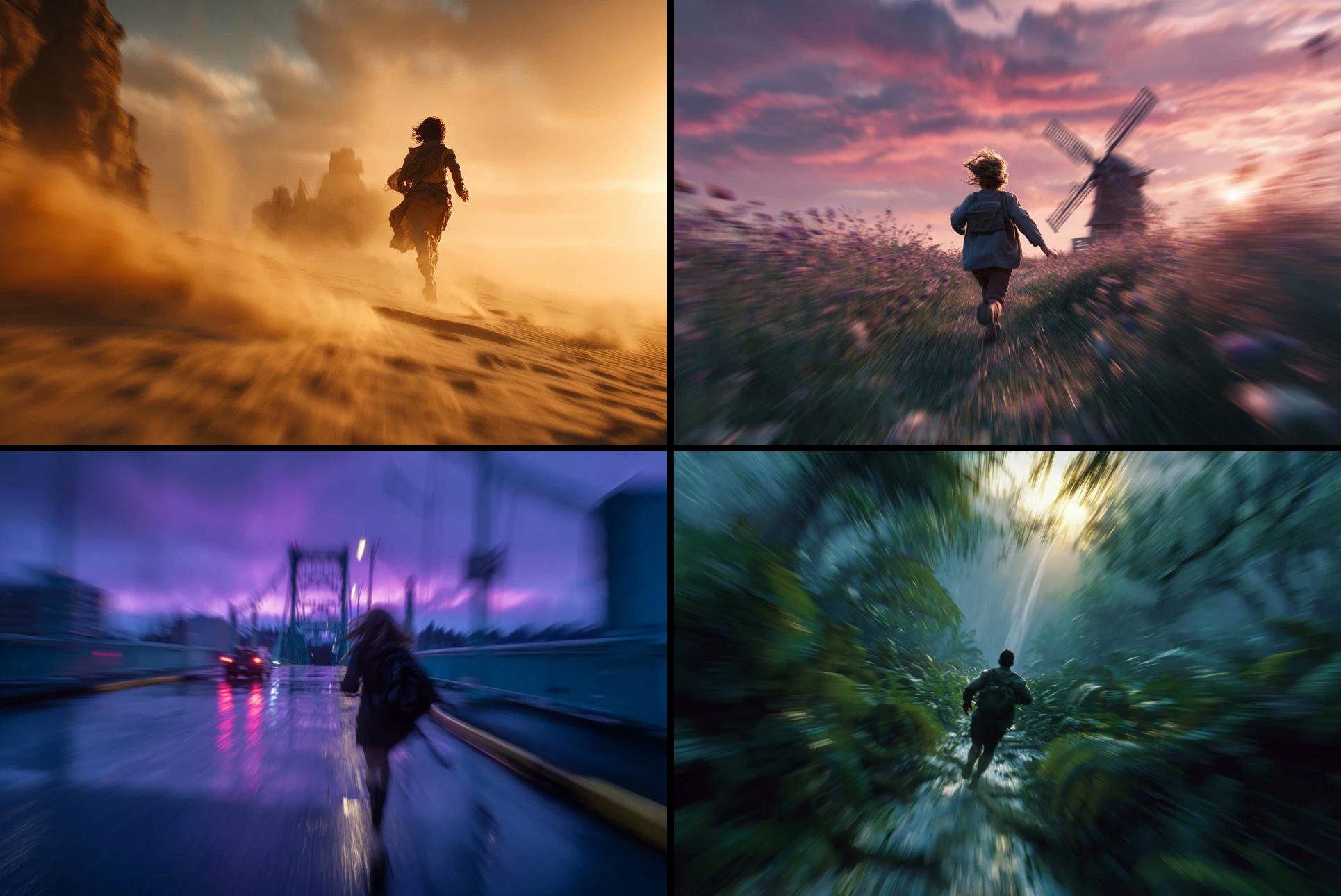
Freedom in Motion — Cinematic Sprint
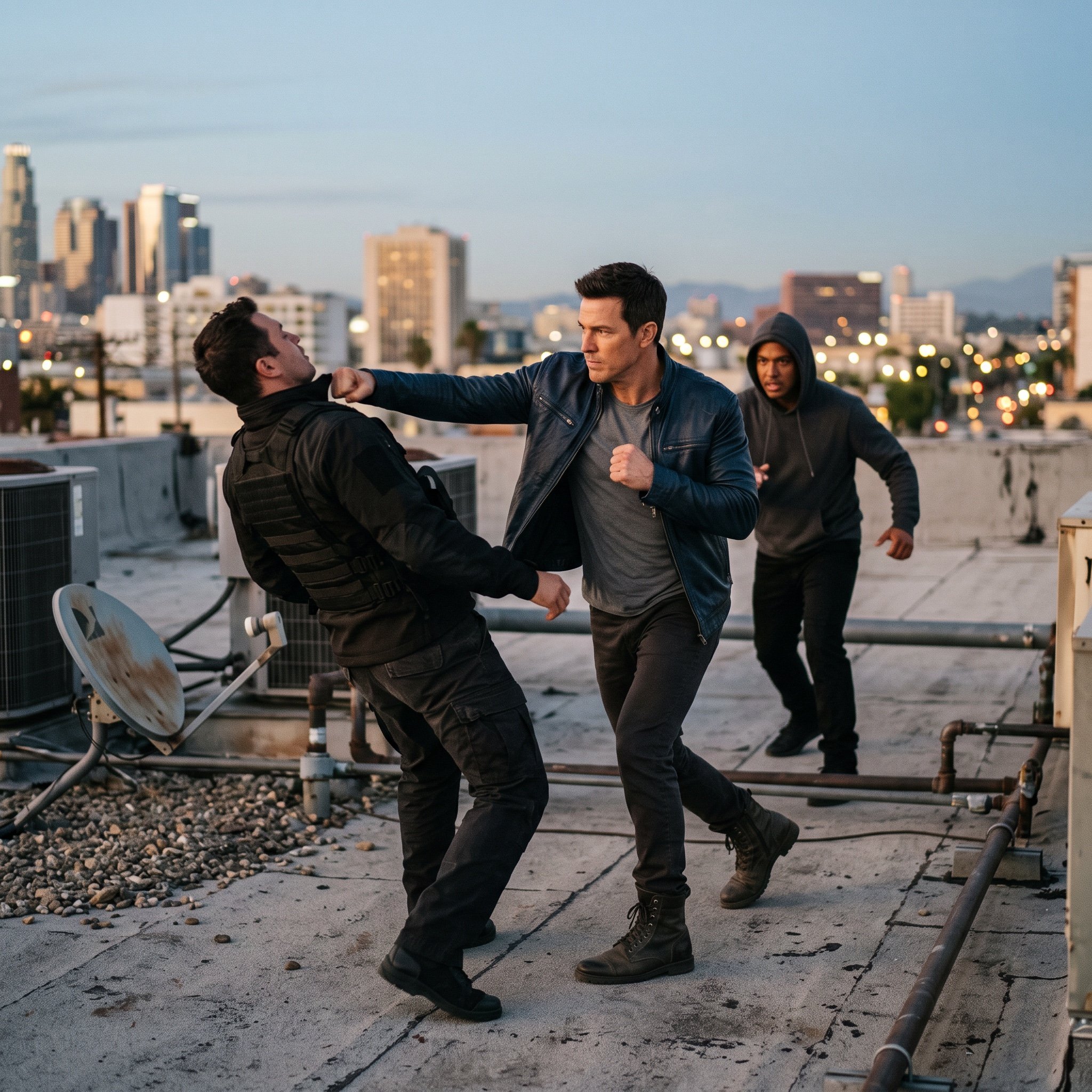
action movie hollywood movie hollywood fight scene... (IMAGE-NANO_BANANA)
Seedance - Anime Fighting Game Finisher
Motion Design Minimal - Seedance 2.0
Make it yours
Still Woman in Motion-Blurred Lobby works as-is. These are the safest ways to change it without losing the look.
Change one field
Copy a single group, rewrite it, and generate again so you can see what that field is doing.
Keep the frame, change the subject
Hold the composition and light of Still Woman in Motion-Blurred Lobby, then swap wardrobe, props or the person for a new take.
| If the result… | Why | Fix |
|---|---|---|
| The result drifts from the preview | Too many fields changed at once. | Reuse Still Woman in Motion-Blurred Lobby as-is first, then change one group — subject, light, or setting. |
| The model over-stylizes the scene | The prose prompt leaves finish and camera underspecified. | Add one camera or lighting sentence and stay on GPT Image 2. |
More GPT Image 2 templates
Other prompts made for GPT Image 2.

Six VTuber Japanese Logo Sheet

Realistic Portrait of Woman and Deer

The Vista Modular Condo Poster

AI Model Routing Comparison Infographic

2.5D Anime Art Board

Isometric Productivity Desk Scene

New York Double Exposure Poster

Four-Panel AI Landscape Comparison

Japanese Tatami Lifestyle Magazine Cover

NESCAFÉ Coffee Map Poster
More image prompts
Fresh picks from across the catalog.
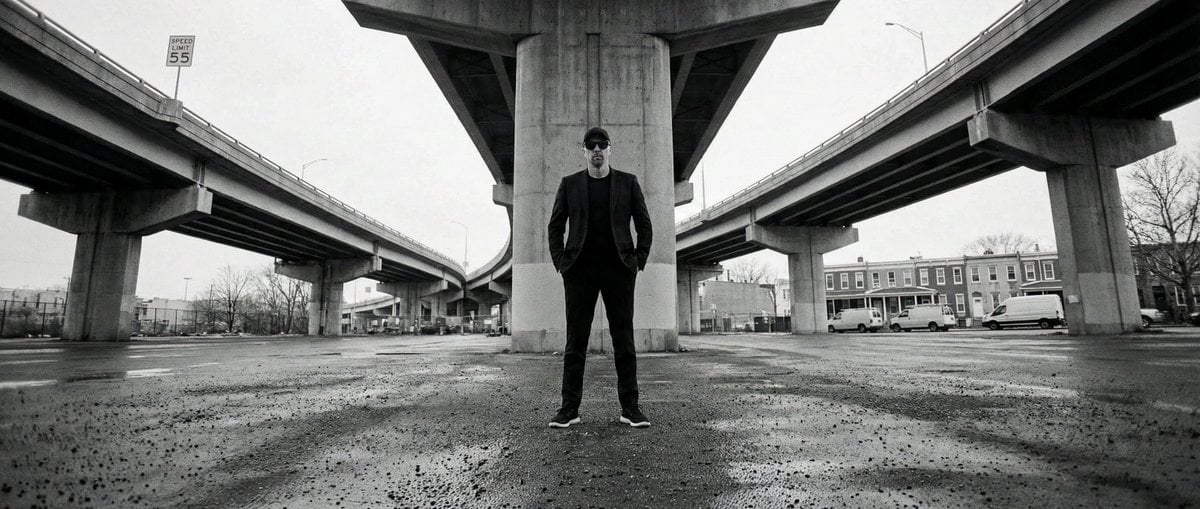
High-Contrast Documentary Photo Under a Brutalist Overpass
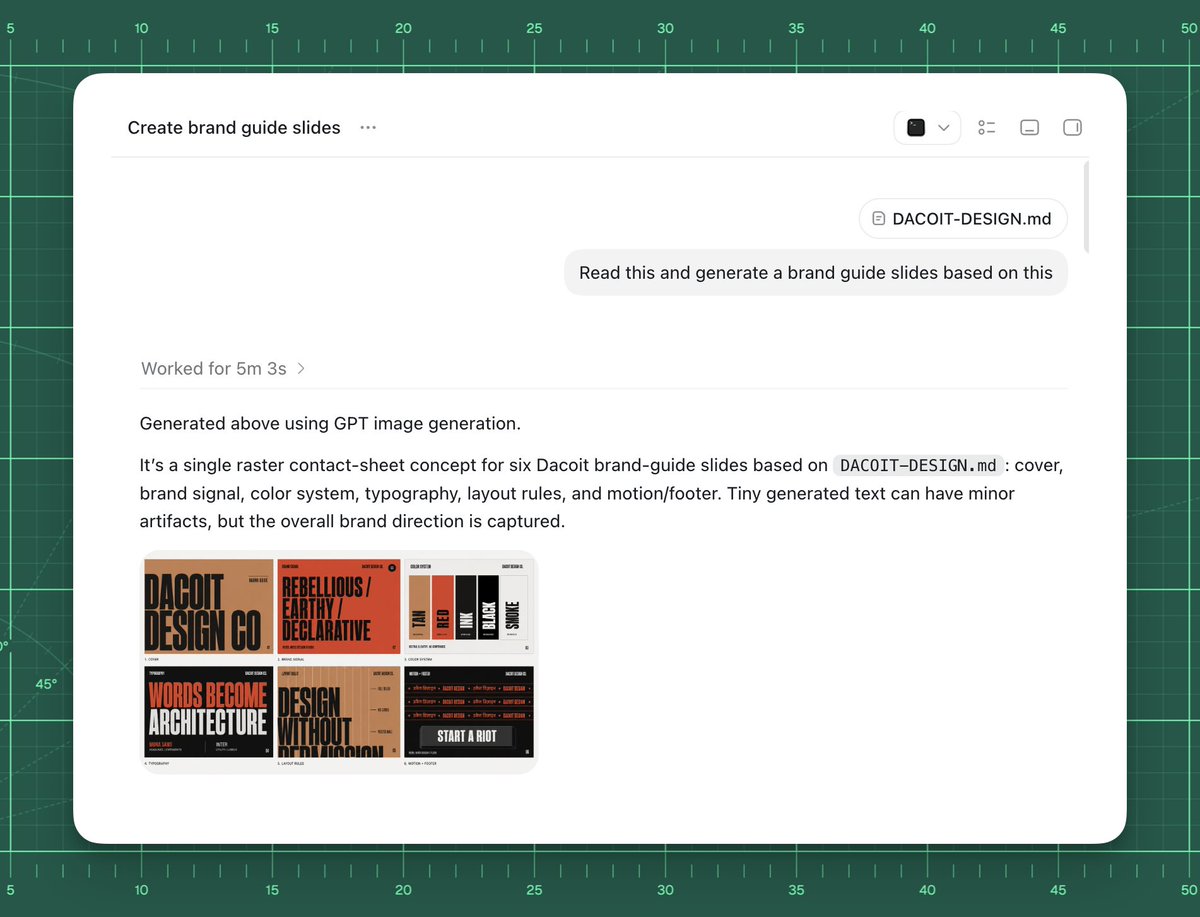
AI Brand Guide Generation UI
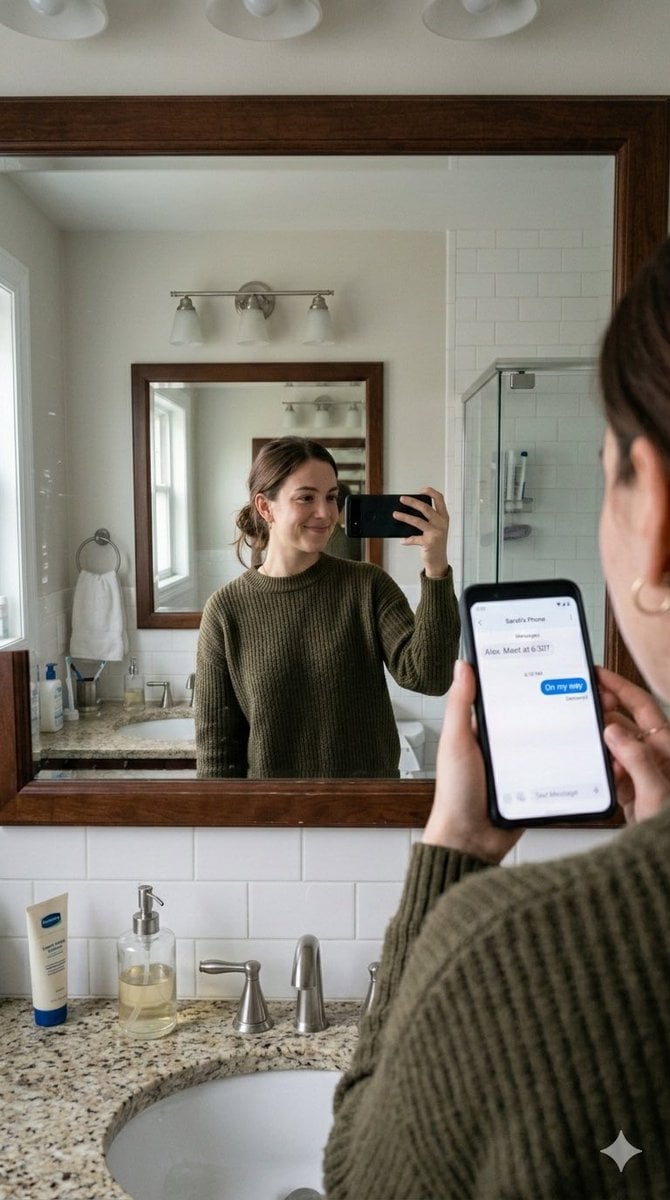
Realistic Bathroom Mirror Selfie with Correct Reflection
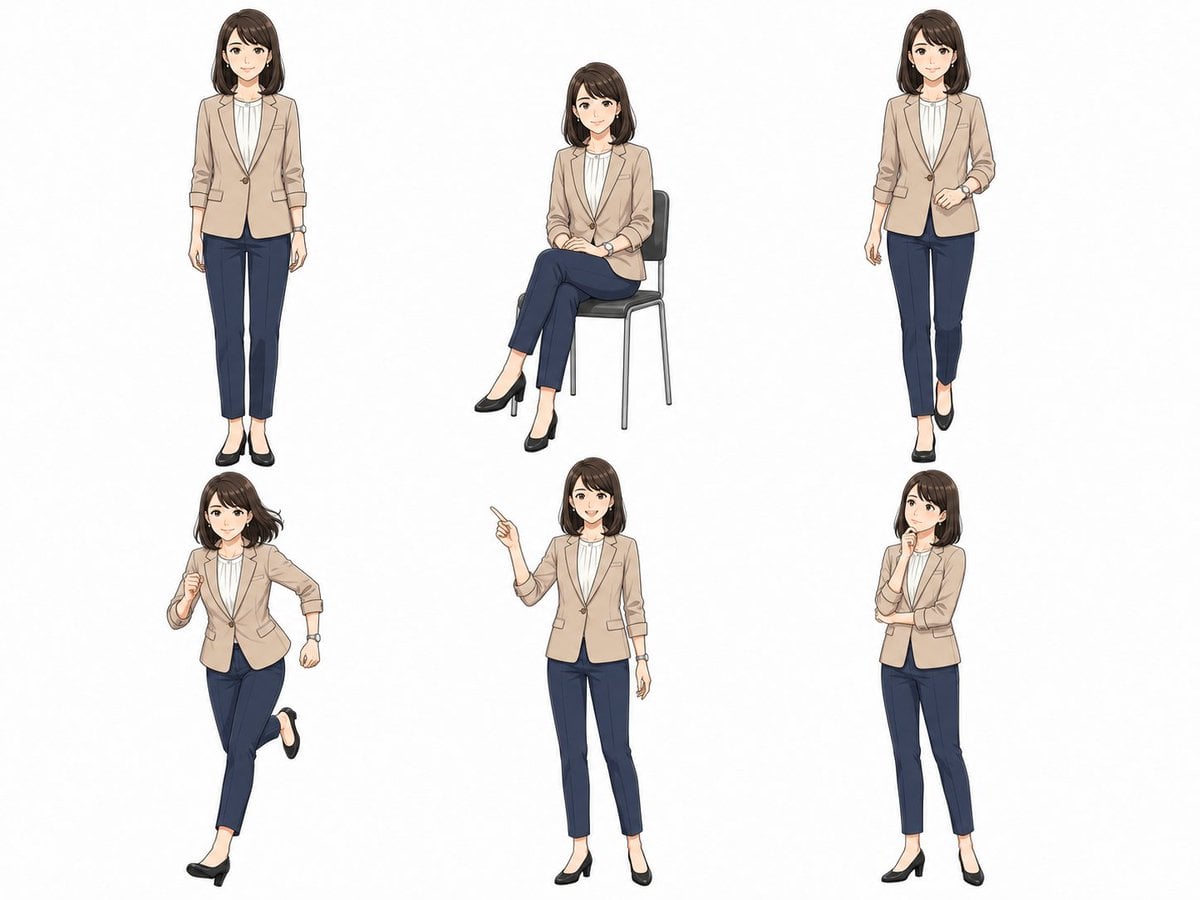
Anime Businesswoman Pose Sheet
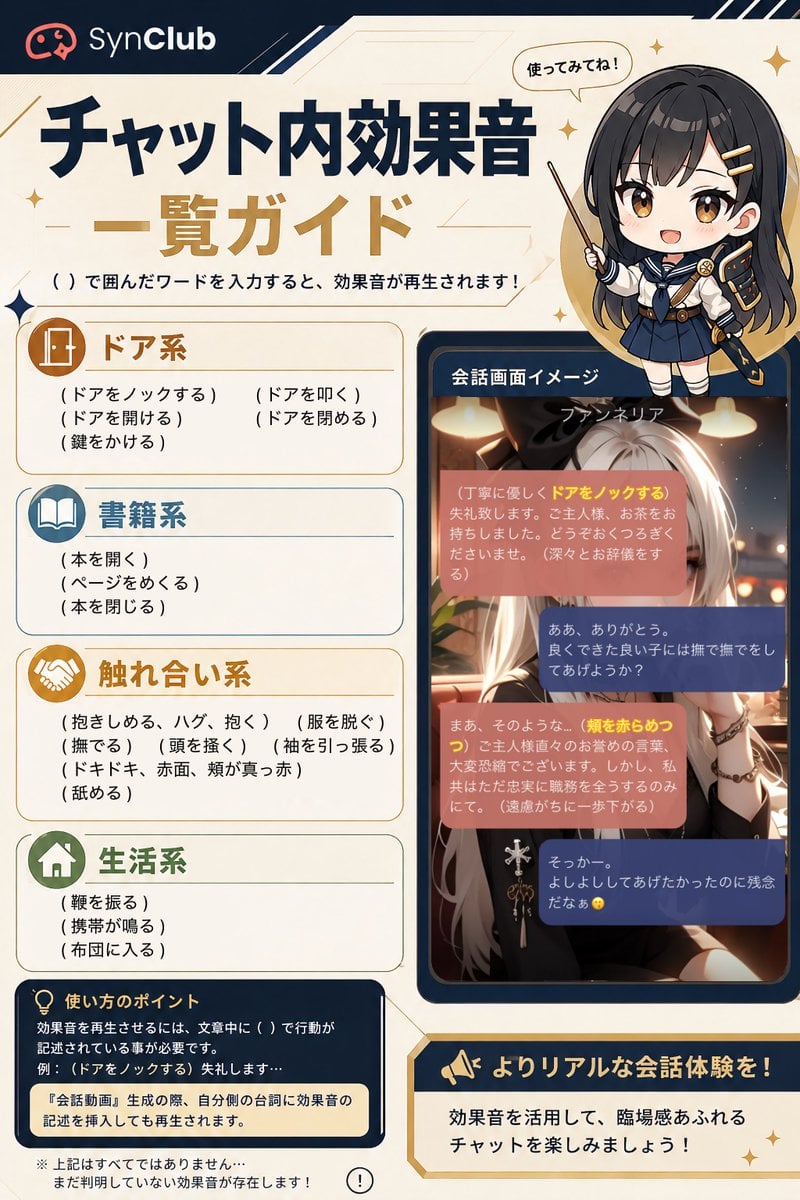
SynClub Chat Sound Effects Guide
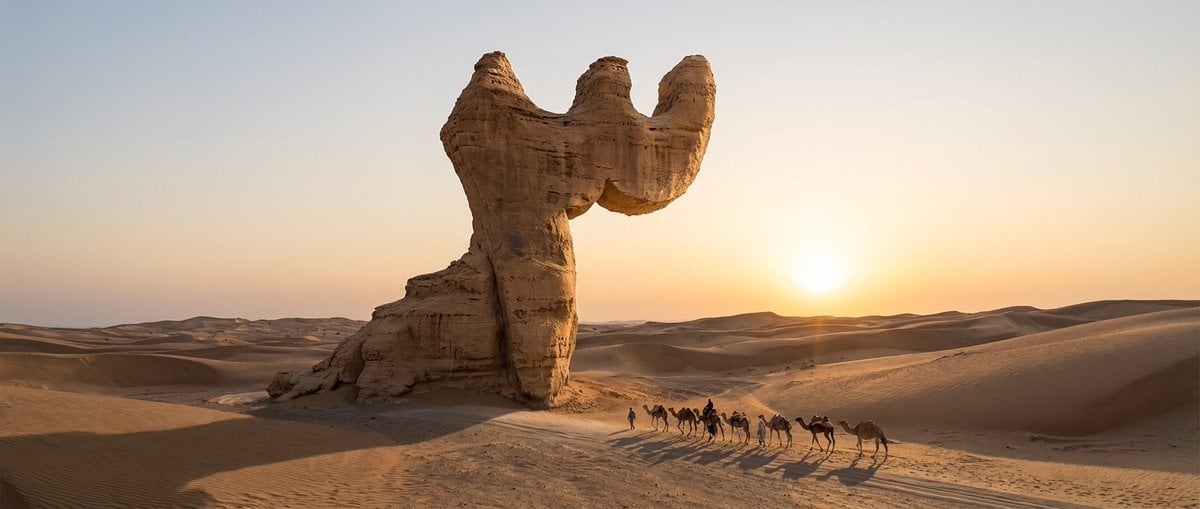
Cinematic Wide-Angle of Monolith Shaped Like Persian Numeral Three
High Fashion Red Backdrop Portrait
Gpt2 Youtube Thumbnail Monika Anime Banner Illustration
Premium Activewear Landing Page
Image Analysis Prompt for Young Woman with Henna
Browse template categories
Still Woman in Motion-Blurred Lobby questions
How do I use the Still Woman in Motion-Blurred Lobby template?
Add your photo if the template asks for one, edit the prompt if you like — the template's model and format are already selected — and press Generate. Your version opens in PicX Studio.
Can I customize the Still Woman in Motion-Blurred Lobby template?
Yes. You can change the subject, setting, lighting, mood, format, and available model controls before creating your image.
Is the Still Woman in Motion-Blurred Lobby template free?
Opening and editing this template is free. Generating uses credits, shown on the Generate button when you are signed in.
Which AI model should I use?
Start with GPT Image 2, which is the model associated with this template. You can compare another compatible model for a different finish.
Looking for something else? Browse all templates.

Your photo, any look
Thousands of ready templates for every top image and video model, from one credit balance.