
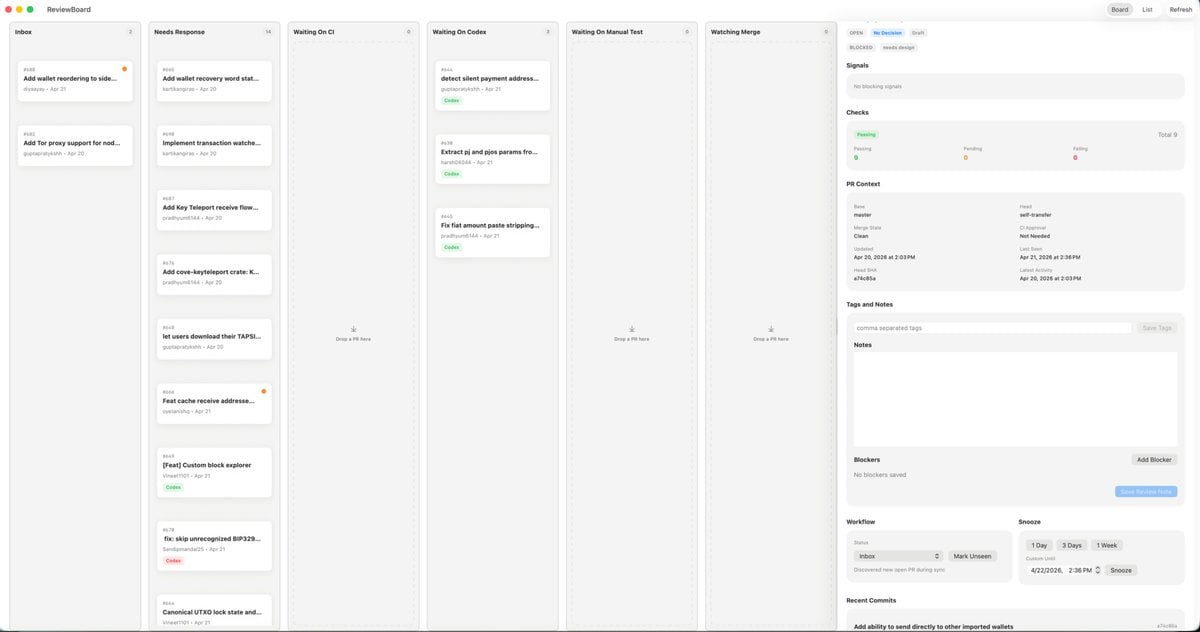
MacOS Kanban Review App UI
A polished light-mode macOS kanban-style review dashboard mockup for redesigning a desktop productivity or engineering triage app.
- Prompt included
- Model and format preset
- Free template
The prompt behind this image
Copy the exact prompt behind MacOS Kanban Review App UI, or open it in the studio and make it yours.
- Type
- desktop app UI mockup
- Platform
- macOS
- Style
- clean light-mode productivity dashboard, soft gray background, rounded cards, subtle shadows, thin dividers, minimalist modern SaaS aesthetic, dense but calm layout
- App › Name
- ReviewBoard
- App › Window Controls
- top-left macOS red yellow green traffic lights
- Layout › Structure
- single wide application window split into 7 vertical columns plus a right inspector panel
- Layout › Sections › 0 › Title
- Inbox
- Layout › Sections › 0 › Position
- far left column
- Layout › Sections › 0 › Count
- 2
- Layout › Sections › 0 › Labels
- Add wallet reordering to side..., Add Tor proxy support for nod...
- Layout › Sections › 1 › Title
- Needs Response
- Layout › Sections › 1 › Position
- second column from left
- Layout › Sections › 1 › Count
- 7
- Layout › Sections › 1 › Labels
- Add wallet recovery word sta..., Implement transaction watche..., Add Key Teleport receive flow..., Add cove-keyteleport crate: K..., let users download their TAPSI..., Feat cache receive addresse..., [Feat] Custom block explorer
- Layout › Sections › 2 › Title
- Waiting On CI
- Layout › Sections › 2 › Position
- third column
- Layout › Sections › 2 › Count
- 0
- Layout › Sections › 3 › Title
- Waiting On Codex
- Layout › Sections › 3 › Position
- fourth column
- Layout › Sections › 3 › Count
- 3
- Layout › Sections › 3 › Labels
- detect silent payment address..., Extract pi and pjs params fro..., Fix fiat amount paste stripping...
- Layout › Sections › 4 › Title
- Waiting On Manual Test
- Layout › Sections › 4 › Position
- fifth column
- Layout › Sections › 4 › Count
- 0
Raw JSON
{"type":"desktop app UI mockup","platform":"macOS","style":"clean light-mode productivity dashboard, soft gray background, rounded cards, subtle shadows, thin dividers, minimalist modern SaaS aesthetic, dense but calm layout","app":{"name":"ReviewBoard","window_controls":"top-left macOS red yellow green traffic lights"},"layout":{"structure":"single wide application window split into 7 vertical columns plus a right inspector panel","sections":[{"title":"Inbox","position":"far left column","count":2,"labels":["Add wallet reordering to side...","Add Tor proxy support for nod..."]},{"title":"Needs Response","position":"second column from left","count":7,"labels":["Add wallet recovery word sta...","Implement transaction watche...","Add Key Teleport receive flow...","Add cove-keyteleport crate: K...","let users download their TAPSI...","Feat cache receive addresse...","[Feat] Custom block explorer"]},{"title":"Waiting On CI","position":"third column","count":0,"labels":[]},{"title":"Waiting On Codex","position":"fourth column","count":3,"labels":["detect silent payment address...","Extract pi and pjs params fro...","Fix fiat amount paste stripping..."]},{"title":"Waiting On Manual Test","position":"fifth column","count":0,"labels":[]},{"title":"Watching Merge","position":"sixth column","count":0,"labels":[]},{"title":"Inspector","position":"far right sidebar","count":8,"labels":["Signals","Checks","PR Context","Tags and Notes","Notes","Blockers","Workflow","Recent Commits"]}],"top_right_controls":{"count":3,"labels":["Board","List","Refresh"]}},"board":{"column_style":"tall pale gray kanban lanes with header labels, tiny count chevrons, and centered empty-state drop targets in empty lanes","cards":{"shape":"small white rounded rectangles with faint shadow and thin border","metadata":"issue or PR number at top left, bold truncated title, author and date line below, occasional small colored status pill such as green Code or red Codex, some cards with a tiny orange notification dot at top right"}},"inspector":{"tabs":{"count":3,"labels":["OPEN","NEEDS DESIGN","DRAFT"],"active":"NEEDS DESIGN"},"signals":"empty light gray panel with text indicating no blocking signals","checks":{"summary":"horizontal status card with three columns for Passing, Pending, and Failing, plus Total 9 on the right","counts":{"Passing":9,"Pending":0,"Failing":0}},"pr_context":{"fields":["Base","Head","Merge State","CI Approval","Clean","Last Need","Updated","Apr 21, 2026 at 2:36 PM","Last Push","Apr 20, 2026 at 2:03 PM","SHA","a7c48b5a"]},"tags_and_notes":{"elements":3,"labels":["comma separated tags","Save Tags","Notes"]},"blockers":{"elements":3,"labels":["No blockers saved","Add Blocker","Save Review Note"]},"workflow":{"groups":2,"labels":["Inbox","Snooze"],"buttons":["Mark Unseen","1 Day","3 Days","1 Week","Snooze"]},"recent_commits":{"visible_count":1,"labels":["Add ability to send directly to other imported wallets"]}},"camera":"straight-on full-window screenshot","text_rendering":"tiny crisp UI text, realistic product design presentation","color_palette":{"background":"very light warm gray","columns":"light gray","cards":"white","accent":"green active states, pale blue selected tab, orange notification dots, muted black text"}}How to use MacOS Kanban Review App UI in 3 steps
- 1Upload ImagePNG, JPG or paste
Add your photo
Upload the photo the template builds on. The prompt, model and format are already set.
- 2…a portrait of your subject in softgolden-hour light, 85mm…
Personalize
Edit the subject and creative details for your destination.
- 3Generate
Generate
Press Generate — your image is created in PicX Studio, so you can compare it with the original and refine one variable at a time.
More like this
Templates with the same subject, style or setup. Open one to see its prompt.
UGC Skincare Review - Seedance 2.0
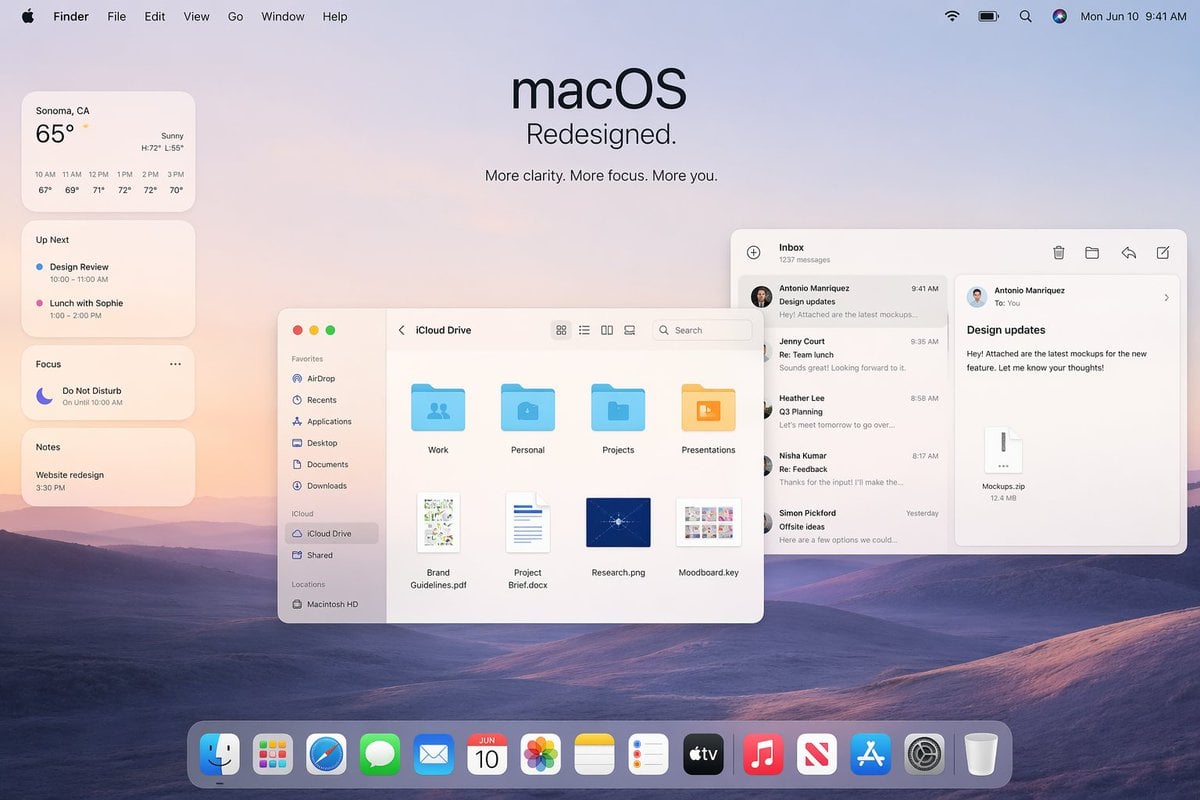
Apple macOS Redesign Promo Mockup
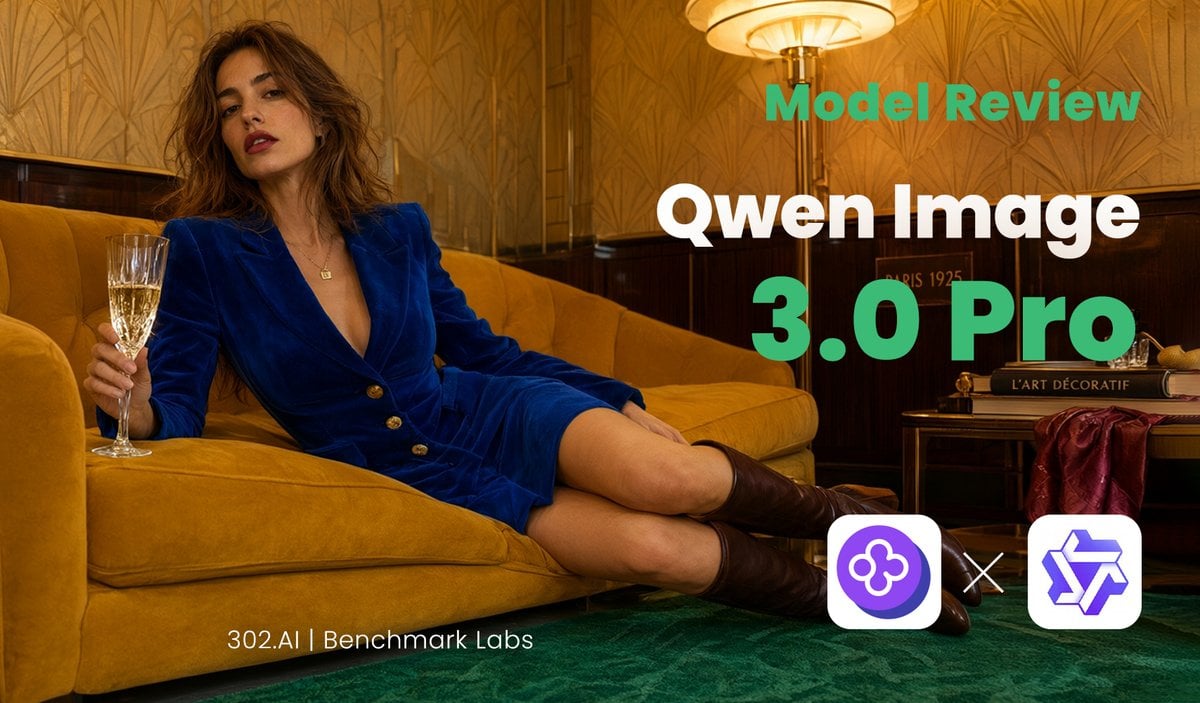
Qwen Image Model Review Banner

Cyber Blue Qwen Tech Review Poster
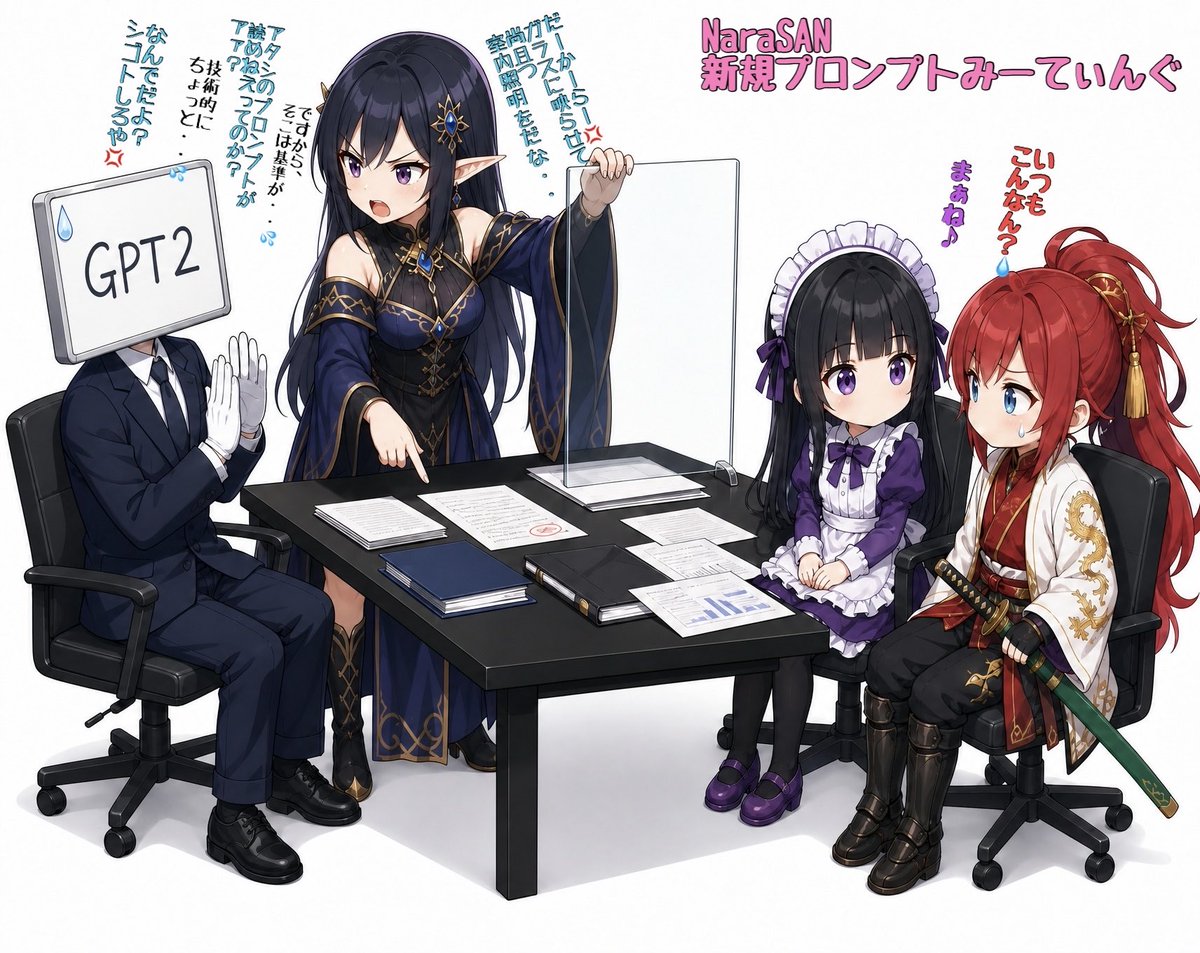
Anime AI Prompt Review Meeting
Retro Japanese Gaming Magazine Review Page
Code Review English Infographic
Paper Annotation and Review Prompt

Product Review Lifestyle Shot Prompt (Winter Porch)

LLM Prompt for Summarizing and Reviewing Travel Plans
Foxy App Icon Exploration Board

Subway Good Vibes App Card Portrait
Make it yours
MacOS Kanban Review App UI works as-is. These are the safest ways to change it without losing the look.
Swap the setting
Keep the rest of the prompt and replace the location block. The current setting is “very light warm gray”.
Change one field
Copy a single group, rewrite it, and generate again so you can see what that field is doing.
Keep the frame, change the subject
Hold the composition and light of MacOS Kanban Review App UI, then swap wardrobe, props or the person for a new take.
| If the result… | Why | Fix |
|---|---|---|
| The result drifts from the preview | Too many fields changed at once. | Reuse MacOS Kanban Review App UI as-is first, then change one group — subject, light, or setting. |
| GPT Image 2 ignores part of the JSON | Some models flatten or skip nested keys. | Keep the same values and paste them as a short paragraph instead. |
More GPT Image 2 templates
Other prompts made for GPT Image 2.

Six VTuber Japanese Logo Sheet

Realistic Portrait of Woman and Deer

The Vista Modular Condo Poster

AI Model Routing Comparison Infographic

2.5D Anime Art Board

Isometric Productivity Desk Scene

New York Double Exposure Poster

Four-Panel AI Landscape Comparison

Japanese Tatami Lifestyle Magazine Cover

NESCAFÉ Coffee Map Poster
More image prompts
Fresh picks from across the catalog.

Cinematic Luxury Portrait of Woman Adjusting Cufflinks
Gothic Stand Guardian Poster
Child Three-View Clothing Reference

Grand Doorway Chiaroscuro Portrait

Enchanted Forest Root Kiss Scene By Nano

Anime Character Vogue Cover

Tech CEO Battle Royale Lobby

Cherry Blossom Shih Tzu Photo Collage

Ultra-realistic Cinematic Portrait of a Man with a Luxury Sports Car
untitled
Browse template categories
MacOS Kanban Review App UI questions
How do I use the MacOS Kanban Review App UI template?
Add your photo if the template asks for one, edit the prompt if you like — the template's model and format are already selected — and press Generate. Your version opens in PicX Studio.
Can I customize the MacOS Kanban Review App UI template?
Yes. You can change the subject, setting, lighting, mood, format, and available model controls before creating your image.
Is the MacOS Kanban Review App UI template free?
Opening and editing this template is free. Generating uses credits, shown on the Generate button when you are signed in.
Which AI model should I use?
Start with GPT Image 2, which is the model associated with this template. You can compare another compatible model for a different finish.
Looking for something else? Browse all templates.

Your photo, any look
Thousands of ready templates for every top image and video model, from one credit balance.