
Cyber Blue Qwen Tech Review Poster
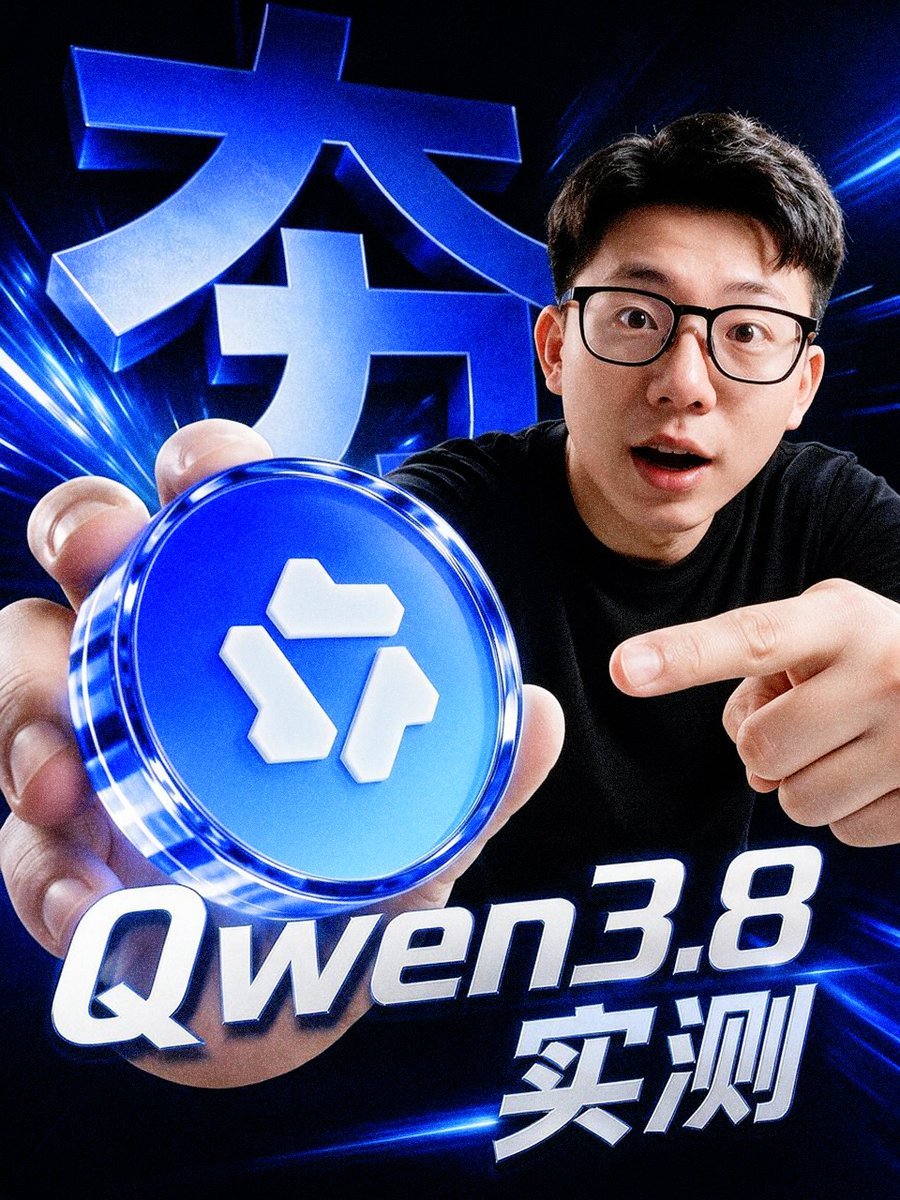
A high-energy vertical tech review thumbnail featuring a surprised presenter holding a glowing blue token with bold Chinese and model-name typography.
- Prompt included
- Model and format preset
- Free template
The prompt behind this image
Copy the exact prompt behind Cyber Blue Qwen Tech Review Poster, or open it in the studio and make it yours.
Create a dramatic vertical 4:5 tech influencer poster in a glossy cyber-blue style. A young East Asian man with short black hair, black rectangular glasses, and a surprised open-mouth expression leans toward the camera from the right side, wearing a plain black T-shirt. He holds a large glowing circular blue token close to the lens with his left hand in the lower-left foreground, making it appear oversized; the token has a transparent glassy rim, neon blue highlights, and a raised white geometric logo made of three separate block shapes on its face. His right hand points at the token from the right. Use an extreme wide-angle selfie perspective, strong depth distortion, crisp high-contrast lighting, and a dark black background filled with electric blue light streaks, lens flares, and motion lines. Add exactly 3 visible text elements: a huge 3D metallic-blue Chinese headline in the upper-left background reading {argument name="background Chinese headline" default="大力"}, a large italic white-and-blue title across the bottom reading {argument name="model title" default="Qwen3.8"}, and bold white Chinese text at the lower right reading {argument name="test label" default="实测"}. Make all typography extruded, glossy, beveled, and glowing with blue rim light. The composition should feel like a high-energy YouTube thumbnail or social media tech review announcement, ultra sharp, cinematic, slightly surreal, no extra text, no watermark.
How to use Cyber Blue Qwen Tech Review Poster in 3 steps
- 1Upload ImagePNG, JPG or paste
Add your photo
Upload the photo the template builds on. The prompt, model and format are already set.
- 2…a portrait of your subject in softgolden-hour light, 85mm…
Personalize
Edit the subject and creative details for your destination.
- 3Generate
Generate
Press Generate — your image is created in PicX Studio, so you can compare it with the original and refine one variable at a time.
More like this
Templates with the same subject, style or setup. Open one to see its prompt.

Monochrome Portrait Jersey Accent Poster

Neon Glitch Cyber Symbiote Music Poster
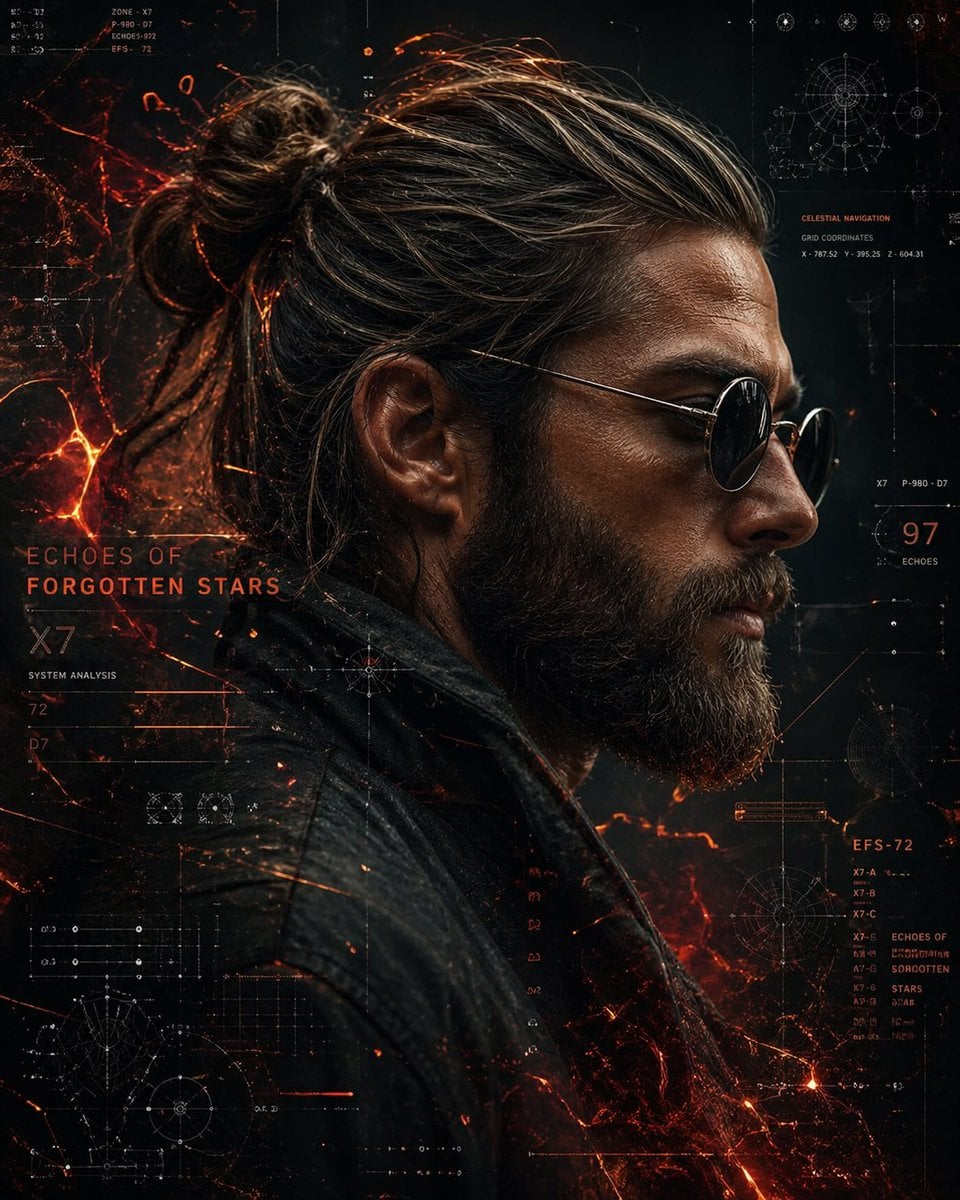
Cinematic Side Profile Cyberpunk Hero Poster

Cyberpunk Neon Brazil World Cup Poster
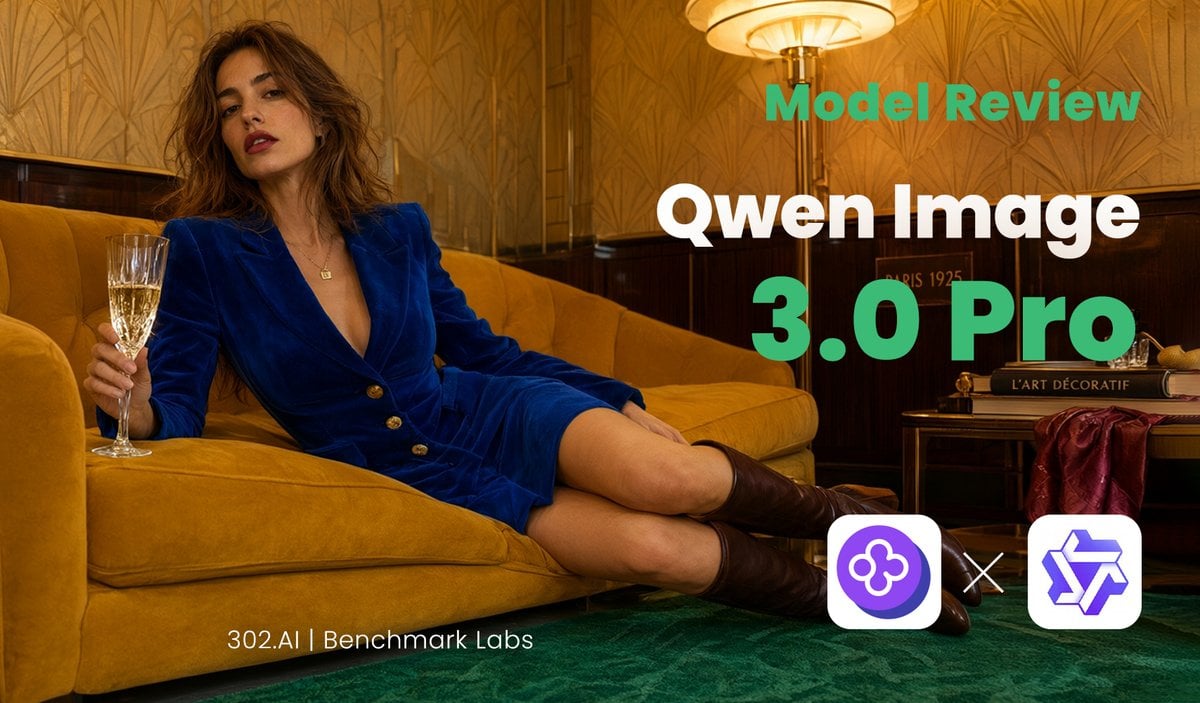
Qwen Image Model Review Banner

Japan Travel Brochure Poster

Cartoon TV Show Poster Pack

Trendy Cafe Drink Promo Poster

Urban Fashion Editorial Collage Streetwear Poster

Premium Fashion Editorial Cover Layout System

Polo Ralph Lauren Luxury American Heritage Fashion Campaign

Monochrome Halftone Editorial Fashion Poster
Make it yours
Cyber Blue Qwen Tech Review Poster works as-is. These are the safest ways to change it without losing the look.
Change one field
Copy a single group, rewrite it, and generate again so you can see what that field is doing.
Keep the frame, change the subject
Hold the composition and light of Cyber Blue Qwen Tech Review Poster, then swap wardrobe, props or the person for a new take.
| If the result… | Why | Fix |
|---|---|---|
| The result drifts from the preview | Too many fields changed at once. | Reuse Cyber Blue Qwen Tech Review Poster as-is first, then change one group — subject, light, or setting. |
| The model over-stylizes the scene | The prose prompt leaves finish and camera underspecified. | Add one camera or lighting sentence and stay on GPT Image 2. |
More GPT Image 2 templates
Other prompts made for GPT Image 2.

Six VTuber Japanese Logo Sheet

Realistic Portrait of Woman and Deer

The Vista Modular Condo Poster

AI Model Routing Comparison Infographic

2.5D Anime Art Board

Isometric Productivity Desk Scene

New York Double Exposure Poster

Four-Panel AI Landscape Comparison

Japanese Tatami Lifestyle Magazine Cover

NESCAFÉ Coffee Map Poster
More image prompts
Fresh picks from across the catalog.

Ultra-Photorealistic Saree Mirror Selfie Prompt
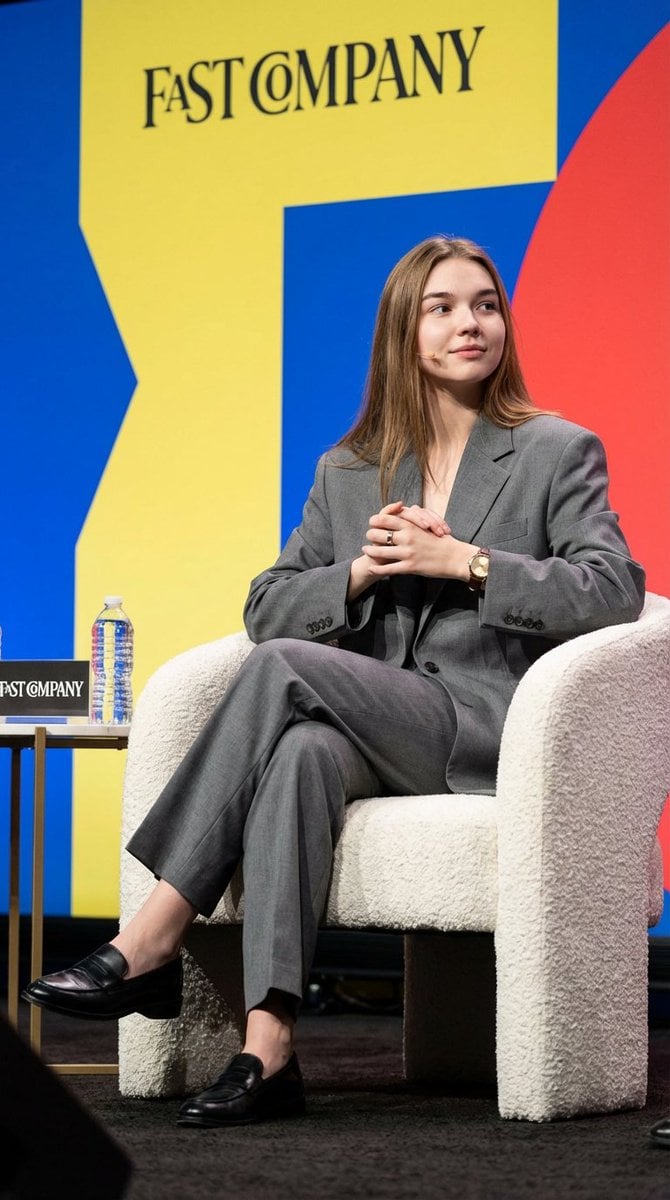
Candid Editorial Conference Portrait Prompt with Identity Lock
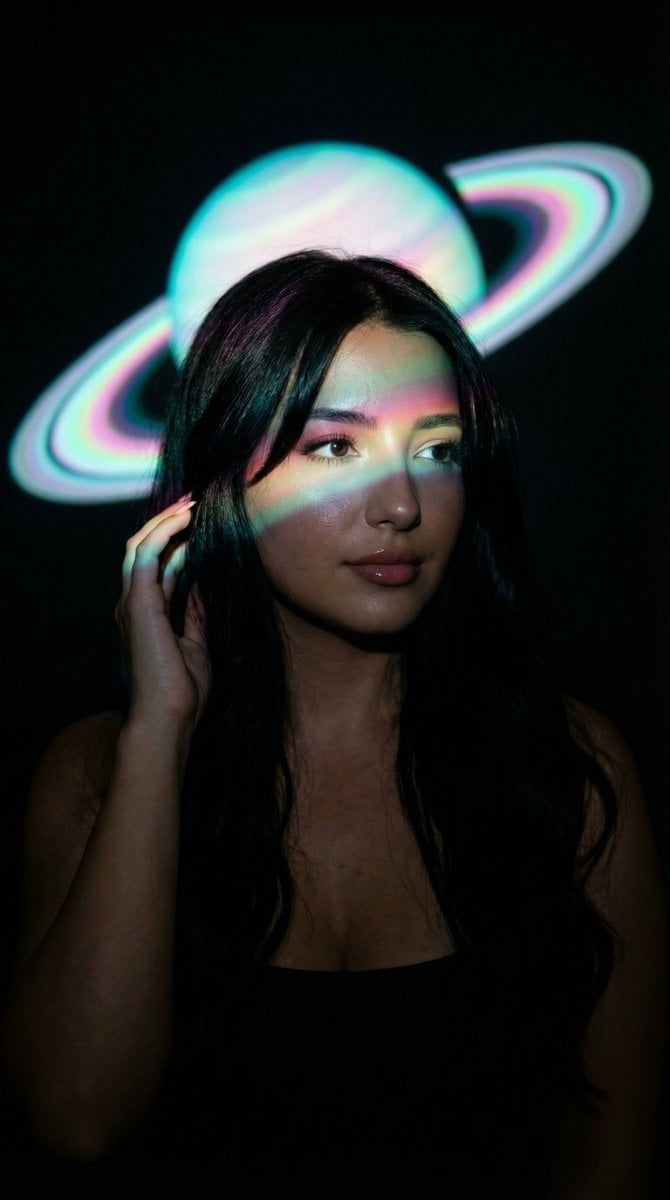
Low-Key Saturn Projection Portrait

Hyper-realistic 8K image of a man and a black panther in a snowy forest
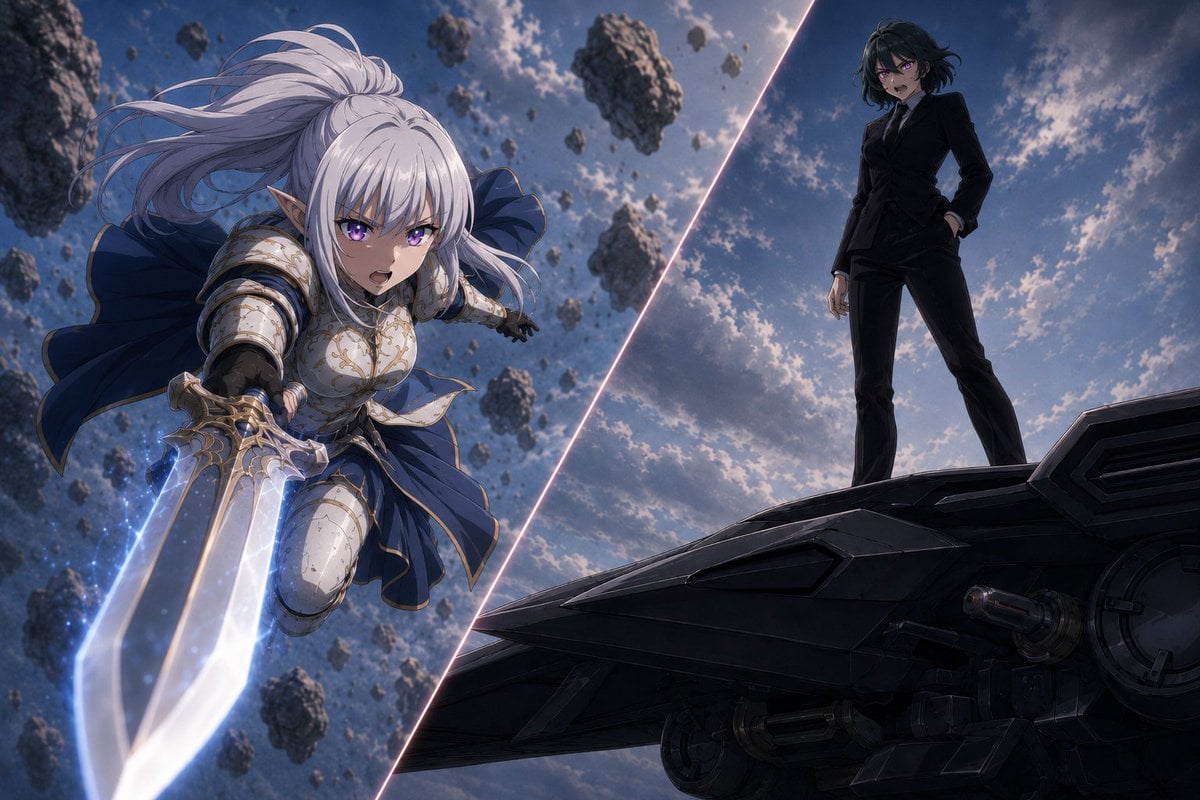
Anime Split-Screen Sword Confrontation
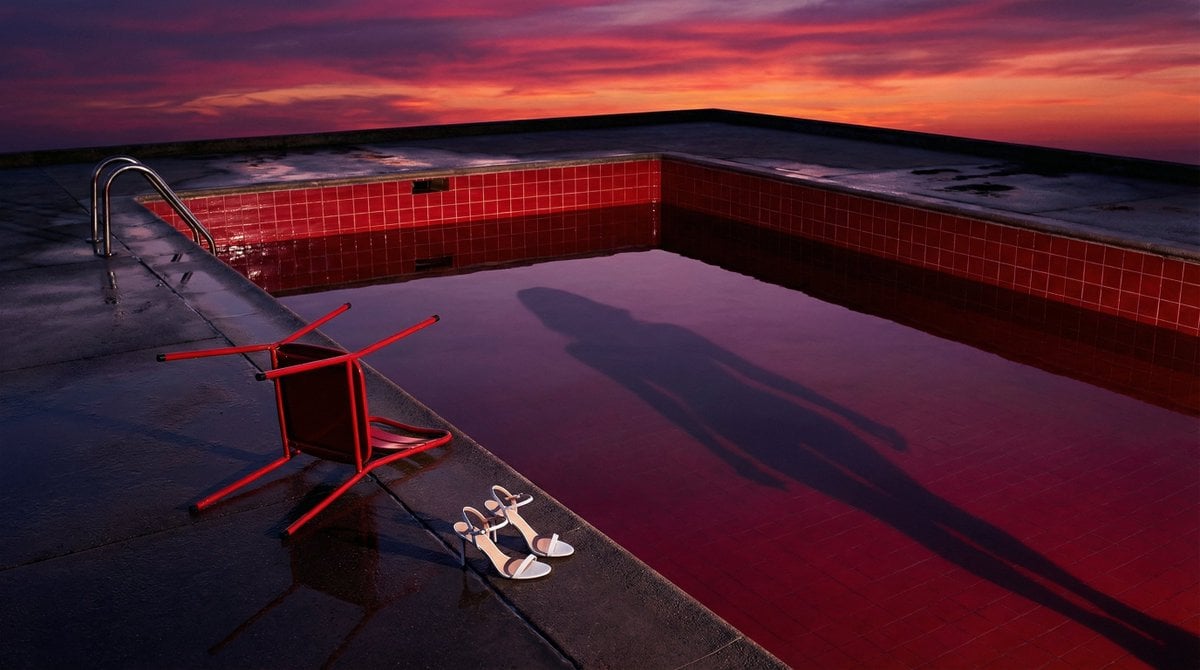
Surreal Guy Bourdin Style Pool Scene

Ethereal Submerged Portrait in Icy Water
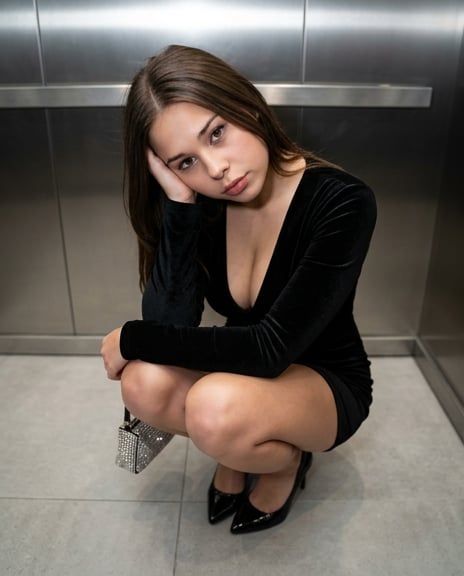
X Sumiturkude007 Image Description Subject
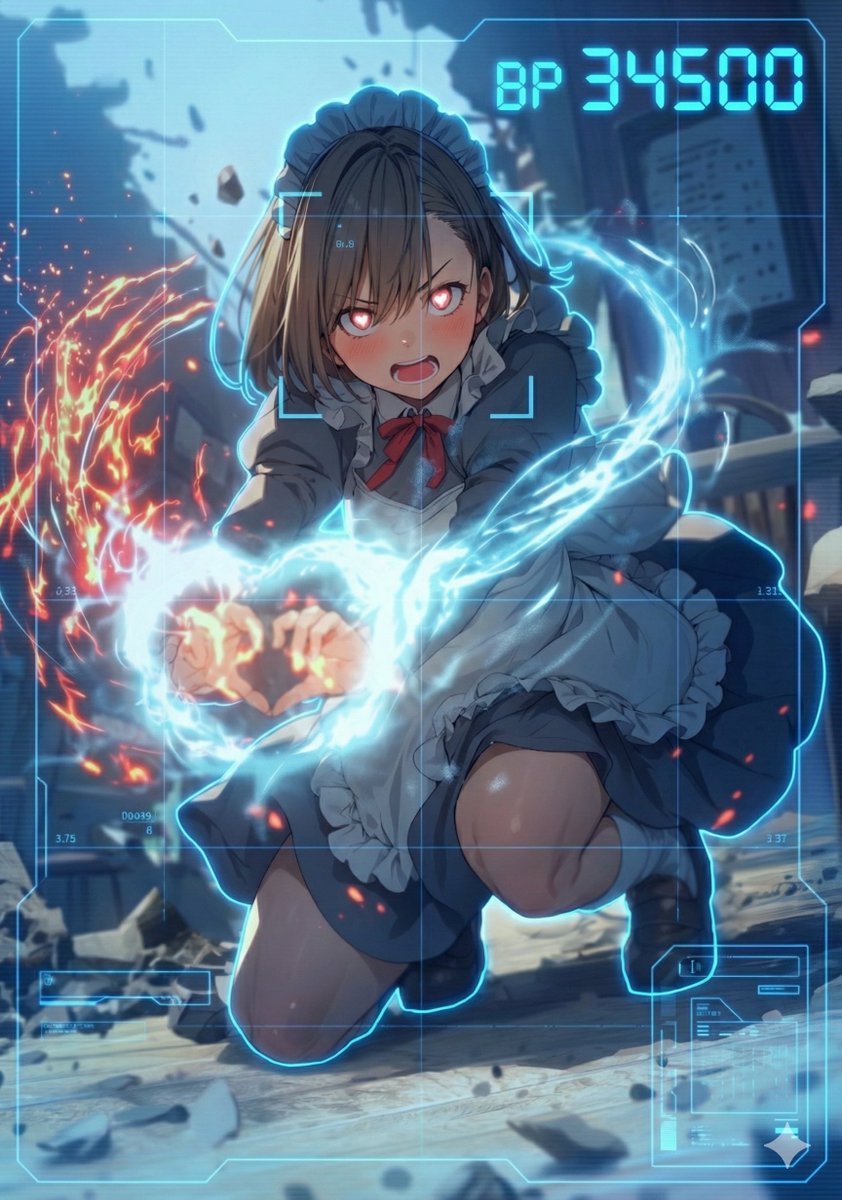
HUD battle power overlay for any character image
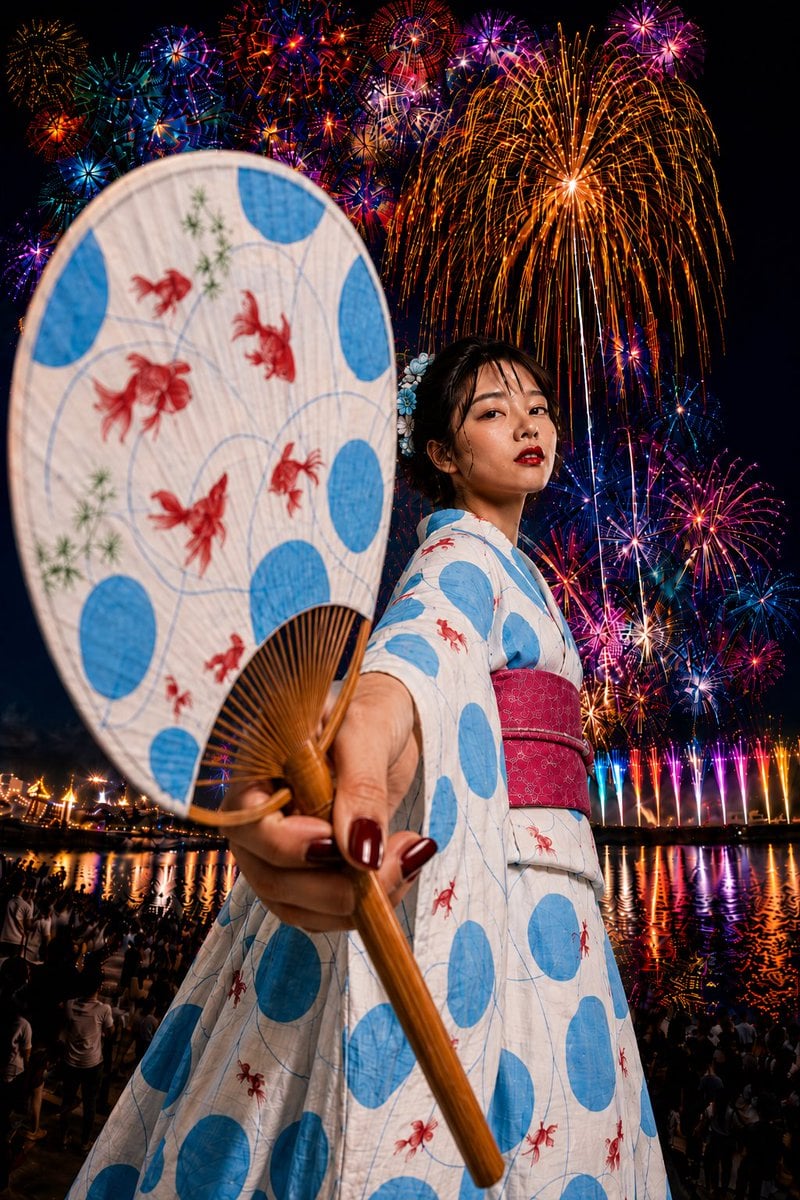
Goldfish Yukata Fireworks Festival Portrait
Browse template categories
Cyber Blue Qwen Tech Review Poster questions
How do I use the Cyber Blue Qwen Tech Review Poster template?
Add your photo if the template asks for one, edit the prompt if you like — the template's model and format are already selected — and press Generate. Your version opens in PicX Studio.
Can I customize the Cyber Blue Qwen Tech Review Poster template?
Yes. You can change the subject, setting, lighting, mood, format, and available model controls before creating your image.
Is the Cyber Blue Qwen Tech Review Poster template free?
Opening and editing this template is free. Generating uses credits, shown on the Generate button when you are signed in.
Which AI model should I use?
Start with GPT Image 2, which is the model associated with this template. You can compare another compatible model for a different finish.
Looking for something else? Browse all templates.

Your photo, any look
Thousands of ready templates for every top image and video model, from one credit balance.