
Apple macOS Redesign Promo Mockup
A sleek Apple-style macOS desktop hero image for keynote slides, product marketing, or UI concept presentations.
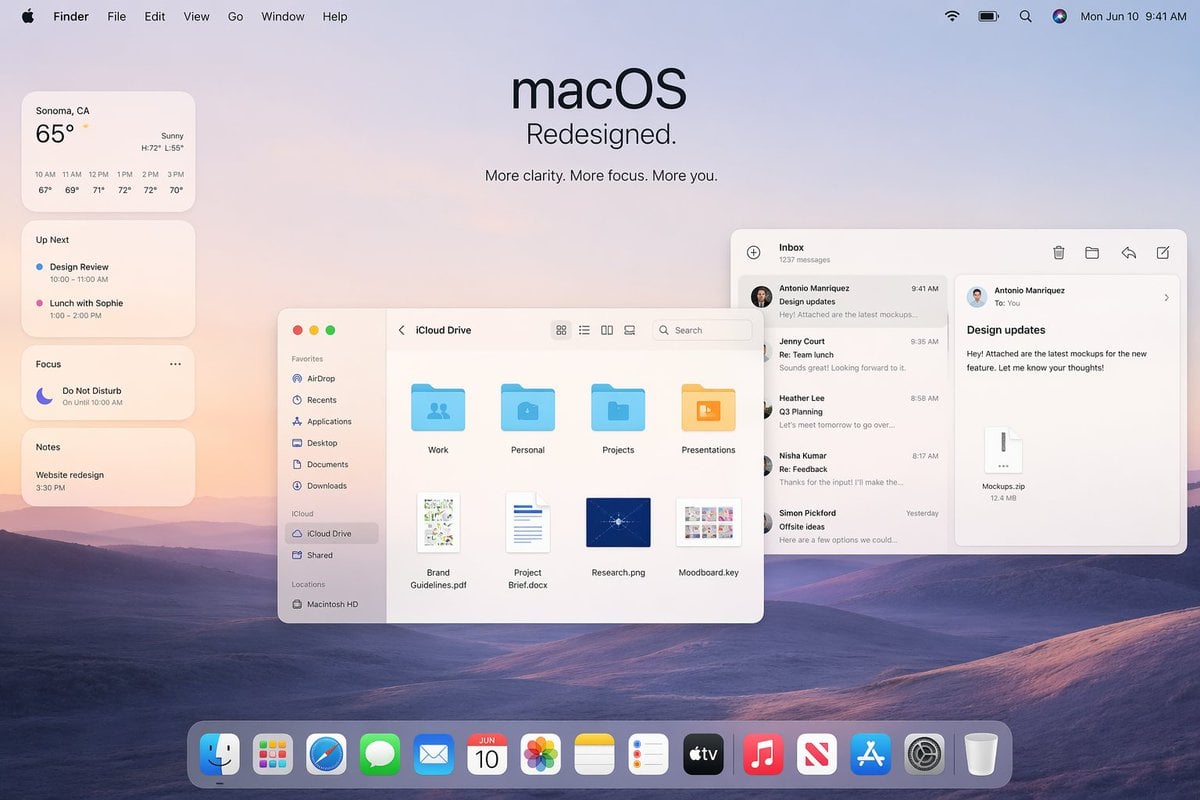
- Prompt included
- Model and format preset
- Free template
The prompt behind this image
Copy the exact prompt behind Apple macOS Redesign Promo Mockup, or open it in the studio and make it yours.
A polished Apple-style macOS promotional desktop mockup shown as a full-screen screenshot, with a soft pastel dawn wallpaper of layered purple-blue rolling hills under a pale peach and lavender sky. Centered near the top is a large minimalist headline reading "macOS" with the subheadline "Redesigned." and a smaller line below that says "More clarity. More focus. More you." The top system menu bar is visible across the full width: Apple logo, Finder, File, Edit, View, Go, Window, Help on the left; Wi‑Fi, battery, search, colorful user icon, and the date/time "Mon Jun 10 9:41 AM" on the right. On the left side, stack 4 translucent rounded widgets vertically: a weather widget for "Sonoma, CA" showing "65°", "Sunny", high/low "H:72° L:55°", and 6 hourly temperatures from 10 AM to 3 PM; an "Up Next" widget with 2 calendar items, "Design Review" and "Lunch with Sophie" with times; a "Focus" widget showing "Do Not Disturb" and "On Until 10:00 AM"; and a "Notes" widget with the note "Website redesign" and time "3:30 PM". In the middle-left foreground, place a Finder window with rounded corners and a light frosted interface, titled "iCloud Drive". Include a left sidebar with 10 items total: Favorites with 6 items "AirDrop", "Recents", "Applications", "Desktop", "Documents", "Downloads"; iCloud with 2 items "iCloud Drive" and "Shared"; and Locations with 1 item "Macintosh HD". In the main Finder area show 8 file items arranged in a grid: 4 folders on the top row labeled "Work", "Personal", "Projects", "Presentations", and 4 documents on the bottom row labeled "Brand Guidelines.pdf", "Project Brief.docx", "Research.png", "Moodboard.key". Add standard macOS traffic-light window buttons and small view/search controls in the title bar. On the right side, overlap a Mail app window with a three-column layout. The left mail list column is titled "Inbox" and shows "1237 messages" plus 5 visible senders/messages: "Antonio Manriquez" with subject "Design updates", "Jenny Court" with "Re: Team lunch", "Heather Lee" with "Q3 Planning", "Nisha Kumar" with "Re: Feedback", and "Simon Pickford" with "Offsite ideas". The reading pane shows the selected message from Antonio Manriquez to You with subject "Design updates" and body text about attached mockups for a new feature, plus a file attachment card labeled "Mockups.zip" and "12.4 MB". Use clean SF Pro-style typography, subtle shadows, translucent glassmorphism panels, soft ambient lighting, and a premium Apple keynote aesthetic. At the bottom center, include a glossy translucent macOS Dock with 15 icons: Finder, Launchpad, Safari, Messages, Mail, Calendar showing "JUN 10", Photos, Notes, Reminders, TV, Music, News, App Store, Settings, and Trash. Composition should feel balanced, airy, realistic, and highly refined, like an official Apple macOS redesign announcement image.
How to use Apple macOS Redesign Promo Mockup in 3 steps
- 1Upload ImagePNG, JPG or paste
Add your photo
Upload the photo the template builds on. The prompt, model and format are already set.
- 2…a portrait of your subject in softgolden-hour light, 85mm…
Personalize
Edit the subject and creative details for your destination.
- 3Generate
Generate
Press Generate — your image is created in PicX Studio, so you can compare it with the original and refine one variable at a time.
More like this
Templates with the same subject, style or setup. Open one to see its prompt.
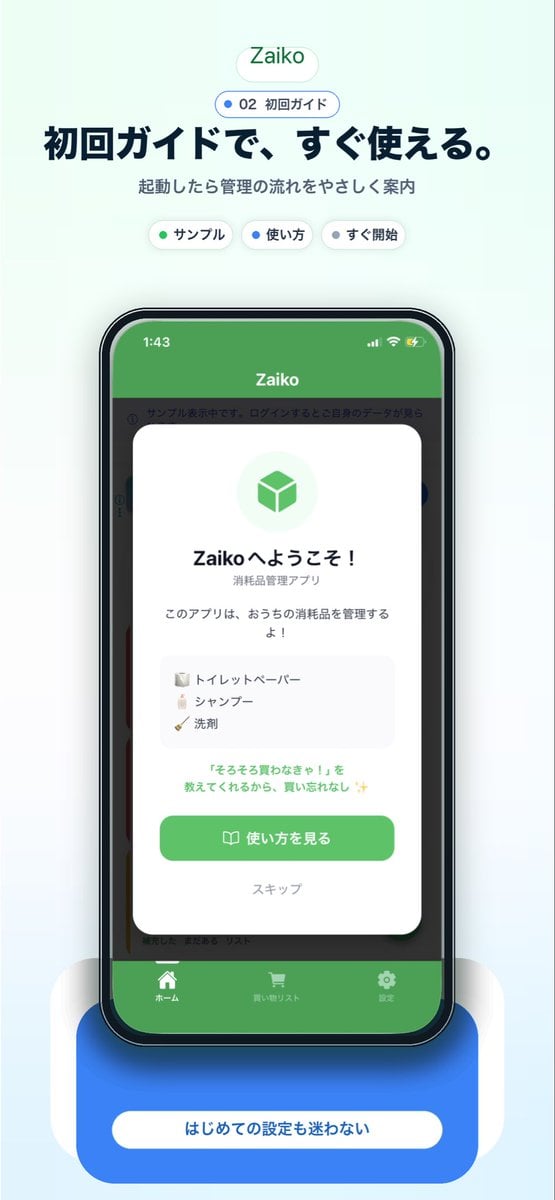
Japanese app onboarding promo mockup

Product Shot - T-Shirt Mockup

Watercolor Fantasy Knight Redesign
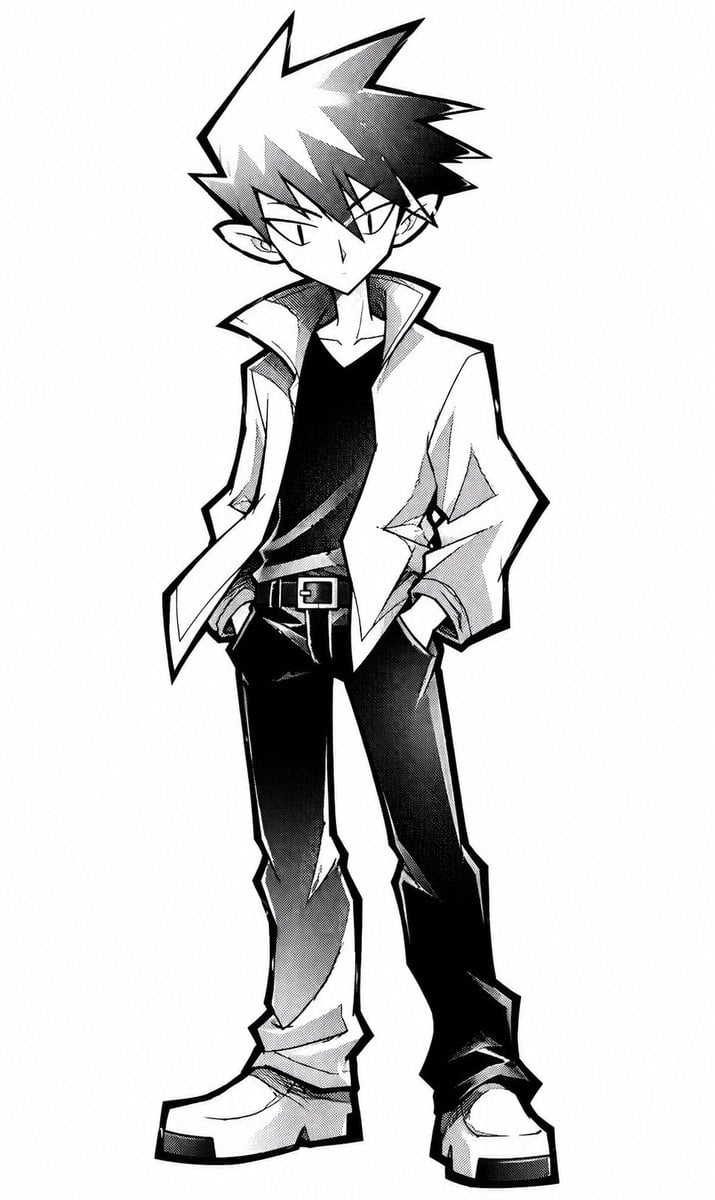
Angular Manga Character Redesign

Cinematic Anime Shinobi Poster Mockup
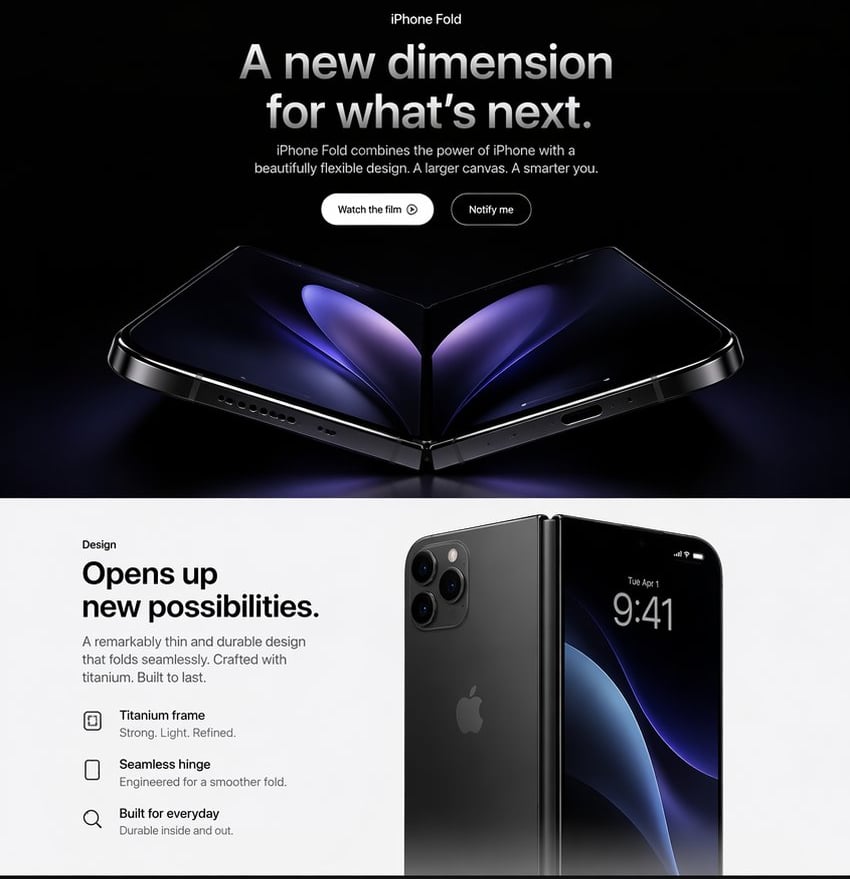
Apple-Style iPhone Fold Landing Page
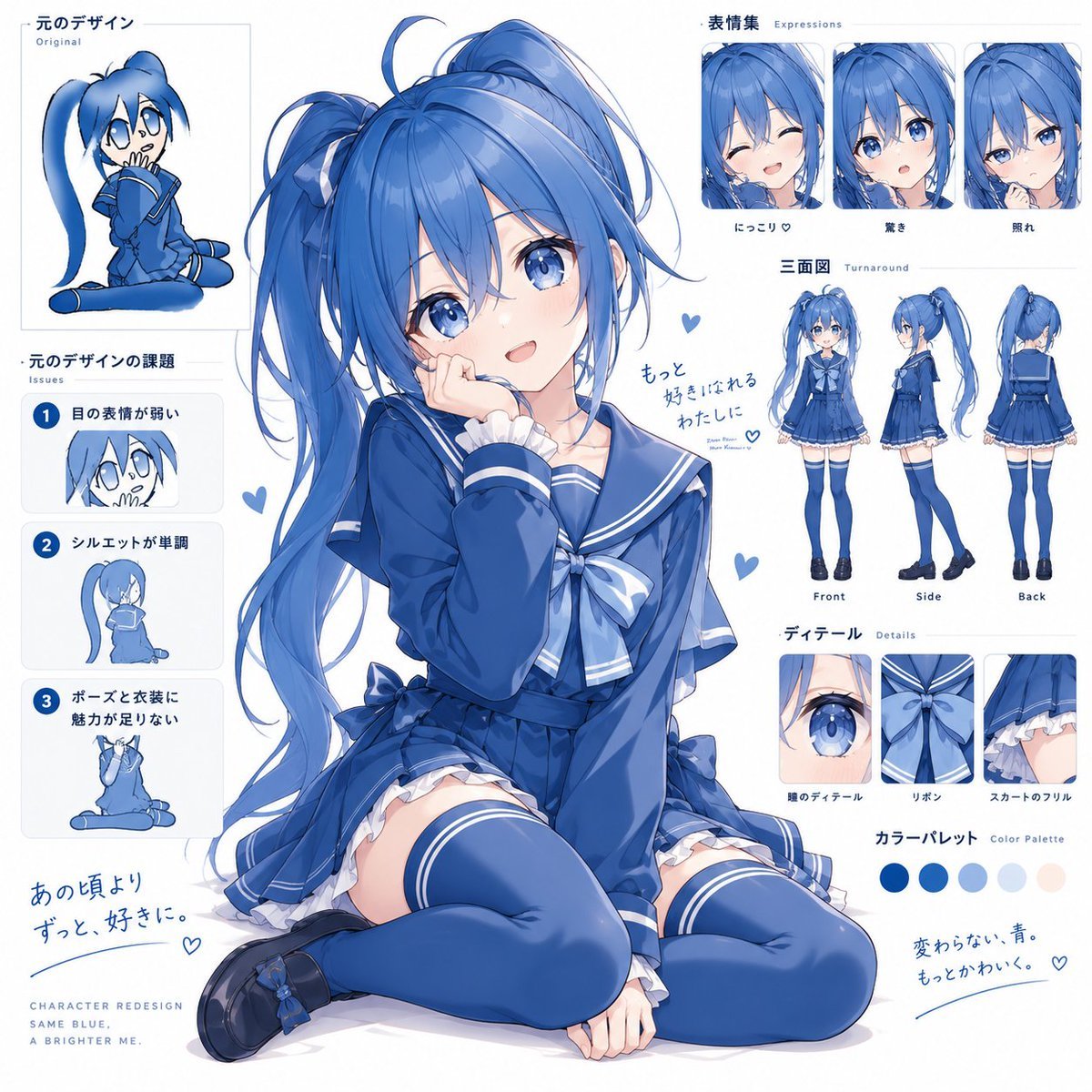
Blue Anime Character Redesign Sheet

Sunlit Orchard Girl With Apples
Glossy AI Logo Redesign Row
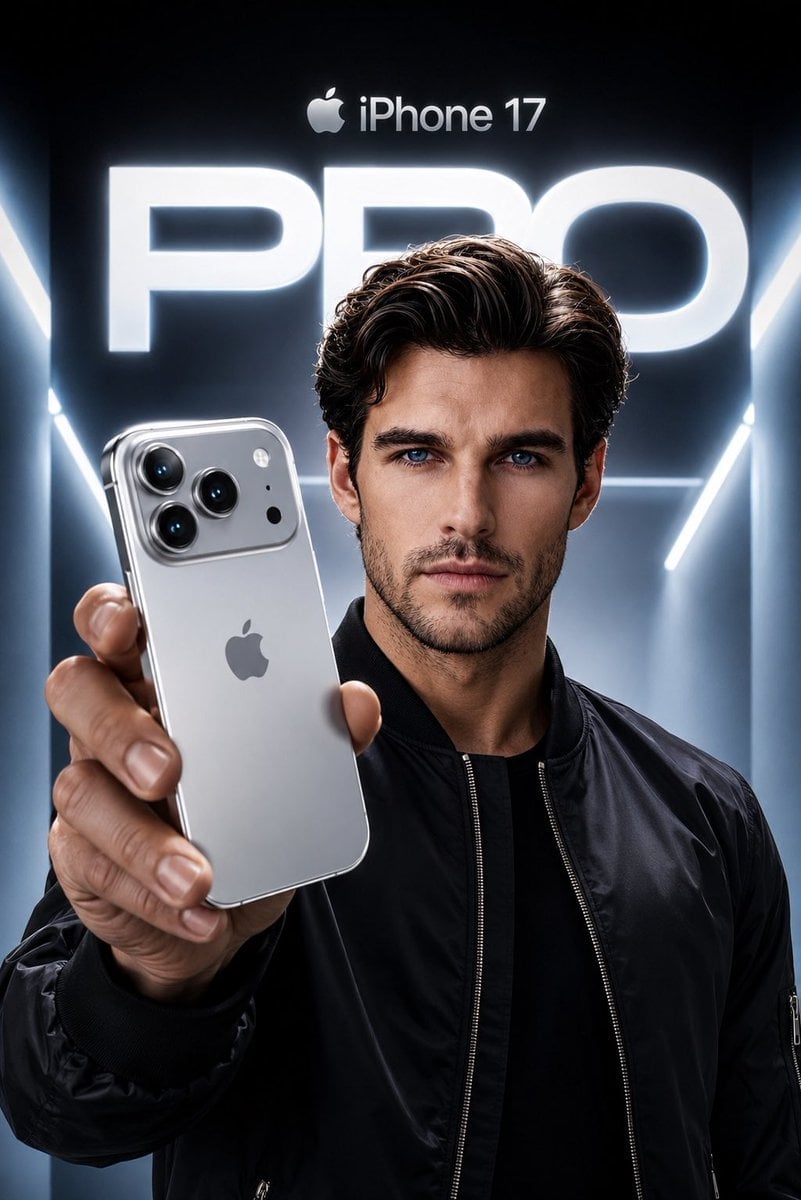
Apple Style iPhone Product Campaign
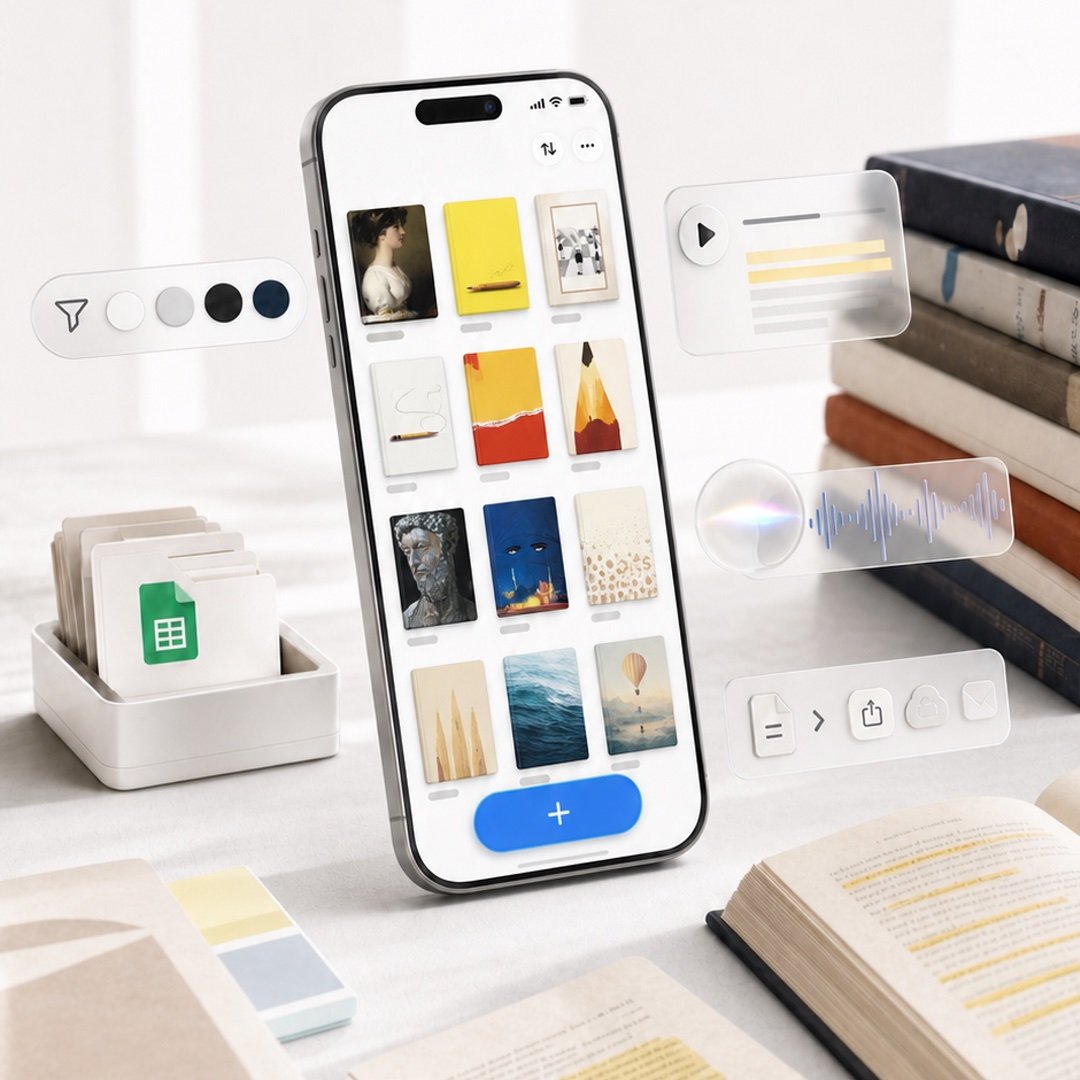
Highlighted App Promo Cover
Felt GPT Image 2 Apple Design Banner
Make it yours
Apple macOS Redesign Promo Mockup works as-is. These are the safest ways to change it without losing the look.
Change one field
Copy a single group, rewrite it, and generate again so you can see what that field is doing.
Keep the frame, change the subject
Hold the composition and light of Apple macOS Redesign Promo Mockup, then swap wardrobe, props or the person for a new take.
| If the result… | Why | Fix |
|---|---|---|
| The result drifts from the preview | Too many fields changed at once. | Reuse Apple macOS Redesign Promo Mockup as-is first, then change one group — subject, light, or setting. |
| The model over-stylizes the scene | The prose prompt leaves finish and camera underspecified. | Add one camera or lighting sentence and stay on GPT Image 2. |
More GPT Image 2 templates
Other prompts made for GPT Image 2.

Six VTuber Japanese Logo Sheet

Realistic Portrait of Woman and Deer

The Vista Modular Condo Poster

AI Model Routing Comparison Infographic

2.5D Anime Art Board

Isometric Productivity Desk Scene

New York Double Exposure Poster

Four-Panel AI Landscape Comparison

Japanese Tatami Lifestyle Magazine Cover

NESCAFÉ Coffee Map Poster
More image prompts
Fresh picks from across the catalog.

Realistic Image Generator Prompt System
Stylized Wicker Caricature Figurine

Lifestyle Photo with a Duct-Taped Banana
Cinematic Night Forest Editorial Portrait Prompt

European Luxury Vineyard Portrait

Cinematic Netflix Movie Poster Prompt
Vintage Photograph Developing in Darkroom with 3D Emergence

Hyper-realistic Product Photography of Kinder Joy
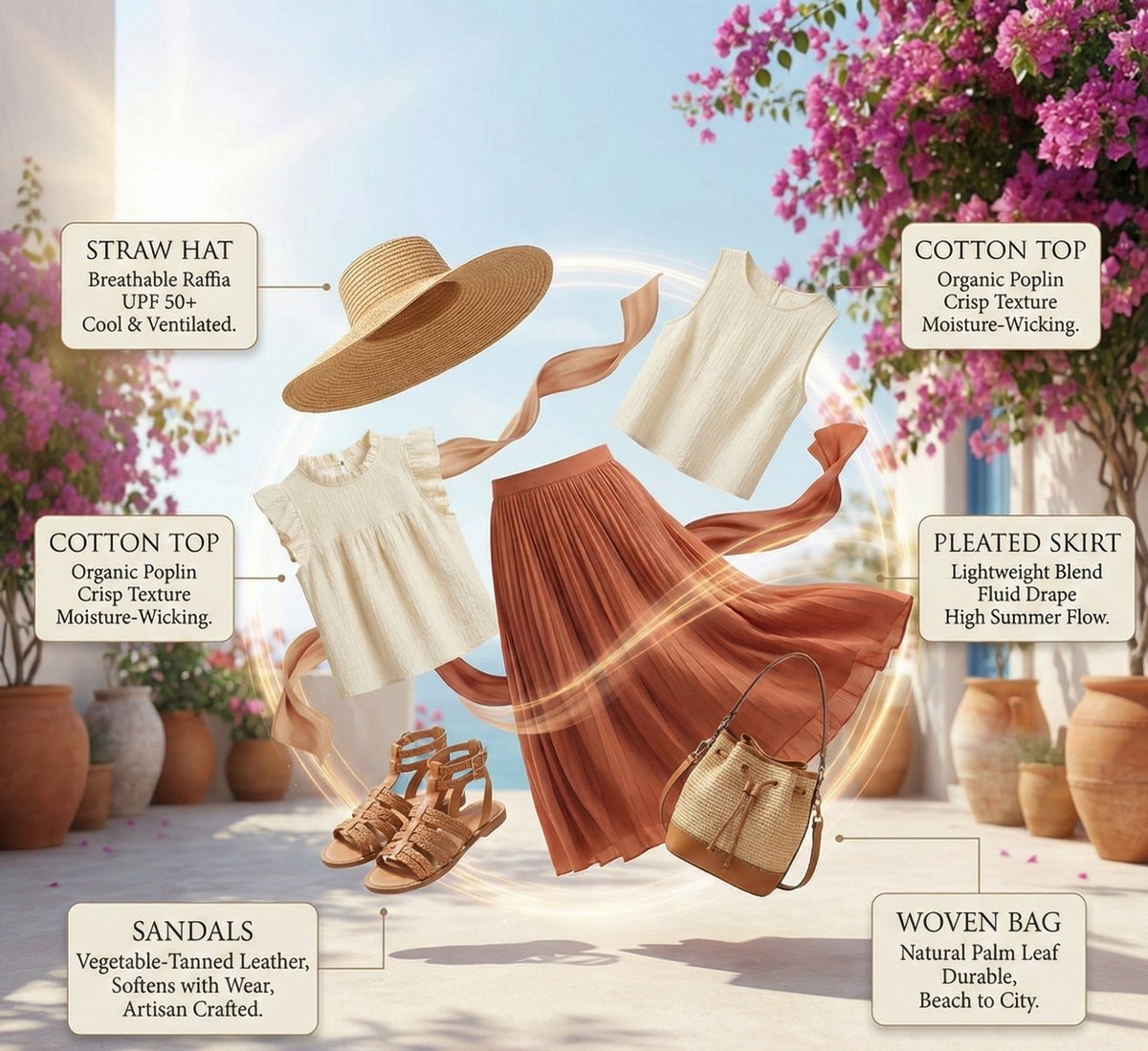
High-Fashion Summer Outfit Infographic with Exploded Composition

SSR Savanna Creature Card
Browse template categories
Apple macOS Redesign Promo Mockup questions
How do I use the Apple macOS Redesign Promo Mockup template?
Add your photo if the template asks for one, edit the prompt if you like — the template's model and format are already selected — and press Generate. Your version opens in PicX Studio.
Can I customize the Apple macOS Redesign Promo Mockup template?
Yes. You can change the subject, setting, lighting, mood, format, and available model controls before creating your image.
Is the Apple macOS Redesign Promo Mockup template free?
Opening and editing this template is free. Generating uses credits, shown on the Generate button when you are signed in.
Which AI model should I use?
Start with GPT Image 2, which is the model associated with this template. You can compare another compatible model for a different finish.
Looking for something else? Browse all templates.

Your photo, any look
Thousands of ready templates for every top image and video model, from one credit balance.