
Angular Manga Character Redesign
Transforms a manga character sheet into a single clean full-body black-and-white character illustration with a sharper seinen-inspired style.
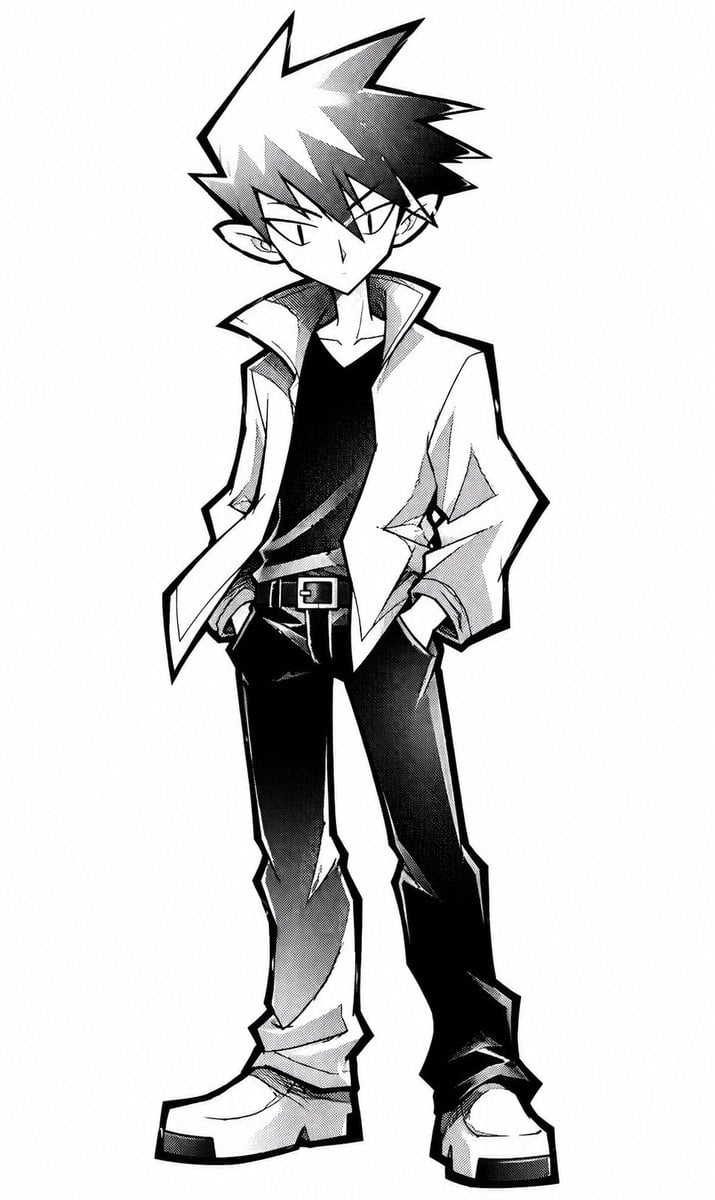
- Prompt included
- Model and format preset
- Free template
The prompt behind this image
Copy the exact prompt behind Angular Manga Character Redesign, or open it in the studio and make it yours.
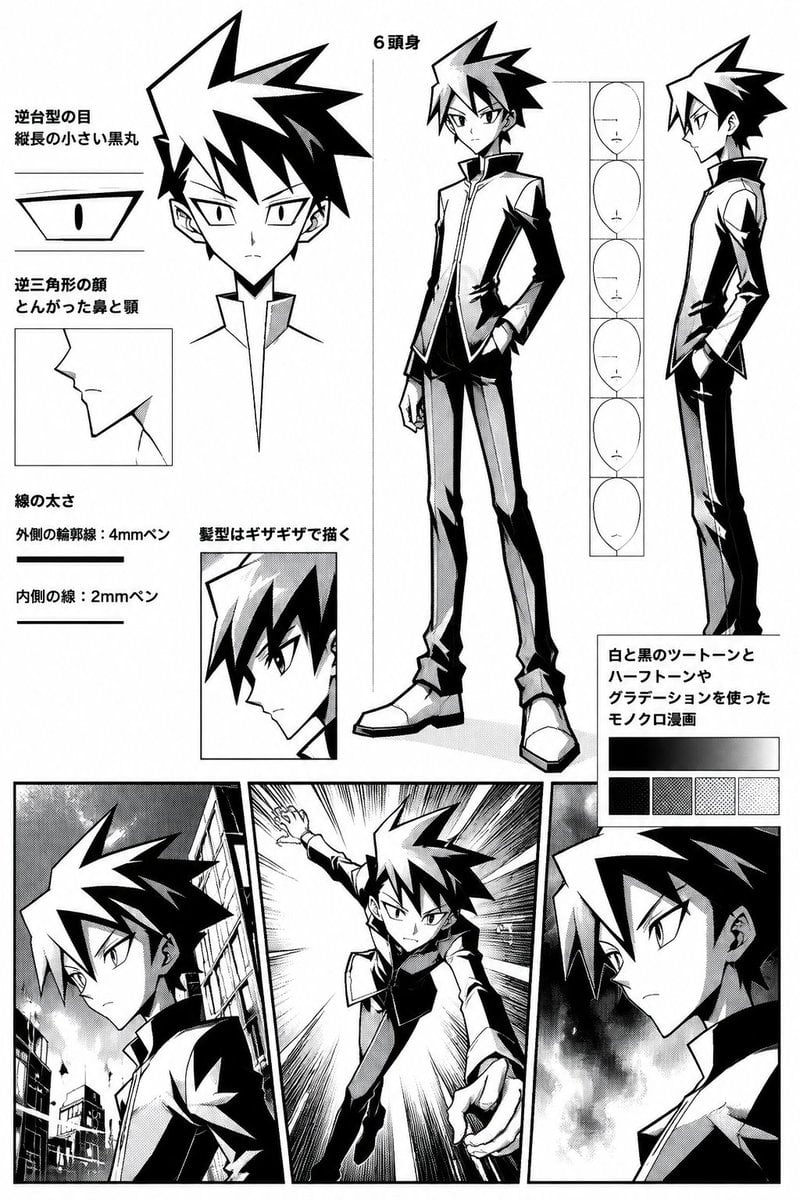
Using REFERENCE_0 as the character base, create a clean standalone full-body manga illustration instead of the character-design sheet. Remove all annotation text, guide diagrams, inset panels, sample expressions, tone swatches, and background comic panels. Regenerate the same boy in a more angular, gambling-manga-inspired black-and-white style with sharper facial geometry, narrow triangular eyes, a pointed nose, harsher zigzag contour lines, and heavier dramatic ink shadows. Pose him standing front-facing with a slight contrapposto lean, head tilted downward, both hands in his pants pockets, giving a cool aloof expression. Update the outfit to an open light jacket with a high popped collar over a black shirt, dark straight pants with a belt, and oversized chunky shoes. Keep the spiky hair silhouette and monochrome manga screen-tone rendering, but make the final image a single centered character on a plain white background with no text, no panels, and no extra objects. Character style target: {argument name="manga style influence" default="Kaiji-inspired angular seinen manga"}. Outfit color balance: {argument name="outfit contrast" default="light open jacket, black shirt, dark pants"}. Pose: {argument name="standing pose" default="front-facing, head slightly lowered, both hands in pockets"}. Background: {argument name="background" default="plain white"}.
Reference images included
Angular Manga Character Redesign needs input media to work. They load alongside the prompt when you open it in the studio.
How to use Angular Manga Character Redesign in 3 steps
- 1Upload ImagePNG, JPG or paste
Add your photo
Upload the photo the template builds on. The prompt, model and format are already set.
- 2…a portrait of your subject in softgolden-hour light, 85mm…
Personalize
Edit the subject and creative details for your destination.
- 3Generate
Generate
Press Generate — your image is created in PicX Studio, so you can compare it with the original and refine one variable at a time.
More like this
Templates with the same subject, style or setup. Open one to see its prompt.
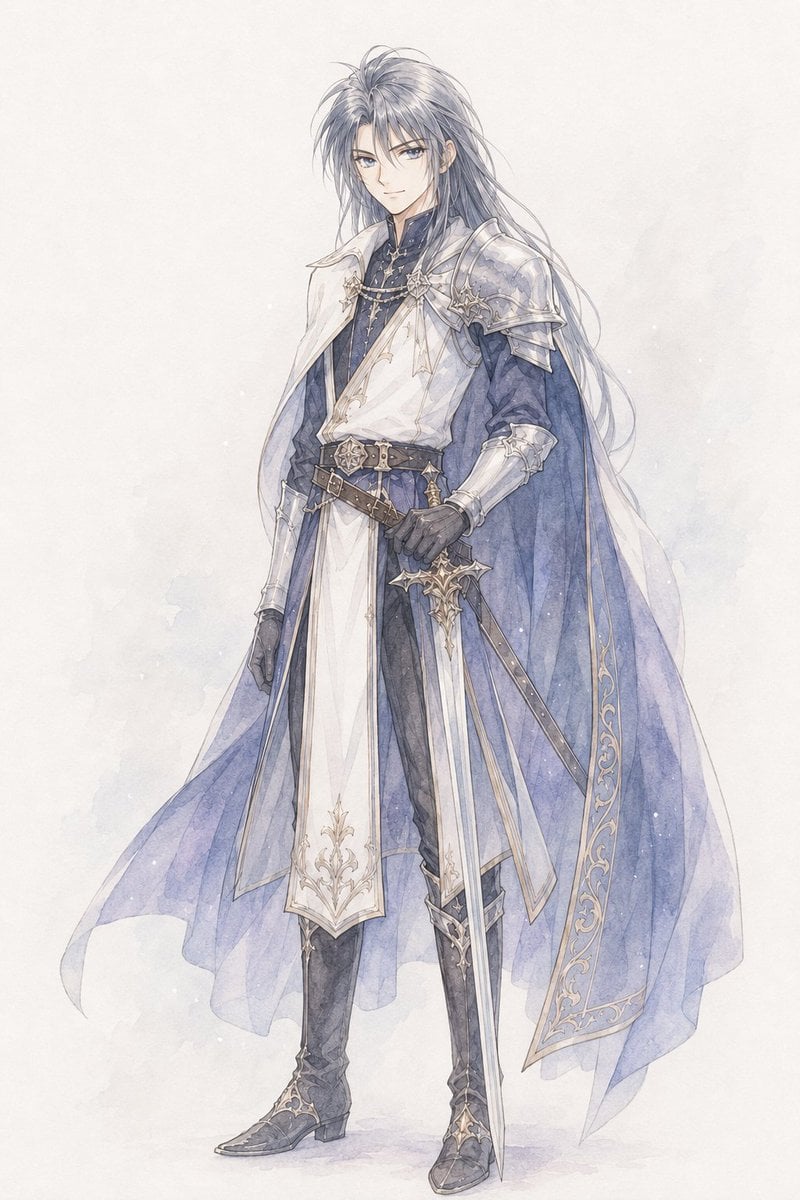
Watercolor Fantasy Knight Redesign
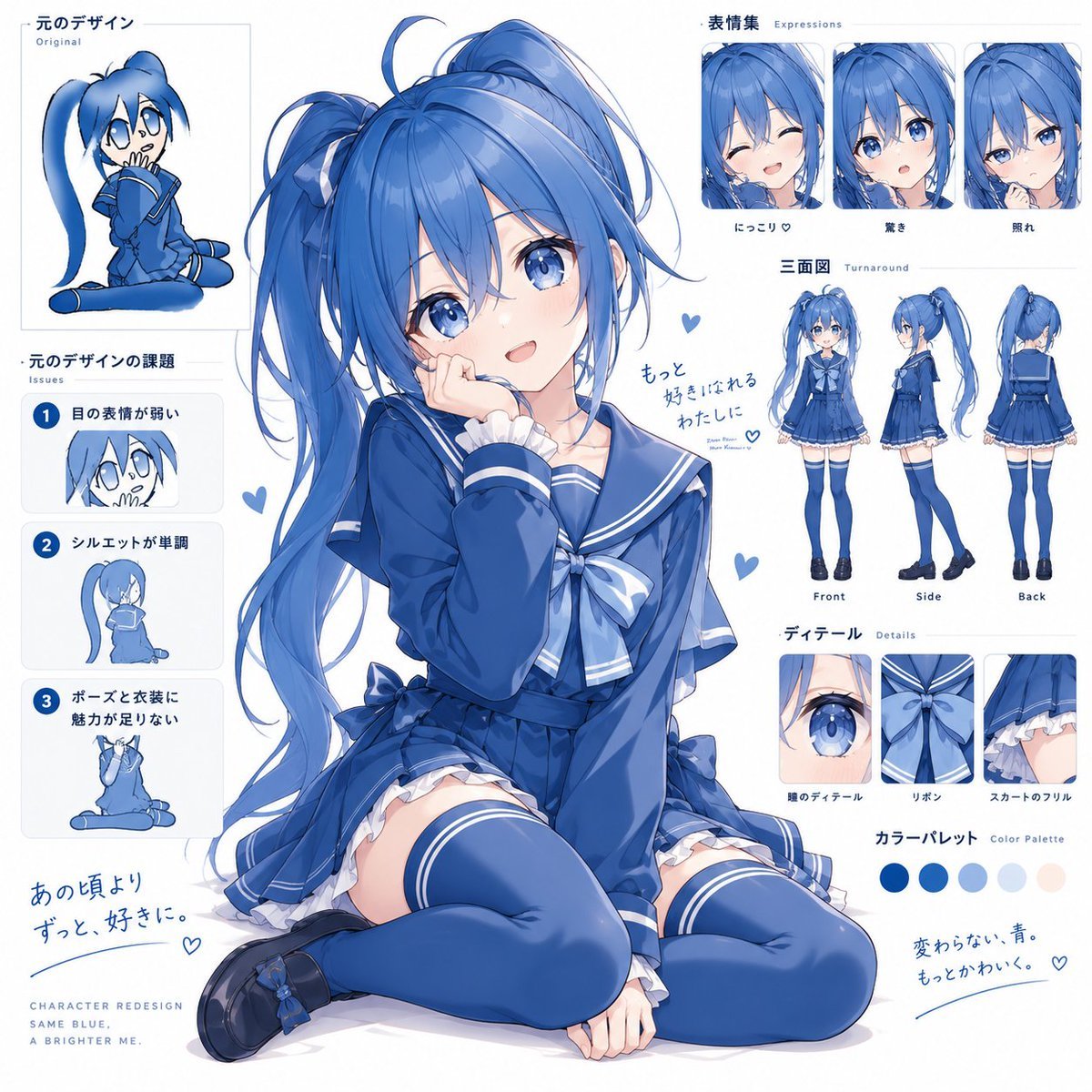
Blue Anime Character Redesign Sheet
Glossy AI Logo Redesign Row
Mixtape Zine Webpage Redesign
Apple macOS Redesign Promo Mockup
Dark AI News Archive Redesign
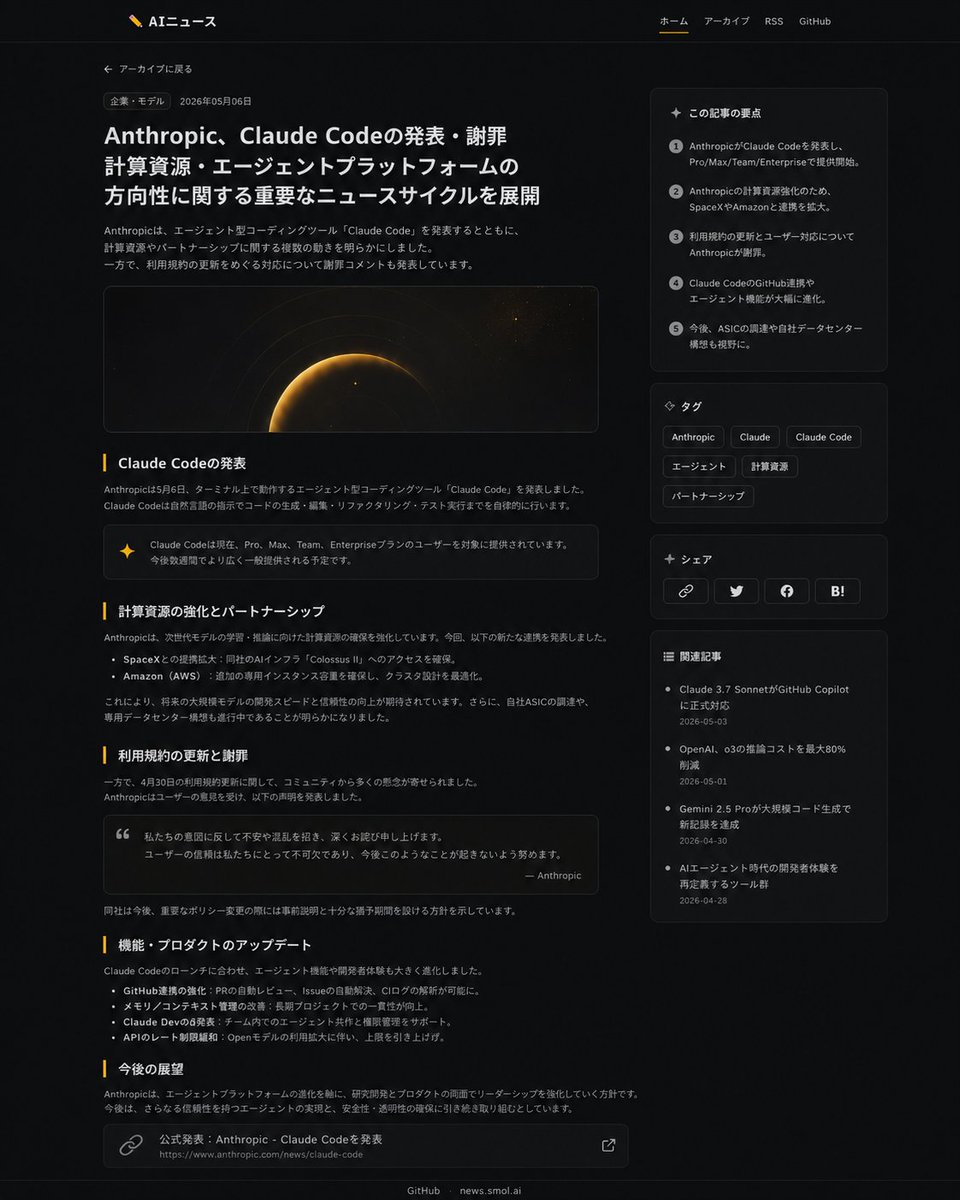
Dark News Article UI Redesign
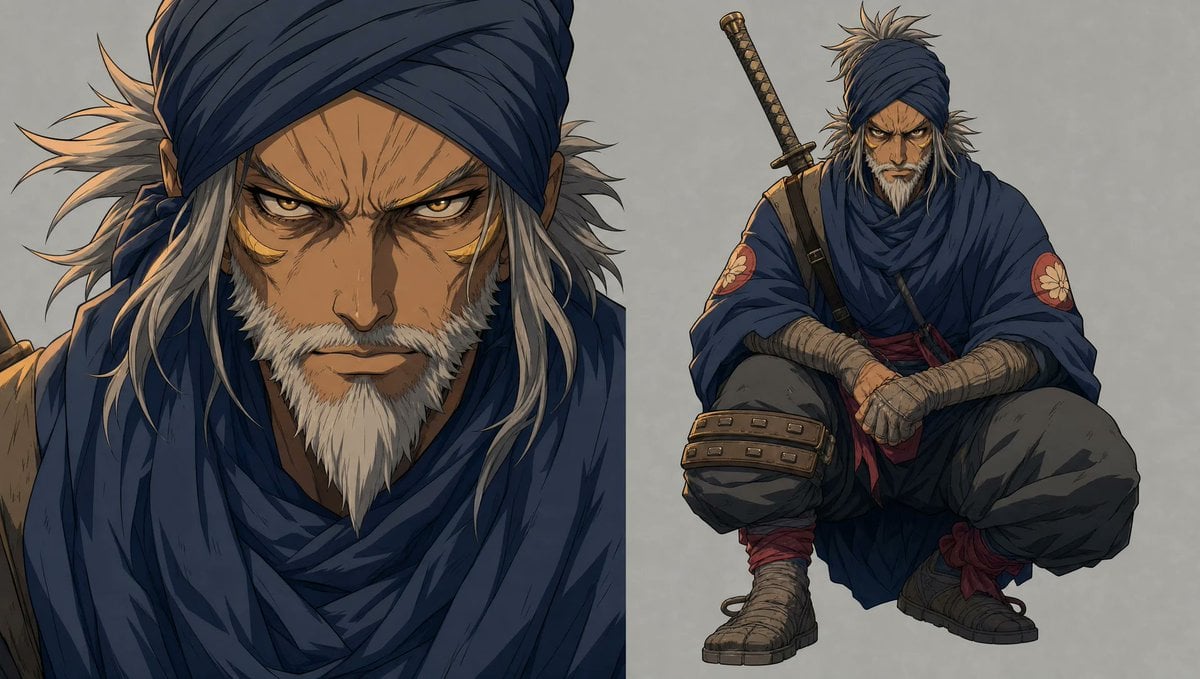
Faceless Shinobi Character Redesign
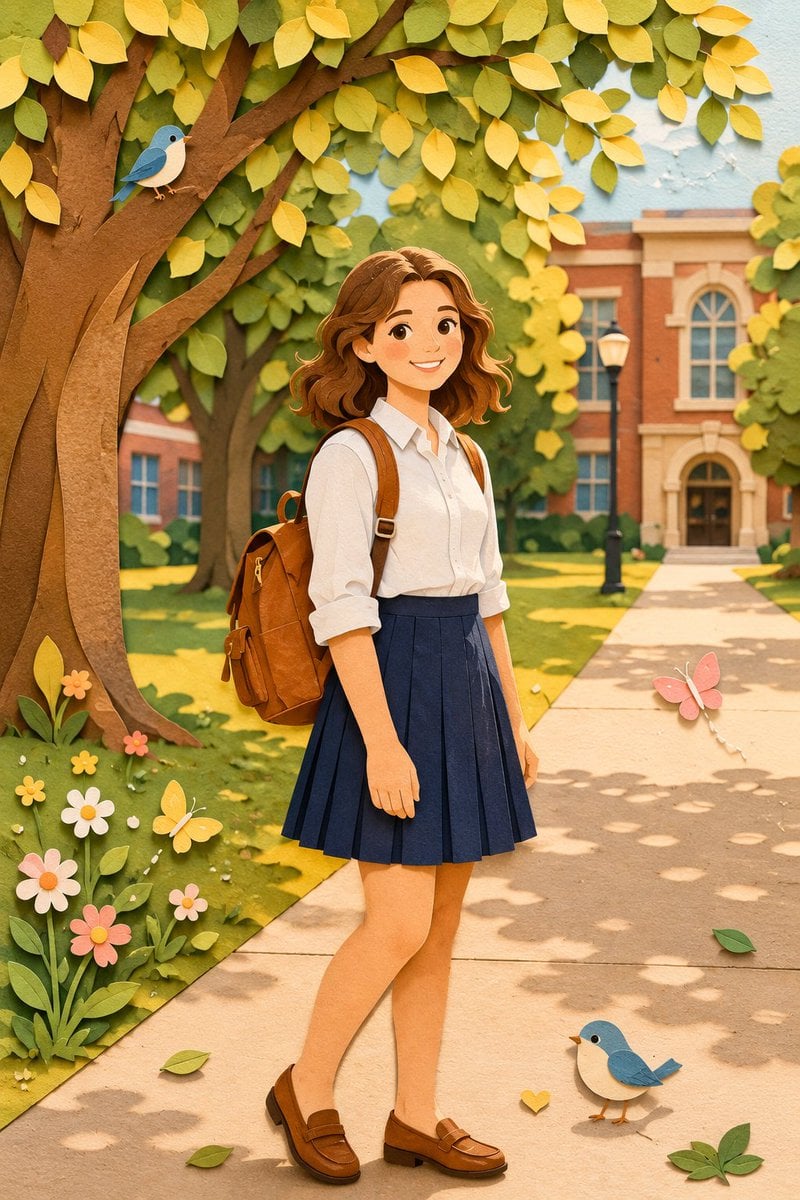
Paper Craft Style Redesign
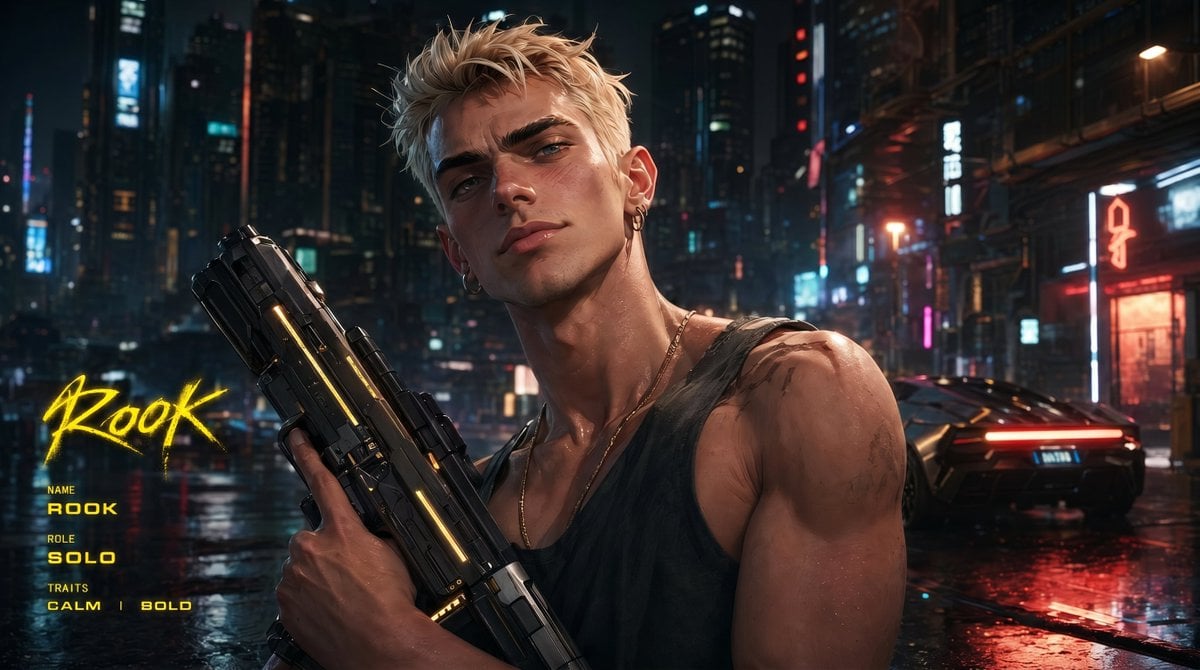
Cyberpunk Character Redesign
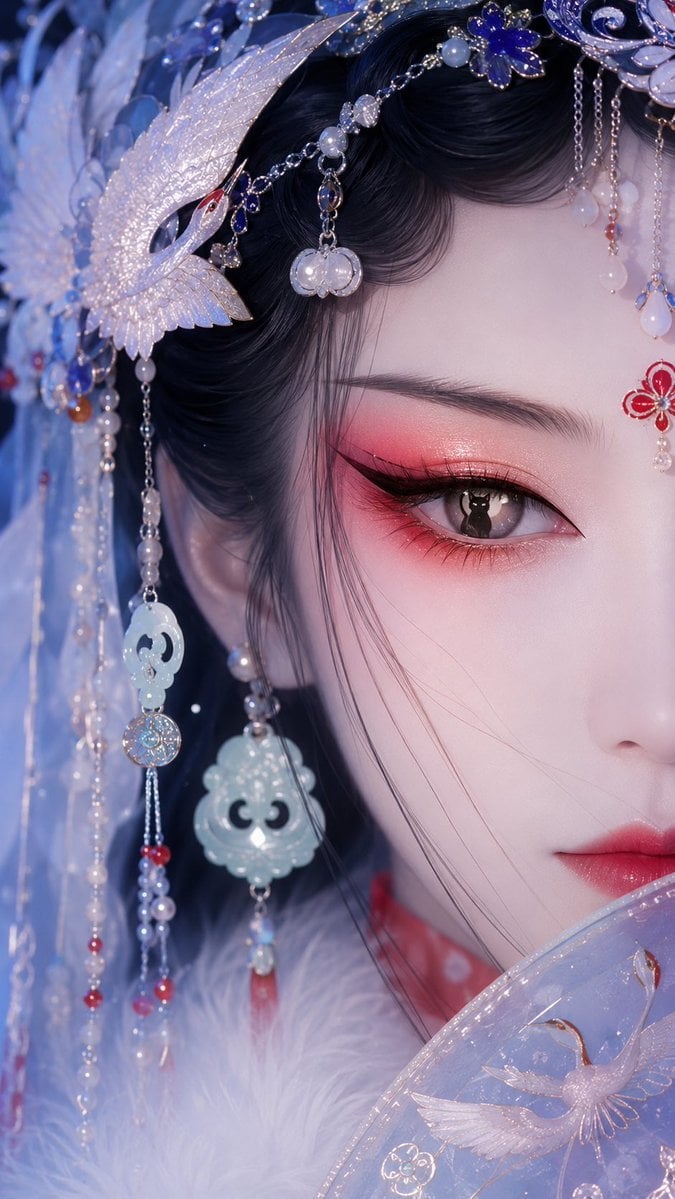
Oriental Opera Beauty Character Redesign
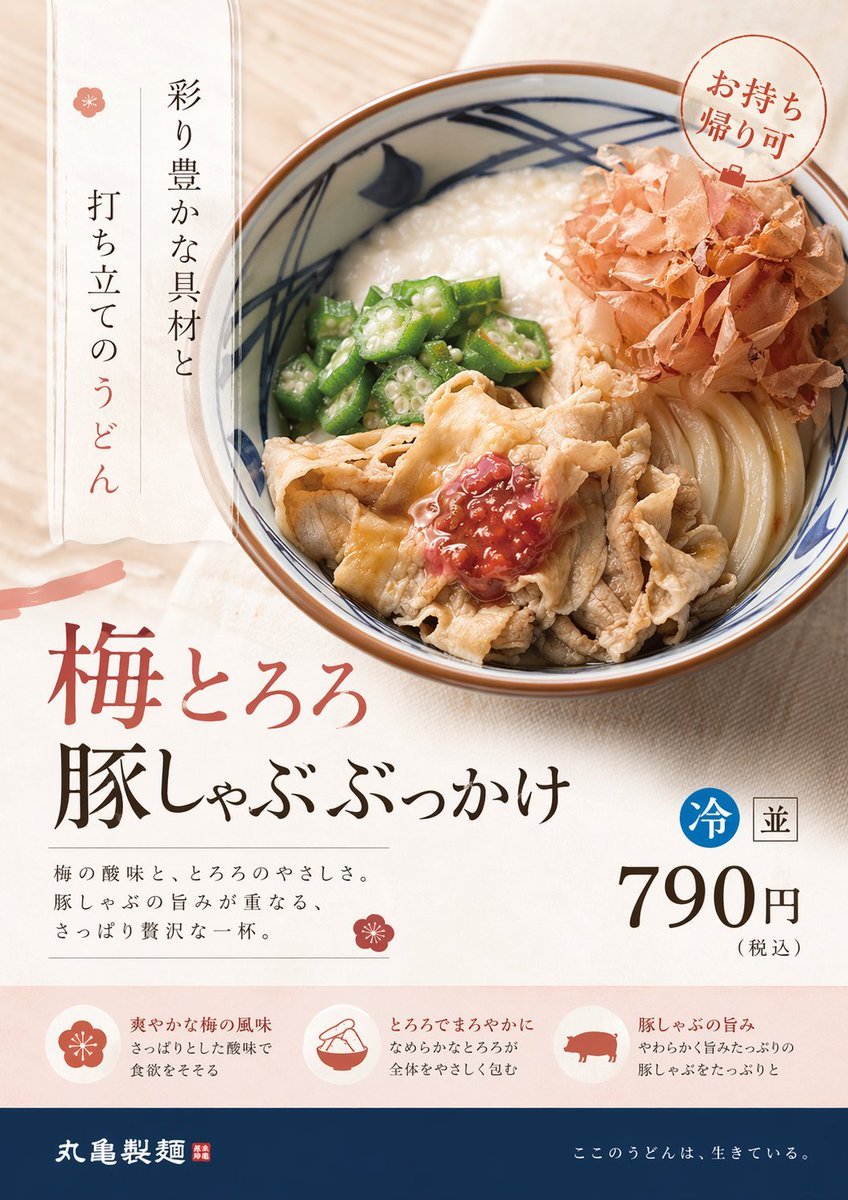
Professional Designer Product Ad Redesign
Make it yours
Angular Manga Character Redesign works as-is. These are the safest ways to change it without losing the look.
Change one field
Copy a single group, rewrite it, and generate again so you can see what that field is doing.
Keep the frame, change the subject
Hold the composition and light of Angular Manga Character Redesign, then swap wardrobe, props or the person for a new take.
| If the result… | Why | Fix |
|---|---|---|
| The result drifts from the preview | Too many fields changed at once. | Reuse Angular Manga Character Redesign as-is first, then change one group — subject, light, or setting. |
| The model over-stylizes the scene | The prose prompt leaves finish and camera underspecified. | Add one camera or lighting sentence and stay on GPT Image 2. |
More GPT Image 2 templates
Other prompts made for GPT Image 2.

Six VTuber Japanese Logo Sheet

Realistic Portrait of Woman and Deer

The Vista Modular Condo Poster

AI Model Routing Comparison Infographic

2.5D Anime Art Board

Isometric Productivity Desk Scene

New York Double Exposure Poster

Four-Panel AI Landscape Comparison

Japanese Tatami Lifestyle Magazine Cover

NESCAFÉ Coffee Map Poster
More image prompts
Fresh picks from across the catalog.
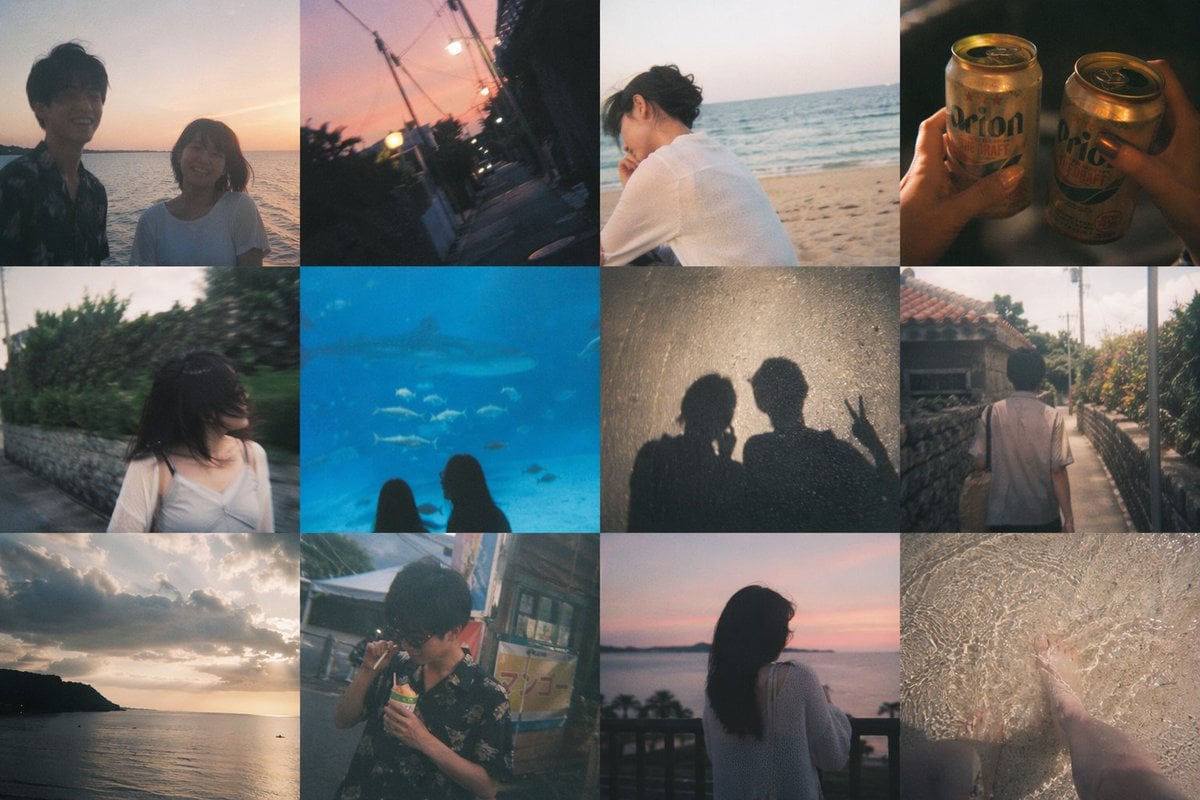
Okinawa Travel Memory Collage
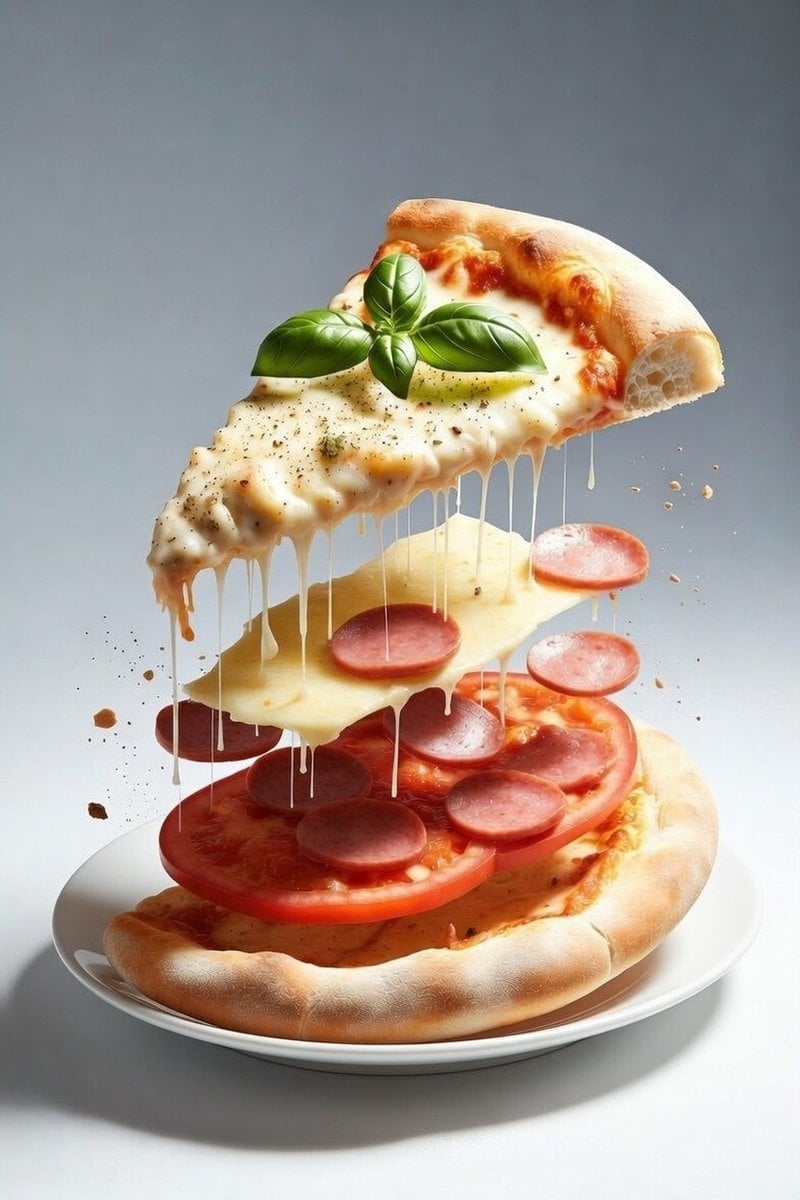
Deconstructed Floating Pizza Still Life Prompt
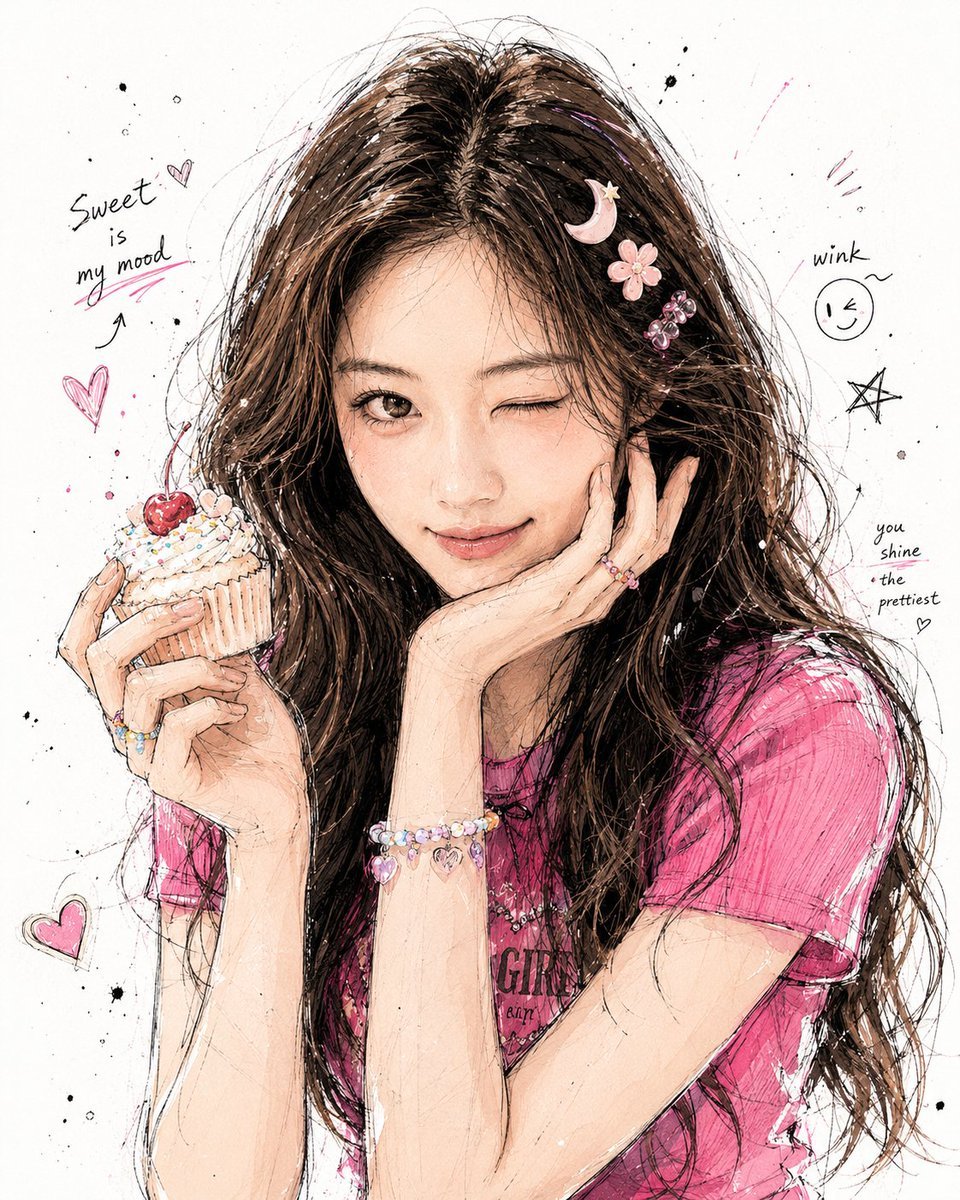
Korean Graffiti Illustration Portrait
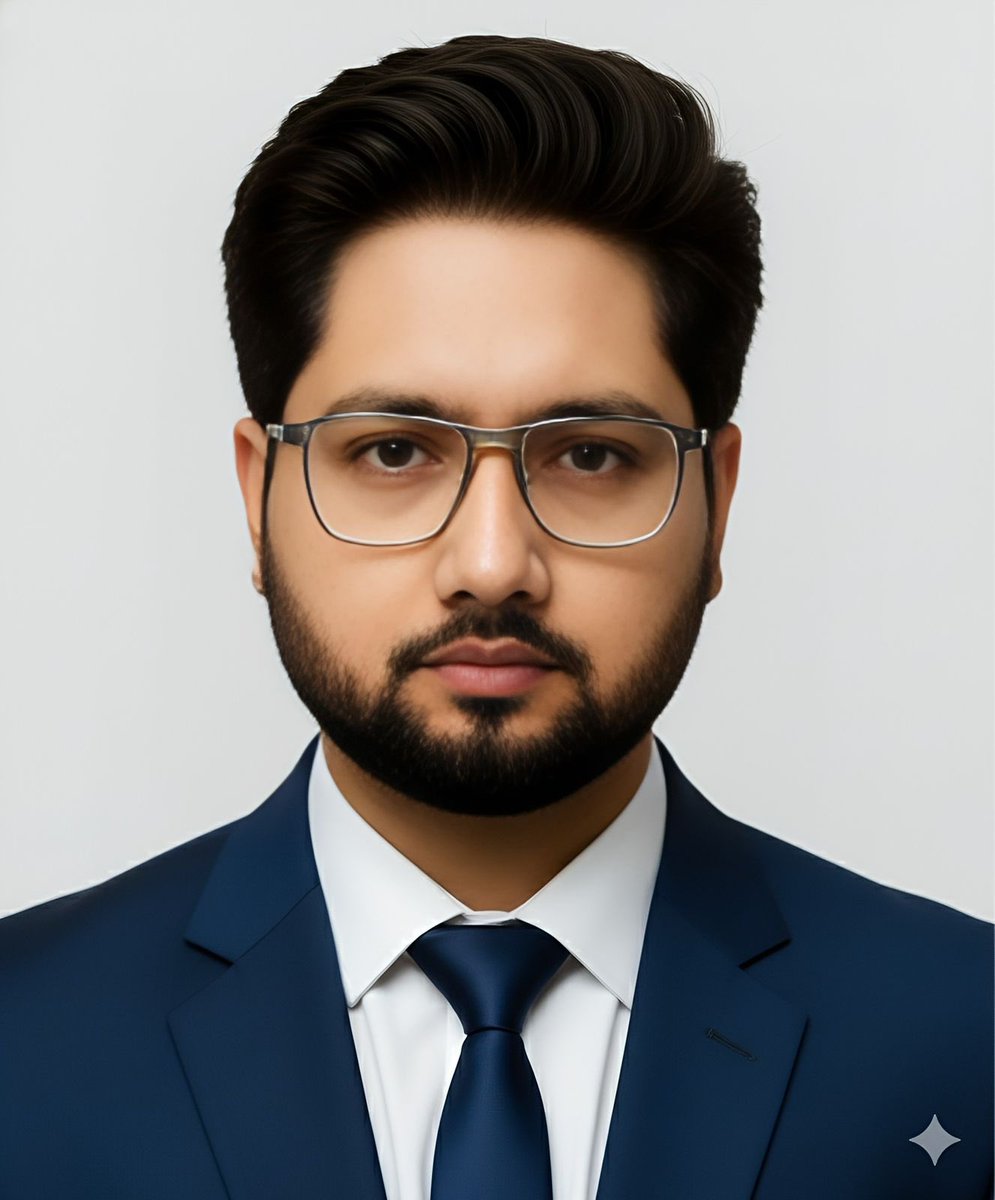
Passport Photo Style Portrait Replication Prompt
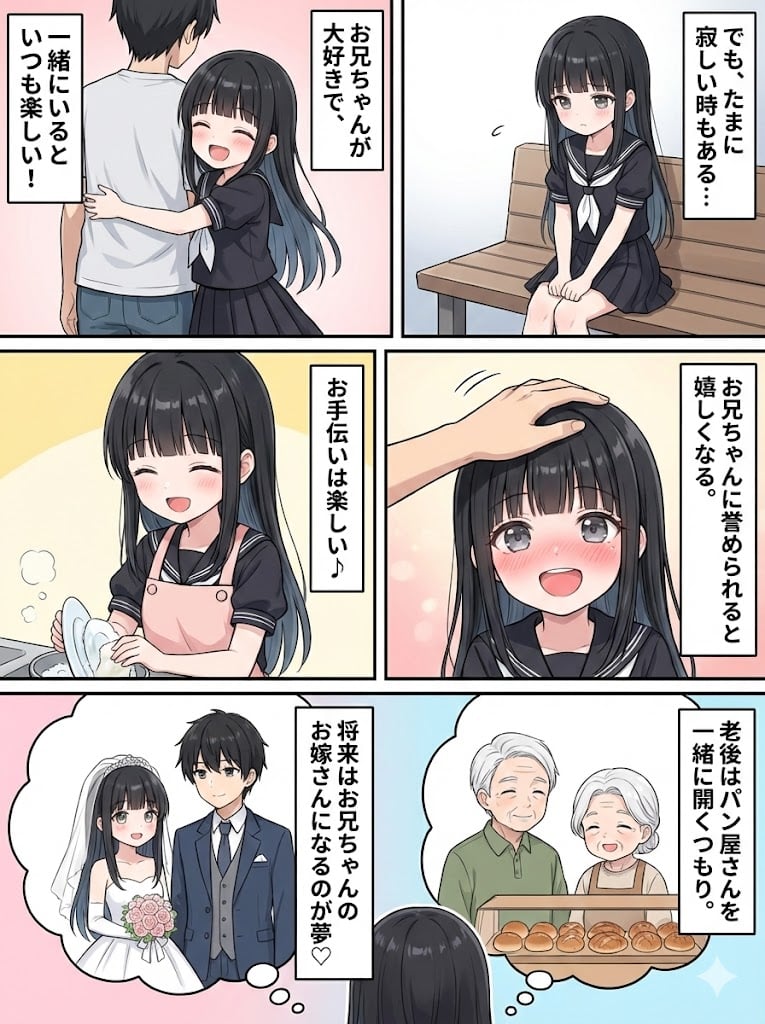
Character Generation and Document Summary Visualization
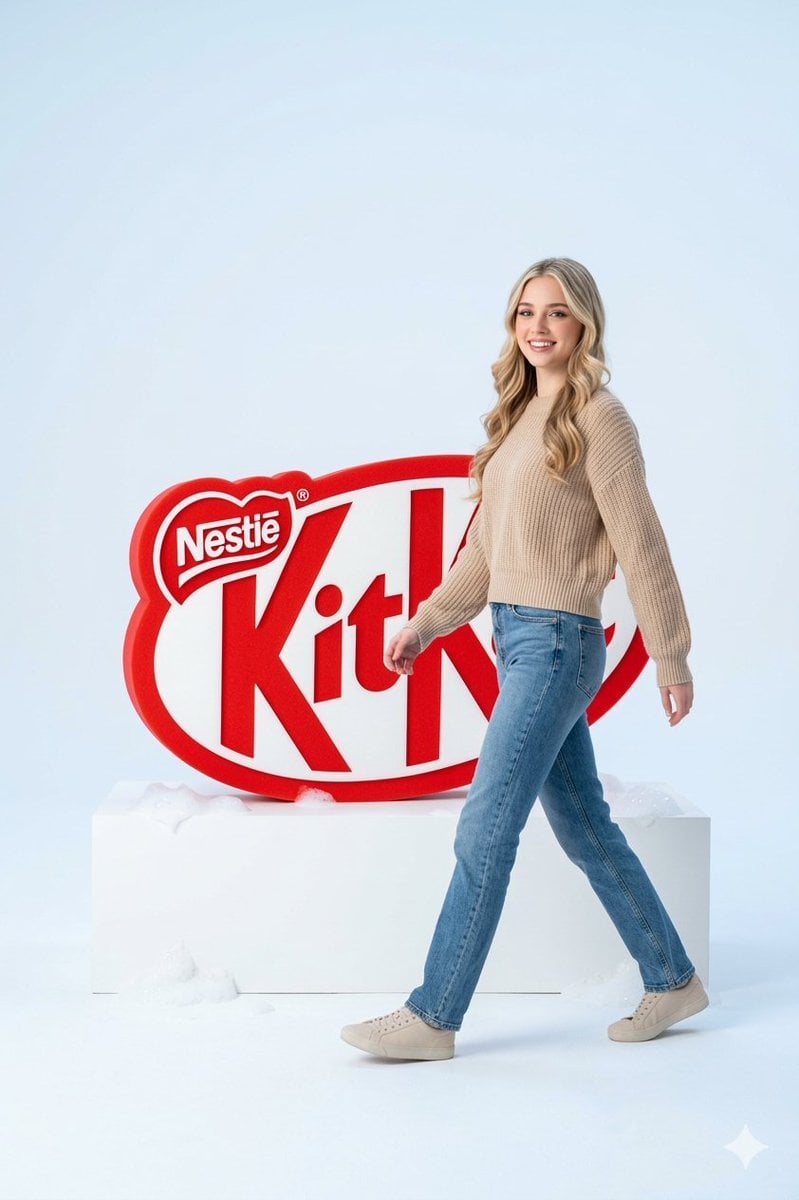
Premium Advertising Campaign Photograph
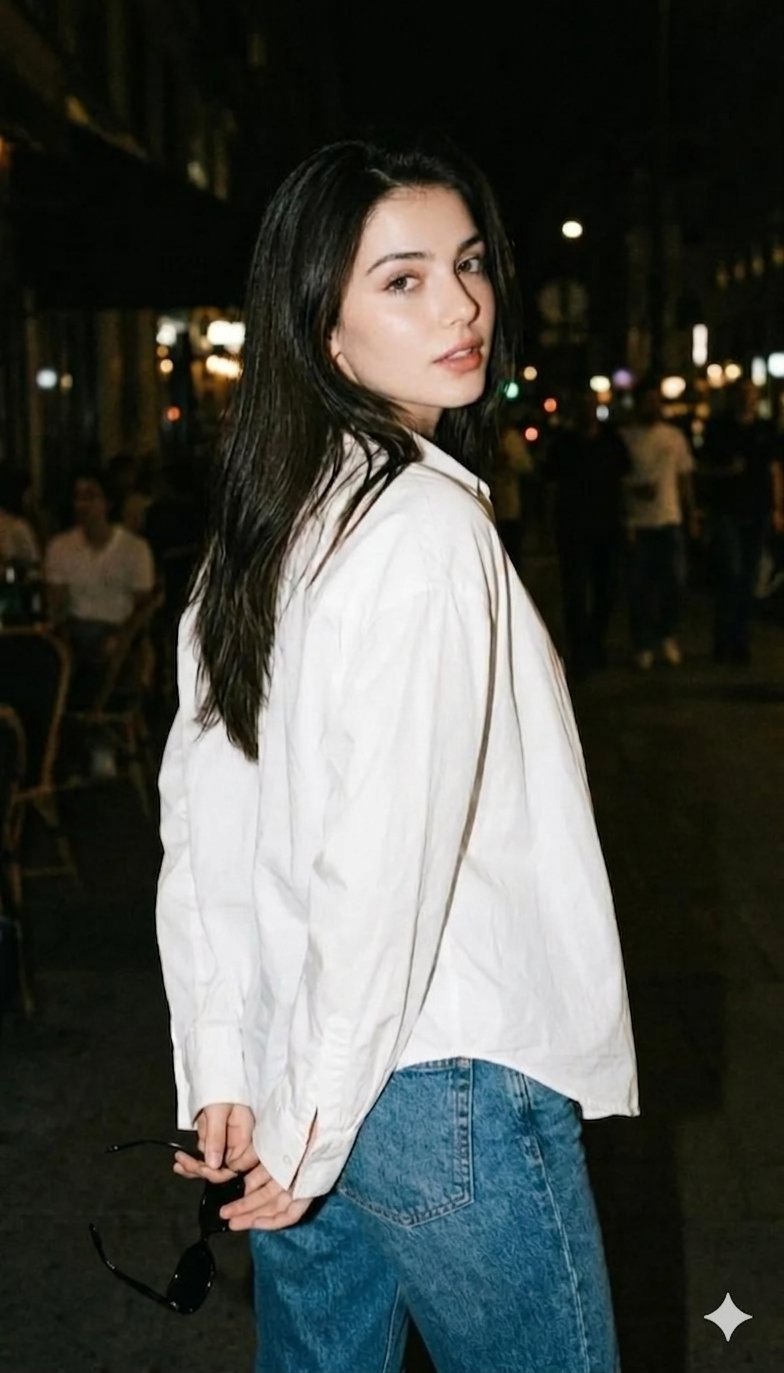
Gemini Night Flash Portrait
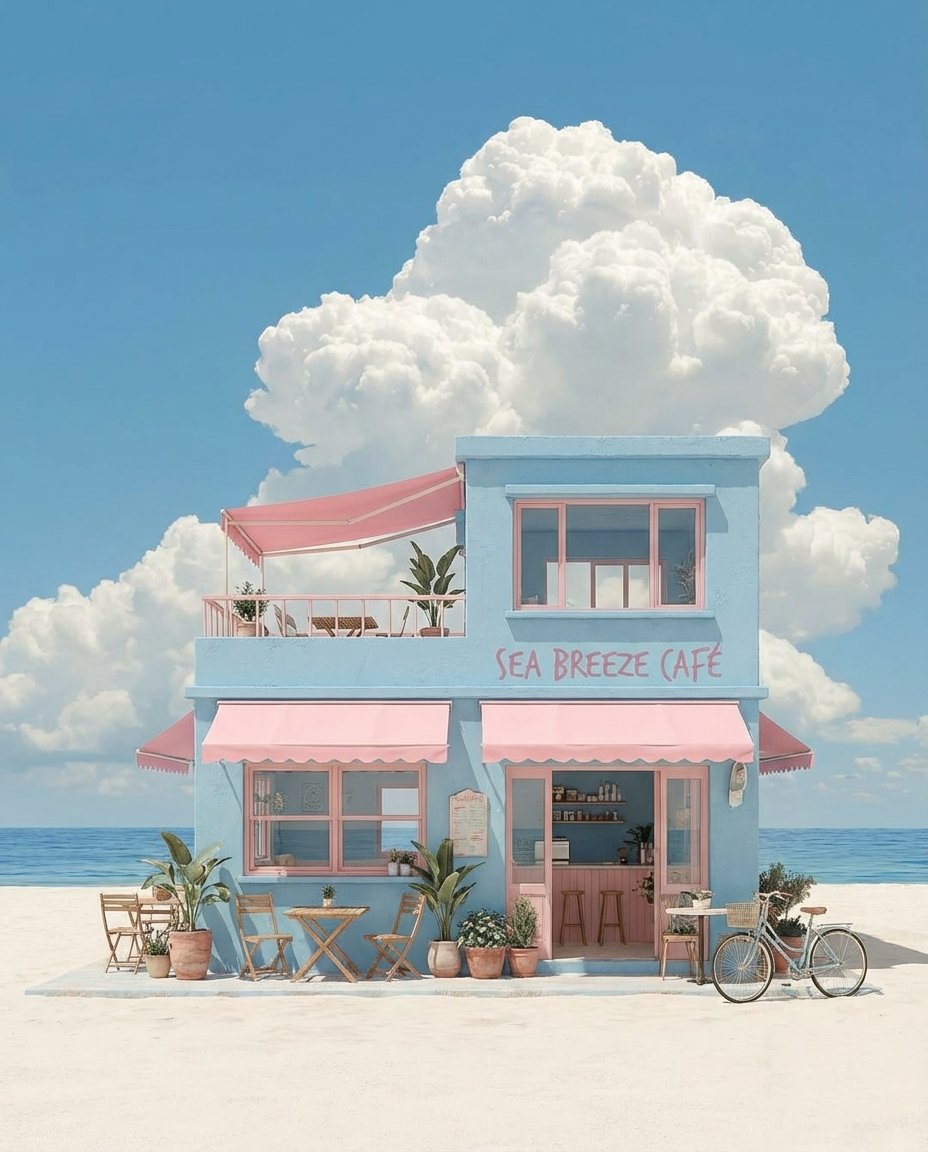
Pastel Coastal Building with Dramatic Cumulus Cloud Prompt
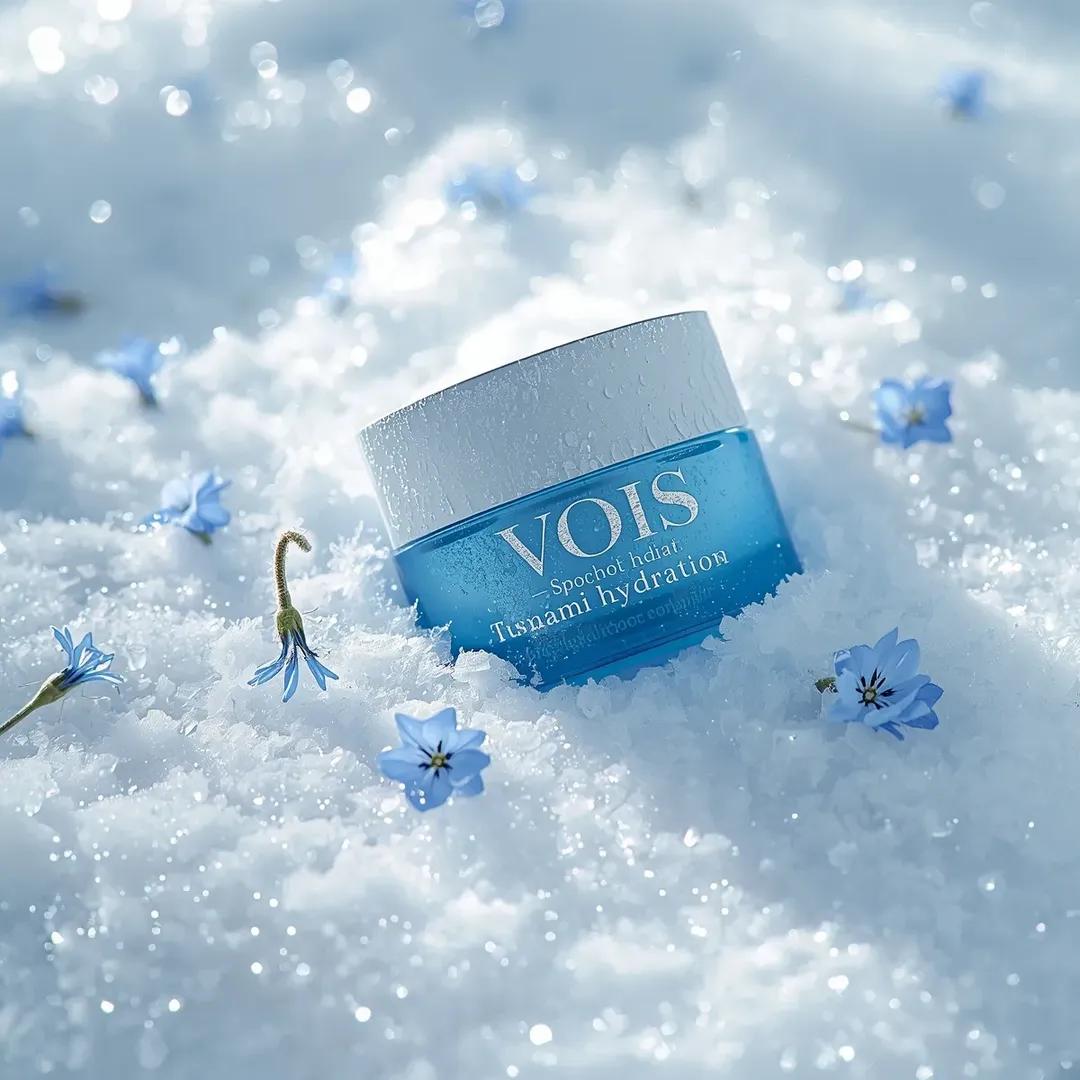
Photorealistic Skincare Product Photography Prompt for Nano Banana Pro
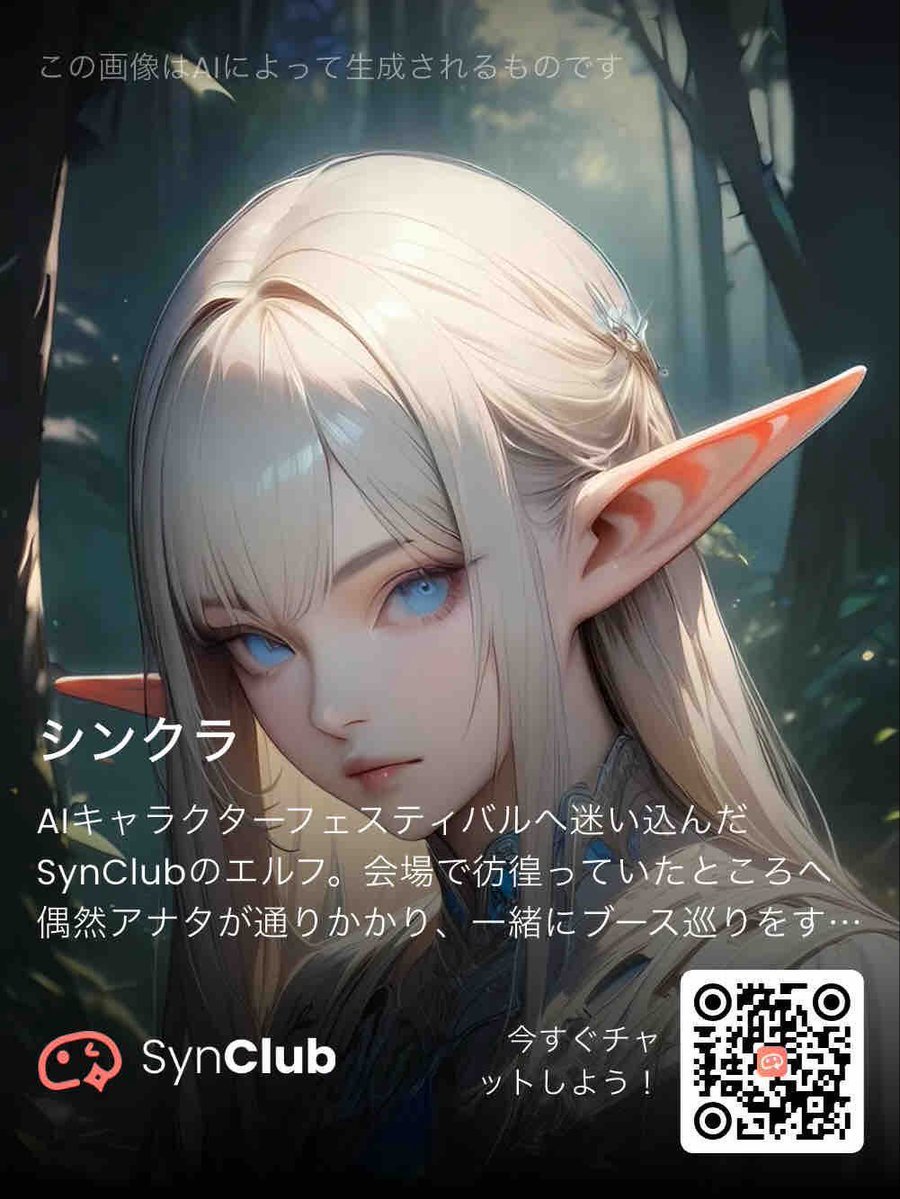
SynClub Elf Character Promo Card
Browse template categories
Angular Manga Character Redesign questions
How do I use the Angular Manga Character Redesign template?
Add your photo if the template asks for one, edit the prompt if you like — the template's model and format are already selected — and press Generate. Your version opens in PicX Studio.
Can I customize the Angular Manga Character Redesign template?
Yes. You can change the subject, setting, lighting, mood, format, and available model controls before creating your image.
Is the Angular Manga Character Redesign template free?
Opening and editing this template is free. Generating uses credits, shown on the Generate button when you are signed in.
Which AI model should I use?
Start with GPT Image 2, which is the model associated with this template. You can compare another compatible model for a different finish.
Looking for something else? Browse all templates.

Your photo, any look
Thousands of ready templates for every top image and video model, from one credit balance.