How do I use the Dark News Article UI Redesign template?
Choose the primary action to open PicX Studio with the available template settings. Review the model and format, personalize the creative direction, and generate when ready.
Transforms a simple Japanese AI news article page into a modern dark editorial layout with sidebar summaries, tags, sharing, and related articles. Change the subject, setting, or lighting one variable at a time.
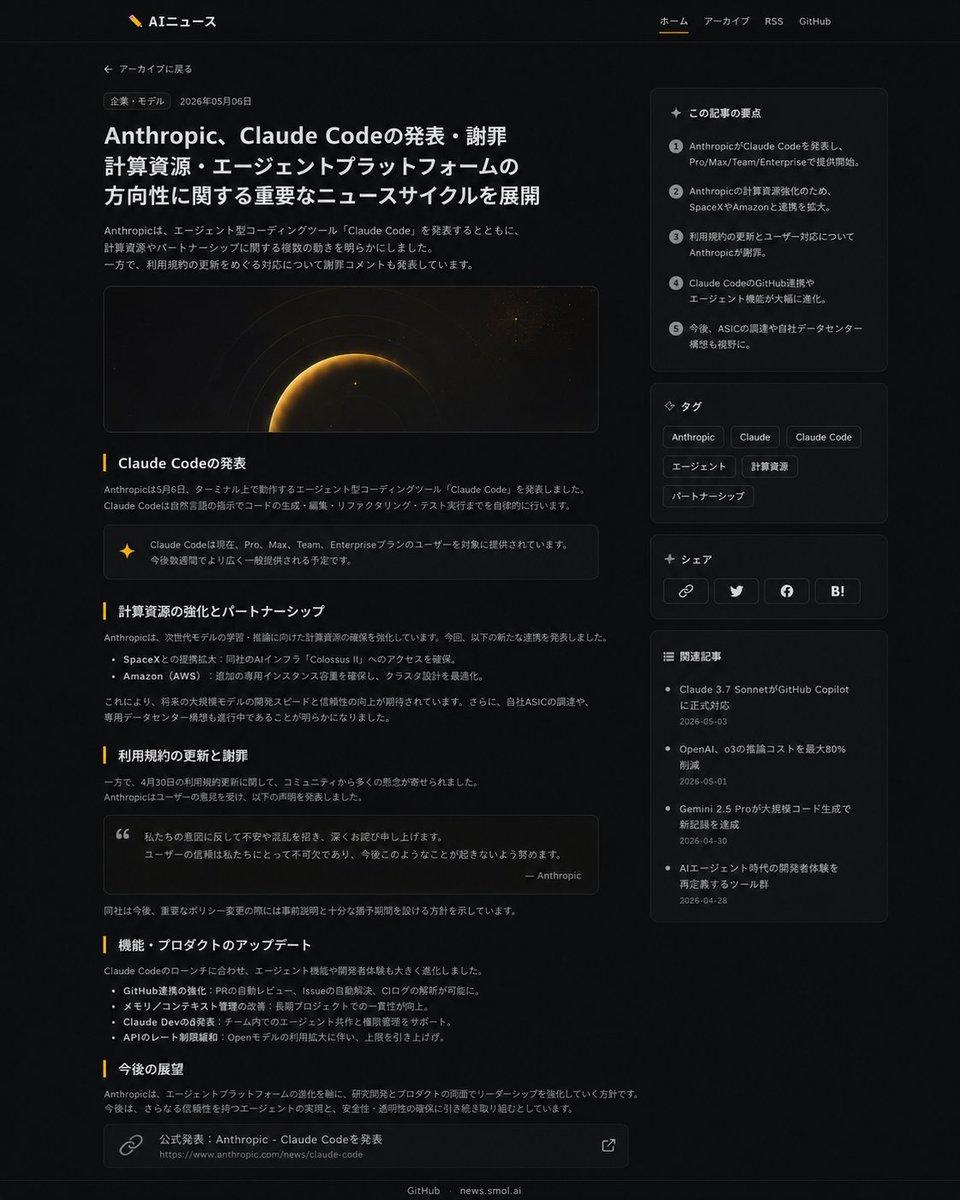
Using REFERENCE_1 as the source article page and REFERENCE_0 as the site branding/navigation reference, redesign the article page into a polished modern dark-mode news UI while preserving the Japanese article topic and overall site identity. Keep the header with logo and nav links, but make the article layout wider and more editorial: add a back-to-archive link, a category pill, date, large bold headline, short intro paragraph, and a wide cinematic hero image with a dark space/planet glow motif. Reformat the article body into clear sections with exactly 5 visible section headings: 「Claude Codeの発表」, 「計算資源の強化とパートナーシップ」, 「利用規約の更新と謝罪」, 「機能・プロダクトのアップデート」, and 「今後の展望」. Add inline UI enhancements including one highlighted note/callout box, one quote box, bullet lists, and a bottom source-link card. Add a right sidebar containing exactly 4 stacked cards: 1) 「この記事の要点」 with 5 numbered summary points, 2) 「タグ」 with 6 tag chips labeled Anthropic, Claude, Claude Code, エージェント, 計算資源, パートナーシップ, 3) 「シェア」 with 4 share buttons/icons for link, Twitter/X, Facebook, and Hatena Bookmark, and 4) 「関連記事」 with 4 related article links and dates. Use subtle borders, rounded cards, muted gray text, amber accent lines, and generous spacing; keep the footer links GitHub and news.smol.ai.
Dark News Article UI Redesign needs input media to work. Open it in the studio and these load alongside the prompt — pick whichever ones your chosen model can take.
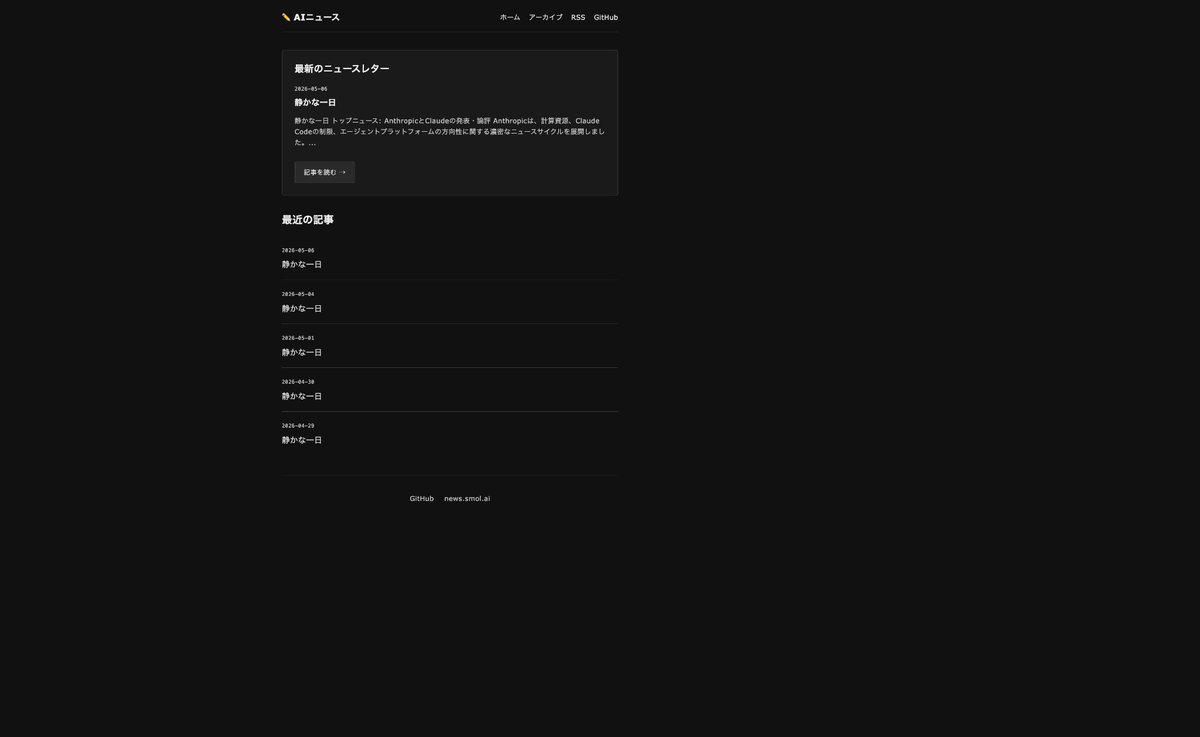
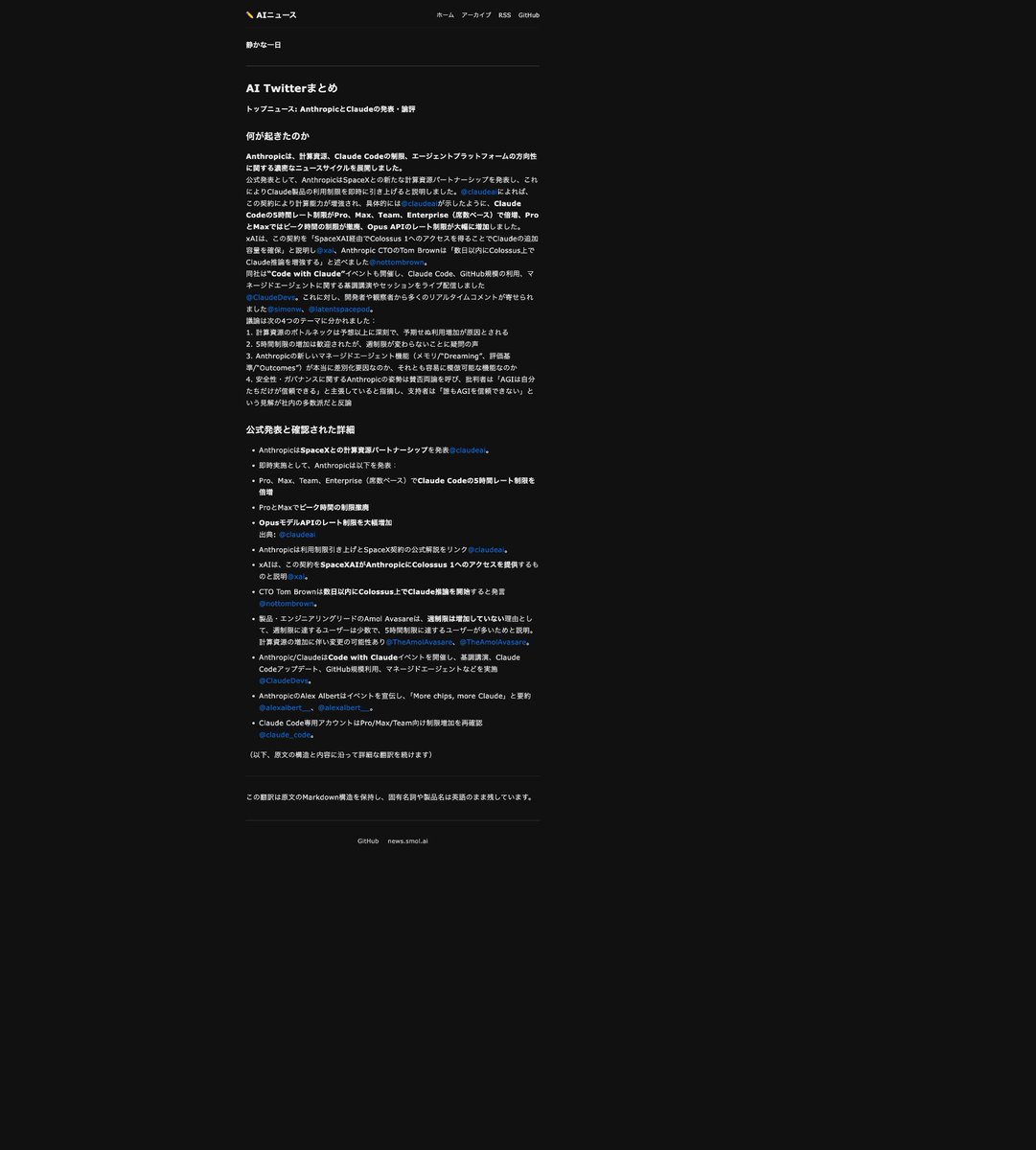
Choose the primary action to open PicX Studio with the available template settings. Review the model and format, personalize the creative direction, and generate when ready.
Yes. You can change the subject, setting, lighting, mood, format, and available model controls before creating your image.
This template is free to open and customize. Generation usage is shown in PicX Studio before you create.
Start with GPT Image 2, which is the model associated with this template. You can compare another compatible model for a different finish.
© 2026 PicX Studio. All rights reserved.

Follow a topic to a crawlable collection of related PicX Studio templates.
43,474 public templates available. Verified via the PicX Studio public templates API; refreshed hourly.
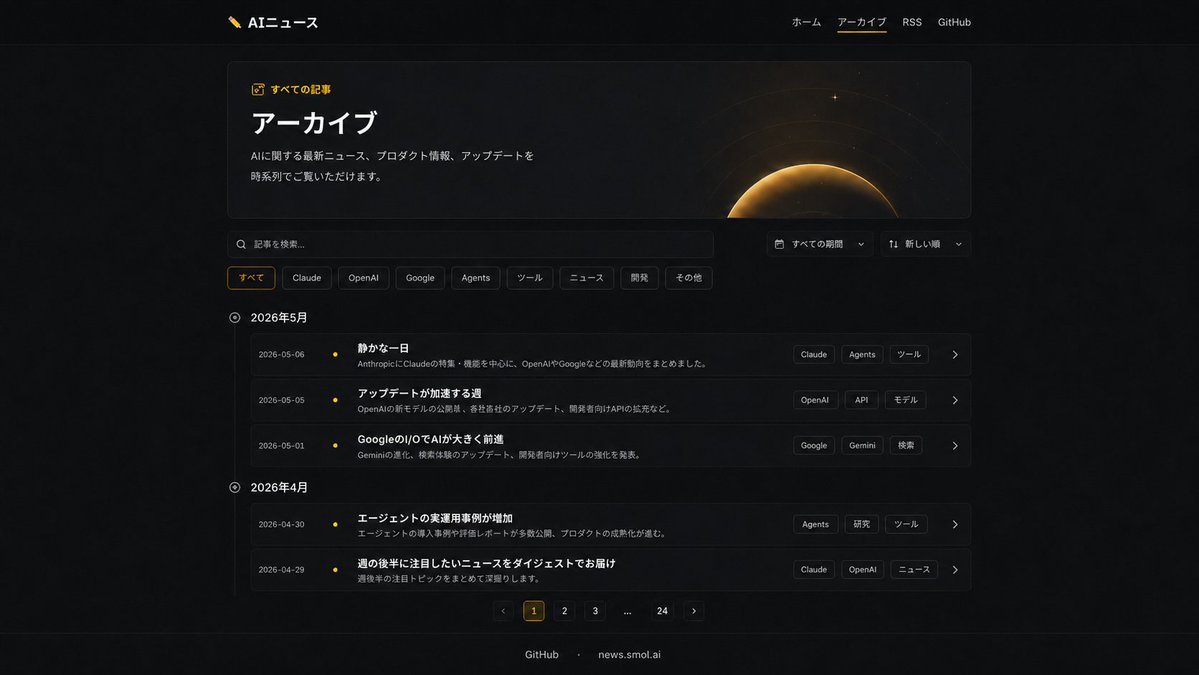




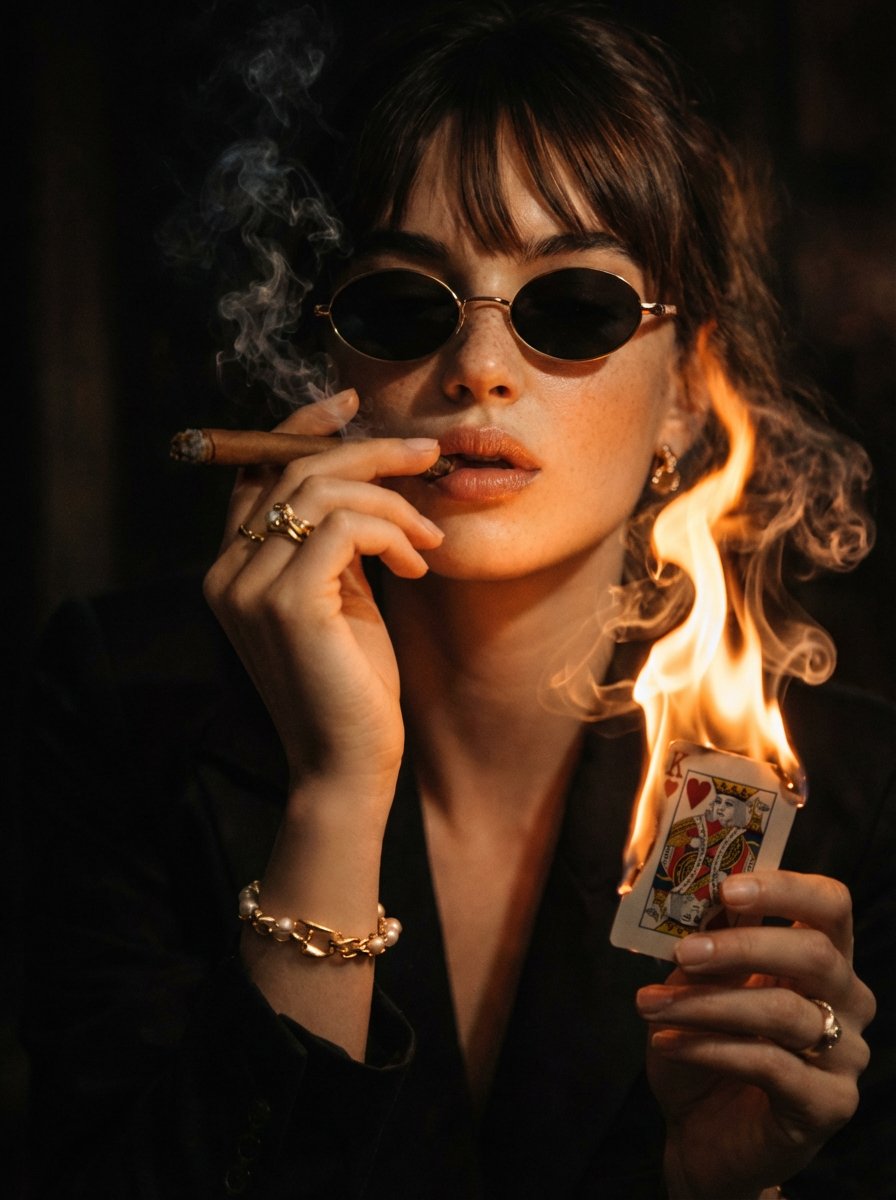
![Logo in a high-contrast dark color Black or Navy directly onto — [BRAND NAME]: The core identity.
[CATEGORY]: Clothing / Food / Automotive / Lifestyle.
Goal:](https://images.meigen.ai/tweets/2032532246641406264/0.jpg)


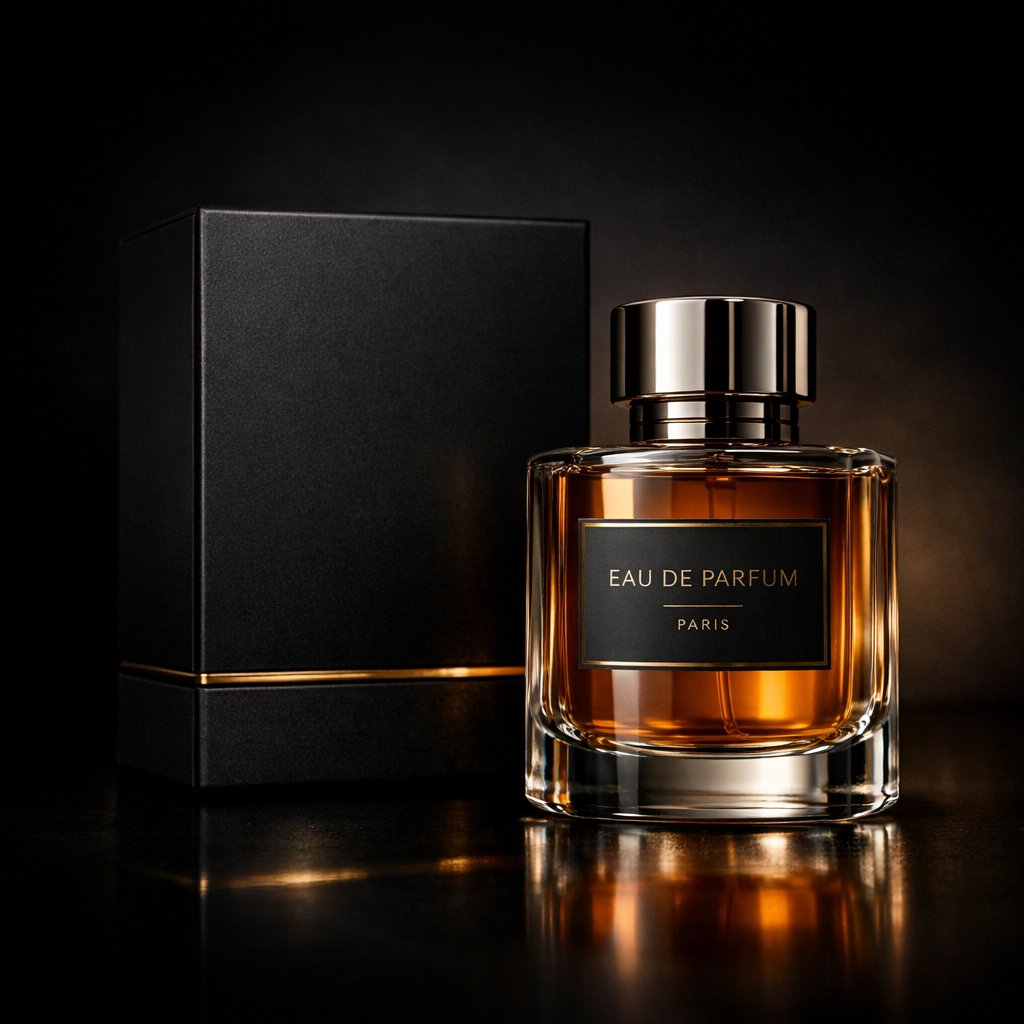




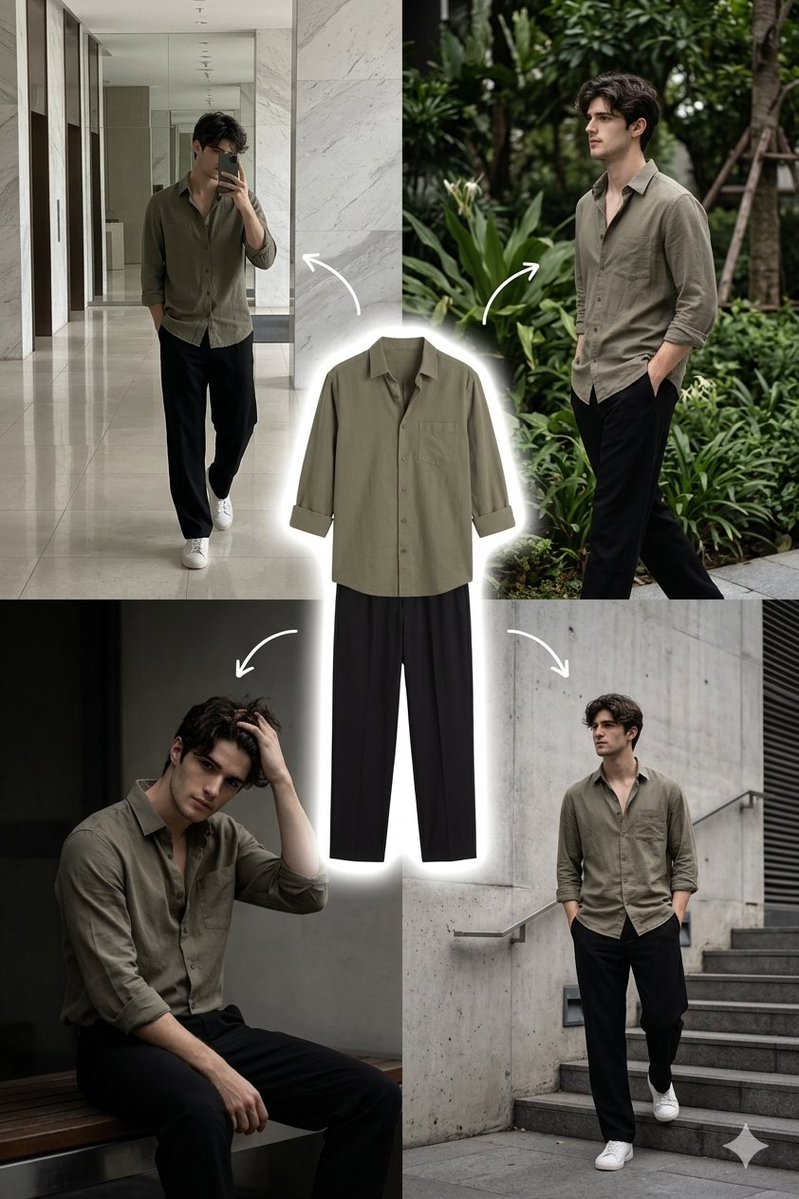
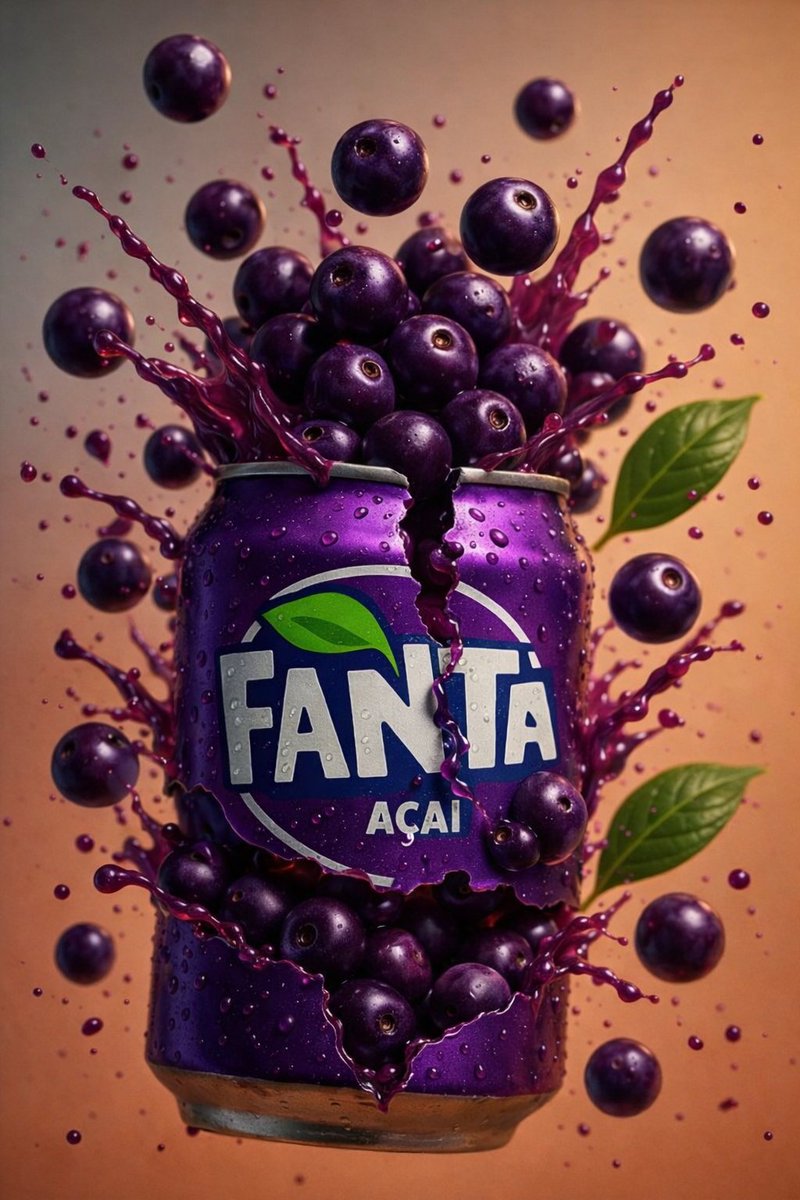


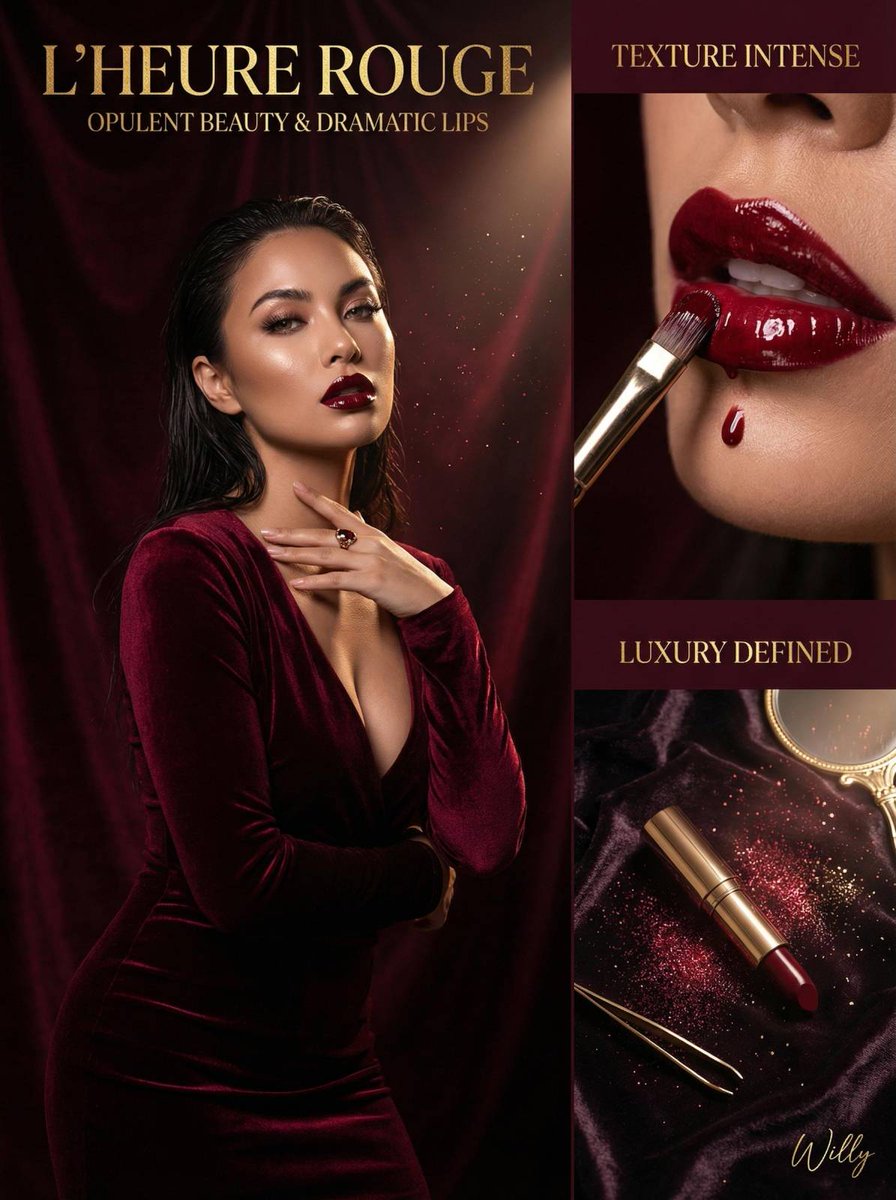
![Minimalist Flat Vector Travel Poster — Premium minimalist flat-vector travel poster for {argument name="city name" default="[CITY_NAME]"}, 3:4 vertical format.](https://cms-assets.youmind.com/media/1787917359711_3ug846_HQX205cbMAA6F6S-300x400.jpg)





























![Minimal Flat Geometry Illustration Prompt — Minimal flat illustration of {argument name="subject" default="[SUBJECT]"}, simple geometric shapes, limited color p](https://pbs.twimg.com/media/G-84CAKXcAEiuxY.jpg)
![Bauhaus Geometry Minimal Illustration Template — Depict {argument name="subject" default="[SUBJECT]"} using Bauhaus-inspired minimalism: strict geometry, primar](https://pbs.twimg.com/media/G_V0EdxaUAACK44.jpg)