
Kinetic News Storyboard Sheet
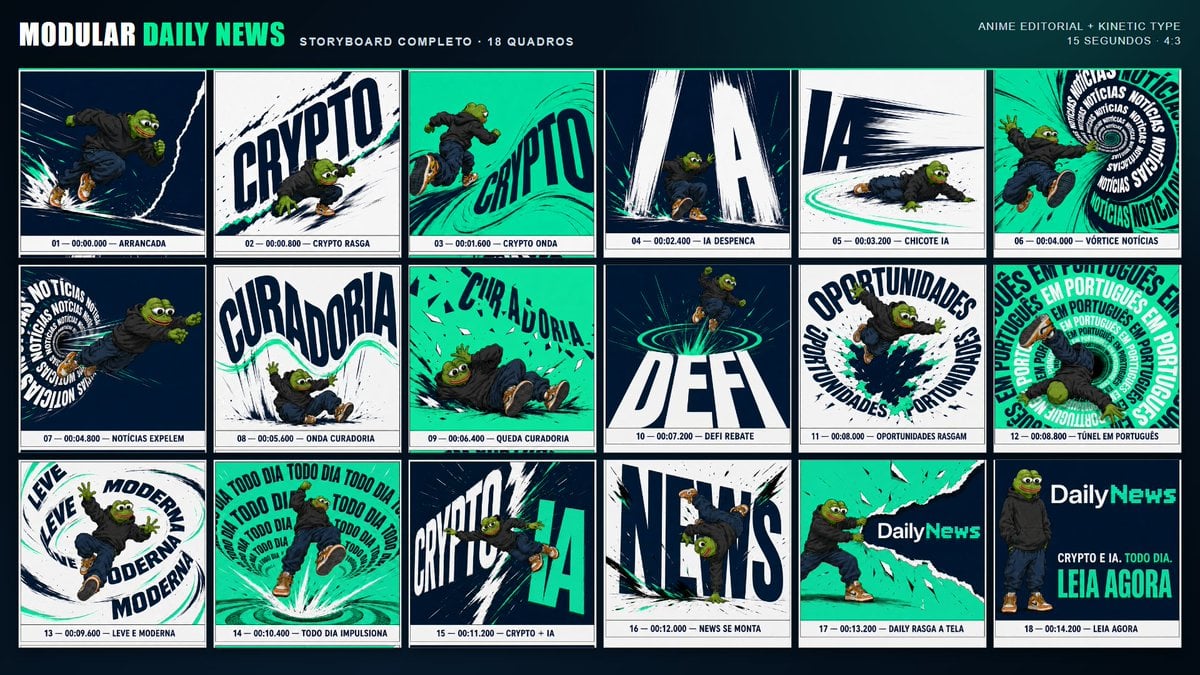
Creates an 18-panel anime editorial storyboard using a reference character for a fast-paced crypto and AI news advertisement.
- Prompt included
- Model and format preset
- Free template
The prompt behind this image
Copy the exact prompt behind Kinetic News Storyboard Sheet, or open it in the studio and make it yours.
Using REFERENCE_0 as the character base, create a complete anime-editorial kinetic-typography storyboard sheet for a {argument name="video duration" default="15 seconds"} 4:3 advertising video. Keep the Pepe character design, outfit, proportions, colors, streetwear styling, and energetic action poses consistent with the reference, but place him into a bold modular news-brand campaign layout. Goal: Design a dark navy presentation board titled {argument name="brand header" default="MODULAR DAILY NEWS"}, with the subtitle “STORYBOARD COMPLETO · 18 QUADROS” and a small top-right note “ANIME EDITORIAL + KINETIC TYPE / 15 SEGUNDOS · 4:3”. Use a high-contrast palette of deep navy, white, black ink strokes, and bright teal/green accents. Layout: Create exactly 18 storyboard panels arranged in a 3-row by 6-column grid. Each panel must have a thin border, dynamic manga/anime motion lines, ripped-paper or brush-stroke typography, and a small caption strip at the bottom with frame number, timestamp, and action label. Storyboard panels, exactly 18: 1. “01 — 00:00.000 — ARRANCADA”: Pepe sprinting forward through dark speed lines. 2. “02 — 00:00.800 — CRYPTO RASGA”: Pepe tearing through a huge diagonal “CRYPTO” word. 3. “03 — 00:01.600 — CRYPTO ONDA”: teal wave background with “CRYPTO” bending like a wave. 4. “04 — 00:02.400 — IA DESPENCA”: giant falling “IA” letters crashing downward. 5. “05 — 00:03.200 — CHICOTE IA”: Pepe low to the ground beside a sweeping “IA” motion whip. 6. “06 — 00:04.000 — VÓRTICE NOTÍCIAS”: Pepe falling into a circular vortex of repeated “NOTÍCIAS”. 7. “07 — 00:04.800 — NOTÍCIAS EXPELEM”: Pepe being launched from a “NOTÍCIAS” text spiral. 8. “08 — 00:05.600 — ONDA CURADORIA”: large warped “CURADORIA” text with Pepe under a teal wave. 9. “09 — 00:06.400 — QUEDA CURADORIA”: Pepe tumbling across a teal field with broken “CURADORIA” letters. 10. “10 — 00:07.200 — DEFI REBATE”: huge “DEFI” text, Pepe bouncing above teal rings. 11. “11 — 00:08.000 — OPORTUNIDADES RASGAM”: circular “OPORTUNIDADES” typography tearing open with Pepe bursting through. 12. “12 — 00:08.800 — TÚNEL EM PORTUGUÊS”: tunnel of repeated “EM PORTUGUÊS” text. 13. “13 — 00:09.600 — LEVE E MODERNA”: looping typography reading “LEVE” and “MODERNA” around Pepe. 14. “14 — 00:10.400 — TODO DIA IMPULSIONA”: Pepe launched upward inside repeated “TODO DIA” typography. 15. “15 — 00:11.200 — CRYPTO + IA”: split composition with “CRYPTO” and “IA” colliding. 16. “16 — 00:12.000 — NEWS SE MONTA”: Pepe hanging upside down among huge assembling “NEWS” letters. 17. “17 — 00:13.200 — DAILY RASGA A TELA”: Pepe tearing open a teal canvas revealing the DailyNews logo. 18. “18 — 00:14.200 — LEIA AGORA”: final call-to-action card with Pepe standing at left, the {argument name="logo text" default="DailyNews"} logo at top right, and the copy “CRYPTO E IA. TODO DIA.” plus the large CTA {argument name="call to action" default="LEIA AGORA"}. Style constraints: Make it look like a polished advertising storyboard, not a comic page; use cinematic frame composition, kinetic editorial lettering, bold perspective distortion, speed trails, ink splatters, teal highlight strokes, and clean production-board labeling. Do not add extra panels, extra characters, watermarks, or unrelated text.
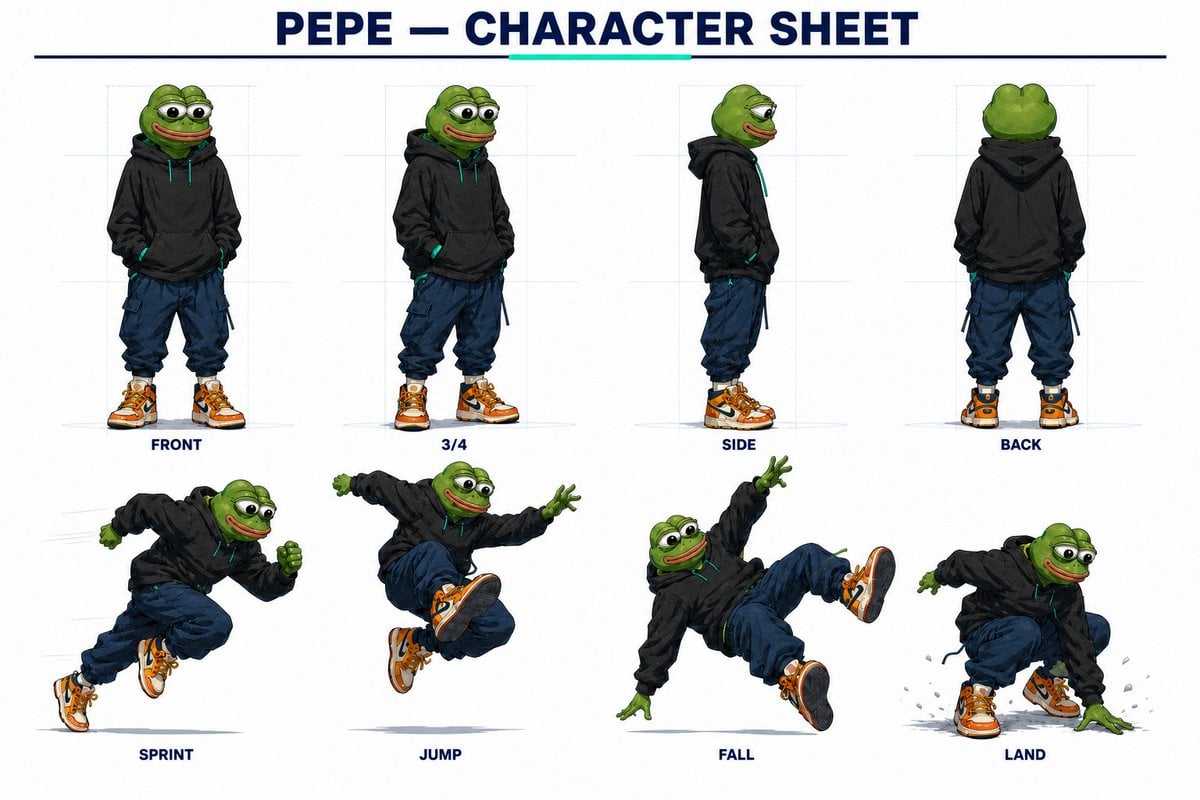
Reference images included
Kinetic News Storyboard Sheet needs input media to work. They load alongside the prompt when you open it in the studio.
How to use Kinetic News Storyboard Sheet in 3 steps
- 1Upload ImagePNG, JPG or paste
Add your photo
Upload the photo the template builds on. The prompt, model and format are already set.
- 2…a portrait of your subject in softgolden-hour light, 85mm…
Personalize
Edit the subject and creative details for your destination.
- 3Generate
Generate
Press Generate — your image is created in PicX Studio, so you can compare it with the original and refine one variable at a time.
More like this
Templates with the same subject, style or setup. Open one to see its prompt.
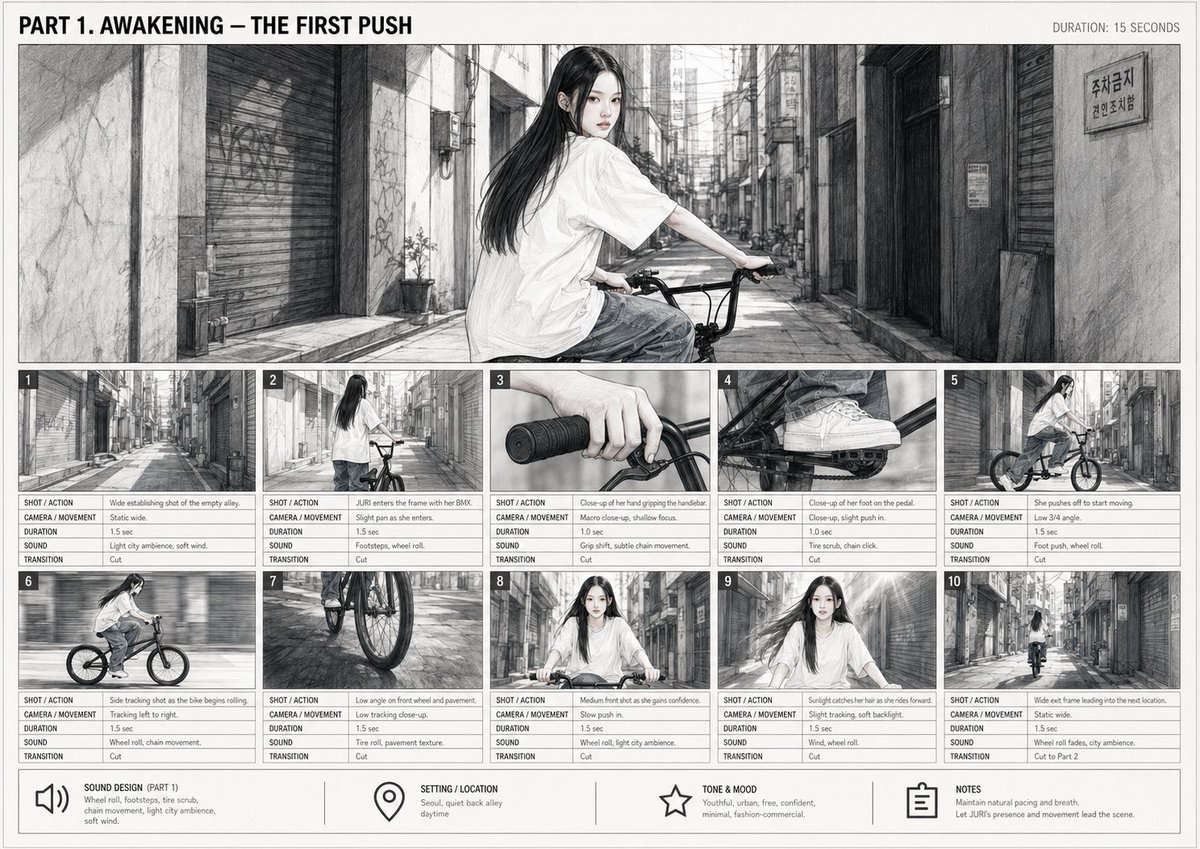
Cinematic BMX Storyboard Sheet
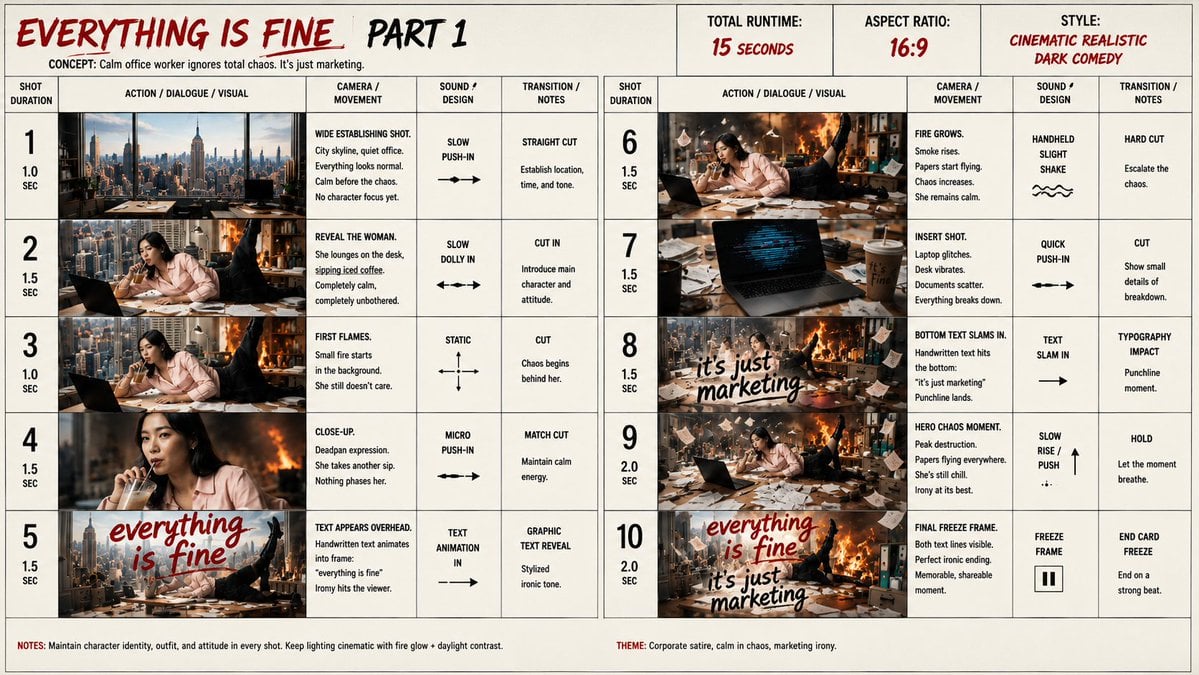
Everything Is Fine Storyboard Sheet

Motion Graphics Finale Fireworks

Motion Graphics Garden Maze

Motion Graphics Castle Gate

Motion Graphics Kitchen Chaos

Motion Graphics Carnival Ride

Motion Graphics Rainy Bus Stop
Motion Graphics Space Dock
Motion Graphics Cafe Morning
Motion Graphics Mountain Summit
Motion Graphics Underwater Reef
Make it yours
Kinetic News Storyboard Sheet works as-is. These are the safest ways to change it without losing the look.
Change one field
Copy a single group, rewrite it, and generate again so you can see what that field is doing.
Keep the frame, change the subject
Hold the composition and light of Kinetic News Storyboard Sheet, then swap wardrobe, props or the person for a new take.
| If the result… | Why | Fix |
|---|---|---|
| The result drifts from the preview | Too many fields changed at once. | Reuse Kinetic News Storyboard Sheet as-is first, then change one group — subject, light, or setting. |
| The model over-stylizes the scene | The prose prompt leaves finish and camera underspecified. | Add one camera or lighting sentence and stay on GPT Image 2. |
More GPT Image 2 templates
Other prompts made for GPT Image 2.

Six VTuber Japanese Logo Sheet

Realistic Portrait of Woman and Deer

The Vista Modular Condo Poster

AI Model Routing Comparison Infographic

2.5D Anime Art Board

Isometric Productivity Desk Scene

New York Double Exposure Poster

Four-Panel AI Landscape Comparison

Japanese Tatami Lifestyle Magazine Cover

NESCAFÉ Coffee Map Poster
More image prompts
Fresh picks from across the catalog.
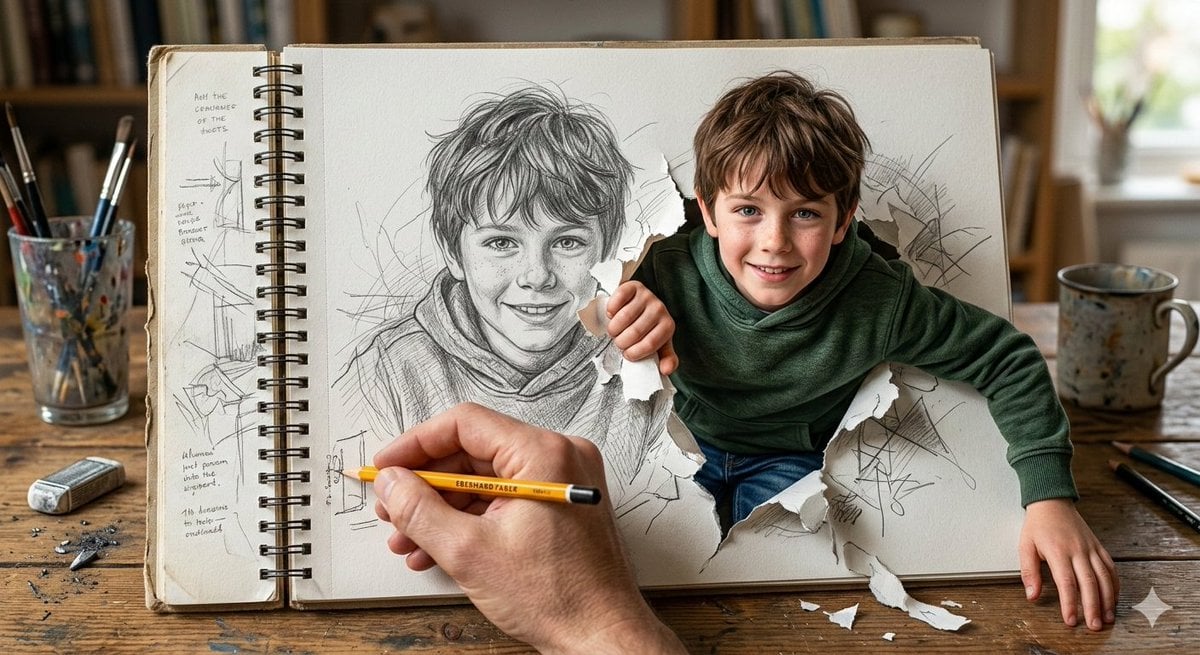
Cinematic 3D Illustration of a Boy Emerging from a Sketchbook
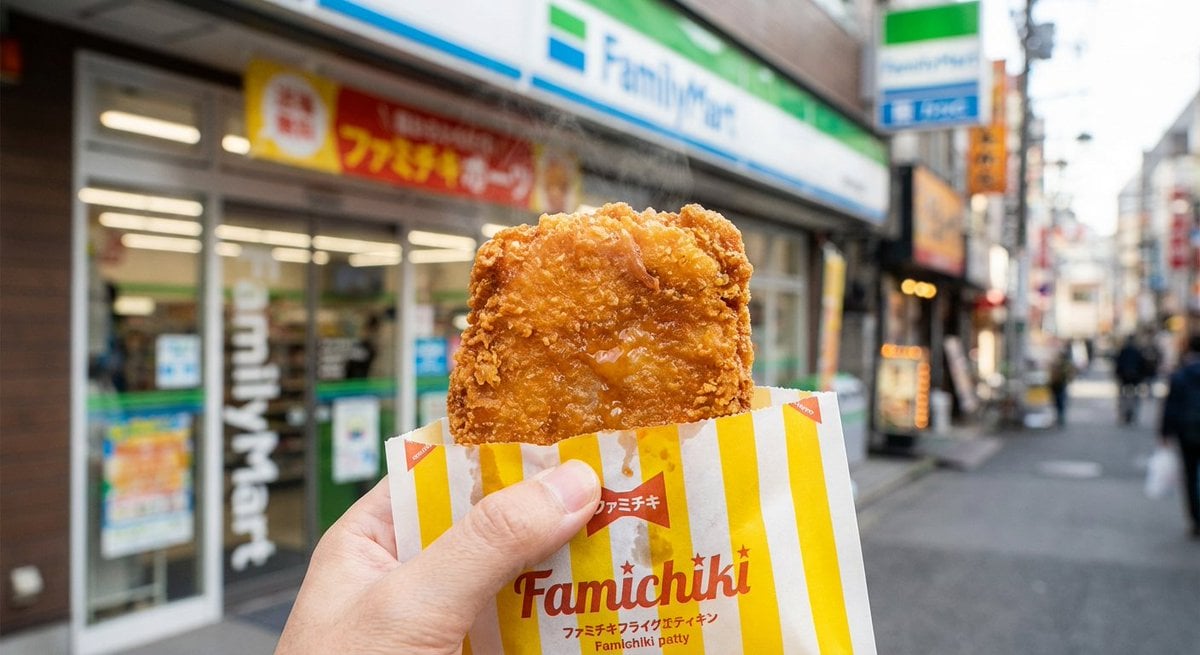
Generating 'Famichiki' Image with Nano Banana Pro
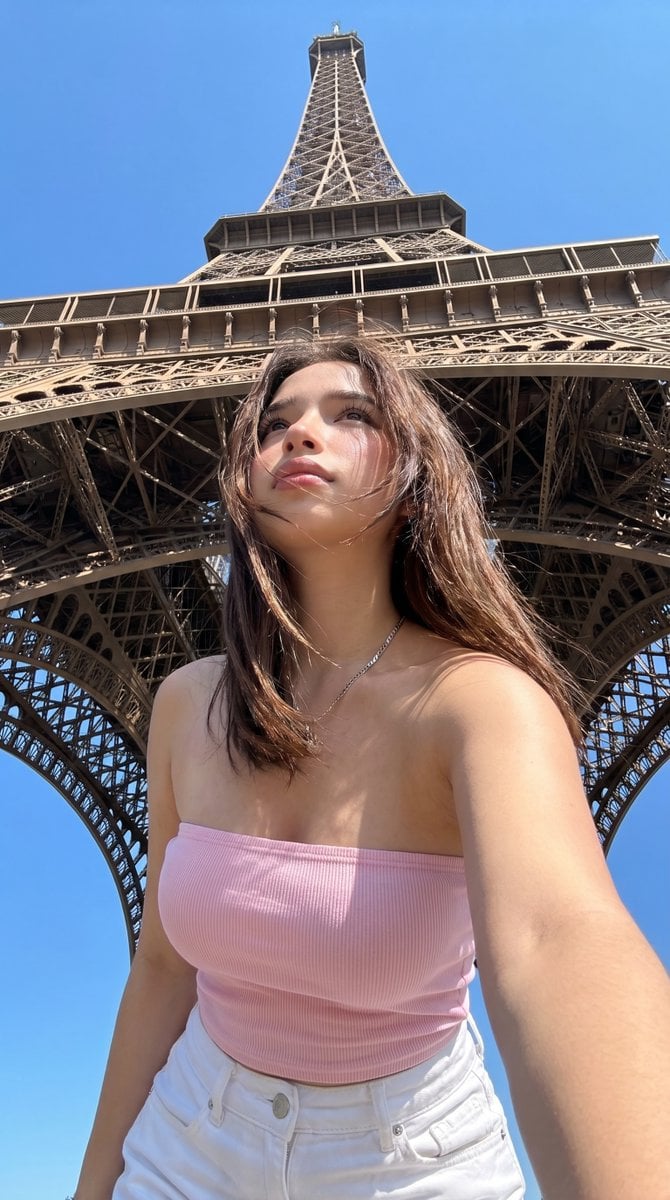
Eiffel Tower Low-Angle Selfie
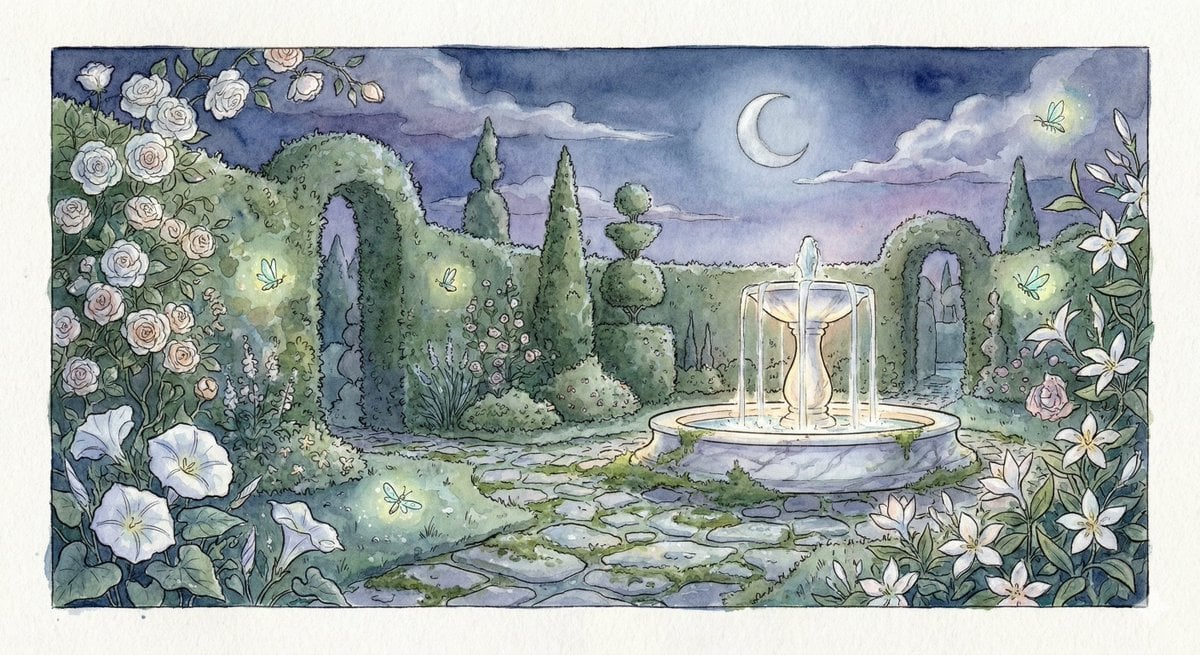
Watercolor Illustration of a Magical Garden at Midnight
Japanese Konbini Journal Illustration

Cinematic Portrait in a Luxury Cinema Lobby
World in an Object Cinematic 3D Scene Template
Fashion Editorial Green Cap Portraits
Alpine Landscape Souvenir Magnet
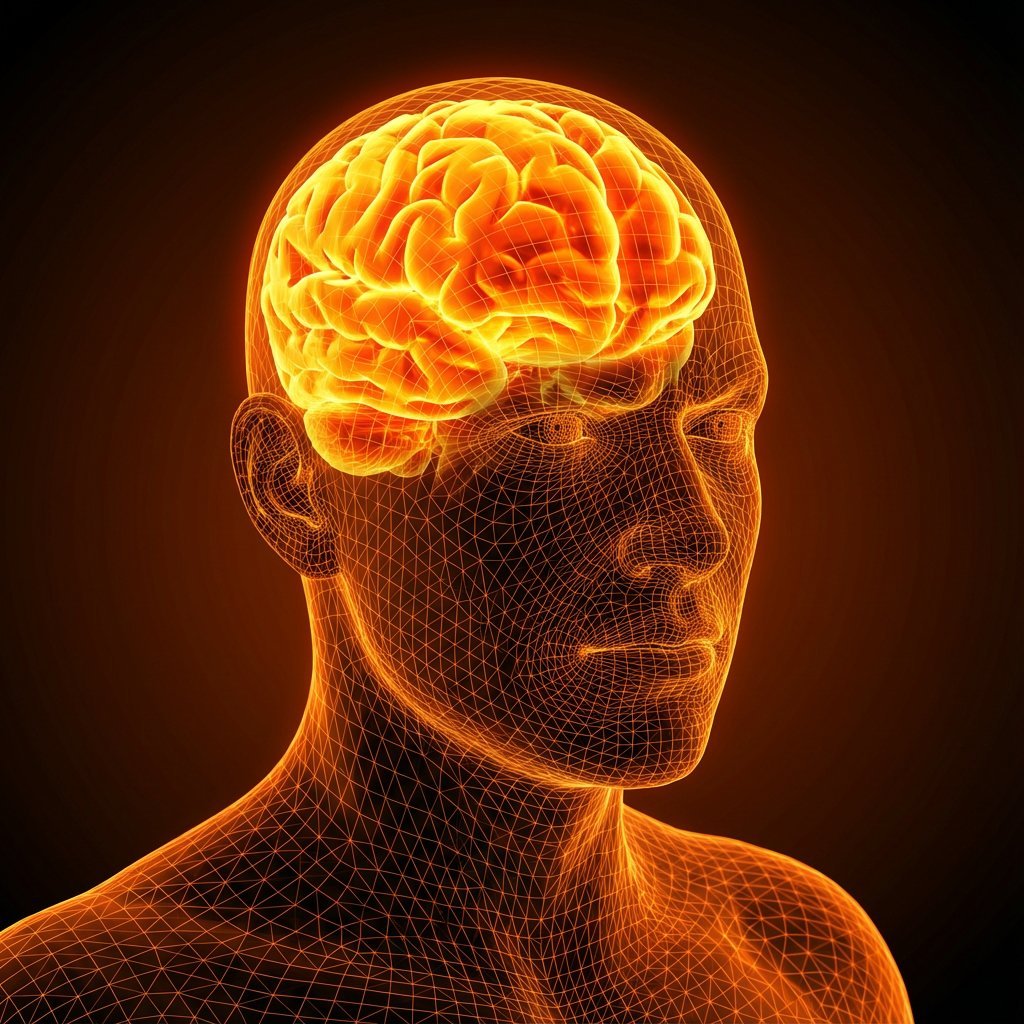
Cybernetic Medical Visualization Prompt
Browse template categories
Kinetic News Storyboard Sheet questions
How do I use the Kinetic News Storyboard Sheet template?
Add your photo if the template asks for one, edit the prompt if you like — the template's model and format are already selected — and press Generate. Your version opens in PicX Studio.
Can I customize the Kinetic News Storyboard Sheet template?
Yes. You can change the subject, setting, lighting, mood, format, and available model controls before creating your image.
Is the Kinetic News Storyboard Sheet template free?
Opening and editing this template is free. Generating uses credits, shown on the Generate button when you are signed in.
Which AI model should I use?
Start with GPT Image 2, which is the model associated with this template. You can compare another compatible model for a different finish.
Looking for something else? Browse all templates.

Your photo, any look
Thousands of ready templates for every top image and video model, from one credit balance.