
Faceless Shinobi Character Redesign
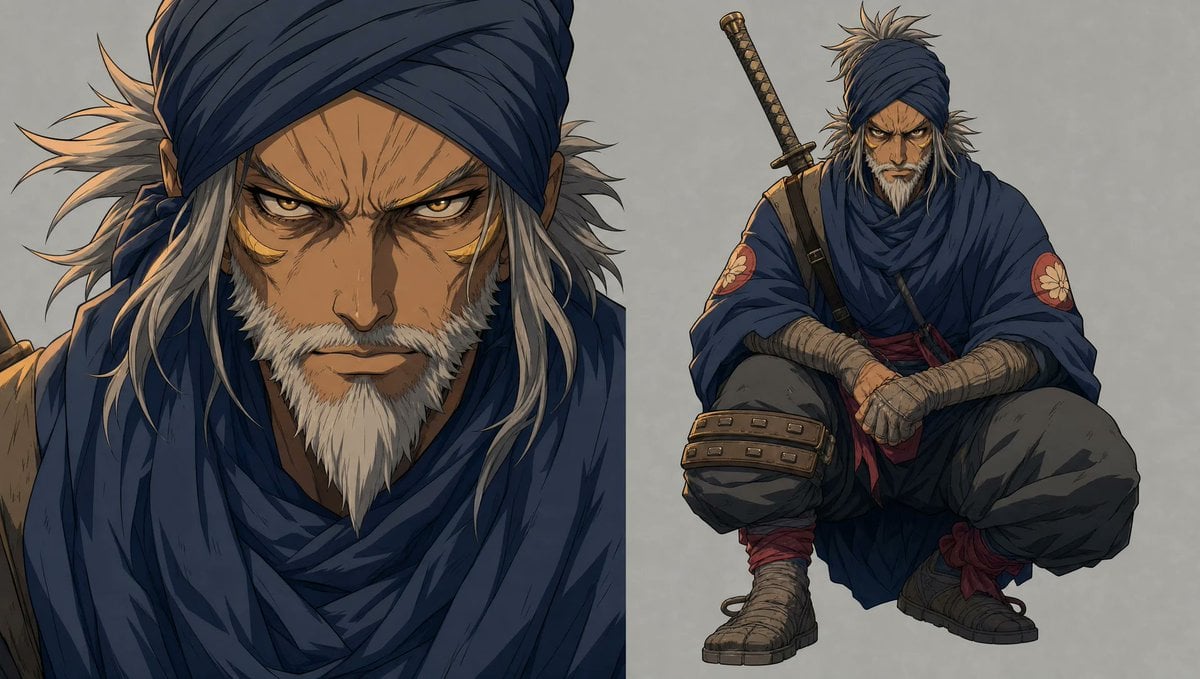
A wide anime concept-art sheet showing a rugged masked shinobi in close-up and crouching full-body views for character redesign work.
- Prompt included
- Model and format preset
- Premium template
The prompt behind this image
Copy the exact prompt behind Faceless Shinobi Character Redesign, or open it in the studio and make it yours.
Goal: Create a refreshed old-anime character design sheet for {argument name="character name" default="a rugged wandering shinobi"}, shown as two depictions on one wide canvas: exactly 1 large cropped portrait on the left and exactly 1 full-body crouching pose on the right. Canvas: Wide horizontal 16:9 image, muted gray paper-texture background, no border, no logo, no captions. Use painterly high-detail anime concept art with crisp ink-like linework, layered cel shading, weathered fabric textures, and warm rim light from the upper left. Layout: The left half is dominated by a close-up bust portrait cropped at the top and bottom, with the face intentionally covered by a large plain rectangular censor block in muted dark brown. The right half shows the same character in a low squat, facing forward, also with the face covered by a smaller plain rectangular censor block. Keep the two views side by side like a character redesign comparison sheet. Subject details: The character is an older battle-worn ninja or ronin with spiky gray-white hair flaring out from beneath a deep indigo head wrap. A small pointed white beard is visible below the face-covering block. Outfit color theme: {argument name="main cloth color" default="deep indigo blue"}, charcoal gray, muted brown leather, dusty beige bandages, and dark red accents. Clothing consists of exactly 8 visible outfit/gear elements: 1 wrapped headband/turban, 1 heavy layered scarf around the neck and shoulders, 1 loose cloak or poncho-like robe, 1 dark inner tunic, 1 pair of baggy charcoal pants, 1 pair of wrapped forearms and hands, 1 pair of wrapped boots, and 1 set of leather knee armor on the left knee. Add exactly 2 round red shoulder patches, one on each upper sleeve, each with a pale flower crest. Add exactly 1 sheathed katana strapped diagonally behind the character’s back on the right-side full-body view, with a patterned handle and small guard. Pose and expression: The face is not visible; imply a calm, intimidating veteran presence through posture. In the full-body view, the character squats low with elbows resting near the knees, bandaged hands clasped loosely in front, knees spread, feet grounded, cloak draping between the legs. In the close-up view, emphasize layered folds of the scarf, stray hair strands, and the beard below the censor block. Visual style: Modern high-end anime redesign, similar to a polished samurai fantasy production sheet; detailed cloth folds, scuffed boots, dusty bandages, worn leather, subtle scratches, restrained palette, dramatic but soft lighting, clean silhouette, no photorealism. Constraints: Include exactly 2 character depictions, exactly 1 katana, exactly 2 red floral shoulder emblems, and exactly 2 rectangular face-covering blocks. Do not add text, speech bubbles, UI, extra weapons, extra characters, or background scenery.
How to use Faceless Shinobi Character Redesign in 3 steps
- 1Upload ImagePNG, JPG or paste
Add your photo
Upload the photo the template builds on. The prompt, model and format are already set.
- 2…a portrait of your subject in softgolden-hour light, 85mm…
Personalize
Edit the subject and creative details for your destination.
- 3Generate
Generate
Press Generate — your image is created in PicX Studio, so you can compare it with the original and refine one variable at a time.
More like this
Templates with the same subject, style or setup. Open one to see its prompt.
Watercolor Fantasy Knight Redesign
Angular Manga Character Redesign

Cinematic Anime Shinobi Poster Mockup
Blue Anime Character Redesign Sheet
Glossy AI Logo Redesign Row
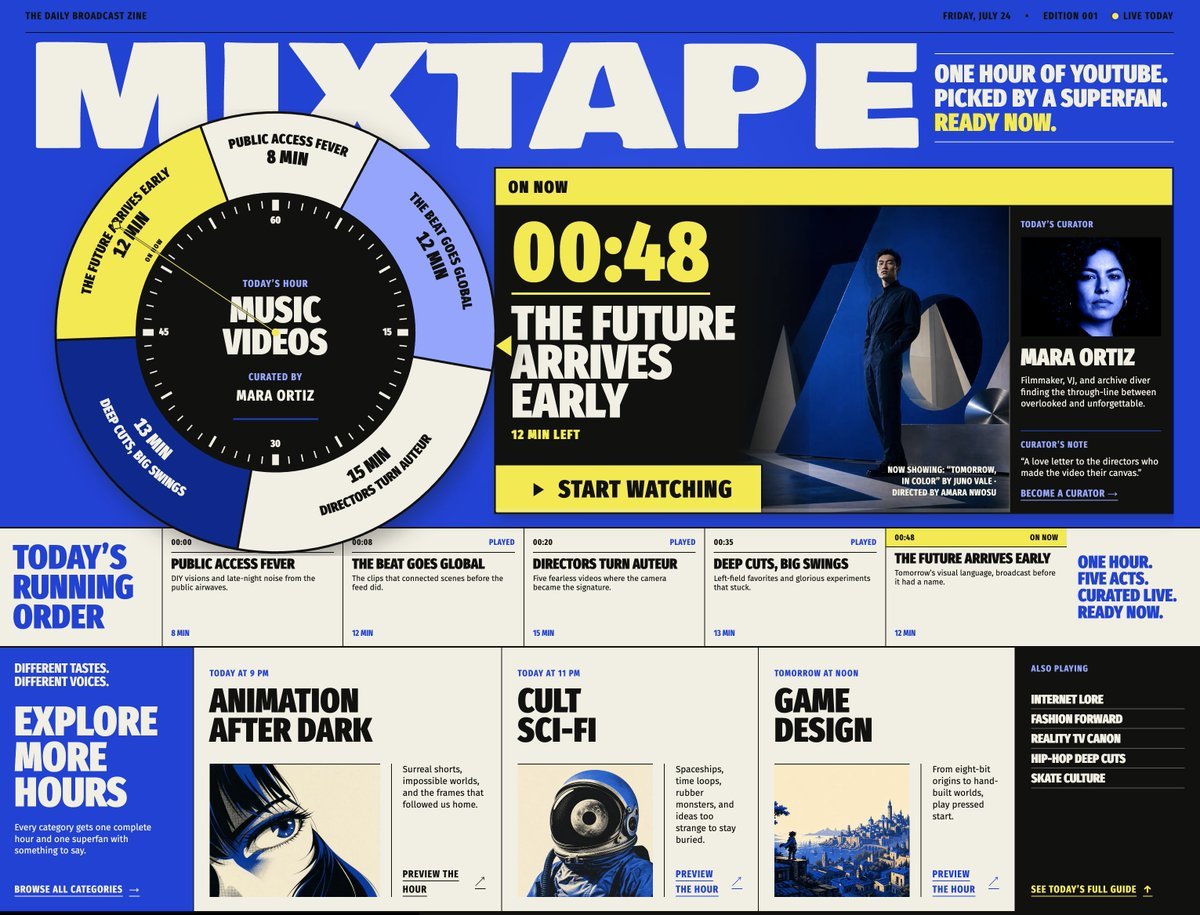
Mixtape Zine Webpage Redesign
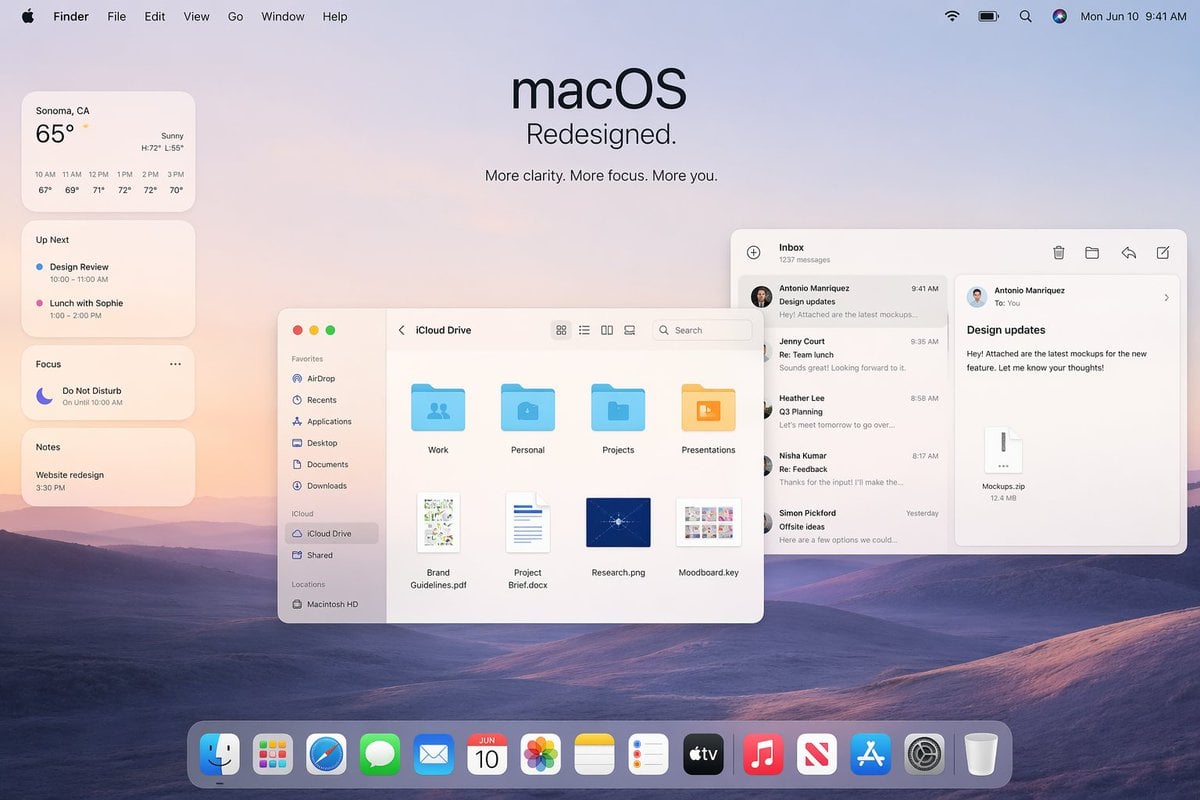
Apple macOS Redesign Promo Mockup
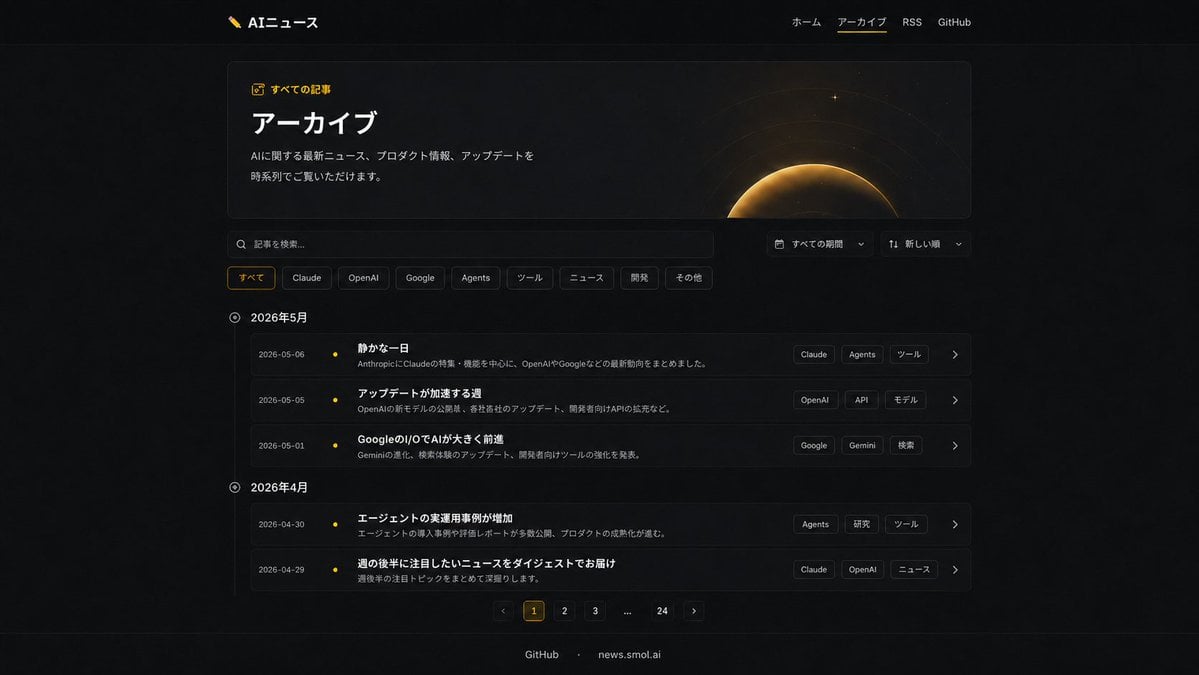
Dark AI News Archive Redesign
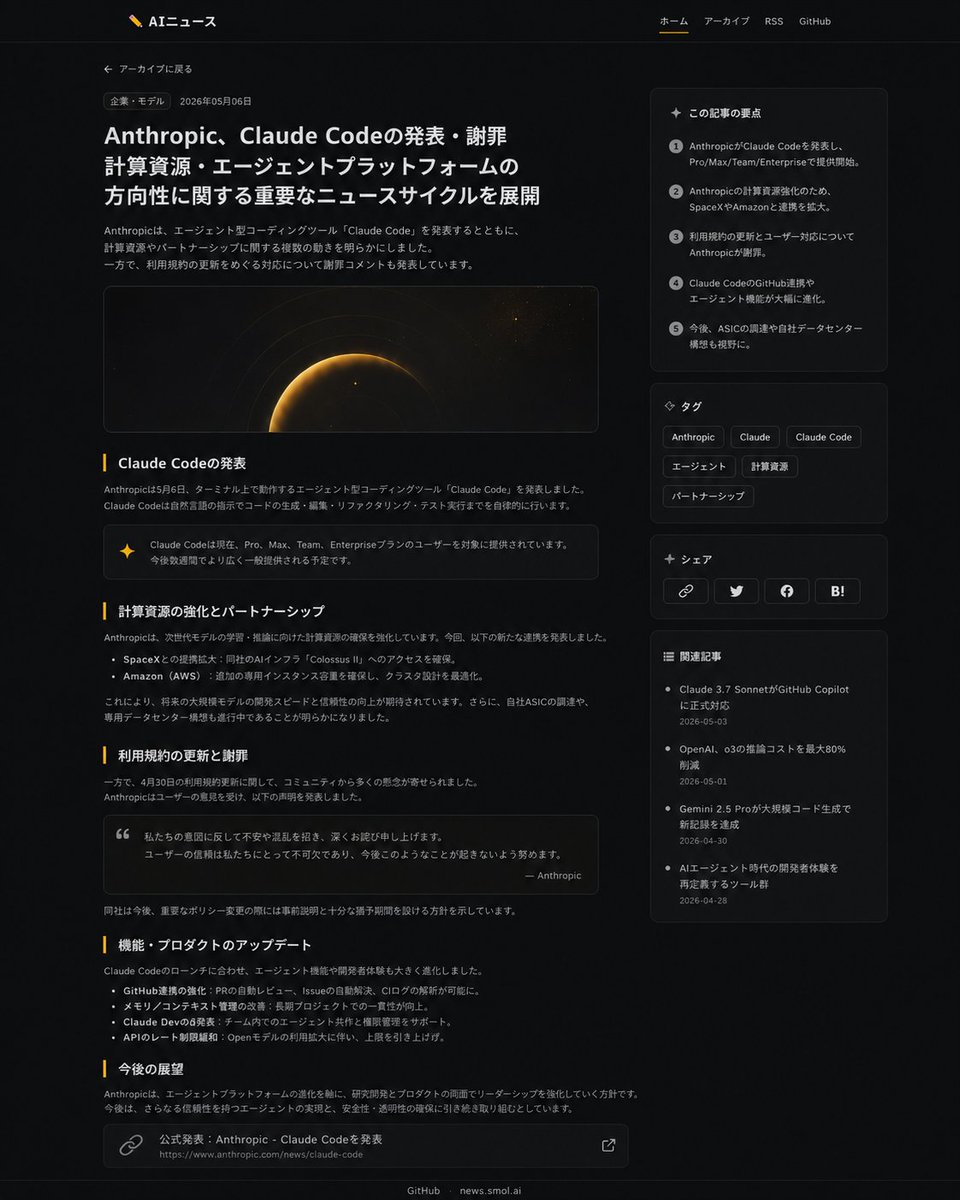
Dark News Article UI Redesign
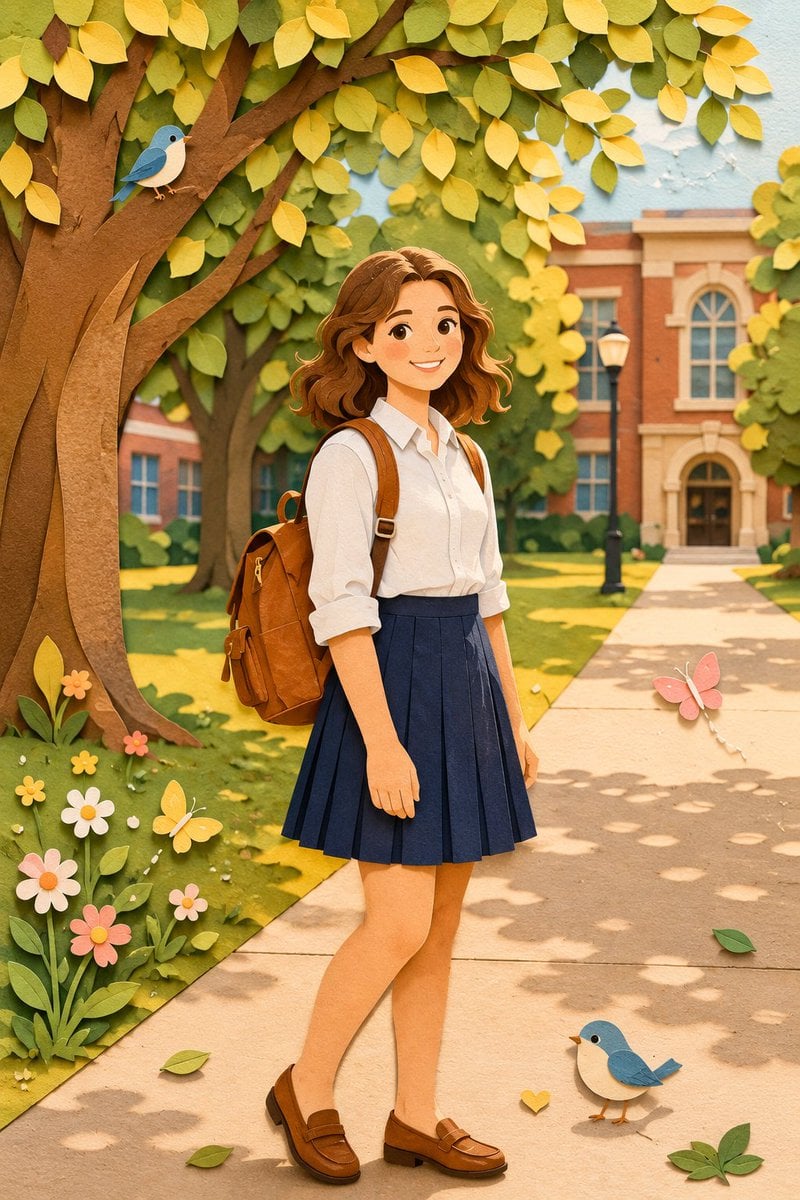
Paper Craft Style Redesign
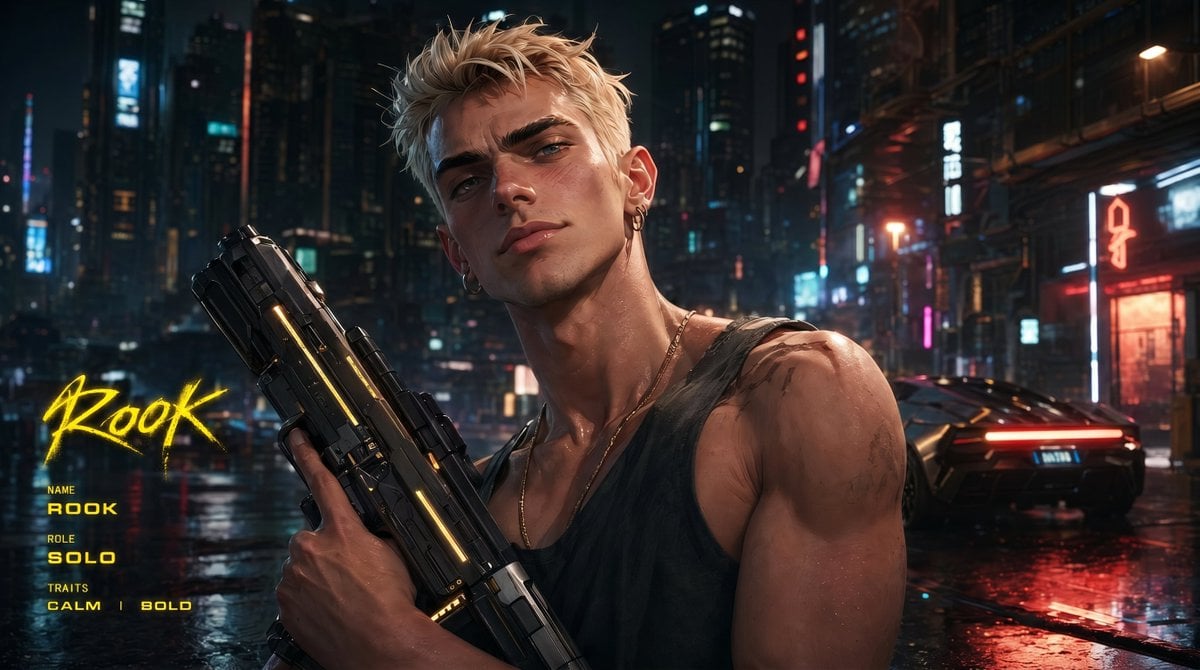
Cyberpunk Character Redesign
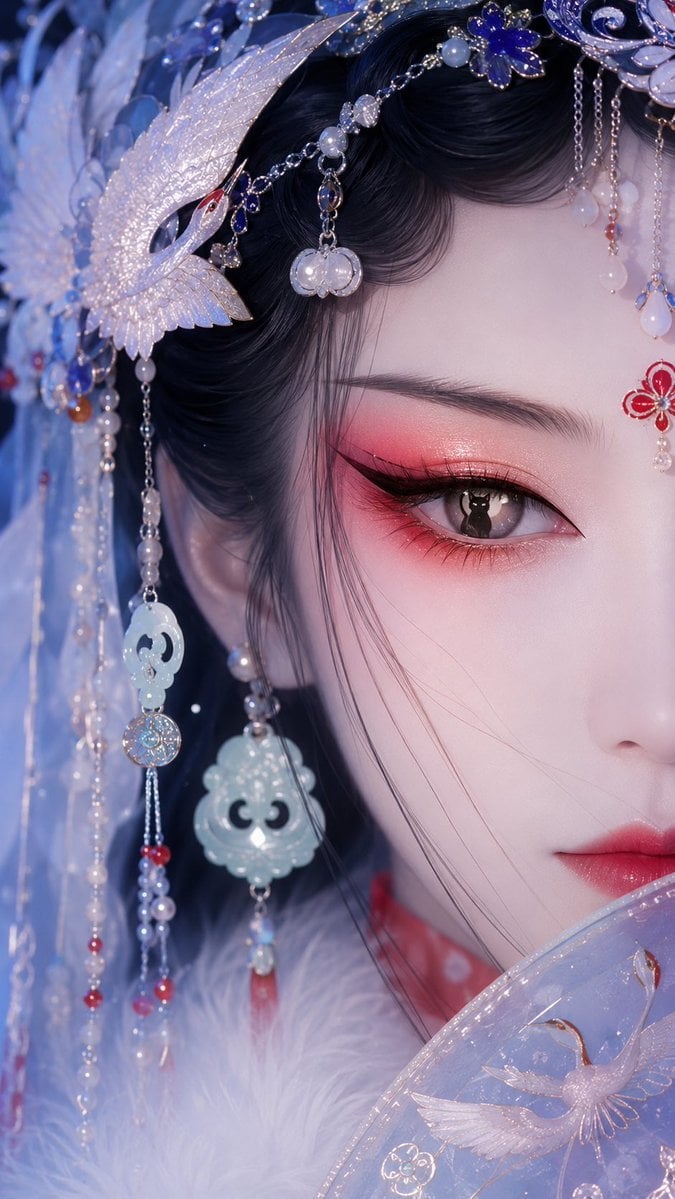
Oriental Opera Beauty Character Redesign
Make it yours
Faceless Shinobi Character Redesign works as-is. These are the safest ways to change it without losing the look.
Change one field
Copy a single group, rewrite it, and generate again so you can see what that field is doing.
Keep the frame, change the subject
Hold the composition and light of Faceless Shinobi Character Redesign, then swap wardrobe, props or the person for a new take.
| If the result… | Why | Fix |
|---|---|---|
| The result drifts from the preview | Too many fields changed at once. | Reuse Faceless Shinobi Character Redesign as-is first, then change one group — subject, light, or setting. |
| The model over-stylizes the scene | The prose prompt leaves finish and camera underspecified. | Add one camera or lighting sentence and stay on GPT Image 2. |
More GPT Image 2 templates
Other prompts made for GPT Image 2.

Six VTuber Japanese Logo Sheet

Realistic Portrait of Woman and Deer

The Vista Modular Condo Poster

AI Model Routing Comparison Infographic

2.5D Anime Art Board

Isometric Productivity Desk Scene

New York Double Exposure Poster

Four-Panel AI Landscape Comparison

Japanese Tatami Lifestyle Magazine Cover

NESCAFÉ Coffee Map Poster
More image prompts
Fresh picks from across the catalog.
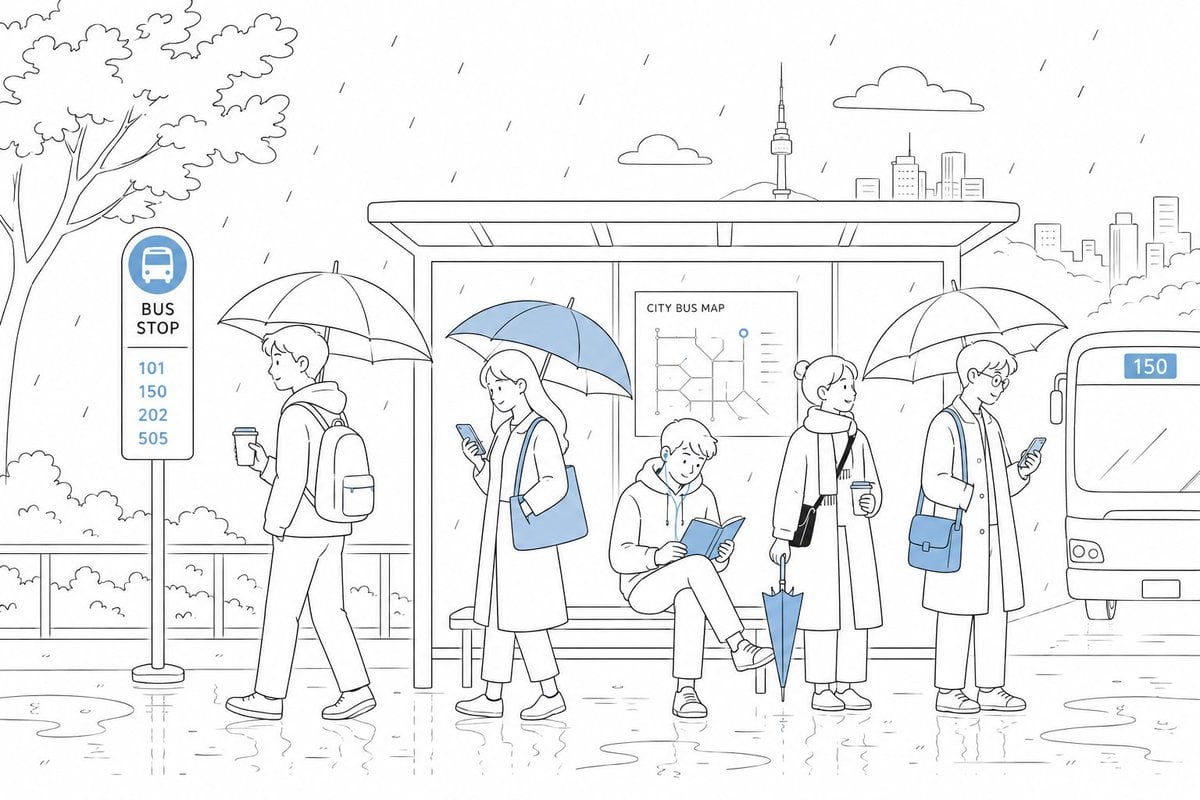
Cute Rainy Bus Stop Commute
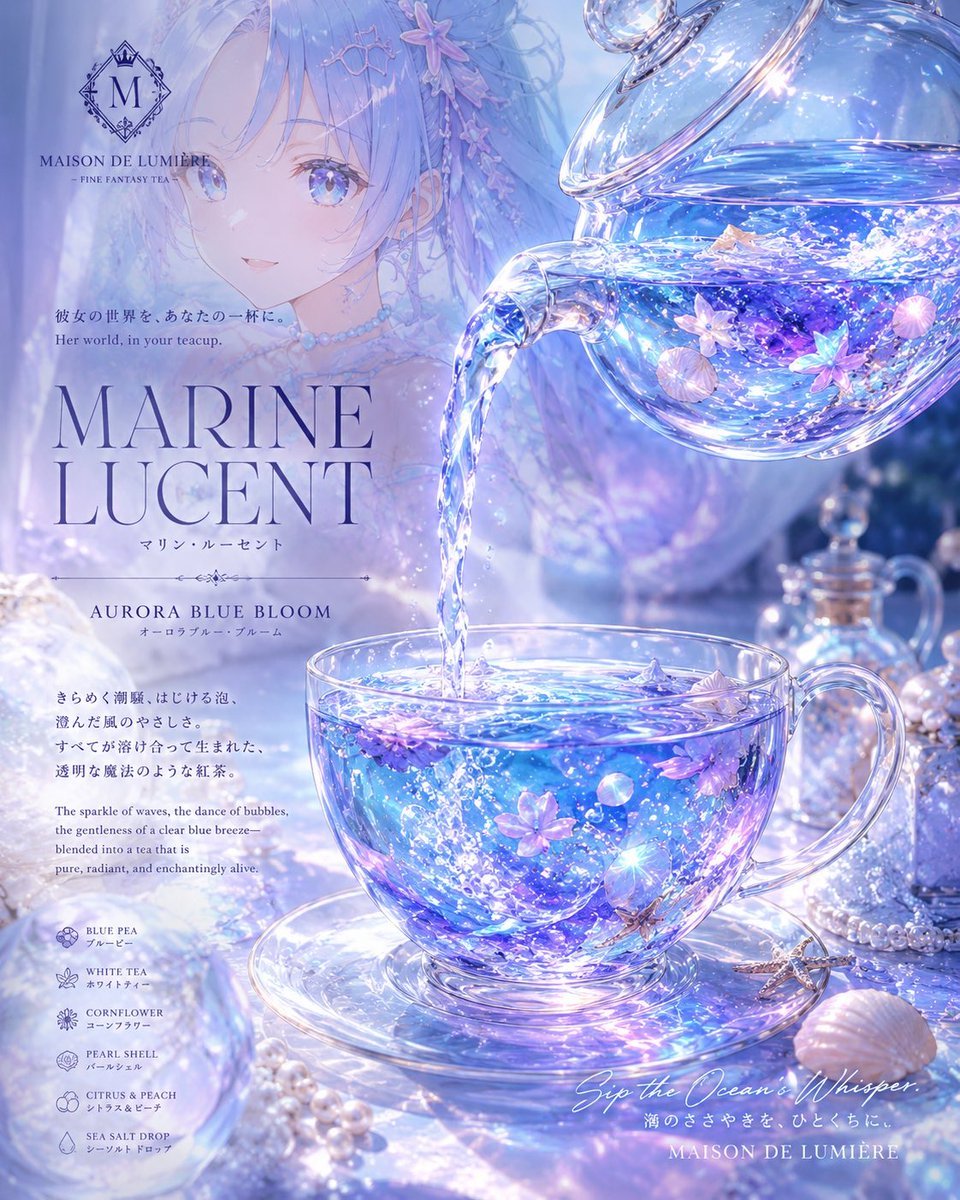
Marine Lucent Fantasy Tea Poster
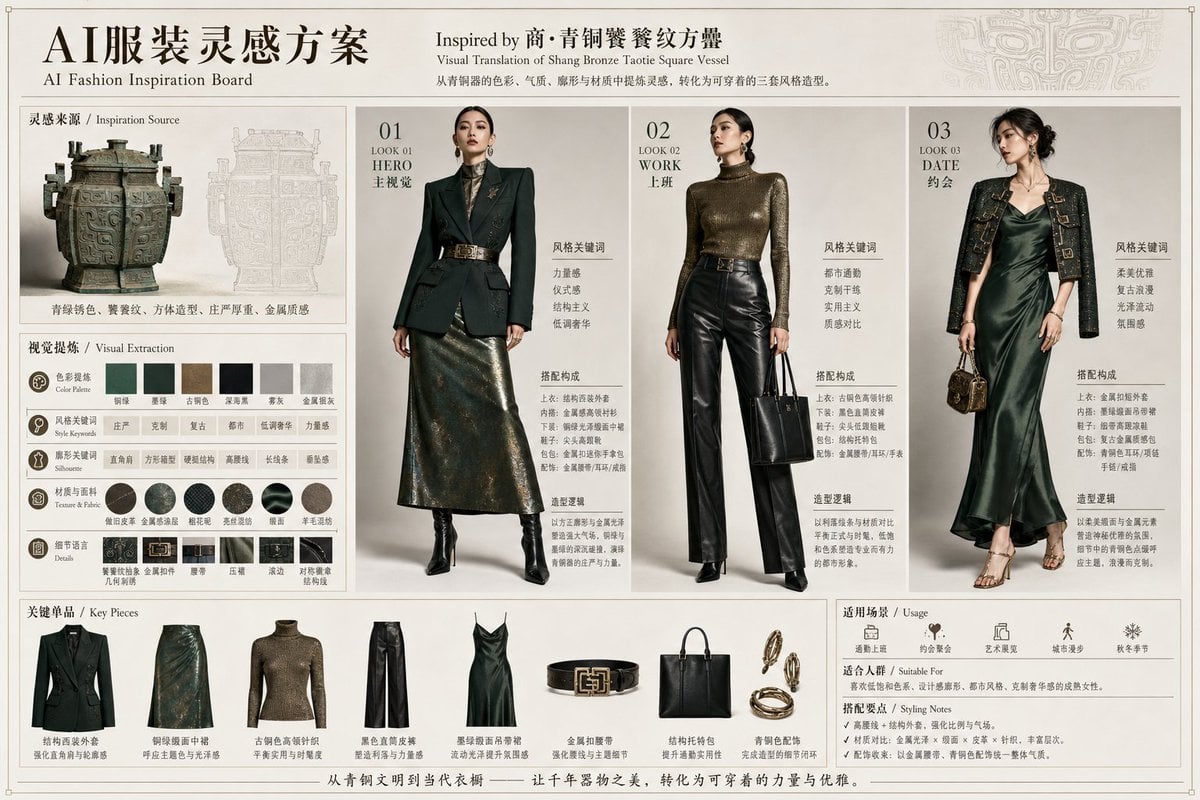
Bronze Vessel Fashion Inspiration Board
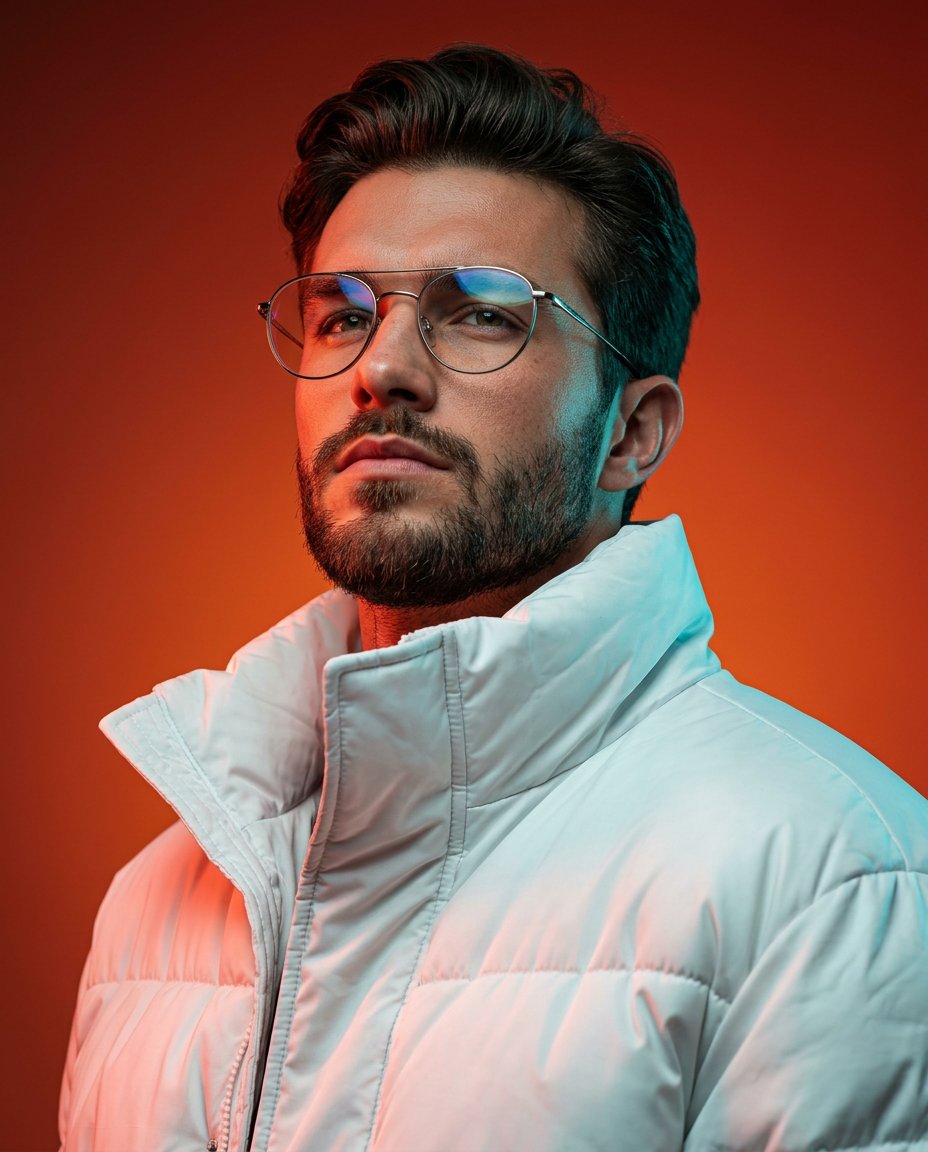
Cinematic Portrait with Dual-Color Lighting
Steampunk Frankenstein Cyborg Concept Art
Cinematic Futuristic Winter Landscape
Welcome Home Scenario Prompt
Glass Skeleton Study Aesthetic
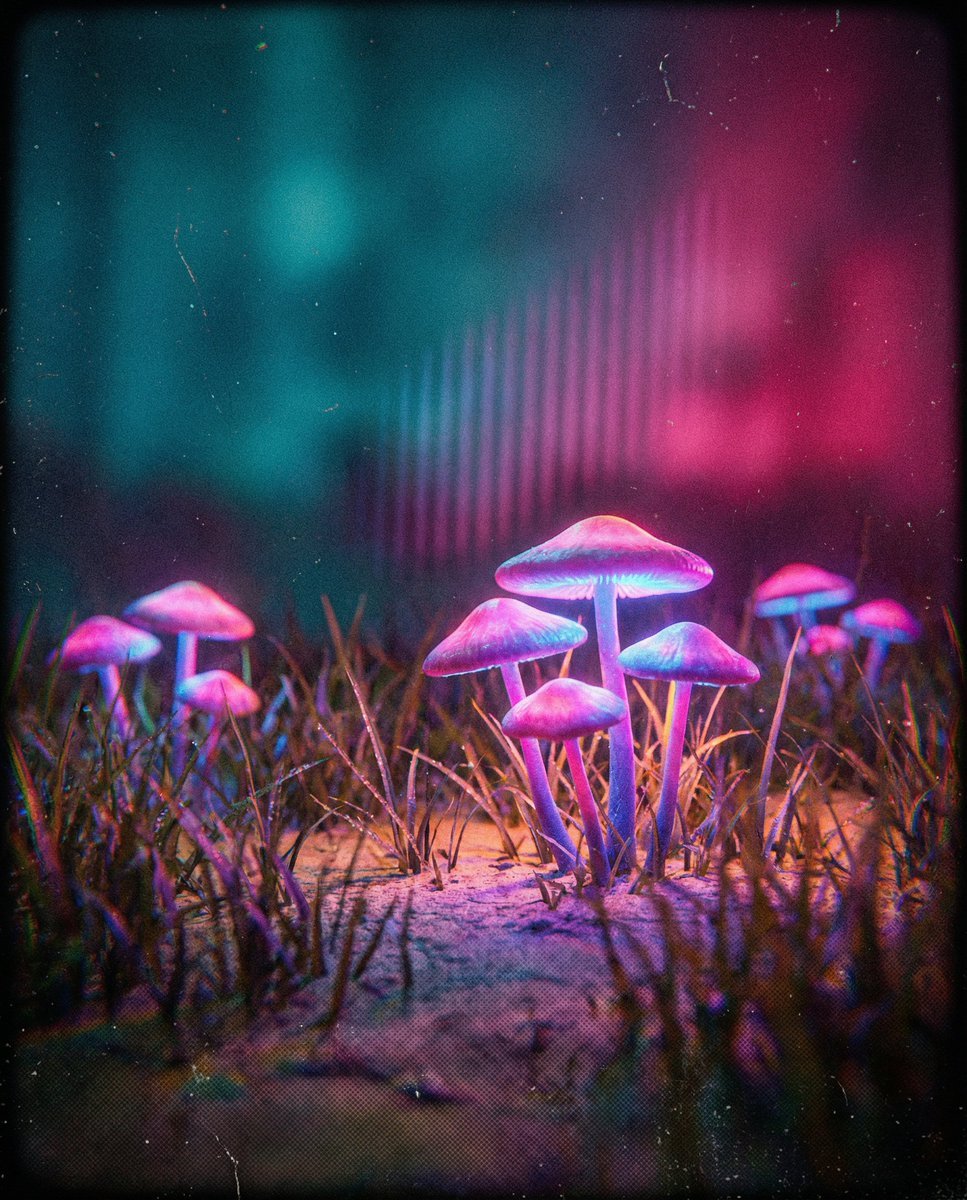
Bioluminescent Mushroom Cluster in Retro Sci-Fi Style
Lego-style self portrait
Browse template categories
Faceless Shinobi Character Redesign questions
How do I use the Faceless Shinobi Character Redesign template?
Add your photo if the template asks for one, edit the prompt if you like — the template's model and format are already selected — and press Generate. Your version opens in PicX Studio.
Can I customize the Faceless Shinobi Character Redesign template?
Yes. You can change the subject, setting, lighting, mood, format, and available model controls before creating your image.
Is the Faceless Shinobi Character Redesign template free?
Opening and editing this template is free. Generating uses credits, shown on the Generate button when you are signed in.
Which AI model should I use?
Start with GPT Image 2, which is the model associated with this template. You can compare another compatible model for a different finish.
Looking for something else? Browse all templates.

Your photo, any look
Thousands of ready templates for every top image and video model, from one credit balance.