
Four-Panel Male Hairstyle Reference
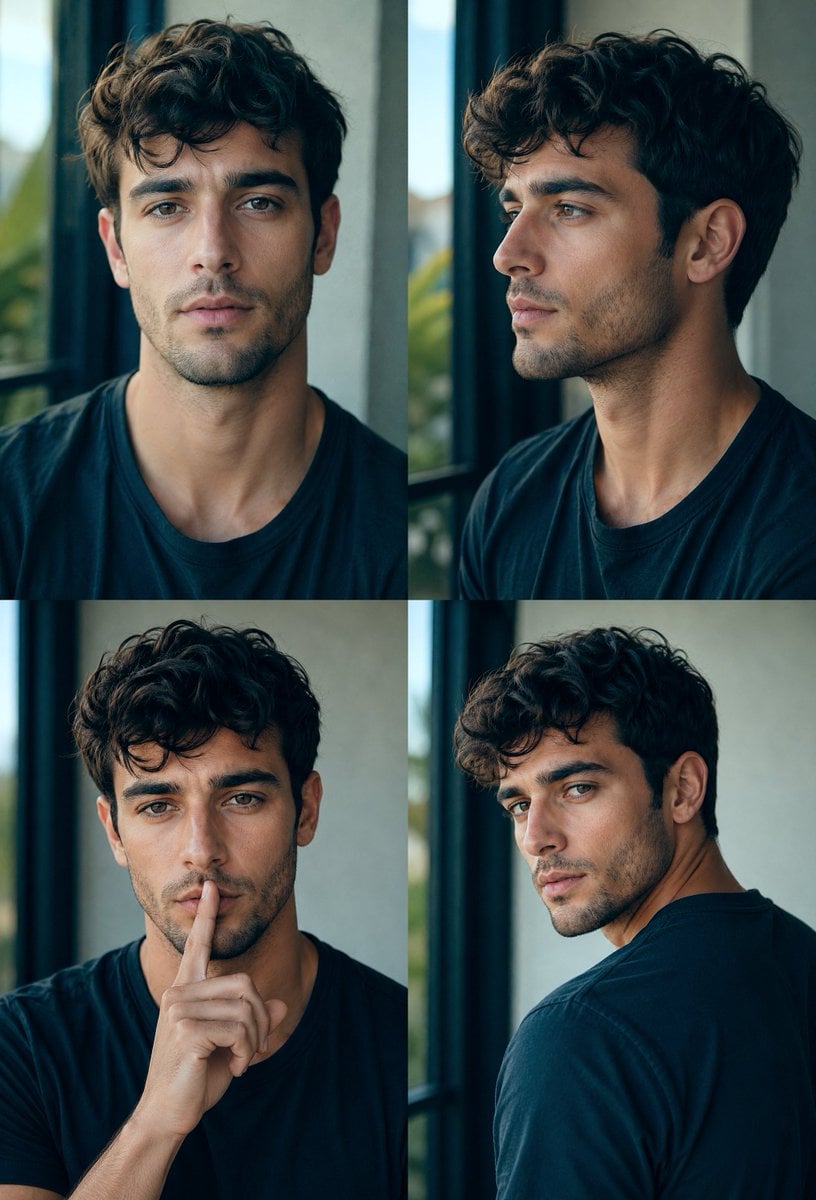
Creates a photorealistic 2x2 portrait collage showing the same male haircut from four angles for hairstyle reference or grooming previews.
- Prompt included
- Model and format preset
- Free template
The prompt behind this image
Copy the exact prompt behind Four-Panel Male Hairstyle Reference, or open it in the studio and make it yours.
- Type
- photorealistic male hairstyle reference collage
- Format
- 2x2 grid portrait sheet
- Subject › Gender
- male
- Subject › Age
- young adult
- Subject › Build
- average athletic neck and shoulders
- Subject › Hair › Color
- {argument name="hair color" default="dark brown nearly black"}
- Subject › Hair › Style
- {argument name="hairstyle" default="thick wavy textured crop with tousled curls on top, shorter tapered sides, natural volume"}
- Subject › Clothing
- {argument name="shirt color" default="dark navy crew-neck T-shirt"}
- Subject › Face Treatment
- place a large soft-edged square privacy mask over the face in every panel, filled with a muted brown-to-gray gradient, fully obscuring facial features while leaving hair, ears, neck, shoulders, and hands visible
- Layout › Canvas
- vertical 768x1152 composition divided into four equal rectangular panels with no captions and thin invisible seams
- Layout › Panel Count
- 4
- Layout › Panels › 0 › Position
- top left
- Layout › Panels › 0 › View
- front-facing head-and-shoulders portrait, centered, hair volume clearly visible, window frame on the left
- Layout › Panels › 1 › Position
- top right
- Layout › Panels › 1 › View
- three-quarter side profile looking left, right ear visible, jaw and neck partly visible beneath the face mask
- Layout › Panels › 2 › Position
- bottom left
- Layout › Panels › 2 › View
- front portrait with a thoughtful pose, one hand raised and index finger resting vertically near the lips/chin area, hair falling naturally forward
- Layout › Panels › 3 › Position
- bottom right
- Layout › Panels › 3 › View
- rear three-quarter portrait, subject turned away over the shoulder, showing the back and side taper of the haircut, shoulder and upper back prominent
- Environment › Setting
- {argument name="setting" default="indoors beside a tall black-framed window with soft daylight and blurred greenery outside"}
- Environment › Background
- minimal modern interior, pale gray wall, dark window mullions, shallow depth of field
- Photography › Style
- high-end editorial portrait photography, realistic skin and hair texture, natural daylight, cinematic teal-and-warm color grading
- Photography › Lens
- 85mm portrait lens look, shallow depth of field, soft bokeh
- Photography › Lighting
- soft side light from the window, gentle shadows, realistic contrast
Raw JSON
{"type":"photorealistic male hairstyle reference collage","format":"2x2 grid portrait sheet","subject":{"gender":"male","age":"young adult","build":"average athletic neck and shoulders","hair":{"color":"{argument name=\"hair color\" default=\"dark brown nearly black\"}","style":"{argument name=\"hairstyle\" default=\"thick wavy textured crop with tousled curls on top, shorter tapered sides, natural volume\"}"},"clothing":"{argument name=\"shirt color\" default=\"dark navy crew-neck T-shirt\"}","face treatment":"place a large soft-edged square privacy mask over the face in every panel, filled with a muted brown-to-gray gradient, fully obscuring facial features while leaving hair, ears, neck, shoulders, and hands visible"},"layout":{"canvas":"vertical 768x1152 composition divided into four equal rectangular panels with no captions and thin invisible seams","panel count":4,"panels":[{"position":"top left","view":"front-facing head-and-shoulders portrait, centered, hair volume clearly visible, window frame on the left"},{"position":"top right","view":"three-quarter side profile looking left, right ear visible, jaw and neck partly visible beneath the face mask"},{"position":"bottom left","view":"front portrait with a thoughtful pose, one hand raised and index finger resting vertically near the lips/chin area, hair falling naturally forward"},{"position":"bottom right","view":"rear three-quarter portrait, subject turned away over the shoulder, showing the back and side taper of the haircut, shoulder and upper back prominent"}]},"environment":{"setting":"{argument name=\"setting\" default=\"indoors beside a tall black-framed window with soft daylight and blurred greenery outside\"}","background":"minimal modern interior, pale gray wall, dark window mullions, shallow depth of field"},"photography":{"style":"high-end editorial portrait photography, realistic skin and hair texture, natural daylight, cinematic teal-and-warm color grading","lens":"85mm portrait lens look, shallow depth of field, soft bokeh","lighting":"soft side light from the window, gentle shadows, realistic contrast","quality":"ultra realistic, consistent subject identity and hairstyle across all four panels, crisp hair strands, no text, no logos, no watermarks"}}How to use Four-Panel Male Hairstyle Reference in 3 steps
- 1Upload ImagePNG, JPG or paste
Add your photo
Upload the photo the template builds on. The prompt, model and format are already set.
- 2…a portrait of your subject in softgolden-hour light, 85mm…
Personalize
Edit the subject and creative details for your destination.
- 3Generate
Generate
Press Generate — your image is created in PicX Studio, so you can compare it with the original and refine one variable at a time.
More like this
Templates with the same subject, style or setup. Open one to see its prompt.

Dancer Character - Four View Reference Sheet
Manga Male Hairstyle Reference Sheet
Panel Hairstyle Lookbook Grid

Four-Panel AI Landscape Comparison

Four-Panel Anime Face Comparison

Four-Panel AI Landscape Comparison
Component Differences Four-Panel Manga
Four-Panel Manga with Sentai and Rugby

Pixar 6-Panel Streethero Expression Grid
Cute Four-Panel Cat Jealousy Comic
Four-Panel Science Concept Poster
Six-Panel Hairstyle Storyboard
Make it yours
Four-Panel Male Hairstyle Reference works as-is. These are the safest ways to change it without losing the look.
Swap the setting
Keep the rest of the prompt and replace the location block. The current setting is “{argument name="setting" default="indoors beside a tall black-framed window with”.
Swap the light
One lighting change is enough to compare takes. Current light: “soft side light from the window, gentle shadows, realistic contrast”.
Change one field
Copy a single group, rewrite it, and generate again so you can see what that field is doing.
| If the result… | Why | Fix |
|---|---|---|
| The result drifts from the preview | Too many fields changed at once. | Reuse Four-Panel Male Hairstyle Reference as-is first, then change one group — subject, light, or setting. |
| GPT Image 2 ignores part of the JSON | Some models flatten or skip nested keys. | Keep the same values and paste them as a short paragraph instead. |
More GPT Image 2 templates
Other prompts made for GPT Image 2.

Six VTuber Japanese Logo Sheet

Realistic Portrait of Woman and Deer

The Vista Modular Condo Poster

AI Model Routing Comparison Infographic

2.5D Anime Art Board

Isometric Productivity Desk Scene

New York Double Exposure Poster

Japanese Tatami Lifestyle Magazine Cover

NESCAFÉ Coffee Map Poster

Brutalist Cogito Chinese Typography Poster
More image prompts
Fresh picks from across the catalog.
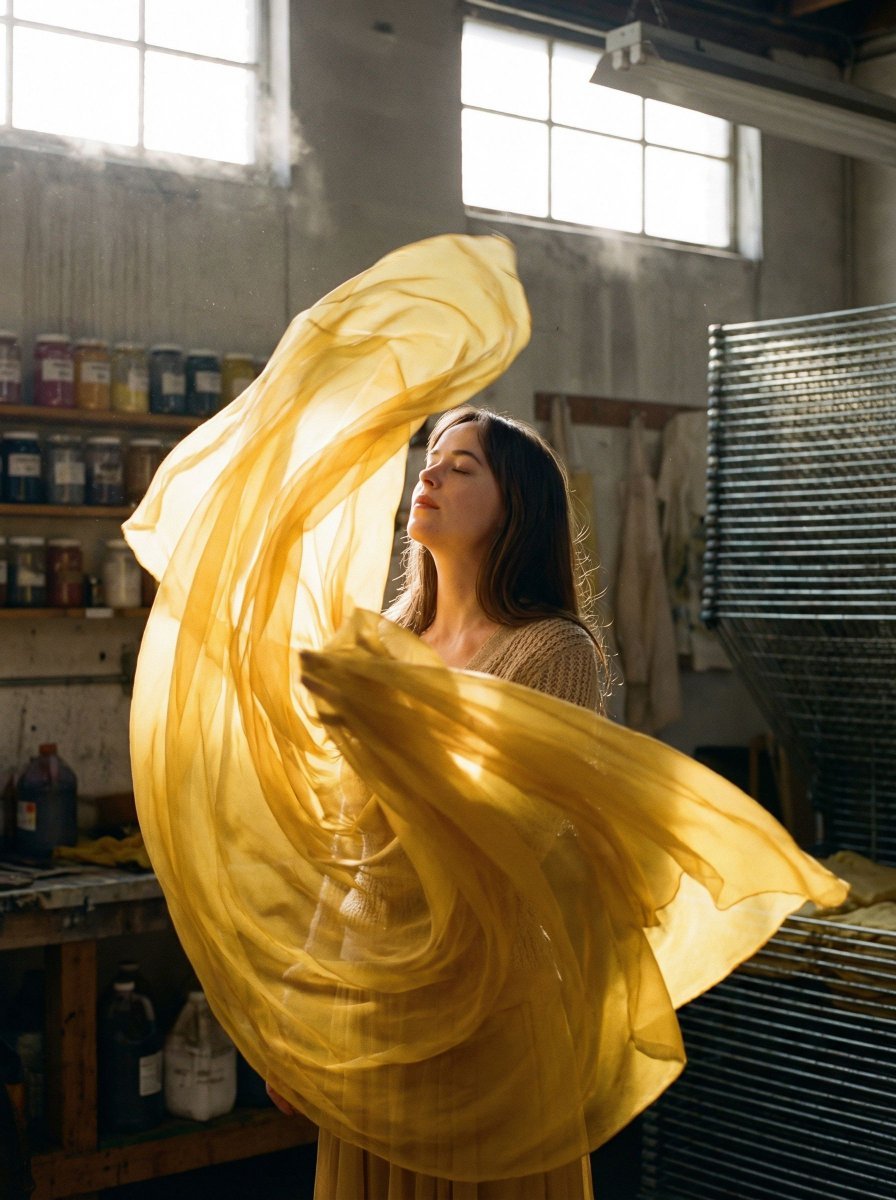
Surreal Fashion Portrait in a Textile Dye Workshop
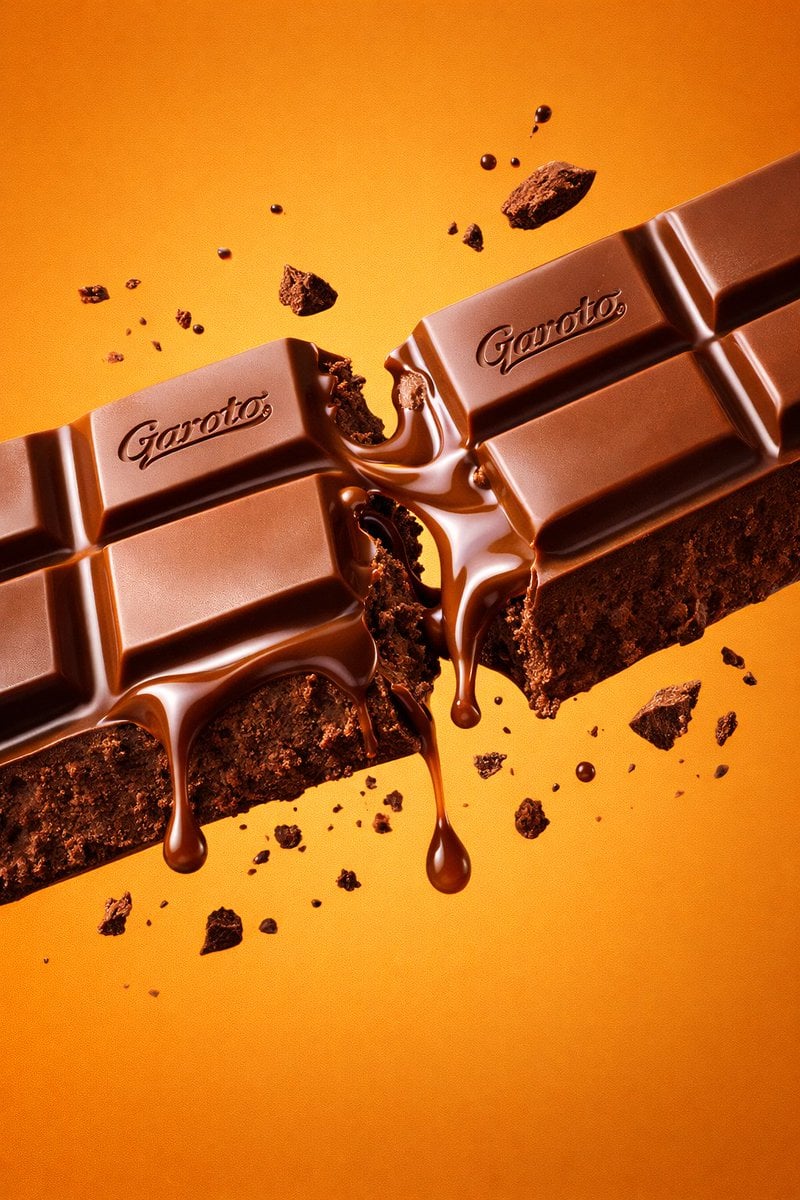
Ultra-Realistic Chocolate Bar Commercial Prompt
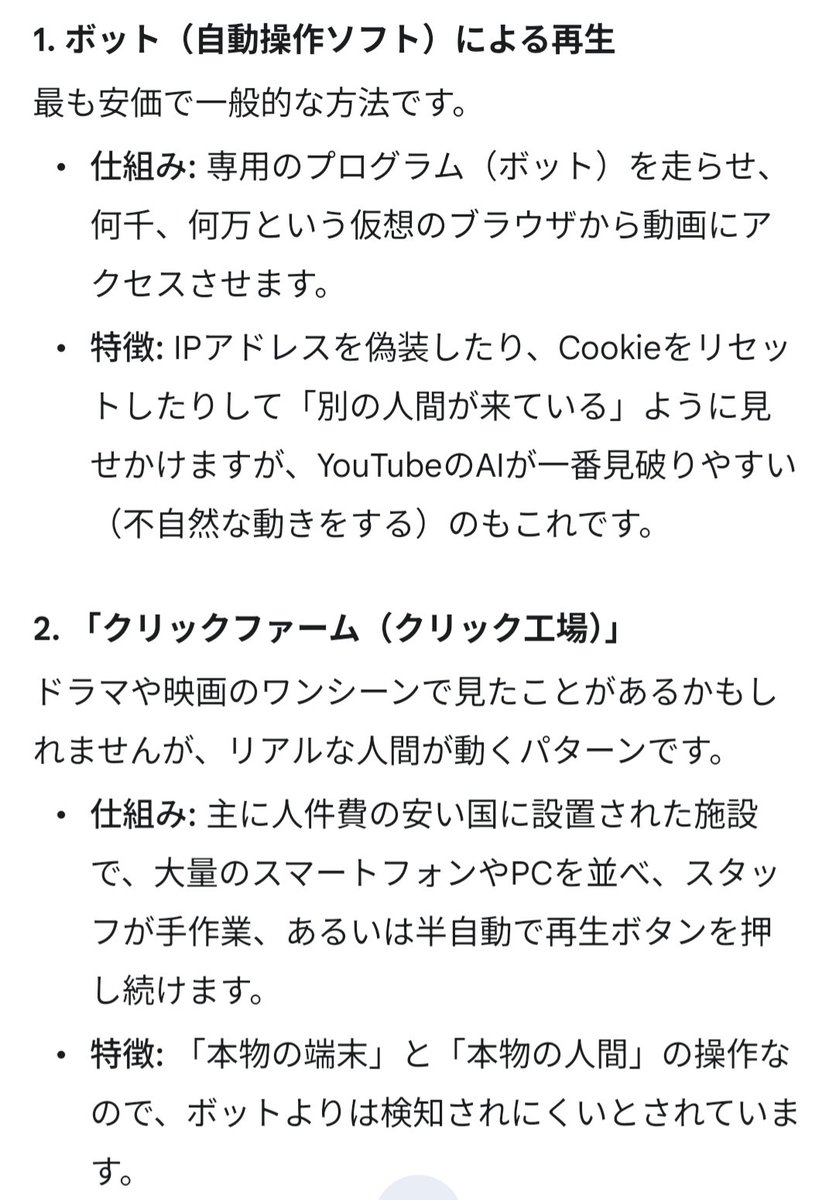
Four-Panel Manga: The Darkness of SNS (Part 2)
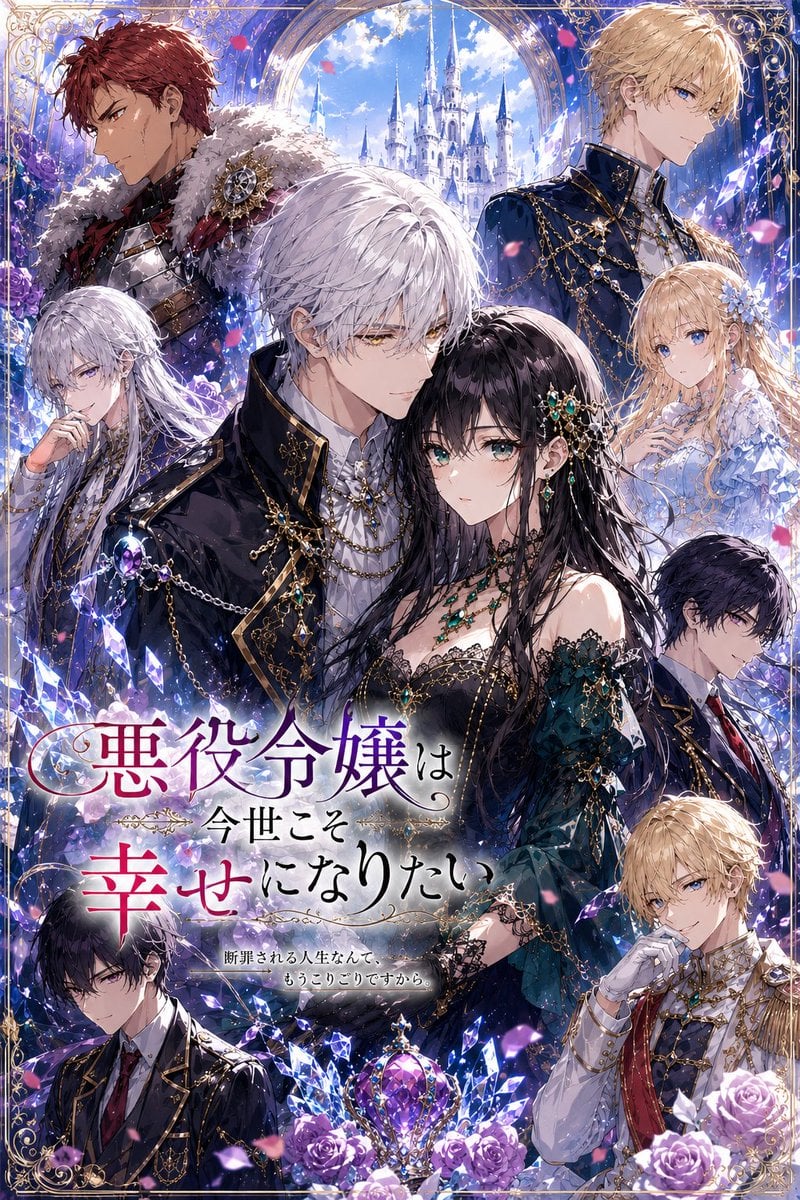
Fantasy Villainess Novel Cover
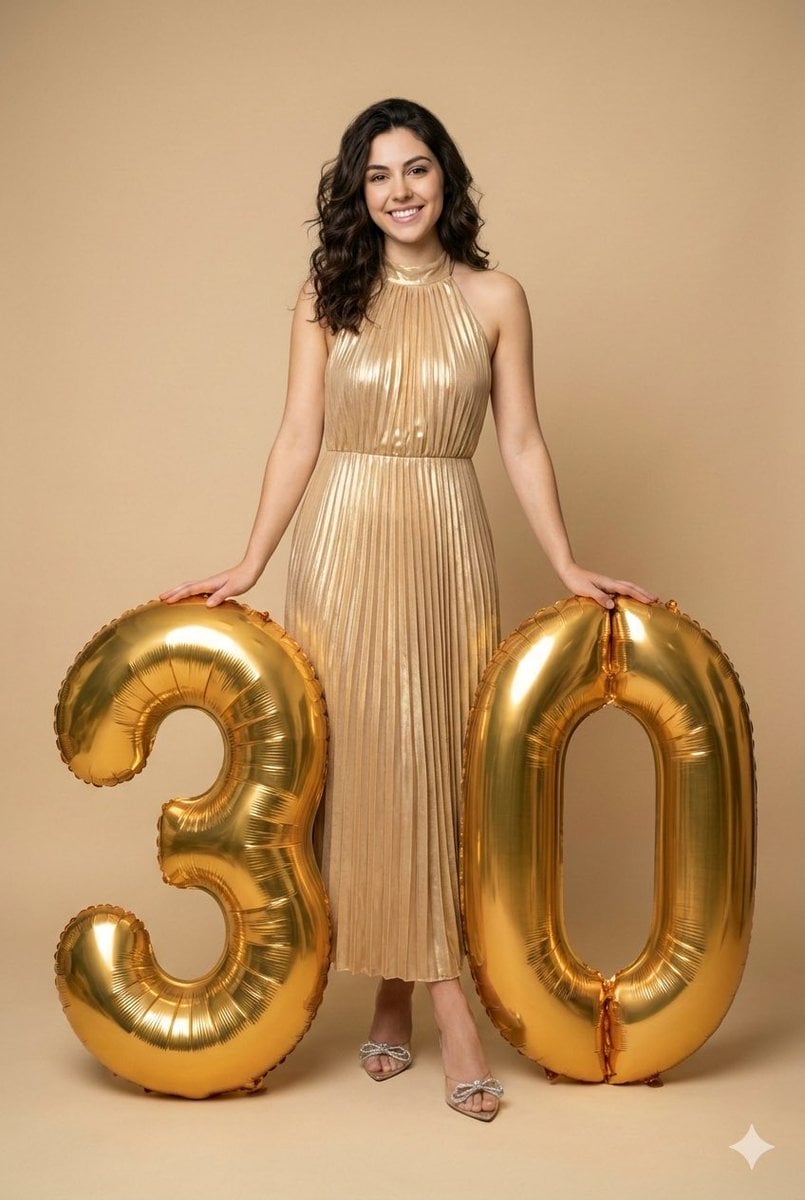
Creative Birthday Portrait with Metallic Balloons
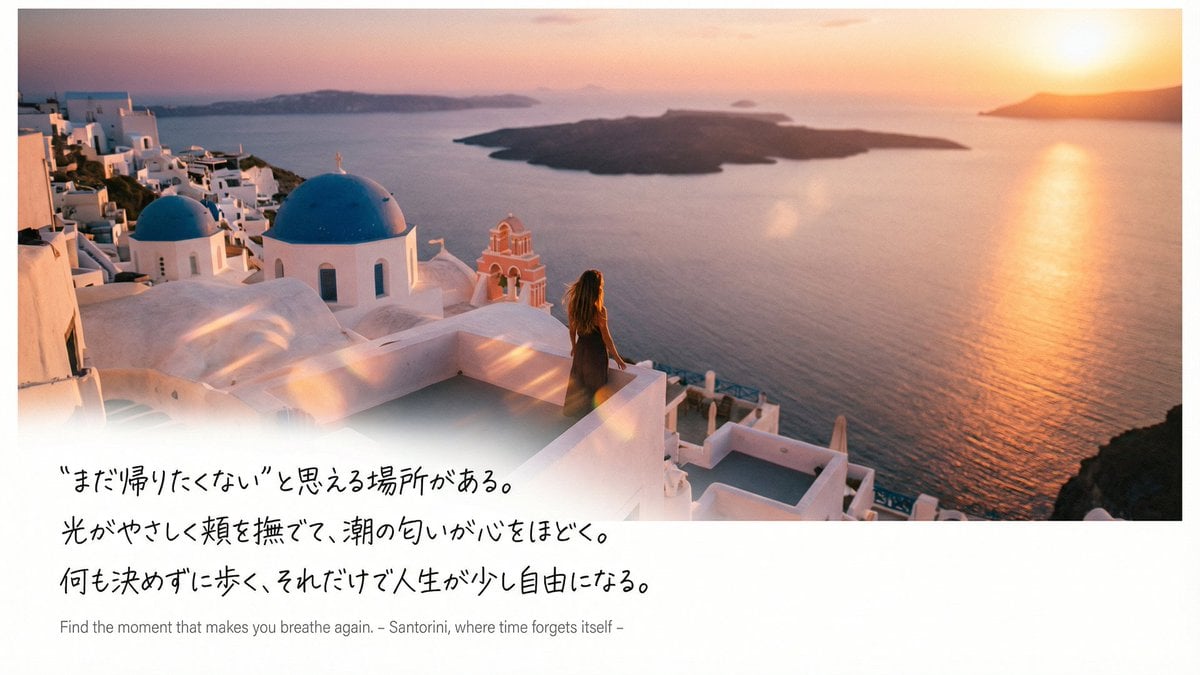
Emotional Sea Journey Thumbnail Design Prompt (Santorini)
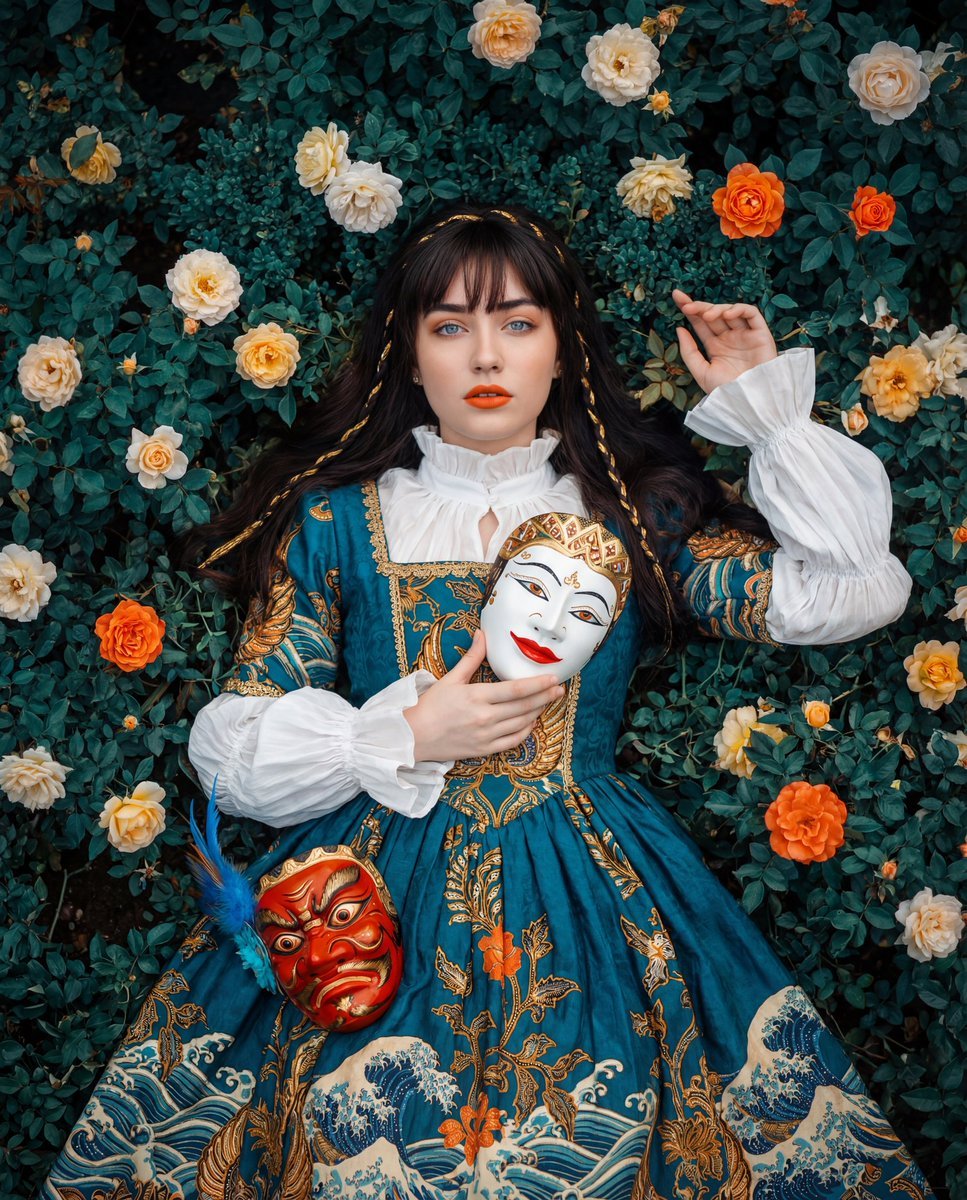
Opulent Historical-Inspired Portrait Prompt
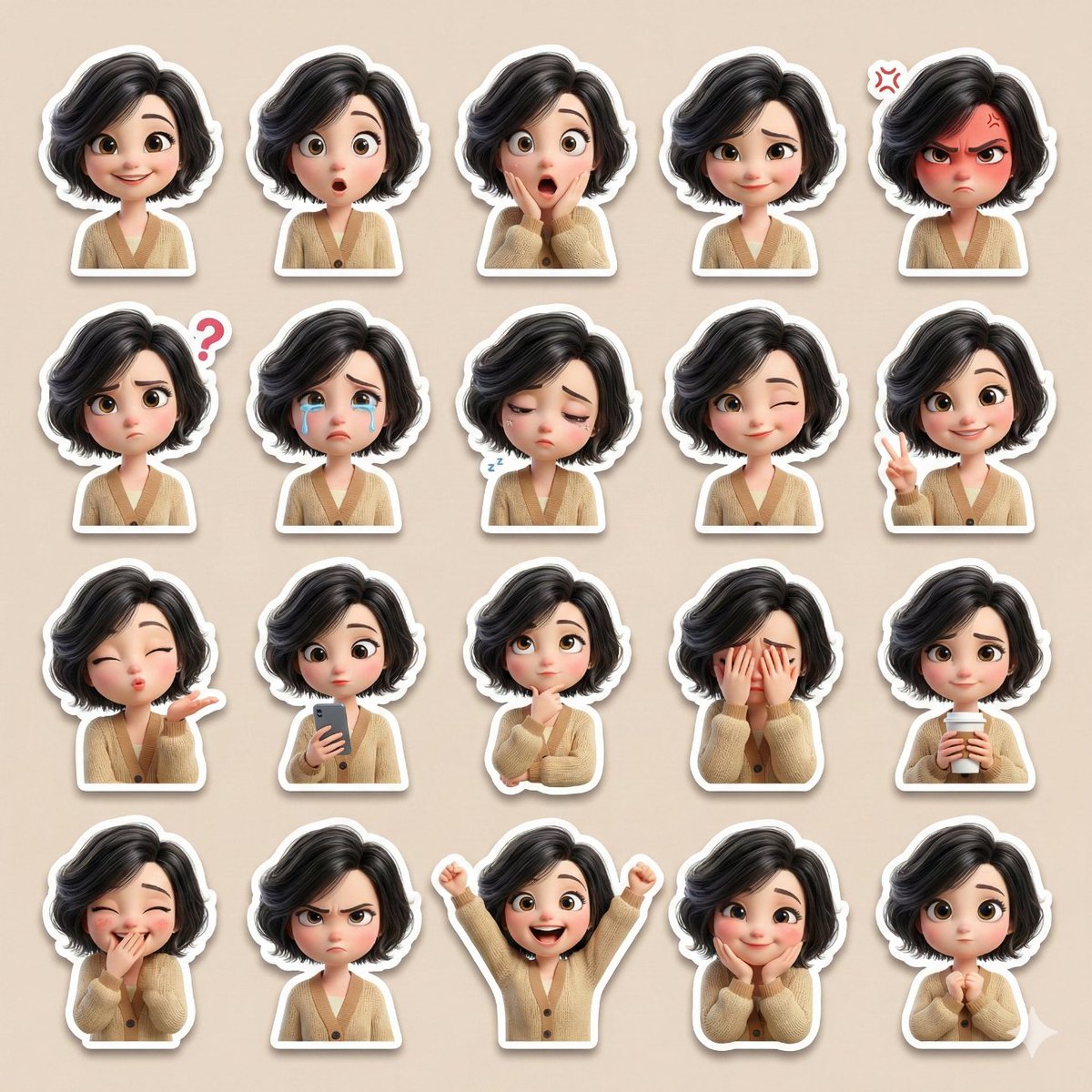
3D Pixar-Style Sticker Pack Generation from Reference Image
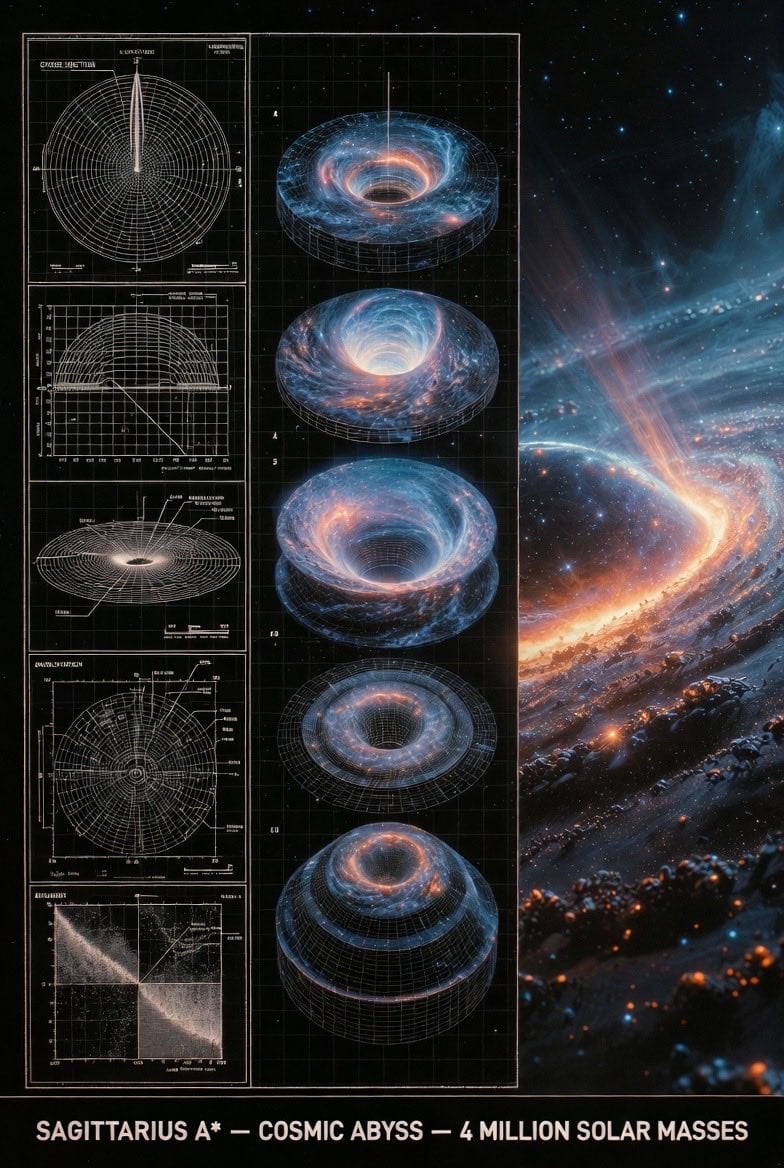
Supermassive Black Hole Museum Presentation Board

Write Arabic text on a Nile river image
Browse template categories
Four-Panel Male Hairstyle Reference questions
How do I use the Four-Panel Male Hairstyle Reference template?
Add your photo if the template asks for one, edit the prompt if you like — the template's model and format are already selected — and press Generate. Your version opens in PicX Studio.
Can I customize the Four-Panel Male Hairstyle Reference template?
Yes. You can change the subject, setting, lighting, mood, format, and available model controls before creating your image.
Is the Four-Panel Male Hairstyle Reference template free?
Opening and editing this template is free. Generating uses credits, shown on the Generate button when you are signed in.
Which AI model should I use?
Start with GPT Image 2, which is the model associated with this template. You can compare another compatible model for a different finish.
Looking for something else? Browse all templates.

Your photo, any look
Thousands of ready templates for every top image and video model, from one credit balance.