
Chibi Character Operating a Cyber Window Prompt
A highly detailed, structured prompt for Nano Banana Pro to generate an anime-style chibi girl operating a semi-transparent window in cyberspace.
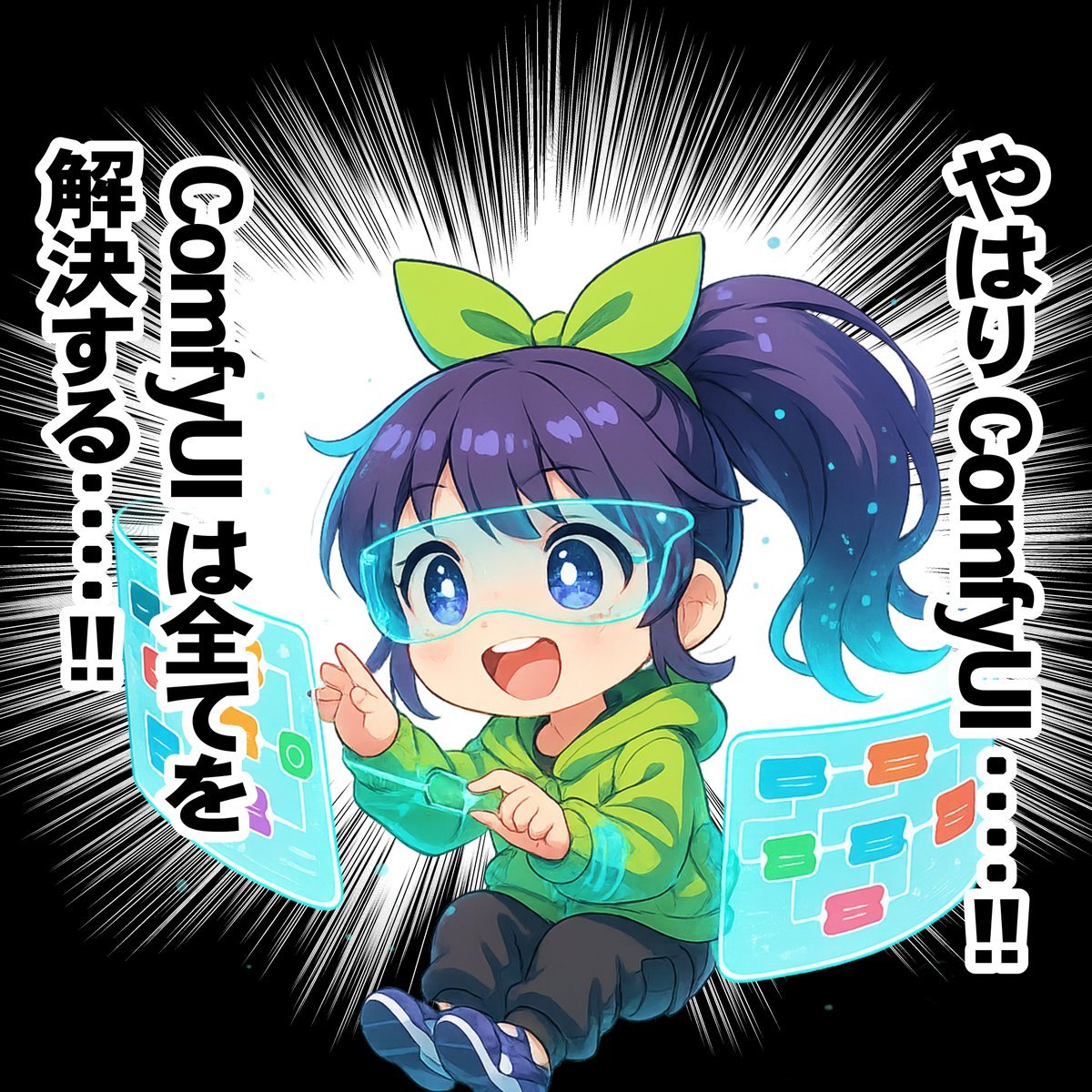
- Prompt included
- Model and format preset
- Free template
The prompt behind this image
Copy the exact prompt behind Chibi Character Operating a Cyber Window Prompt, or open it in the studio and make it yours.
## 全体のコンセプト concept: "サイバー空間で浮遊する半透明のウィンドウ(ディスプレイ)を操作することに夢中になっている、笑顔がかわいいちびキャラの女の子" ## 主体となるキャラクターの詳細 subject: type: "ちびキャラのアニメスタイルの女の子" reference: "添付画像のキャラクターデザインのレファレンスシートにもとづいたキャラクターデザインにする" expression: "目を輝かせ、発見や楽しさに満ちた満面の笑顔" hair: details: "髪の一部がデータ粒子のように淡く発光している" wearables: - item: "ARグラス" type: "フレームレスなバイザースタイル" material: "非常に透明度が高く、クリスタルのような質感の半透明素材" details: "グラスの縁が細いネオンブルーのラインで発光しており、彼女の視界に情報を投影している" outfit: style: "袖口の内側には電子回路のような幾何学模様がサイアン色でプリントされている" direction: "画像の左側を向いている" ## キャラクターのアクションとポーズ action: verb: "ウィンドウ(ディスプレイ)を操作する" pose: "サイバー空間にふわりと座るように浮遊し、少し前のめりの姿勢で、空中に浮かんでいる半透明のウィンドウ(ディスプレイ)を操作している" hands: "指先を軽やかに動かし、空中に浮かんでいる半透明のウィンドウ(ディスプレイ)を操作している" ## 周辺オブジェクト objects: - item: "空中に浮かんでいる複数の半透明のウィンドウ" type: "半透明のインターフェース" shape: "緩やかなカーブを描くワイドスクリーン" content: "そのウィンドウのなかに、カラフルな一覧リスト」が、透けて見えている。" details: "ウィンドウ(ディスプレイ)は半透明なため、その後ろにあるキャラクターの姿や背景が透けて見える" ## 背景と環境 environment: setting: "抽象的でミニマルなサイバースペース" background: color: "黒色" details: - "キャラクターの背景に、キャラクターを中心とした、白色のベタフラッシュ(ひとつひとつのトゲがとても細く尖っている)が描かれている。" - "彼女の周囲を、小さなデータの光の粒子や、半透明の立方体がゆっくりと漂っている" text: - "画面右上:縦書きで、「やはり Sticky ToC・・・・」の大きな文字。(「Sticky ToC」の文字は、横書きで表示する。)" - "画面左上:縦書きで、「Sticky ToC は \n 全てを解決する・・・・!!」の大きな文字。(「Sticky ToC」の文字は、横書きで表示する。)" ## アートスタイルと品質 style: art_style: "高品質なアニメイラストレーション、滑らかな線画と鮮やかな色彩" lighting: "キャラクター自身と彼女が操作するウィンドウ(ディスプレイ)が主要な光源。顔や体にディスプレイからの柔らかい反射光が当たっている。全体的に明るく、クリーンな印象。" color_palette: "白をベースに、パステルピンク、エメラルドグリーン、サイバーな青とシアンをアクセントカラーとして使用" effects: "グロー(発光)効果、ブルーム効果を適度に加える" quality: "最高品質, 傑作, 超高解像度, 精細なディテール"
How to use Chibi Character Operating a Cyber Window Prompt in 3 steps
- 1
Open
The prompt is already in the box next to the preview, with the template's model and format selected.
- 2…a portrait of your subject in softgolden-hour light, 85mm…
Personalize
Edit the subject and creative details for your destination.
- 3Generate
Generate
Press Generate — your image is created in PicX Studio, so you can compare it with the original and refine one variable at a time.
More like this
Templates with the same subject, style or setup. Open one to see its prompt.

Cute Layered Paper Cut Chibi Girl

Pixar-Style Chibi Café Morning Scene

Rainy Café Window Moody Portrait

Nano Banana Pro Pink Office Chibi

Nano Banana - Window Wine Red Dress

Chibi Anime Ninja Sticker Sheet

LIGHTING each element still lit by its original source, windows casting

Cyber Samurai Empress Portrait
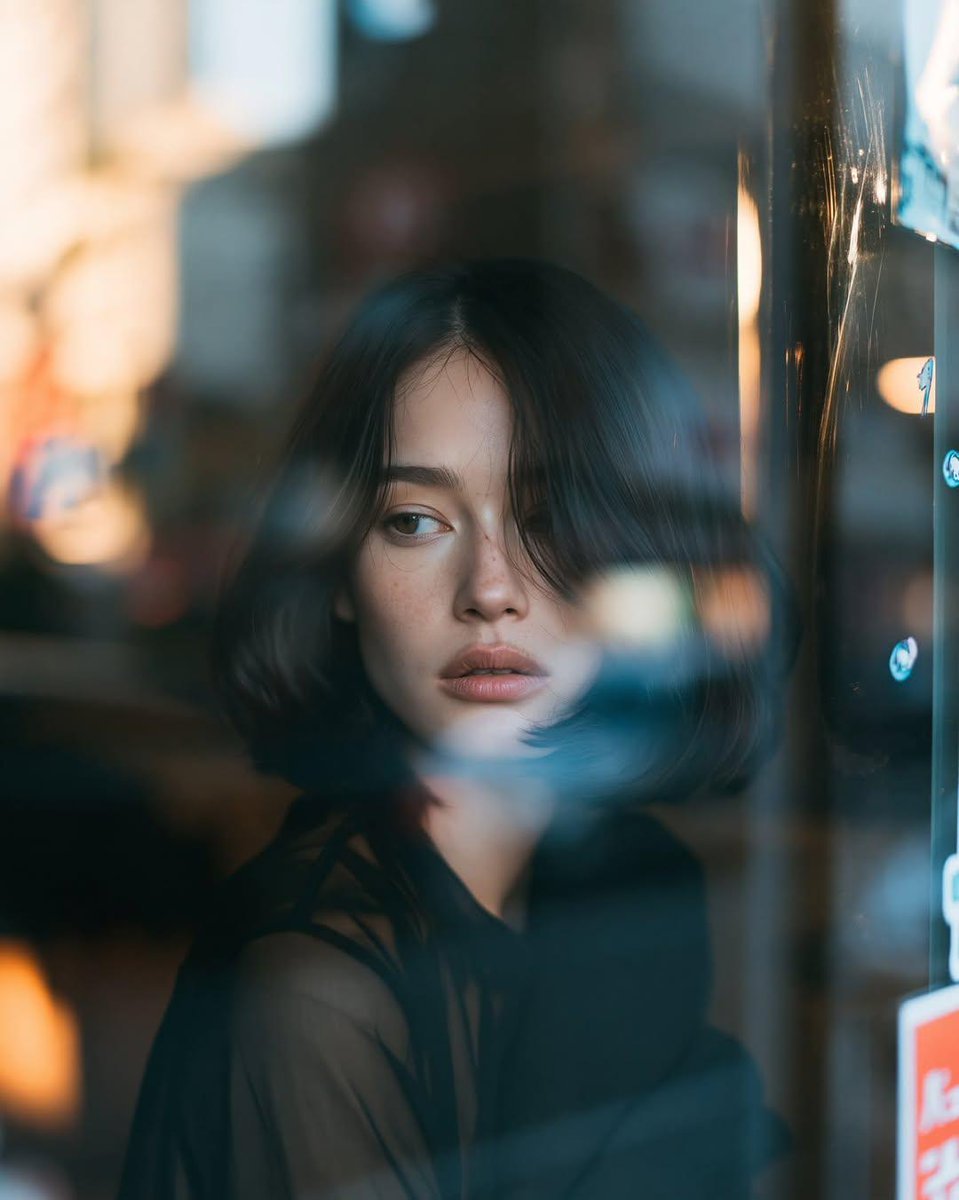
Reflective Urban Cafe Window Portrait
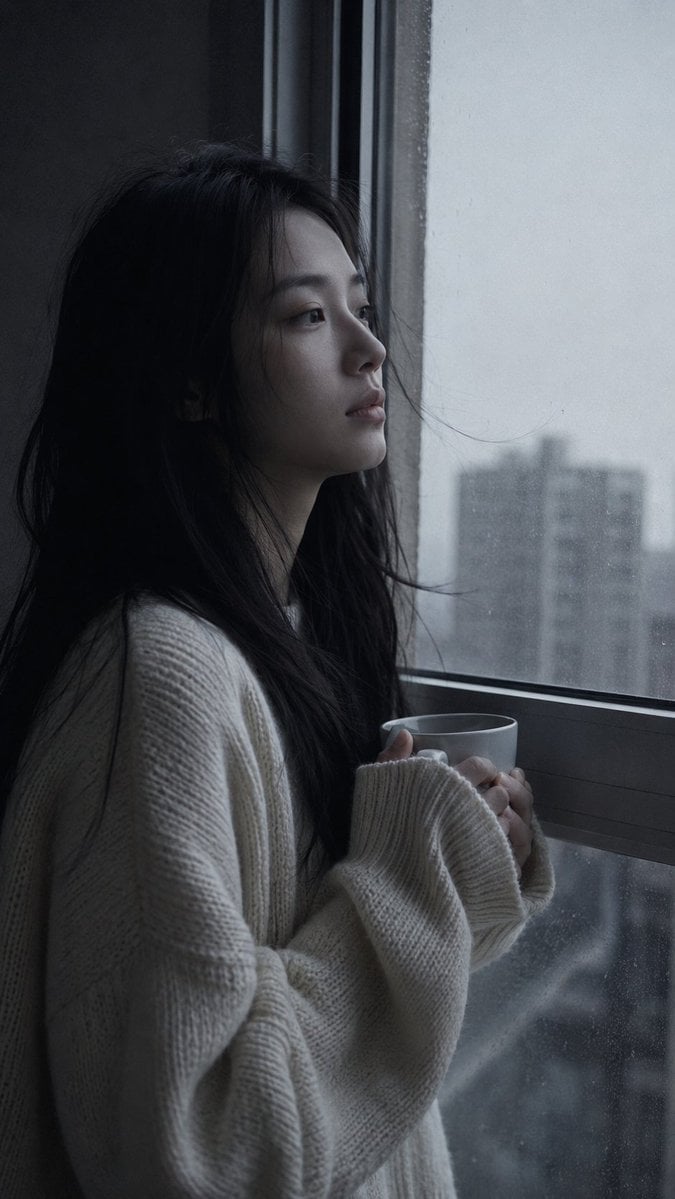
Melancholic Pre-dawn Window Portrait
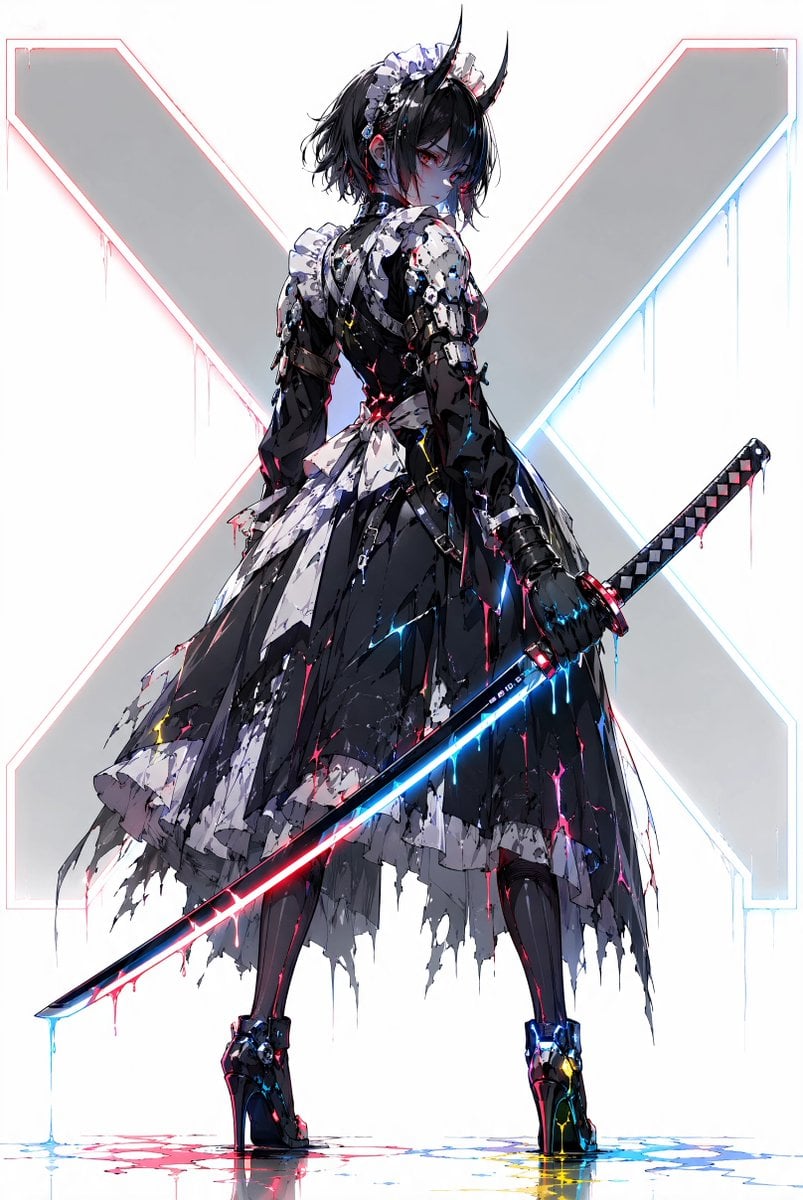
Cyber Demon Maid Katana
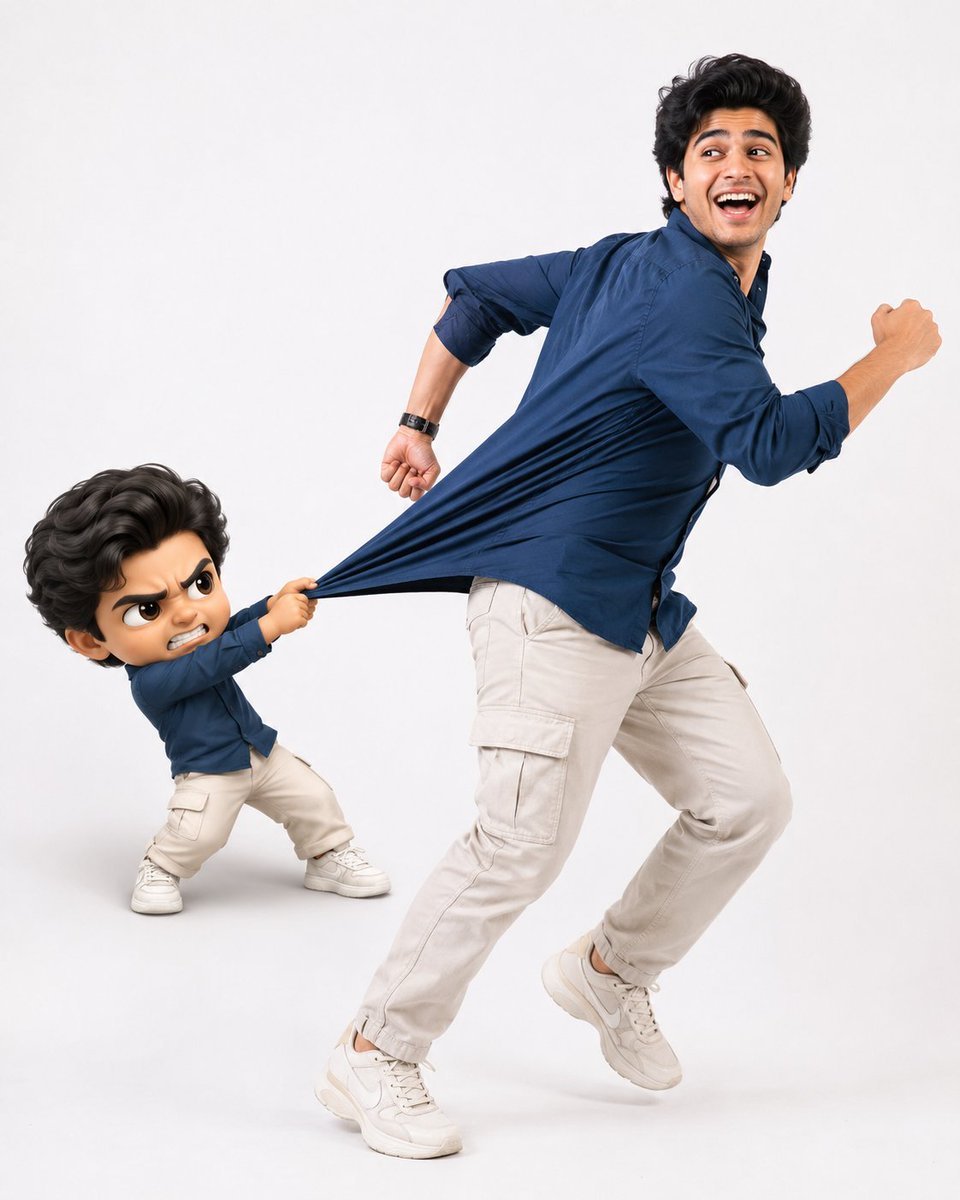
Playful Semi-Chibi Lifestyle Editorial
Make it yours
Chibi Character Operating a Cyber Window Prompt works as-is. These are the safest ways to change it without losing the look.
Change one field
Copy a single group, rewrite it, and generate again so you can see what that field is doing.
Keep the frame, change the subject
Hold the composition and light of Chibi Character Operating a Cyber Window Prompt, then swap wardrobe, props or the person for a new take.
| If the result… | Why | Fix |
|---|---|---|
| The result drifts from the preview | Too many fields changed at once. | Reuse Chibi Character Operating a Cyber Window Prompt as-is first, then change one group — subject, light, or setting. |
| The model over-stylizes the scene | The prose prompt leaves finish and camera underspecified. | Add one camera or lighting sentence and stay on Nano Banana 2. |
More Nano Banana 2 templates
Other prompts made for Nano Banana 2.

Photorealistic Leaf Shaped Like a Dragon

K-Pop Idol Portrait Grid for Rapid Selection

Poetic Rain Forest Portrait During Golden Hour

Urban Street Portrait with Cartoon Inner Self Duo

Candid Nighttime Photo with Cat Prompt

High-Concept 3D Diorama Generation Prompt

Cinematic Futuristic Studio Portrait Template

Skincare Editorial Photography Collage Prompt

Hyper-Realistic Commercial Product Photography (Splash Effect)

Hyper-Realistic Nightclub Portrait Prompt
More image prompts
Fresh picks from across the catalog.

Thumbnail Generation Prompt for Sales Content (Brain/Tips/Note)

Image Transformation into Watercolor Valentine's Day Card
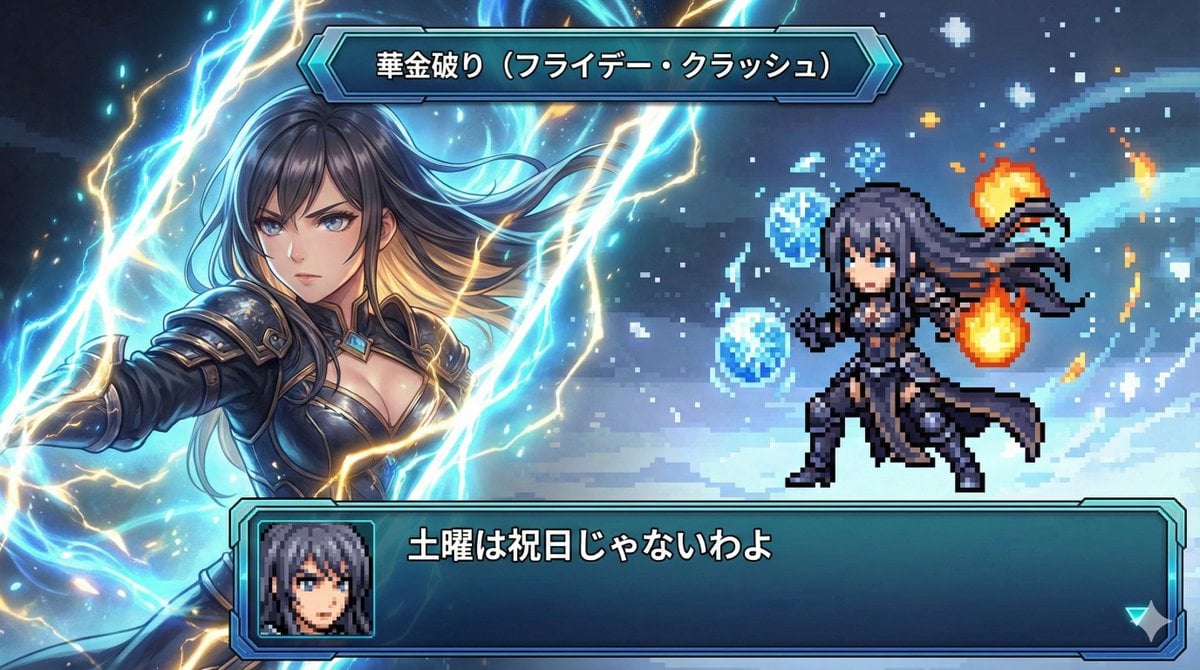
Super Robot Wars Style Witch Rejecting Friday
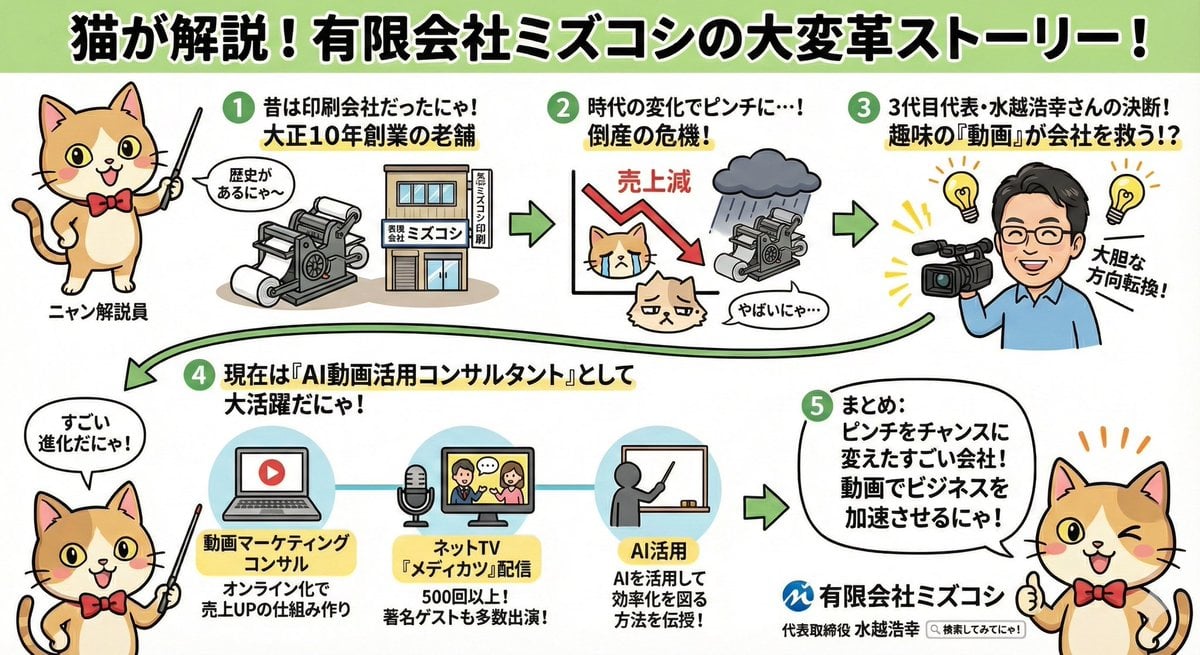
Anime-style Graphic Recording from Web Search Results
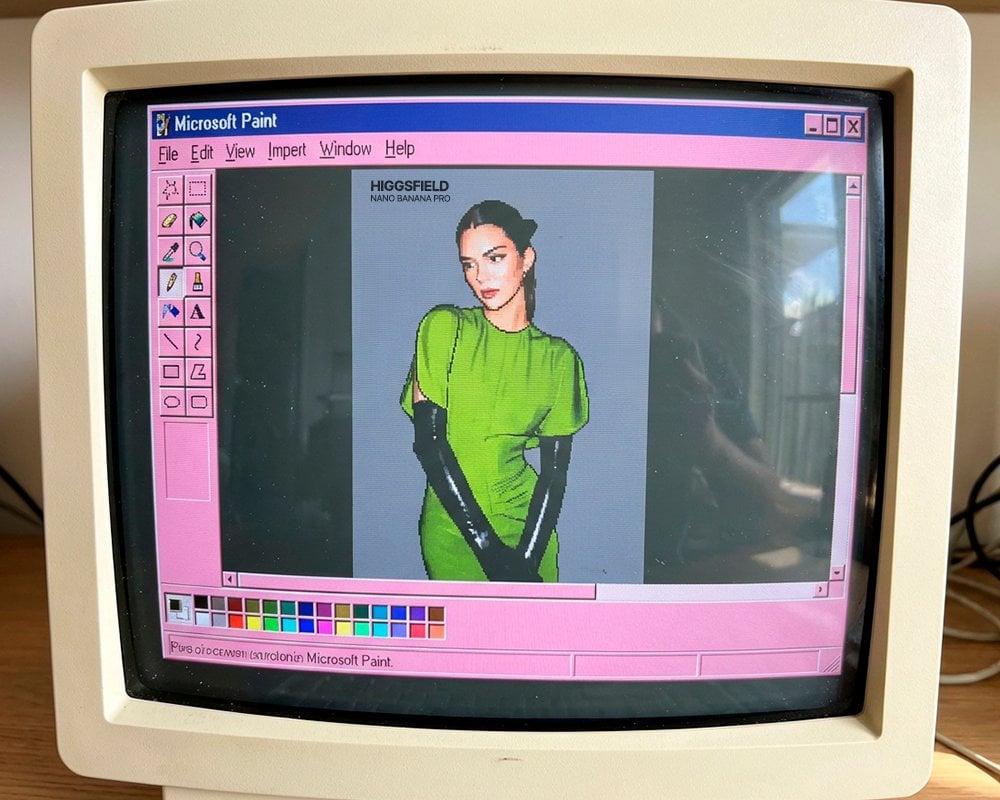
Cinematic black-and-white portrait of a woman
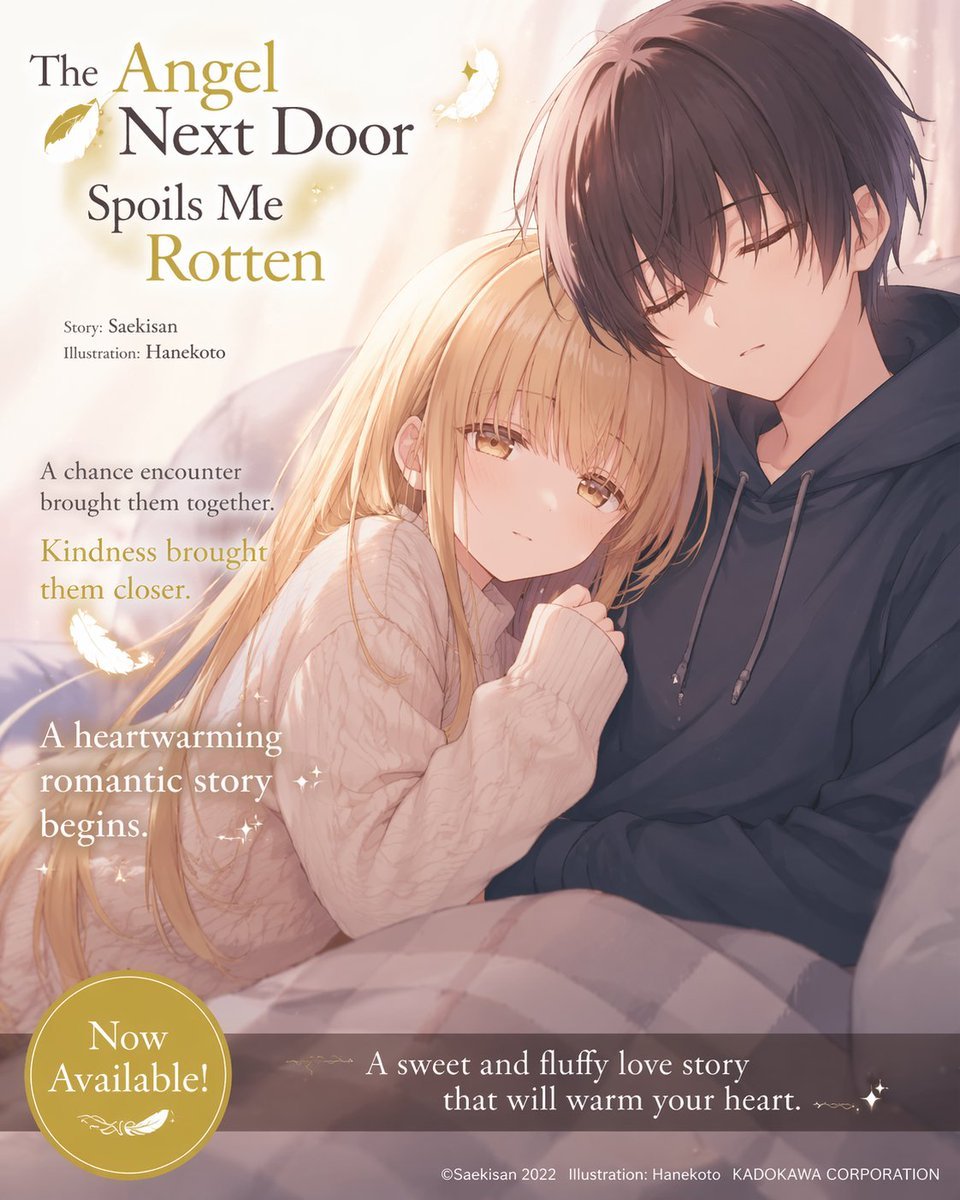
Anime Light Novel Promotional Poster
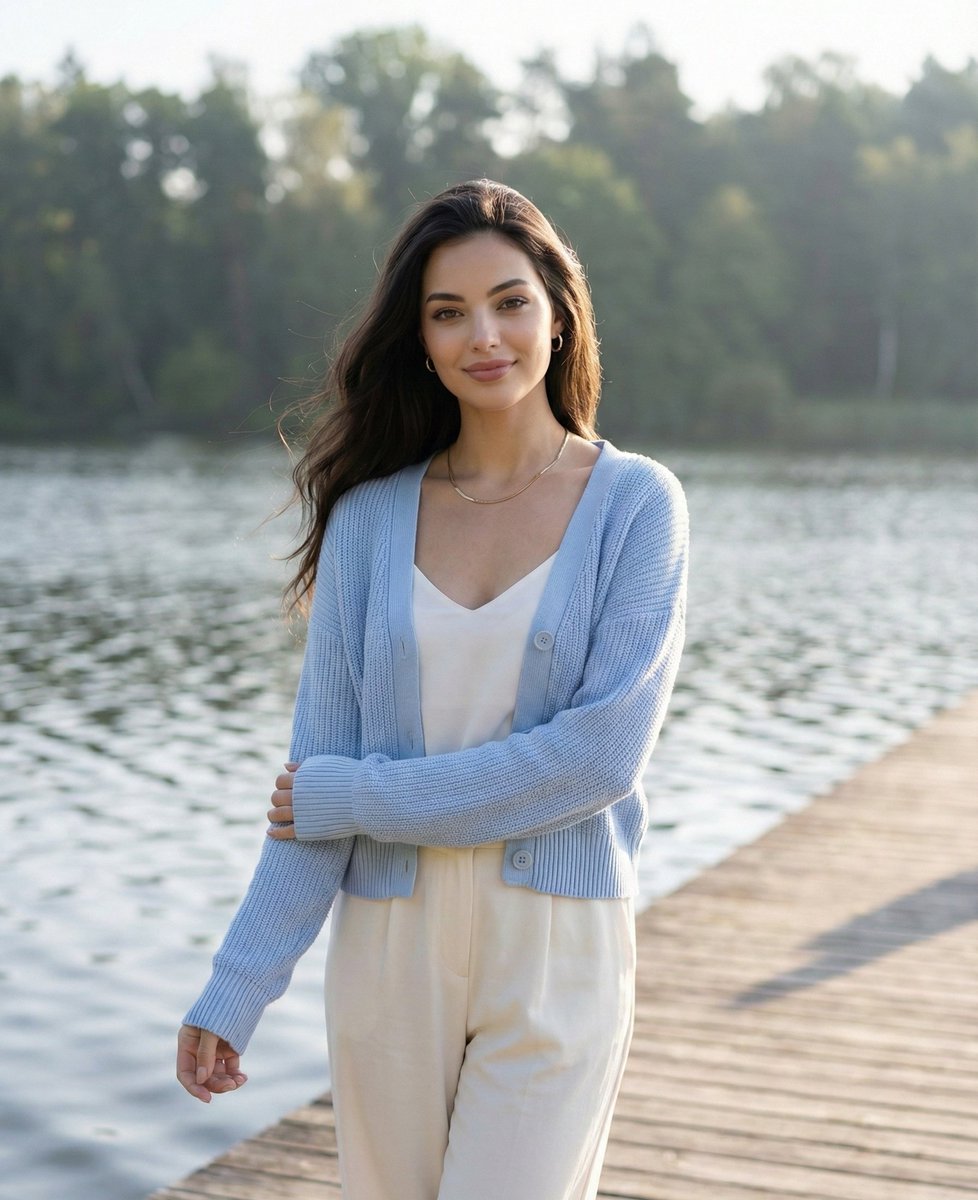
Serene Lakeside Pier Portrait Prompt

British Vogue Cover Style High-End Gentleman Portrait Prompt
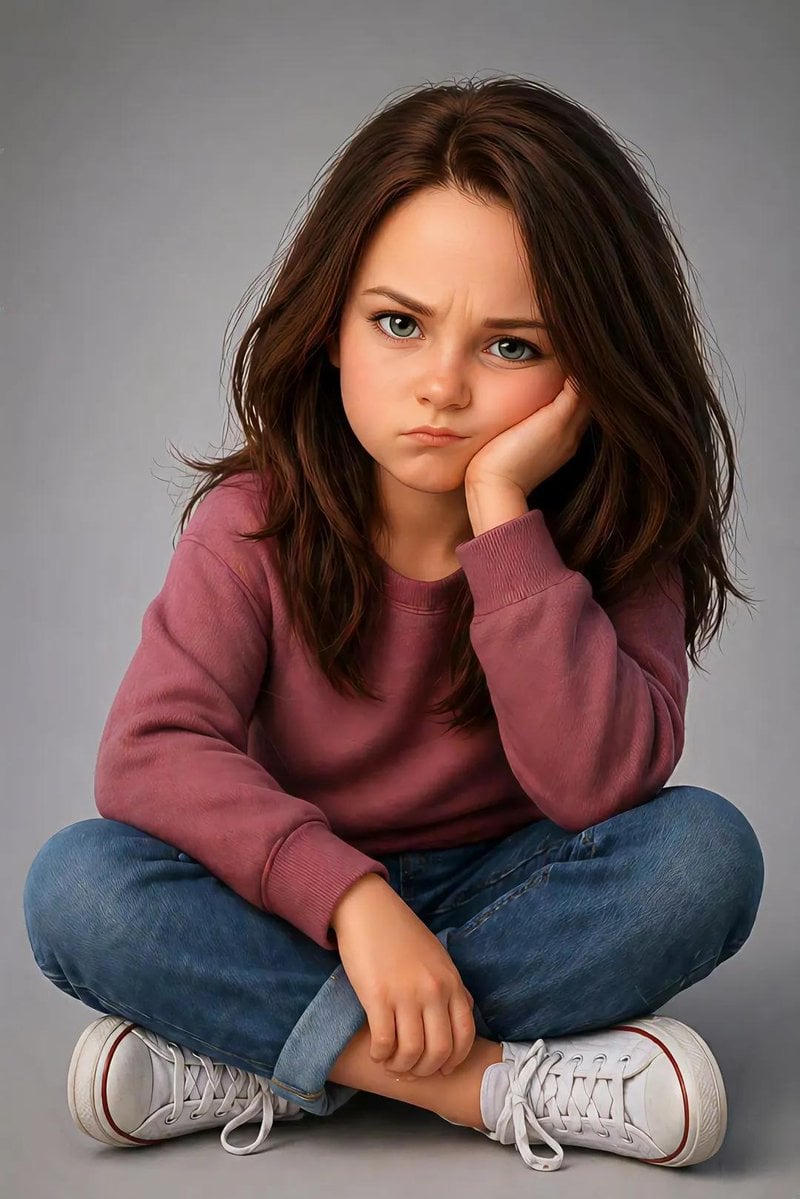
Pixar Style Identity Preservation
Ai Evolution Timeline Infographic
Browse template categories
Chibi Character Operating a Cyber Window Prompt questions
How do I use the Chibi Character Operating a Cyber Window Prompt template?
Add your photo if the template asks for one, edit the prompt if you like — the template's model and format are already selected — and press Generate. Your version opens in PicX Studio.
Can I customize the Chibi Character Operating a Cyber Window Prompt template?
Yes. You can change the subject, setting, lighting, mood, format, and available model controls before creating your image.
Is the Chibi Character Operating a Cyber Window Prompt template free?
Opening and editing this template is free. Generating uses credits, shown on the Generate button when you are signed in.
Which AI model should I use?
Start with Nano Banana 2, which is the model associated with this template. You can compare another compatible model for a different finish.
Looking for something else? Browse all templates.

Your photo, any look
Thousands of ready templates for every top image and video model, from one credit balance.