
Cinematic Warehouse Fight Storyboard
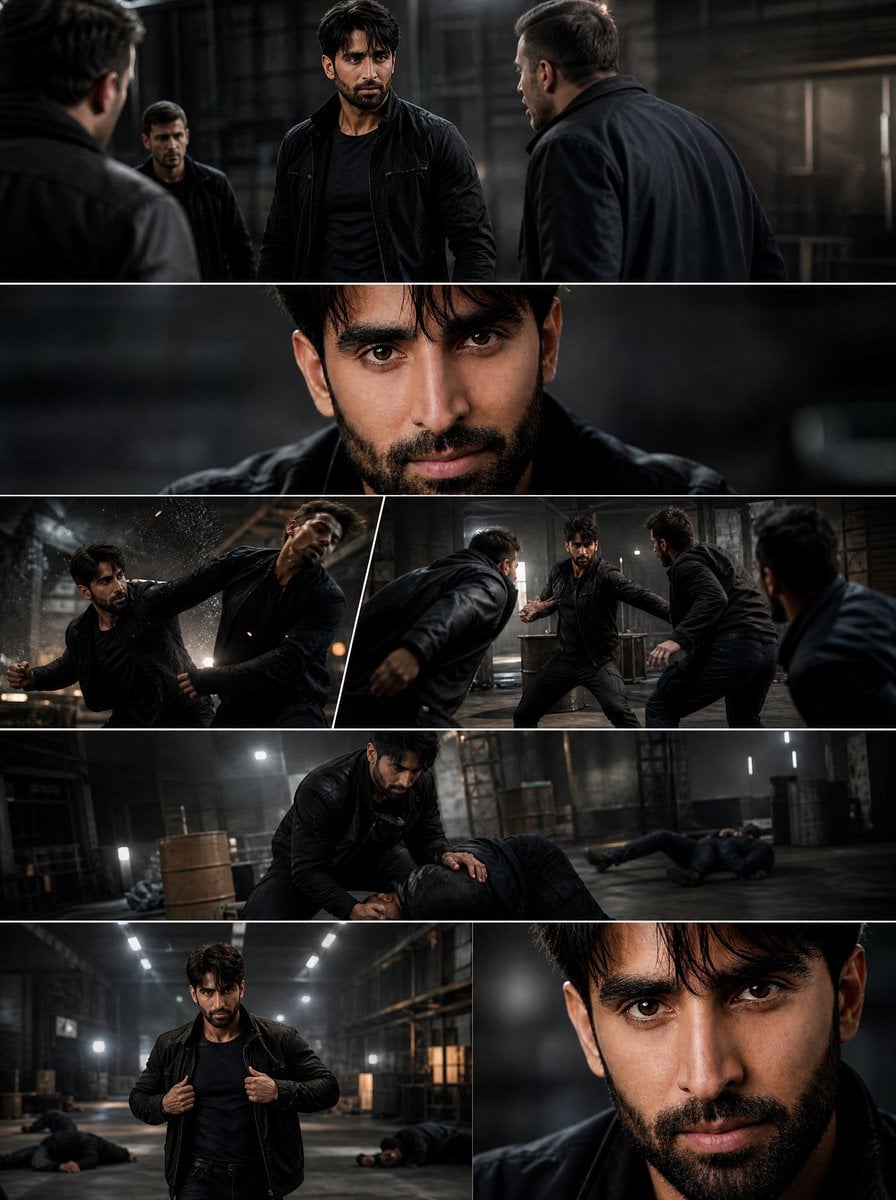
Generates a photorealistic seven-panel action movie storyboard collage featuring a consistent male hero in a gritty warehouse fight sequence.
- Prompt included
- Model and format preset
- Free template
The prompt behind this image
Copy the exact prompt behind Cinematic Warehouse Fight Storyboard, or open it in the studio and make it yours.
Goal: Create a premium cinematic action storyboard collage for a short Hollywood-style fight sequence starring {argument name="character name" default="a rugged dark-haired South Asian male action hero"}. Canvas: Vertical 3:4 poster-like collage, approximately 900 x 1200 px, divided by thin white borders into exactly 7 cinematic panels. Use a dark, gritty, photorealistic IMAX blockbuster look with high contrast, shallow depth of field, smoky warehouse atmosphere, wet-black wardrobe highlights, dramatic overhead industrial lighting, and realistic motion blur. Setting: A large abandoned industrial warehouse at night with concrete floors, steel beams, metal shelving, barrels, crates, ladders, haze, dust, sparks, and harsh rectangular lights in the background. The overall color grade is charcoal black, steel gray, muted brown, and cool white highlights. Main character: The same male hero appears consistently in every panel: early-to-mid 30s, athletic build, medium tan skin, intense brown eyes, thick dark eyebrows, black slightly messy medium-length hair falling over the forehead, short full beard and mustache, sharp jawline, serious expression. He wears a fitted black tactical T-shirt, black leather or tactical jacket, black pants, and black belt throughout. Do not change his face, hair, age, or wardrobe between panels. Panel layout and exact content count: Include exactly 7 panels total: 1. Top wide panel: The hero stands in the center of a tense standoff, facing three male attackers in dark jackets. One attacker is seen from behind on the far left foreground, one stands behind the hero on the left, and one faces him on the right foreground. The hero looks focused and ready to fight. 2. Second wide panel: Extreme close-up portrait of the hero's face, filling most of the frame, intense direct eye contact, damp hair strands over forehead, blurred dark background. 3. Third row left angled panel: The hero throws a powerful punch or elbow strike at an attacker, with sparks, dust, motion blur, and the attacker recoiling. 4. Third row right angled panel: The hero is surrounded by three attackers in a dynamic fighting stance, arms extended, ready to counter multiple incoming strikes. 5. Fourth wide panel: The hero kneels over a defeated attacker on the warehouse floor, one hand pinning him down, while other unconscious bodies lie in the background. 6. Bottom left panel: The hero walks forward confidently down the warehouse aisle, adjusting or gripping his black jacket with both hands, defeated men lying on the floor behind him. 7. Bottom right panel: Tight dramatic close-up of the hero's face, cropped on one side, intense eyes and serious expression, dark blurred background. Action details: Show exactly 3 main attackers in the confrontation and group-fight panels, all adult men in dark clothing. Across the later panels, show multiple defeated bodies on the floor but keep them secondary and slightly blurred. The mood should suggest a fast, brutal 15-second compressed fight montage rather than a static portrait. Visual style: Photorealistic live-action film stills, AAA action movie production value, ultra-realistic skin texture, cinematic lighting, high dynamic range, anamorphic depth of field, subtle film grain, no comic or illustration style. Use crisp facial details in close-ups and controlled motion blur in fight panels. Text and constraints: No captions, no logos, no watermark, no UI elements. Keep the collage borders clean and white. Maintain the same hero identity and outfit in all 7 panels. The atmosphere should feel explosive, aggressive, and continuously moving.
How to use Cinematic Warehouse Fight Storyboard in 3 steps
- 1Upload ImagePNG, JPG or paste
Add your photo
Upload the photo the template builds on. The prompt, model and format are already set.
- 2…a portrait of your subject in softgolden-hour light, 85mm…
Personalize
Edit the subject and creative details for your destination.
- 3Generate
Generate
Press Generate — your image is created in PicX Studio, so you can compare it with the original and refine one variable at a time.
More like this
Templates with the same subject, style or setup. Open one to see its prompt.

Headphones Lifestyle Nine Panel Grid

Seedance 2.0 - Anime Girl Fight
Seedance - Storyboard to Movie
Seedance - Epic Fight Scene
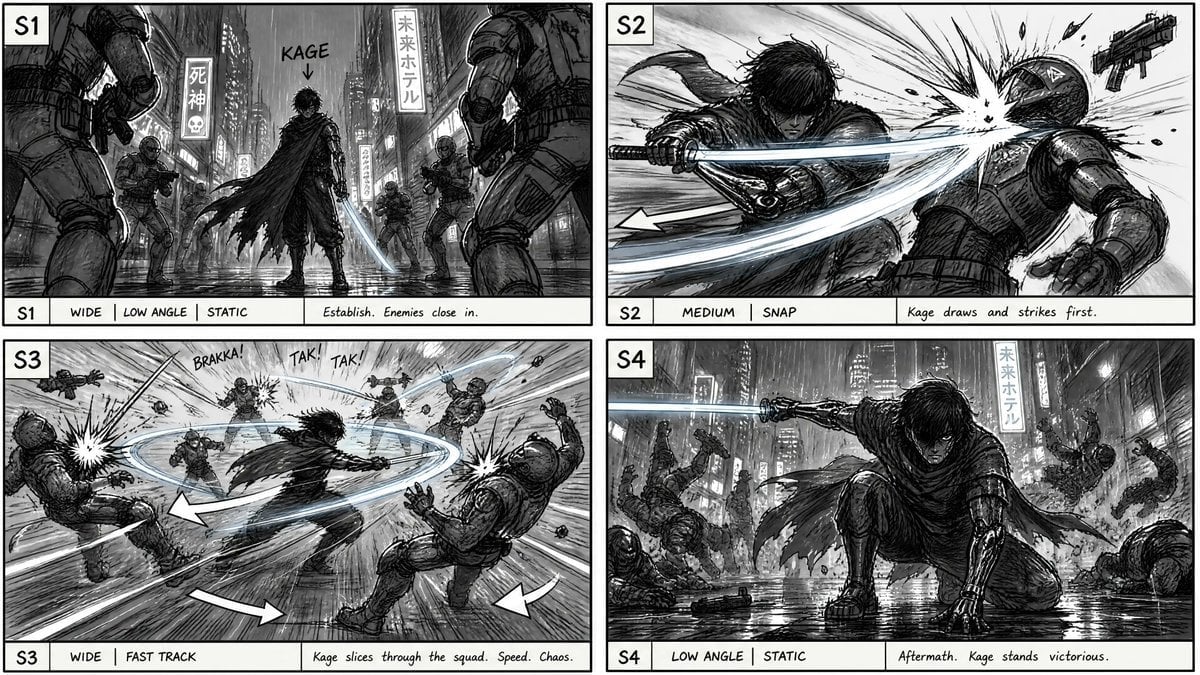
Cyberpunk Sword Fight Storyboard
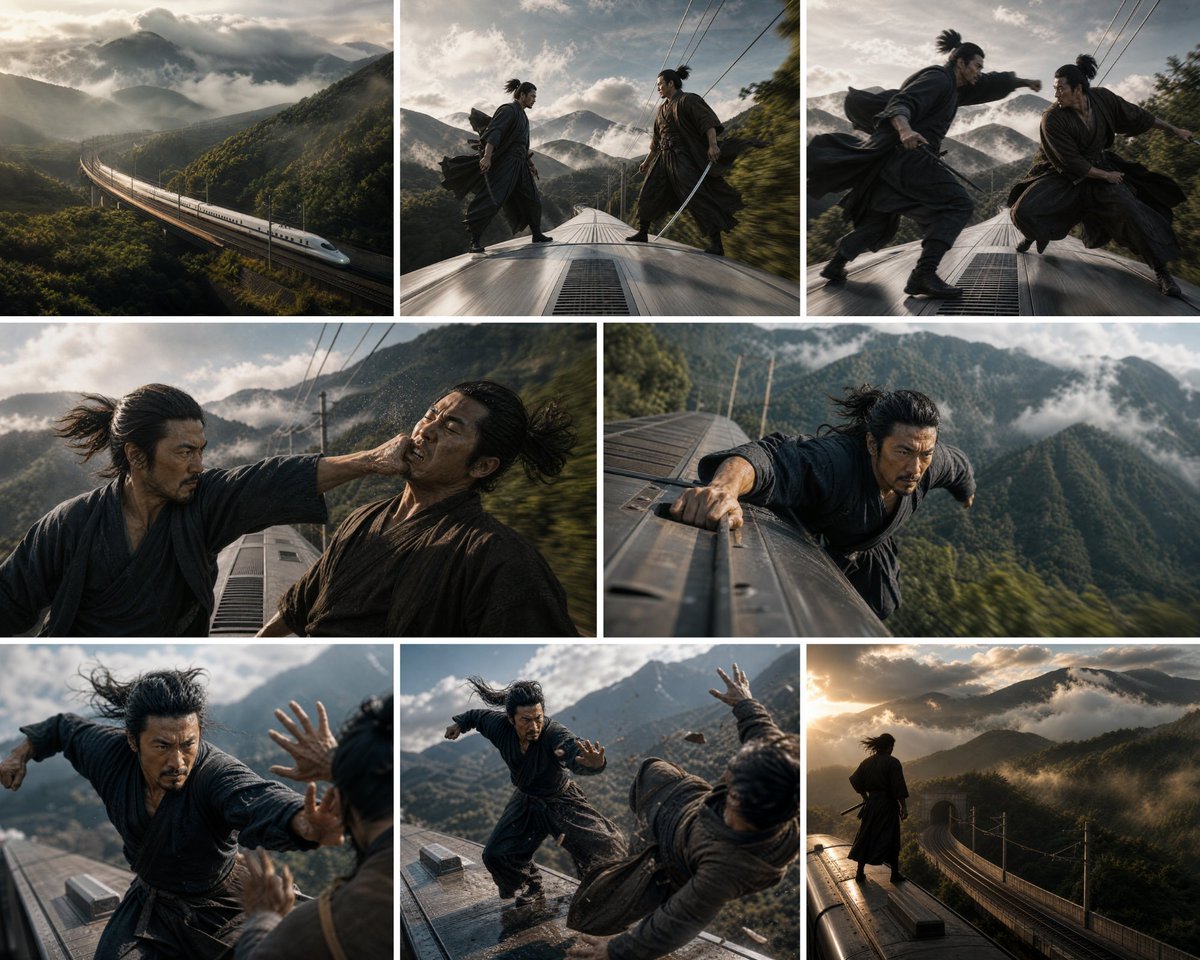
Bullet Train Rooftop Fight Storyboard
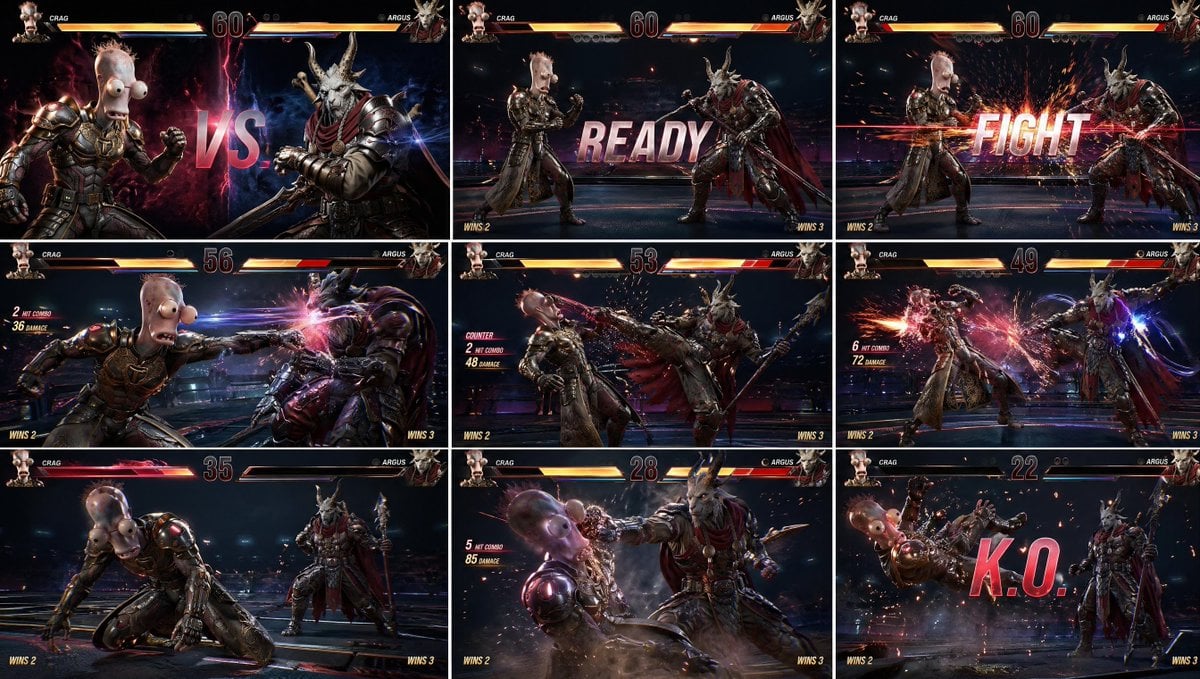
AAA Fighting Game Storyboard Grid
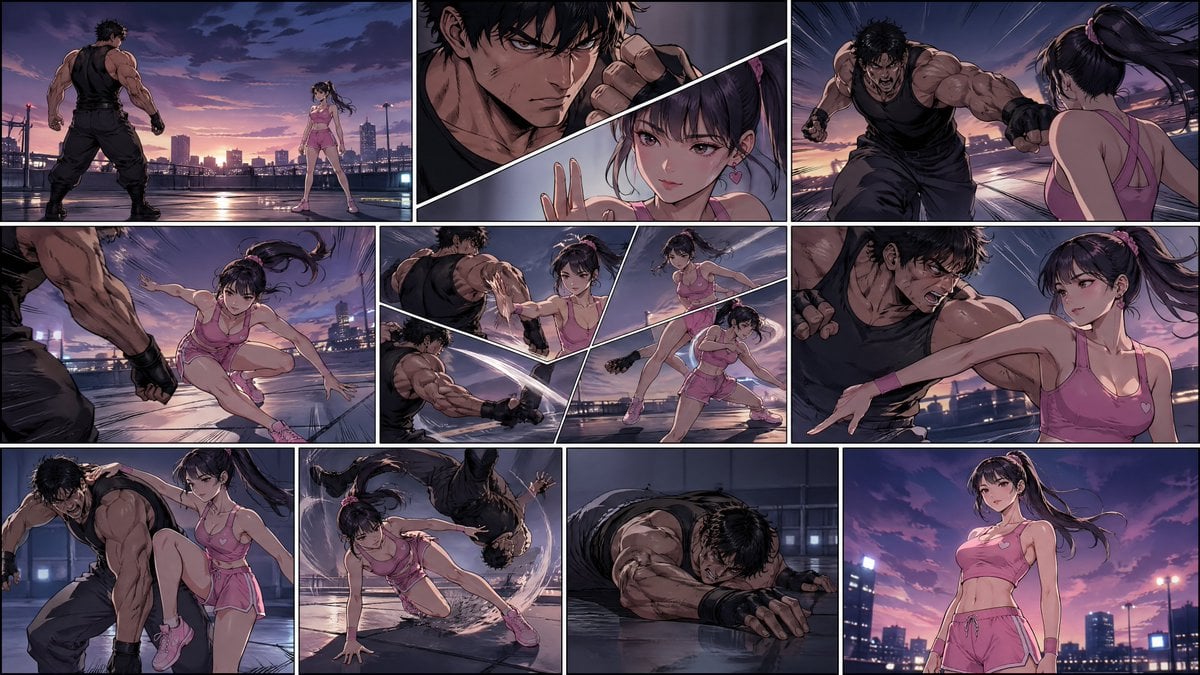
Manhwa Style Fighting Storyboard
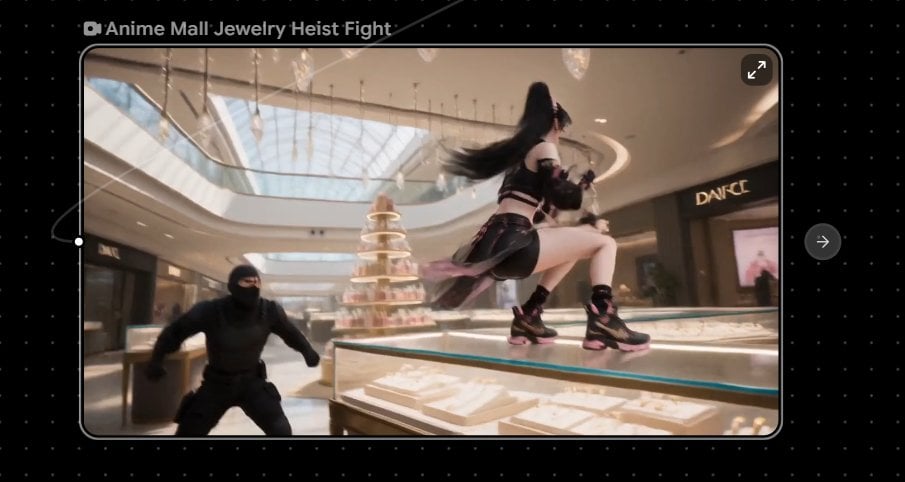
Anime Mall Jewelry Heist Fight
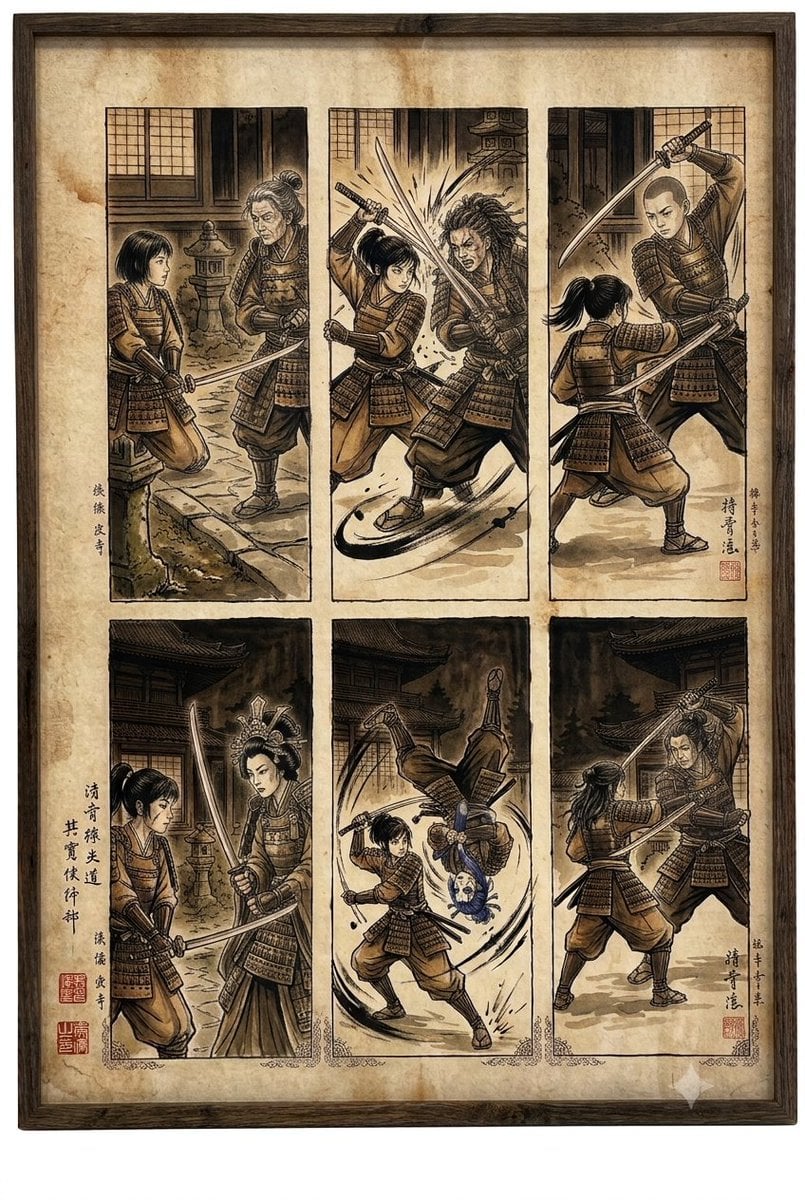
Samurai fight scene ukiyo-e triptych
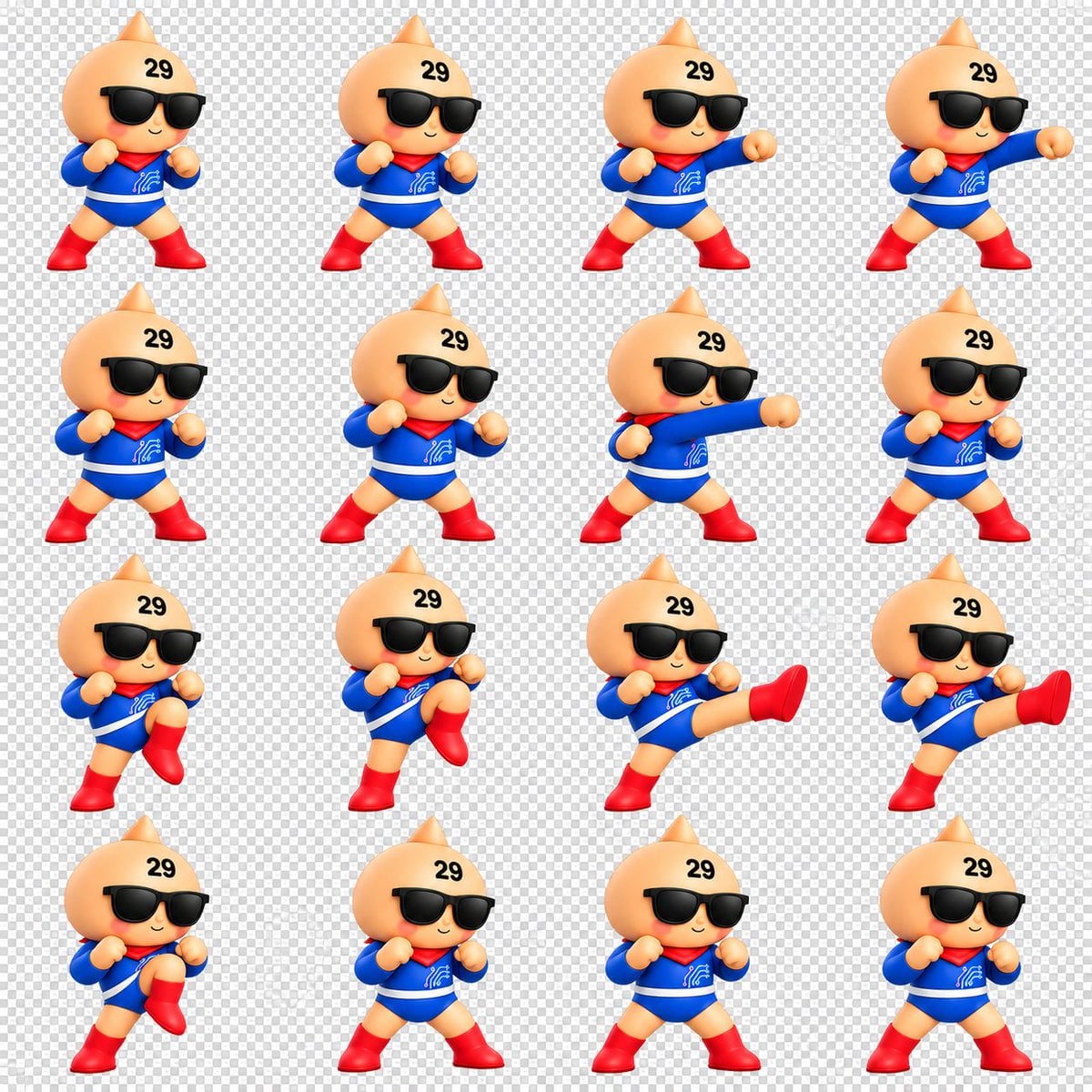
Chibi Mascot Fighting Sprite Sheet
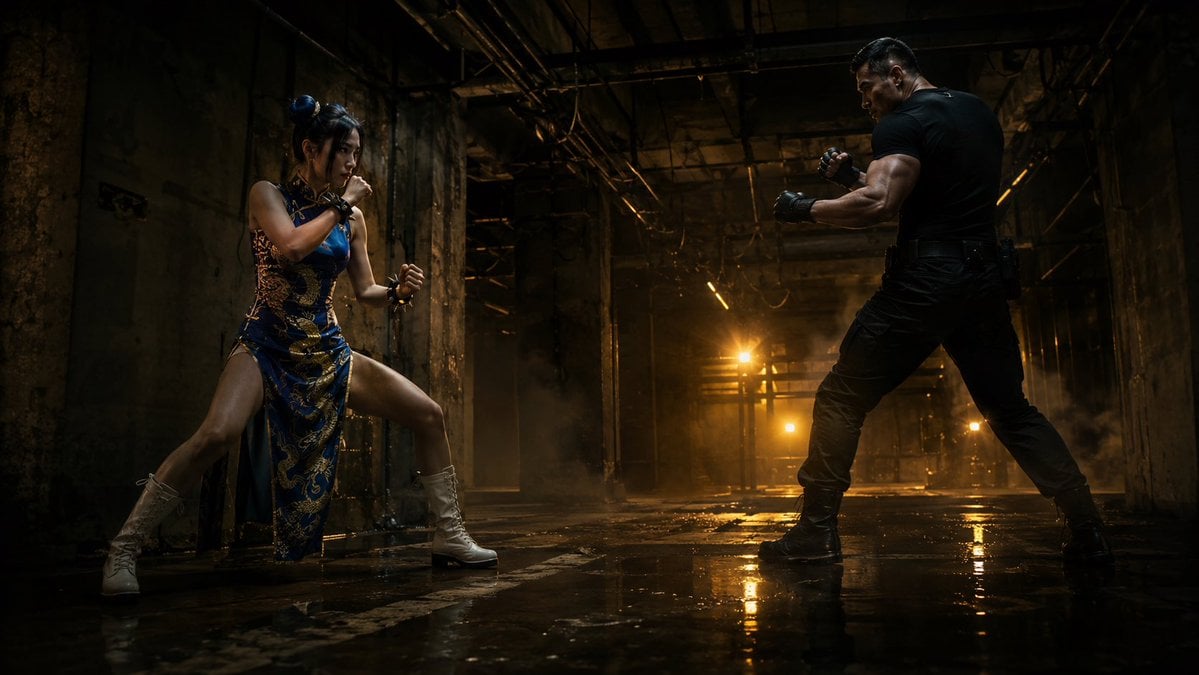
Warehouse Martial Arts Showdown
Make it yours
Cinematic Warehouse Fight Storyboard works as-is. These are the safest ways to change it without losing the look.
Change one field
Copy a single group, rewrite it, and generate again so you can see what that field is doing.
Keep the frame, change the subject
Hold the composition and light of Cinematic Warehouse Fight Storyboard, then swap wardrobe, props or the person for a new take.
| If the result… | Why | Fix |
|---|---|---|
| The result drifts from the preview | Too many fields changed at once. | Reuse Cinematic Warehouse Fight Storyboard as-is first, then change one group — subject, light, or setting. |
| The model over-stylizes the scene | The prose prompt leaves finish and camera underspecified. | Add one camera or lighting sentence and stay on GPT Image 2. |
More GPT Image 2 templates
Other prompts made for GPT Image 2.

Six VTuber Japanese Logo Sheet

Realistic Portrait of Woman and Deer

The Vista Modular Condo Poster

AI Model Routing Comparison Infographic

2.5D Anime Art Board

Isometric Productivity Desk Scene

New York Double Exposure Poster

Four-Panel AI Landscape Comparison

Japanese Tatami Lifestyle Magazine Cover

NESCAFÉ Coffee Map Poster
More image prompts
Fresh picks from across the catalog.
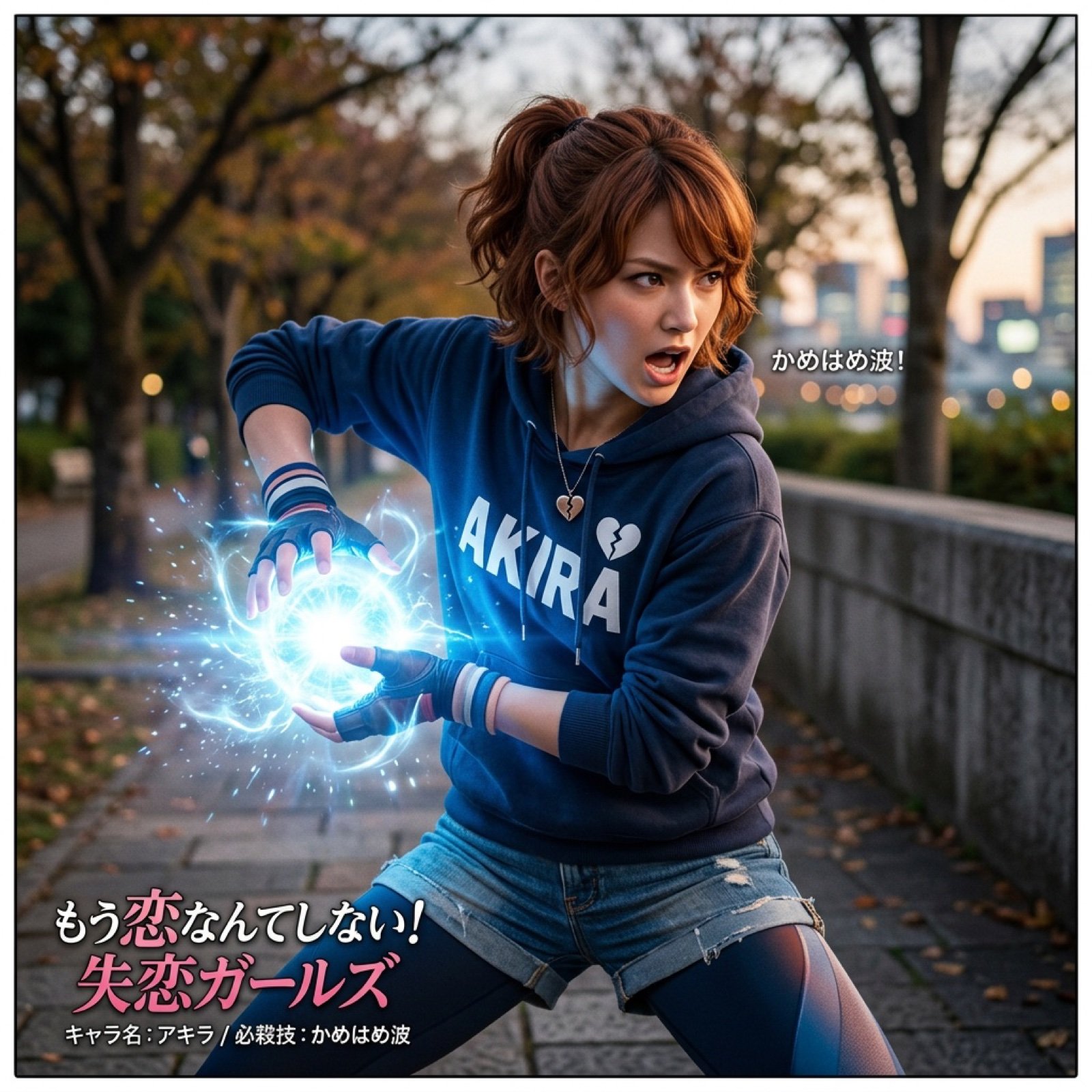
Super Robot Wars Battle Scene Generator
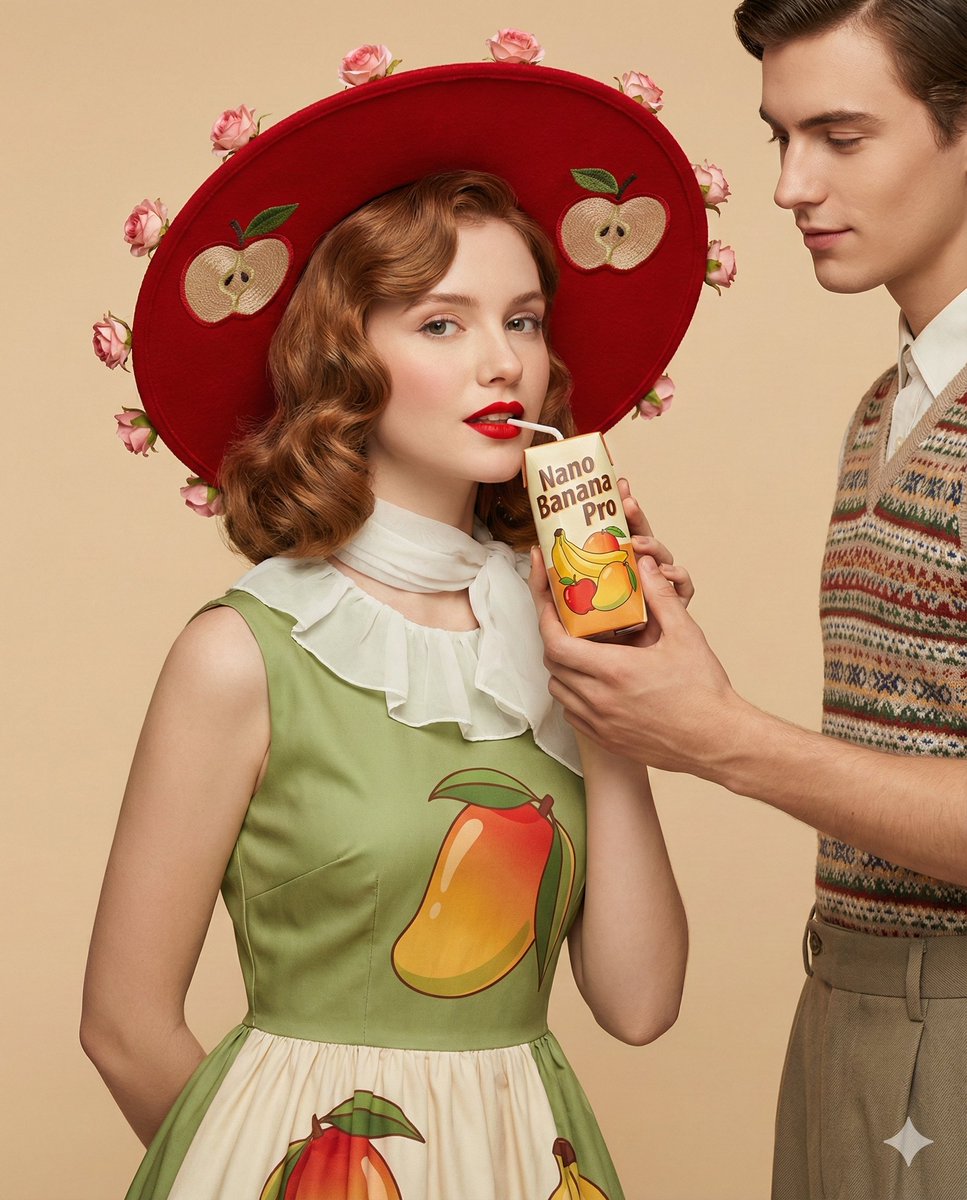
4K Ultra-Realistic Retro Fashion Editorial Portrait
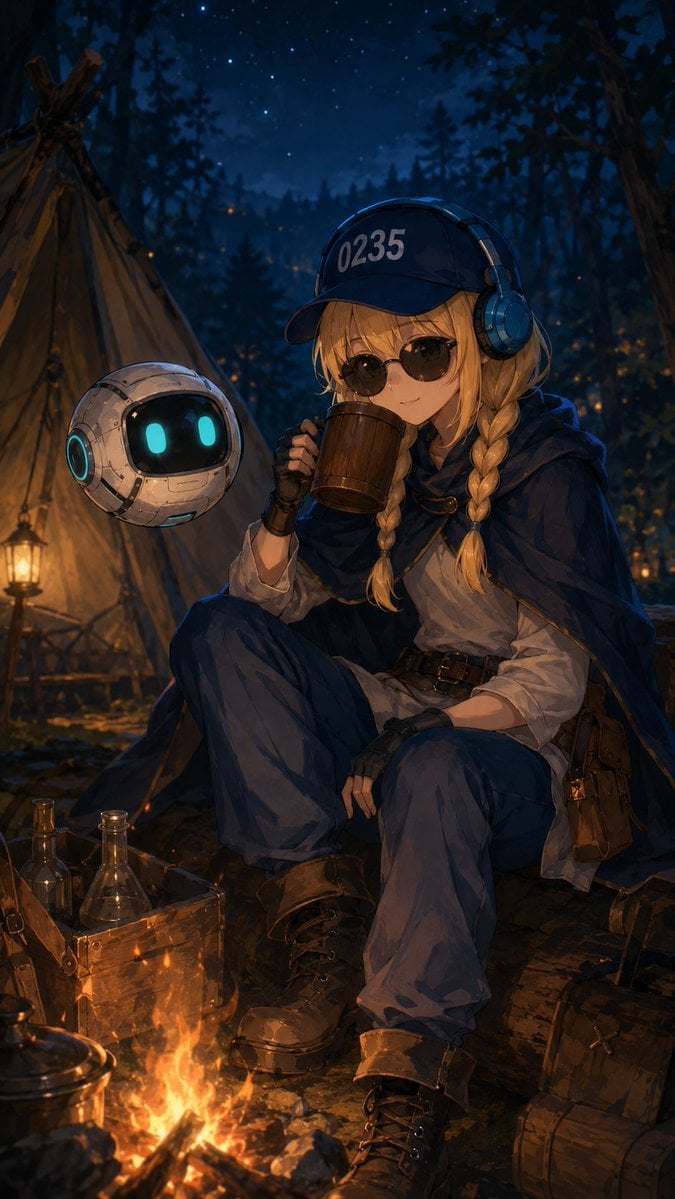
Traveling Alchemist Campsite
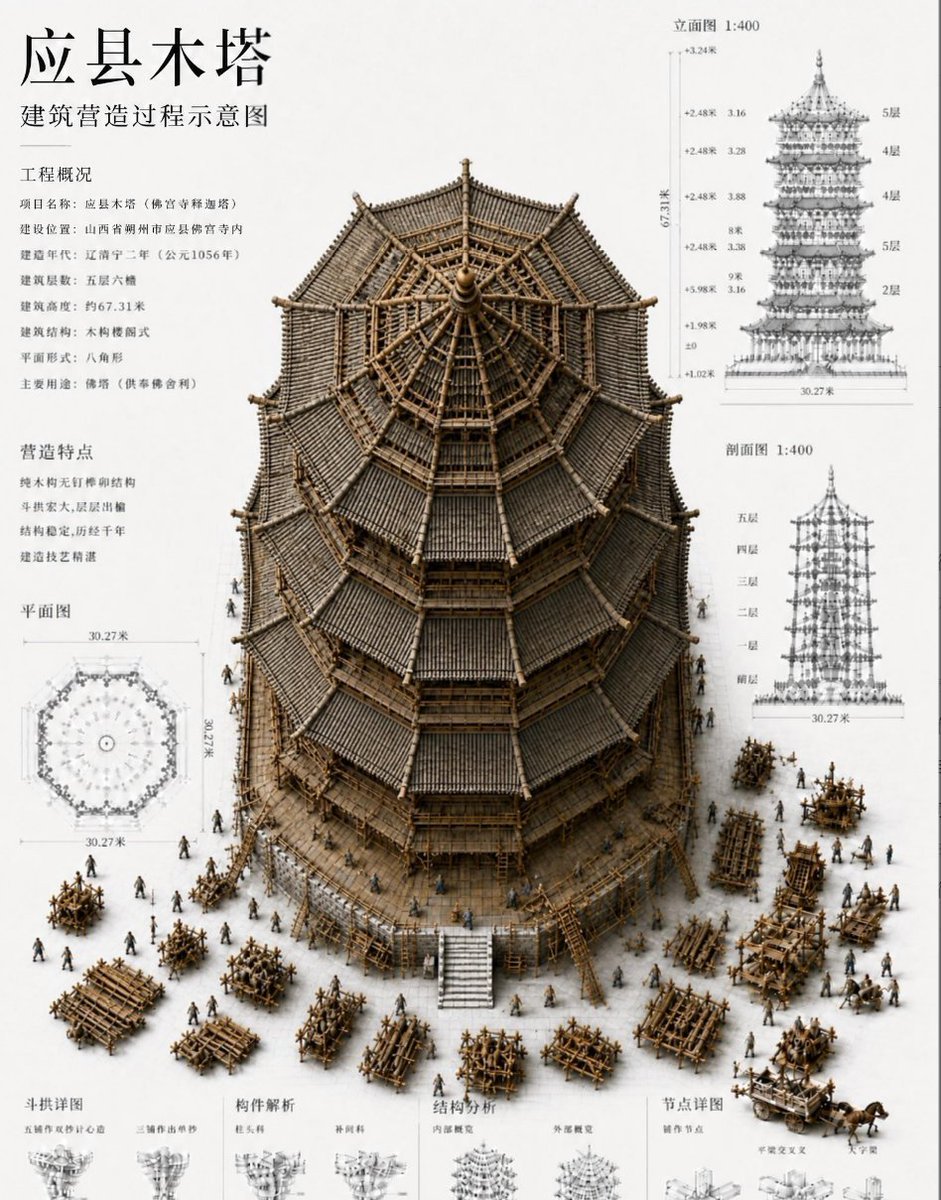
Chinese Wooden Pagoda Construction Board
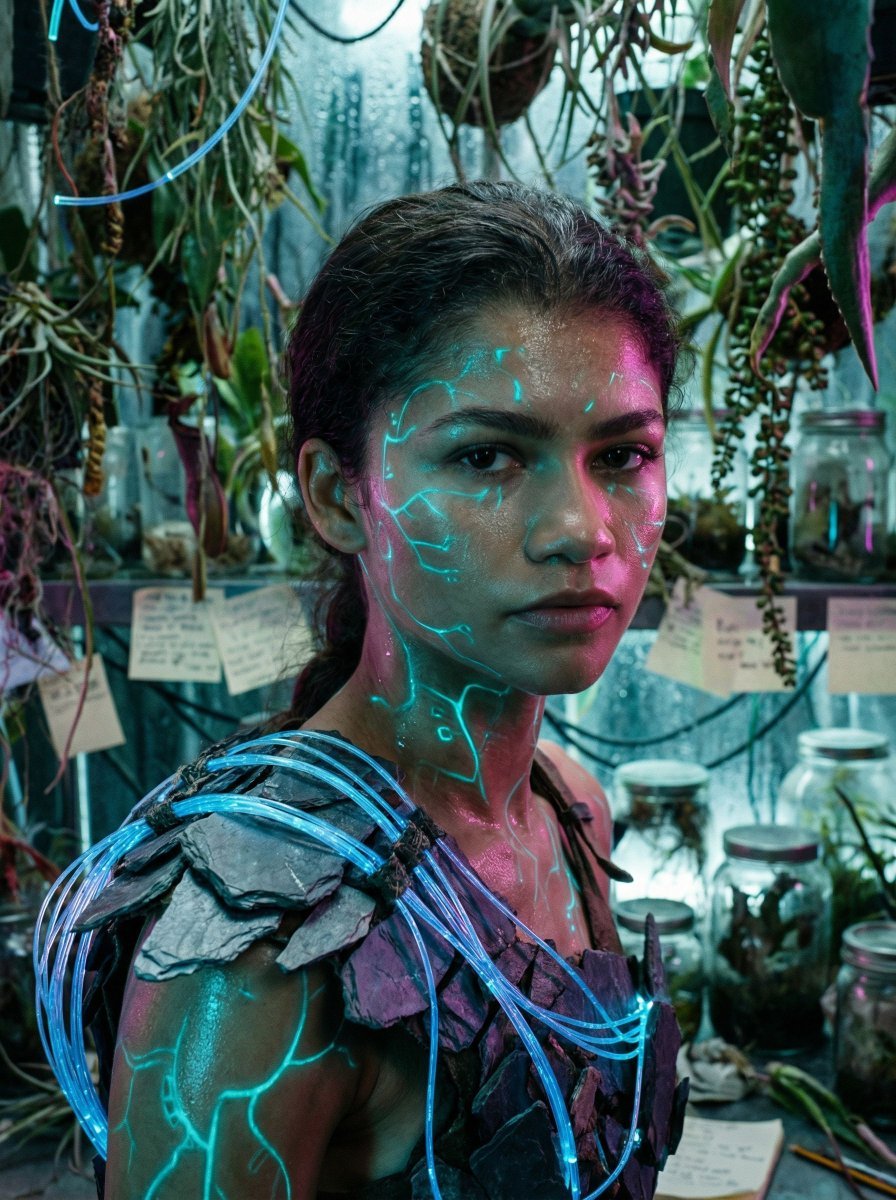
Bioluminescent Archivist Sci-Fi Portrait Prompt
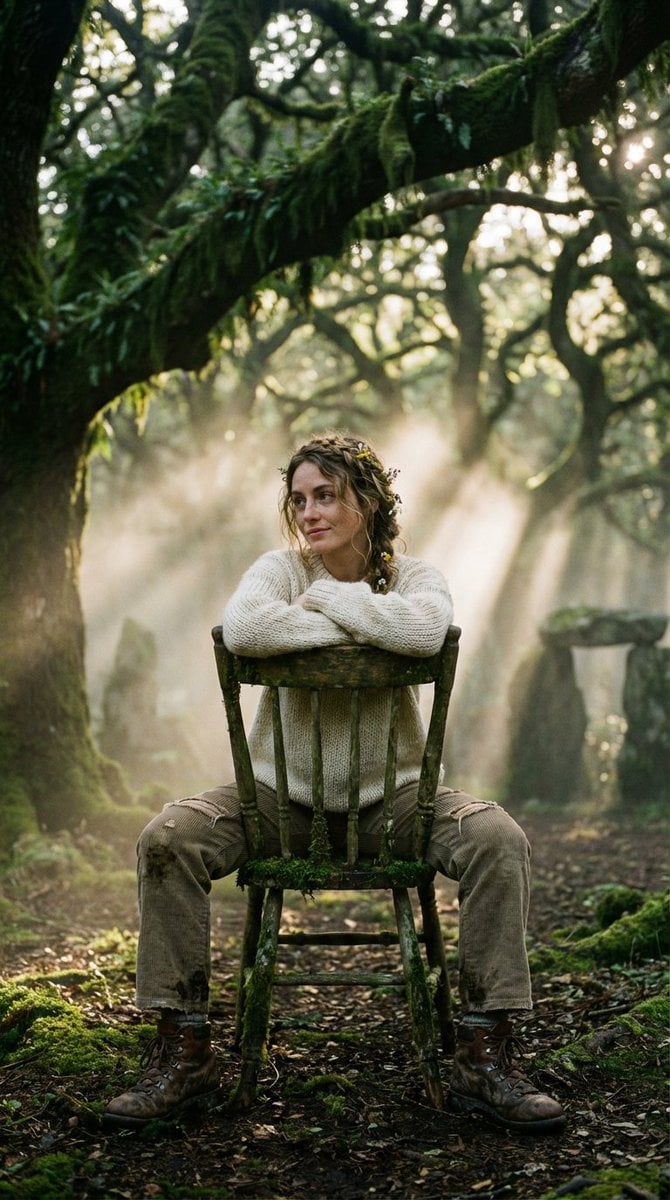
Bohemian Forest Portrait (Analog Film Style)
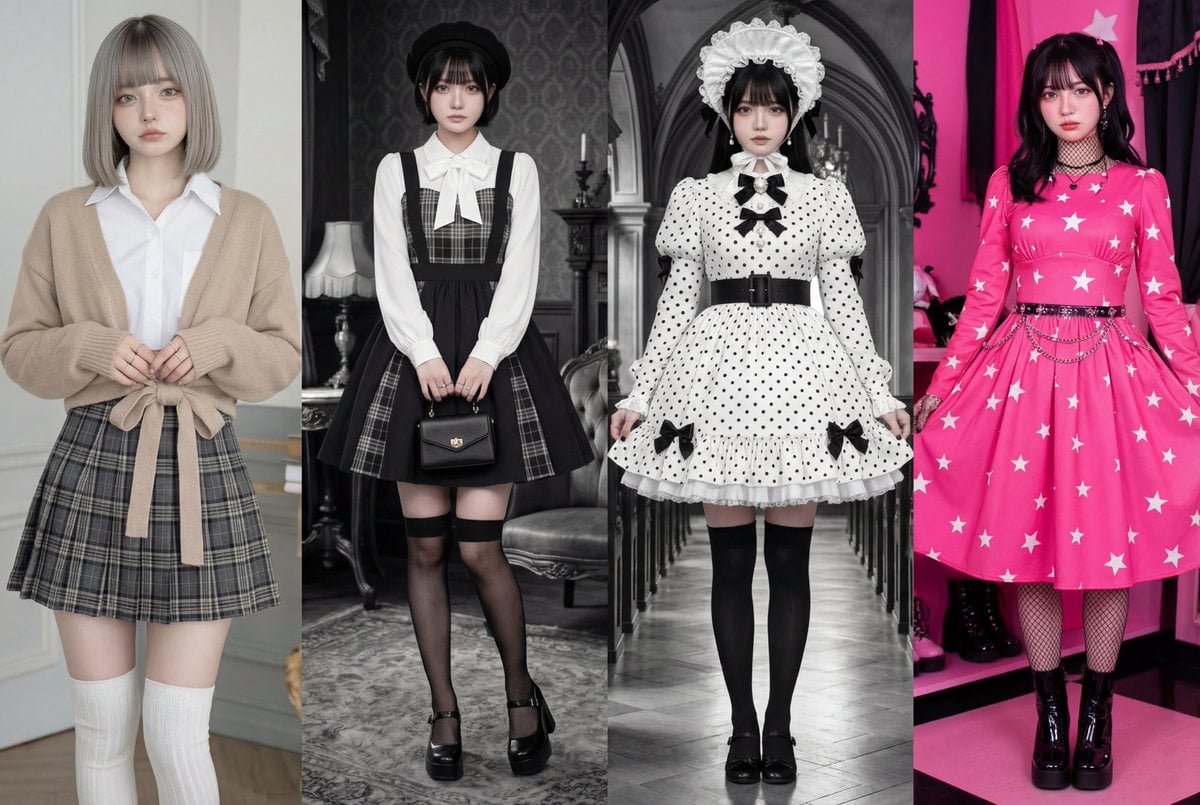
Four-Panel Character Generation Prompt for Nano Banana Pro

Luxury Travel Magazine Layout Prompt
iPhone Mirror Selfie with Old Money Corporate Elegance Vibe
Surreal Brutalist Portrait with Kinetic Chrome Orbits Prompt in JSON
Browse template categories
Cinematic Warehouse Fight Storyboard questions
How do I use the Cinematic Warehouse Fight Storyboard template?
Add your photo if the template asks for one, edit the prompt if you like — the template's model and format are already selected — and press Generate. Your version opens in PicX Studio.
Can I customize the Cinematic Warehouse Fight Storyboard template?
Yes. You can change the subject, setting, lighting, mood, format, and available model controls before creating your image.
Is the Cinematic Warehouse Fight Storyboard template free?
Opening and editing this template is free. Generating uses credits, shown on the Generate button when you are signed in.
Which AI model should I use?
Start with GPT Image 2, which is the model associated with this template. You can compare another compatible model for a different finish.
Looking for something else? Browse all templates.

Your photo, any look
Thousands of ready templates for every top image and video model, from one credit balance.