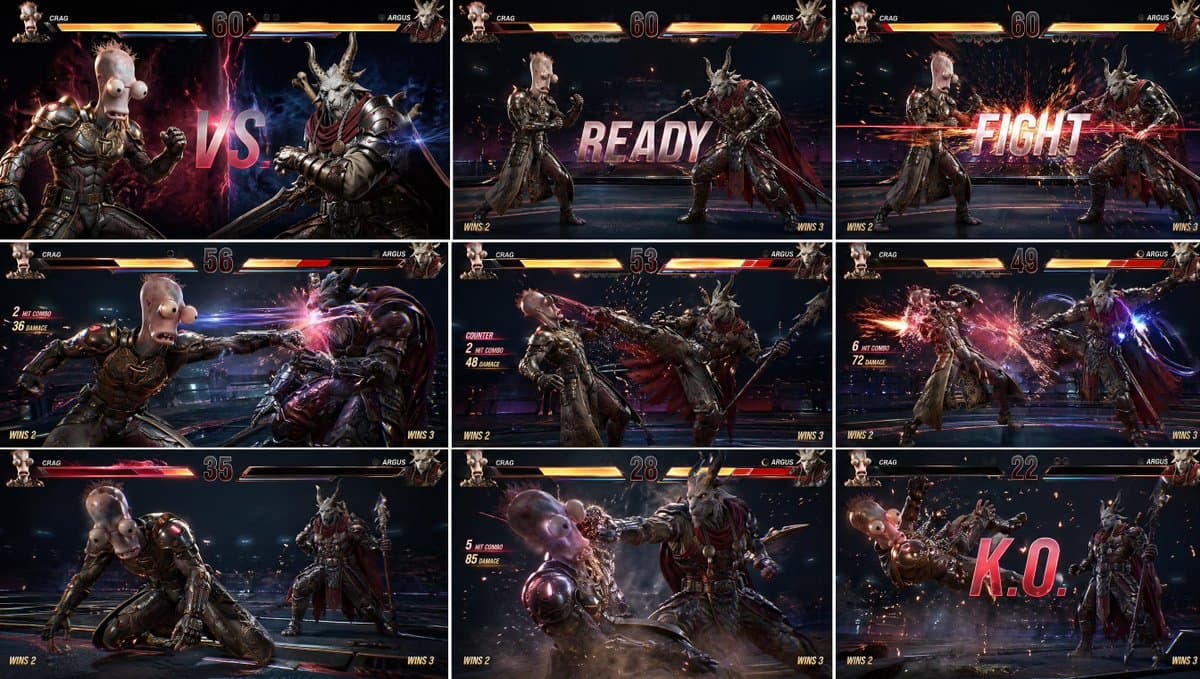
How do I use the AAA Fighting Game Storyboard Grid template?
Choose the primary action to open PicX Studio with the available template settings. Review the model and format, personalize the creative direction, and generate when ready.
A highly structured prompt for creating a 3x3 storyboard grid of a fighting game, maintaining consistent characters and full game UI elements. (free to use) — Free AI image template on PicX Studio.
{ "instruction": "Use the provided two character images as exact visual references. Preserve identity, face, outfit, proportions, and details perfectly.", "concept": "{argument name="game concept" default="AAA fighting game scene presented as a Tekken-style gameplay grid storyboard"}", "layout": { "type": "3x3 grid", "description": "nine panels showing a continuous fight progression with full game UI visible in each frame" }, "panels": [ "panel 1: dramatic VS screen — character A vs character B, both facing each other, glowing background, versus text in center", "panel 2: round start — both fighters in idle stance, READY text on screen", "panel 3: FIGHT moment — cinematic spark explosion as fight begins", "panel 4: first attack — character A throws a punch with motion blur", "panel 5: counter attack — character B kicks with impact sparks", "panel 6: combo sequence — multiple hit sparks, motion trails, dynamic camera", "panel 7: low health moment — health bar flashing red, tension moment", "panel 8: finishing move — slow motion heavy hit, cinematic angle", "panel 9: KO screen — opponent falling back, huge KO text, particles flying" ], "style": "{argument name="art style" default="ultra realistic AAA Tekken-style fighting game, cinematic gameplay rendering, highly detailed characters, realistic lighting"}", "camera": "in-game fighting camera, slightly angled side view, dynamic zoom during impacts", "environment": "high-end fighting arena, dark background with neon accents, subtle depth, not distracting", "ui_elements": { "health_bars": "top left and right, detailed, glowing, decreasing across panels", "timer": "center top", "player_names": "top left and right", "round_indicator": "visible", "combo_counter": "appears during hits", "hit_effects": "sparks, flashes, light streaks", "KO_text": "large, bold, center screen in final panel", "READY_FIGHT_text": "arcade-style bold typography" }, "effects": [ "motion blur on attacks", "impact sparks", "energy trails", "camera shake effect", "slow motion feeling in finishing hit", "screen glow during hits" ], "color_grading": "{argument name="color grading" default="high contrast, arcade cinematic, vibrant highlights, deep shadows"}", "output": "clean 3x3 grid, perfectly aligned panels, full UI visible, no logos, no watermarks" } "reference_style": "Tekken 8 gameplay UI, arcade fighting game interface, modern AAA fighting HUD"
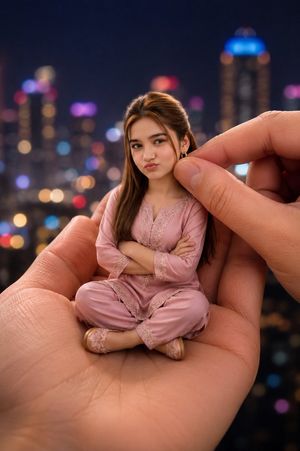
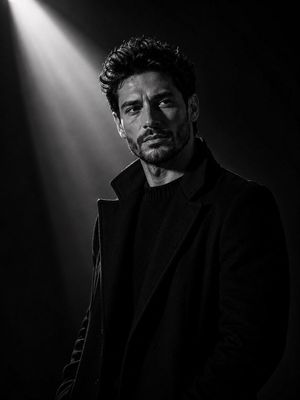
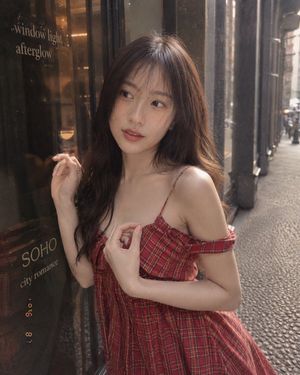
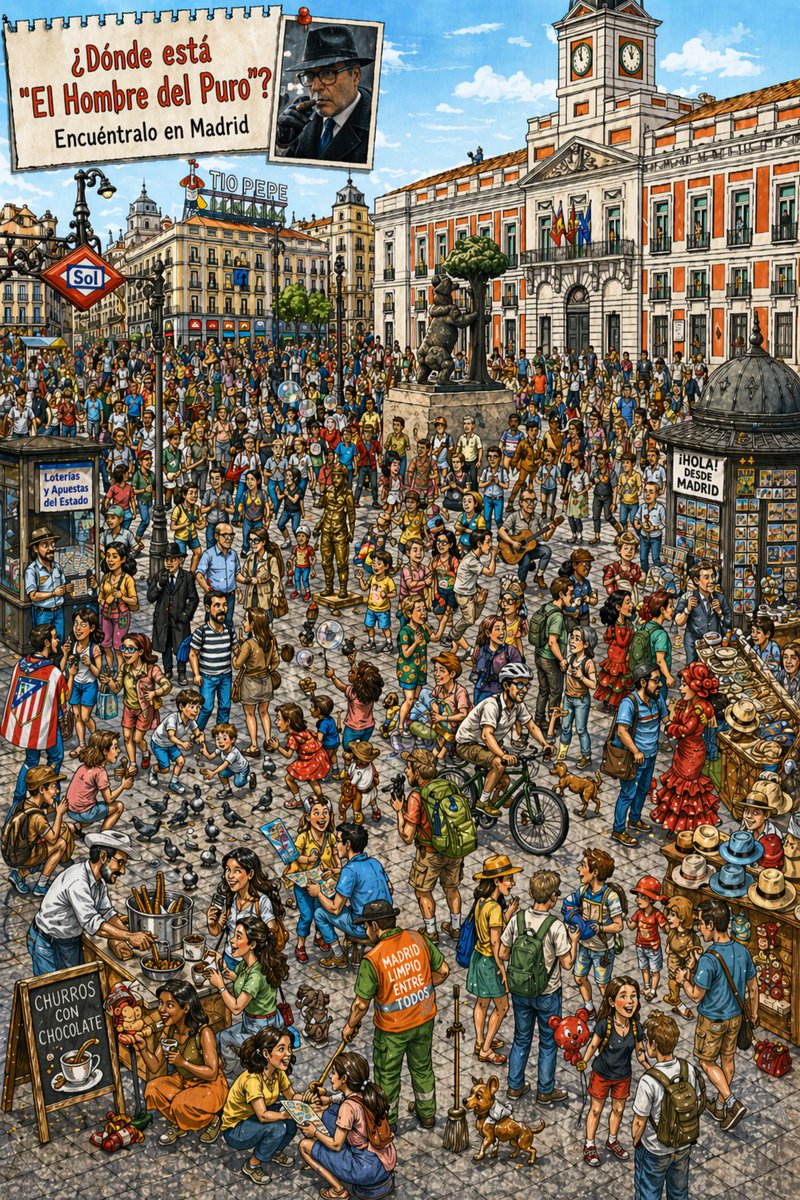
Use AAA Fighting Game Storyboard Grid to plan an AI image around gpt-image-2 generation, themes such as en and gpt-image-2. Match the preview's composition first, then personalize the subject, setting, and mood for your own project.
Use the primary action to load the template settings in PicX Studio.
Adjust the subject and creative details for your destination.
Create the image, compare the result with the preview, and refine one variable at a time.
A continuous mix — similar concepts first, woven with same-model prompts and fresh picks from the catalog.
Choose the primary action to open PicX Studio with the available template settings. Review the model and format, personalize the creative direction, and generate when ready.
Yes. You can change the subject, setting, lighting, mood, format, and available model controls before creating your image.
This template is free to open and customize. Generation usage is shown in PicX Studio before you create.
Start with gpt-image-2, which is the model associated with this template. You can compare another compatible model for a different finish.
A continuous mix — similar concepts first, woven with same-model prompts and fresh picks from the catalog.
Follow a topic to a crawlable collection of related PicX Studio templates.
36,410 public templates available. Verified via the PicX Studio public templates API; refreshed hourly.