
Hyper-Realistic Miniature Moscow Diorama
A prompt for generating a hyper-realistic close-up shot of a hand holding a miniature 3D diorama of Moscow on a floating island.
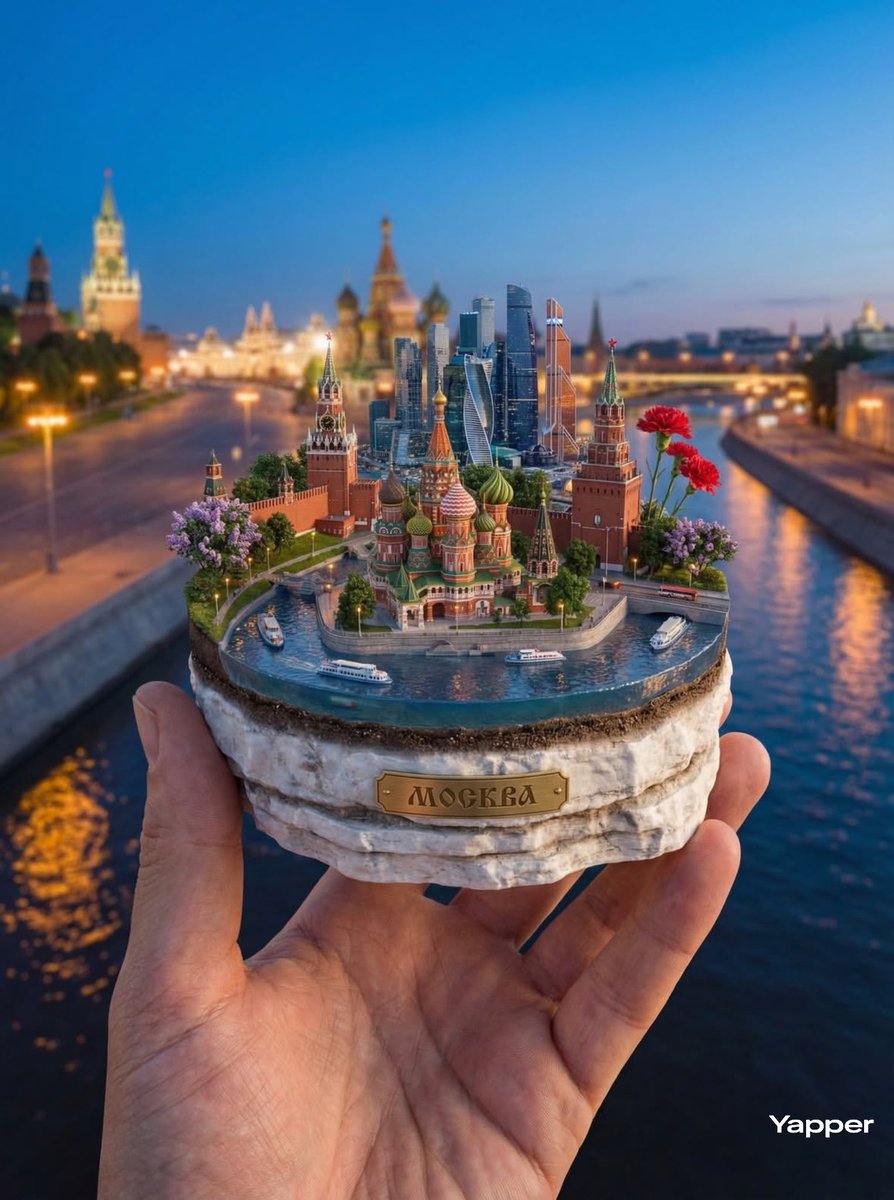
- Prompt included
- Model and format preset
- Free template
The prompt behind this image
Copy the exact prompt behind Hyper-Realistic Miniature Moscow Diorama, or open it in the studio and make it yours.
A hyper-realistic close-up shot at a 45-degree angle of a hand holding a miniature 3D diorama on a floating island representing {argument name="city name" default="Moscow, Russia"}. The base of the island is made of layered historic white stone and soil, with detailed textures and an elegant golden inscription “{argument name="city name uppercase" default="MOSCOW"}” on the front side. At the top of the island, the main landmarks are depicted in extremely fine detail: the magnificent St. Basil’s Cathedral with its colorful twisted domes, the strict towers of the Moscow Kremlin, and the modern mirrored skyscrapers of Moscow City. Between them, miniature sightseeing riverboats can be seen on the curve of the Moskva River, along with the lush greenery of Zaryadye Park and its floating bridge. Crystal-clear water from the Moskva River surrounds the island, showing soft reflections of city lights and tiny river trams. Decorative lilac bushes and red carnations grow along the edges of the island. In the background, faint silhouettes of Red Square or the embankment at dusk are softly blurred due to cinematic depth of field. The lighting emphasizes the blue hour, with warm city streetlights, ultra-detailed architecture, and photorealistic textures. Technical parameters: Shot with an 85mm lens, f/1.8 aperture, shallow depth of field, HDR, global illumination, 16K resolution, hyper-realistic cinematic photography, realistic skin texture on the hand, masterpiece quality.
How to use Hyper-Realistic Miniature Moscow Diorama in 3 steps
- 1
Open
The prompt is already in the box next to the preview, with the template's model and format selected.
- 2…a portrait of your subject in softgolden-hour light, 85mm…
Personalize
Edit the subject and creative details for your destination.
- 3Generate
Generate
Press Generate — your image is created in PicX Studio, so you can compare it with the original and refine one variable at a time.
More like this
Templates with the same subject, style or setup. Open one to see its prompt.

Isometric Brand Store Diorama

Paper Tunnel Book Architecture

Layered Paper Cut Forest Diorama

Soft Handcrafted Paper-Cut Layered Illustration

Isometric Process Educational Diorama

FIFA World Cup — Brazil National Pass Diorama

敦煌纸雕飞天 — 3D Layered Paper Cutout
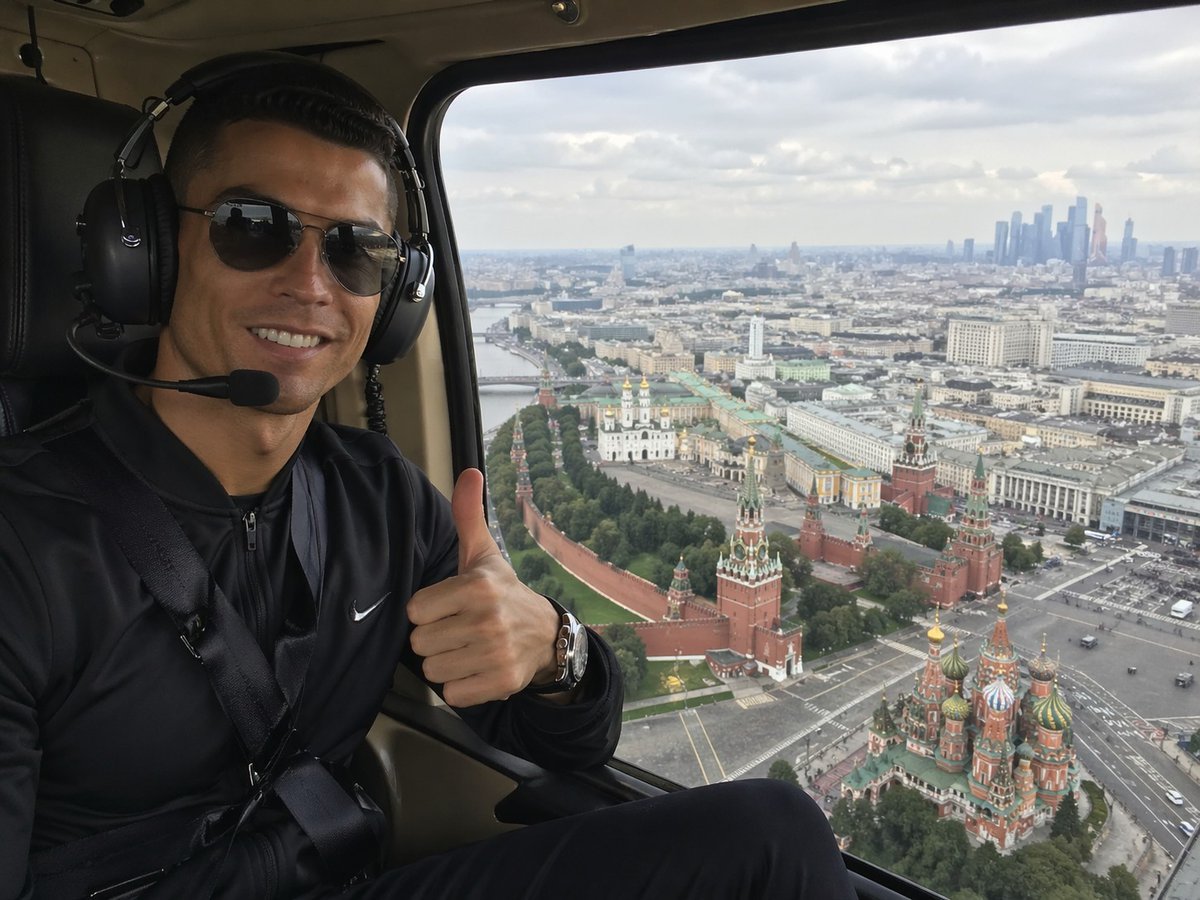
Helicopter Selfie Over Moscow
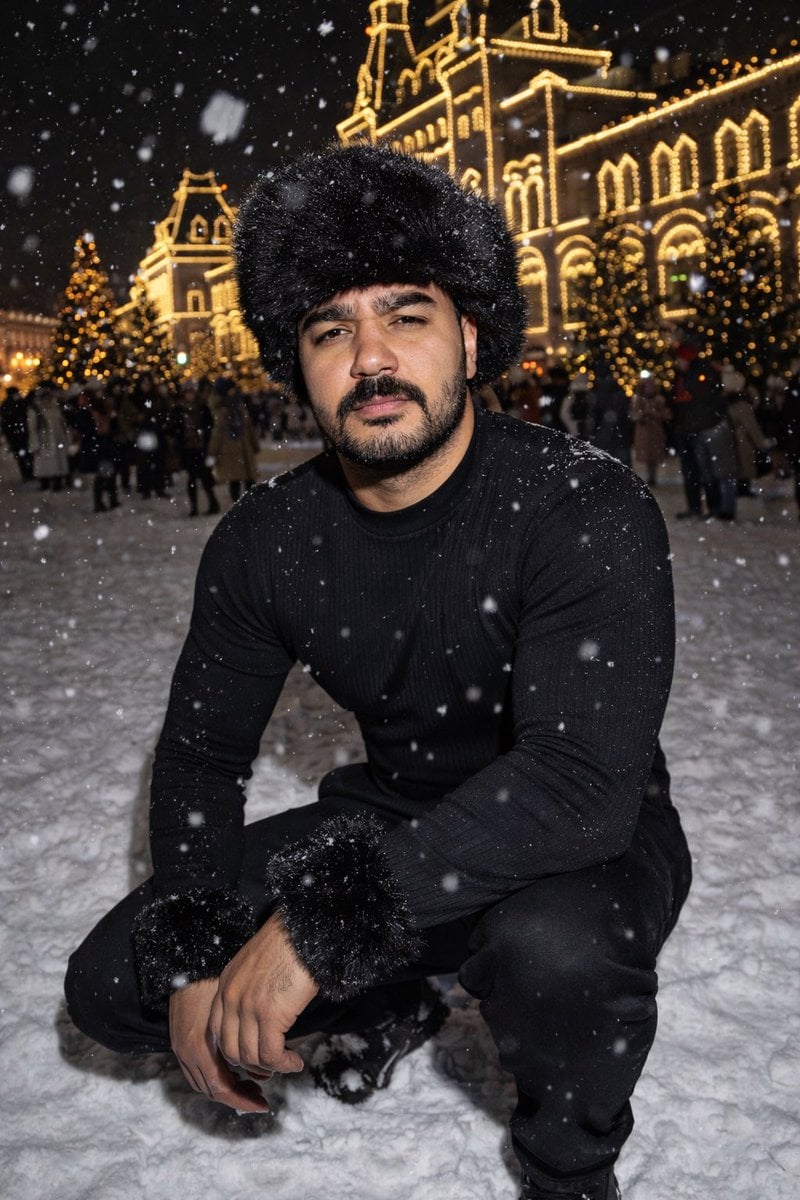
Y2K Candid Flash Photo in Snowy Moscow

Miniature Sick Day Diorama

Stylized Miniature 3D Diorama Craft

Cozy Isometric Bathroom Miniature Diorama
Make it yours
Hyper-Realistic Miniature Moscow Diorama works as-is. These are the safest ways to change it without losing the look.
Change one field
Copy a single group, rewrite it, and generate again so you can see what that field is doing.
Keep the frame, change the subject
Hold the composition and light of Hyper-Realistic Miniature Moscow Diorama, then swap wardrobe, props or the person for a new take.
| If the result… | Why | Fix |
|---|---|---|
| The result drifts from the preview | Too many fields changed at once. | Reuse Hyper-Realistic Miniature Moscow Diorama as-is first, then change one group — subject, light, or setting. |
| The model over-stylizes the scene | The prose prompt leaves finish and camera underspecified. | Add one camera or lighting sentence and stay on Nano Banana 2. |
More Nano Banana 2 templates
Other prompts made for Nano Banana 2.

Photorealistic Leaf Shaped Like a Dragon

K-Pop Idol Portrait Grid for Rapid Selection

Poetic Rain Forest Portrait During Golden Hour

Urban Street Portrait with Cartoon Inner Self Duo

Candid Nighttime Photo with Cat Prompt

High-Concept 3D Diorama Generation Prompt

Cinematic Futuristic Studio Portrait Template

Skincare Editorial Photography Collage Prompt

Hyper-Realistic Commercial Product Photography (Splash Effect)

Hyper-Realistic Nightclub Portrait Prompt
More image prompts
Fresh picks from across the catalog.
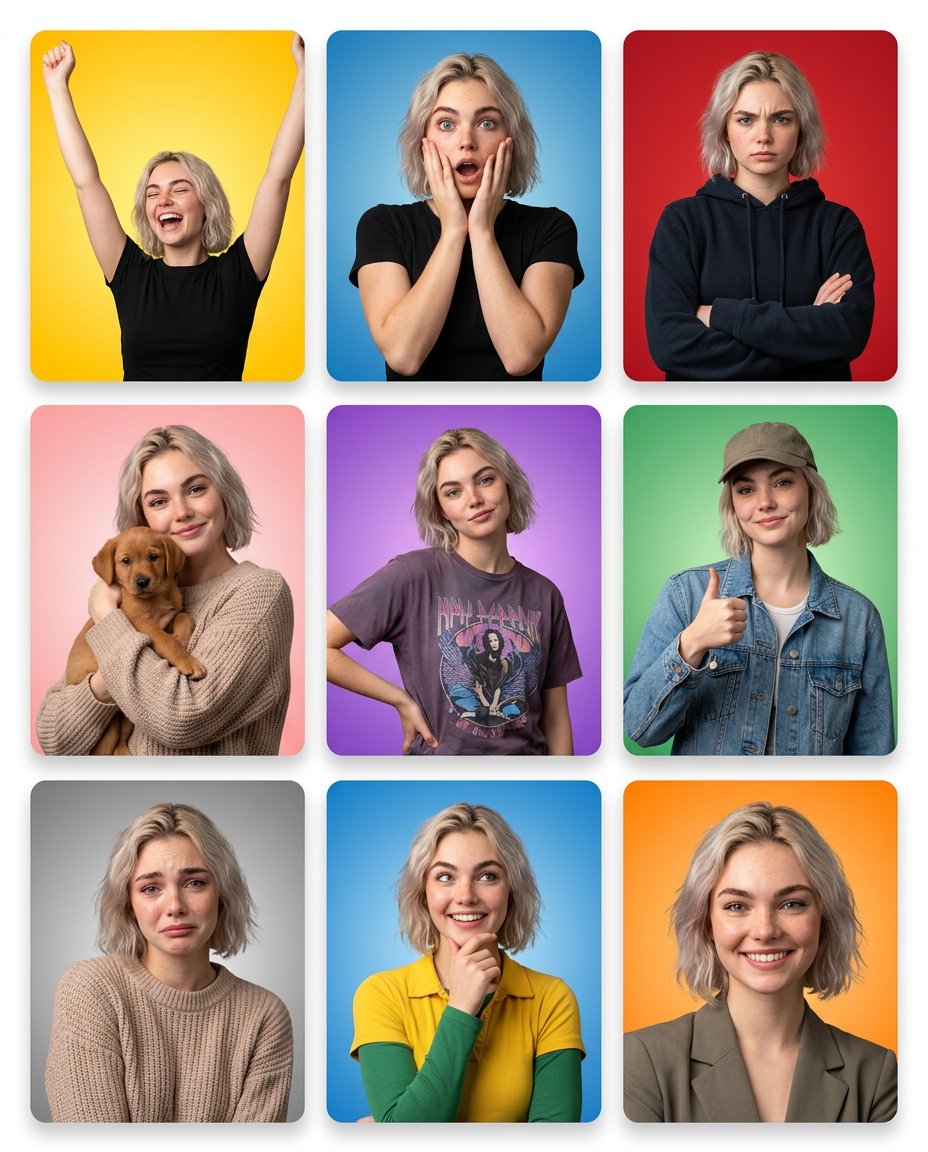
Multi-Panel Emotional State Grid
Neon Geometric Confetti Abstract
Summer Bridge Track Portrait
Chocolate Cinematic Ad Prompt
Edgy Asian Fashion Studio Portrait
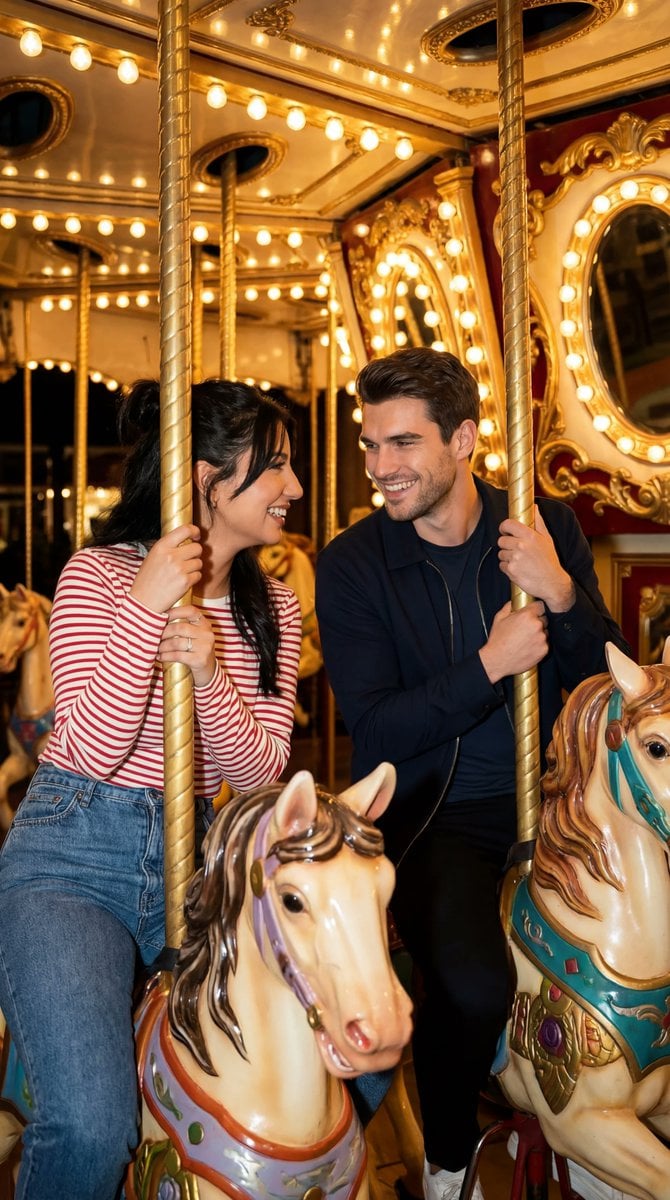
Cinematic Romcom Scene on a Carousel with Identity Lock
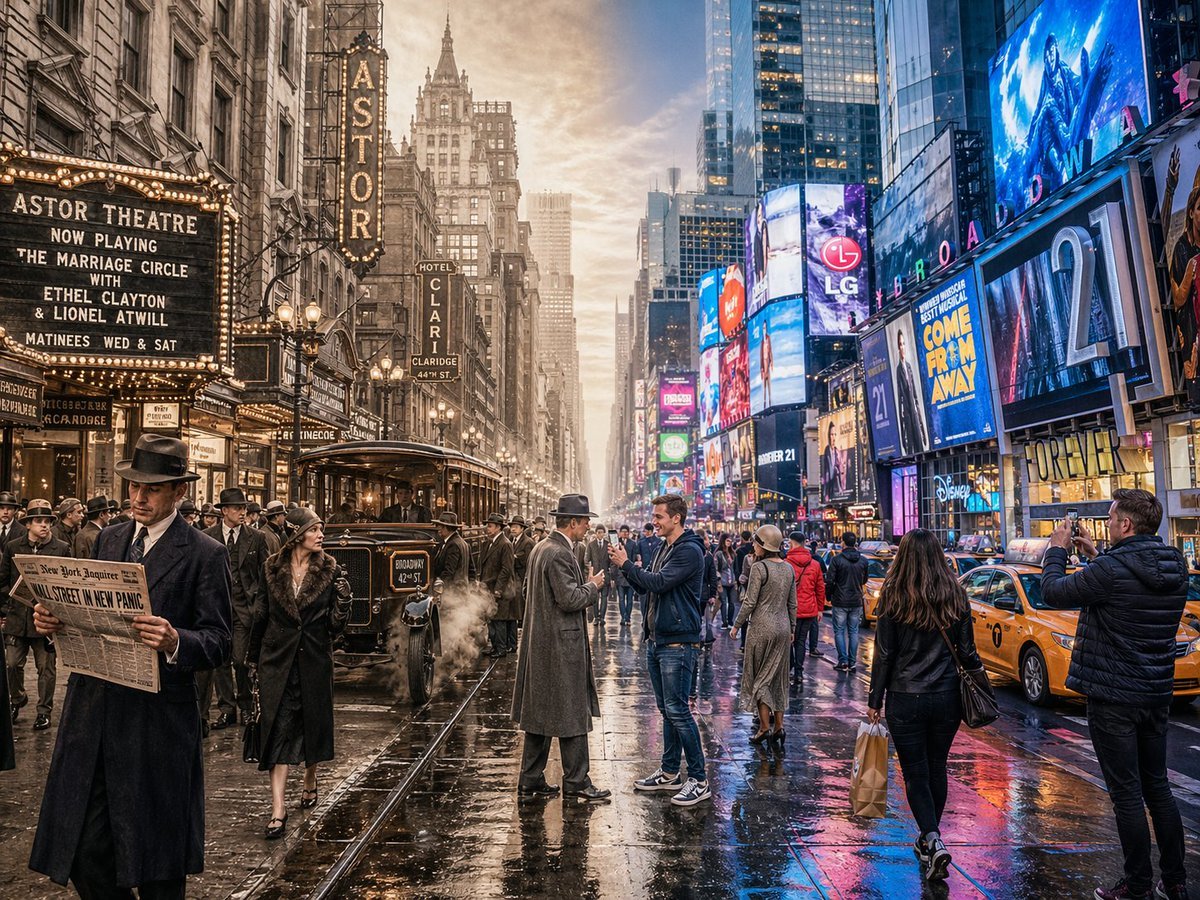
Split-Screen Time Travel Scene
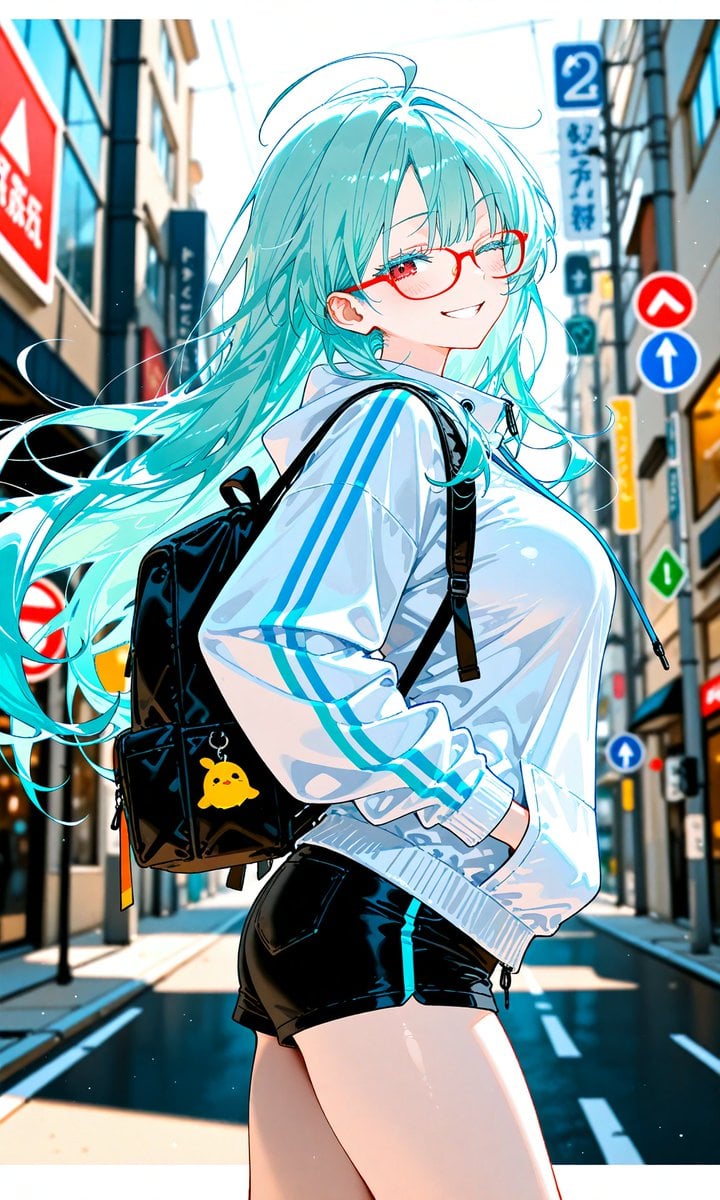
Aqua-Haired Anime Street Portrait
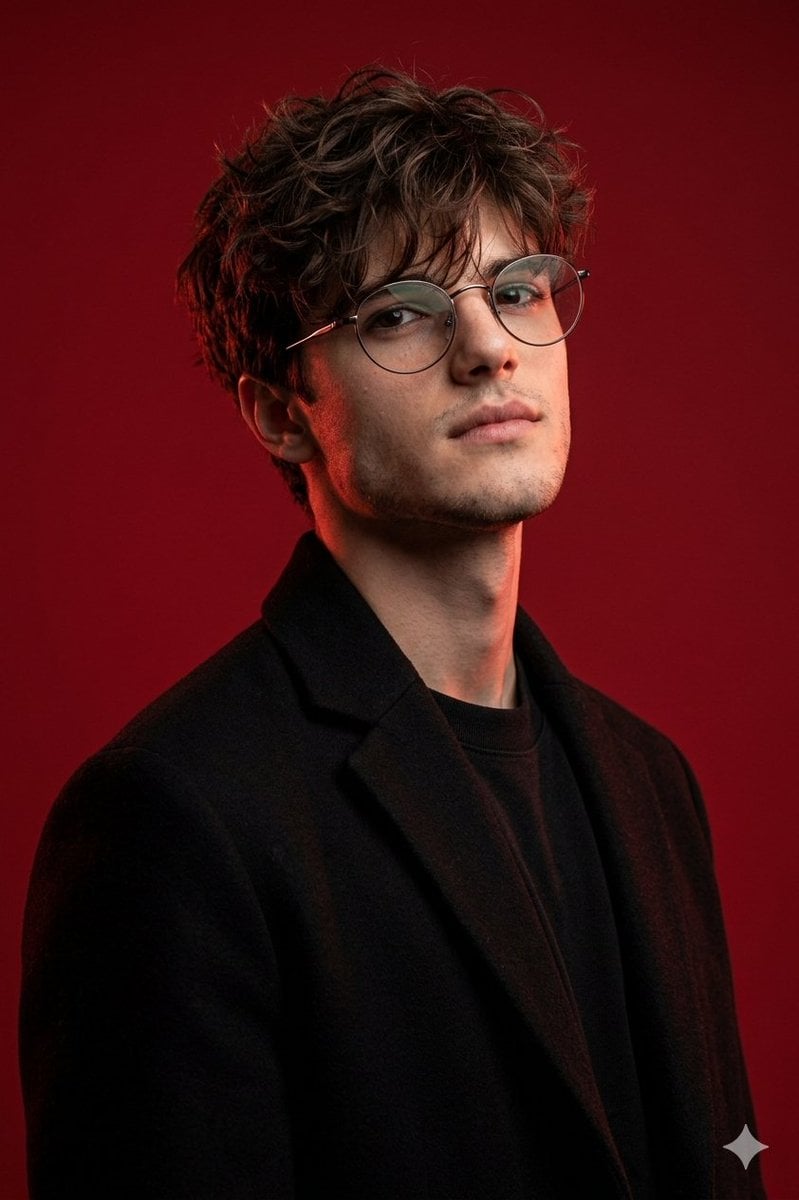
Brutal Studio Red Backdrop Portrait
Romantic Night Park Couple Portrait
Browse template categories
Hyper-Realistic Miniature Moscow Diorama questions
How do I use the Hyper-Realistic Miniature Moscow Diorama template?
Add your photo if the template asks for one, edit the prompt if you like — the template's model and format are already selected — and press Generate. Your version opens in PicX Studio.
Can I customize the Hyper-Realistic Miniature Moscow Diorama template?
Yes. You can change the subject, setting, lighting, mood, format, and available model controls before creating your image.
Is the Hyper-Realistic Miniature Moscow Diorama template free?
Opening and editing this template is free. Generating uses credits, shown on the Generate button when you are signed in.
Which AI model should I use?
Start with Nano Banana 2, which is the model associated with this template. You can compare another compatible model for a different finish.
Looking for something else? Browse all templates.

Your photo, any look
Thousands of ready templates for every top image and video model, from one credit balance.